SaaS screen examples
Browse web app UI design examples, from dashboards and settings pages to empty states. Open SaaS screenshots and explore related screen patterns.
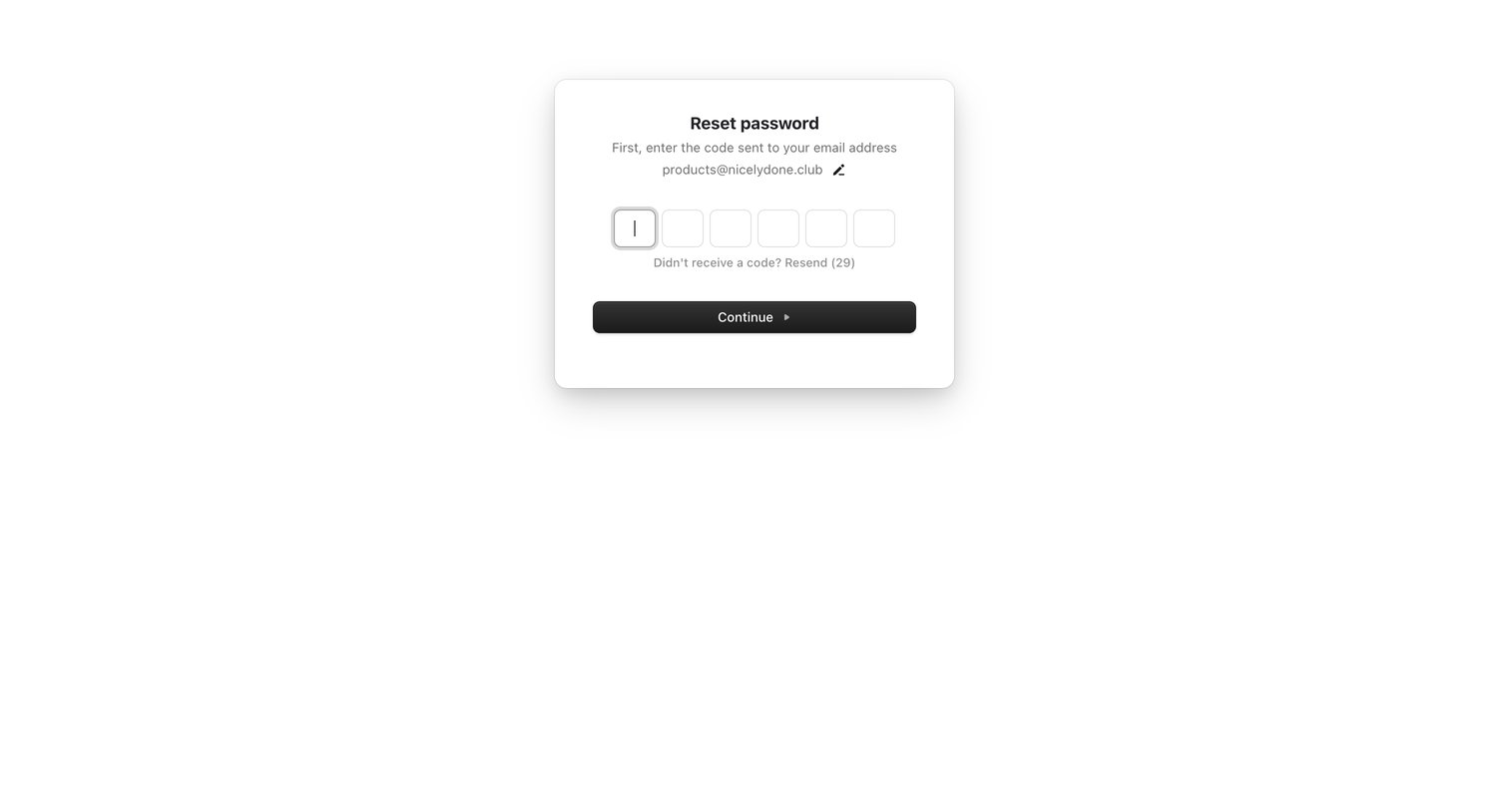

Verification screen where the user enters a 6-digit code sent to their email to continue resetting their password.
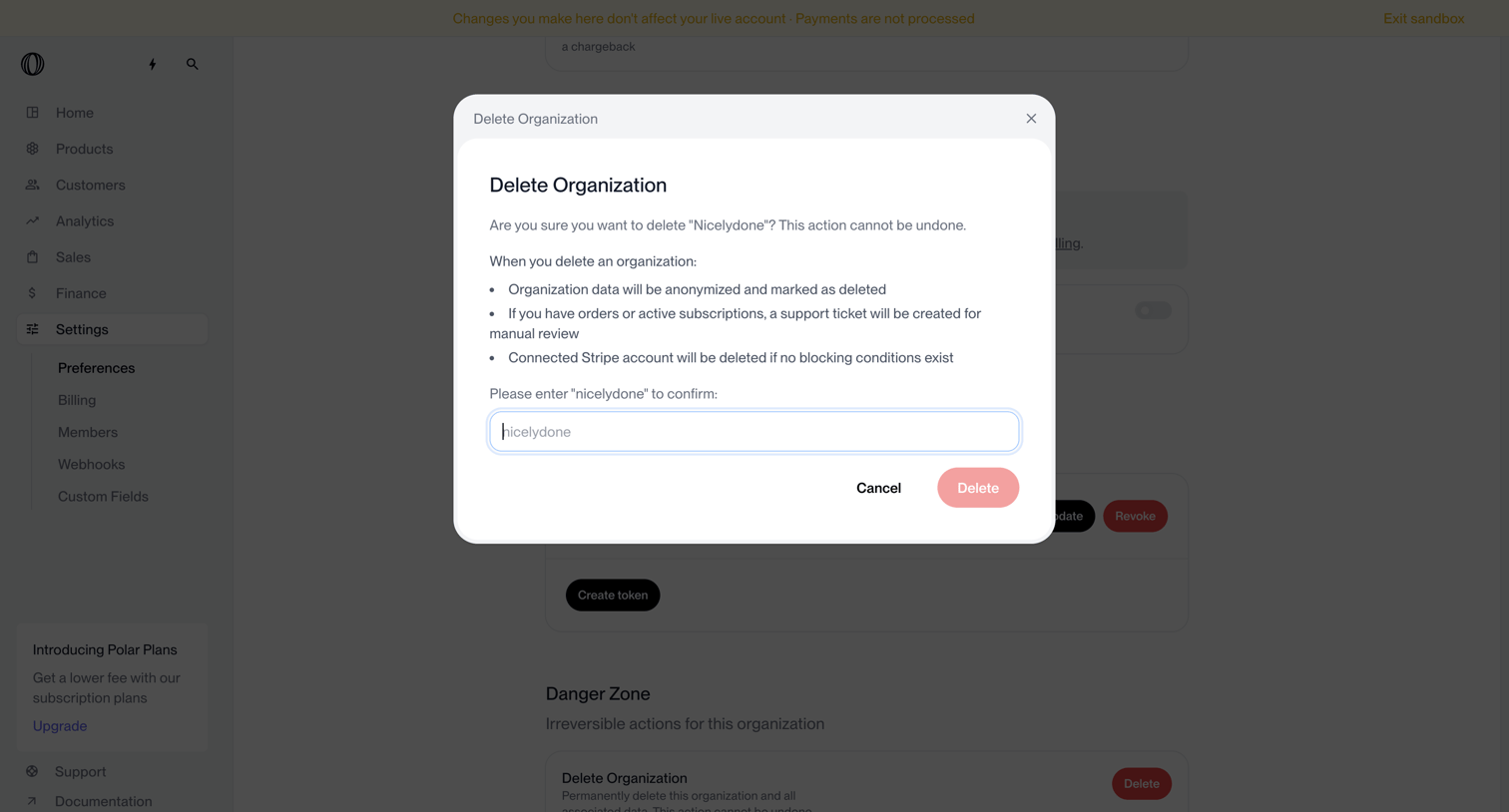

Settings page where the user confirms the deletion of their organization by typing its name into a destructive alert dialog.
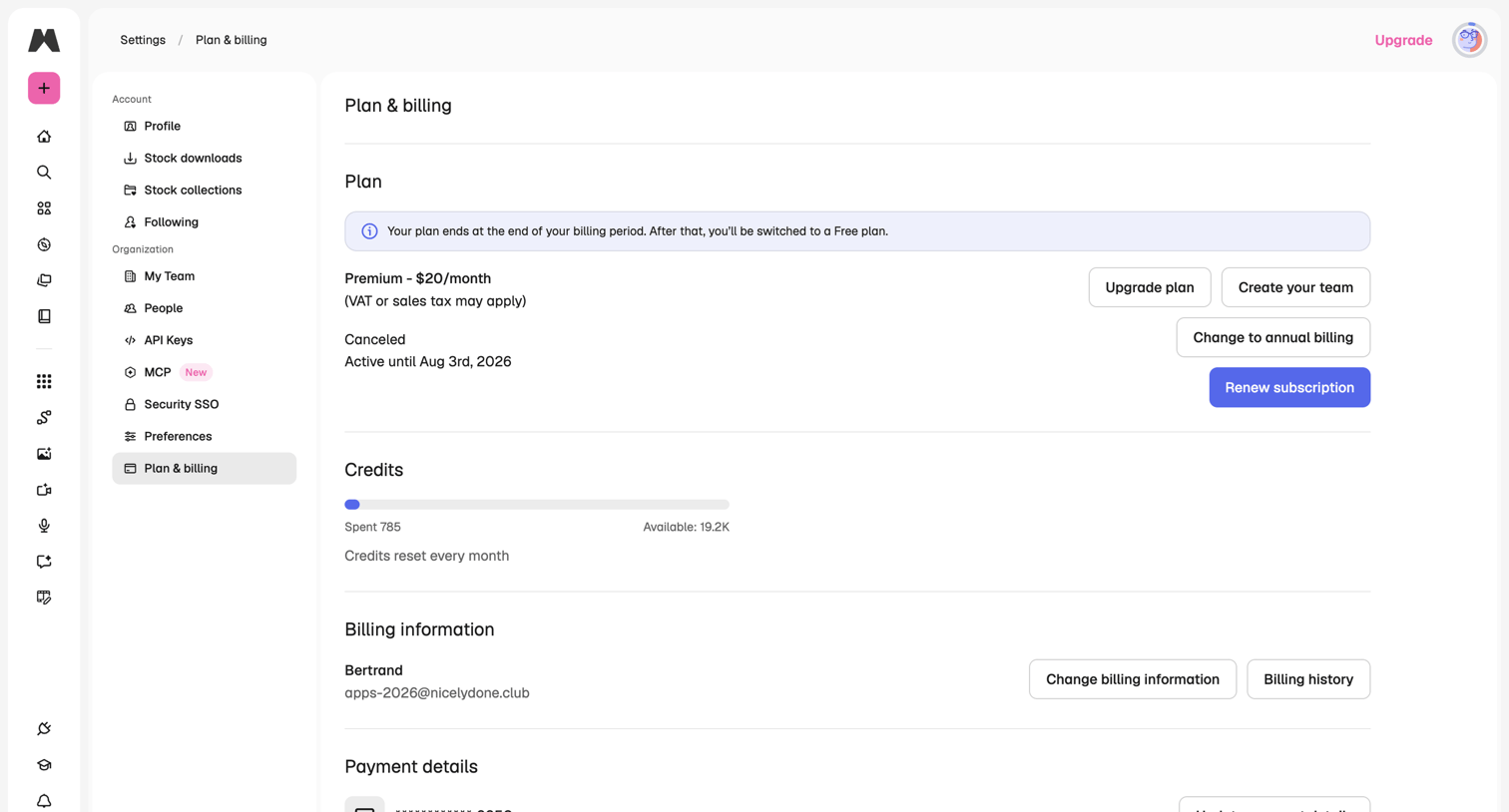

Settings page where the user manages their subscription plan, views credit usage, and updates billing and payment information.
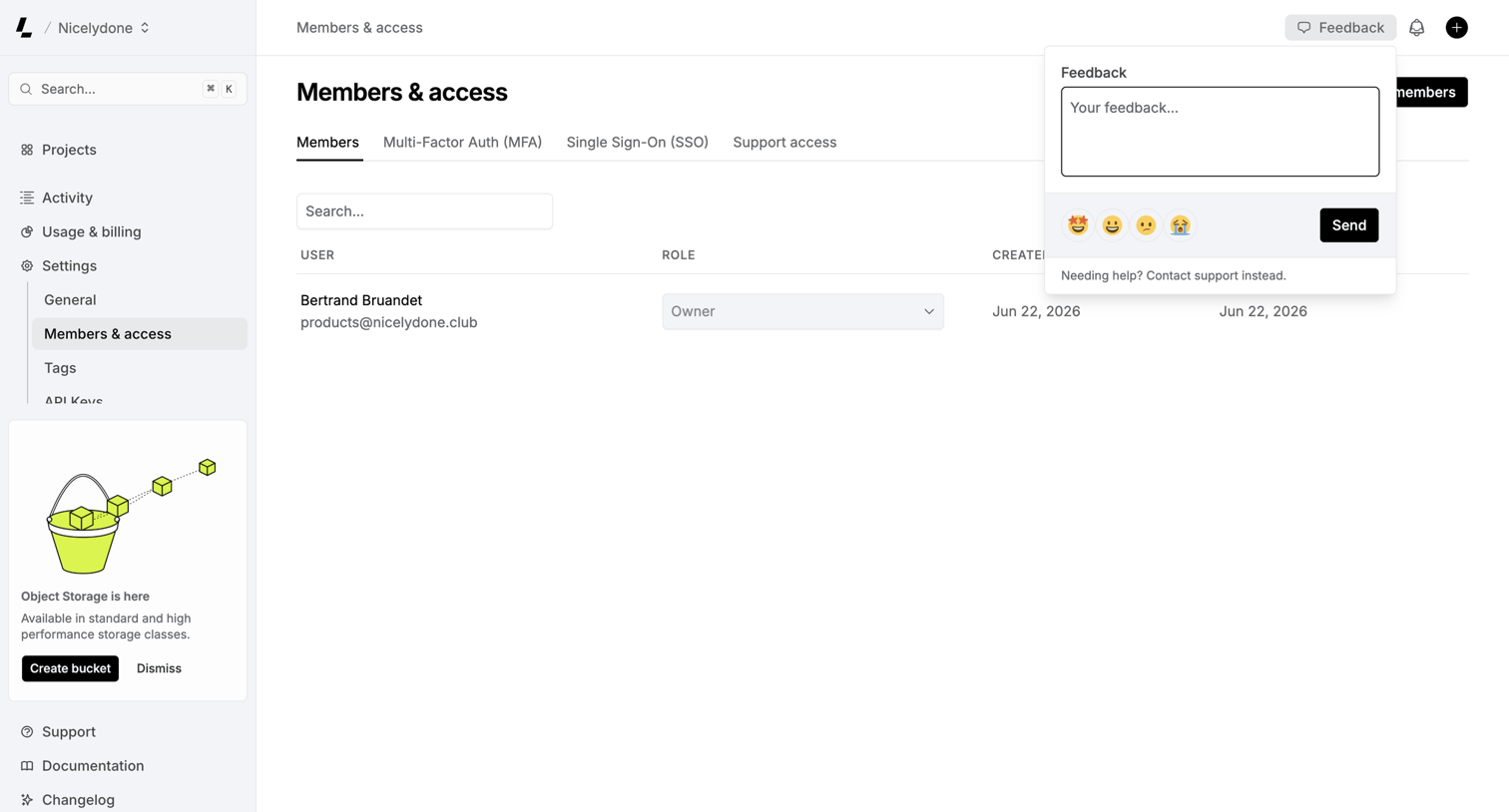

Settings page where the user manages workspace members and their roles, with a feedback popover currently open to collect user input.
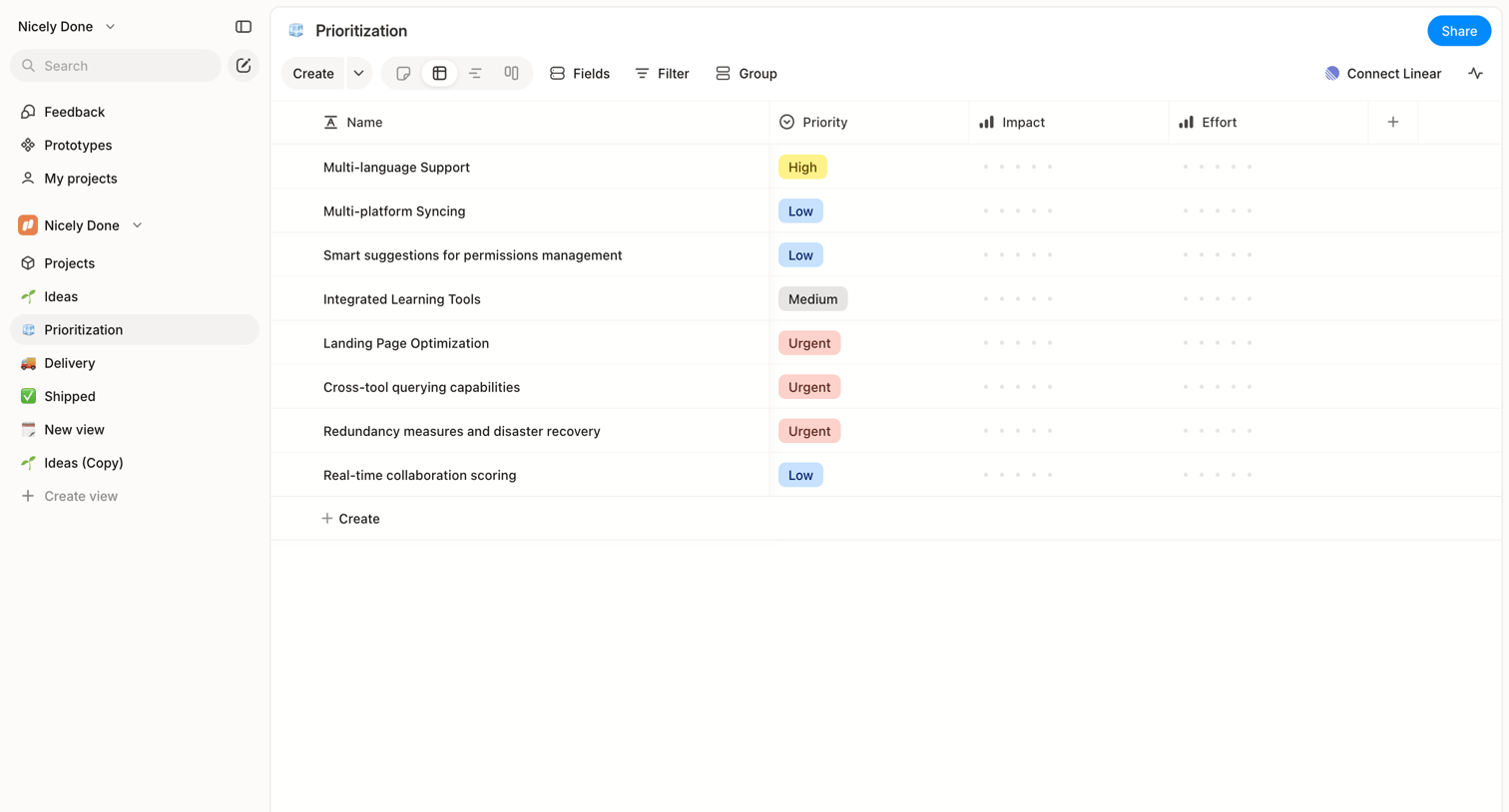

List view where the user manages feature prioritization with columns for priority, impact, and effort.
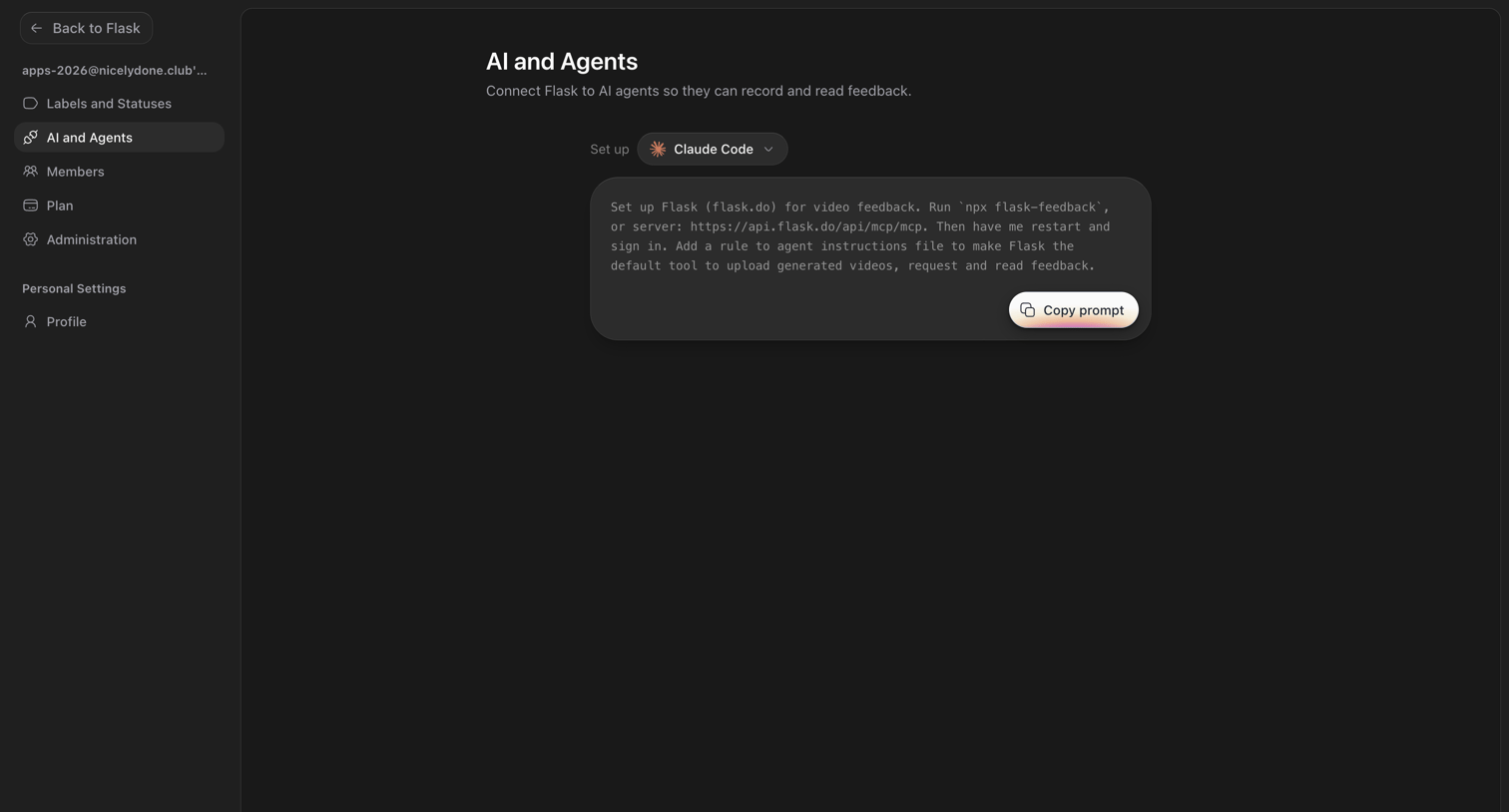

Settings page where the user configures the connection between Flask and AI agents like Claude Code by copying a setup prompt.
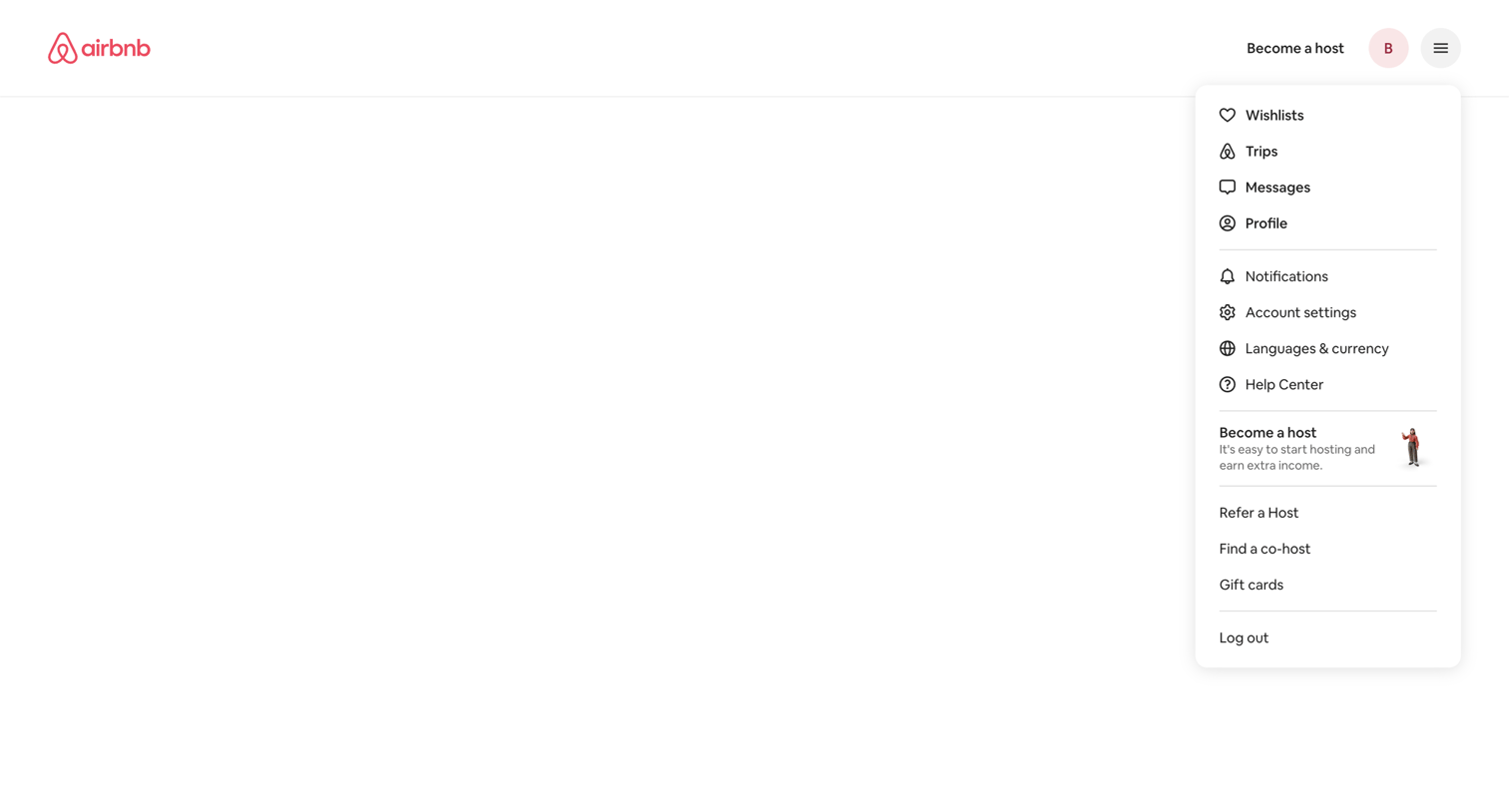

App shell where the user has opened the global profile and settings dropdown menu over a blank notifications page.
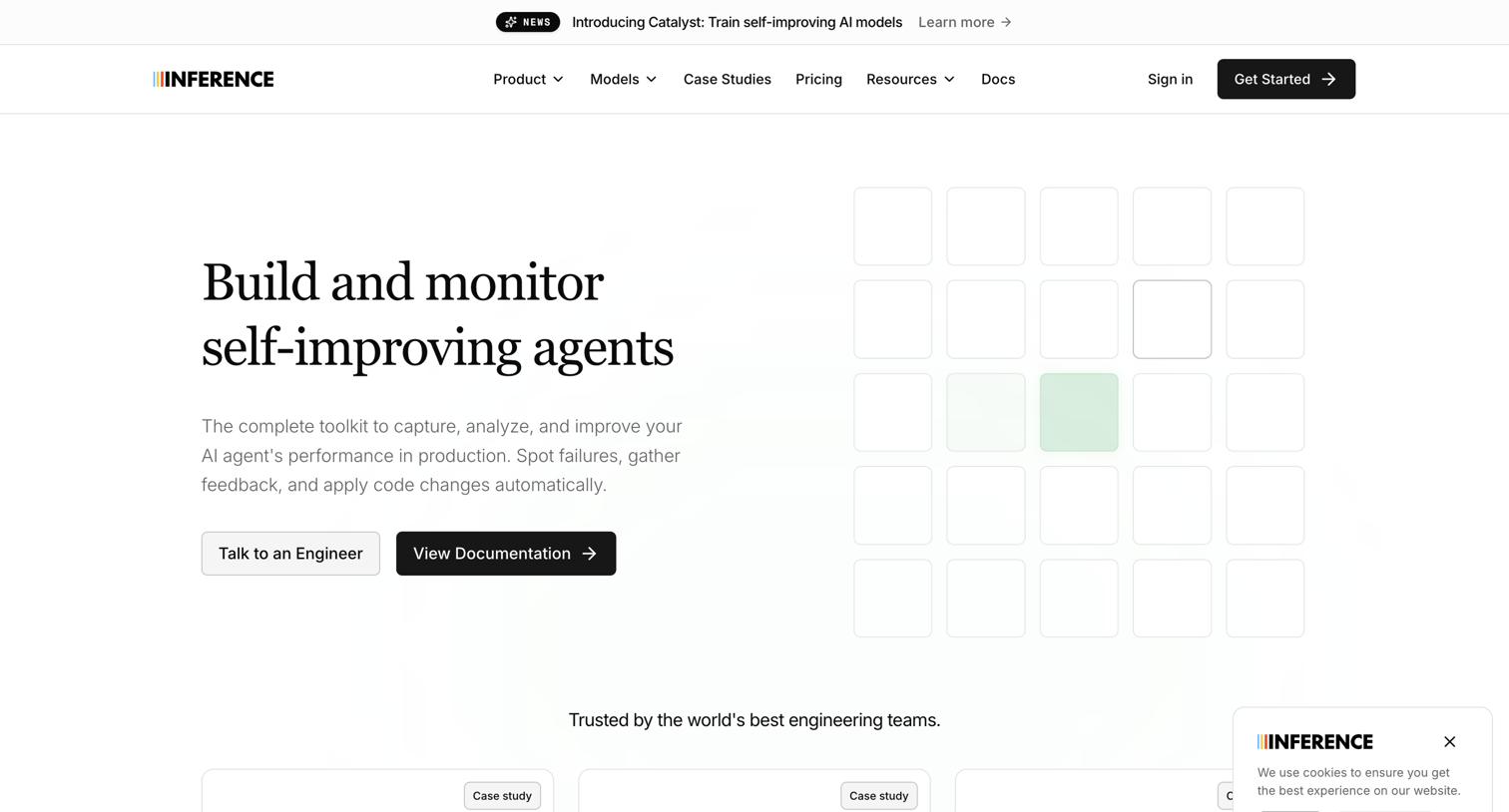

Landing page for an AI agent monitoring toolkit featuring a hero section, customer case study cards, and a cookie consent banner.
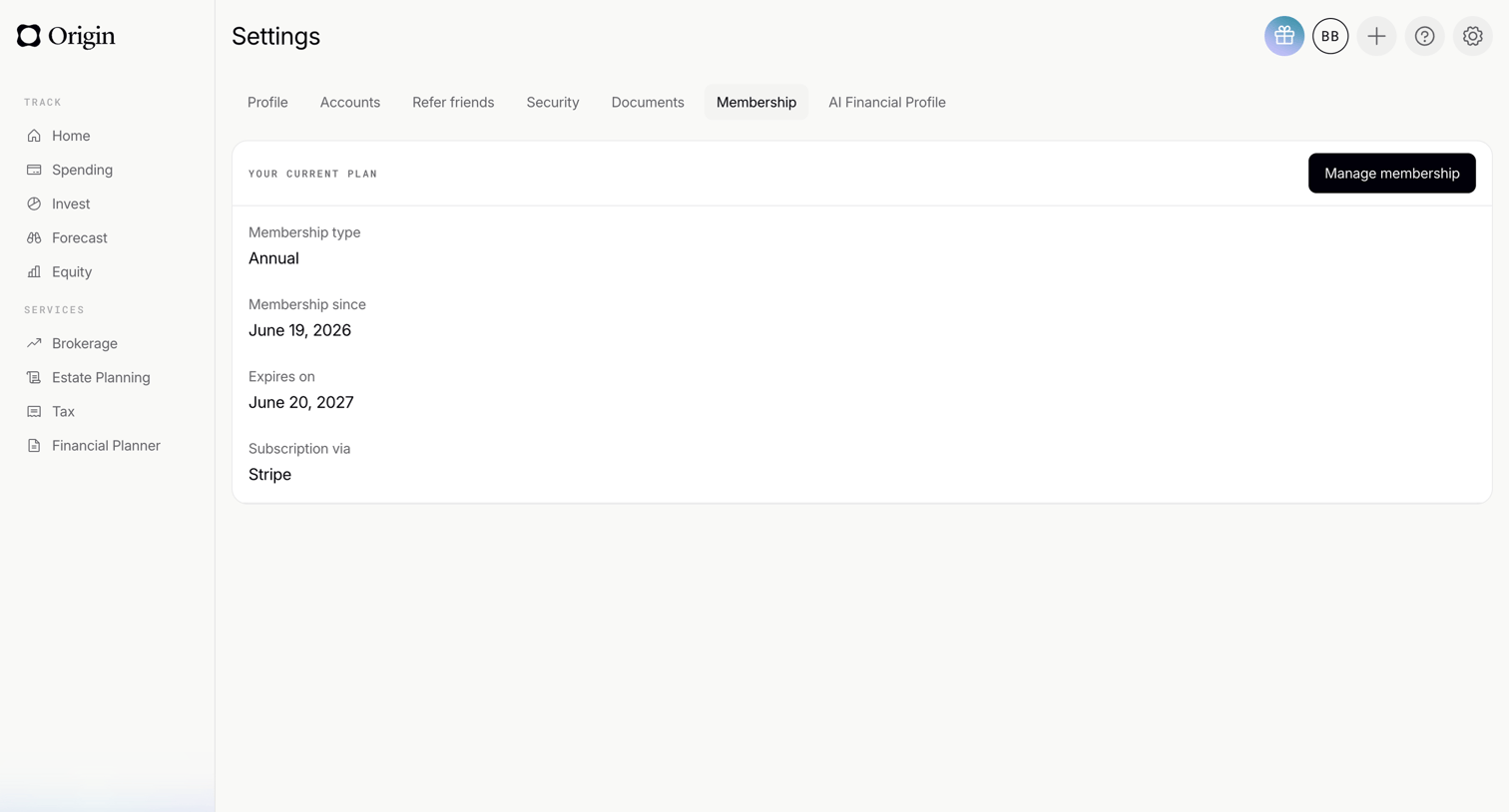

Settings page where the user views their current annual membership plan details, expiration date, and billing provider.
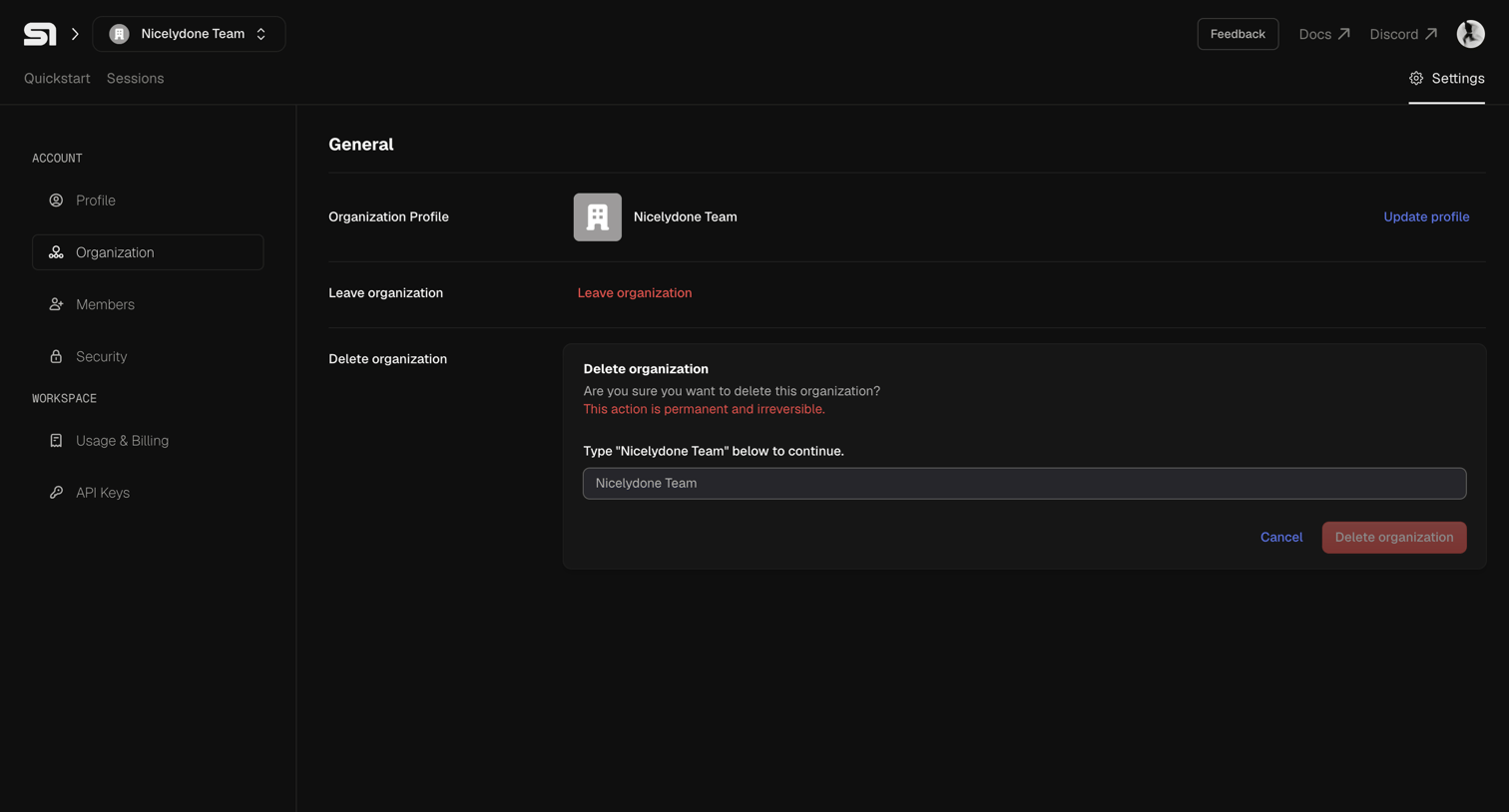

Settings page where the user can manage their organization profile, leave the team, or permanently delete the organization by typing its name to confirm.
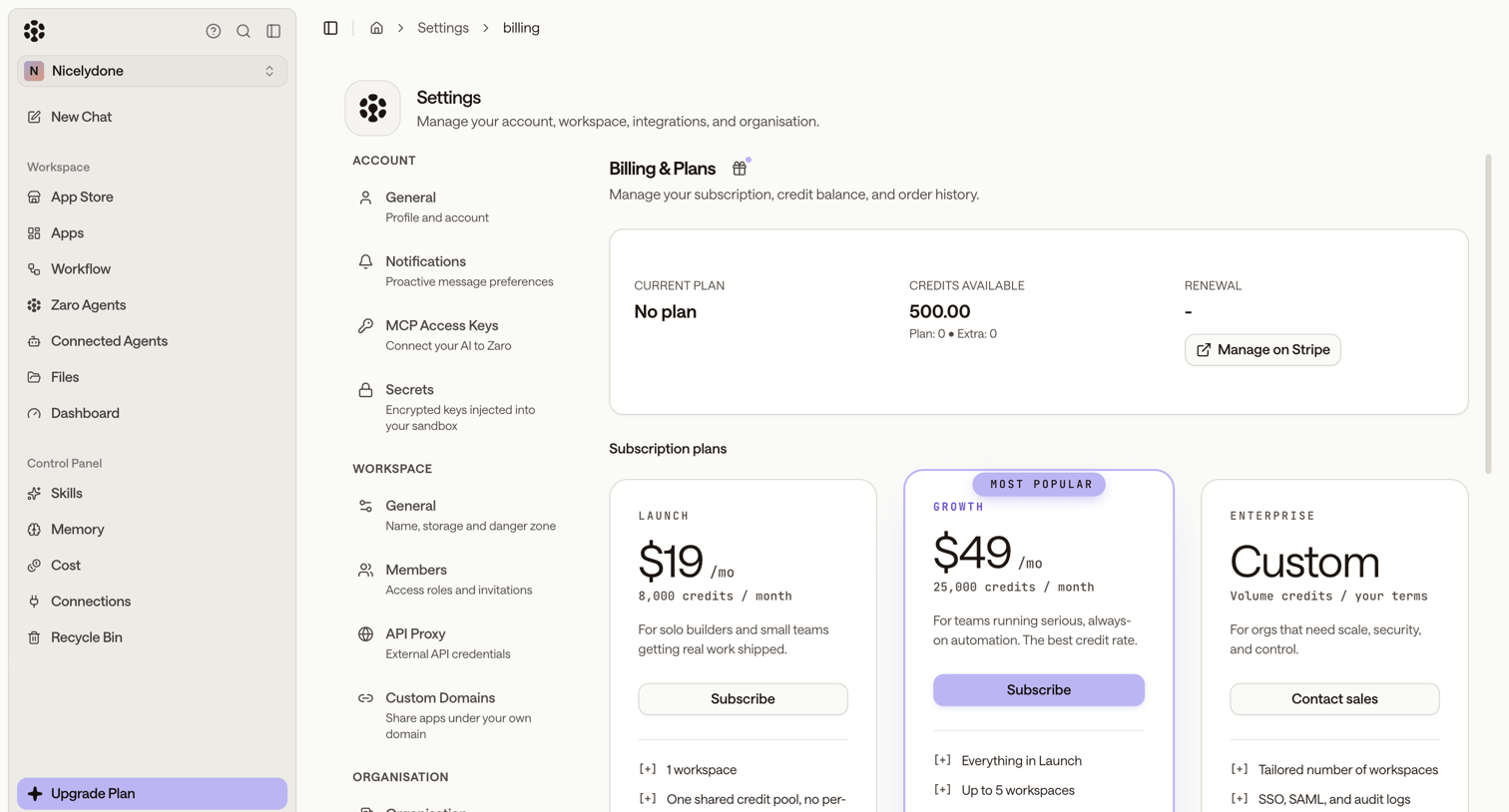

Settings page where the user manages their subscription plan, views available credits, and can upgrade to Launch, Growth, or Enterprise tiers.
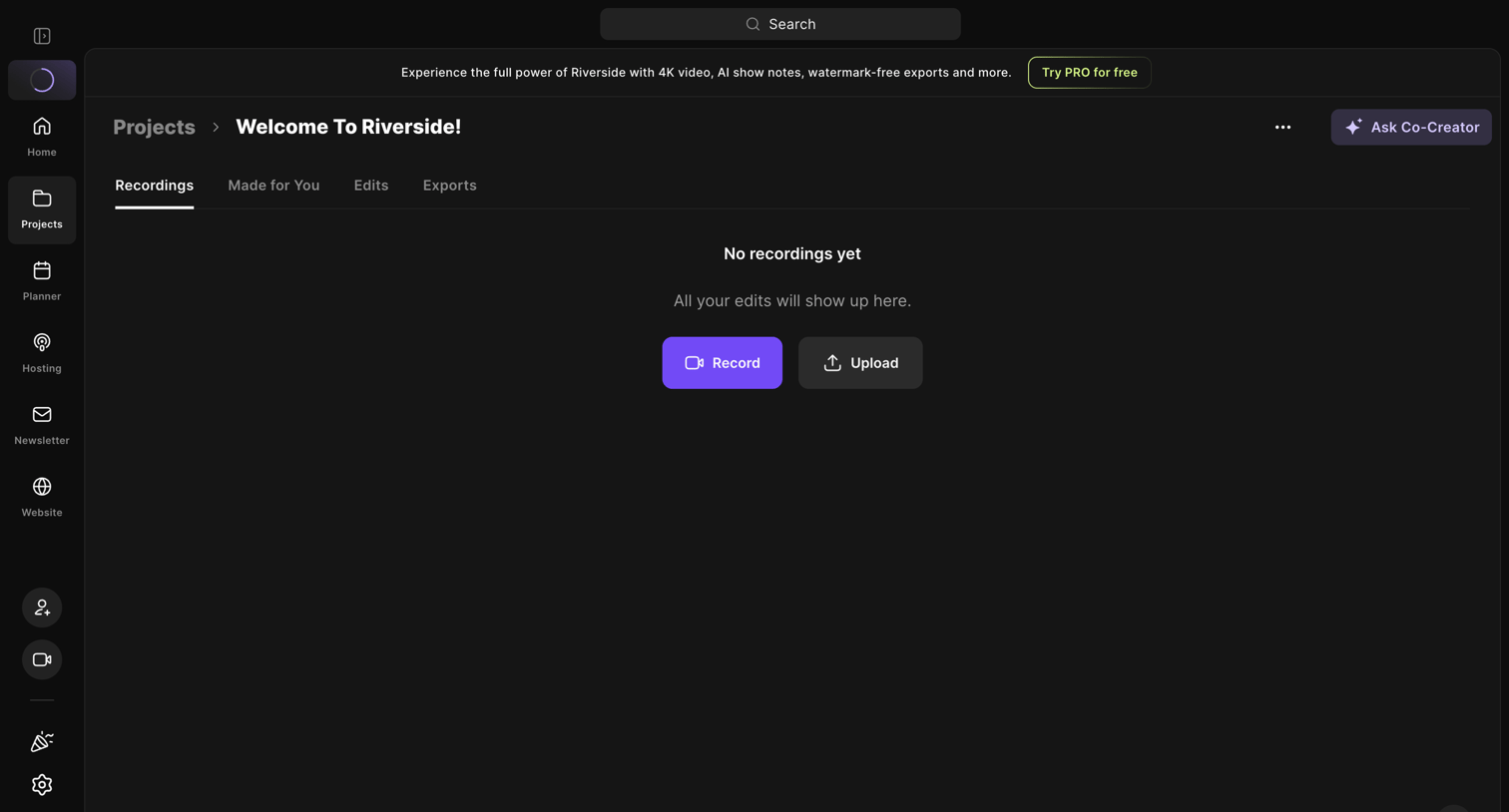

Detail page for a specific project where the user is prompted to record or upload their first media file.
Explore the full SaaS screen library
Upgrade to unlock the full library.
Trusted by the best teams







