Notification Settings screen examples
Notification Settings screen design examples from SaaS apps. See how SaaS apps let people choose which updates they receive. Explore how notification types, delivery channels, and preferences are grouped within the…
Explore the examples
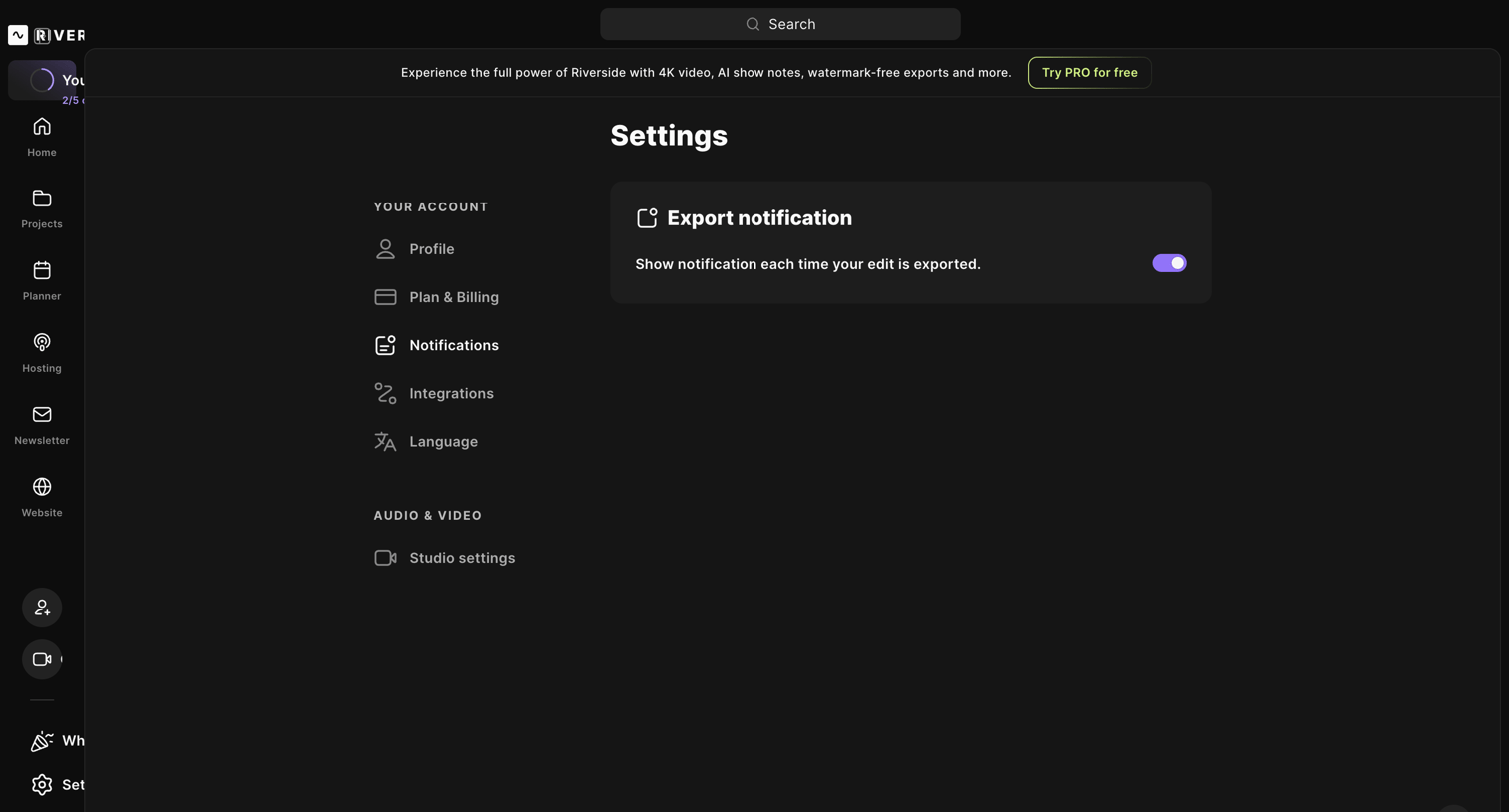

Settings modal where the user configures their account notifications, specifically toggling alerts for exported edits, with an ever-present prompt to start a Pro trial.
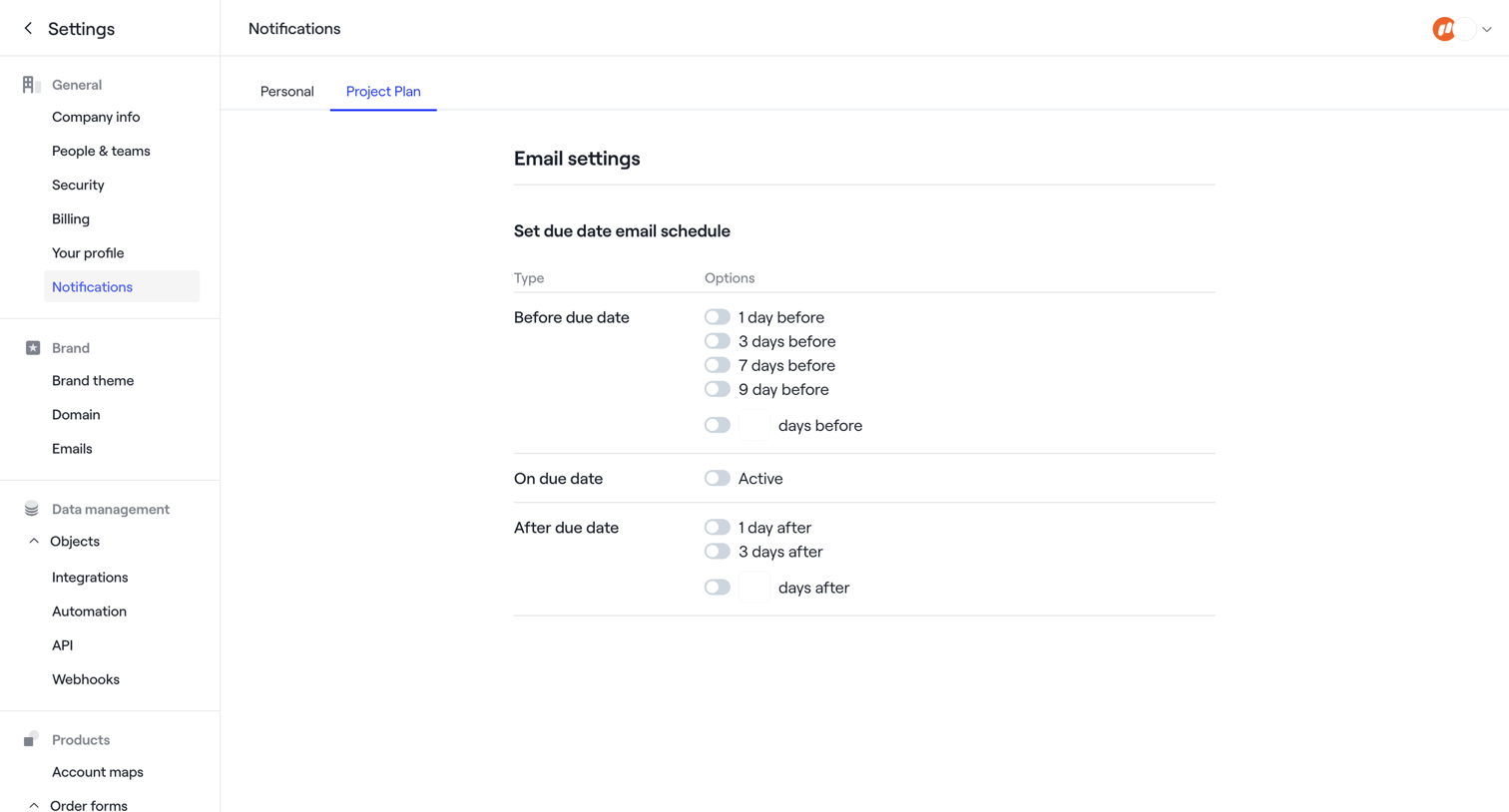

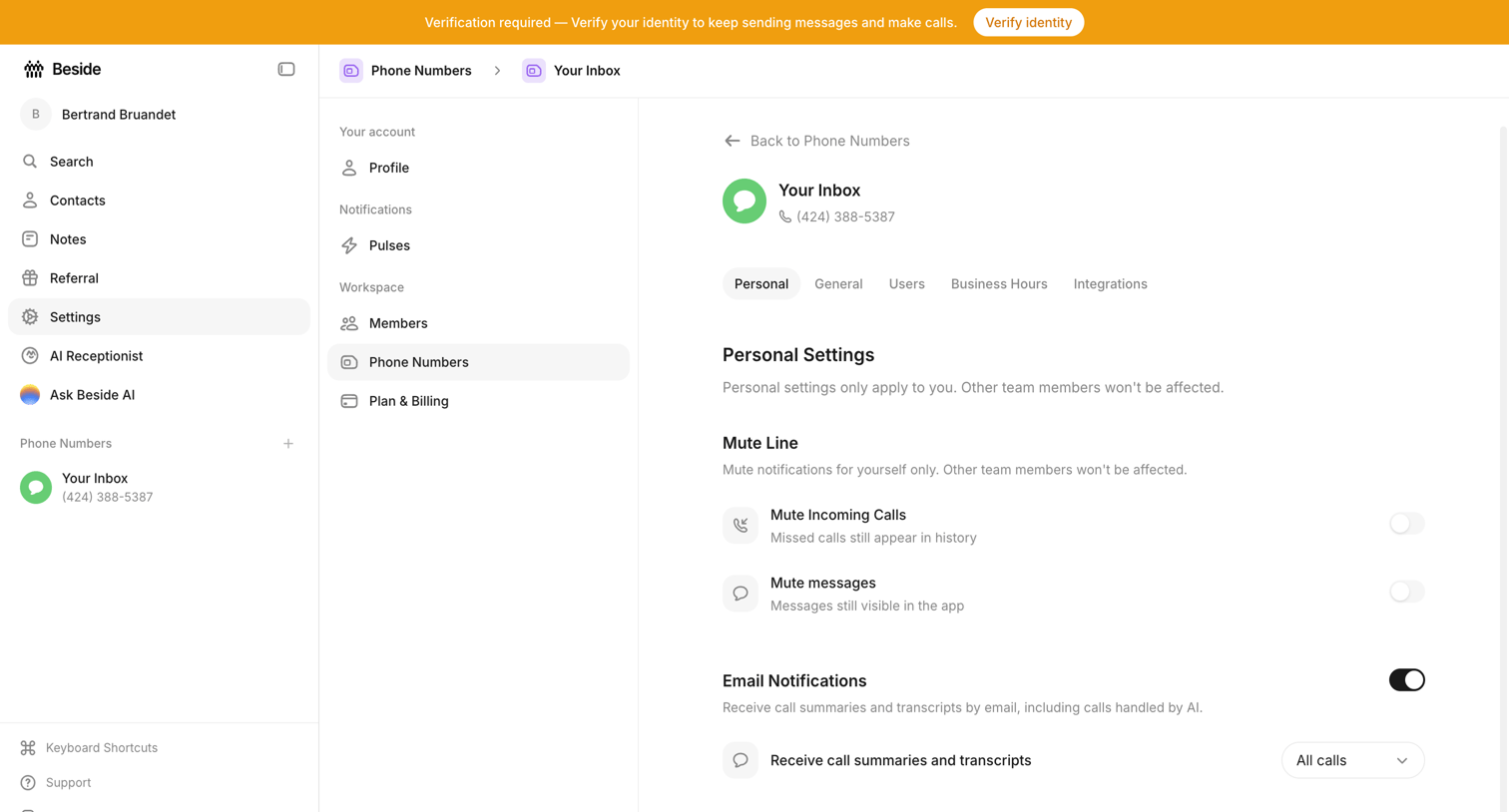

Settings page where the user configures personal notification preferences for a specific phone number inbox, including muting calls and setting up email summaries.
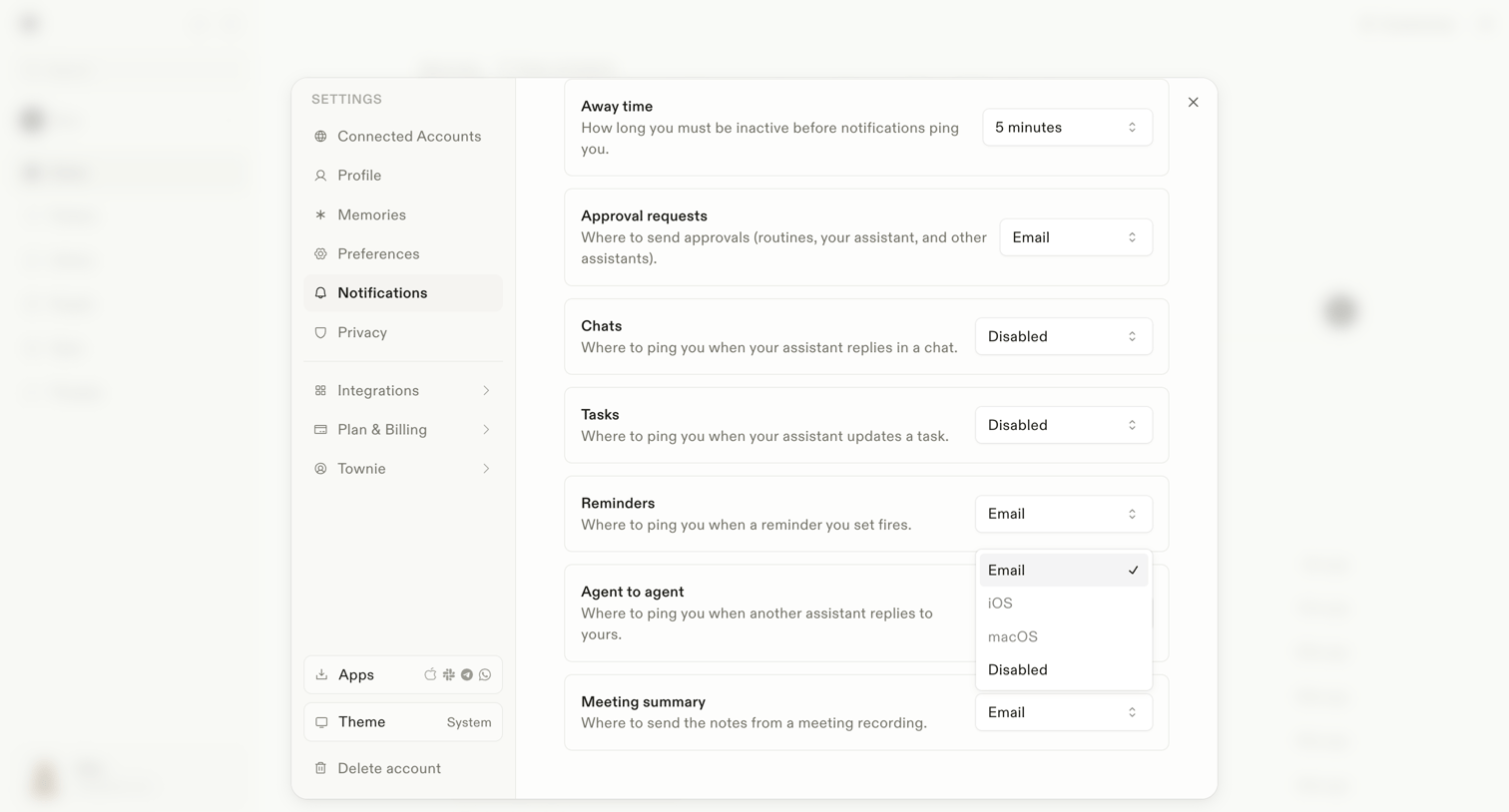

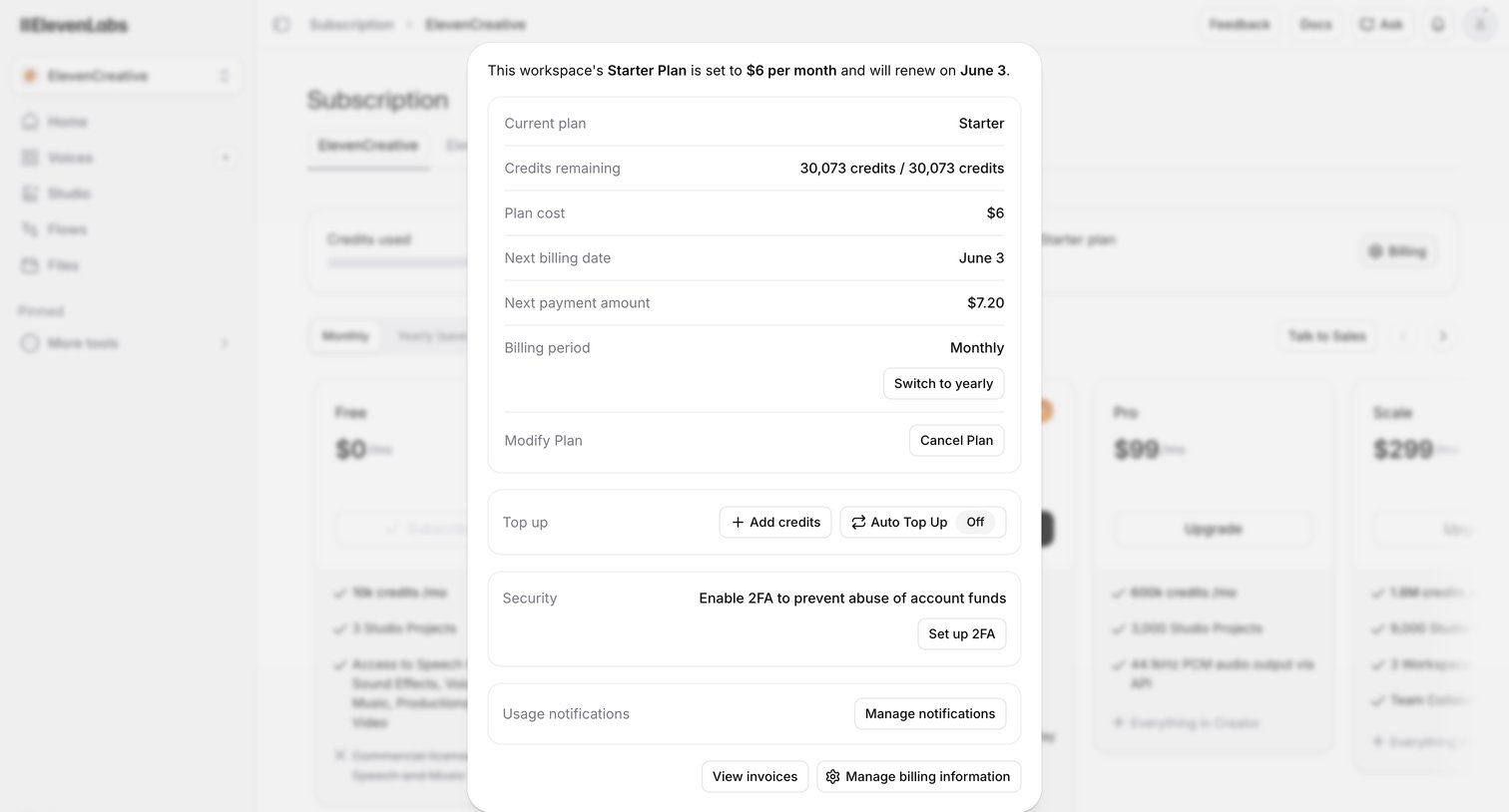

Settings modal where the user manages their active Starter Plan, views credit balances, and configures billing options like yearly renewals and auto top-ups.
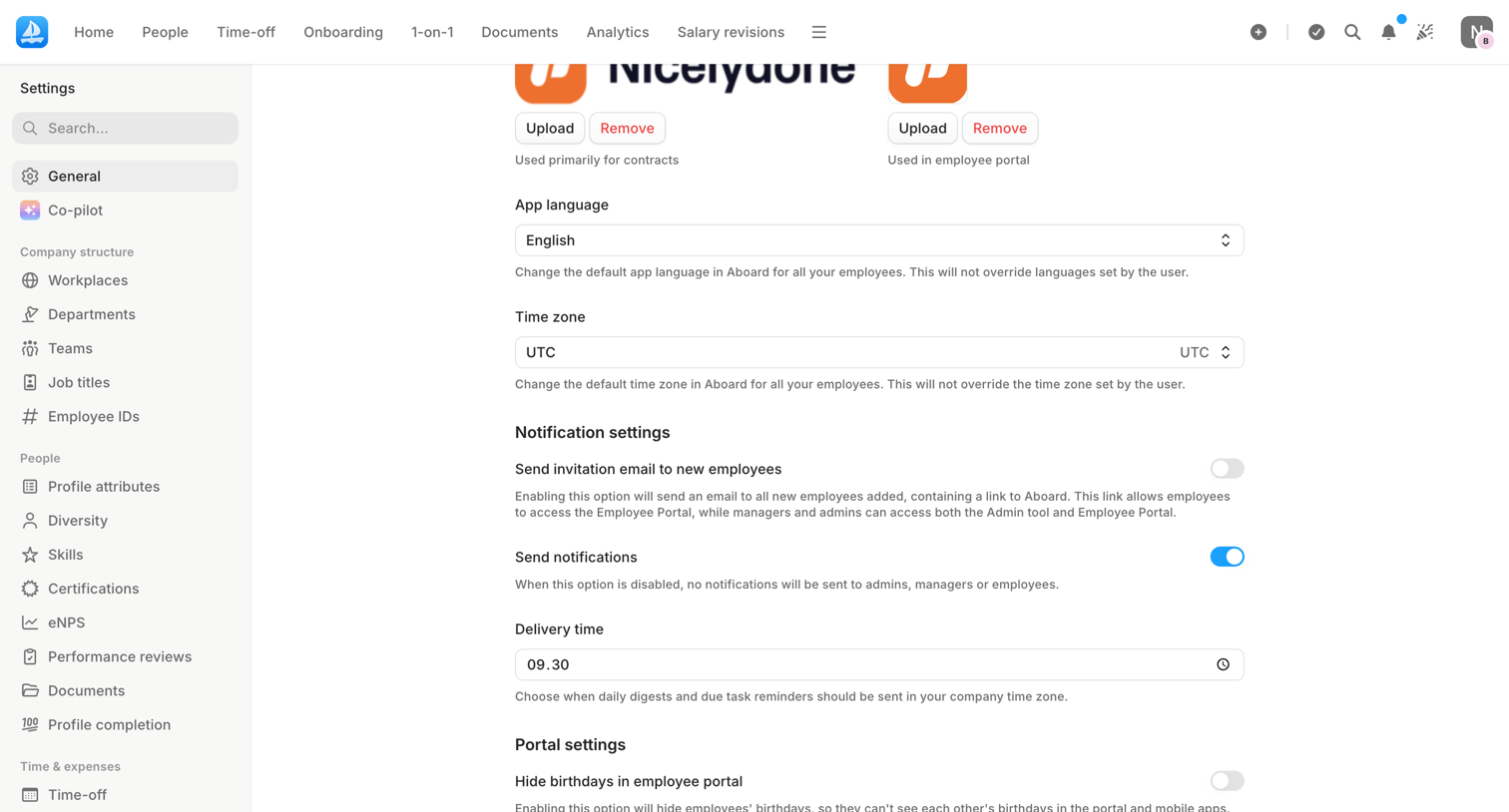

Settings page where the user configures general app preferences like language, time zone, and notification defaults.
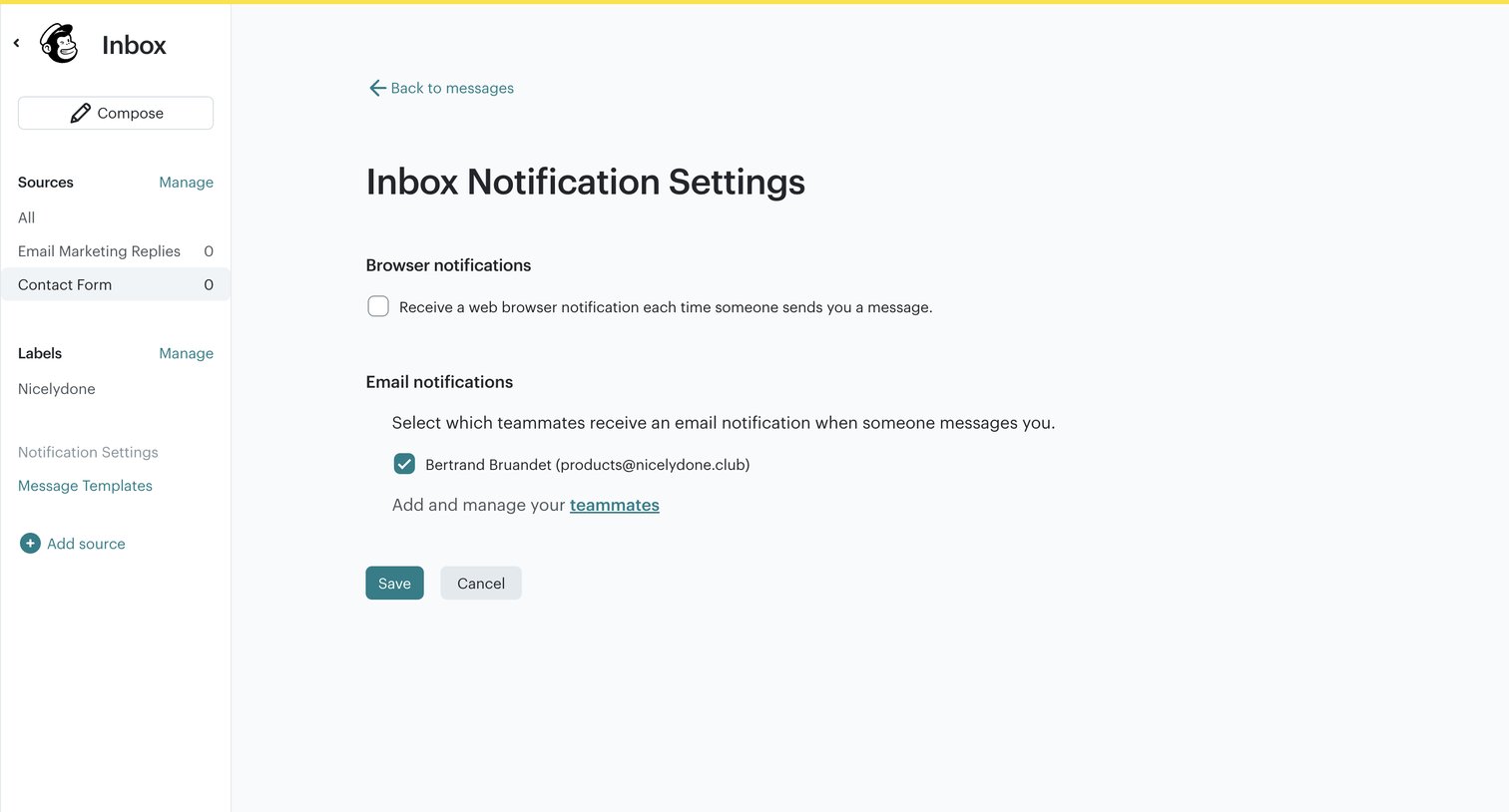

Settings page where the user configures browser and email notifications for incoming inbox messages, including selecting which teammates receive alerts.
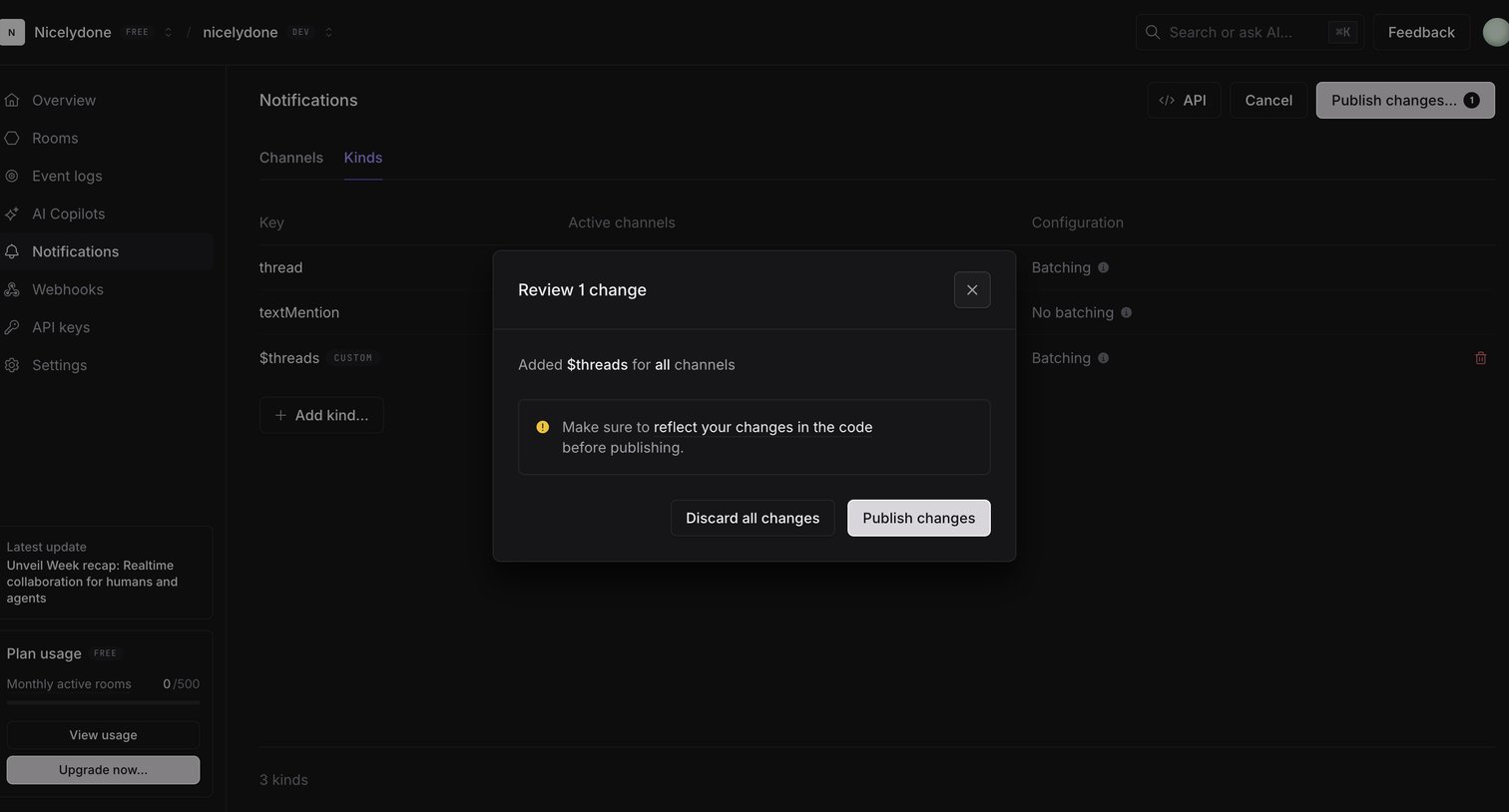

Settings page where the user is reviewing and confirming a change to notification kinds before publishing it to the live environment.
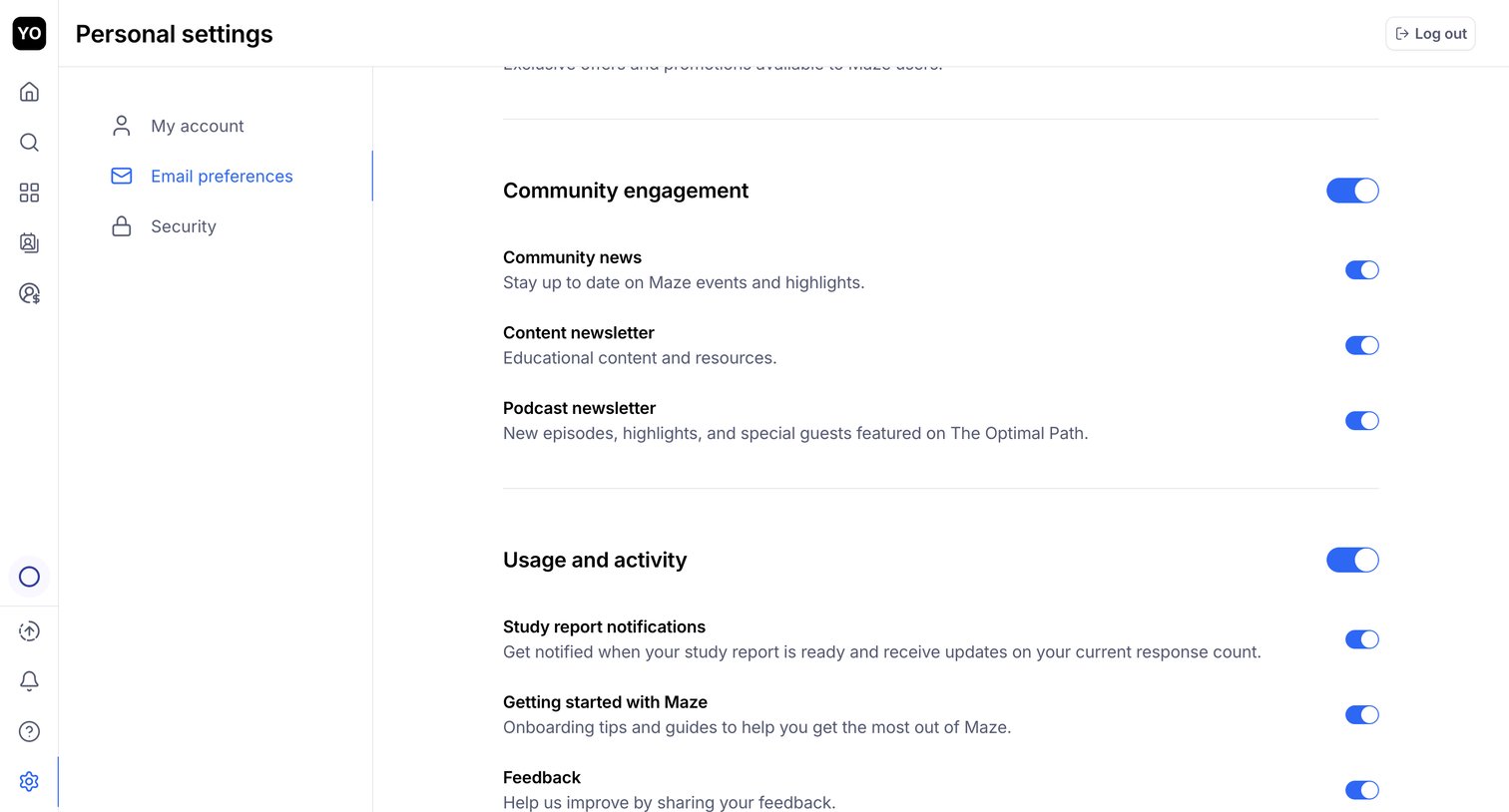

Settings page where the user configures their email preferences for community news, newsletters, and study report notifications via a list of toggles.
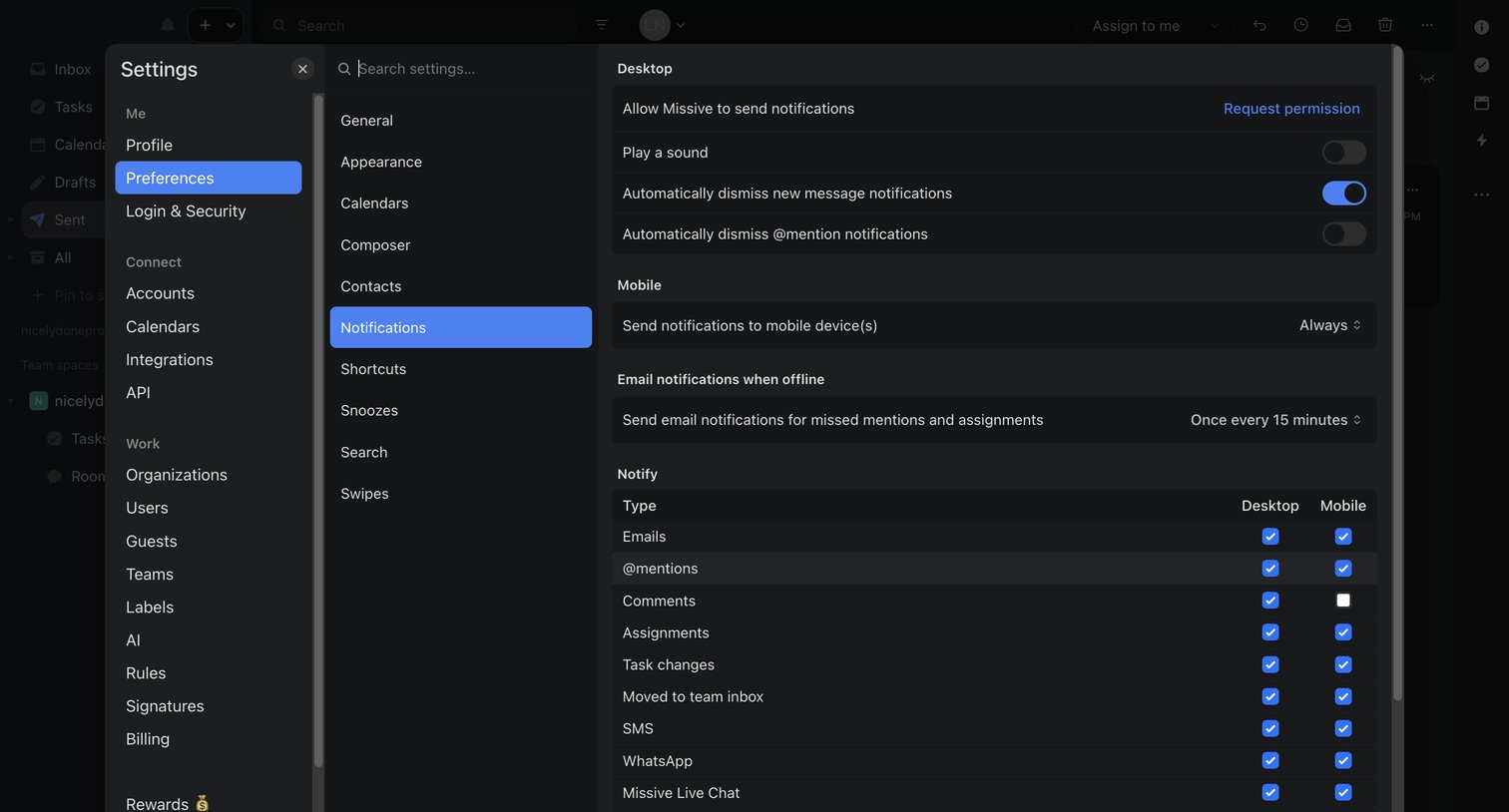

Settings modal where the user configures desktop, mobile, and email notification preferences, including a detailed matrix for different event types.
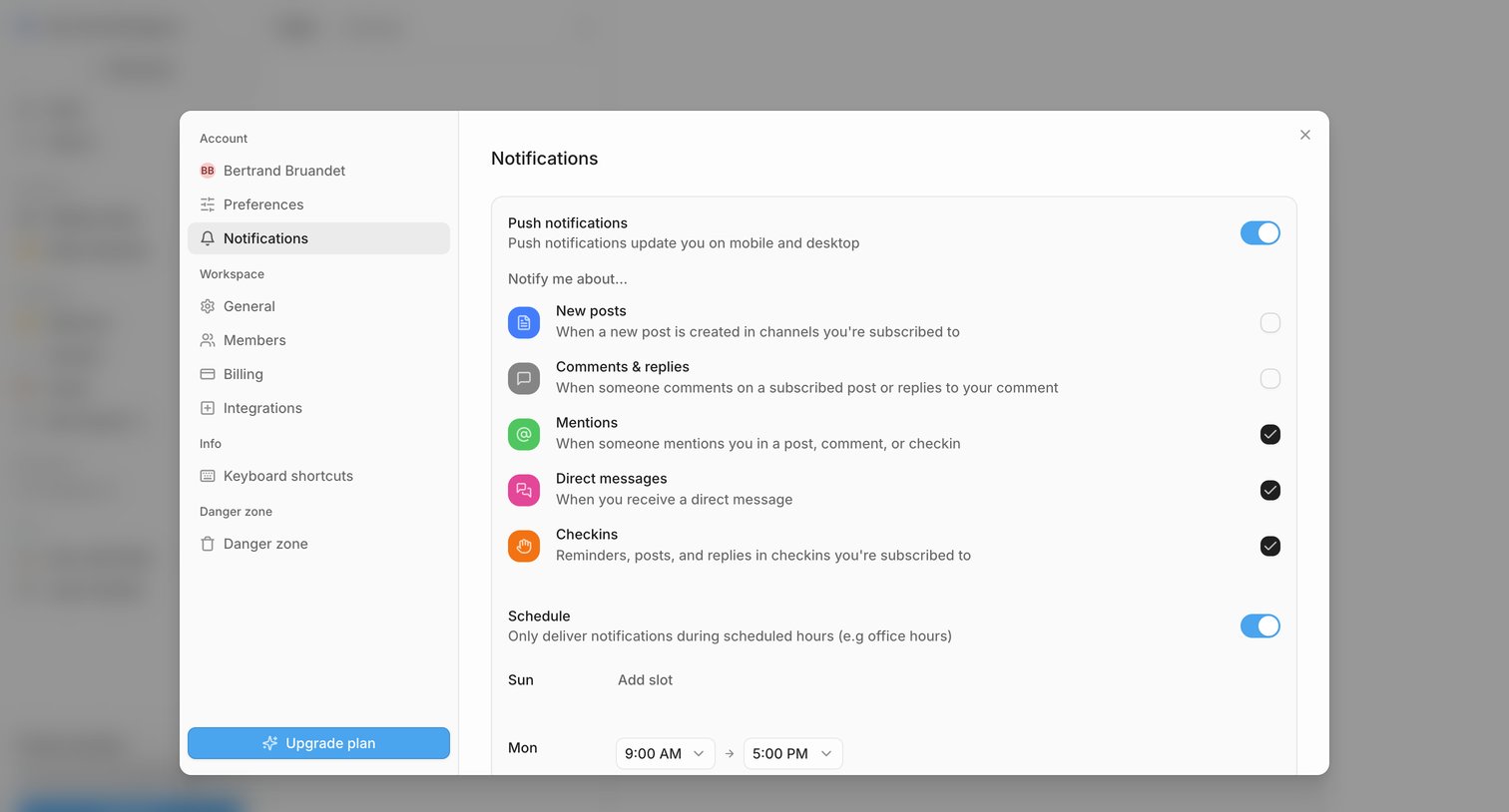

Settings modal where the user configures push notifications, selects specific event triggers like mentions and direct messages, and sets a delivery schedule.
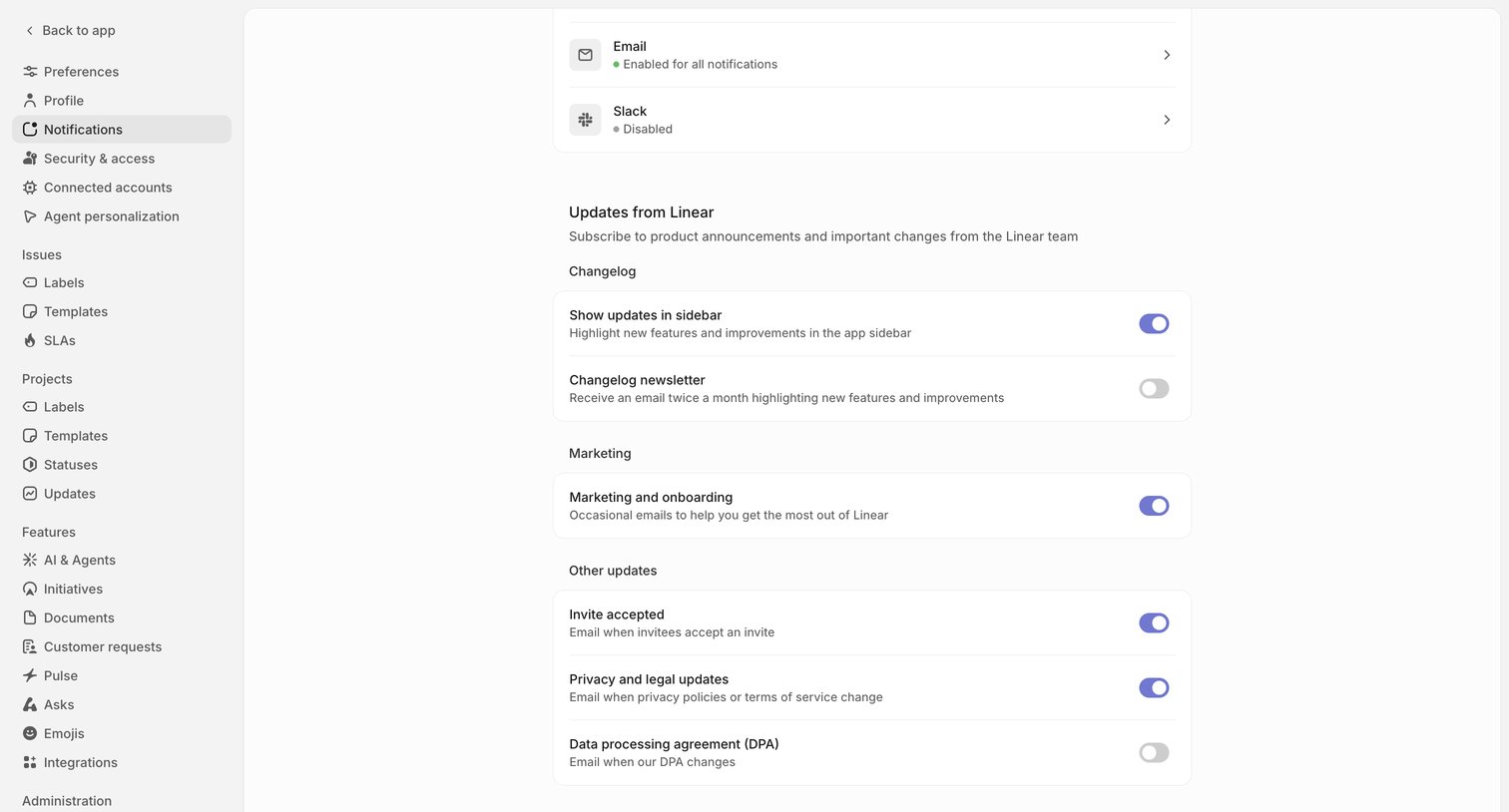

Settings page where the user configures notification channels and subscribes to product updates, changelog newsletters, and marketing emails.
Explore the full SaaS screen library
Upgrade to unlock the full library.
Trusted by the best teams








About Notification Settings
See how SaaS apps let people choose which updates they receive. Explore how notification types, delivery channels, and preferences are grouped within the settings interface.