SaaS UI component examples
Browse UI component design examples from SaaS apps, including buttons, forms, menus, and data tables. Preview each component and explore related designs.


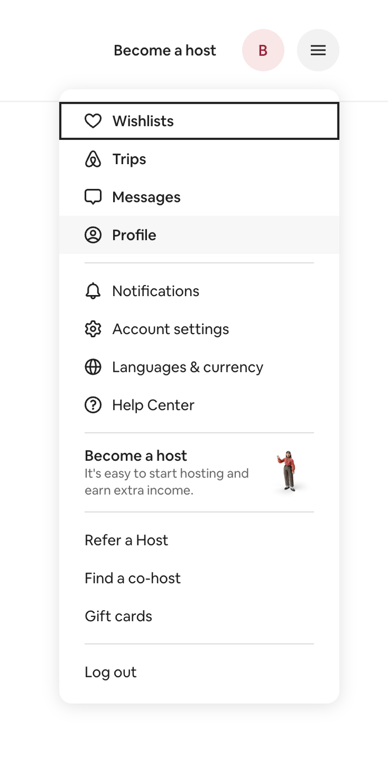

A dropdown menu displaying user account options and navigation links, including hosting information and a call to action.

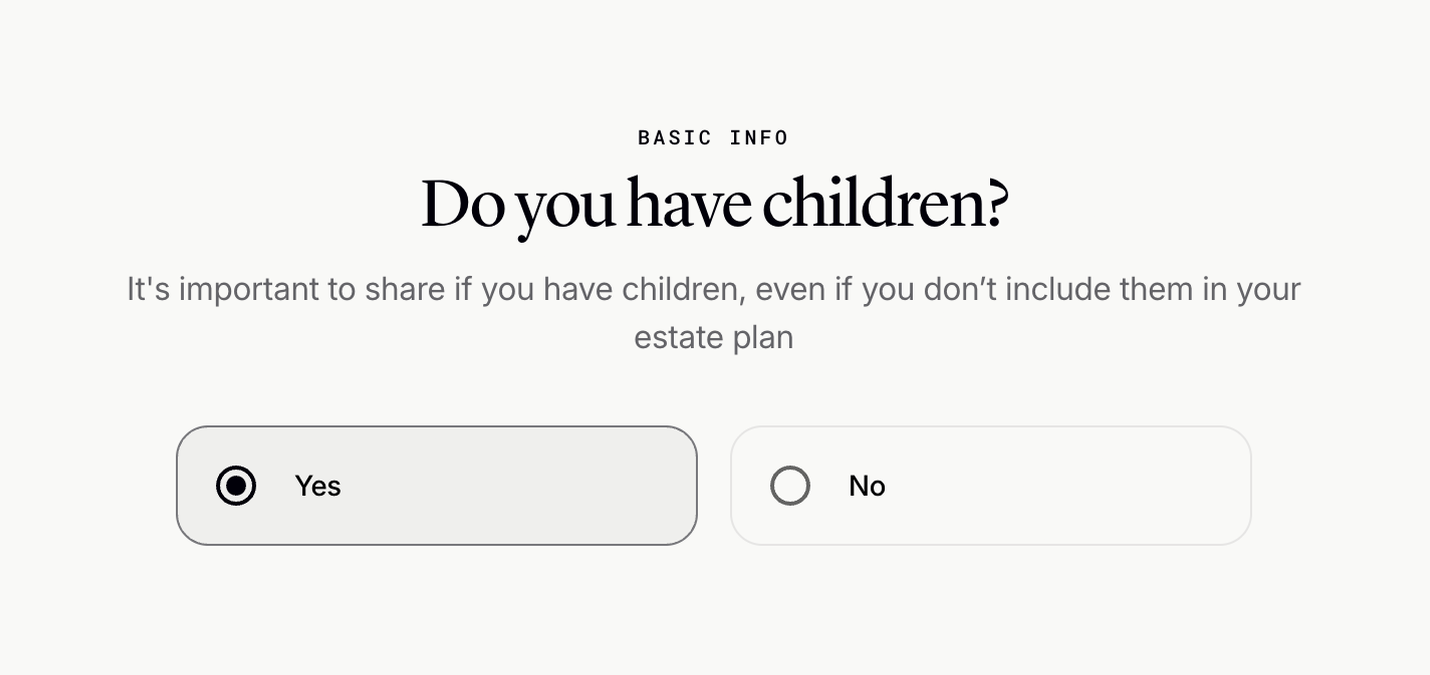

A form asking a user if they have children, with two radio button options for 'Yes' and 'No'.
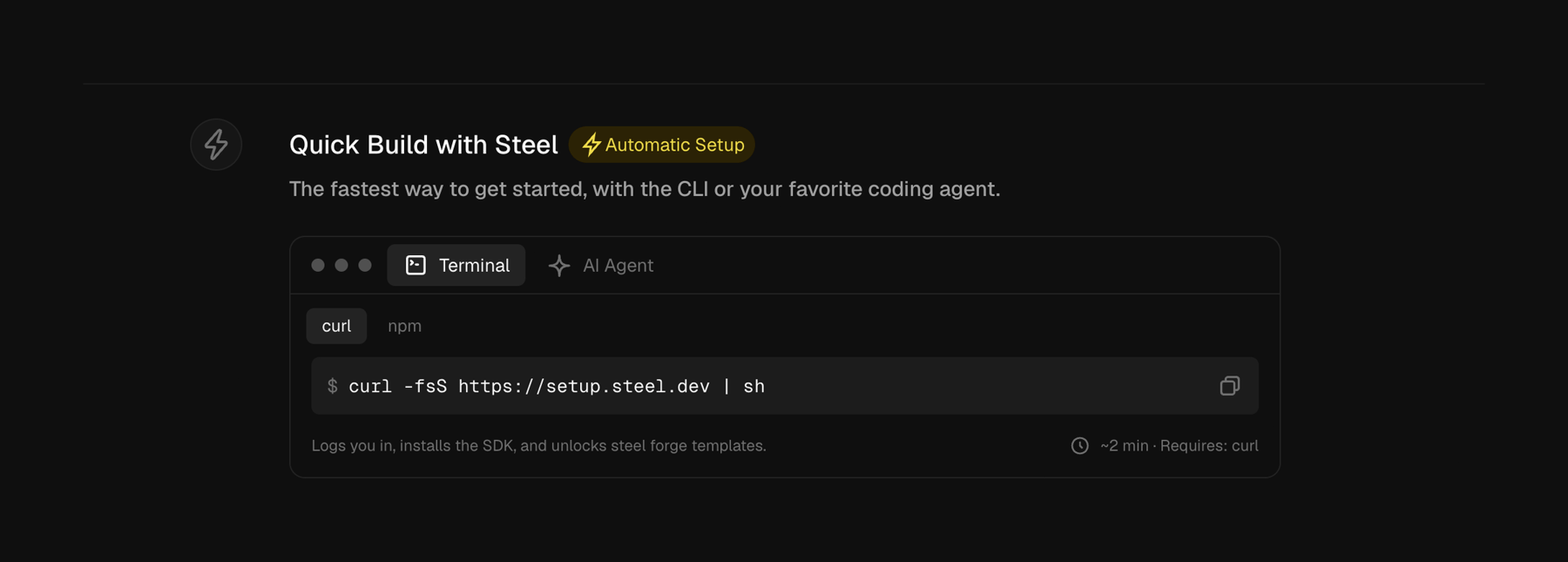

A section detailing a quick build setup process, featuring a command-line interface (CLI) code snippet for installation.
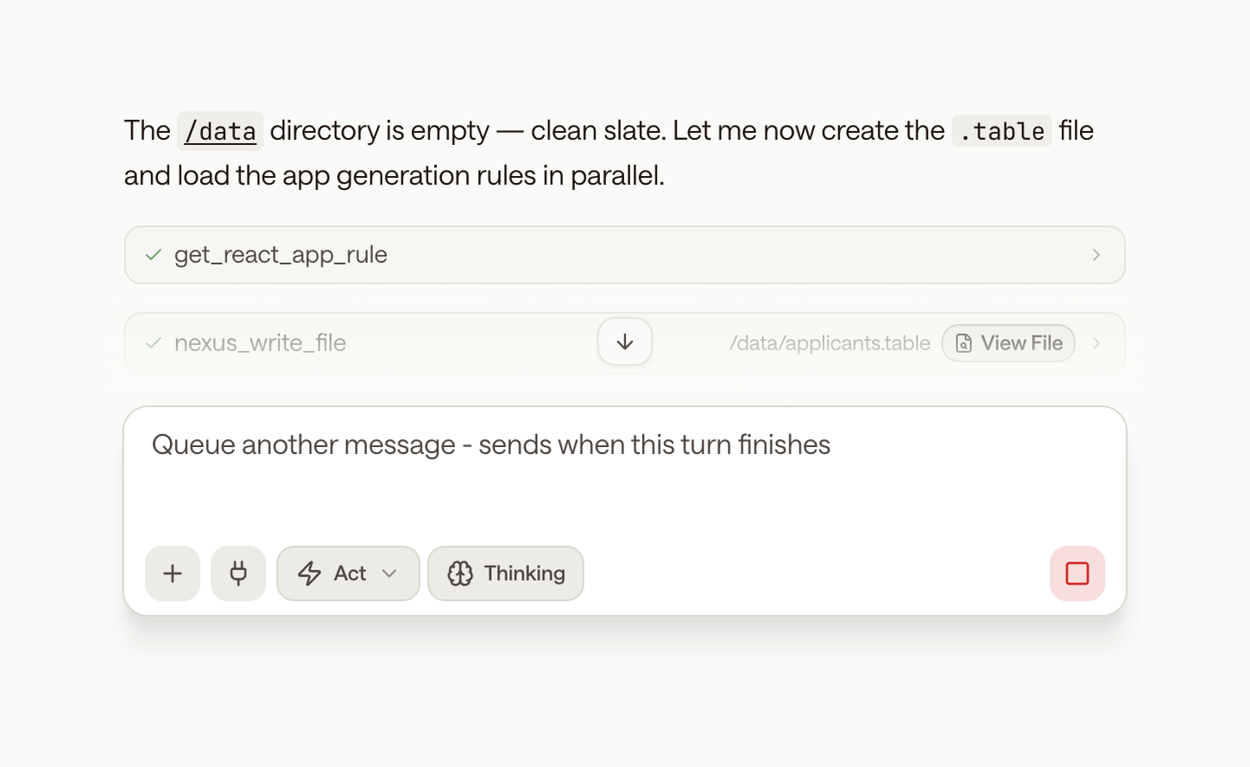

A user interface displaying a sequence of completed and ongoing automated tasks, with controls for queuing new actions.
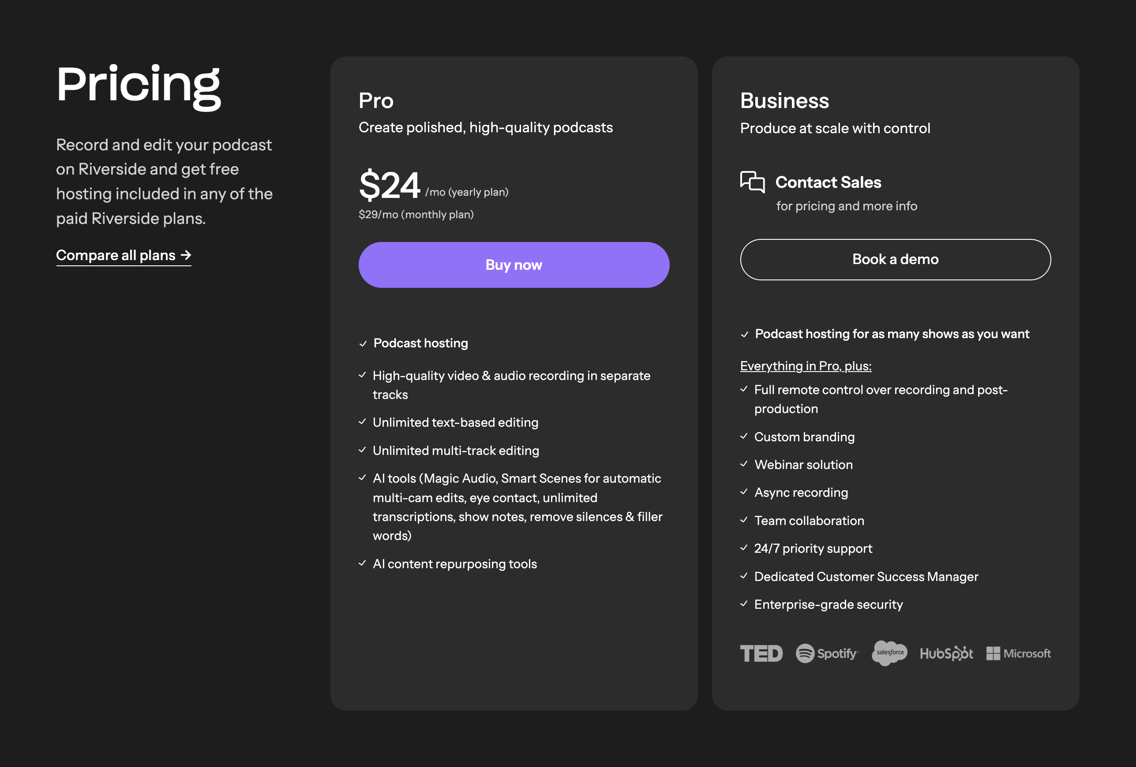

Pricing page displaying subscription plans for a podcast and video editing platform.
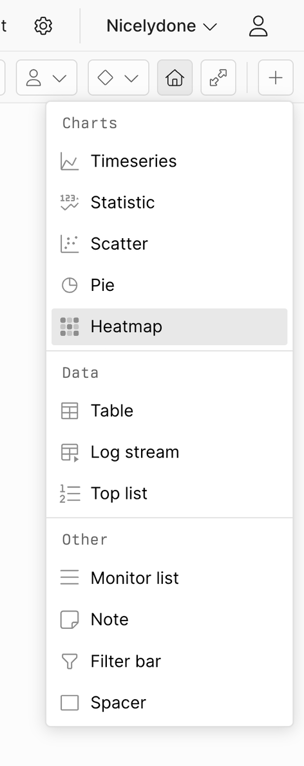

A dropdown menu displaying various options categorized into charts, data, and other, with an item in a hover state.
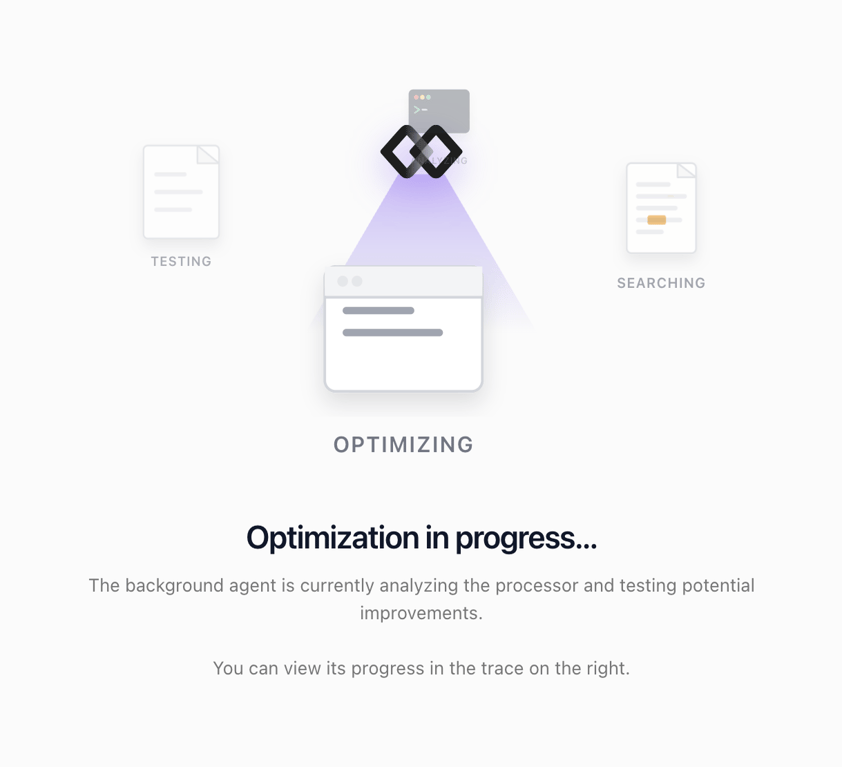

A screen displaying an optimization process with an abstract illustration and explanatory text.
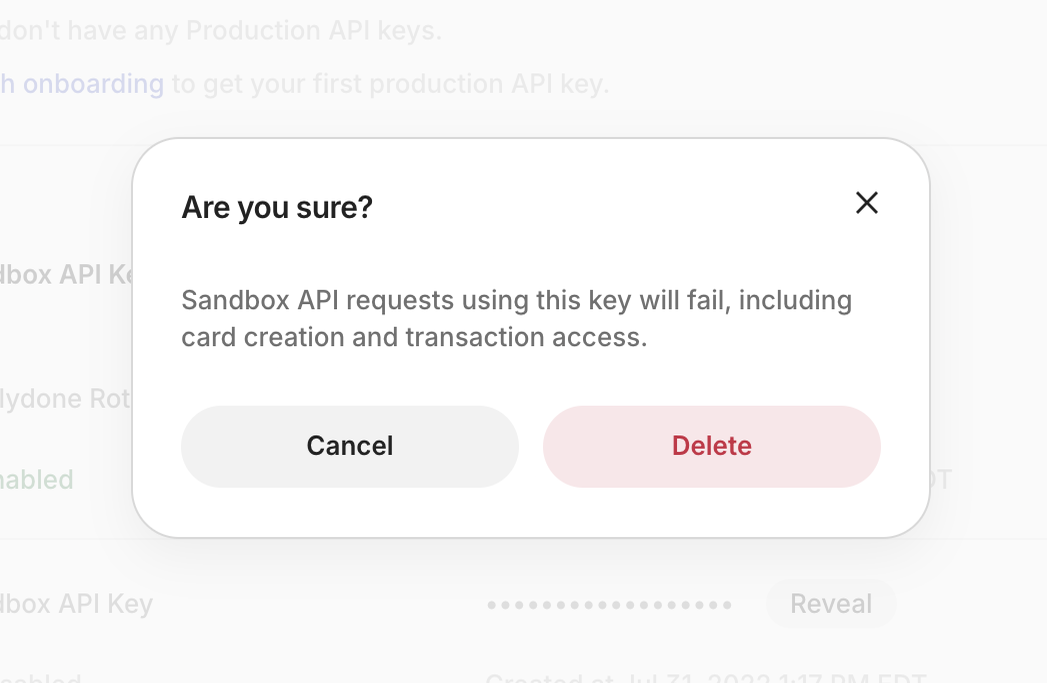

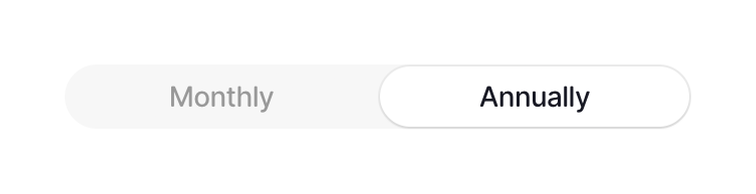

Browse the full component library
Browse the full UI component library.
Trusted by the best teams








Find a topic
Inputs and controls
Content and states
More categories
- Drawer
- Color picker
- FAQ
- Checkbox & radio
- Notification Toast
- Testimonial
- Video player
- Popover
- Breadcrumb
- Tooltip
- Social proof
- Walkthrough
- Header
- Click to copy
- Footer
- Timeline & history
- Horizontal navigation
- Vertical navigation
- Message
- Stepper
- Upgrade your plan
- Icon
- Tabs
- Tips
- Vertical list
- Grid list
- Card
- Input search
- File upload input
- Avatar
- Button group
- Tag
- Confetti
- Reorder
- Benefit List
- Illustration
- QR code
- Accordion
- Audio player
- Charts
- Query builder
- Slider
- Input number
- Input tag
- Segmented control
- Textarea
- Input date
- Newsletter signup form
- Pagination
- Radio button
- Reviews
- Toolbox
- Horizontal list
- Input multi-select
- Input phone number
- Rating
- Artificial intelligence
- Autocomplete
- Badge
- Bento box
- Coachmark
- Command palette
- Datepicker
- Feedback
- Flyout menu
- Hero section
- Input amount
- Input code
- Input location
- Rich text editor
- Slideshow
- Social login button
- Suggestion