Modal UI examples
Modal UI design examples from SaaS apps. Explore how interfaces present a focused task above the current page. Look at how modal headings, content, and close or completion actions define the…
Explore the examples
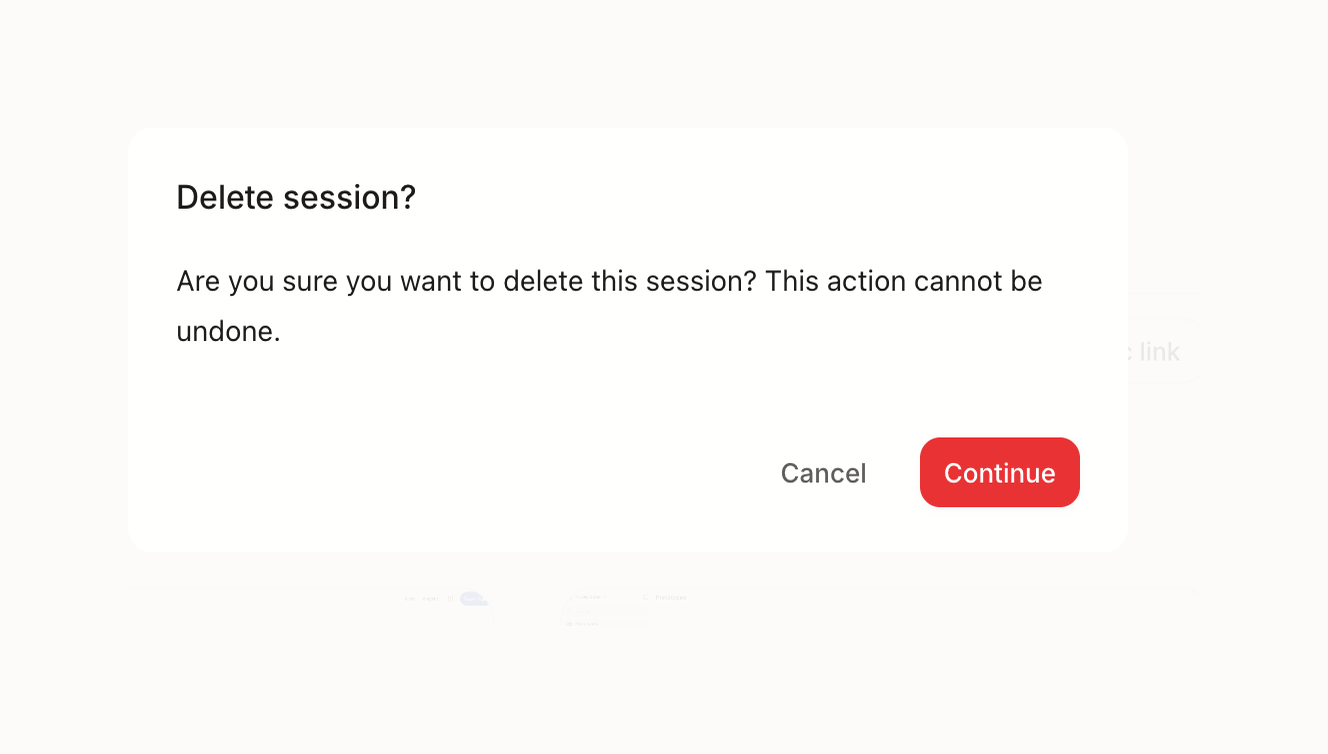

A confirmation modal asking the user to confirm the deletion of a session, with options to cancel or continue.
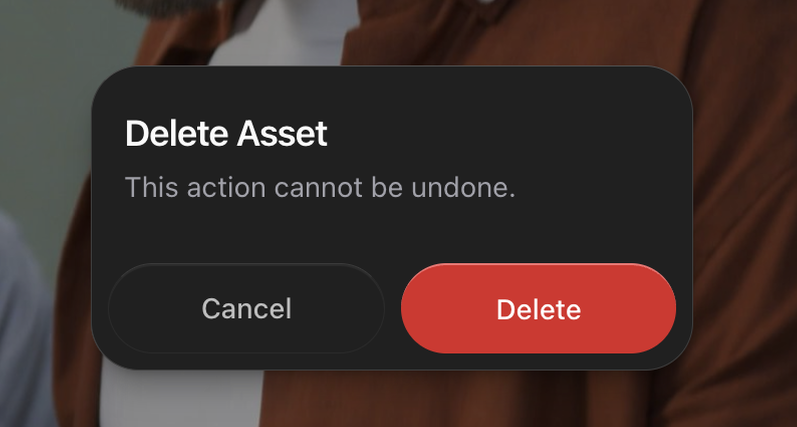

A dark mode confirmation dialog for deleting an asset, with a warning that the action cannot be undone, and options to cancel or delete.
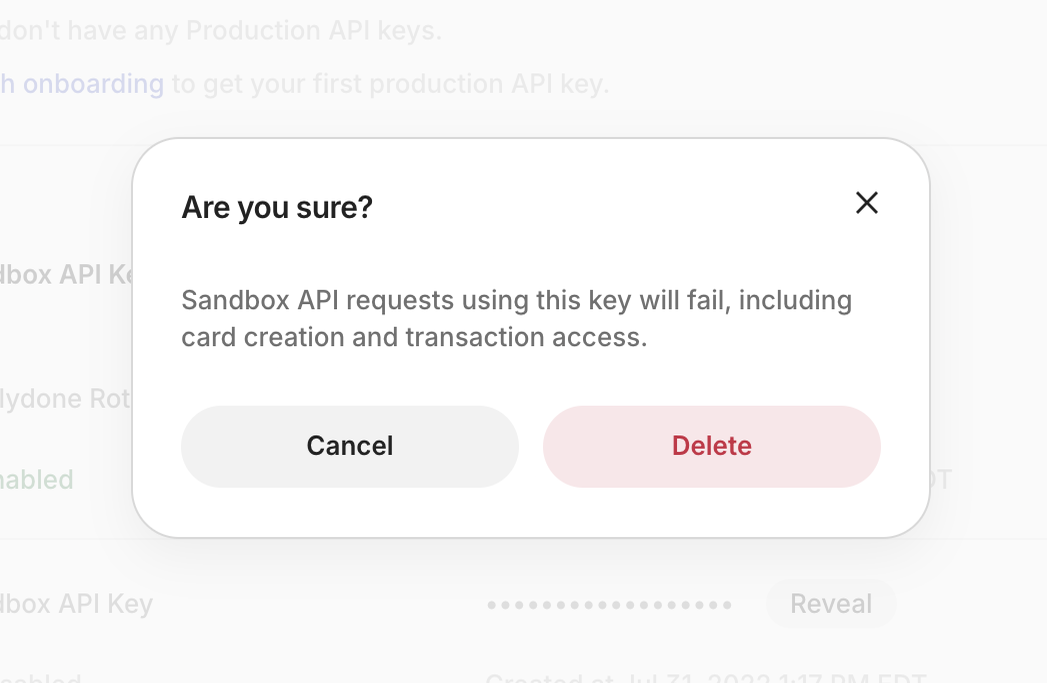

A confirmation modal asking the user to confirm a deletion action for a sandbox API key, with a warning about the consequences.
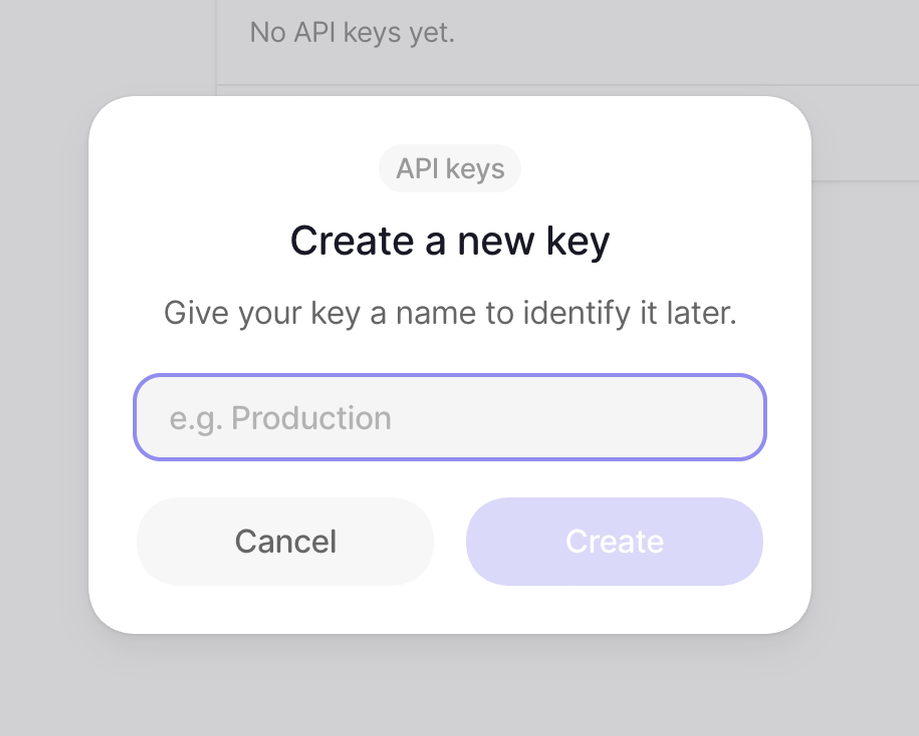

A modal dialog for creating a new API key, prompting the user to name it.
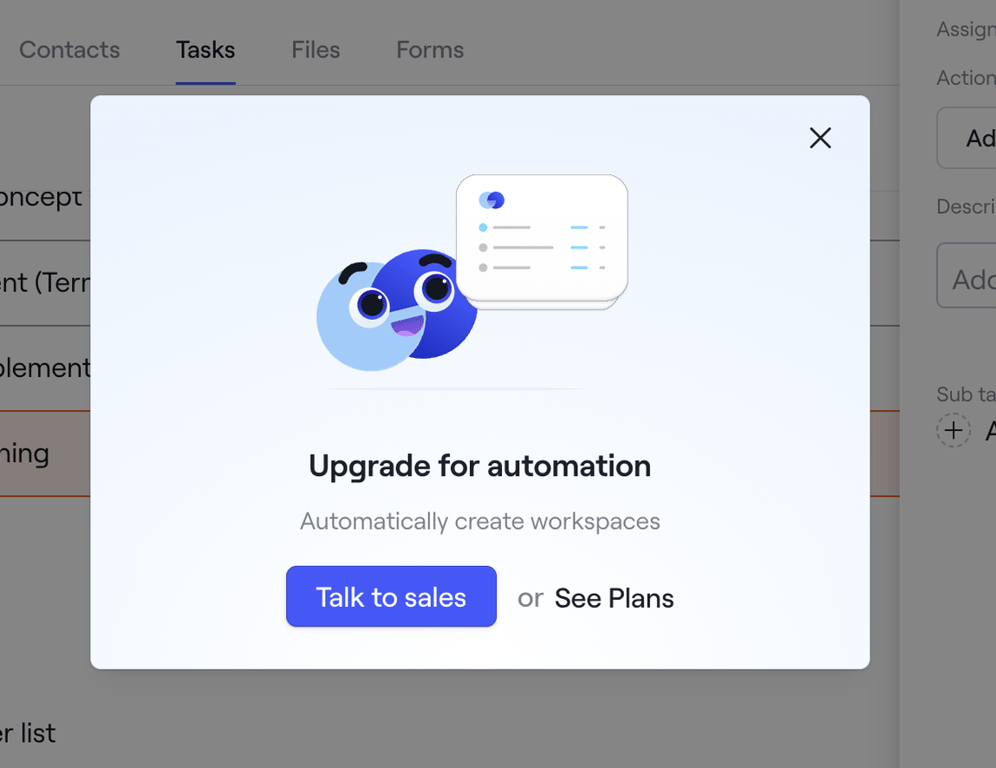

A modal dialog prompting a user to upgrade for automation features, offering options to contact sales or view pricing plans.
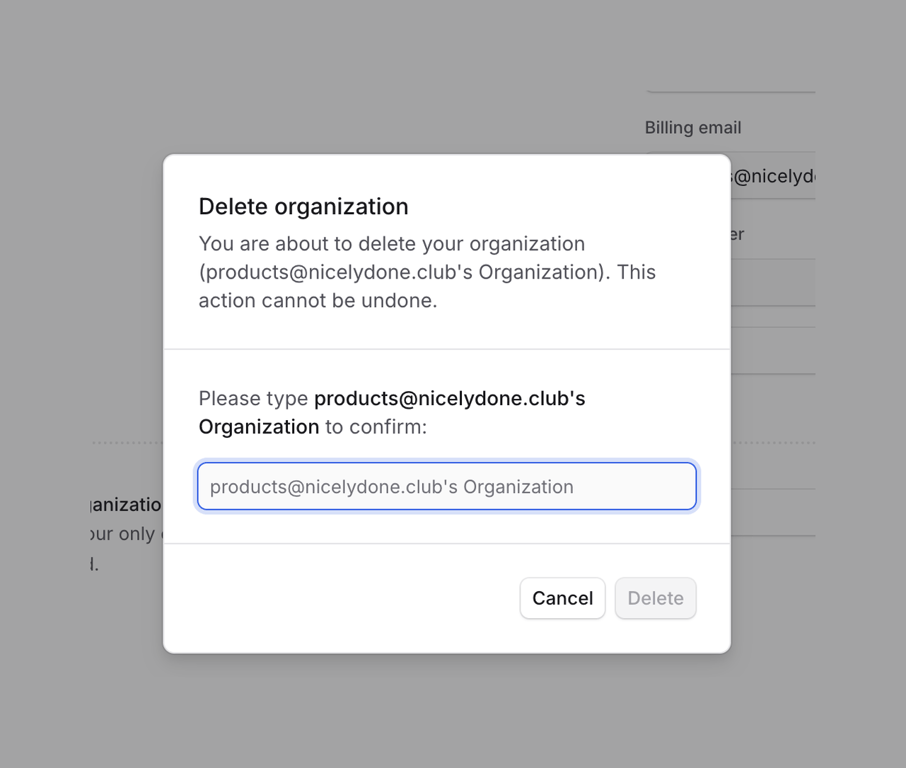

A modal dialog for confirming the deletion of an organization, requiring the user to type the organization's name to proceed.
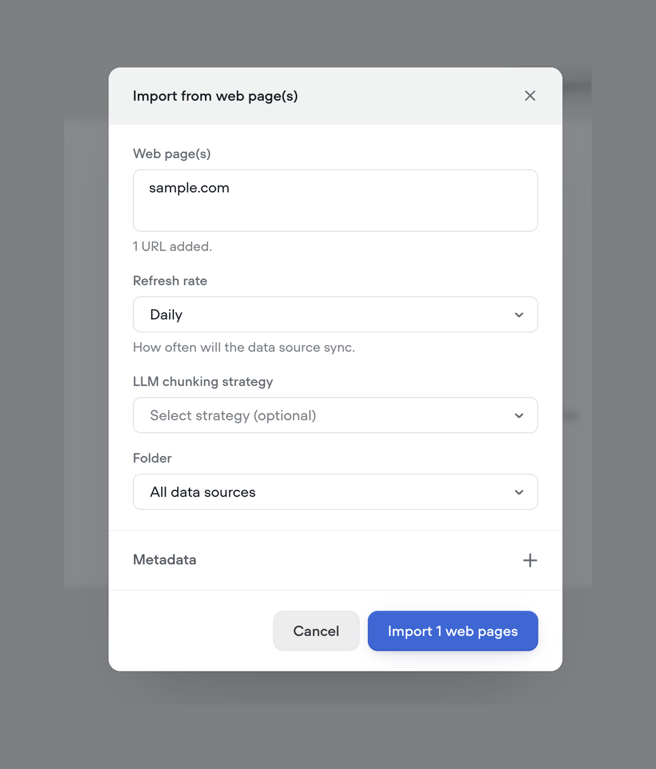

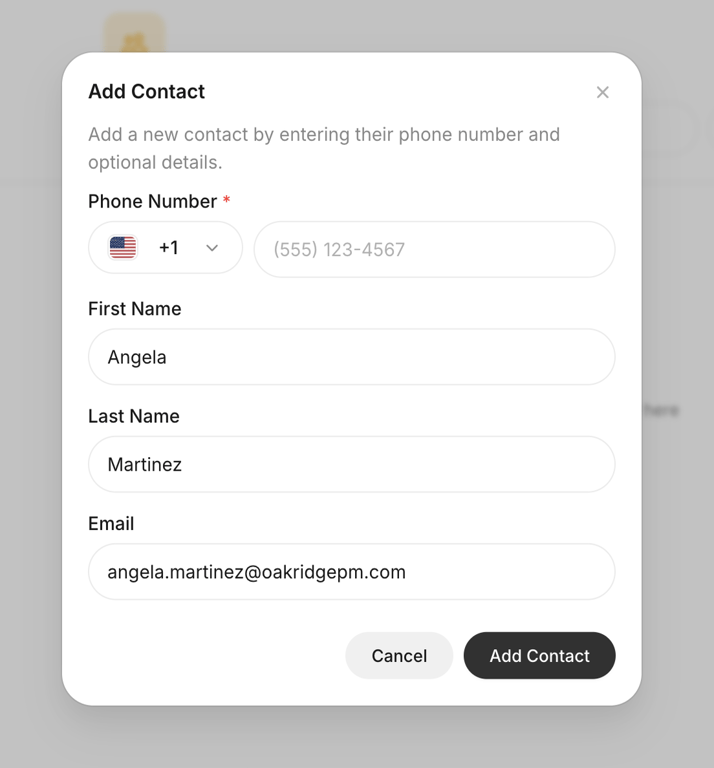

Modal form for entering phone number, name, and email to create a new contact
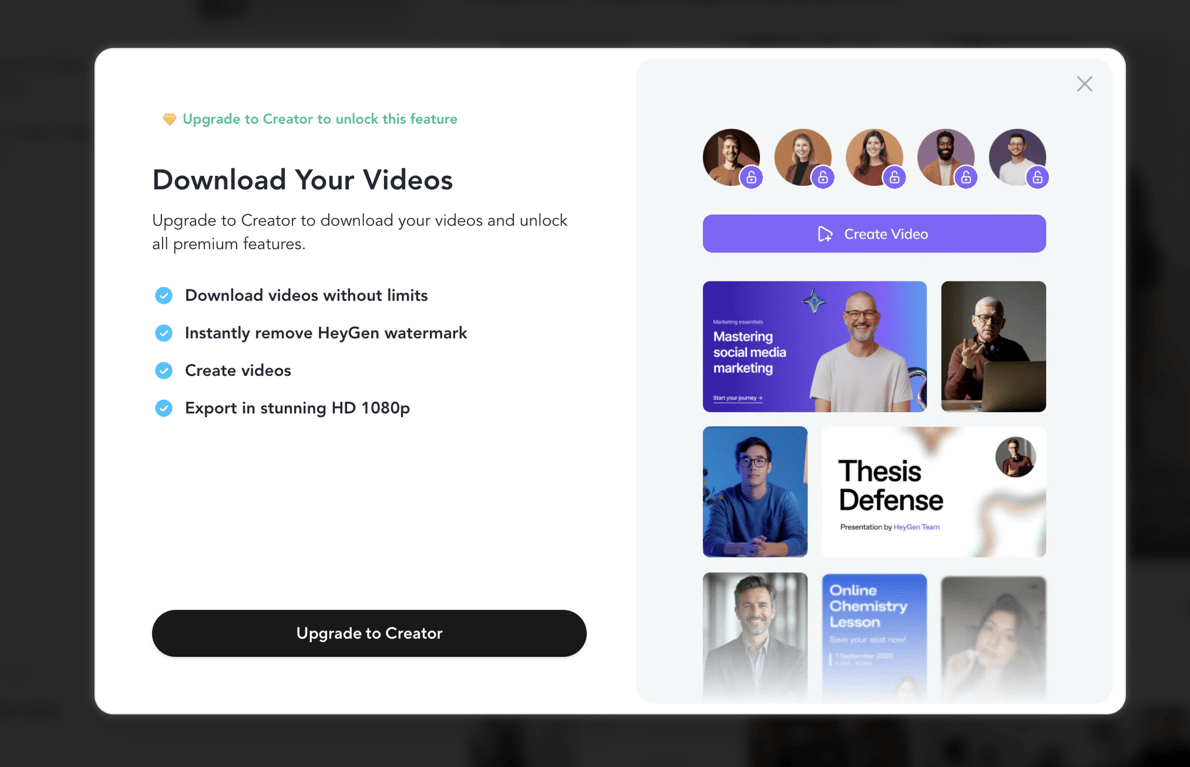

Prompts user to upgrade to Creator plan to unlock video downloads and premium features
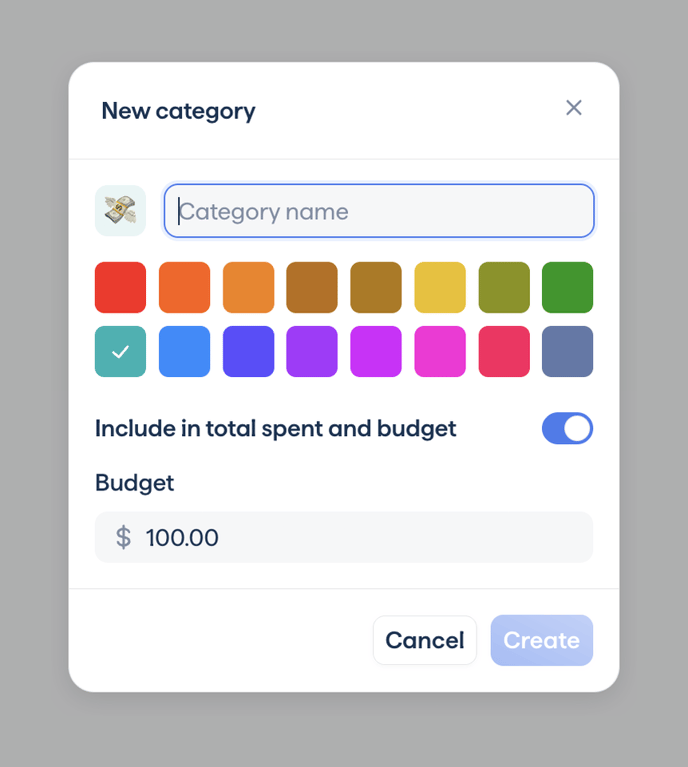

Modal dialog for creating a spending category with name input, color selection, budget toggle and amount
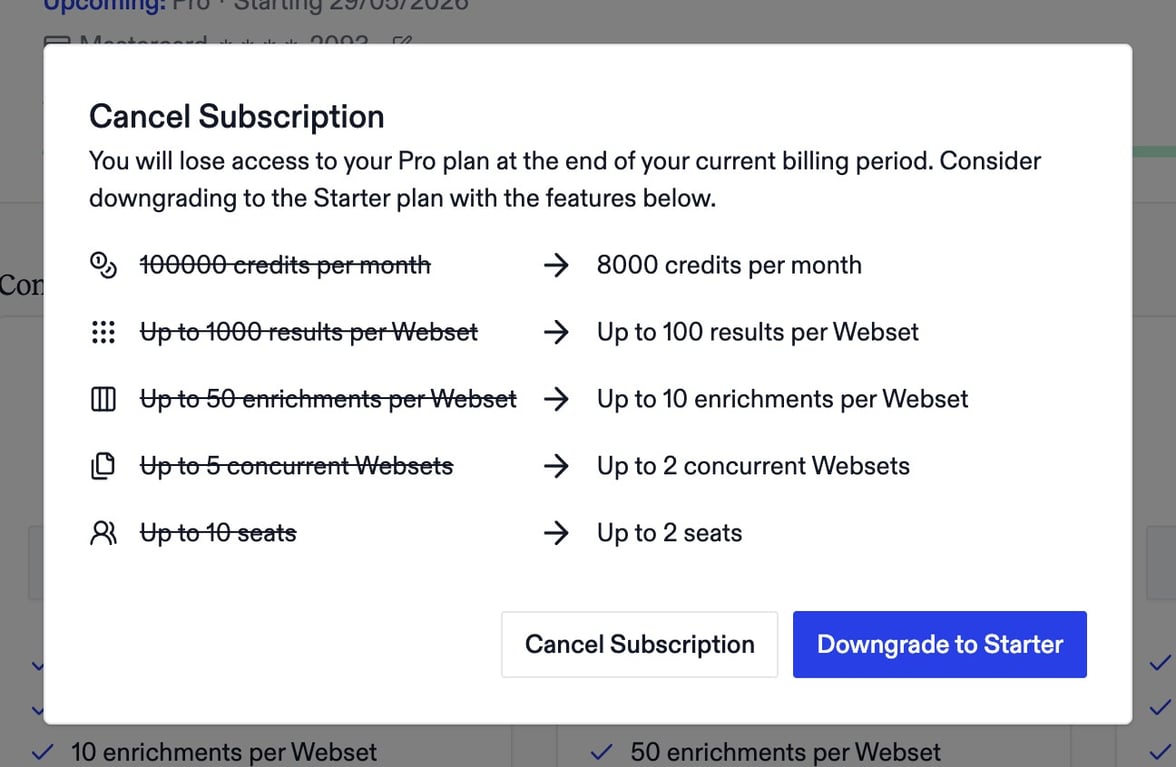

Prompts user to reconsider canceling by comparing Pro vs Starter limits and offering downgrade
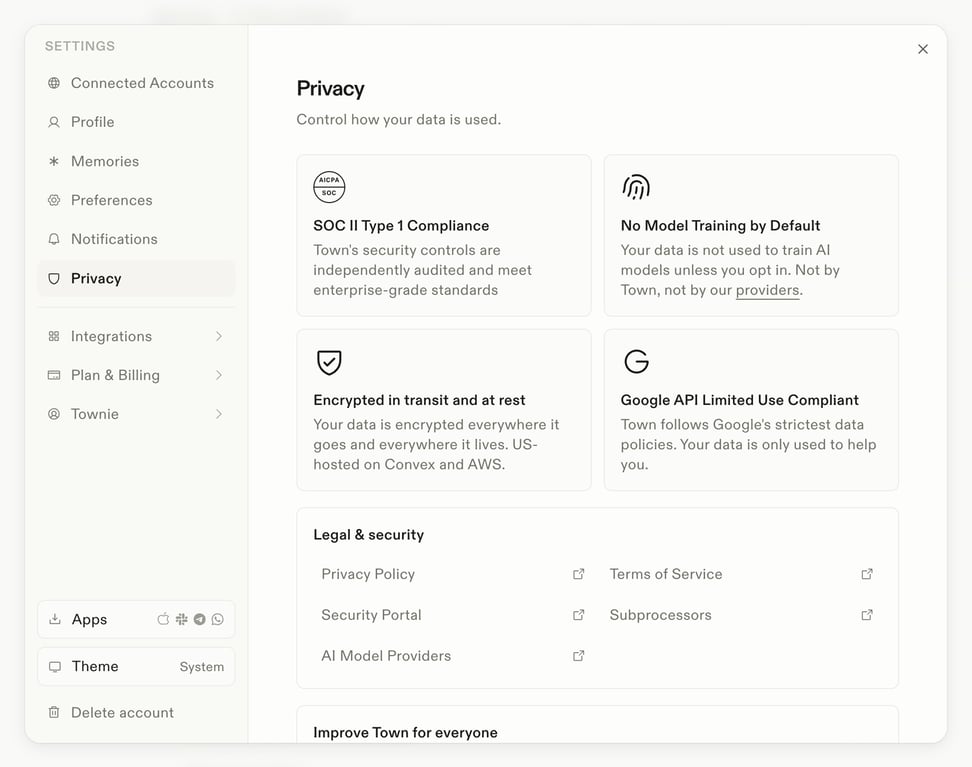

Presents compliance badges, security assurances, and legal document links within the privacy section of settings
Browse the full component library
See 151 more Components.
Trusted by the best teams








About Modal
Explore how interfaces present a focused task above the current page. Look at how modal headings, content, and close or completion actions define the temporary workspace.