UI design examples for SaaS apps
Find UI design inspiration in SaaS screens, user flows, and interface components. Browse design examples by screen type, task, component, or app.
Screens
Browse screens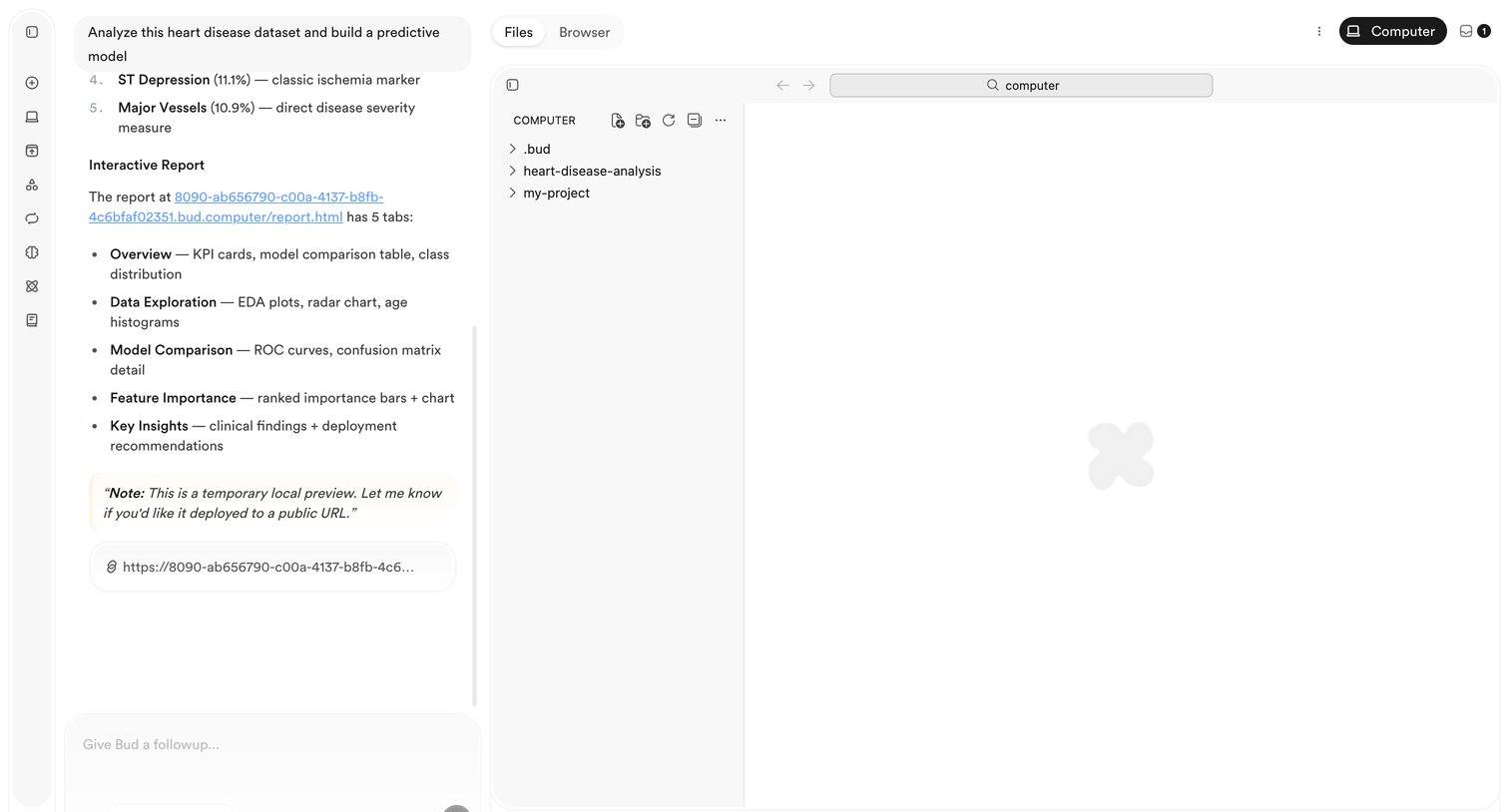

AI chat interface where the user prompts the assistant to analyze a heart disease dataset, featuring a conversational panel alongside a file browser and workspace.
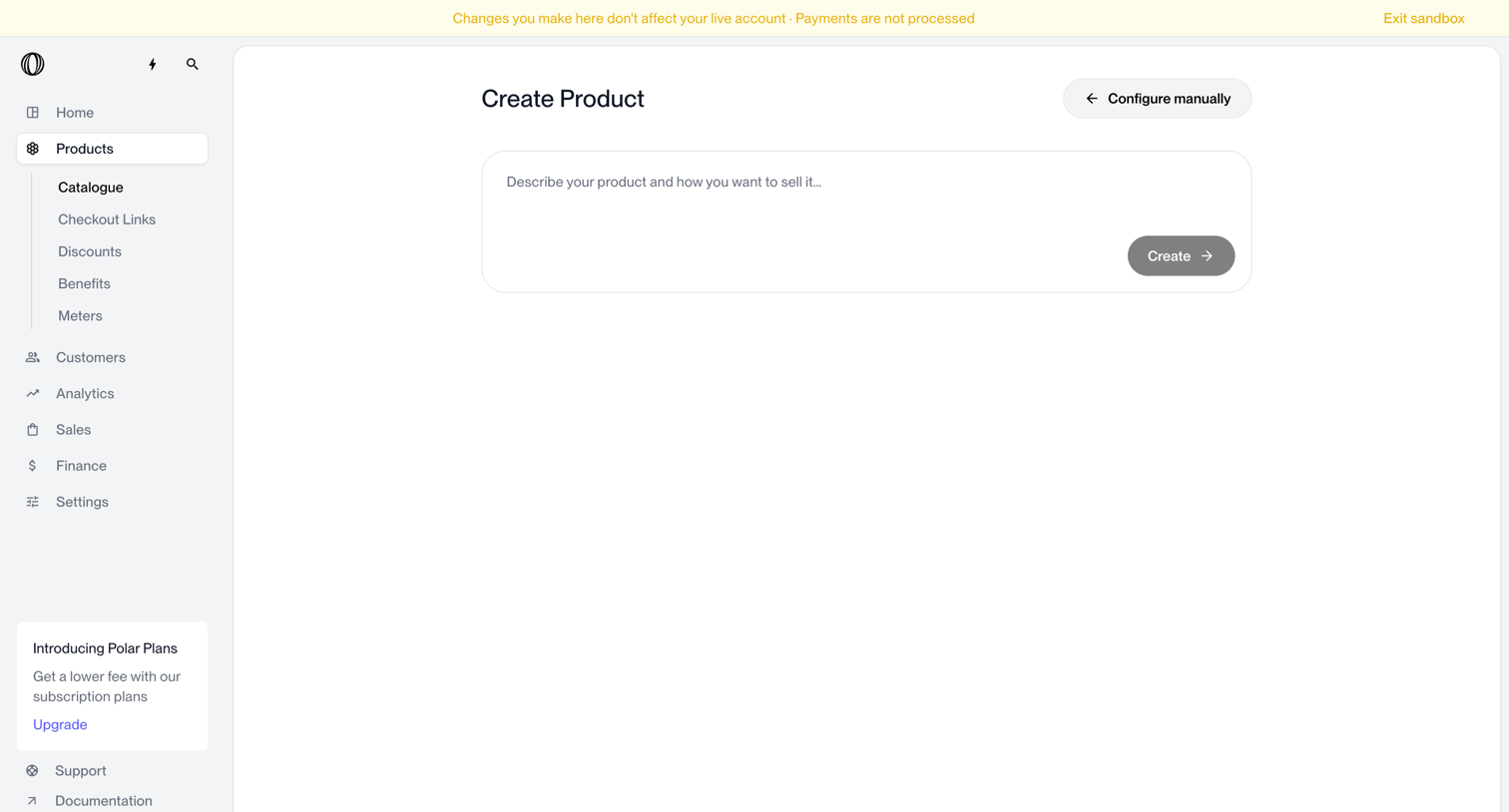

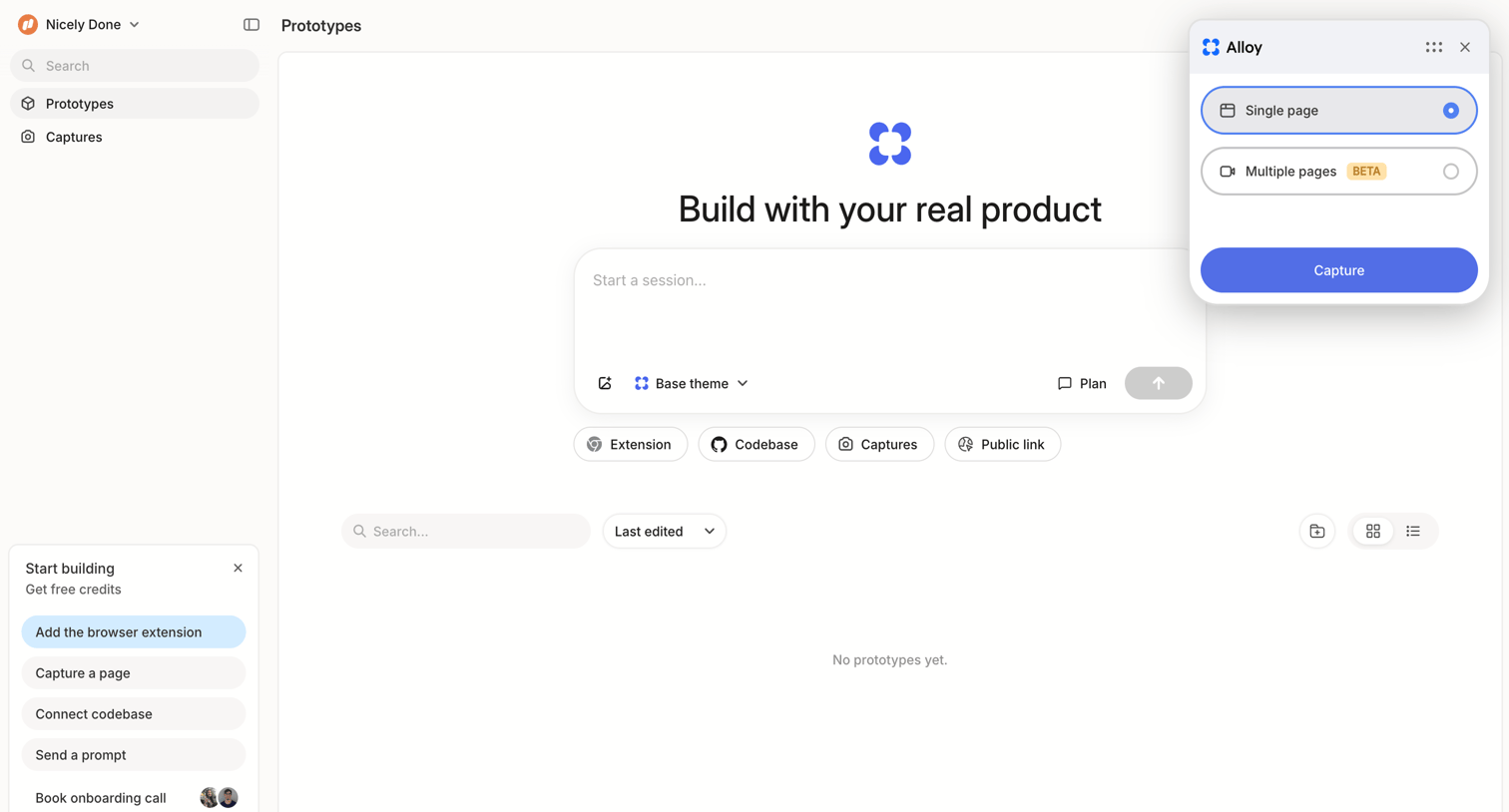
Product creation screen where the user can describe their product using natural language for AI generation, with an option to switch to manual configuration.
Sign-up and onboarding
Help new users create an account and get started.


Pricing and billing
Explain plans, payments, and subscription choices.
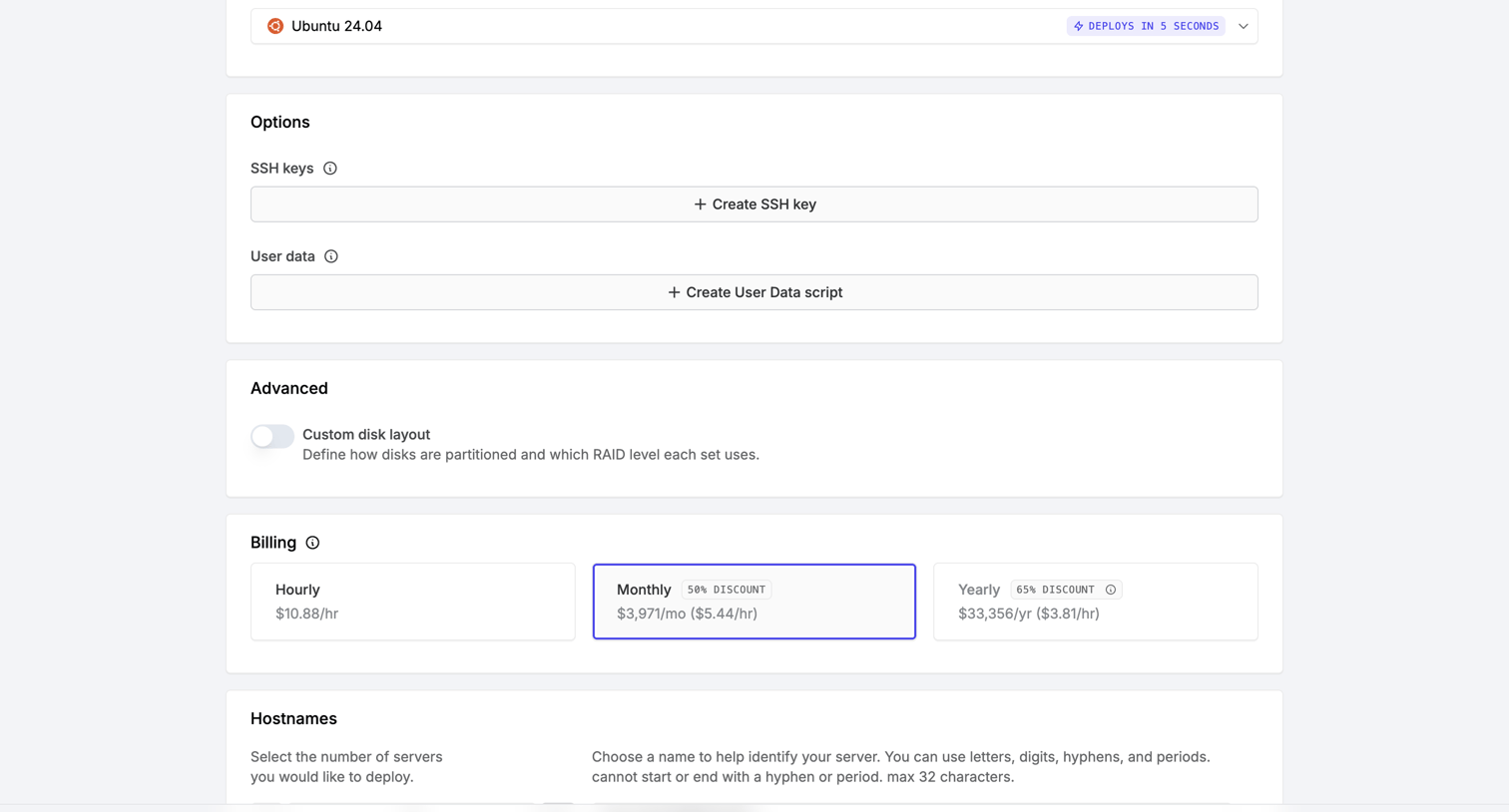

Server creation page where the user configures options like SSH keys, billing cycle, and hostnames before deploying.

Dashboards and data
Make information easier to find and understand.

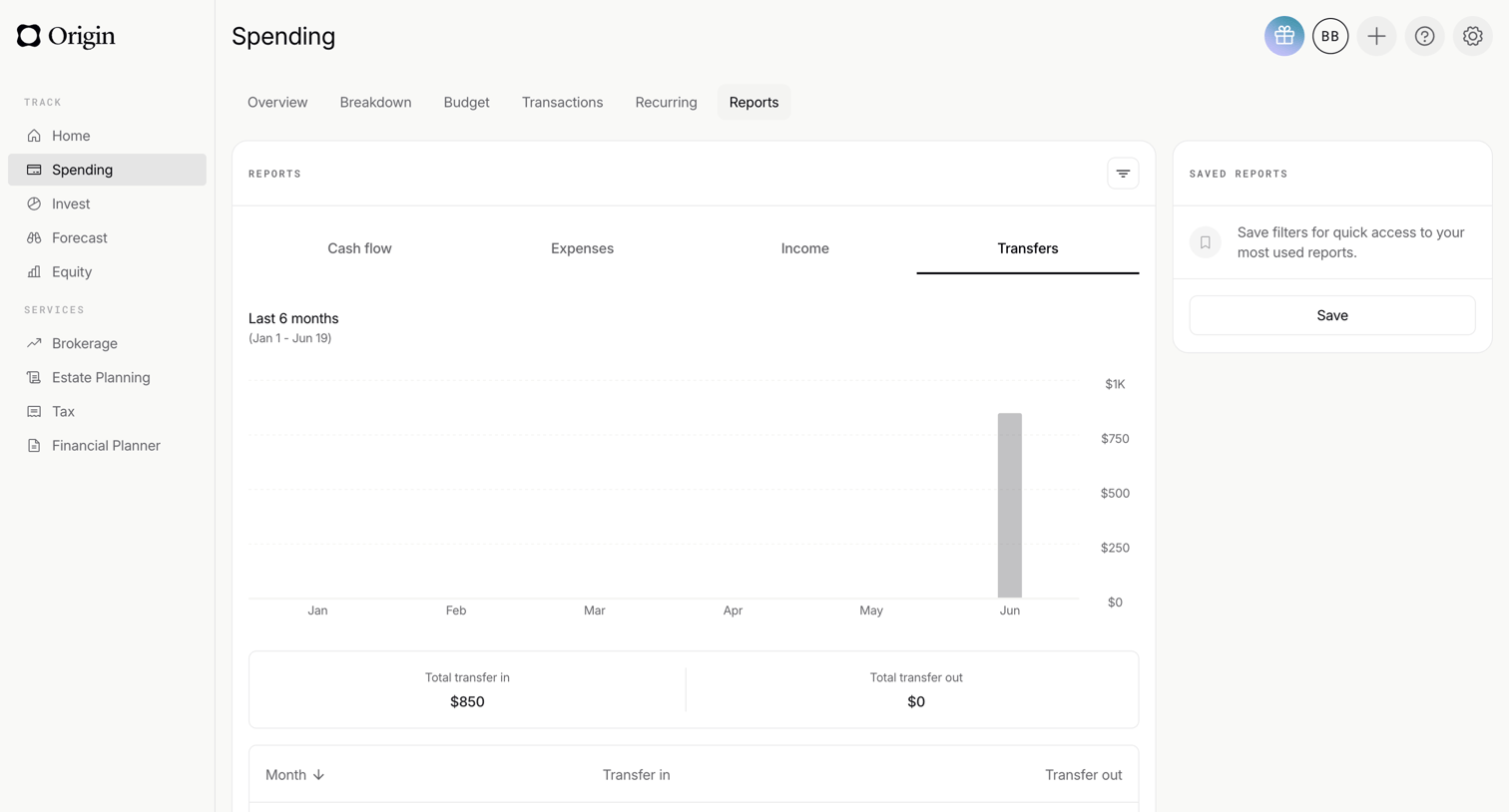

Dashboard for spending reports where the user views a bar chart of transfers over the last 6 months, alongside summary KPIs and a monthly breakdown table.
Settings and access
Help people manage preferences and permissions.

Feedback and system states
Show what happened and what people can do next.
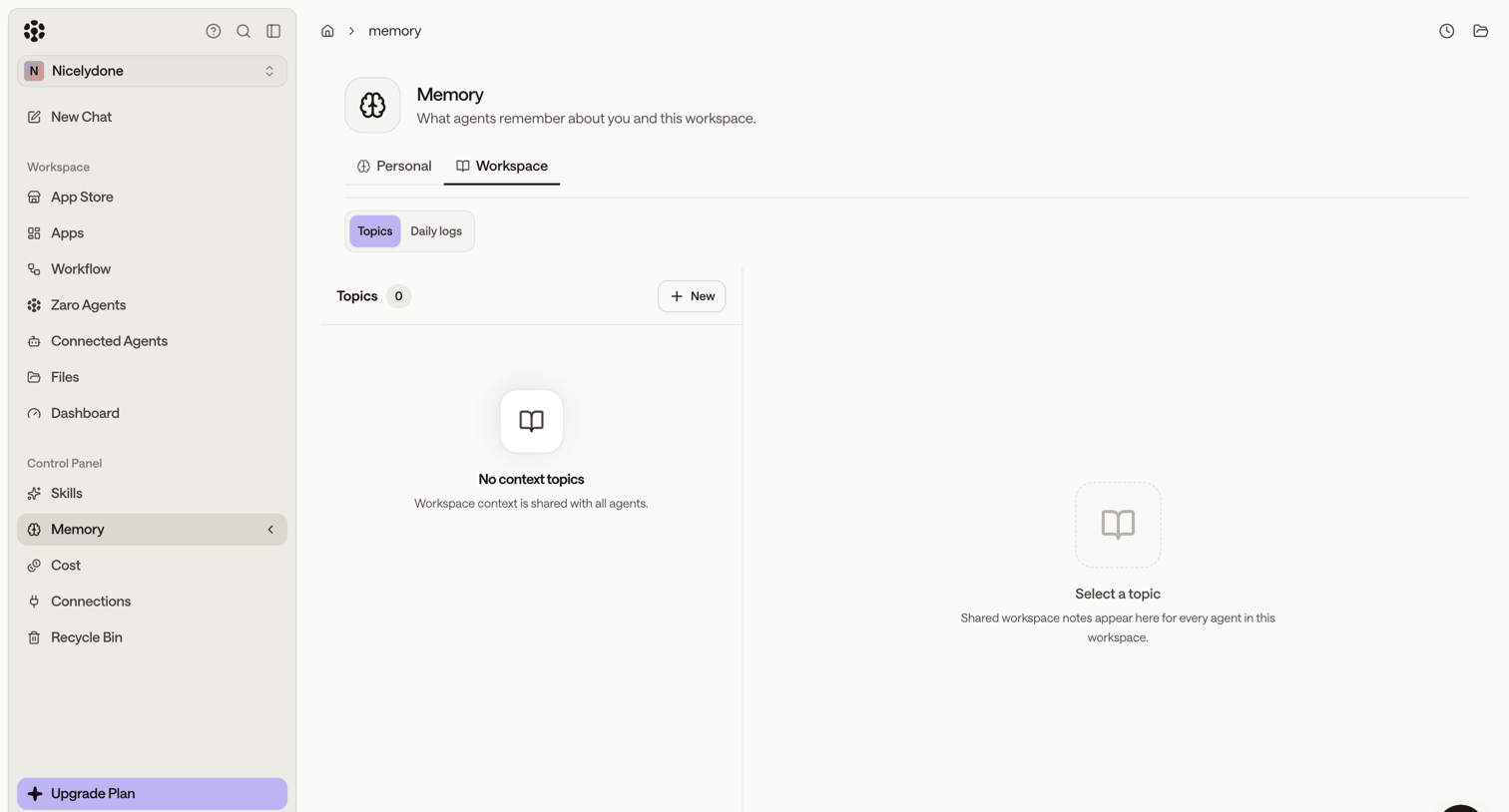

Settings page where the user configures workspace memory topics for their AI agents, currently showing an empty state.
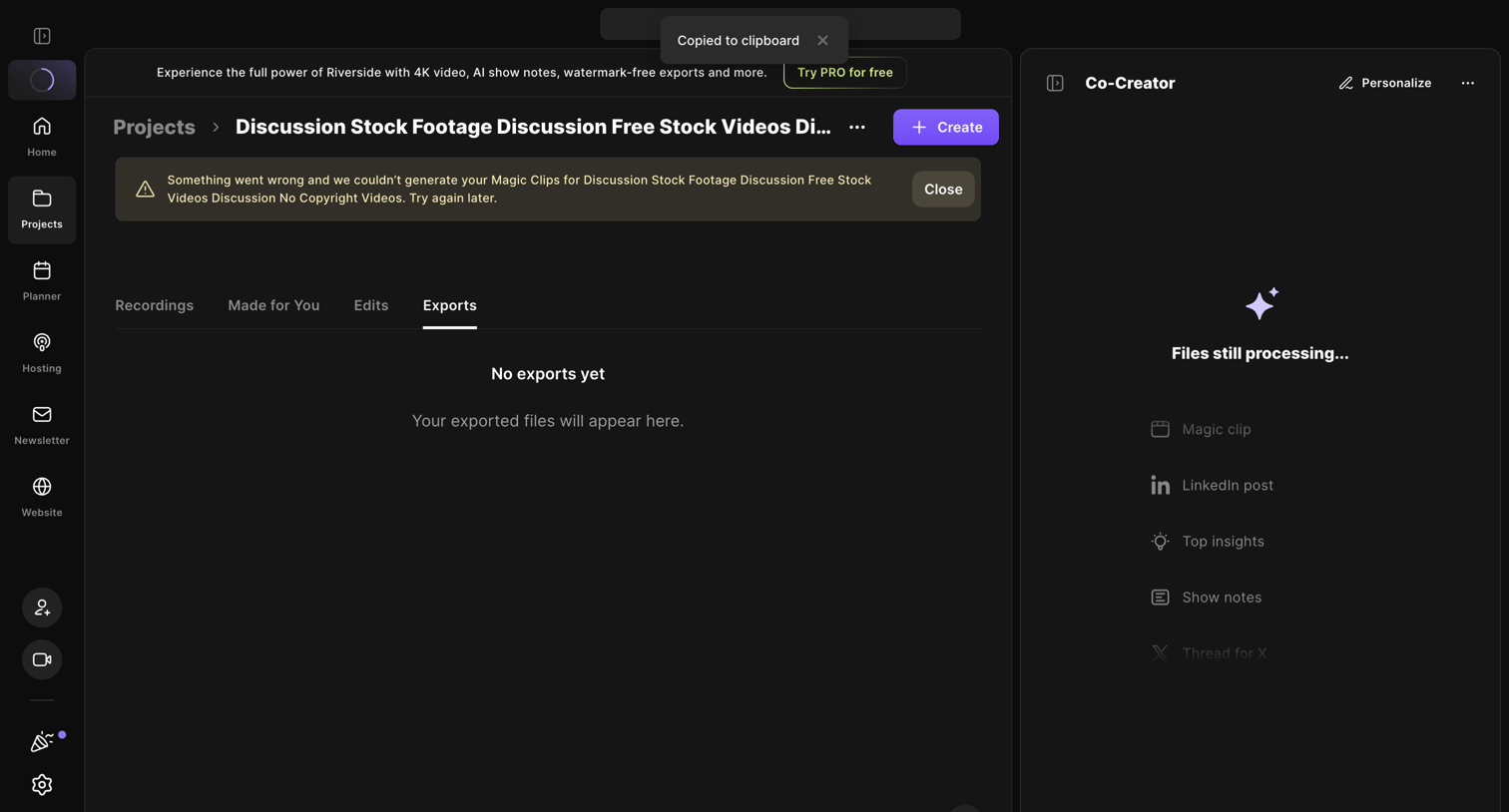

Project detail page where the user views exported files, currently showing an empty state, an error alert for failed magic clips, and an AI co-creator panel processing files.
Flows
Browse flowsGetting started
Create an account, set it up, and invite teammates.
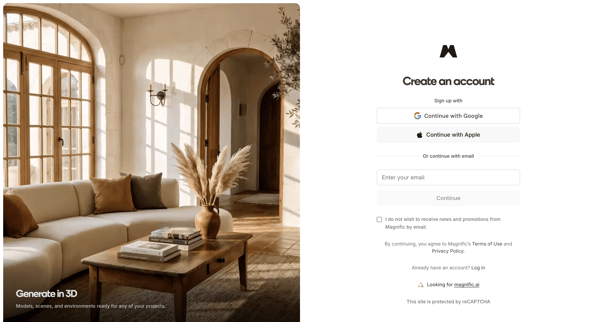
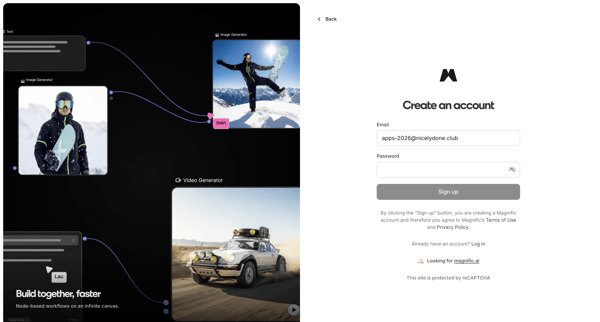
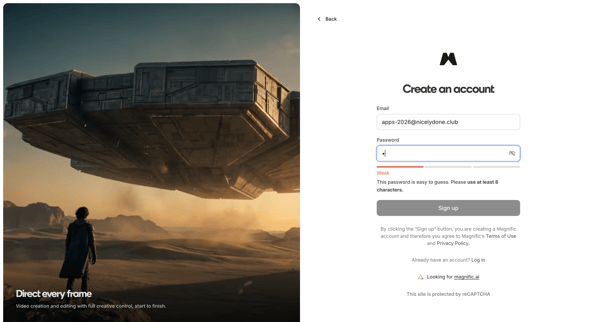
User creates a Magnific account via OAuth providers or email/password on split-screen signup pages with product previews and password strength indicators
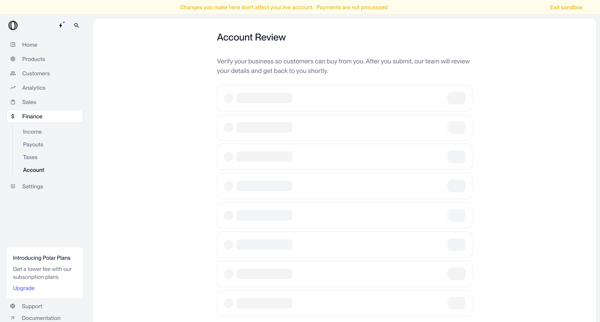
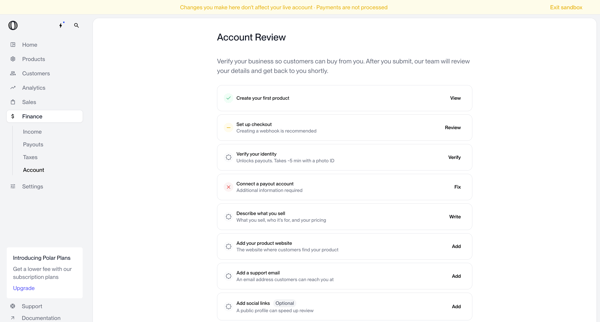
Merchant completes business verification form and onboarding checklist in Polar settings and dashboard to submit account for review and enable customer payments
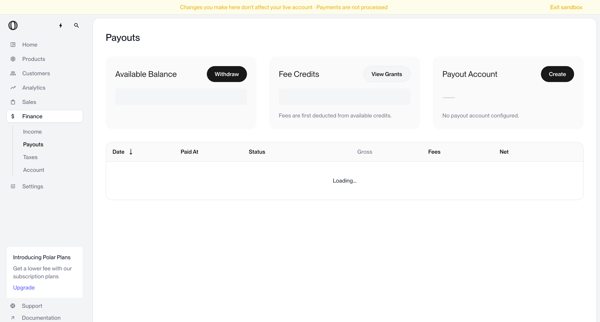
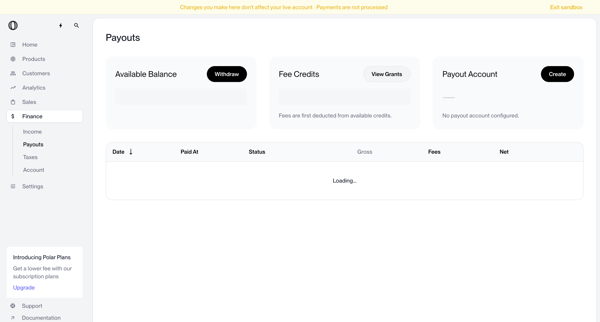
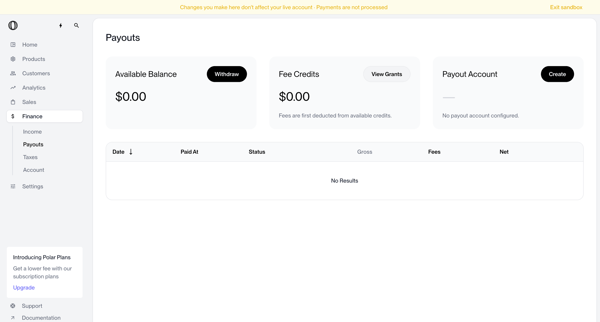
User views payouts dashboard showing no account configured, triggers withdrawal which shows blocked modal, opens create payout account modal, selects country of residence from dropdown, and returns to dashboard with manage button and setup required status
Finding information
Find information and narrow the results.
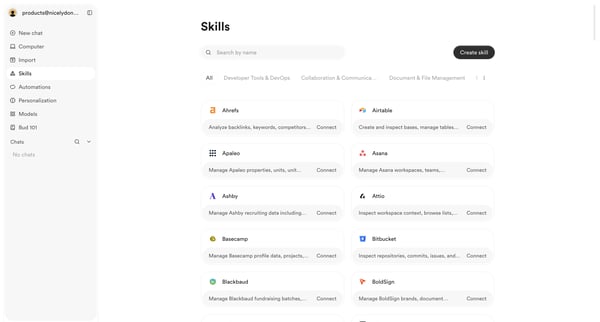
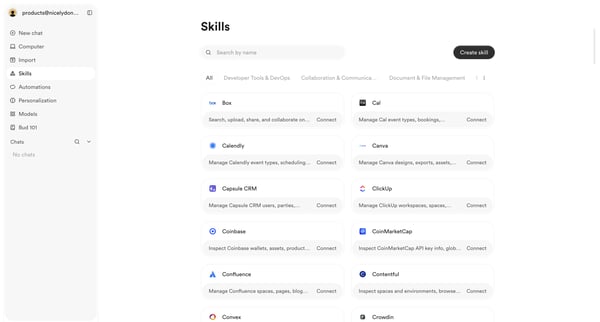
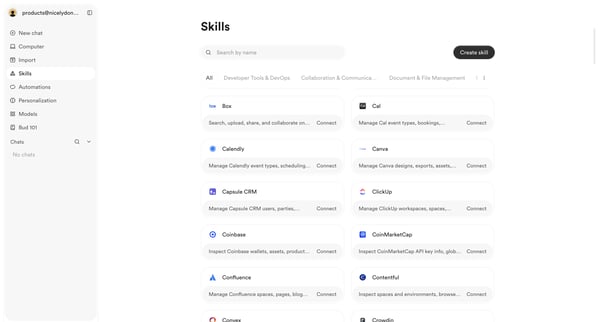
User browses, searches, and filters the skills integrations directory to discover and connect third-party tools

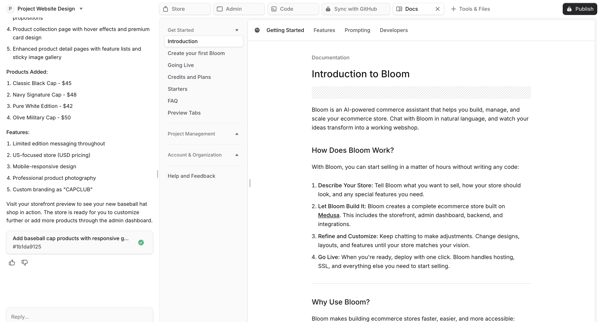
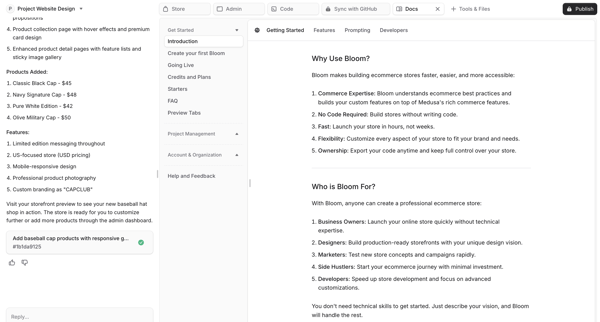
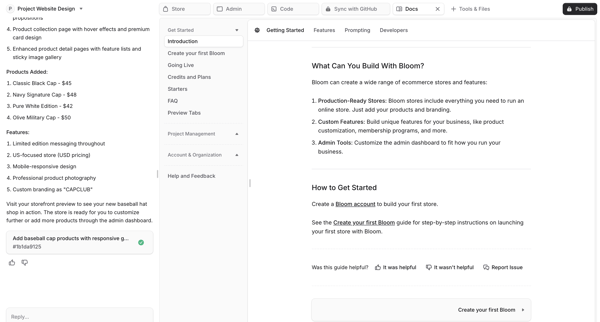
User reviews AI-generated ecommerce store documentation in split-pane artifact panel while maintaining chat with AI assistant in Bloom workspace
Account and subscription
Recover access or change a subscription.

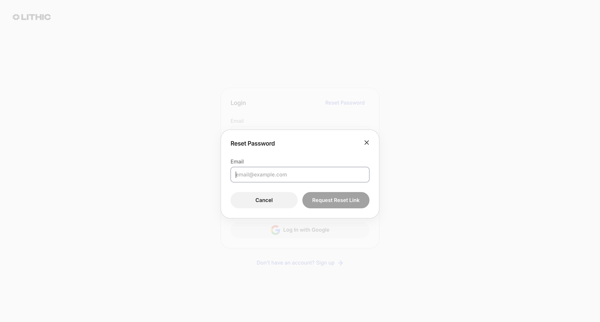
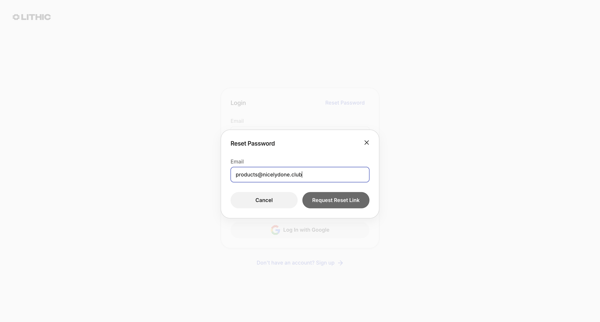
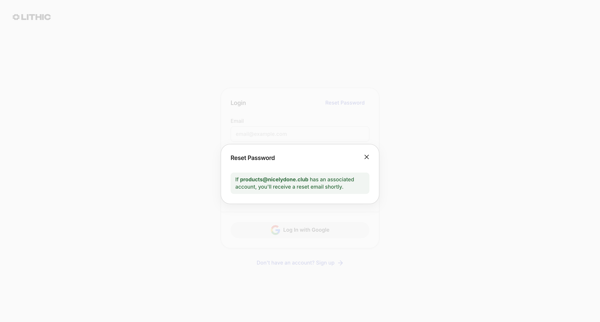
User requests a password reset link via email from the login modal, receives confirmation, then enters and confirms a new password on the reset form, ending at a success alert
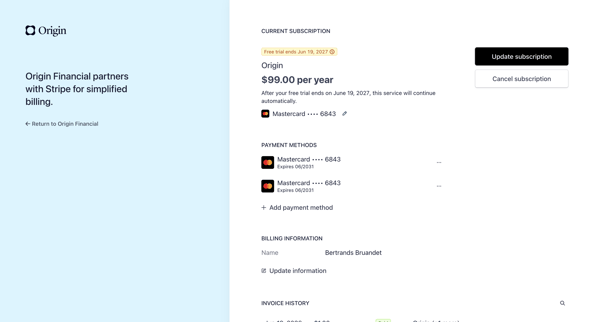
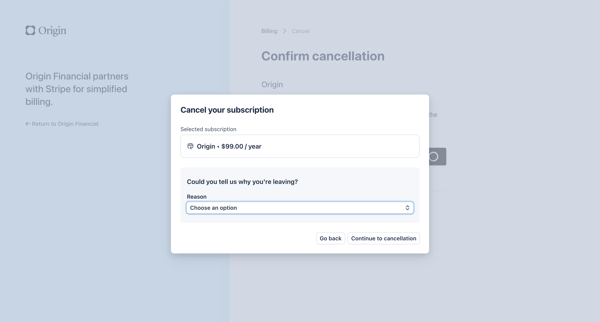
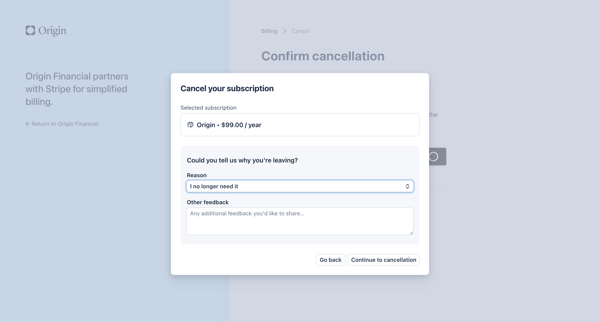
User navigates from billing settings to a Stripe-hosted cancellation modal, selects a reason for leaving, confirms annual $99 subscription cancellation, and completes the process with loading and final confirmation states.
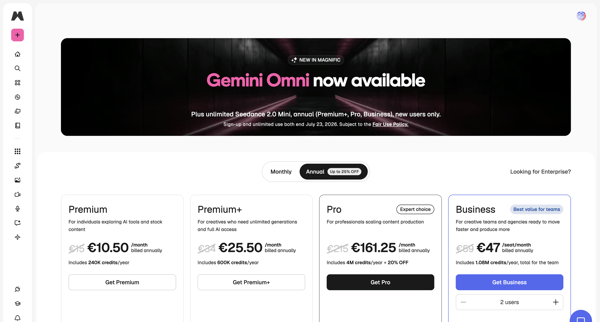
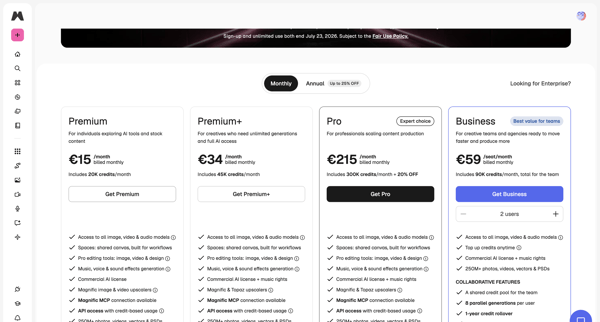
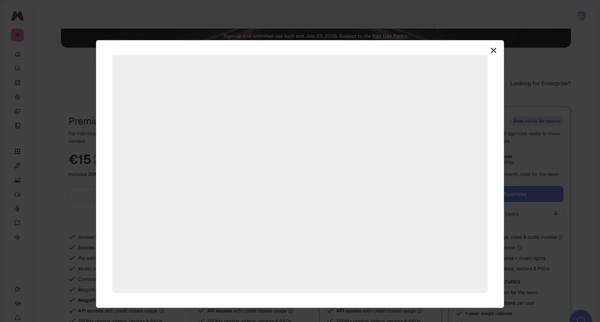
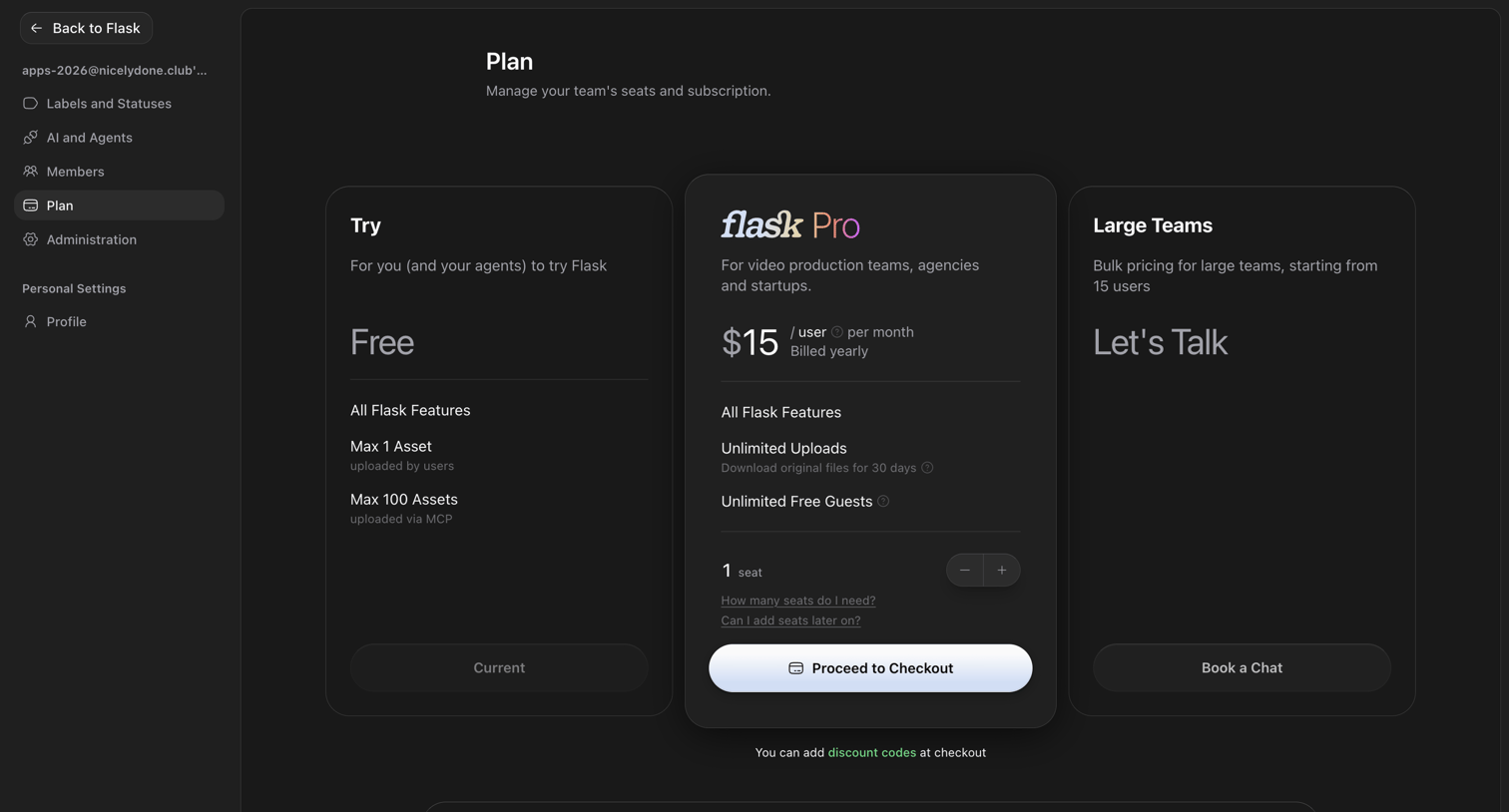
User views in-app pricing tiers, selects plan with monthly or annual billing and seat count, then completes payment in checkout modal to upgrade subscription
Marketing screens
Browse marketing screensProduct and conversion
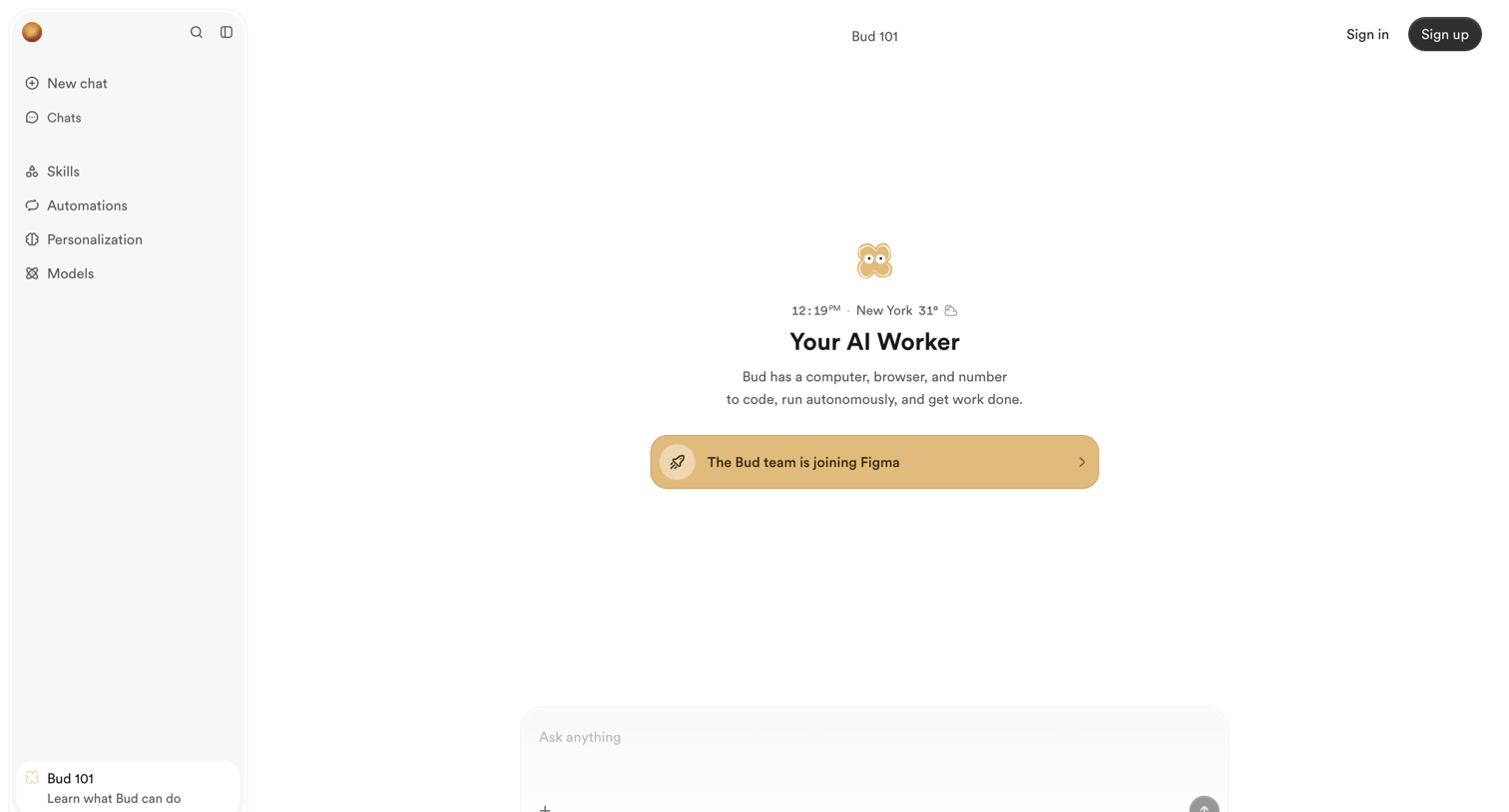
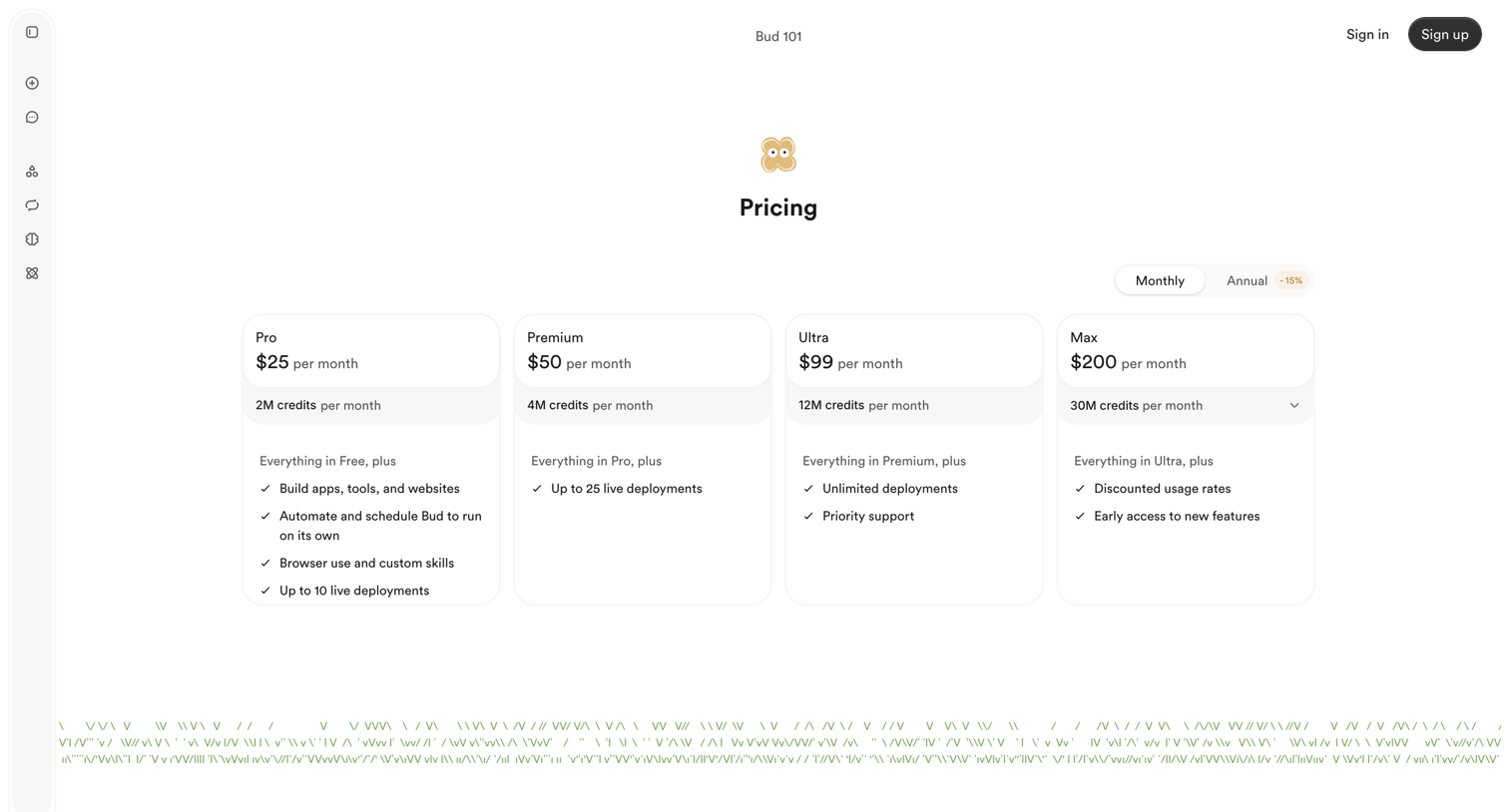
Explain the product and help visitors choose their next step.
Company and contact
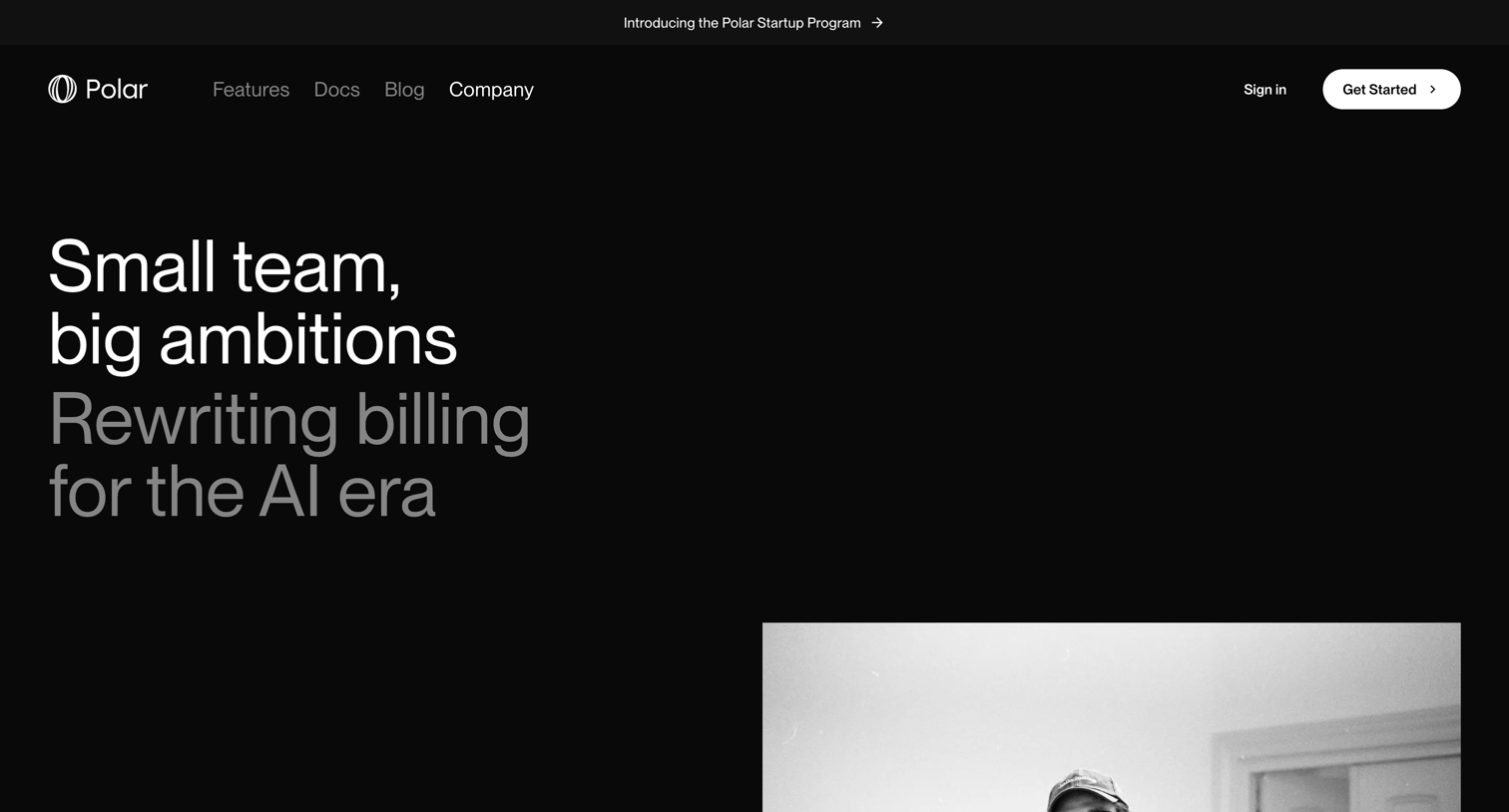
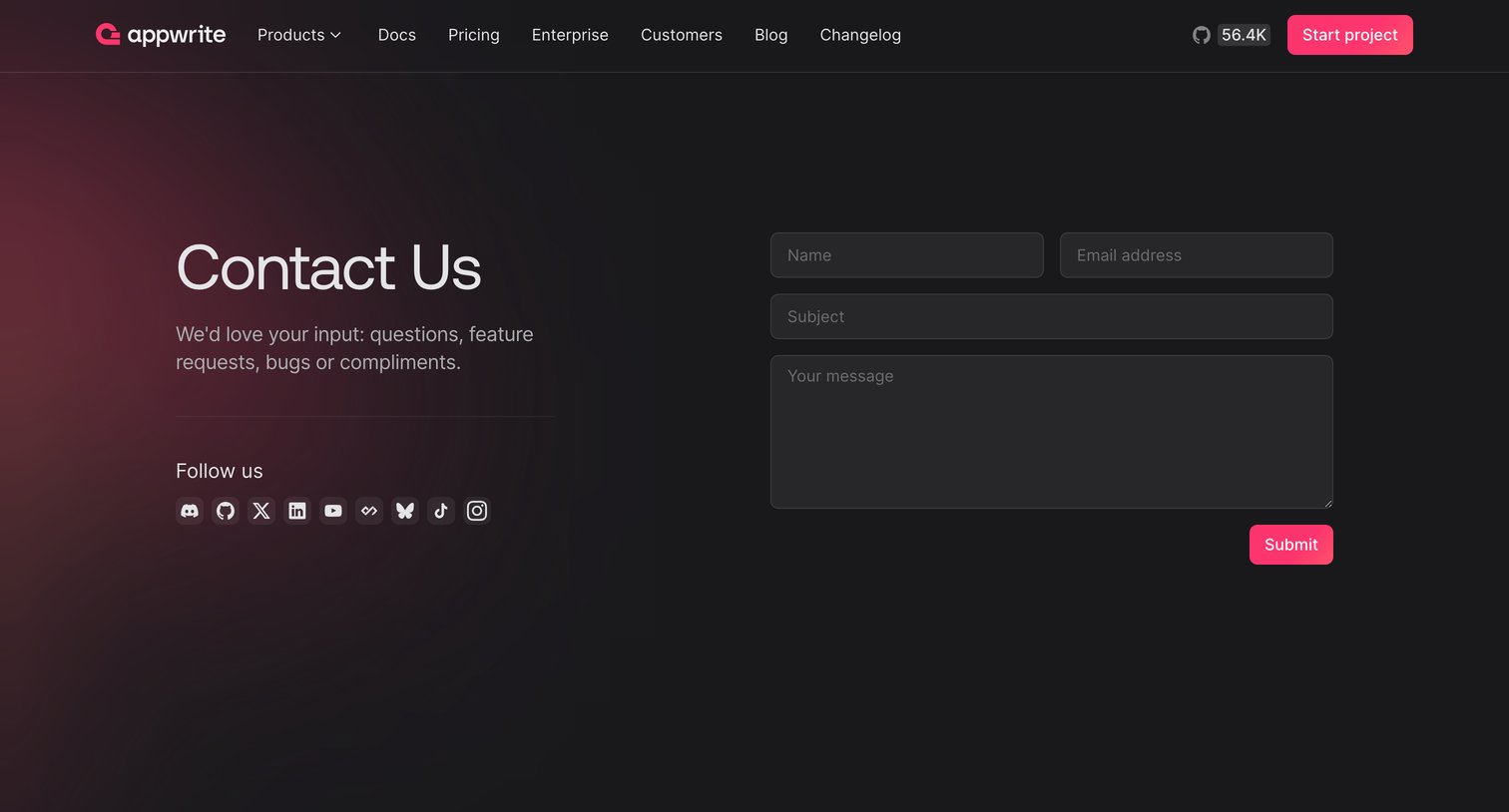
Introduce the company and help visitors get in touch.

Components
Browse componentsInputs and controls
Enter information and choose an action.
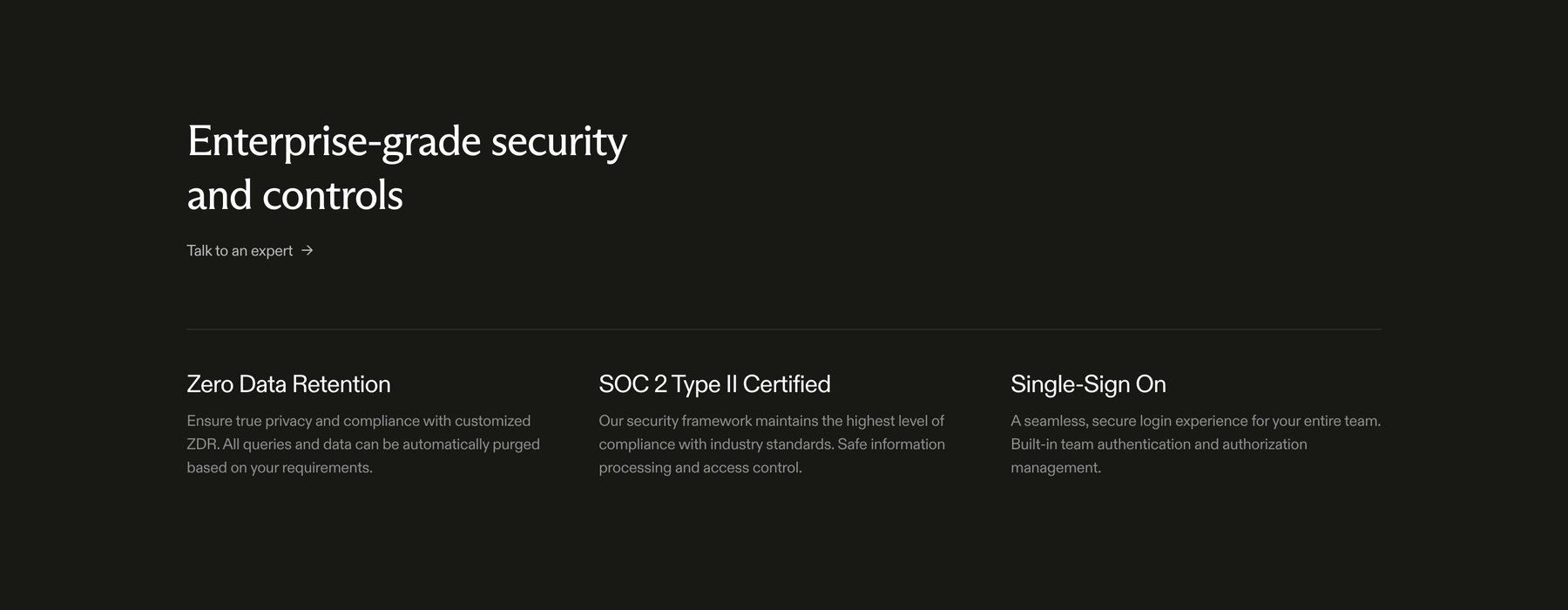

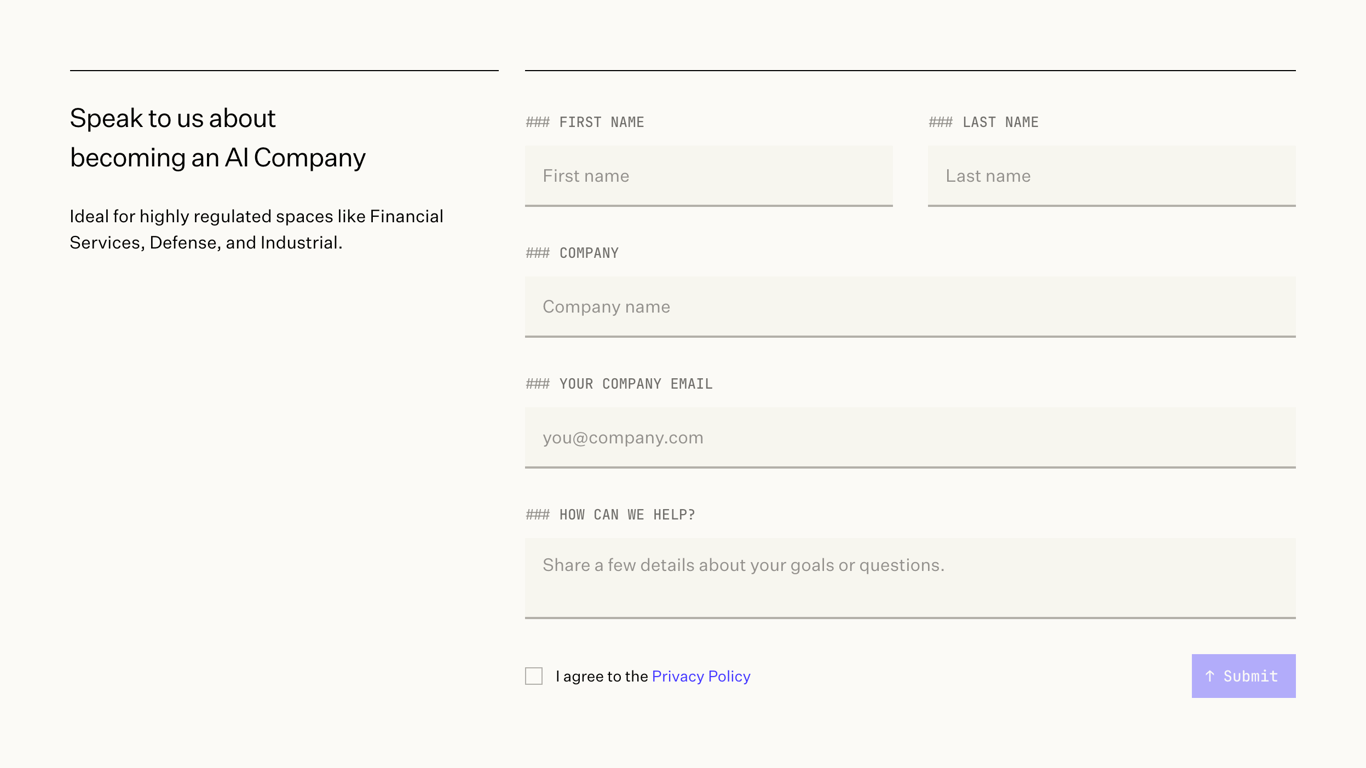

A contact form for business inquiries about becoming an AI company, targeting regulated industries.
Content and states
Present data, settings, plans, and empty states.
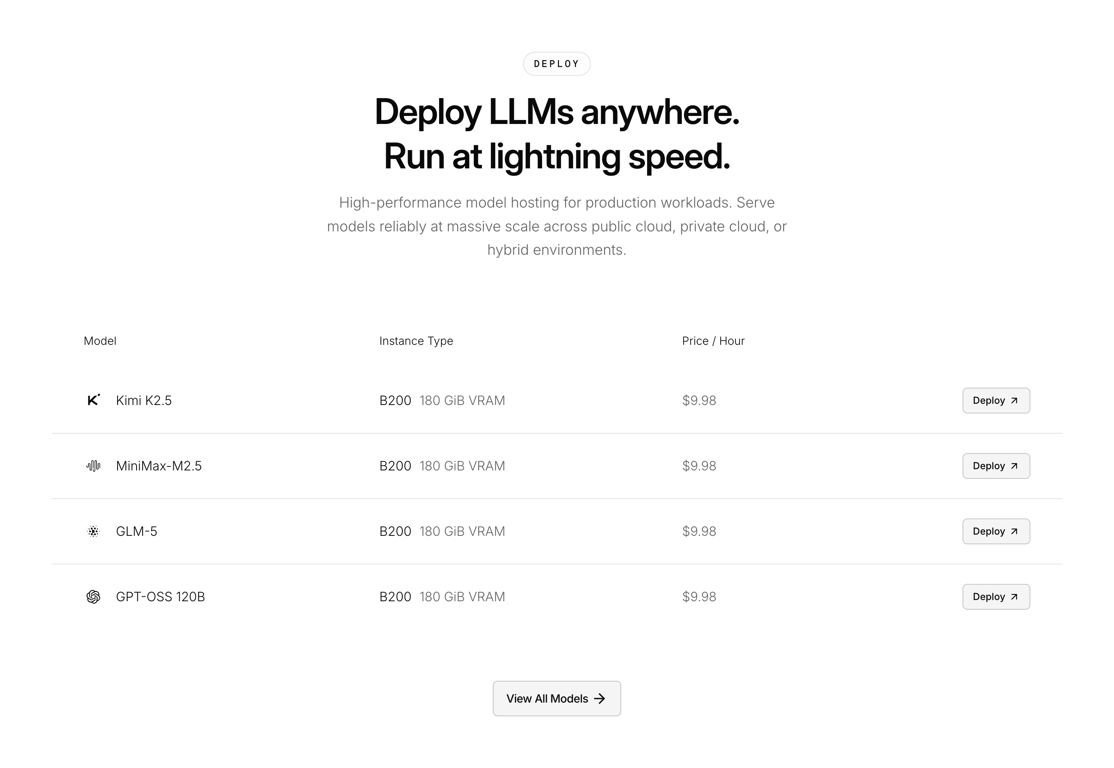


A search result page displaying an empty state with a message indicating no exact matches and a call to action to remove filters, accompanied by illustrative images.
Apps
Browse appsApp categories
Explore app designs by category.