AI Search screen examples
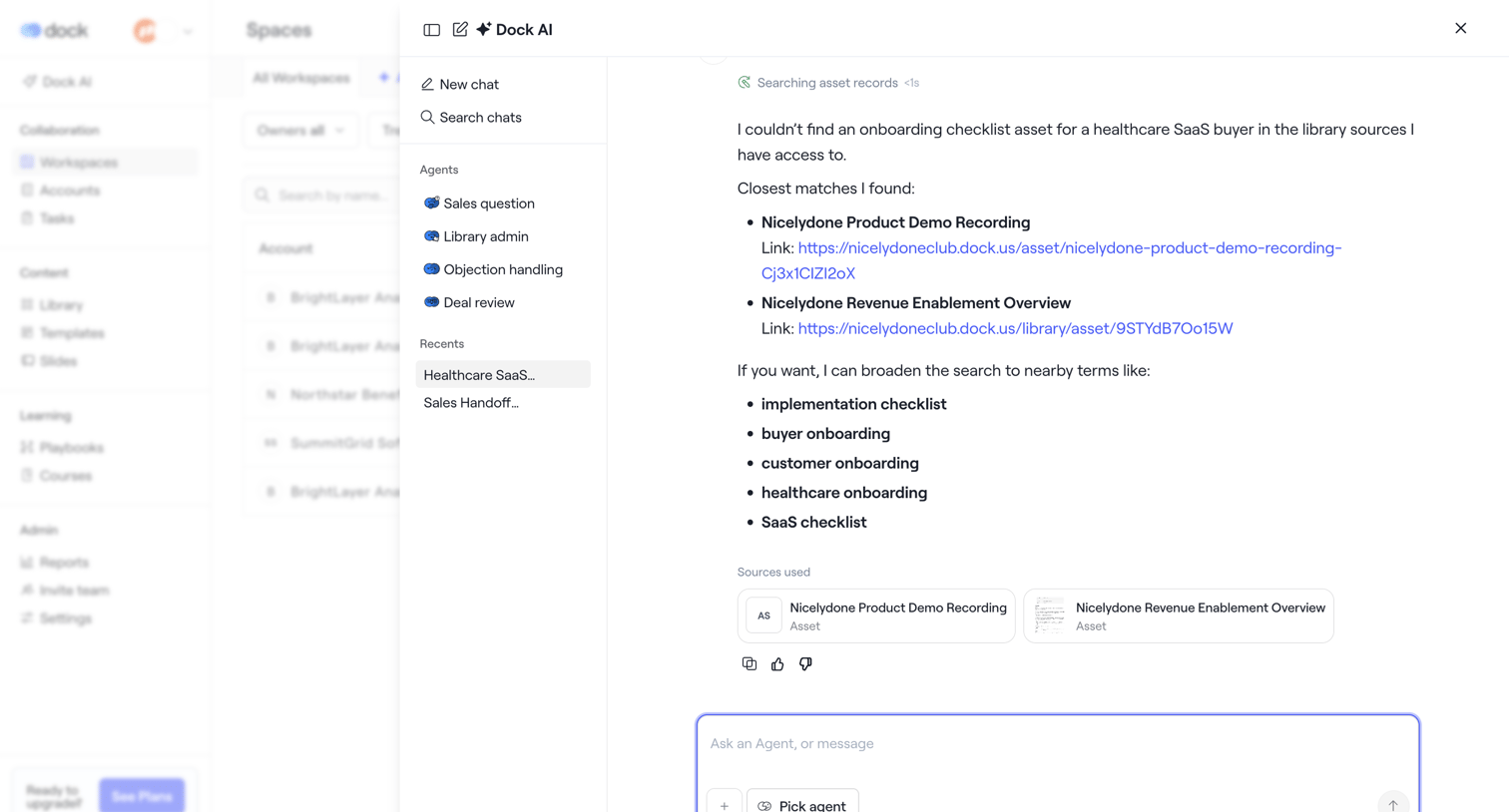
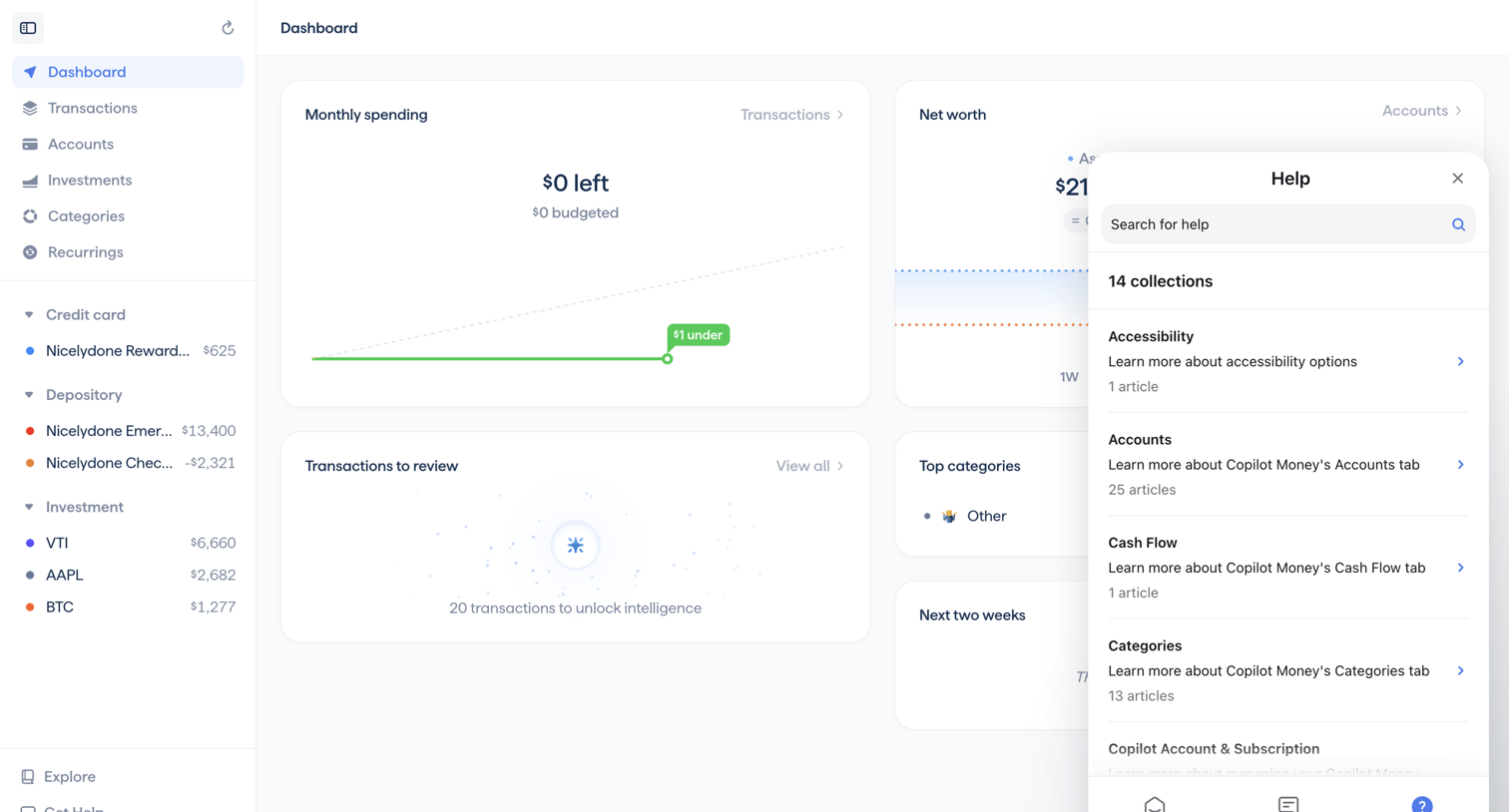
AI Search screen design examples from SaaS apps. See how apps combine search queries with AI-generated answers. Explore the space given to the question, supporting information, and controls for refining a…
Explore the examples
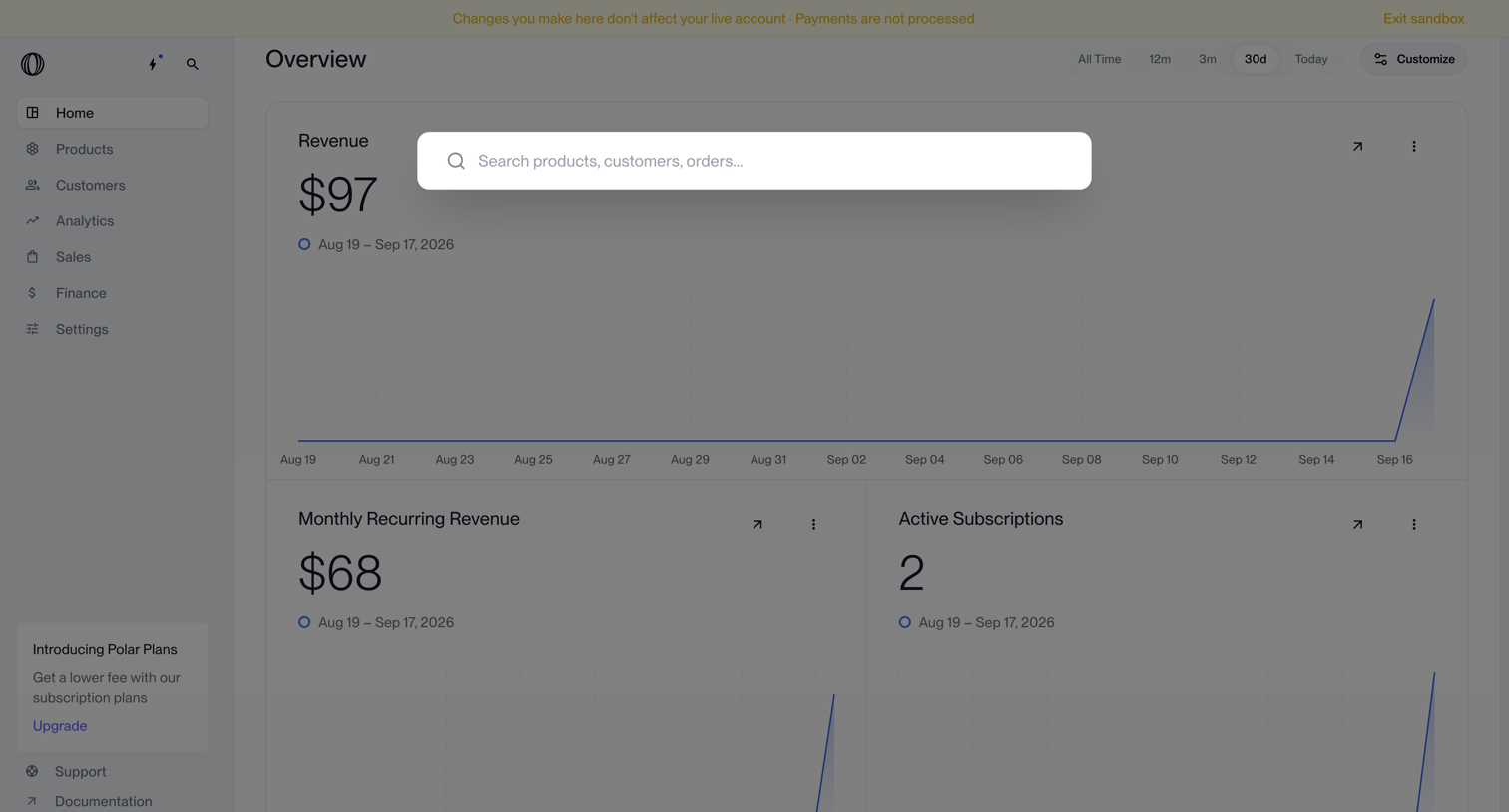

Dashboard showing revenue, monthly recurring revenue, and active subscriptions with a global search overlay open.
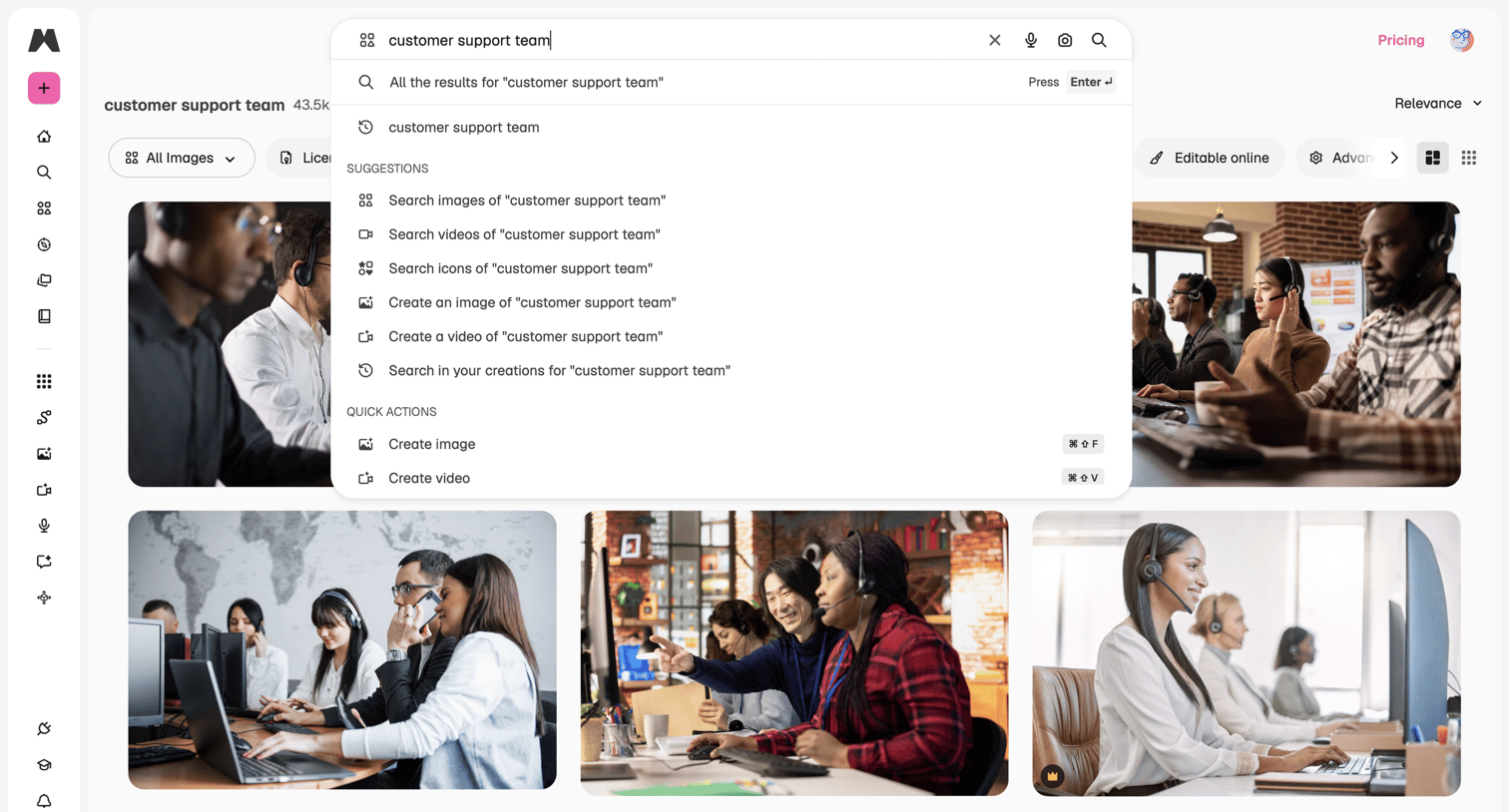

Search overlay where the user is typing a query and seeing suggestions to either search existing media or generate new images and videos.
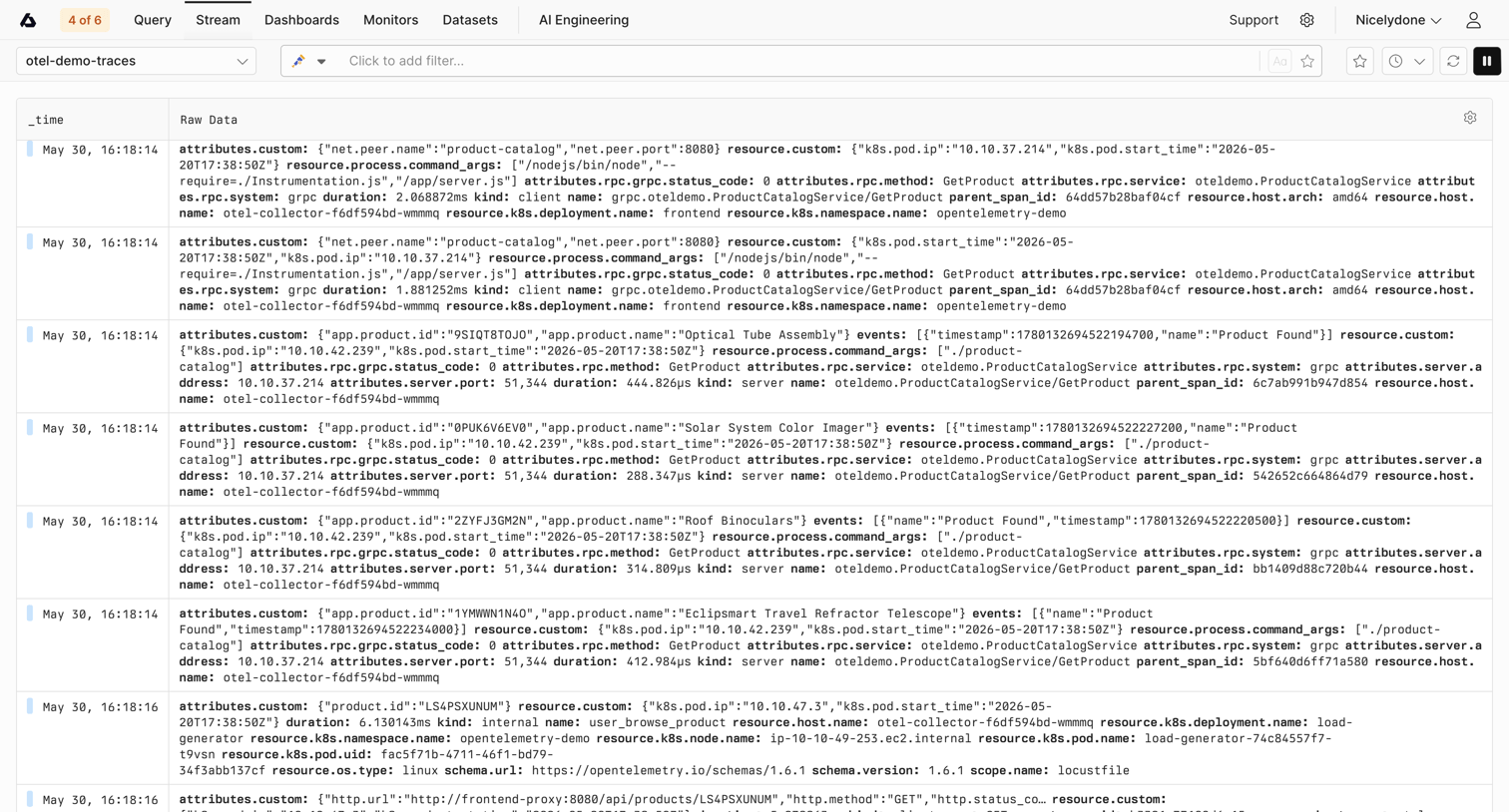

Log stream view where the user monitors real-time raw trace data from the otel-demo-traces dataset with options to filter and pause the stream.
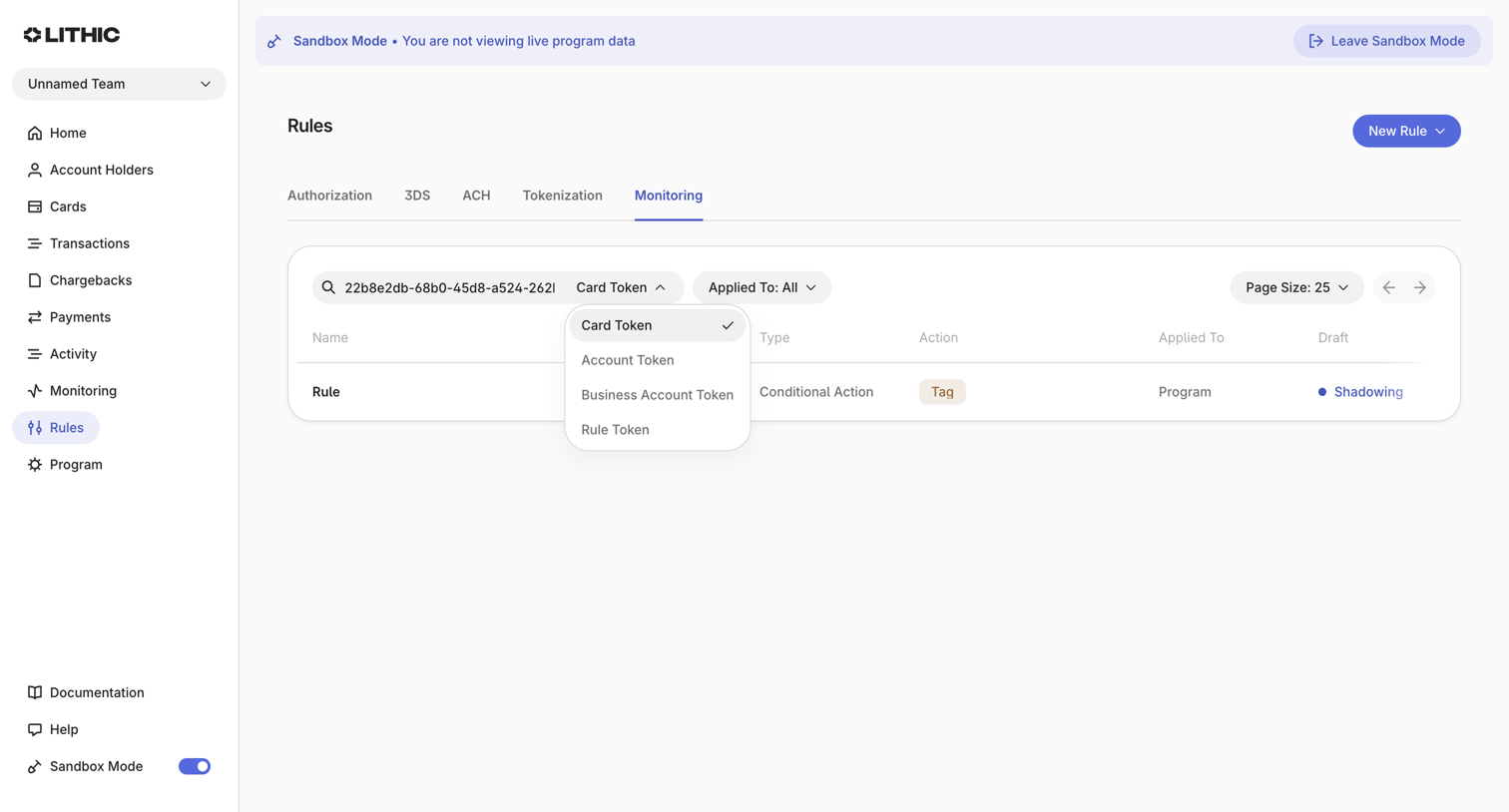

List view where the user filters and manages monitoring rules for card transactions in a sandbox environment.


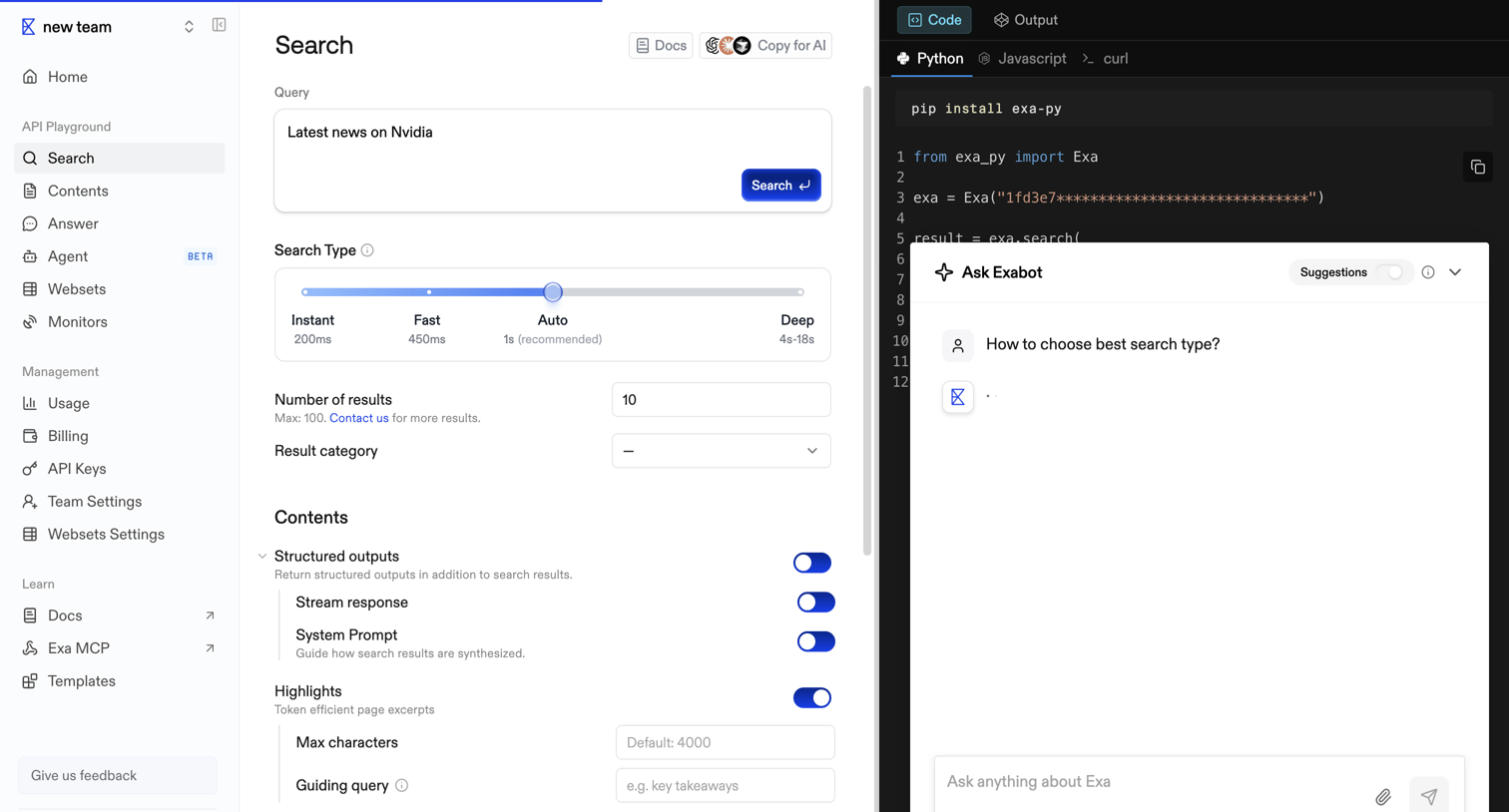

API playground where a developer configures a search query for Nvidia news, tuning parameters like search type and structured outputs, while an AI assistant overlay loads a response.
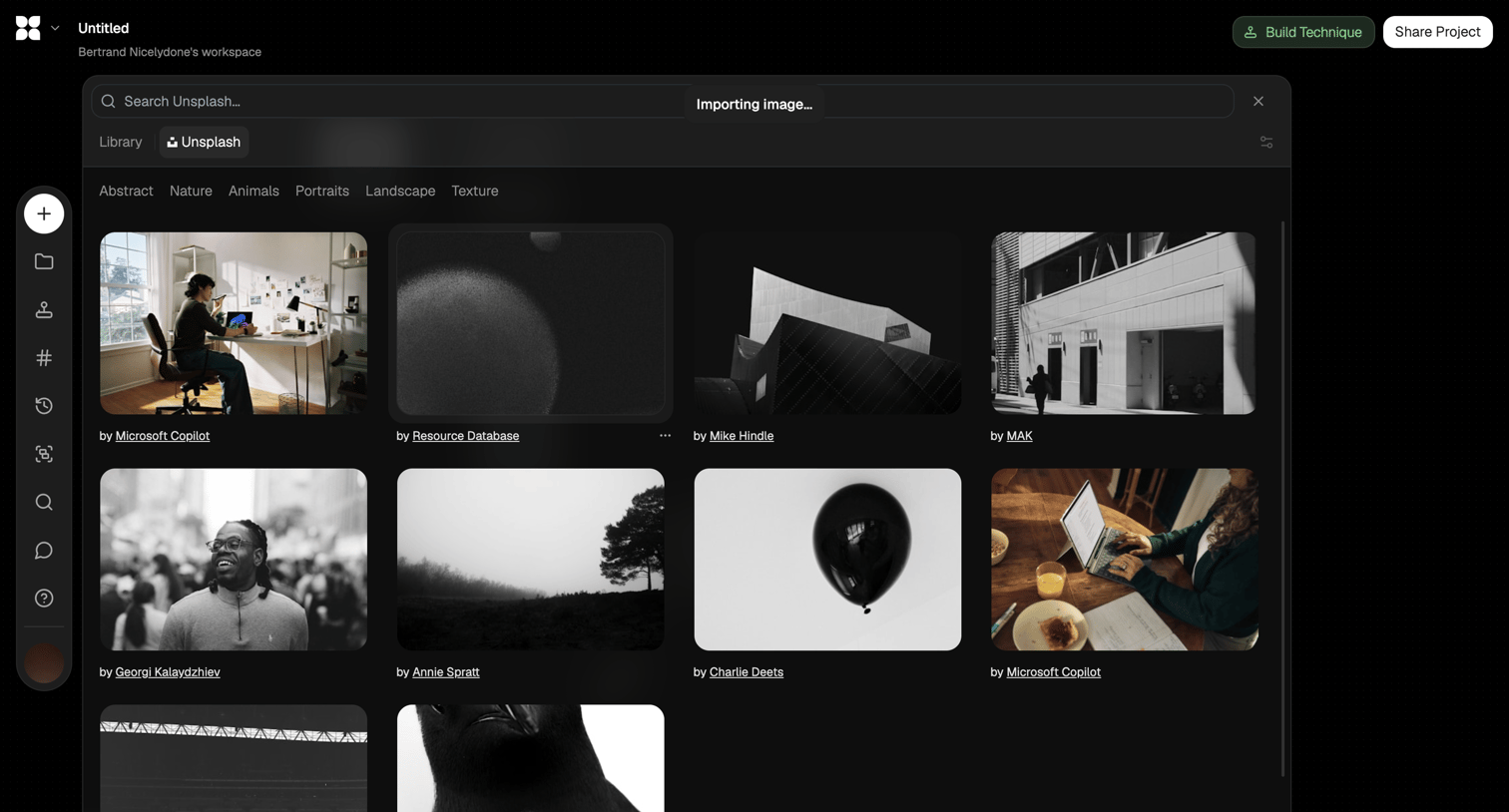

Design editor where the user is searching the Unsplash library via a modal to import a photo into their project.
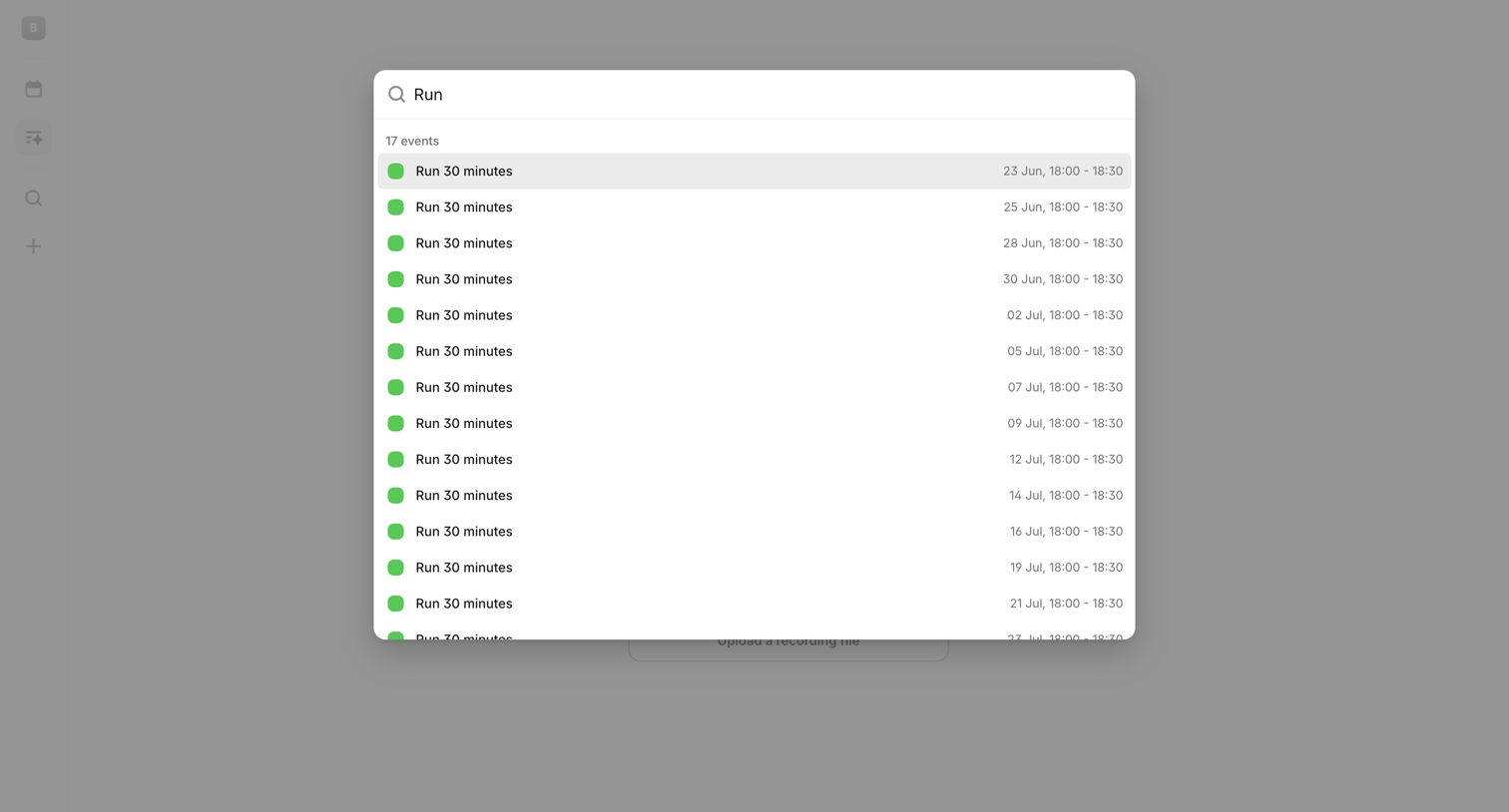

Search overlay where the user looks up past and future calendar events matching the keyword 'Run'.
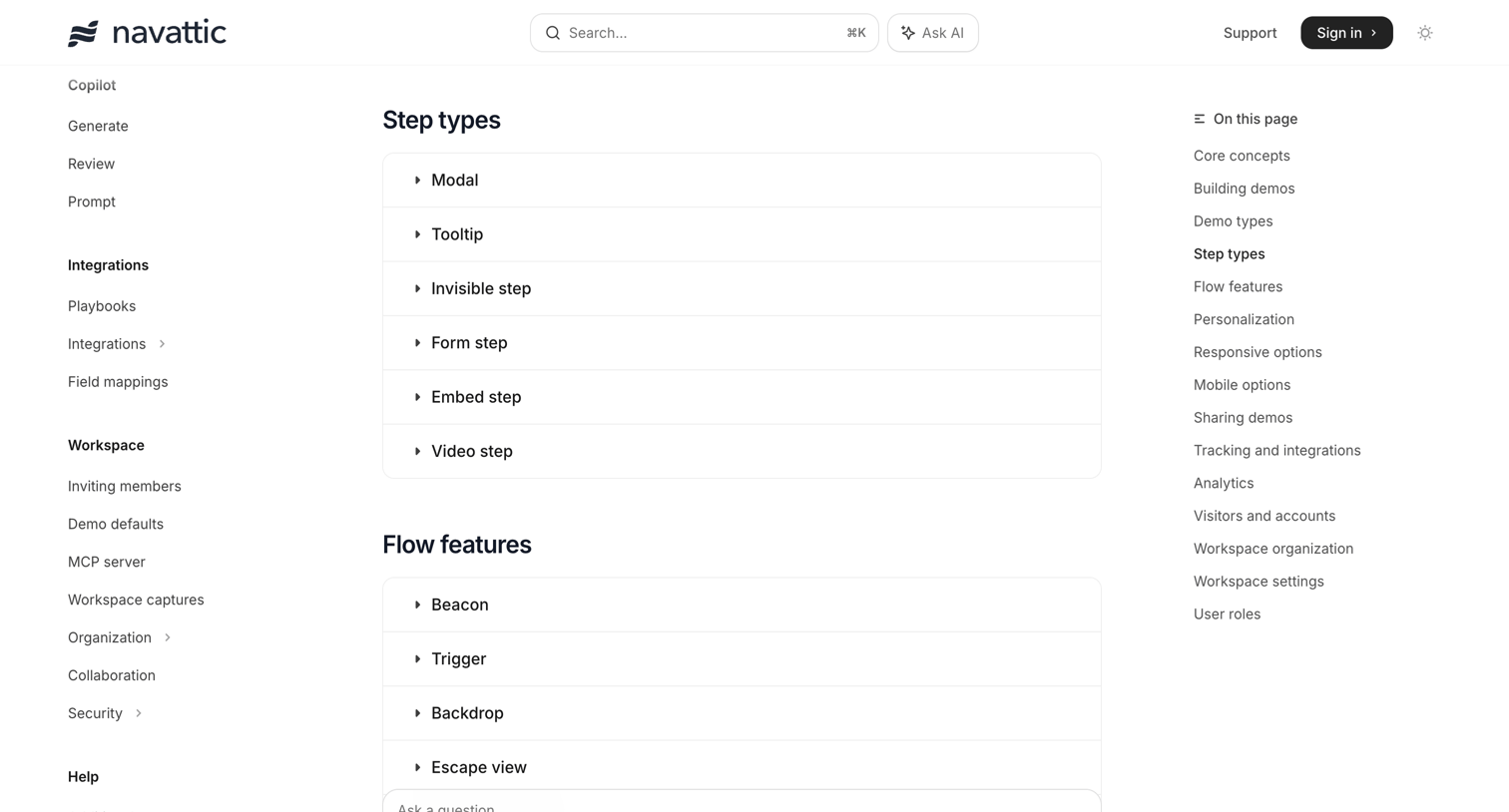

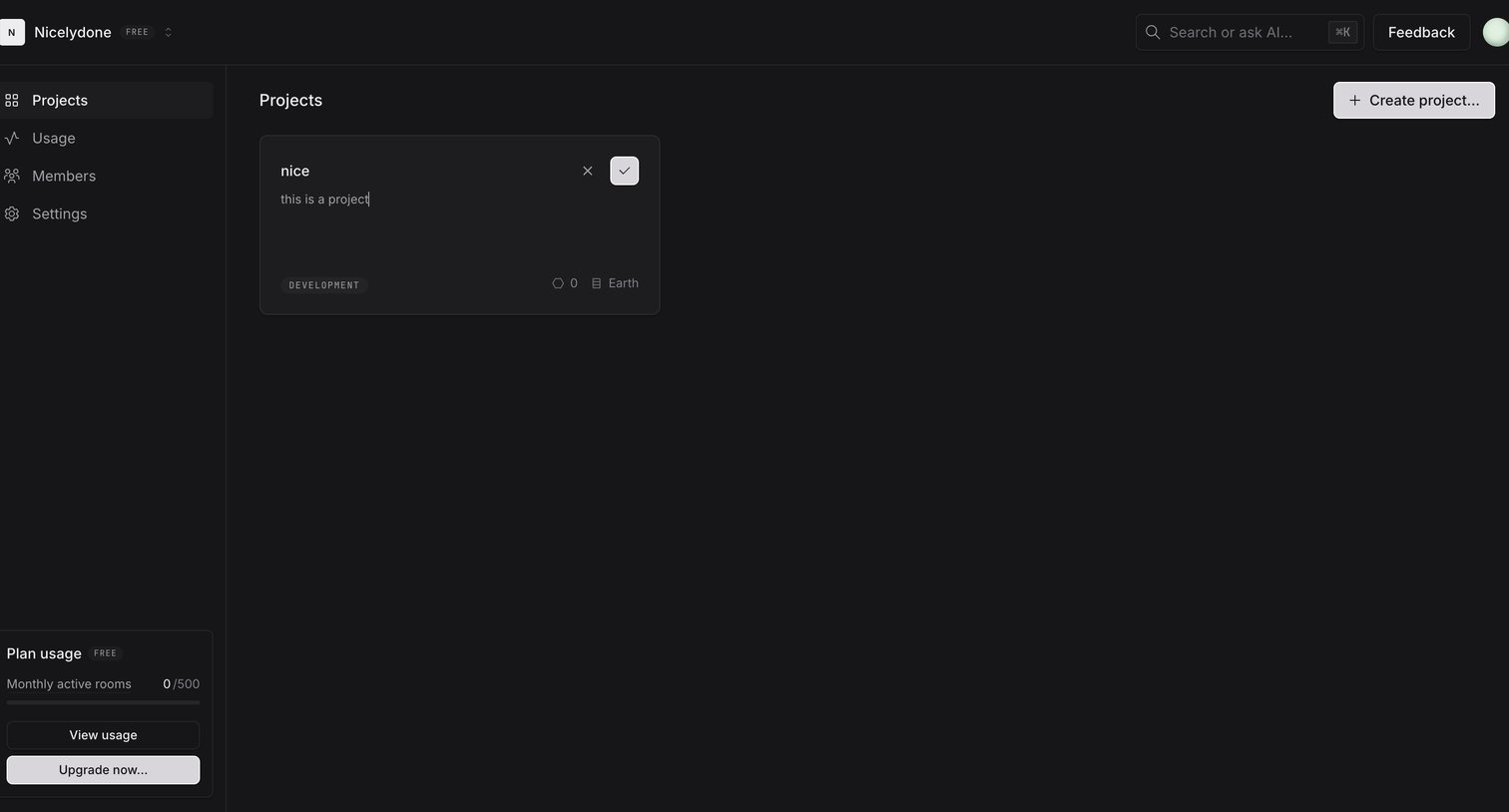

Projects list page where the user is inline-editing a project card to set its name and description.
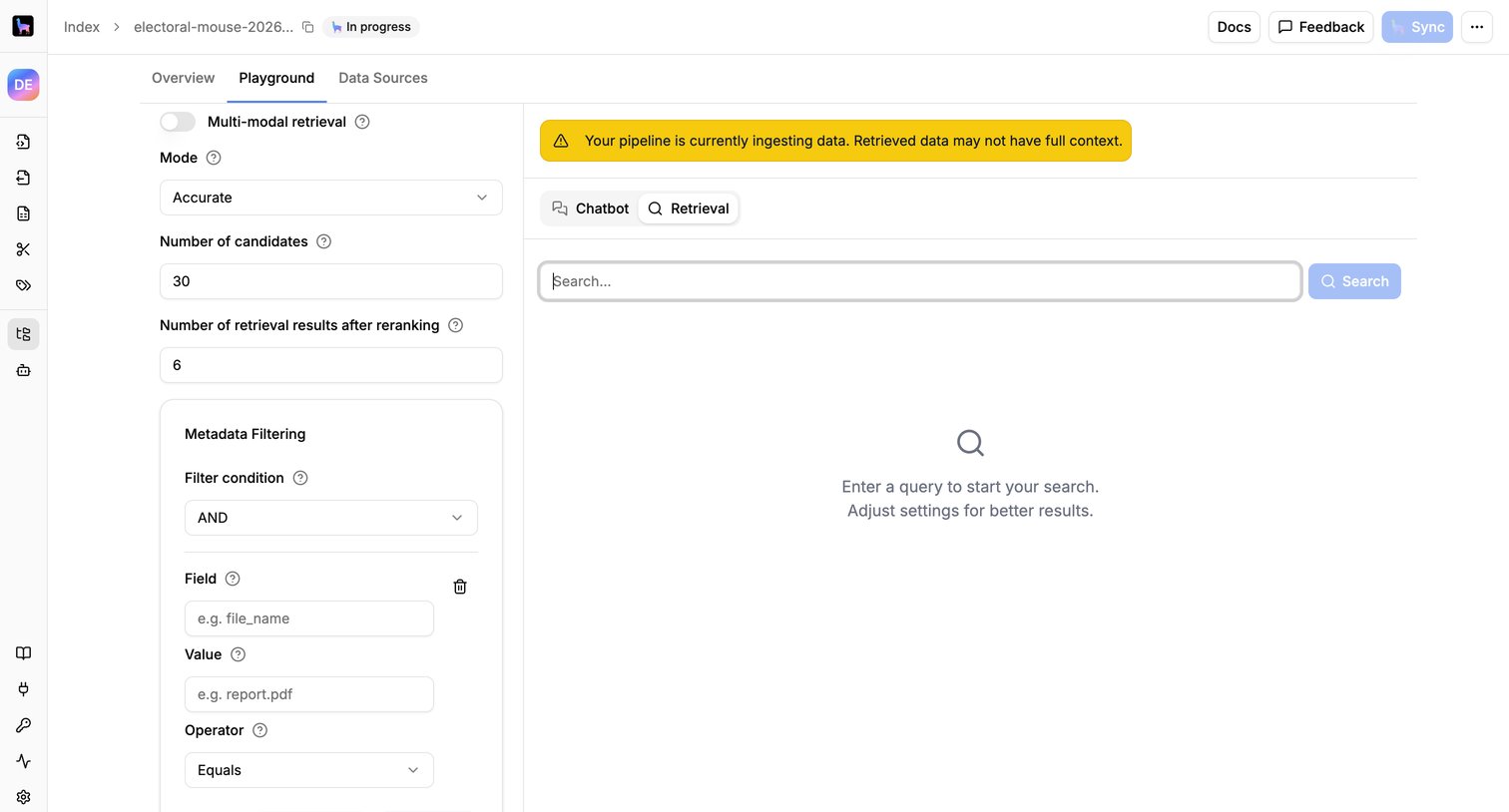

Search playground where the user configures retrieval parameters like mode and metadata filters before testing queries against an ingested pipeline.
Explore the full SaaS screen library
Upgrade to unlock the full library.
Trusted by the best teams








About AI Search
See how apps combine search queries with AI-generated answers. Explore the space given to the question, supporting information, and controls for refining a search or investigating a result.