Edit screen examples
Edit screen design examples from SaaS apps. See how SaaS apps let people change an existing item. Explore how editable fields, current values, and save or cancel actions appear together while keeping…
Explore the examples
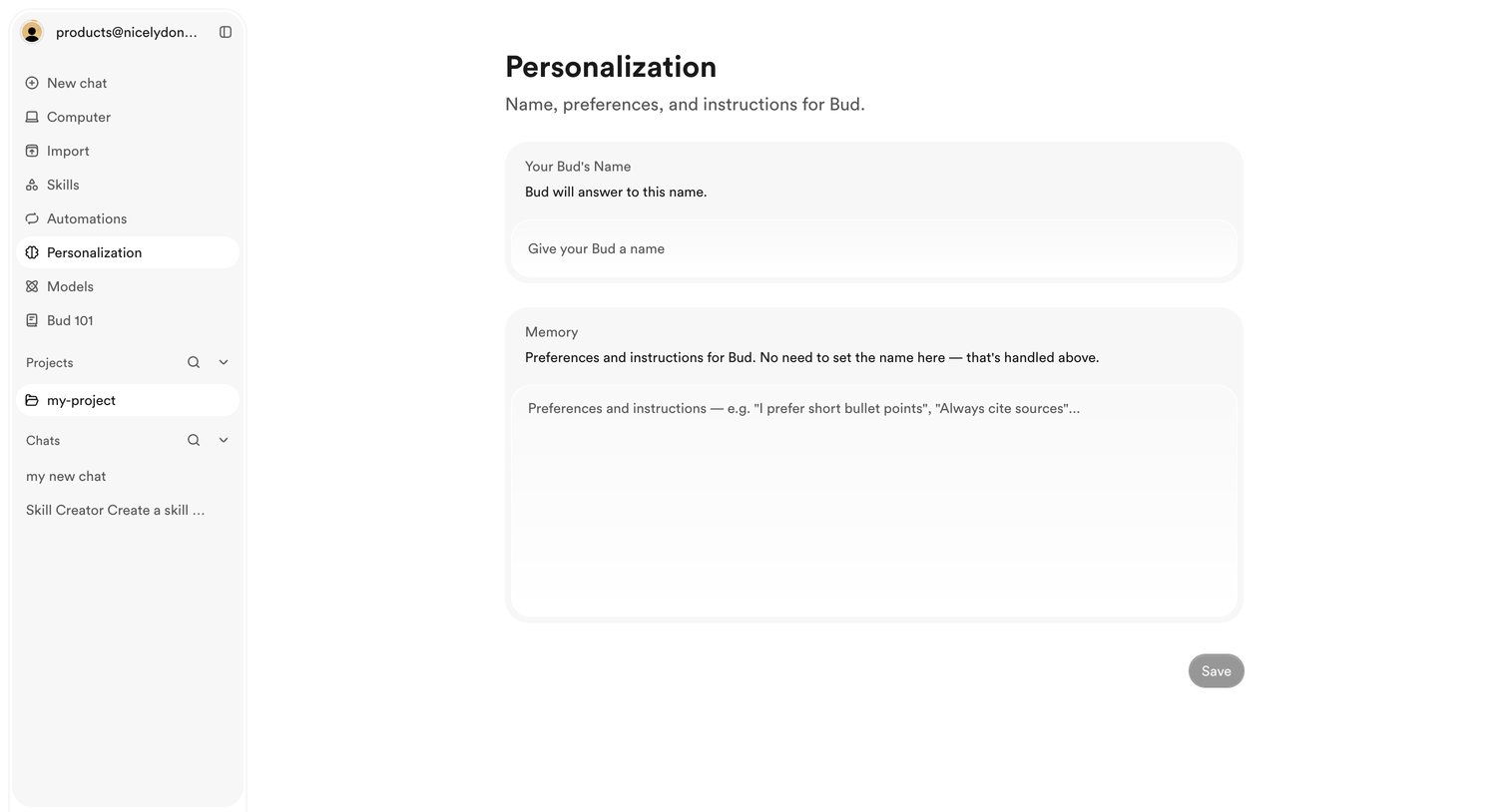

Settings page where the user configures their AI assistant by assigning it a name and defining global preferences and instructions.
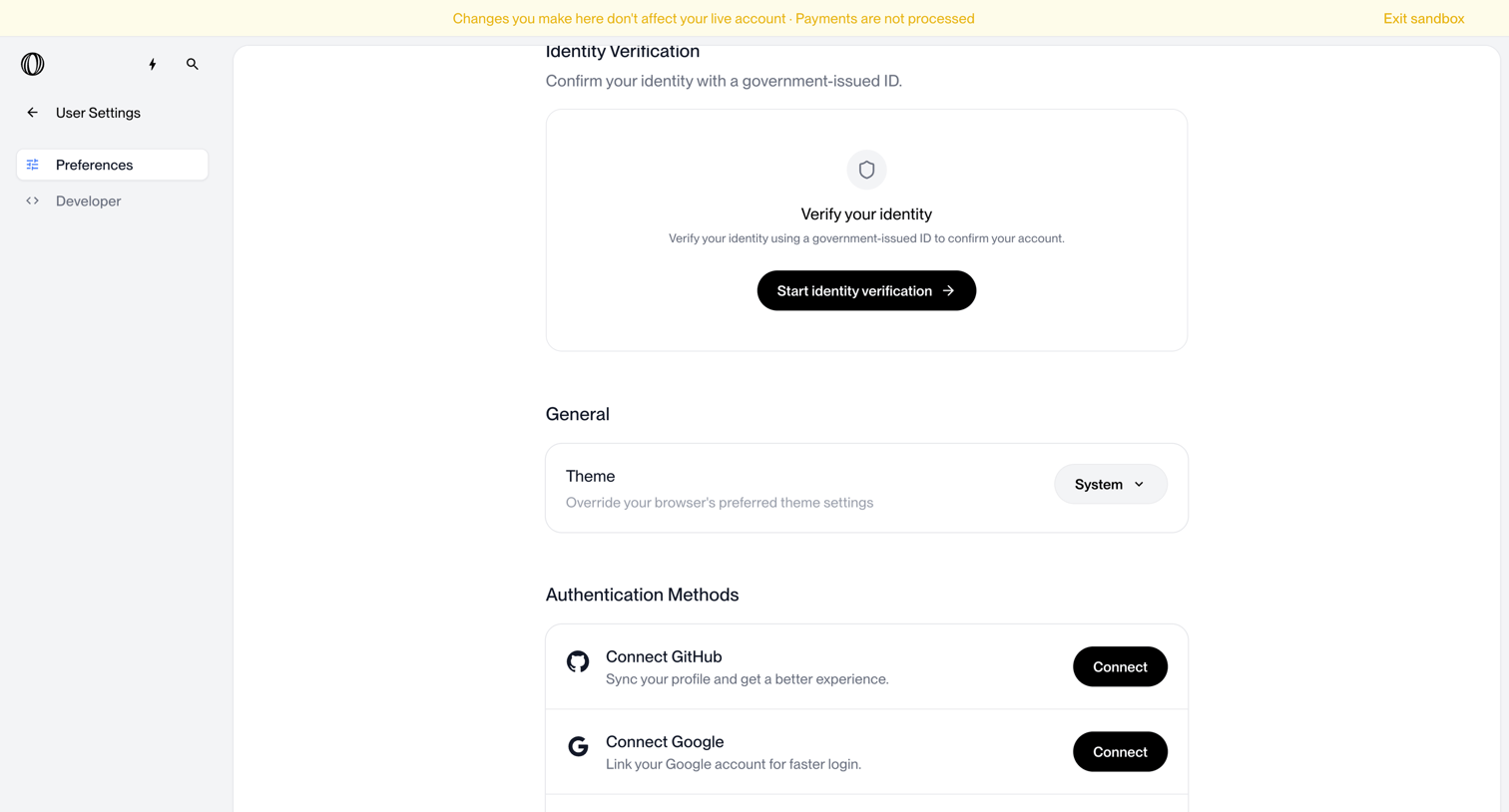

Settings page where the user configures identity verification, theme preferences, and authentication methods like GitHub and Google.
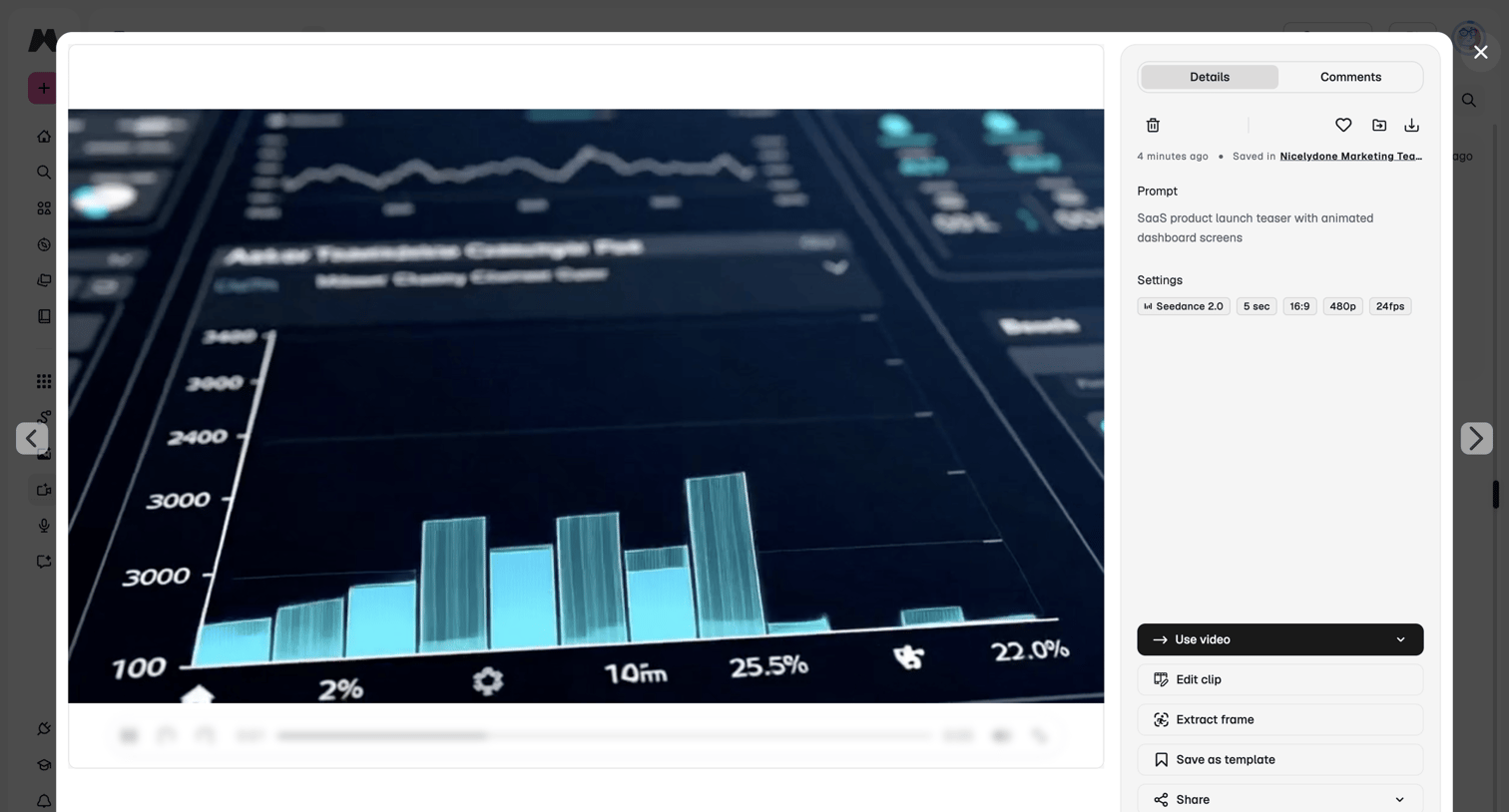

Detail modal where the user reviews a generated video, its prompt, and settings, with options to use, edit, or share the clip.
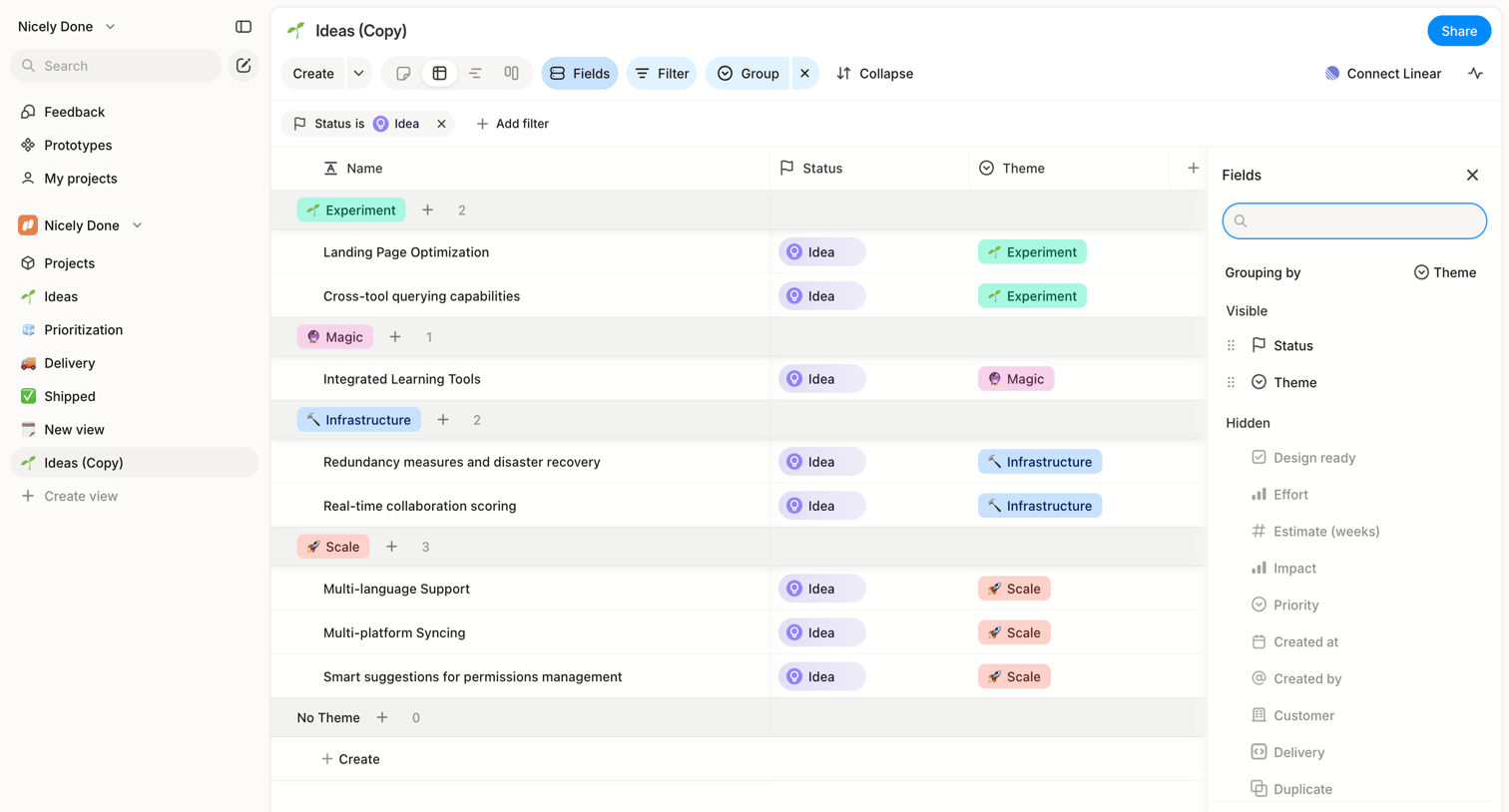

List view where the user manages ideas grouped by theme, with a side panel open to configure visible and hidden fields.
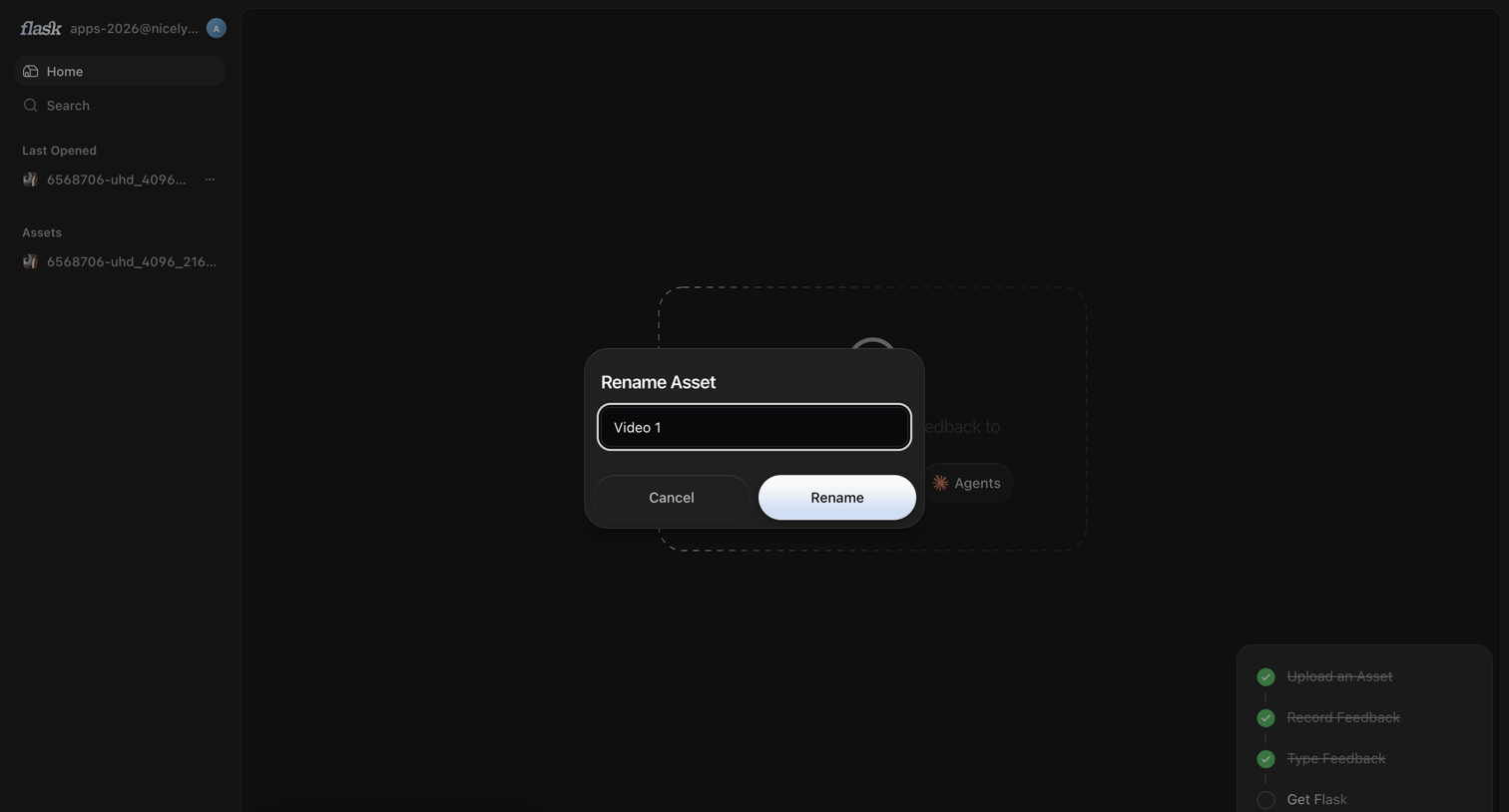

Home dashboard where the user is renaming an asset to 'Video 1' while an onboarding checklist tracks their setup progress.
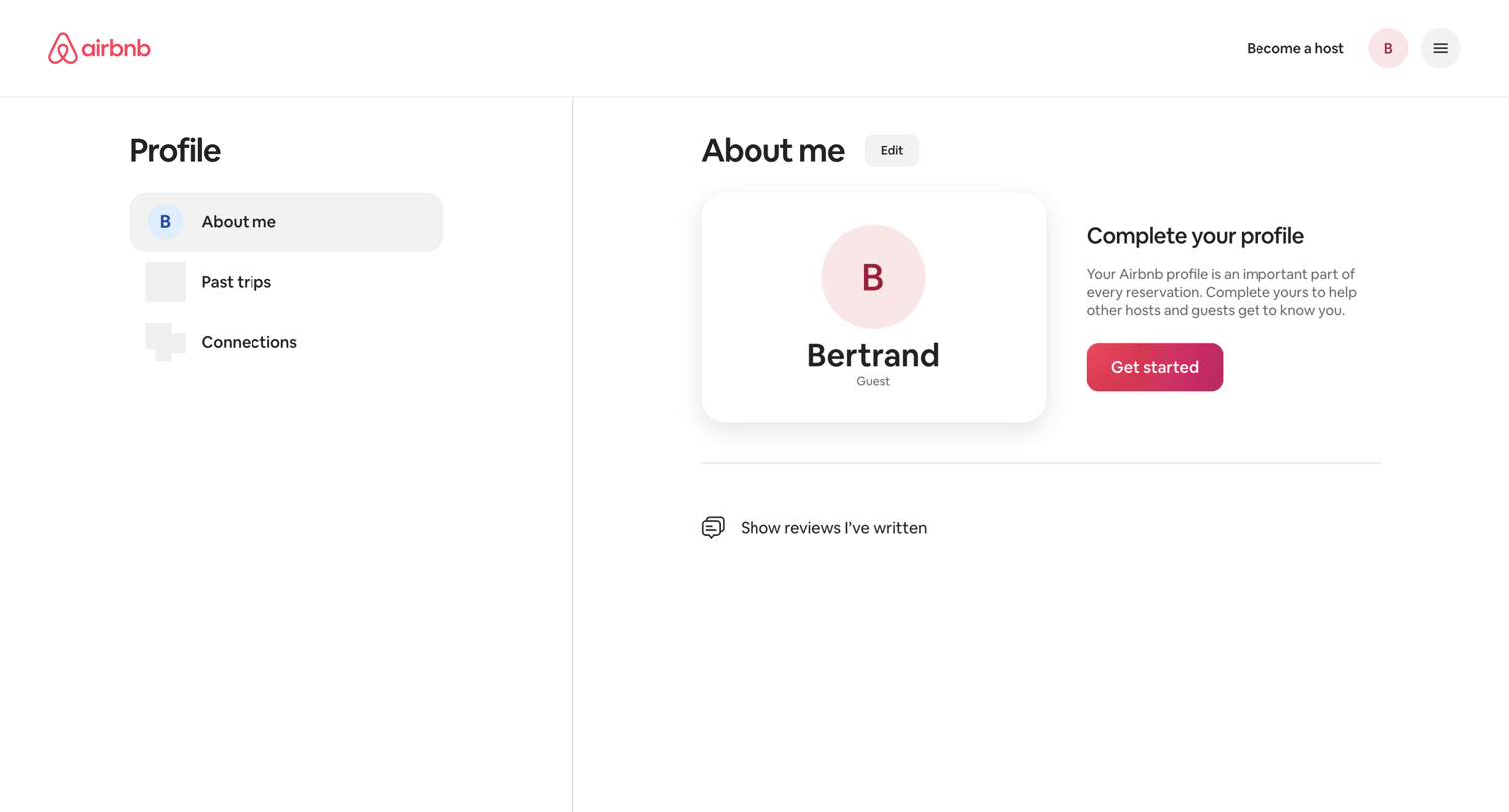

User profile page where the user views their basic details and is prompted to complete their profile with a dedicated call to action.
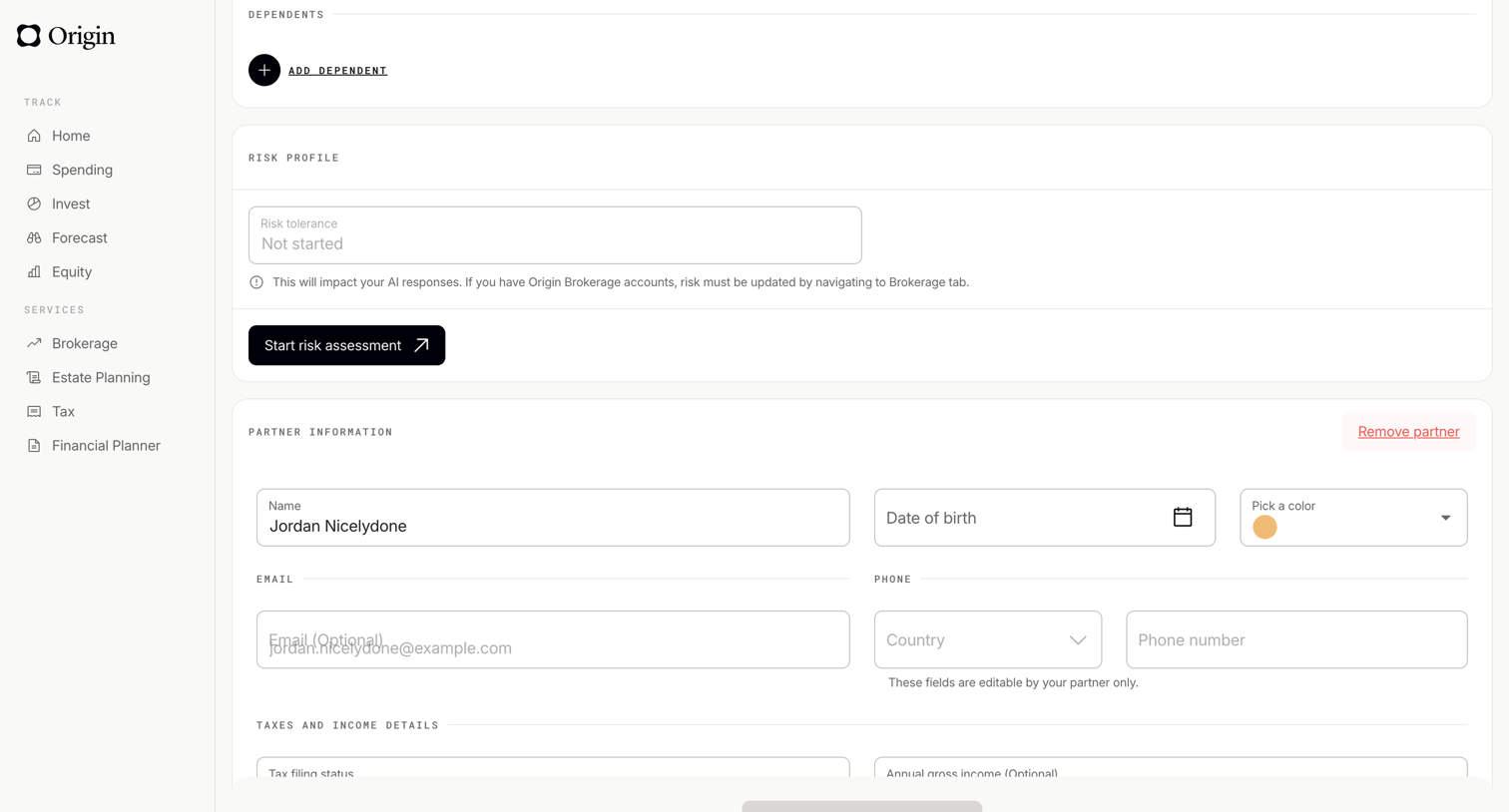

Settings page where the user manages their dependents, risk profile, and partner information via form fields.
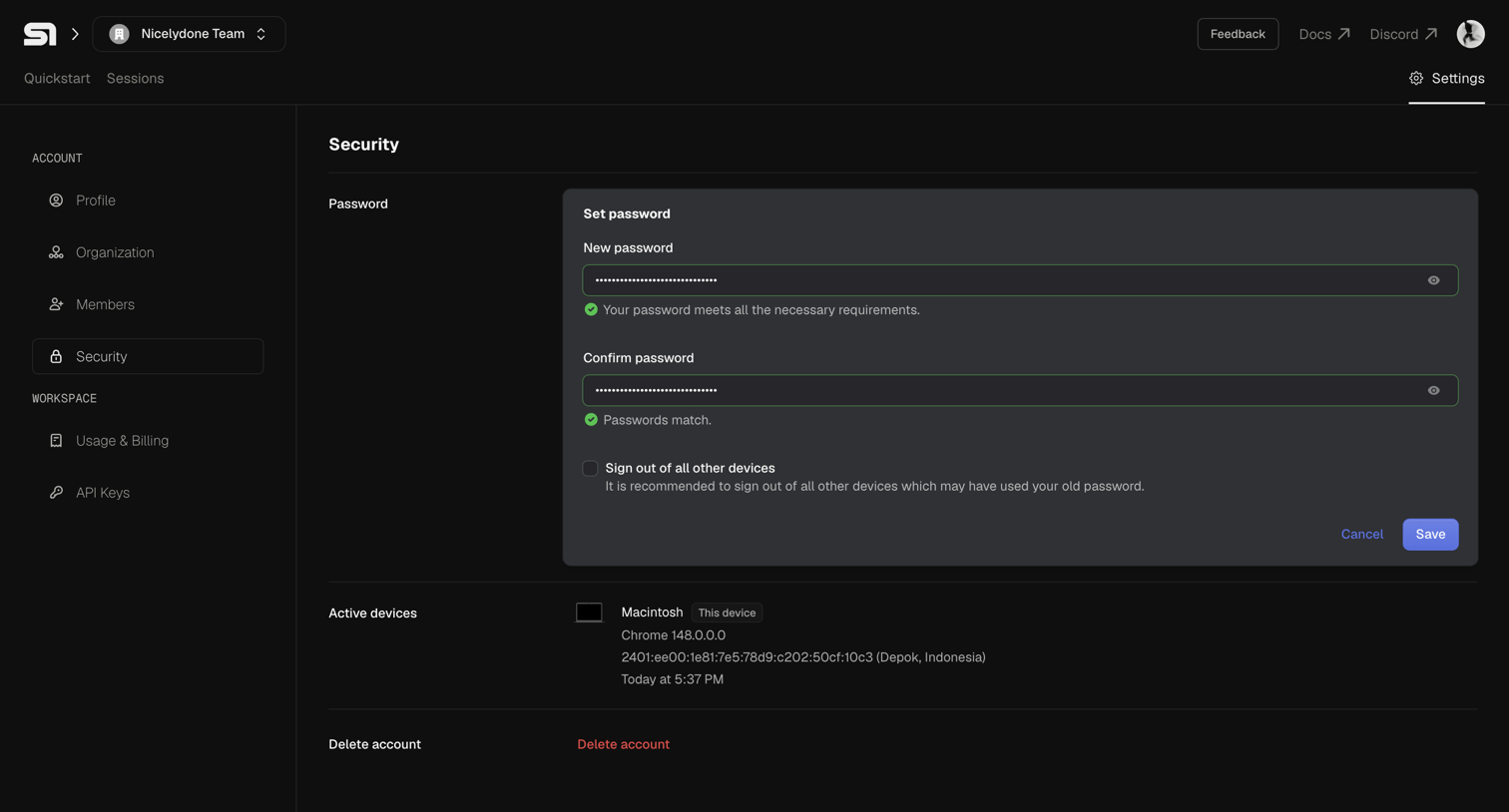

Settings page where the user can update their password, view active devices, and initiate account deletion.
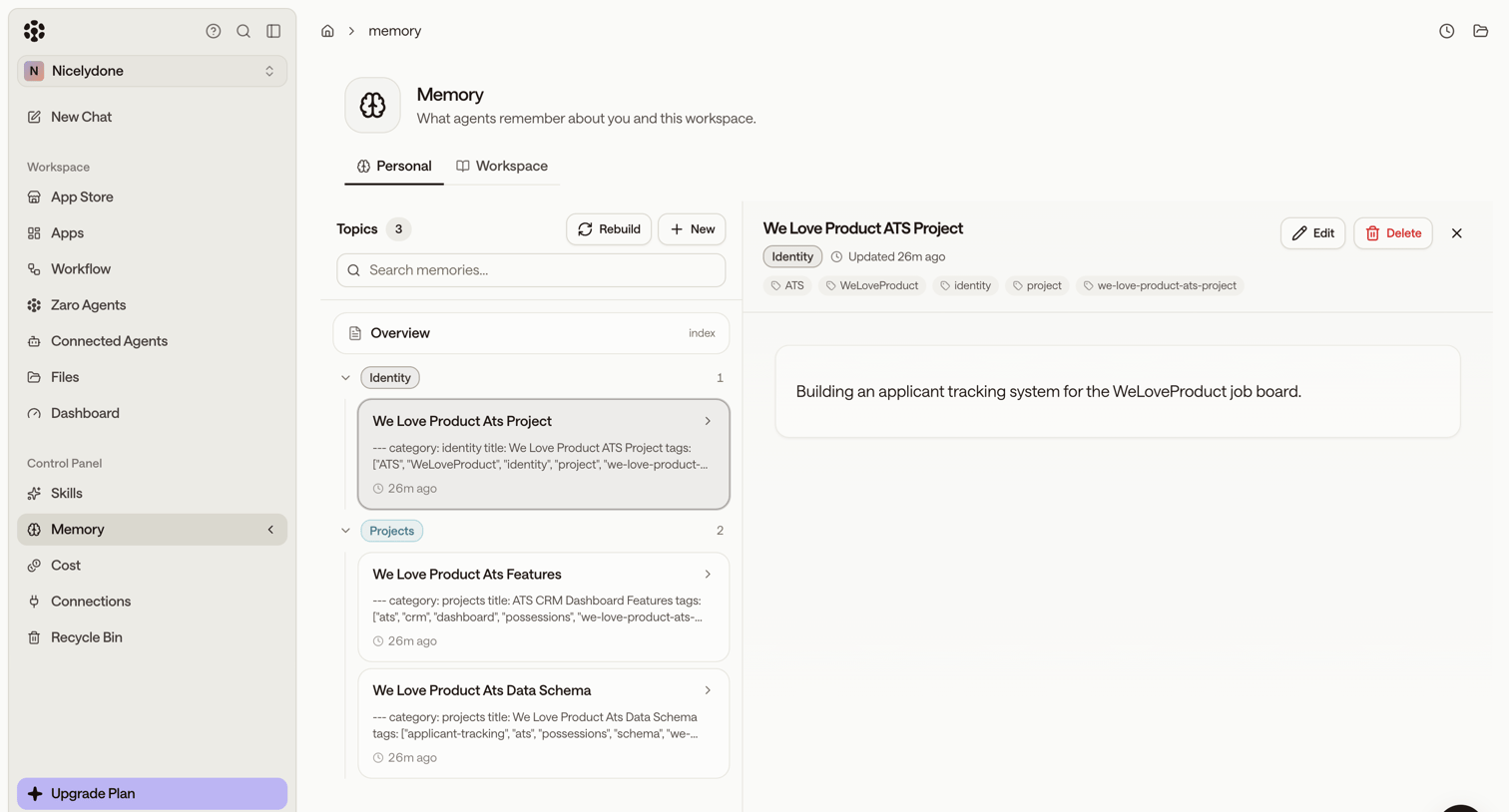

Settings page where the user manages what AI agents remember about them and the workspace, viewing specific topics like applicant tracking projects in a master-detail layout.
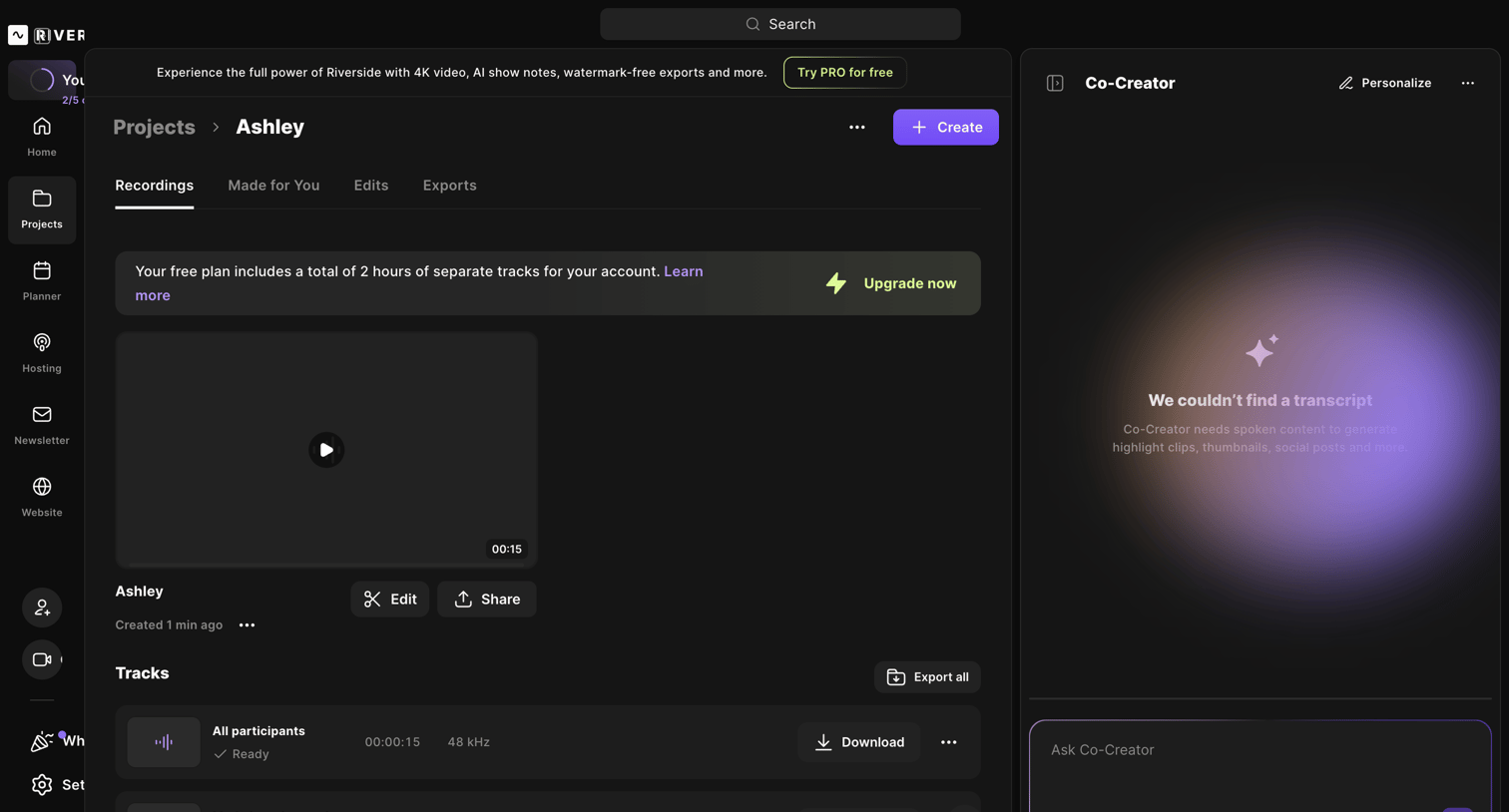

Detail page for a recording project where the user can preview video playback, manage individual audio tracks, and interact with an AI co-creator assistant.
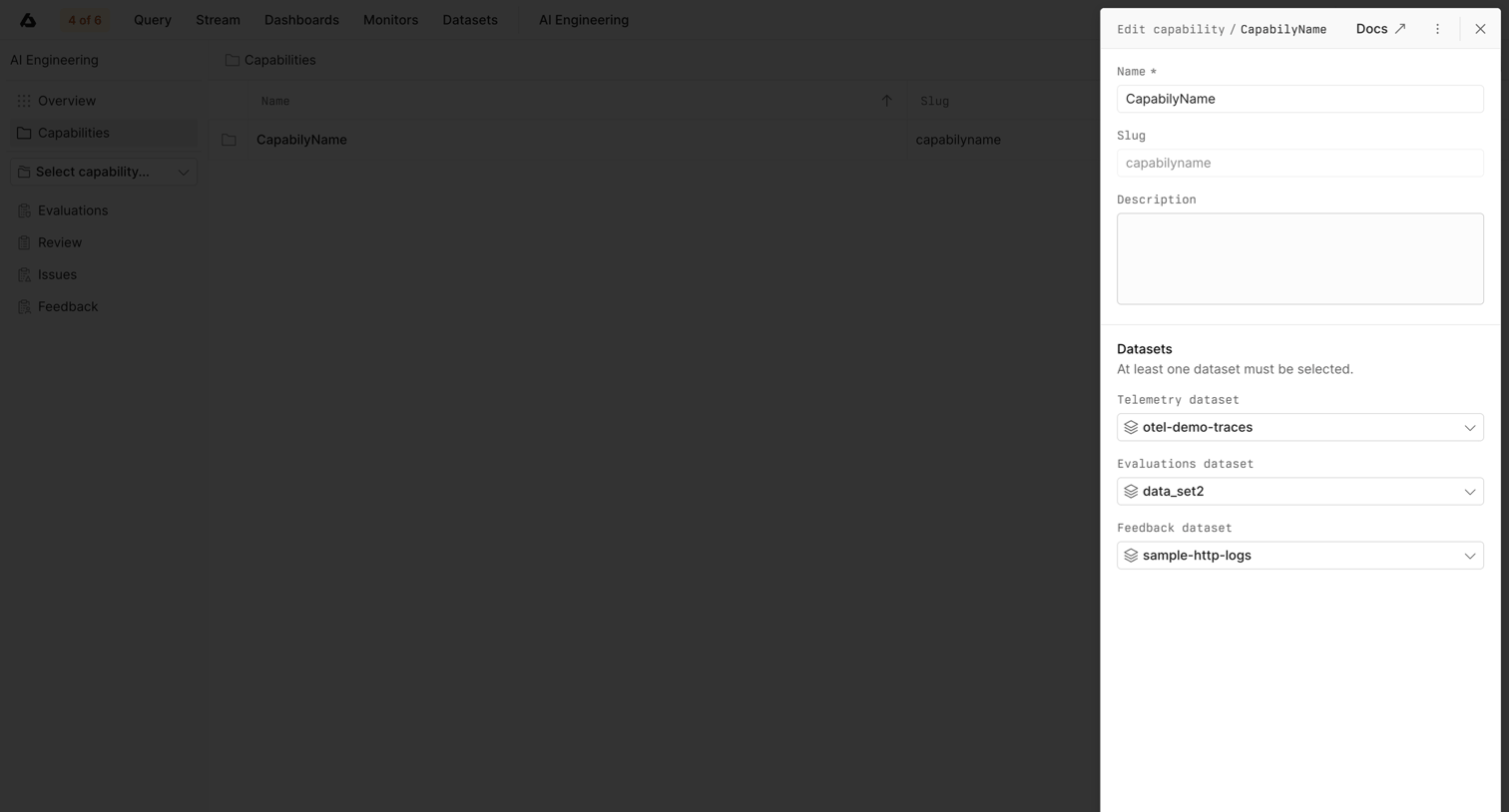

Detail page where the user edits an AI capability's name, description, and associated datasets via a side drawer.
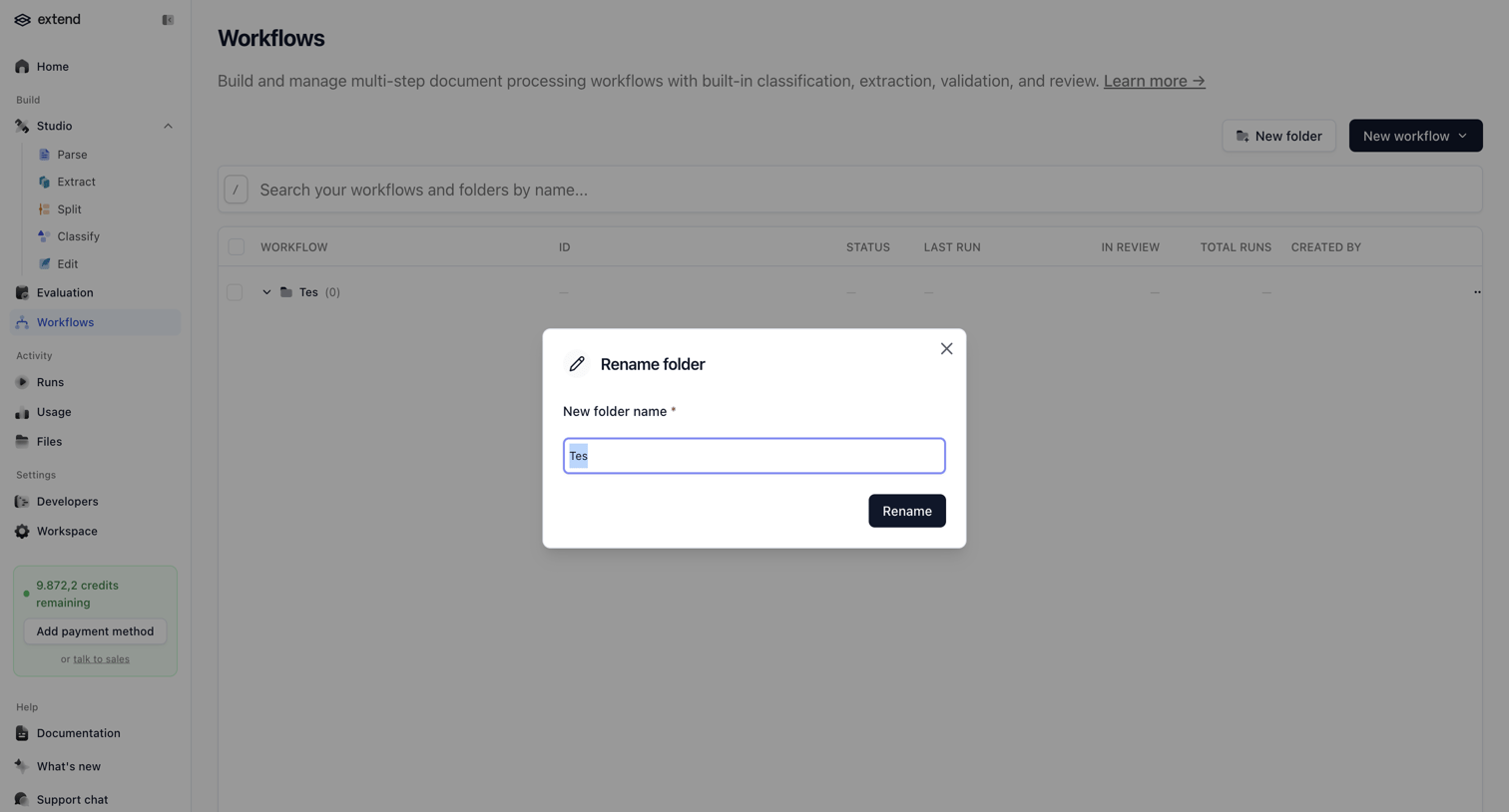

List view of document processing workflows where the user is renaming a specific folder via a modal.
Explore the full SaaS screen library
Upgrade to unlock the full library.
Trusted by the best teams








About Edit
See how SaaS apps let people change an existing item. Explore how editable fields, current values, and save or cancel actions appear together while keeping the item in context.