Form screen examples
Form screen design examples from SaaS apps. See how SaaS apps organize data entry across a page. Explore the grouping of fields, labels, instructions, and submission controls in forms for collecting…
Explore the examples
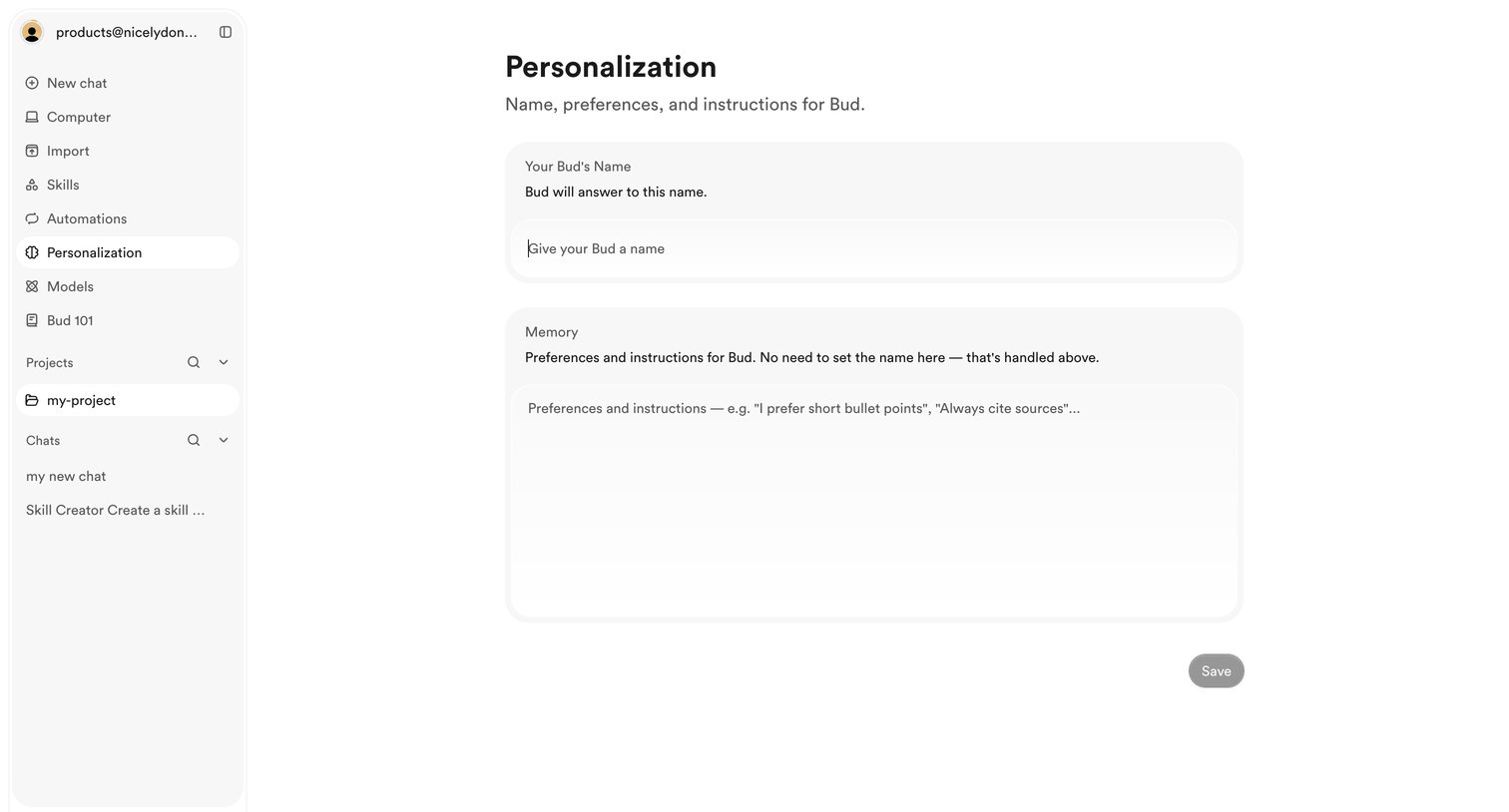

Settings page where the user configures their AI assistant's name and global memory instructions.
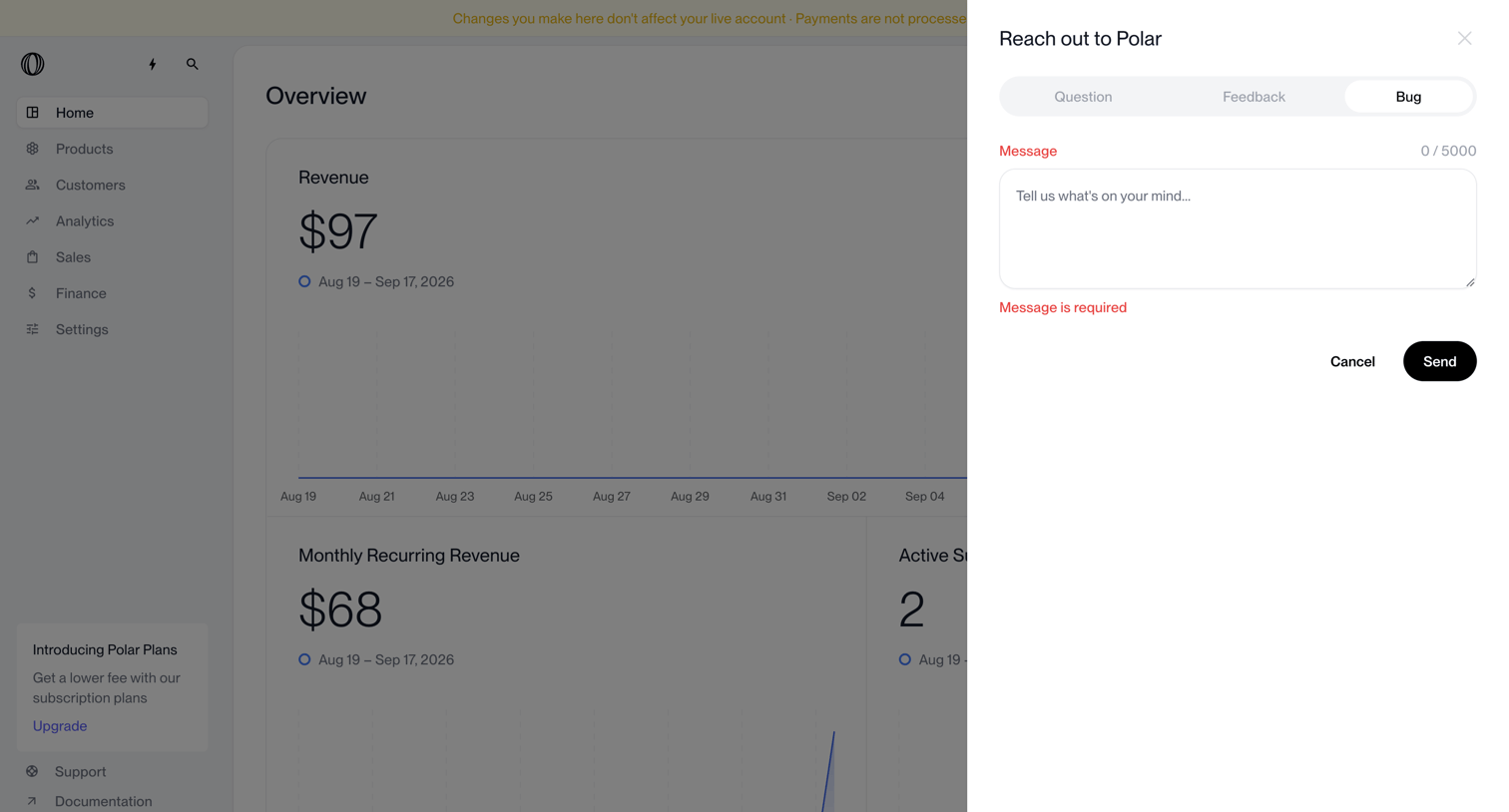

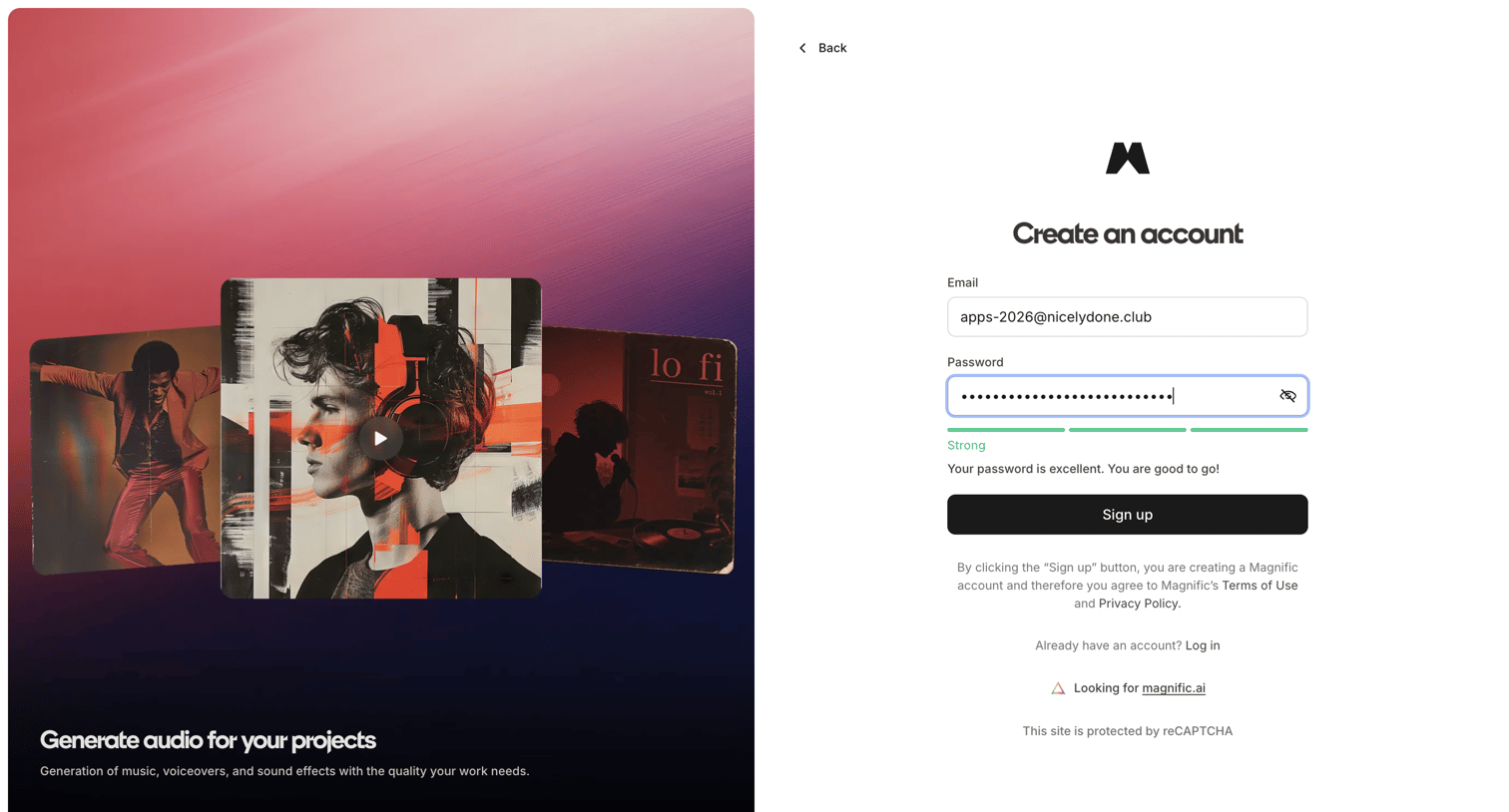

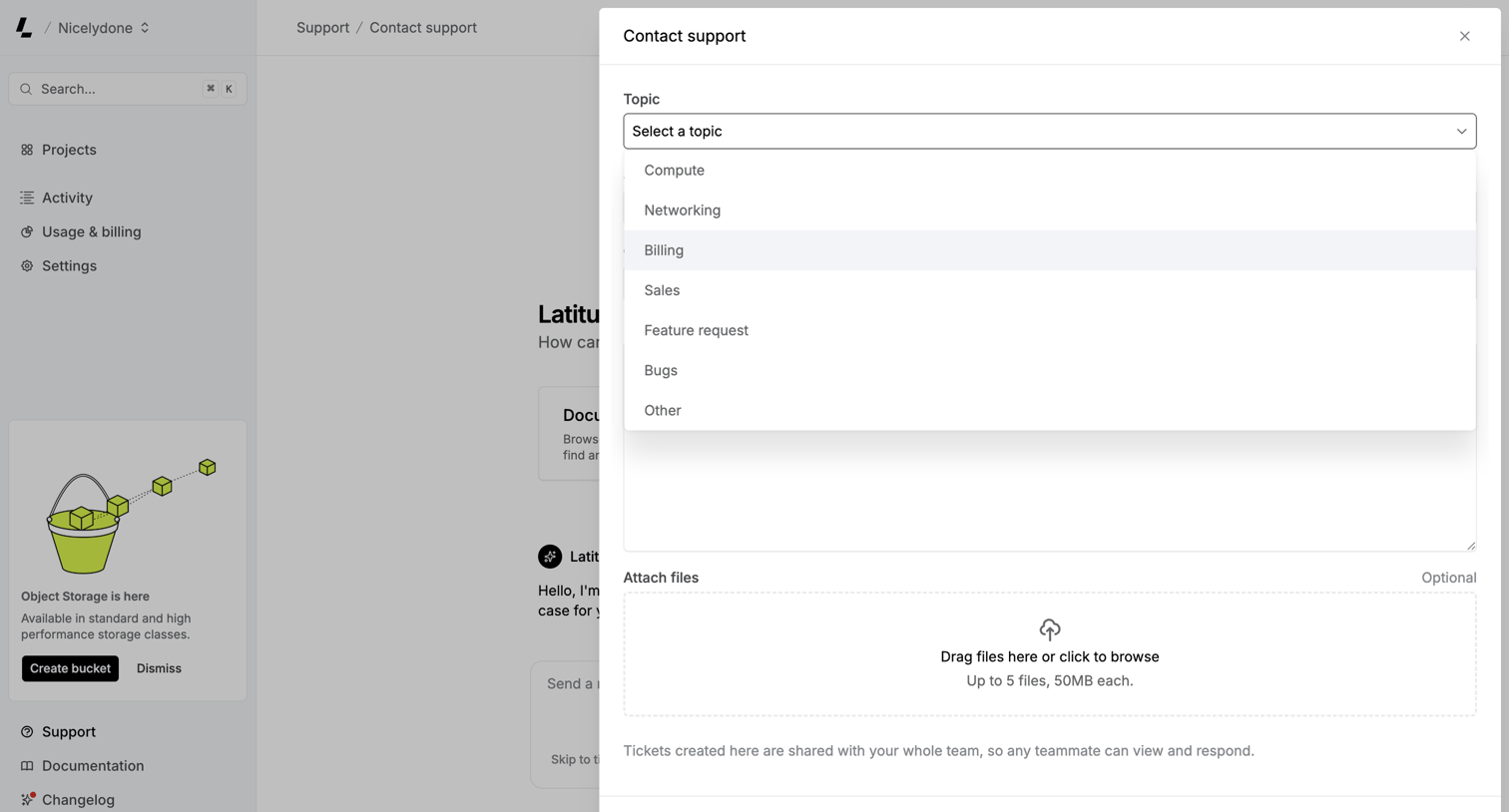

Support page where the user opens a modal to create a new support ticket, selecting a topic from an open dropdown and optionally attaching files.
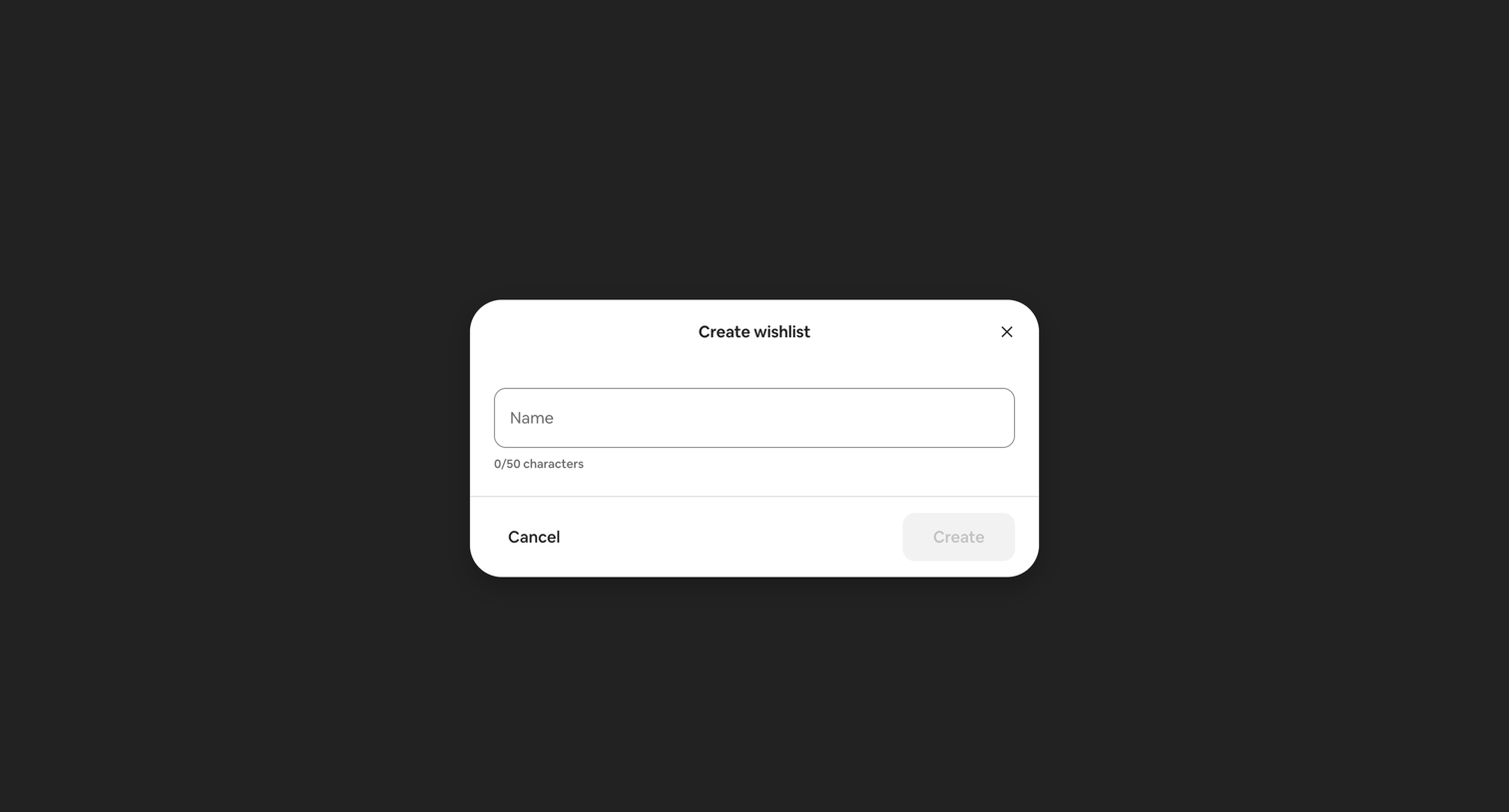

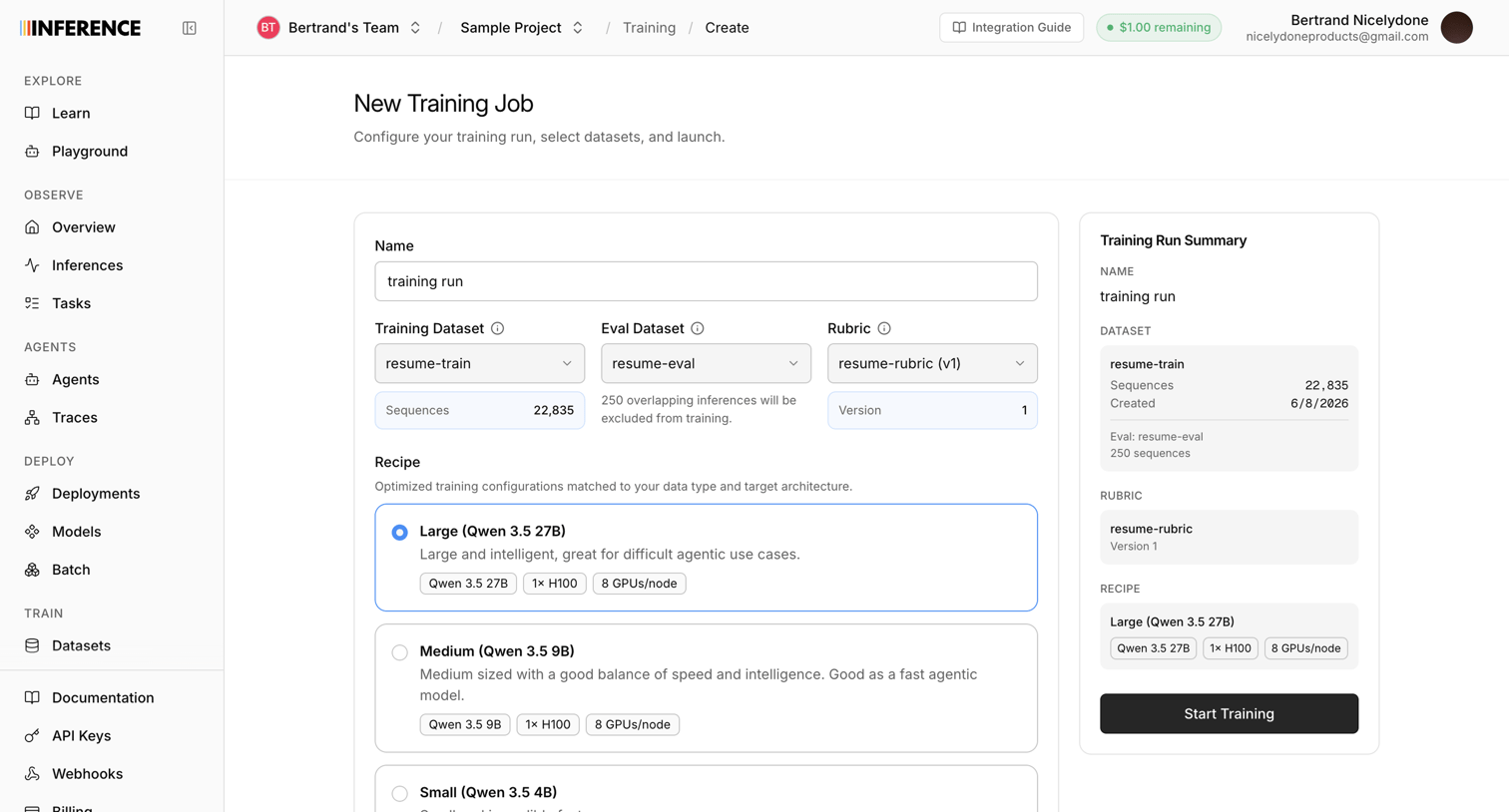

Creation page where the user configures a new AI training job by naming it, selecting datasets and a rubric, and choosing a model recipe before starting the run.
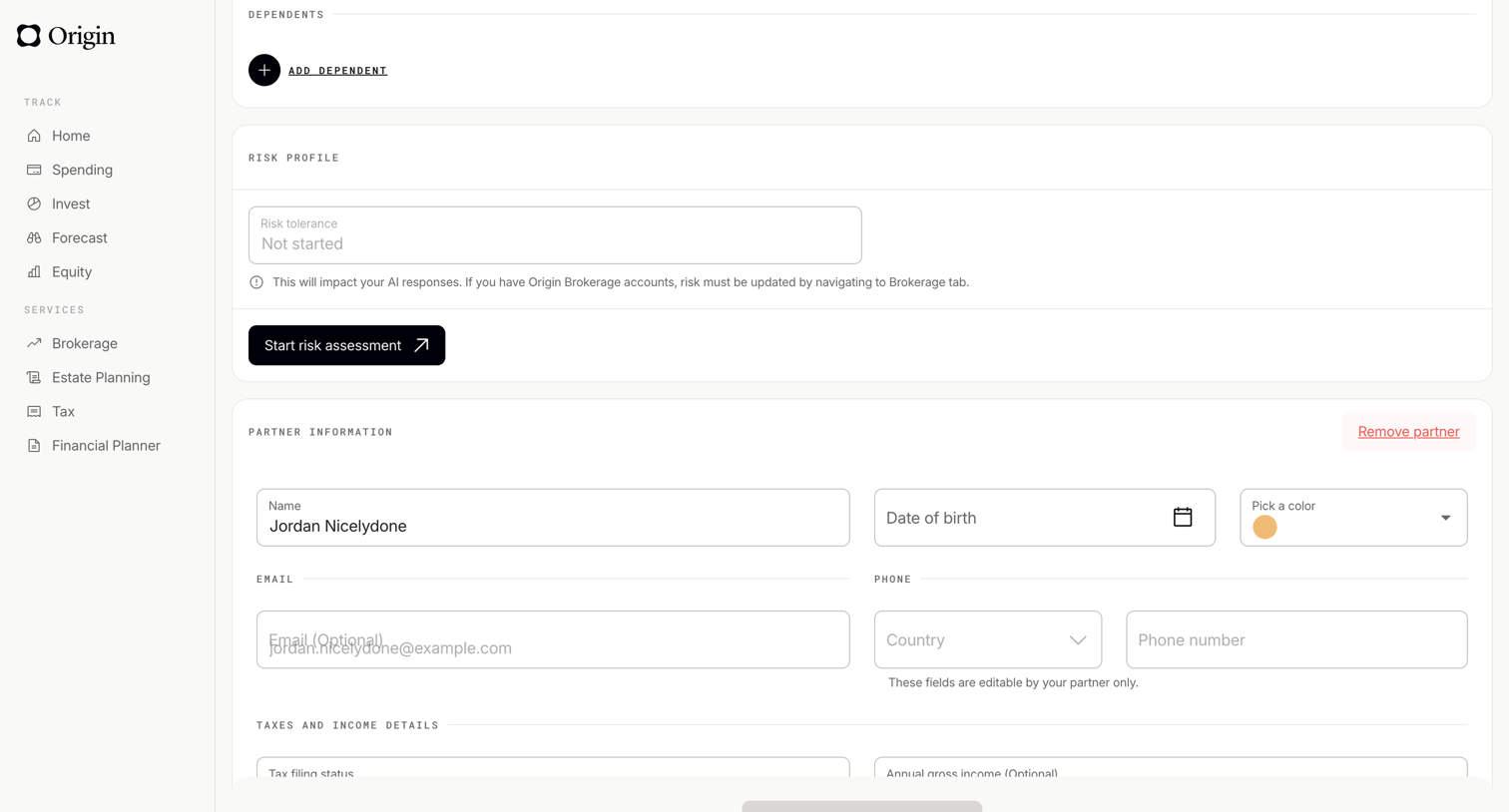

Settings page where the user manages their dependents, risk profile, and partner information via form fields.
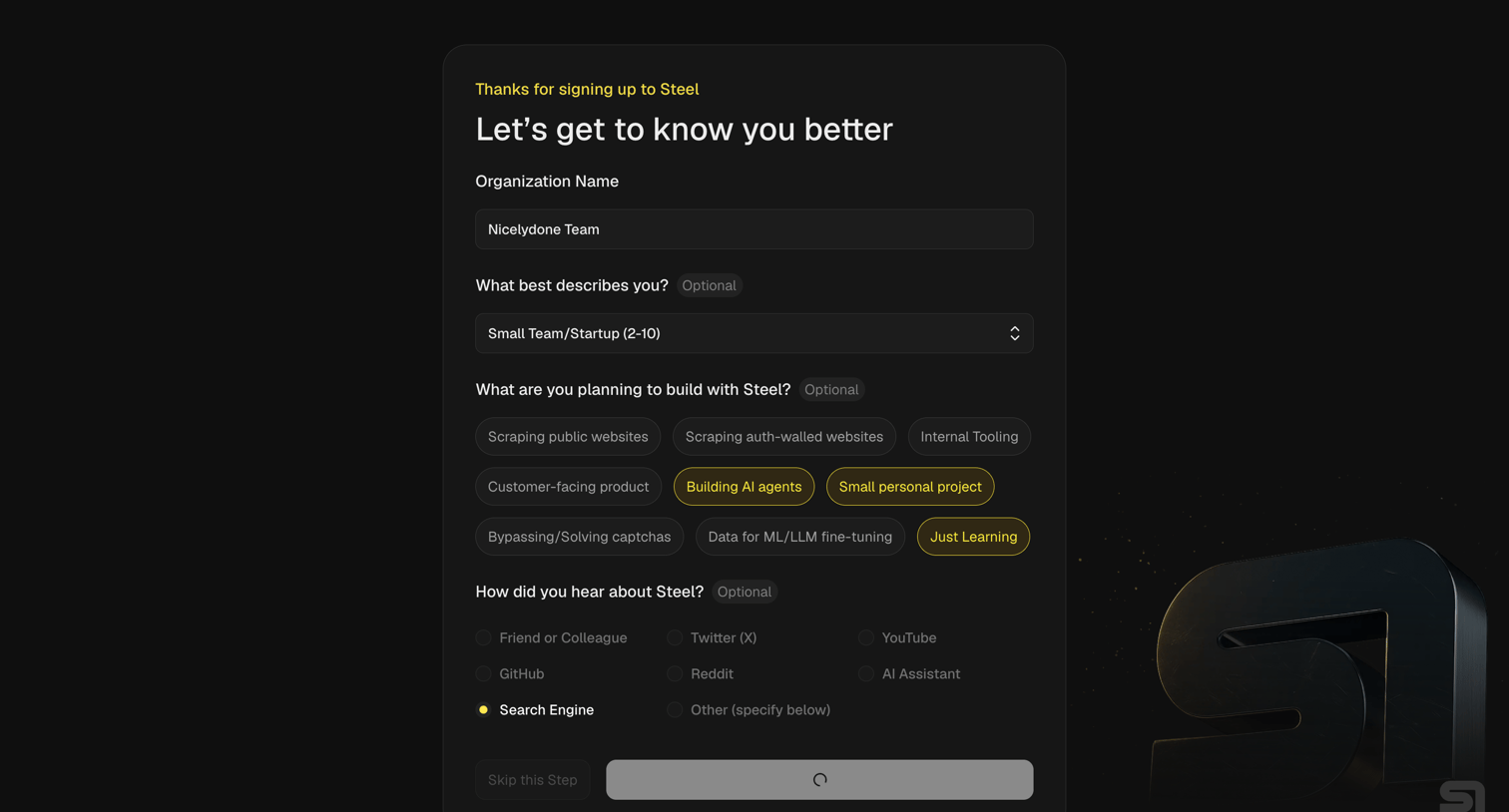

Onboarding step where the user provides their organization name, role, intended use cases like building AI agents, and referral source.
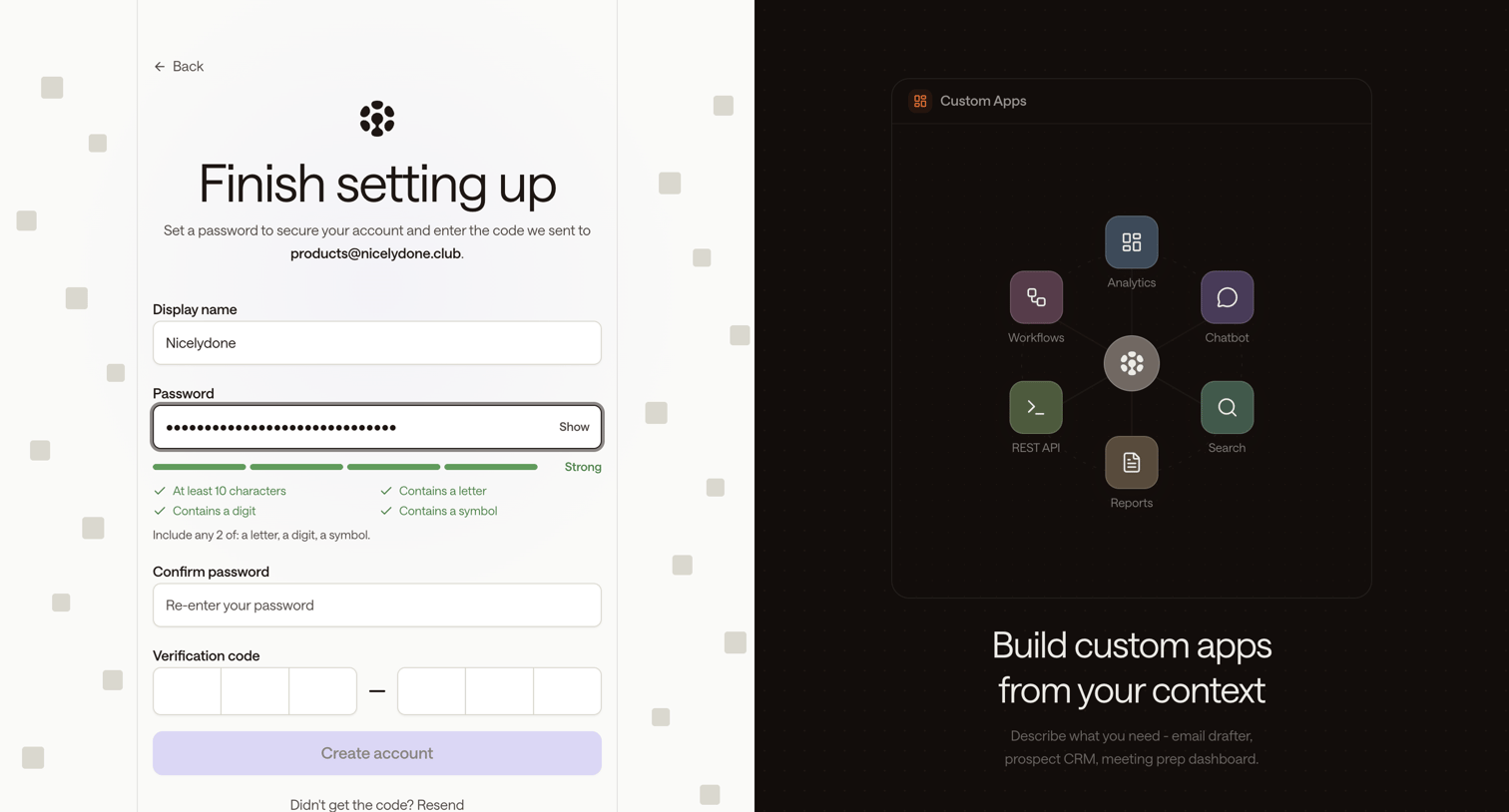

Signup page where the user sets their display name and password, checks password strength requirements, and enters a 6-digit email verification code to create their account.
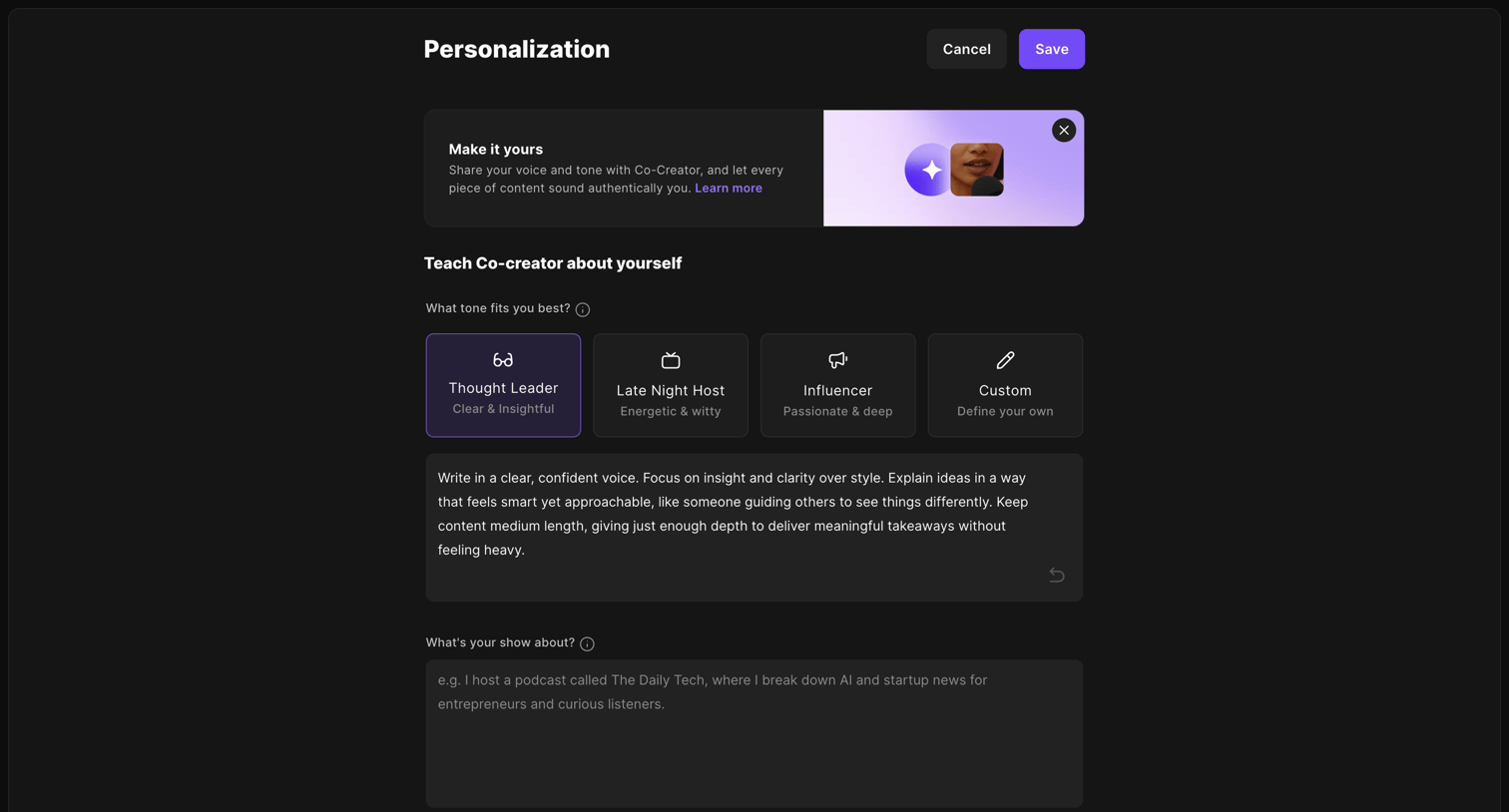

Settings page where the user configures the tone, voice, and show details for their AI Co-creator.
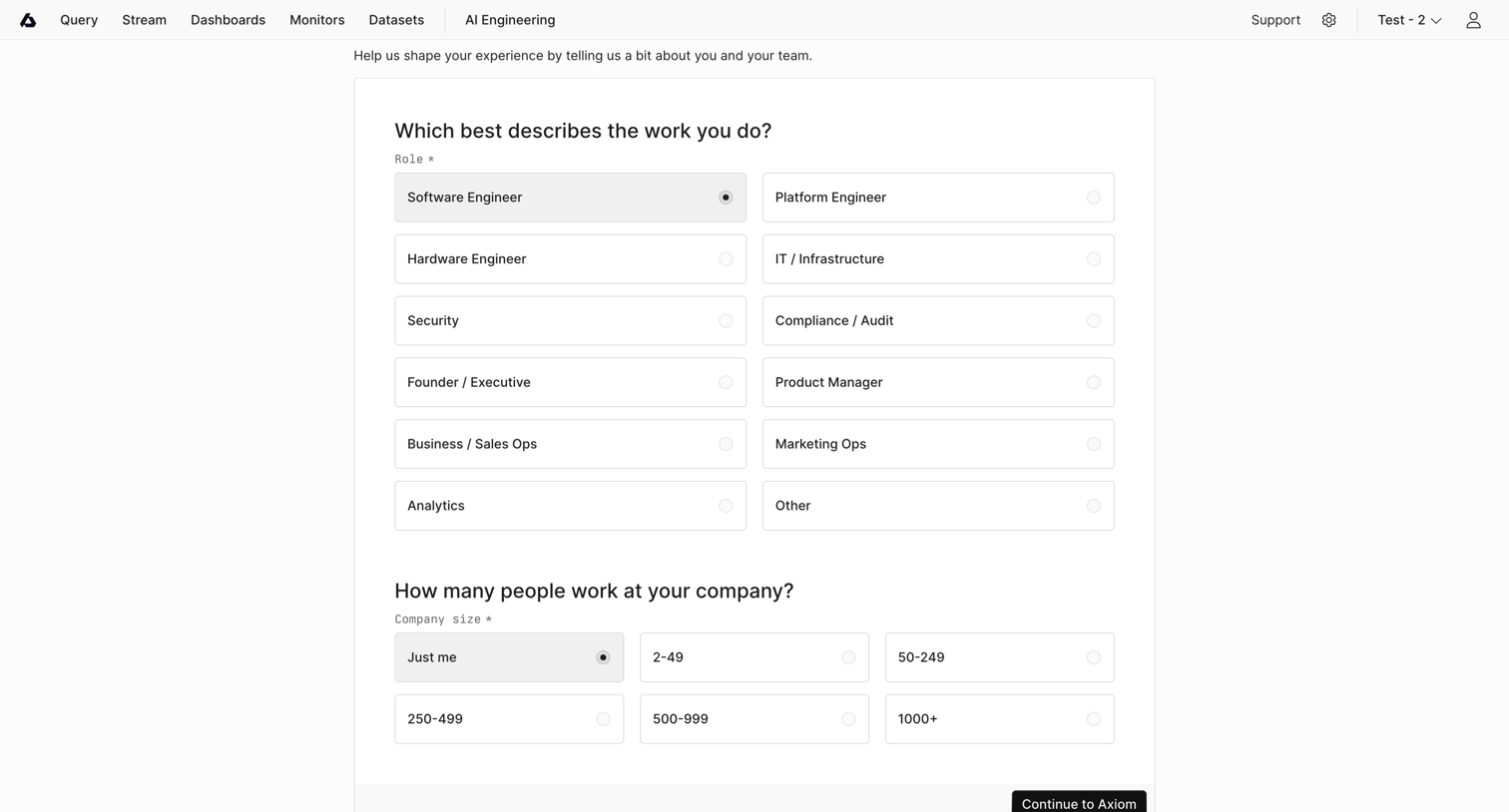

Onboarding step where the user selects their role and company size to personalize their experience before continuing to the app.
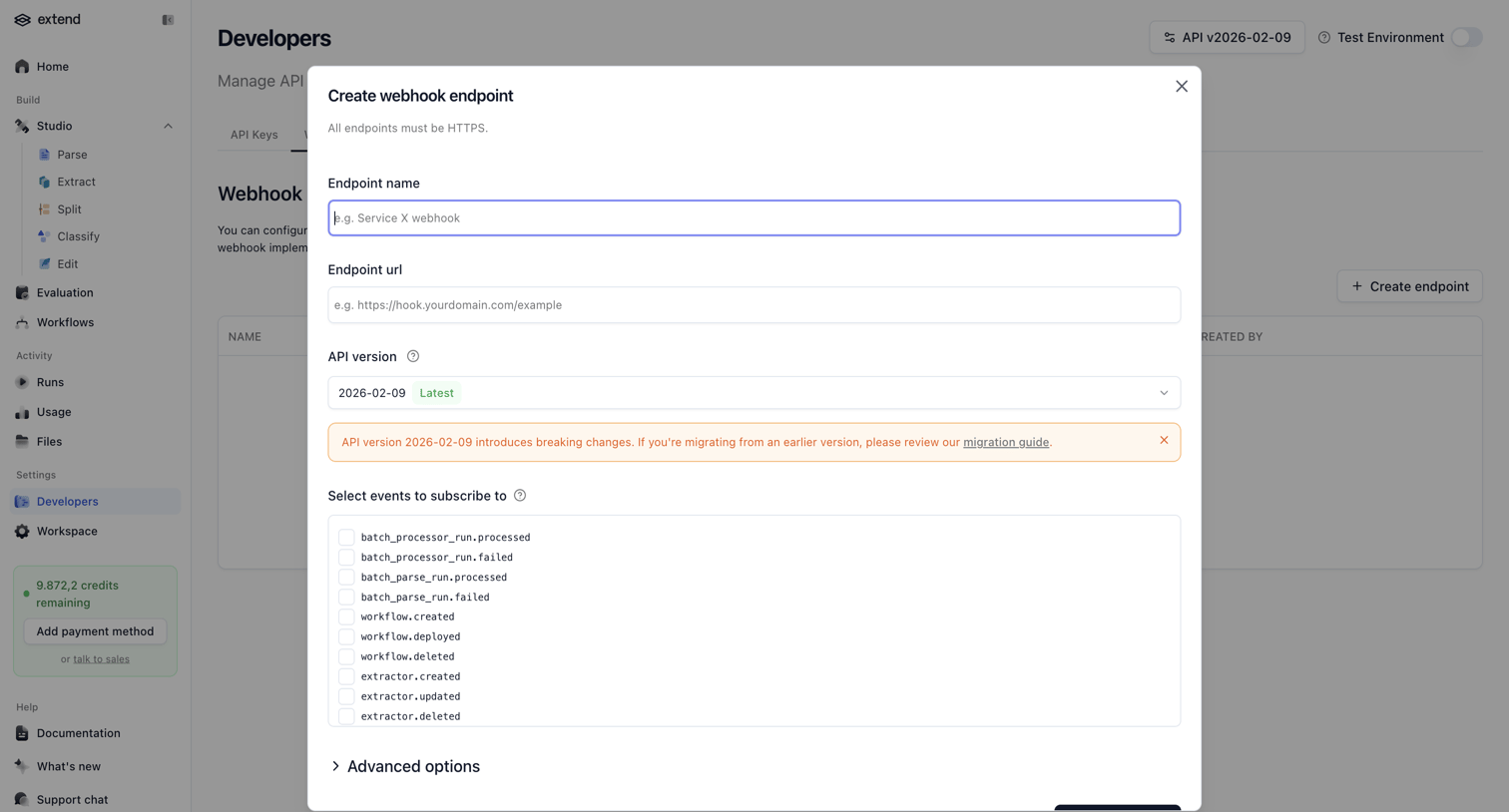

Settings page where the user configures a new webhook endpoint by providing a name, URL, API version, and selecting specific events to subscribe to.
Explore the full SaaS screen library
Upgrade to unlock the full library.
Trusted by the best teams








About Form
See how SaaS apps organize data entry across a page. Explore the grouping of fields, labels, instructions, and submission controls in forms for collecting information.