Webhooks screen examples
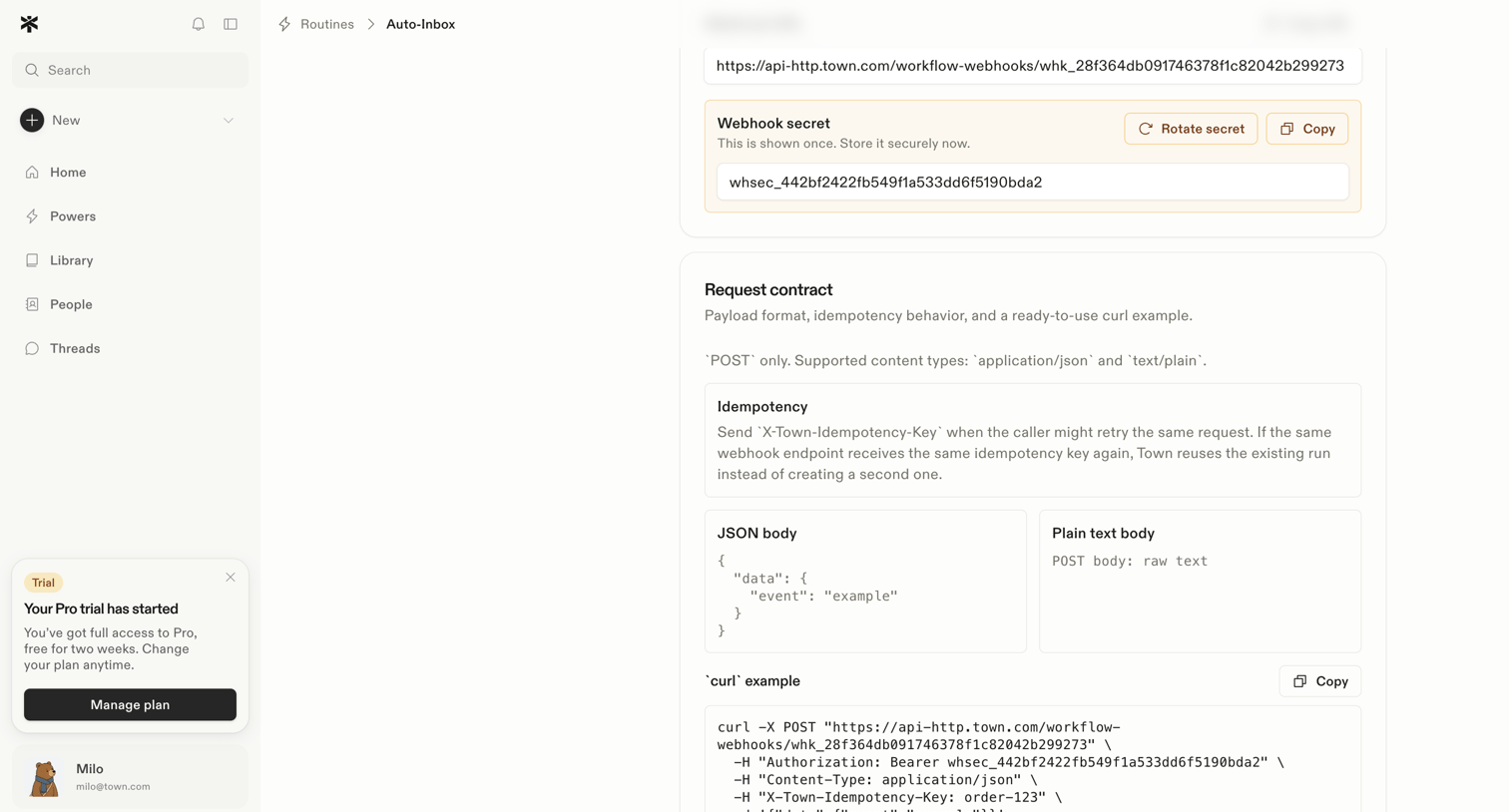
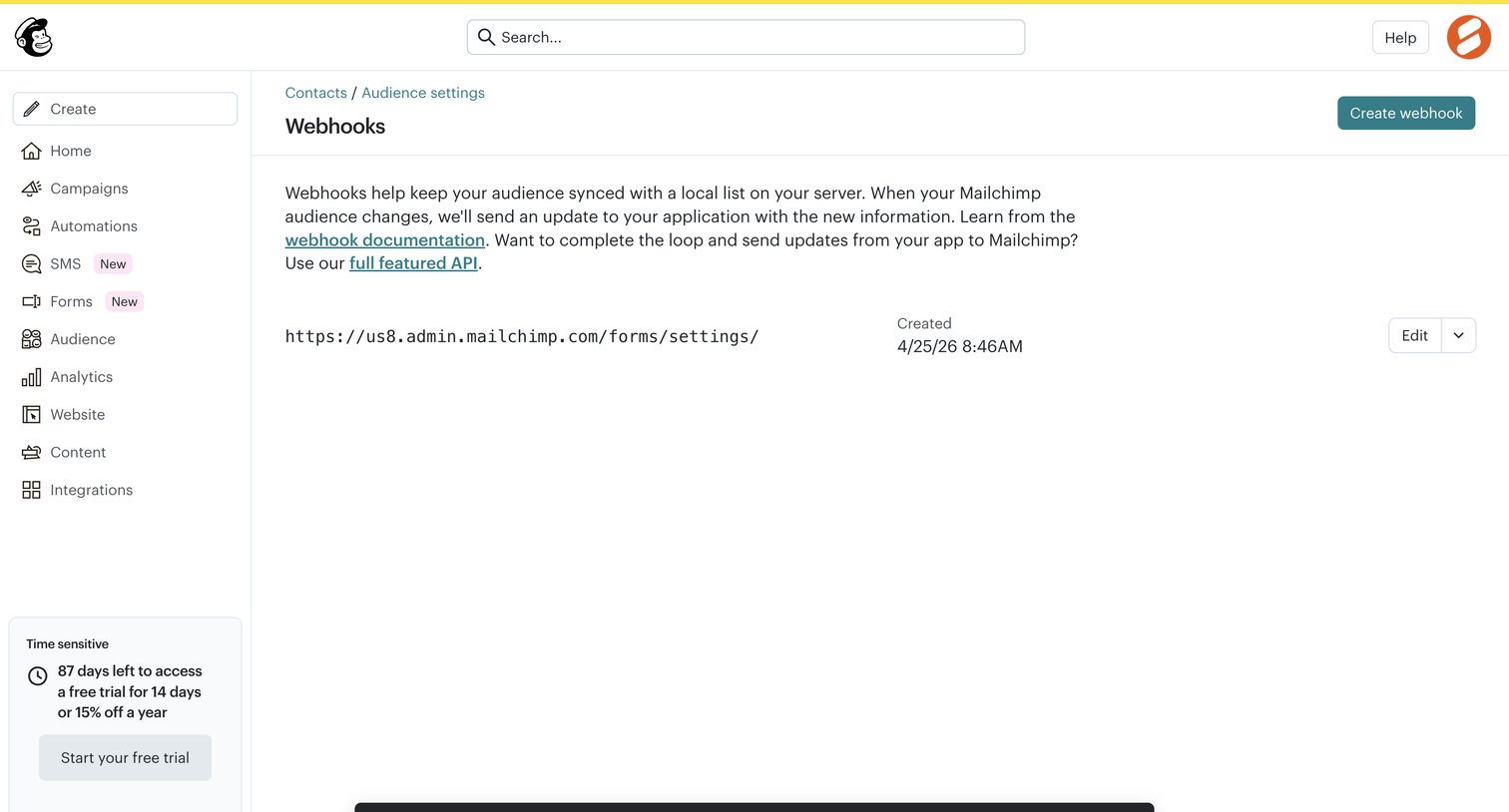
Webhooks screen design examples from SaaS apps. See how SaaS apps present event notifications sent to other systems. Explore how webhook settings organize destination details, event choices, and controls…
Explore the examples
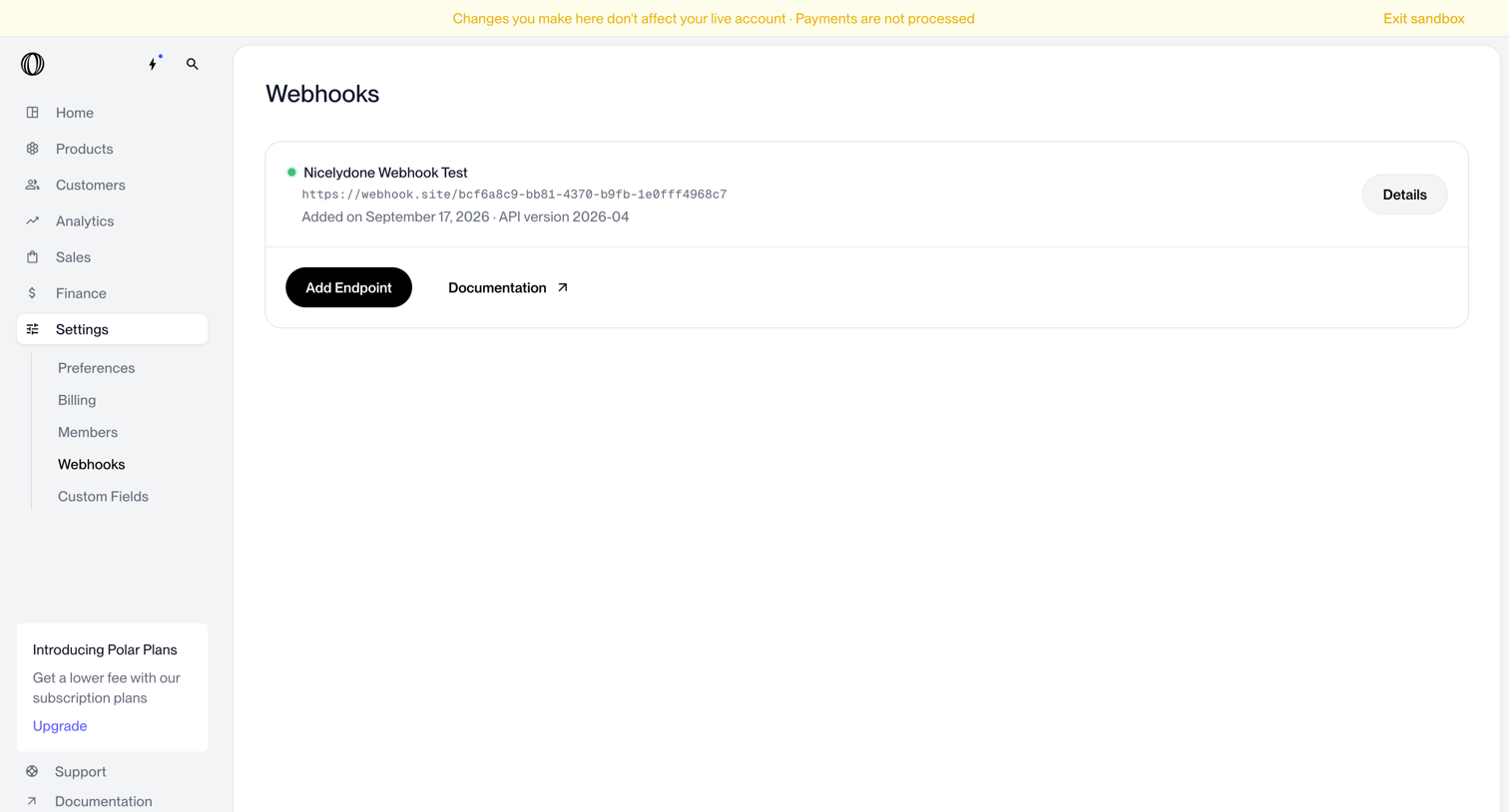

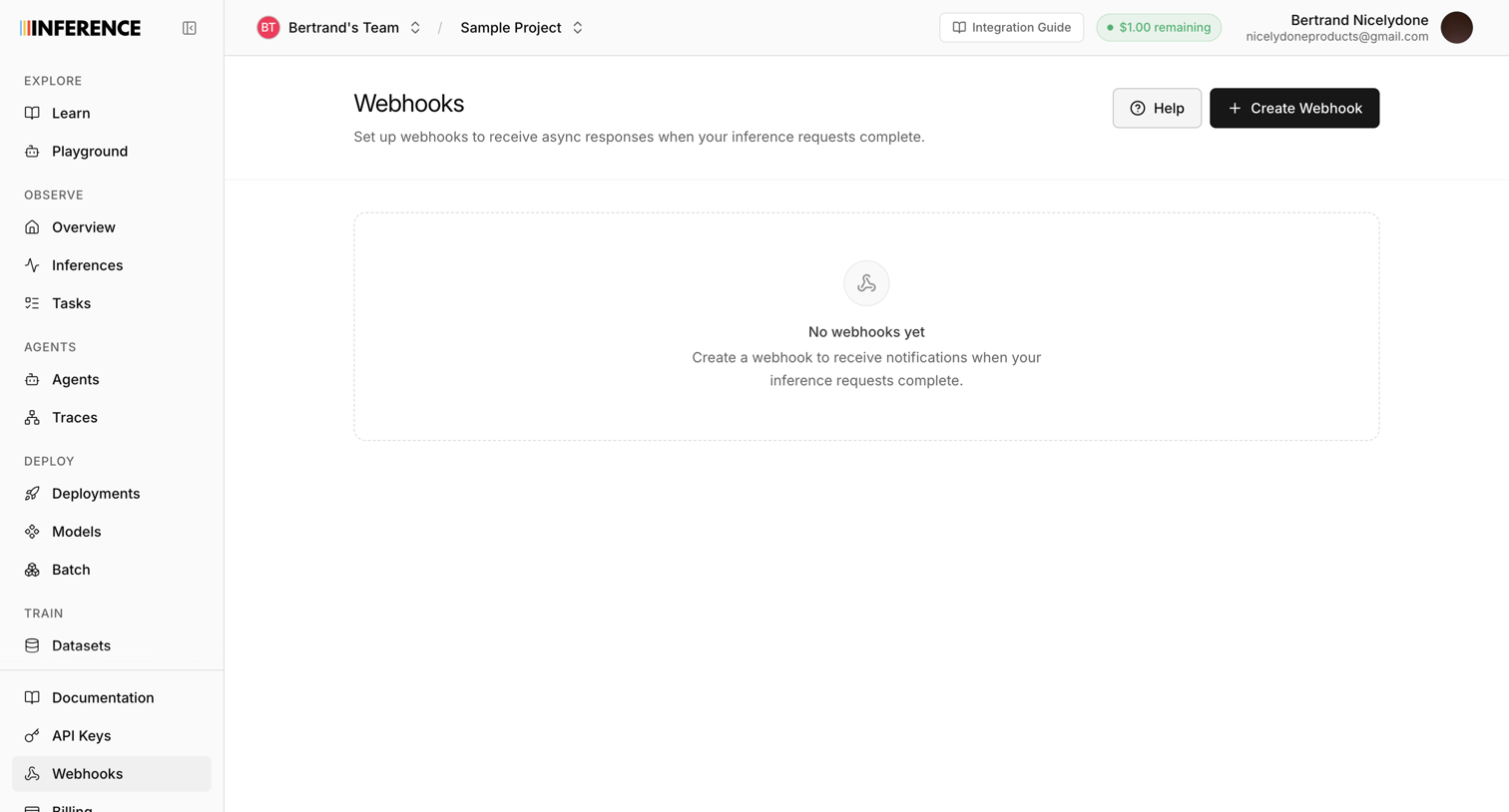

Settings page showing an empty state for webhooks with a prompt to create one to receive async responses.
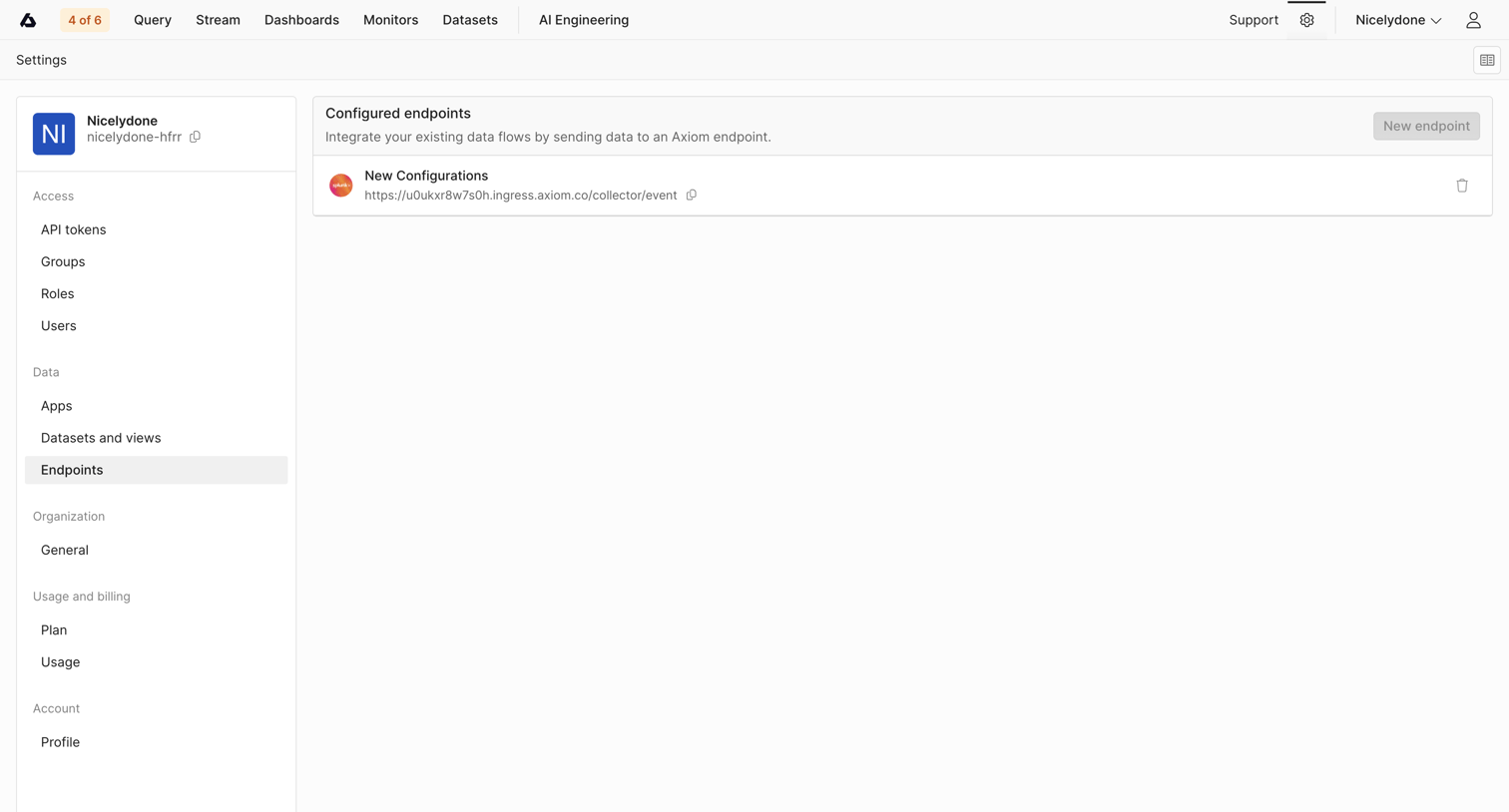

Settings page where the user manages configured endpoints, such as a Splunk integration, for sending data flows to the platform.
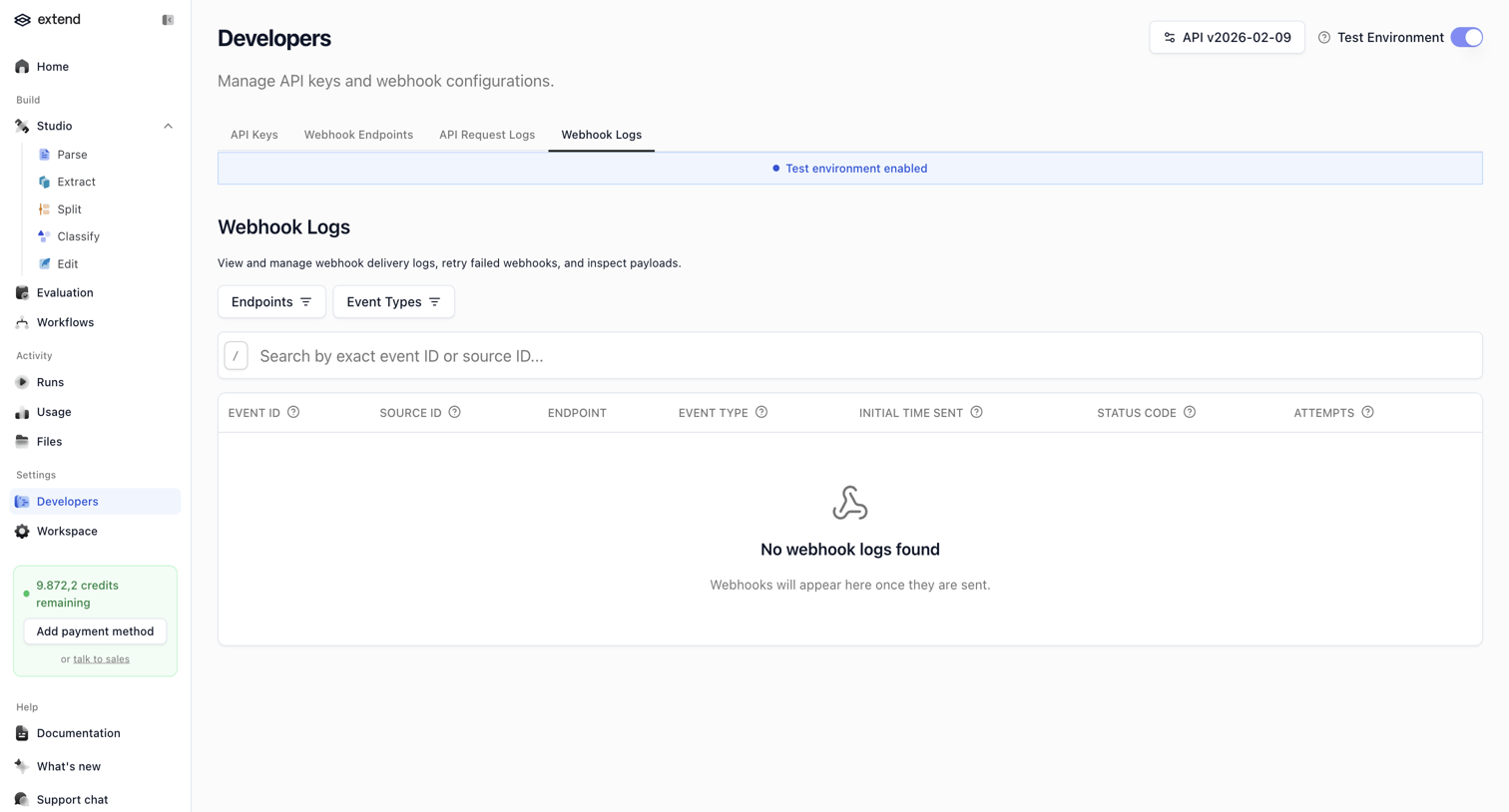

Settings page where the user views and manages webhook delivery logs, currently showing an empty state with search and filter controls.
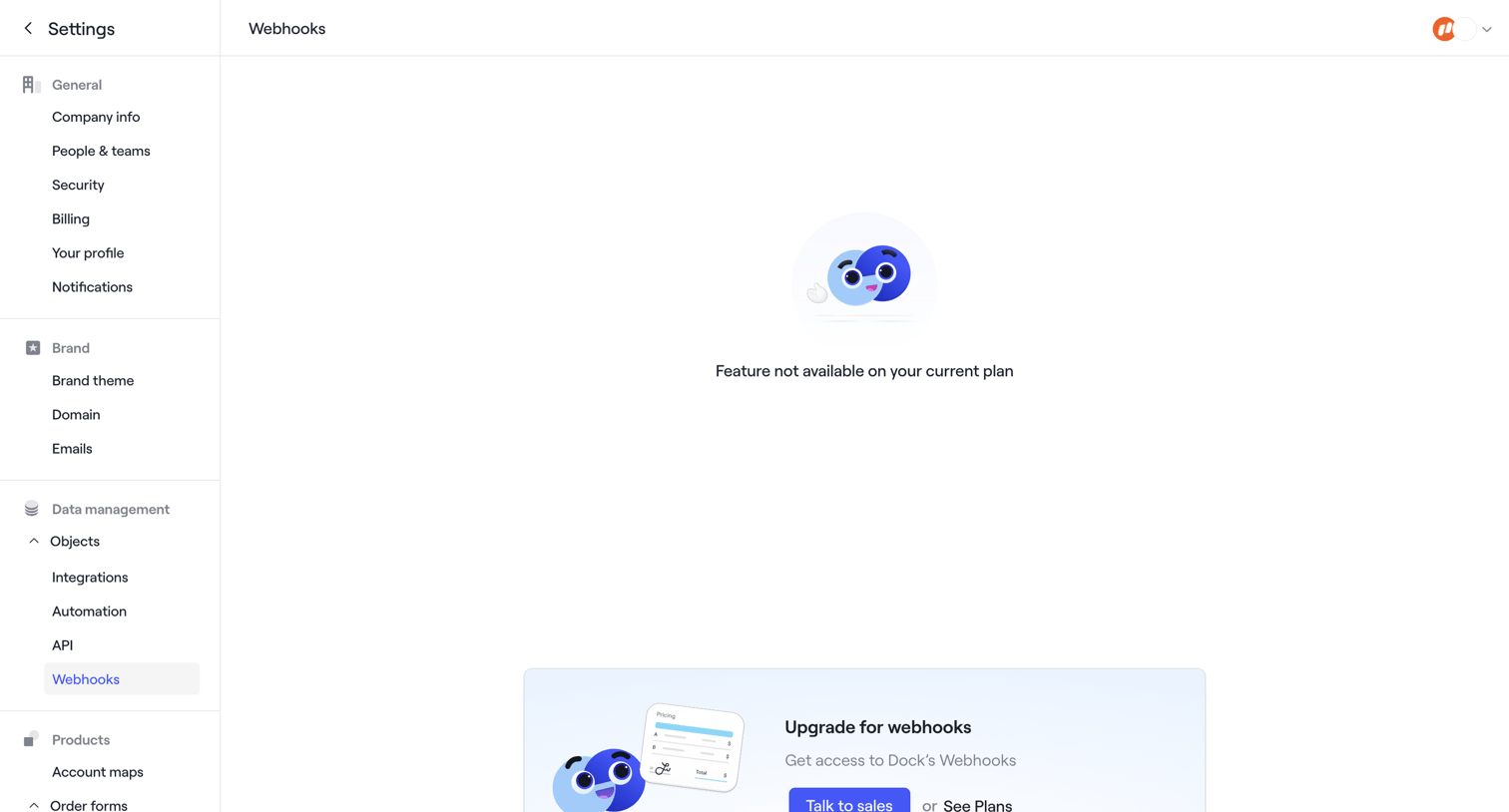

Settings page where the webhooks configuration is blocked by a feature gate, prompting the user to upgrade their plan or talk to sales.
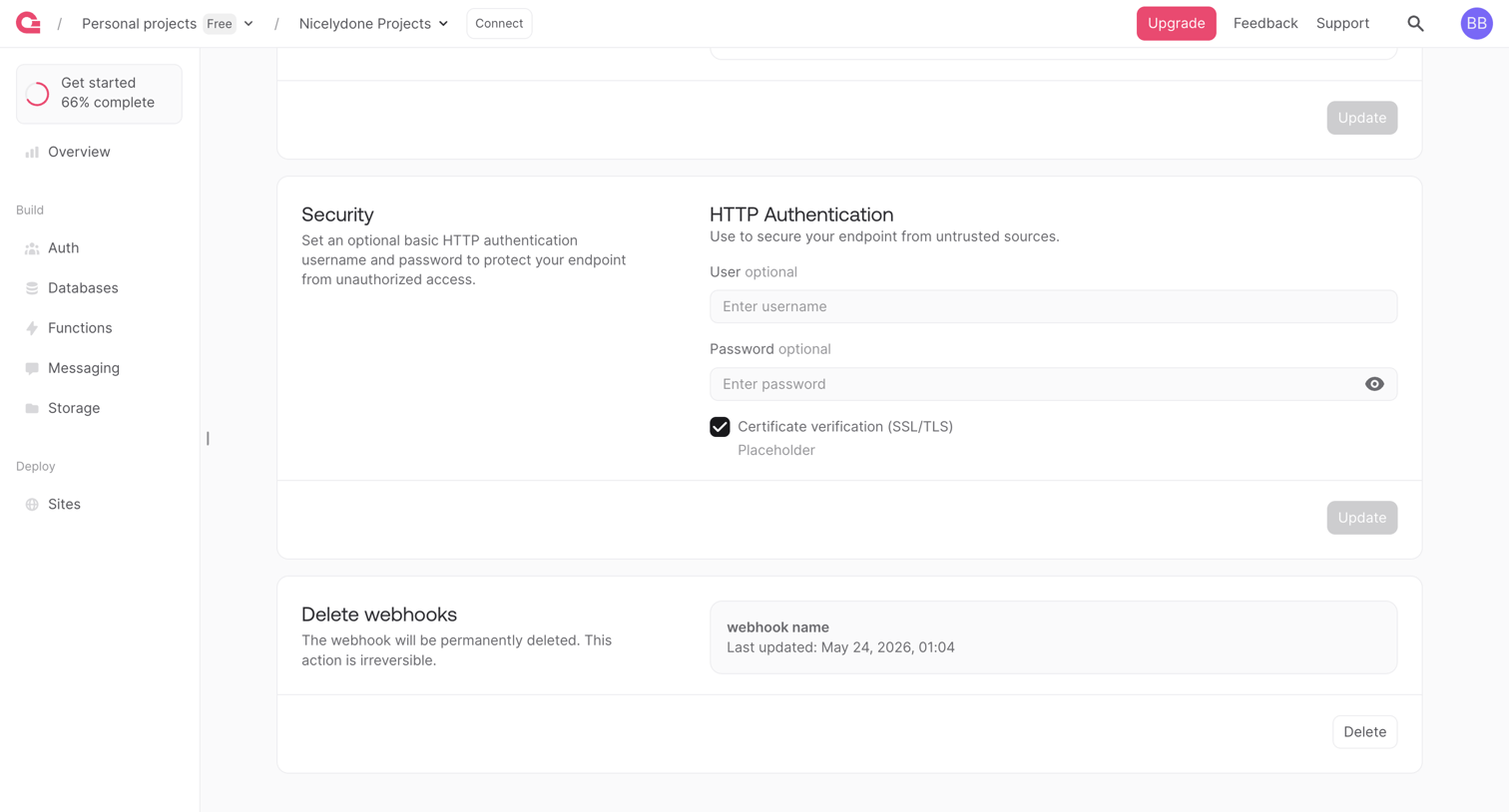

Settings page where the user configures HTTP authentication and certificate verification for a webhook, with an option to delete it.
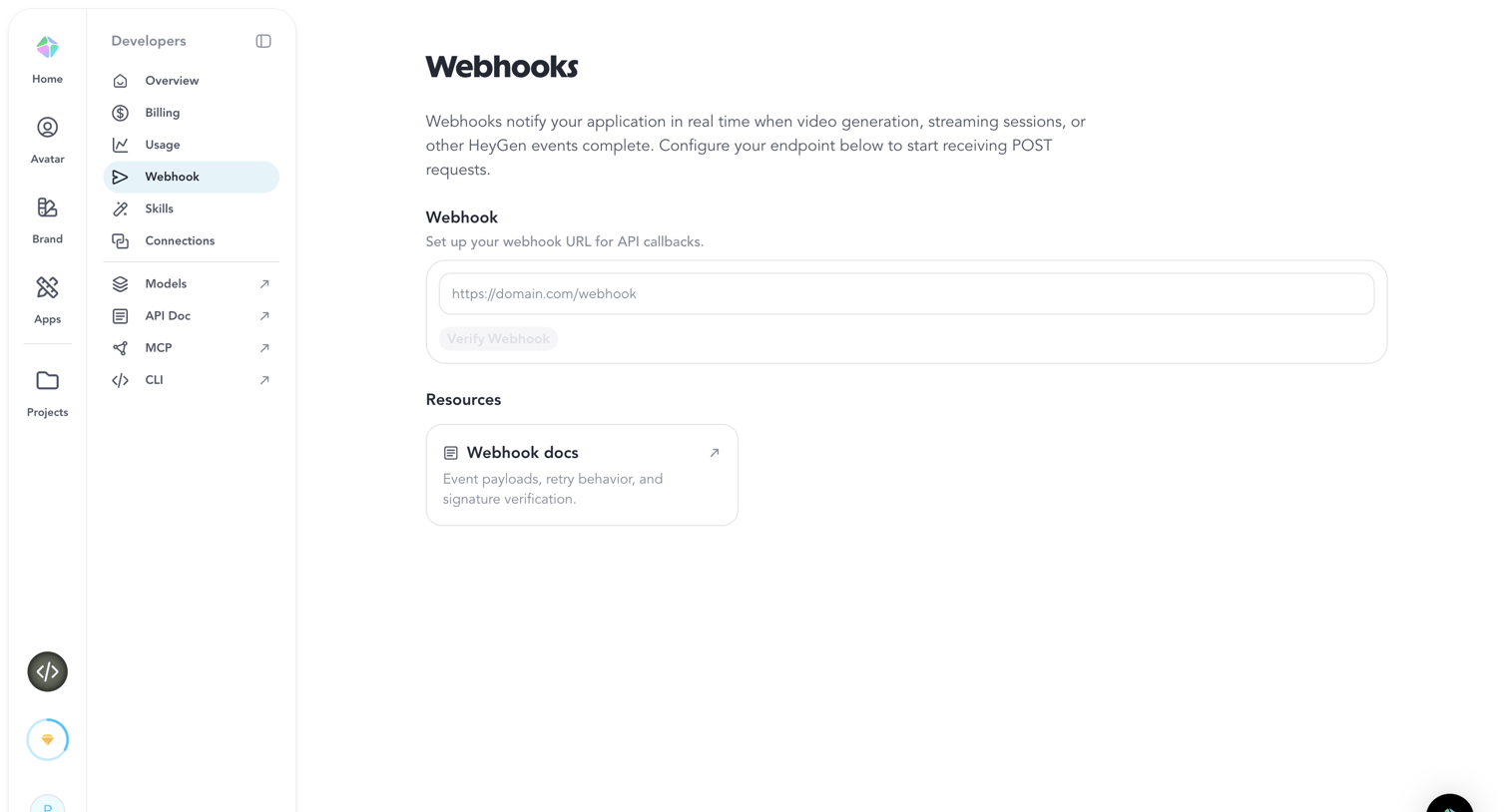

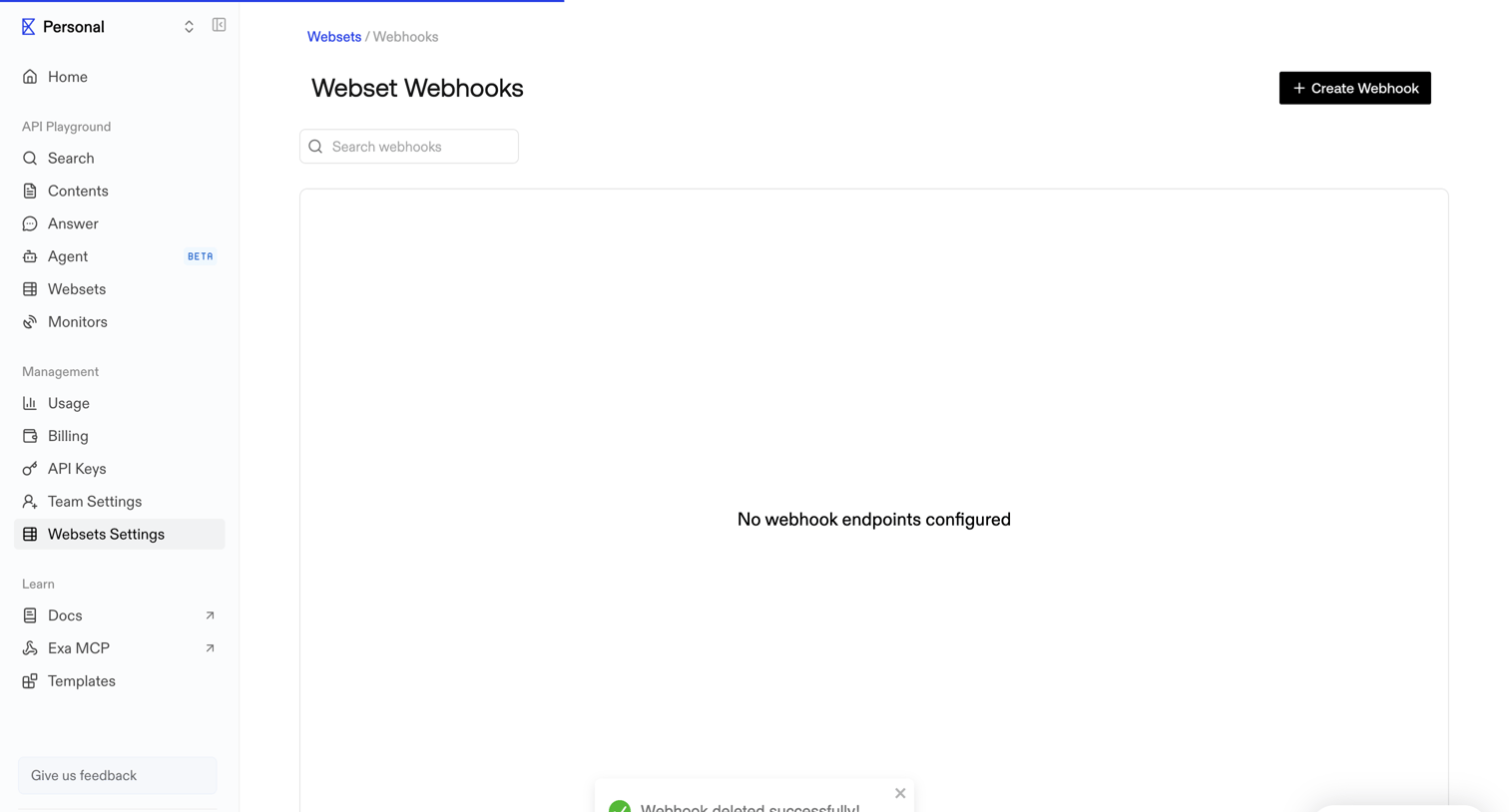

Settings page where the user manages webhook endpoints, currently showing an empty state immediately after a successful deletion.

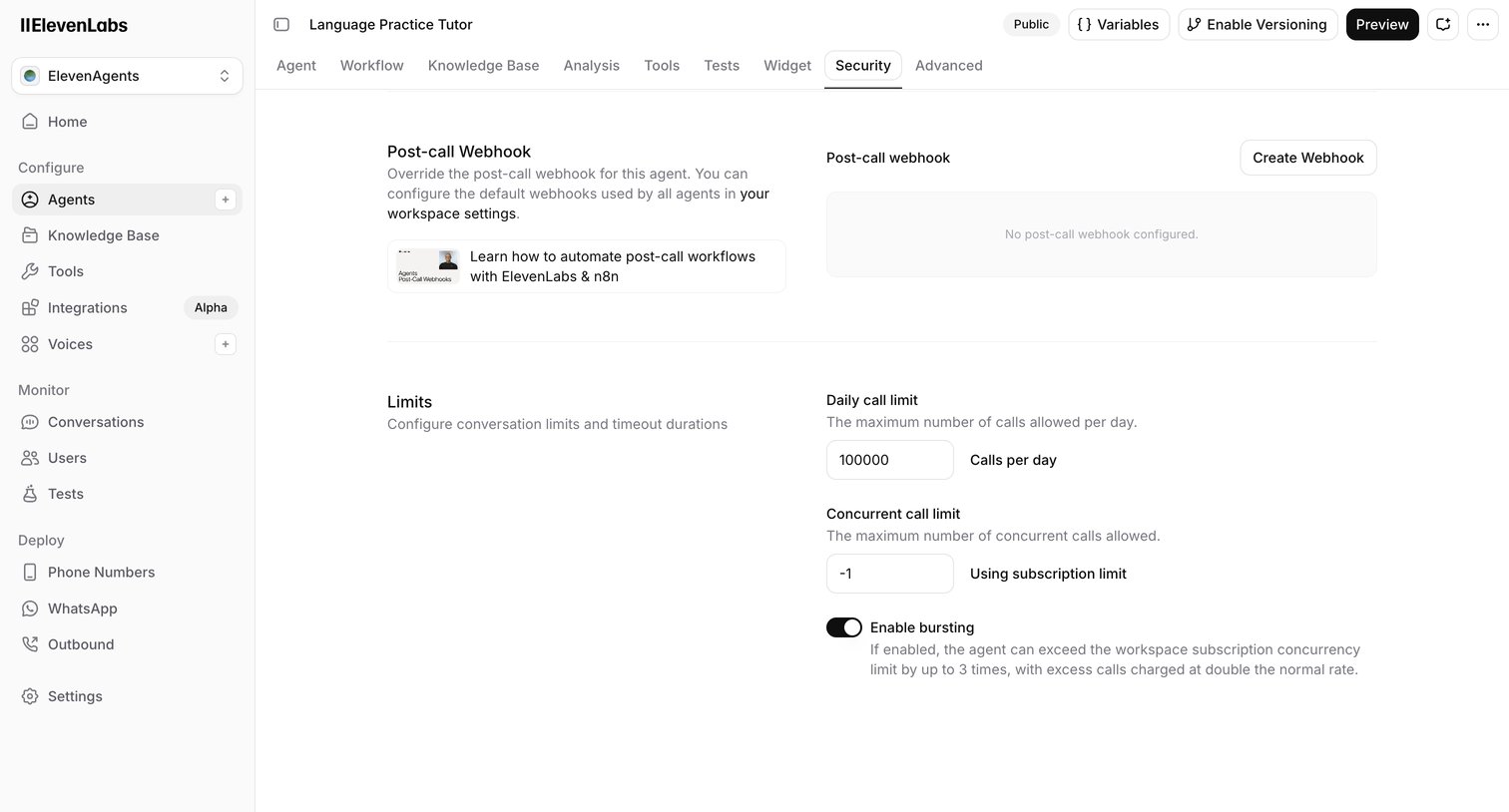

Settings page where the user configures post-call webhooks and conversation limits for a specific AI agent.
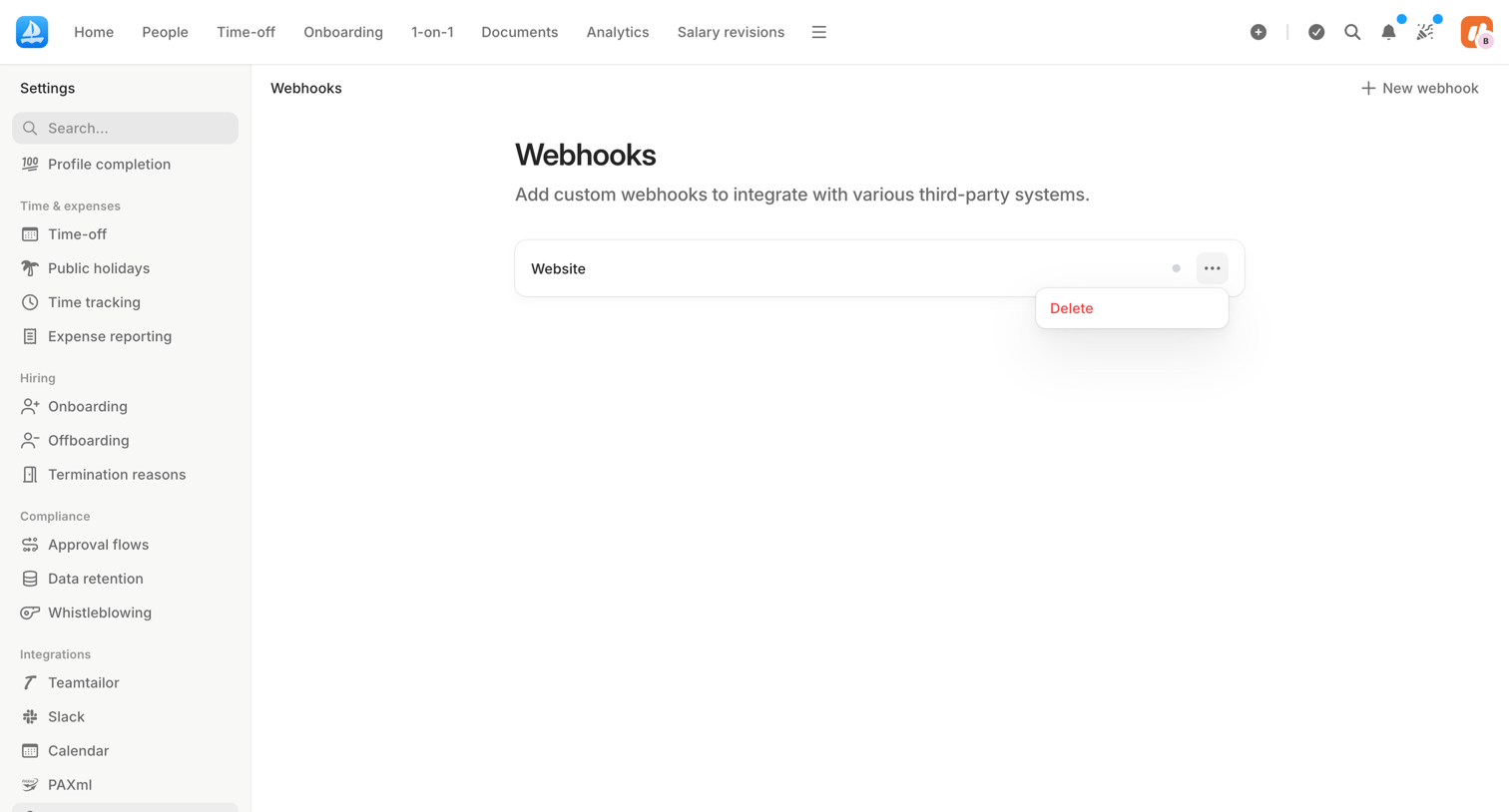

Settings page where an admin manages custom webhook integrations, showing an open dropdown menu to delete an existing website webhook.

Explore the full SaaS screen library
Upgrade to unlock the full library.
Trusted by the best teams








About Webhooks
See how SaaS apps present event notifications sent to other systems. Explore how webhook settings organize destination details, event choices, and controls for managing a connection.