Trial screen examples
Trial screen design examples from SaaS apps. See how SaaS apps introduce trial offers, show remaining time, and explain usage limits. Explore how these details sit alongside prompts to choose a paid plan.
Explore the examples
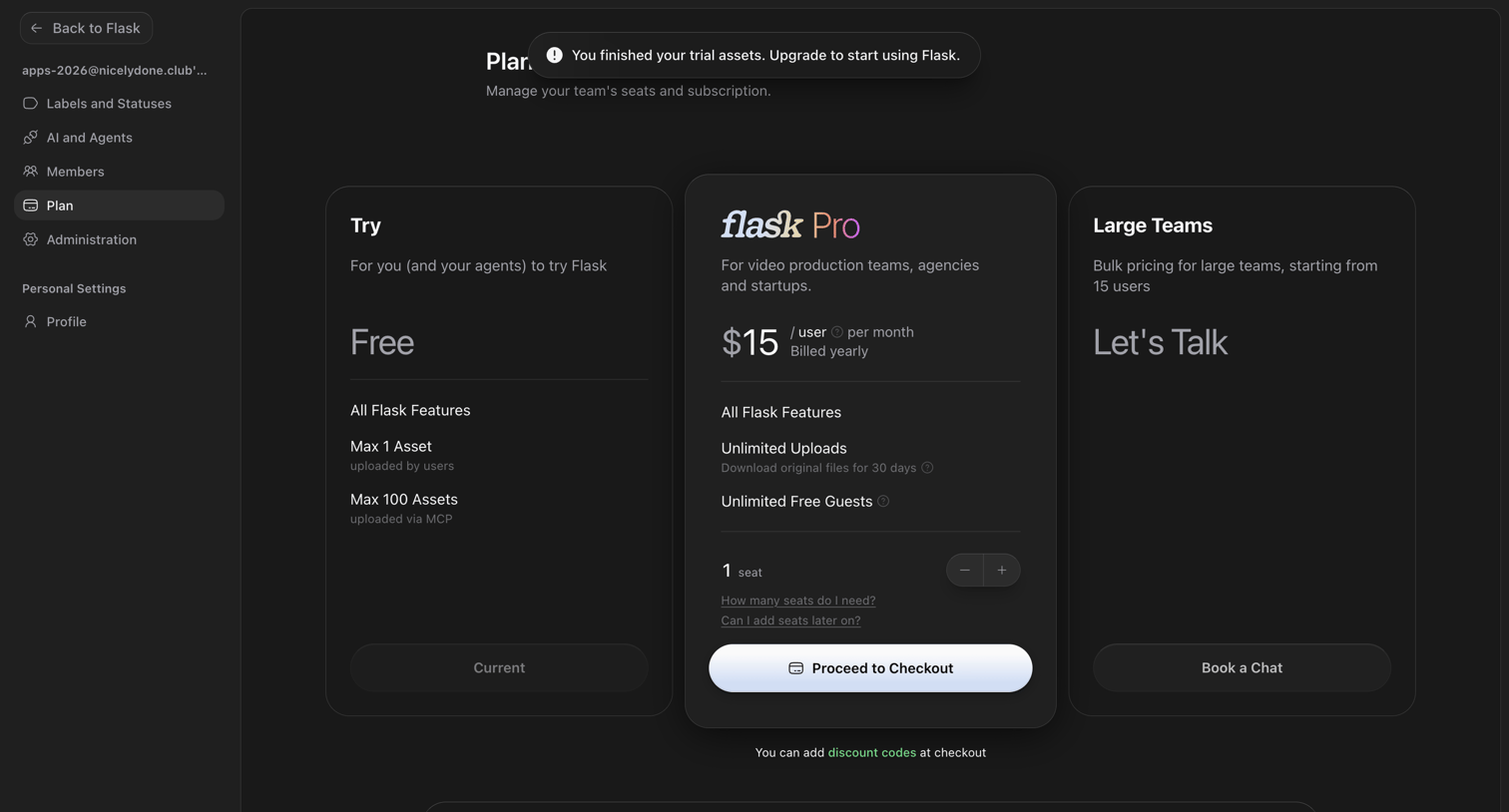

Settings page where the user is prompted to upgrade to a Pro plan after finishing their trial assets, with options to select seat quantity or book a chat for large teams.
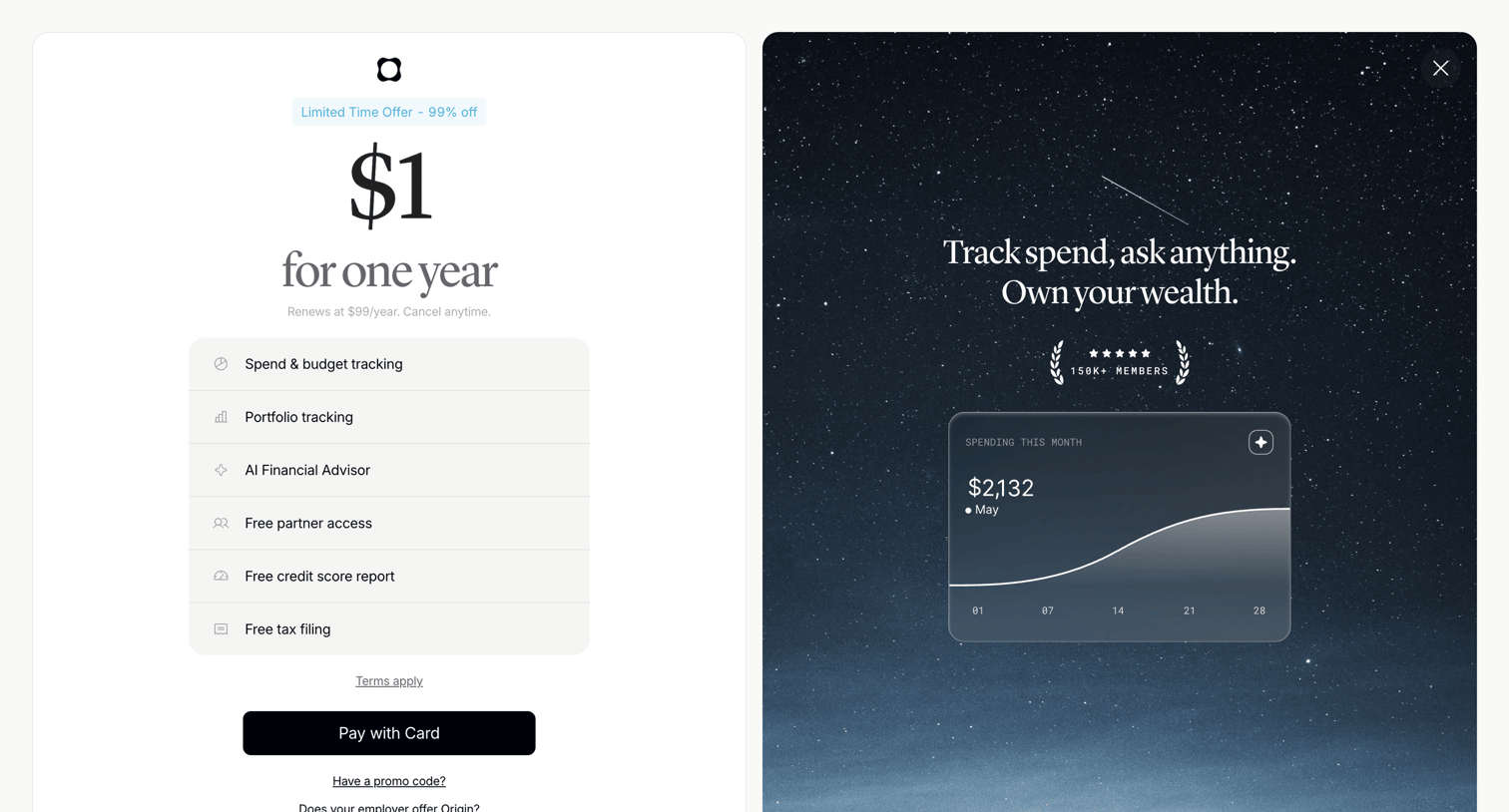

Paywall screen offering a discounted one-year trial with a feature list on the left and social proof alongside a product preview on the right.
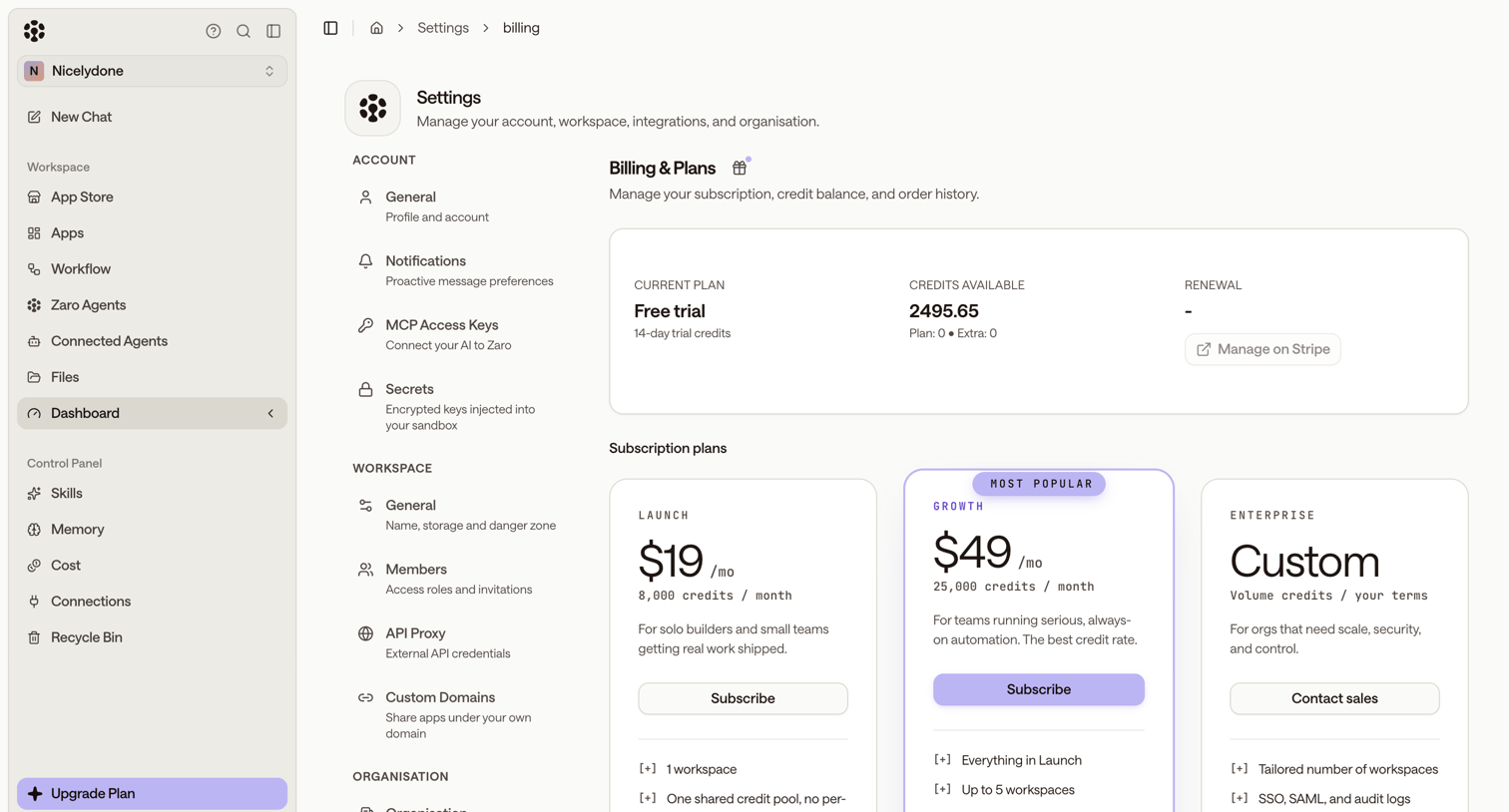

Settings page where the user views their current trial status, available credits, and can subscribe to a paid plan.
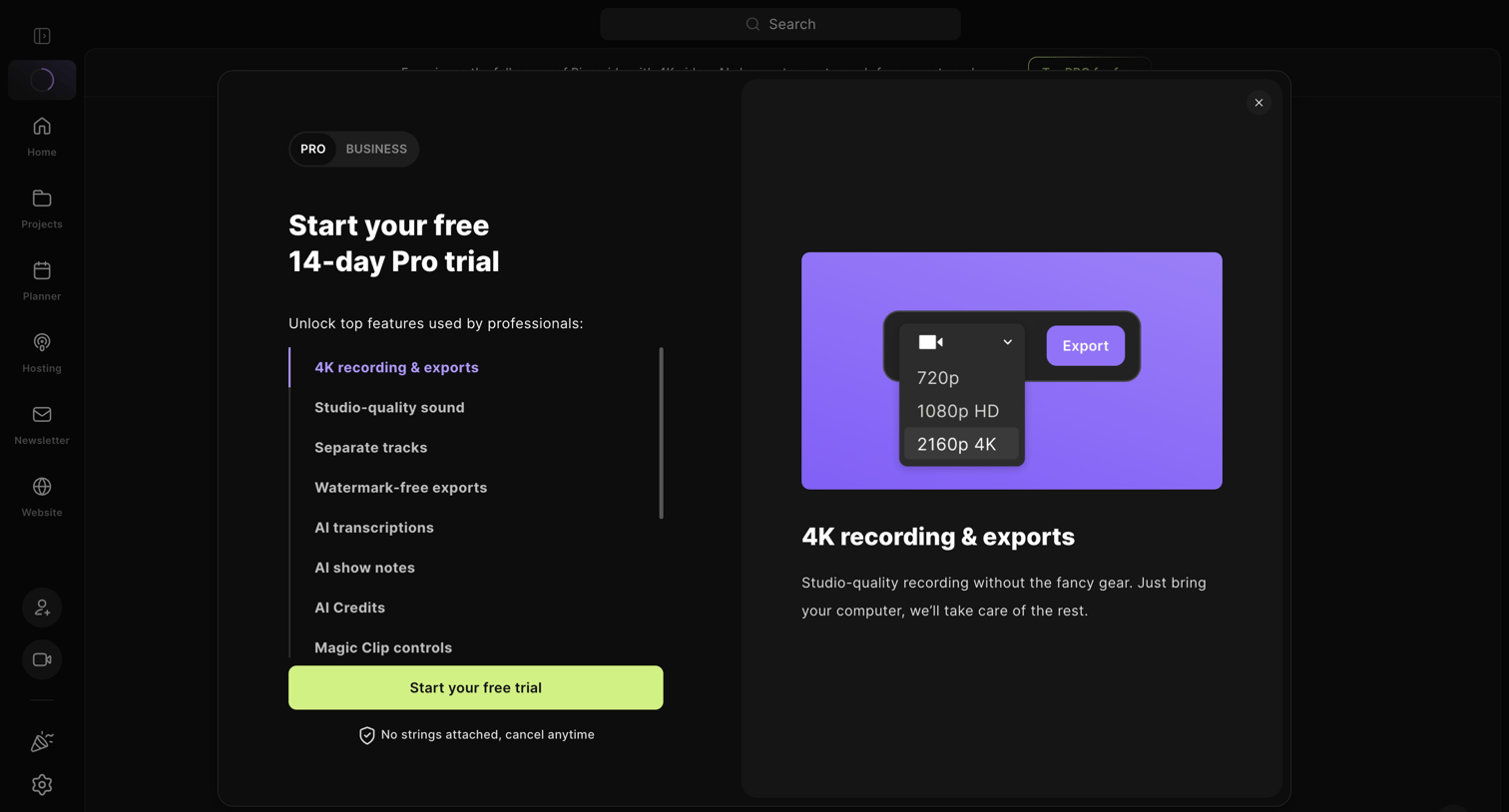

Paywall modal where the user can start a 14-day free trial of the Pro plan, viewing a feature list and a preview of 4K recording capabilities.
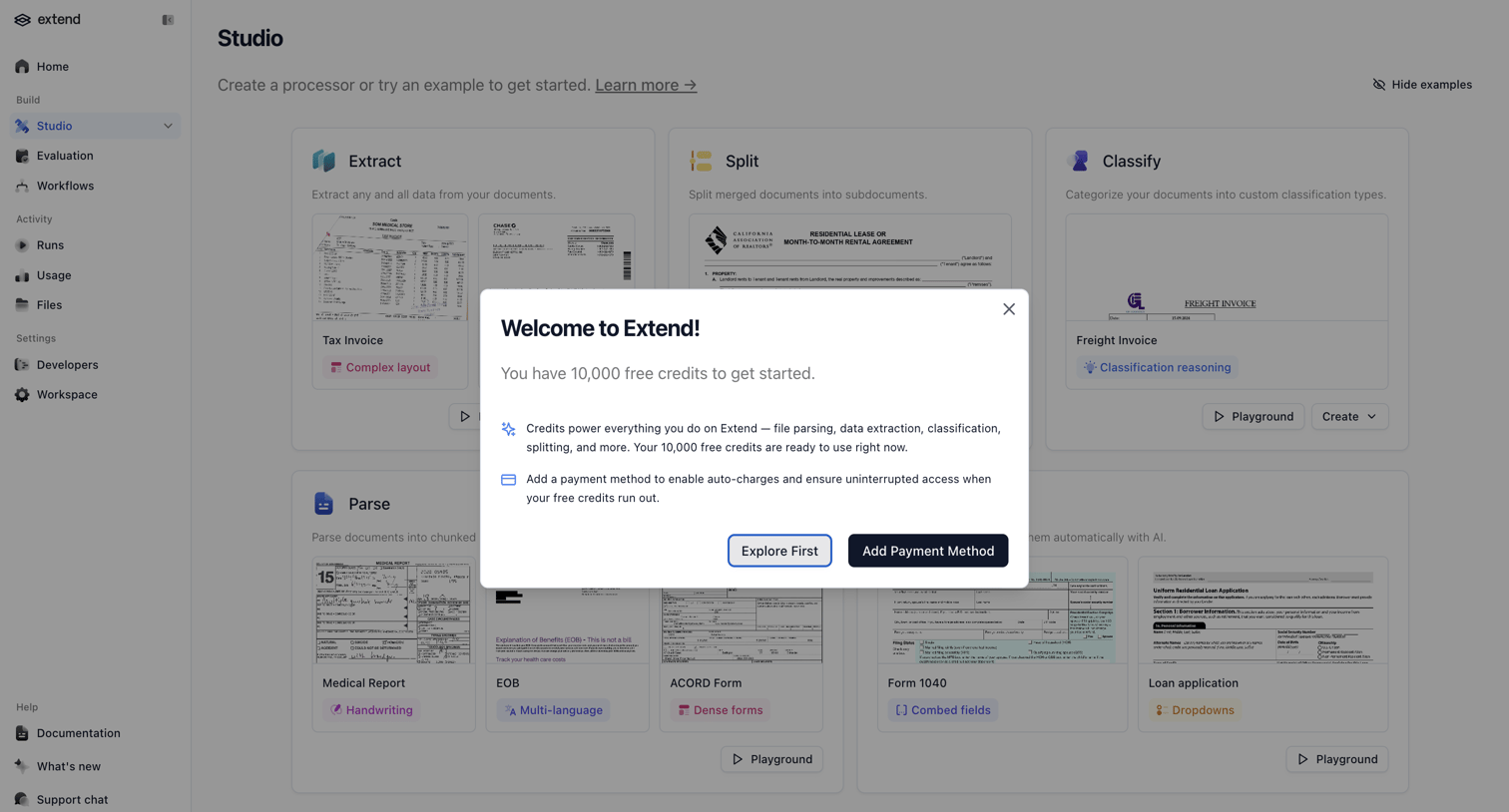

Welcome modal granting the user free credits and prompting them to add a payment method for uninterrupted access.
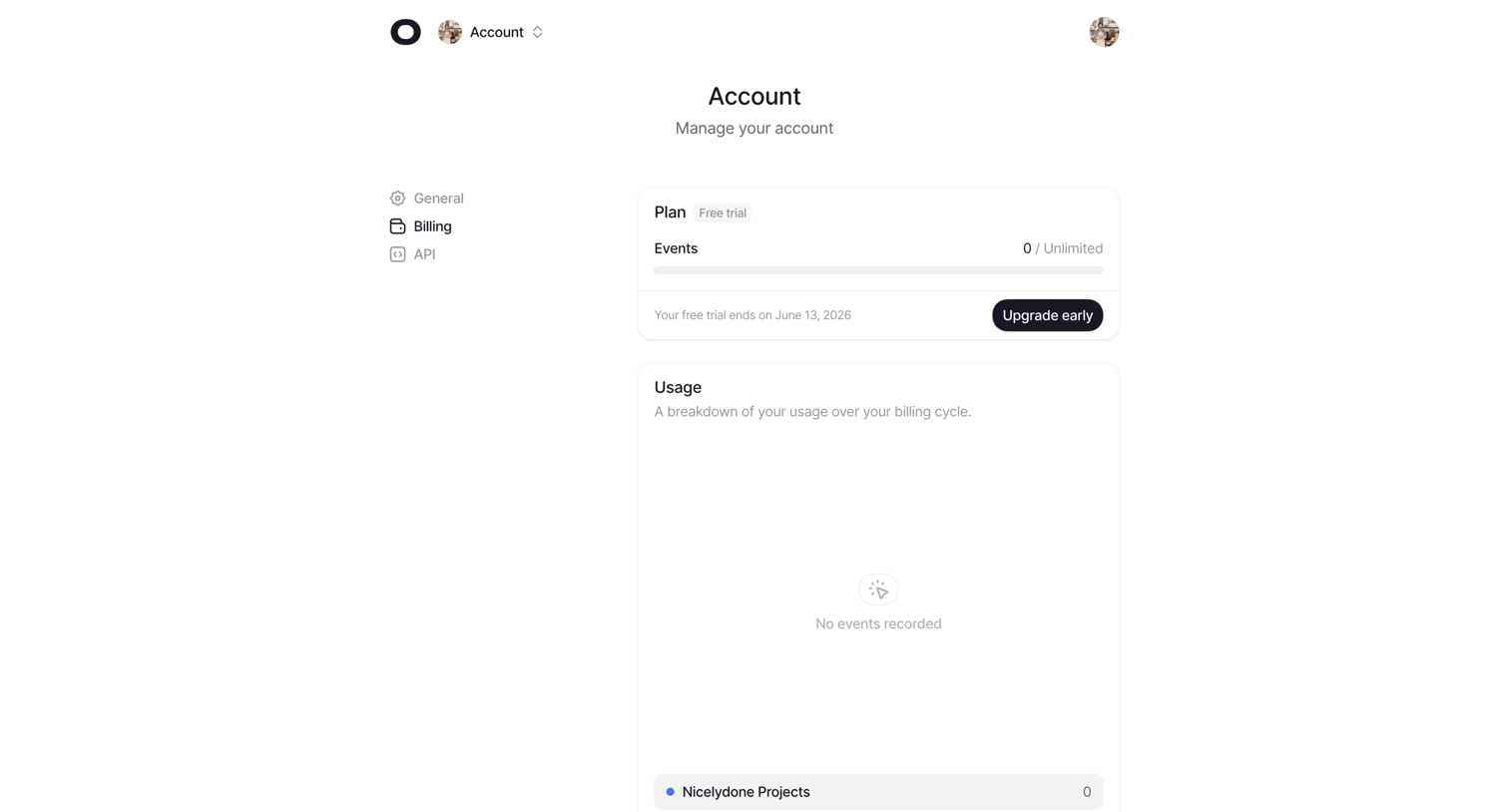

Settings page where the user views their current free trial plan, event usage limits, and a breakdown of usage over the billing cycle.
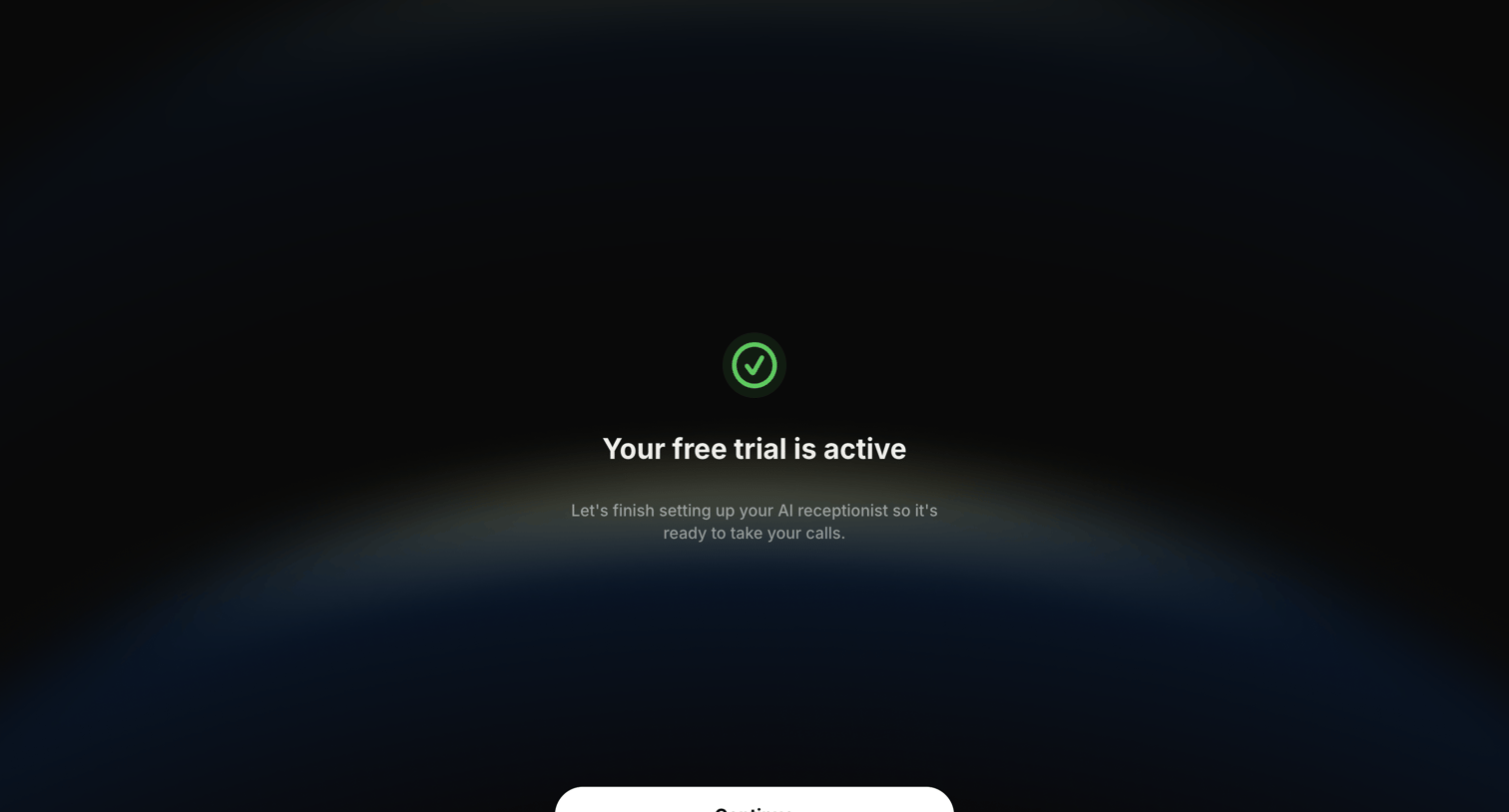

Onboarding interstitial confirming the user's free trial is active and prompting them to continue setting up their AI receptionist.
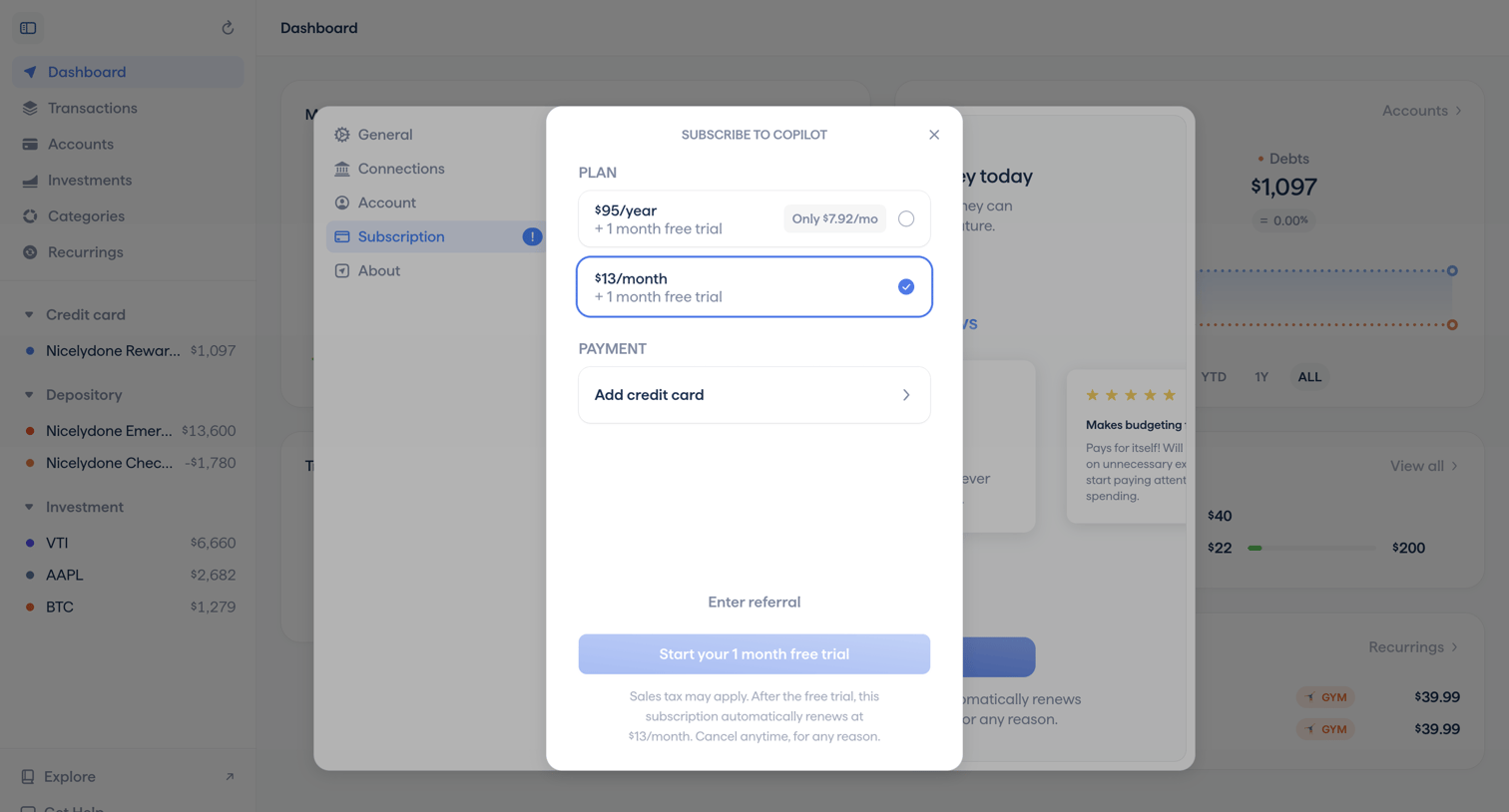

Paywall modal where the user selects between a yearly or monthly subscription plan and adds a credit card to start a free trial.
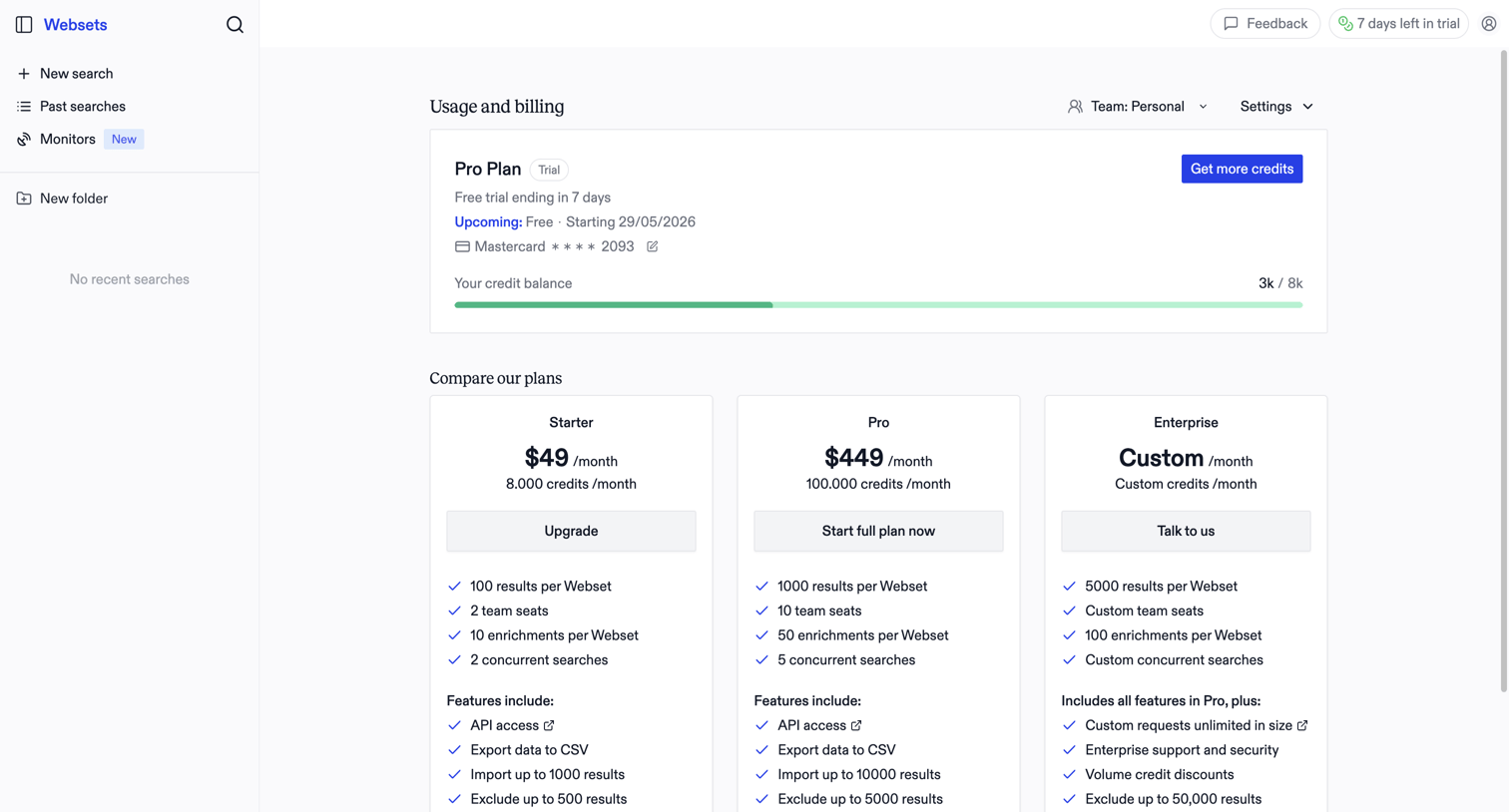

Settings page where the user views their current trial usage, credit balance, and compares pricing tiers to upgrade to a paid plan.
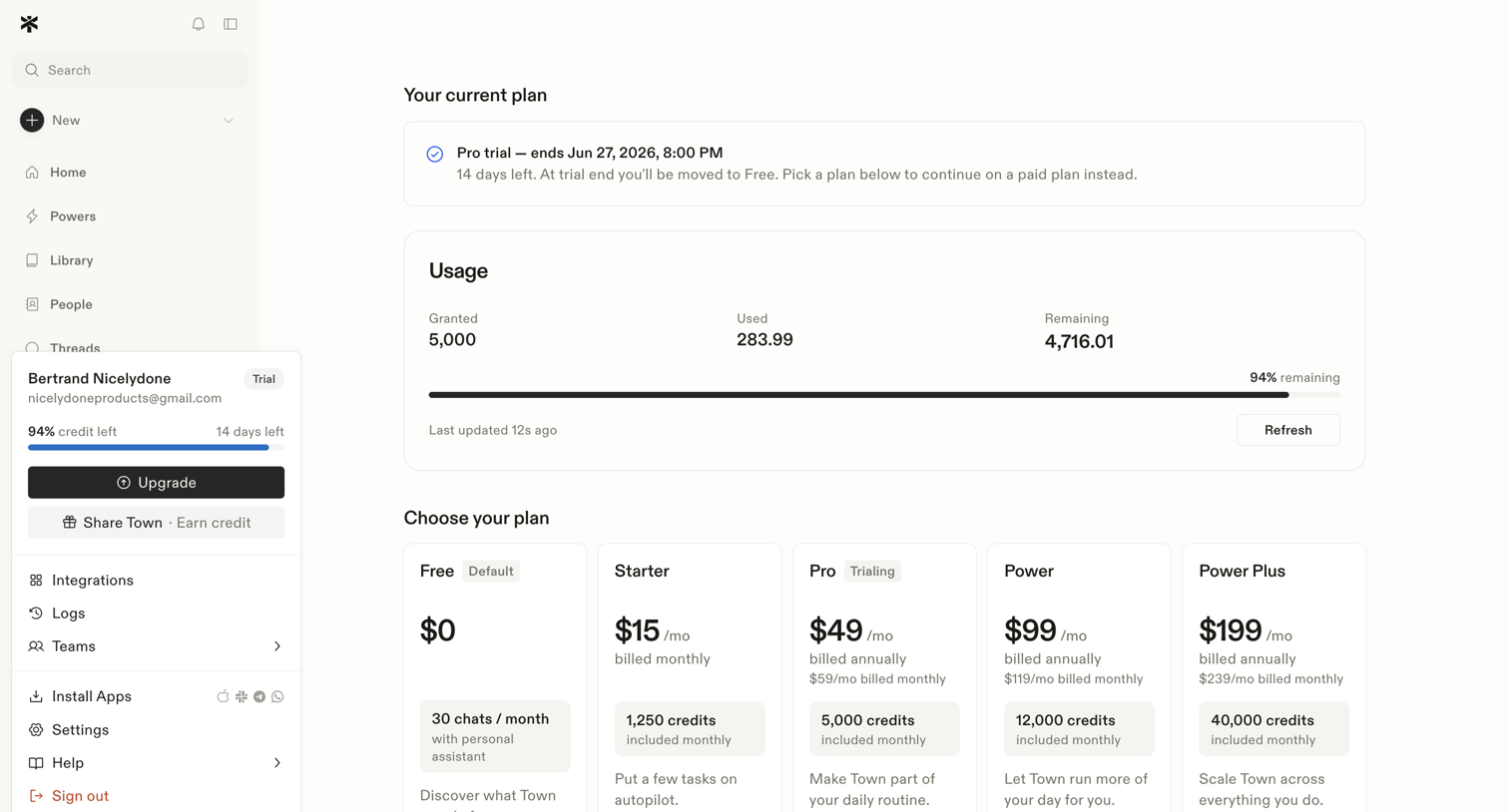

Settings page where the user views their current trial status, monitors credit usage, and can select a paid subscription plan.
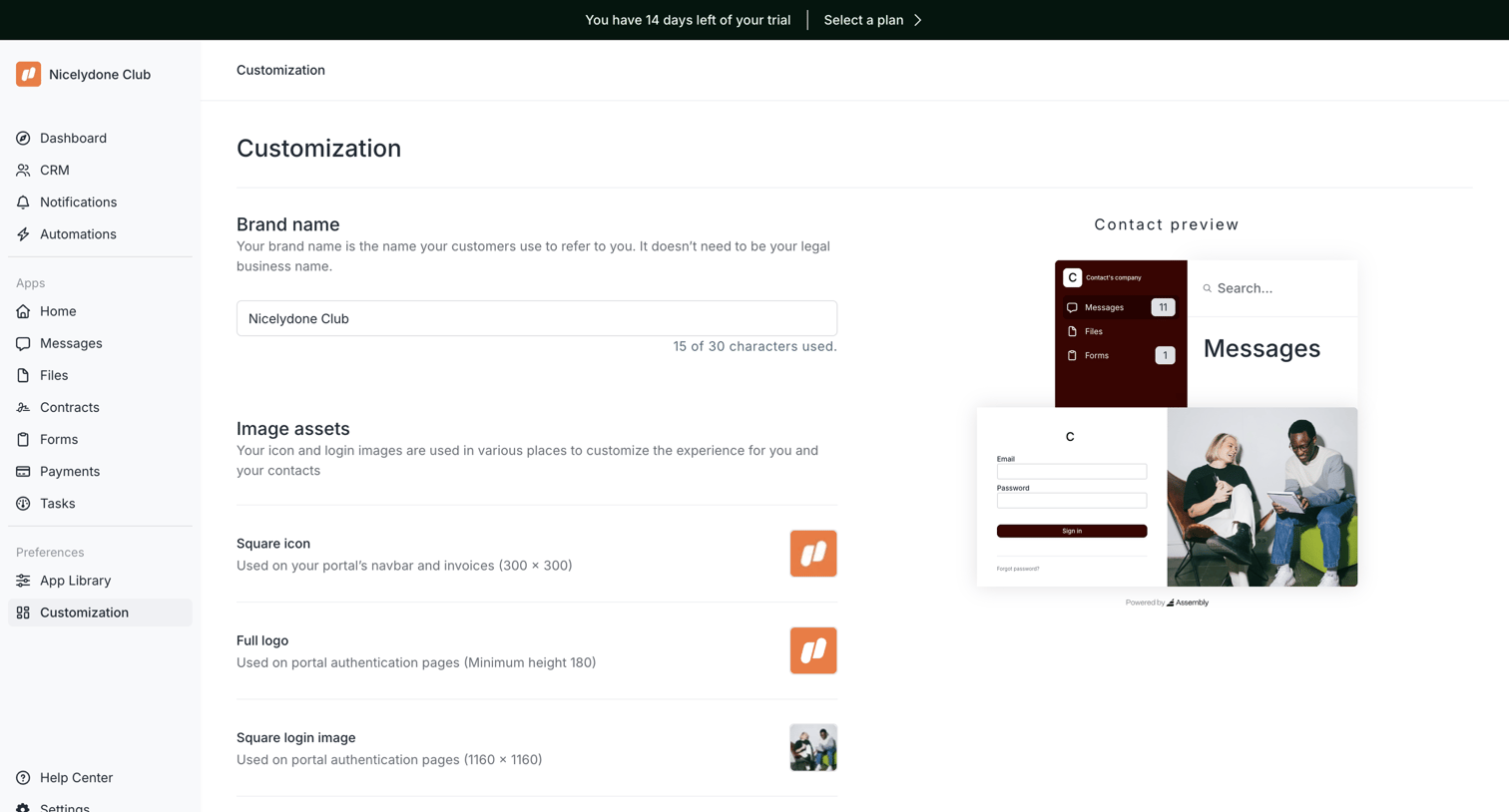

Settings page where the user configures their portal's brand name and image assets while viewing a live preview.
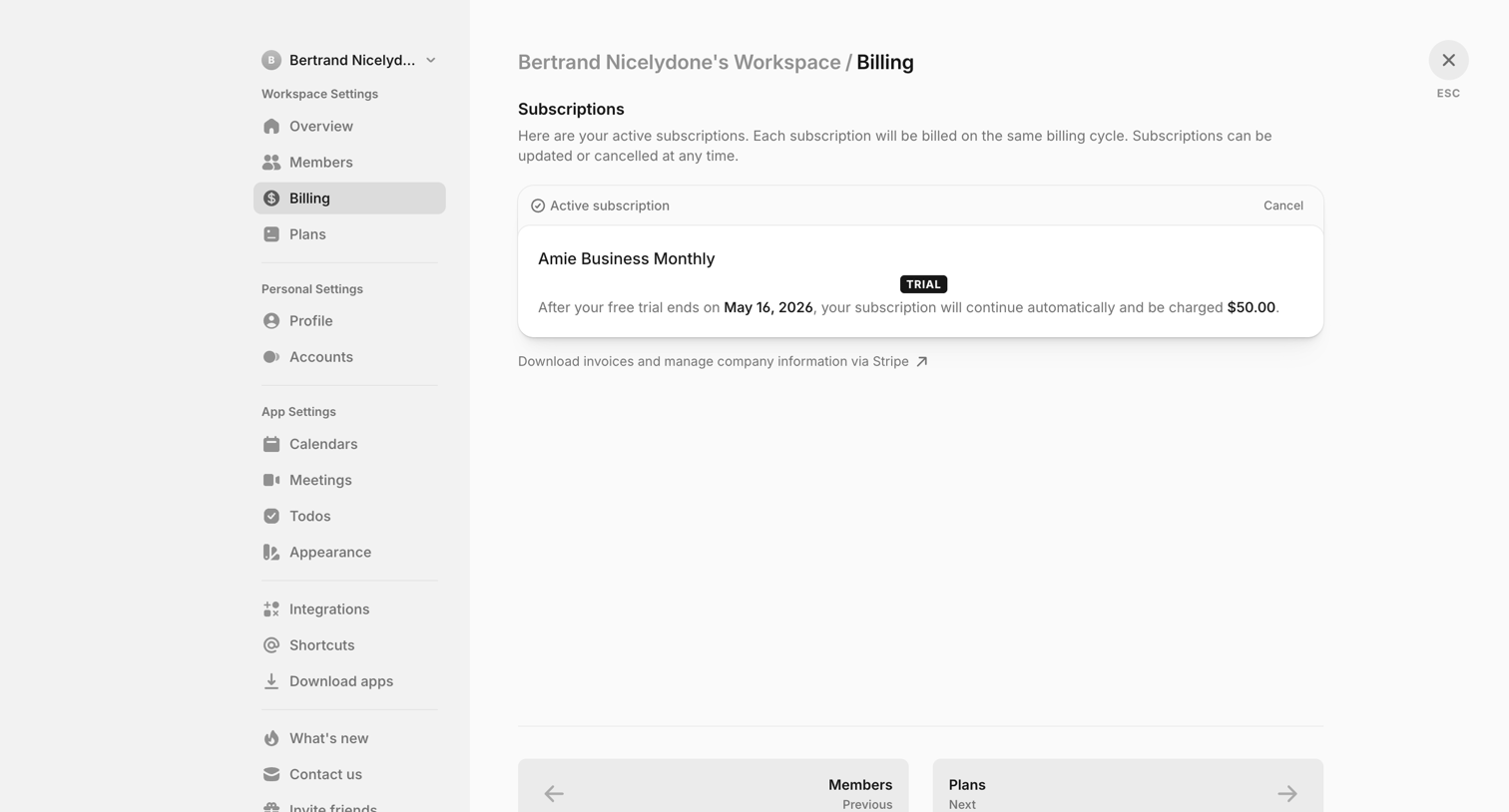

Settings page where the user views their active trial subscription and can navigate to manage invoices via Stripe.
Explore the full SaaS screen library
Upgrade to unlock the full library.
Trusted by the best teams








About Trial
See how SaaS apps introduce trial offers, show remaining time, and explain usage limits. Explore how these details sit alongside prompts to choose a paid plan.