Assembly AI App Builder design examples
Explore Assembly AI App Builder UI design examples. AI-powered platform for professional services firms to build client portals and CRM tools
Product screens


Sign-in screen where the user authenticates with Google or their email and password.
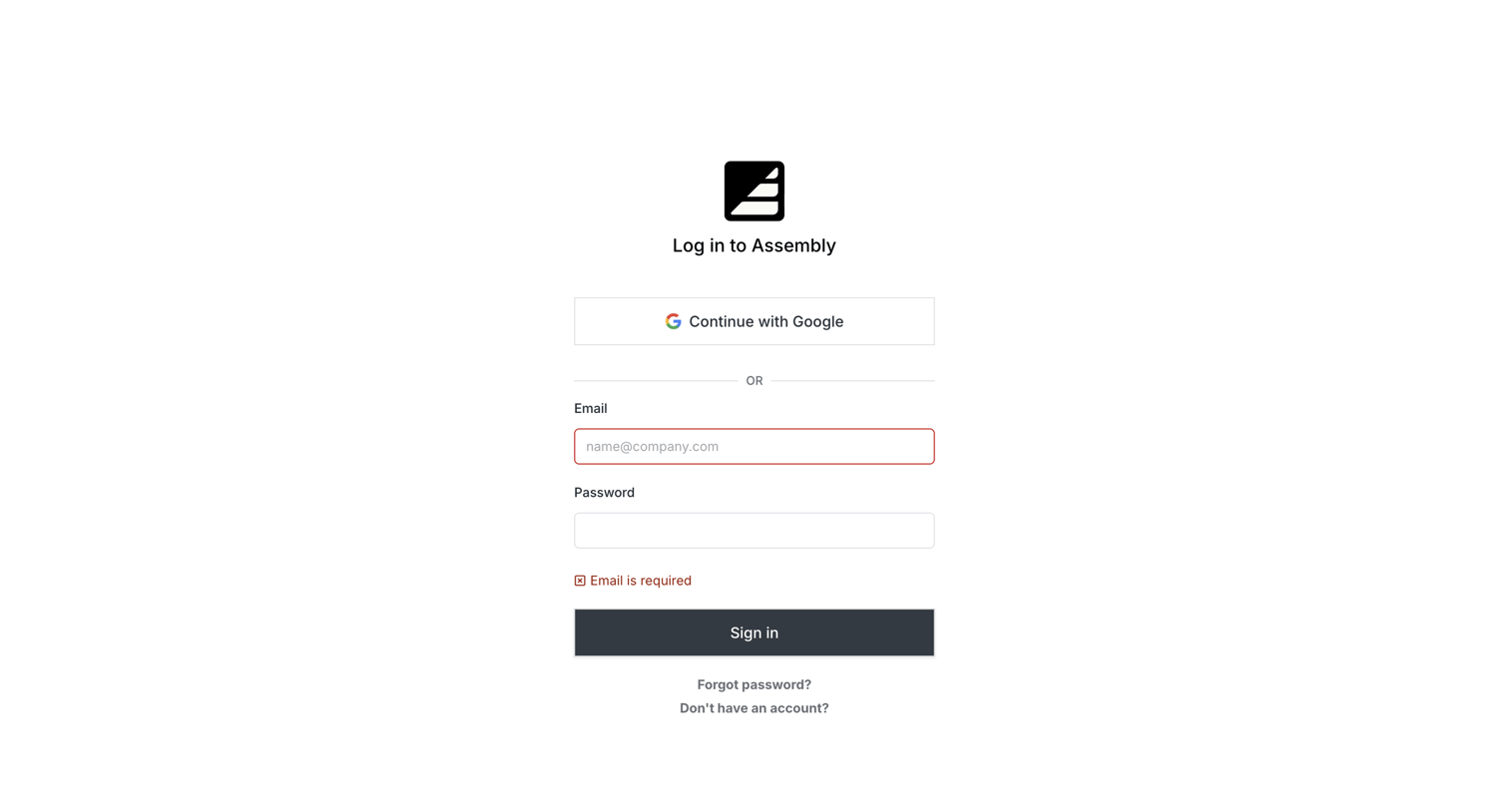
Sign-in screen where the user authenticates with Google or email, currently displaying a validation error on the email field.
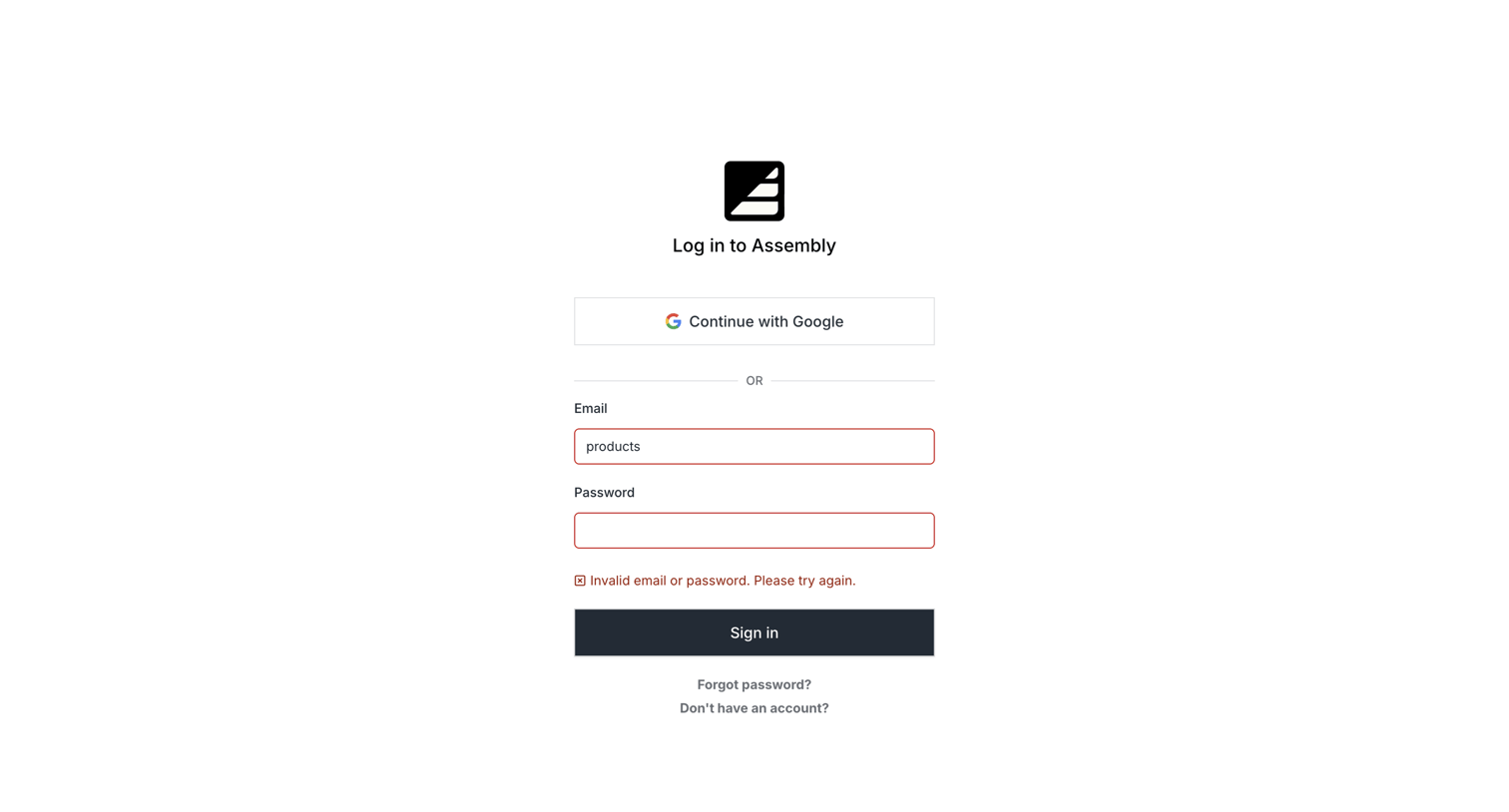
Sign-in screen where the user attempts to authenticate with email or Google but encounters an invalid credentials error.
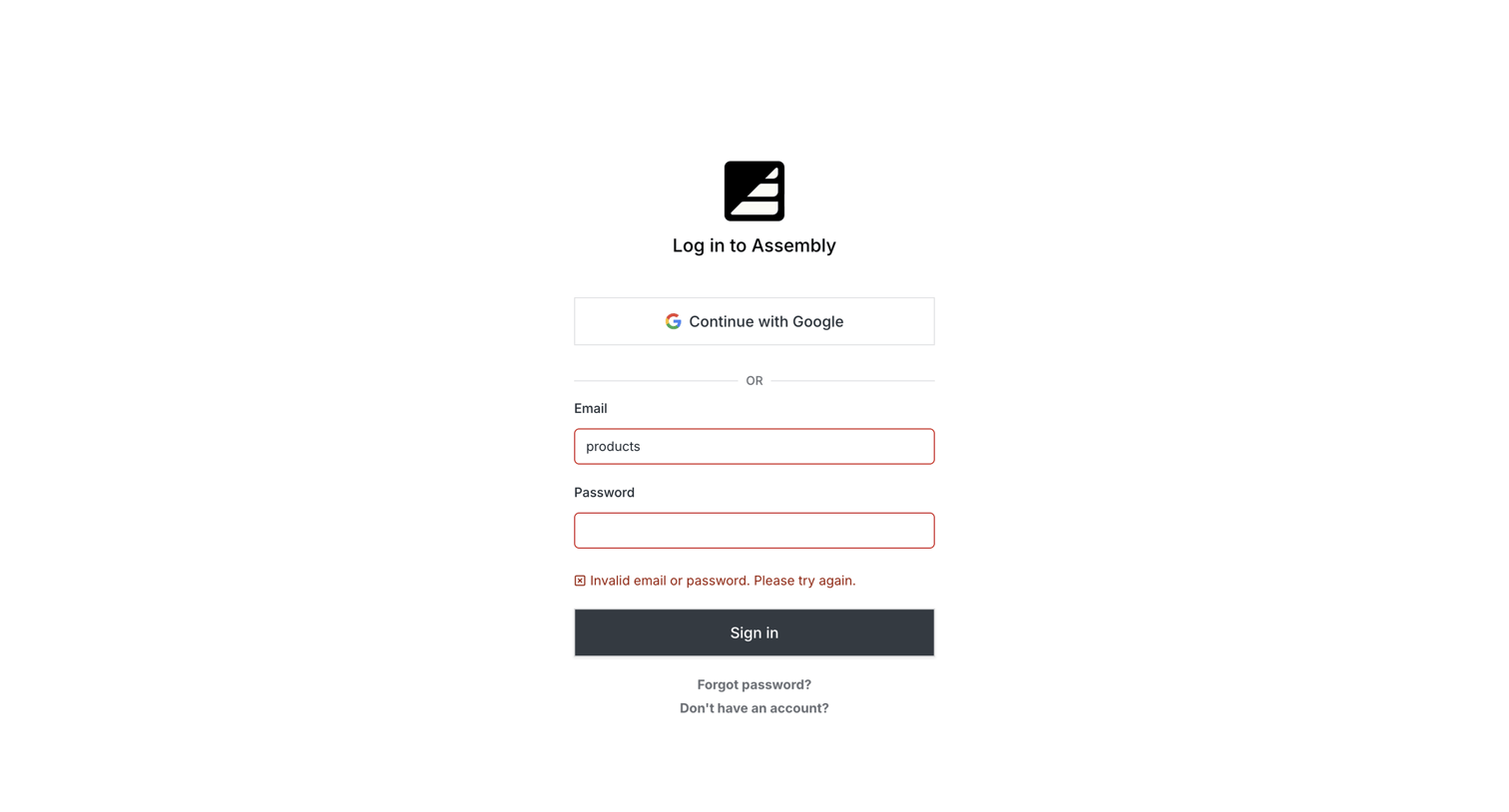
Sign-in screen where the user attempts to authenticate but encounters an invalid email or password error.
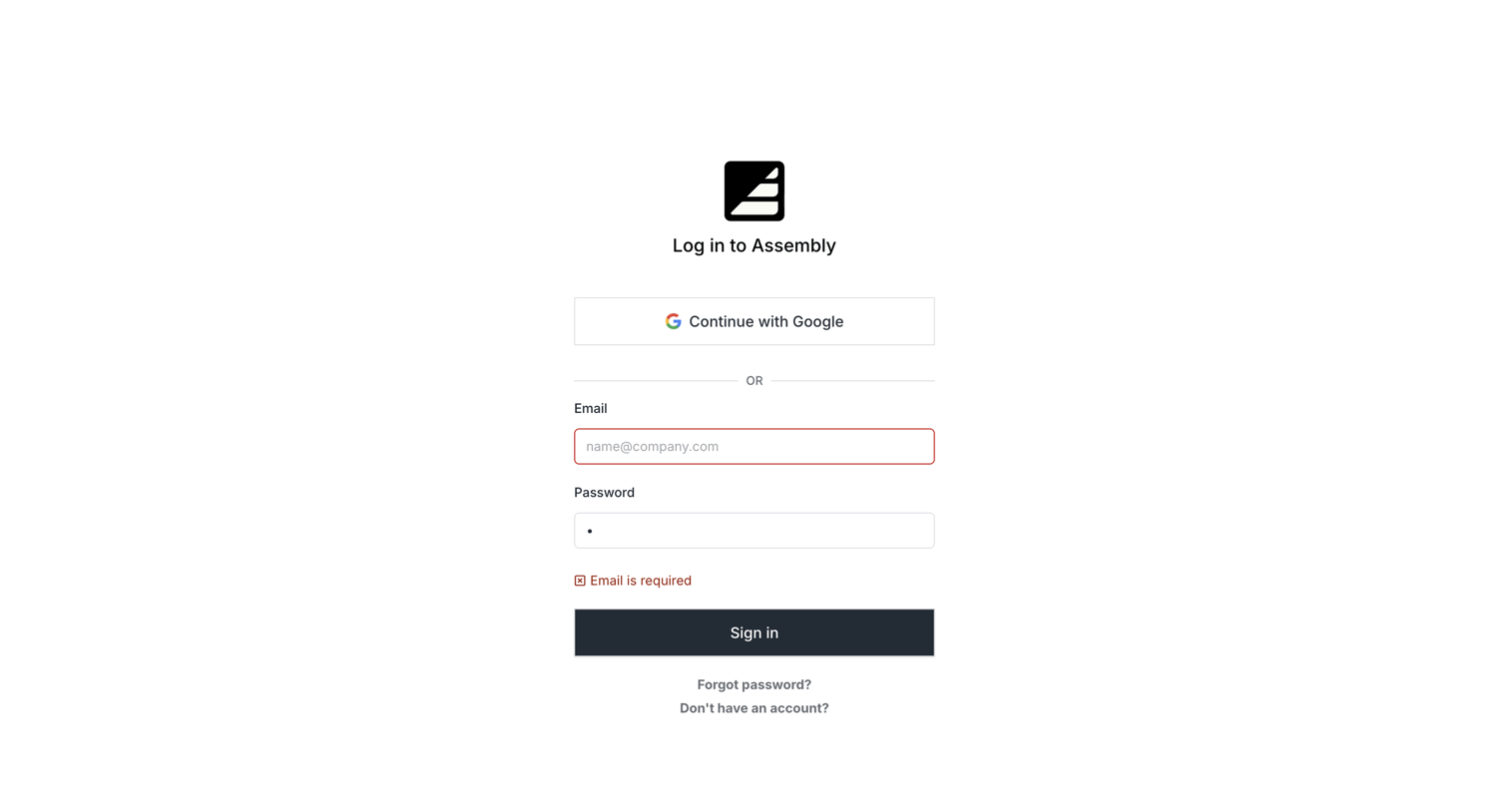
Sign-in screen where the user authenticates with Google or an email and password, currently displaying a validation error on the email field.
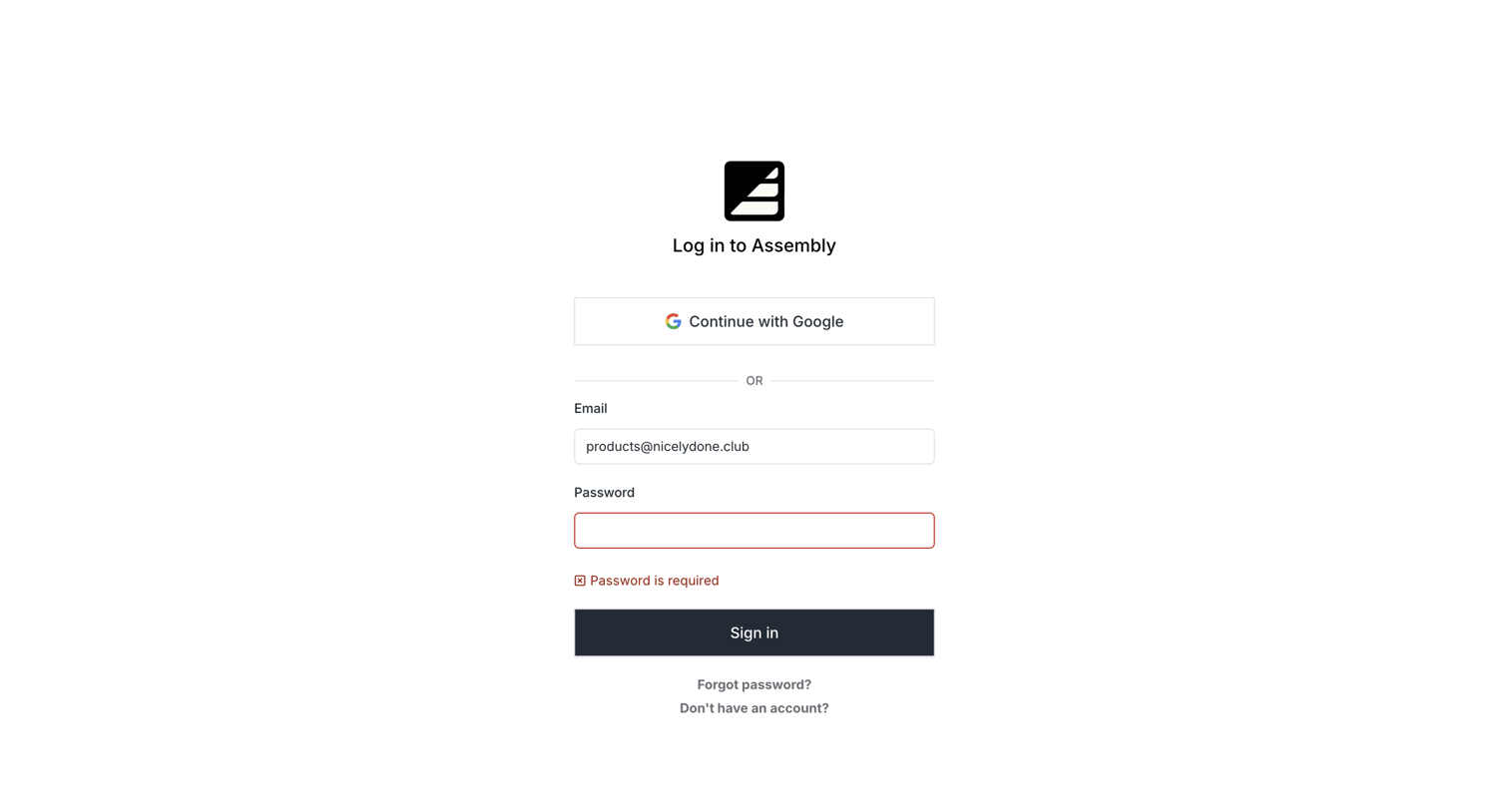
Sign-in screen where the user is blocked by a validation error indicating the password field is required.
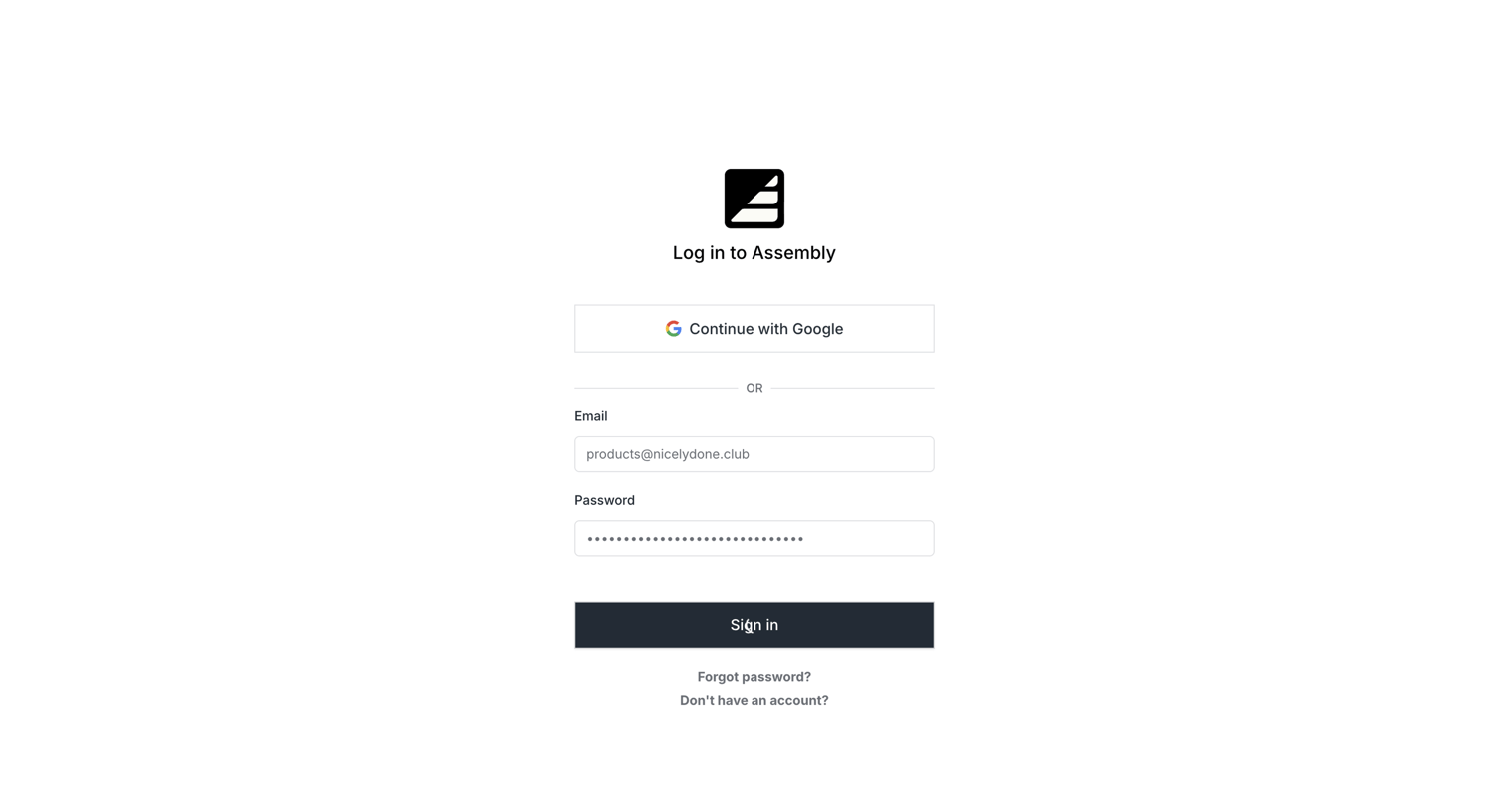
Sign-in screen where the user authenticates with Google or their email and password.
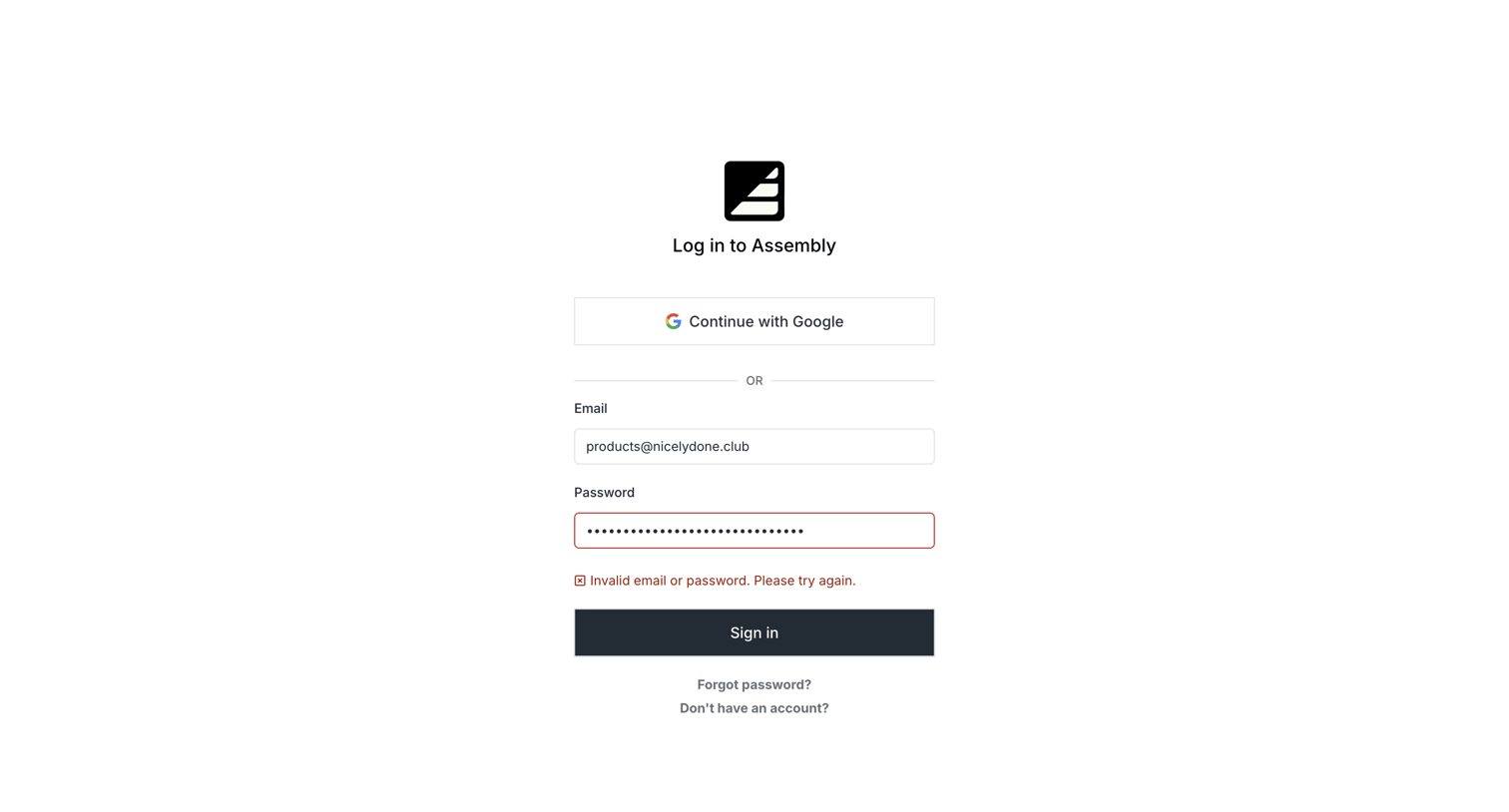
Sign-in screen where the user attempted to authenticate with email and password but encountered an invalid credentials error.
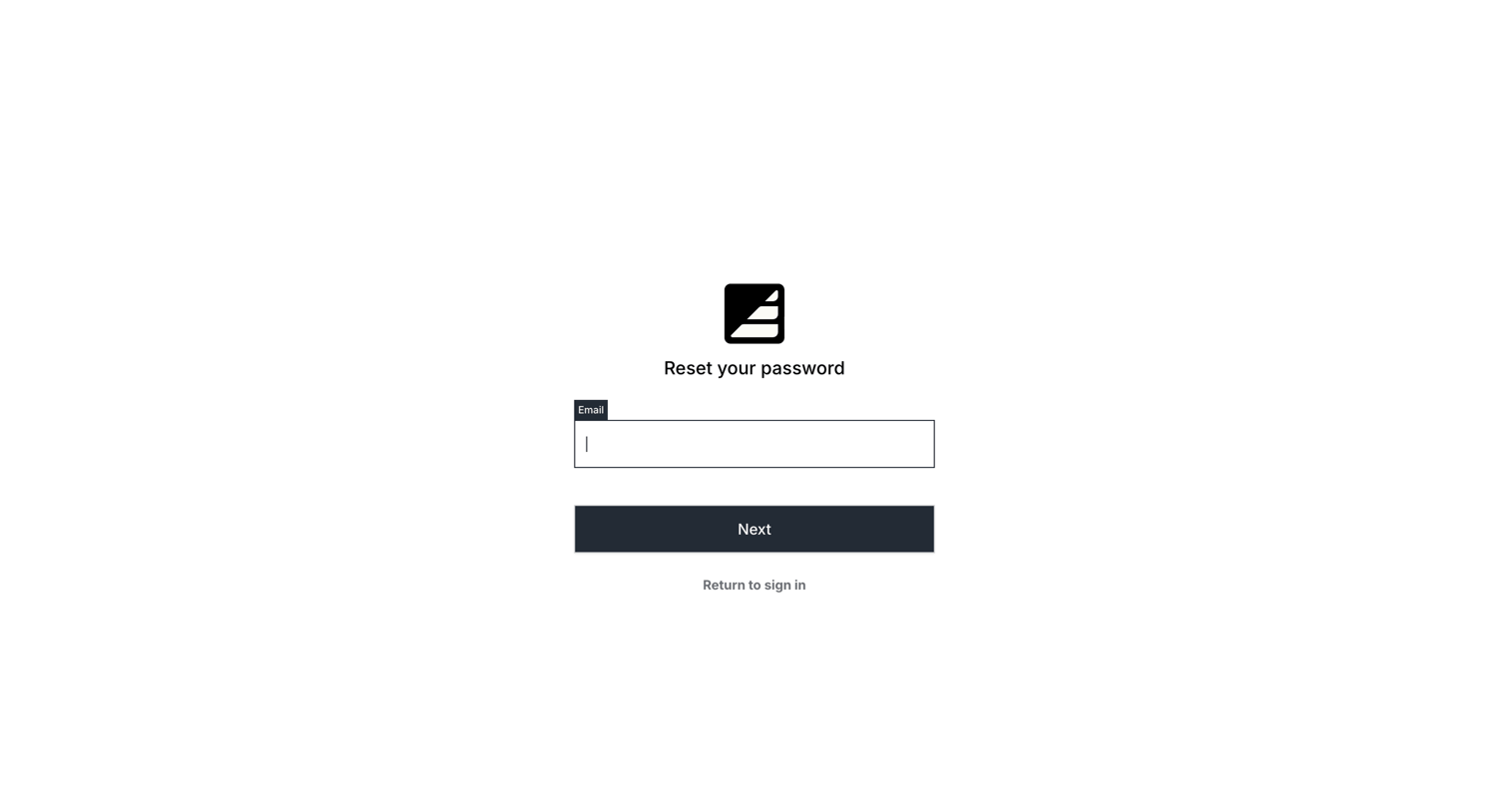
Password recovery screen where the user enters their email address to initiate a reset flow.
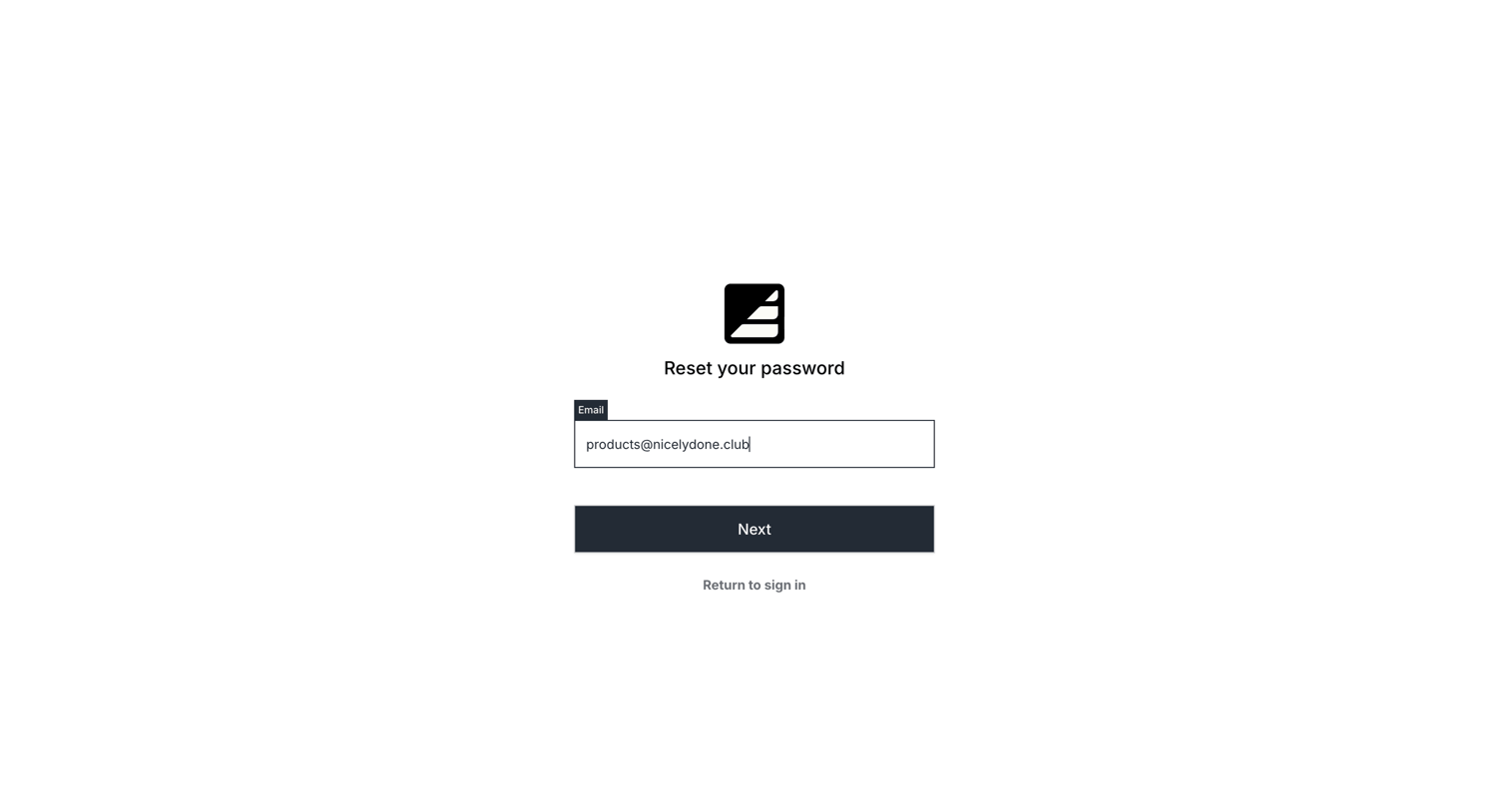
Password recovery screen where the user enters their email address to initiate a password reset.
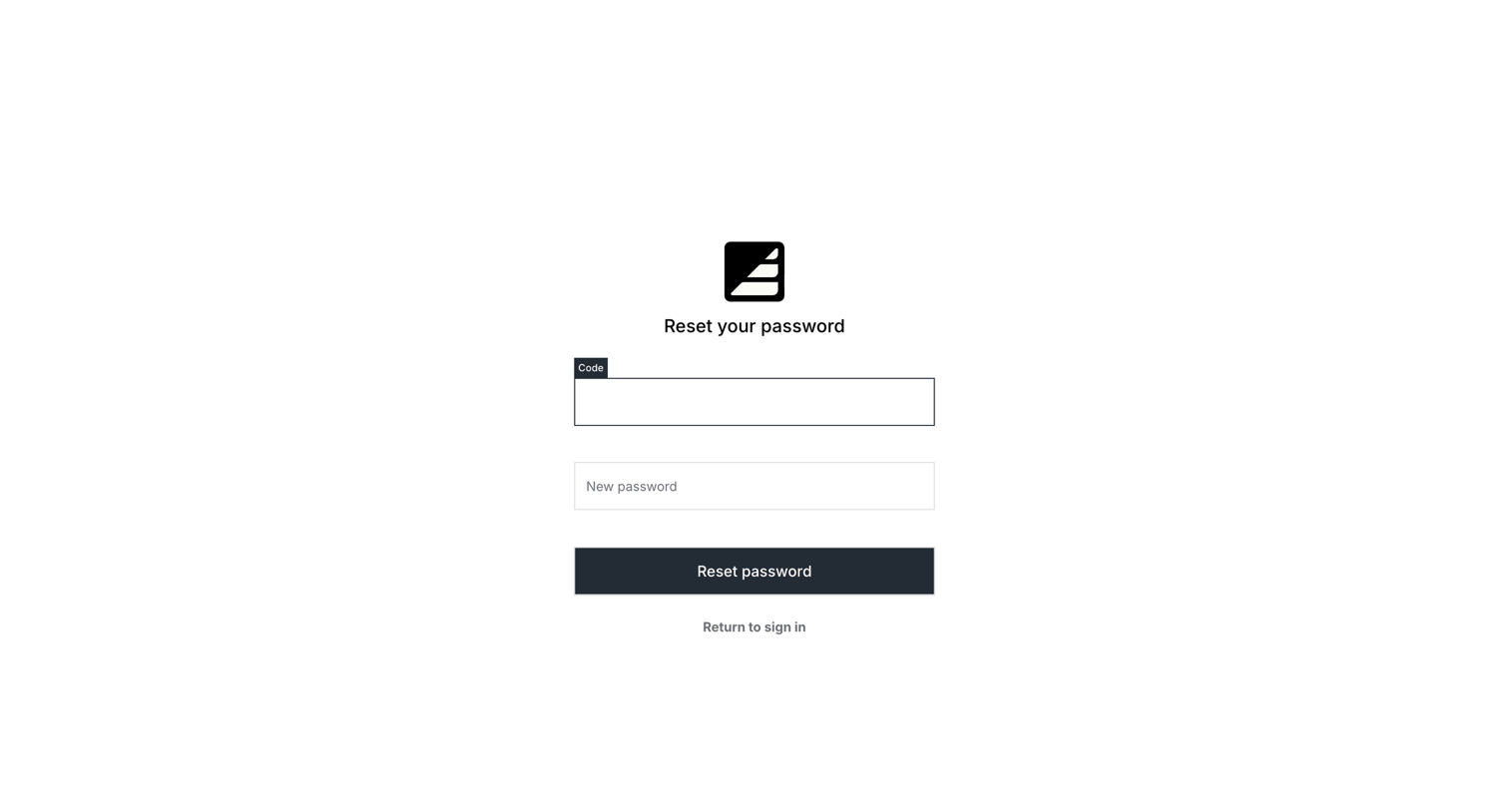
Password recovery screen where the user enters a verification code and sets a new password.
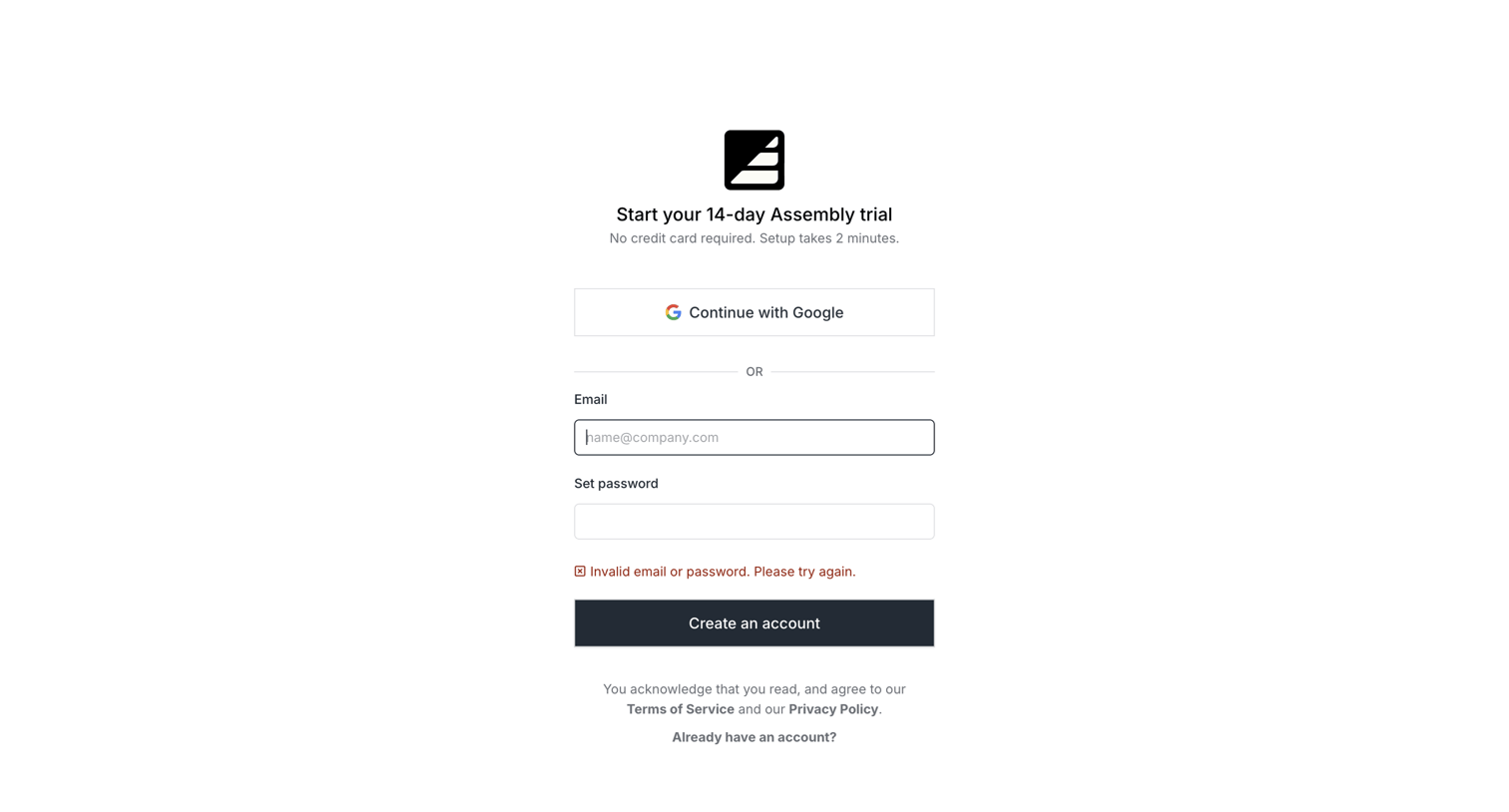
Signup page for a 14-day free trial where the user has encountered an invalid email or password error upon submission.
Browse the full SaaS app library
Explore real SaaS apps with their product screens, marketing screens, flows, and components.
Trusted by the best teams







