Assembly AI App Builder UI components examples
Browse Assembly AI App Builder UI component design examples. Preview individual interface elements and explore related component categories. AI-powered platform for professional services firms to build client portals and CRM tools
Explore the examples
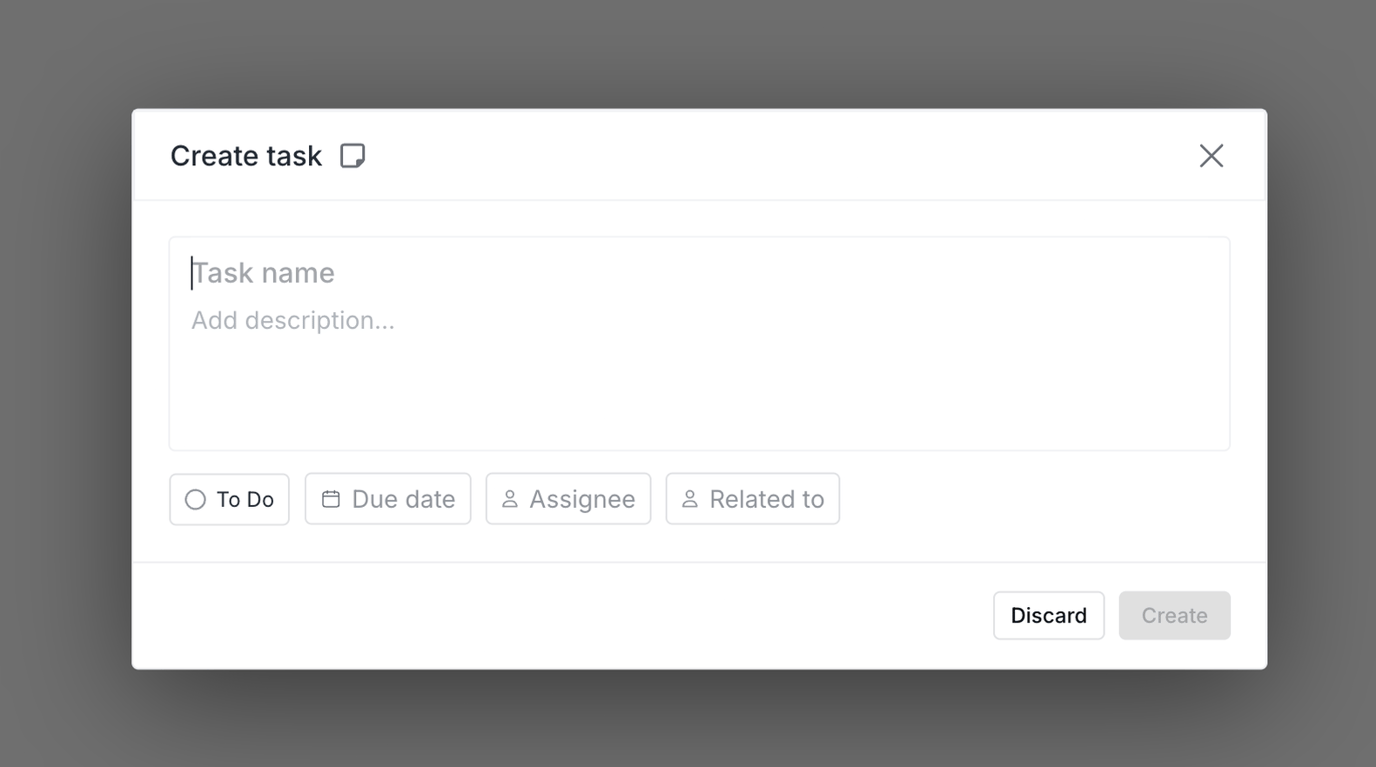

A modal dialog for creating a new task with input fields and action buttons.
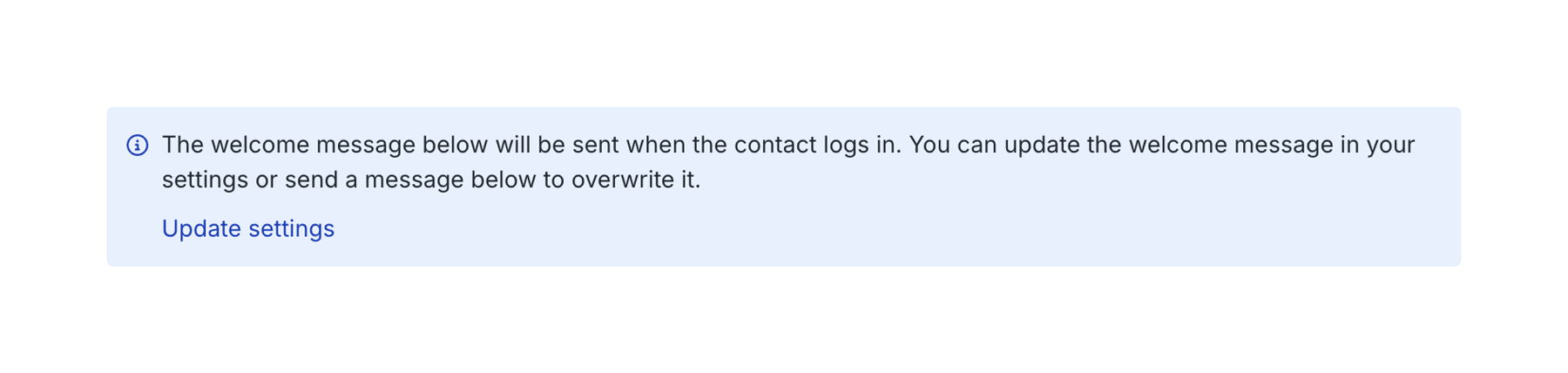
An informational message box with a link to update settings, displayed on a white background.
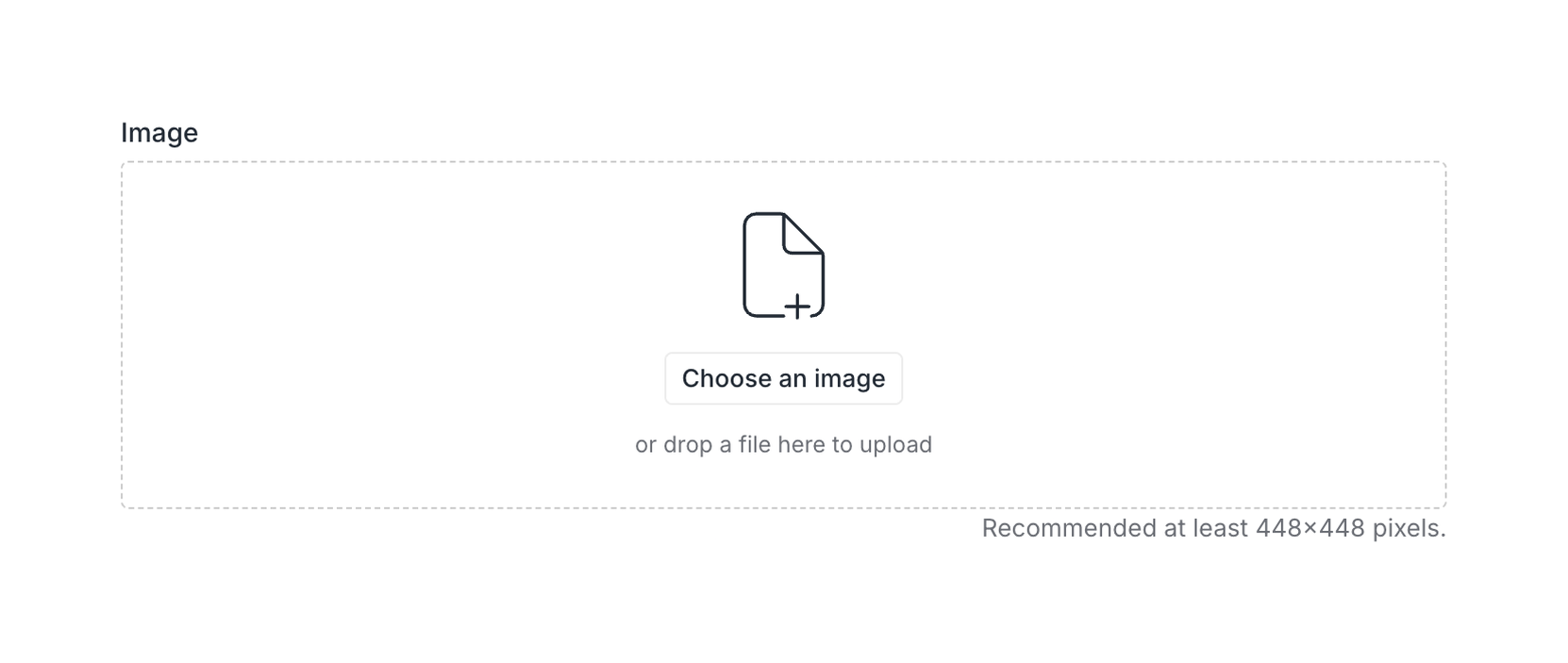
An image upload component with drag and drop functionality and a file selection button.

A user interface element displaying a setting for contact branding with a toggle switch.

A user interface element displaying a setting for contact branding with a toggle switch.
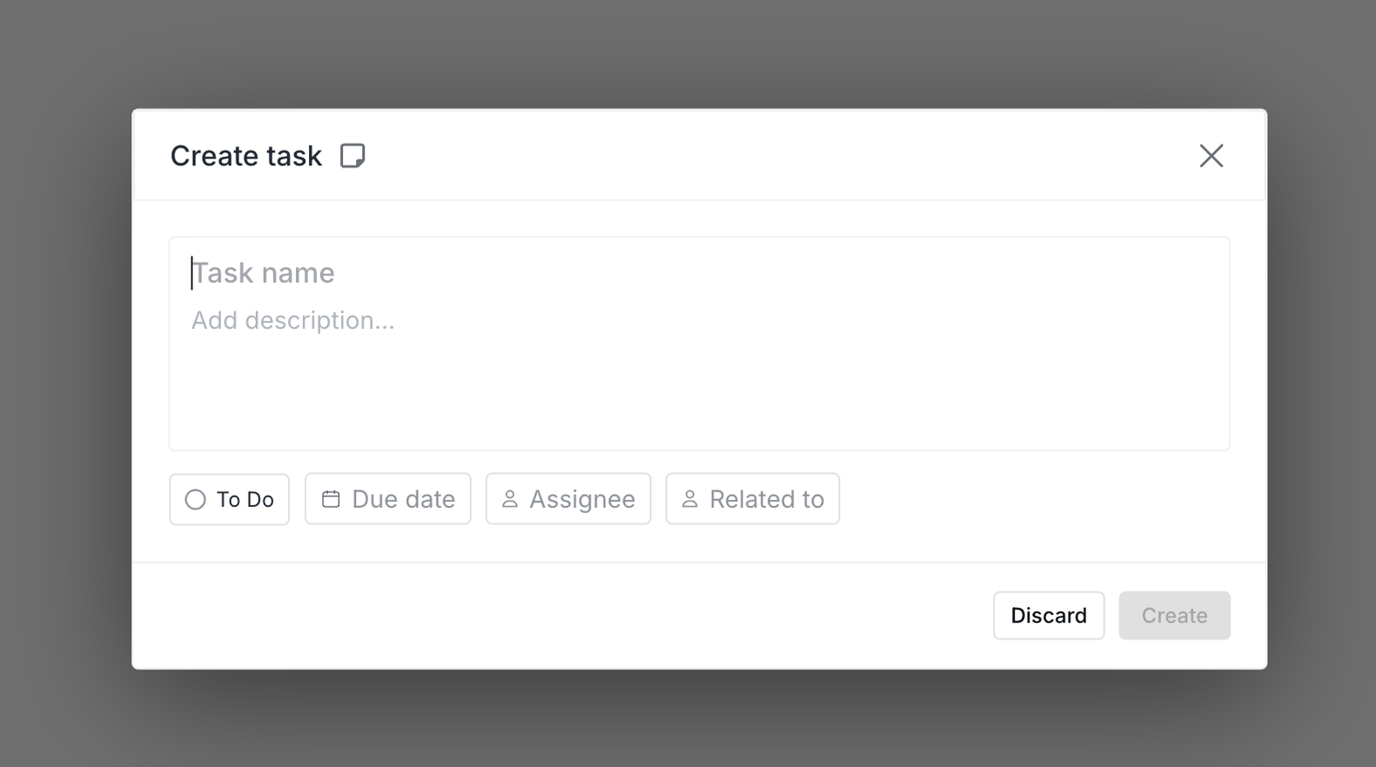
A modal window for creating a new task, featuring input fields for task name and description, along with options for due date, assignee, and related tasks.
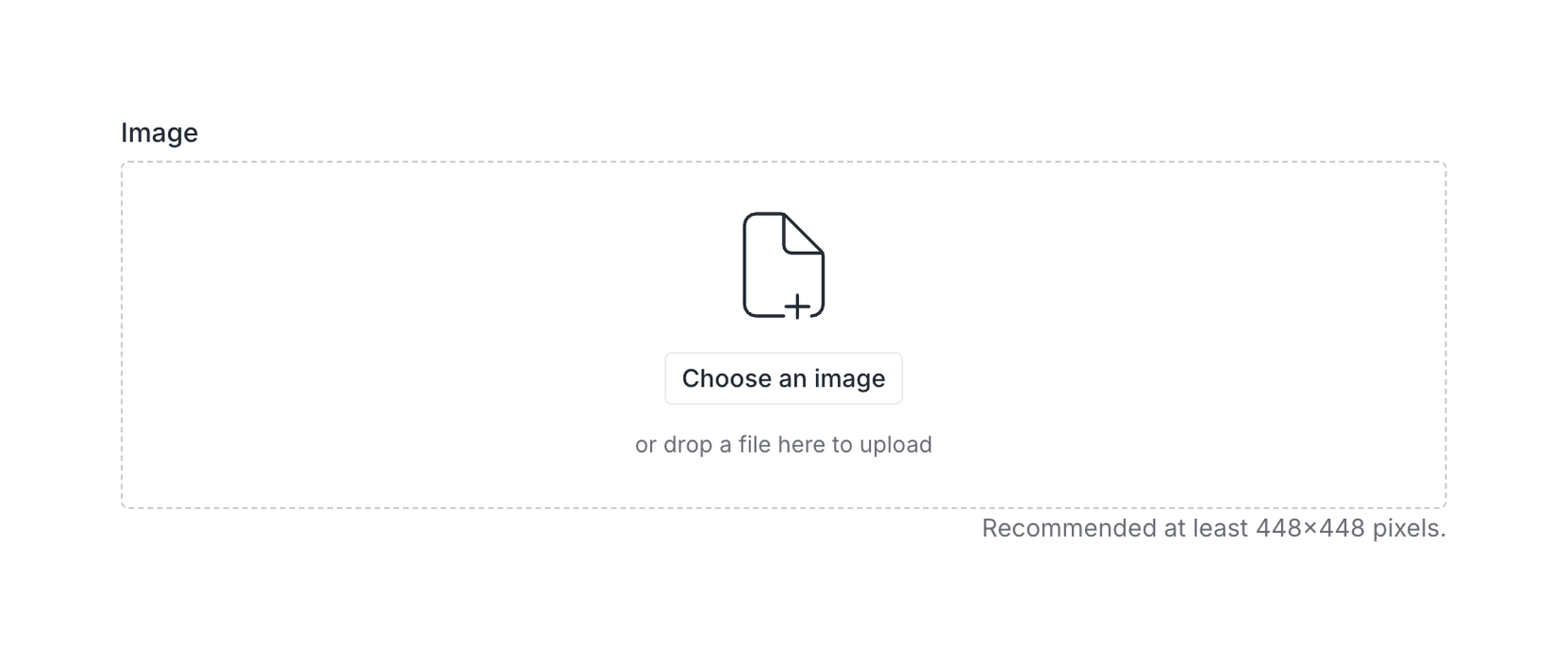
An image upload component with a drag and drop area and a button to choose a file.
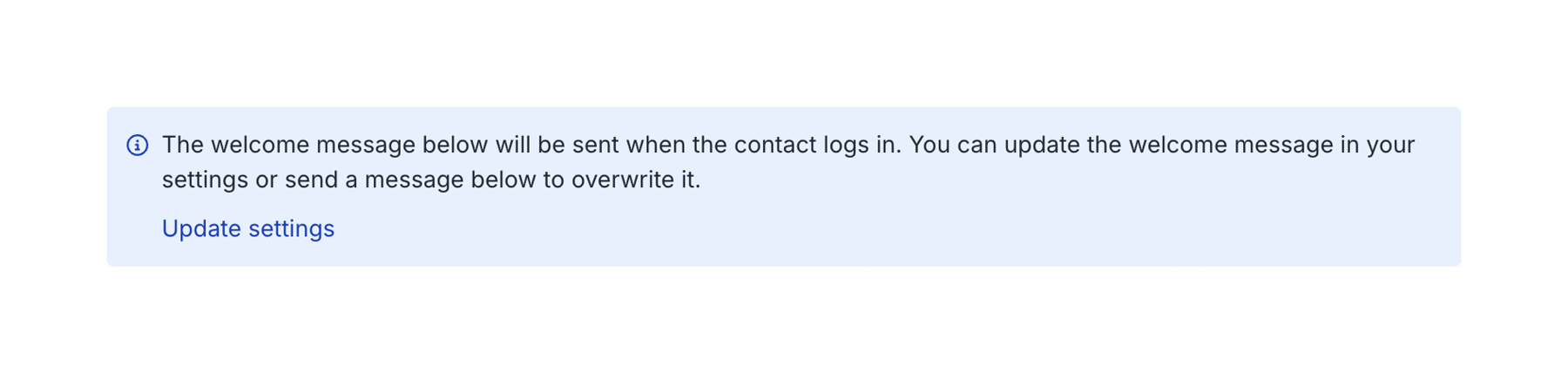
An informational alert box with a message and a link to update settings.
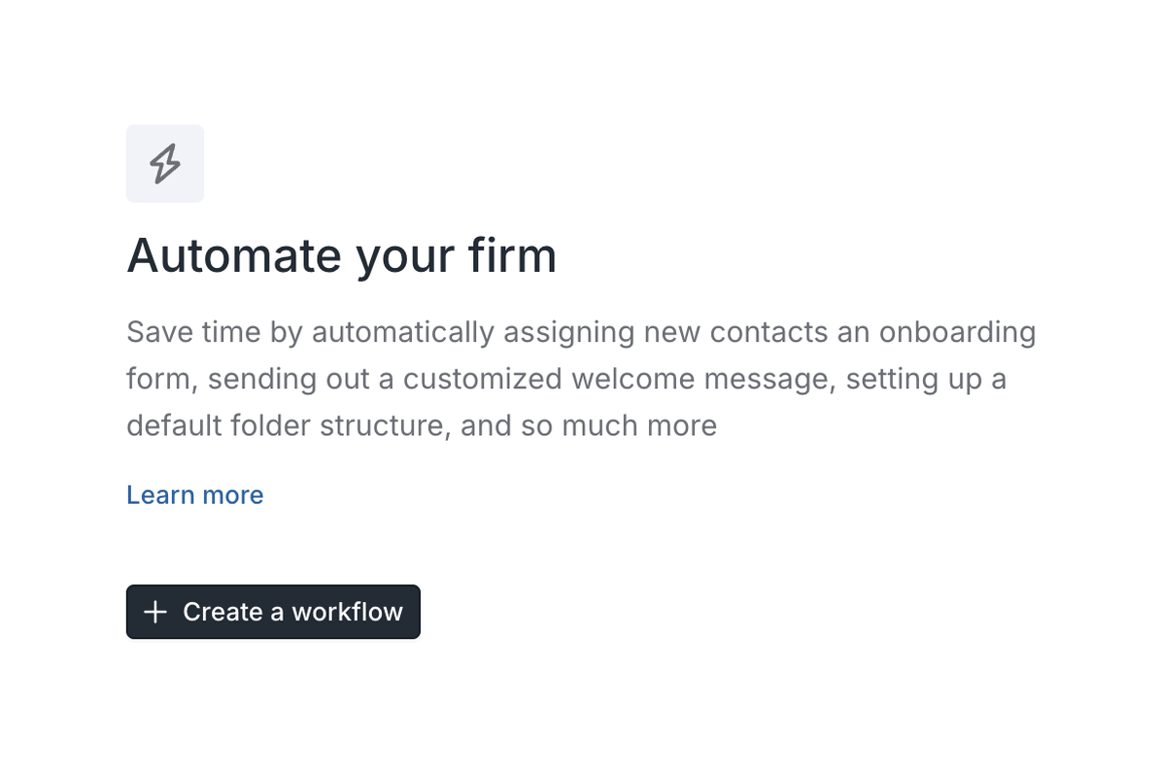
A UI element introducing automation features for a firm, with a call to action to create a workflow.
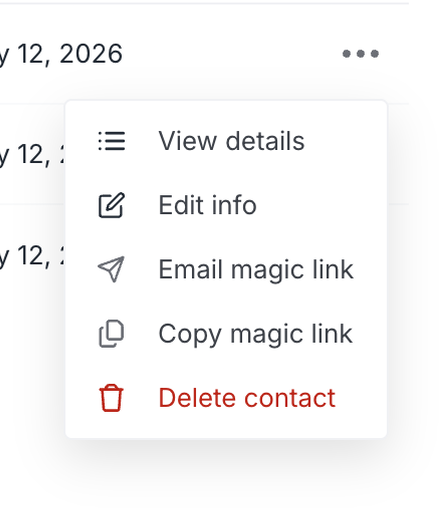
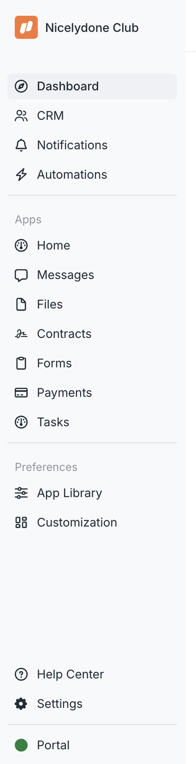
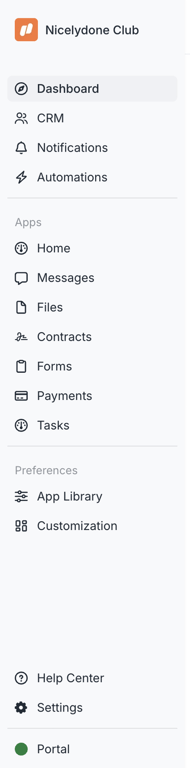
A vertical sidebar navigation menu for a business application, displaying various modules and settings.
Browse the full component library
Browse the full UI component library.
Trusted by the best teams







