Vertical navigation UI examples
Vertical navigation UI design examples from SaaS apps. See how interfaces organize destinations in a sidebar. Explore how navigation groups, icons, and selected states relate to the current page and the product…
Explore the examples
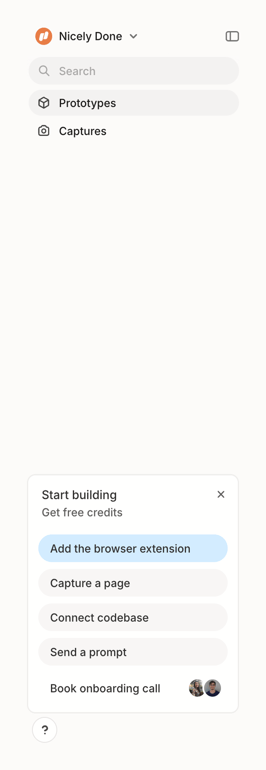

A clean user interface featuring a sidebar navigation, a search bar, and a call-to-action card with onboarding steps.
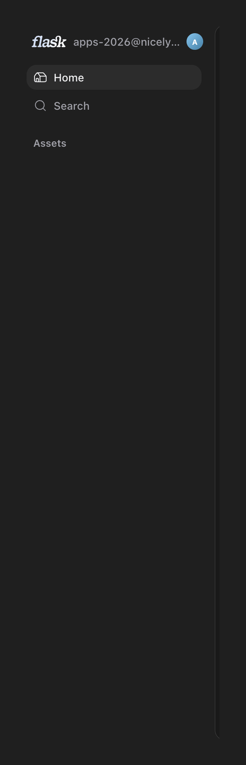

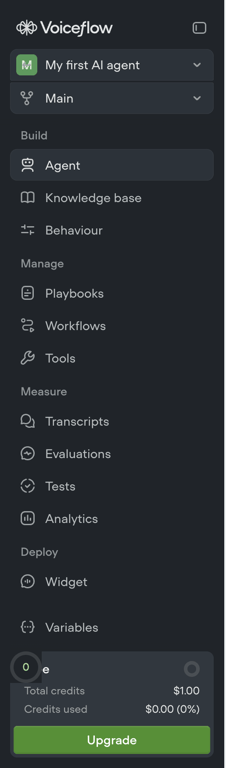
A dark mode sidebar navigation menu displaying a logo, user account information, and primary navigation links.
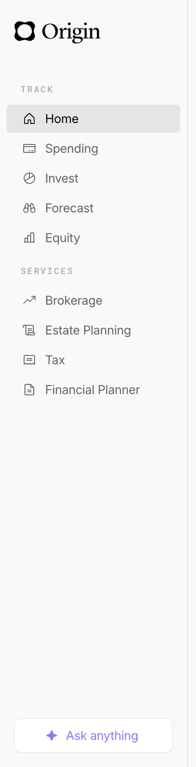

A sidebar navigation menu for a financial management application.
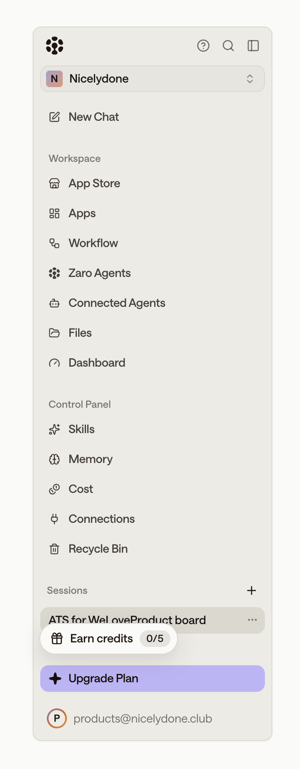

A vertical navigation sidebar for a SaaS application, featuring workspace management, control panel settings, and session details.


A vertical navigation sidebar with icons and text labels, featuring an active state and a progress indicator.
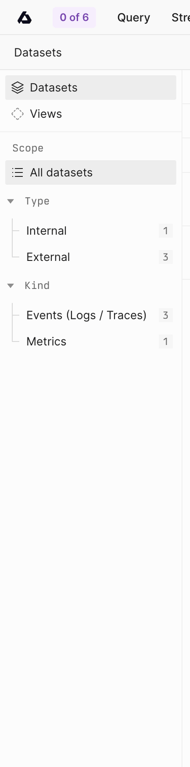

A sidebar navigation panel displaying dataset categories and filters with counts.
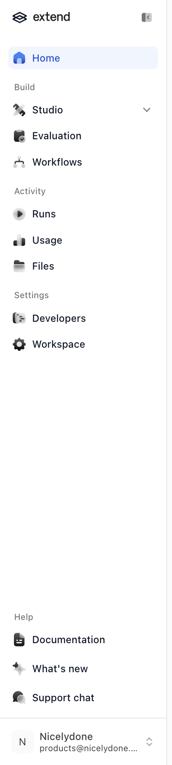

A sidebar navigation for a web application, featuring main sections, activity logs, settings, and help resources, with user account information at the bottom.
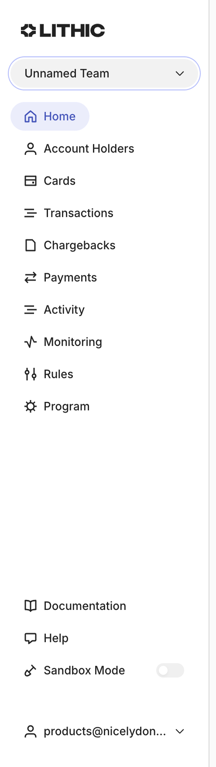

A vertical sidebar navigation menu for a web application.
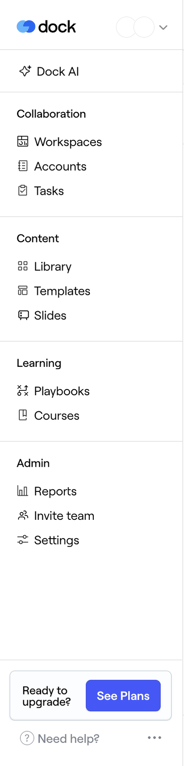

A sidebar navigation menu for a SaaS application, featuring categorized links for collaboration, content, learning, and administration, along with an upgrade call to action and help links.
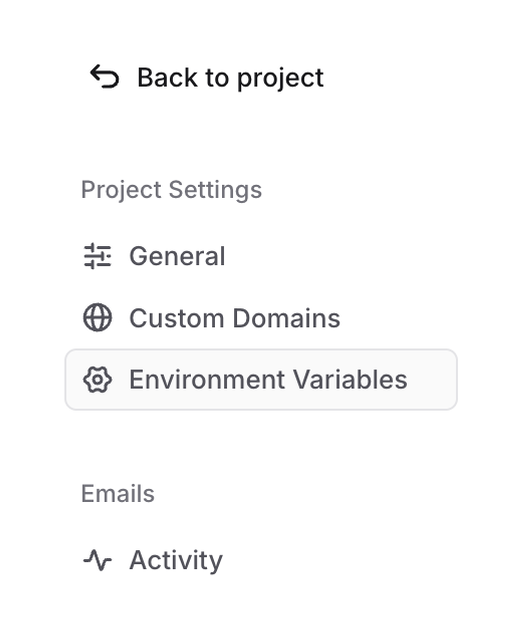

A sidebar navigation menu displaying project settings options with a selected item.
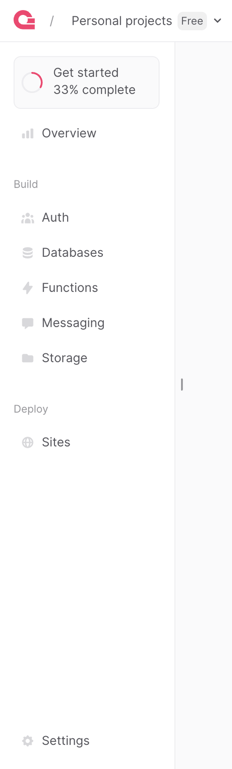

A sidebar navigation for a development platform, displaying project overview, build services, deployment options, and settings, with a progress indicator for project setup.

Browse the full component library
See 411 more Components.
Trusted by the best teams








About Vertical navigation
See how interfaces organize destinations in a sidebar. Explore how navigation groups, icons, and selected states relate to the current page and the product structure.