Getting Started screen examples
Getting Started screen design examples from SaaS apps. See how SaaS apps introduce the first useful tasks in a new account. Explore how setup guidance and starter actions relate to the main product workspace.
Explore the examples
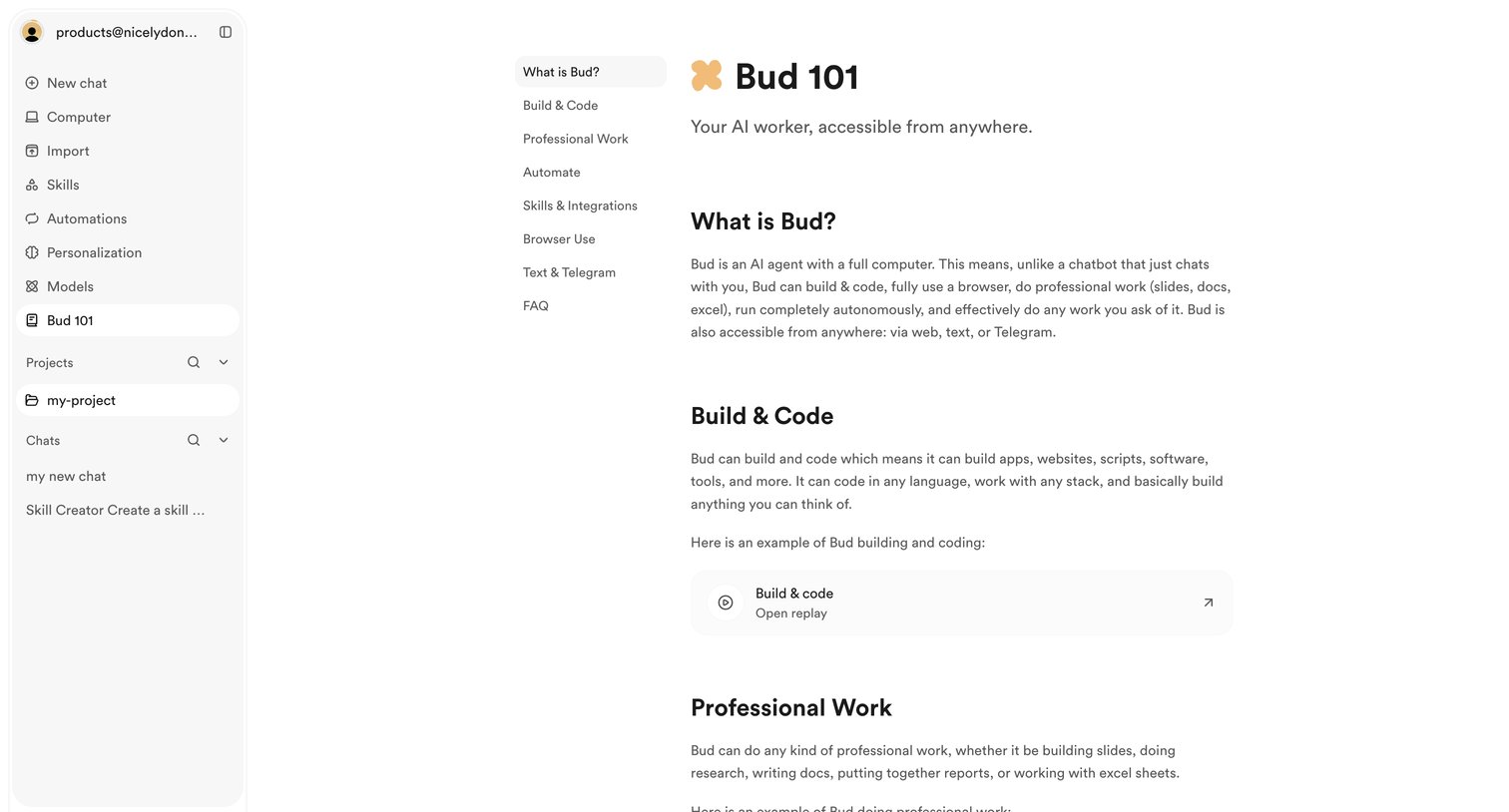

Detail page where the user reads an introductory guide explaining the AI agent's capabilities like building, coding, and professional work.
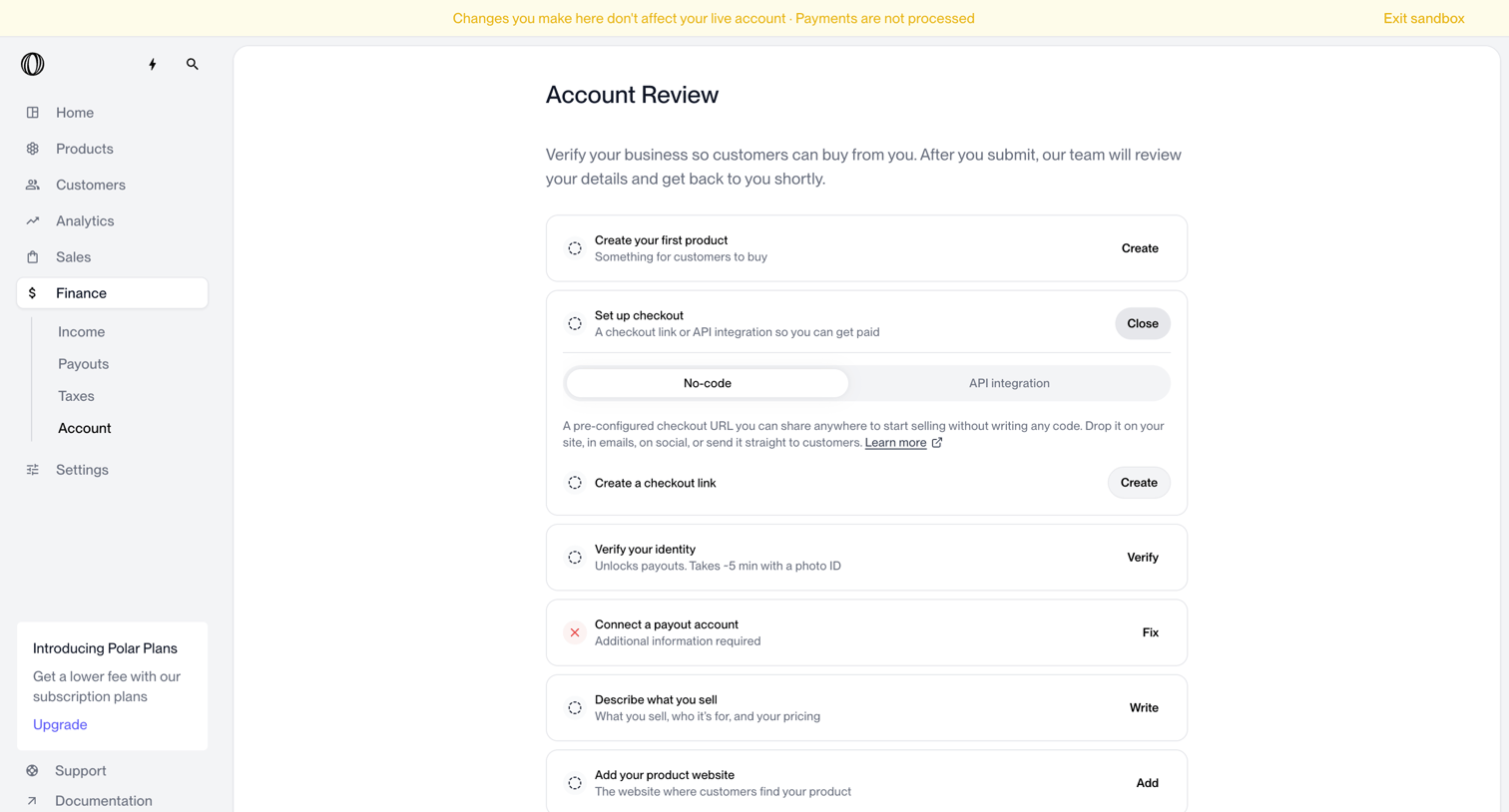

Dashboard setup checklist where the user verifies their business by completing tasks like creating a product, setting up checkout, and verifying their identity.
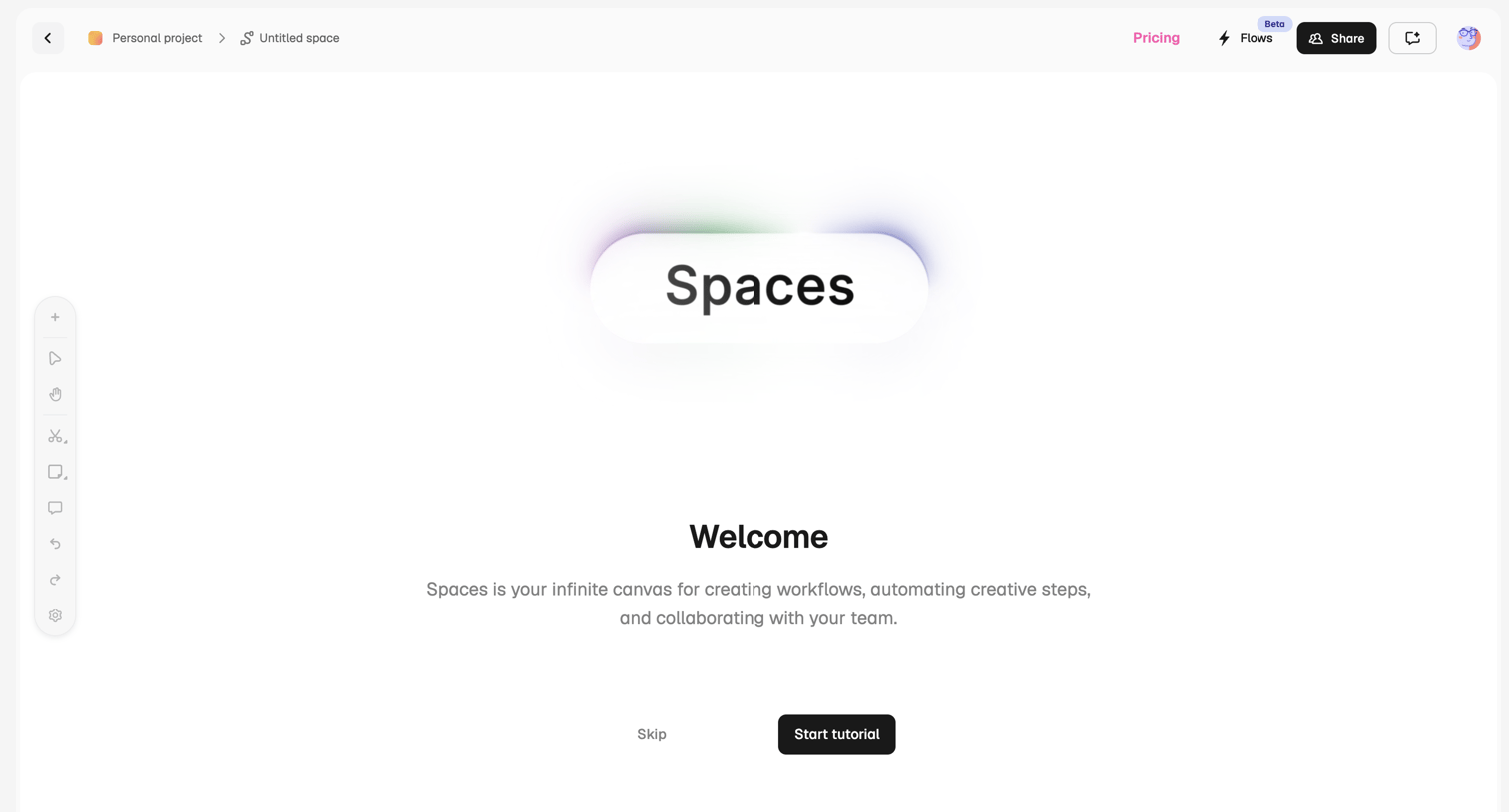

Design editor empty state where a welcome message prompts the user to start a tutorial or skip directly to the infinite canvas.
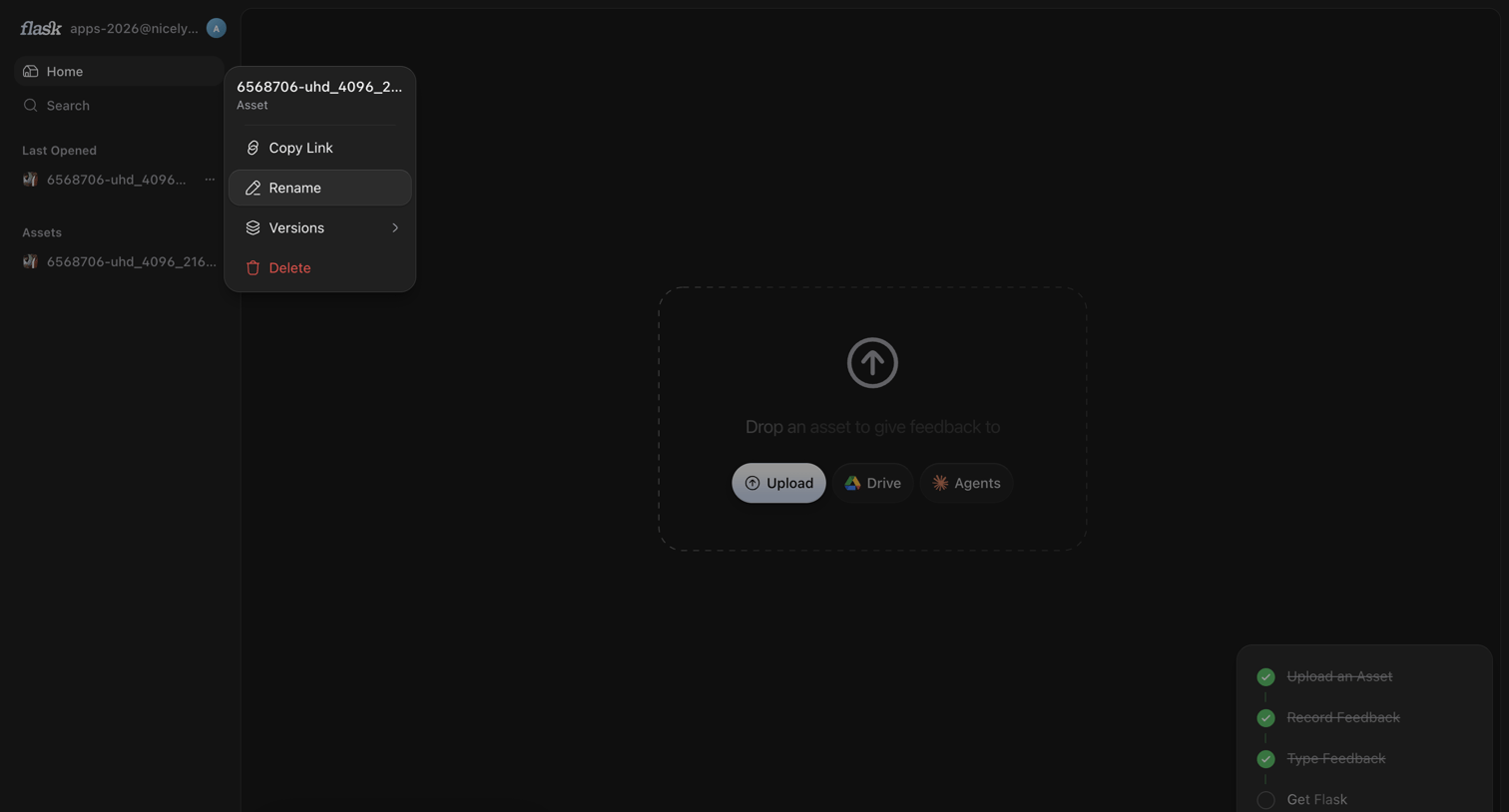

Home screen in an empty state prompting the user to drop an asset for feedback, featuring a getting-started checklist and an open context menu on a recent file.
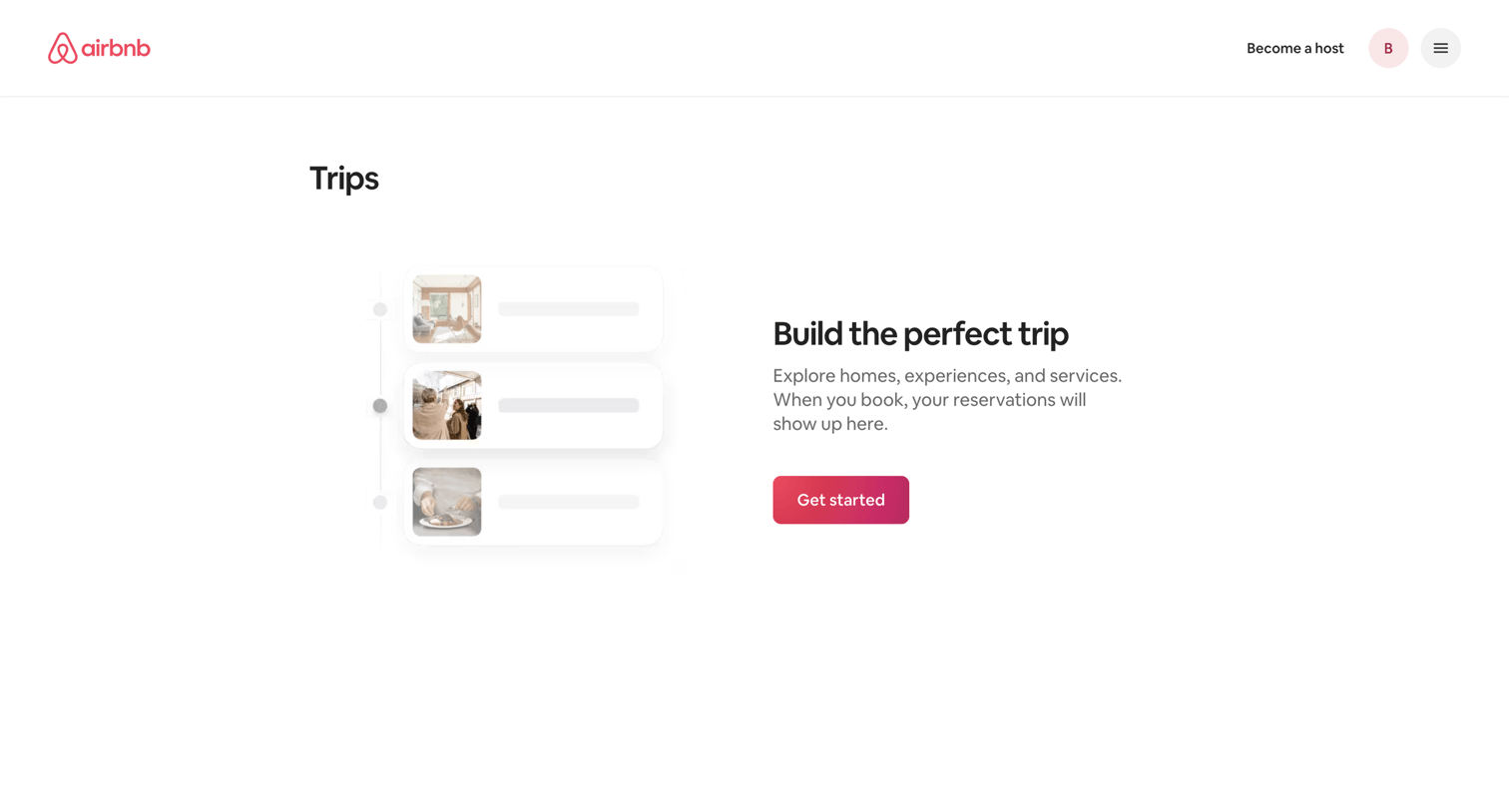

List view showing an empty state for user trips with a stylized timeline illustration and a prompt to start exploring.
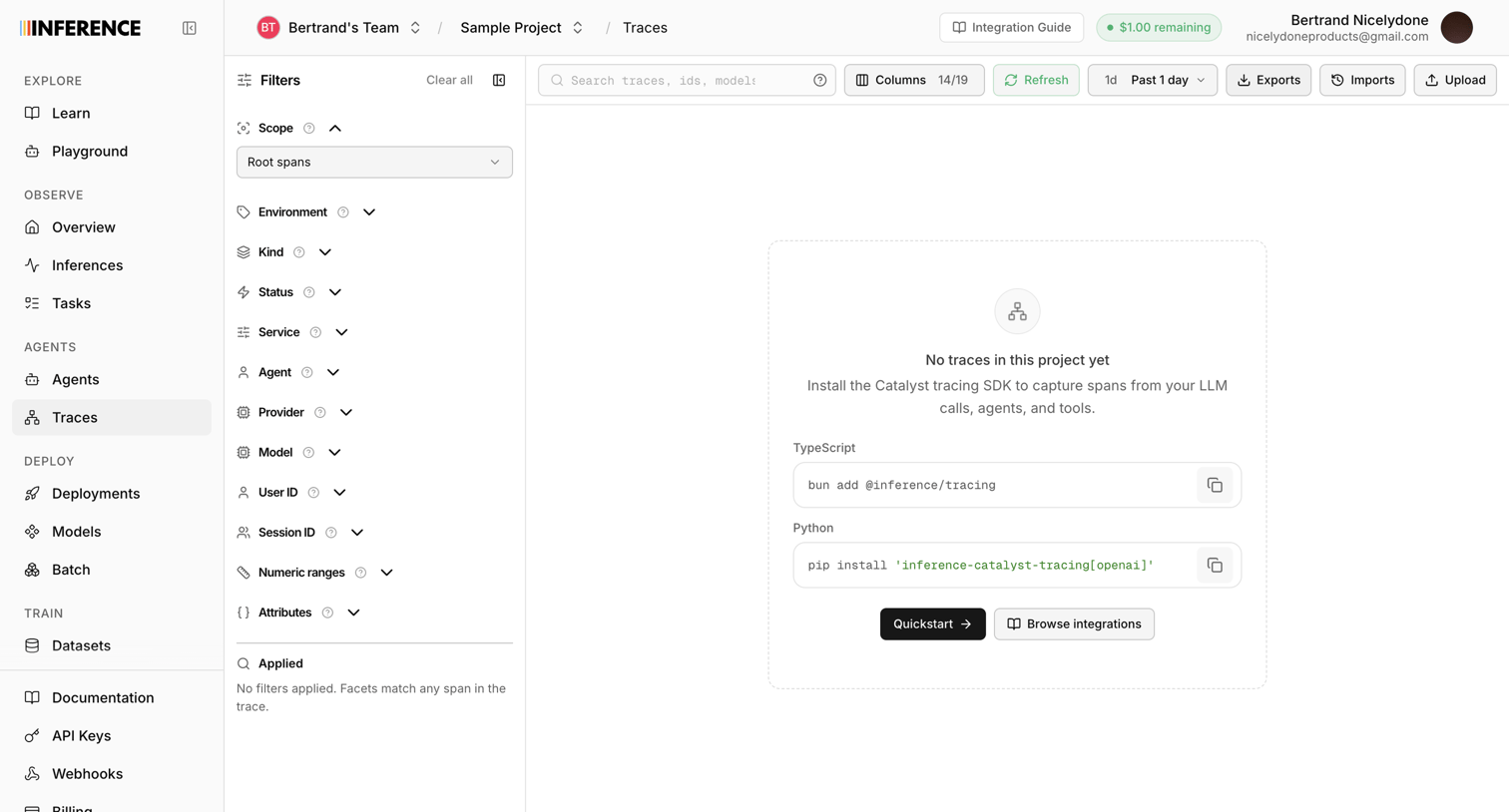

List view of agent traces showing an empty state with installation instructions for TypeScript and Python SDKs.
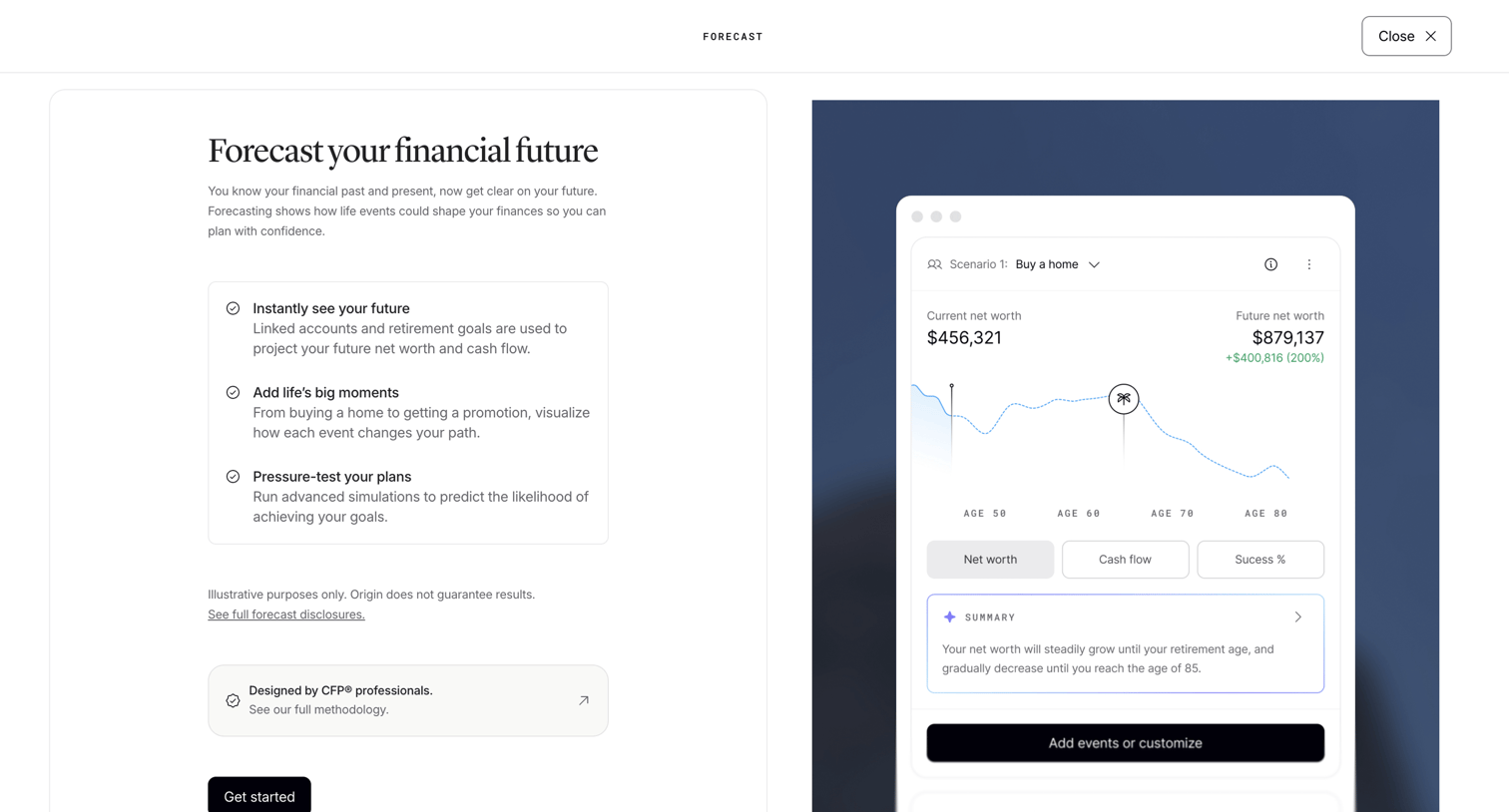

Onboarding step introducing the financial forecasting feature with a breakdown of its benefits, methodology, and a preview of the projection interface.

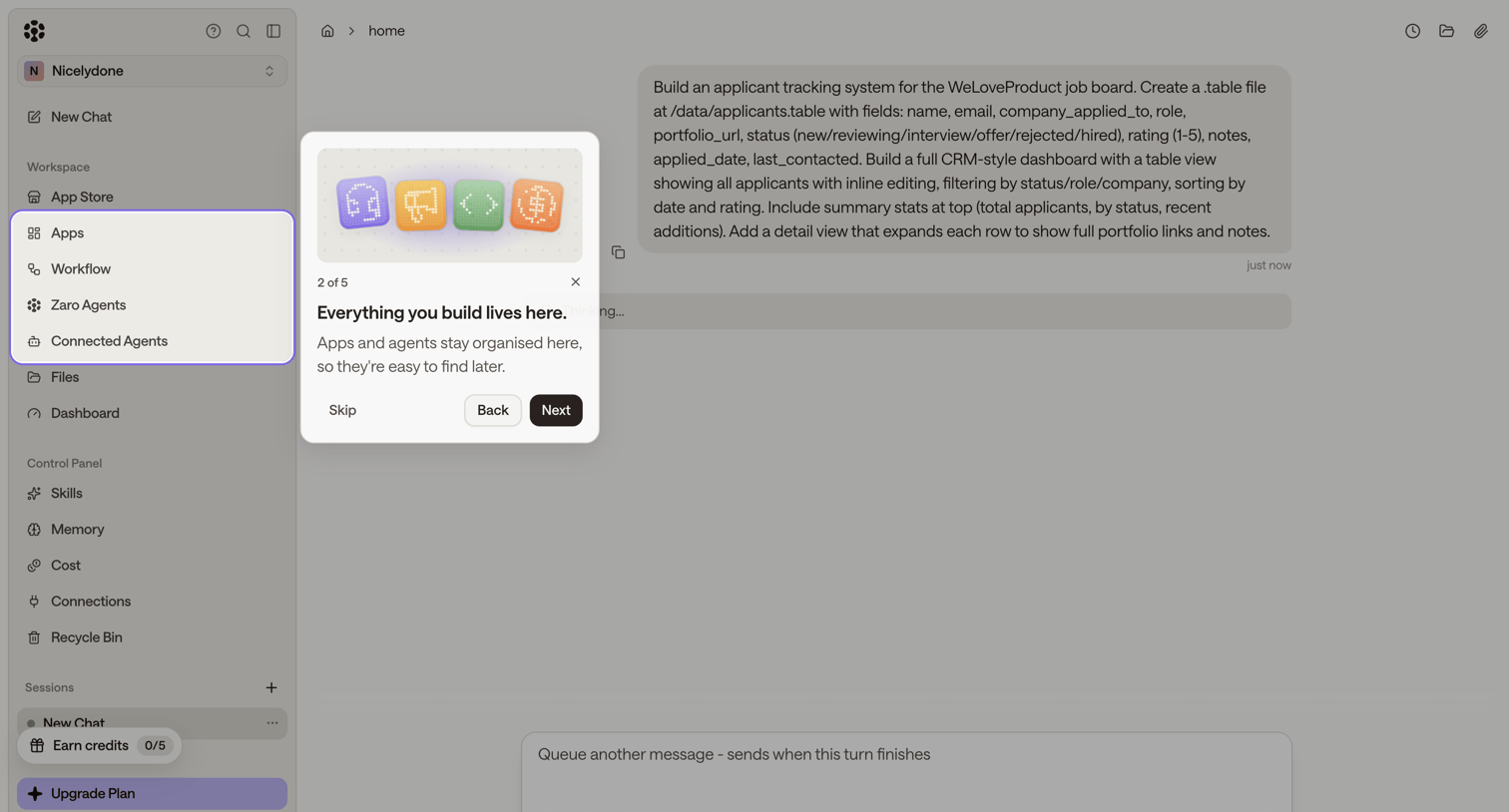

AI chat interface where a product tour tooltip highlights the workspace navigation menu while the assistant processes a prompt.
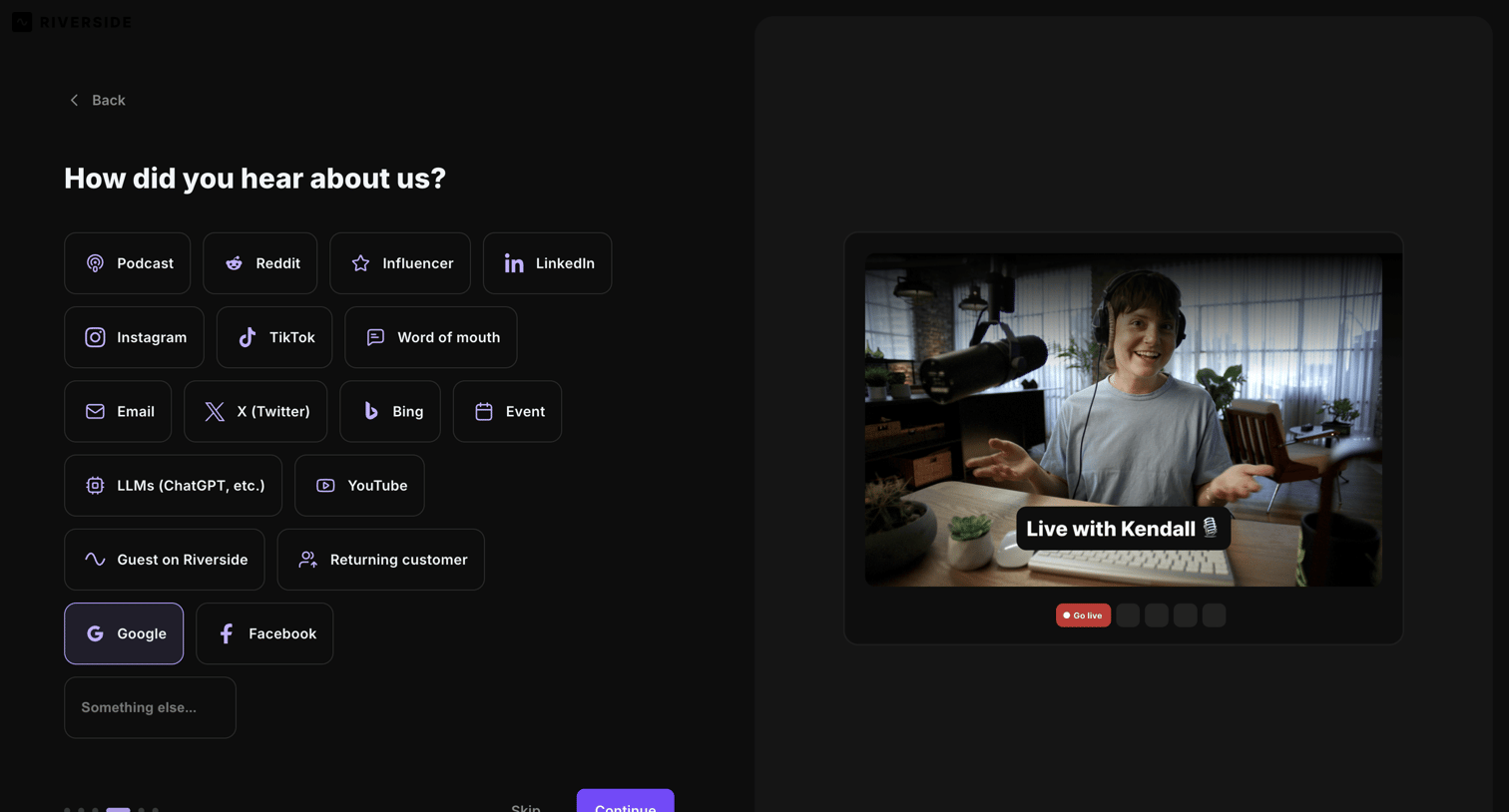

Onboarding step where the user selects how they heard about the product from a grid of options like Podcast, Reddit, and LinkedIn, alongside a studio preview.
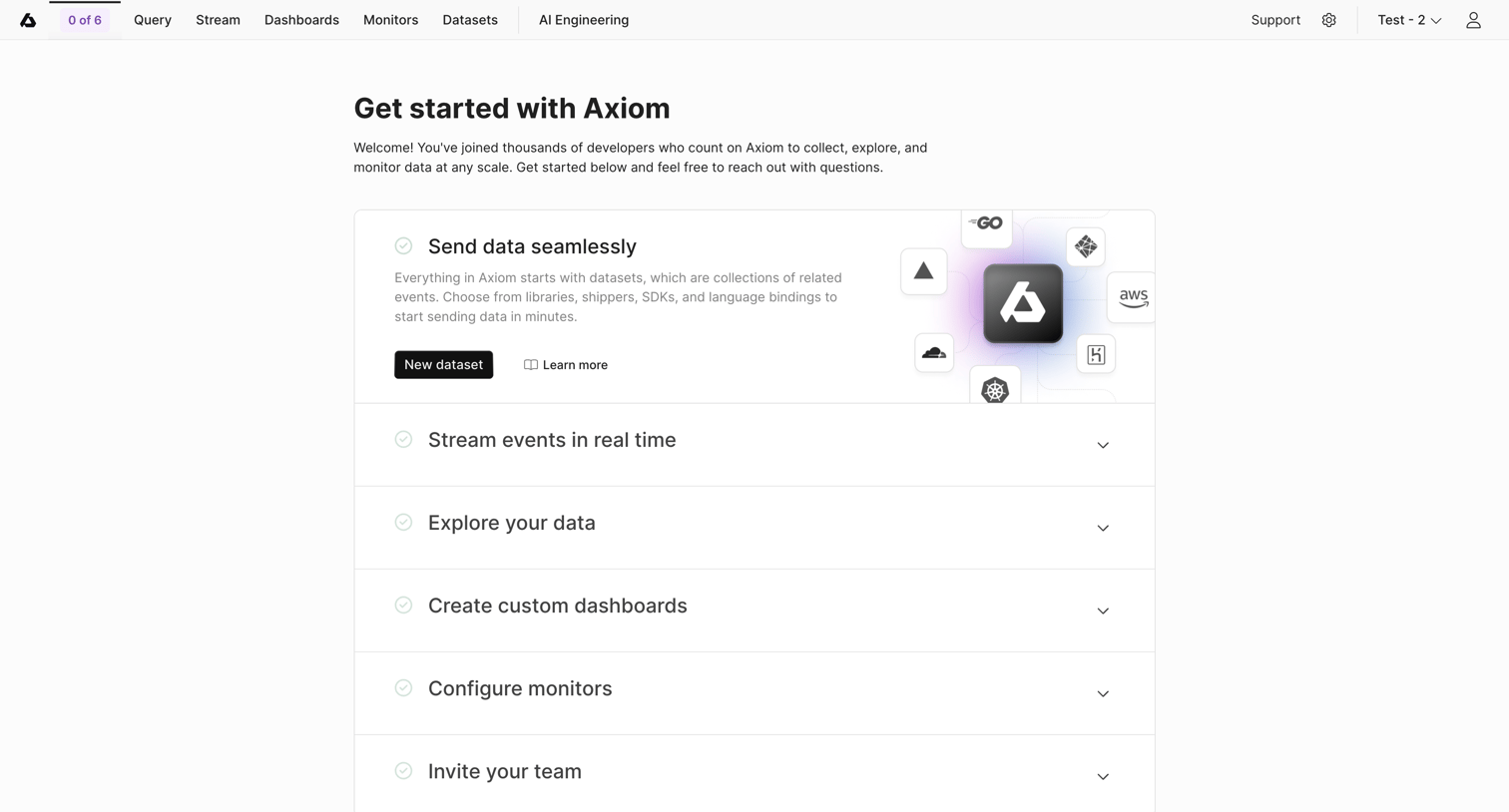

Onboarding page where the user completes a setup checklist starting with sending data seamlessly.
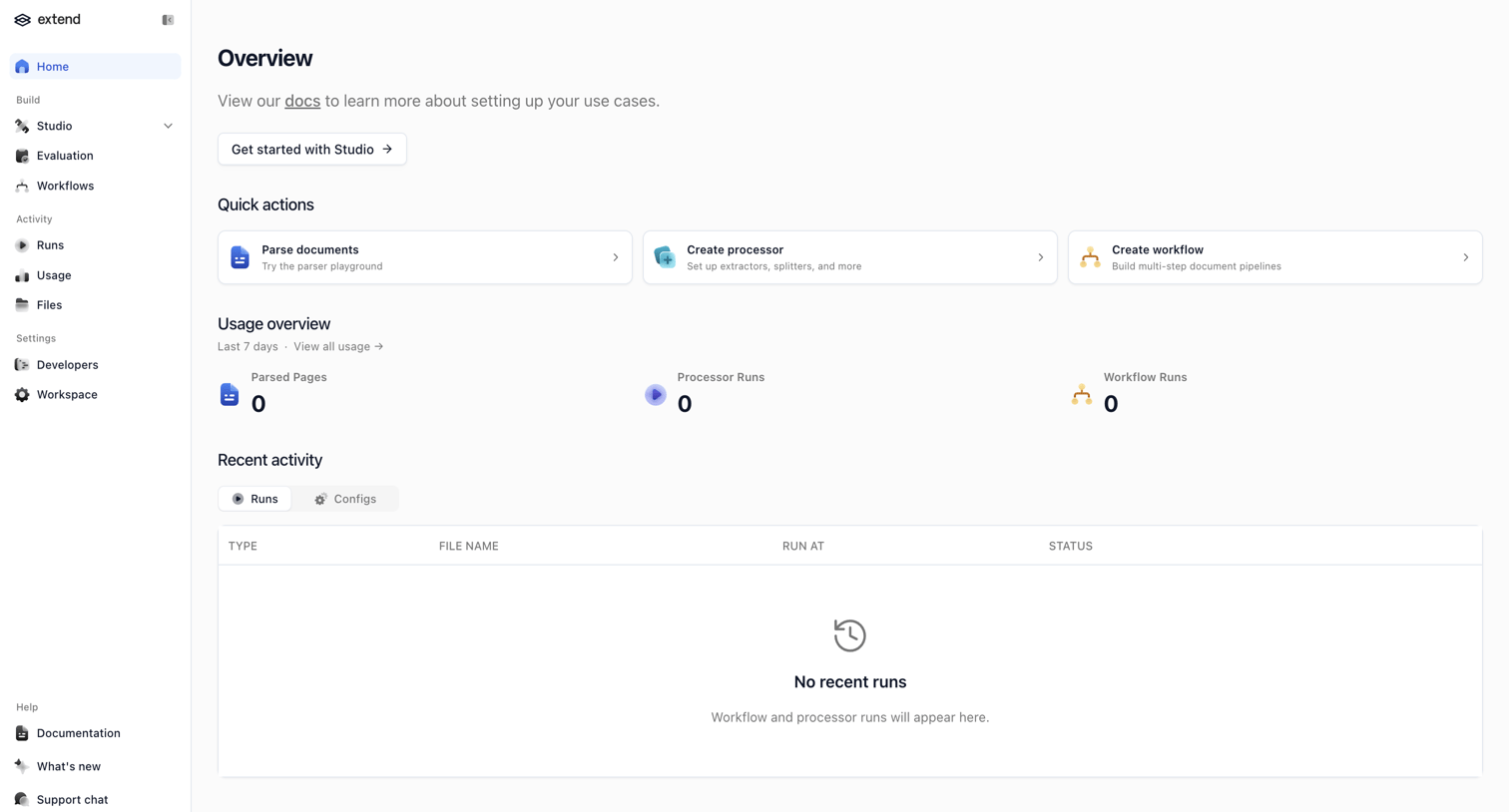

Dashboard start screen where the user can jump into creating document processors and workflows, or view their recent usage and activity.
Explore the full SaaS screen library
Upgrade to unlock the full library.
Trusted by the best teams








About Getting Started
See how SaaS apps introduce the first useful tasks in a new account. Explore how setup guidance and starter actions relate to the main product workspace.