Skip to content

Zaro design examples

Explore Zaro UI design examples. AI workspace with agents and apps for business automation

Product screens
Zaro - Zaro - Build intelligence for your company. Not your vendor. screen
Zaro logo
Zaro

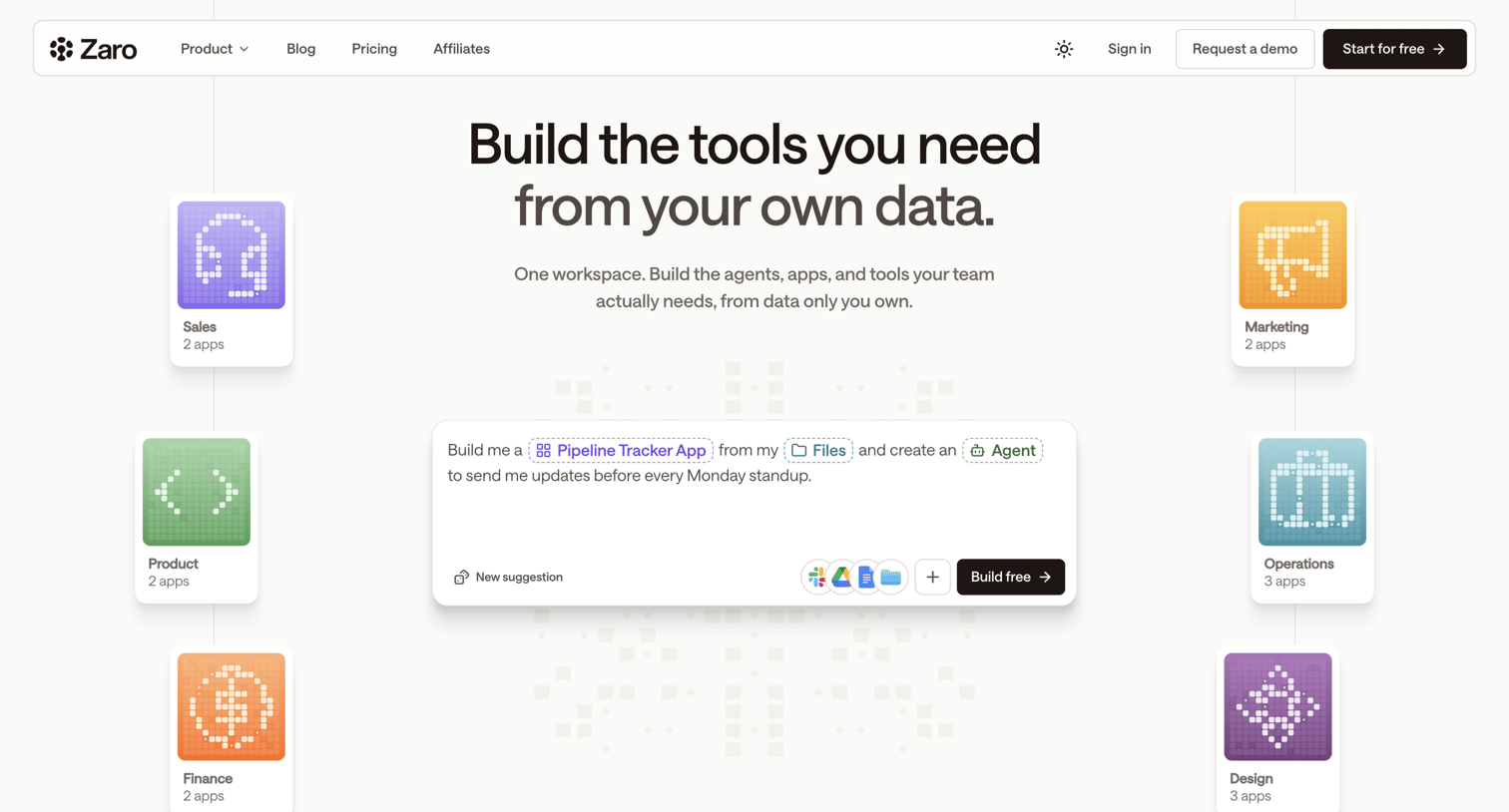
Landing page where the user is introduced to a platform for building custom AI tools and agents using their own data, featuring an interactive prompt composer.
Zaro - Zaro - The Context Layer for Enterprise AI screen
Zaro logo
Zaro

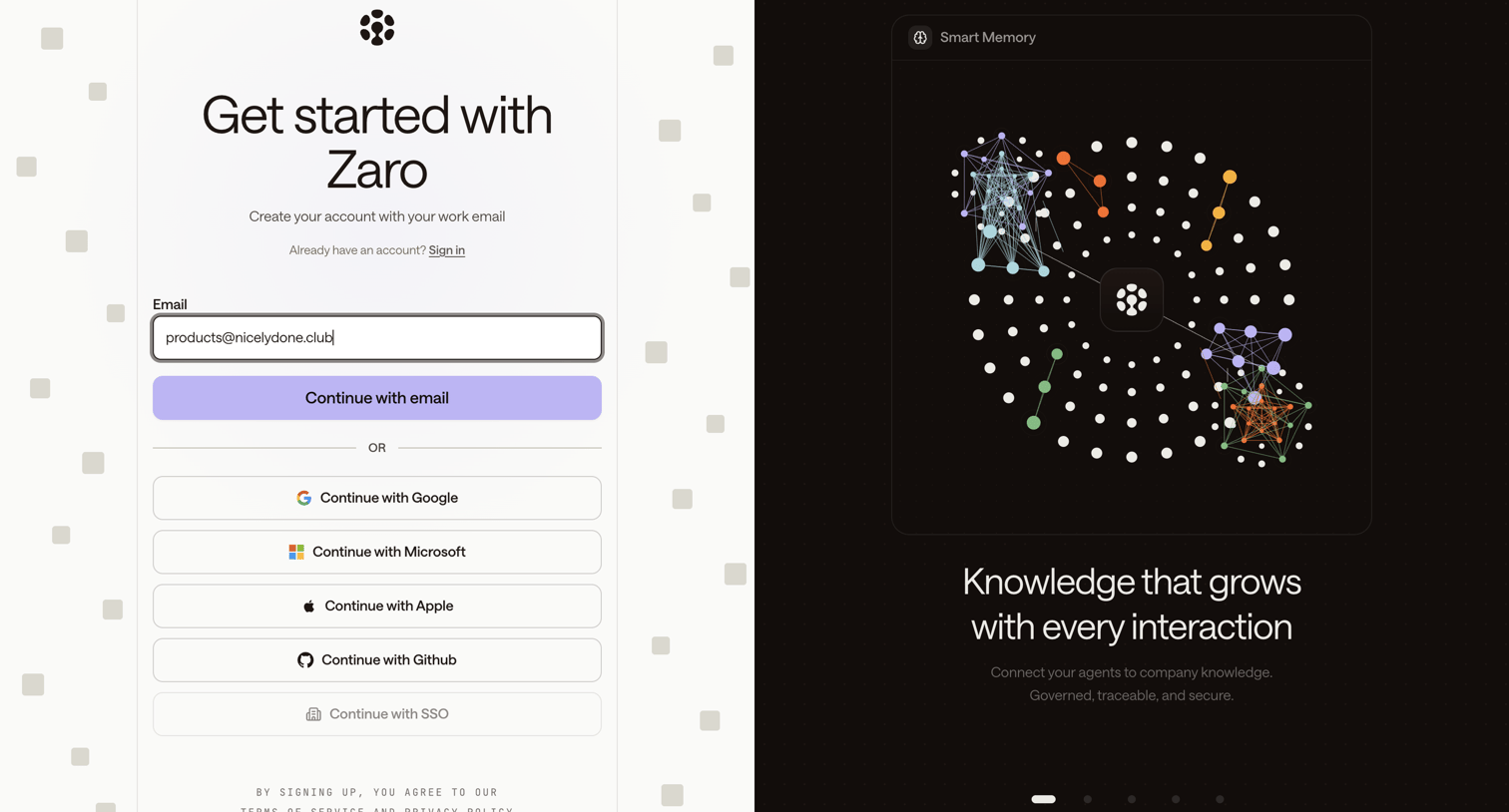
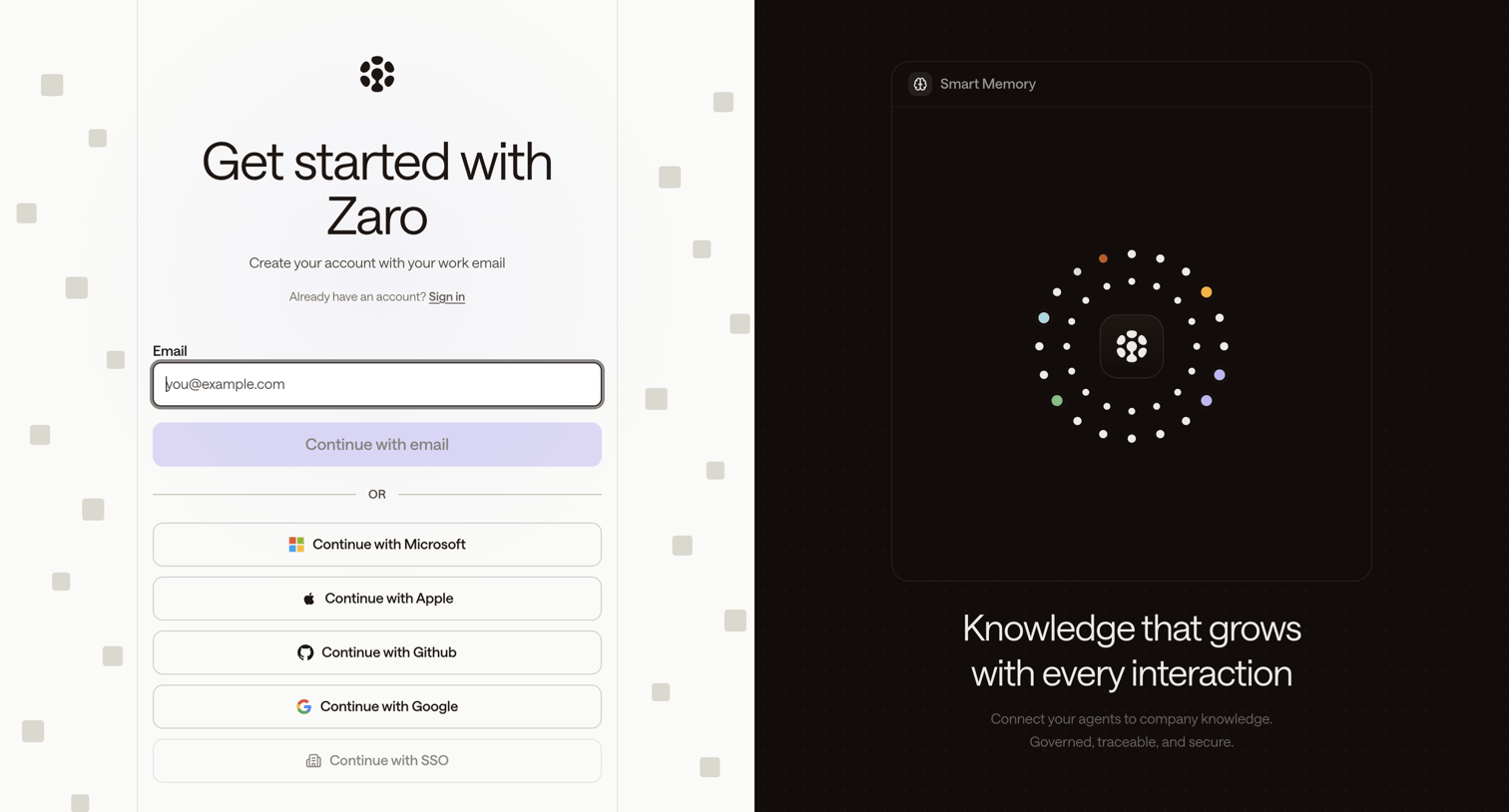
Signup page where the user can create an account using their work email or via OAuth providers like Microsoft, Apple, GitHub, and Google, alongside a feature showcase carousel.

Zaro - Zaro - The Context Layer for Enterprise AI screen
Zaro logo
Zaro

Signup screen where the user can create an account using their work email or authenticate via Microsoft, Apple, Github, Google, or SSO.

Zaro - Zaro - The Context Layer for Enterprise AI screen
Zaro logo
Zaro

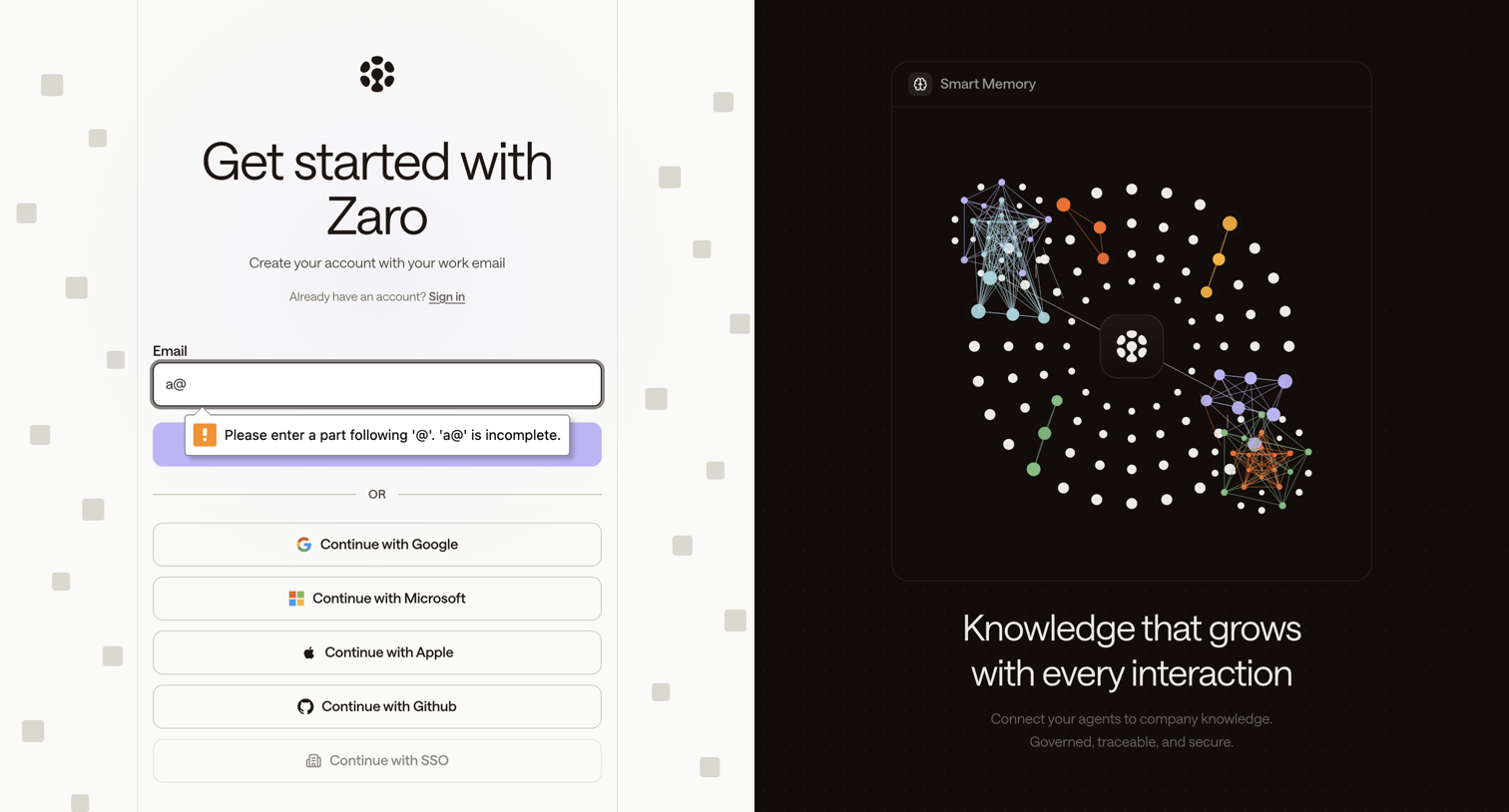
Signup page where the user can create an account using their work email or authenticate via Google, Microsoft, Apple, Github, or SSO, featuring a promotional carousel highlighting smart memory capabilities on the right.

Zaro - Zaro - The Context Layer for Enterprise AI screen
Zaro logo
Zaro

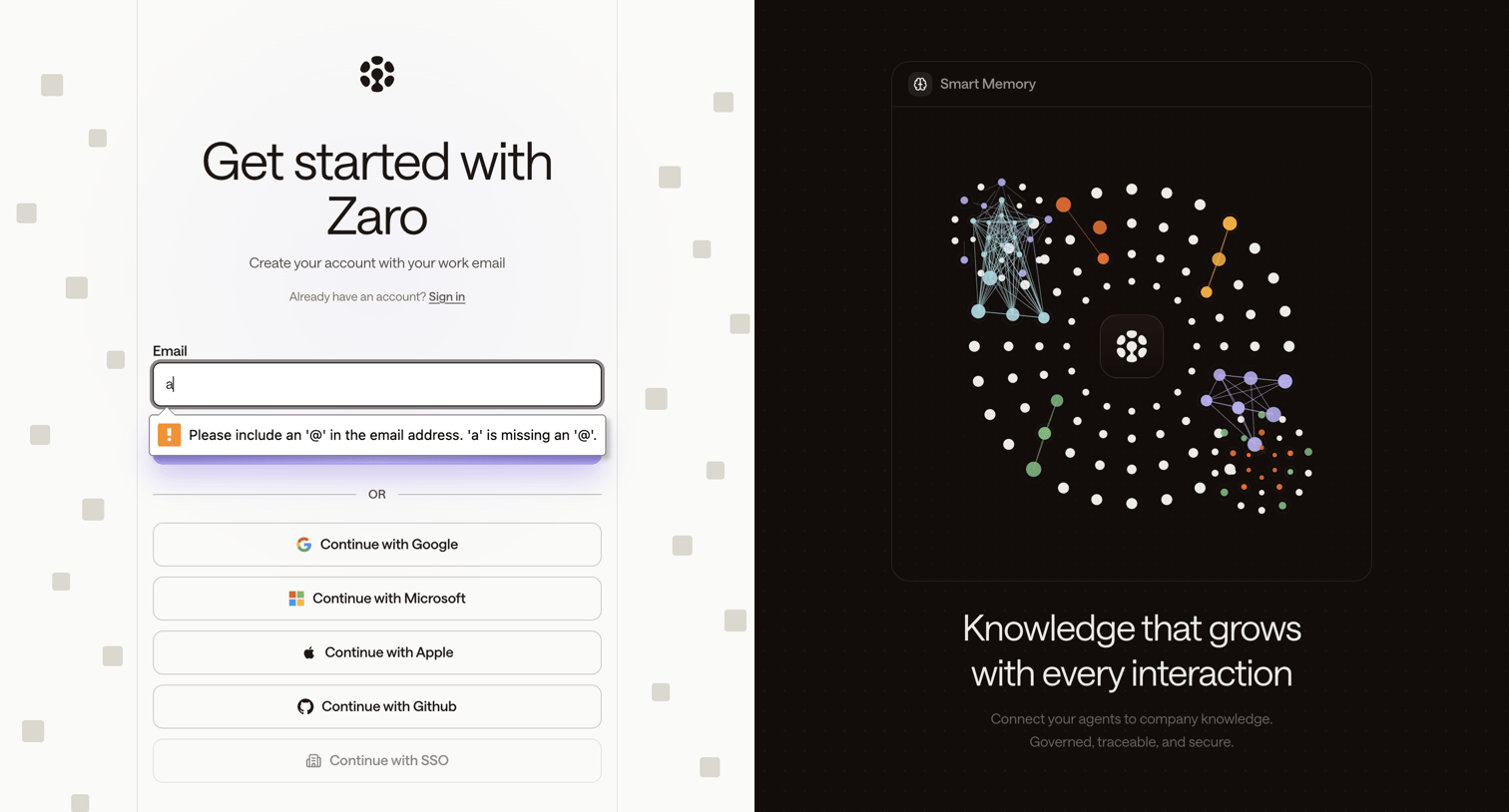
Signup screen where the user can create an account using their work email or authenticate via Google, Microsoft, Apple, Github, or SSO, featuring a native browser validation error on the email input.

Zaro - Zaro - The Context Layer for Enterprise AI screen
Zaro logo
Zaro

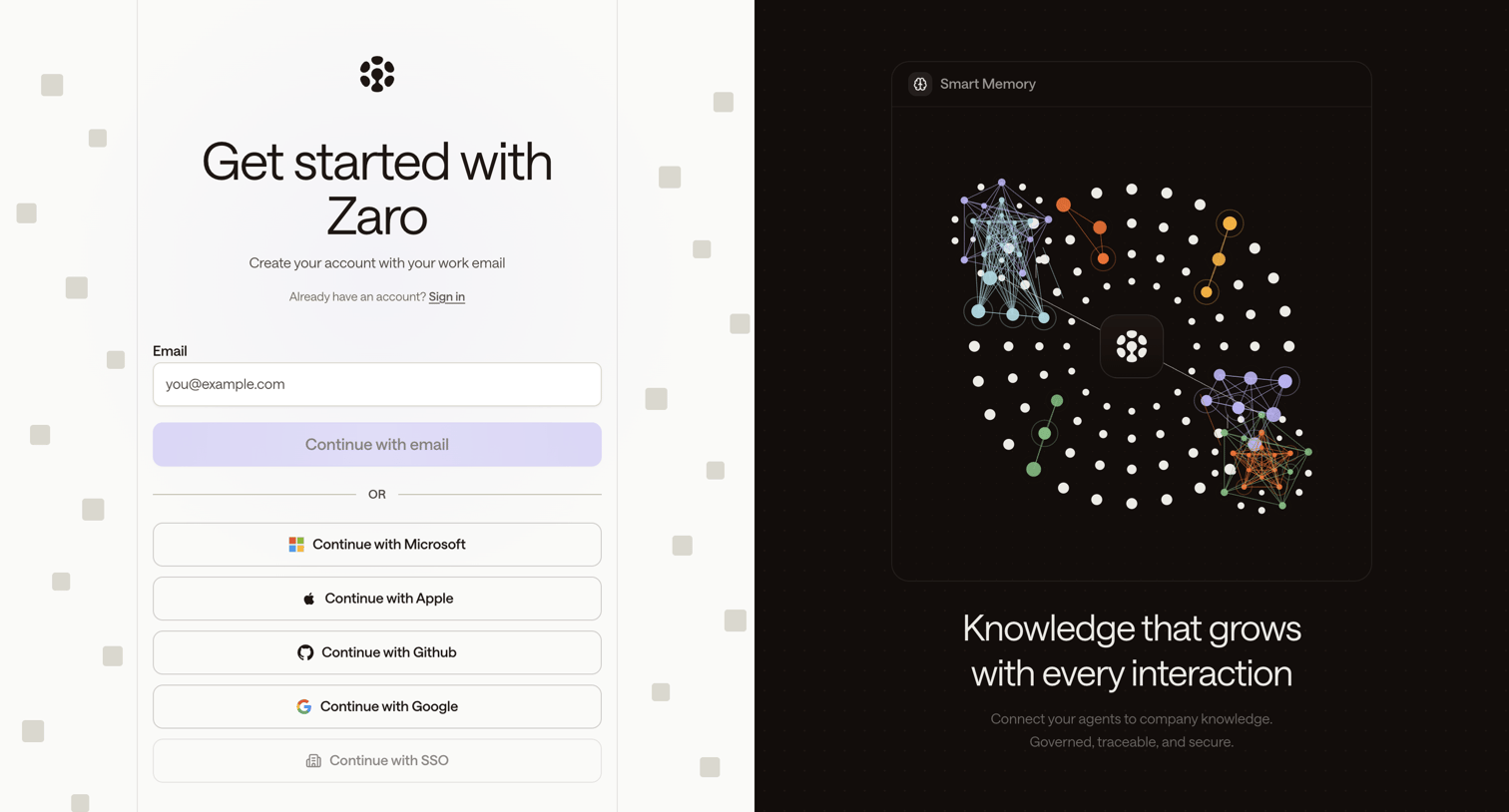
Signup screen where the user creates an account using their work email or various SSO providers, accompanied by a feature carousel showcasing a smart memory network graph.
Zaro - Zaro - The Context Layer for Enterprise AI screen
Zaro logo
Zaro

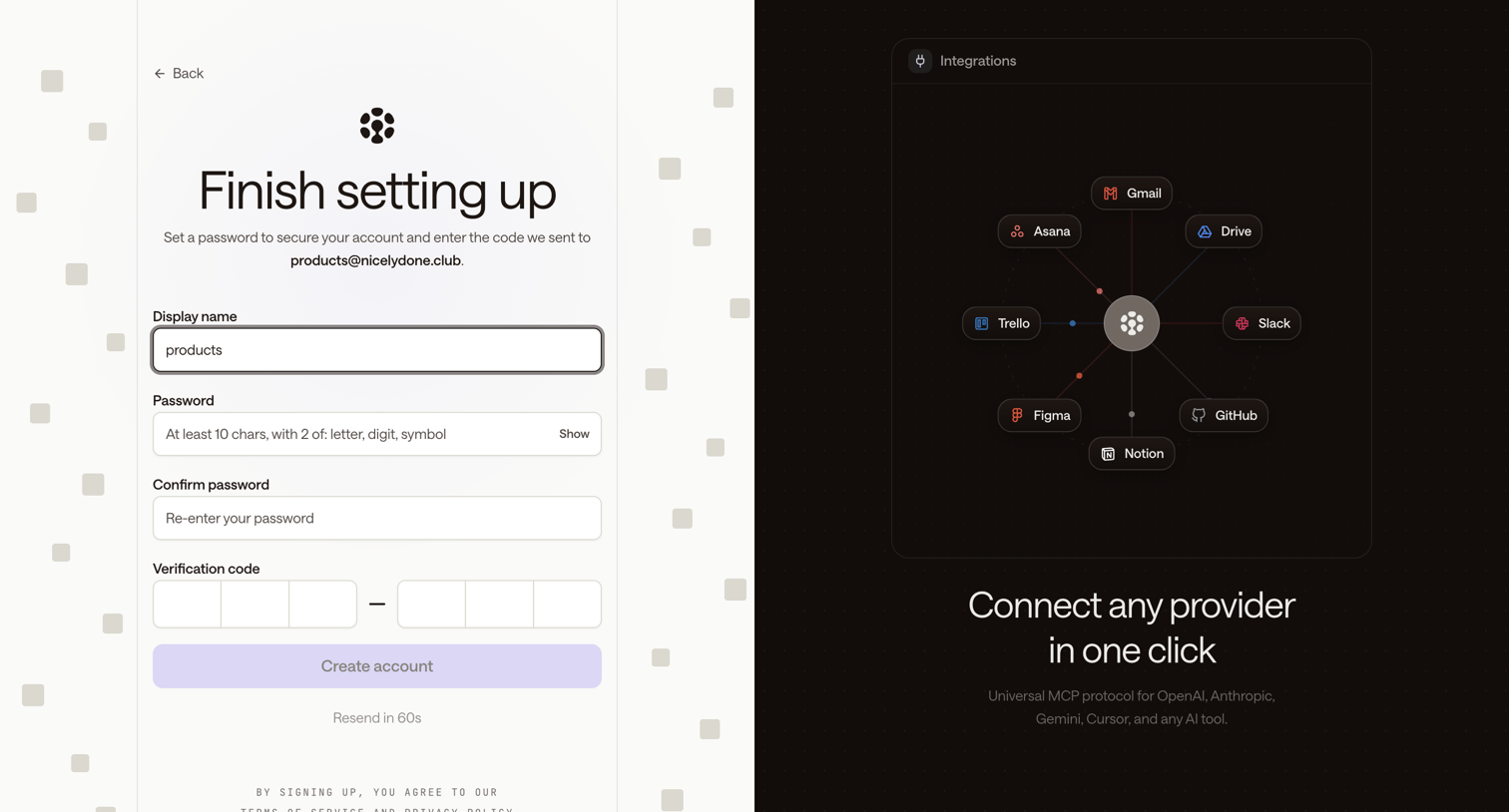
Signup screen where the user finalizes their account by setting a password and entering an email verification code, alongside a carousel highlighting integrations.
Zaro - Zaro - The Context Layer for Enterprise AI screen
Zaro logo
Zaro

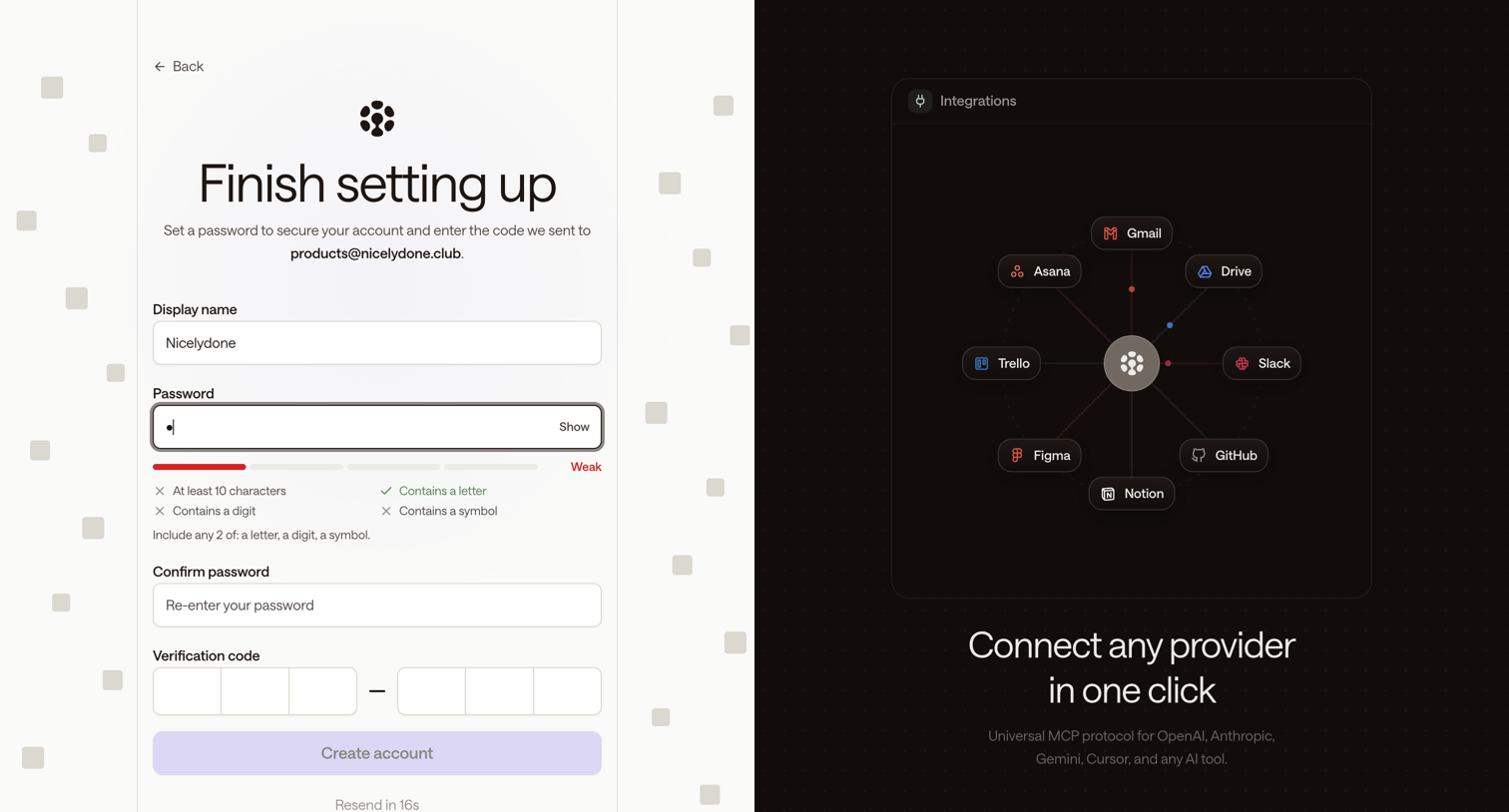
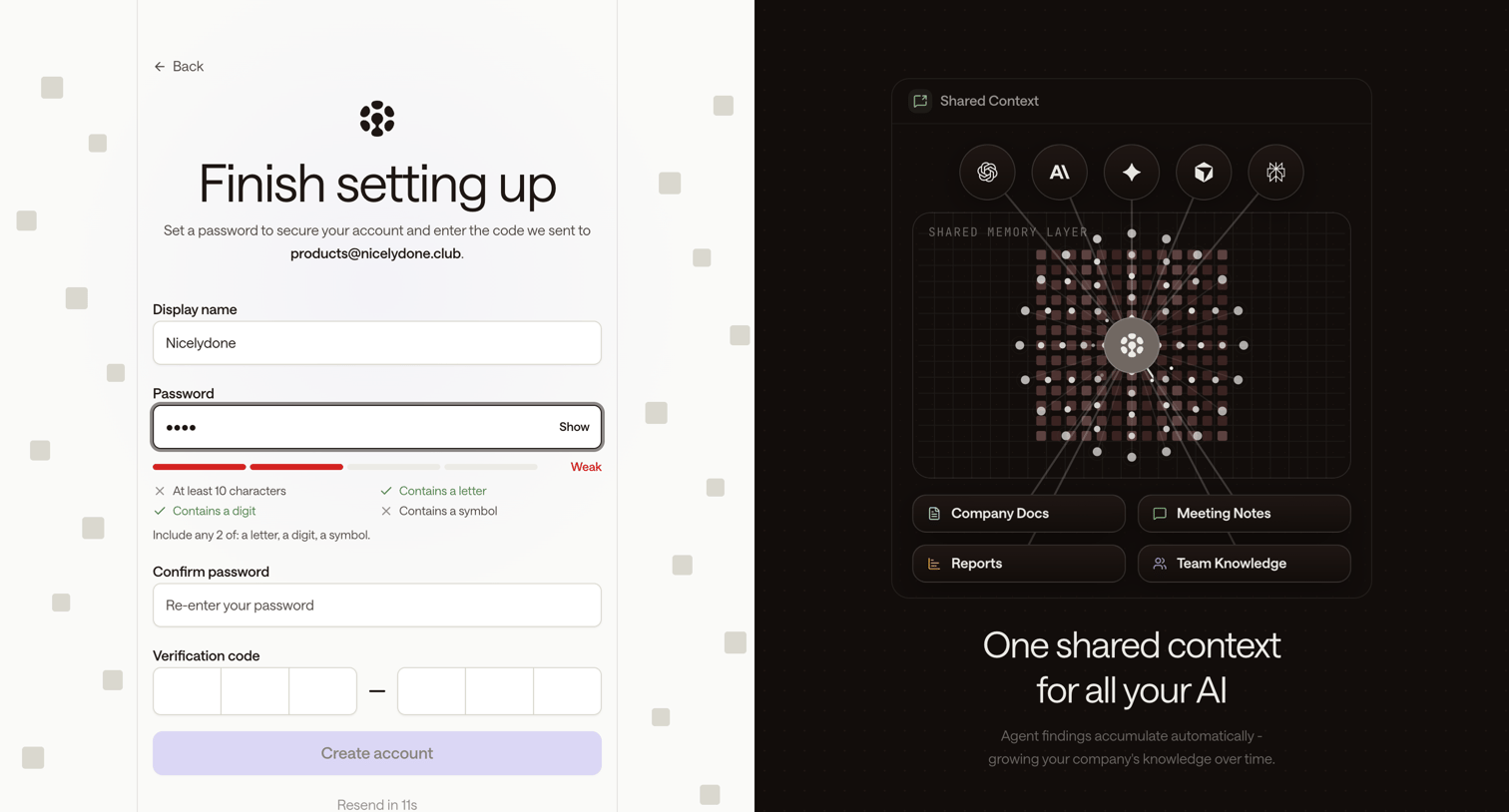
Signup step where the user sets their display name and password while entering an email verification code.
Zaro - Zaro - The Context Layer for Enterprise AI screen
Zaro logo
Zaro

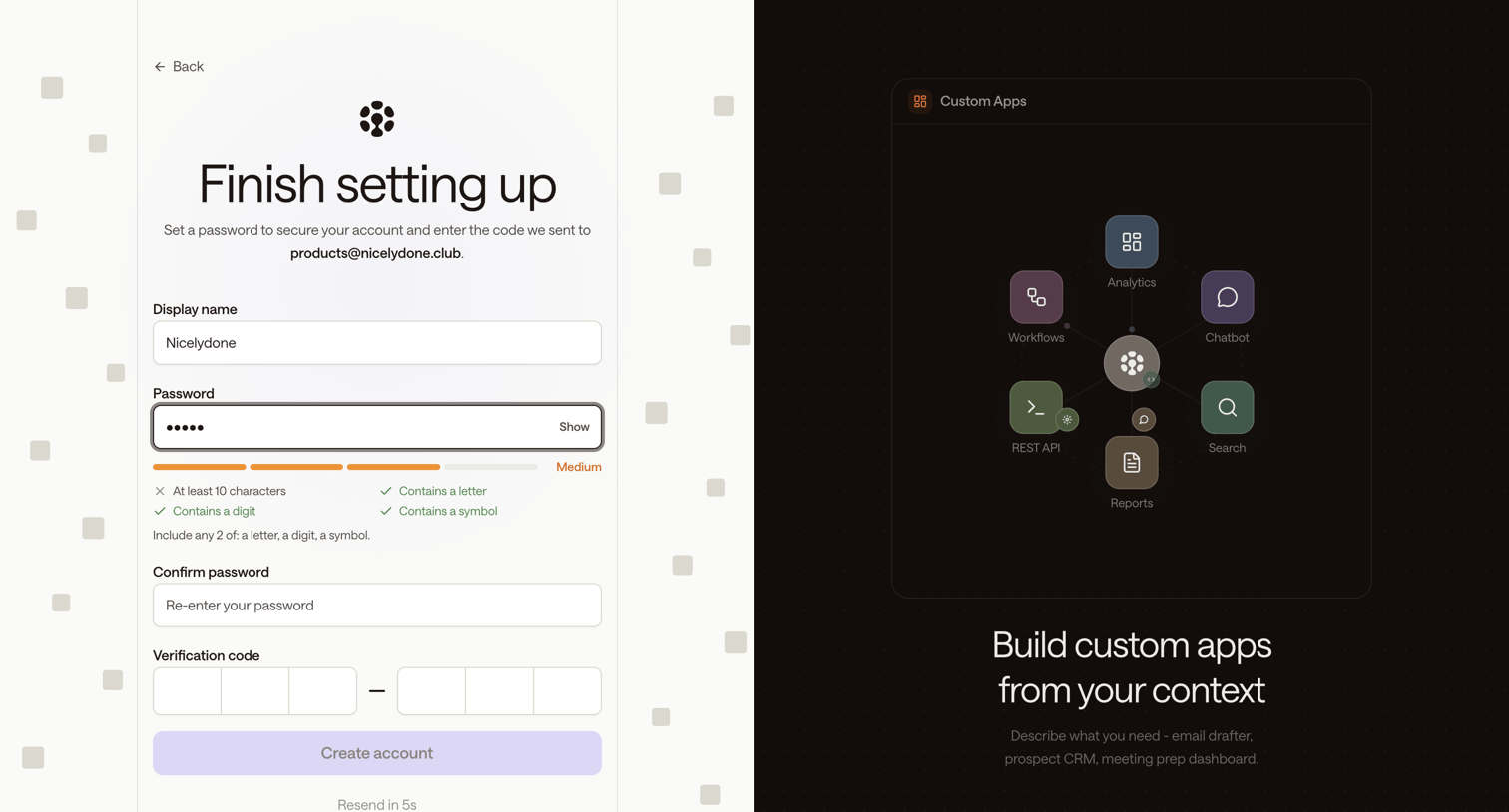
Signup screen where the user sets a display name, creates a password with a strength meter, and enters a 6-digit email verification code to finish account setup.
Zaro - Zaro - The Context Layer for Enterprise AI screen
Zaro logo
Zaro

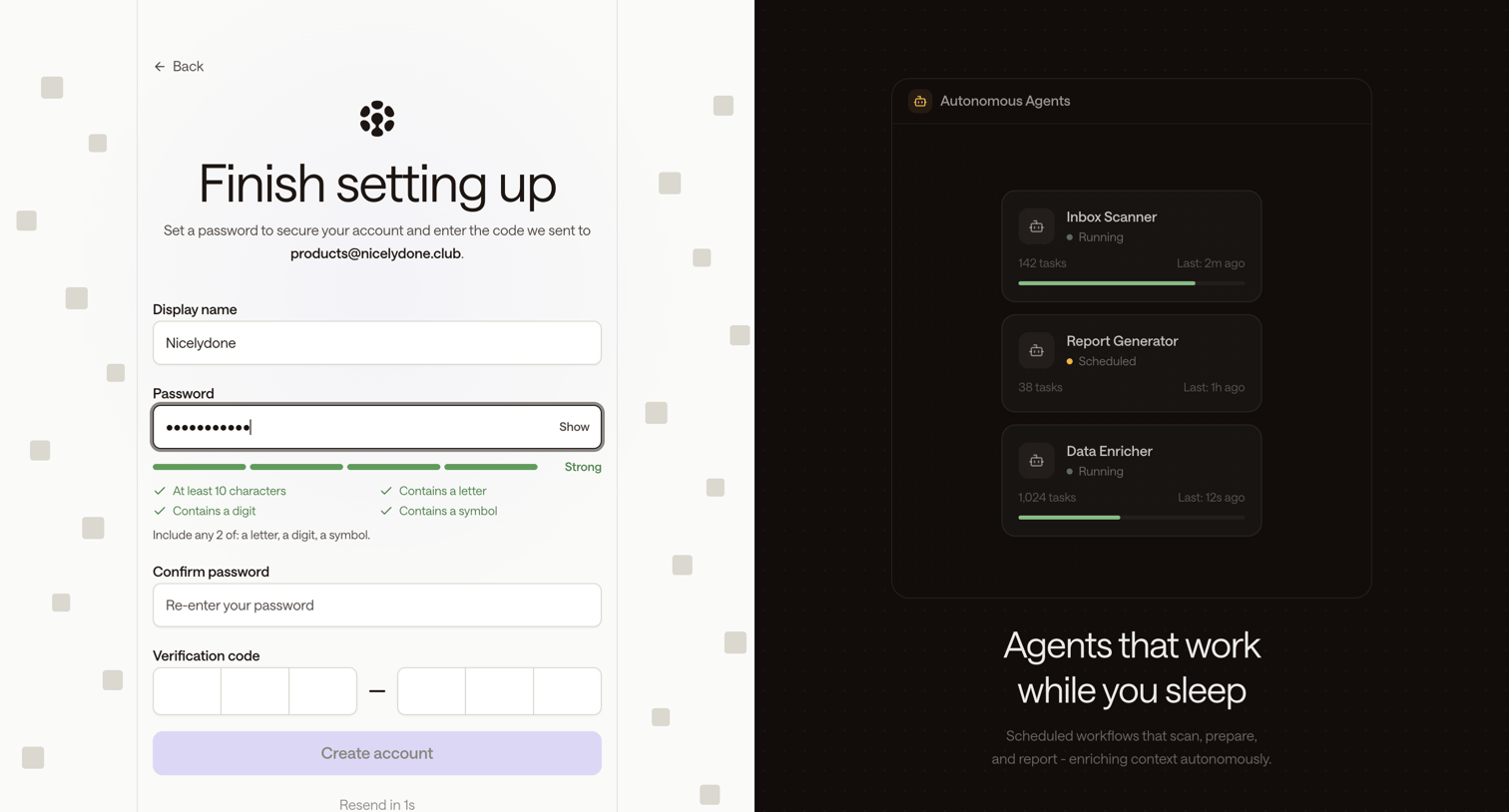
Signup step where the user sets a display name, creates a password with strength requirements, and enters an email verification code to create their account.
Zaro - Zaro - The Context Layer for Enterprise AI screen
Zaro logo
Zaro

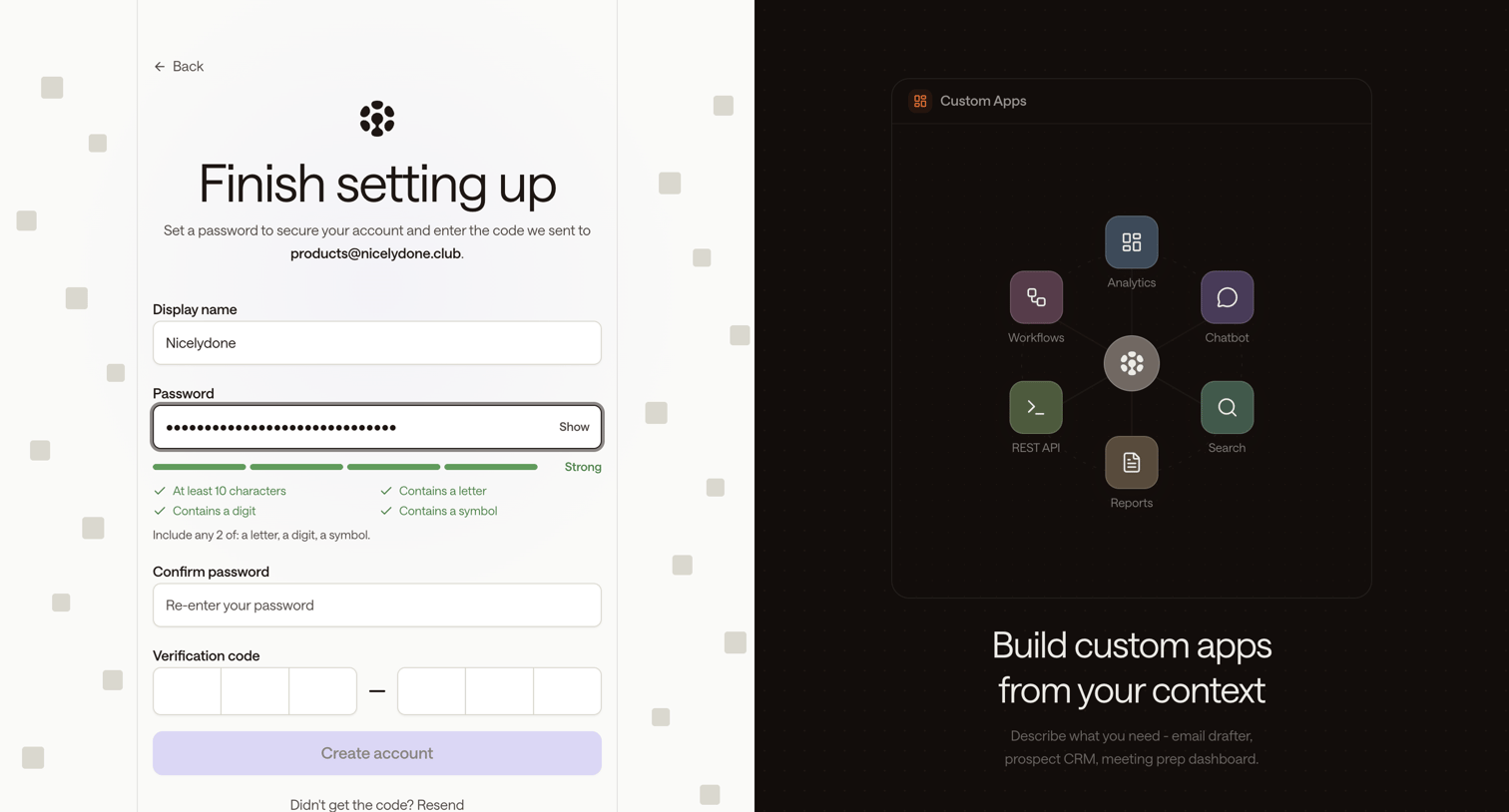
Signup page where the user sets their display name, creates a strong password, and enters an email verification code to finish account setup.
Zaro - Zaro - The Context Layer for Enterprise AI screen
Zaro logo
Zaro

Signup page where the user sets their display name and password, checks password strength requirements, and enters a 6-digit email verification code to create their account.

Browse the full SaaS app library

Explore real SaaS apps with their product screens, marketing screens, flows, and components.

Trusted by the best teams