User flow examples from SaaS apps
Explore user flow examples for sign-up, onboarding, billing, and other SaaS tasks. Preview the opening screens of each flow and browse by user task.

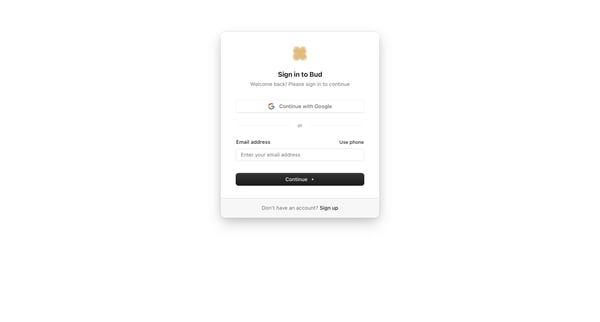
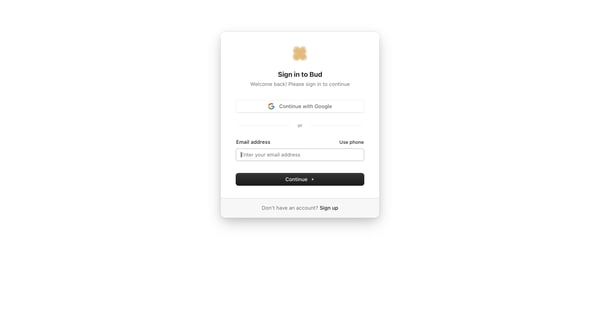
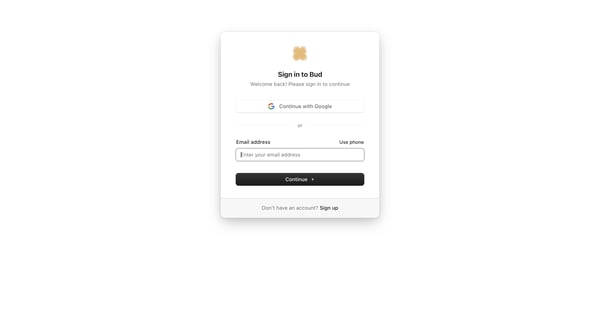
User selects Google, email, or phone authentication on the sign-in card, then enters password on the follow-up screen

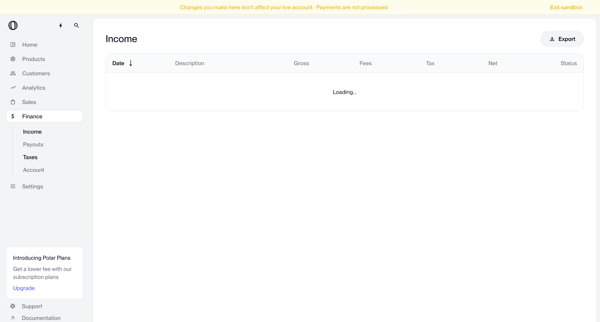
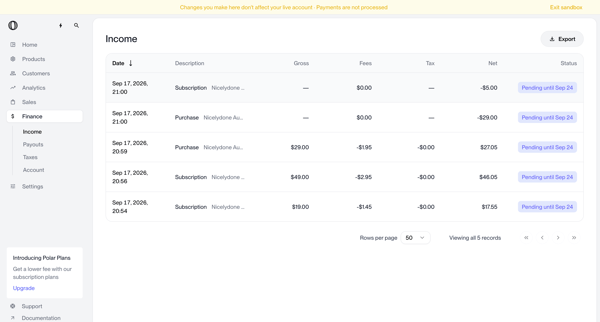
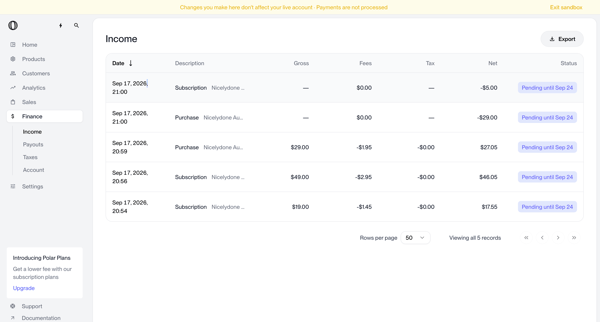
Reviewing income transactions, payouts history, and tax compliance metrics in Polar finance section while in sandbox mode

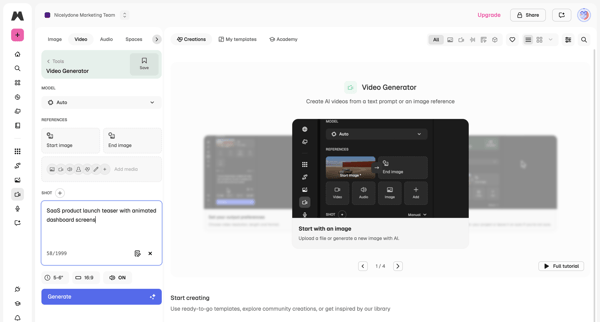
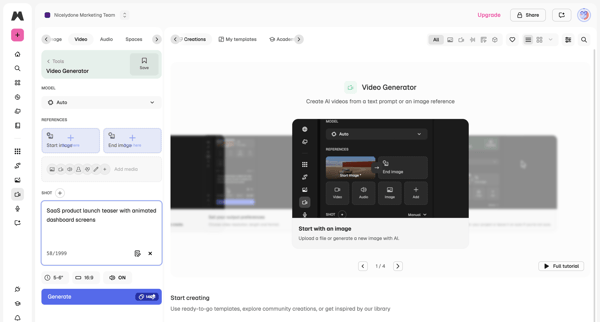
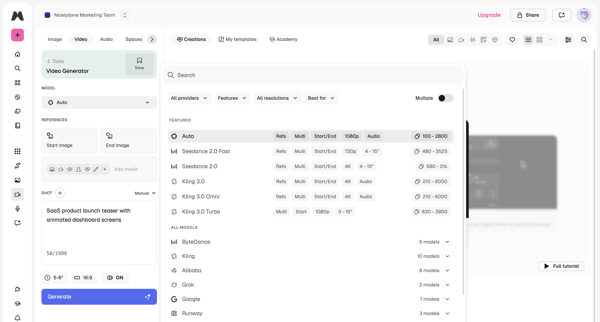
User configures AI model, text prompt, reference images, aspect ratio and duration in workspace then triggers generation and reviews output

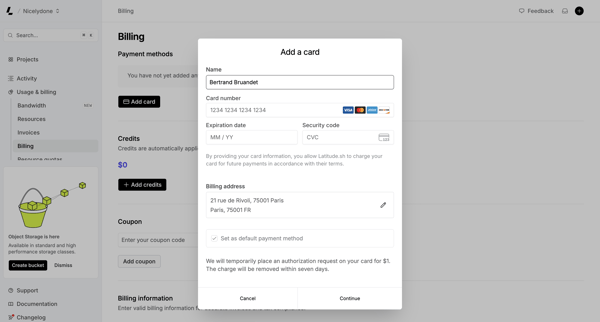
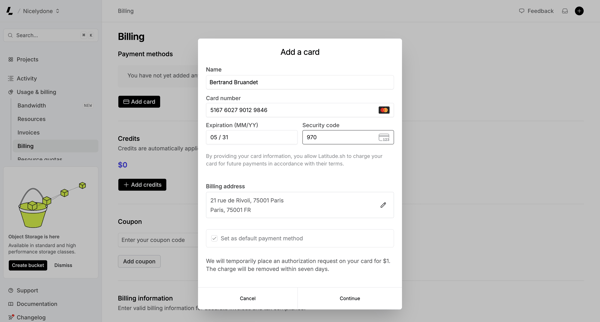
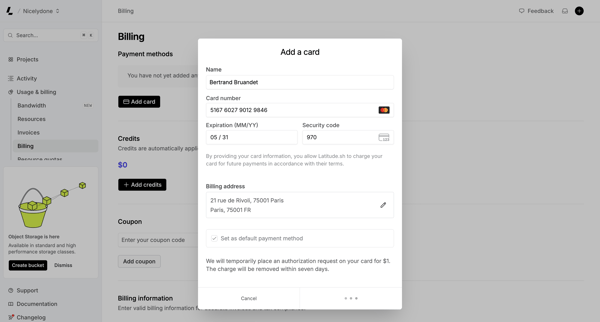
User opens Add Payment Method modal from billing settings and fills credit card and address details, encountering loading and connection error states

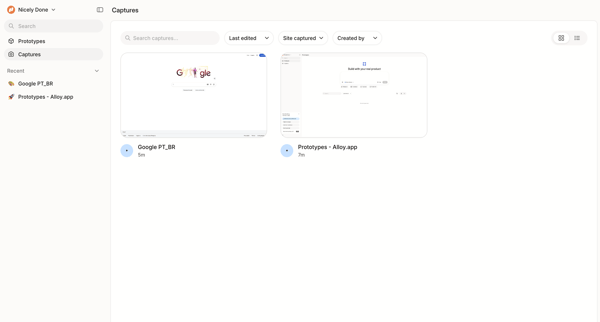
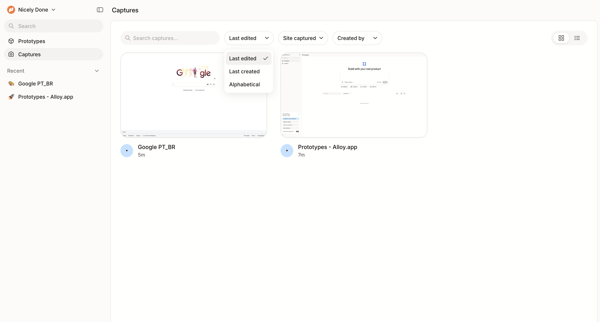
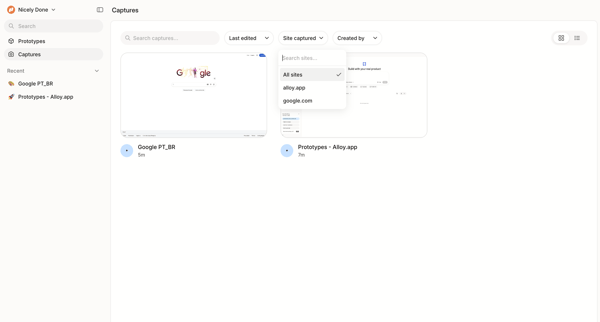
Browsing, searching, and filtering gallery and list views of captured interface screenshots, prototypes, and web pages in Alloy



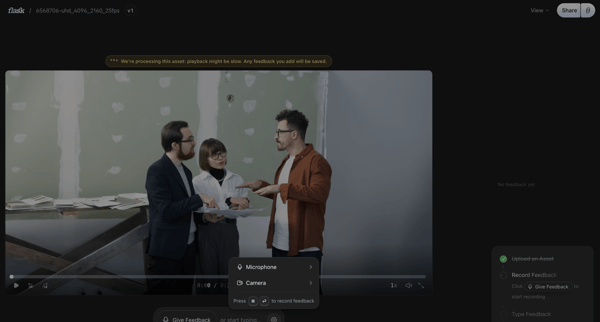
Reviewing a video asset on the detail page and recording timestamped voice or text feedback via a floating composer

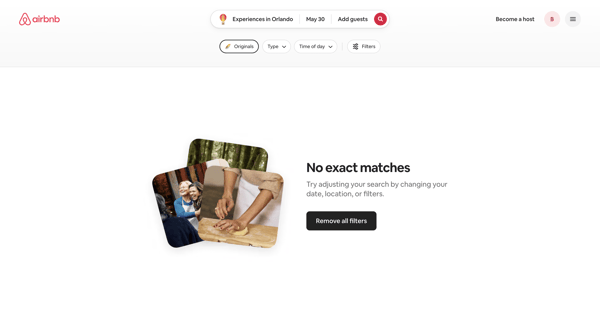
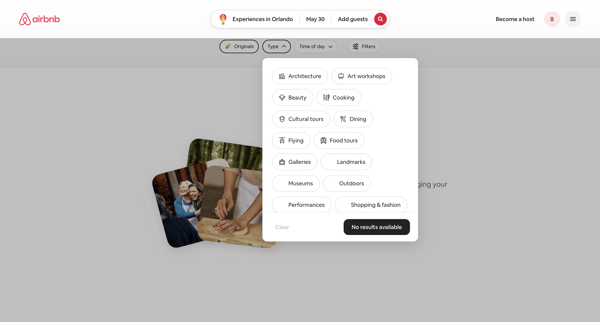
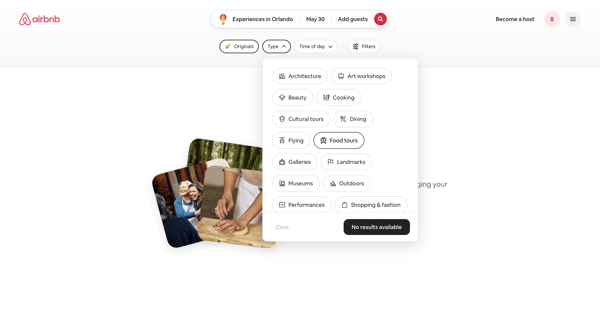
User refines Airbnb experience search results via popovers and modals, encountering repeated empty states while selecting categories, dates, price, and traveler groups until results populate

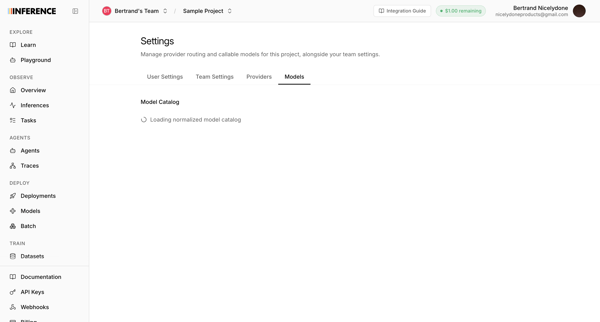
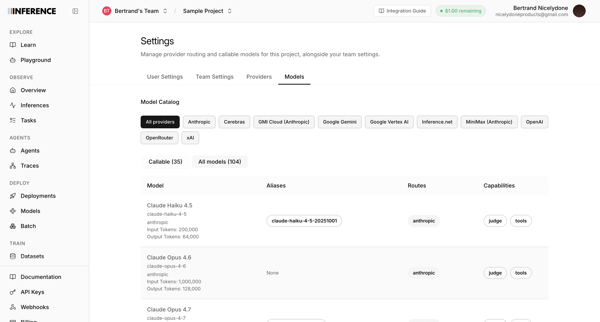
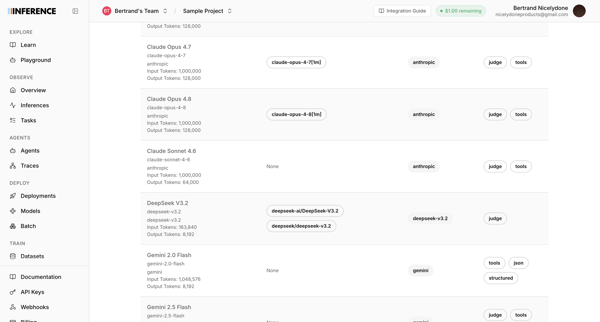
User accesses AI model catalog settings to manage provider routing, filter models by provider, and review token limits and capabilities across multiple list and table views

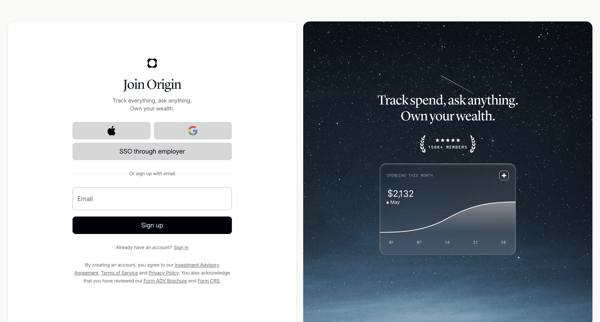
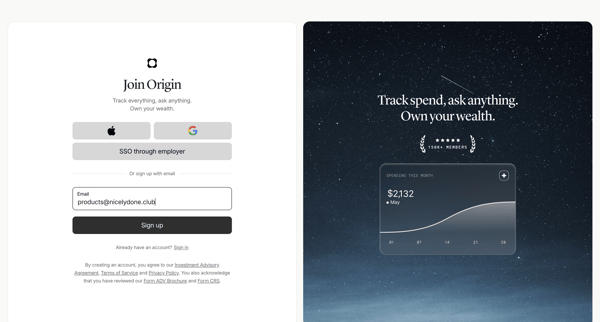
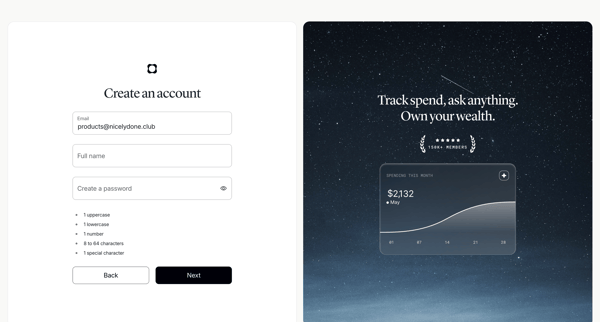
User creates an Origin Financial account via SSO options or email/password form with validation and social proof panels

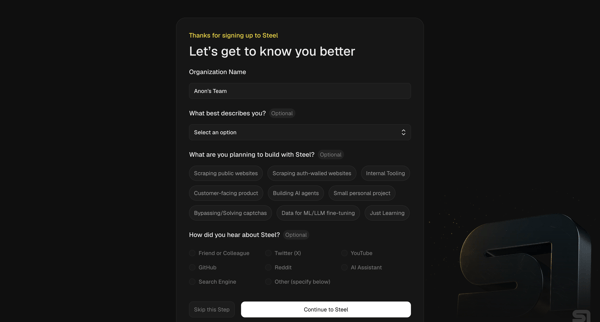
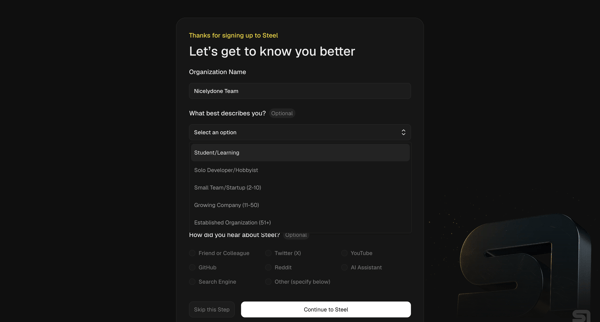
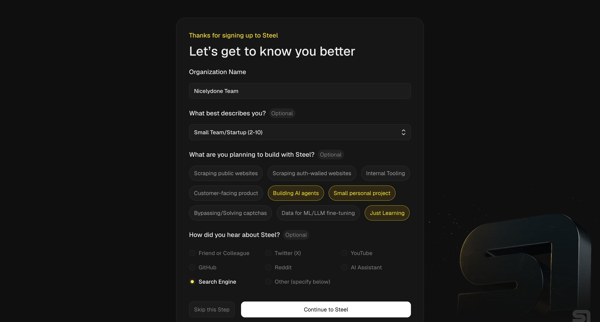
User completes organization questionnaire then developer quickstart to generate API key, install SDK, and pick starter templates for browser automation agents

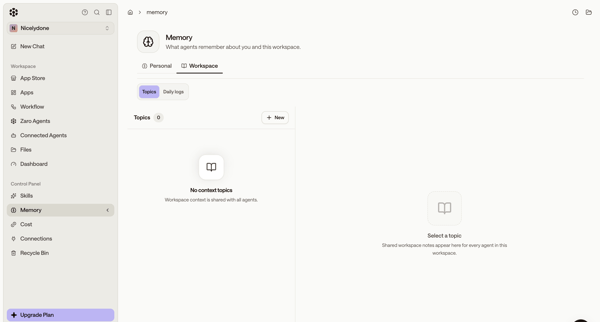
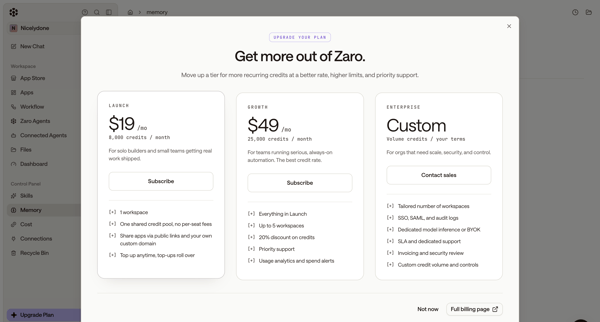
User starts in workspace memory settings, opens upgrade modal from sidebar, selects Launch tier, completes subscription checkout form, sees connecting state, and lands on billing settings page showing new plan and credits.

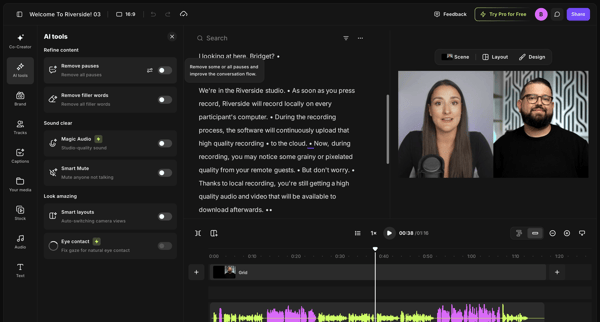
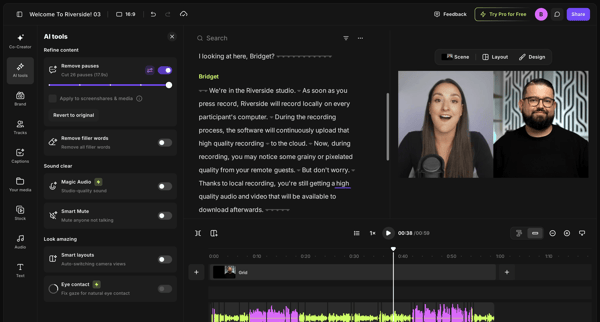
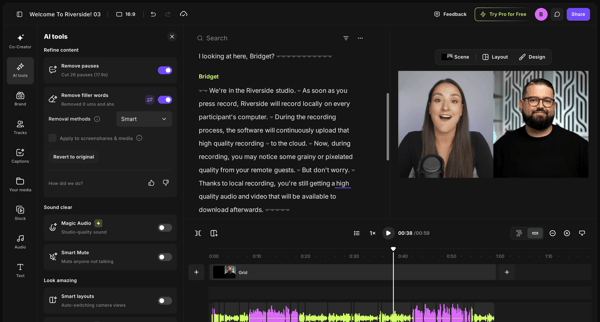
User refines video or podcast recordings in Riverside by editing via transcript and applying AI tools to remove pauses and filler words
Explore the full SaaS flow library
Browse the full SaaS flow library.
Trusted by the best teams








Find a topic
Getting started
Finding information
Account and subscription
More categories
- Deleting
- Customizing
- Asking Artificial intelligence
- Connecting to integration
- Signing in
- Sharing
- Updating
- Creating content
- Creating workflow
- Reporting
- Importing
- Creating workspace
- Managing roles and permissions
- Selecting
- Uploading files
- Creating template
- Exporting
- Setting-up Multi-factor authentication
- Creating project
- Creating team
- Sending messages
- Commenting & reacting
- Chatting
- Sending
- Creating collection
- Verifying identity
- Creating event
- Duplicating
- Moving
- Scheduling
- Sharing feedback
- Importing from CSV
- Recording
- Securing account
- Adding new source
- Removing teammate from team
- Setting up permissions
- Starting trial
- Archiving
- Enabling
- Inviting contacts
- Booking
- Requesting
- Adding to collection
- Confirming
- Copying
- Switching theme
- Transfering
- Deleting team
- Restoring
- Creating color palette
- Disabling Multi-factor authentication
- Merging
- Requesting early access
- Booking experience
- Creating listing
- Creating transfer
- Disabling
- Filling Know Your Business (KYB) form
- Transcribing
- Versioning
- Adding seats to subscription
- Playing quiz
- Requesting access
- Switching
- Canceling
- Following
- Moving file
- Replaying
- Restoring previous version
- Creating gift card
- Merging data
- Scheduling email
- Starting interview