Skip to content

Bud design examples

Explore Bud UI design examples. Bud is an AI worker with its own computer, browser, and number to run autonomously and get work done.

Product screens

Bud - My account | Bud screen
Bud logo
Bud

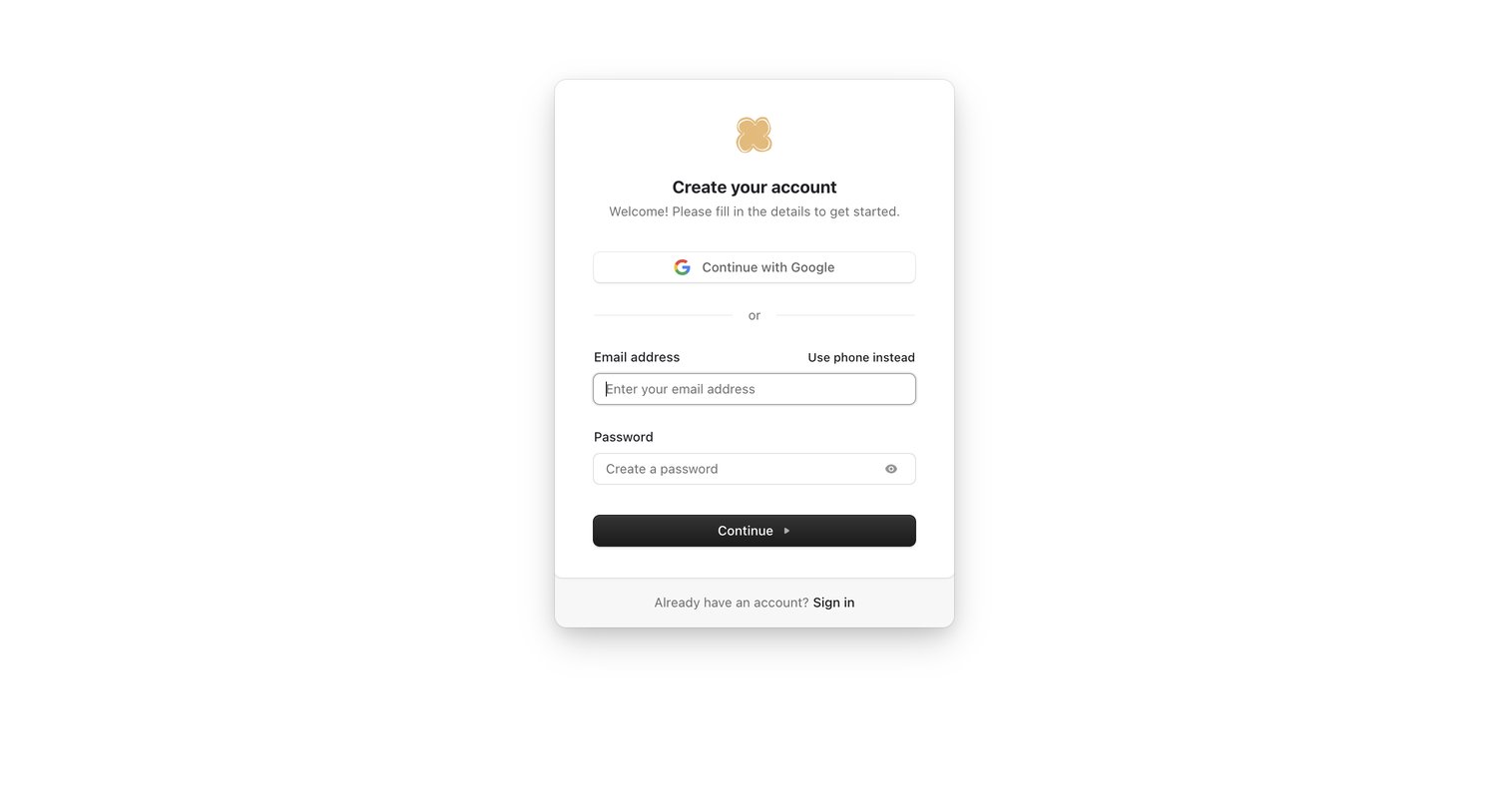
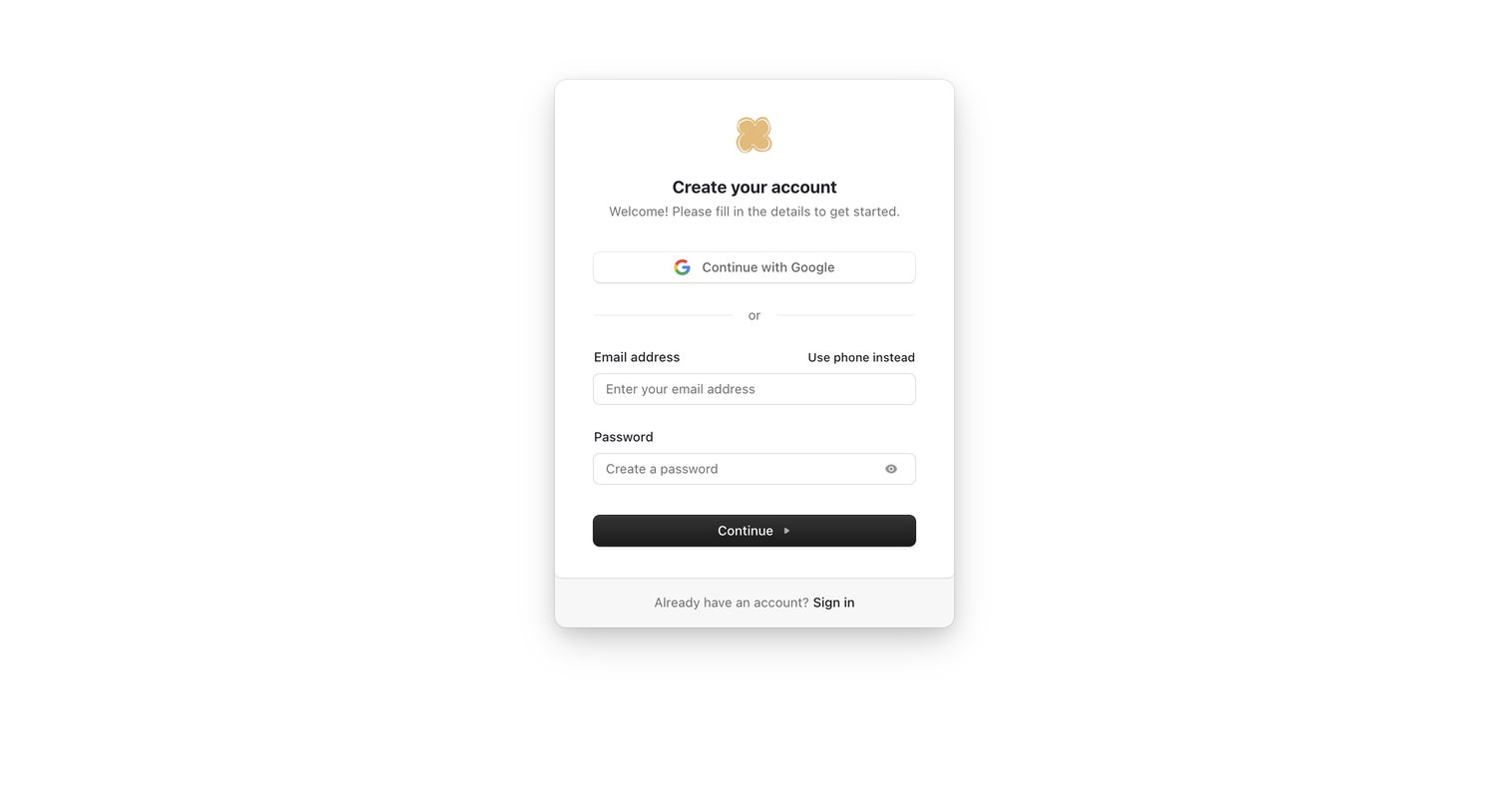
Signup screen where the user creates an account using Google authentication or an email and password.

Bud - My account | Bud screen
Bud logo
Bud

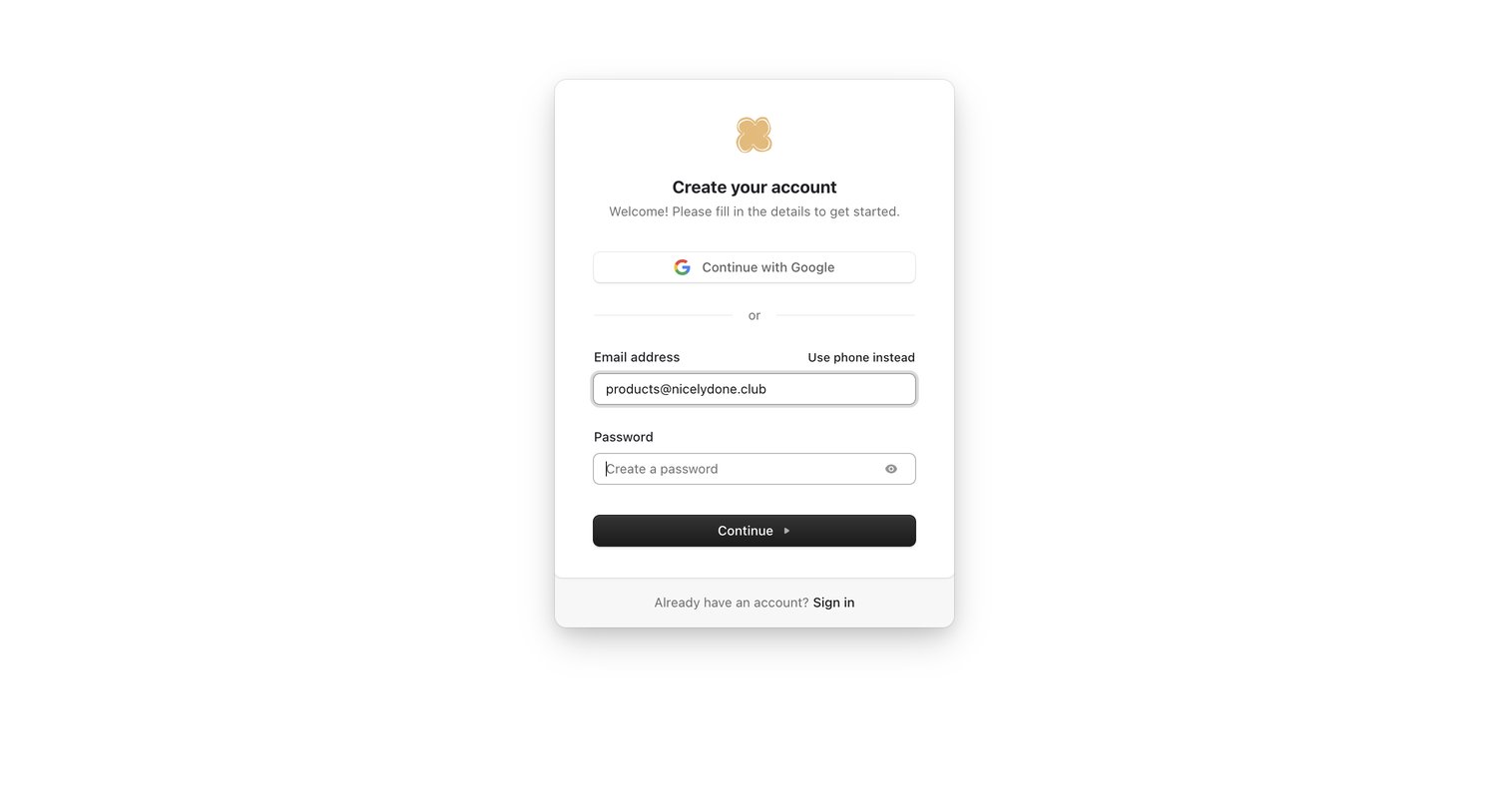
Signup screen where the user can create an account using Google or by entering an email address and password.

Bud - My account | Bud screen
Bud logo
Bud

Sign-up screen where the user creates an account using Google or an email and password.

Bud - My account | Bud screen
Bud logo
Bud

Signup screen where the user creates an account using Google or by entering an email and password.

Bud - My account | Bud screen
Bud logo
Bud

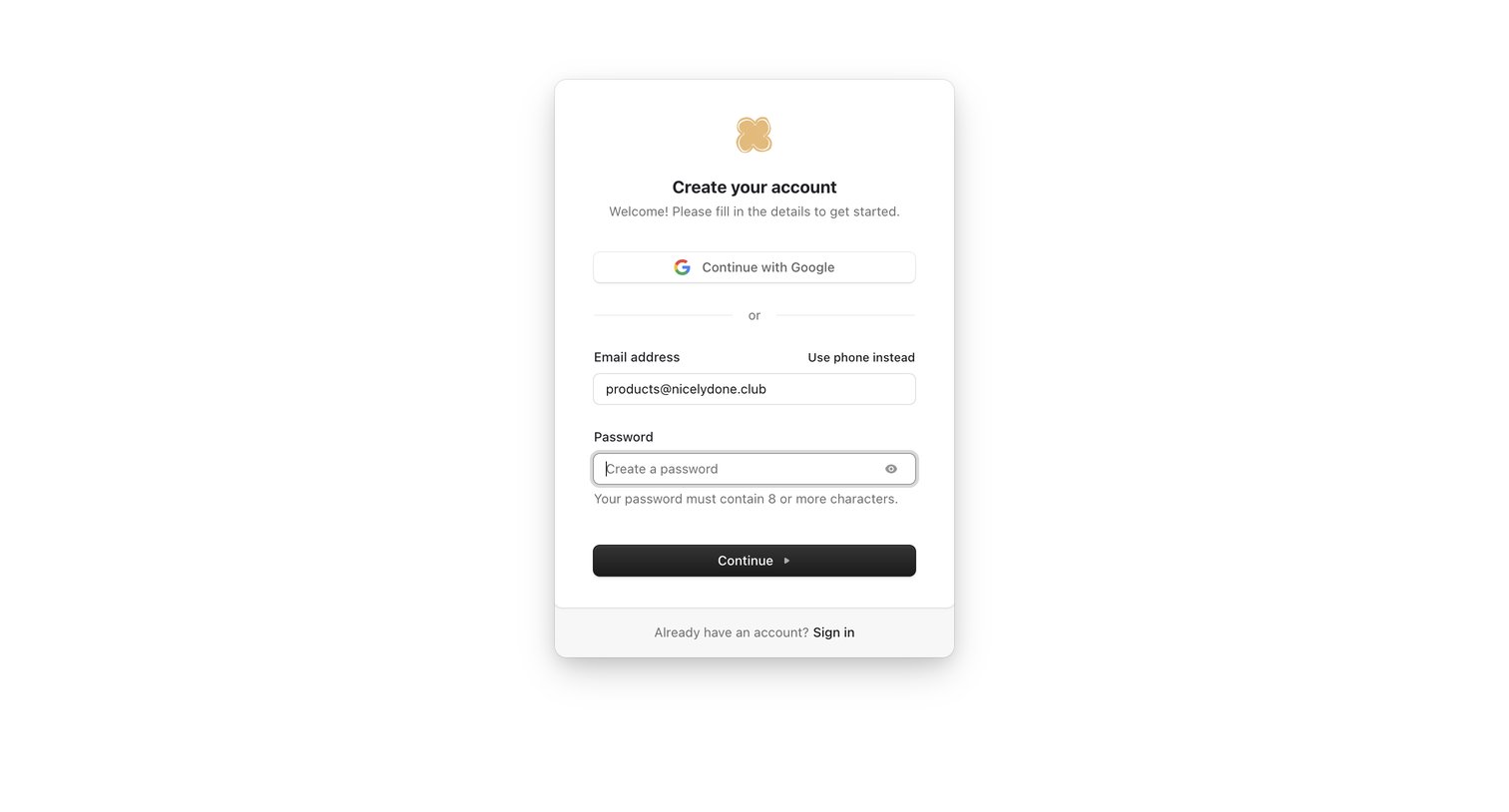
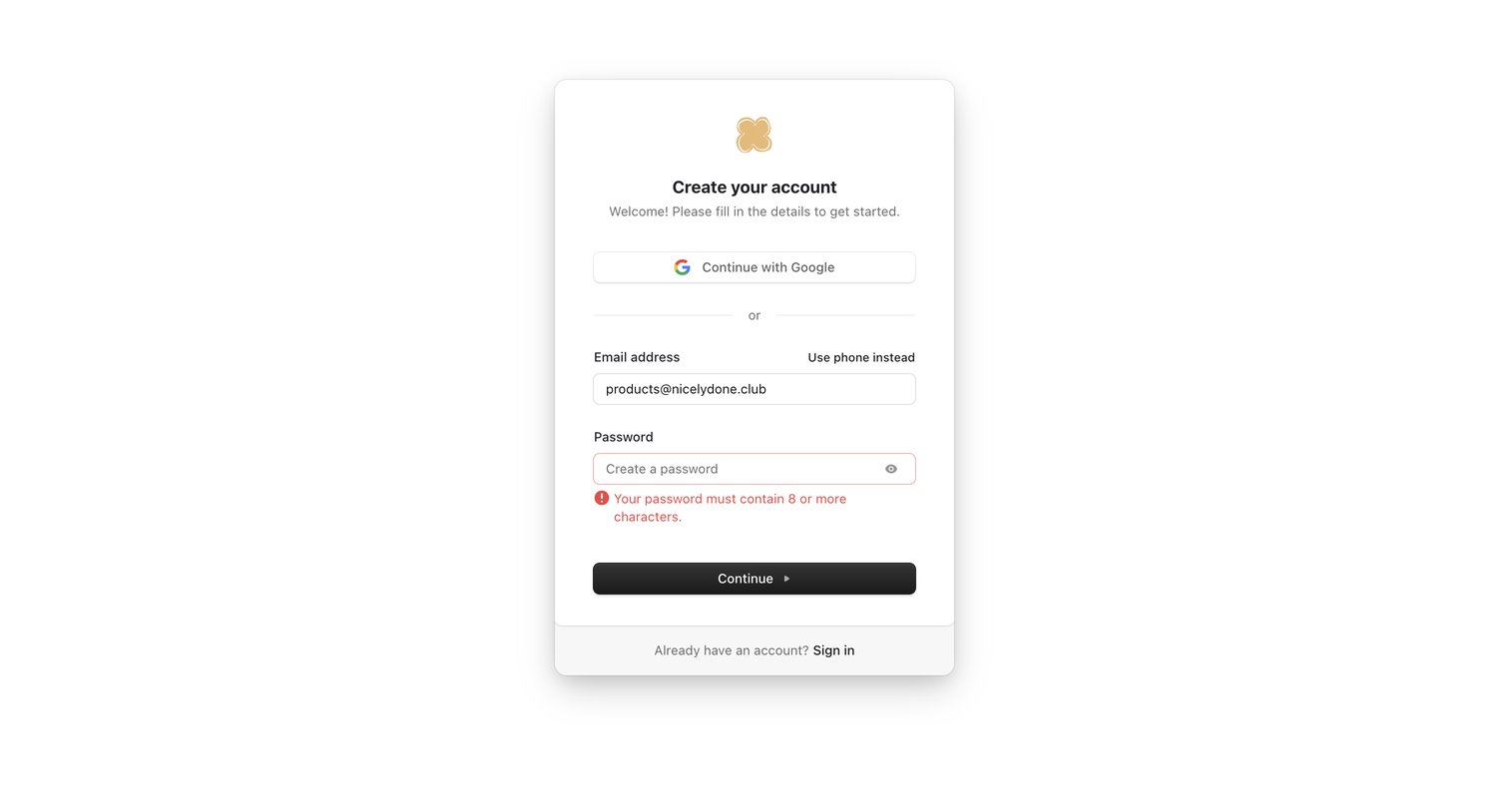
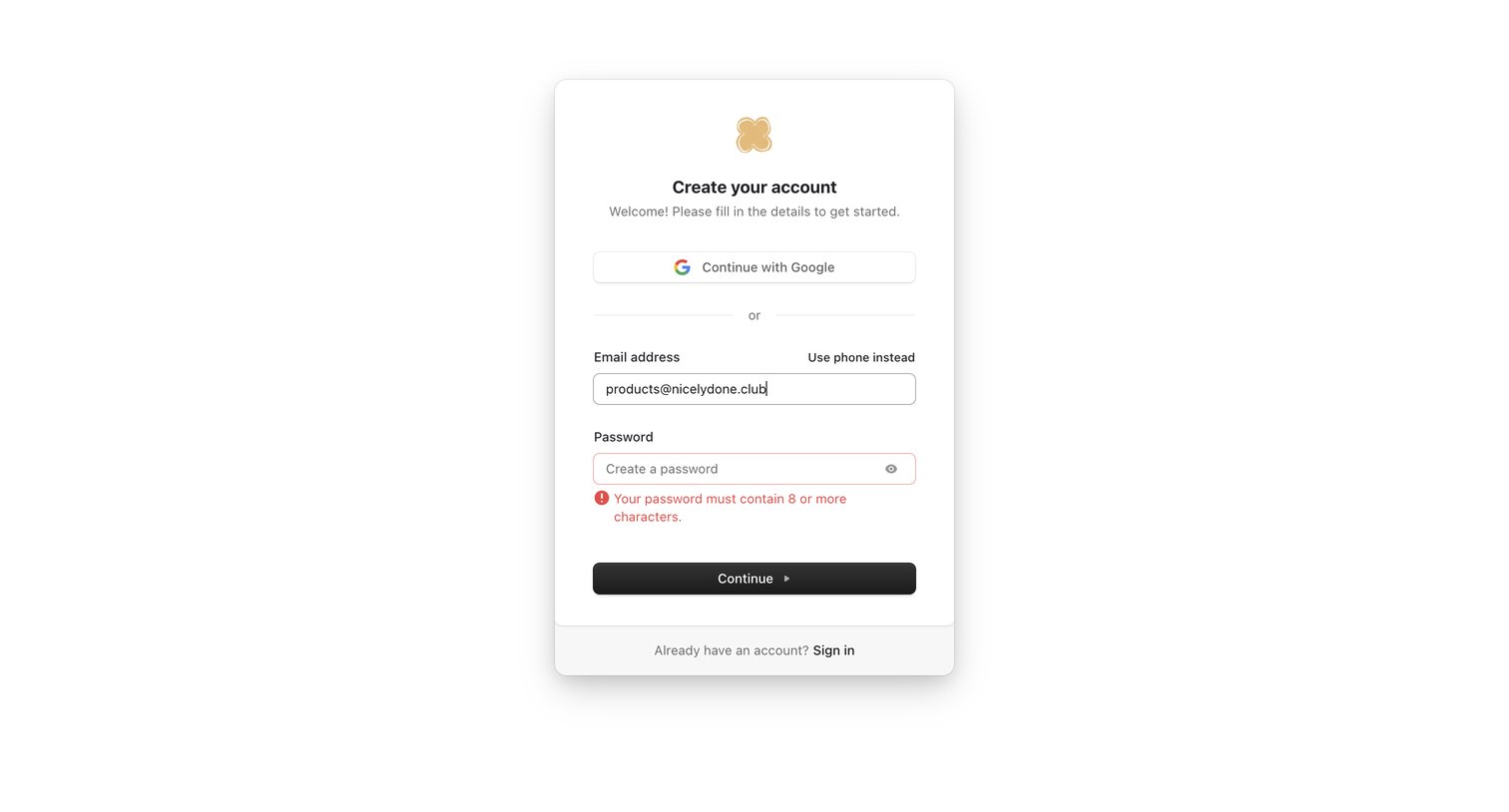
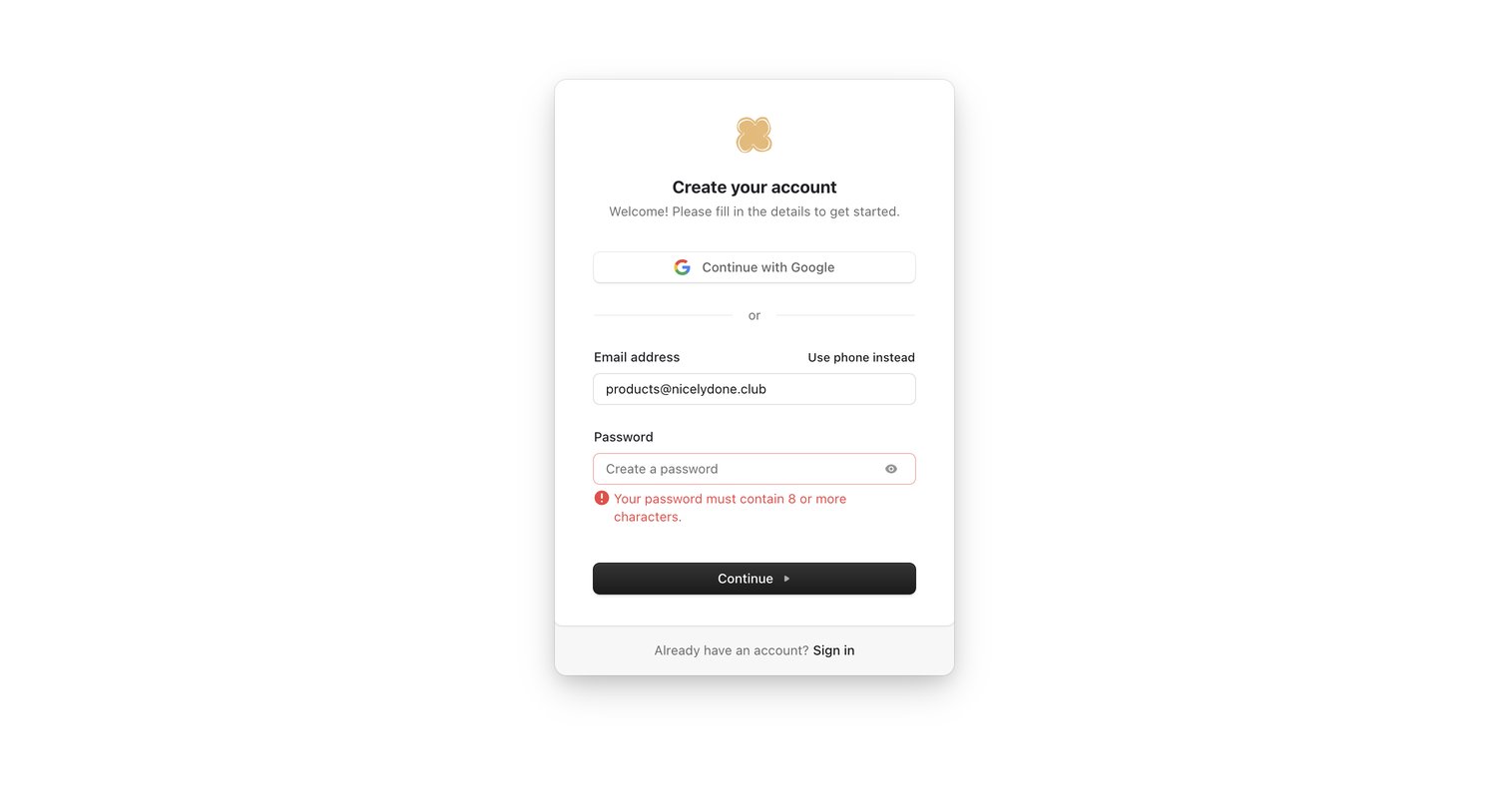
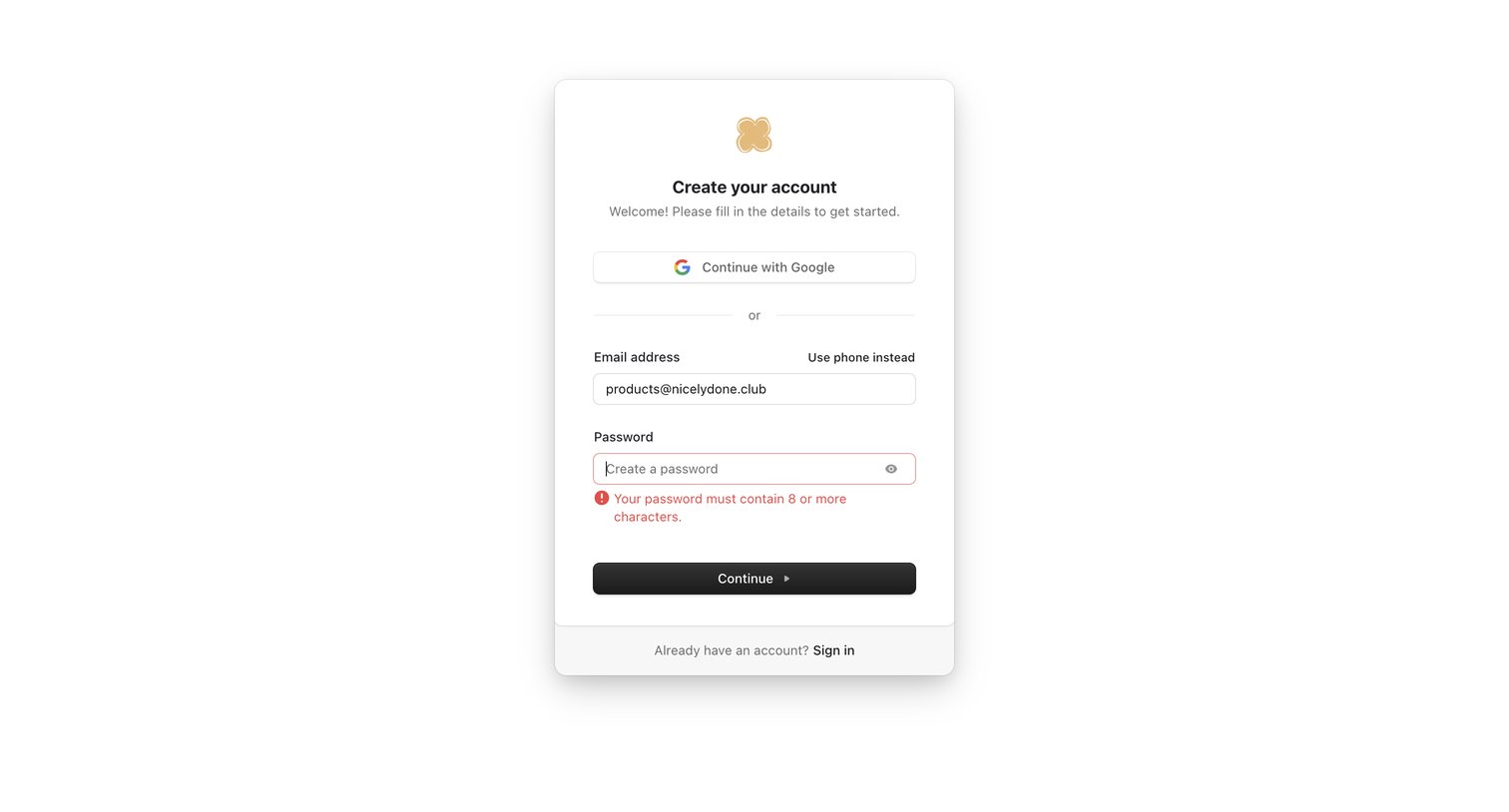
Signup screen where the user is creating an account with email and encounters a password length validation error.

Bud - My account | Bud screen
Bud logo
Bud

Signup screen where the user is attempting to create an account with an email and password but encounters a validation error on the password field.

Bud - My account | Bud screen
Bud logo
Bud

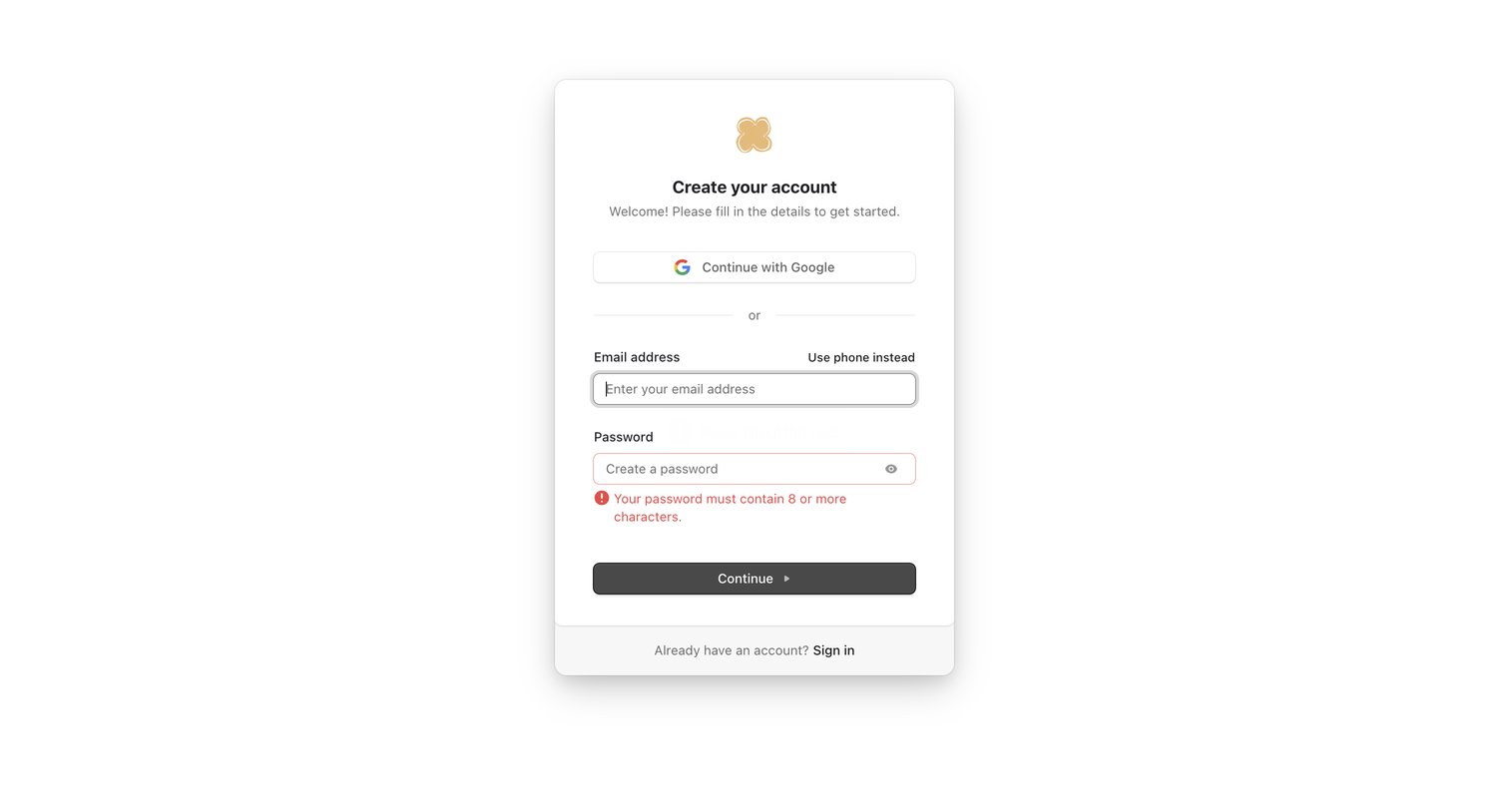
Signup screen where the user is prompted to correct a password length error while attempting to create an account via email.

Bud - My account | Bud screen
Bud logo
Bud

Signup screen where the user is prompted to fix a password length error while creating an account with email or Google.

Bud - My account | Bud screen
Bud logo
Bud

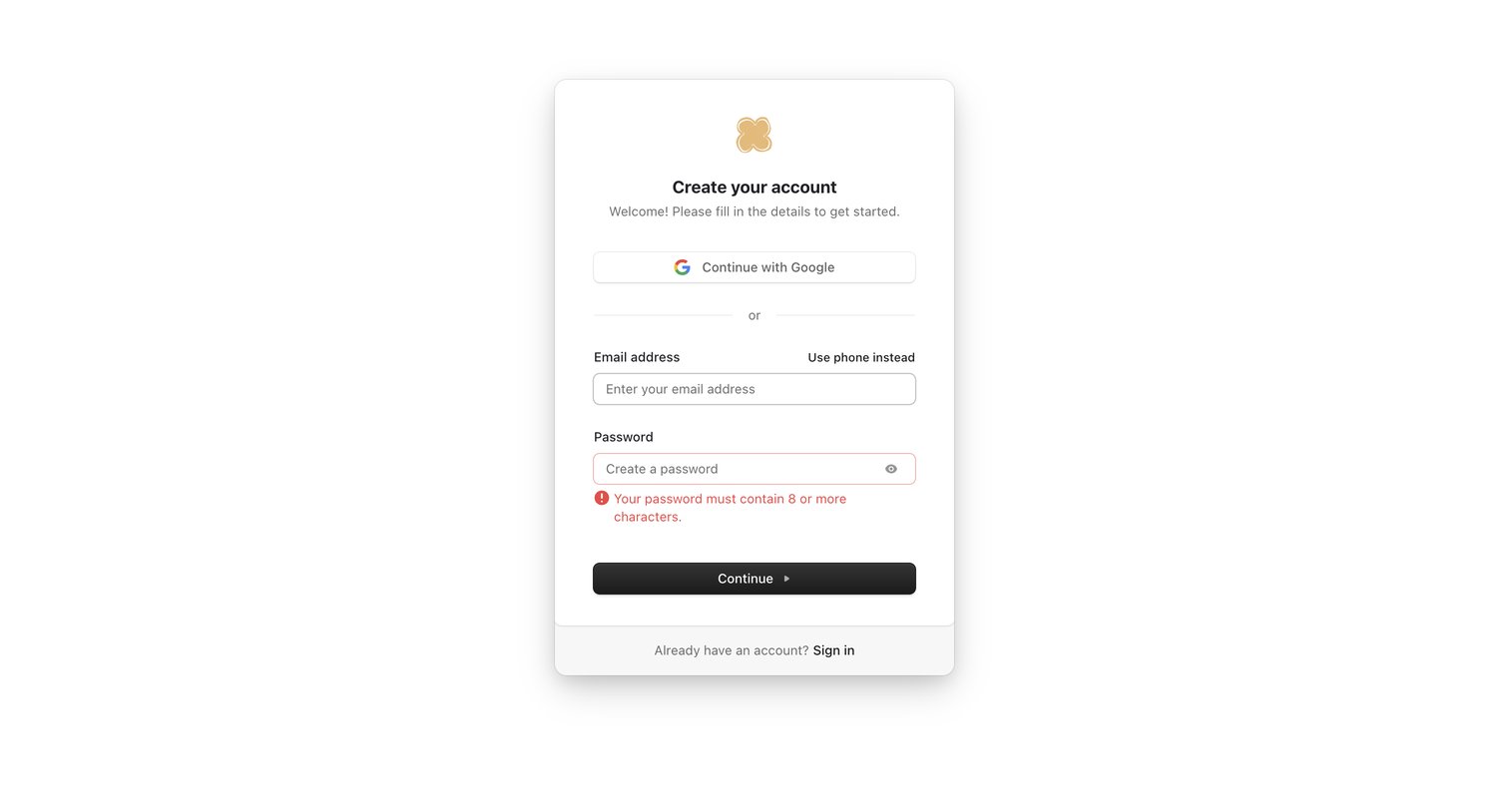
Sign-up screen where the user creates an account using Google or an email and password, currently showing a password length error.

Bud - My account | Bud screen
Bud logo
Bud

Signup screen where the user is attempting to create an account with email and password but encounters a validation error for a short password.

Bud - My account | Bud screen
Bud logo
Bud

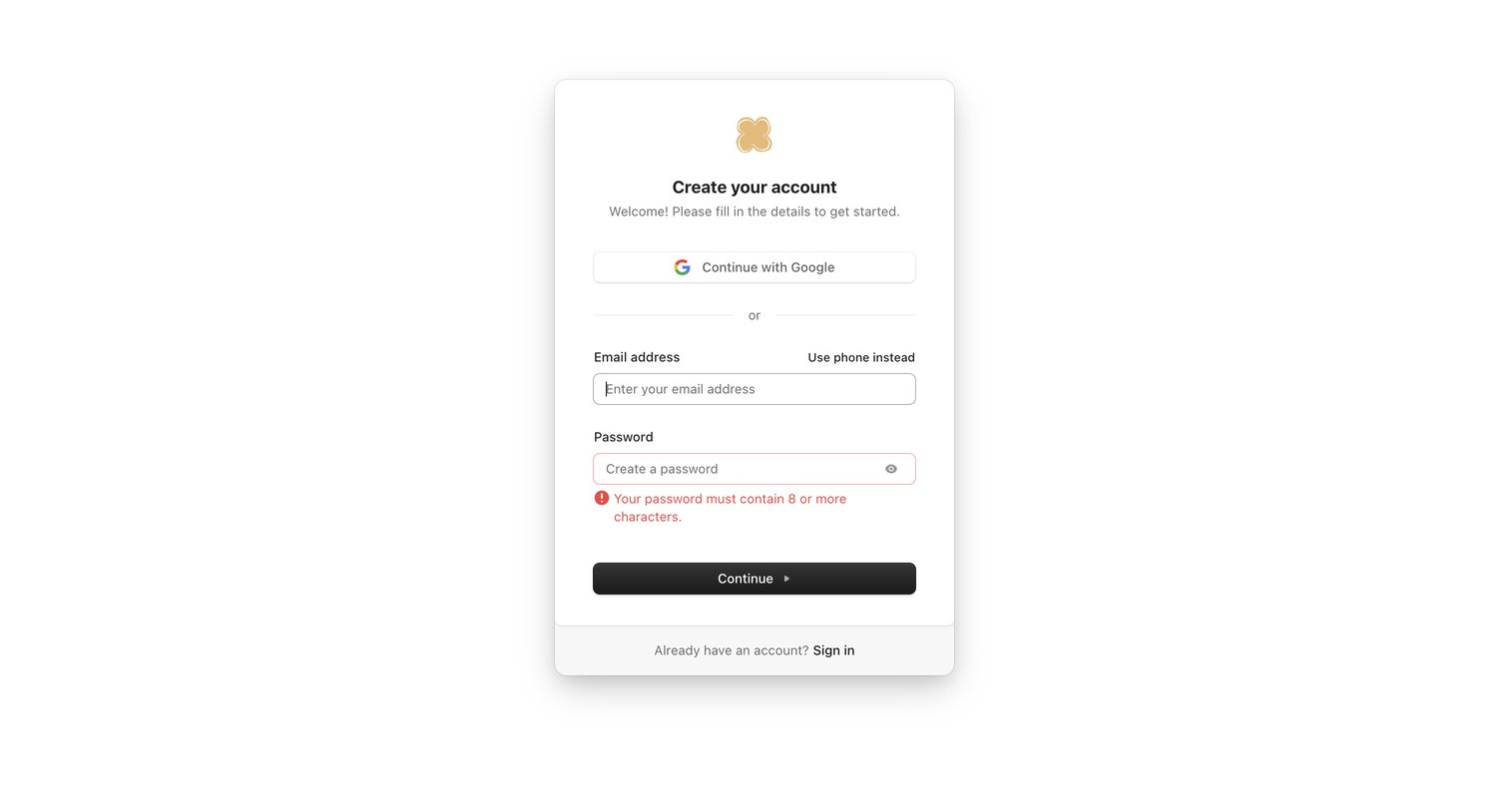
Signup page where the user creates an account using Google or an email address, currently showing a password validation error.

Bud - My account | Bud screen
Bud logo
Bud

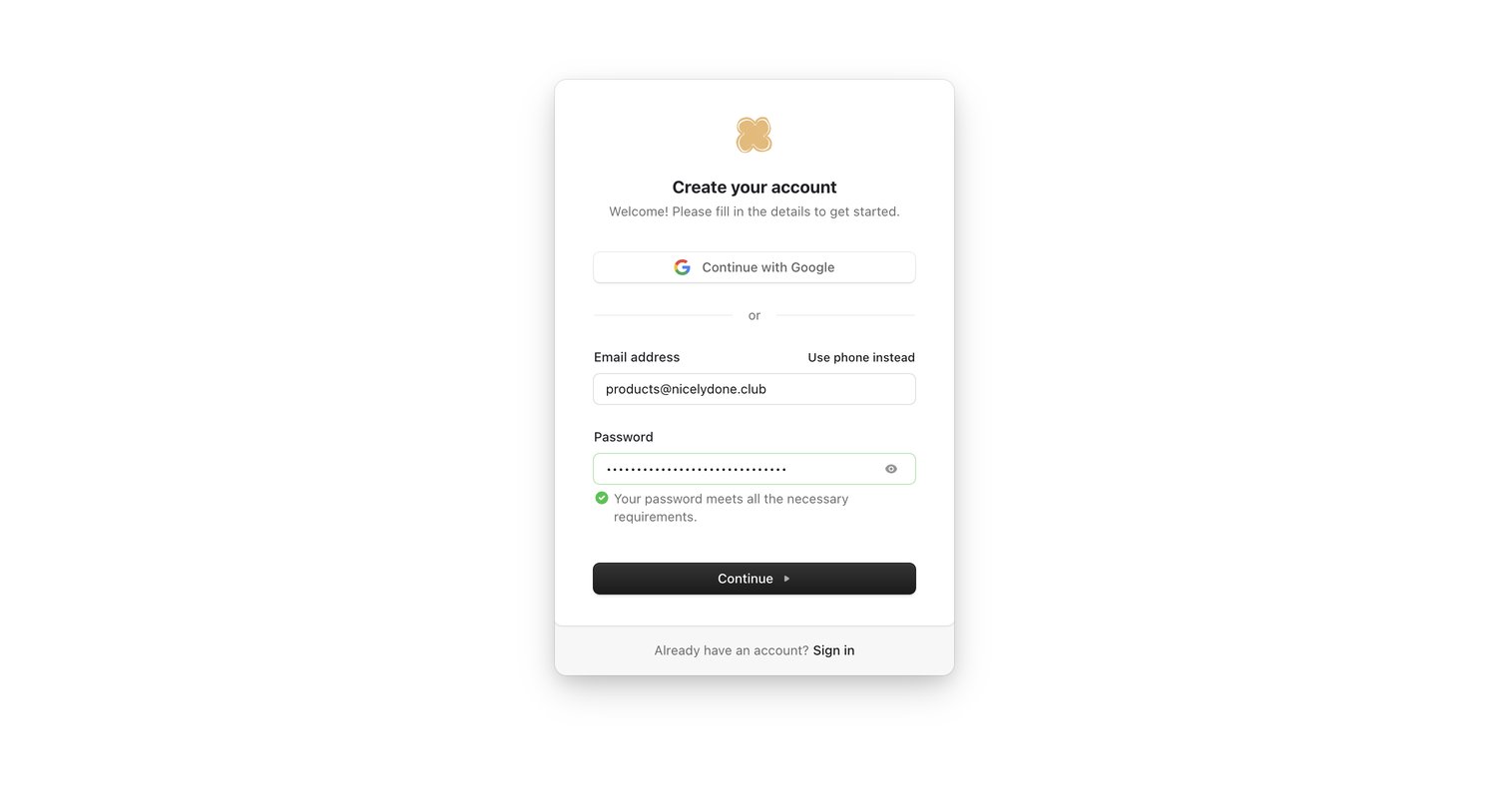
Signup page where the user creates an account using Google or an email and password, featuring inline password validation.

Browse the full SaaS app library

Explore real SaaS apps with their product screens, marketing screens, flows, and components.

Trusted by the best teams