Bud user flows examples
Explore Bud user flow examples. Preview the opening screens and steps for each task. Bud is an AI worker with its own computer, browser, and number to run autonomously and get work done.
Preview these flows

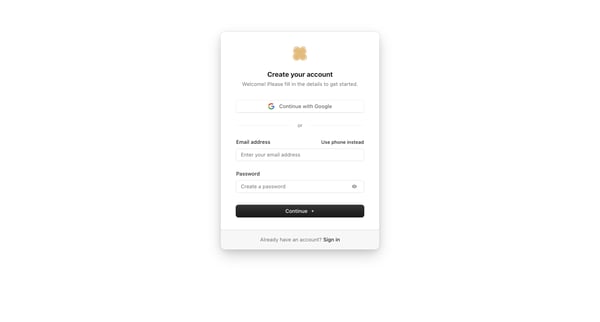
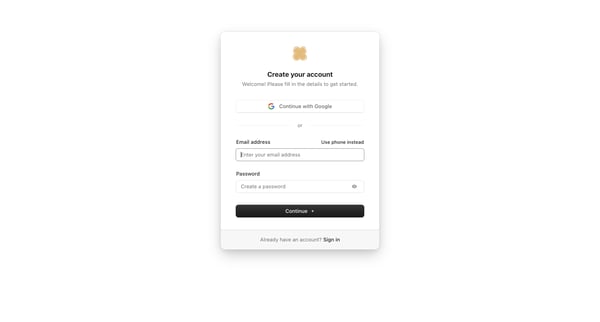
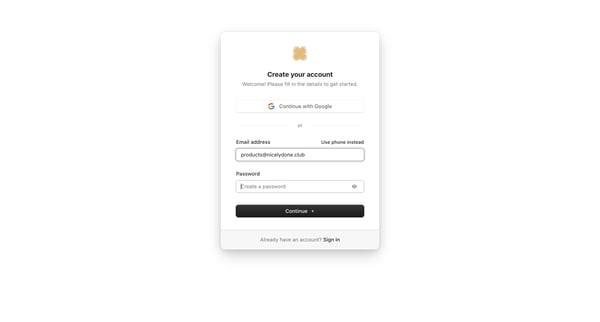
User creates an account via Google OAuth or email/password on Bud, handles password validation errors, then completes email verification with a 6-digit OTP code including error recovery
User creates a Bud account via Google OAuth or email/password entry with inline validation and error states
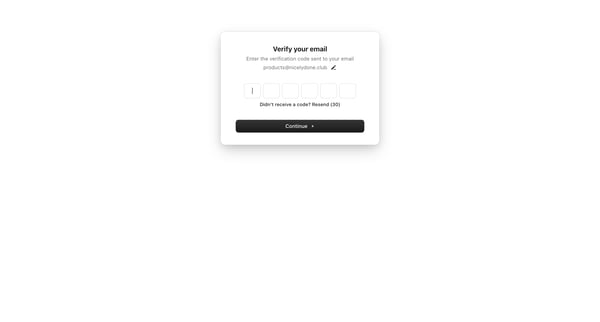
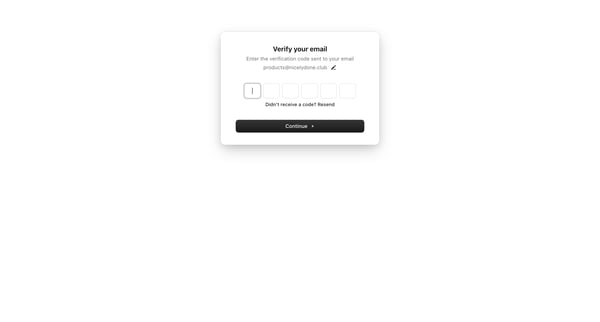
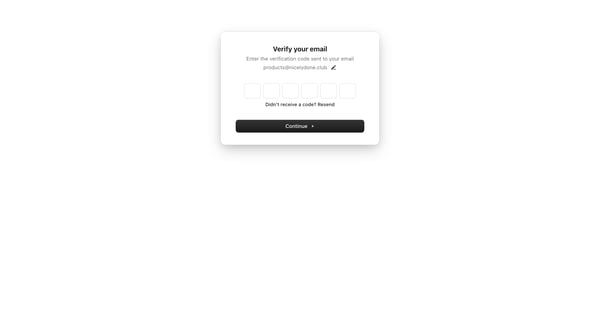
User enters 6-digit OTP code sent to email across default and error states to complete account authentication or signup
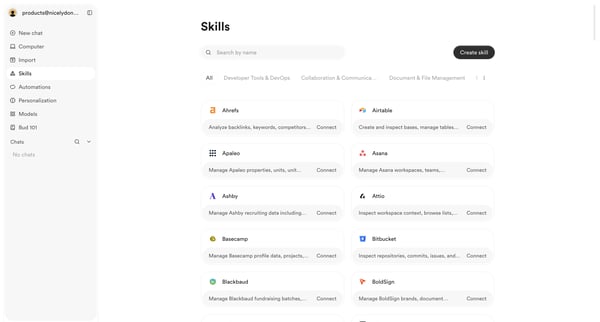
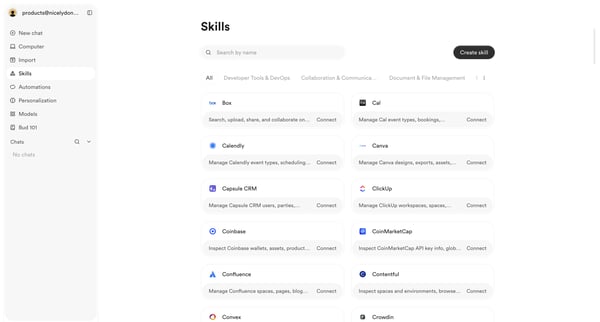
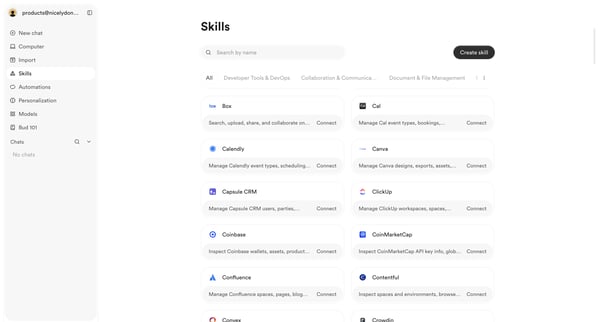
User browses, searches, and filters the skills integrations directory to discover and connect third-party tools
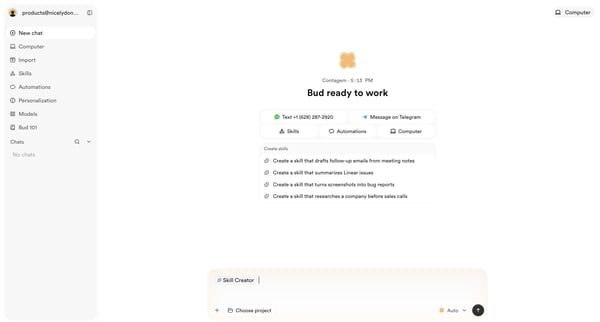
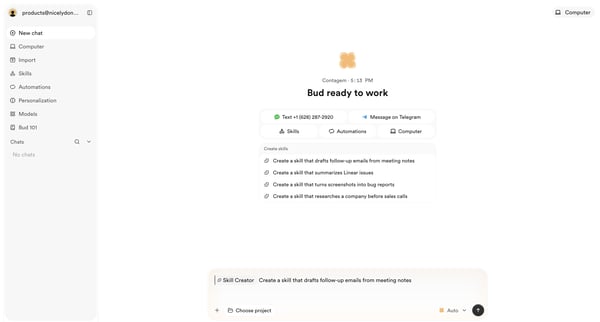
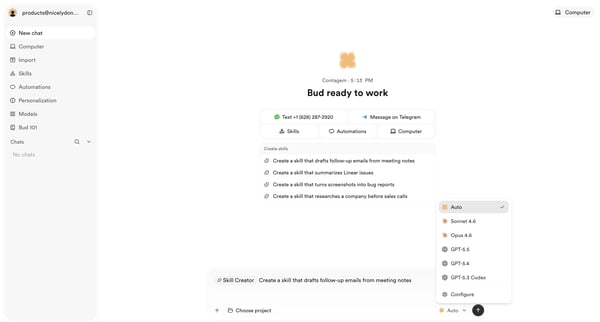
Conversational creation of custom AI skills via chat interface with template selection, generation, approval, and directory listing
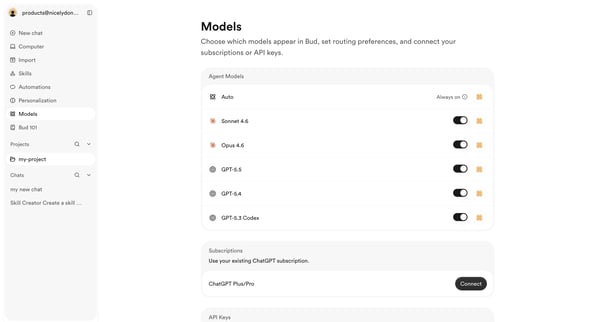
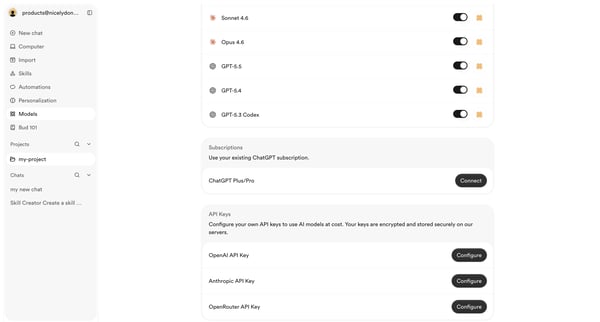
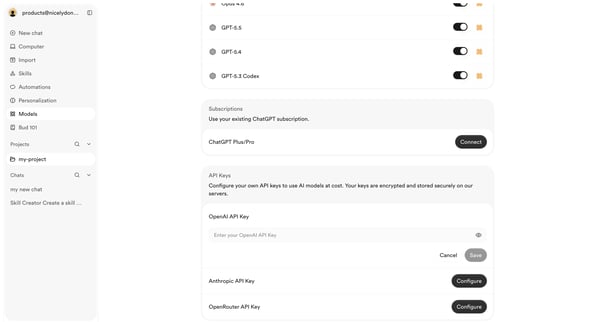
User configures active AI models, routing preferences, ChatGPT subscriptions, and API keys for OpenAI, Anthropic, and OpenRouter from the settings surface
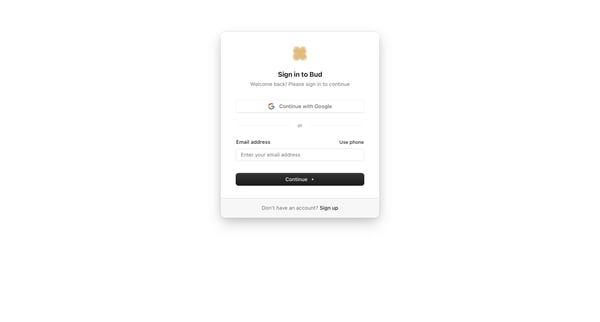
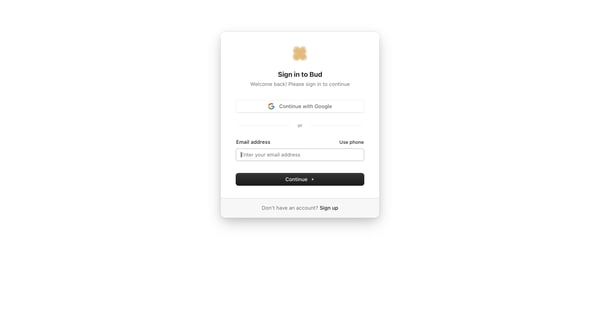
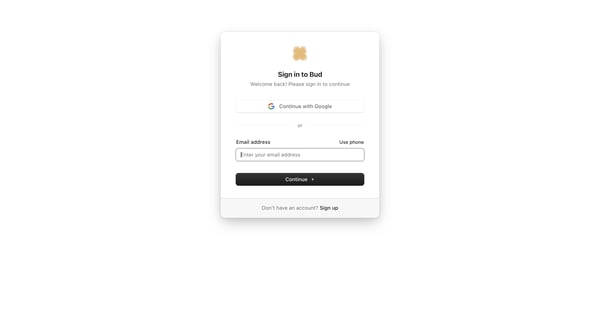
User selects Google, email, or phone authentication on the sign-in card, then enters password on the follow-up screen
Explore the full SaaS flow library
Browse the full SaaS flow library.
Trusted by the best teams







