Bud UI components examples
Browse Bud UI component design examples. Preview individual interface elements and explore related component categories. Bud is an AI worker with its own computer, browser, and number to run autonomously and get work done.
Explore the examples
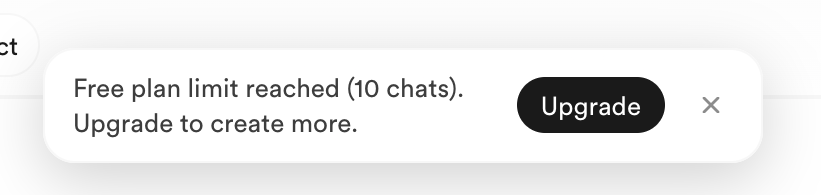

A notification banner indicating a free plan limit has been reached, prompting the user to upgrade.
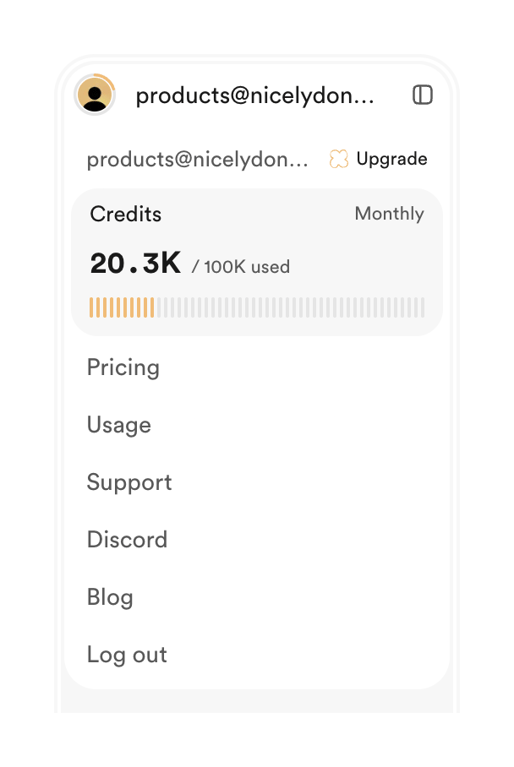
A mobile-like account menu displaying user profile, credit usage, and navigation options.
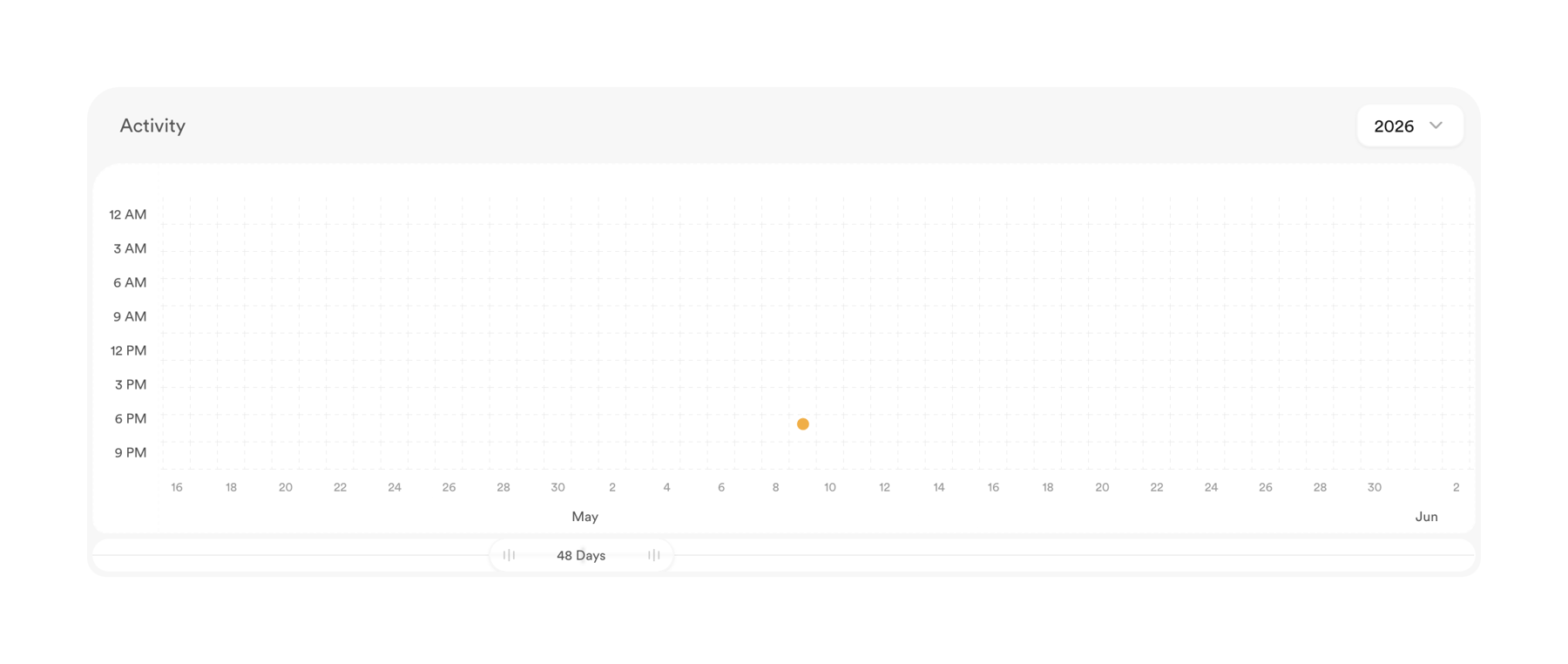
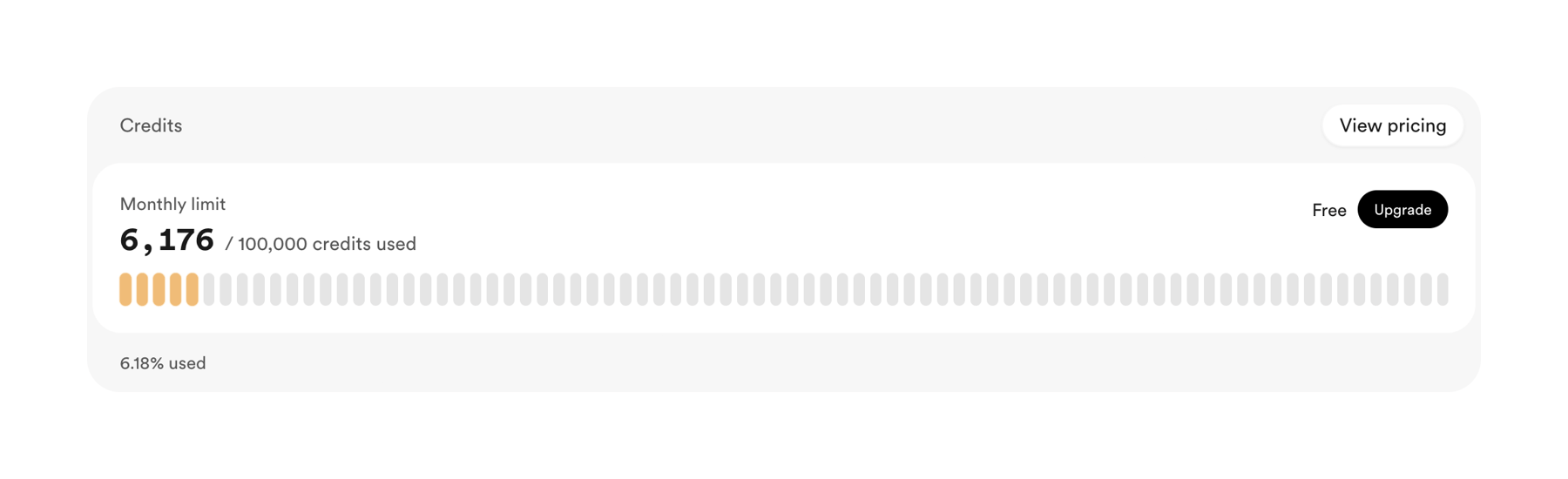
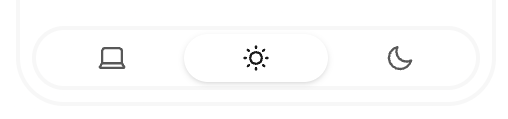
A segmented control for selecting display mode with icons for system, light, and dark themes.
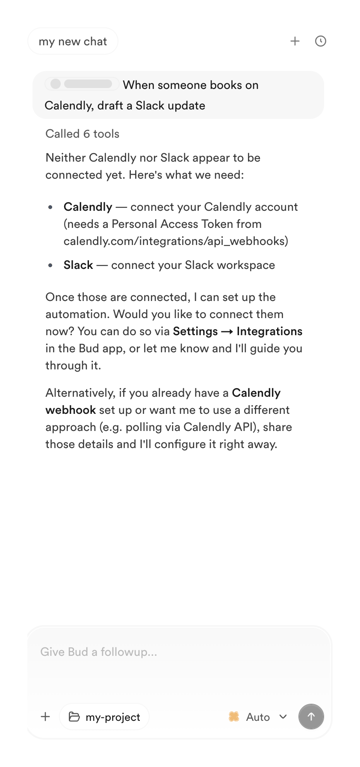
A chat interface displaying a message about connecting Calendly and Slack for automation, with a message input area.
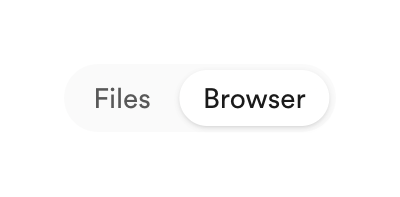
A segmented control with two options, 'Files' and 'Browser', where 'Browser' is selected.
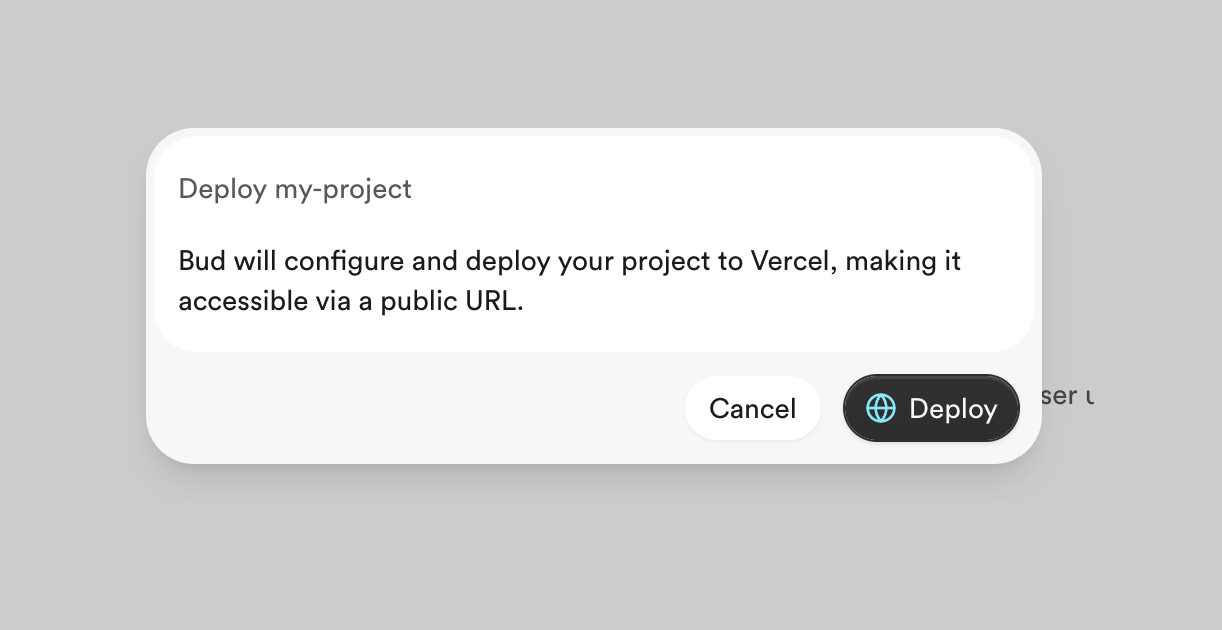
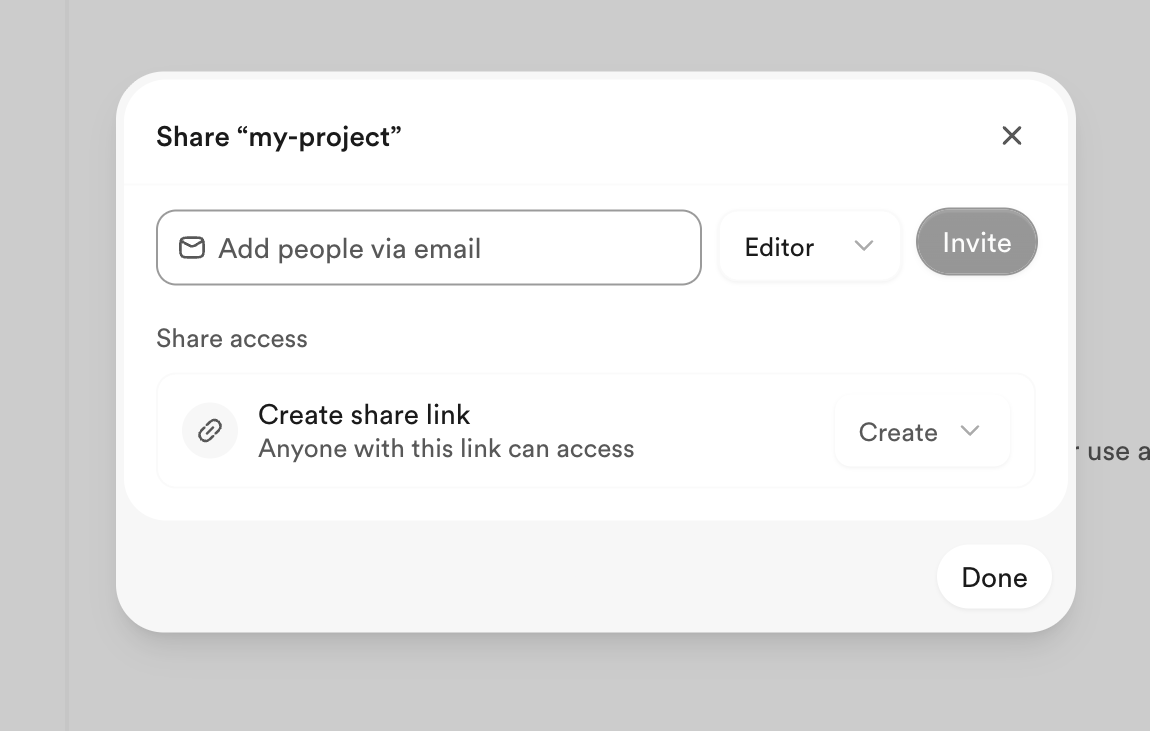
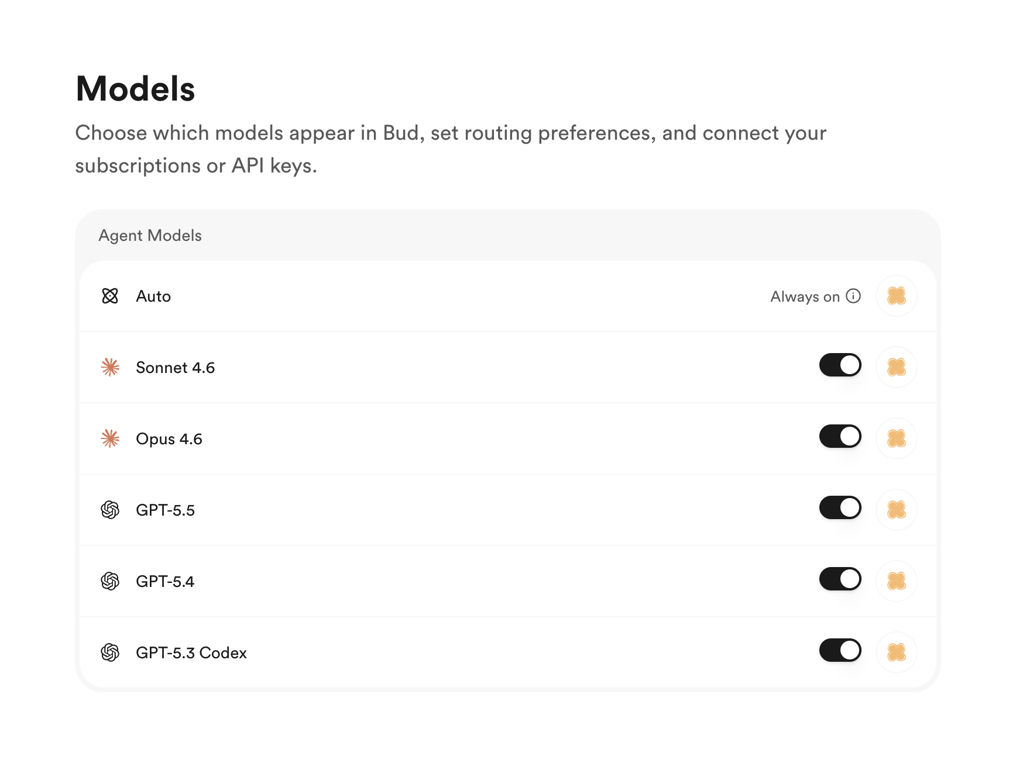
A user interface for managing and configuring various AI models, allowing users to toggle their availability and connect API keys.
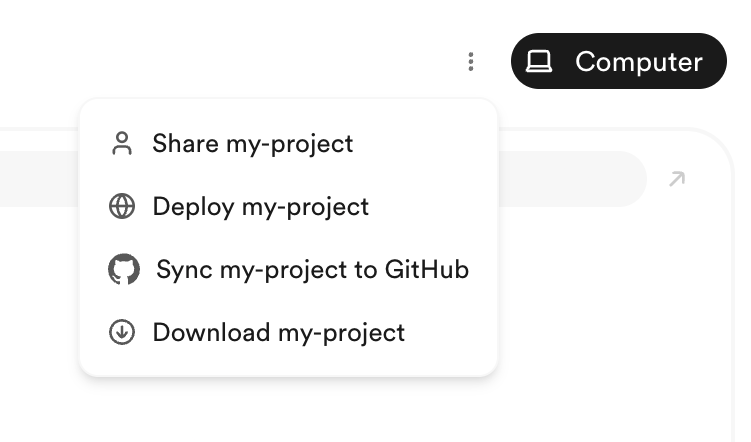
A dropdown menu displaying project-related actions within a web or desktop application.
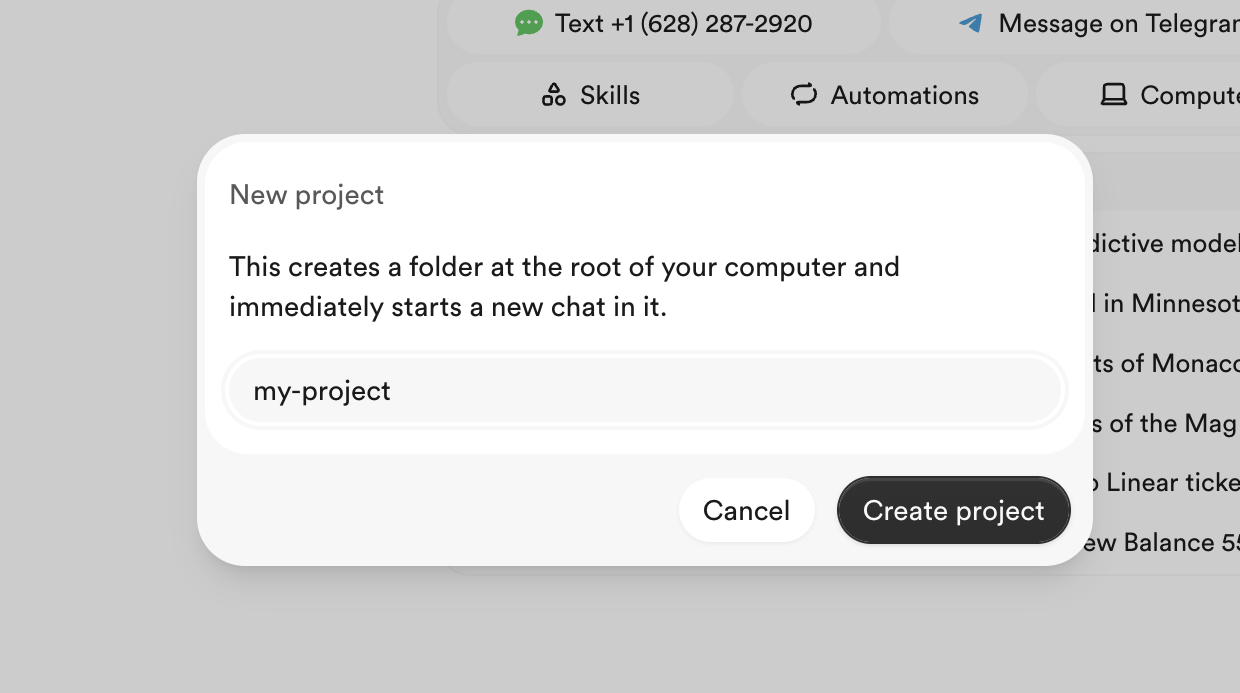
Browse the full component library
Browse the full UI component library.
Trusted by the best teams







