Design better apps with real UI inspiration
Explore 209,891 screens, UI components, and user flows from apps like Linear, Notion, and Stripe. Find the right reference for your next design.
No credit card required
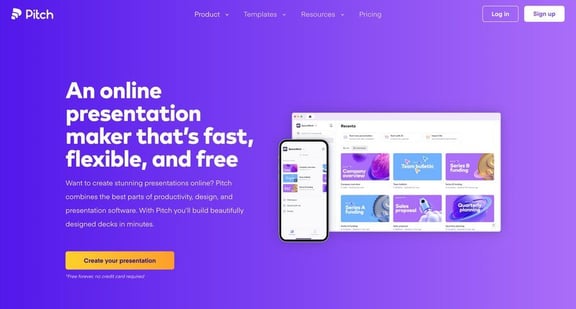
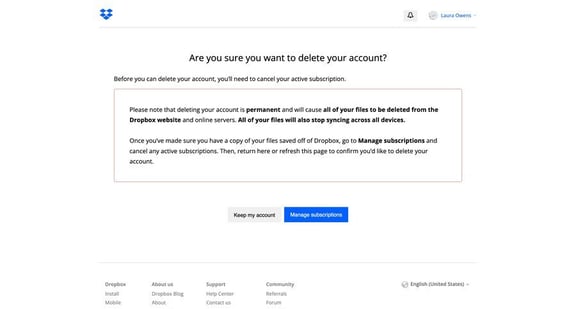
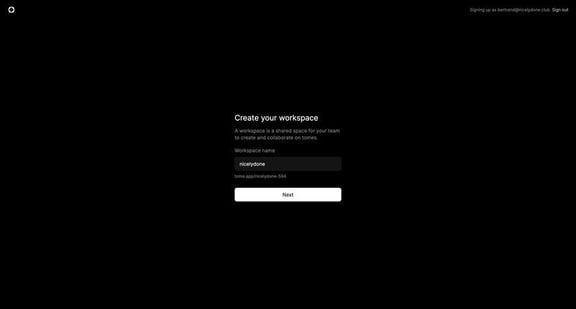
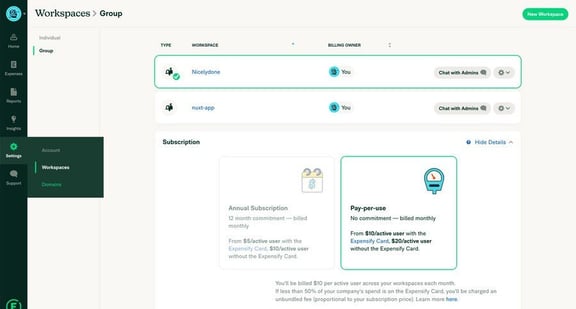
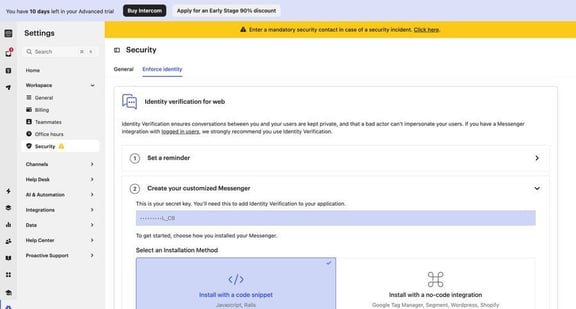
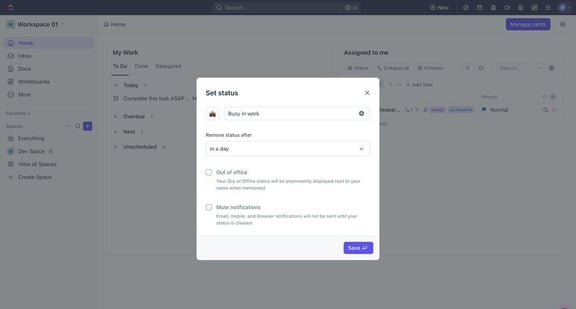
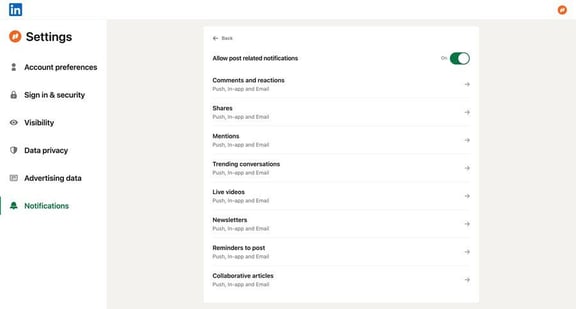
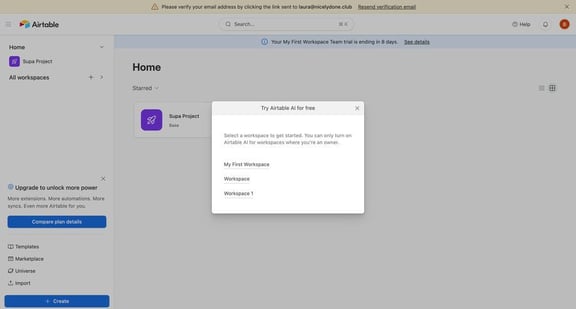
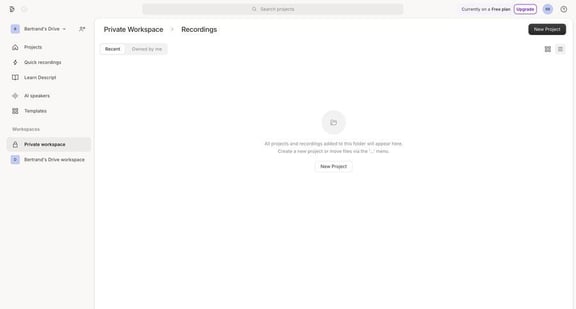
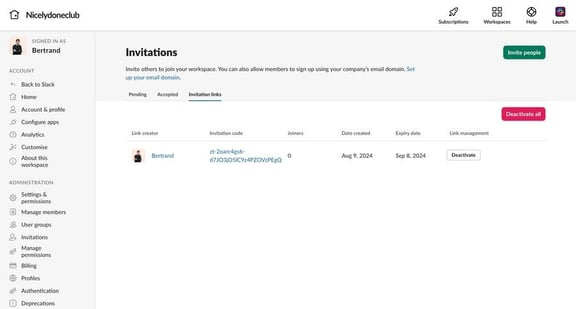
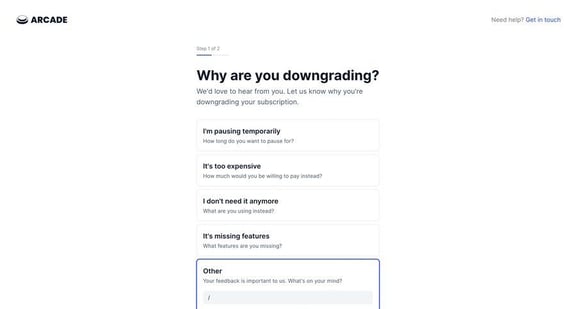
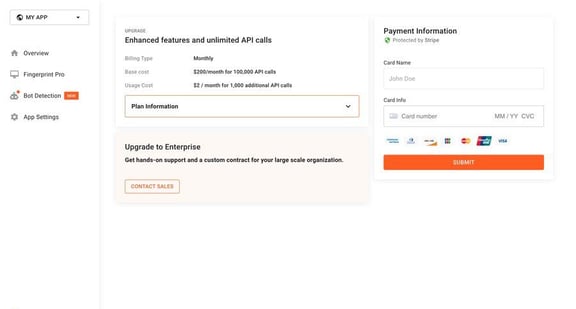








“Have an example of a good onboarding flow?”
“I saved one somewhere. Let me find it.”
“There has to be an easier way.”
Sound familiar?
Good references should be easy to find, save, and share.
Find inspiration. Keep designing.
Search for an idea, refine the results, and bring your references into Figma.
Search text inside screenshots
Find a screen by the words it contains, from “Upgrade” to “Invite your team”.
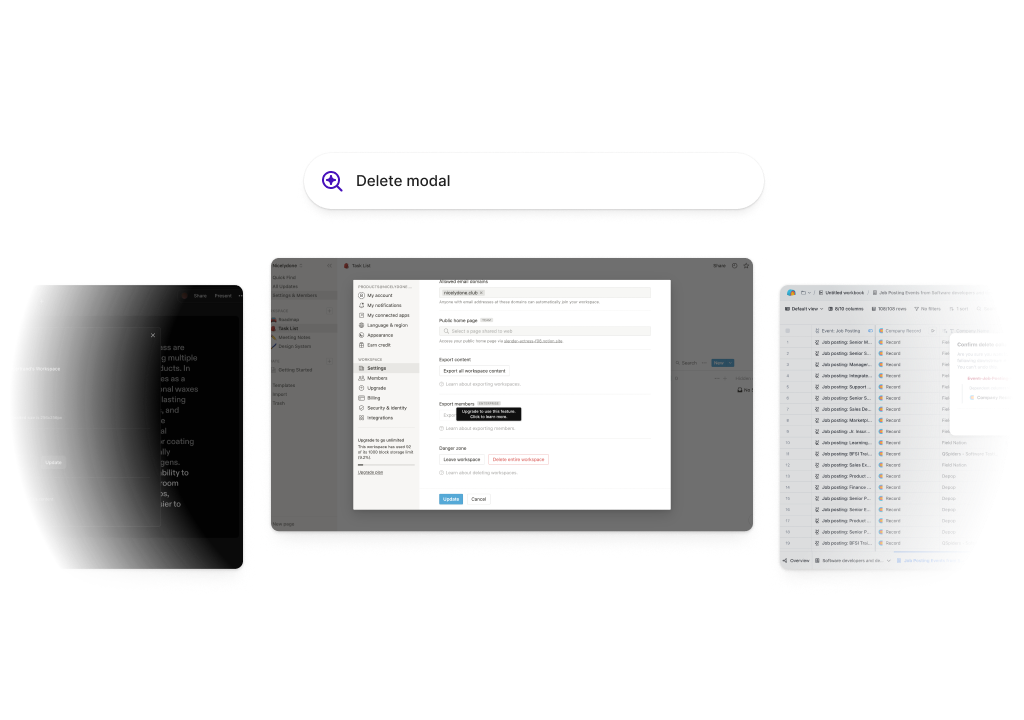
Describe what you need
Try “pricing page with a toggle” to find examples that match your idea.
Refine your search
Filter by app, pattern, or page type to find the examples you need.
Organize in collections
Keep references together for each project, ready when you need them.
Save your favorites
Save useful examples as you browse and return to them later.
Copy into Figma
Copy a screenshot and paste it into your design file.
A simpler way to research
Spend less time collecting screenshots and more time using them.
The old way
More tabs. More accounts. More searching.
- Search for onboarding examples
- Sort through articles and unrelated results
- Create accounts to explore each app
- Capture and organize screenshots
- Search through your files to find them again
The Nicelydone way
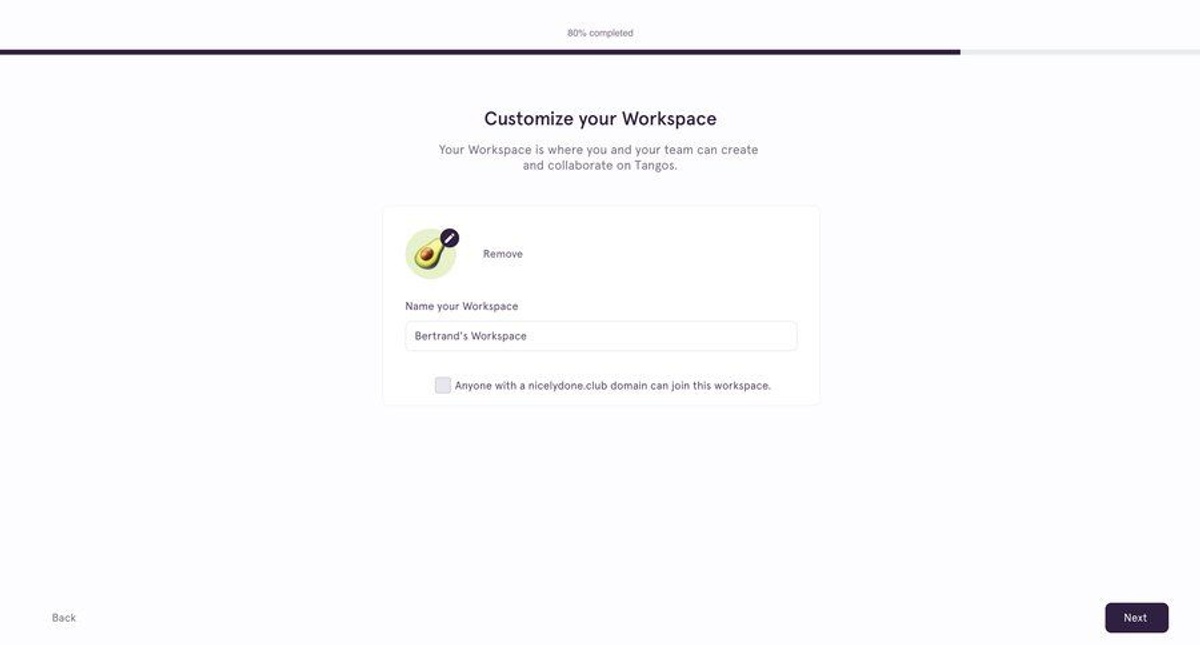
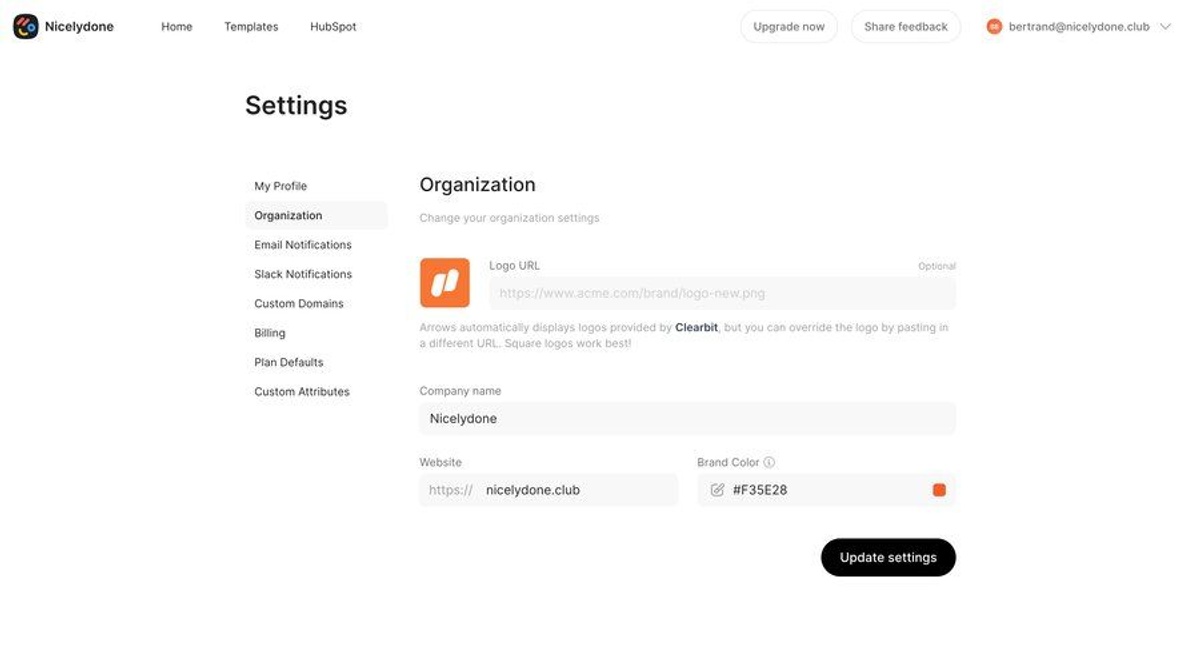
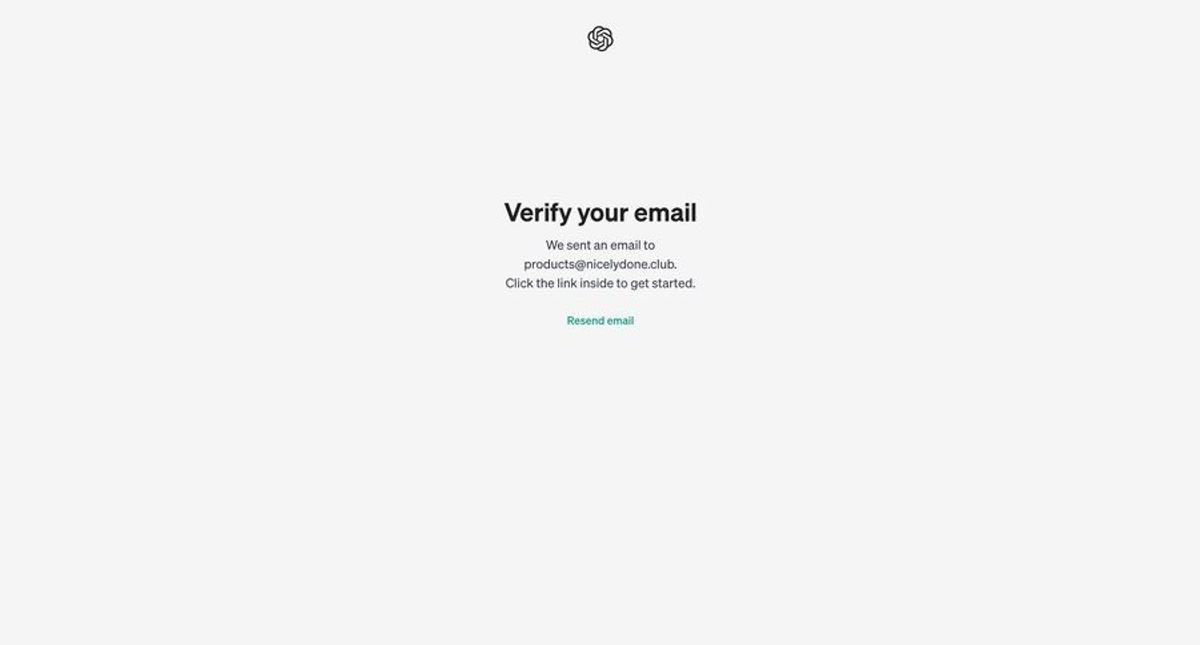
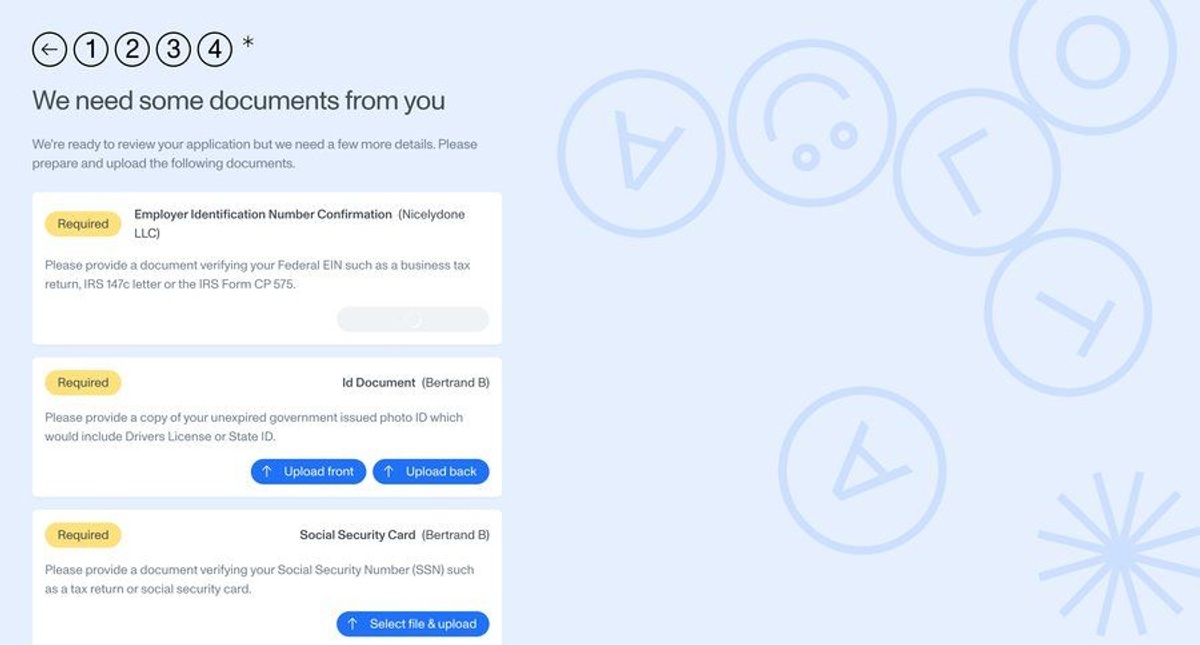
Search once. Find real examples.
What designers are saying
YC Startup
“The most comprehensive inspiration website that I have found. They meticulously capture every screen of the applications they study.”
Startup Founder
Give your team a shared reference
Collect ideas together and keep everyone working from the same examples.
Add your whole team
Invite teammates to explore the library together.
Share collections
Keep your team’s design references in one shared place.
Link to the details
Share a direct link to the screen or flow you want to discuss.
Real apps. Every detail.
Explore screens, components, and complete user flows from real SaaS apps.
Screens from 500+ SaaS apps
Complete user flows, start to finish
UI components in context
Start your next design with a clear reference
From onboarding to billing, see how other apps solve the details you’re working on.