Disabling Multi-factor authentication flow examples
Disabling Multi-factor authentication user flow examples from SaaS apps. Explore how apps introduce removing an additional sign-in requirement. Preview the opening steps and how the interface explains the change to multi-factor…
Preview these flows

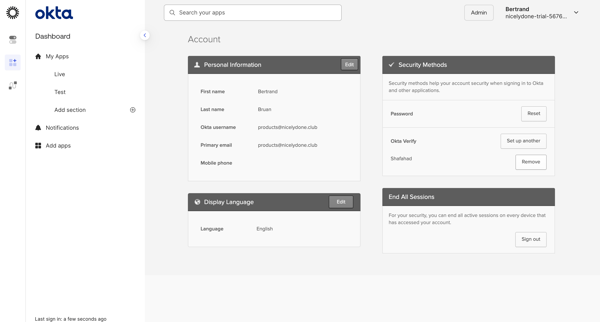
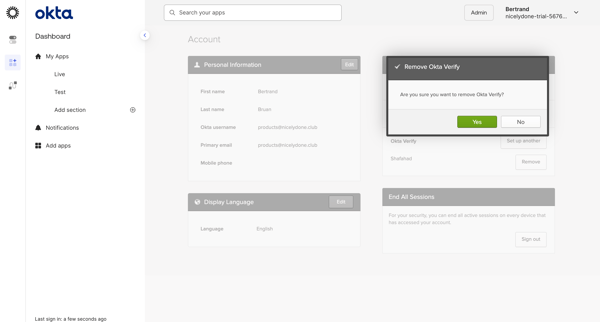
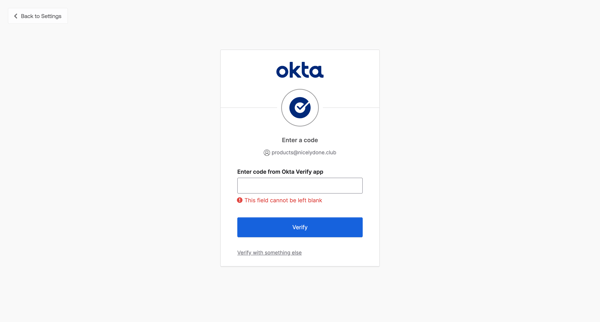

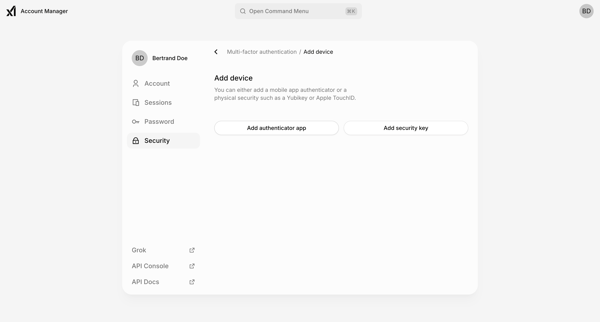
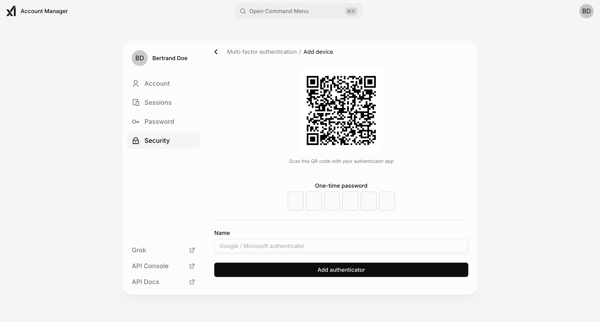
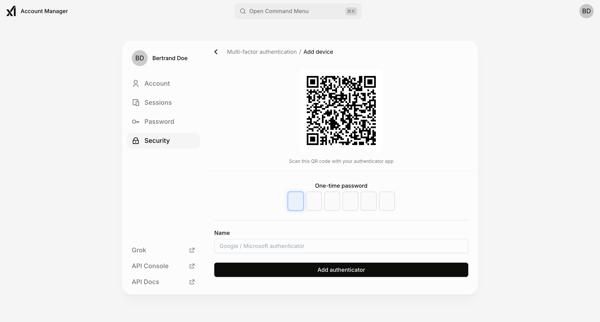

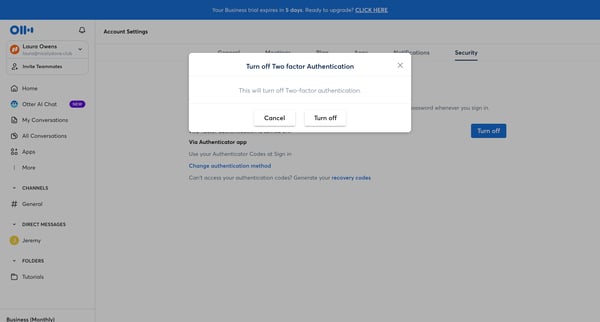

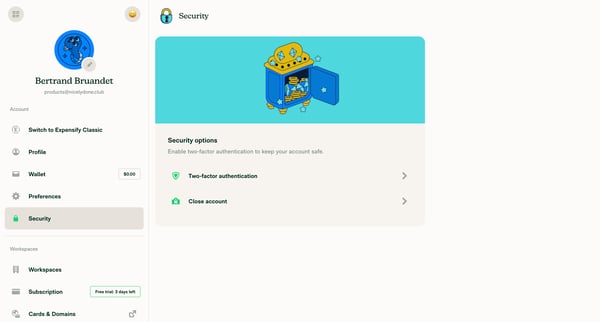
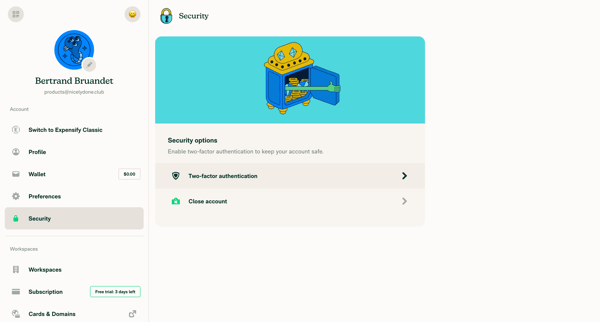
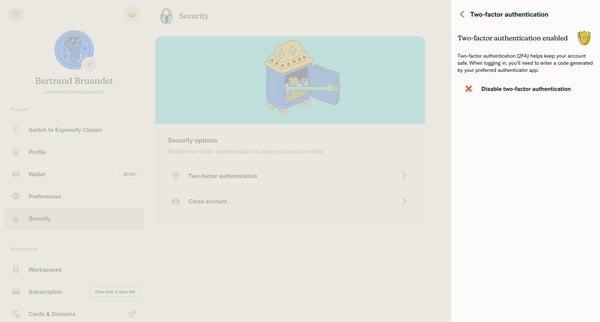

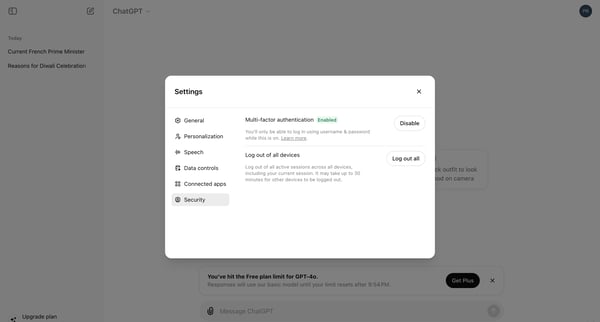
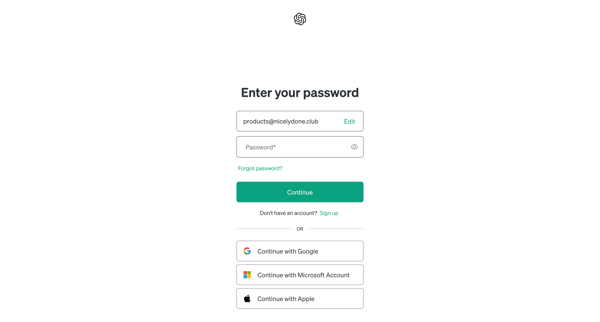
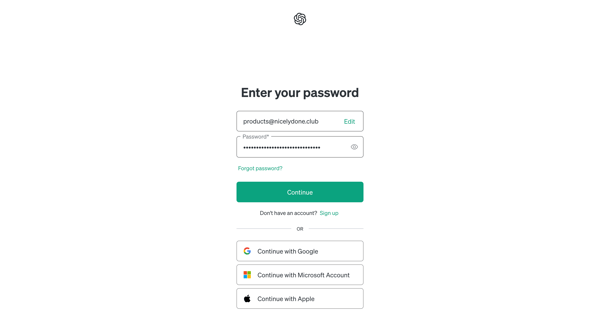
This user flow describes the steps taken by a user to disable multi-factor authentication (MFA) on their ChatGPT account, allowing them to log in using only their username and password.

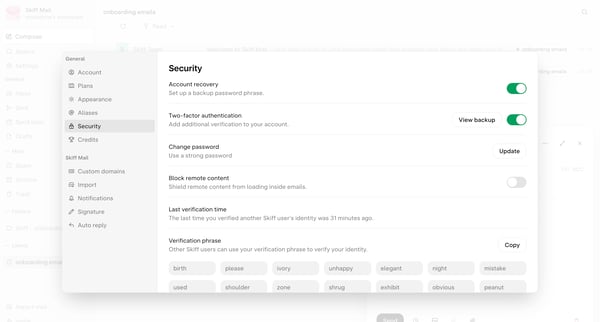
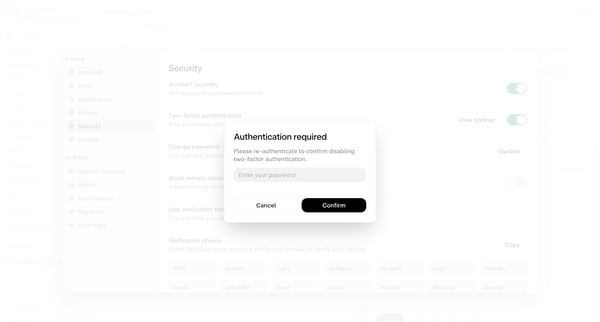
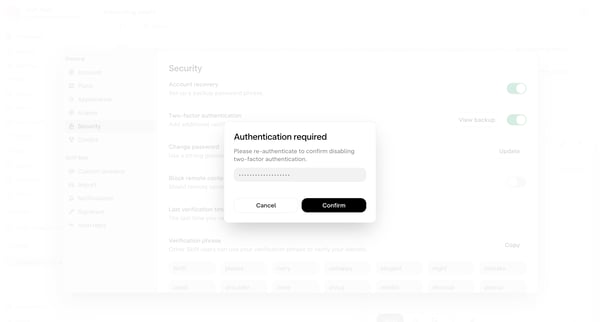
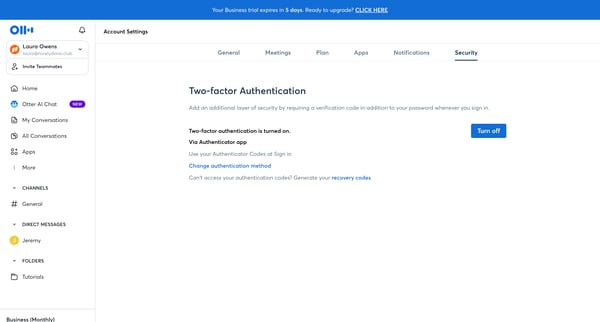
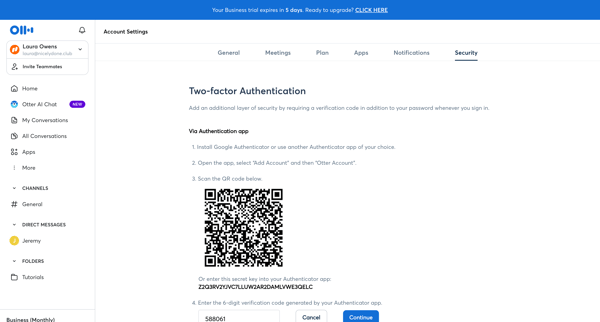
This user flow guides a user through the process of disabling Multi-factor authentication on their account.
About Disabling Multi-factor authentication
Explore how apps introduce removing an additional sign-in requirement. Preview the opening steps and how the interface explains the change to multi-factor authentication.