Security Settings screen examples
Security Settings screen design examples from SaaS apps. See how SaaS apps organize controls for account protection. Explore how authentication, session details, and security preferences are grouped and explained…
Explore the examples
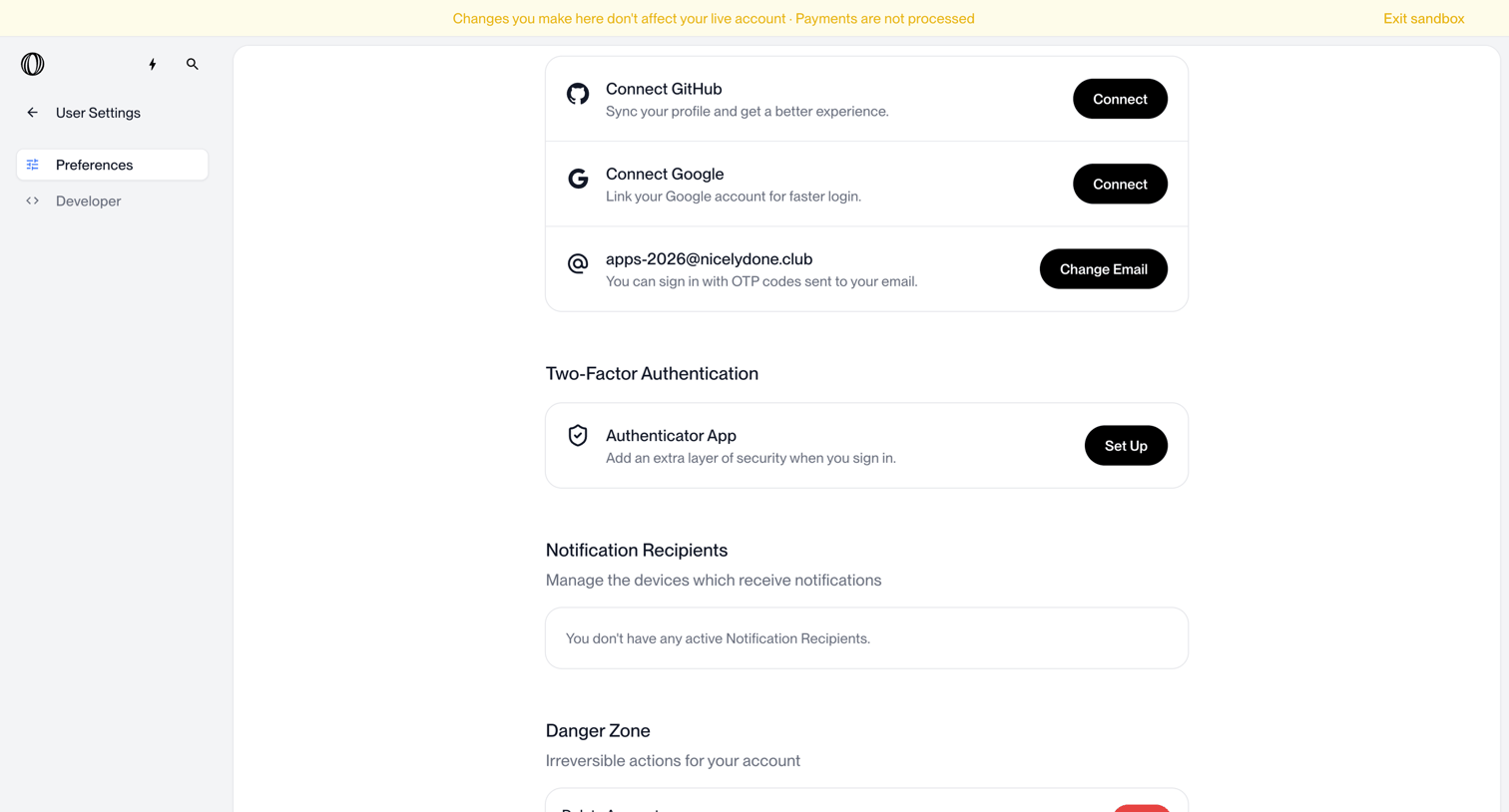

Settings page where the user manages connected accounts, two-factor authentication, notification recipients, and account deletion.
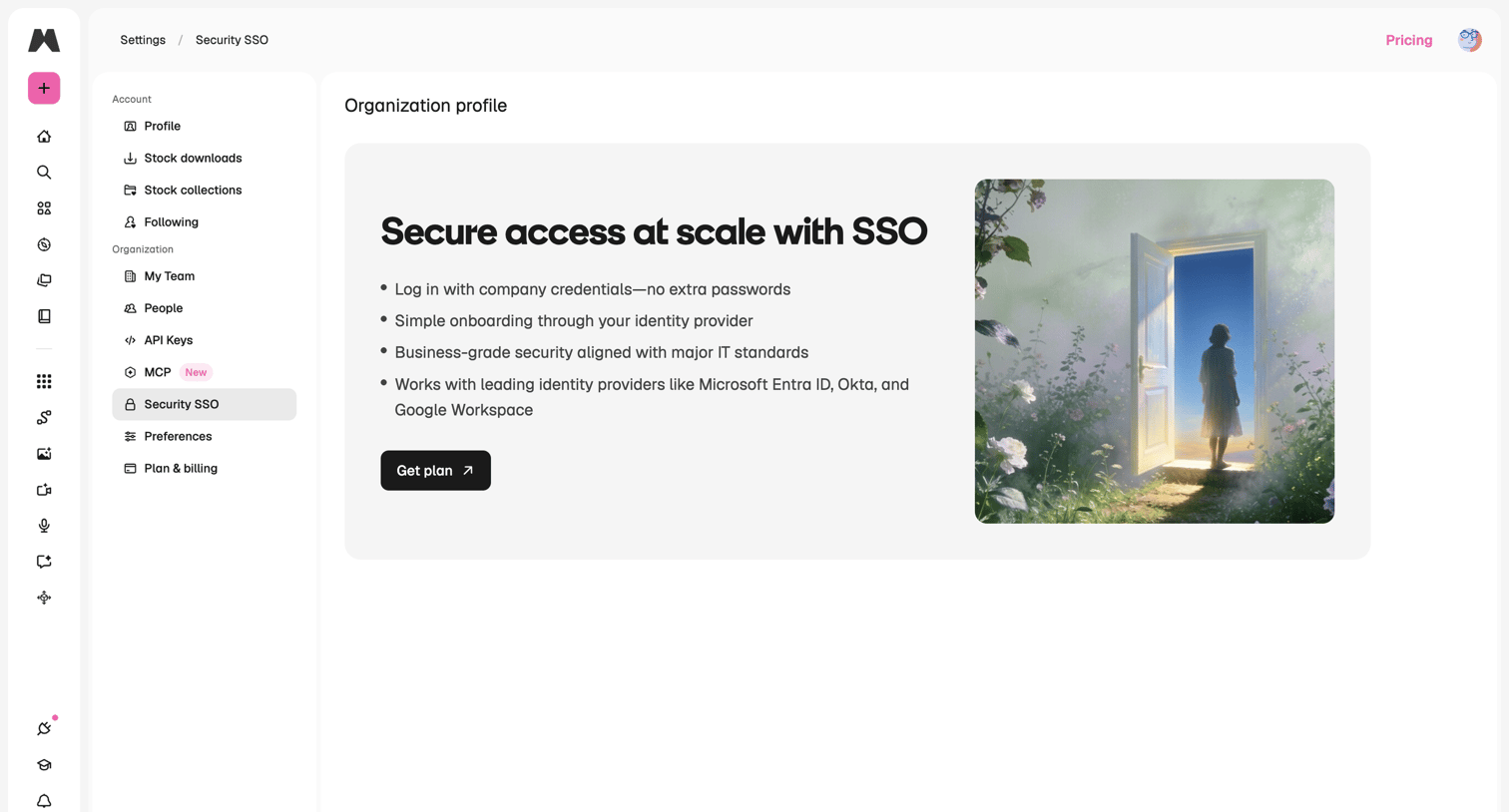

Settings page where the user is prompted to upgrade their plan to enable Single Sign-On (SSO) for their organization.
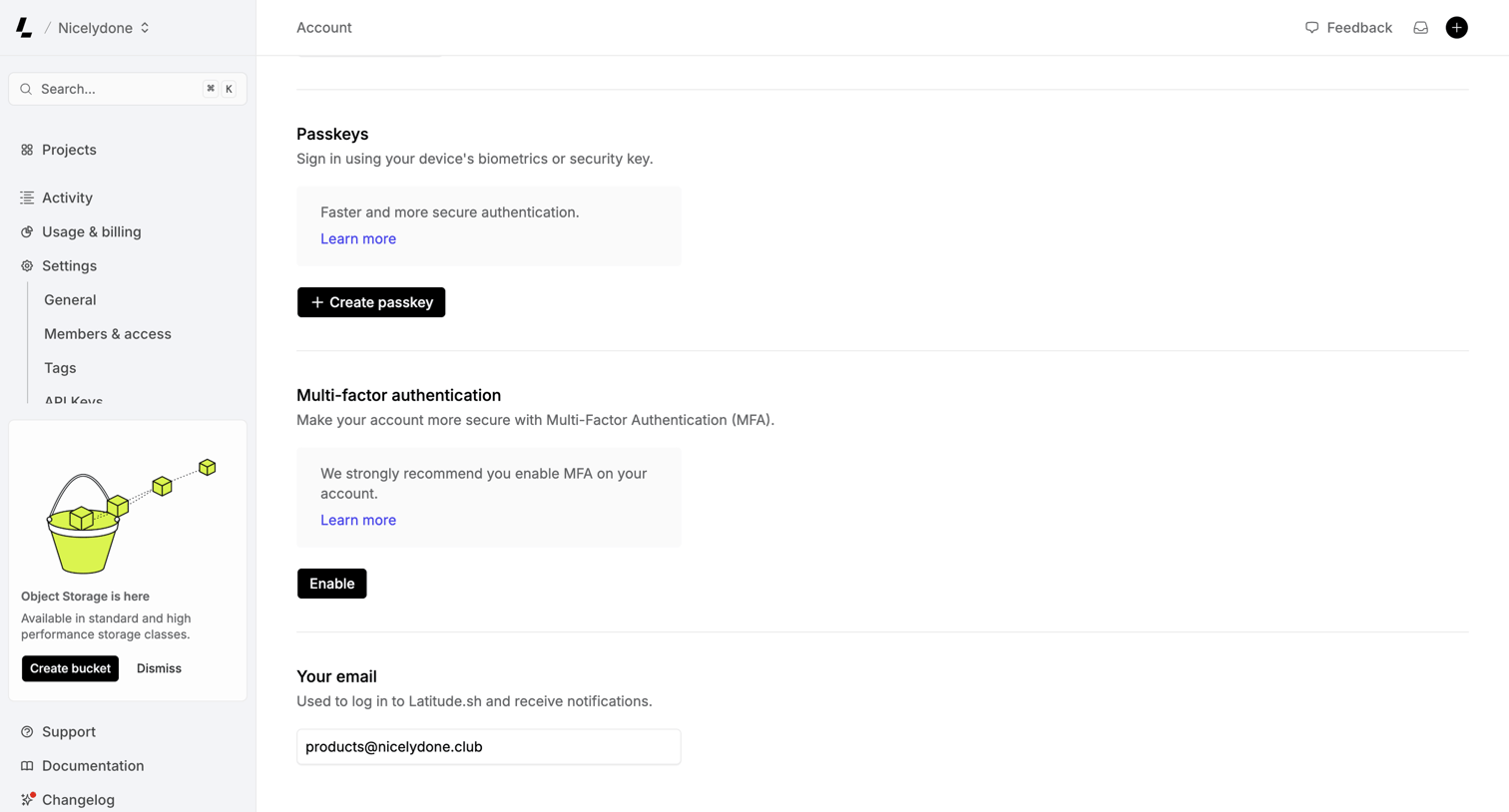

Settings page where the user configures account security options including passkeys, multi-factor authentication, and their login email.
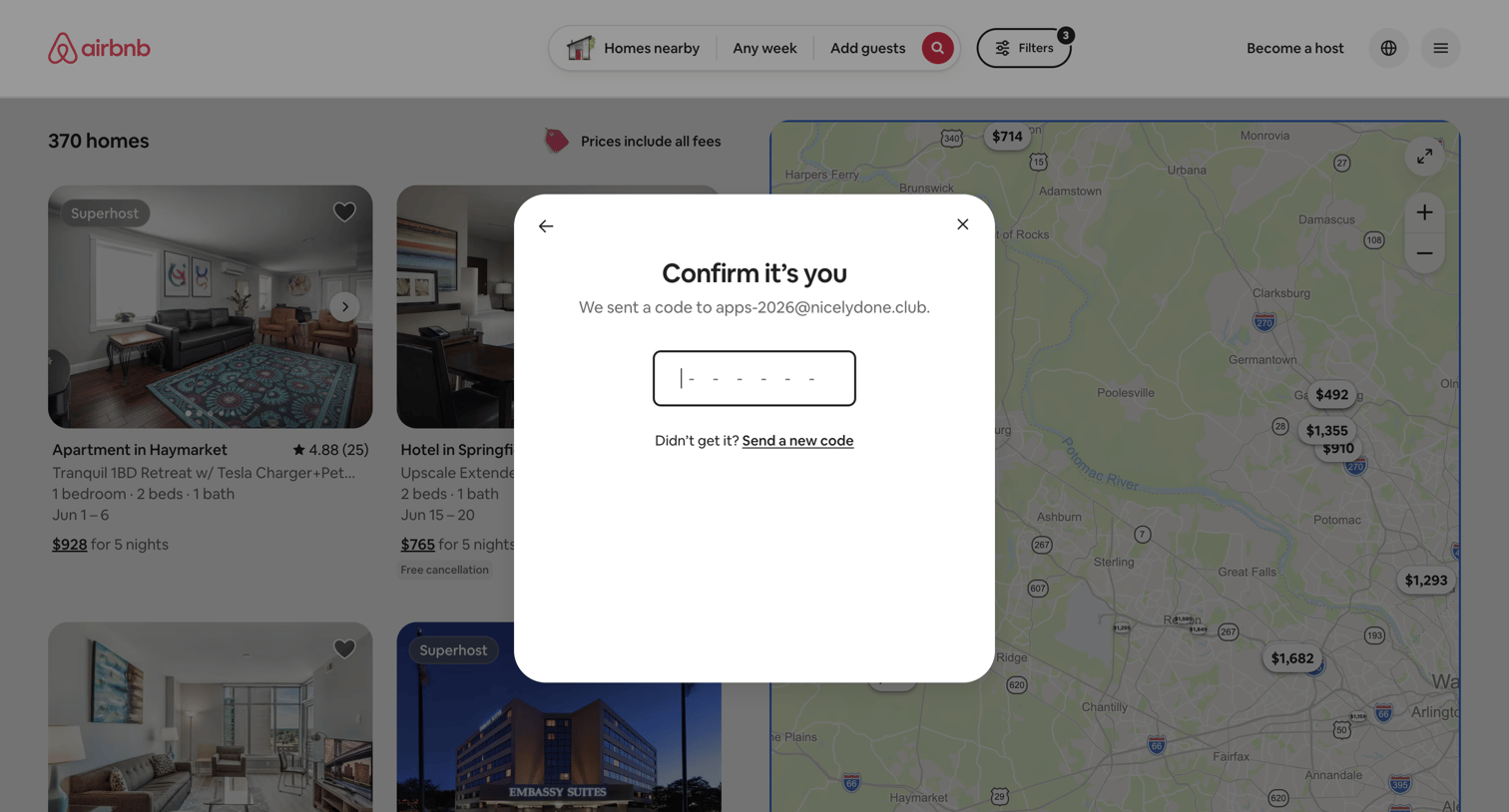

Verification modal where the user enters a 6-digit code sent to their email to confirm their identity before proceeding.
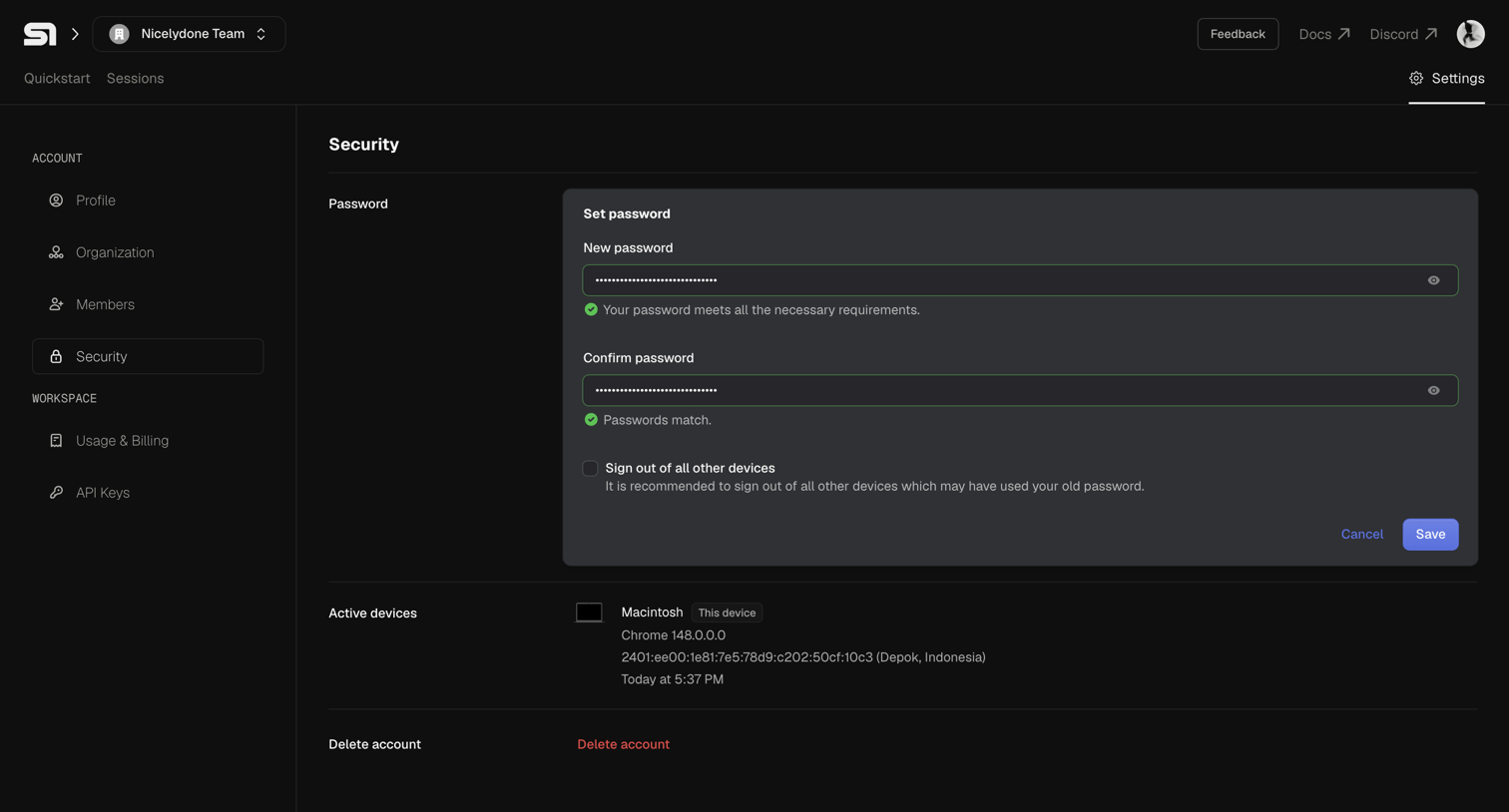

Settings page where the user can update their password, view active devices, and initiate account deletion.
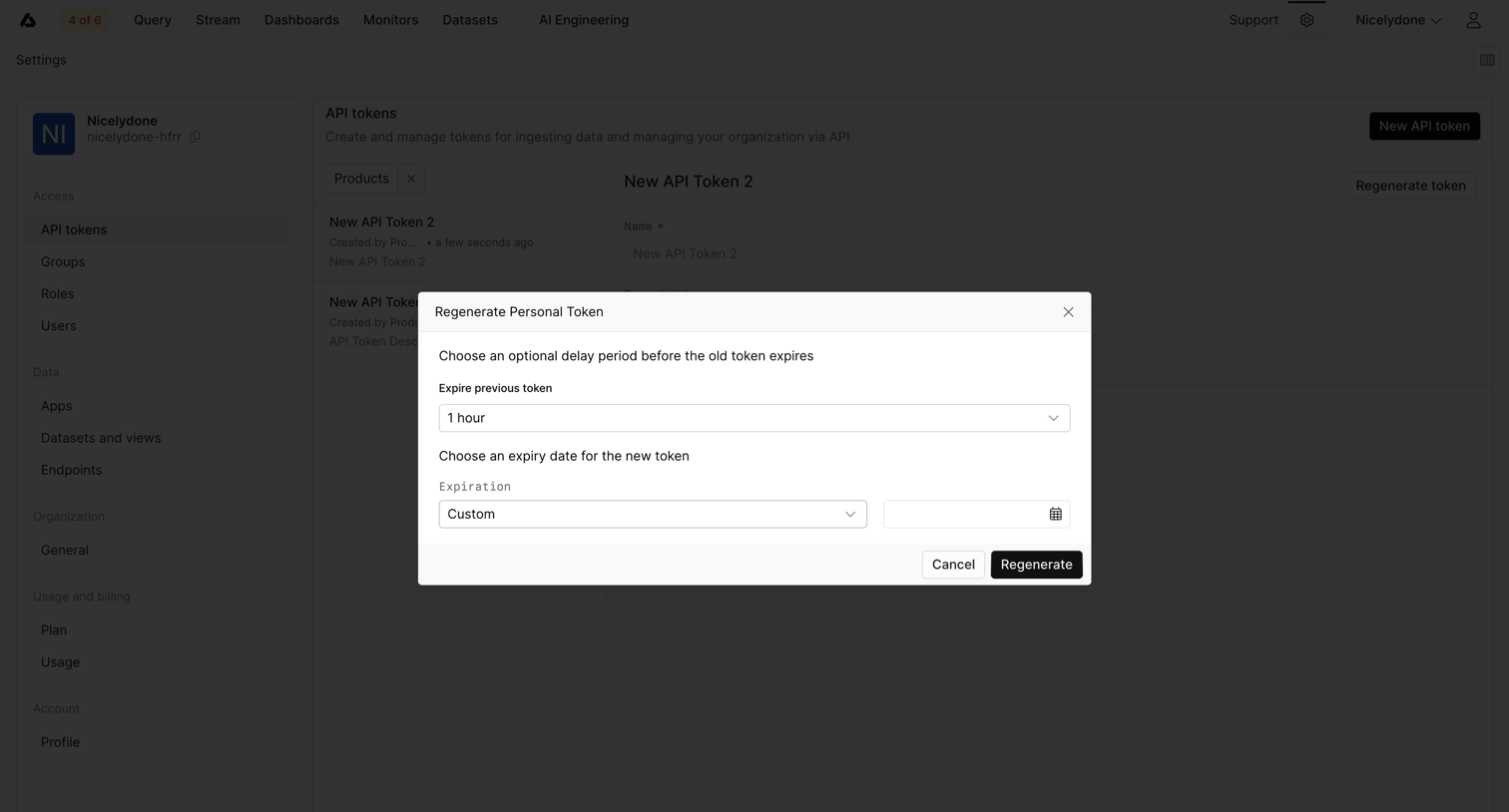

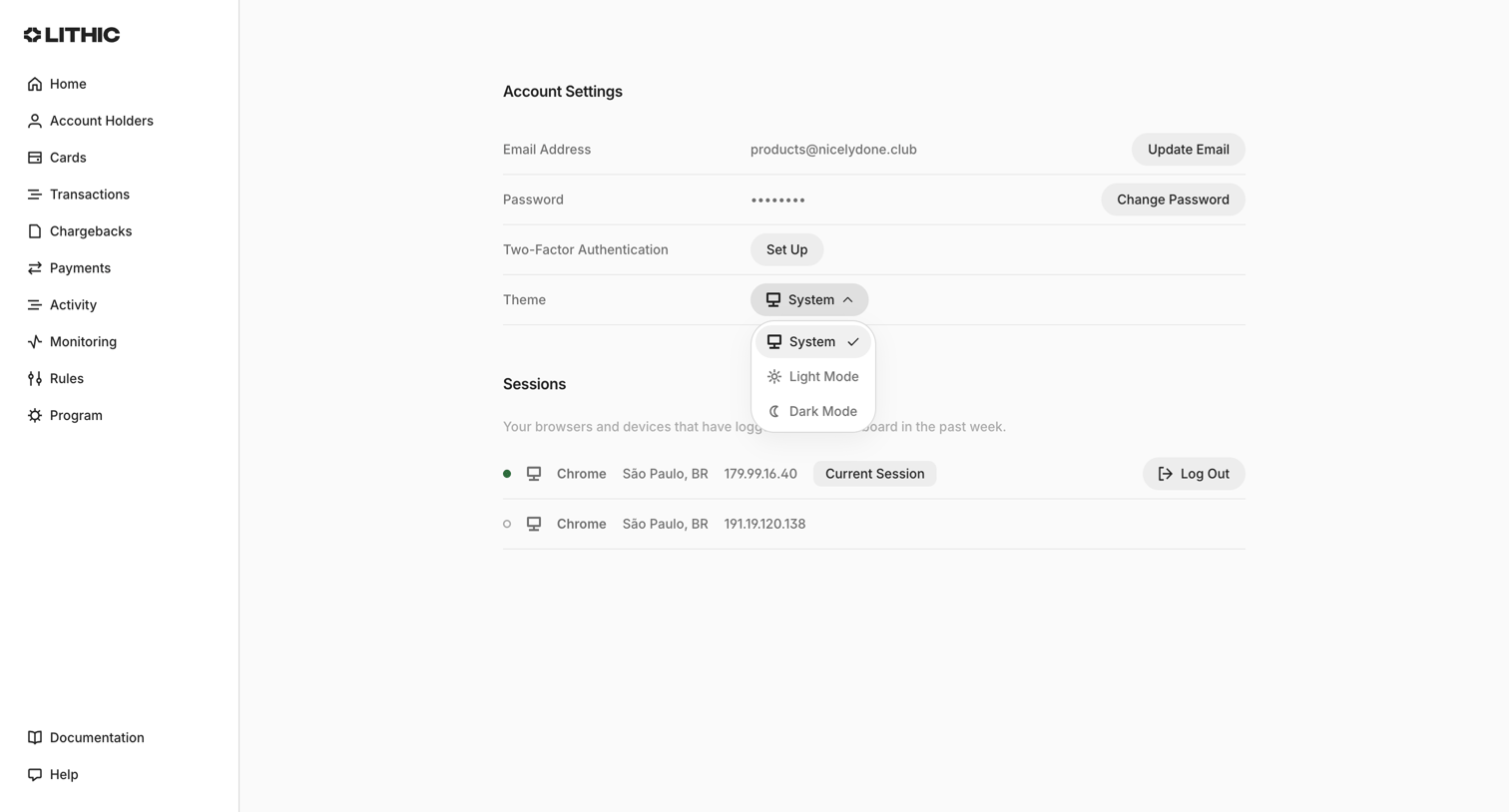

Settings page where the user manages their email, password, two-factor authentication, theme preference, and active sessions.
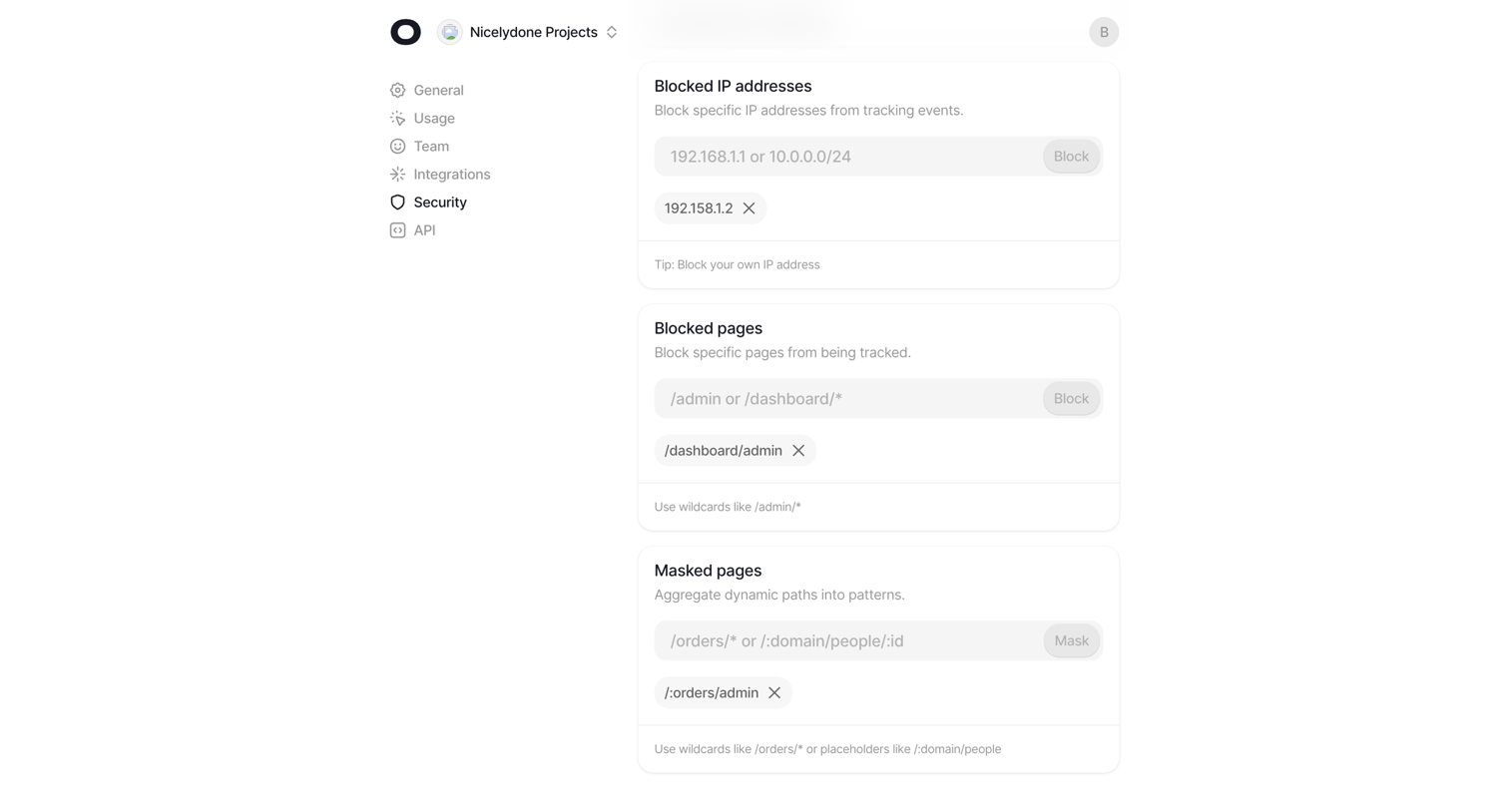

Settings page where the user configures tracking rules by adding blocked IP addresses, blocked pages, and masked pages via text inputs.
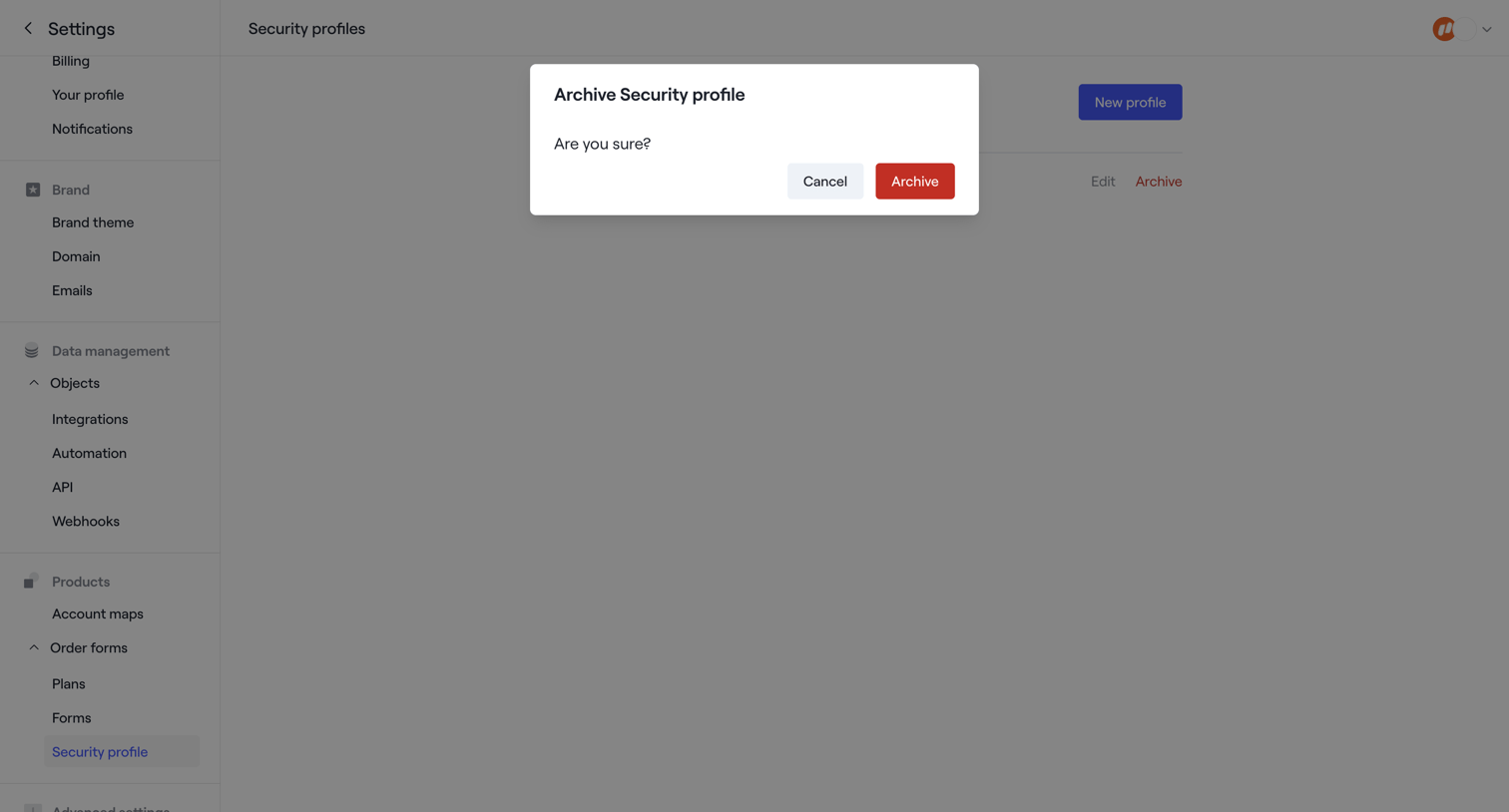

Settings page where the user is prompted to confirm archiving a security profile.
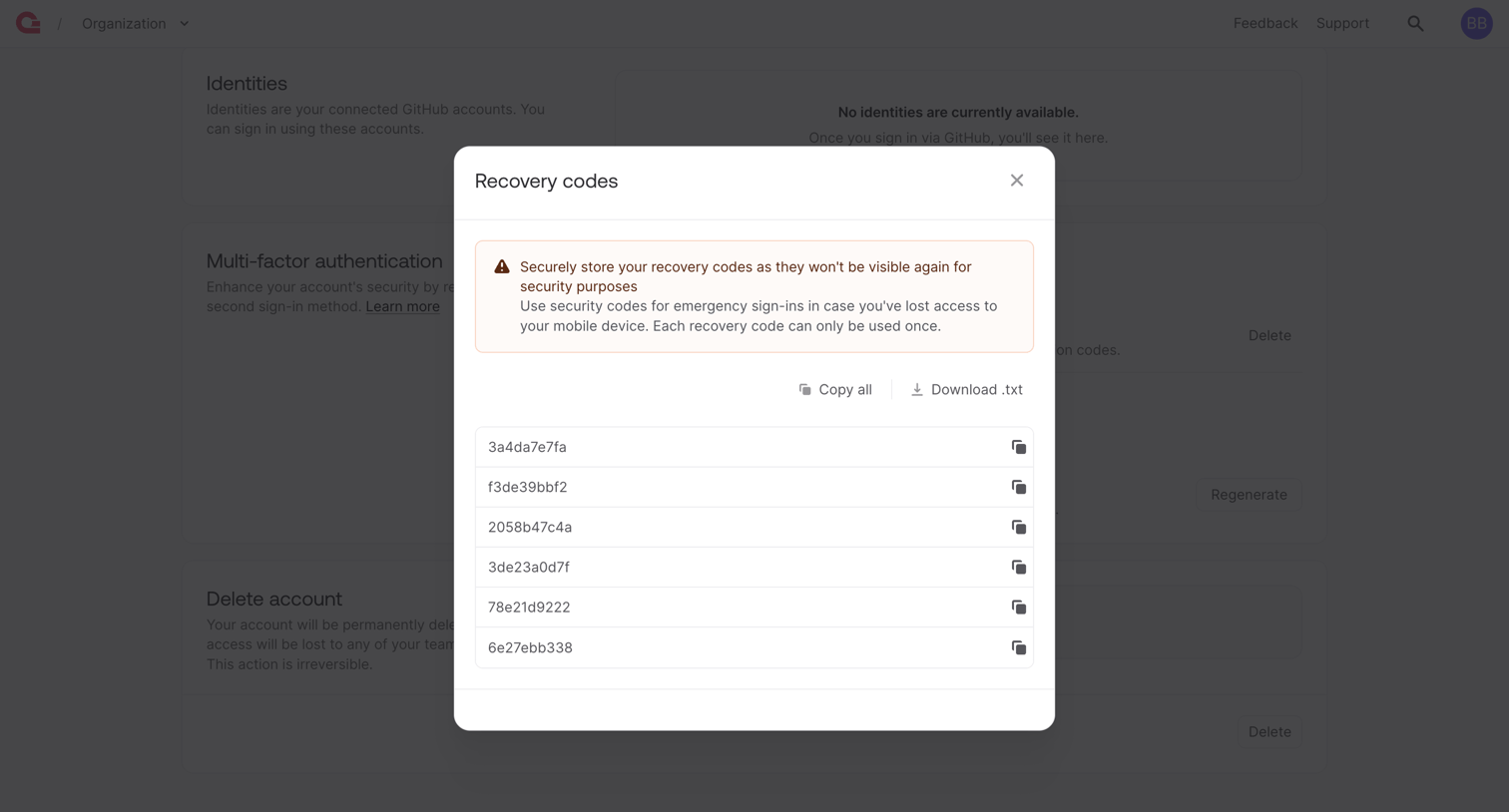

Settings page modal displaying newly generated MFA recovery codes with options to copy or download them.
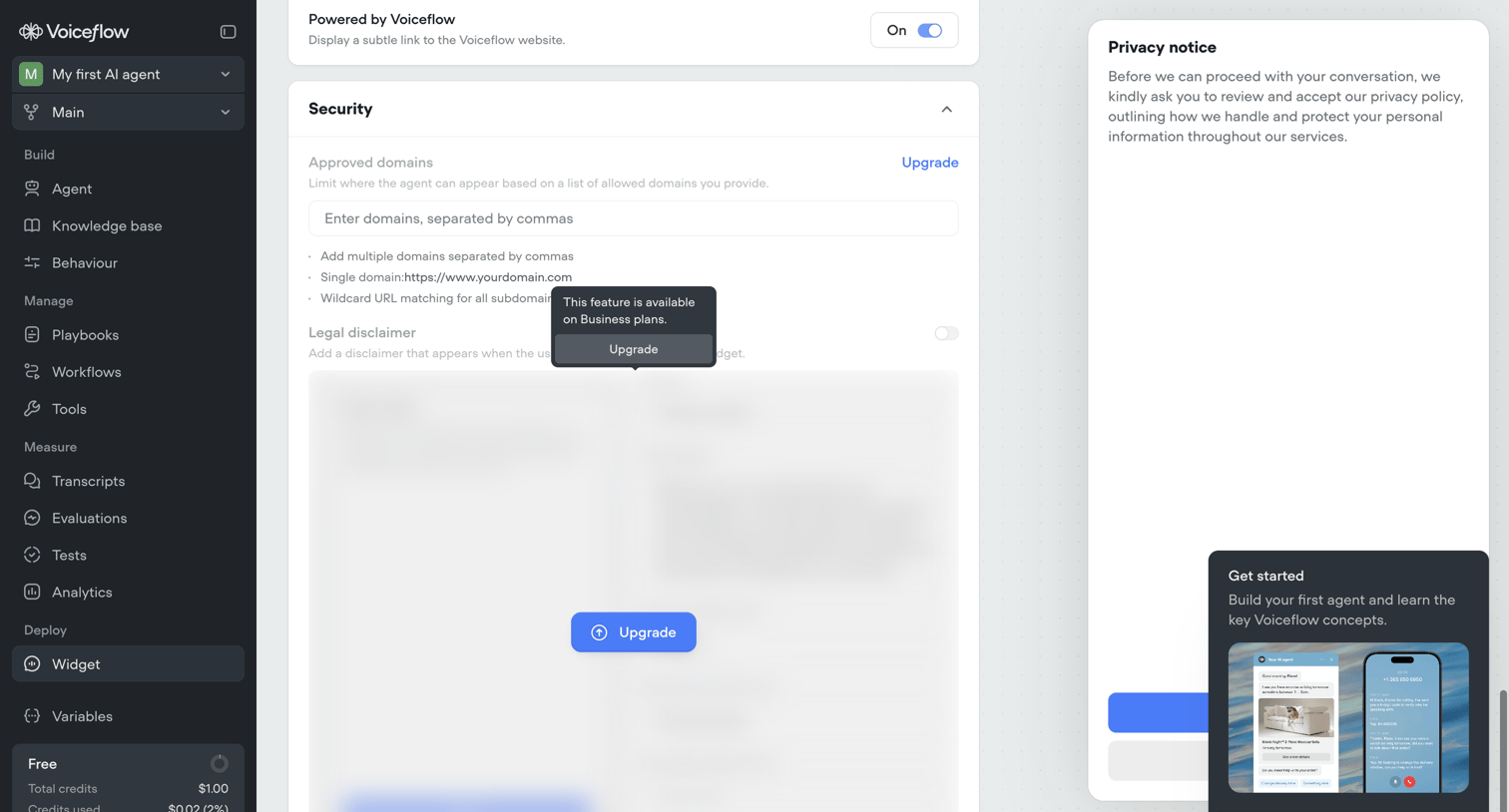

Settings page where the user configures security options like approved domains and legal disclaimers for their webchat widget, with some features gated behind an upgrade.
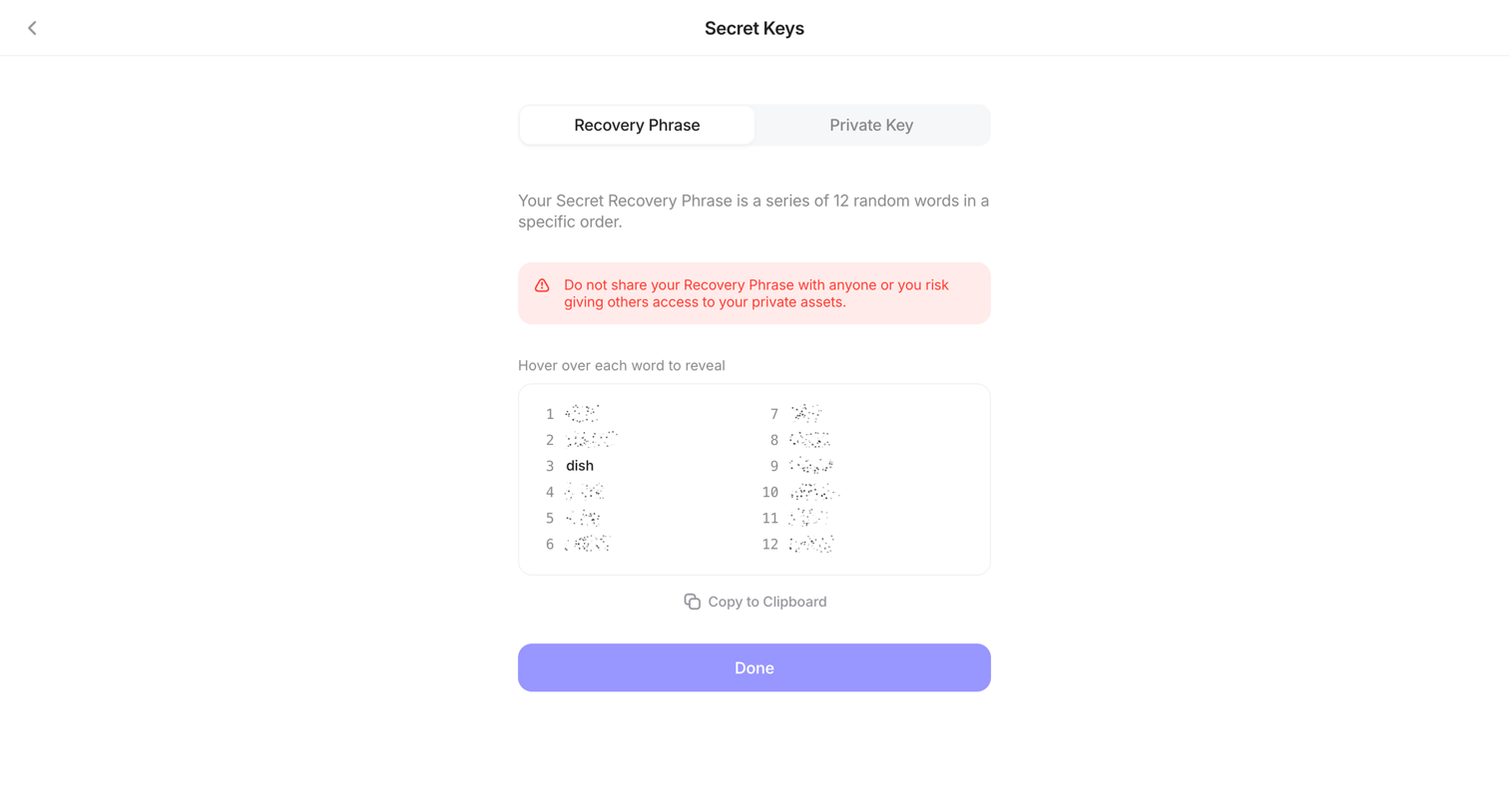

Settings screen where the user views their 12-word secret recovery phrase with a hover-to-reveal privacy mechanism.
Explore the full SaaS screen library
Upgrade to unlock the full library.
Trusted by the best teams








About Security Settings
See how SaaS apps organize controls for account protection. Explore how authentication, session details, and security preferences are grouped and explained within the settings area.