AI Settings screen examples
AI Settings screen design examples from SaaS apps. See how apps organize controls for AI behavior and preferences. Explore settings layouts that explain available choices and show which parts of the AI…
Explore the examples
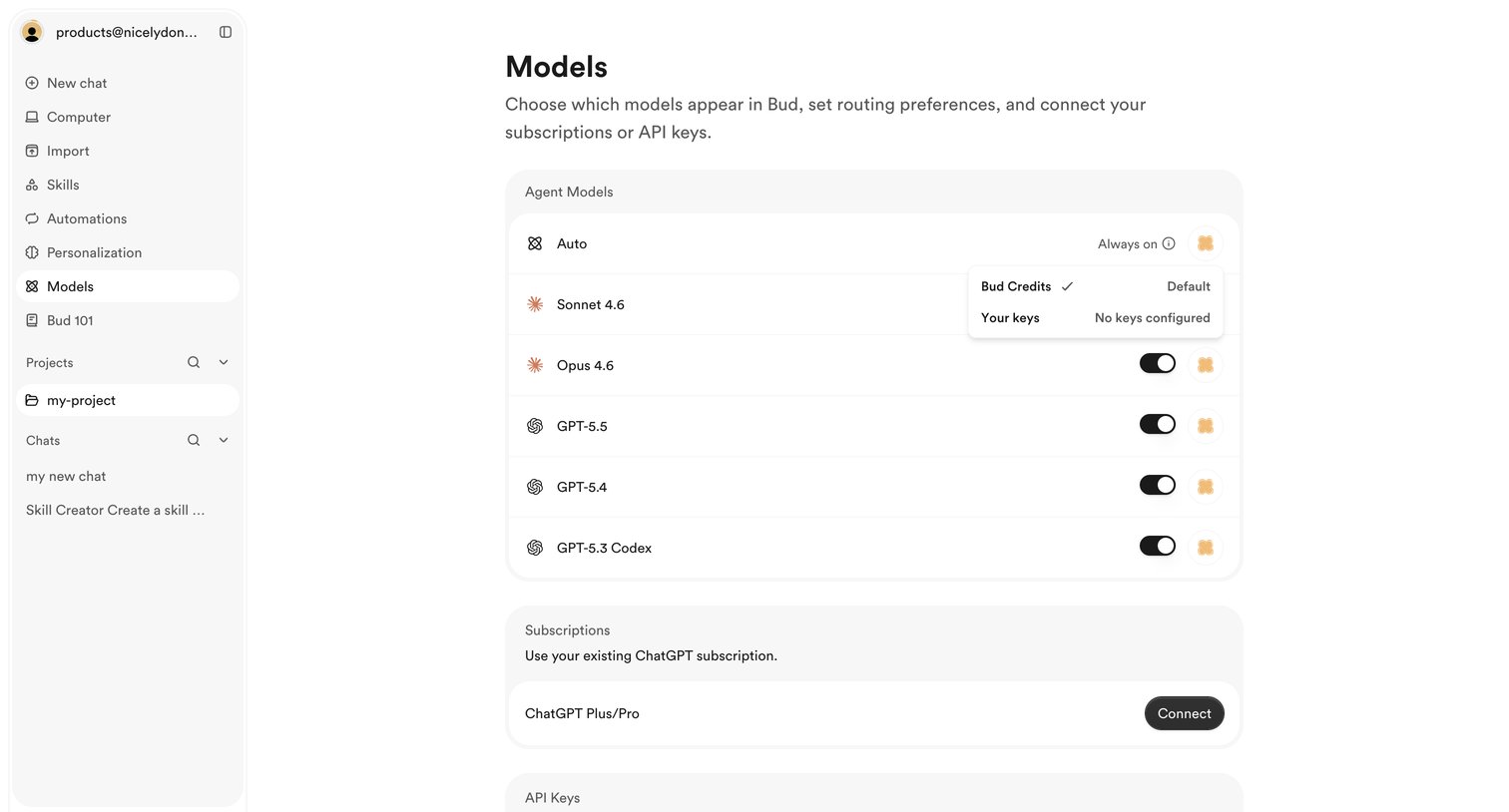

Settings page where the user configures AI model routing preferences, connects ChatGPT subscriptions, and manages API keys.
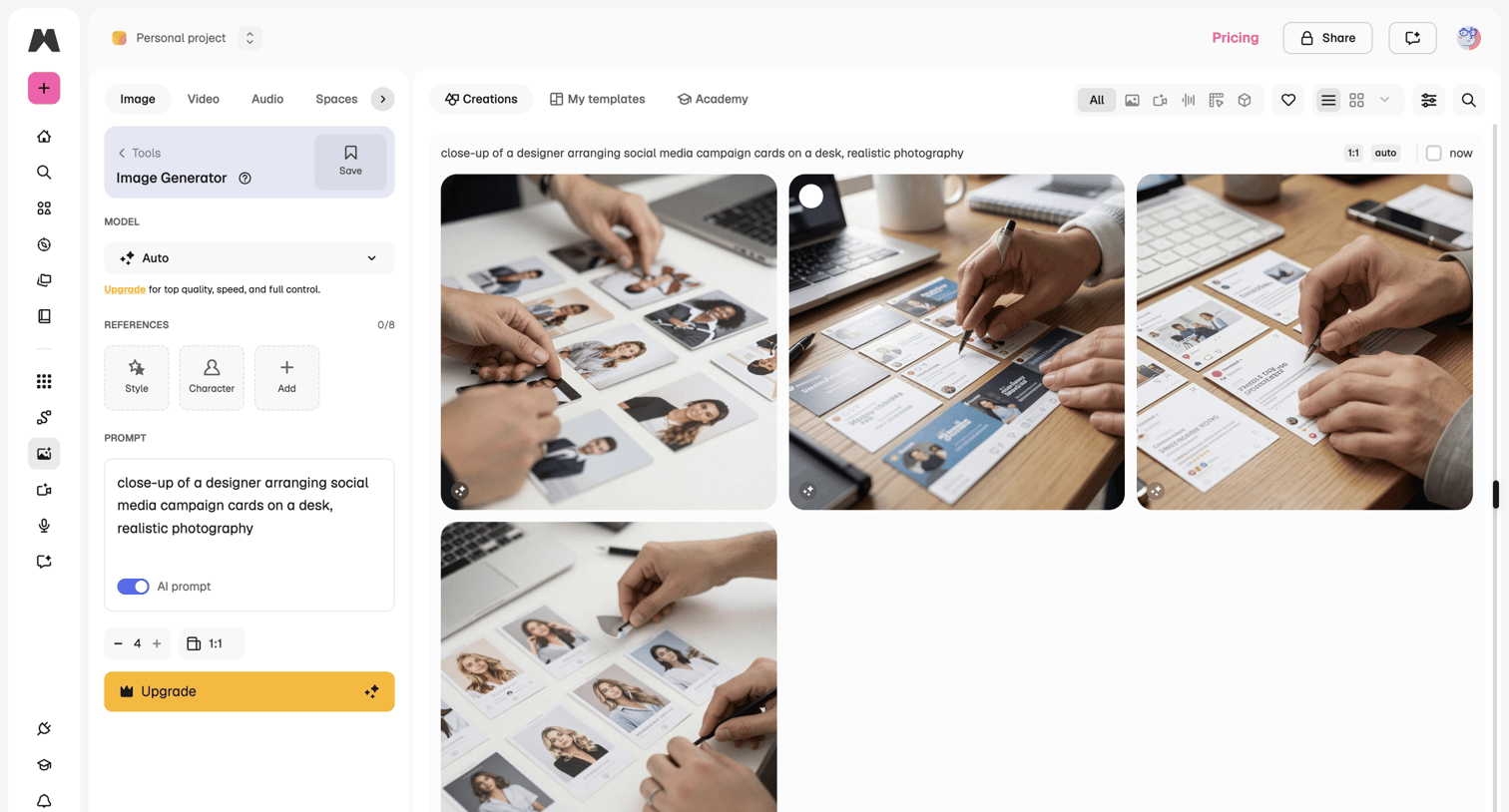

AI generation interface where the user configures parameters like model, references, and aspect ratio to generate images from a text prompt, viewing the results in a grid.
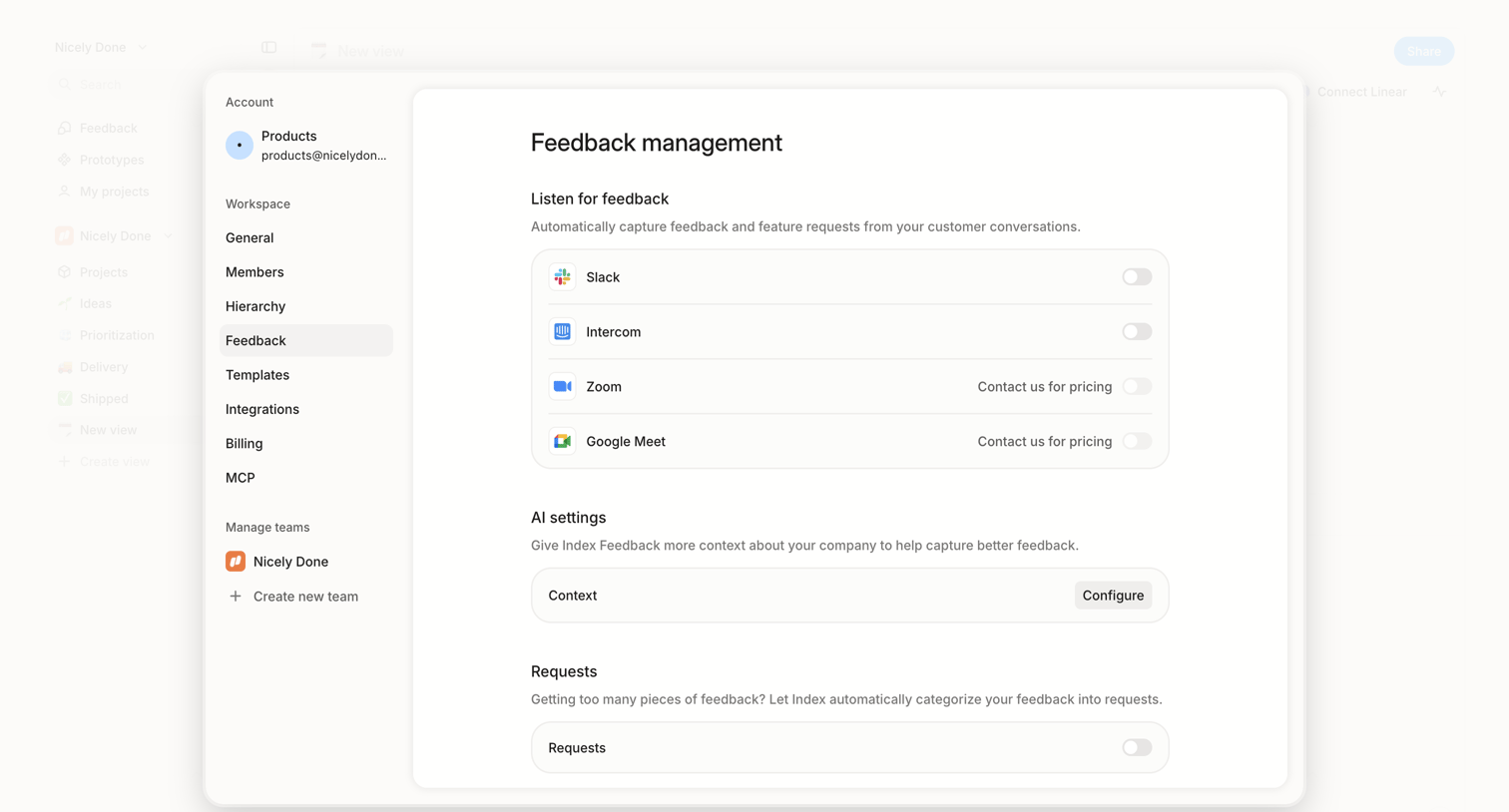

Settings page where the user configures automatic feedback ingestion from integrations like Slack and Intercom, and sets AI context rules.

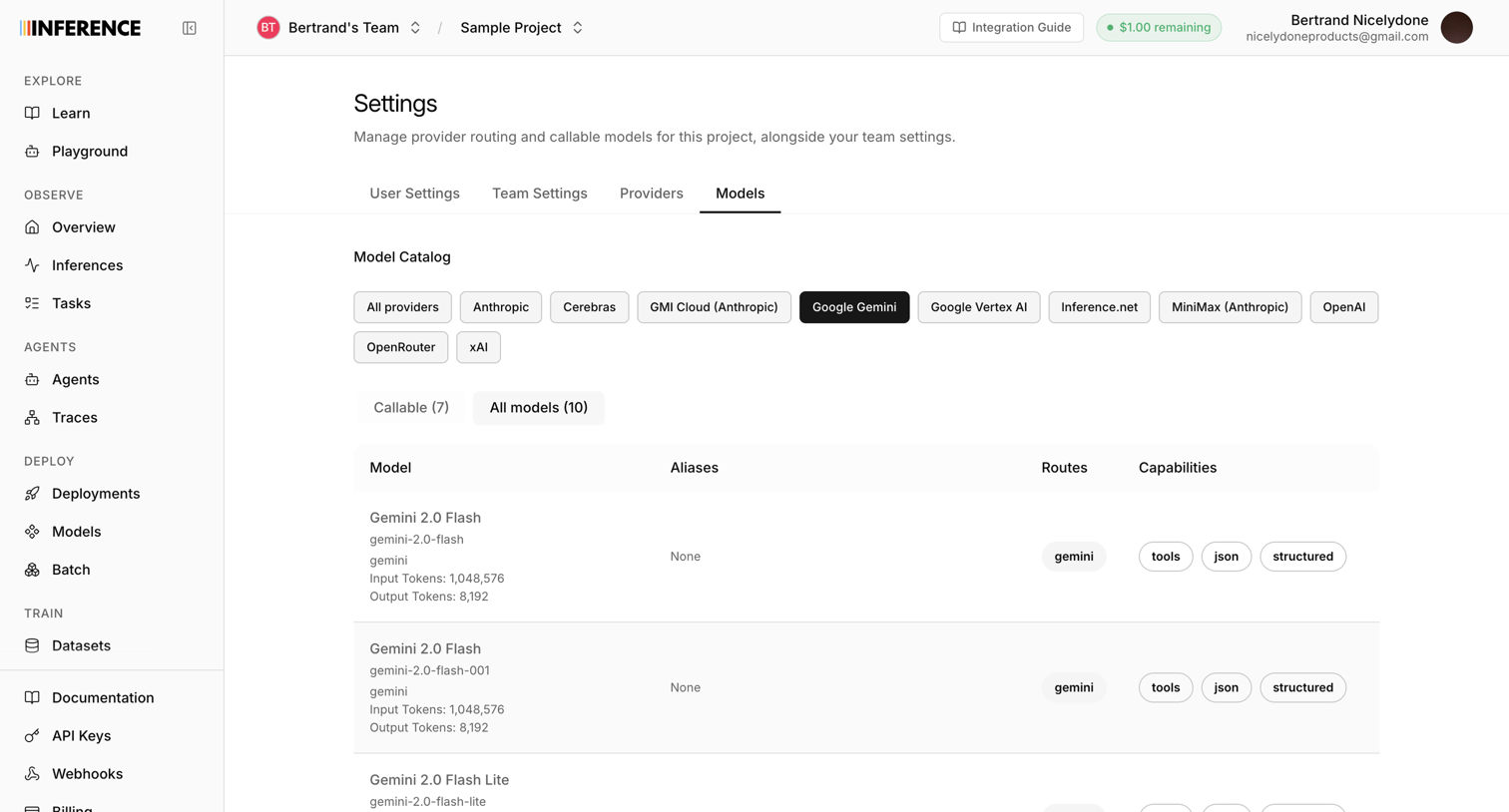

Settings page where the user filters and views the catalog of available AI models from Google Gemini, including their aliases, routes, and capabilities.
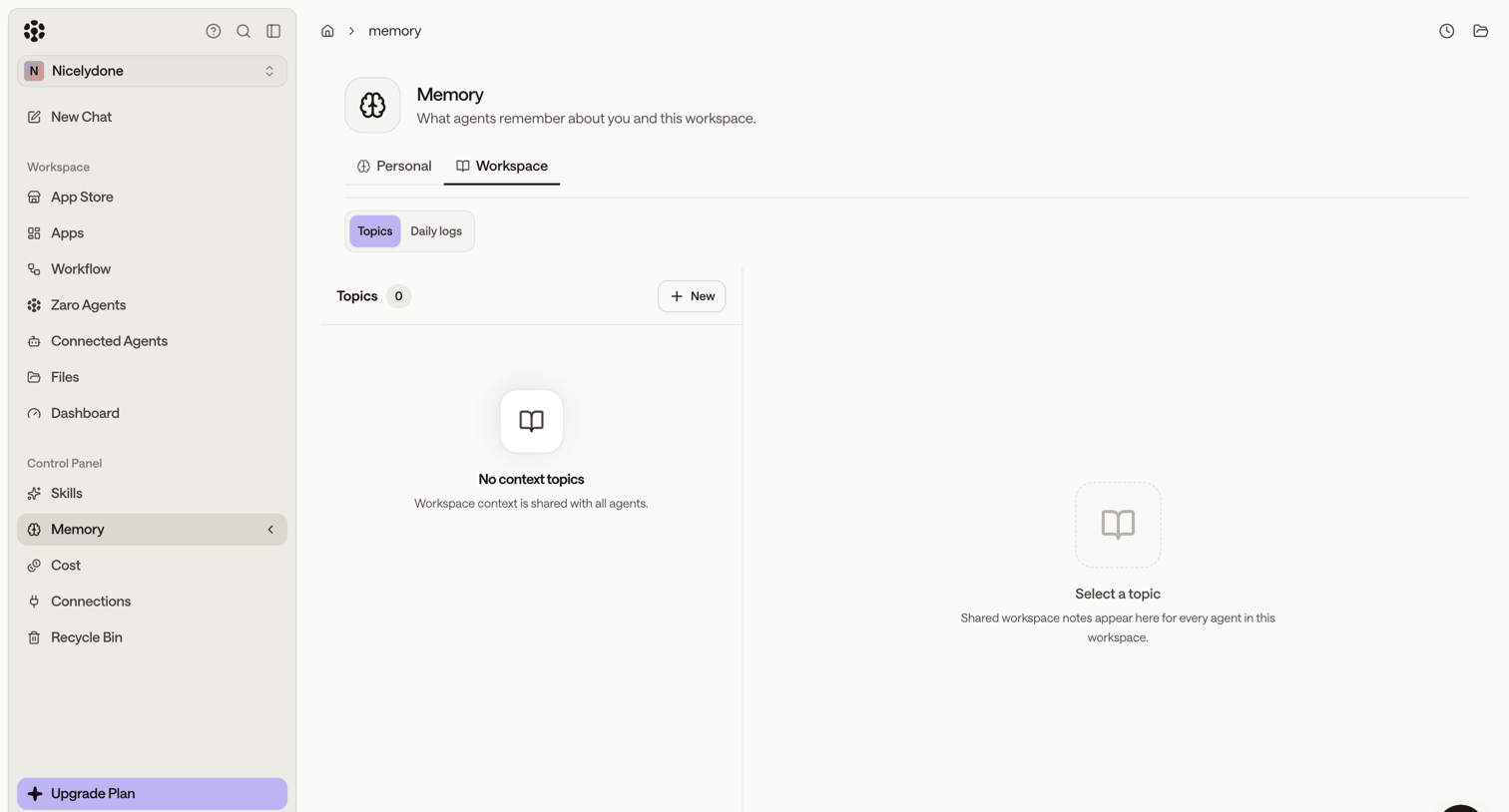

Settings page where the user configures workspace memory topics for their AI agents, currently showing an empty state.
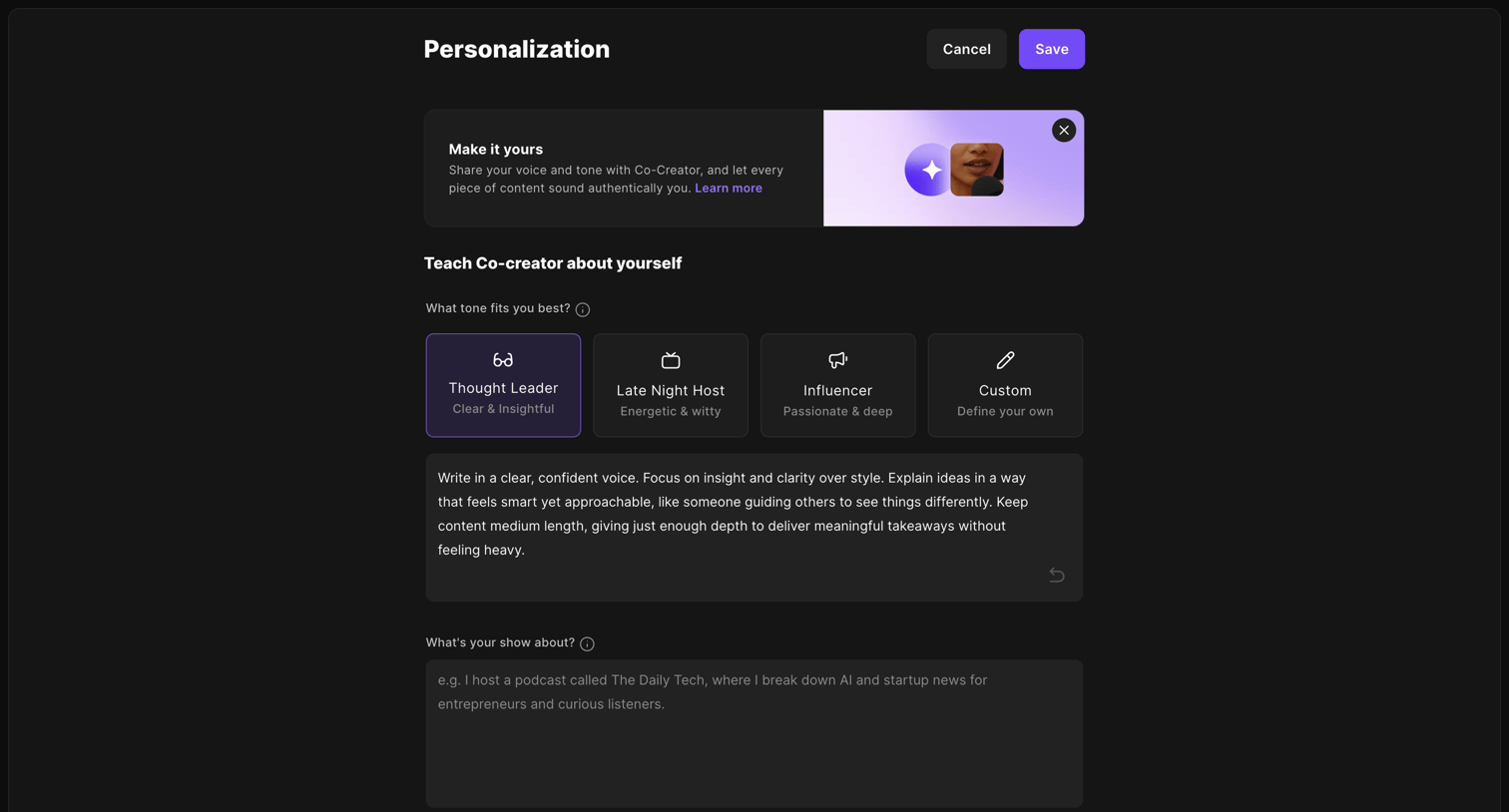

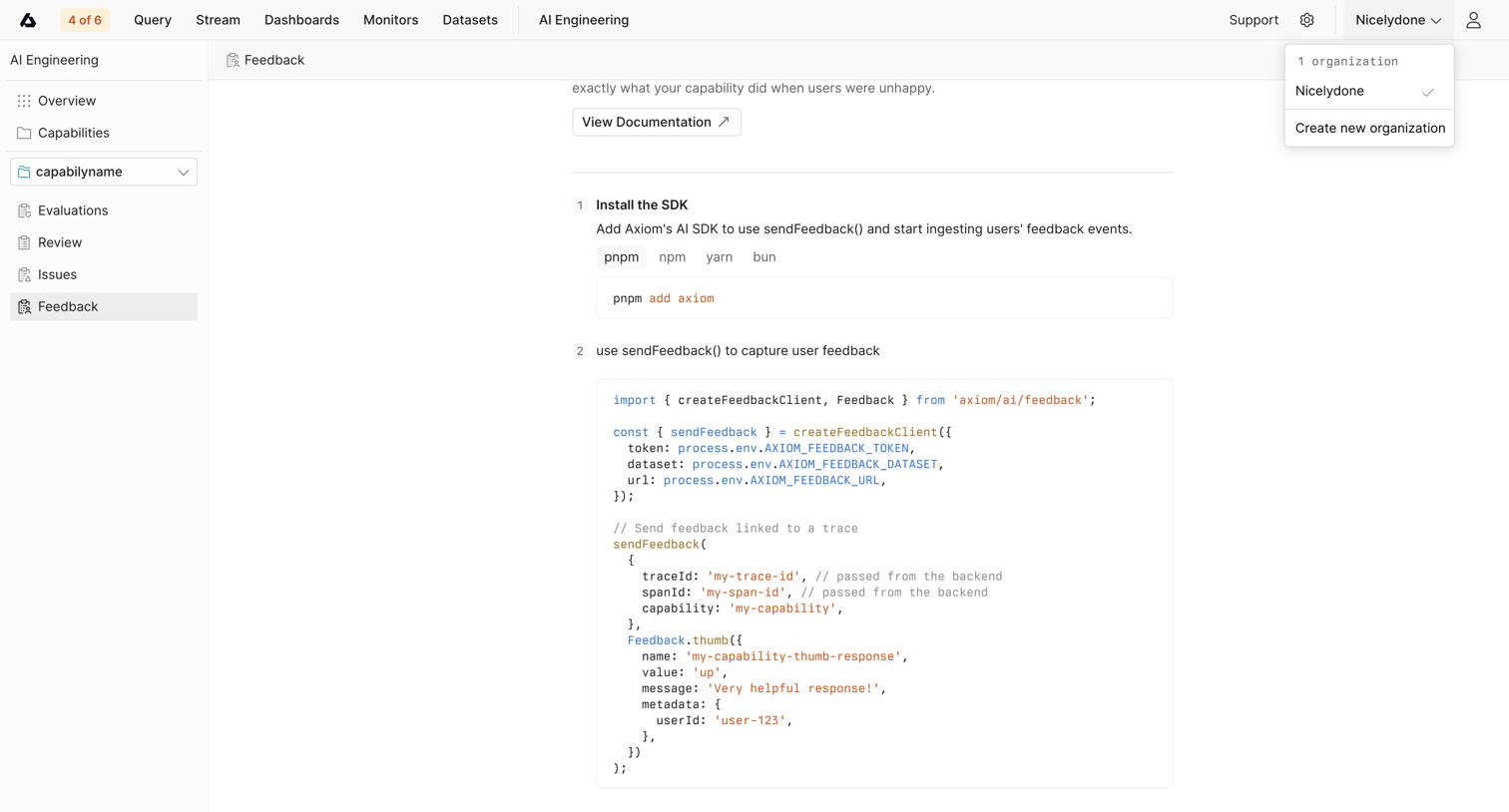

Detail page for a specific AI capability where the user is shown instructions and code snippets to install the SDK and capture feedback.
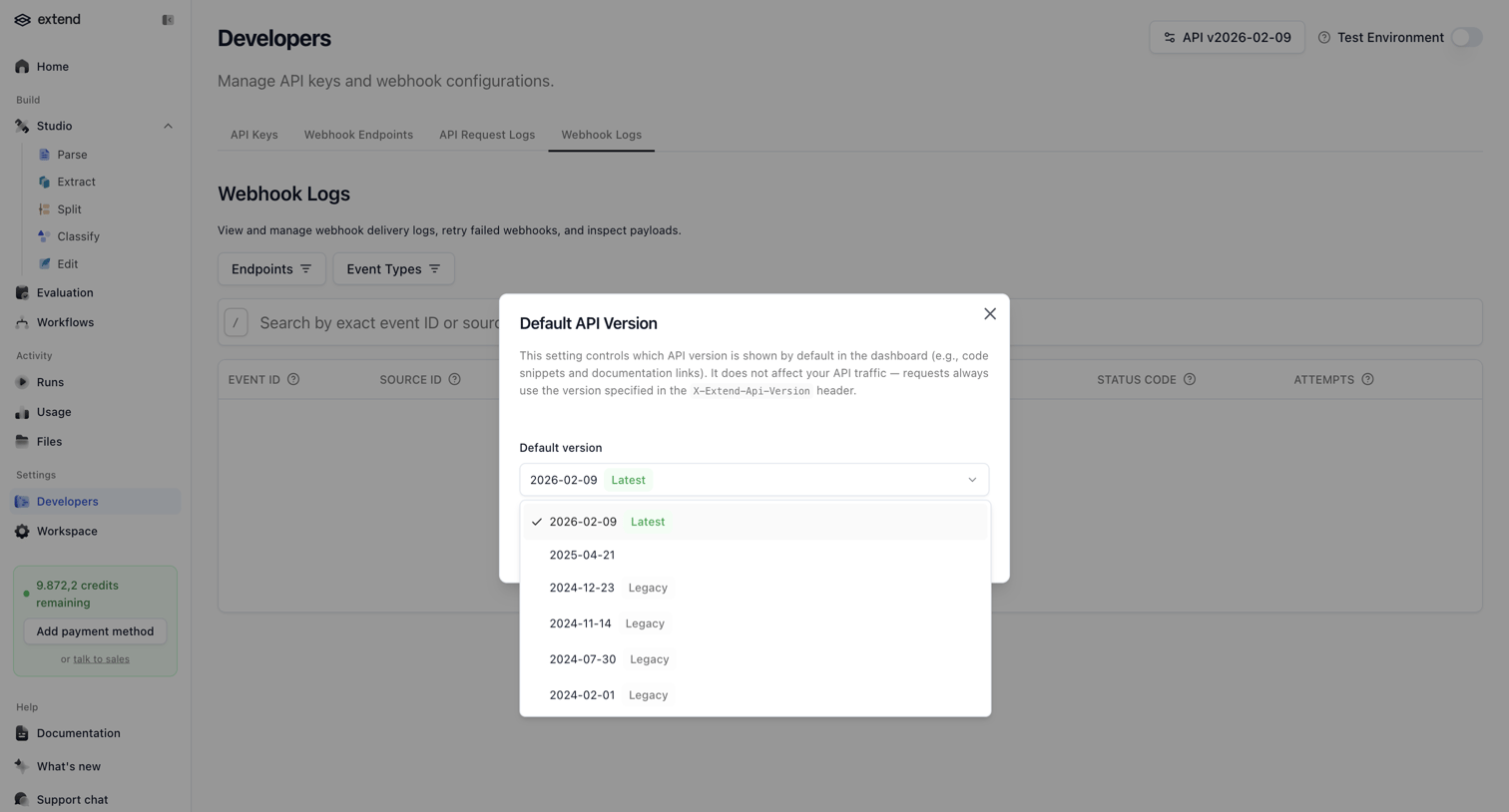

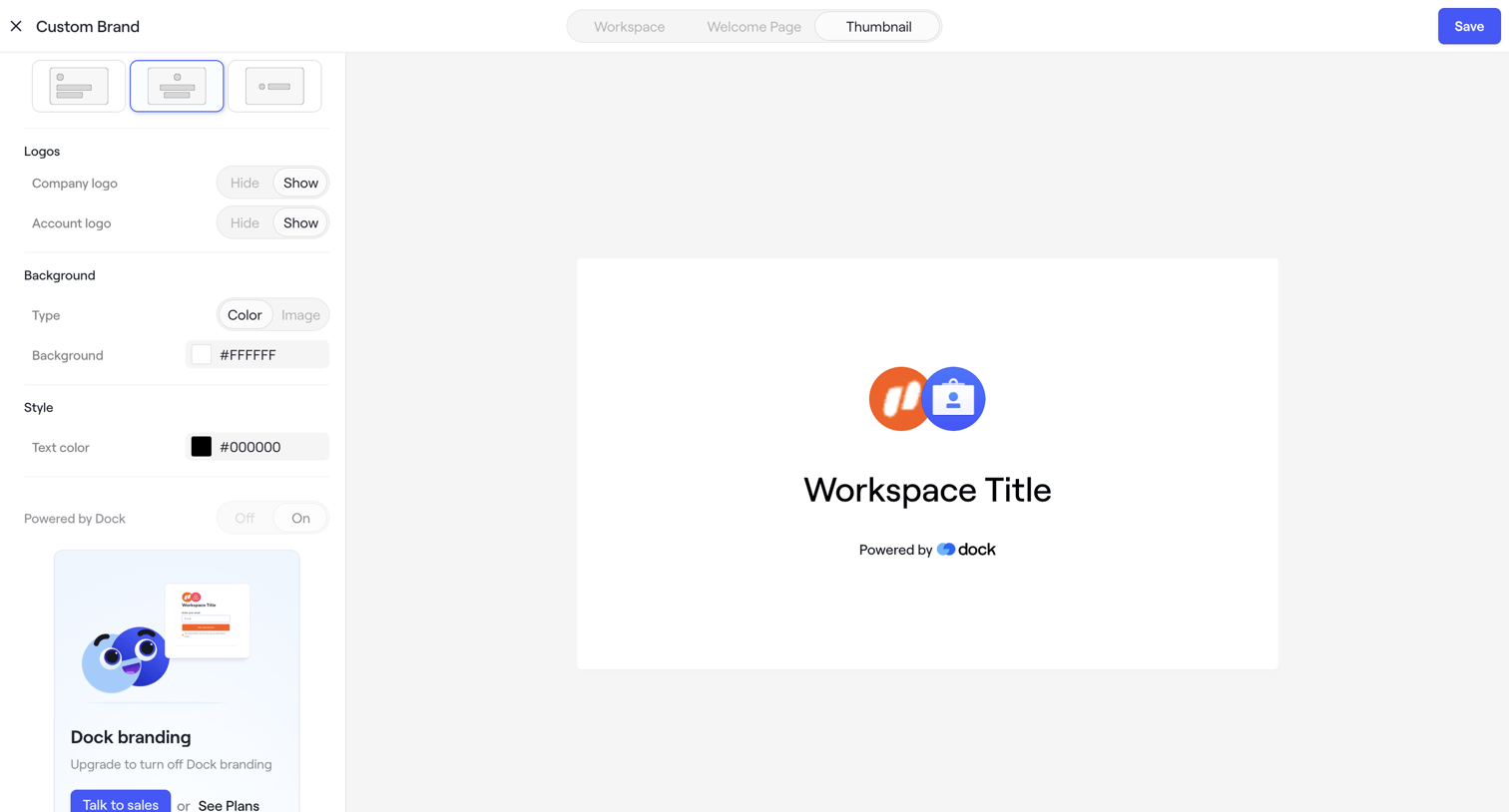

Settings page where the user customizes their workspace brand appearance, including logos, colors, and layout, with a live preview.
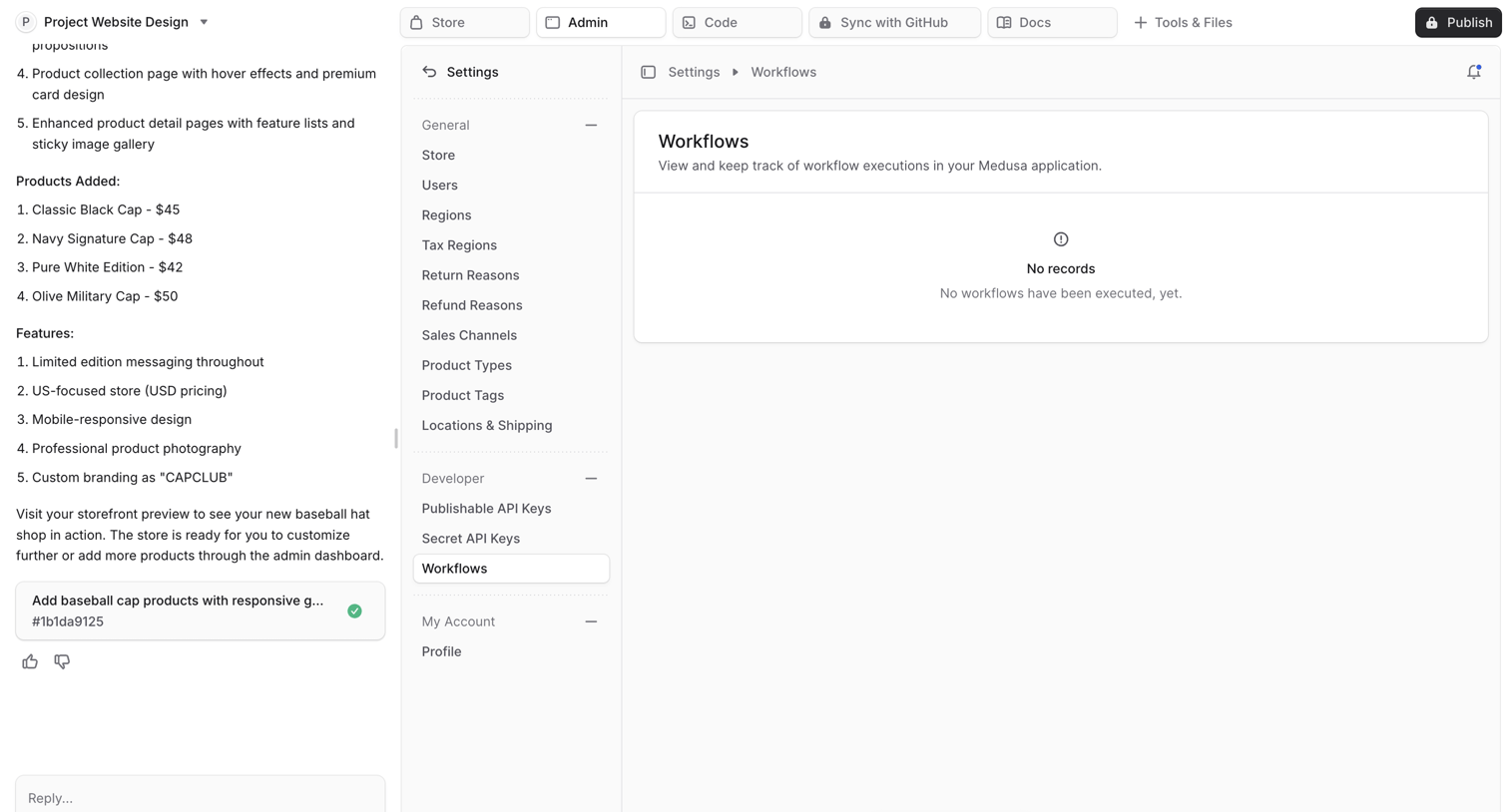

Settings page within an AI app builder where the user views the workflows for their generated Medusa admin application alongside the AI chat.
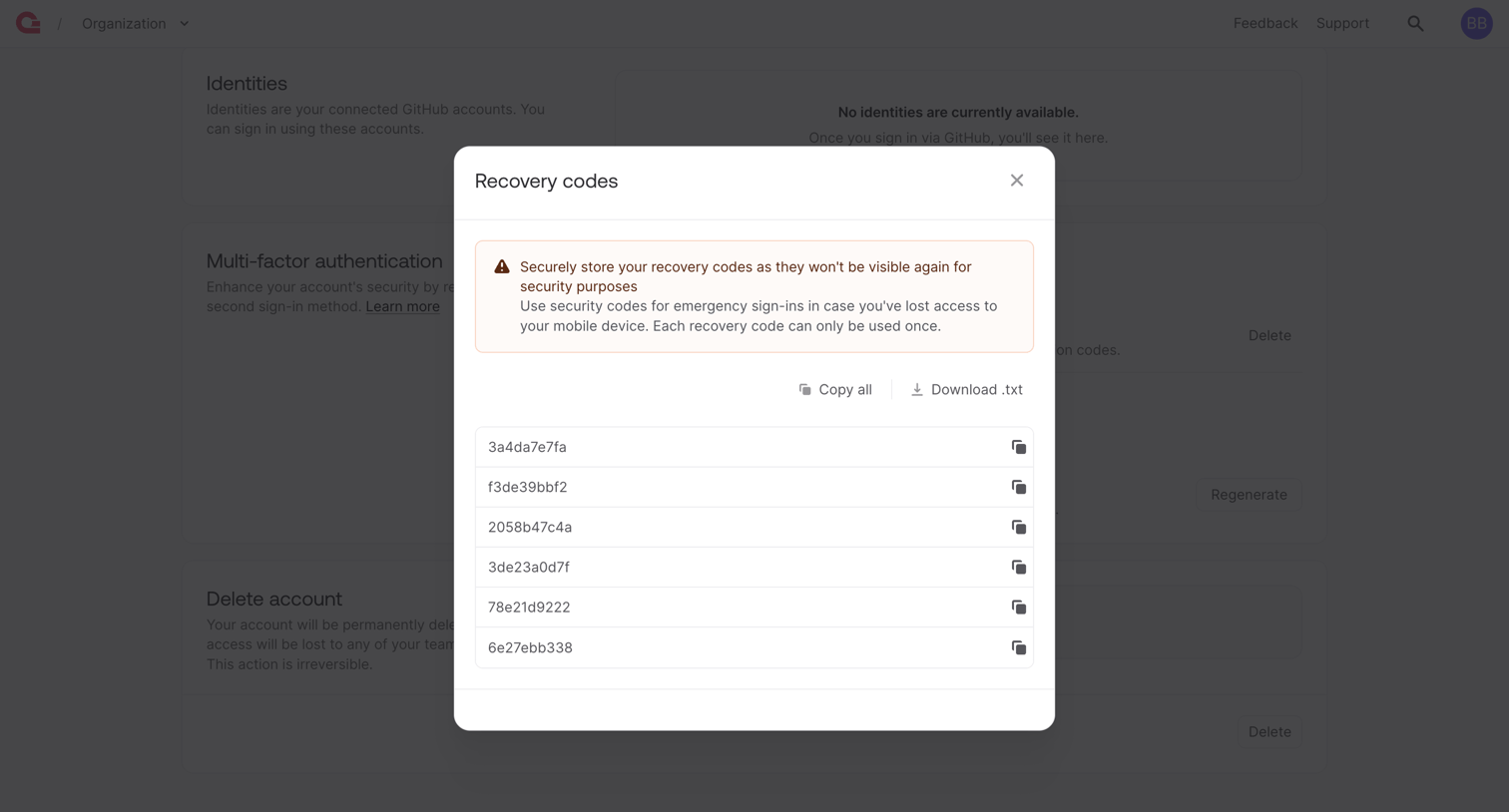

Settings page modal displaying newly generated MFA recovery codes with options to copy or download them.
Explore the full SaaS screen library
Upgrade to unlock the full library.
Trusted by the best teams








About AI Settings
See how apps organize controls for AI behavior and preferences. Explore settings layouts that explain available choices and show which parts of the AI experience they affect.