Empty State screen examples
Empty State screen design examples from SaaS apps. See how SaaS apps explain a space that has no content yet. Browse designs that introduce what belongs there and offer a relevant first step, such as adding…
Explore the examples
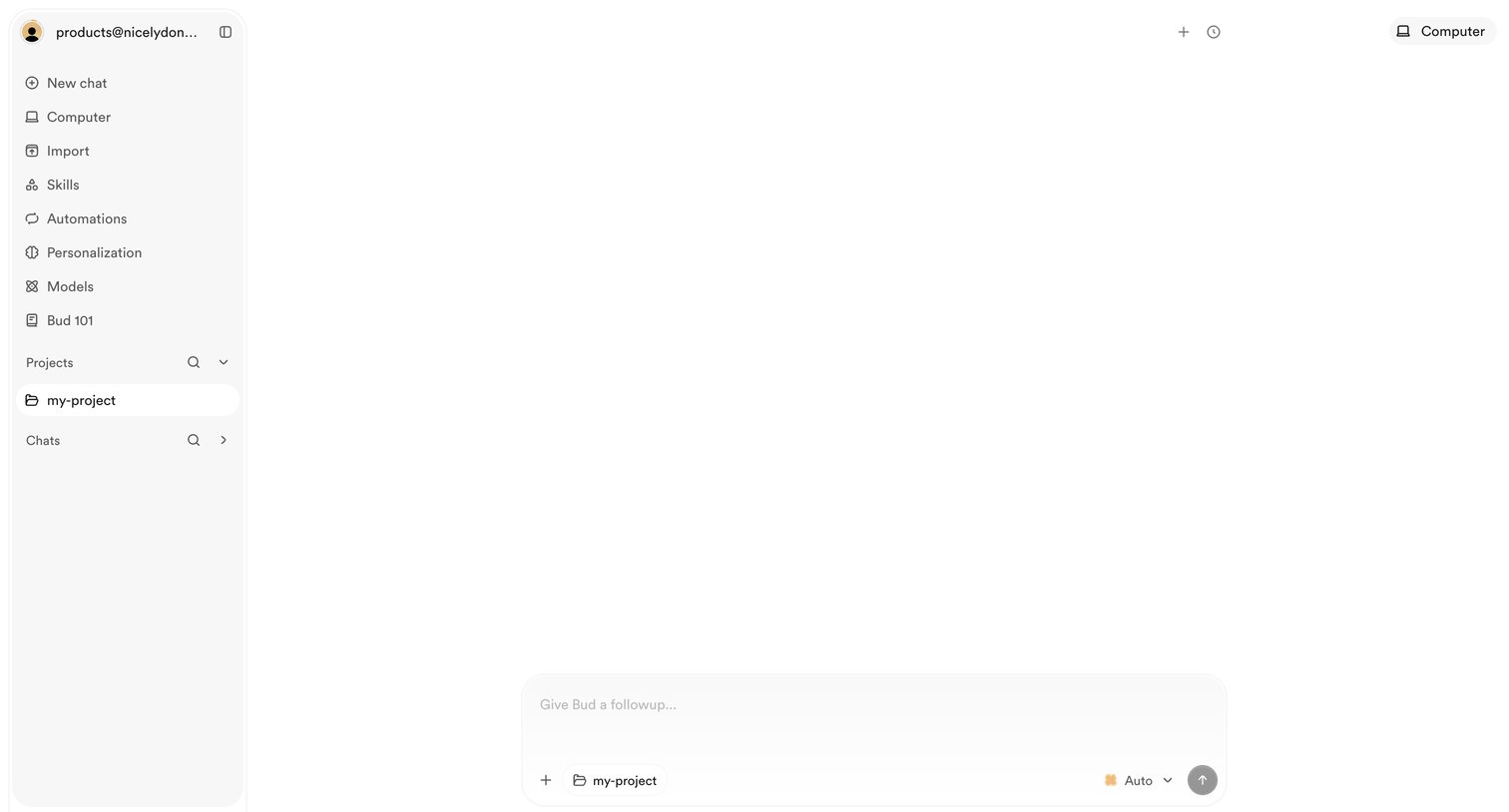

AI chat interface where the user can start a new conversation with Bud, select a model, or navigate to projects and skills.
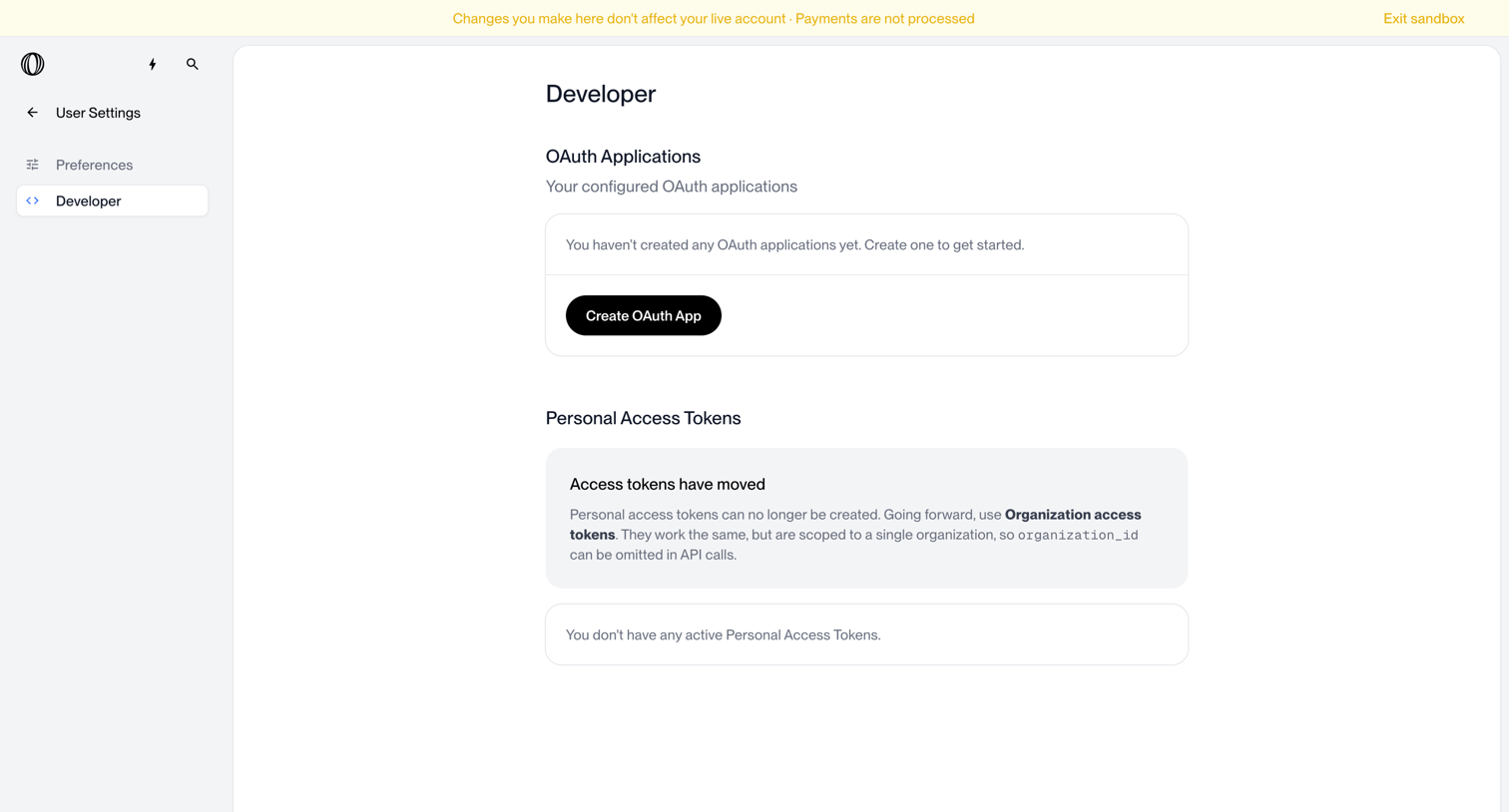

Settings page where the user manages OAuth applications and personal access tokens, currently showing empty states for both.
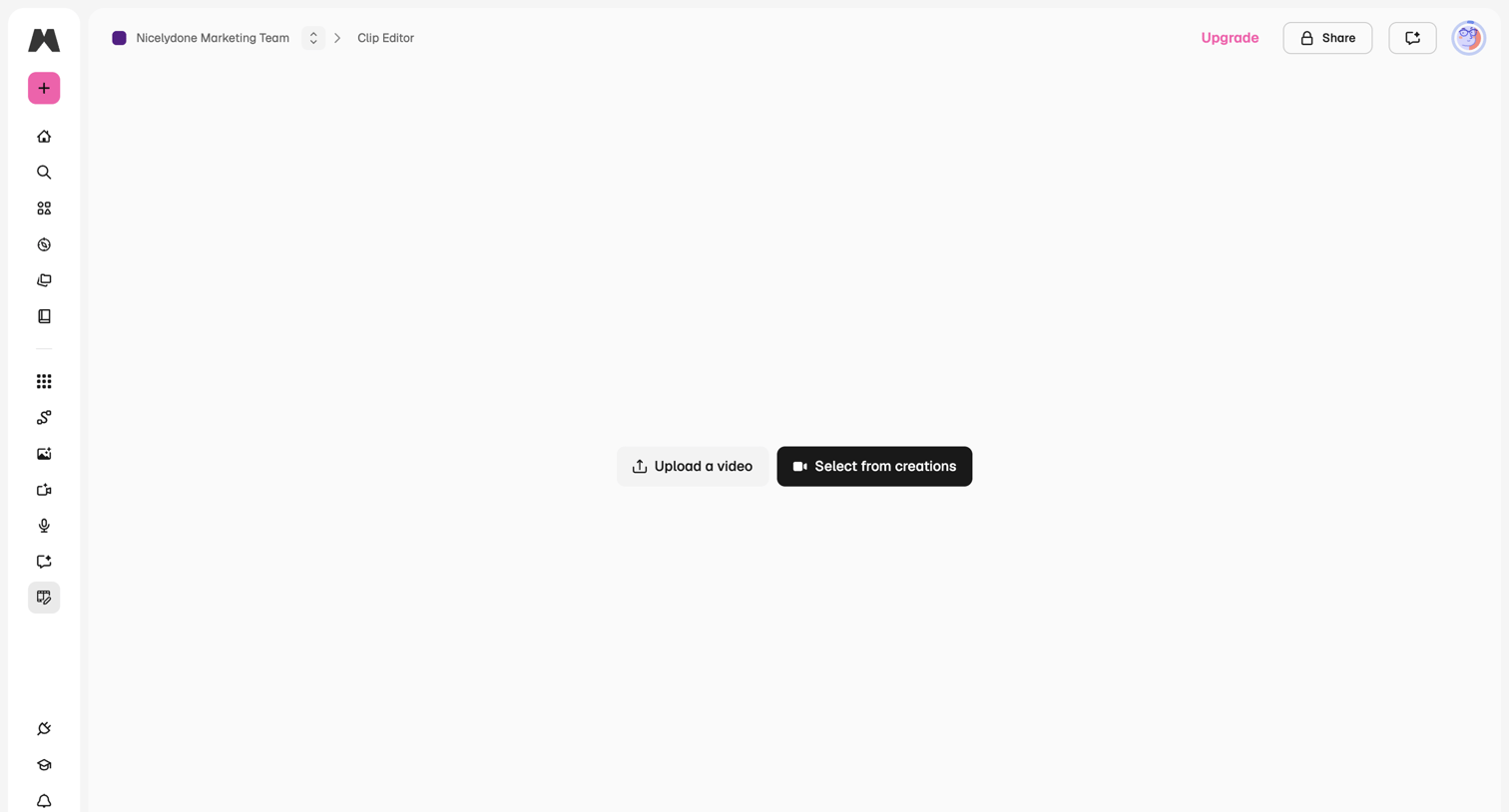

Video editor empty state prompting the user to either upload a new video file or select from existing creations to begin editing.
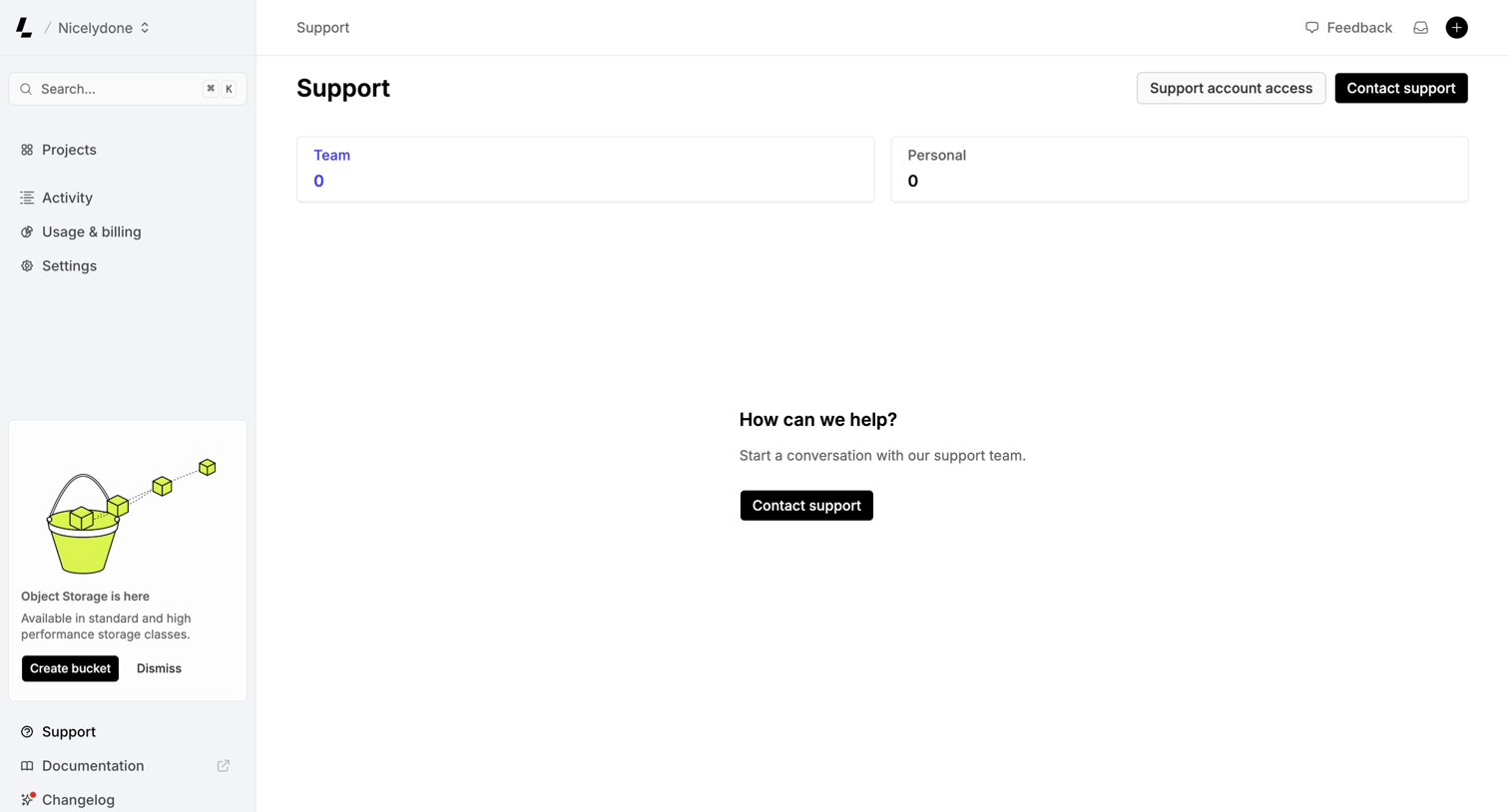

Support inbox where the user can view team or personal tickets and start a new conversation with the support team.
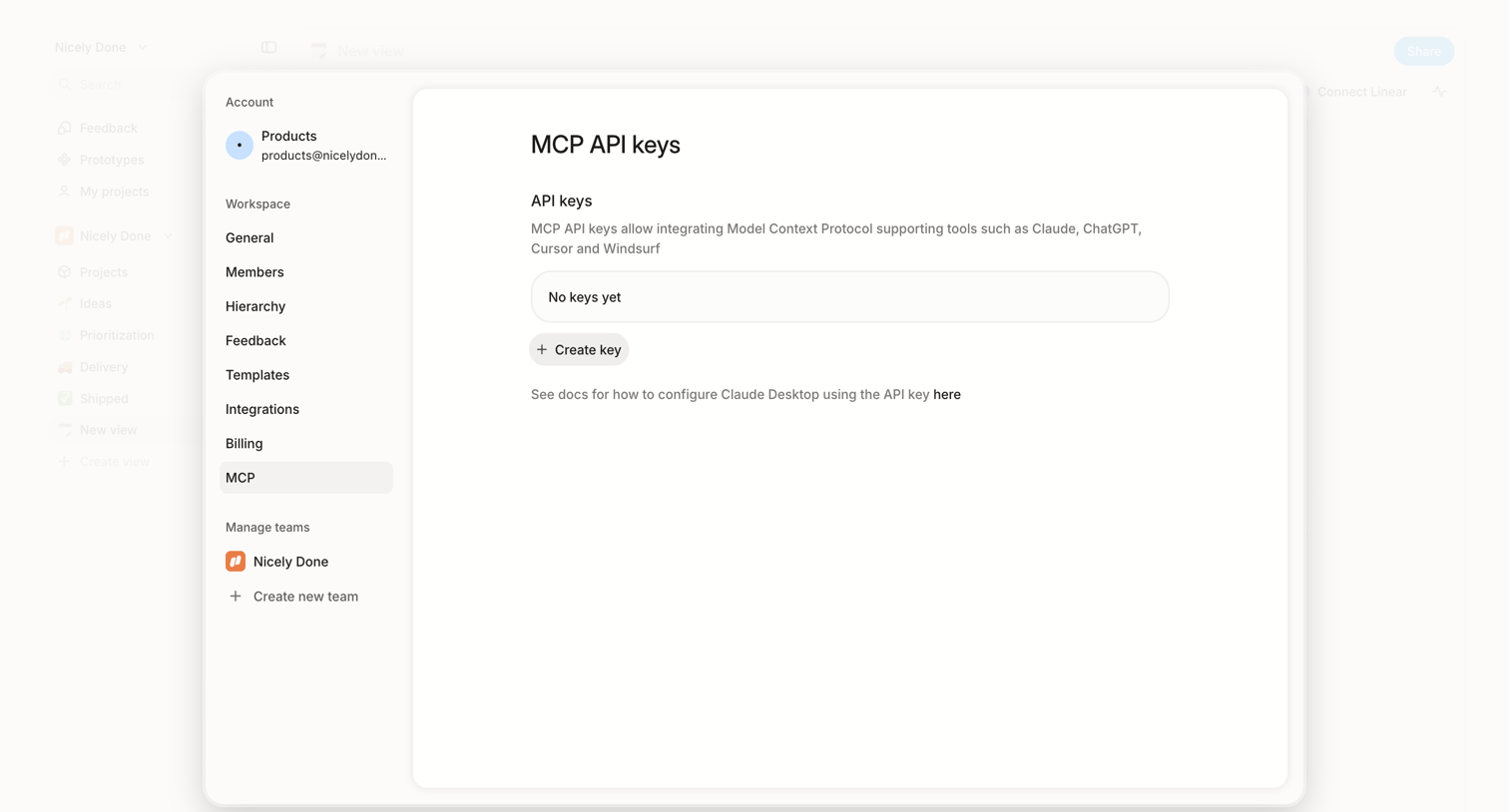

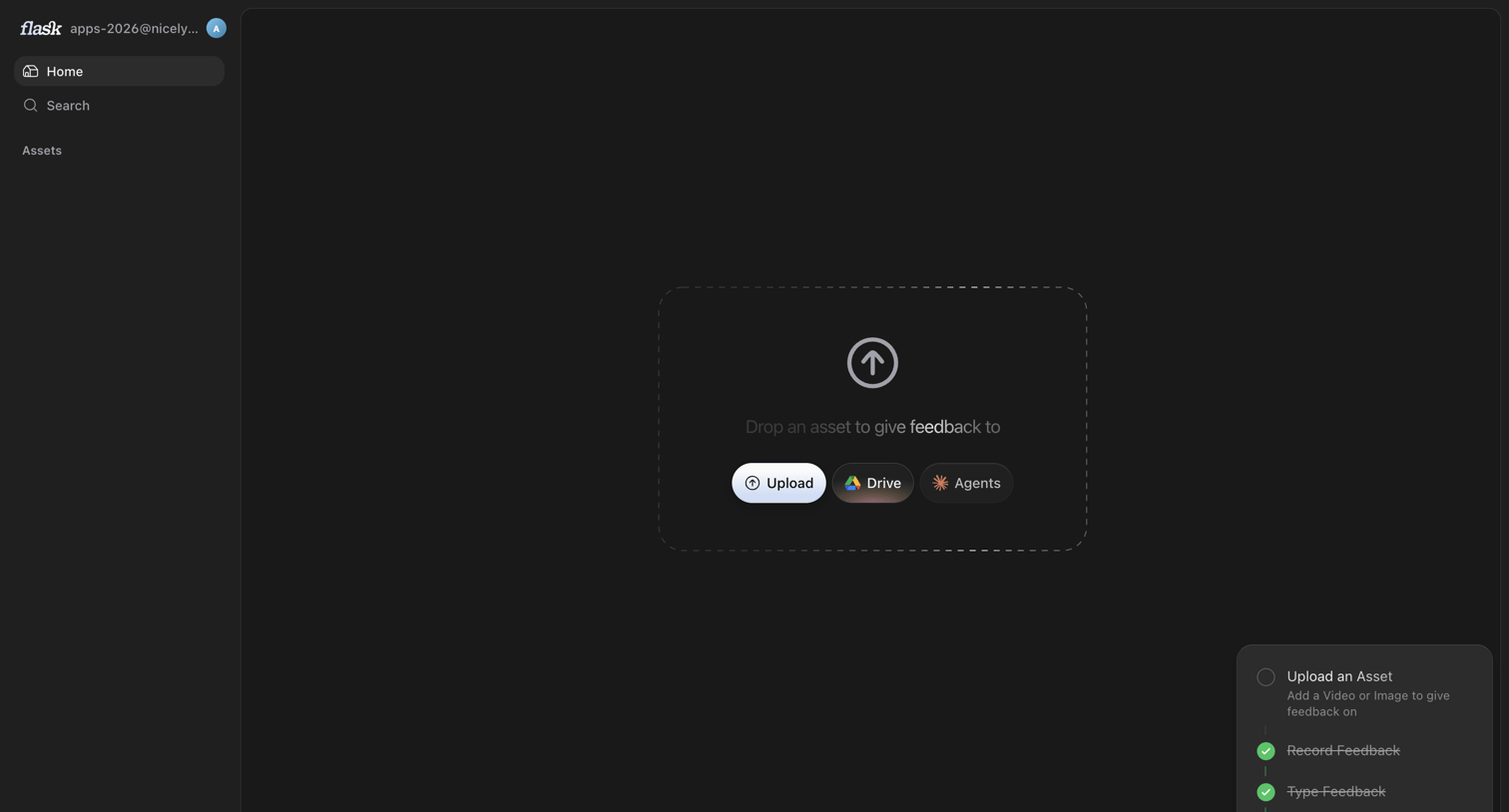

Home screen in an empty state where the user is prompted to upload an asset via local file, Google Drive, or Agents, while an onboarding checklist tracks their setup progress.
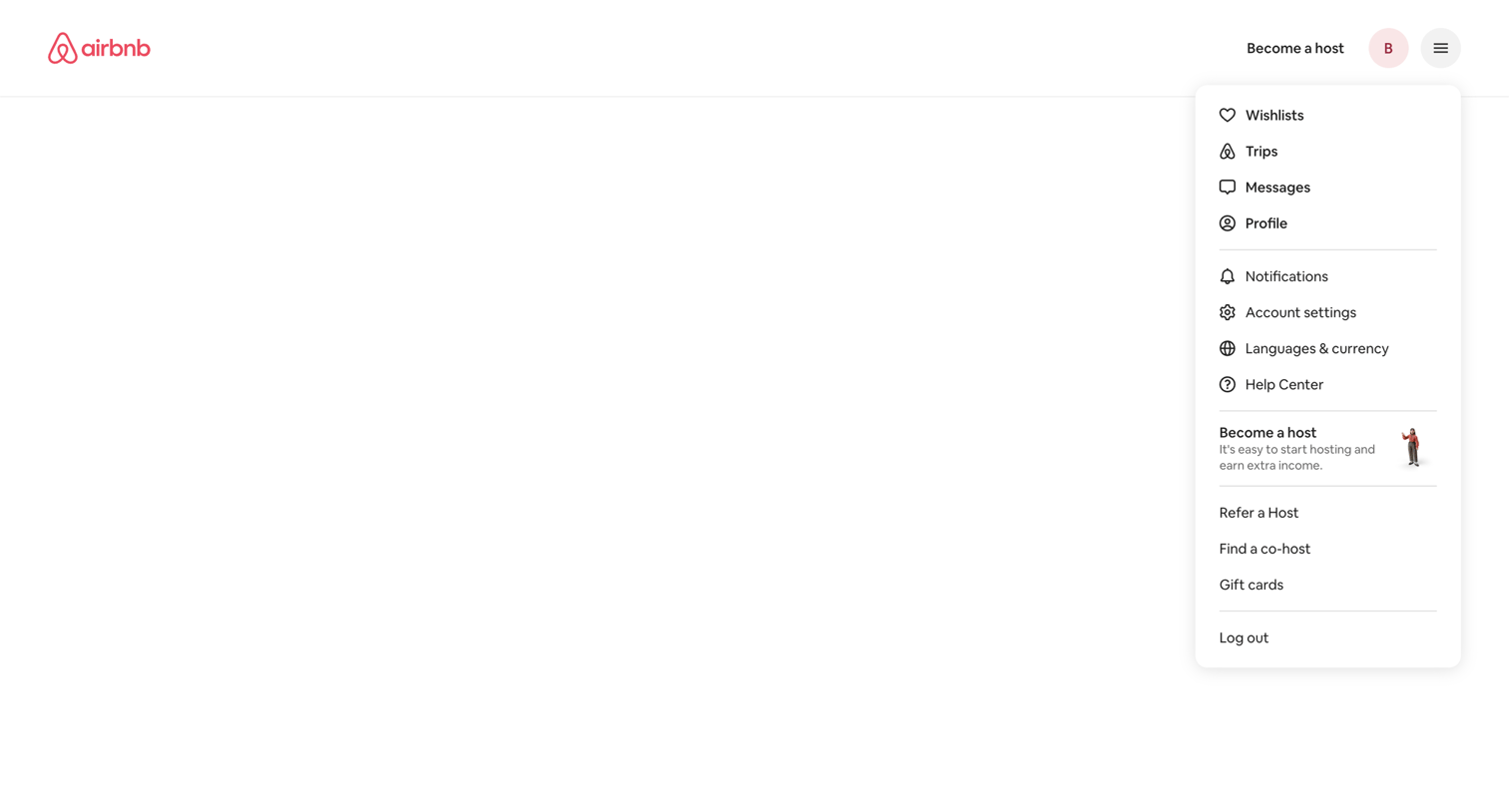

App shell where the user has opened the global profile and settings dropdown menu over a blank notifications page.
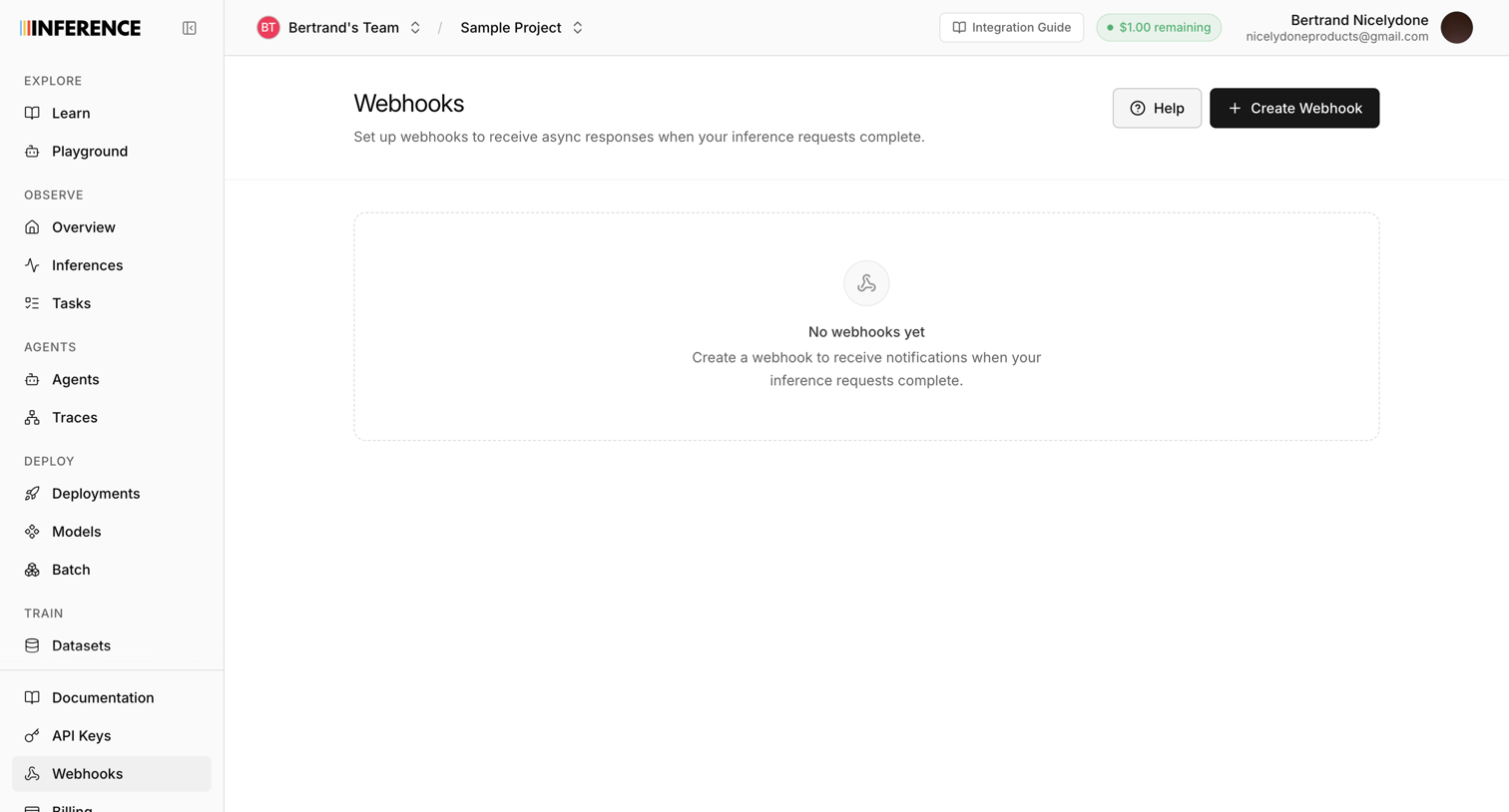

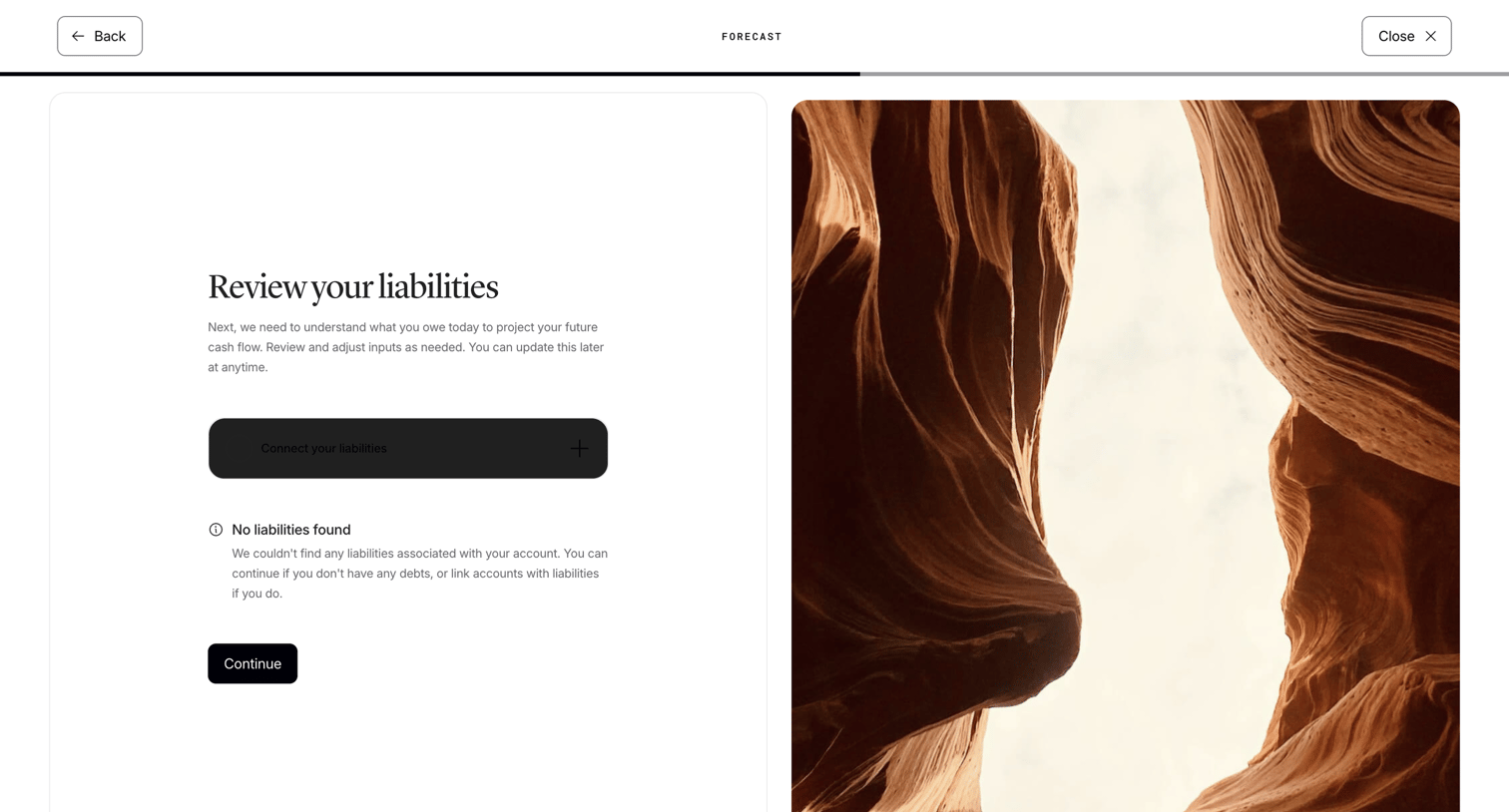

Onboarding step where the user reviews their liabilities for cash flow projection, showing an empty state with an option to connect accounts.
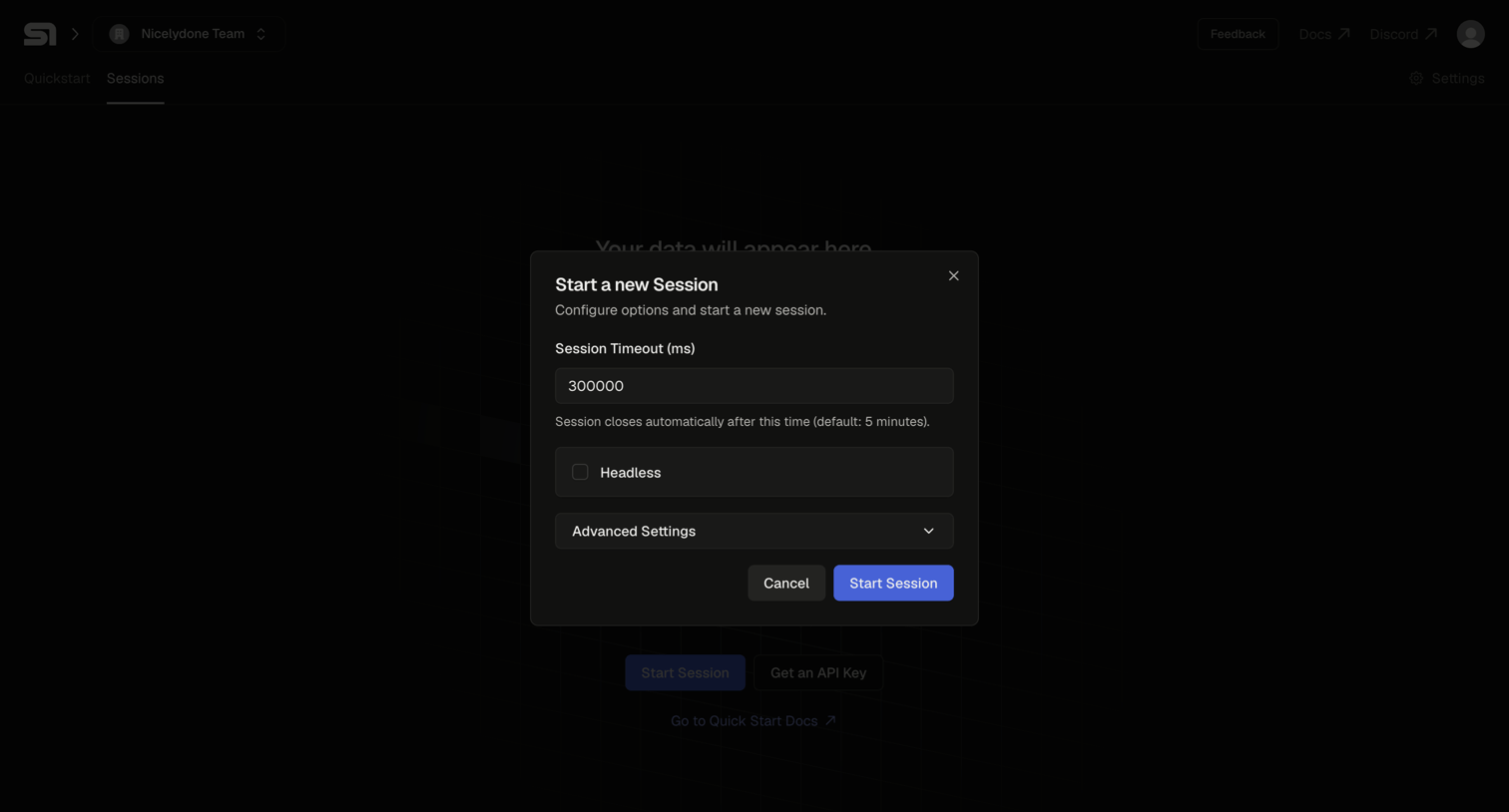

List view of sessions in an empty state, showing a modal where the user configures timeout and headless options to start a new session.
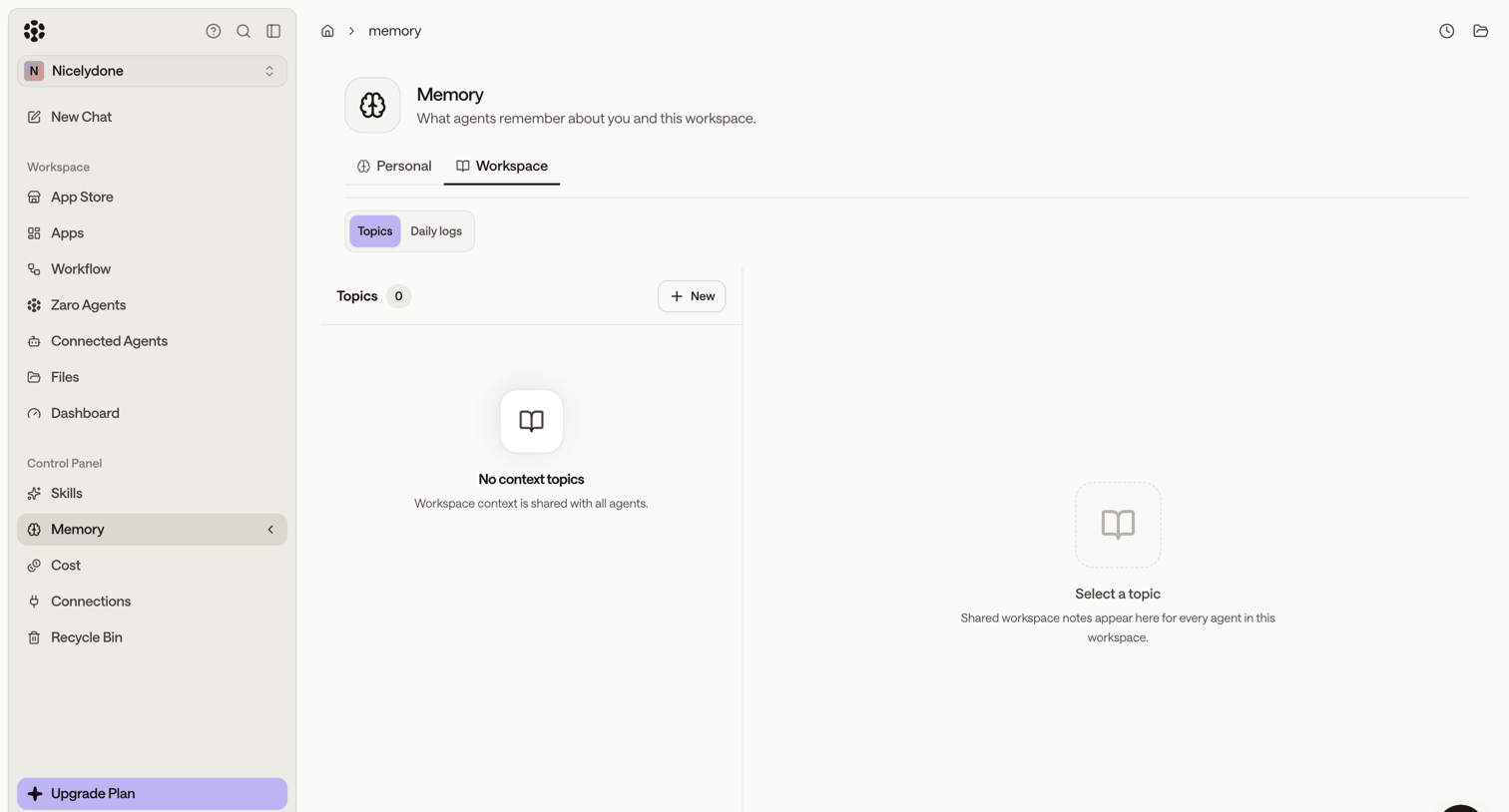

Settings page where the user configures workspace memory topics for their AI agents, currently showing an empty state.
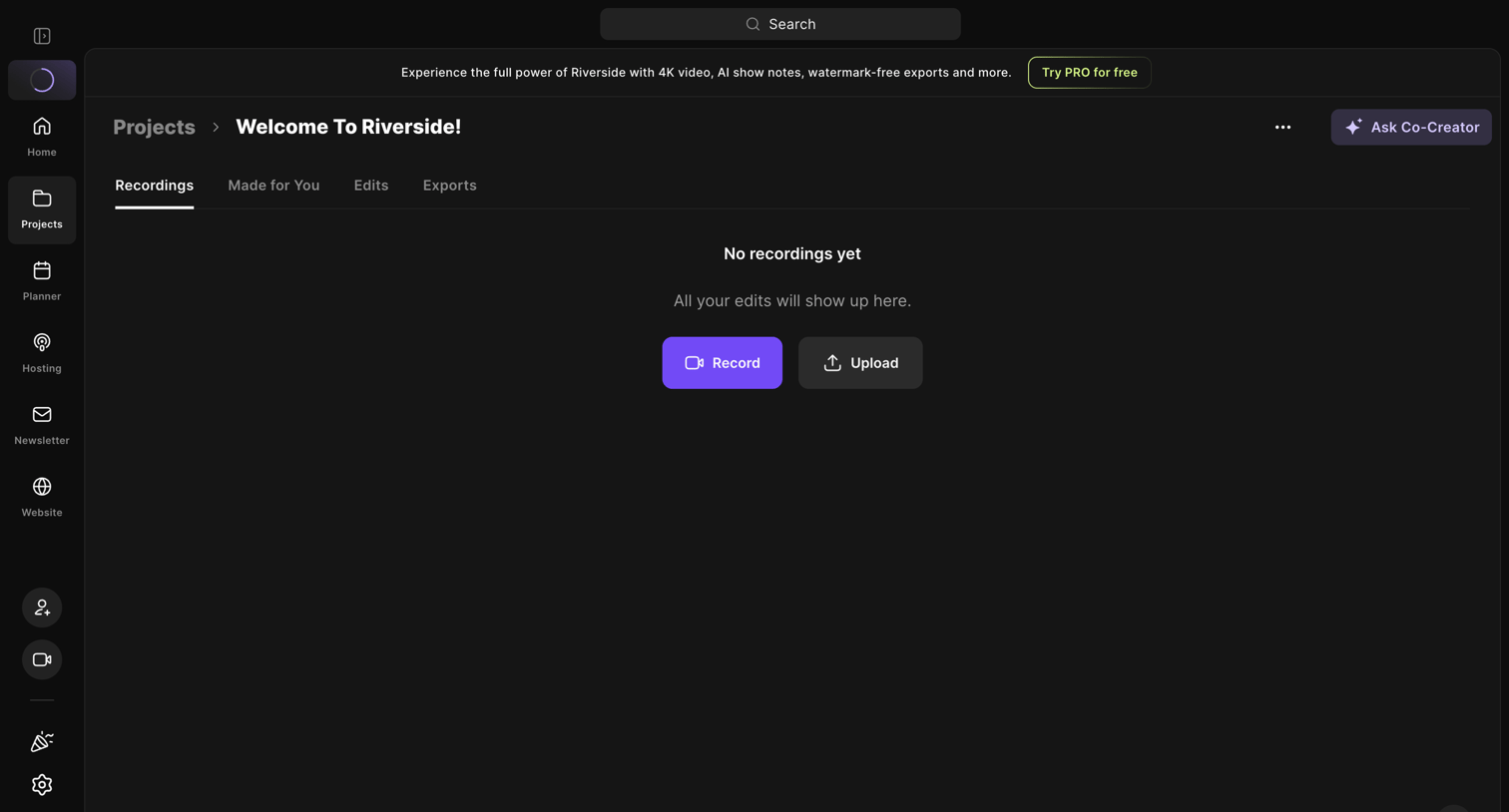

Detail page for a specific project where the user is prompted to record or upload their first media file.
Explore the full SaaS screen library
Upgrade to unlock the full library.
Trusted by the best teams








About Empty State
See how SaaS apps explain a space that has no content yet. Browse designs that introduce what belongs there and offer a relevant first step, such as adding an item.