AI Assistant screen examples
AI Assistant screen design examples from SaaS apps. See how apps make an AI assistant available alongside the main workspace. Explore how suggested tasks, input fields, and responses fit into the surrounding…
Explore the examples
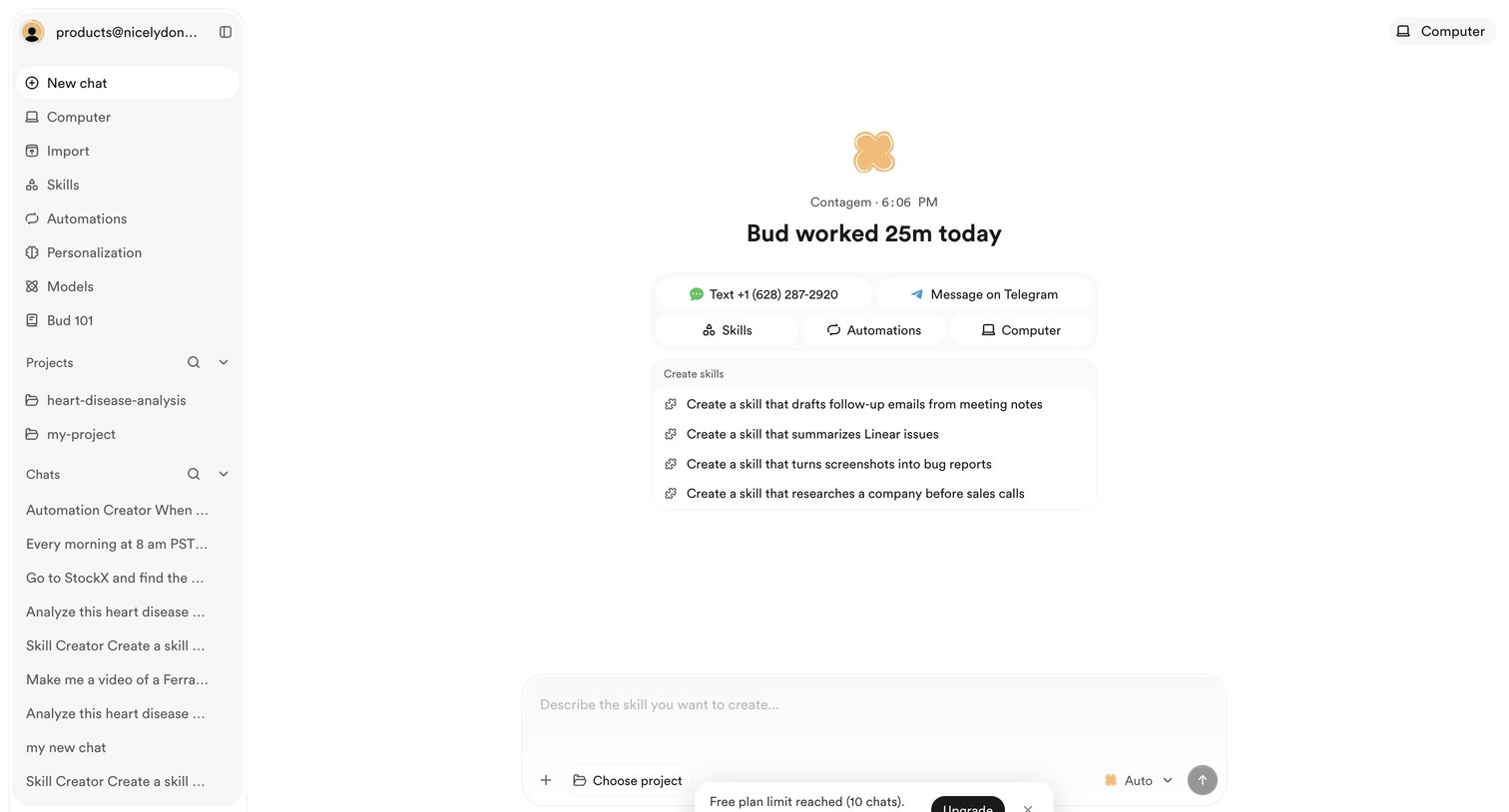

AI chat interface where the user is prompted to upgrade after reaching the free plan limit for creating new chats.
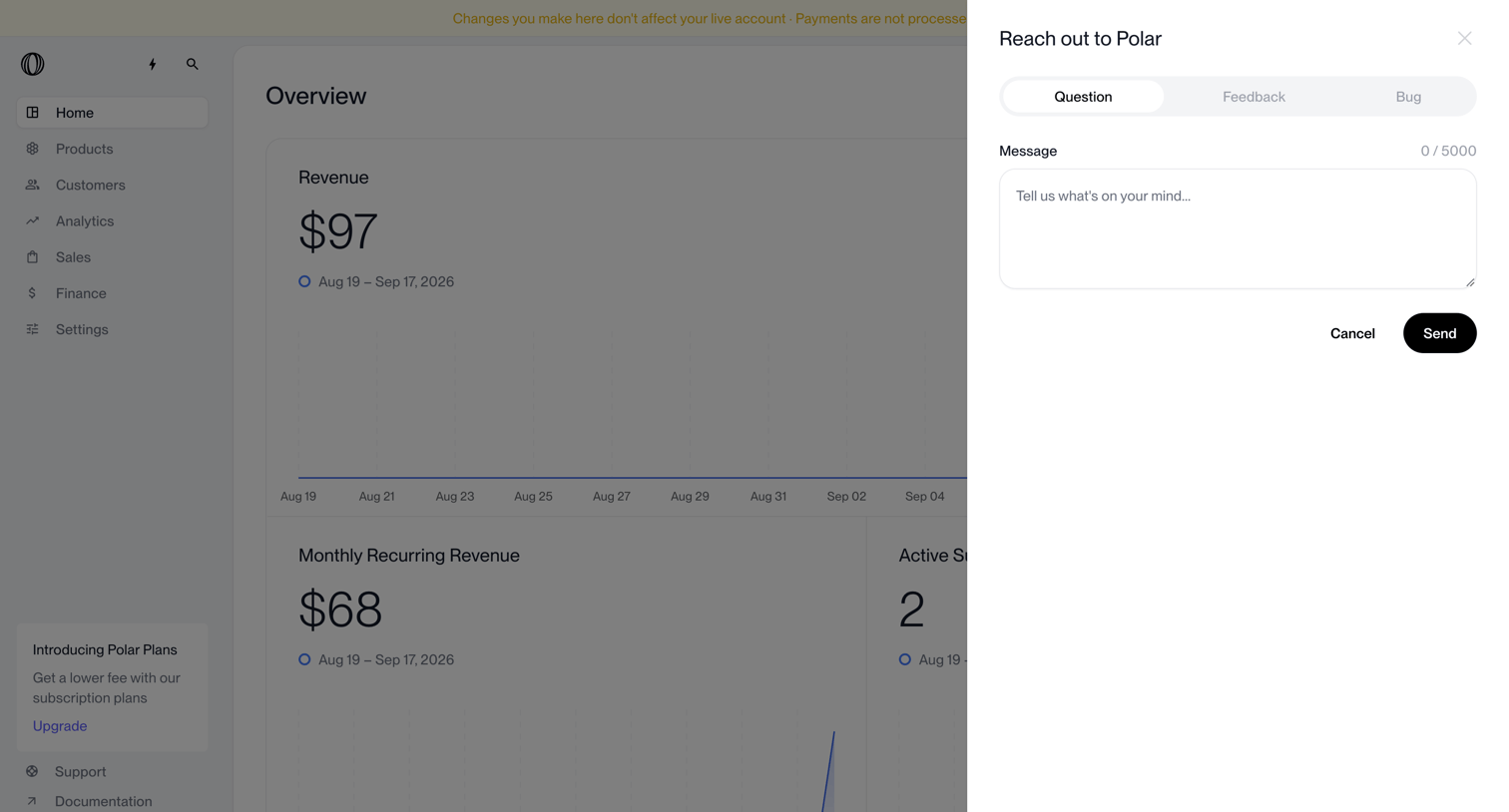

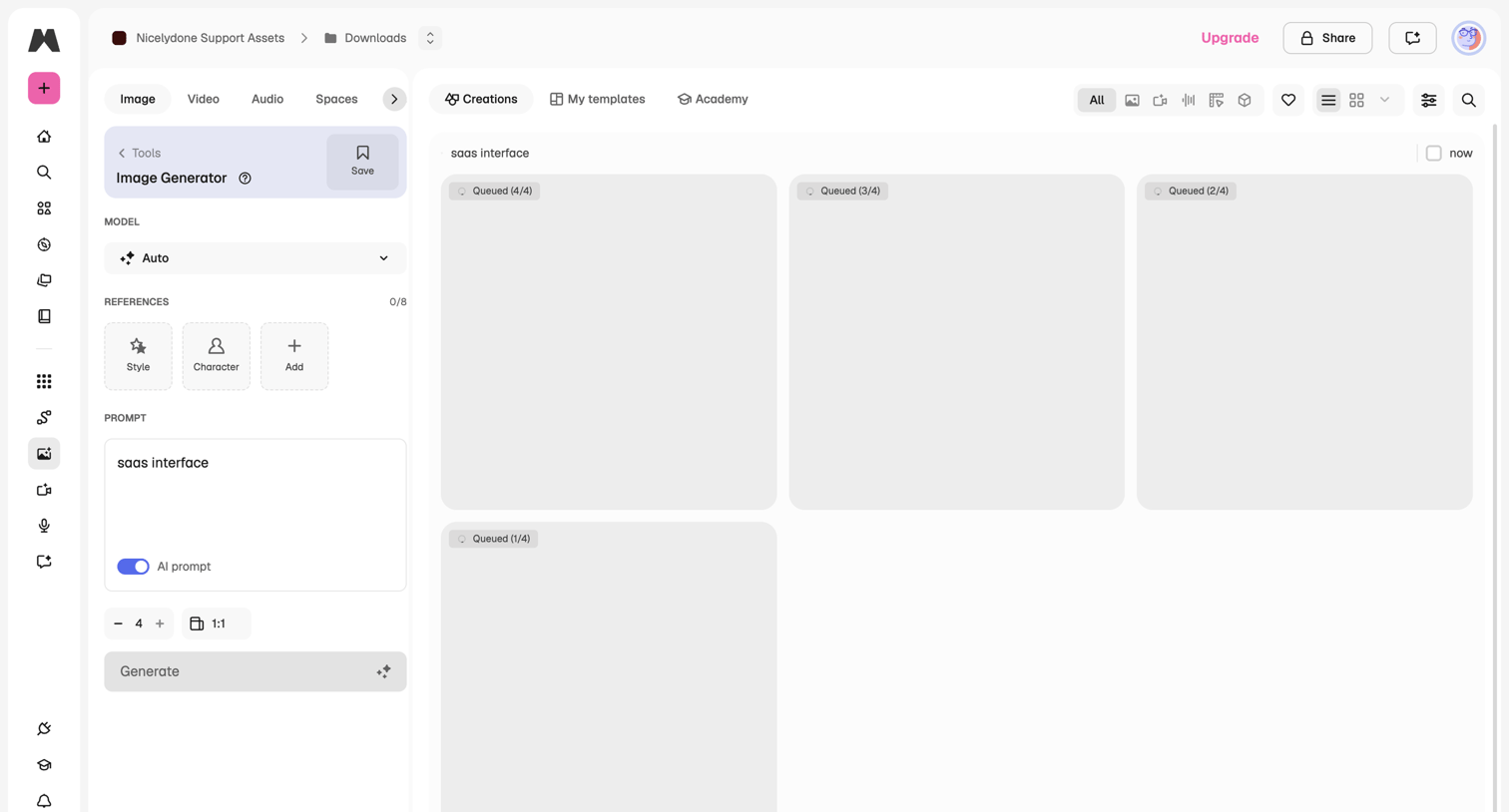

App interface for an AI image generator where the user configures a prompt, model, and references to generate new images, currently showing queued generations in the main view.
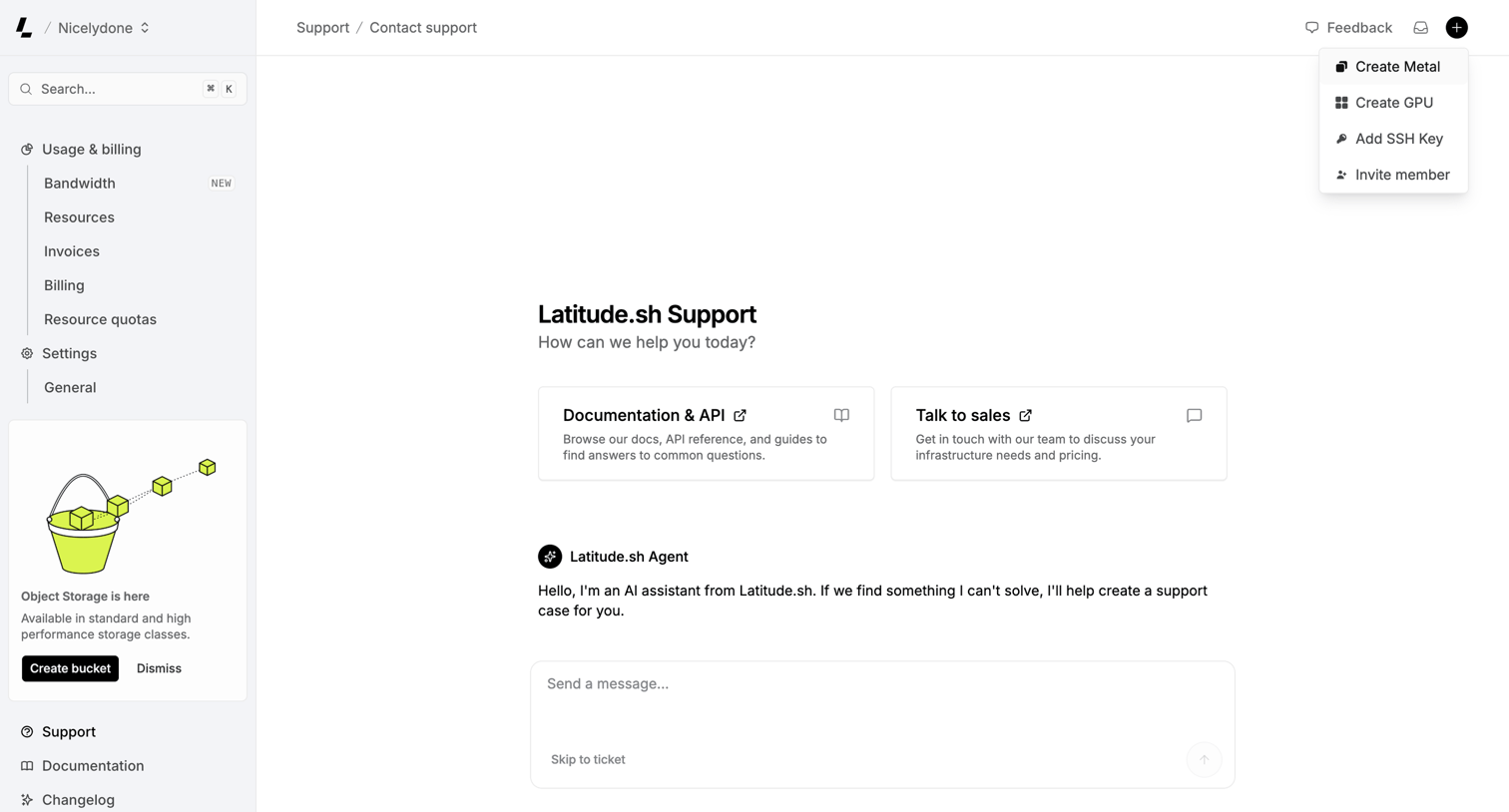

Support page where the user can chat with an AI assistant, browse API documentation, or contact sales.
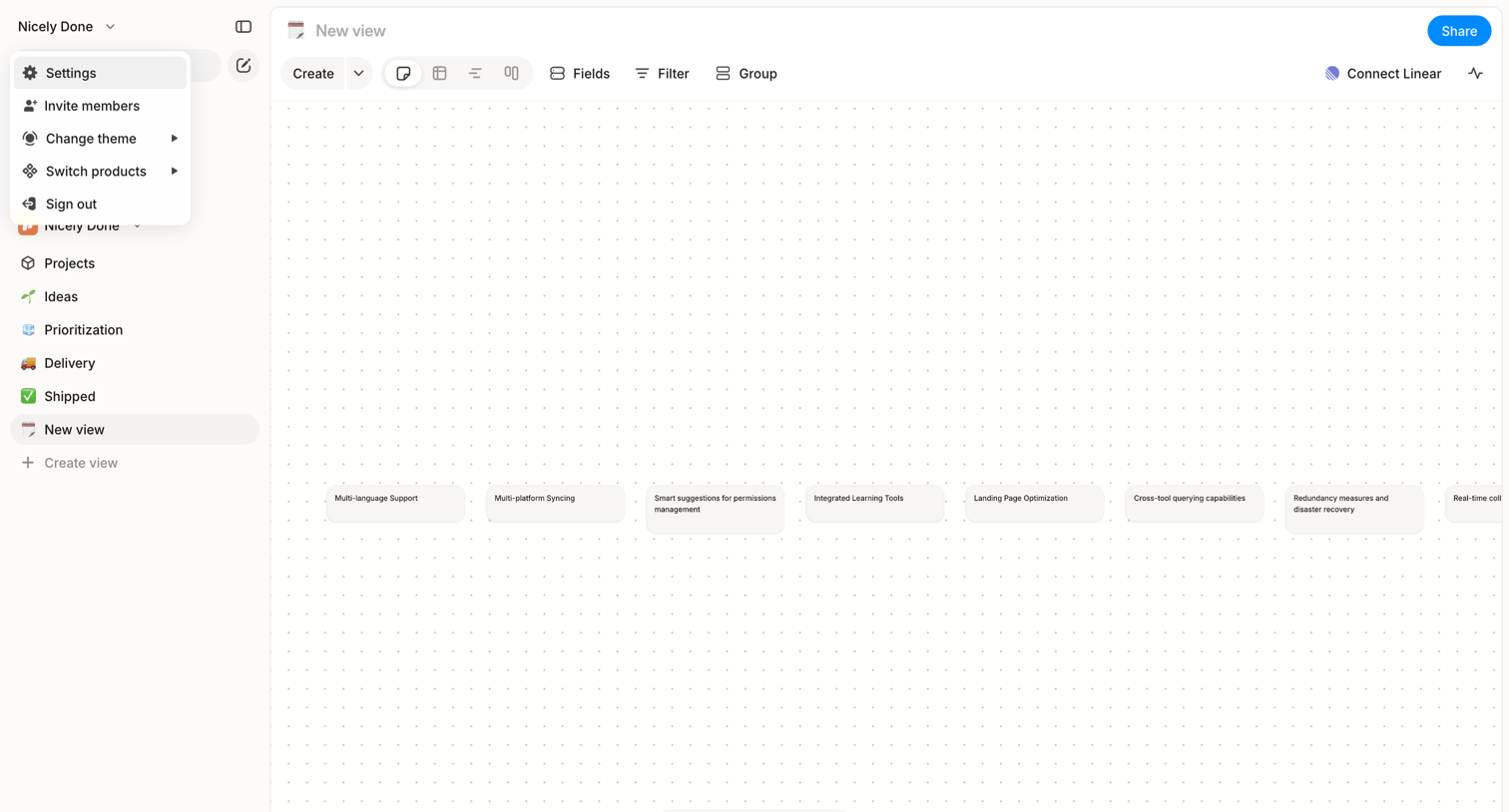

Whiteboard editor where the user organizes text cards on a dotted canvas, featuring a left sidebar for navigation and a floating bottom tool palette.
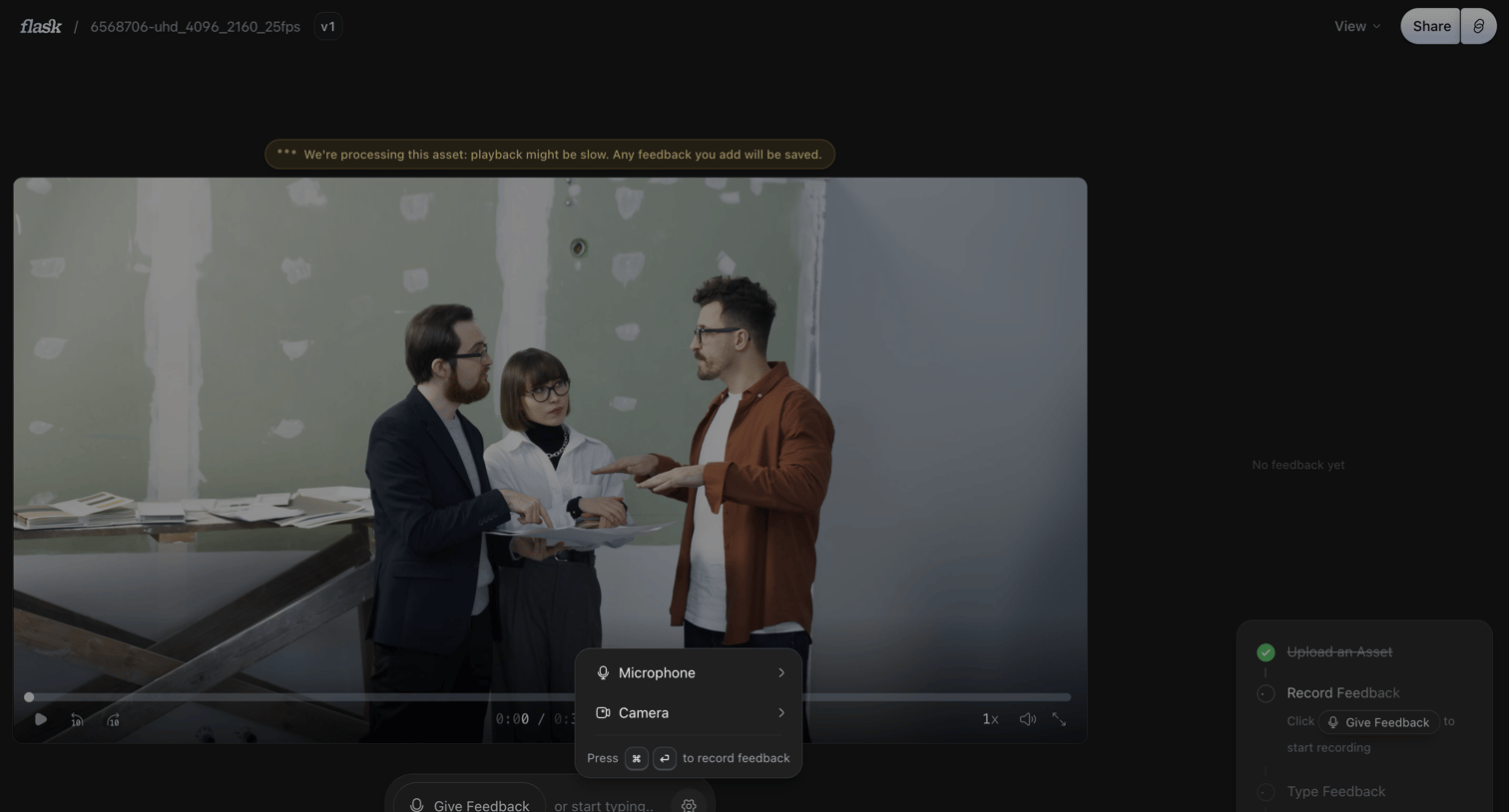

Detail page where a user reviews a video asset, featuring a floating composer to record or type feedback and a sidebar tracking onboarding progress.
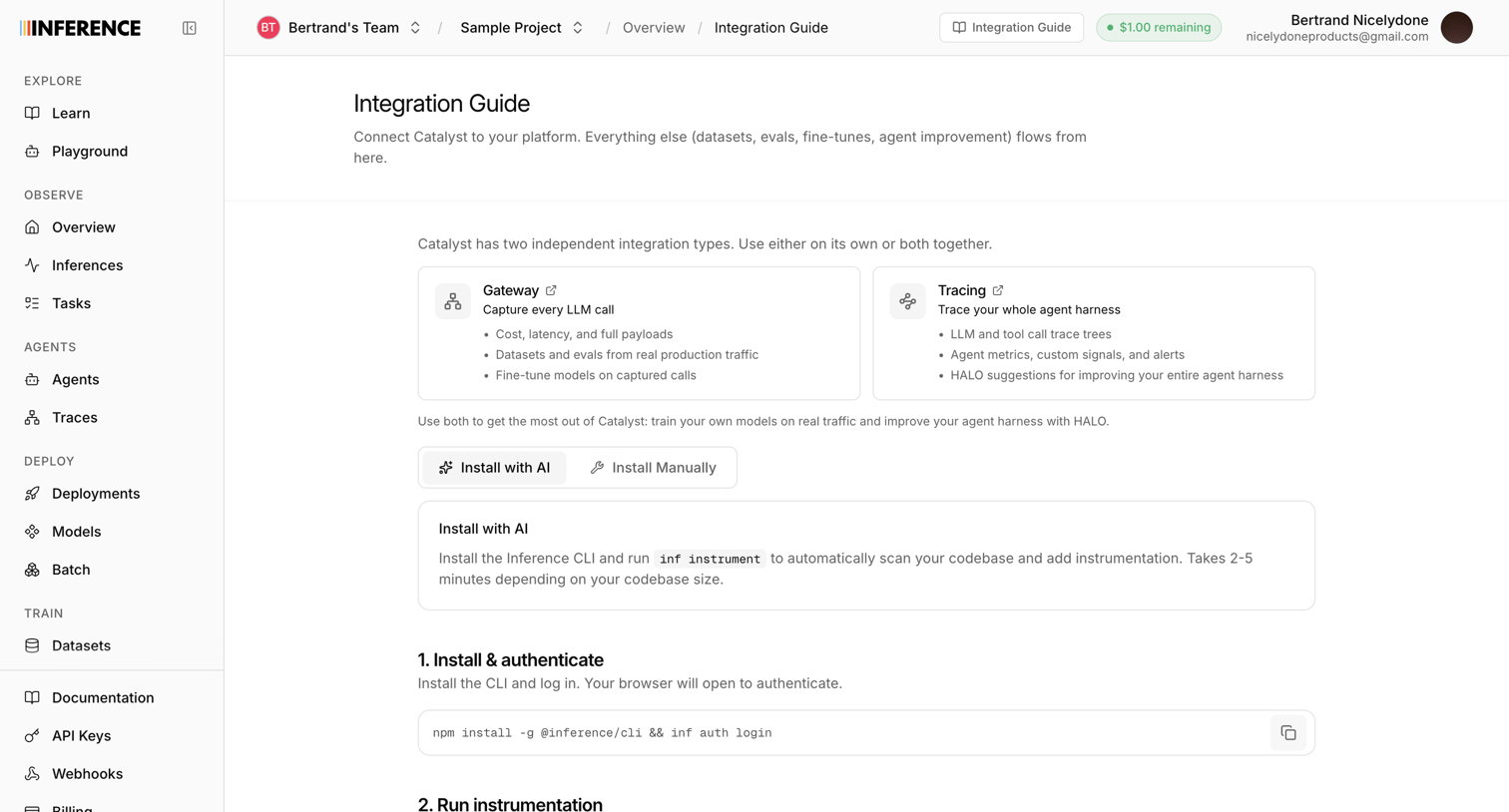

Integration guide where the user chooses between Gateway and Tracing integration types and follows steps to install and authenticate the CLI.
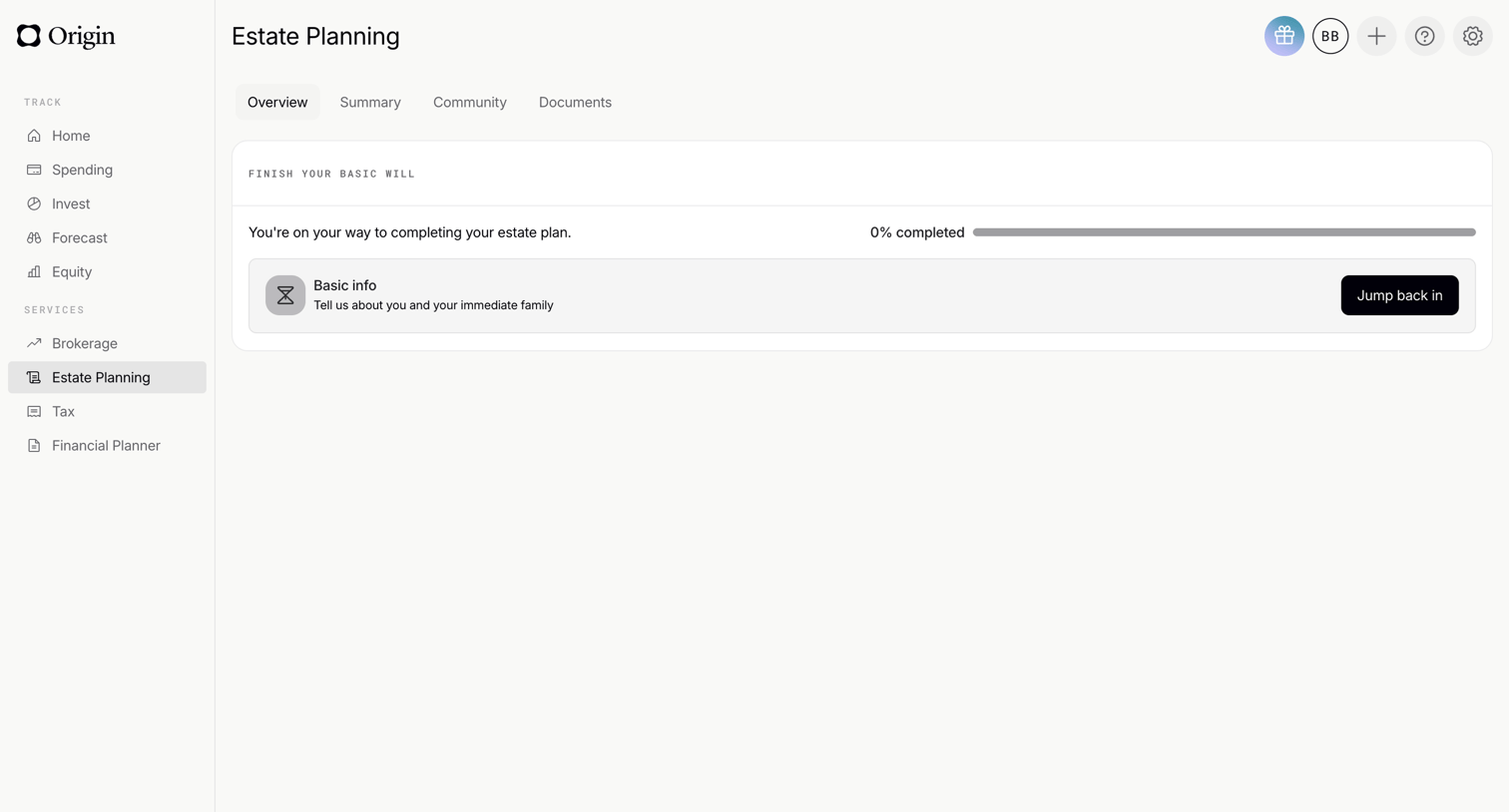

Dashboard overview where the user can track their progress and resume setting up their basic will.
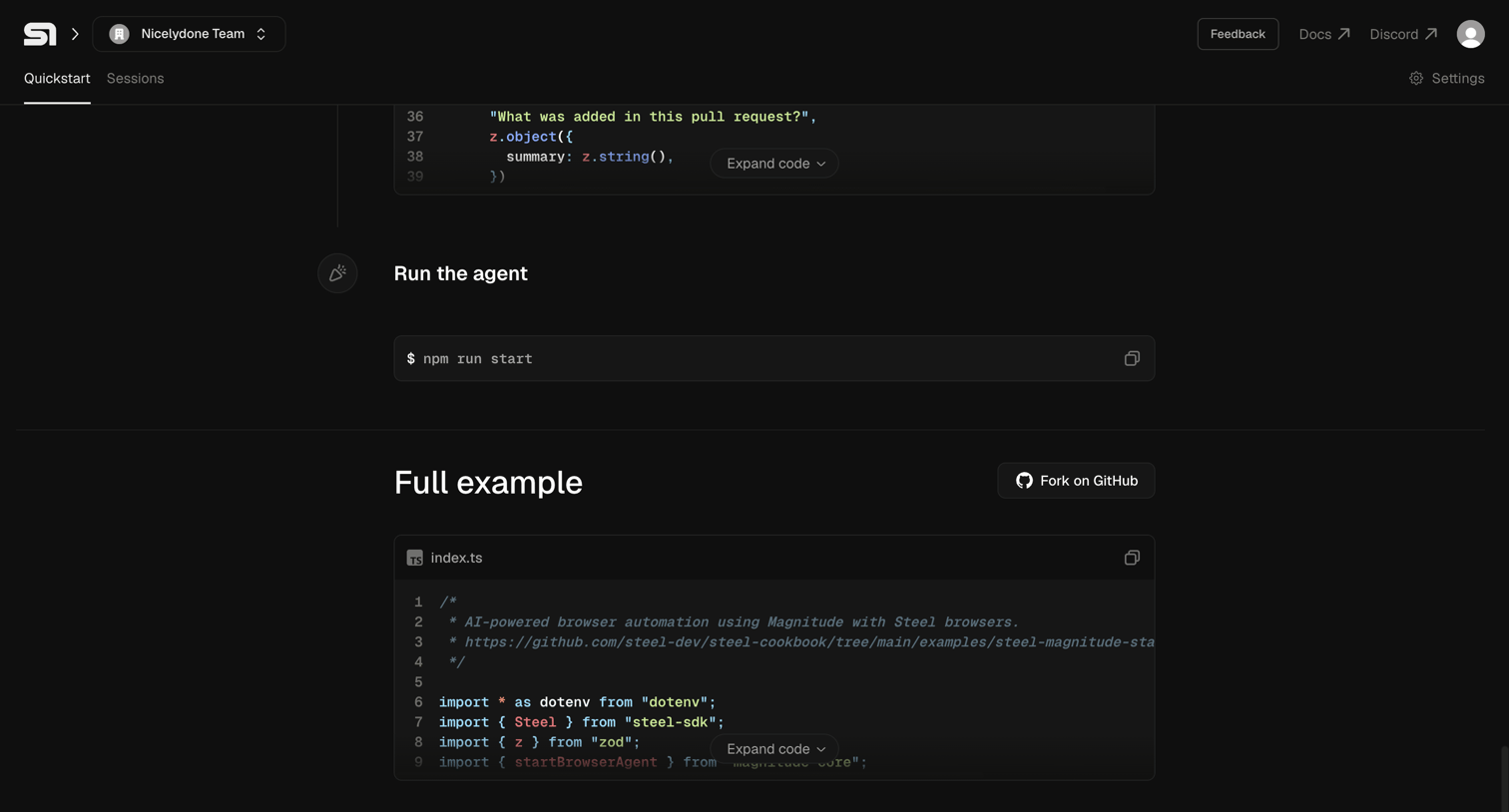

Onboarding page where the user follows a quickstart guide to run an agent, featuring inline code snippets and a GitHub fork option.
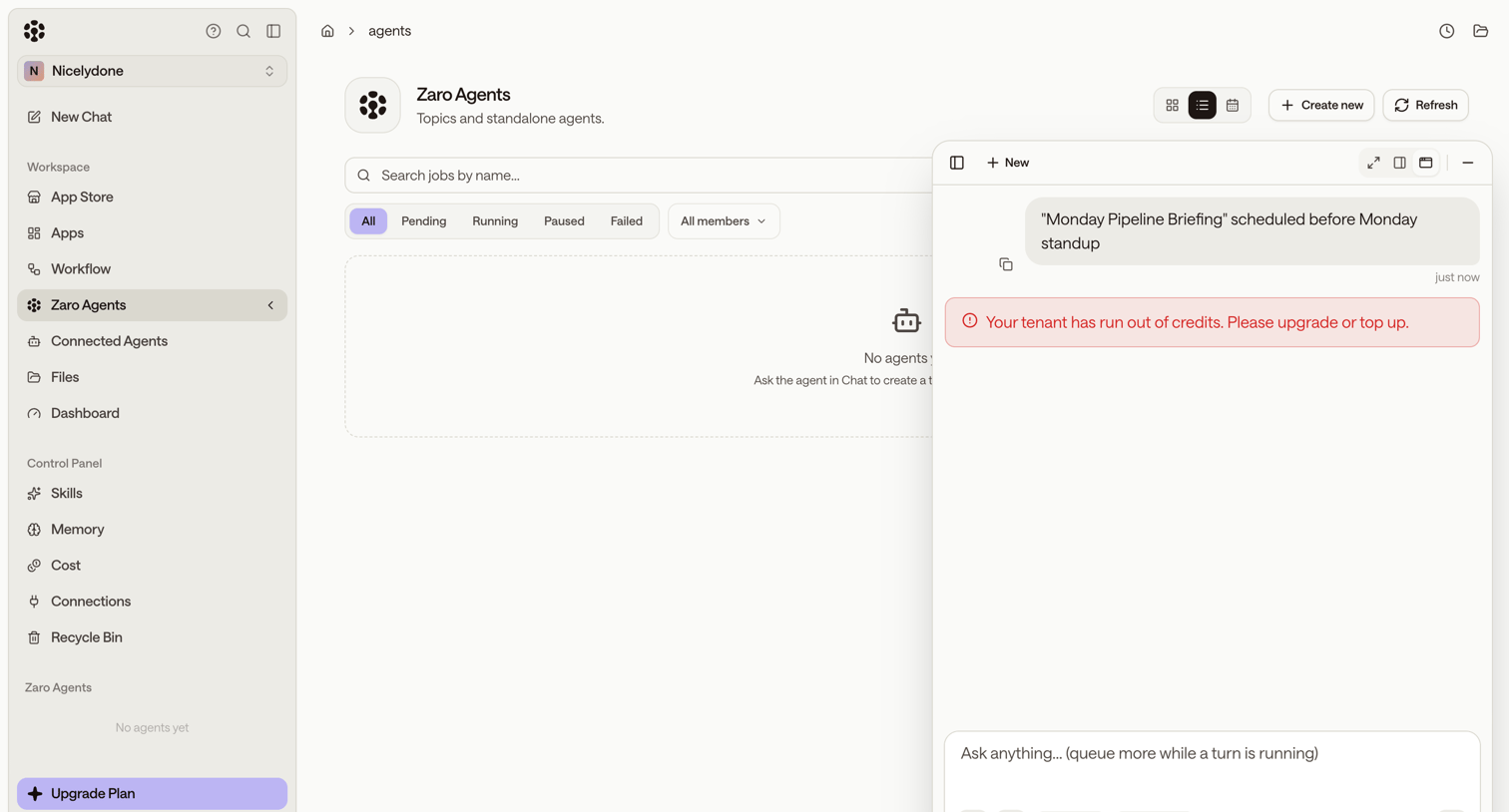

List view for managing AI agents, currently in an empty state, featuring a right-hand AI assistant panel displaying an out-of-credits error message.


Design editor where the user edits a video recording using a text-based transcript, a multi-track timeline, and an audio library.
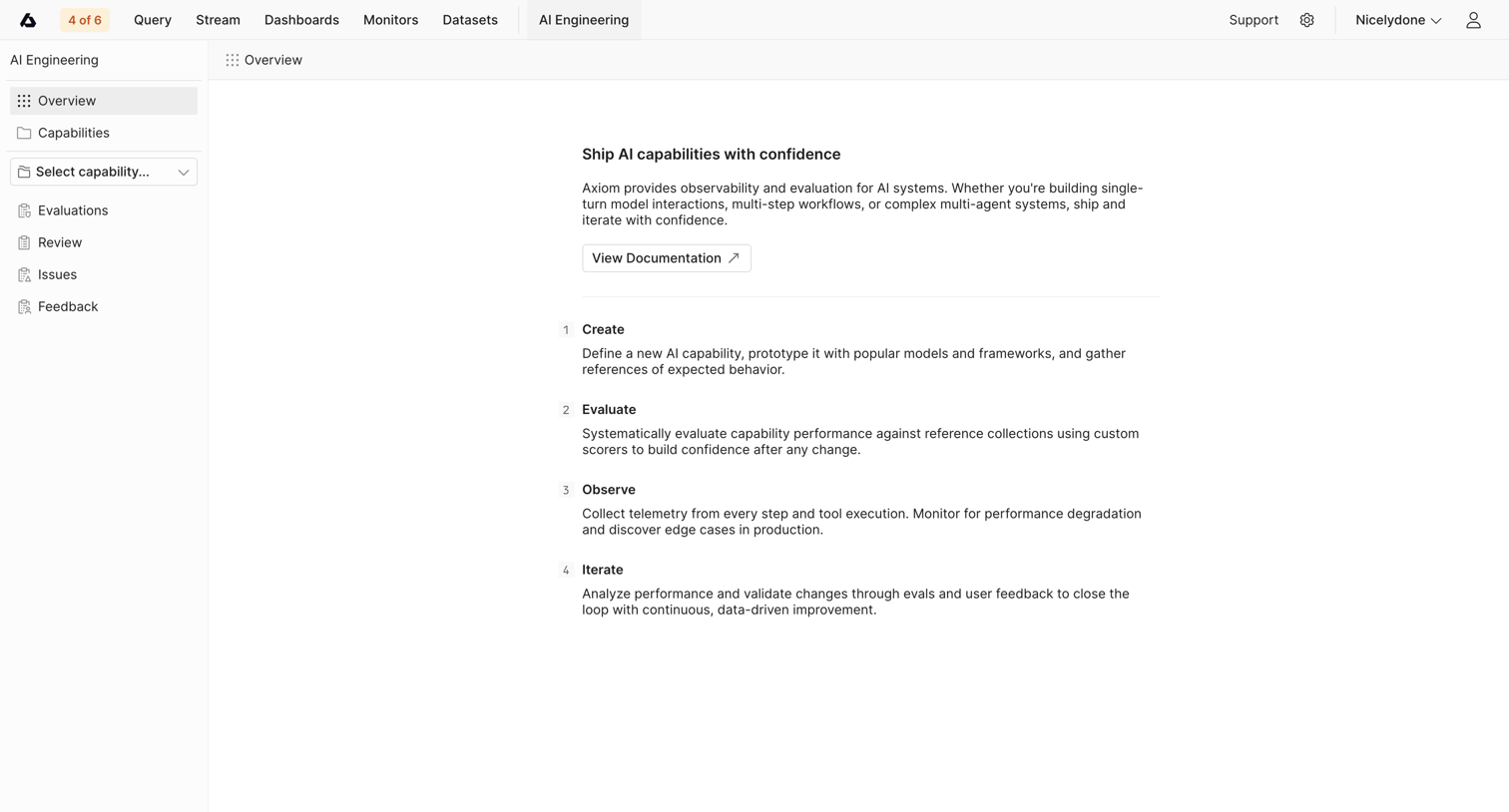

Dashboard empty state for the AI Engineering section, displaying a four-step conceptual guide and a link to documentation before any capabilities are created.
Explore the full SaaS screen library
Upgrade to unlock the full library.
Trusted by the best teams








About AI Assistant
See how apps make an AI assistant available alongside the main workspace. Explore how suggested tasks, input fields, and responses fit into the surrounding interface.