Design Editor screen examples
Design Editor screen design examples from SaaS apps. Explore how apps arrange tools around a visual design canvas. Look at how object selection, editing controls, and document structure remain available while…
Explore the examples
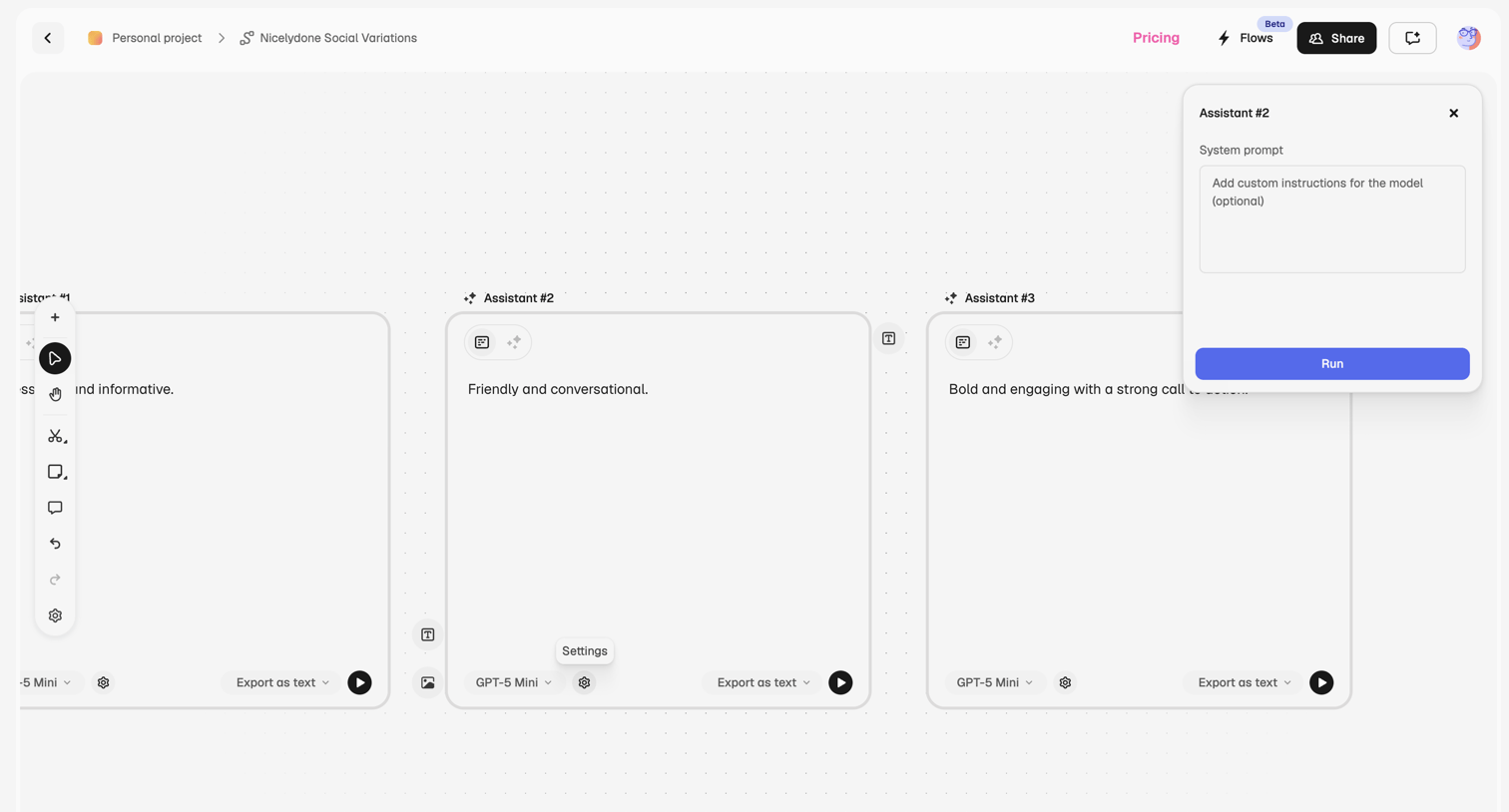

Design editor whiteboard where the user configures multiple AI assistants with different system prompts and models to generate text variations.
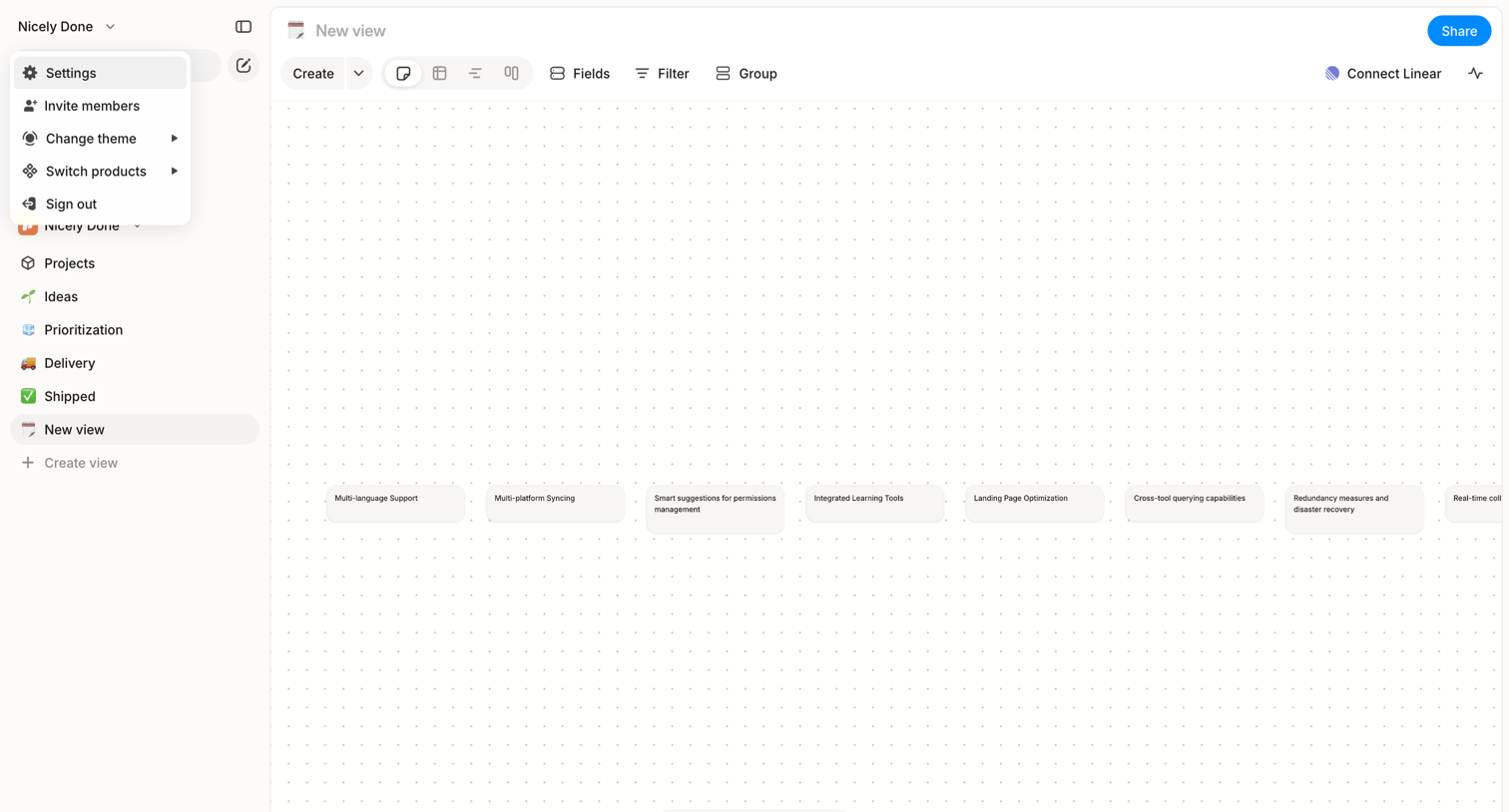

Whiteboard editor where the user organizes text cards on a dotted canvas, featuring a left sidebar for navigation and a floating bottom tool palette.
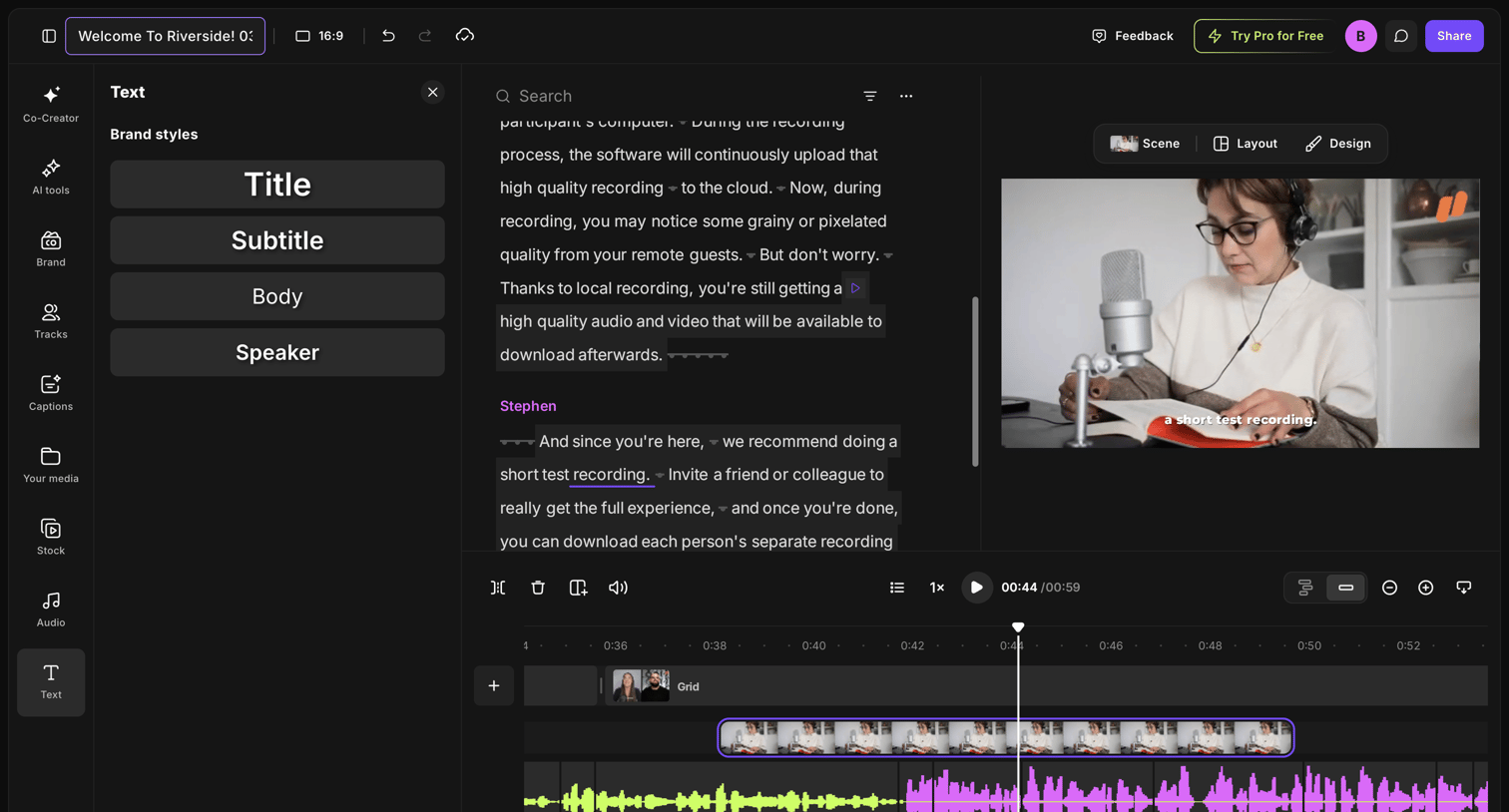

Design editor where the user edits a video recording by modifying its text transcript, applying brand styles, and adjusting the audio timeline.
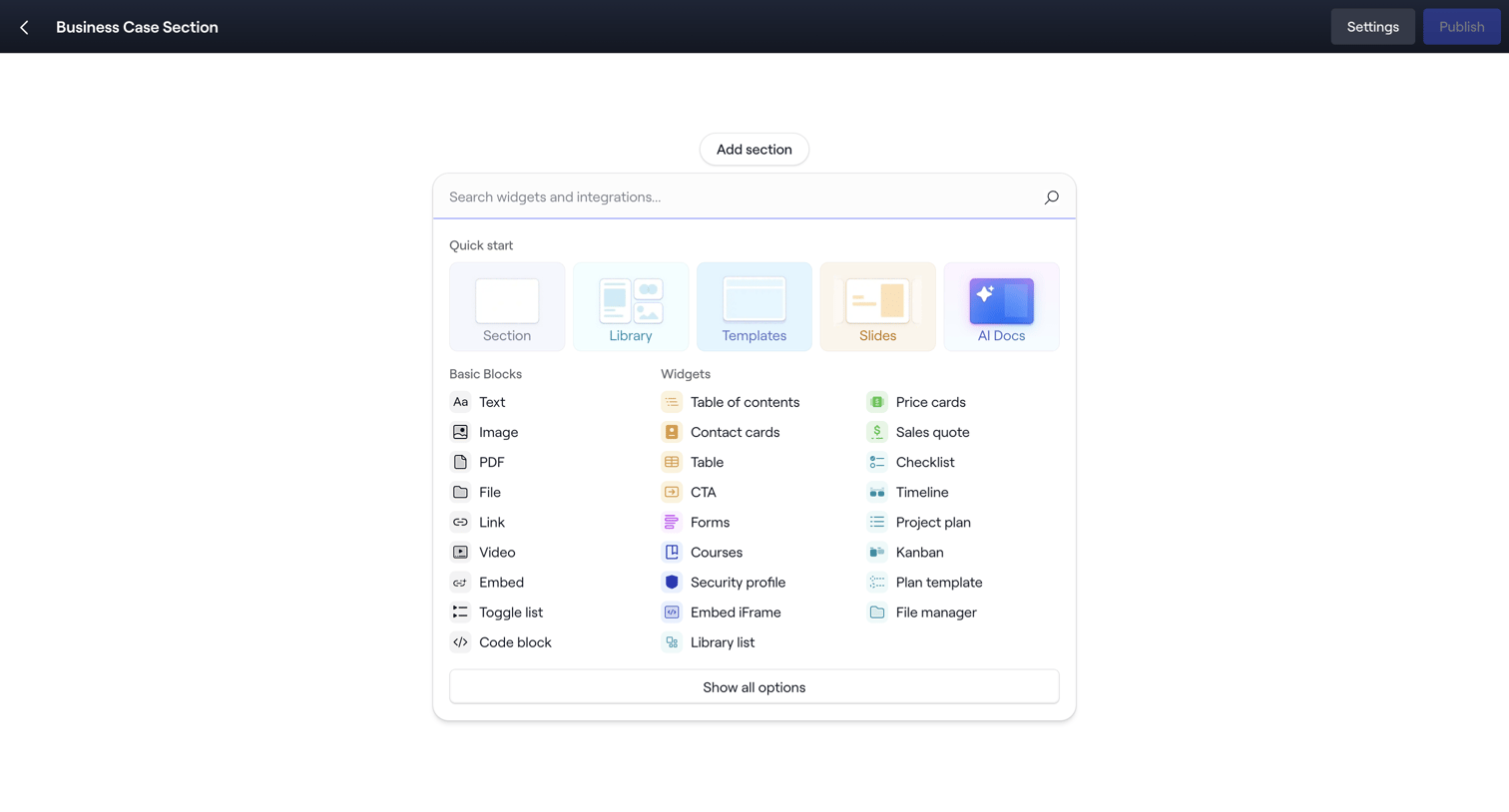

Page builder canvas where the user searches and selects from a menu of basic blocks and widgets like text, images, and price cards to add a new section.
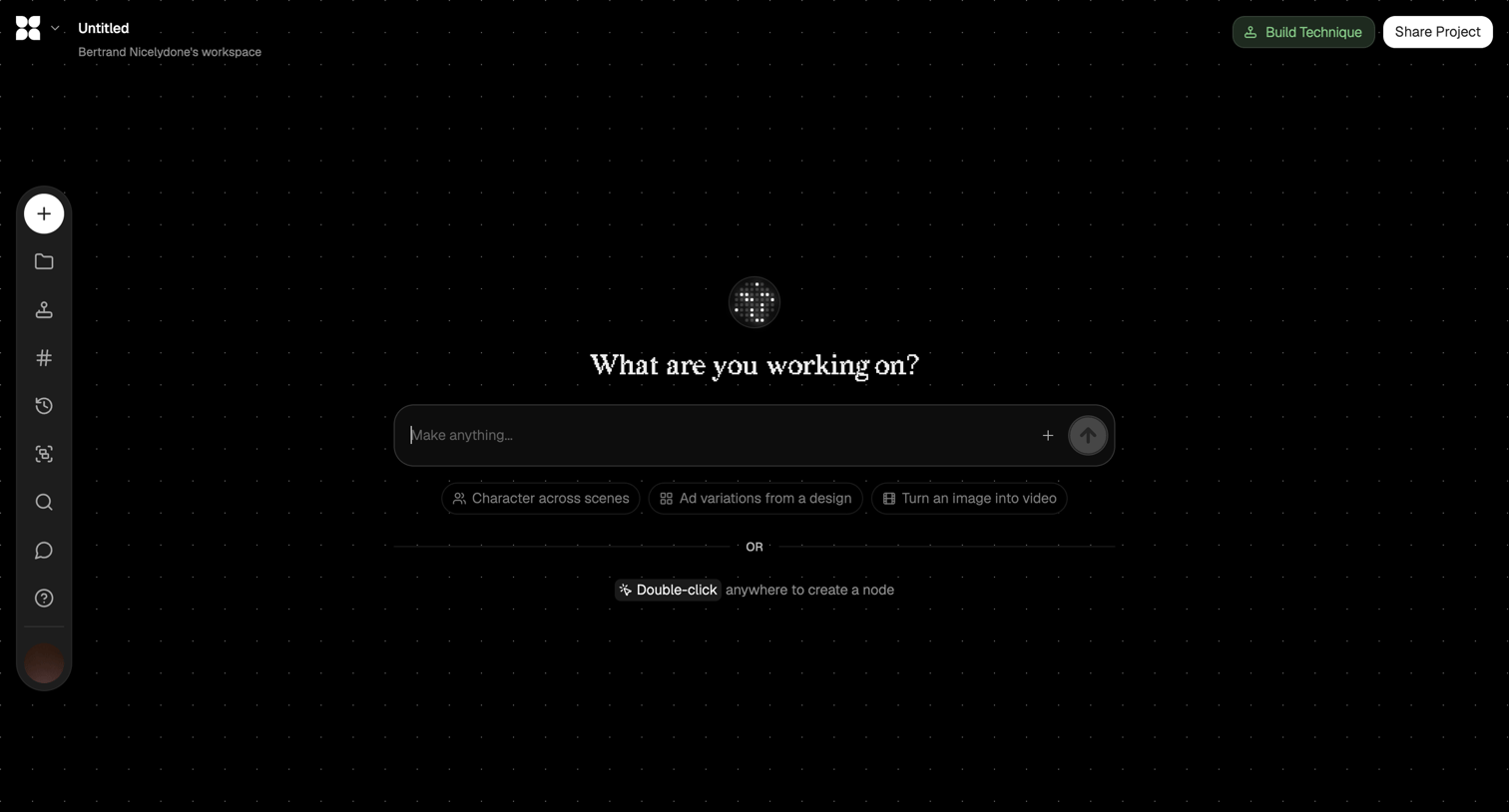

Design editor canvas where the user can start generating content via an AI prompt or by double-clicking to create nodes.
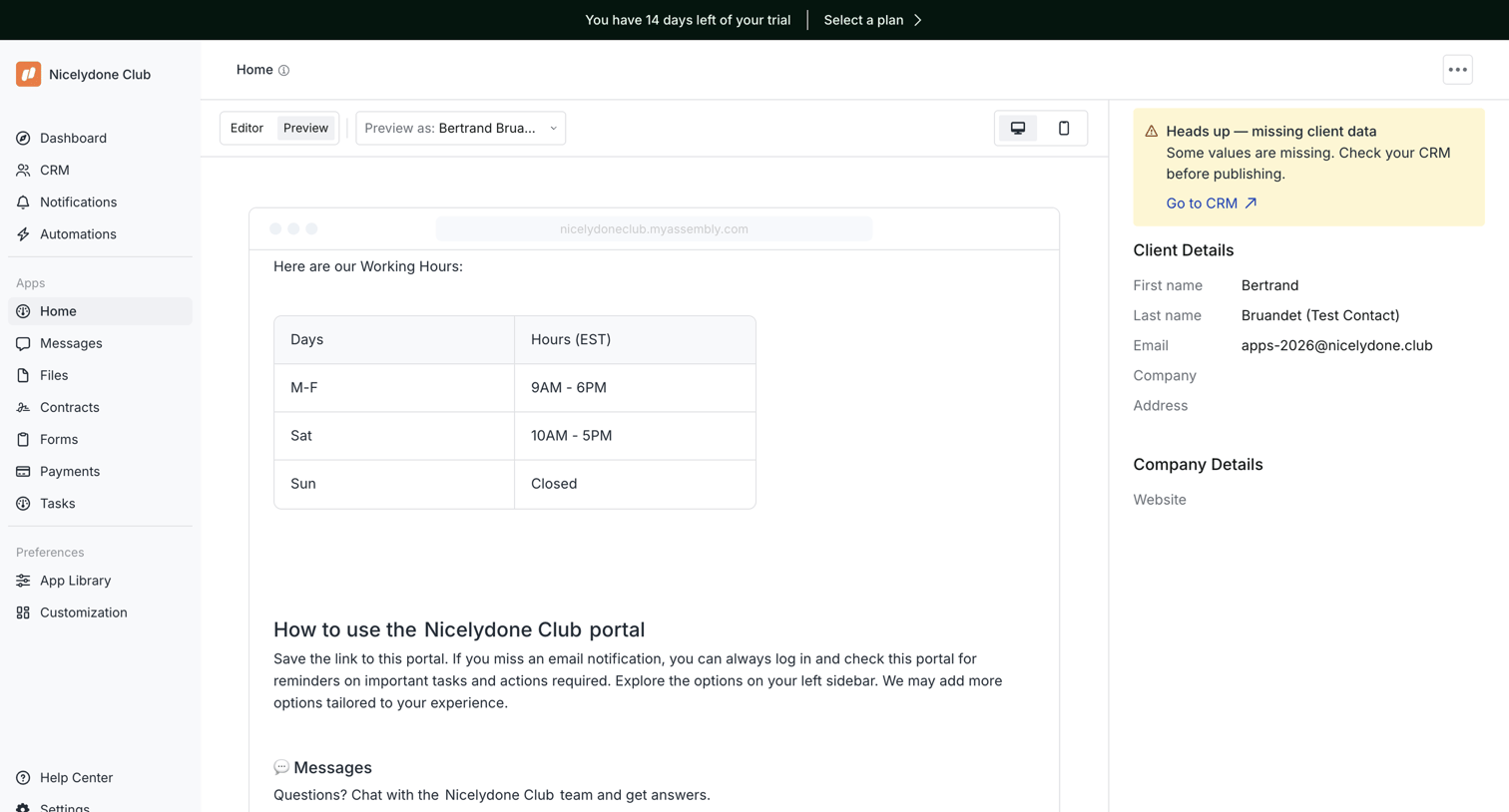

Design editor where the user previews a client portal home page, switches between desktop and mobile views, and reviews missing CRM data in the inspector panel.
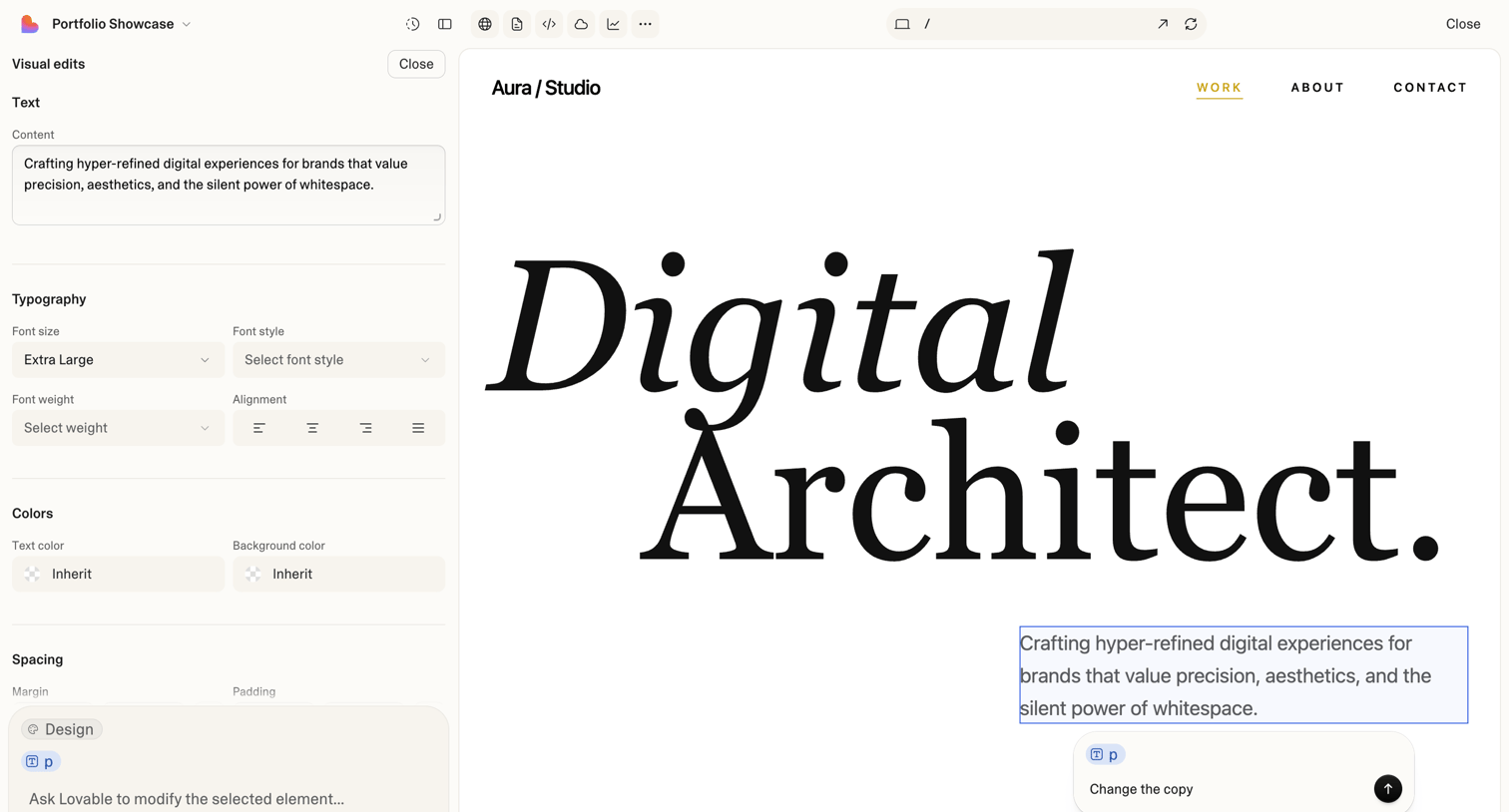

Design editor where the user modifies text, typography, colors, and spacing of a selected element on a web page canvas, with an AI prompt input for further modifications.
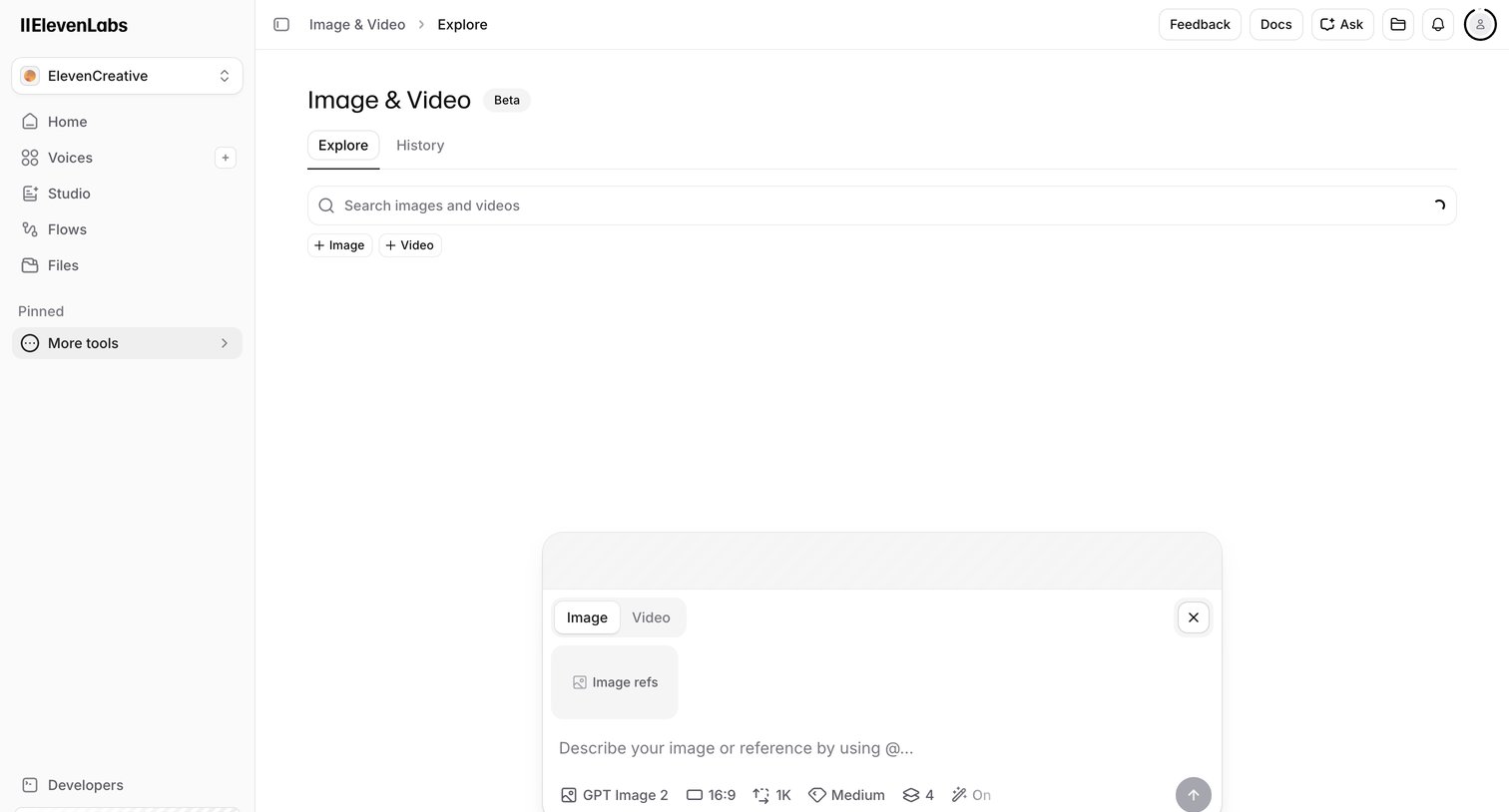

AI generation page where the user can create images or videos by entering a text prompt and configuring model settings.

Design editor where a mobile demo is currently saving and adding a new swipe step, showing multiple loading indicators.
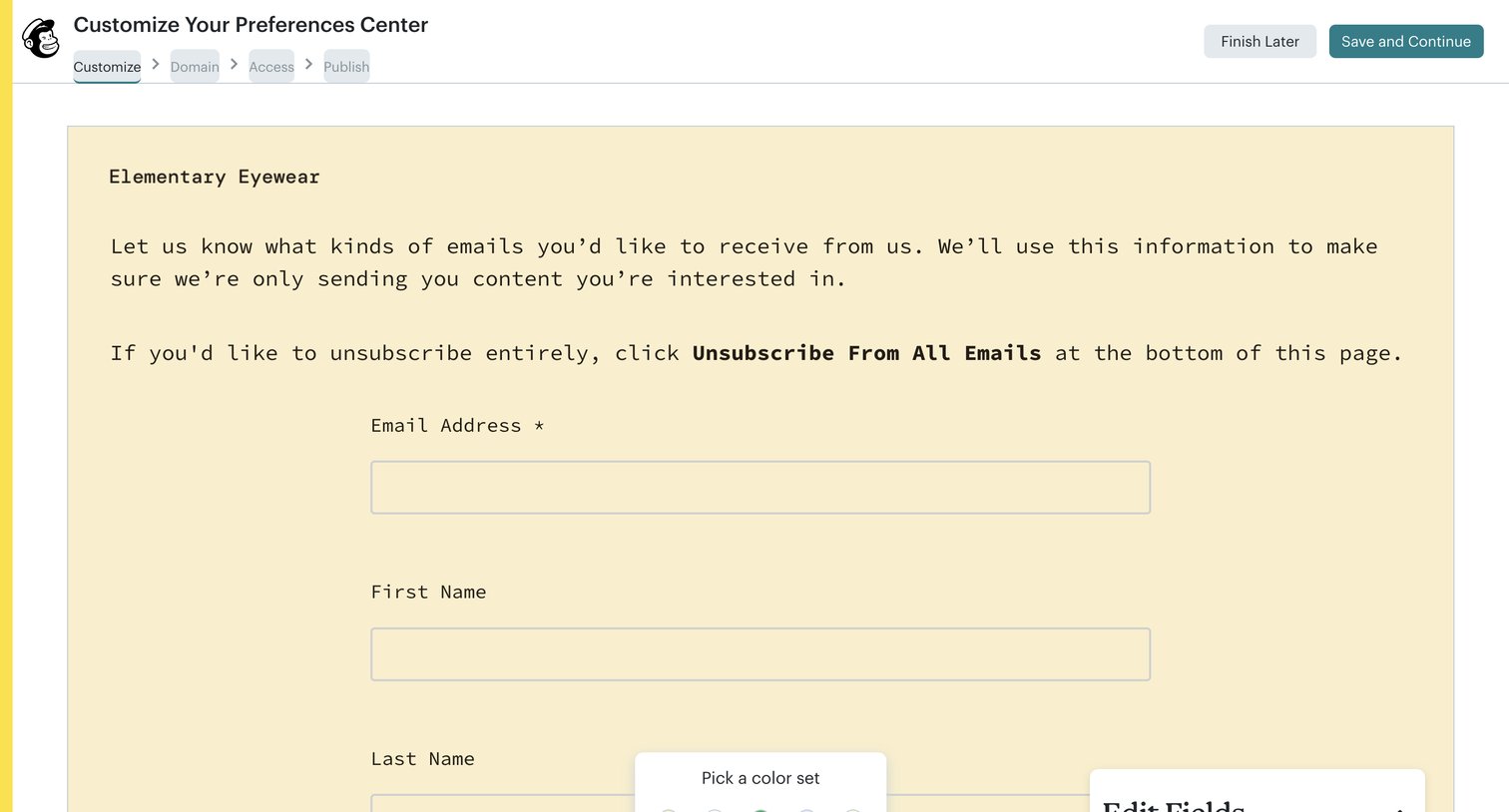

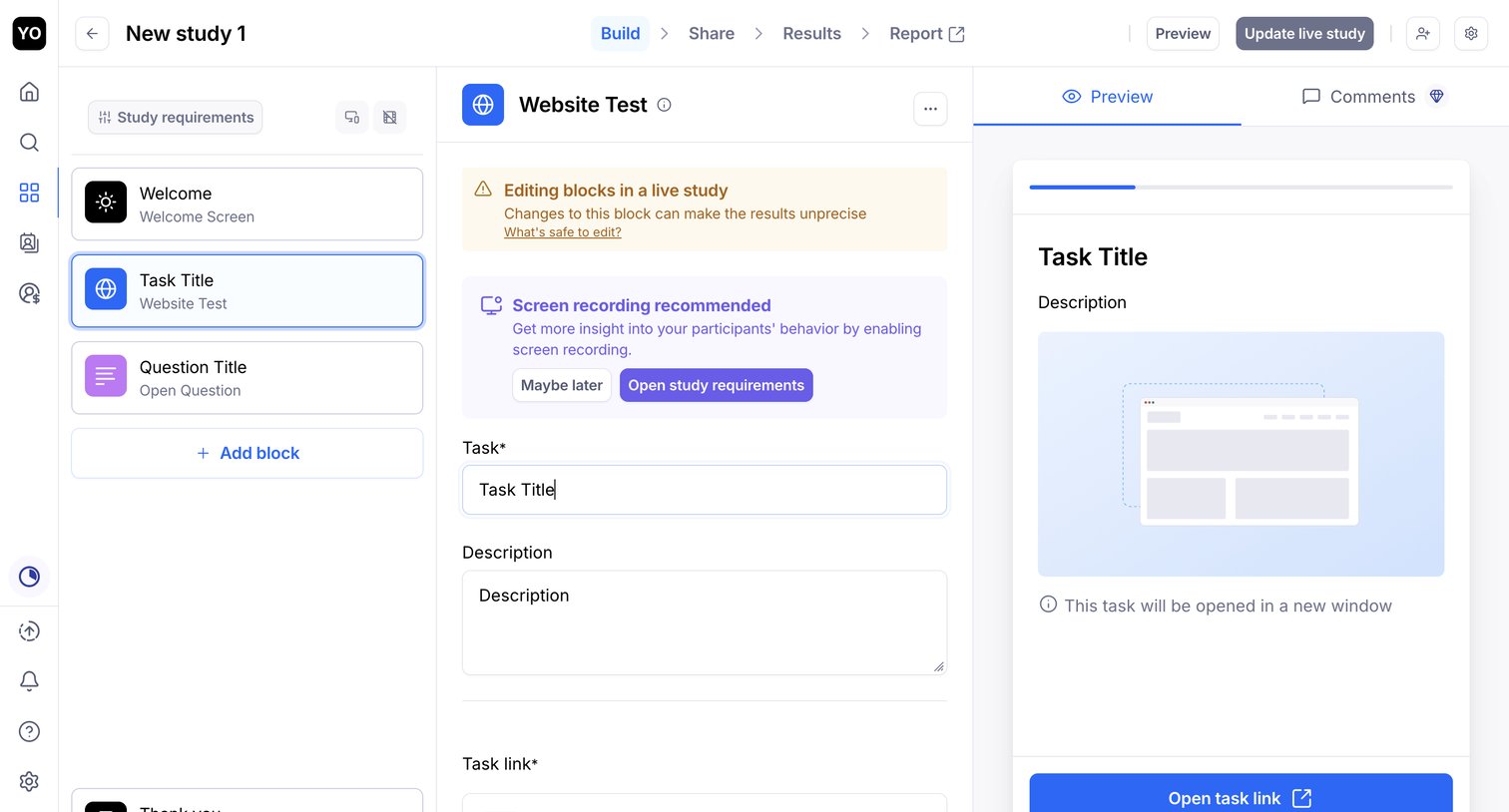

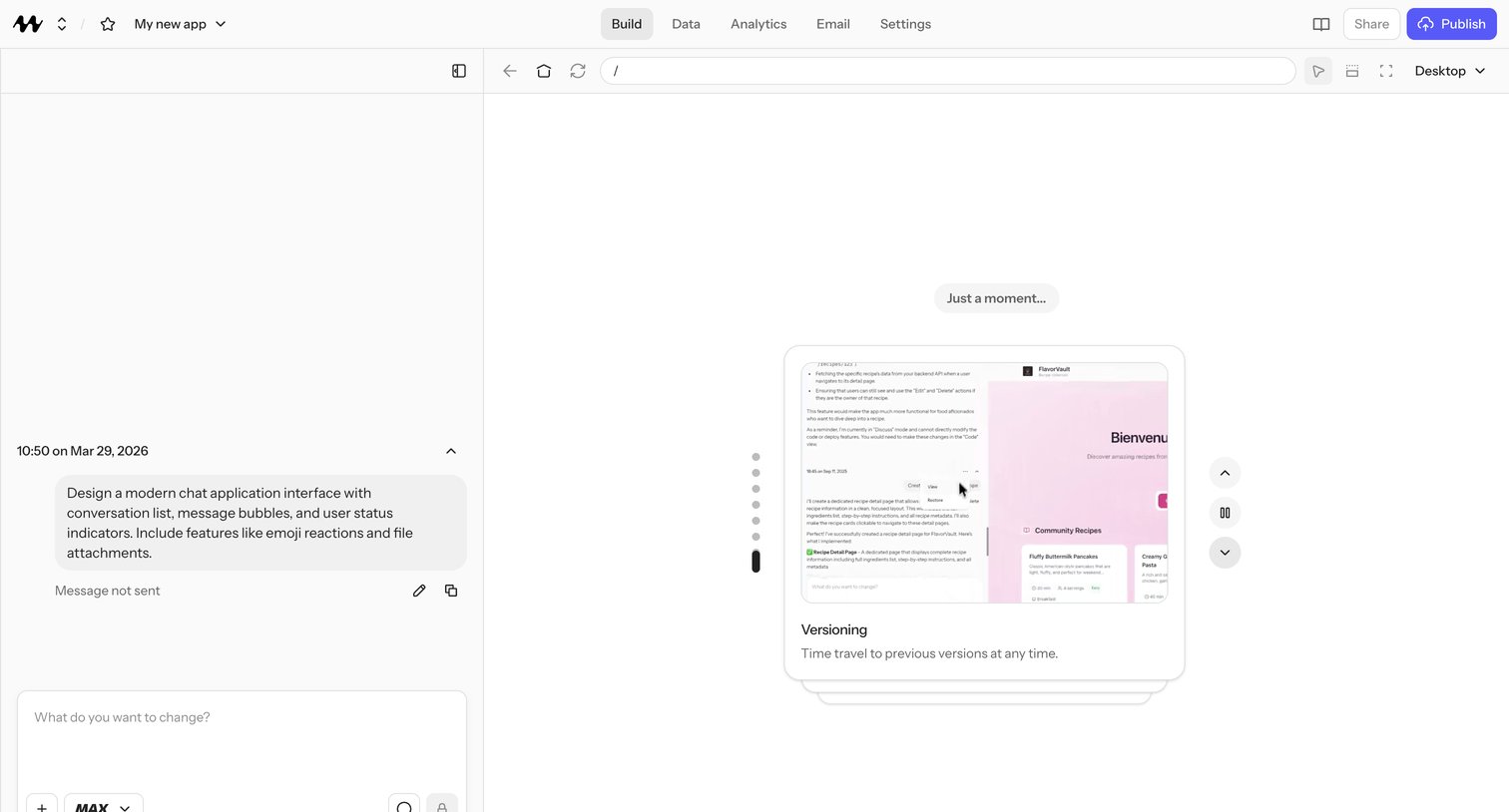

AI app builder canvas in a loading state where the user's prompt to design a chat application is being generated, with a feature-highlight card explaining versioning time-travel while they wait.
Explore the full SaaS screen library
Upgrade to unlock the full library.
Trusted by the best teams








About Design Editor
Explore how apps arrange tools around a visual design canvas. Look at how object selection, editing controls, and document structure remain available while the design takes center stage.