Skip to content
Navattic logo

Navattic design examples

Explore Navattic UI design examples. Make buying easier with demos

Product screens

Login from Navattic
Navattic logo
Navattic

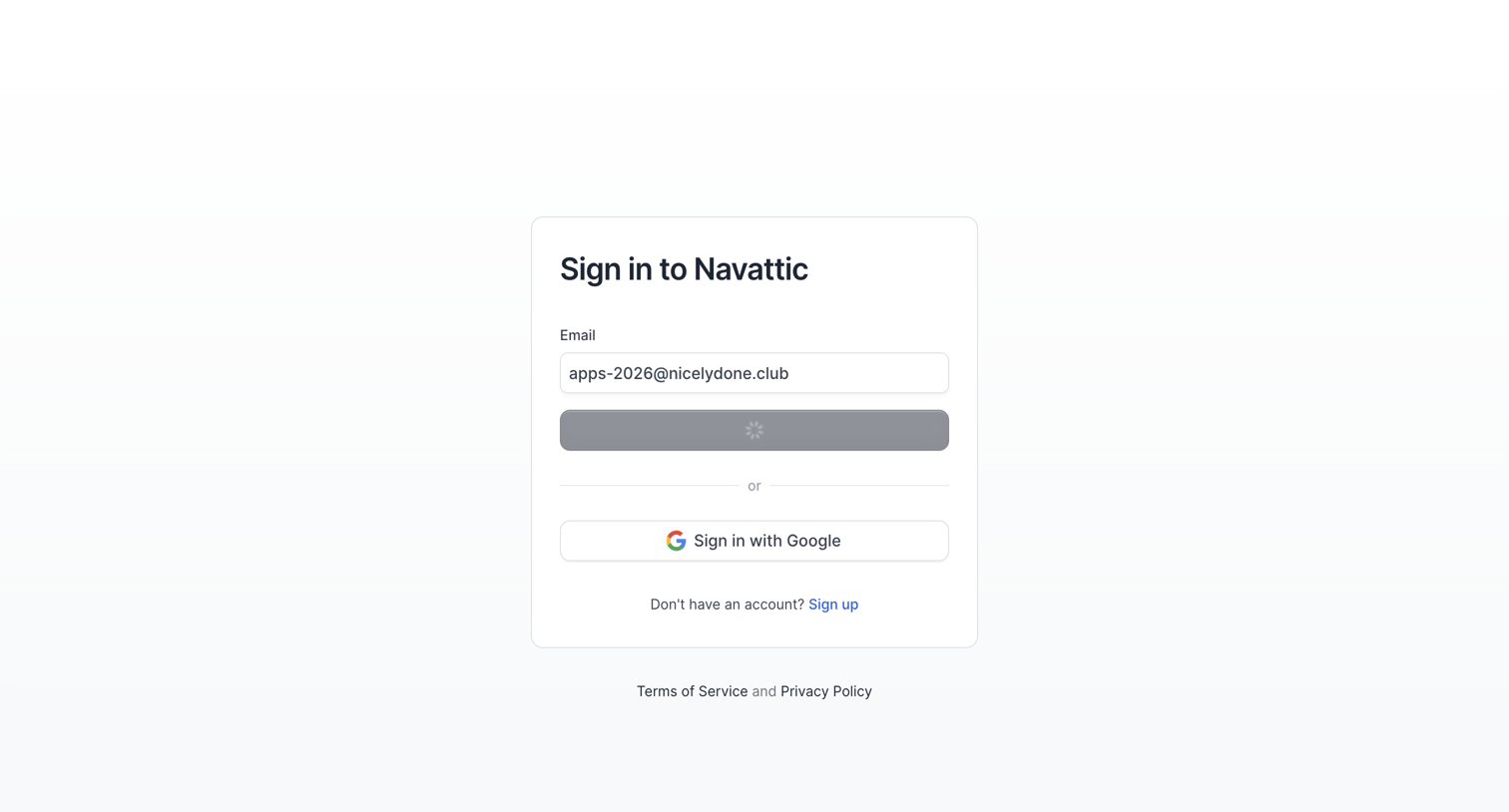
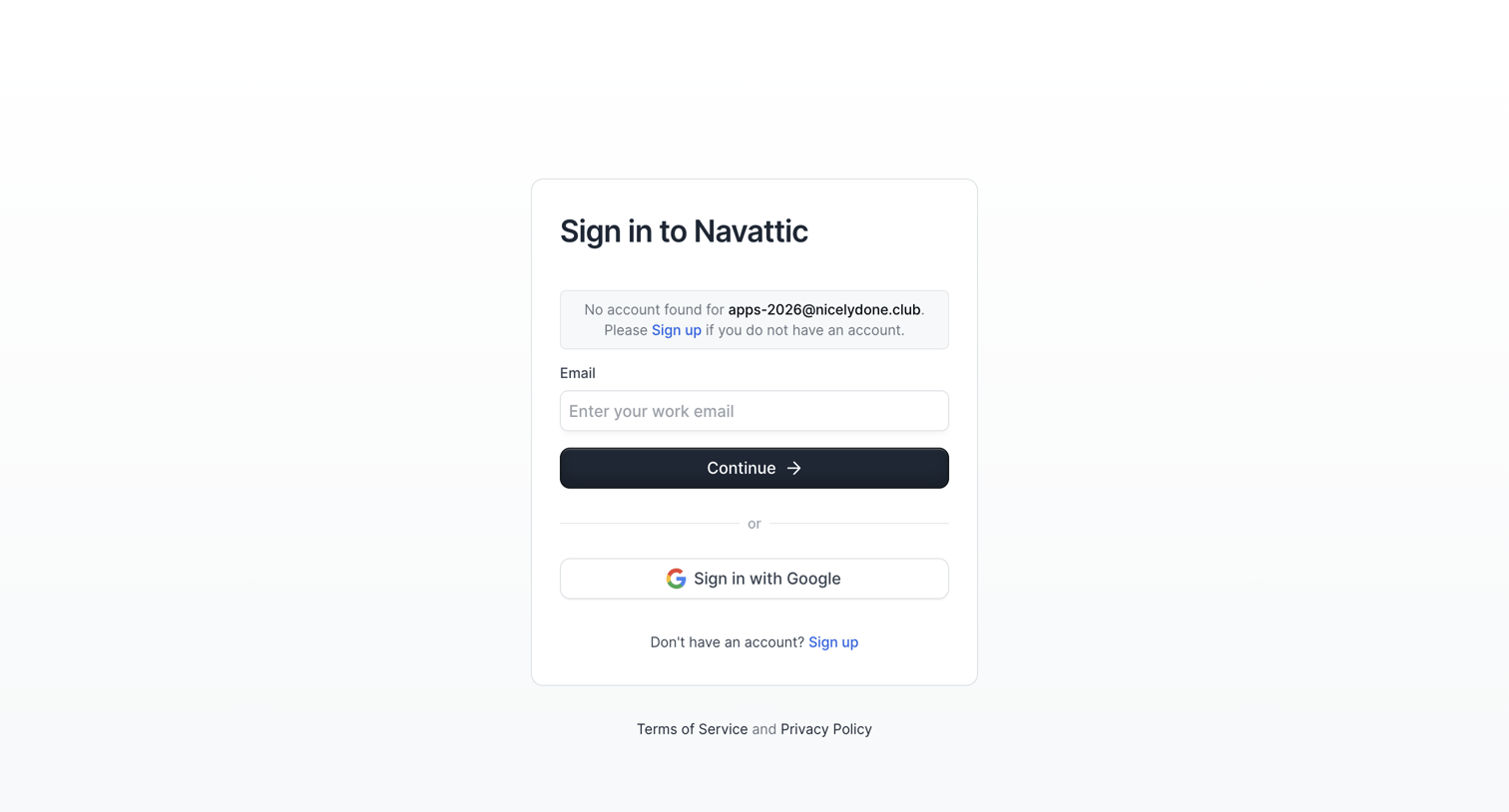
Sign-in screen where the user is prompted to correct an invalid email address via a toast notification, with an alternative option to authenticate via Google.

Navattic from Navattic
Navattic logo
Navattic

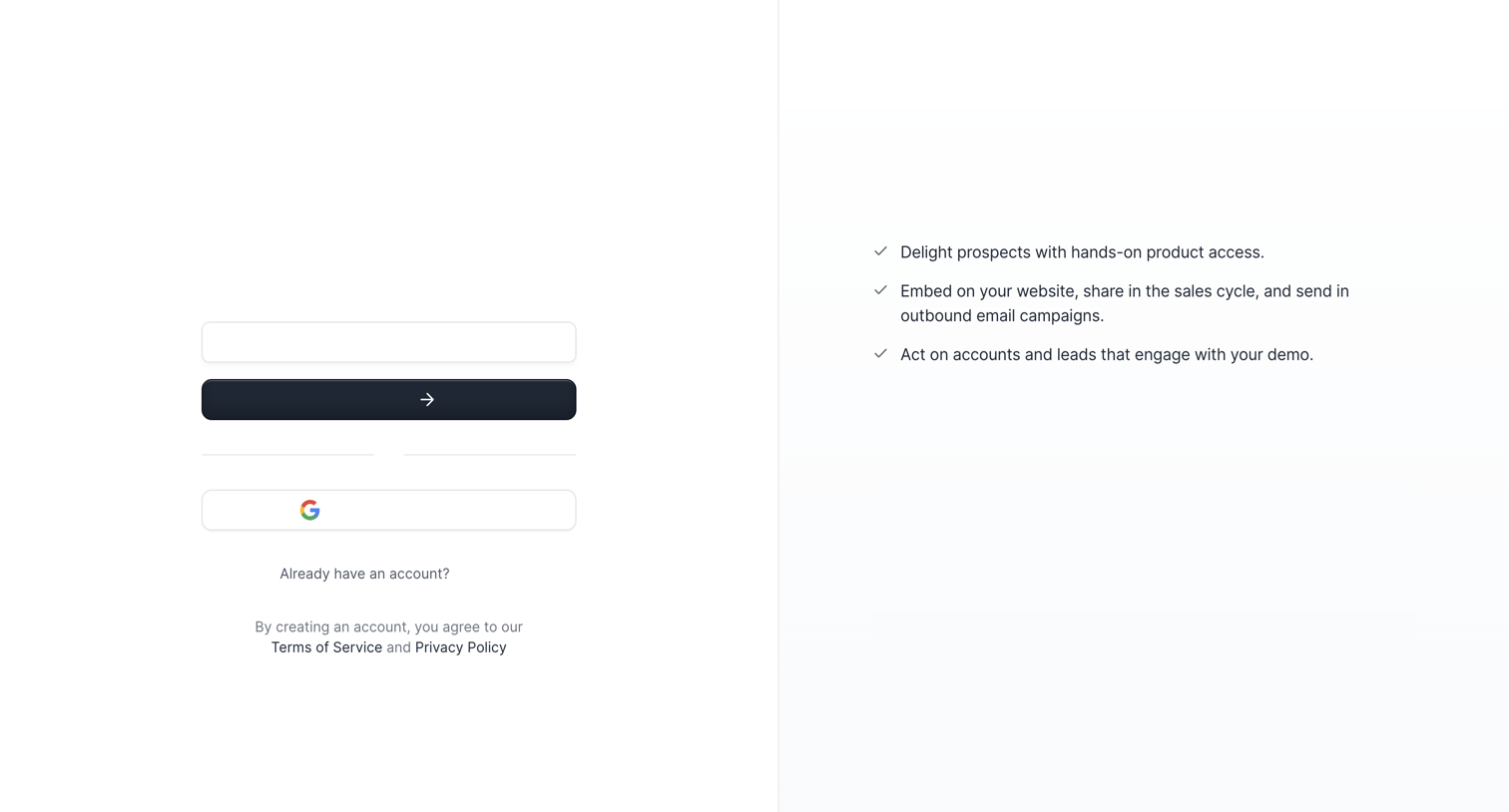
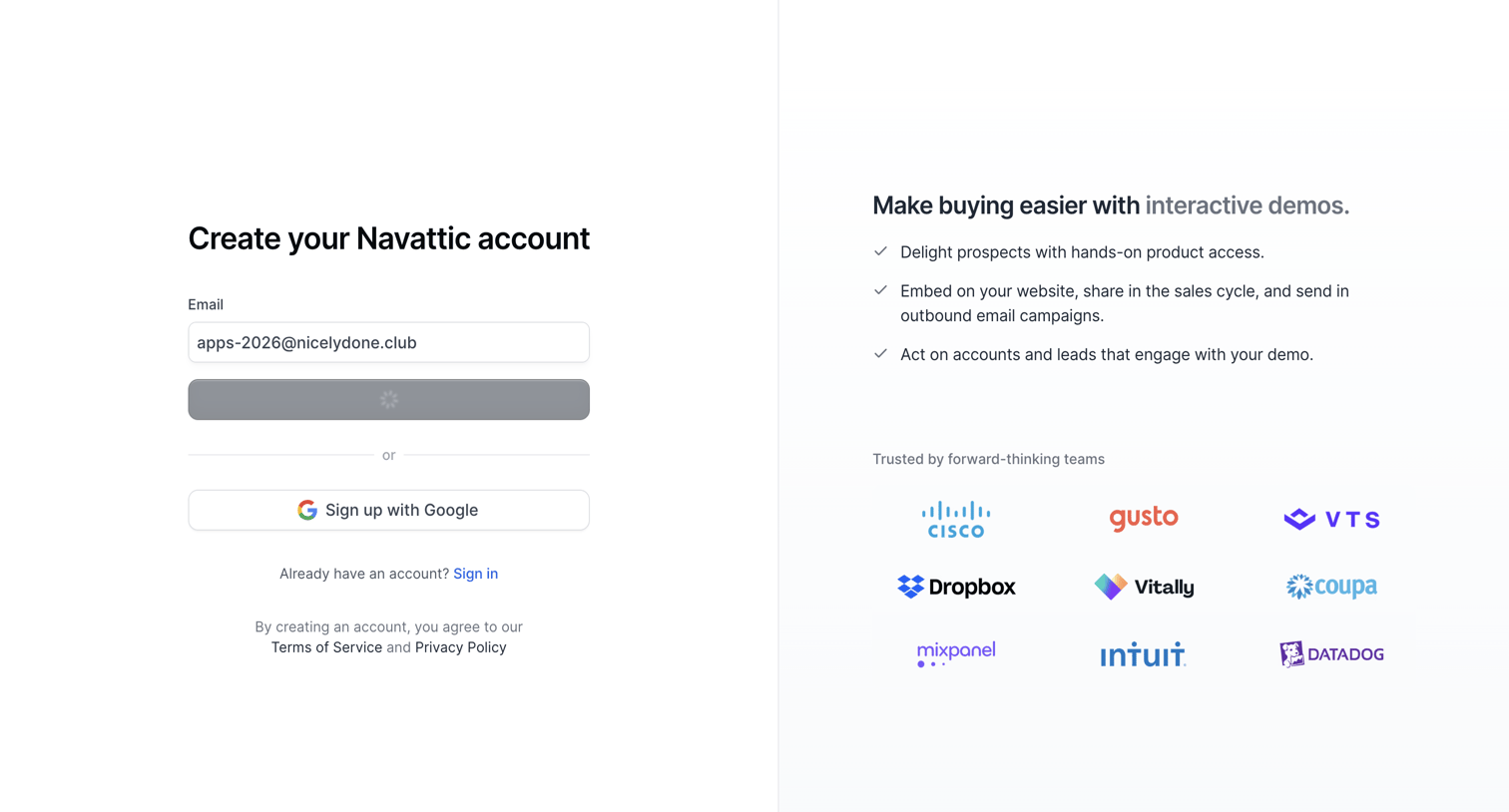
Signup screen where the user can create an account using an email address or Google SSO, accompanied by a list of product value propositions.

Navattic from Navattic
Navattic logo
Navattic

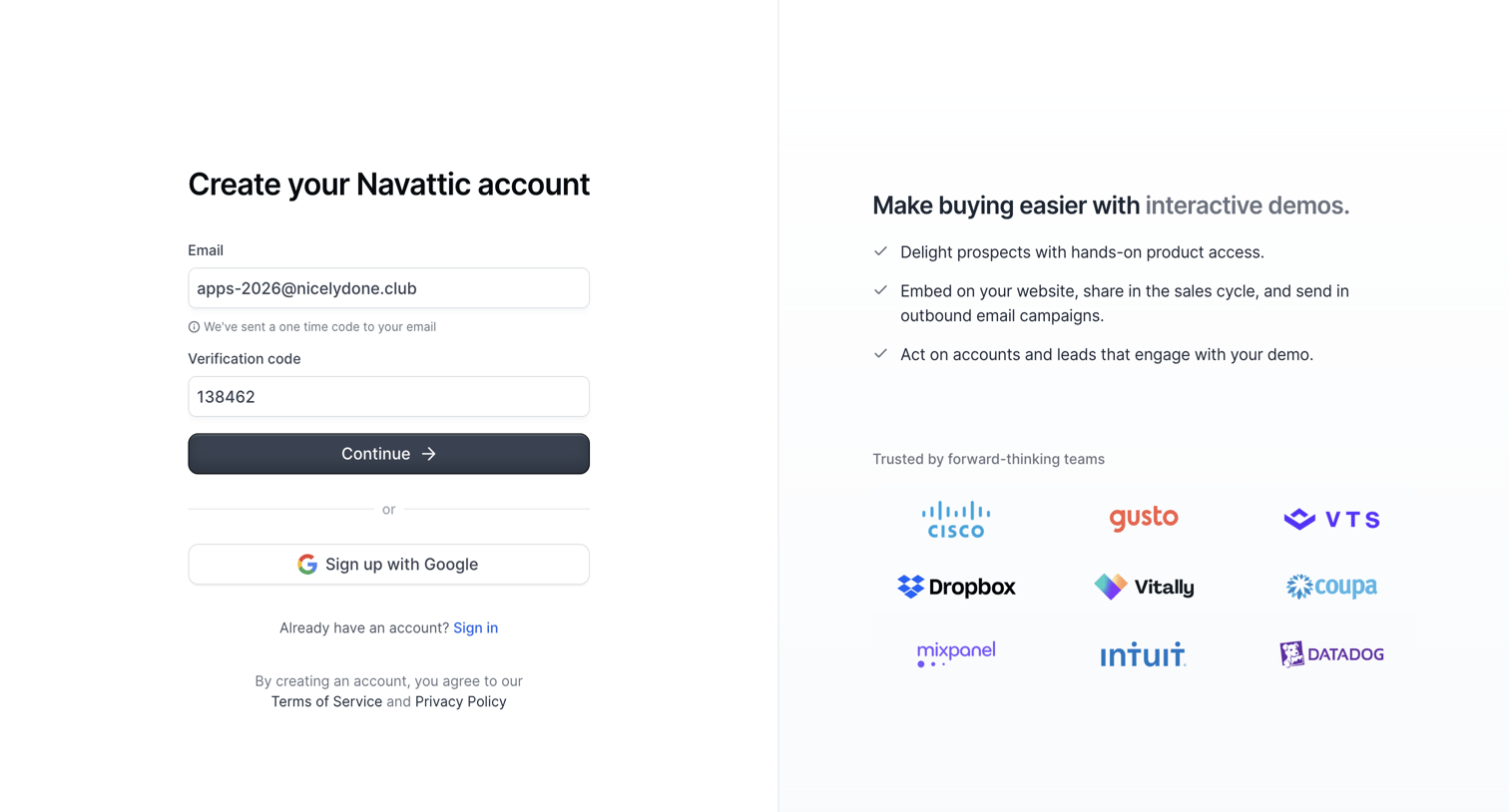
Signup page where the user enters a one-time verification code sent to their email to create an account, alongside a value proposition and logo wall.
Onboarding from Navattic
Navattic logo
Navattic

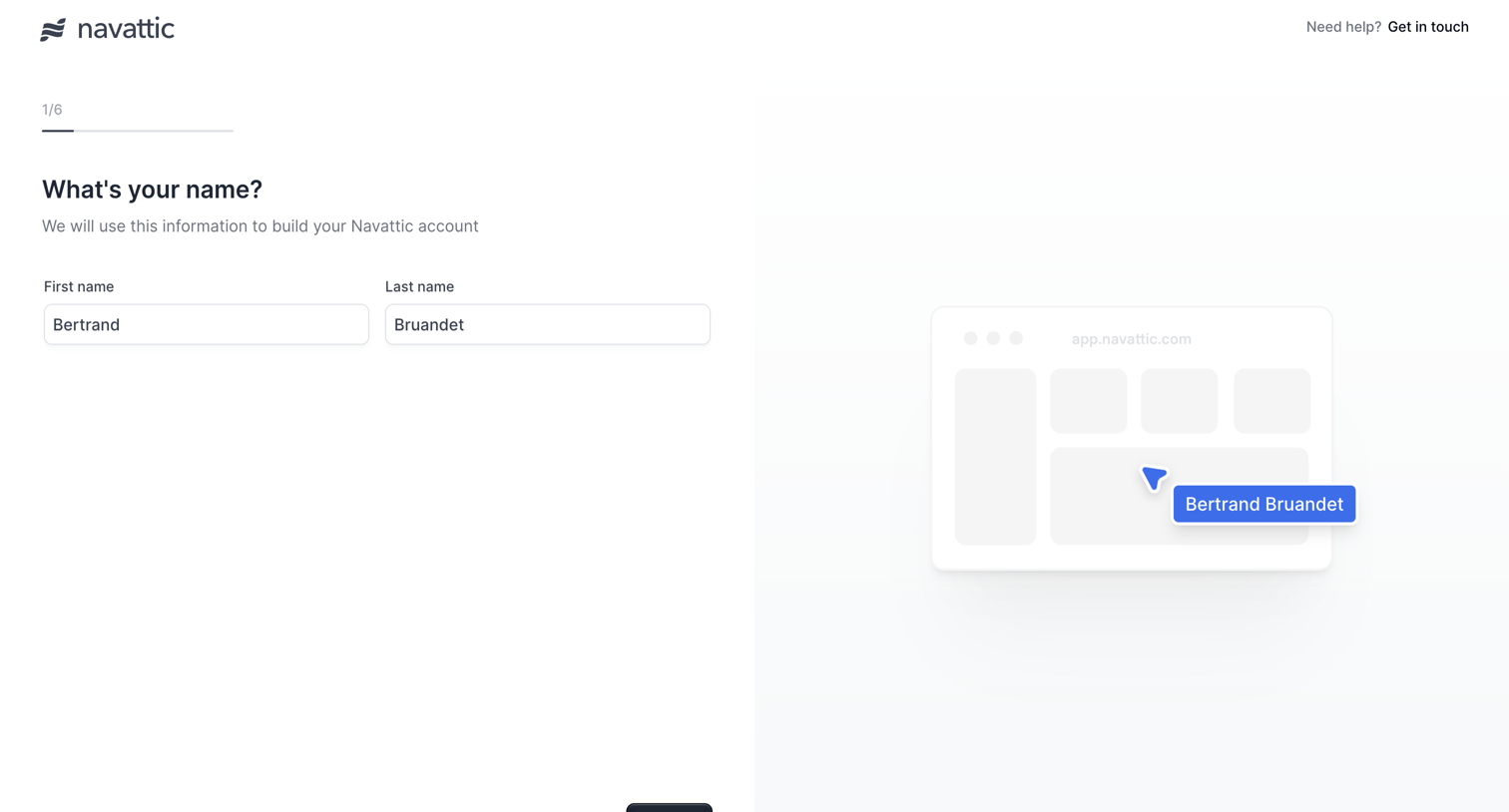
Onboarding step where the user enters their first and last name, accompanied by a dynamic preview showing how their name will appear in the product interface.
Onboarding from Navattic
Navattic logo
Navattic

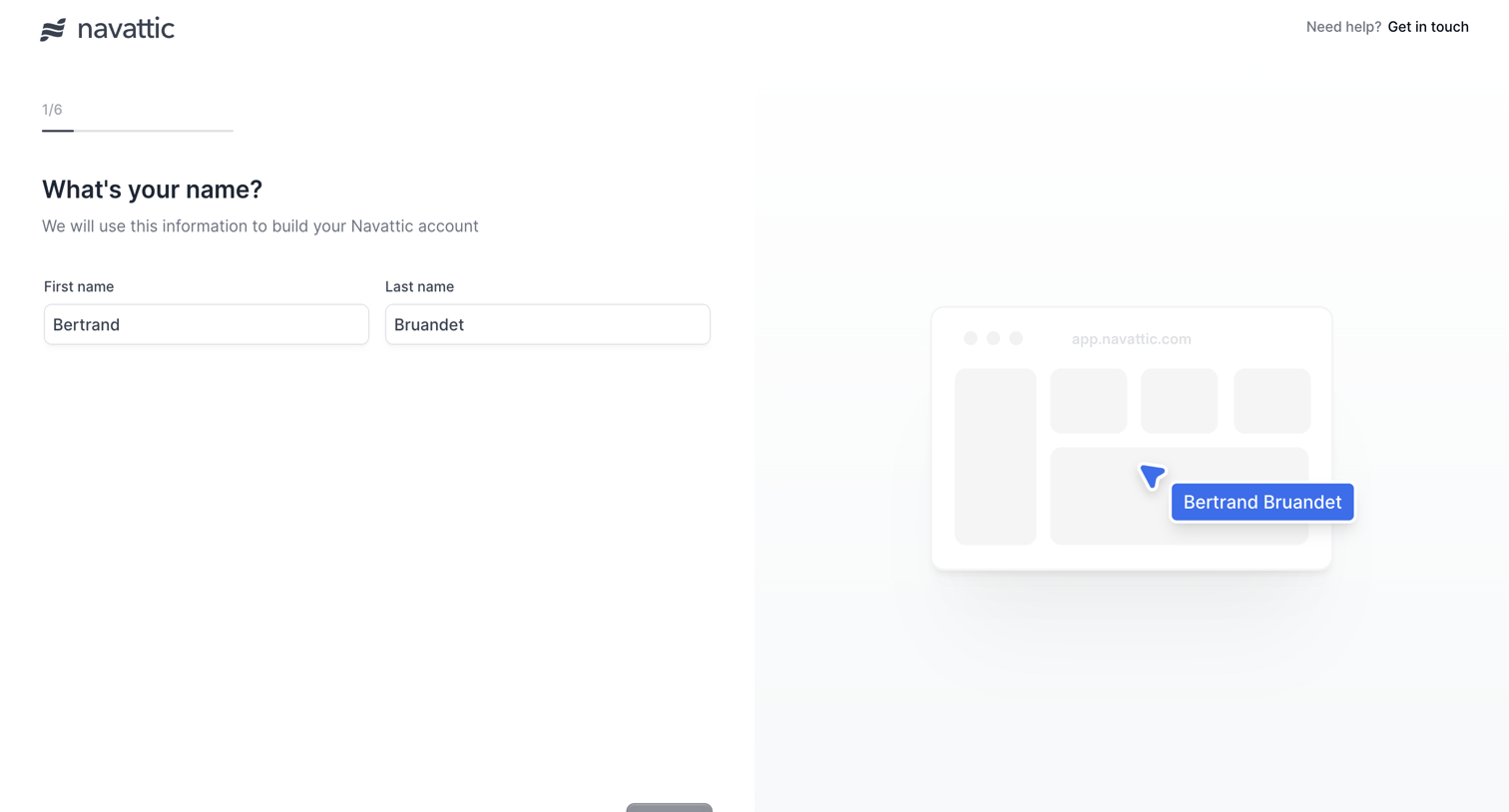
Onboarding step where the user enters their first and last name to build their account, accompanied by a live preview reflecting their input.
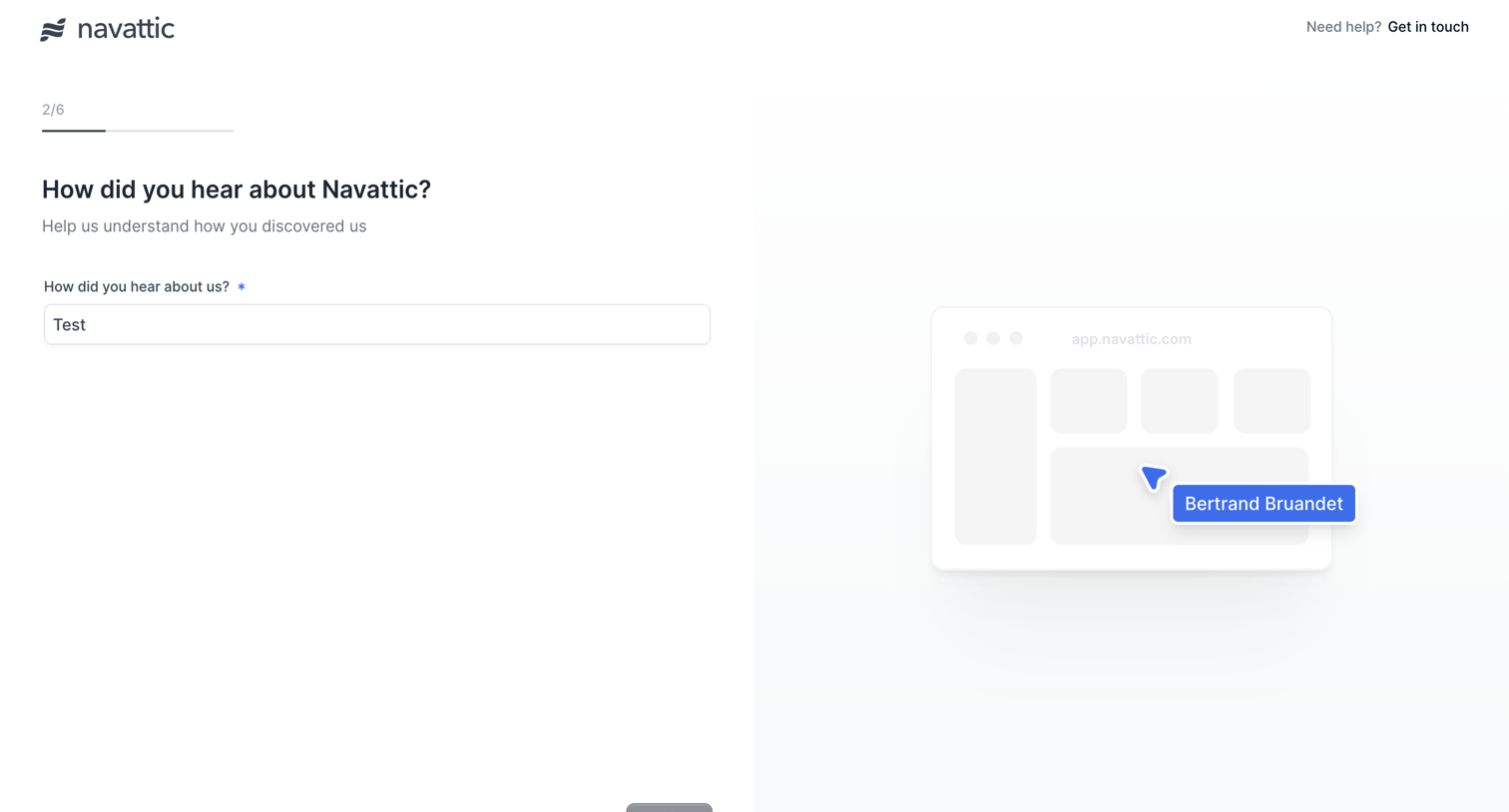
Onboarding from Navattic
Navattic logo
Navattic

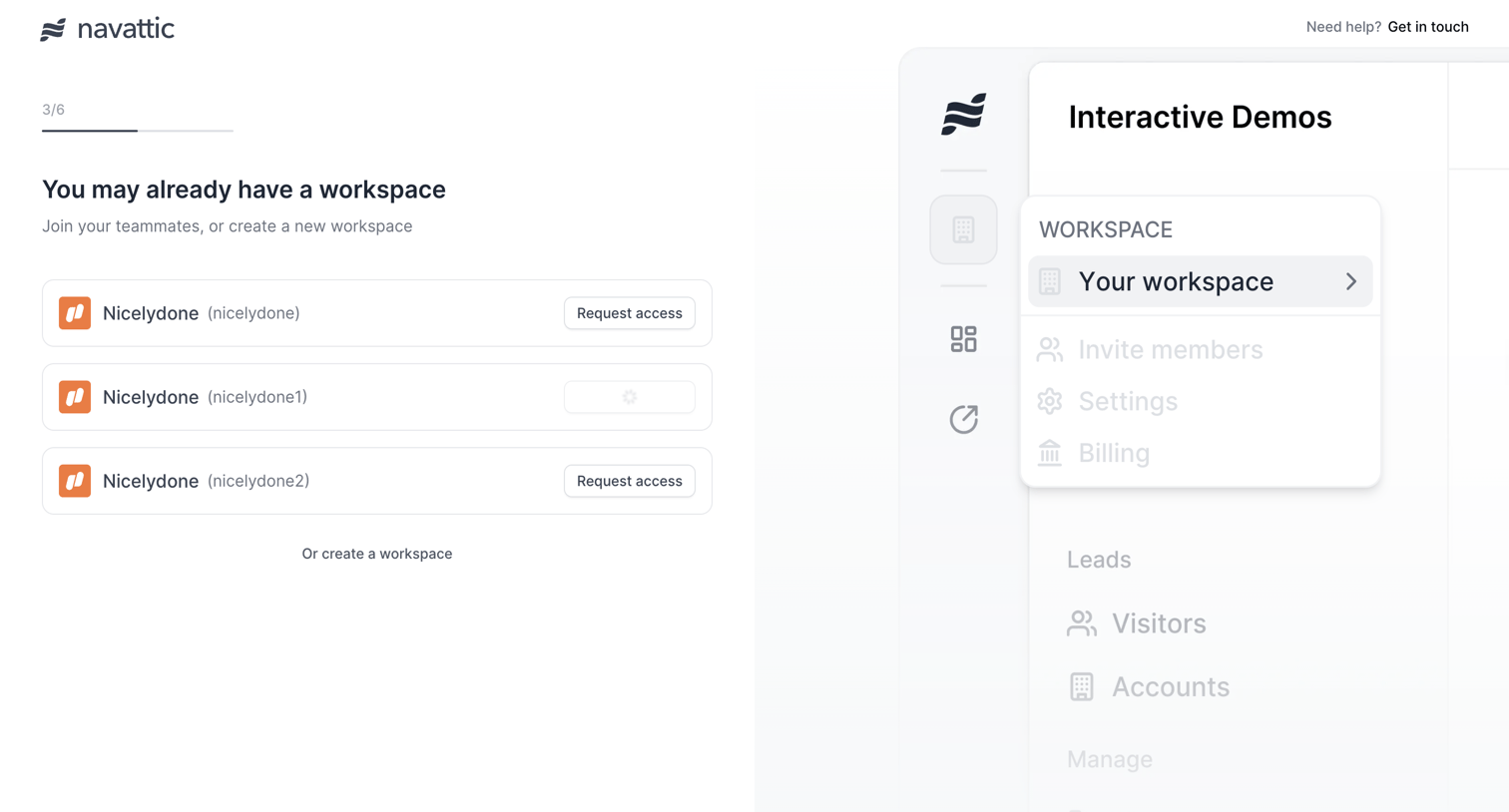
Onboarding step where the user can request access to existing workspaces matching their domain or choose to create a new one.
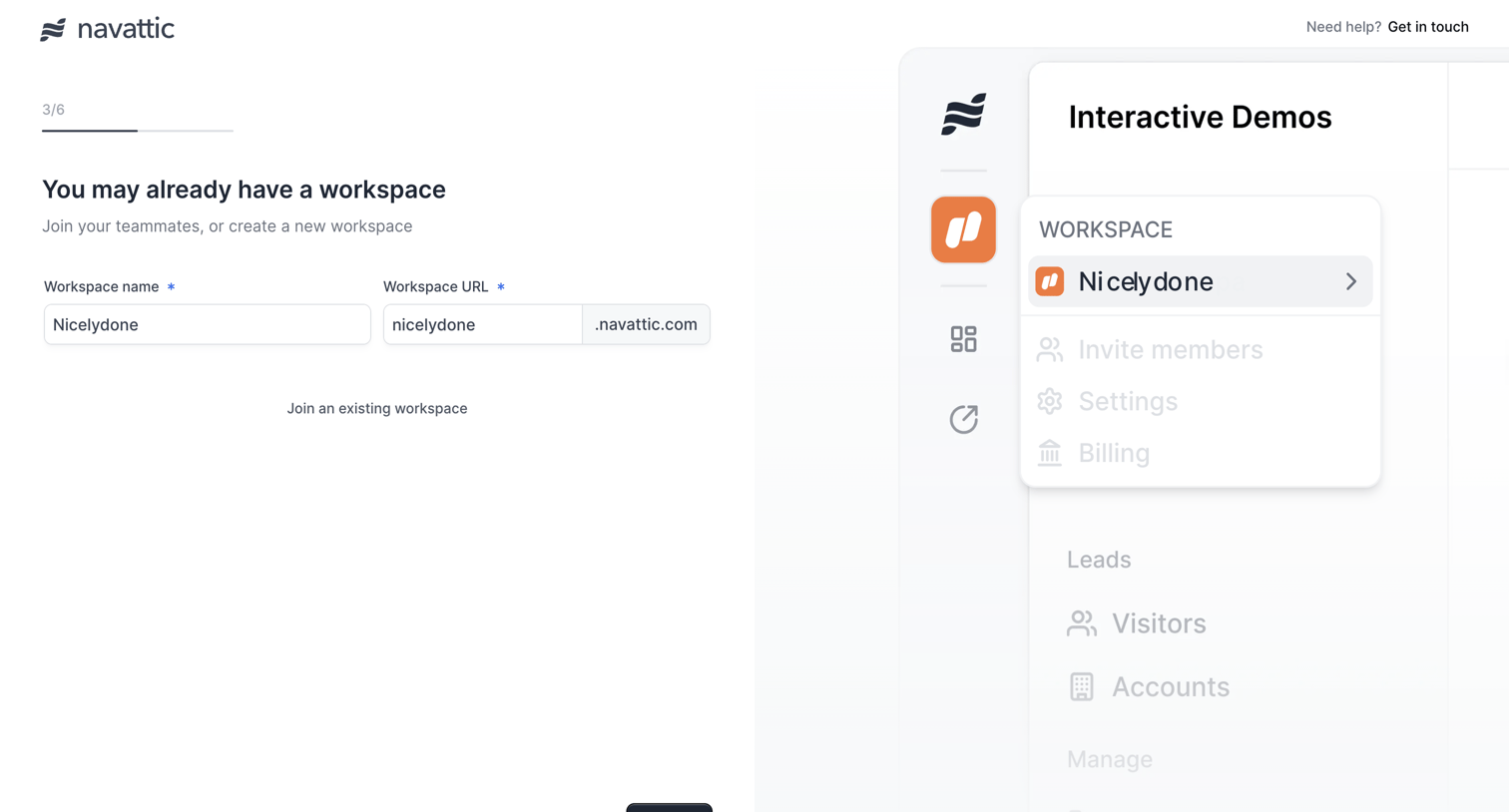
Onboarding from Navattic
Navattic logo
Navattic

Onboarding step where the user creates a new workspace by providing a name and URL, or chooses to join an existing one.
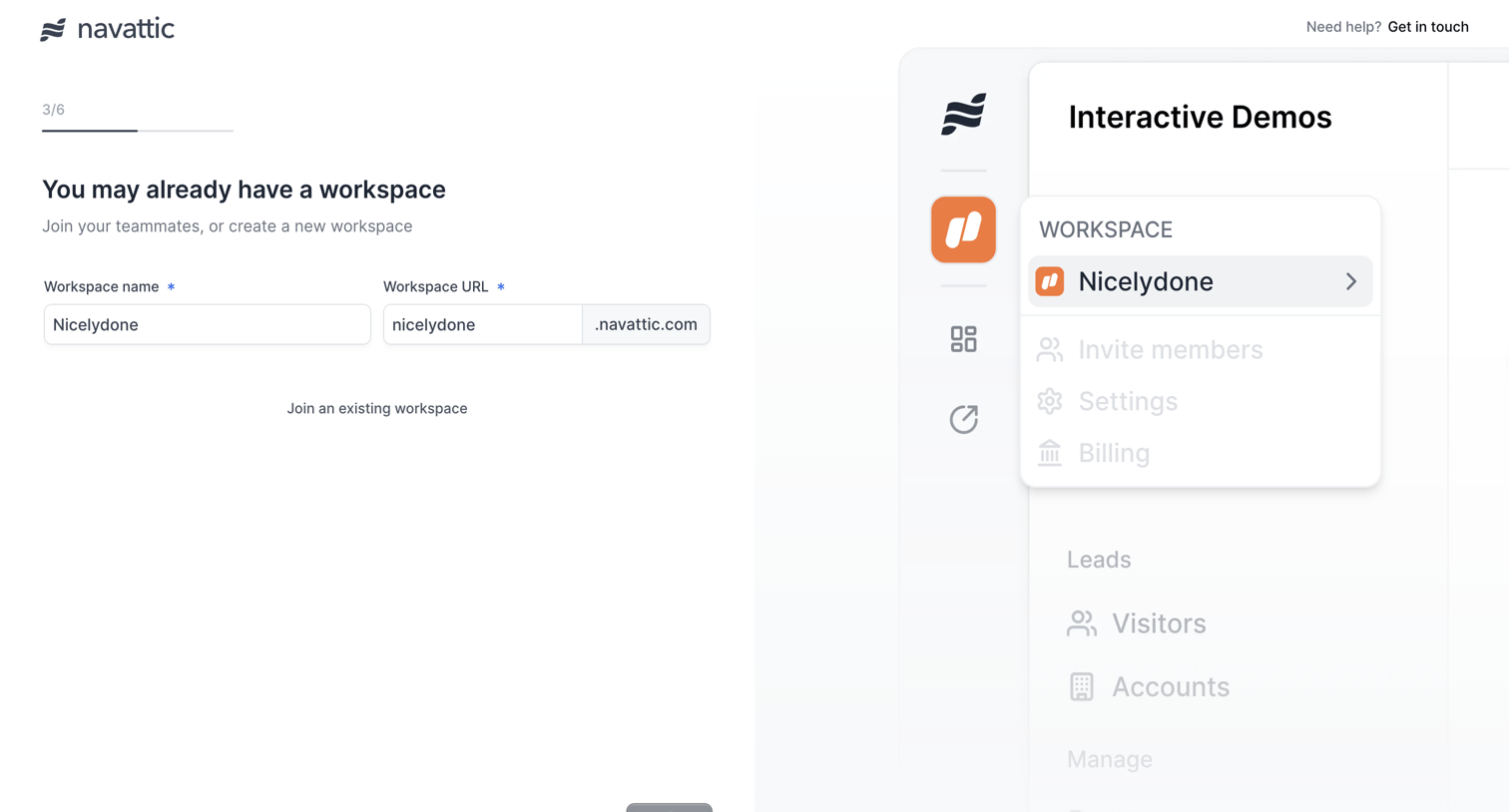
Onboarding from Navattic
Navattic logo
Navattic

Onboarding step where the user can request access to existing workspaces matching their domain or choose to create a new one, currently showing an error toast for a duplicate workspace slug.

Onboarding from Navattic
Navattic logo
Navattic

Onboarding step where the user selects their primary use case for the product from options like Marketing, Pre-Sales, Product, and Customer Success to tailor their experience.

Onboarding from Navattic
Navattic logo
Navattic

Onboarding step where the user selects how they plan to use the product from options like Marketing, Pre-Sales, Product, and Customer Success.

Onboarding from Navattic
Navattic logo
Navattic

Onboarding step where the user chooses whether to create their first demo by clicking through their app or by uploading images and videos.

Onboarding from Navattic
Navattic logo
Navattic

Onboarding step where the user selects whether to create their first demo by clicking through their app or uploading images and videos.

Browse the full SaaS app library

Explore real SaaS apps with their product screens, marketing screens, flows, and components.

Trusted by the best teams