Request Access screen examples
Request Access screen design examples from SaaS apps. See how SaaS apps explain restricted content and offer a way to request permission. Explore how the request action sits alongside information about the…
Explore the examples
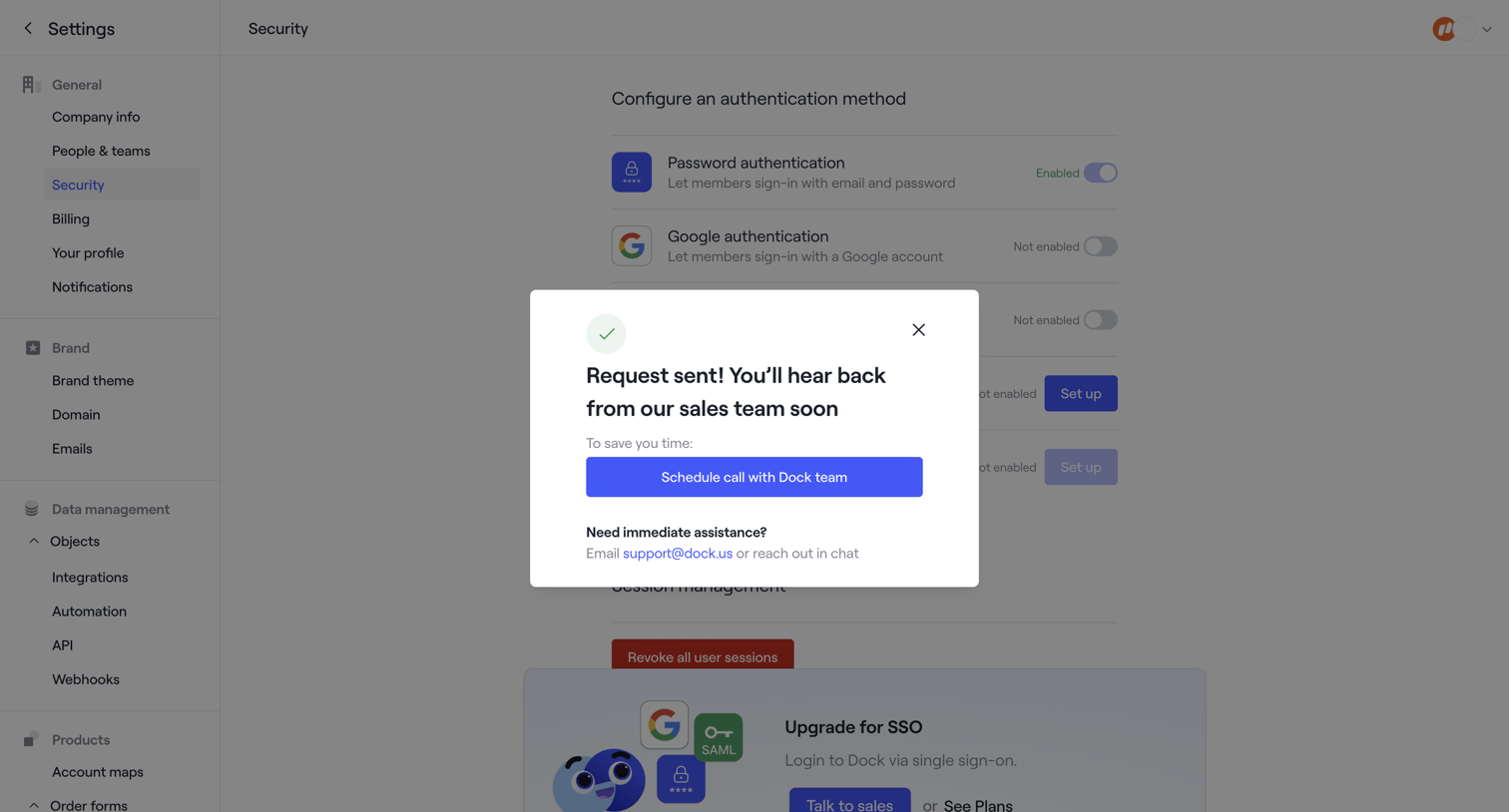

Security settings page showing a success modal after the user requests sales contact to set up SSO.
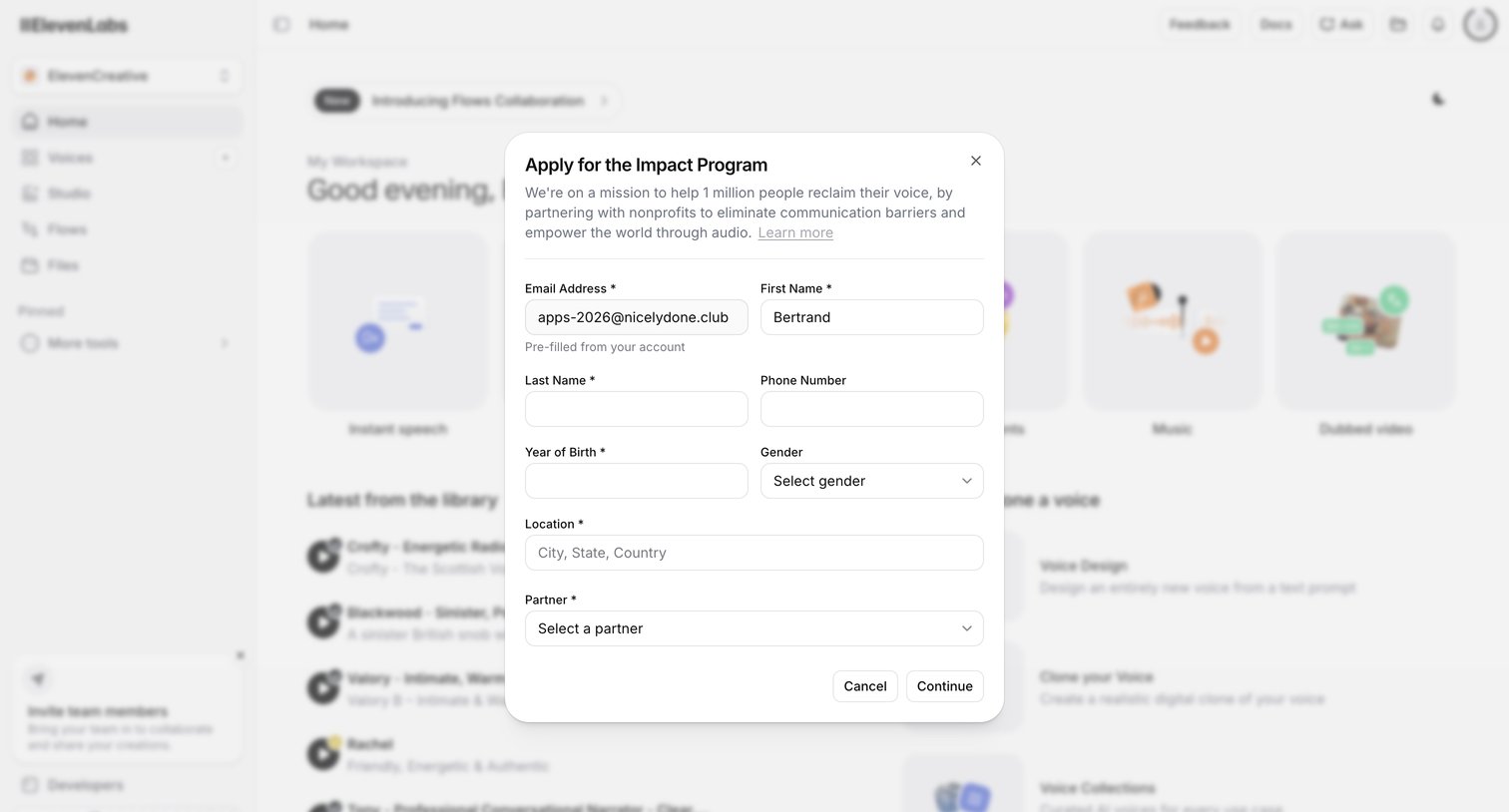

Home dashboard with a modal overlay where the user applies for the Impact Program by filling out their personal details and selecting a partner.
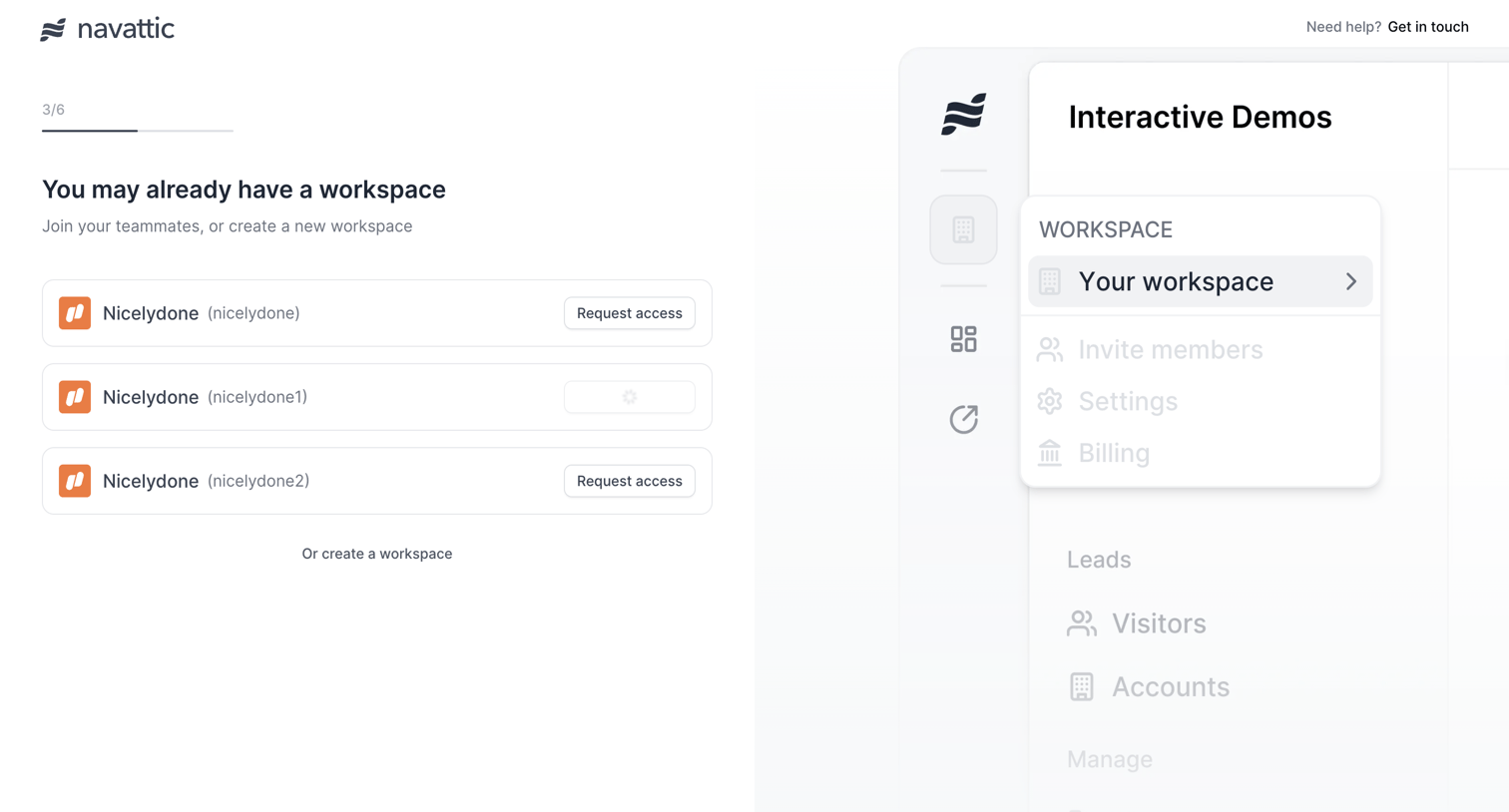

Onboarding step where the user can request access to existing workspaces matching their domain or choose to create a new one.
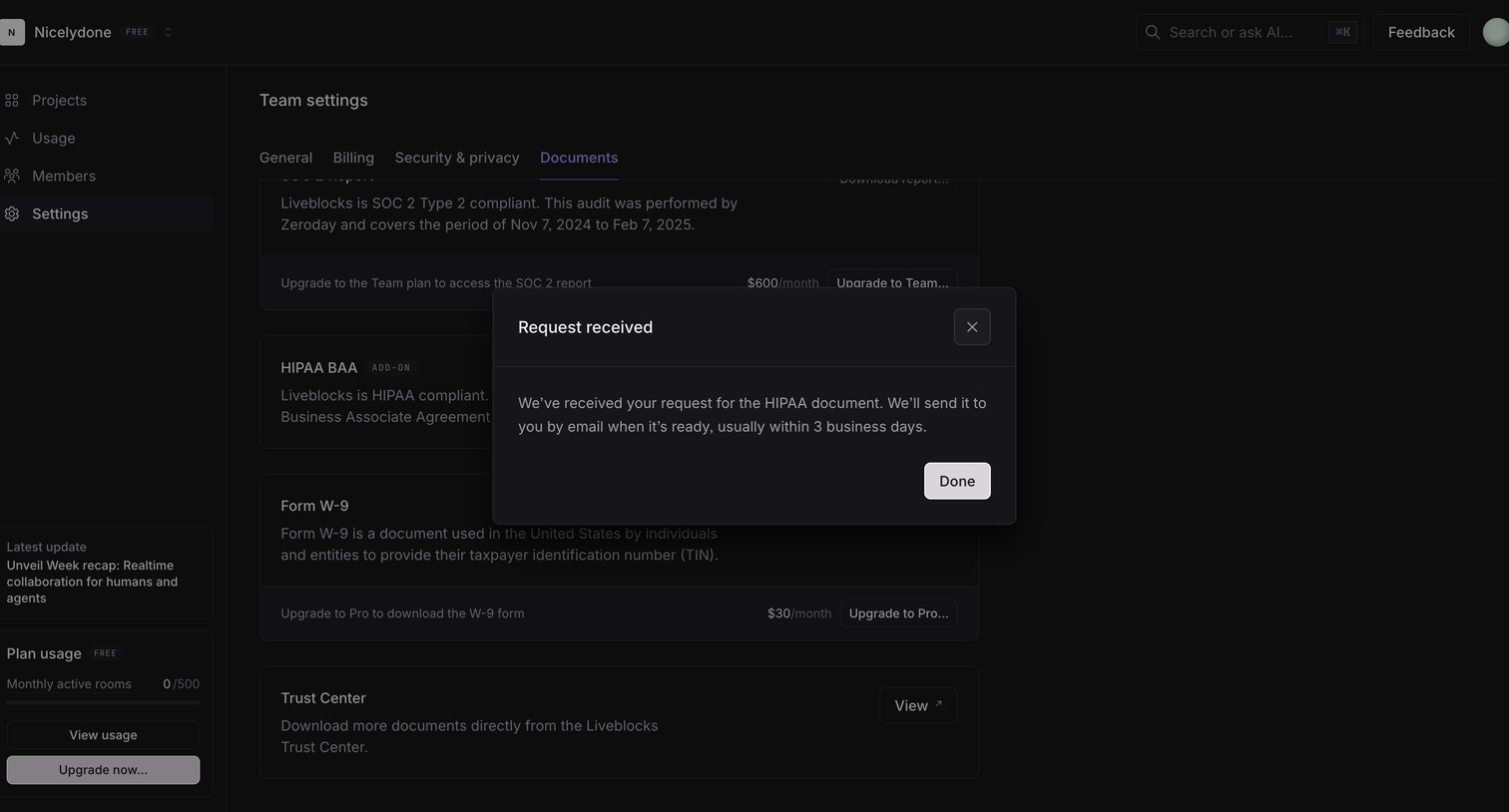

Settings page where the user sees a confirmation modal after requesting a HIPAA compliance document.
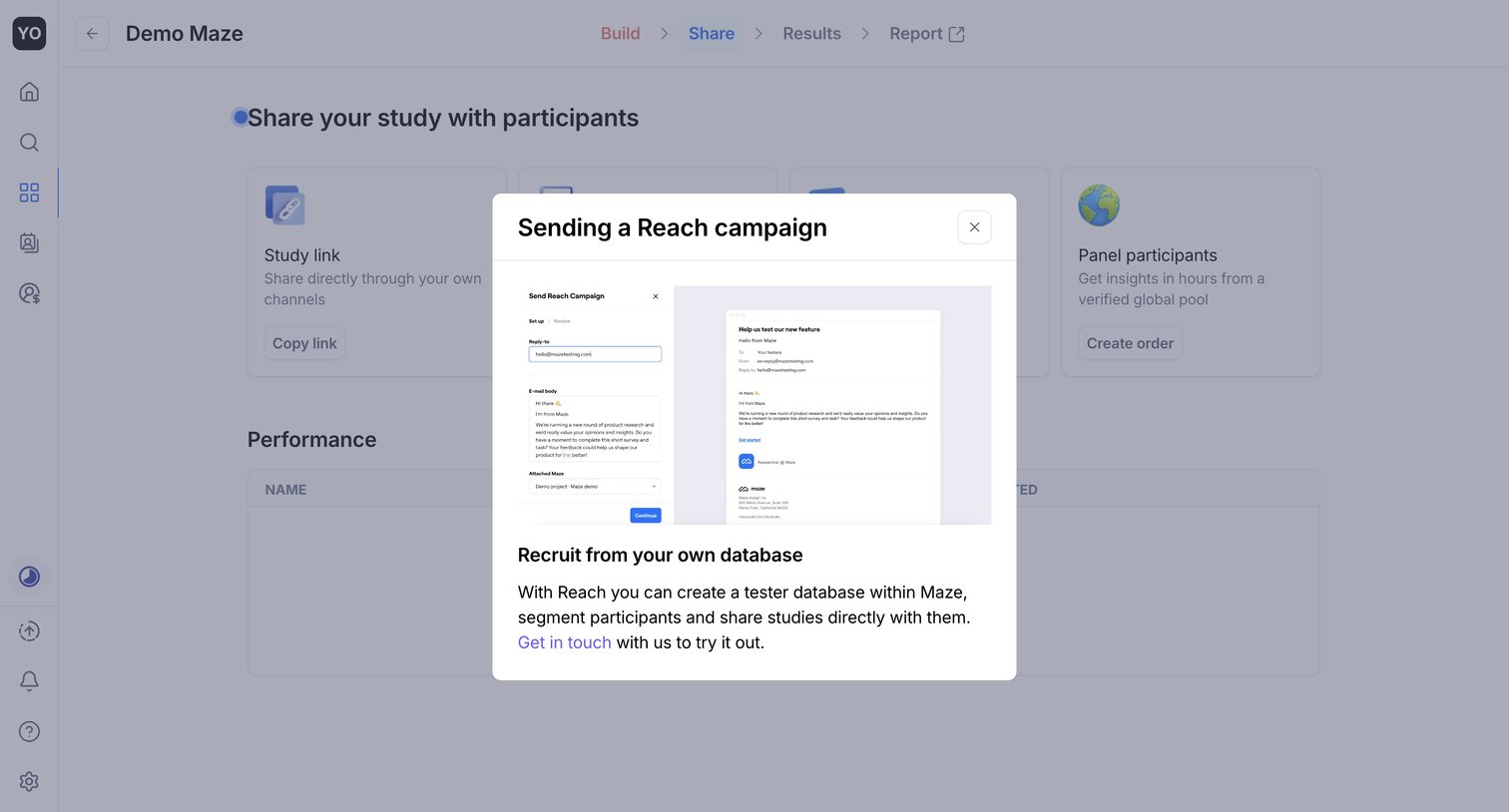

Feature gate modal where the user is prompted to contact the team to unlock the Reach campaign feature for recruiting testers from their own database.
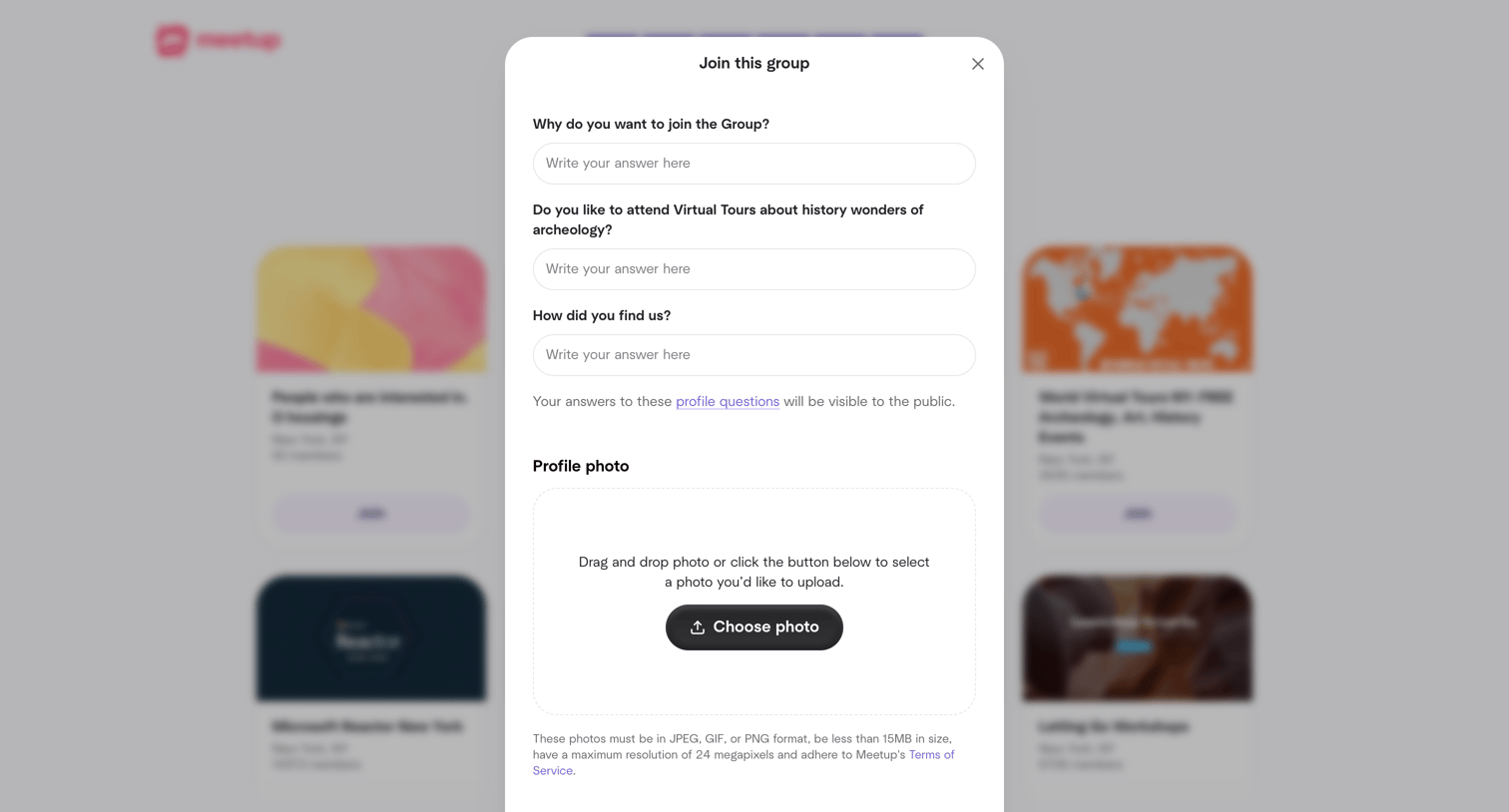

Modal overlay where the user answers profile questions and uploads a photo to request to join a specific group.
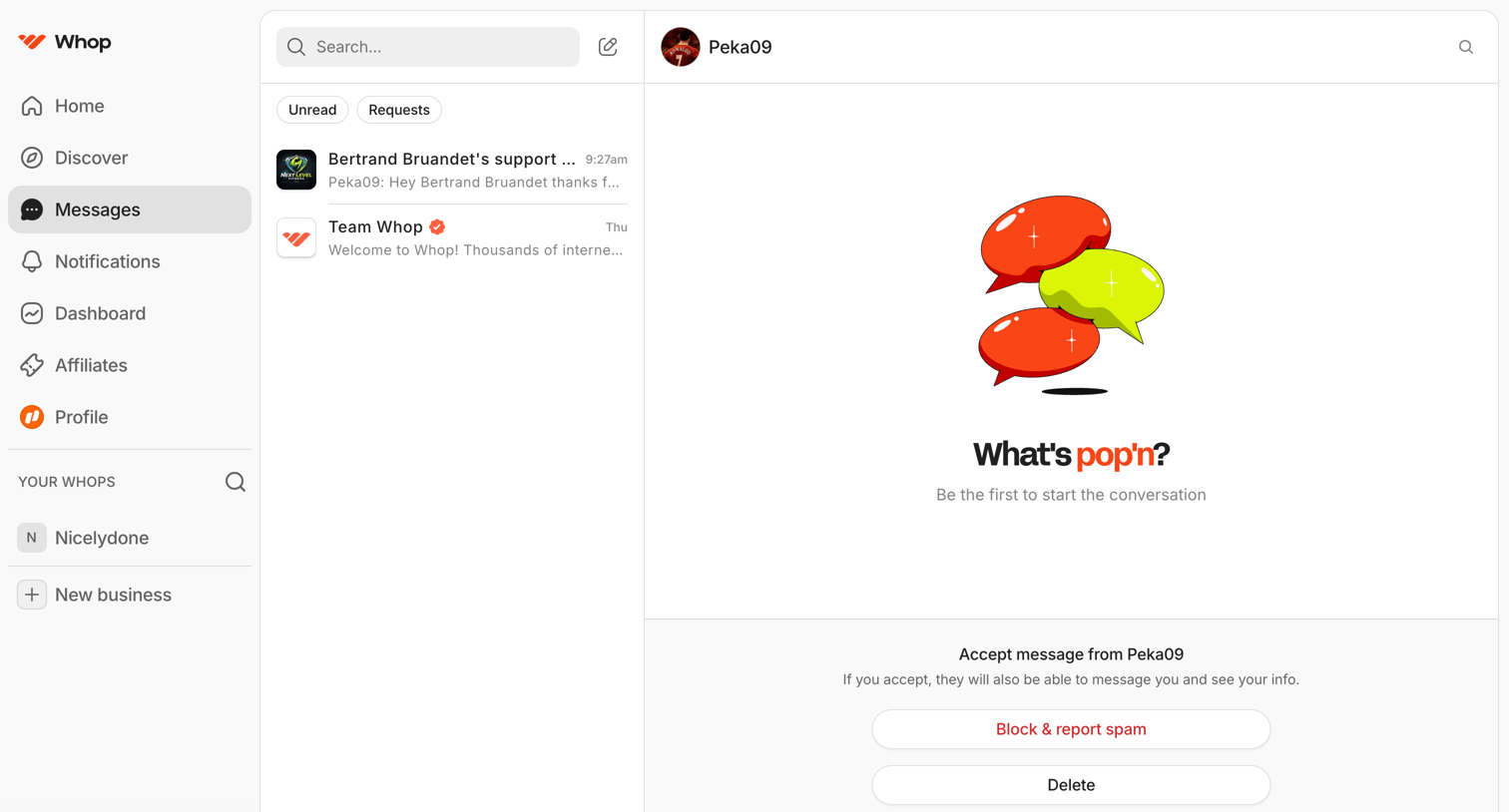

Inbox where the user views a pending message request from Peka09 and can choose to accept, delete, or block the sender.
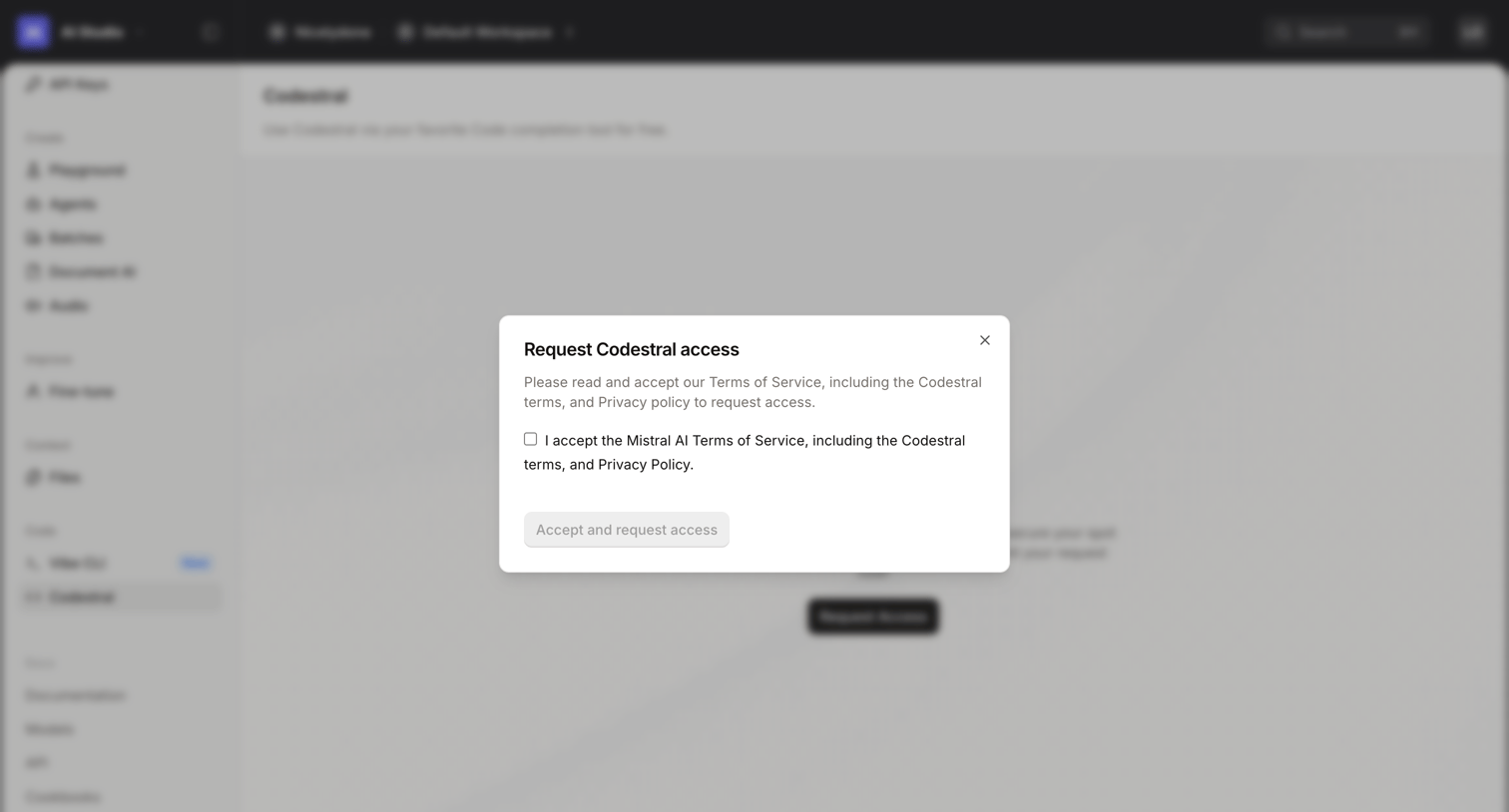

Developer console where the user must accept the terms of service in a modal to request access to the Codestral model.
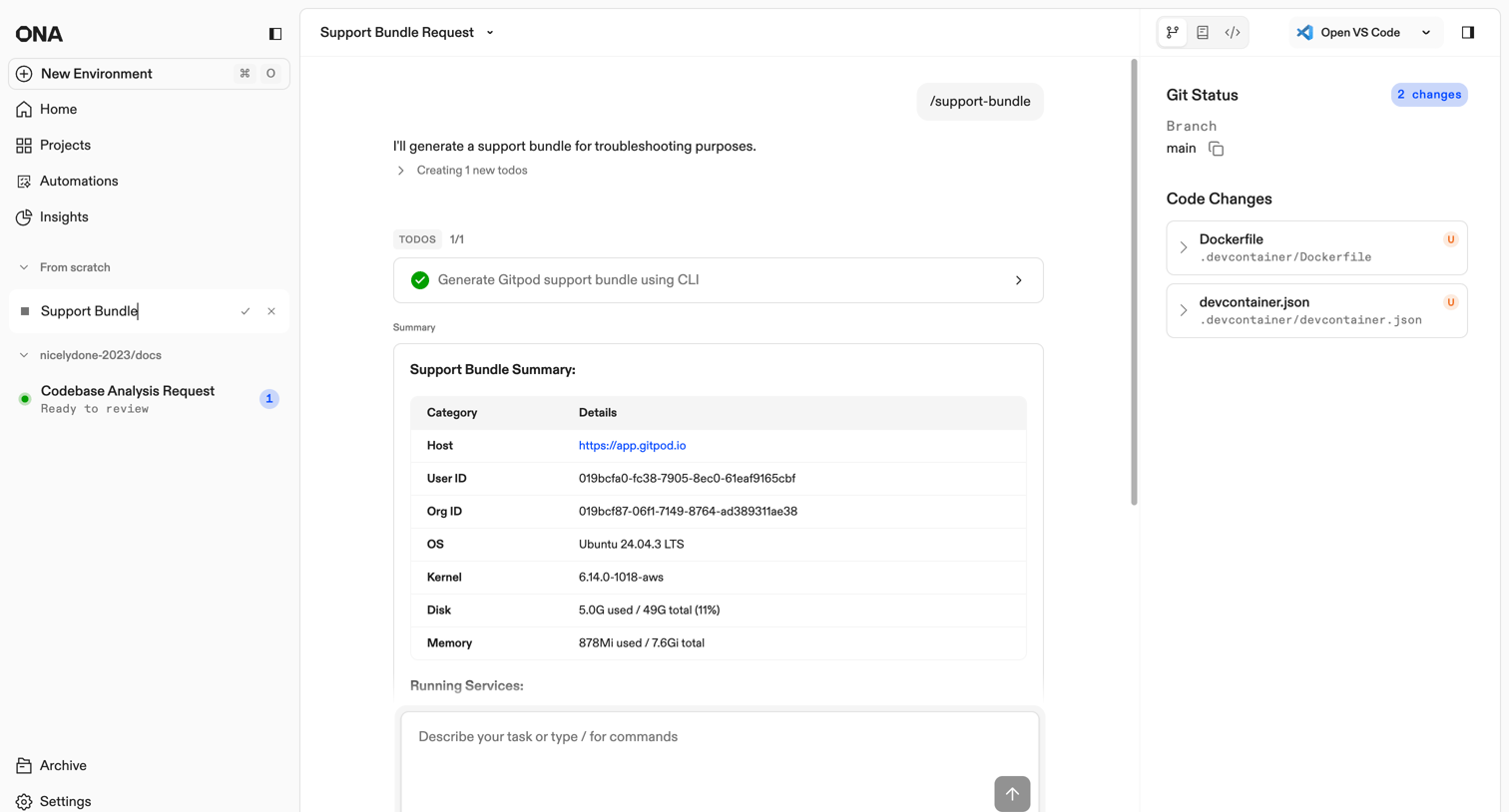

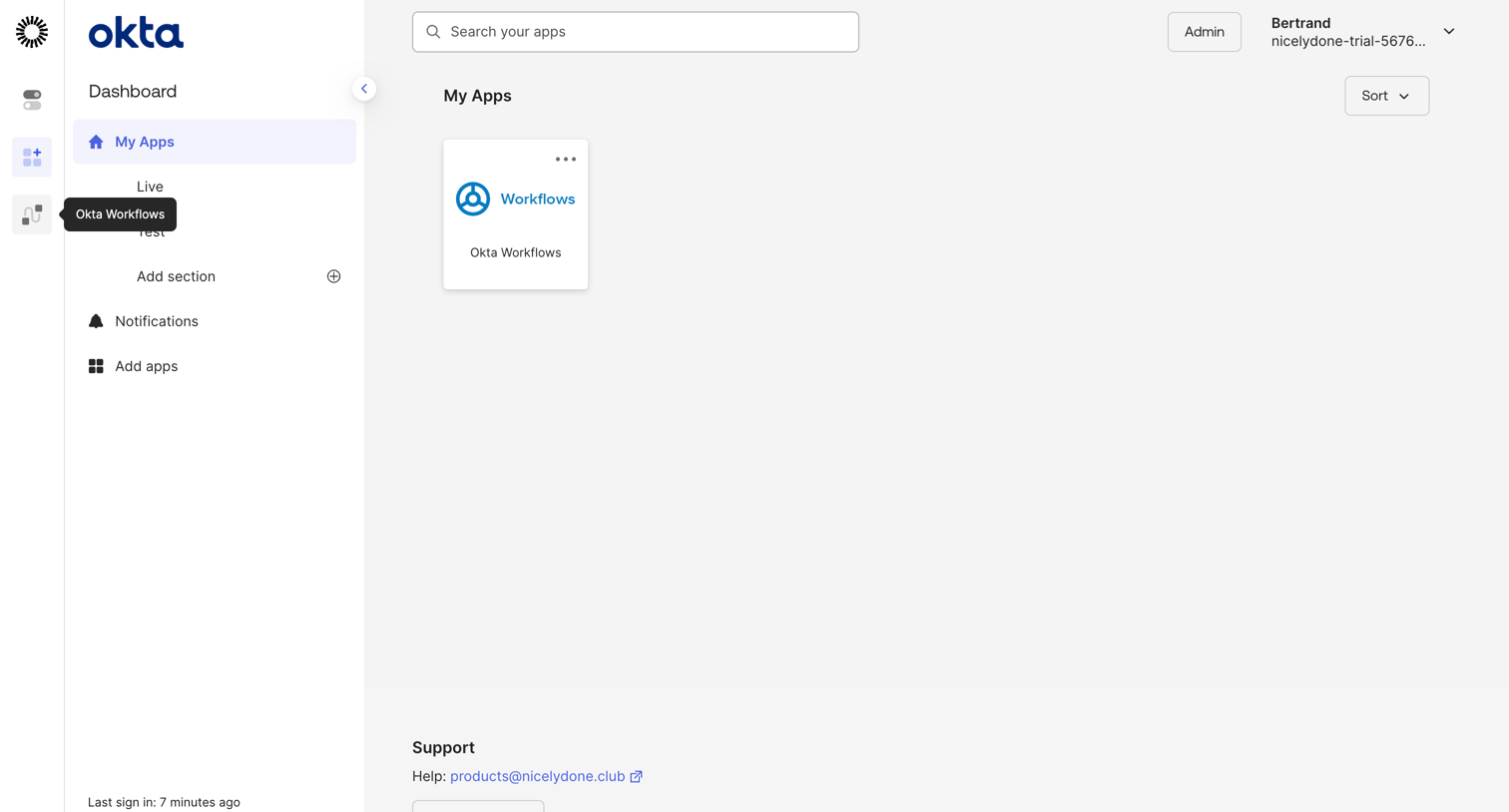

Home screen where the user can search, sort, and launch their connected applications, or request access to new ones.
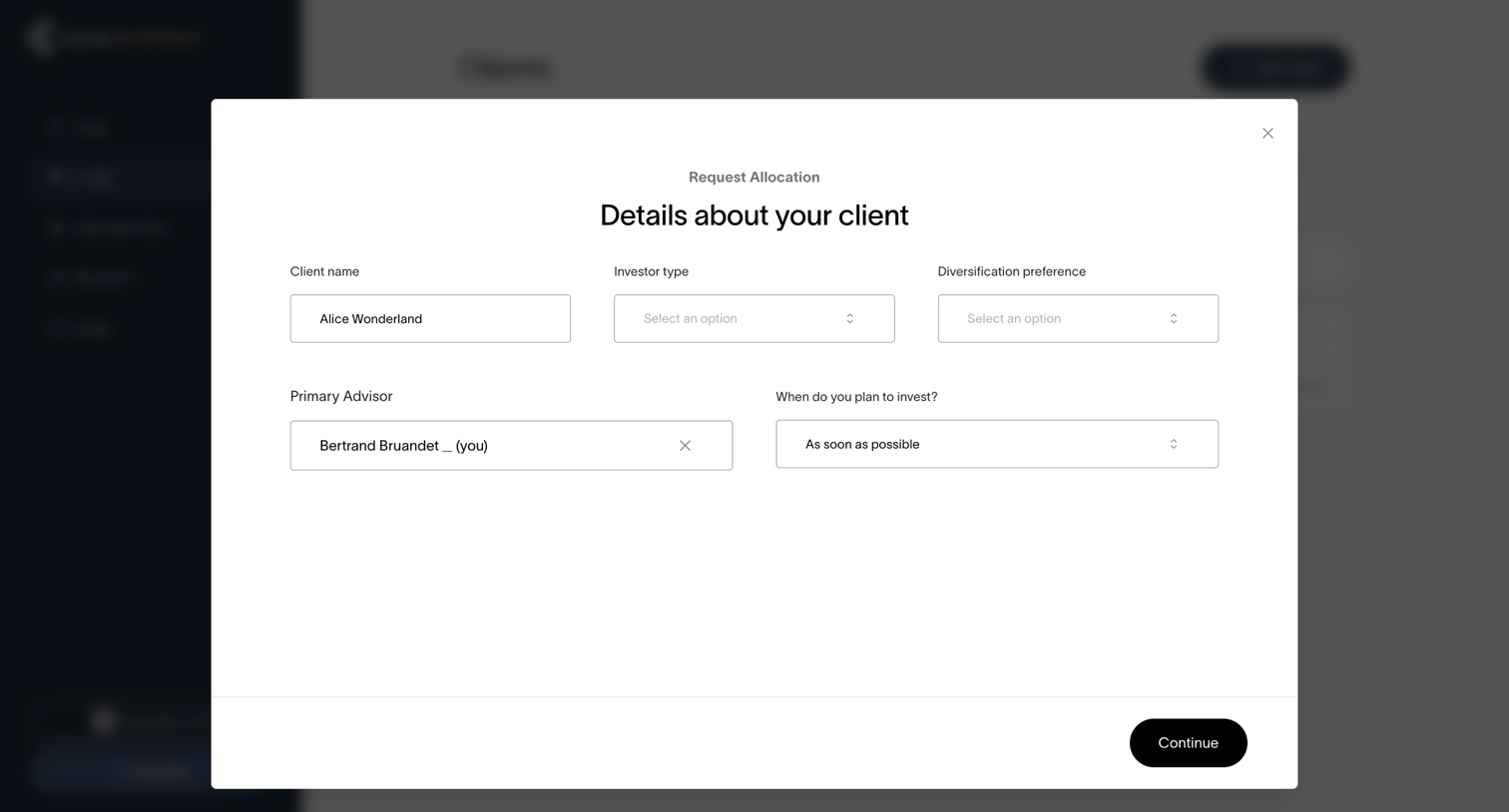

Modal where an advisor enters client details like investor type, diversification preference, and investment timeline to request an allocation.
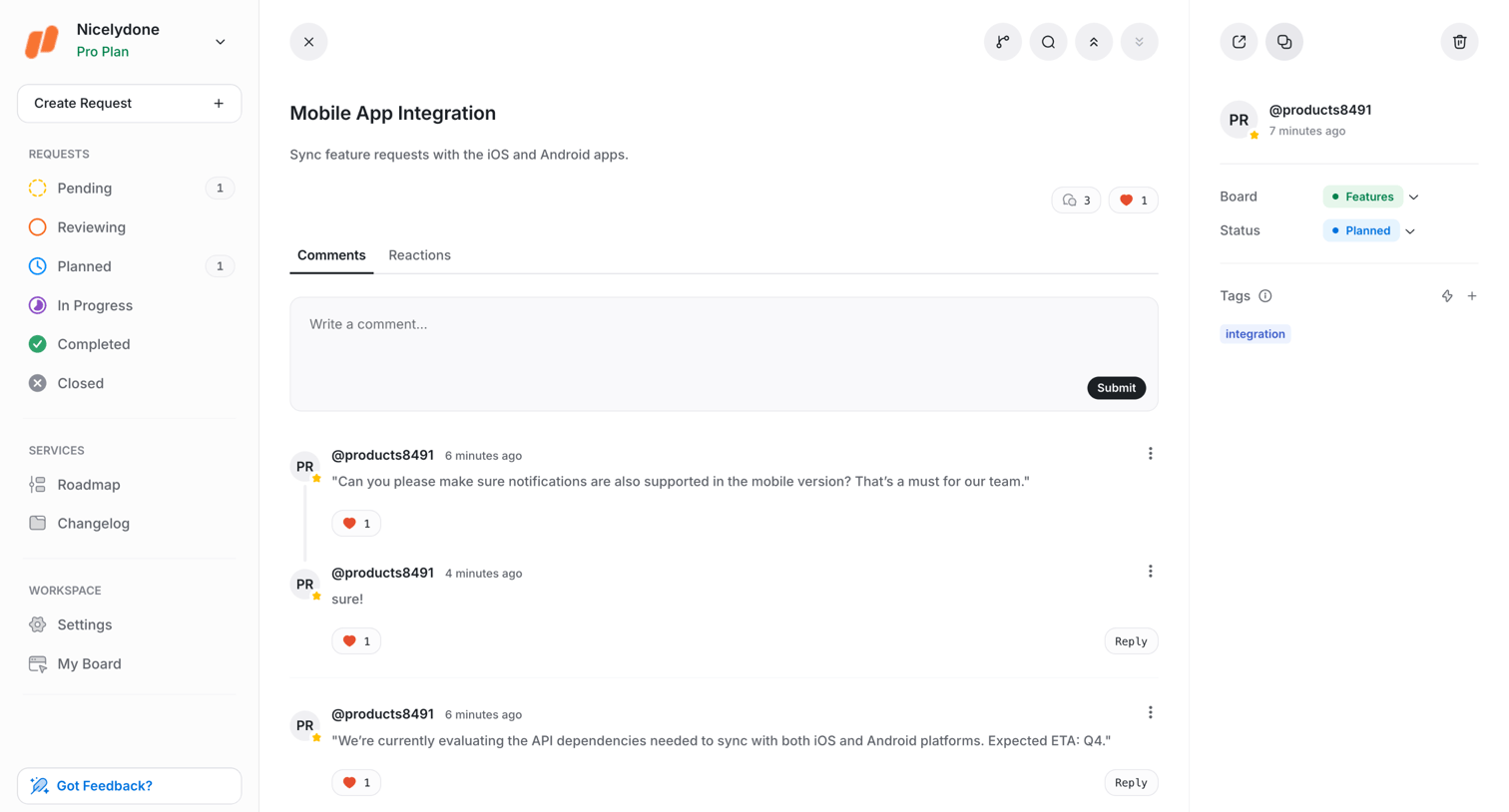

Explore the full SaaS screen library
Upgrade to unlock the full library.
Trusted by the best teams








About Request Access
See how SaaS apps explain restricted content and offer a way to request permission. Explore how the request action sits alongside information about the resource and its access requirements.