Messages screen examples
Messages screen design examples from SaaS apps. See how apps organize conversations between people. Explore how inboxes, message threads, and composition controls help people move between reading a…
Explore the examples
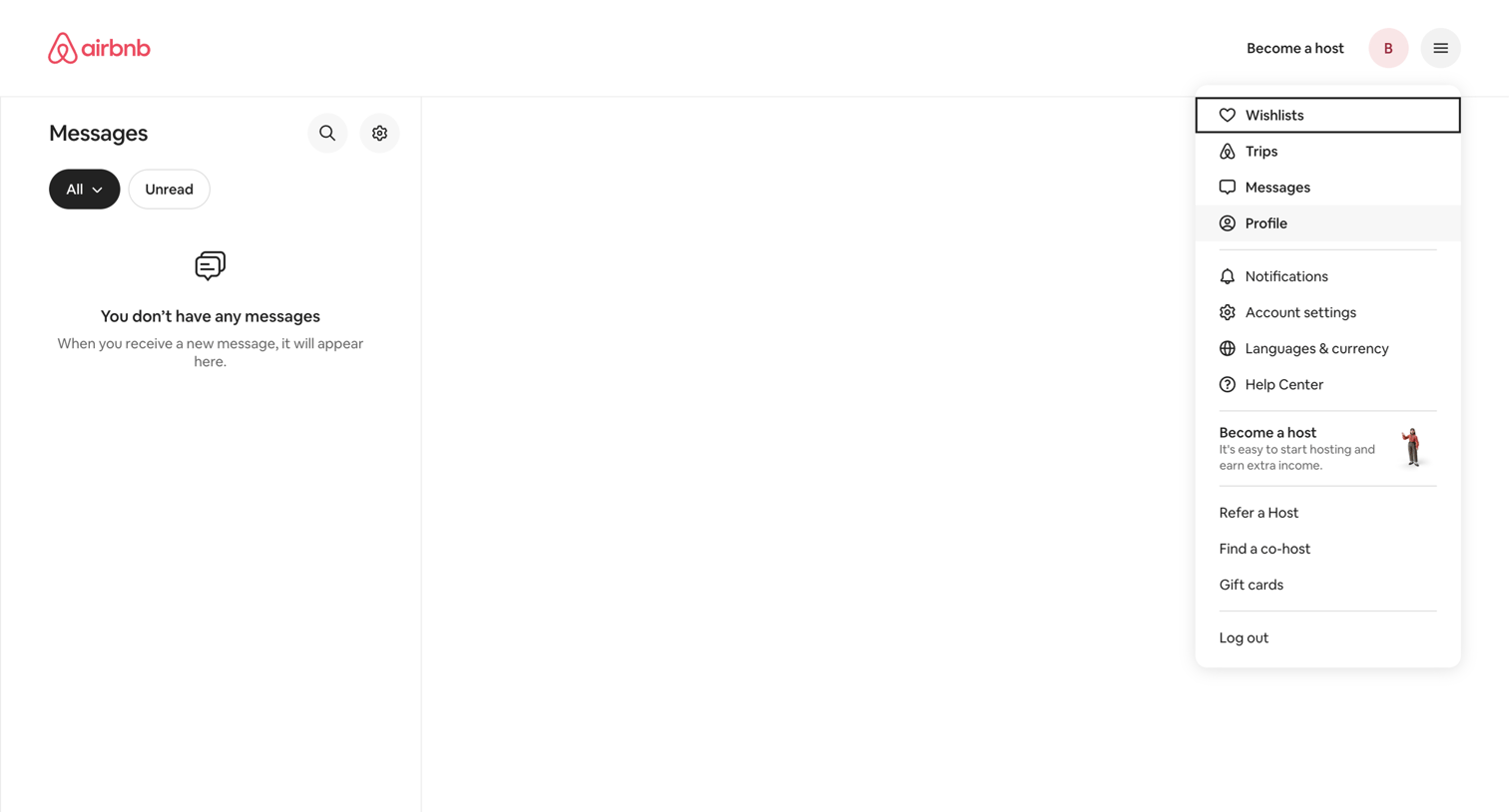

Inbox view where the user has no messages, featuring a filter bar for all or unread items and an open user profile dropdown menu.
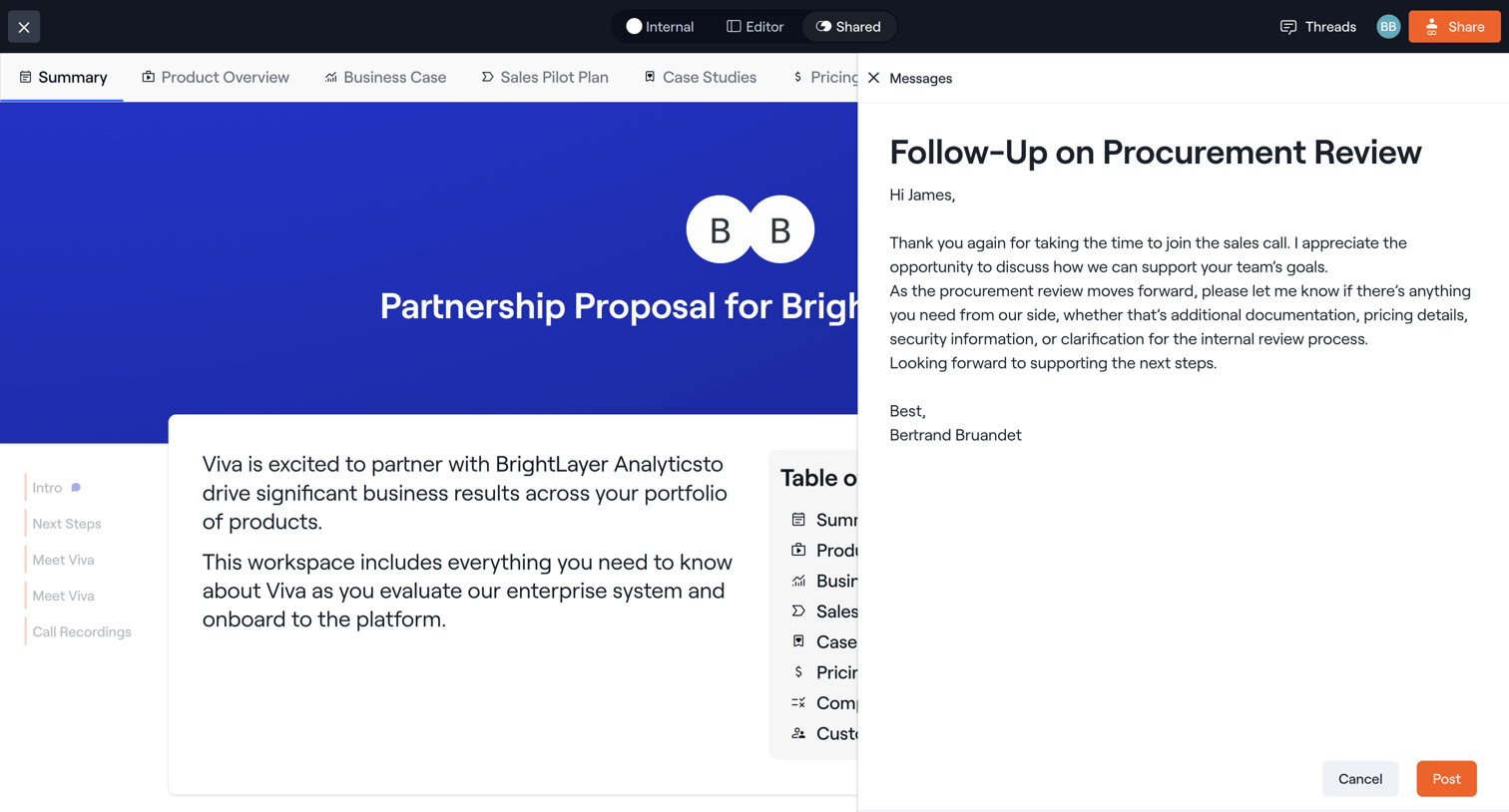

Detail page where the user views a partnership proposal workspace while drafting a follow-up message in a right-side drawer.
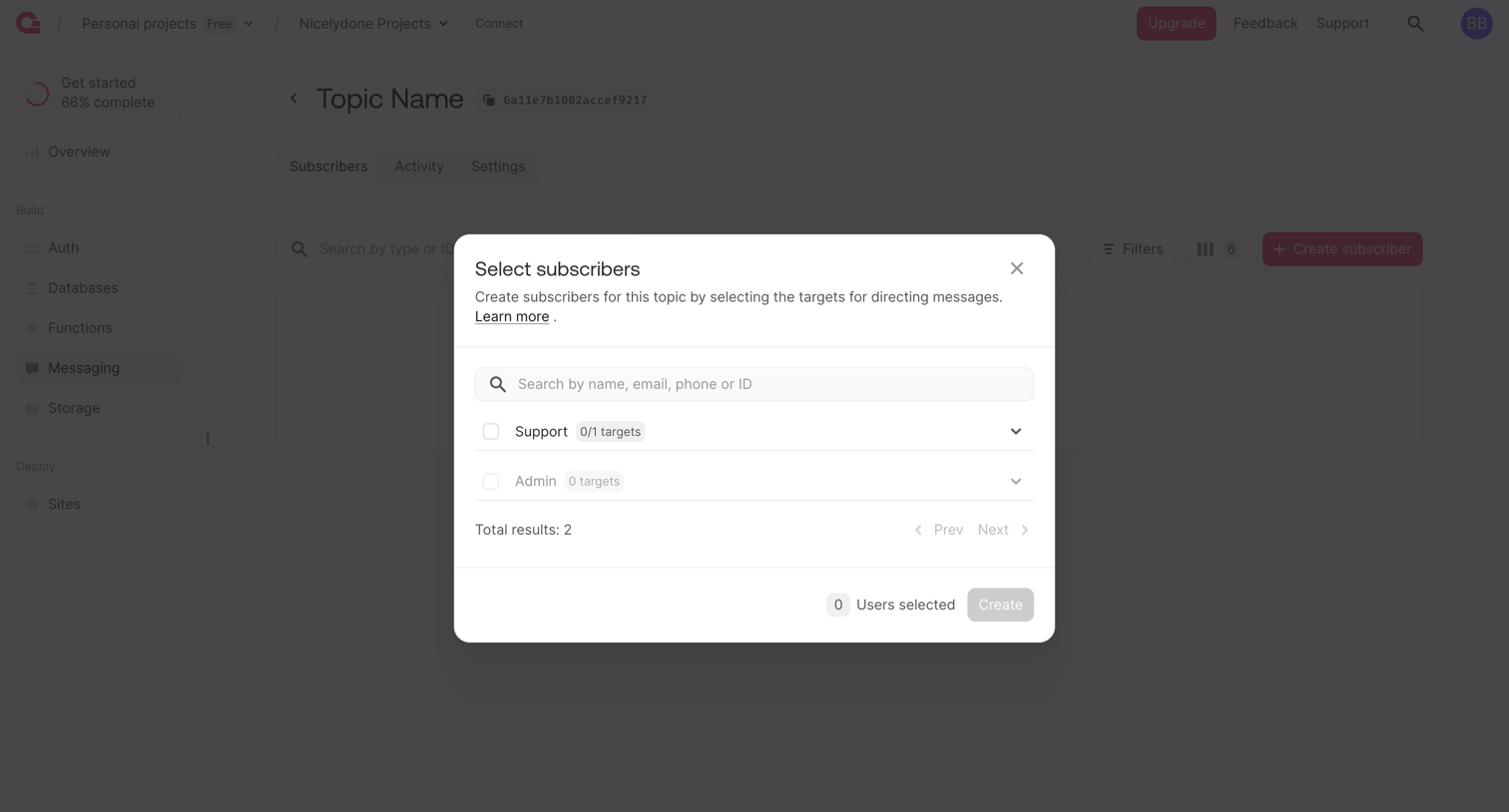

Detail page for a messaging topic where the user selects existing subscribers like Support or Admin from a modal to add them to the topic.
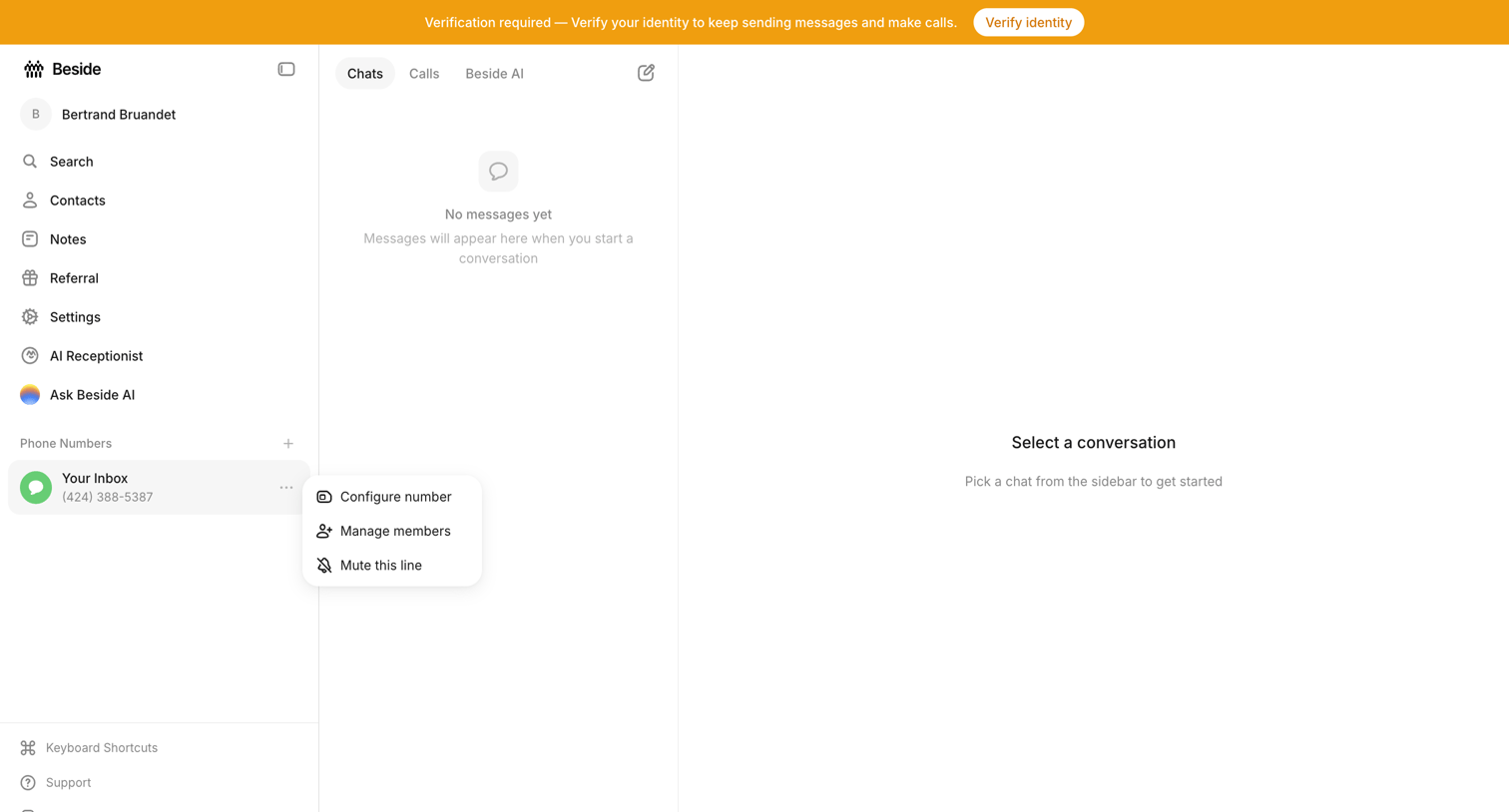

Inbox view where the user sees empty states for both the chat list and conversation detail, while a prominent top banner requires them to verify their identity.
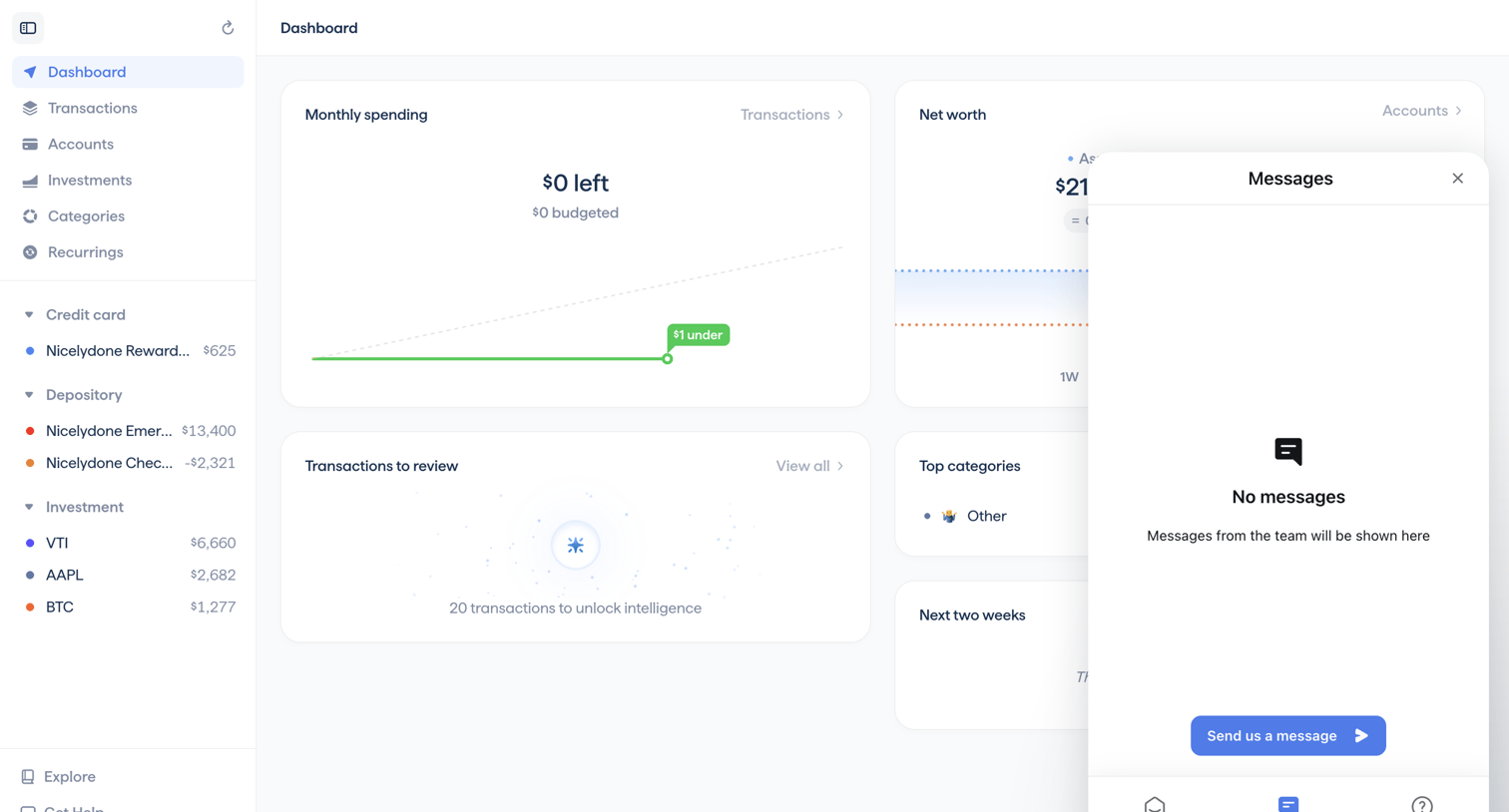

Dashboard with an open support messages modal showing an empty inbox and a prompt to send a message.
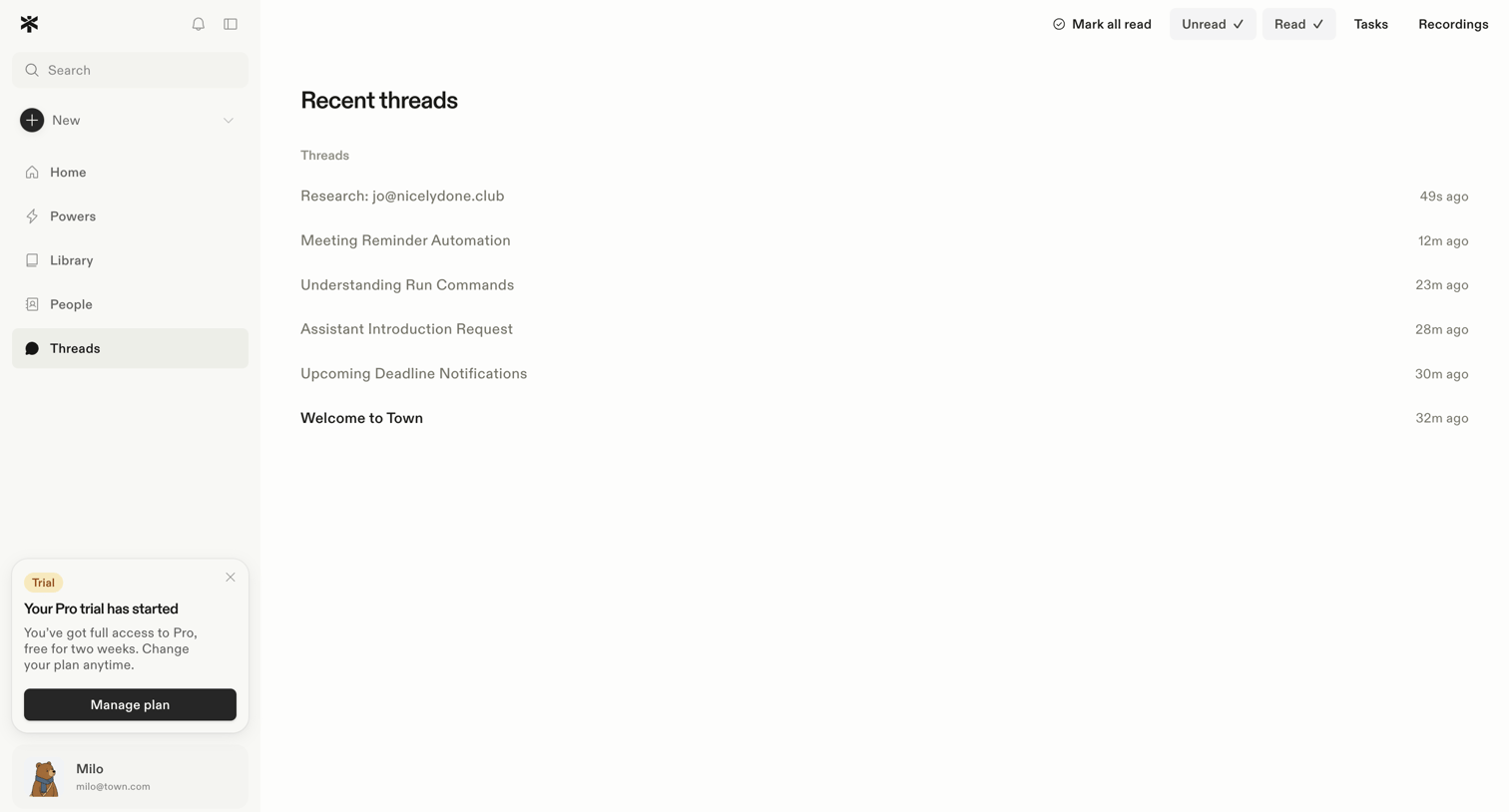

Inbox view displaying a list of recent communication threads with options to filter by unread, read, tasks, and recordings, alongside a prominent trial status banner in the sidebar.
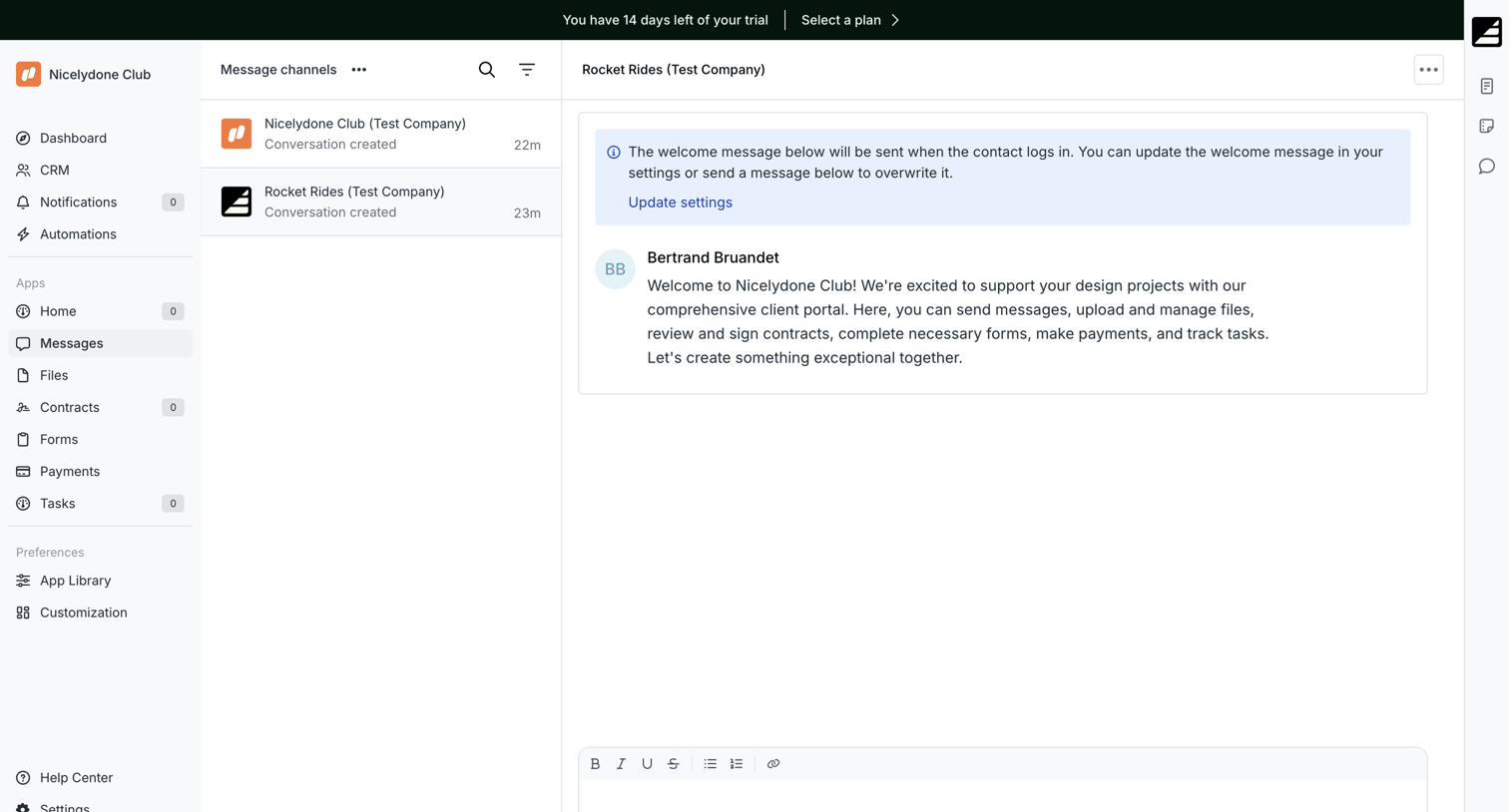

Messaging inbox where the user views client conversations and can send rich-text replies with attachments.

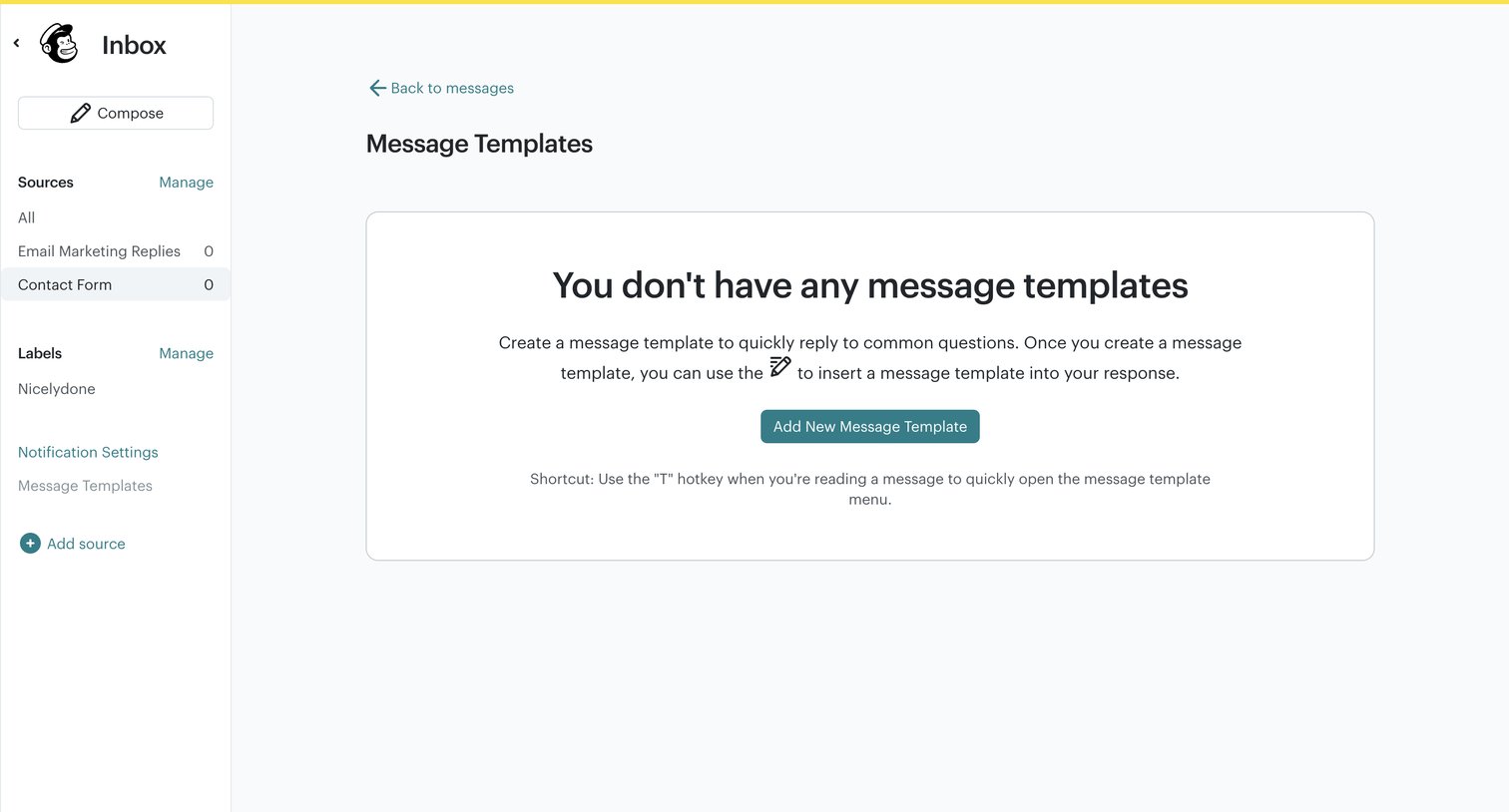

Settings page where the user manages message templates for their inbox, currently showing an empty state with a prompt to create the first template.
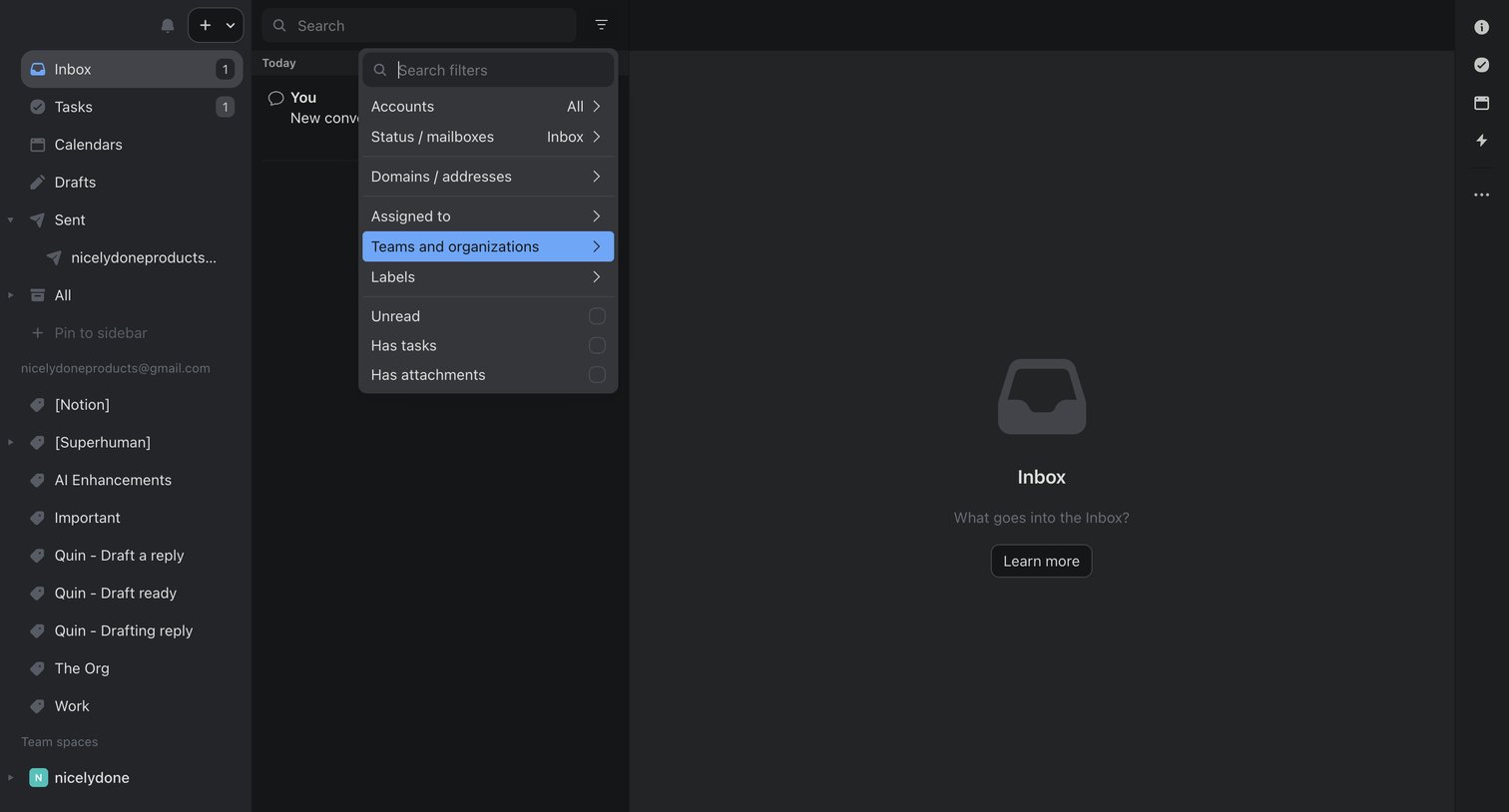

Combined inbox view in an empty state with a complex filter popover open to search and select criteria like accounts, teams, and labels.
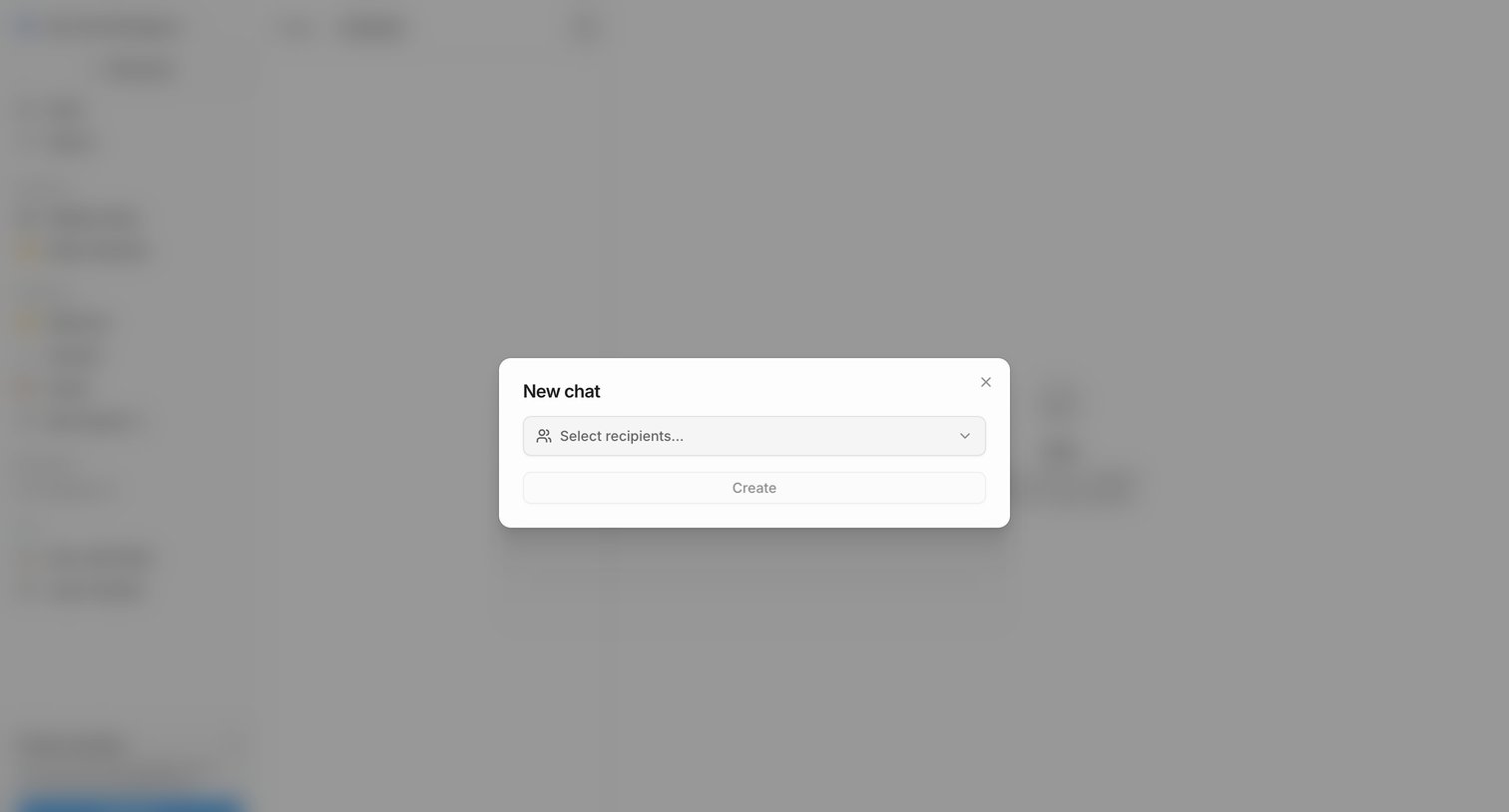

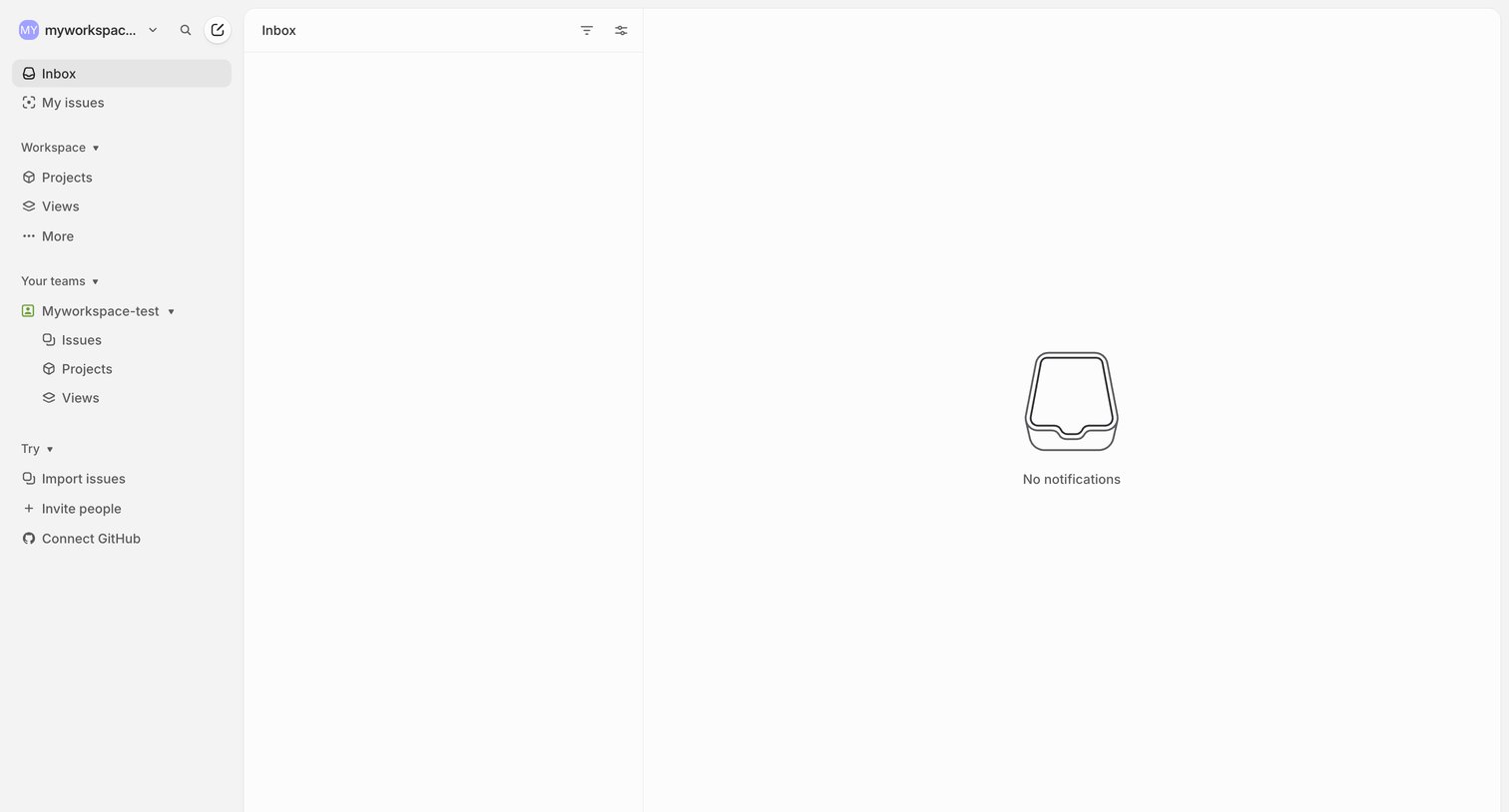

Inbox view where the user has no new notifications, showing a three-pane layout with a sidebar and an empty state illustration.
Explore the full SaaS screen library
Upgrade to unlock the full library.
Trusted by the best teams








About Messages
See how apps organize conversations between people. Explore how inboxes, message threads, and composition controls help people move between reading a conversation and replying to it.