Chatbot screen examples
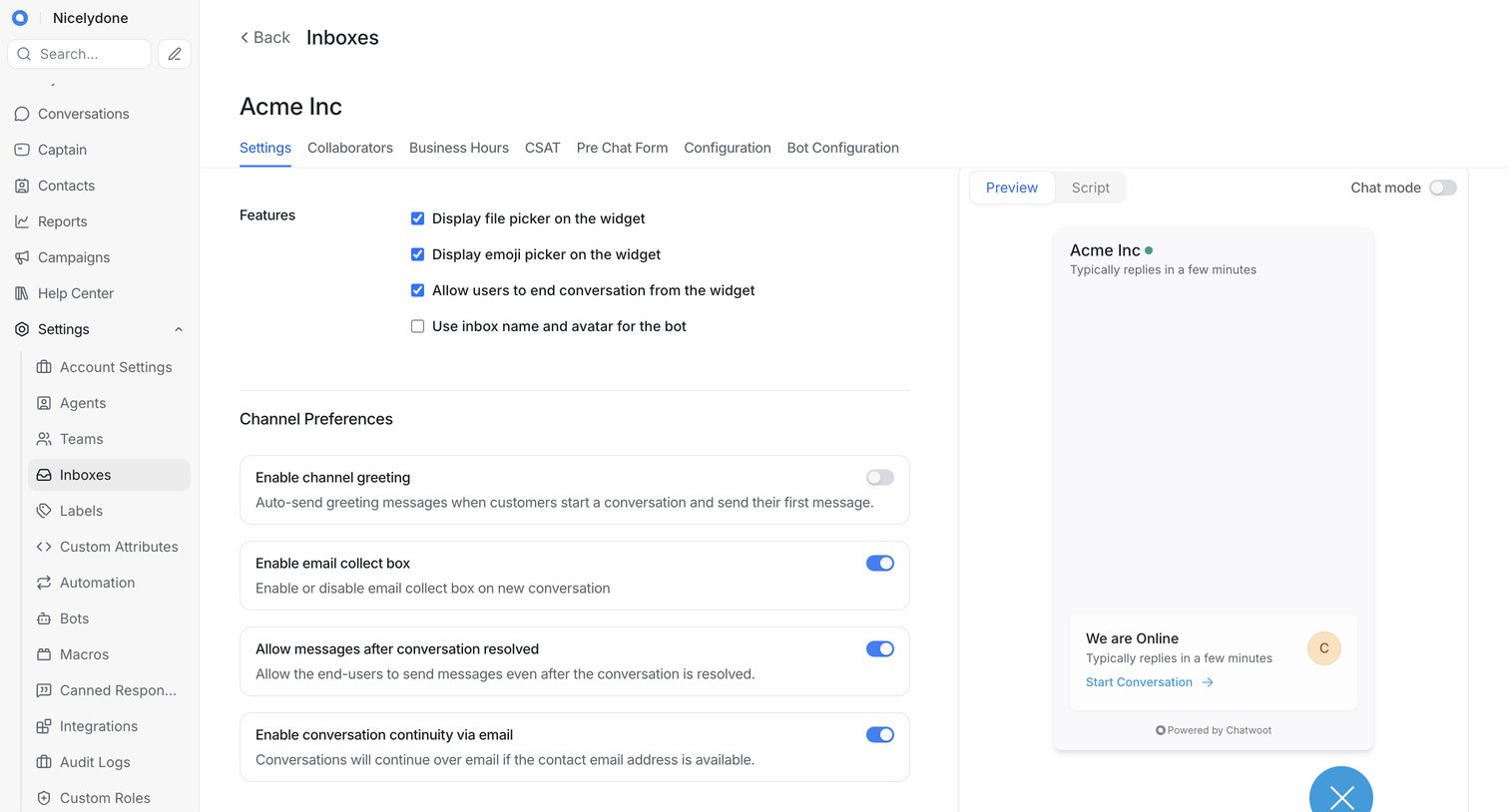
Chatbot screen design examples from SaaS apps. See how apps introduce automated conversations for support and guidance. Explore message layouts, suggested replies, and the controls that let people…
Explore the examples
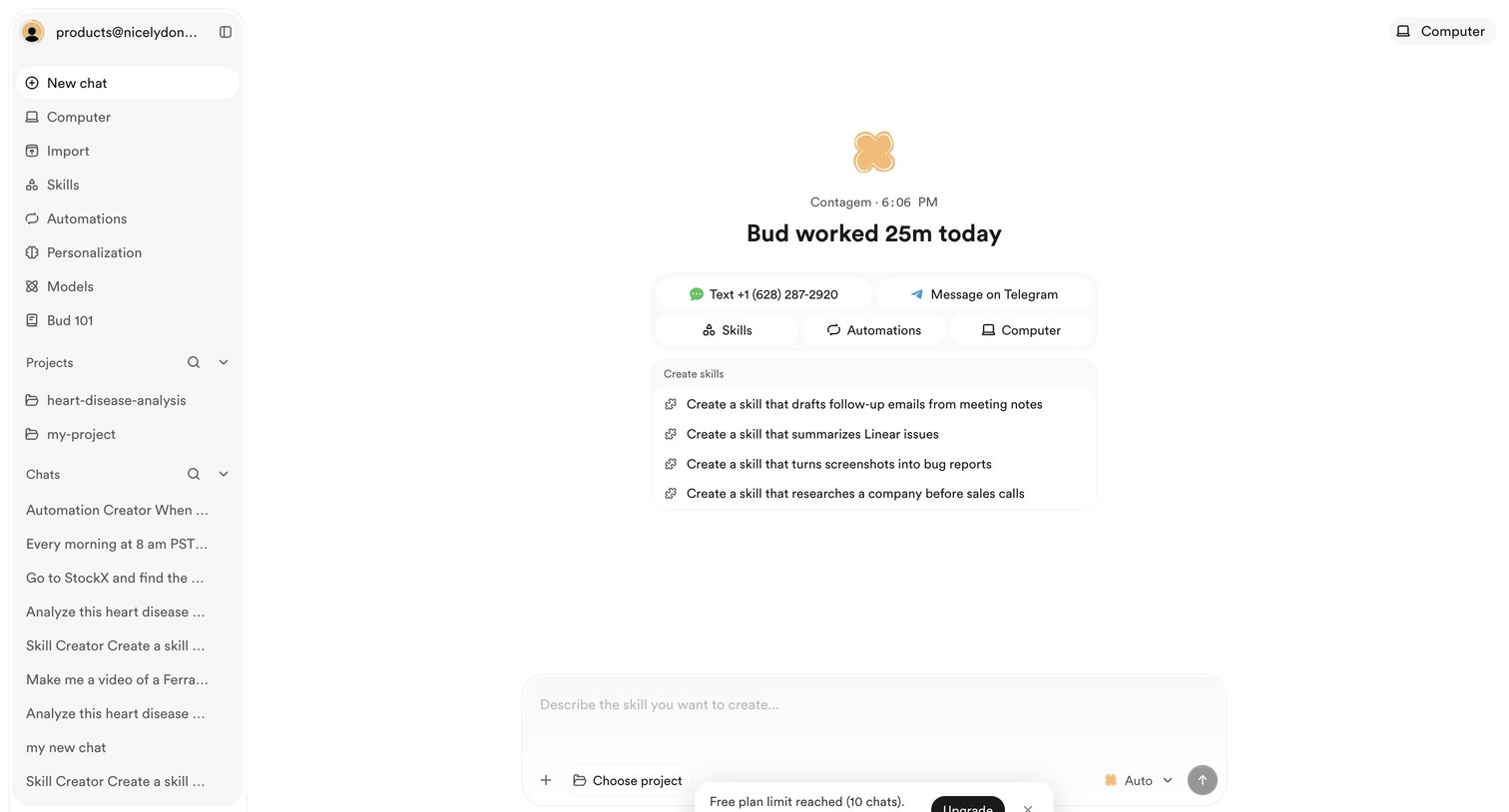

AI chat interface where the user is prompted to upgrade after reaching the free plan limit for creating new chats.
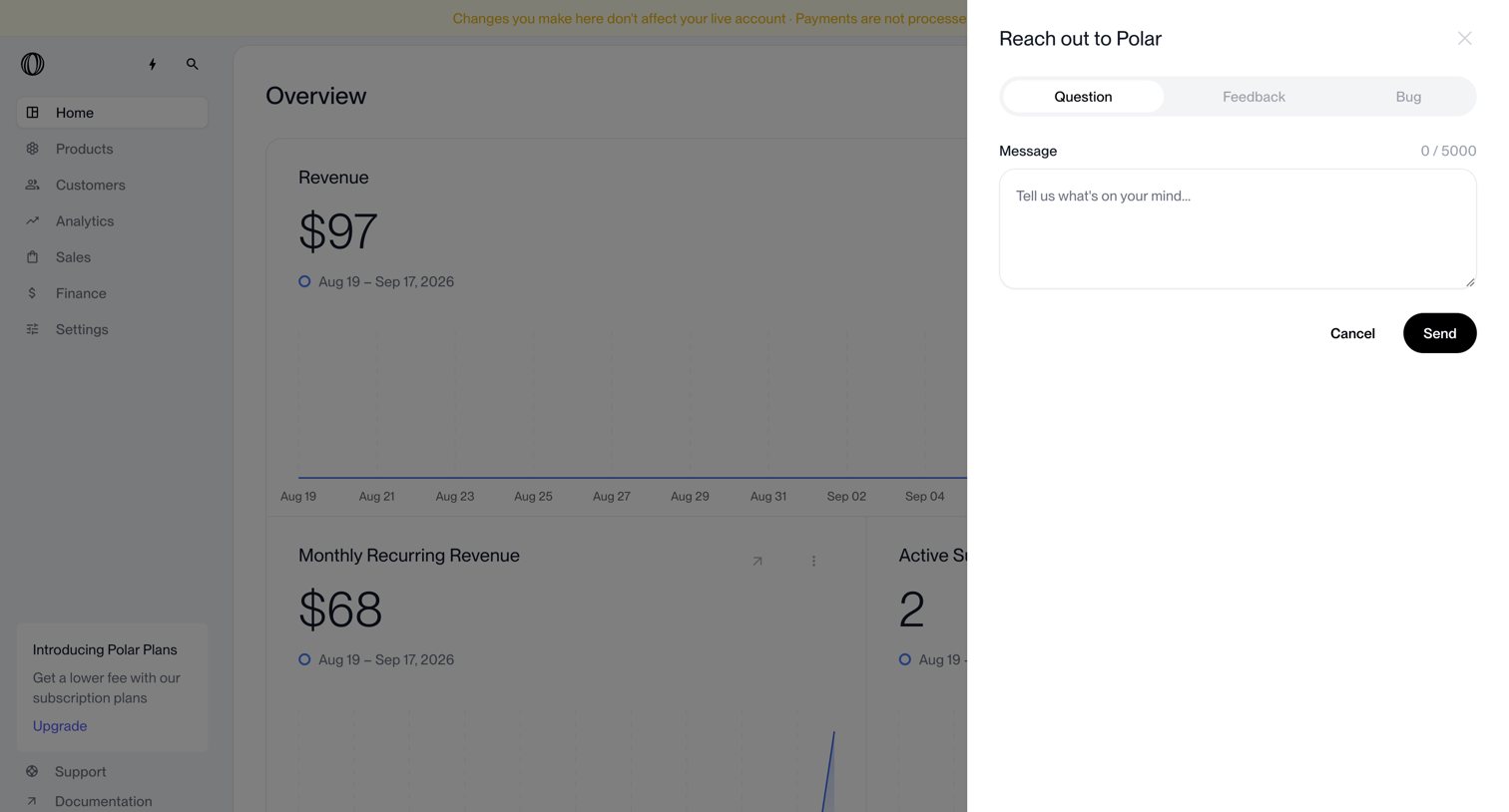

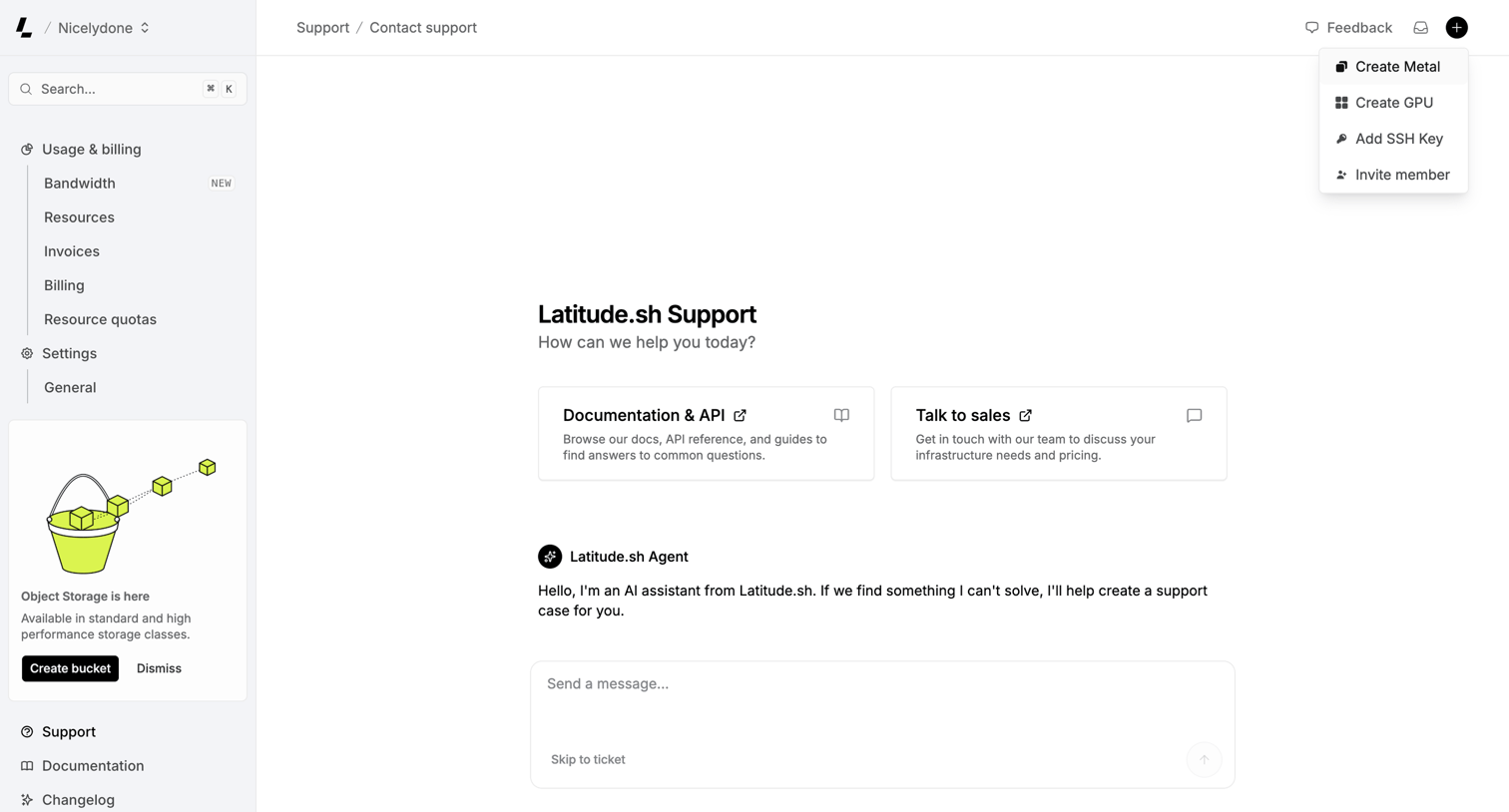

Support page where the user can chat with an AI assistant, browse API documentation, or contact sales.
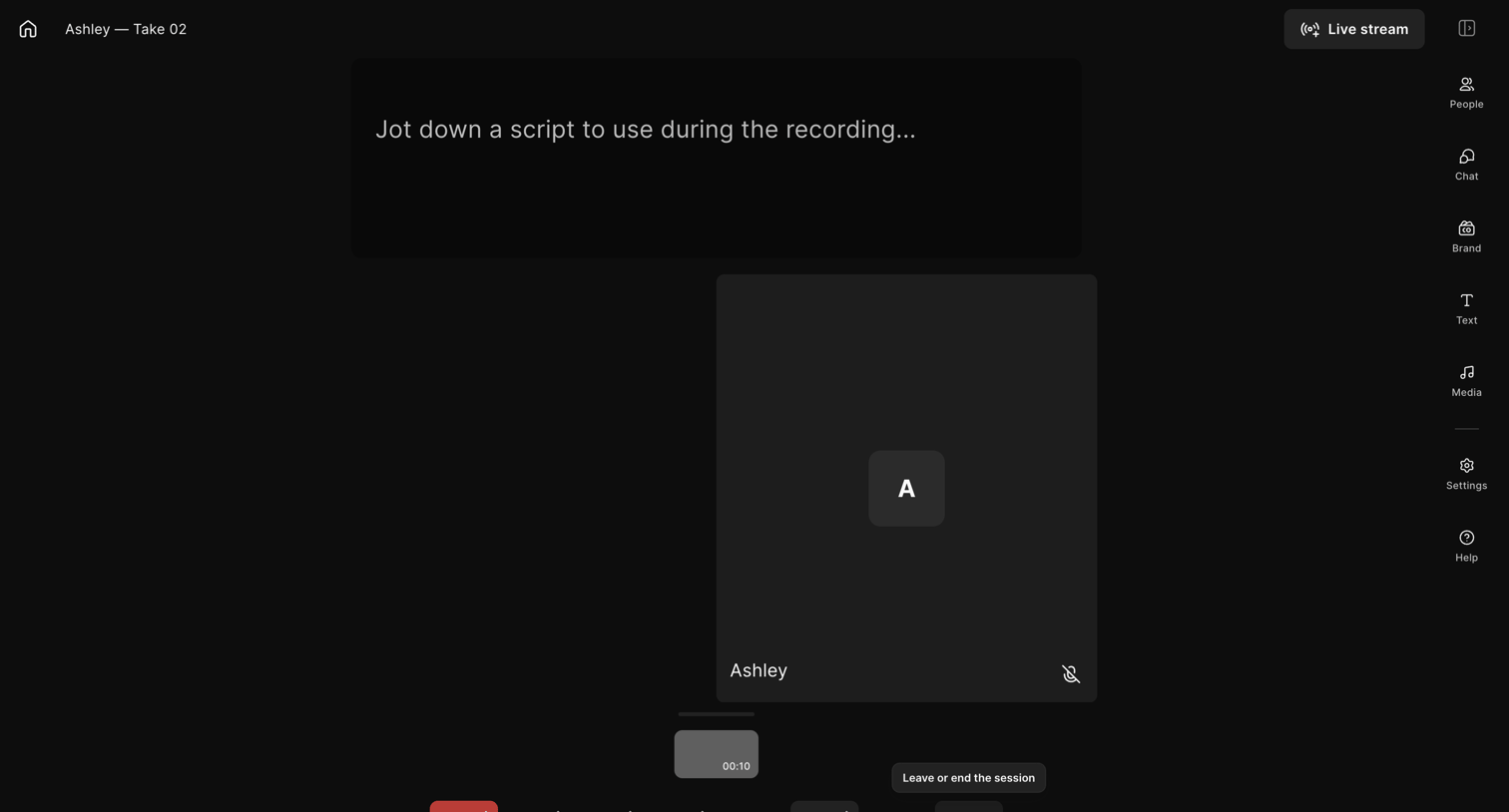

Recording studio where the user can capture video, reference a script, and manage participants.
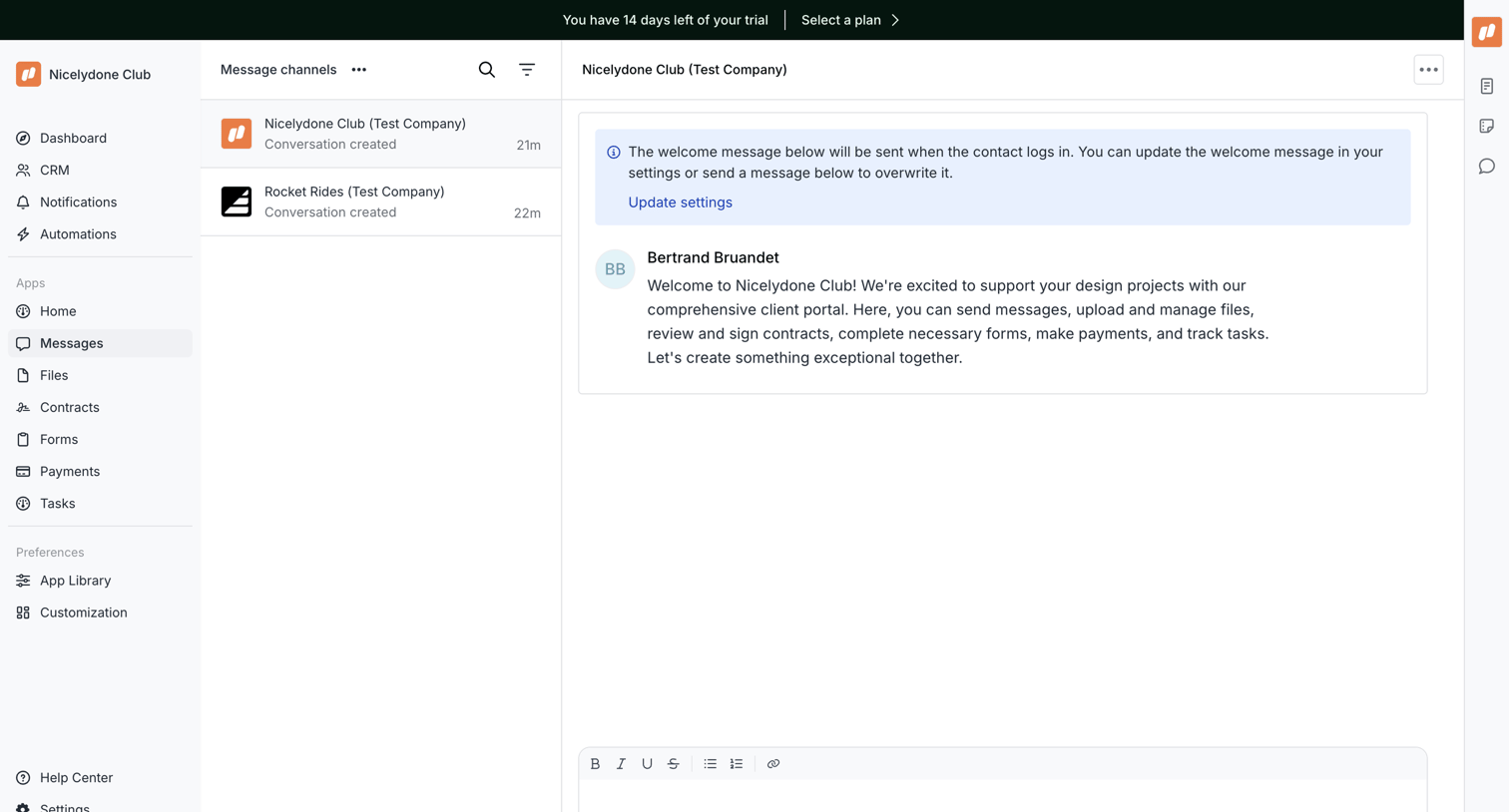

Messaging inbox where the user views a client conversation thread and can compose a reply using a rich text editor.
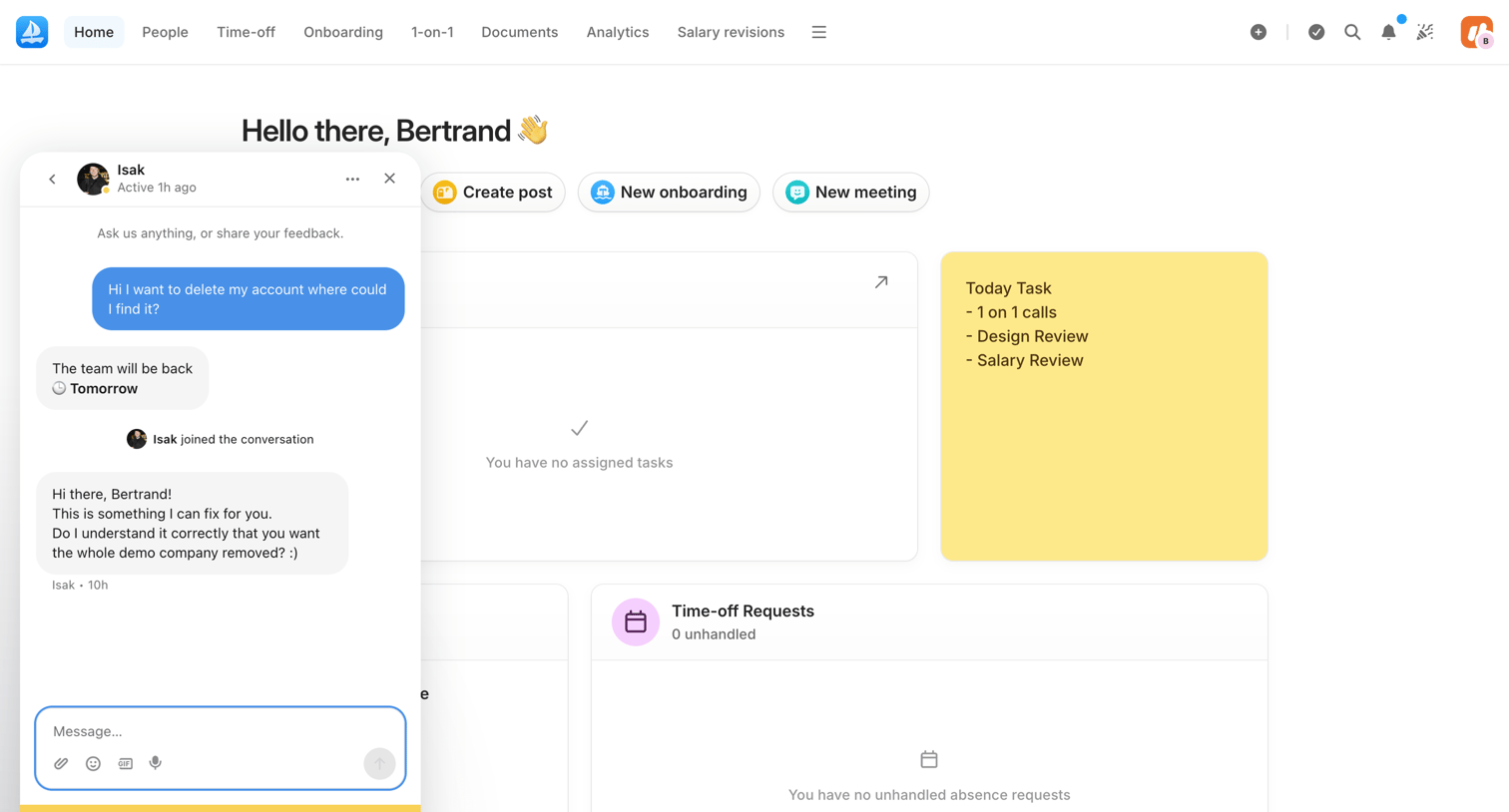



Design editor showing a completely blank white screen with a floating support chat button in the bottom right corner.
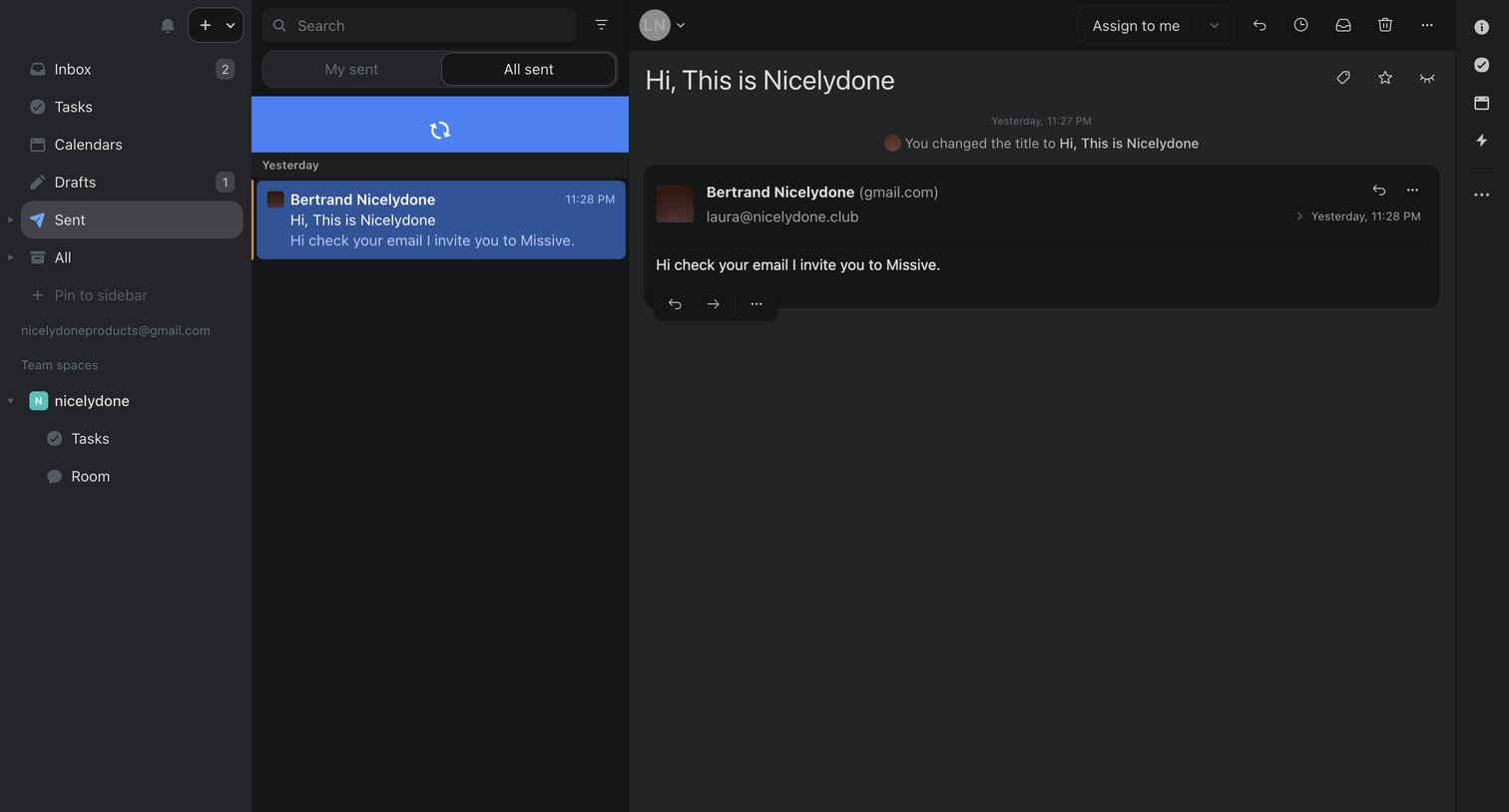

Inbox detail page where the user views a sent email to Bertrand Nicelydone and can chat with their team about it in a shared thread.
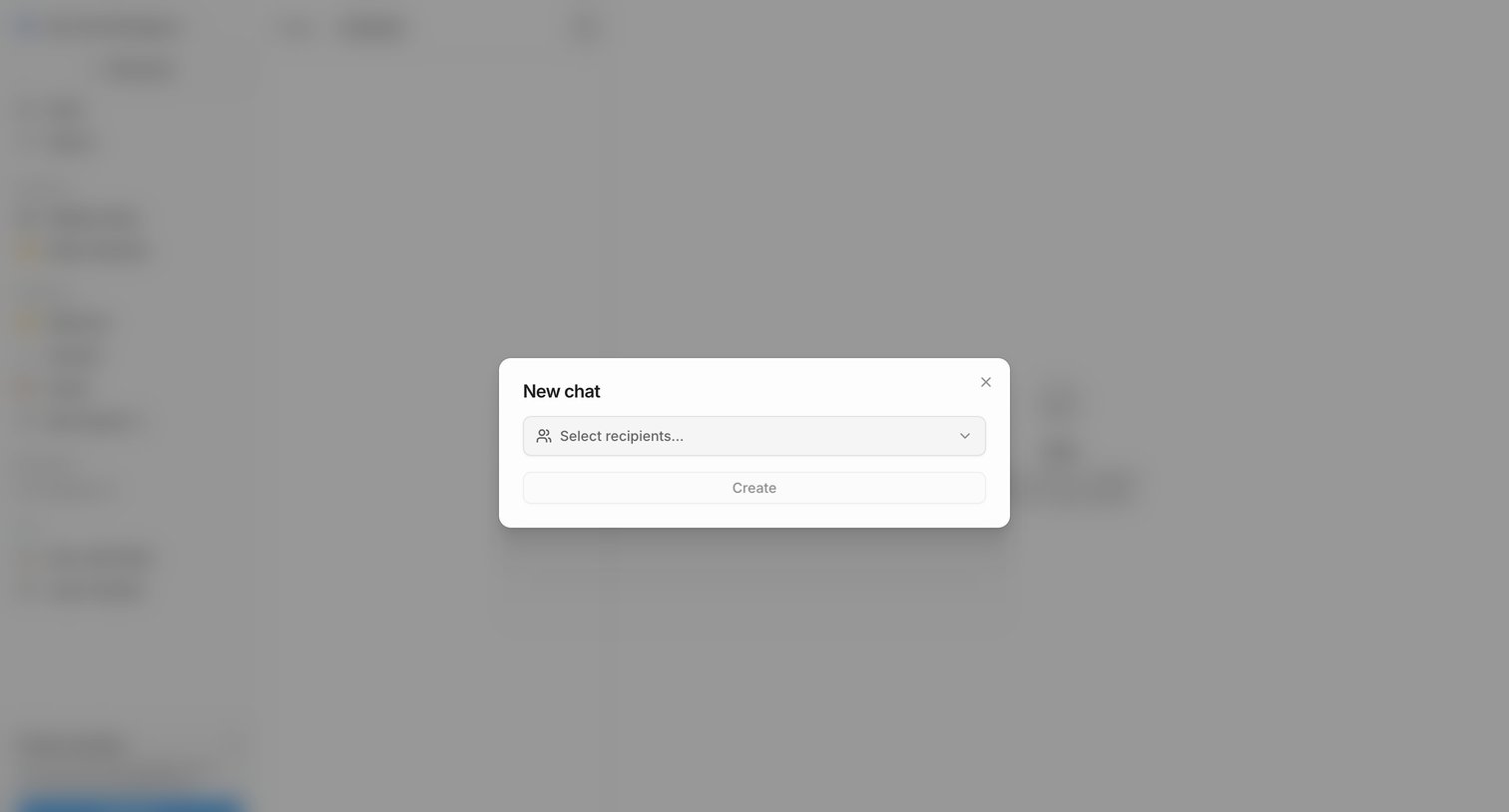


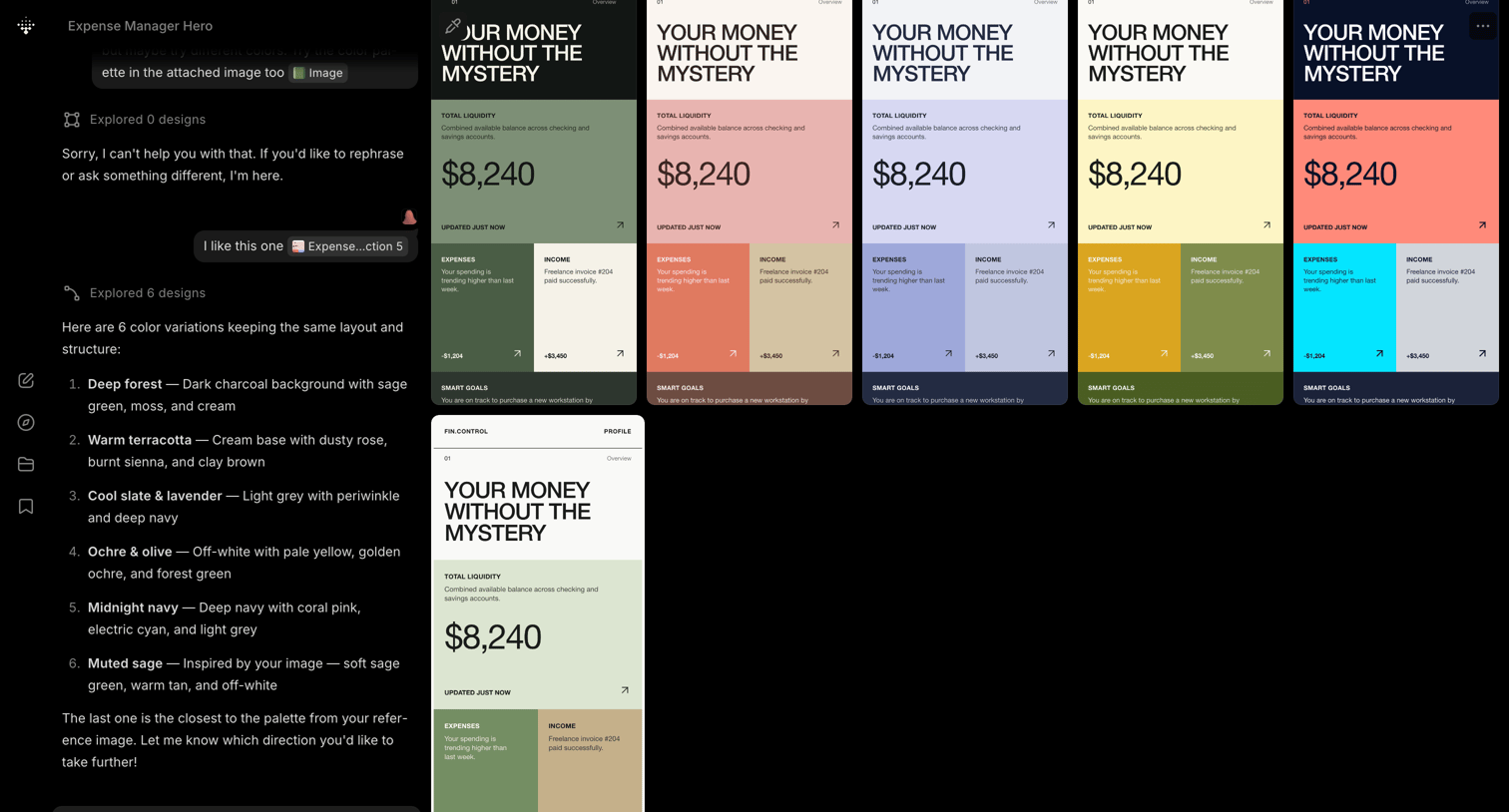

AI generation interface where the user chats with an assistant to explore color palette variations for an expense manager dashboard.
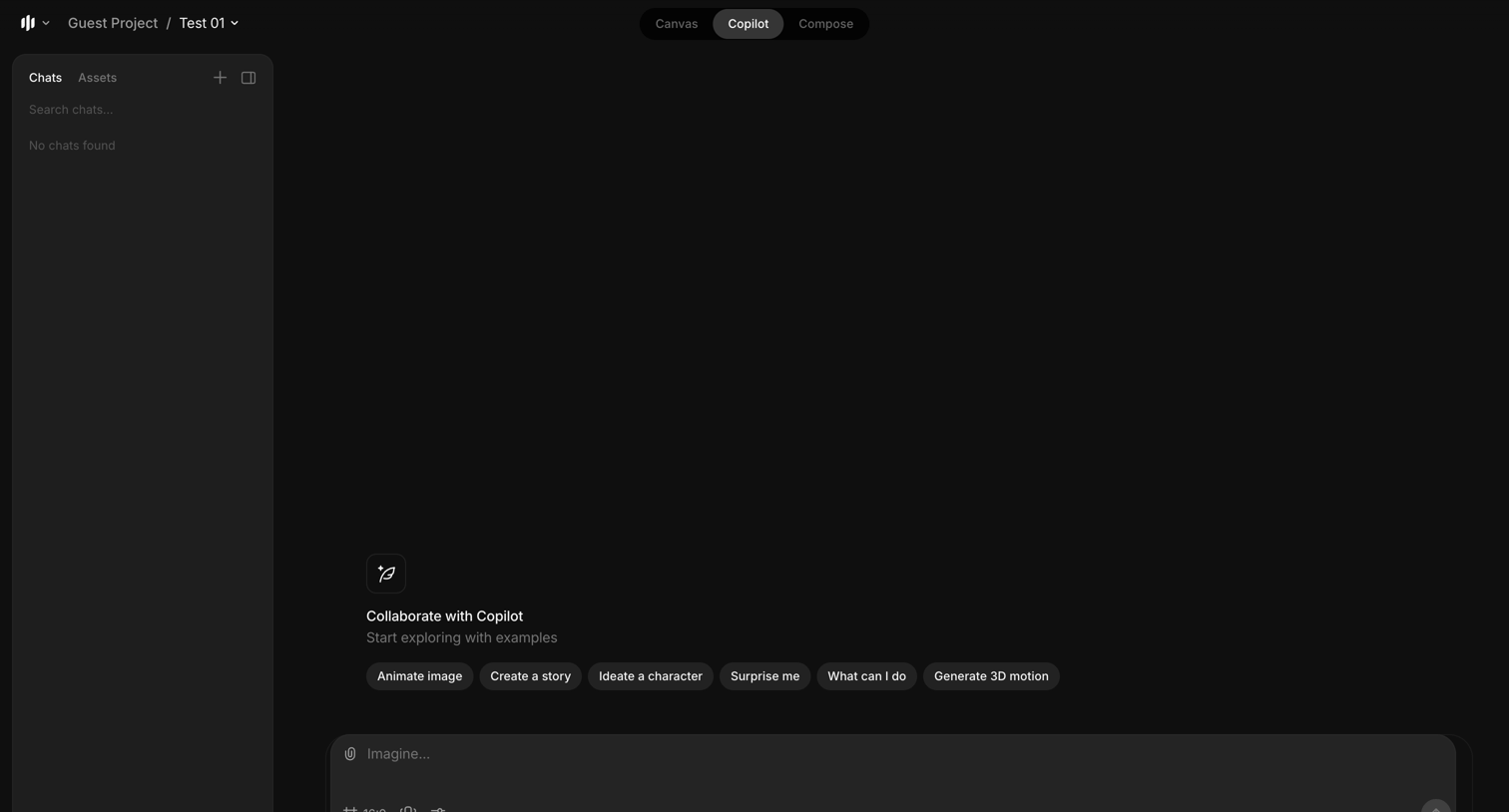

AI copilot interface where the user can start a new session using suggested prompts like 'Animate image' or by typing a custom request into the composer.
Explore the full SaaS screen library
Upgrade to unlock the full library.
Trusted by the best teams








About Chatbot
See how apps introduce automated conversations for support and guidance. Explore message layouts, suggested replies, and the controls that let people describe what they need.