Chatwoot design examples
Explore Chatwoot UI design examples. The modern customer support tool for your business
Product screens


Signup screen where the user creates an account using a work email or Google authentication, featuring a customer testimonial on the side.
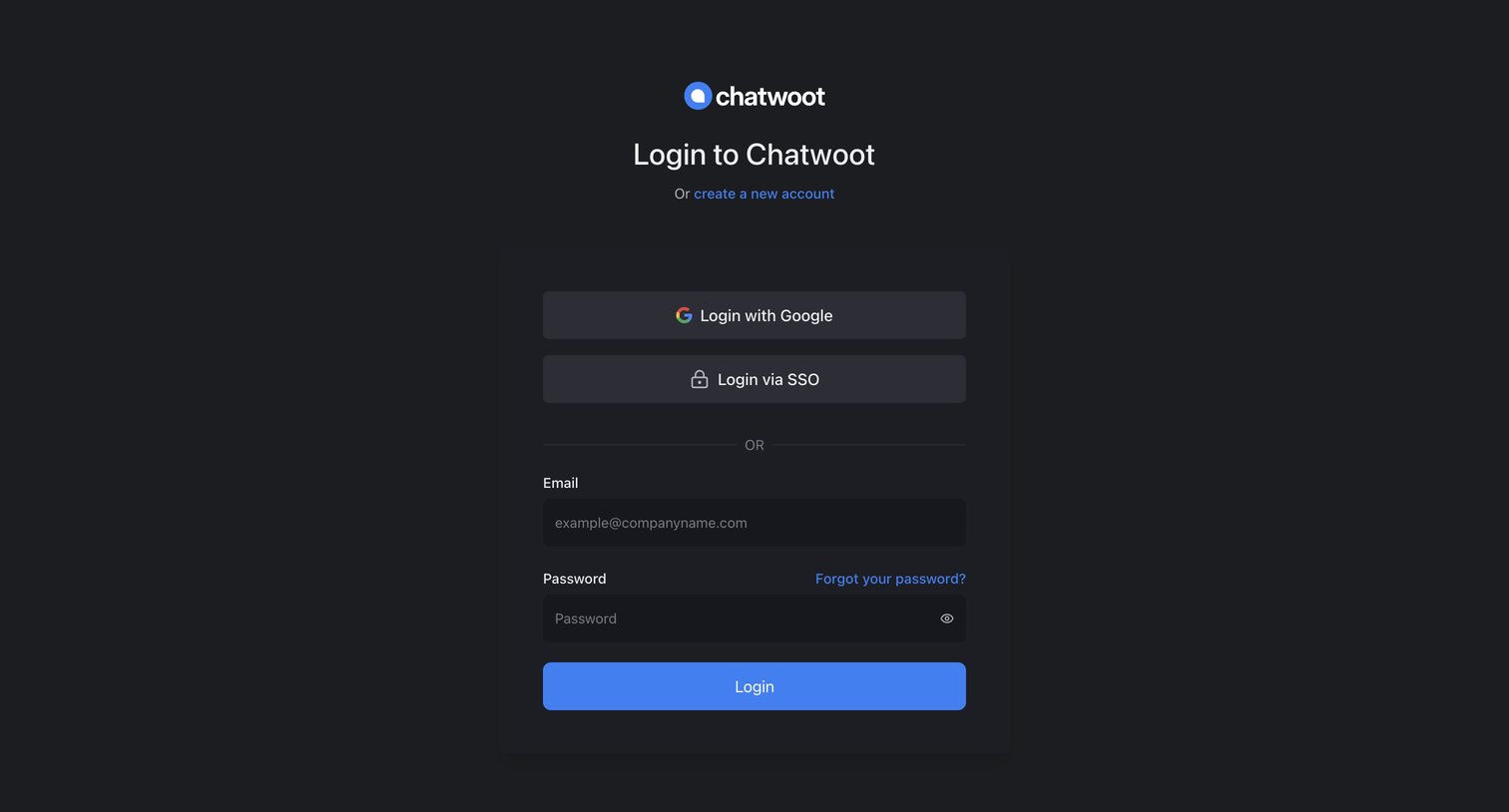
Sign-in screen where the user authenticates with Google, SSO, or email and password.
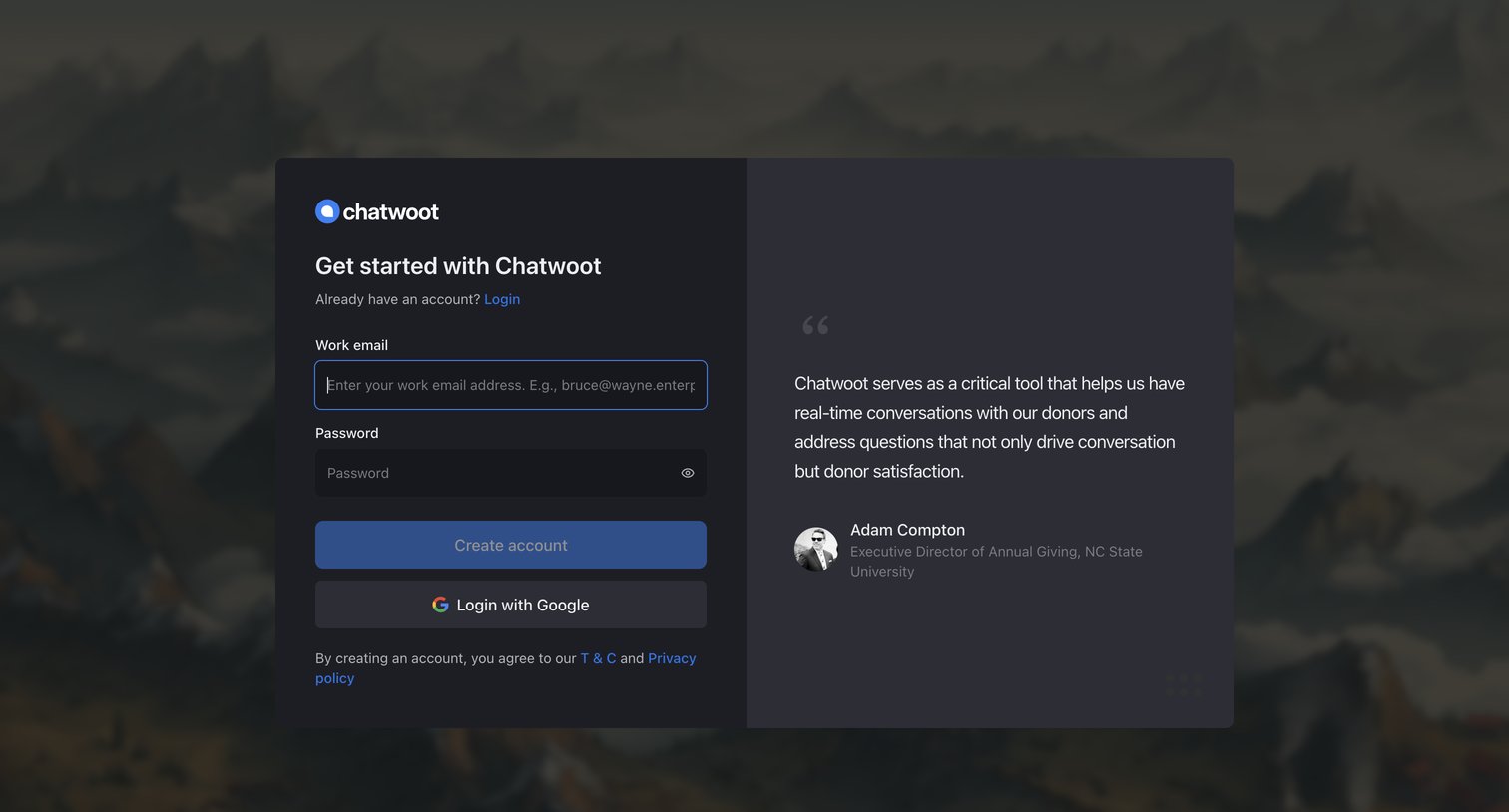
Signup screen where the user can create an account using their work email and password or authenticate via Google, alongside a customer testimonial.
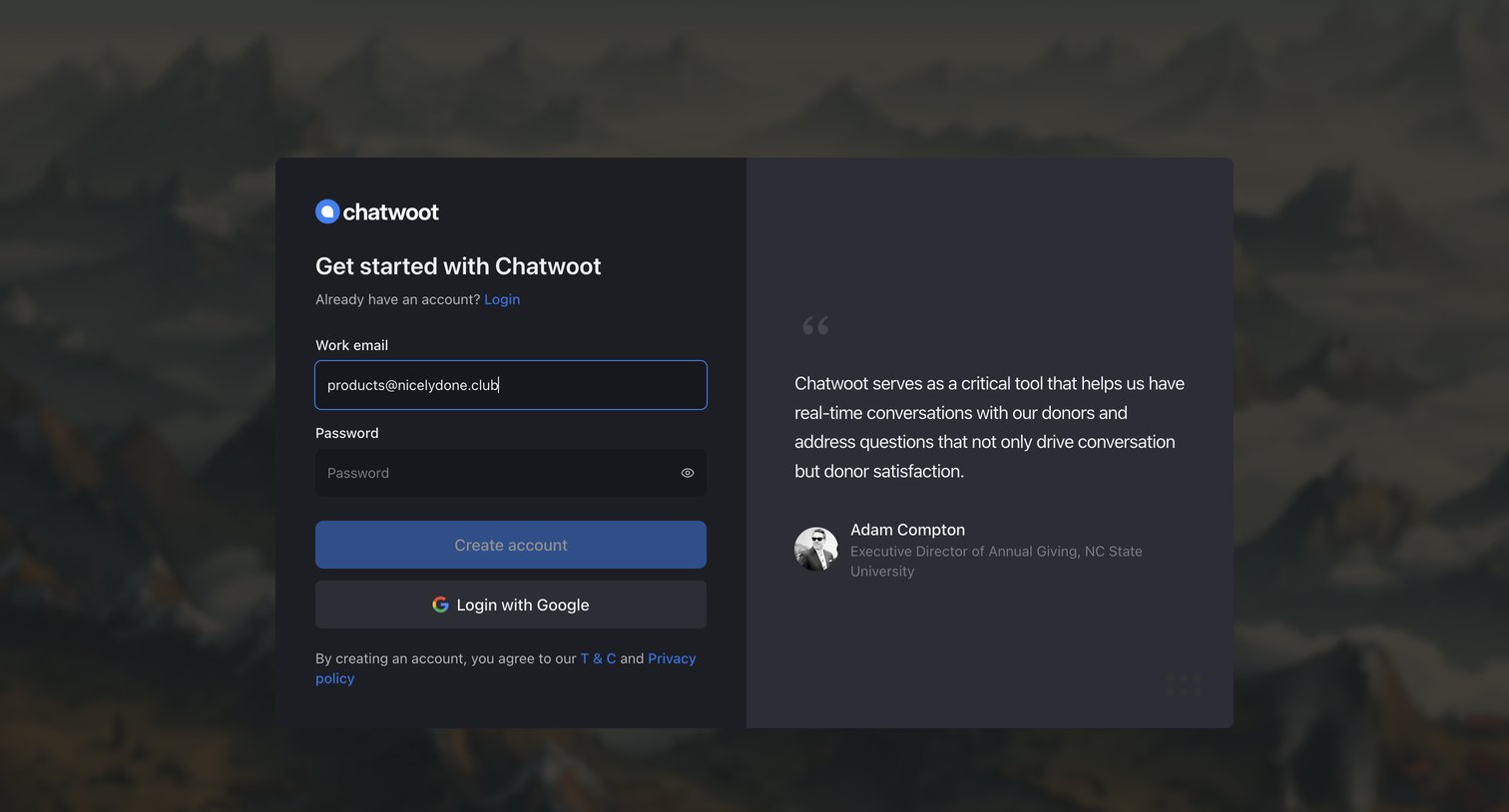
Signup screen where the user can create an account using their work email and password or authenticate with Google, featuring a prominent customer testimonial.
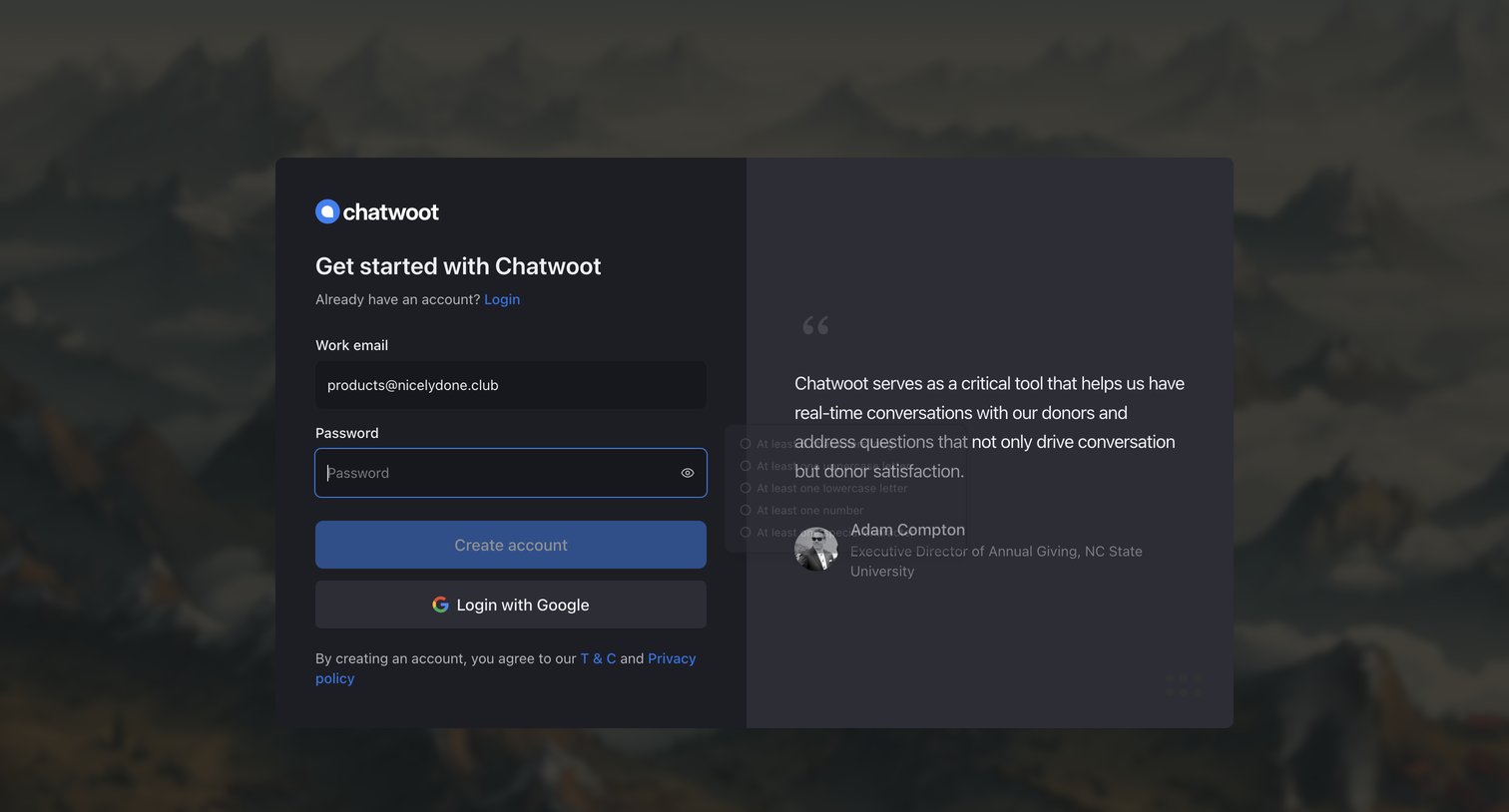
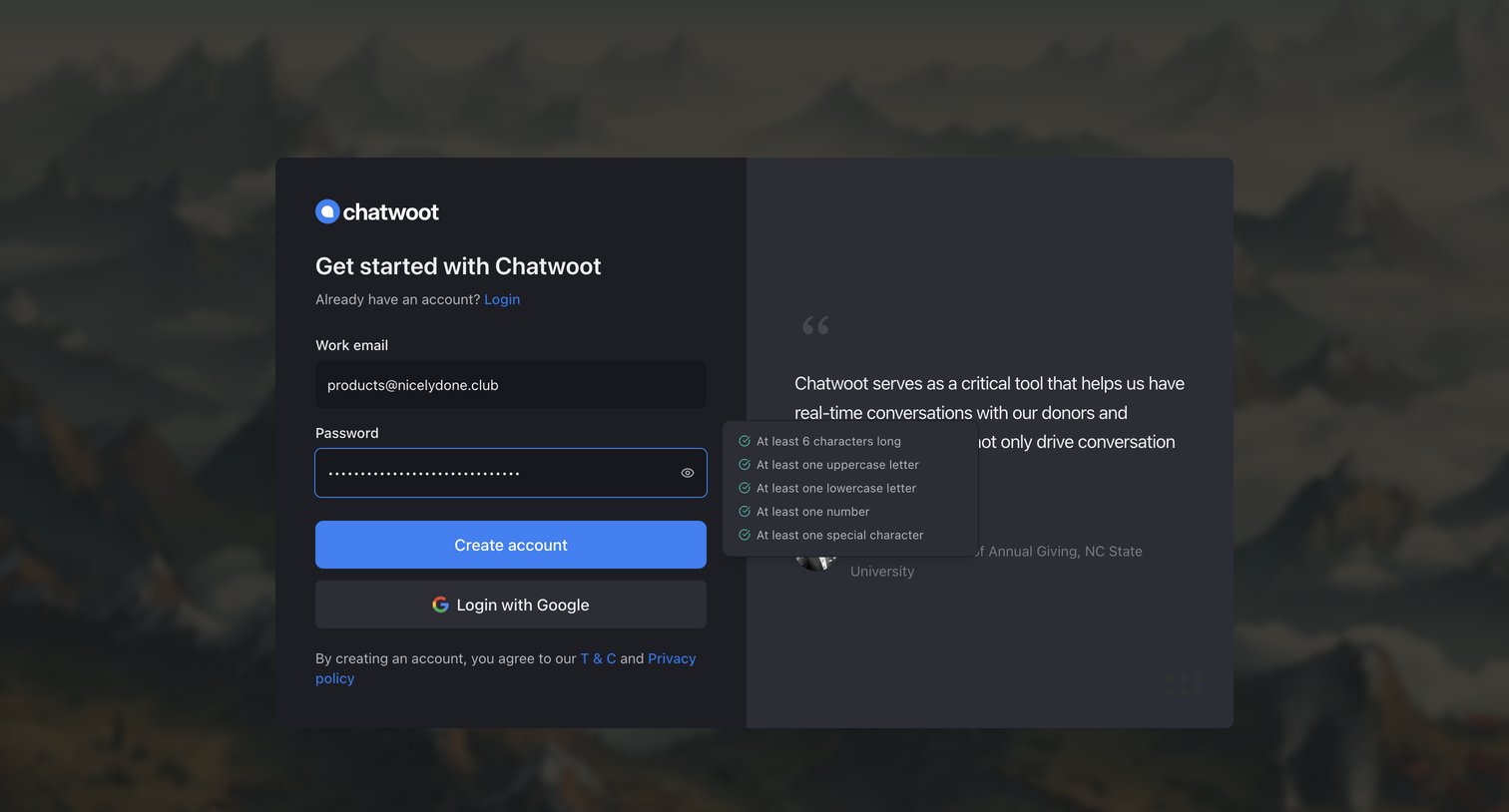
Signup screen where the user creates an account using a work email and password, featuring an active password requirement popover and a customer testimonial.
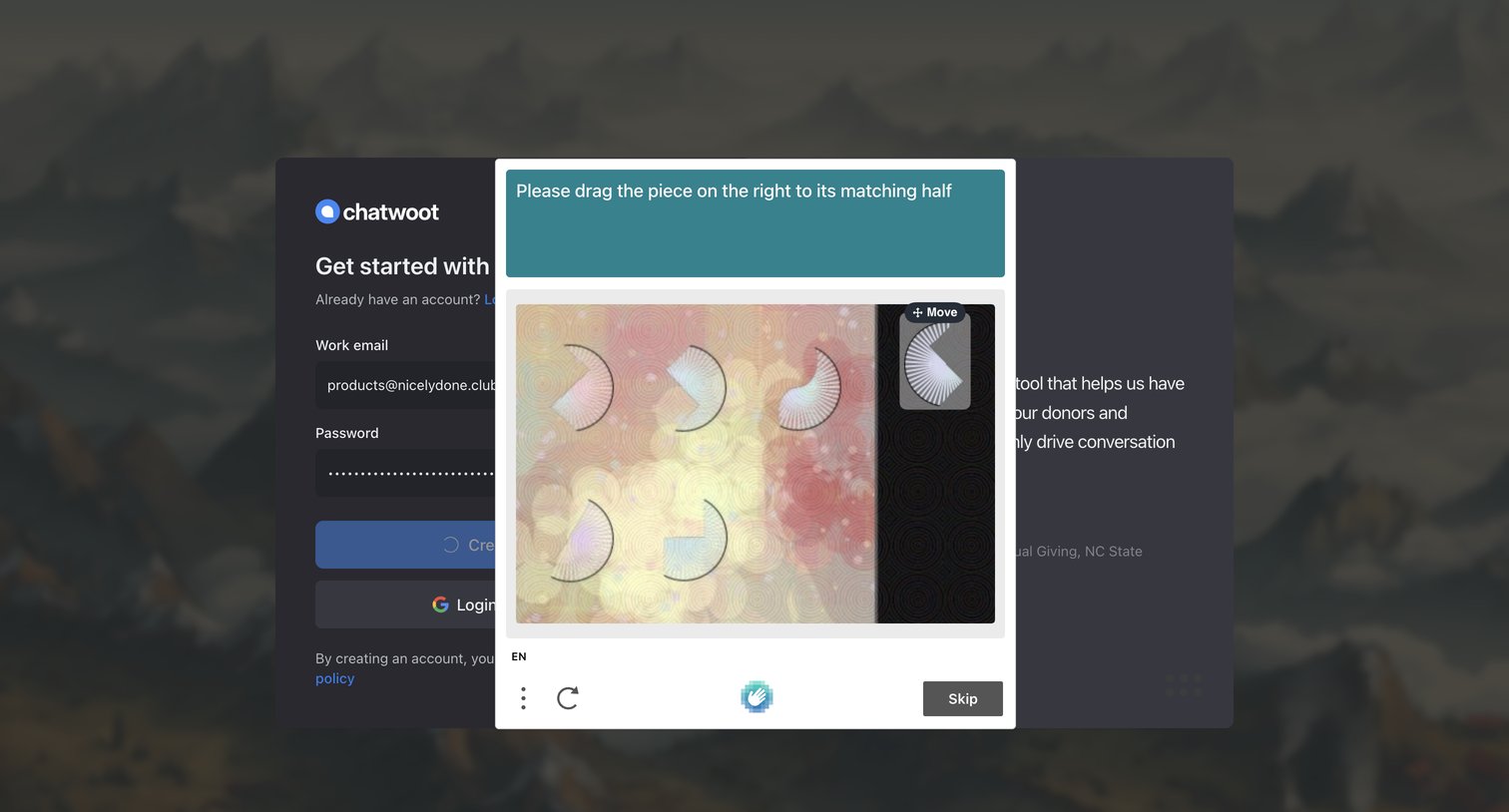
Signup screen where the user must complete a drag-and-drop image puzzle to verify their identity before their account creation is processed.
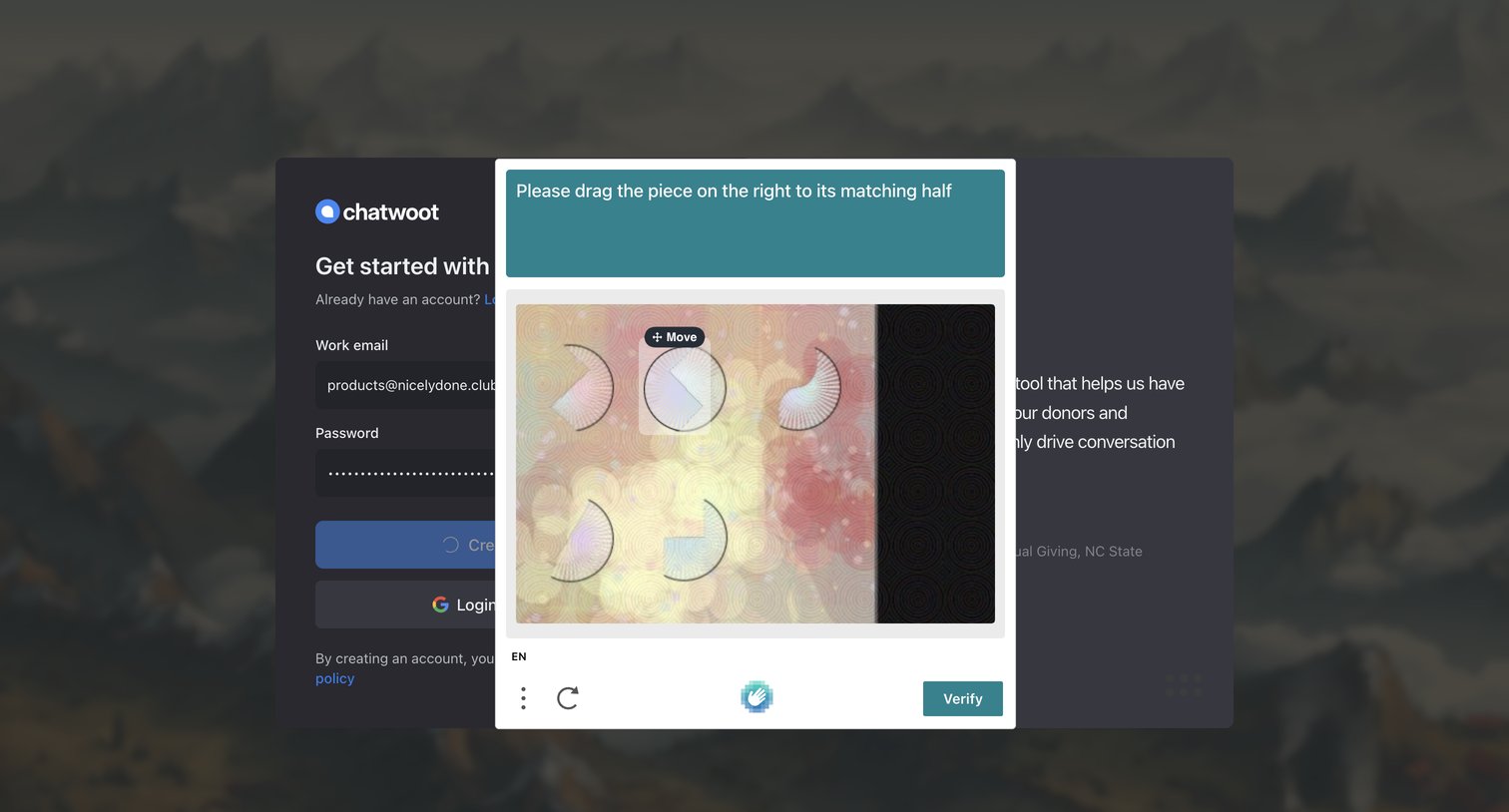
Signup page where the user must solve an image puzzle CAPTCHA to verify their identity before creating an account.
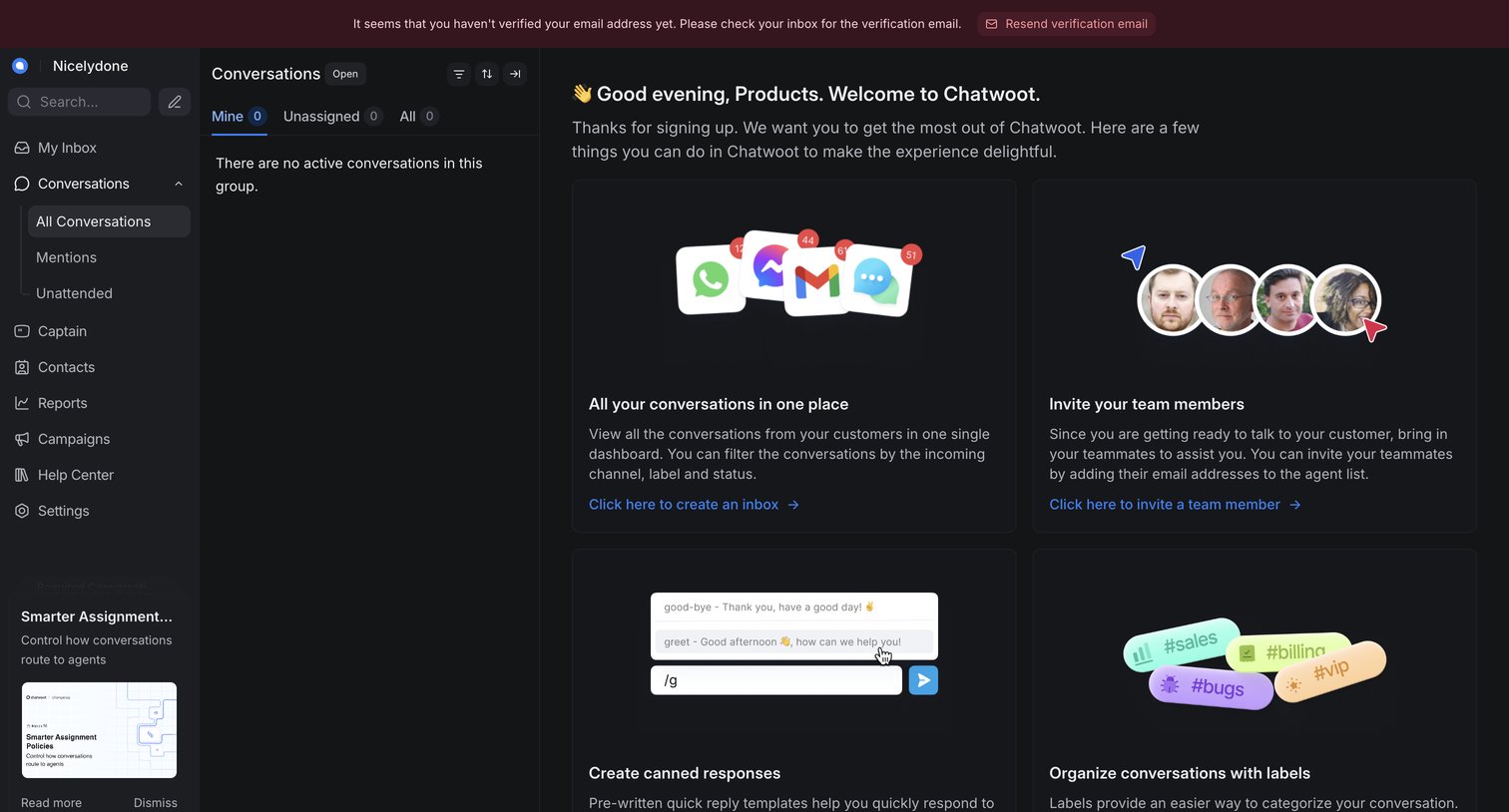
Inbox view in an empty state showing a welcome message and onboarding cards to set up the workspace, alongside an email verification banner.
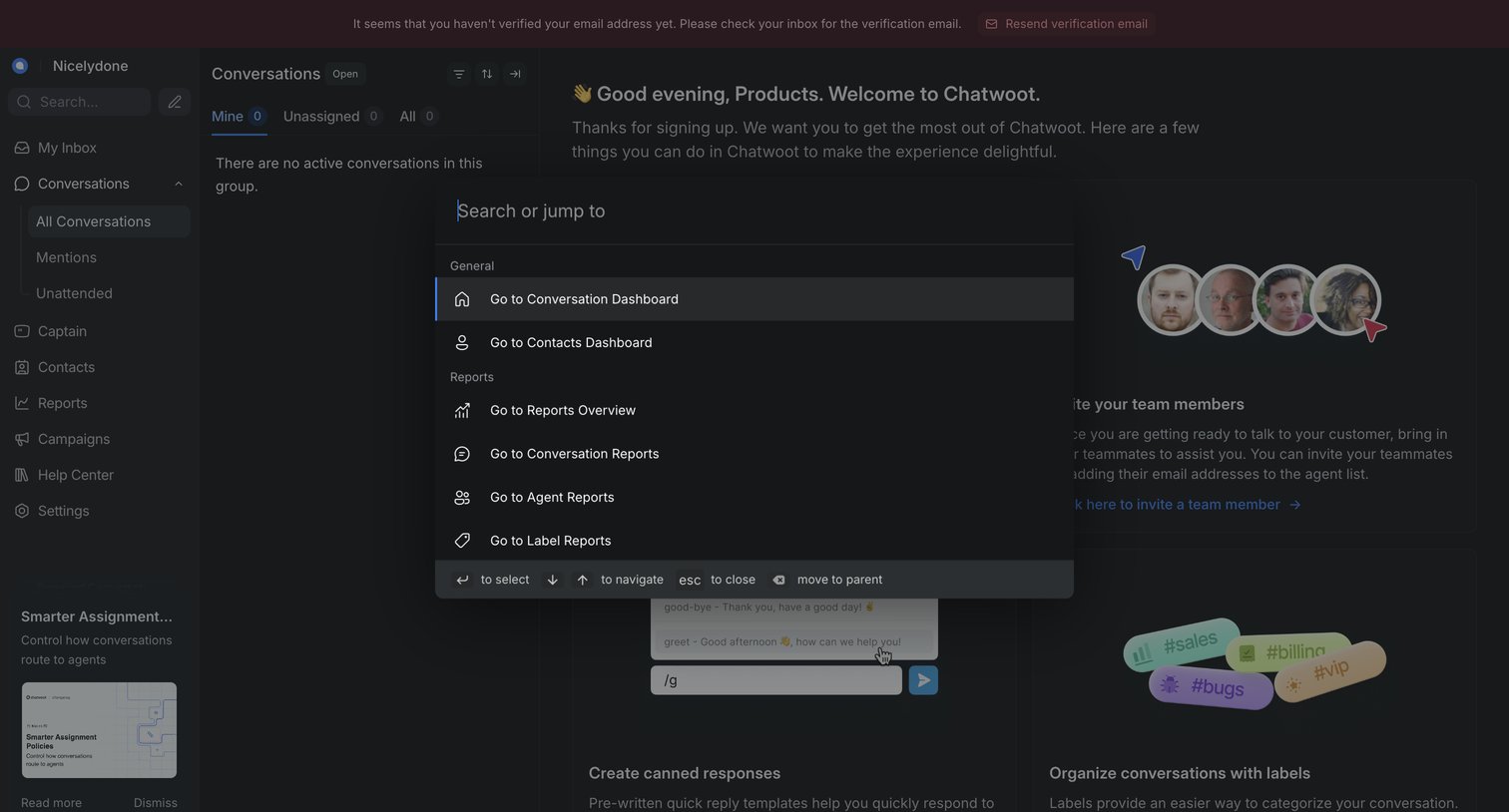
Search overlay where the user jumps to different dashboards and reports over a customer support inbox showing an empty conversation list and onboarding cards.
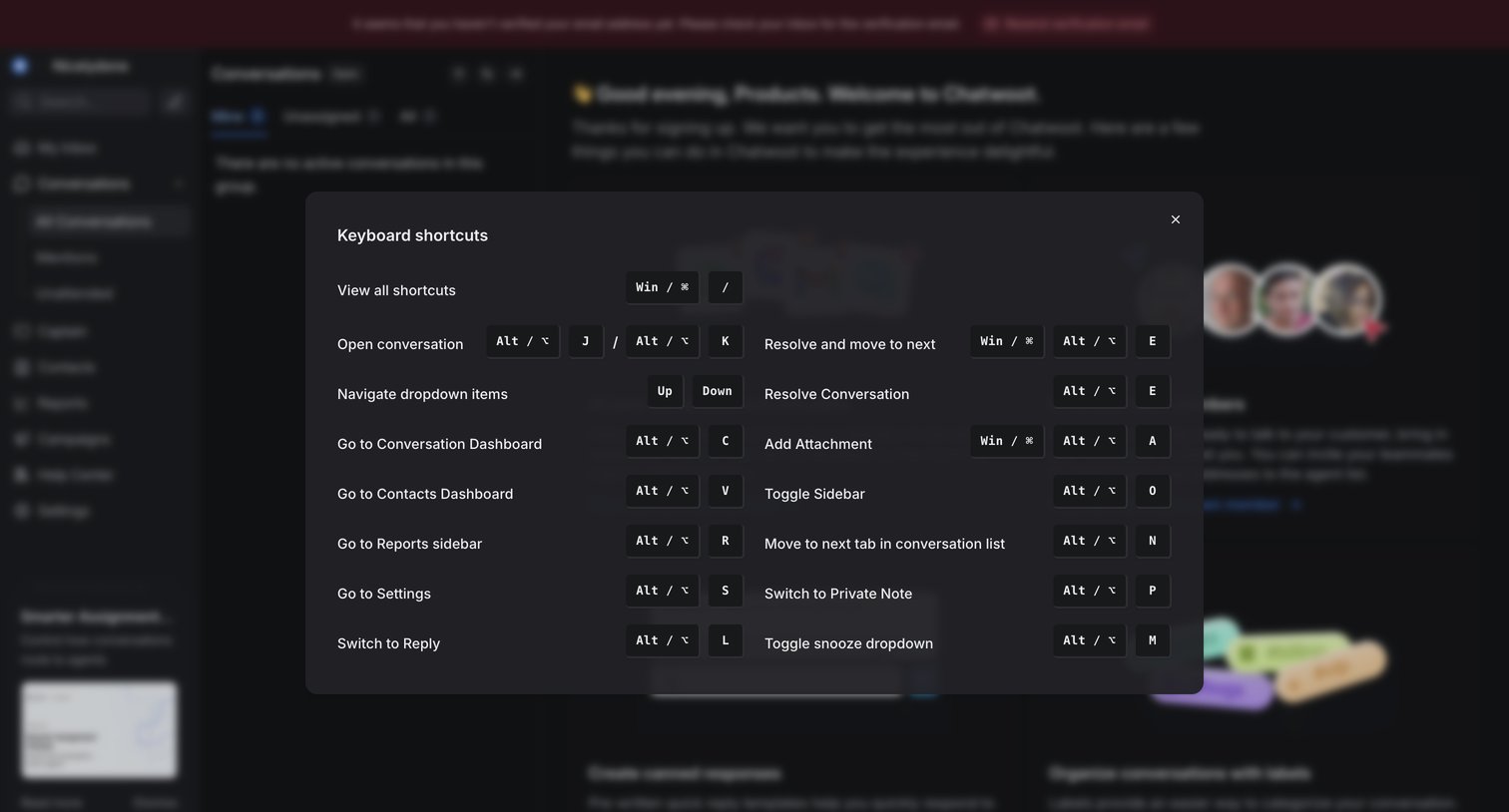
Inbox view with an open modal displaying a list of keyboard shortcuts for navigation, conversation management, and UI toggles.
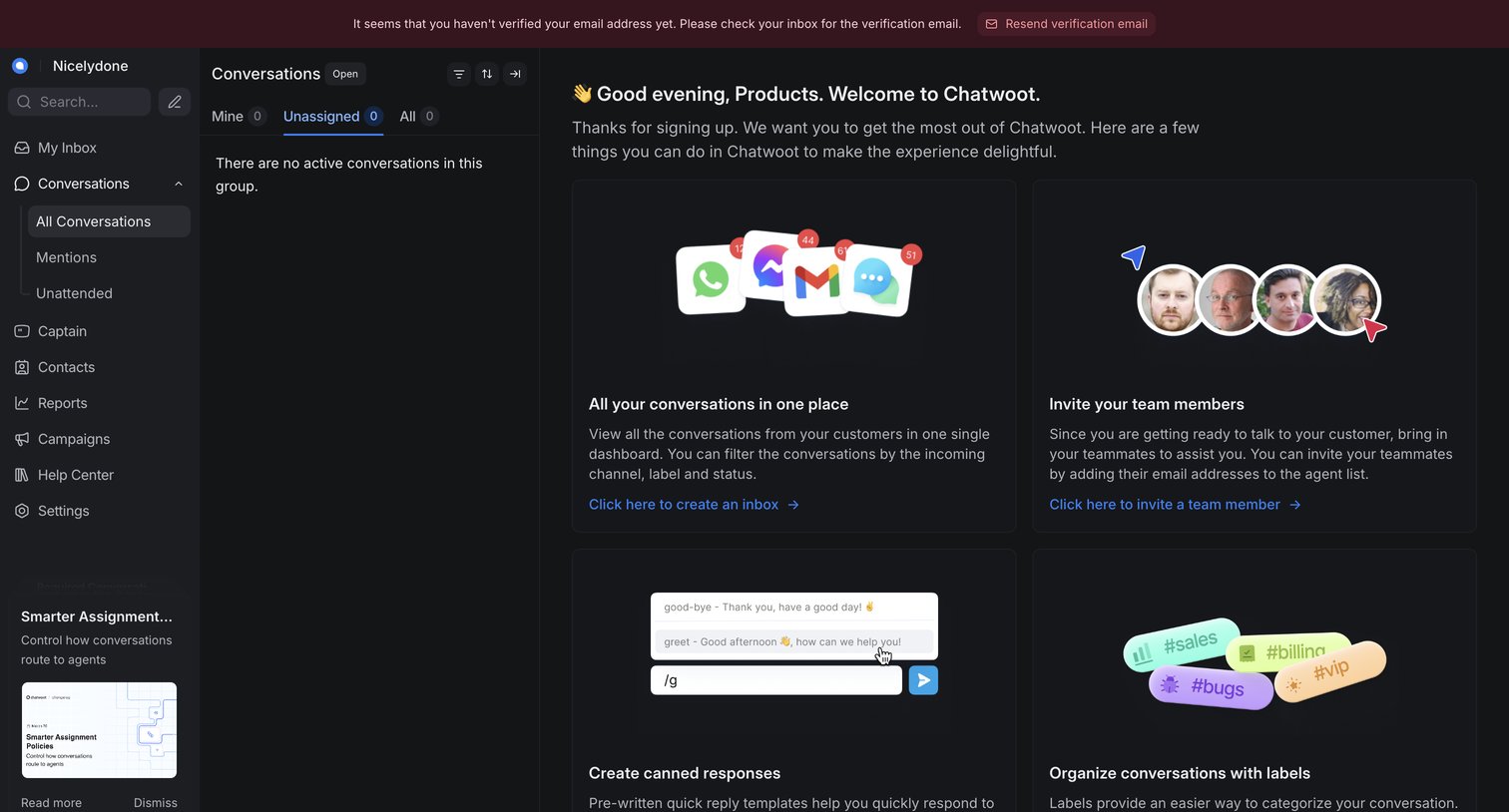
Dashboard landed-in view where a new user is welcomed and presented with setup steps like creating an inbox, inviting team members, and creating canned responses.
Browse the full SaaS app library
Explore real SaaS apps with their product screens, marketing screens, flows, and components.
Trusted by the best teams







