Forgot Password screen examples
Forgot Password screen design examples from SaaS apps. See how SaaS apps guide people back into an account after a forgotten password. Explore request forms and instructions that explain what information is…
Explore the examples
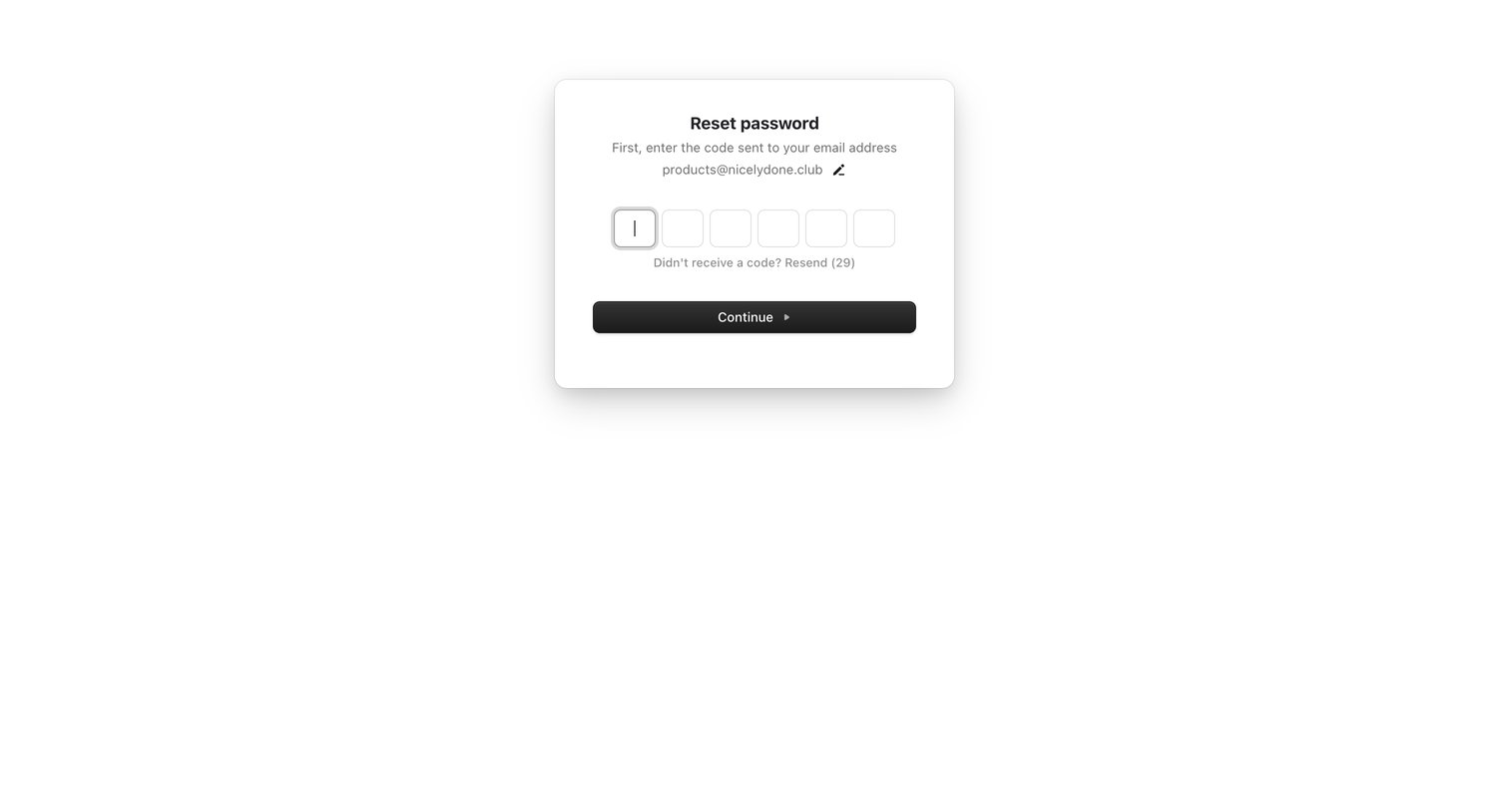

Verification screen where the user enters a 6-digit code sent to their email to continue resetting their password.
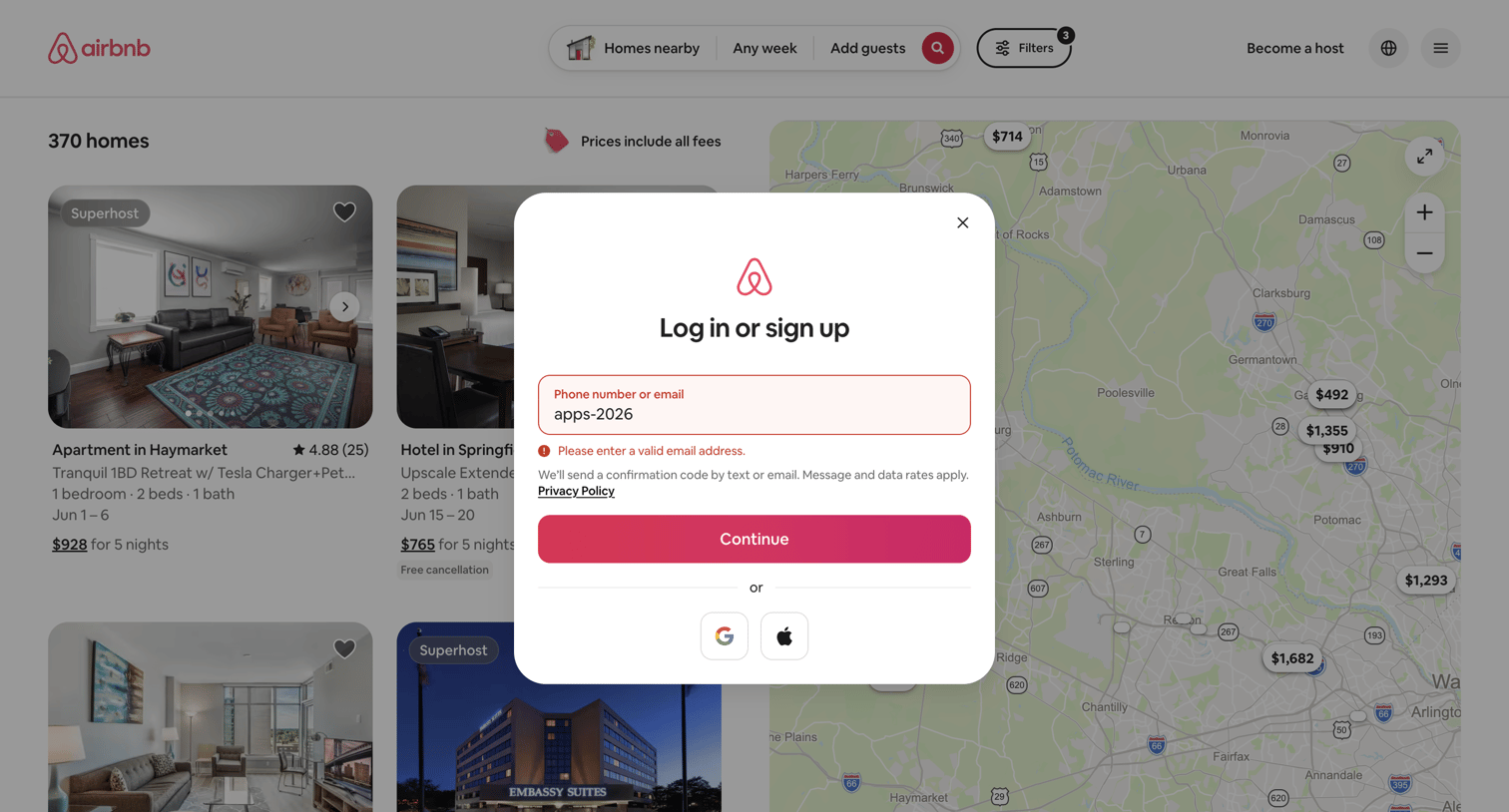

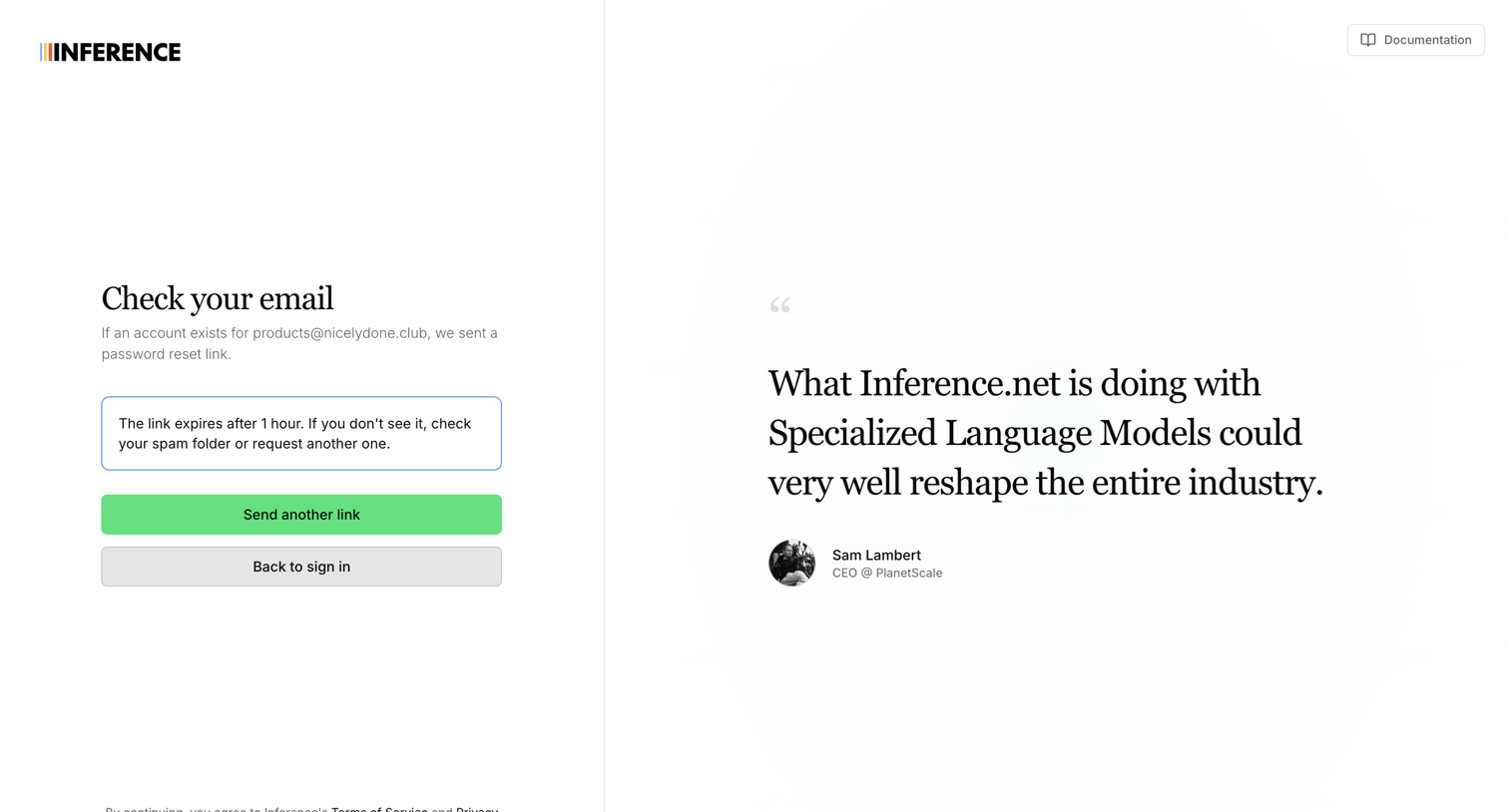

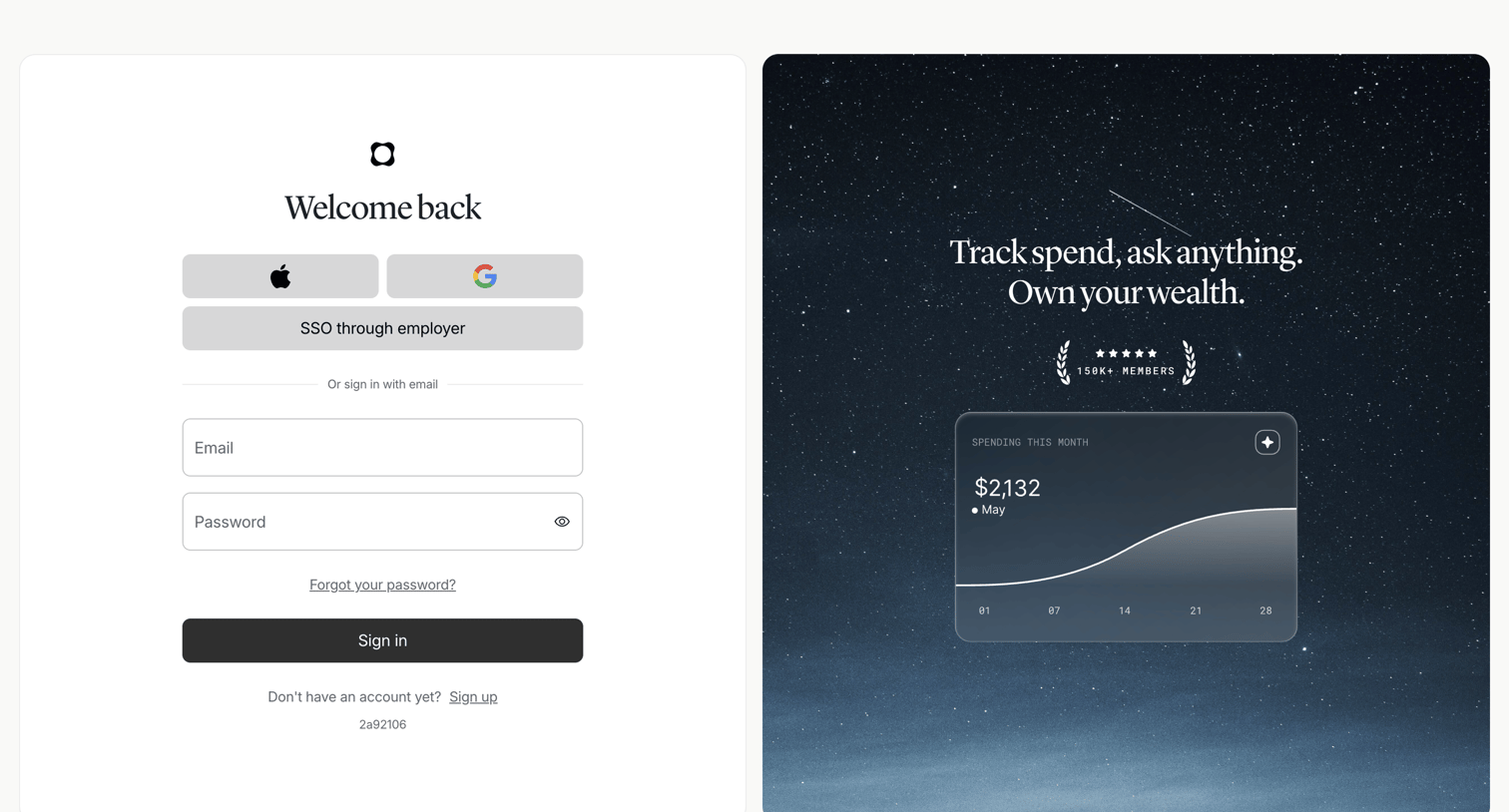

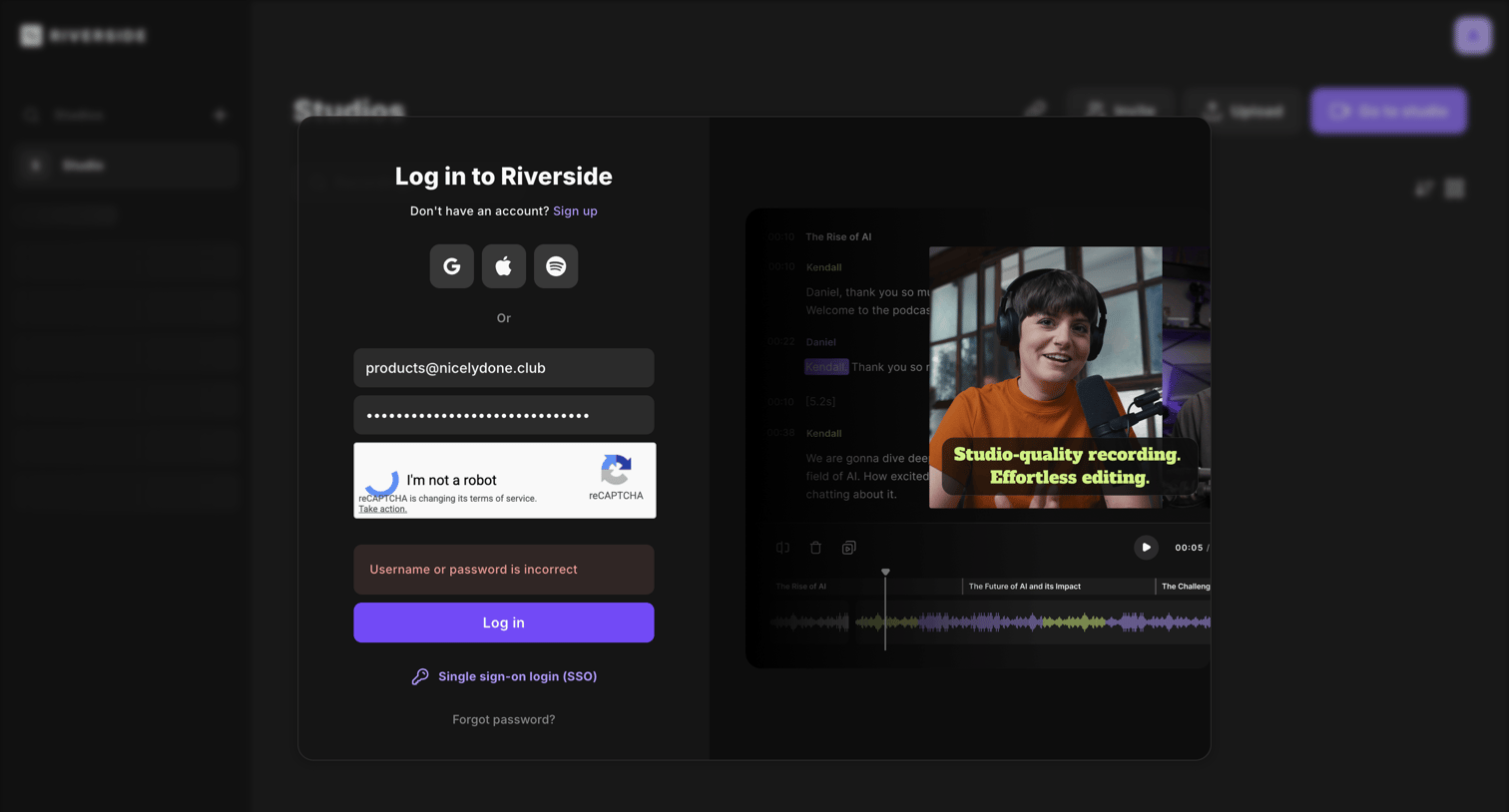
Sign-in screen where the user authenticates with Apple, Google, SSO, or email and password, alongside a promotional card highlighting a spending chart and member count.

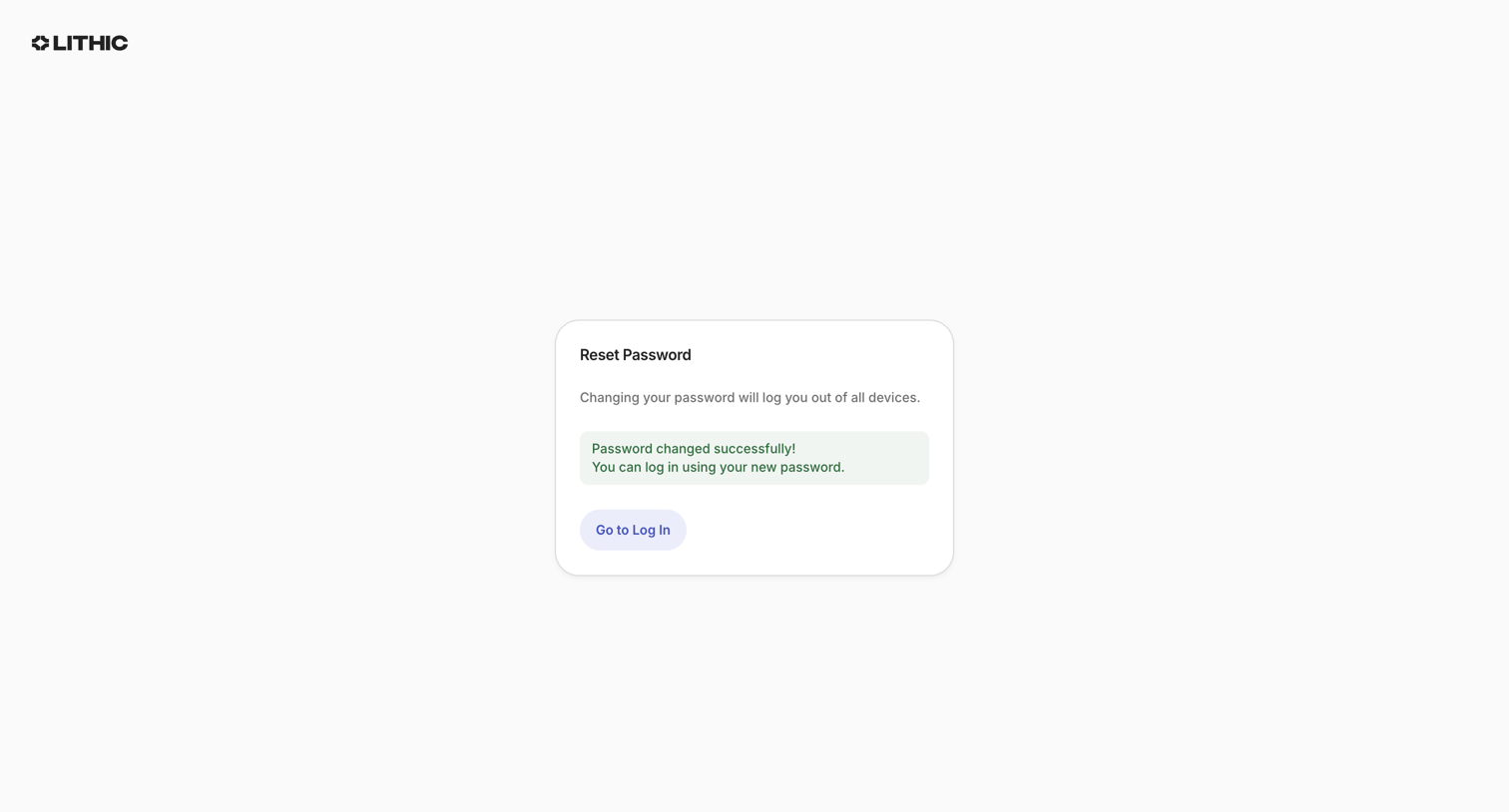

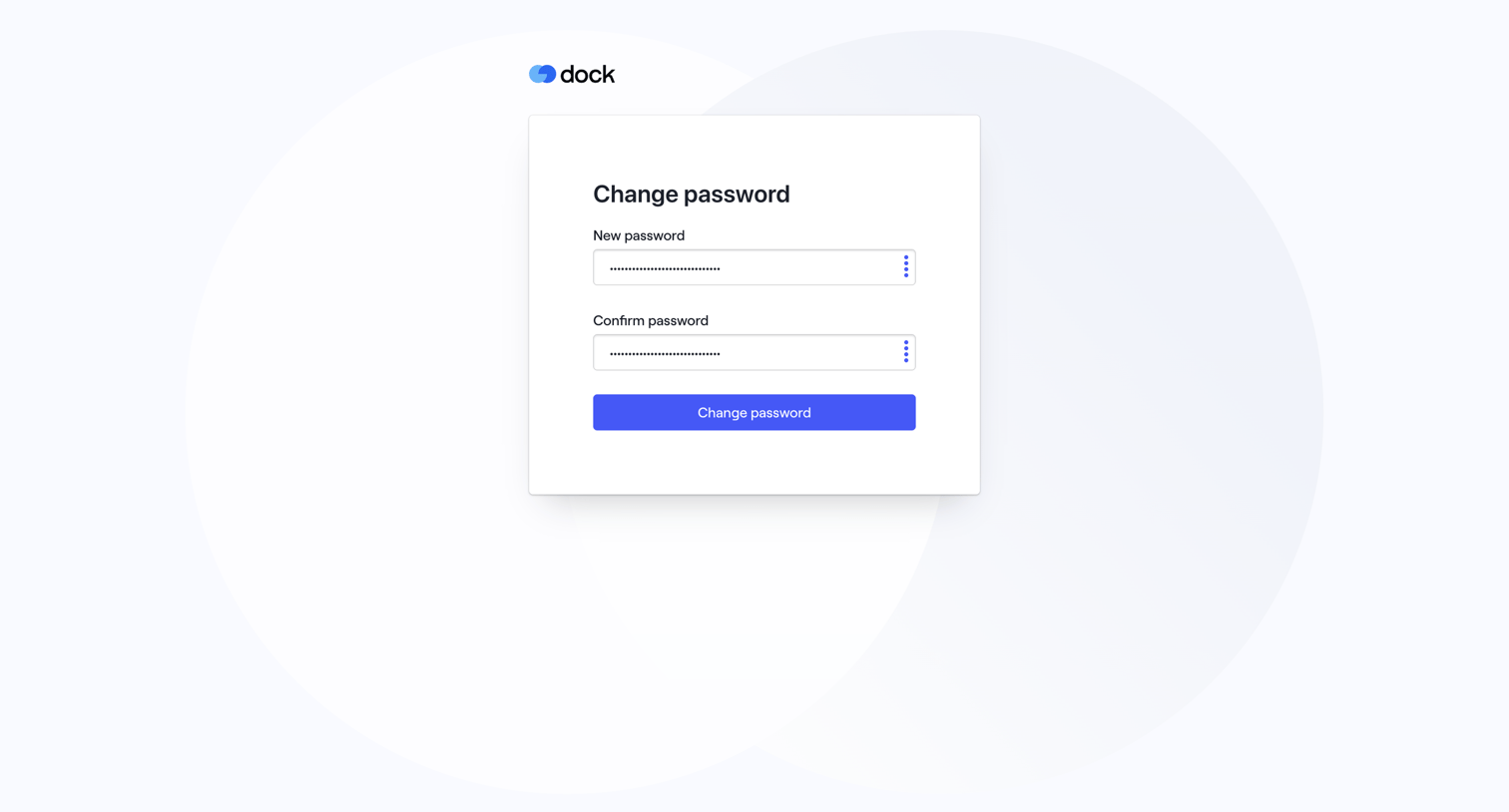

Password recovery screen where the user enters and confirms their new password.
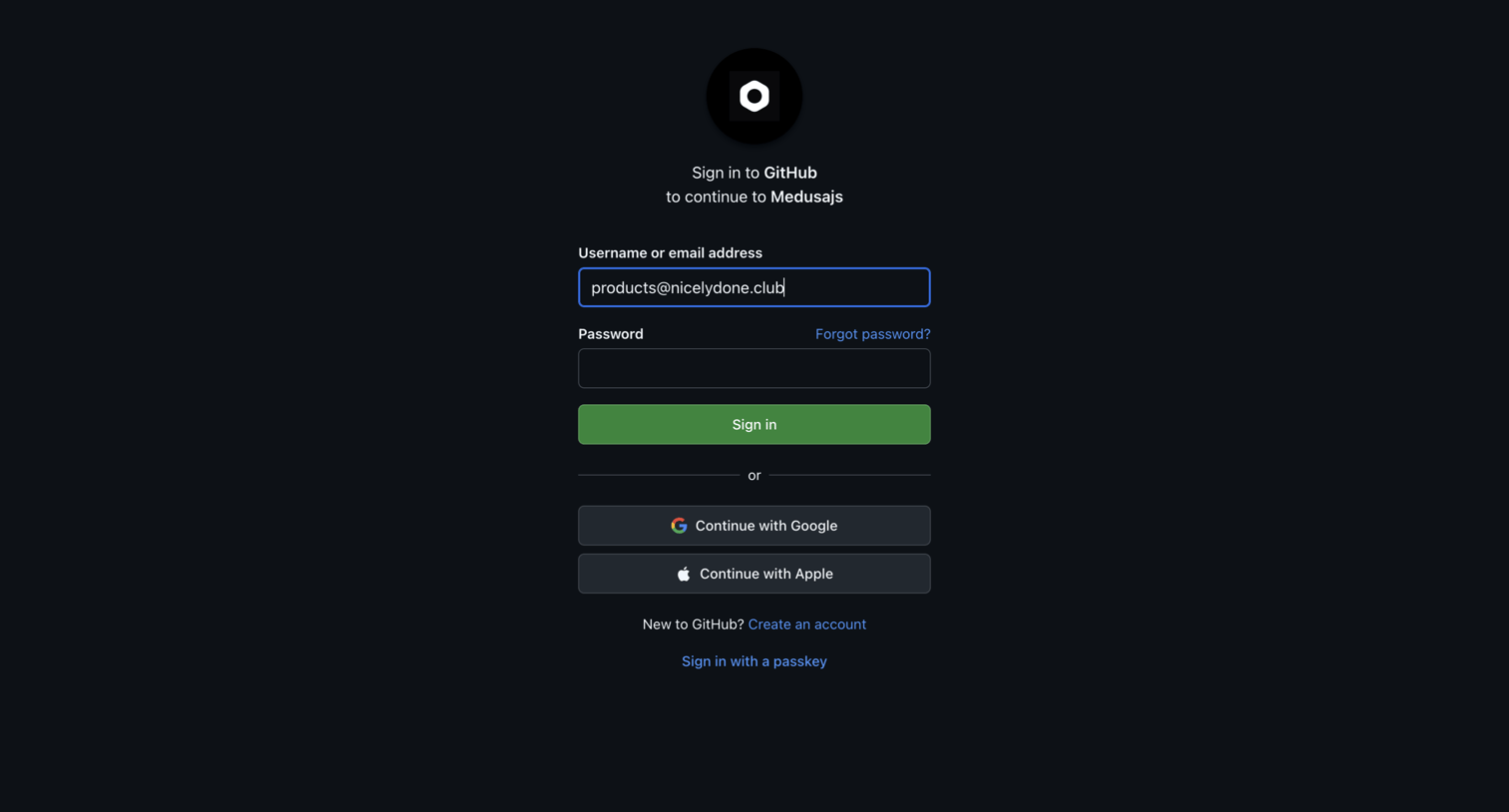

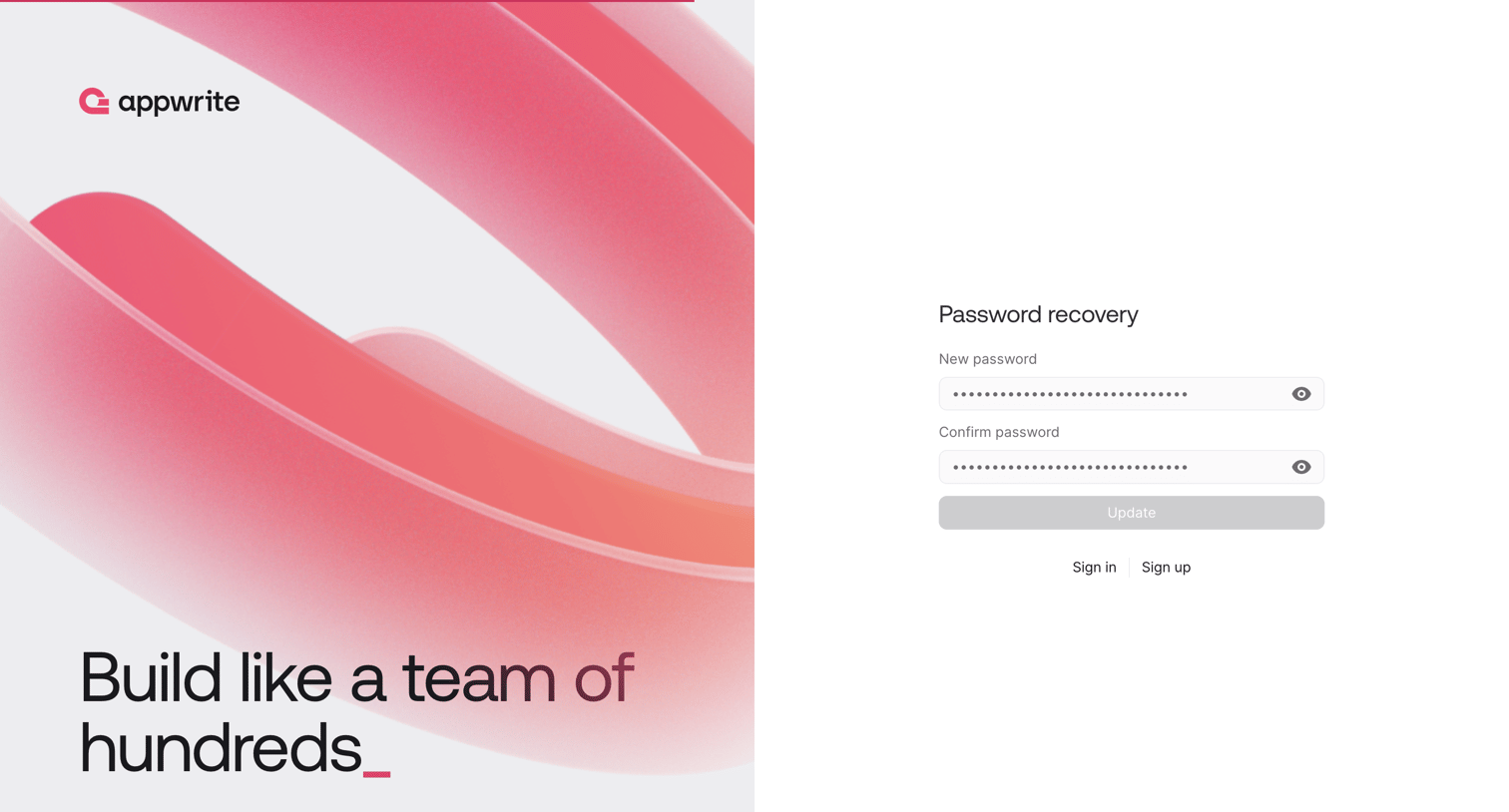

Password recovery screen where the user enters and confirms a new password to regain account access.
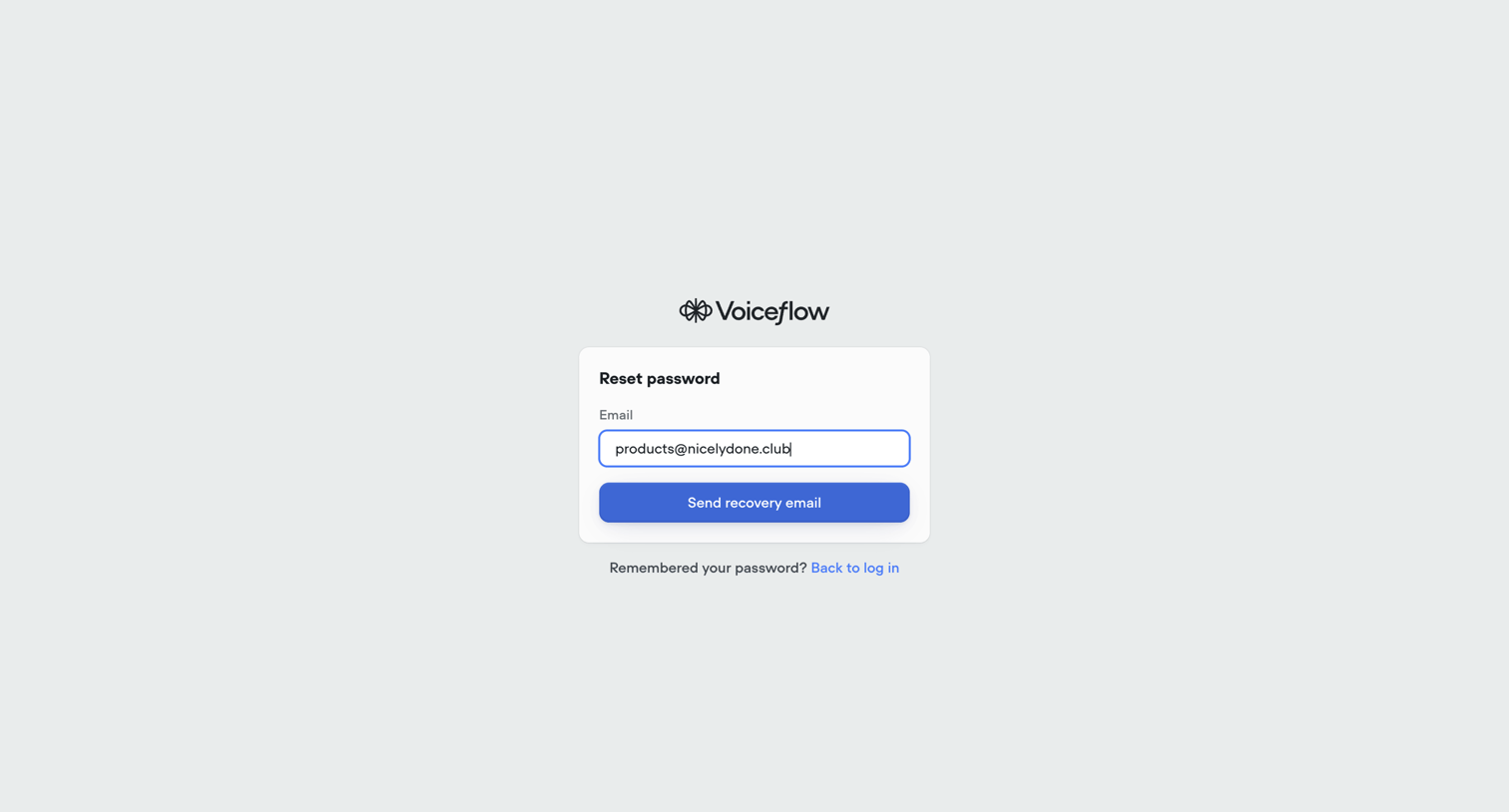

Password recovery screen where the user enters their email address to receive a recovery email, with an option to return to the log in screen.
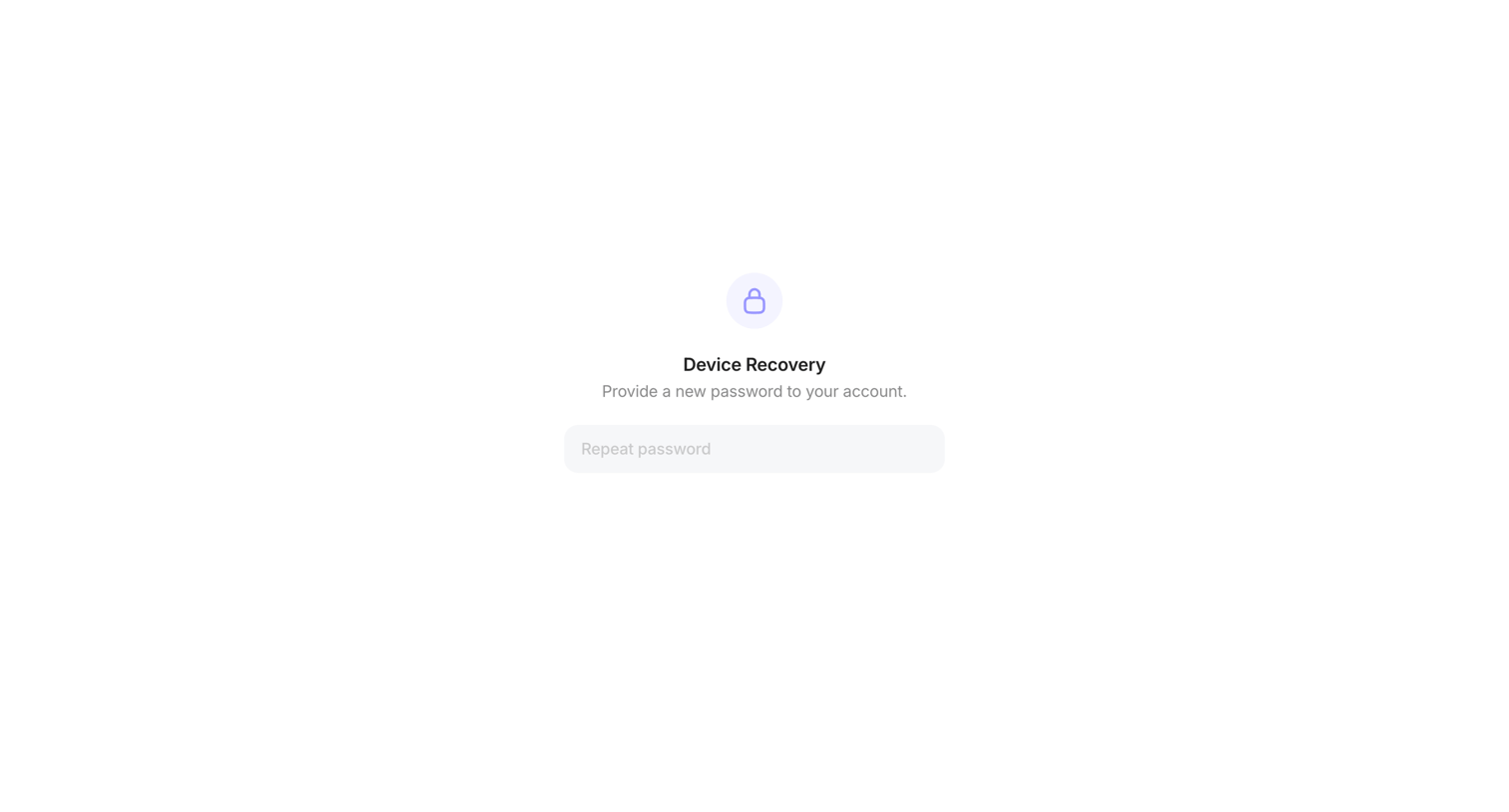

Password recovery screen where the user provides a new password to regain access to their device.
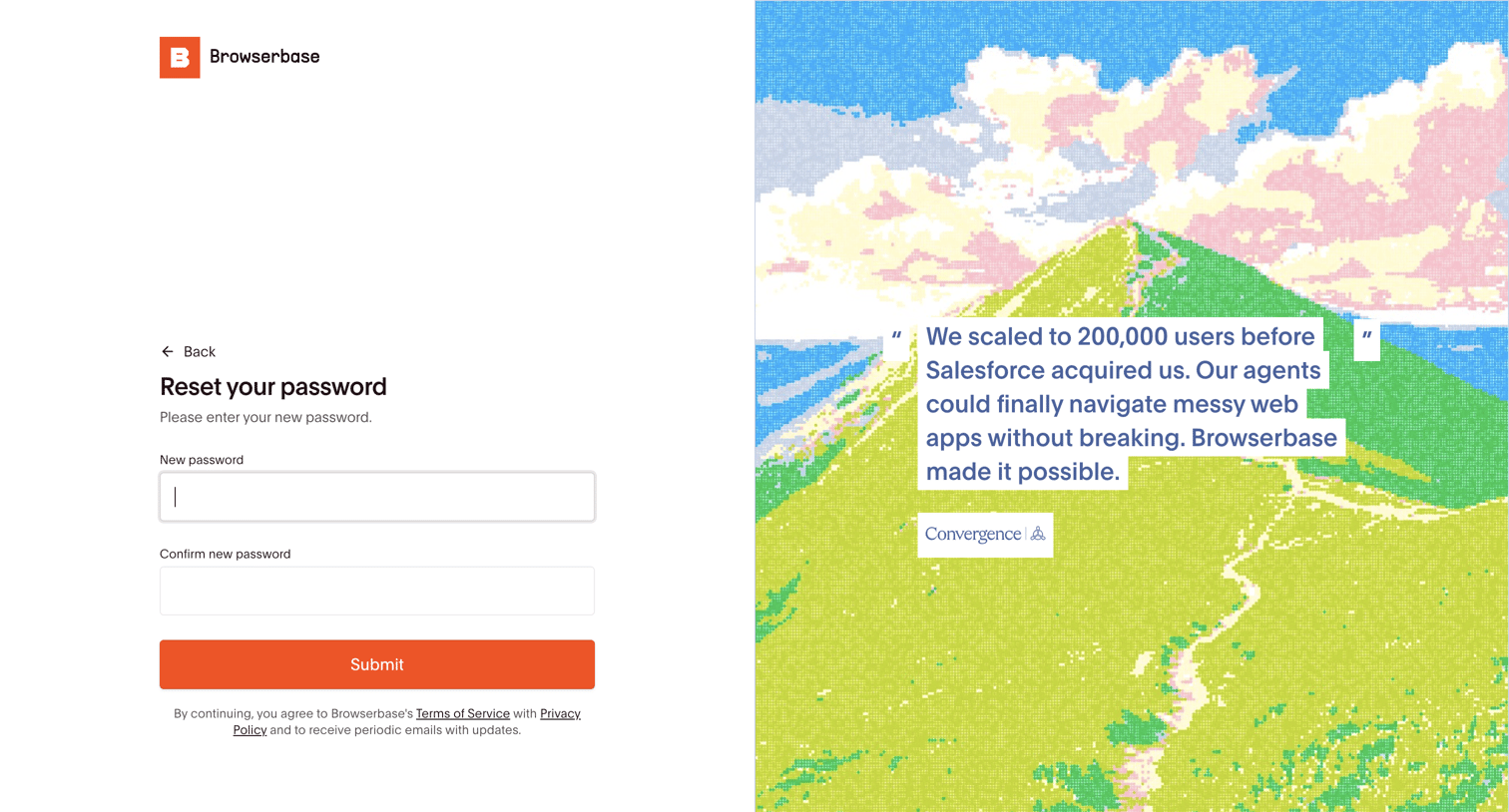

Authentication screen where the user enters and confirms a new password to regain account access, featuring a customer testimonial on the side panel.
Explore the full SaaS screen library
Upgrade to unlock the full library.
Trusted by the best teams








About Forgot Password
See how SaaS apps guide people back into an account after a forgotten password. Explore request forms and instructions that explain what information is needed and what happens next.