Success screen examples
Success screen design examples from SaaS apps. See how apps confirm that an action has finished. Explore how completion messages summarize the result and offer a relevant next step without obscuring what…
Explore the examples
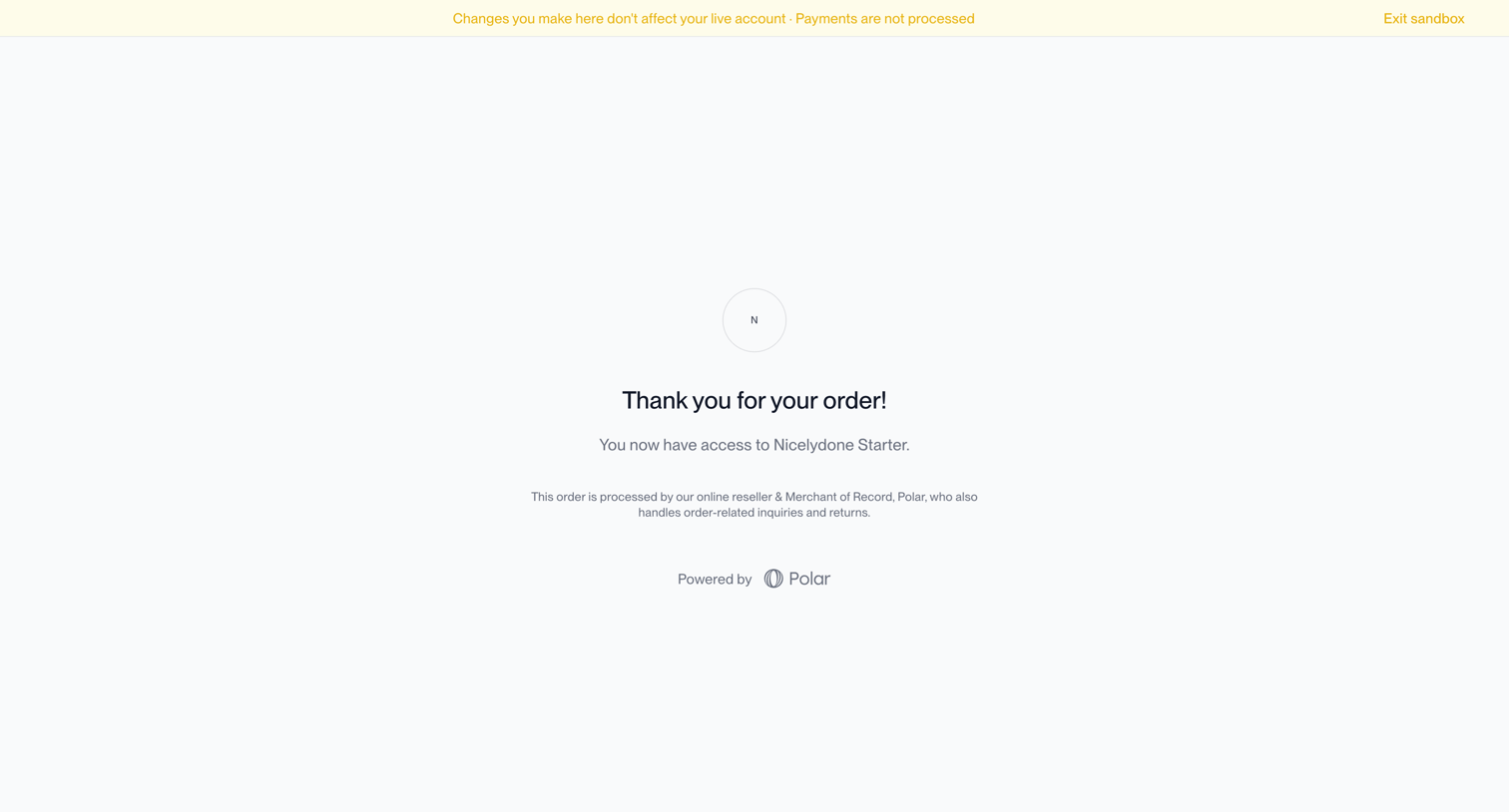

Checkout confirmation page displaying a success message and order details for a Nicelydone Starter subscription.
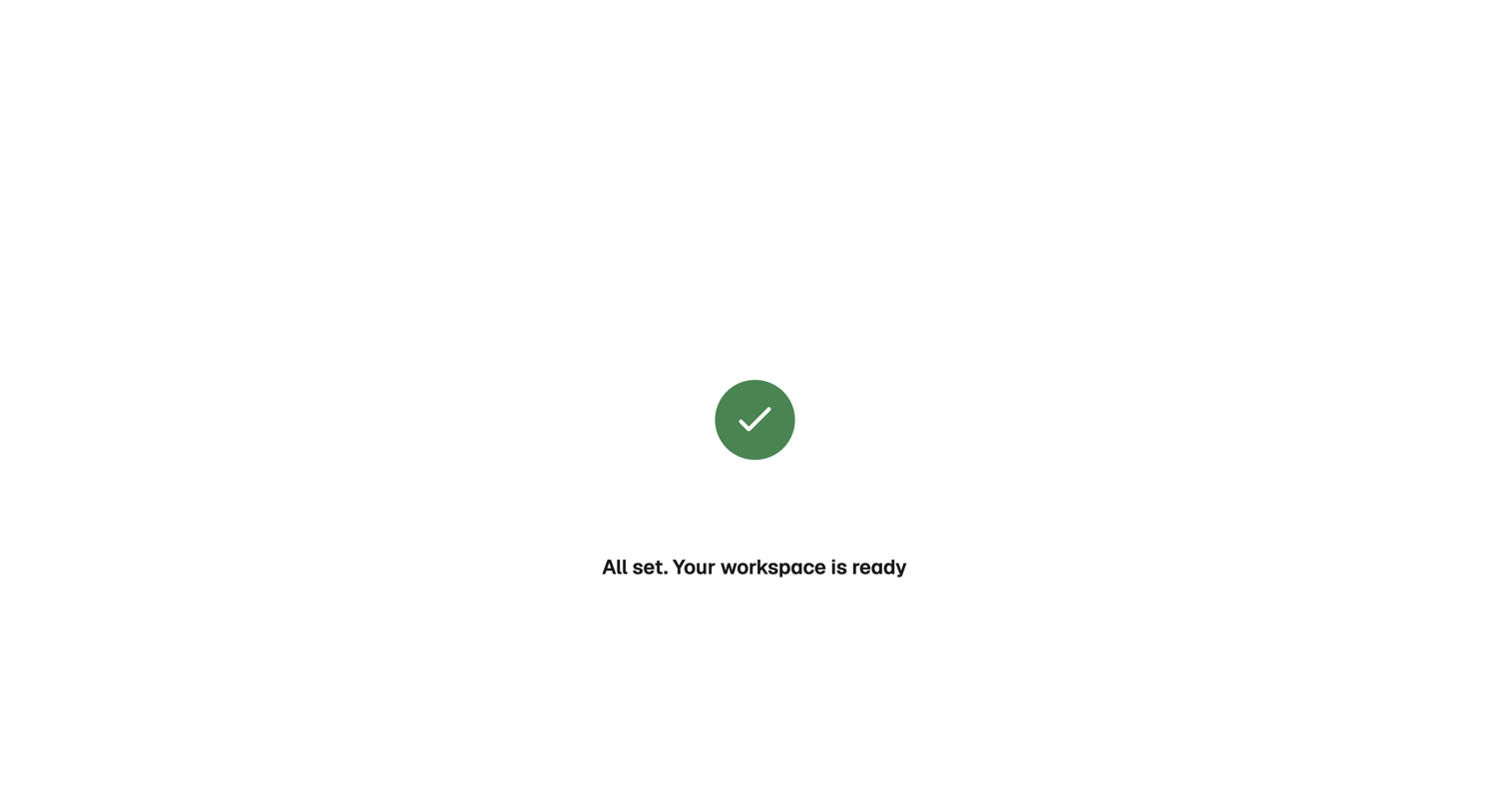

Onboarding step where a success message confirms the user's workspace is ready.
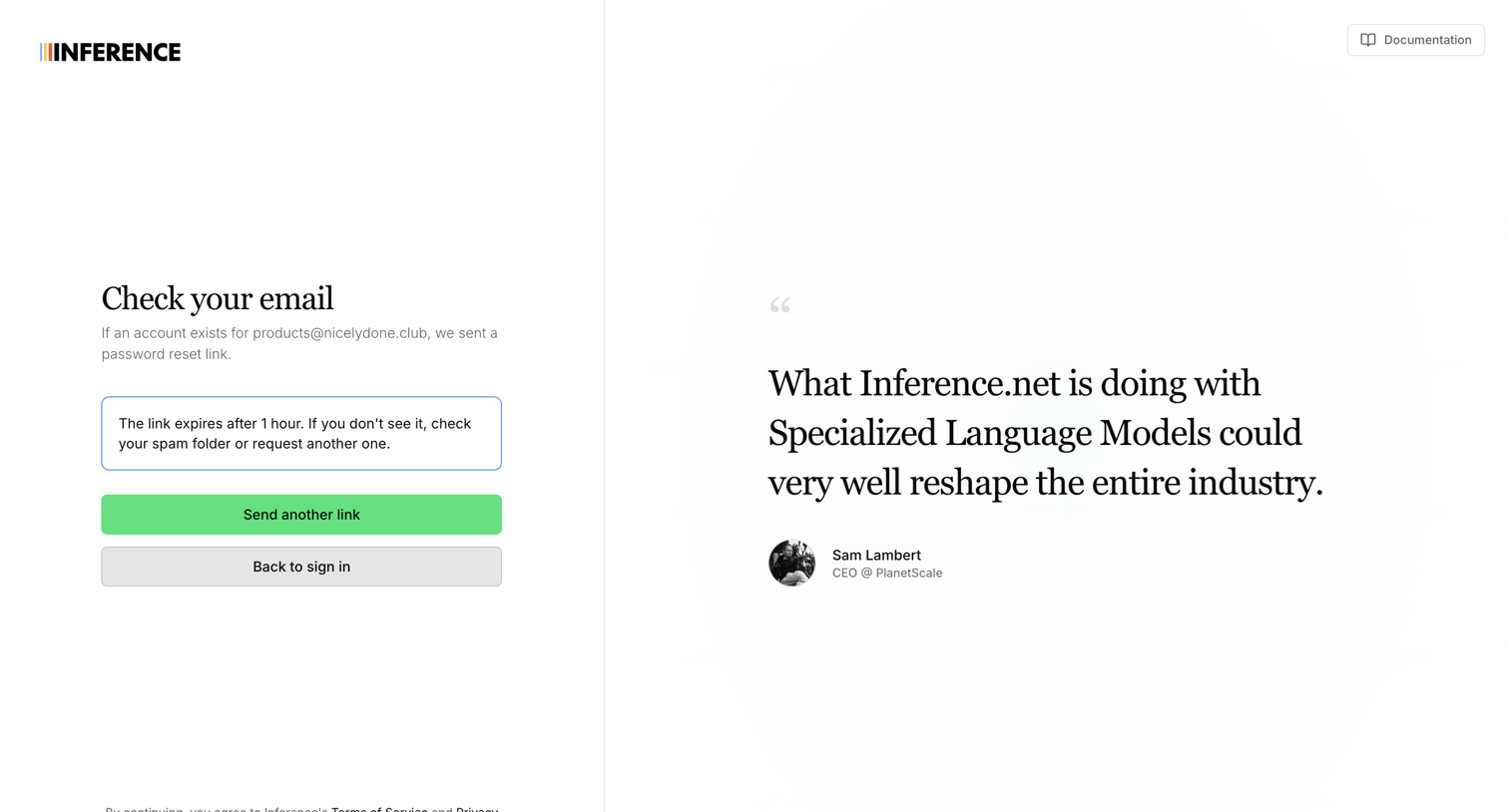

Password recovery screen confirming a reset link was sent to the user's email, featuring a resend button and a customer testimonial.
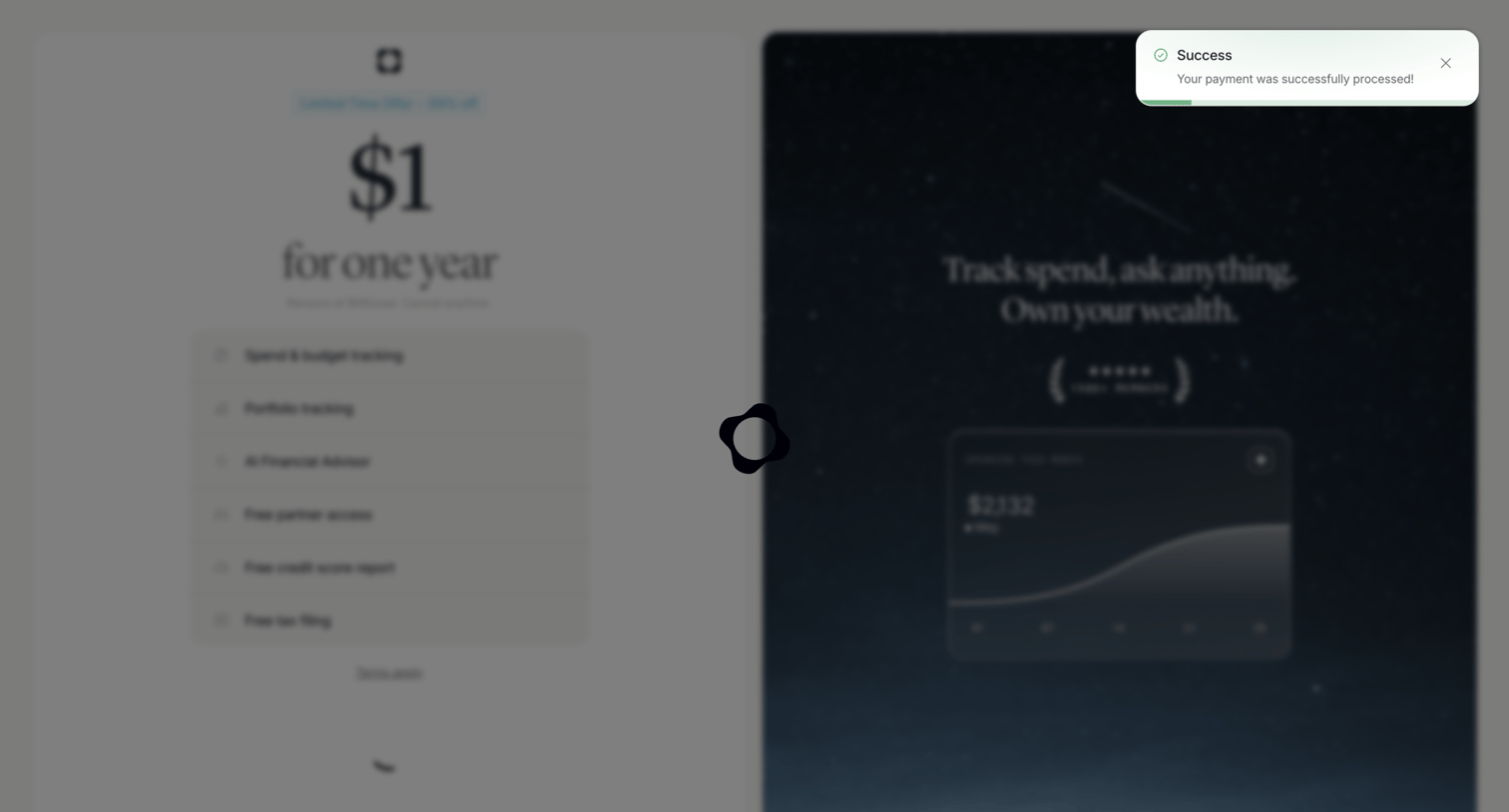

Checkout screen displaying a success toast after payment while transitioning, showing a discounted annual offer and product features.
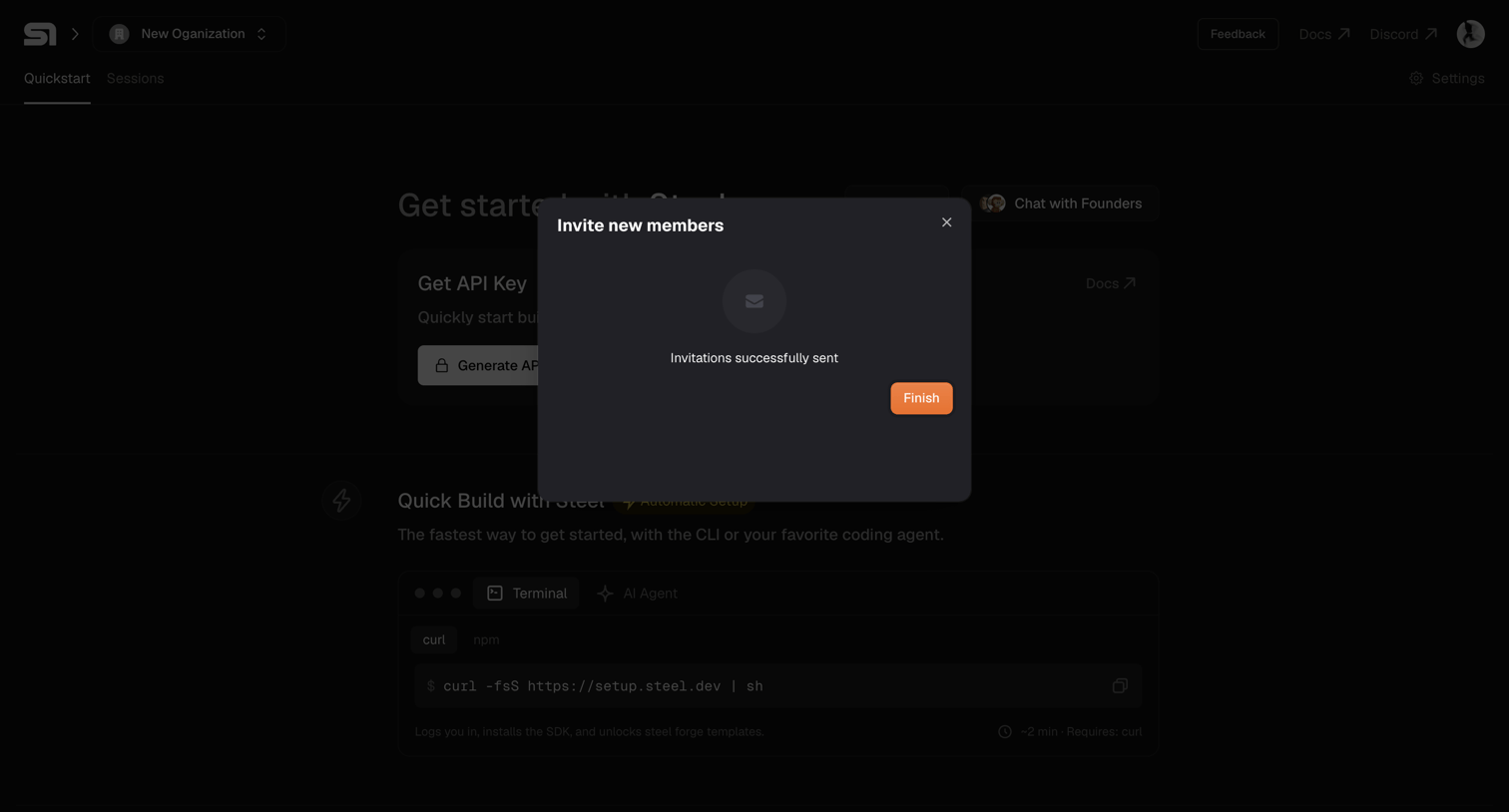

Onboarding quickstart page where a modal confirms that new team member invitations were successfully sent.
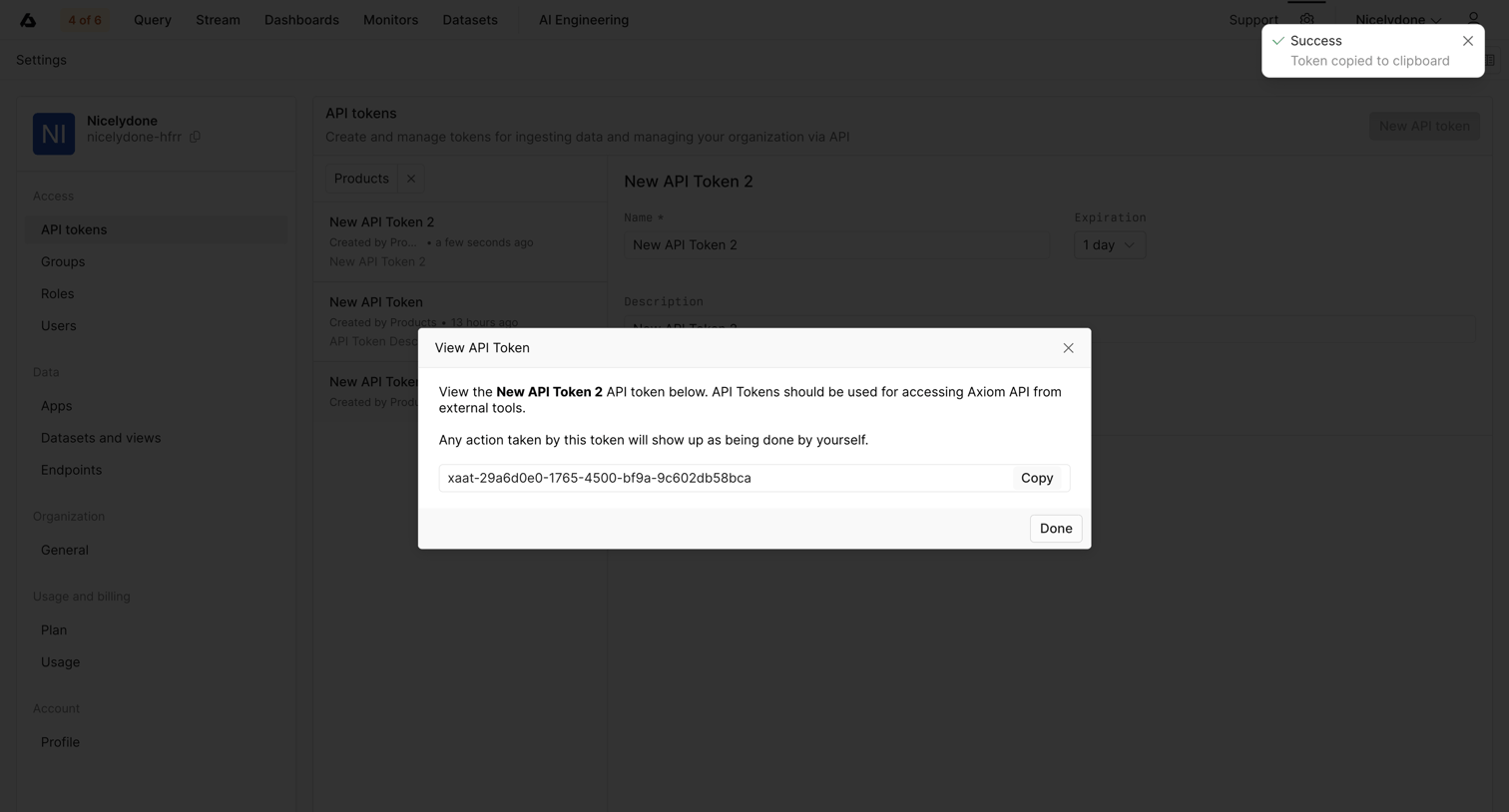

Settings page where the user views and copies a newly generated API token from a success modal.
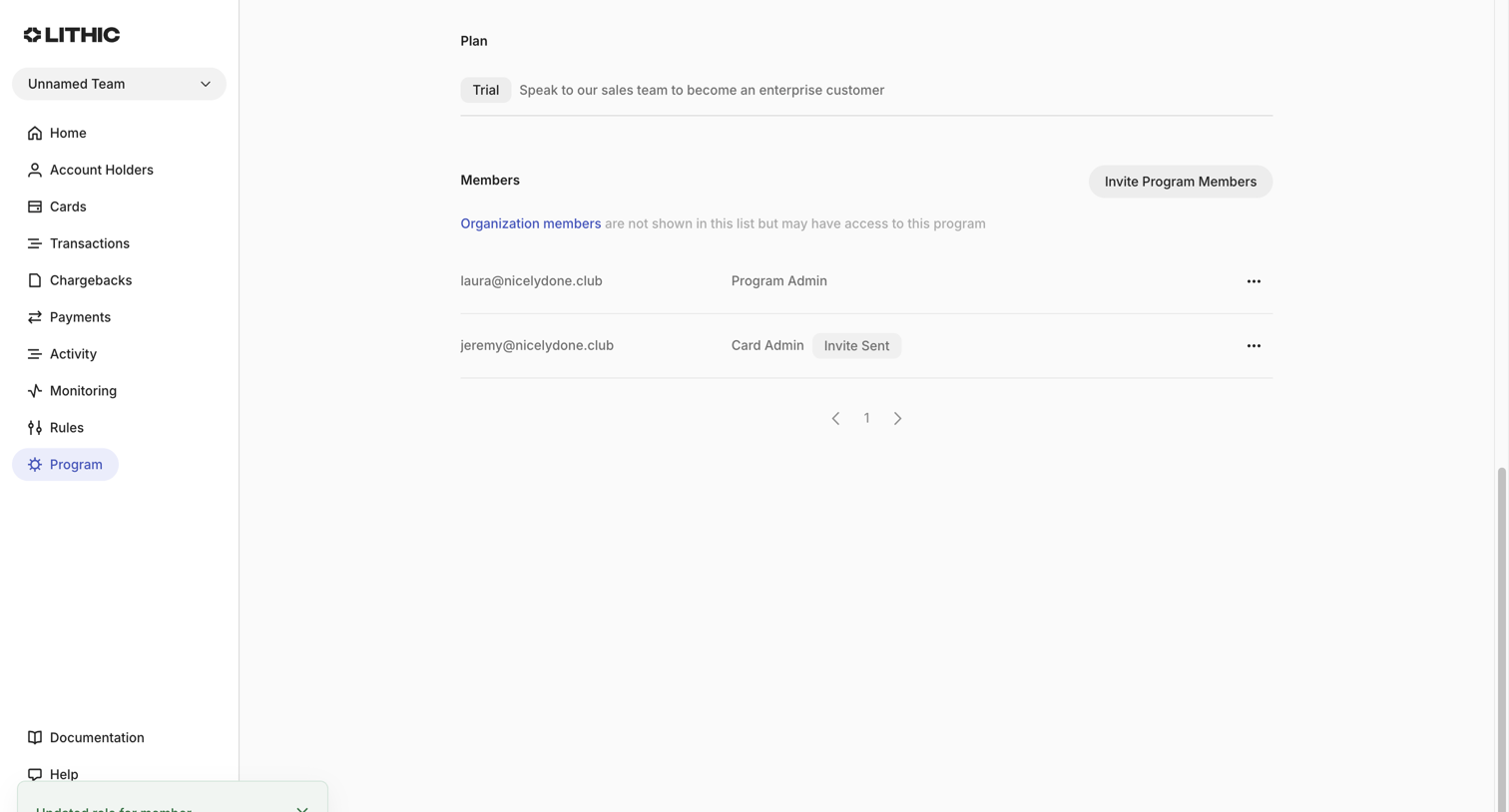

Settings page where the user manages program members, views their current plan, and sees a success toast confirming a role update.
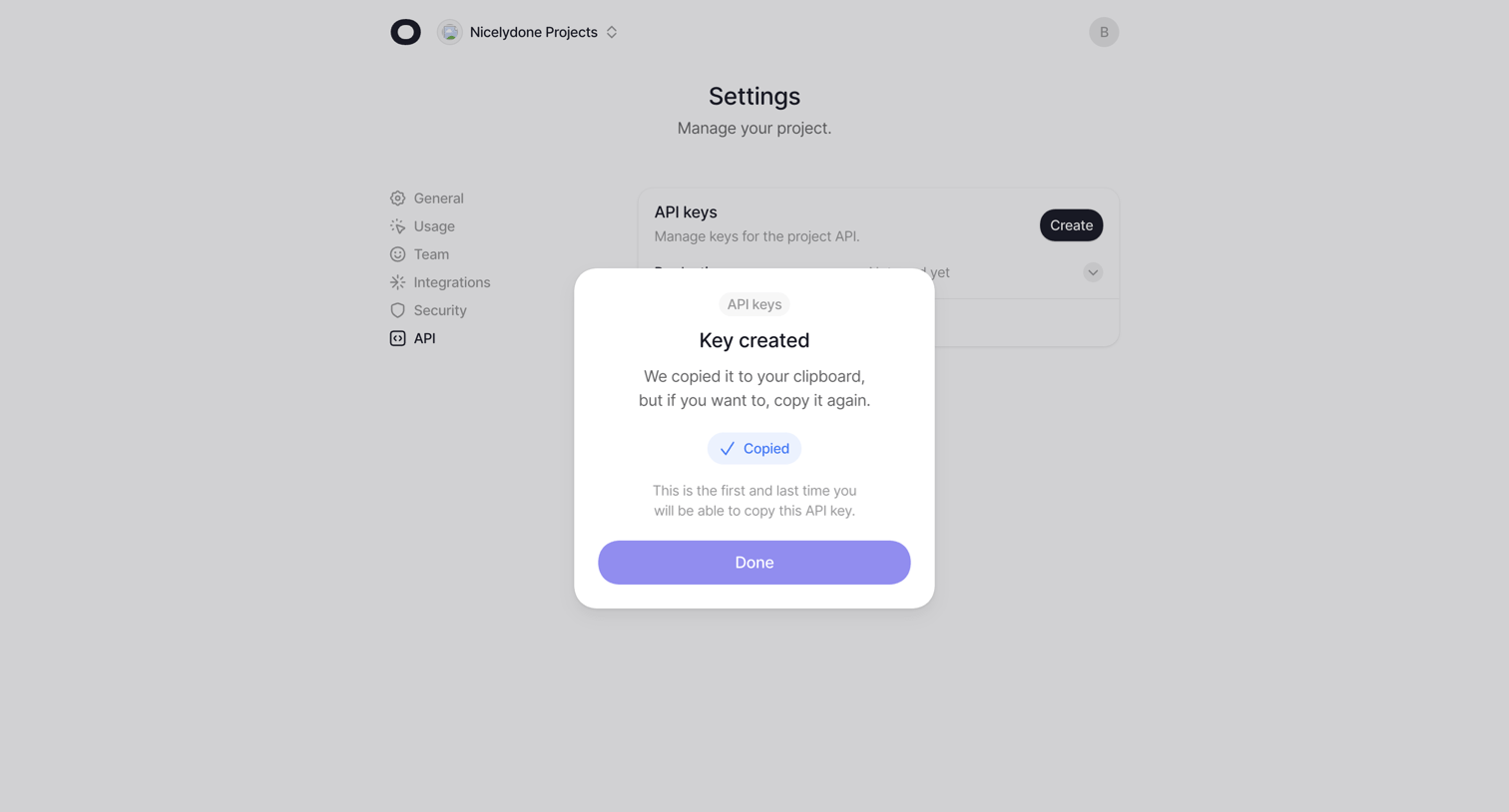

Settings page where the user is presented with a success modal after generating a new API key, including an inline confirmation that the key was copied to their clipboard.
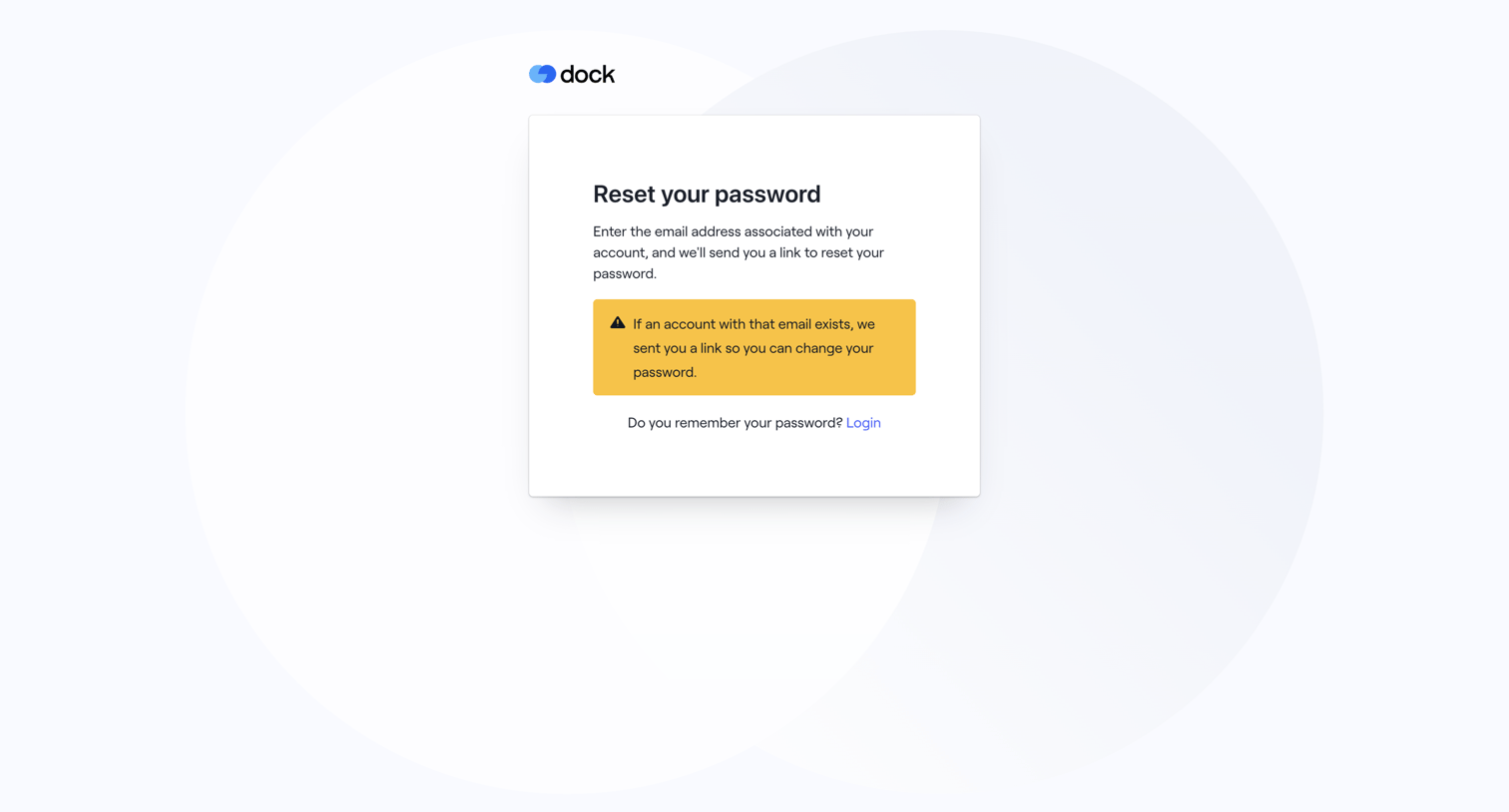

Password recovery screen displaying a confirmation alert that a reset link has been sent if the email exists, along with a link to return to login.
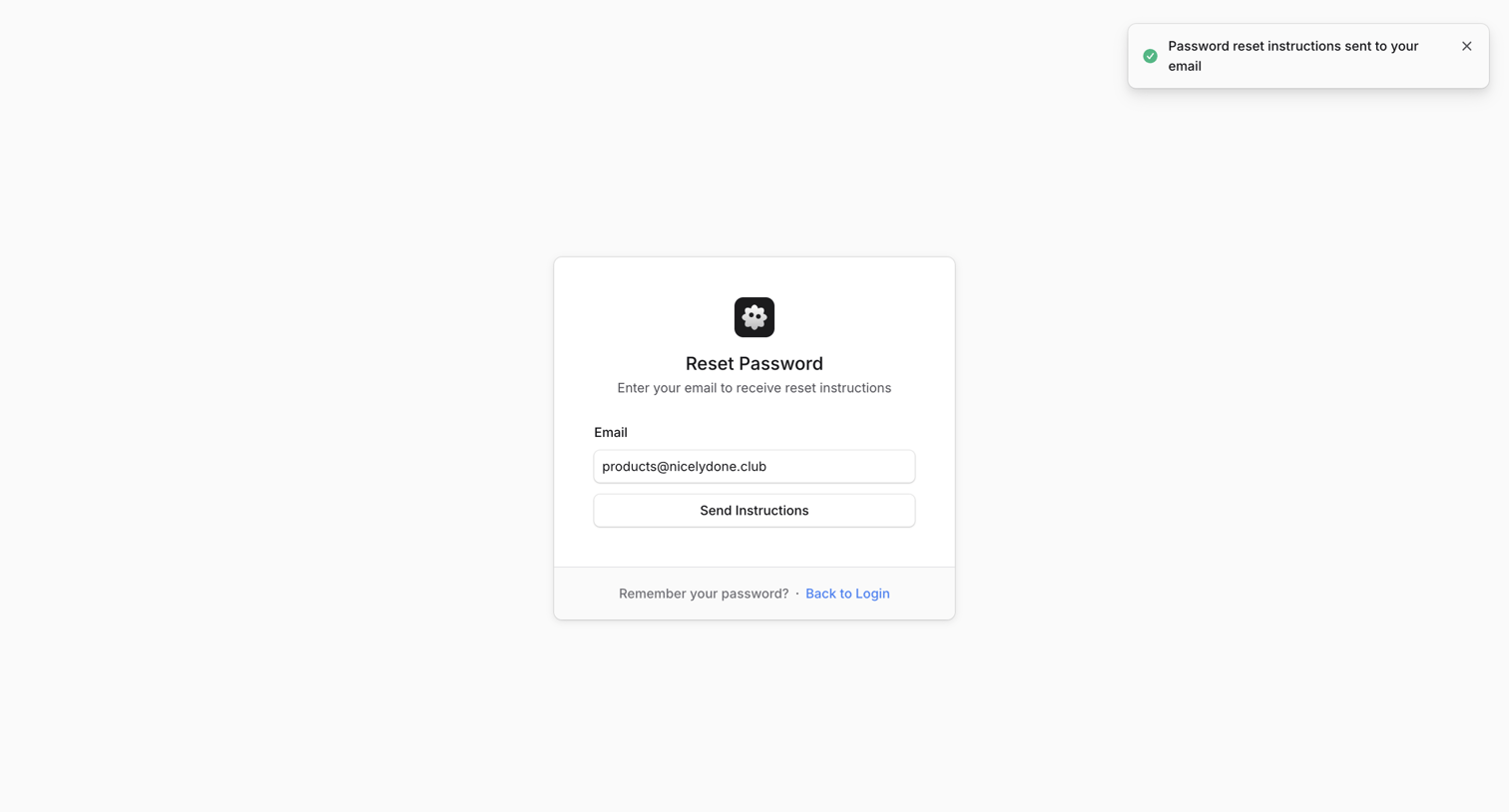

Password recovery screen where the user requests a reset link via email, showing a success toast confirming the instructions were sent.
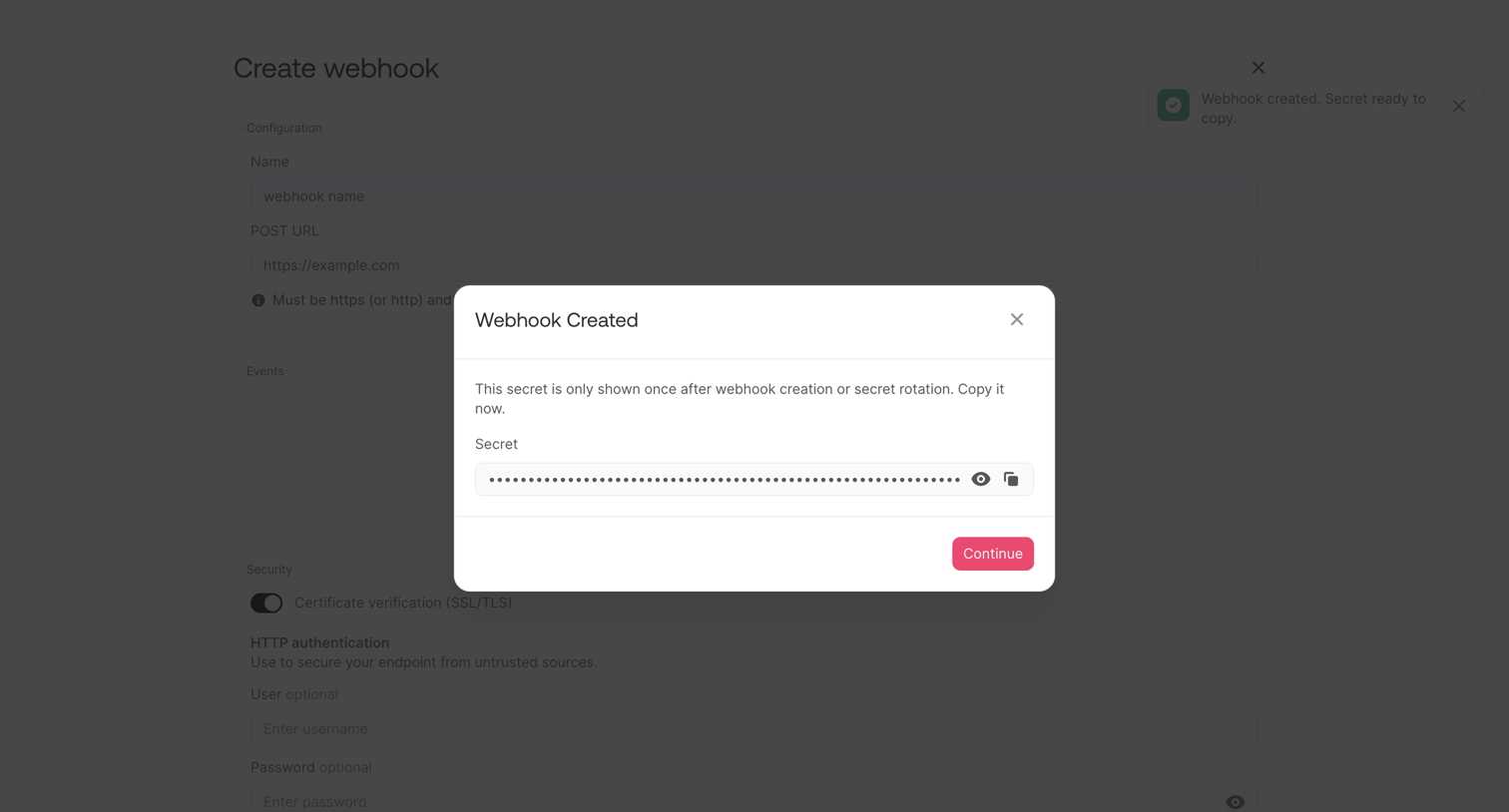

Modal displaying a one-time secret key after successfully creating a new webhook, prompting the user to copy it before continuing.
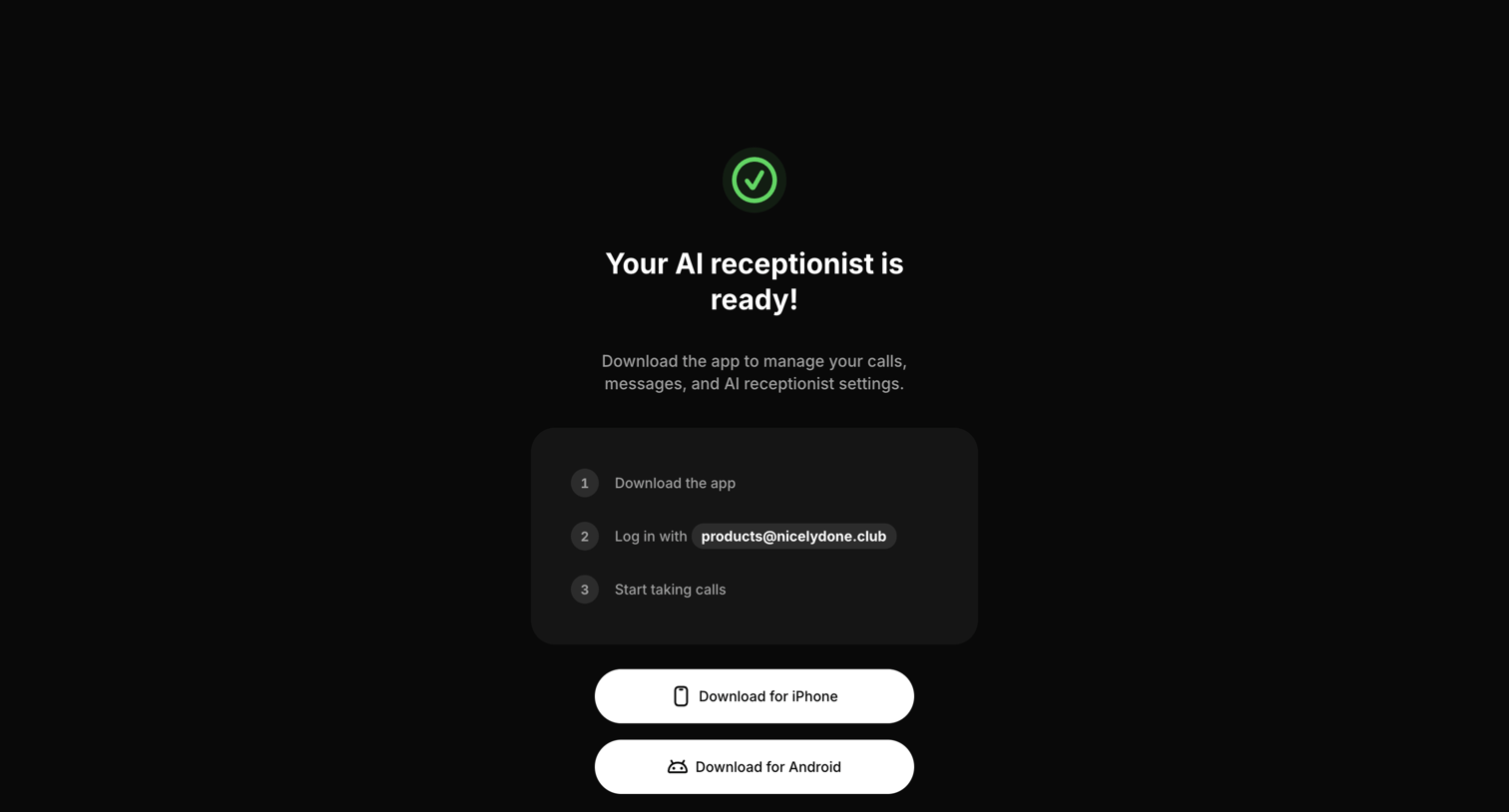

Onboarding completion screen where the user is prompted to download the iOS or Android mobile app to manage their newly created AI receptionist.
Explore the full SaaS screen library
Upgrade to unlock the full library.
Trusted by the best teams








About Success
See how apps confirm that an action has finished. Explore how completion messages summarize the result and offer a relevant next step without obscuring what just happened.