Roles & Permissions screen examples
Roles & Permissions screen design examples from SaaS apps. See how SaaS apps explain who can access a workspace and what they can do. Explore how role choices and permission controls relate to people, teams, and…
Explore the examples
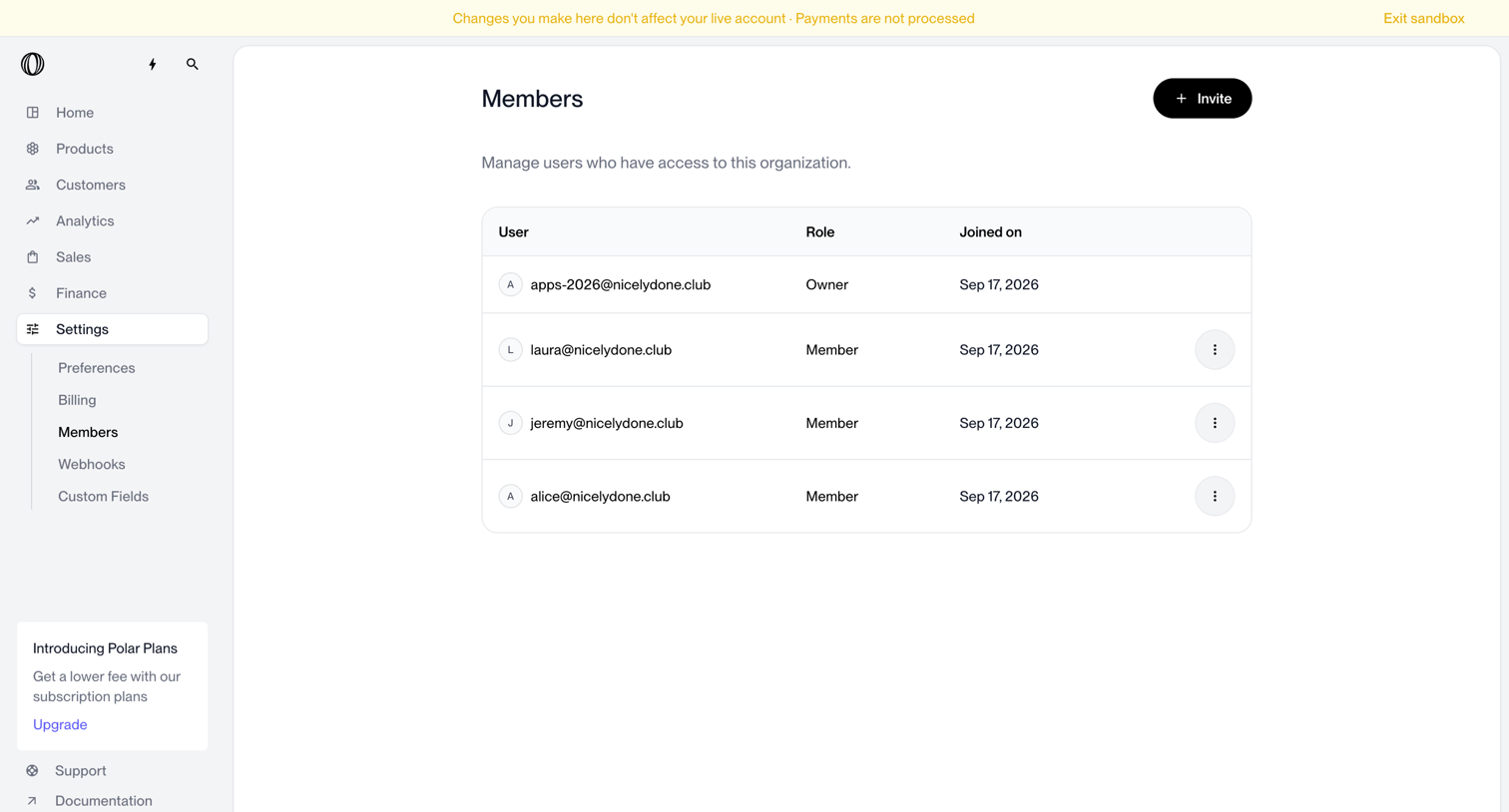

Settings page where the user manages organization access by viewing a list of current members, their roles, and joined dates, with an option to invite new users.
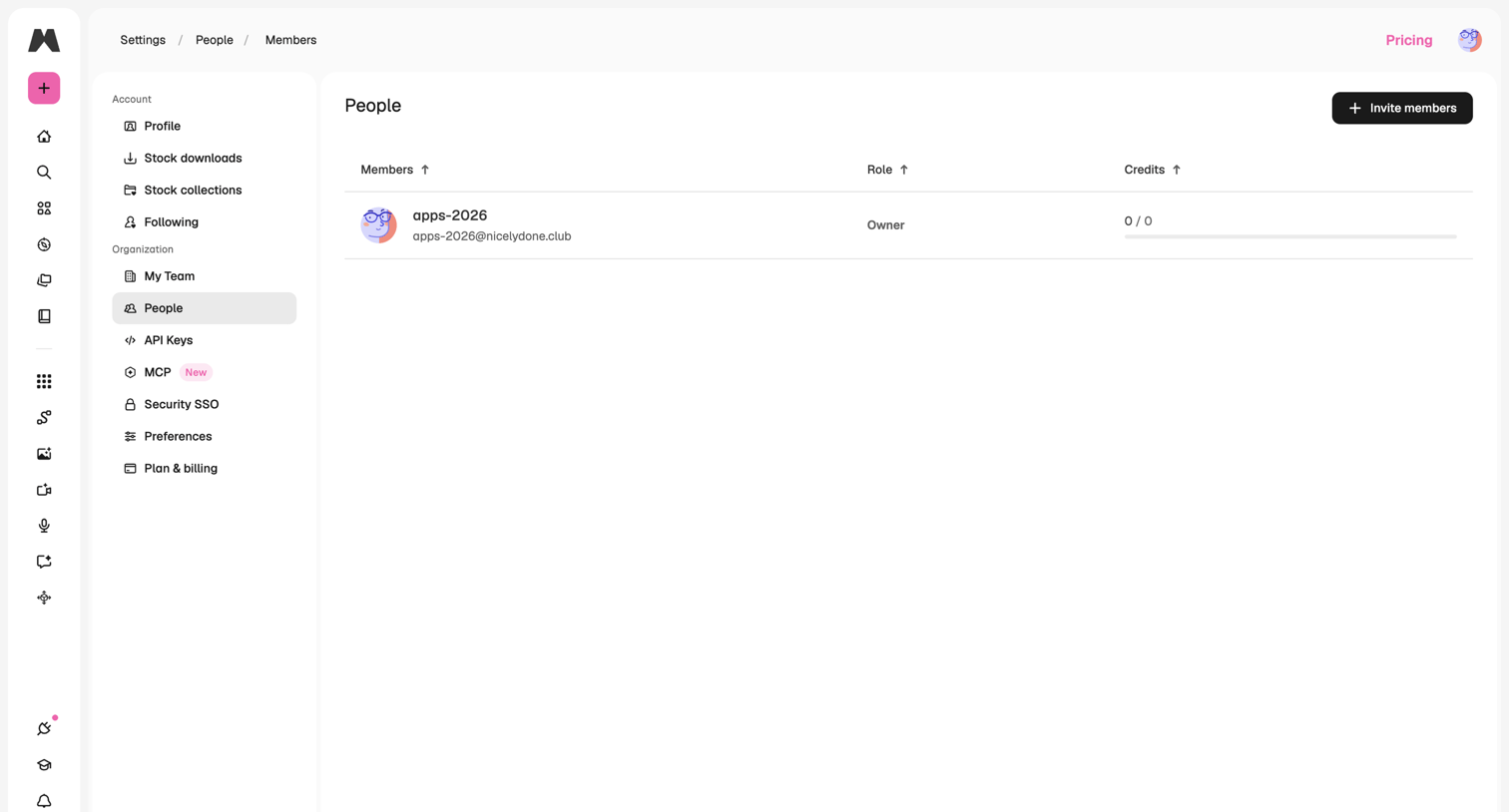

Settings page where the user manages organization members, views their assigned roles, and monitors individual credit usage.
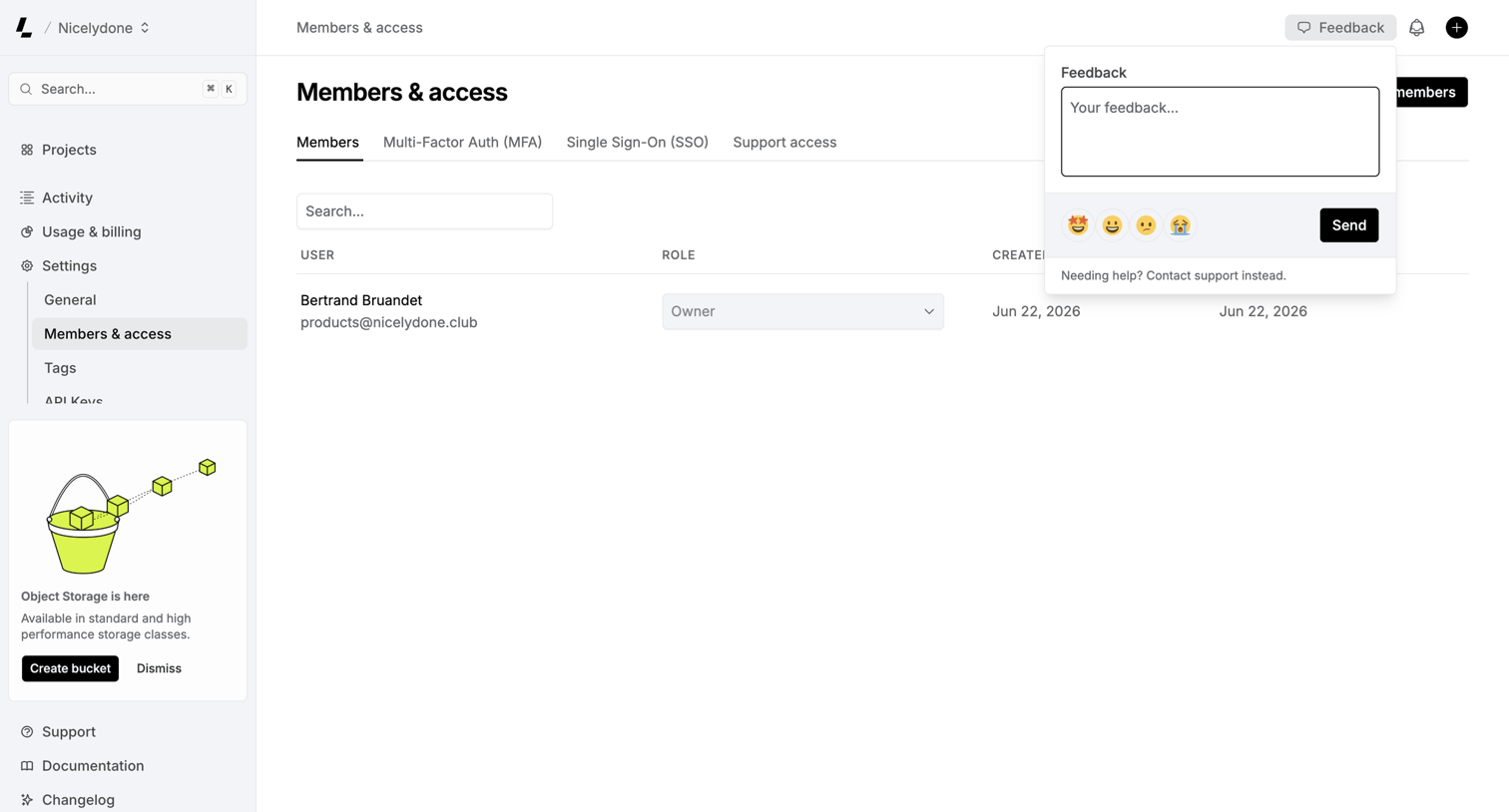

Settings page where the user manages workspace members and their roles, with a feedback popover currently open to collect user input.
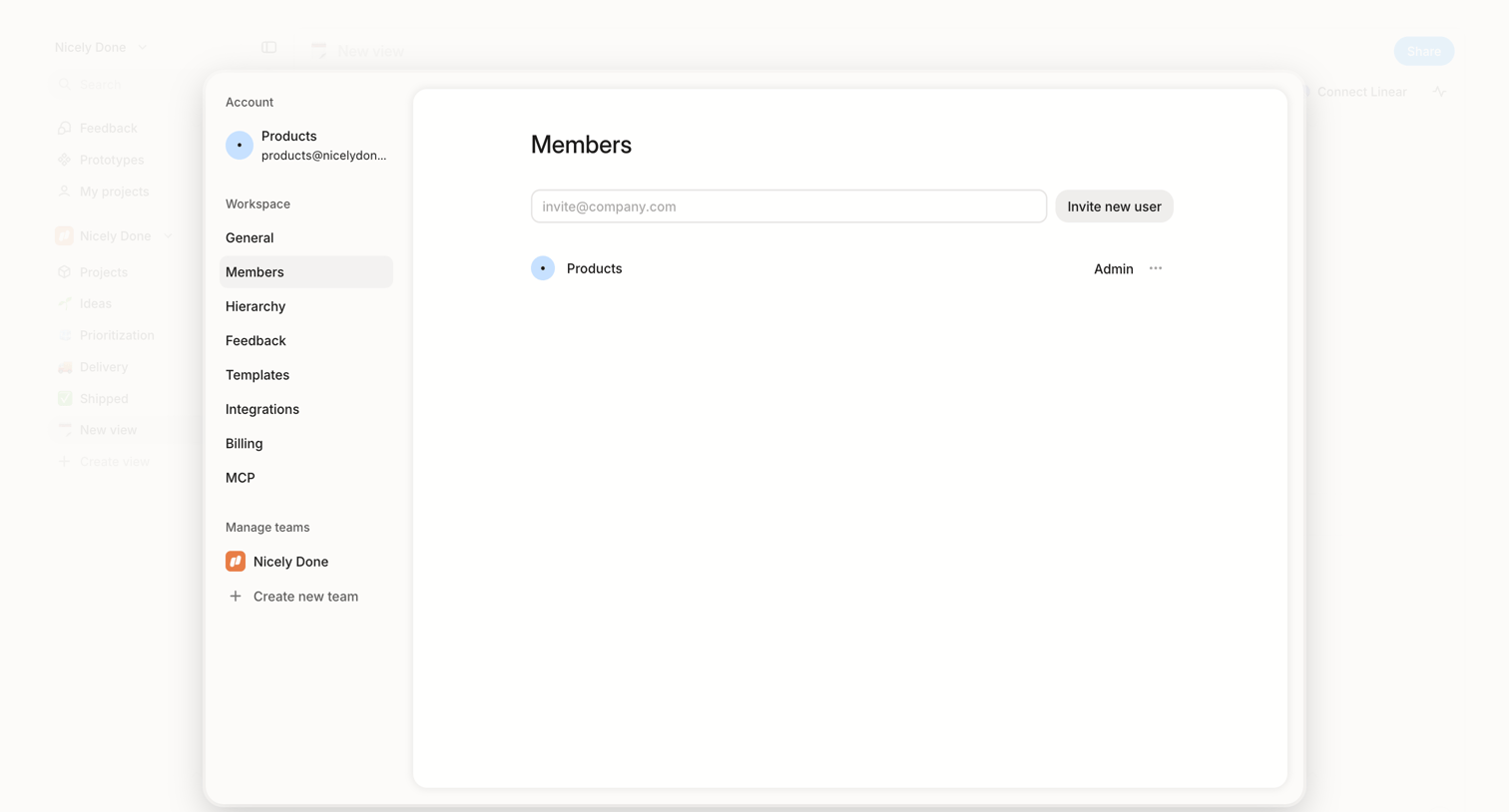

Settings modal where the user invites new teammates by email and manages existing workspace members.
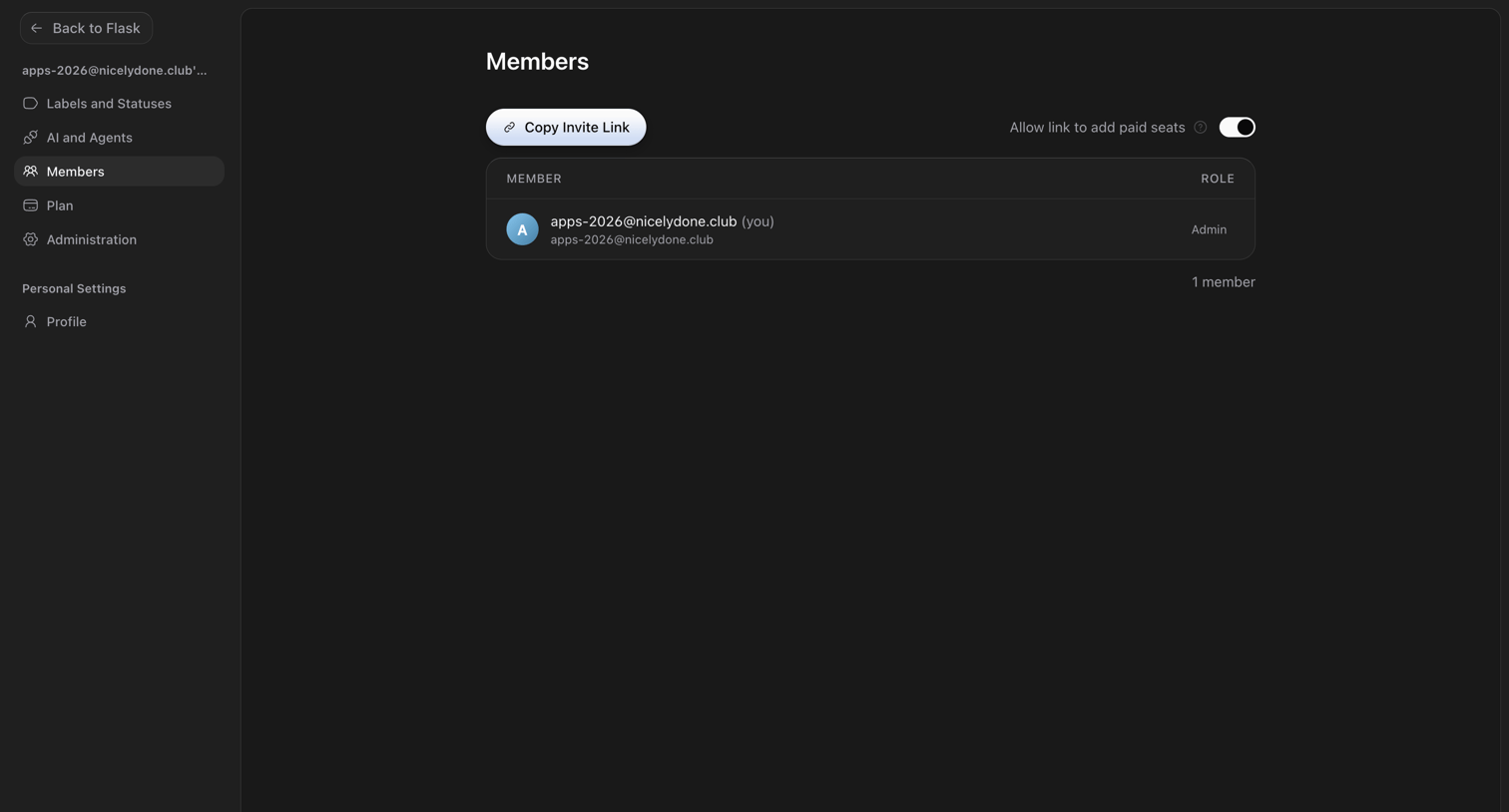

Settings page where the user manages workspace members, views their roles, and can copy an invite link to add more seats.
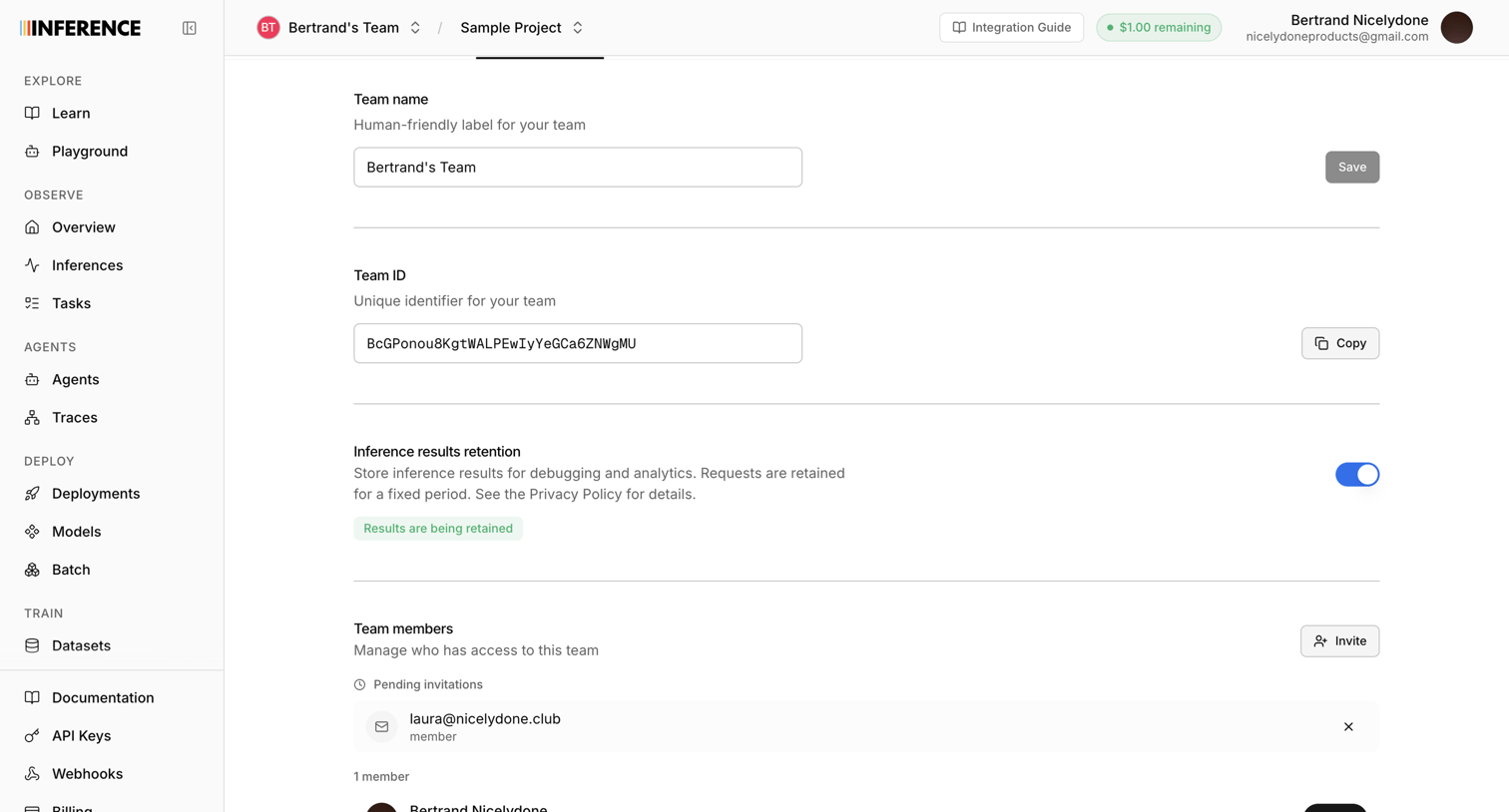

Settings page where the user configures the team name, copies the team ID, toggles inference results retention, and manages team members and pending invitations.
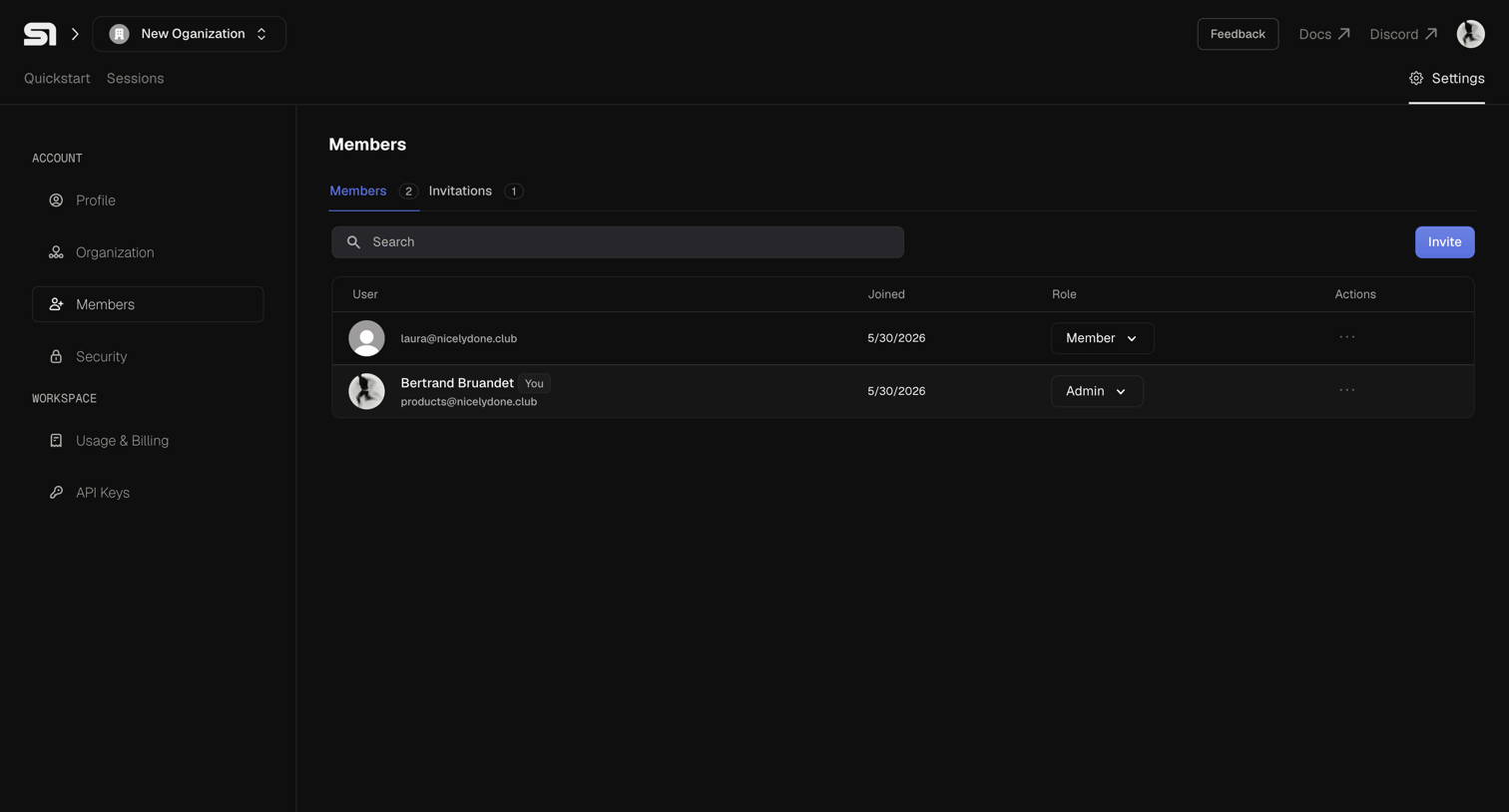

Settings page where the user manages organization members, changes roles between Admin and Member, and invites new teammates.
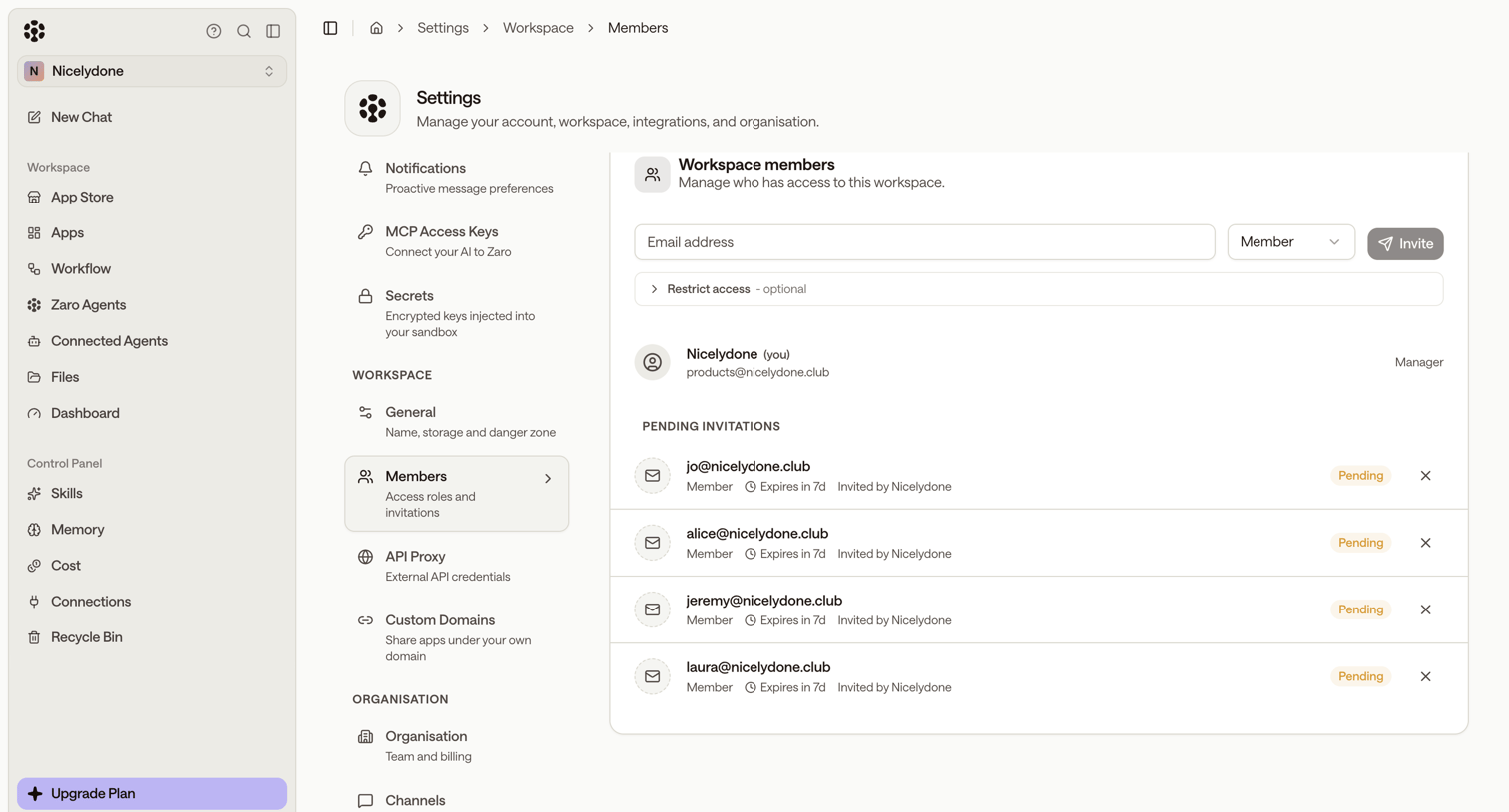

Settings page where the user manages workspace members, views pending invitations, and invites new teammates by email with specific roles.
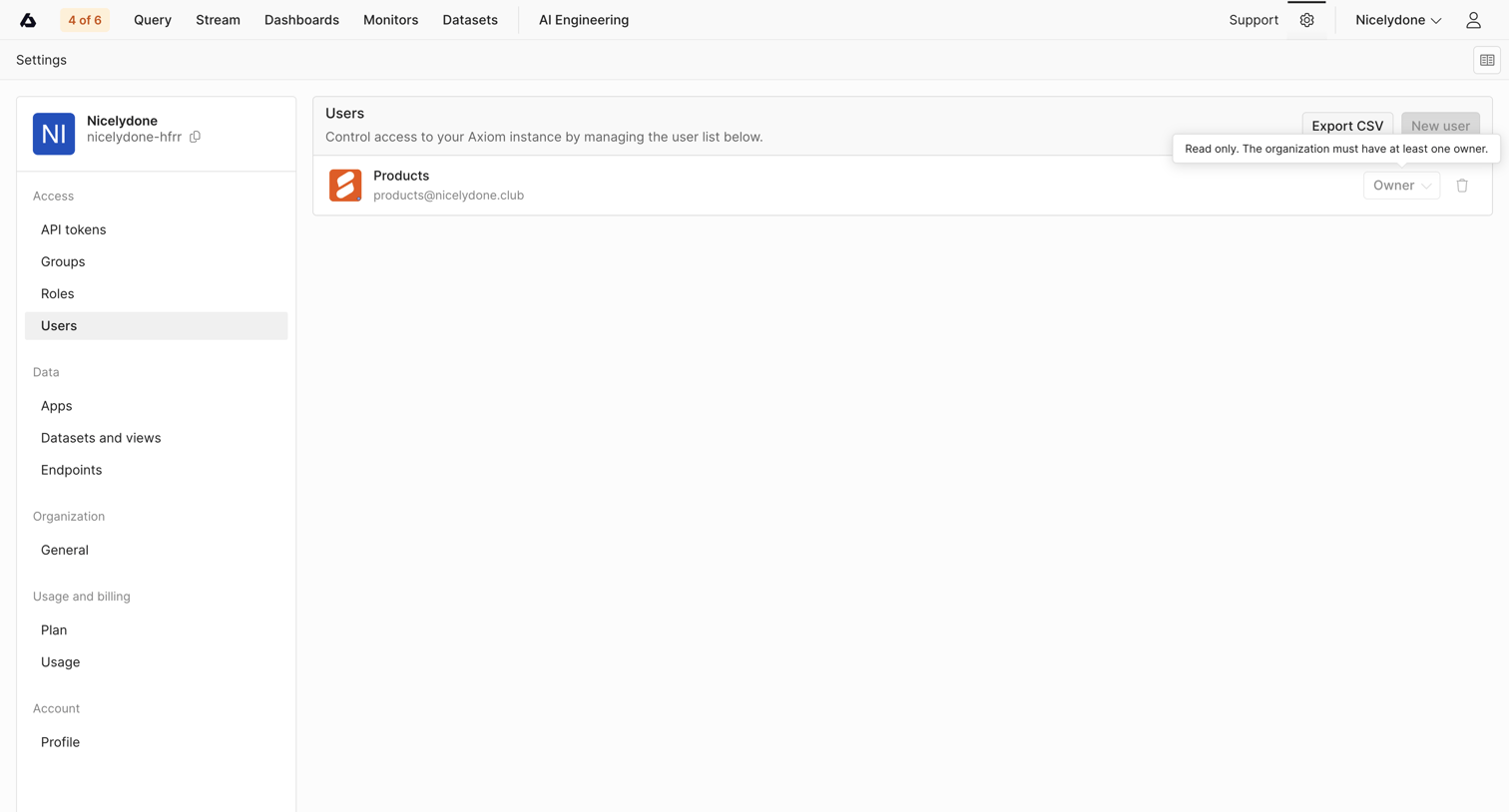

Settings page where the user manages the organization's user list, including their roles and access.
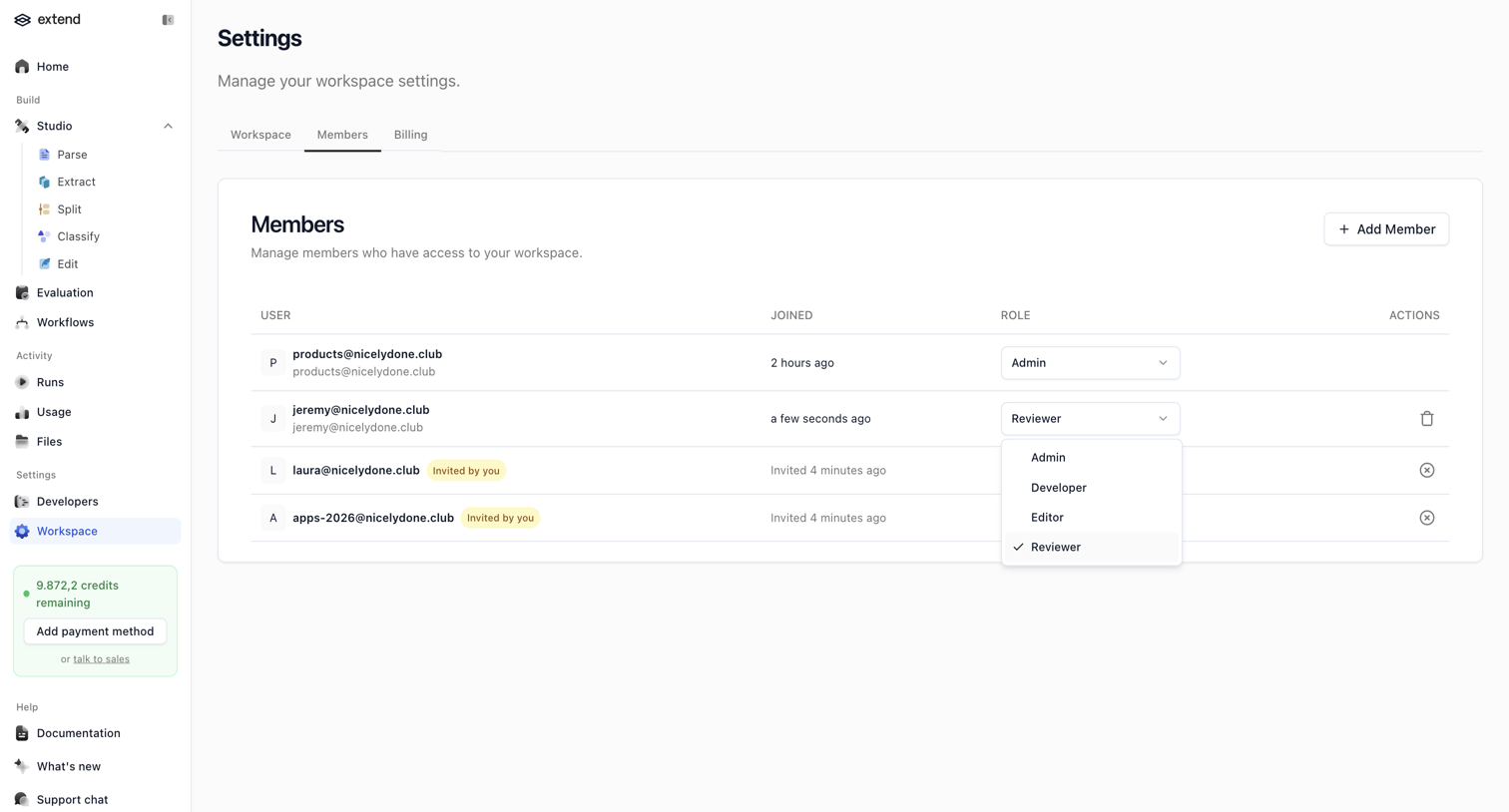

Settings page where the user manages workspace members, including viewing joined dates, changing roles like Admin or Reviewer, and tracking pending invites.
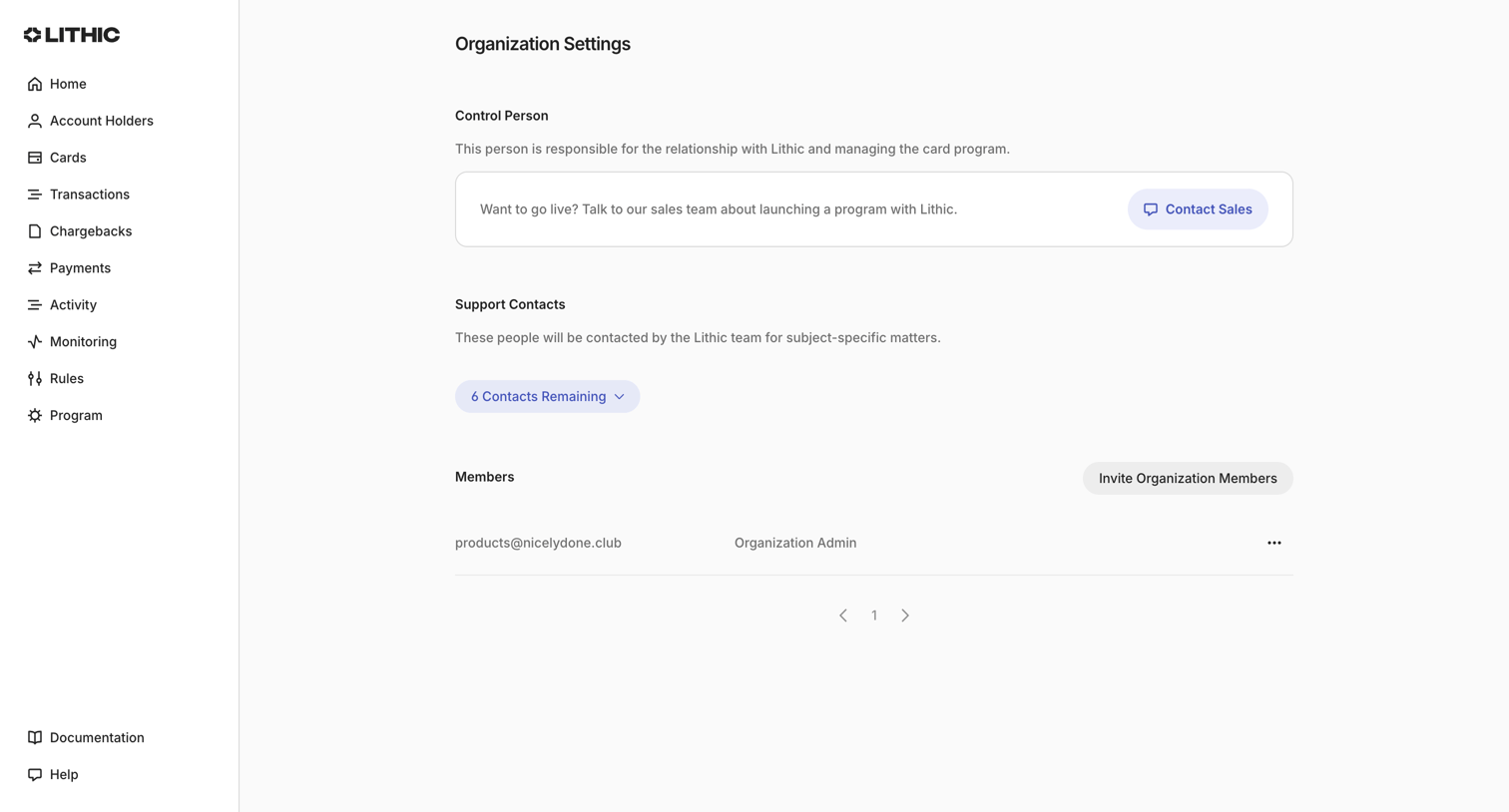

Settings page where the user manages organization details, support contacts, and team members.
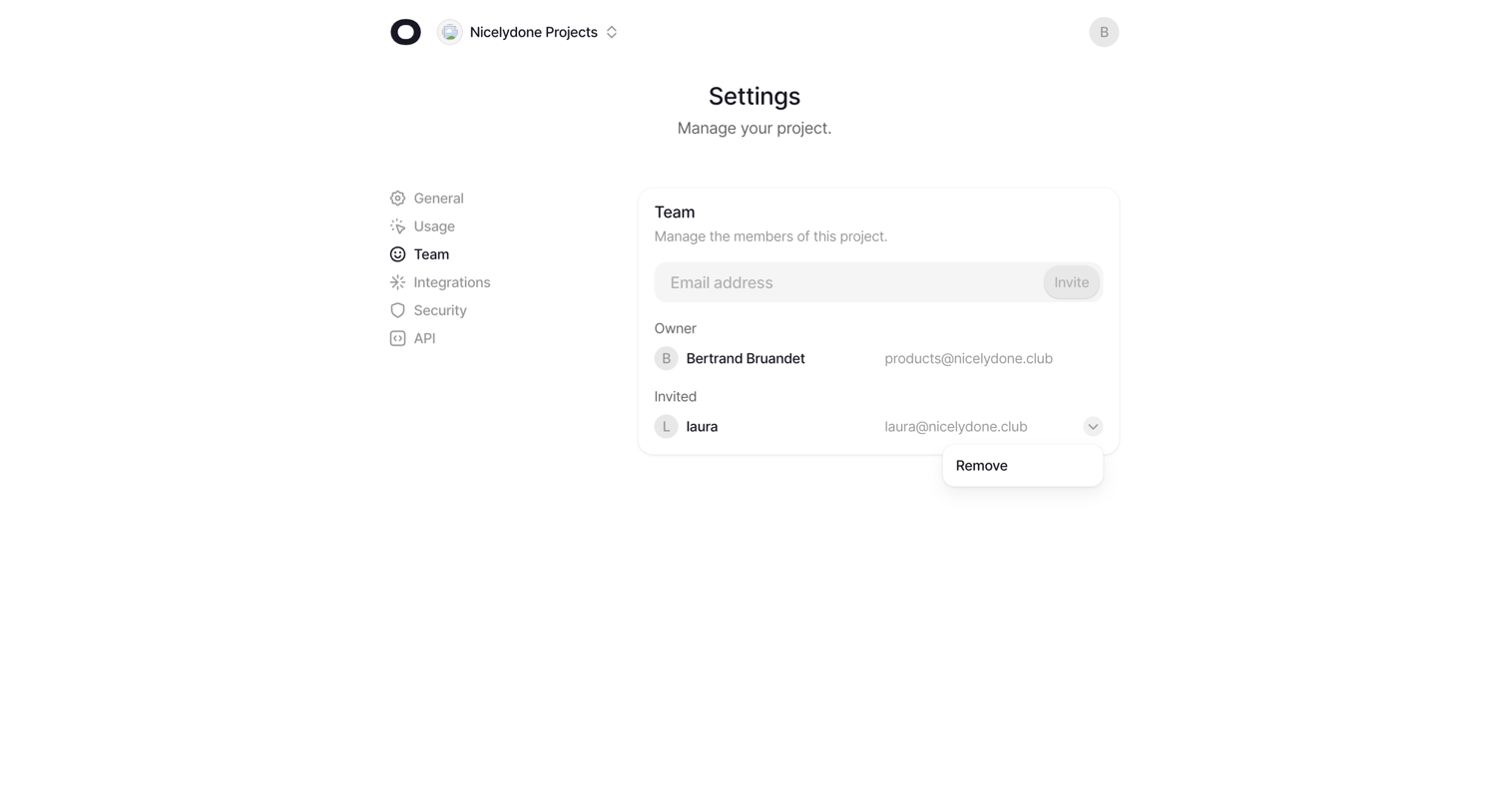

Settings page where the user invites new members by email and manages existing team members by removing them via a dropdown menu.
Explore the full SaaS screen library
Upgrade to unlock the full library.
Trusted by the best teams








About Roles & Permissions
See how SaaS apps explain who can access a workspace and what they can do. Explore how role choices and permission controls relate to people, teams, and resources.