Feedback screen examples
Feedback screen design examples from SaaS apps. See how SaaS apps invite people to describe their experience or report a problem. Explore how feedback forms organize questions, optional context, and the…
Explore the examples
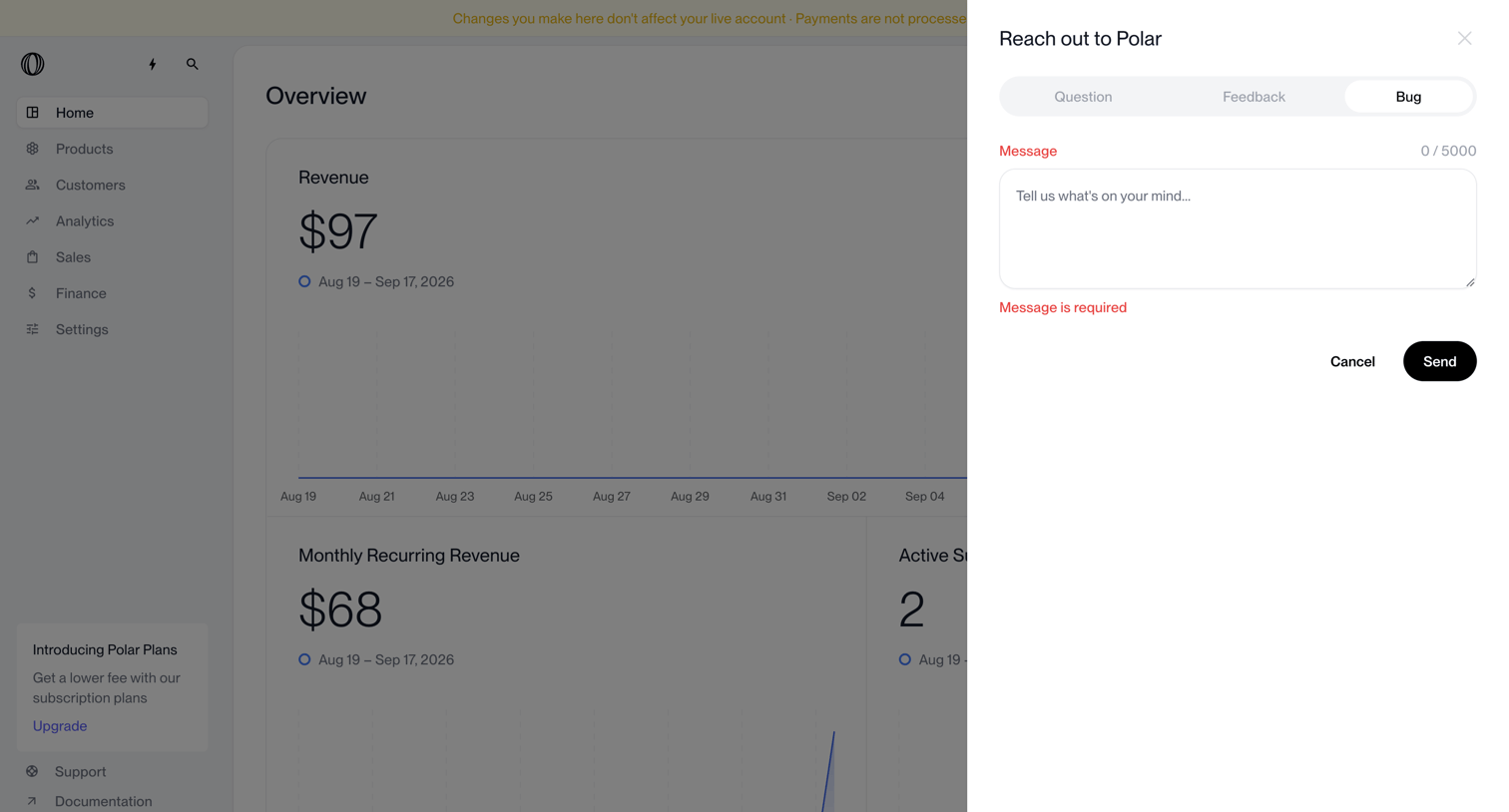

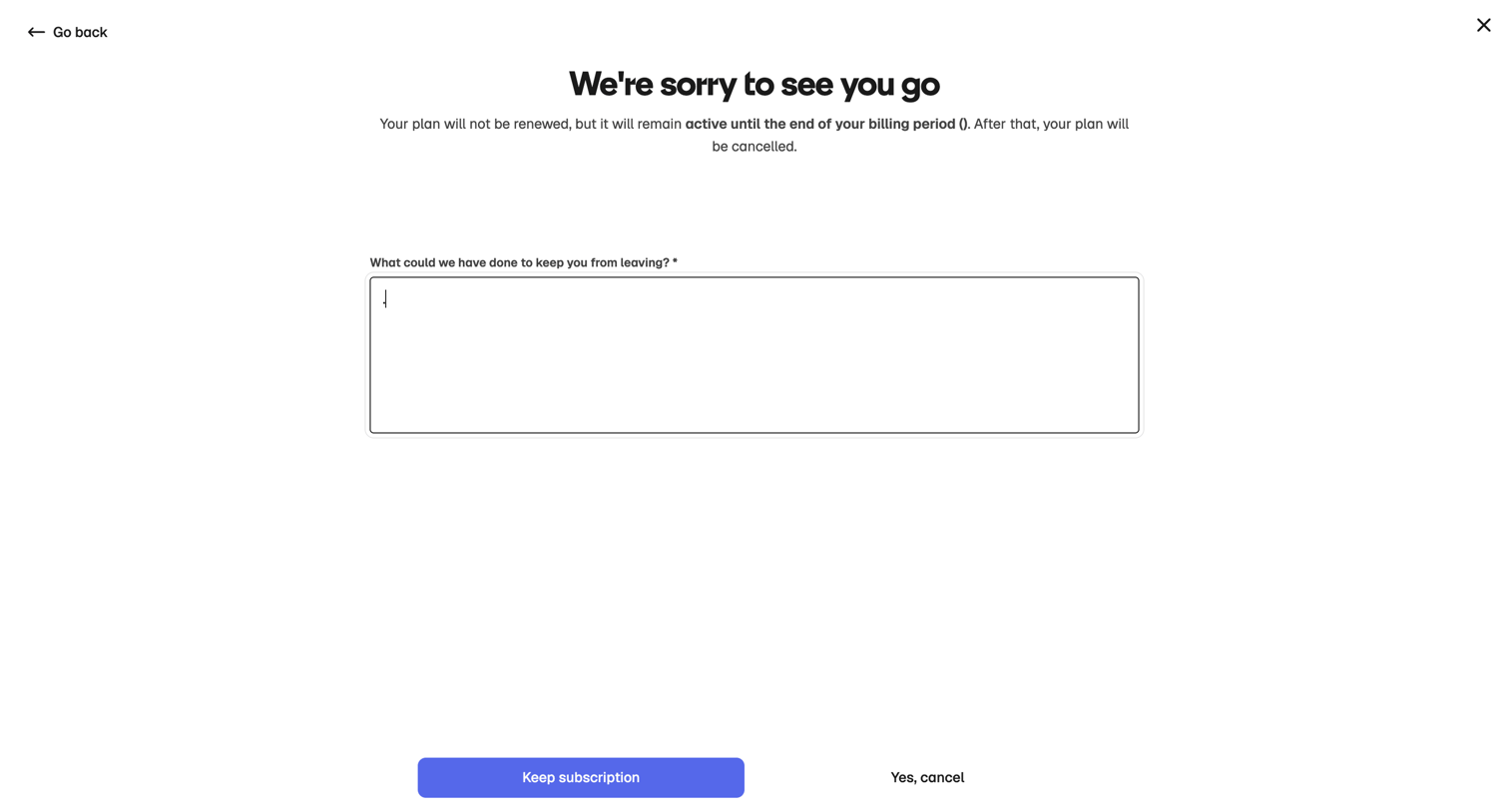

Settings flow where the user is asked for feedback on why they are leaving before finalizing their subscription cancellation, featuring a prominent retention button.
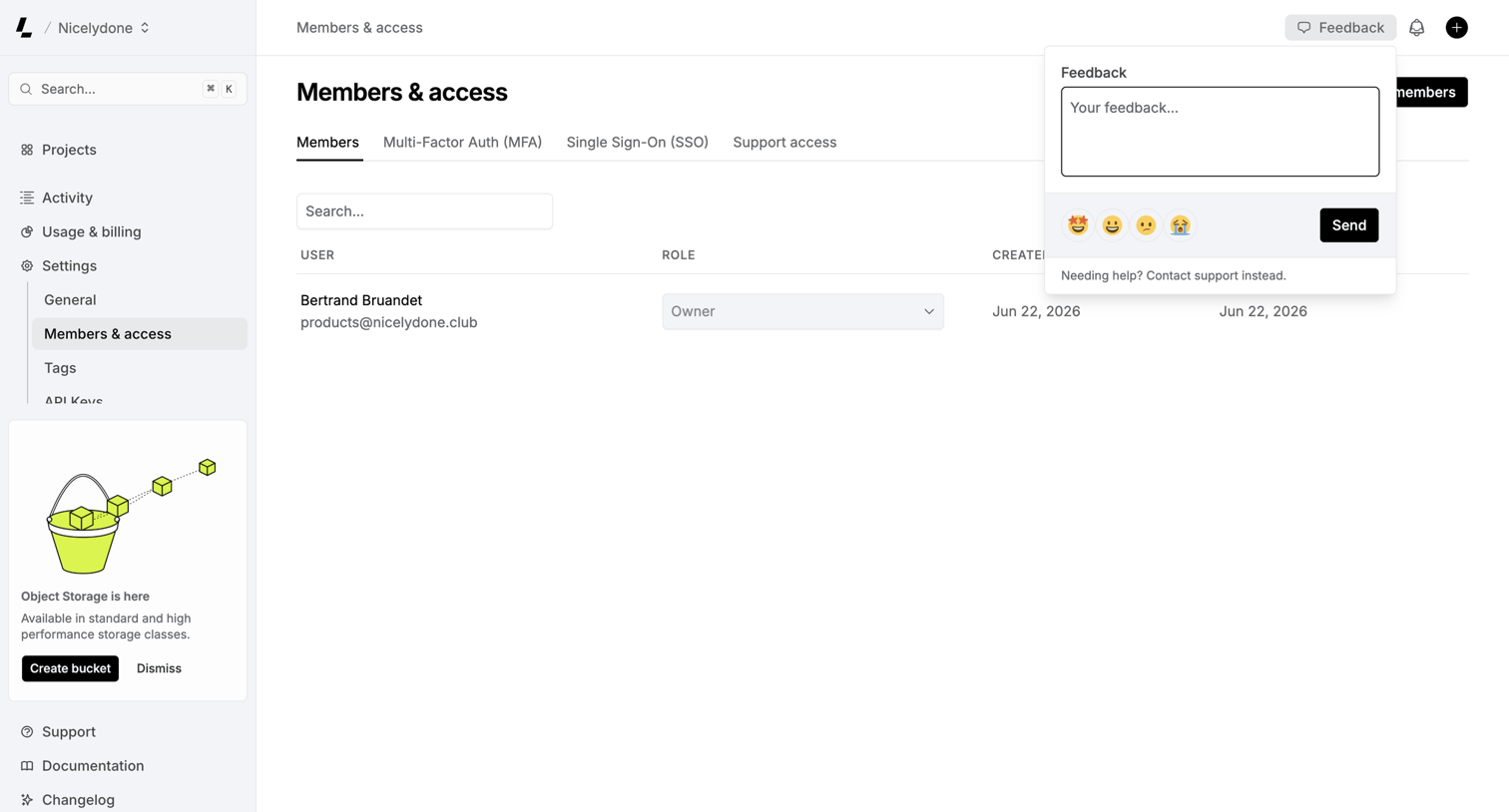

Settings page where the user manages workspace members and their roles, with a feedback popover currently open to collect user input.
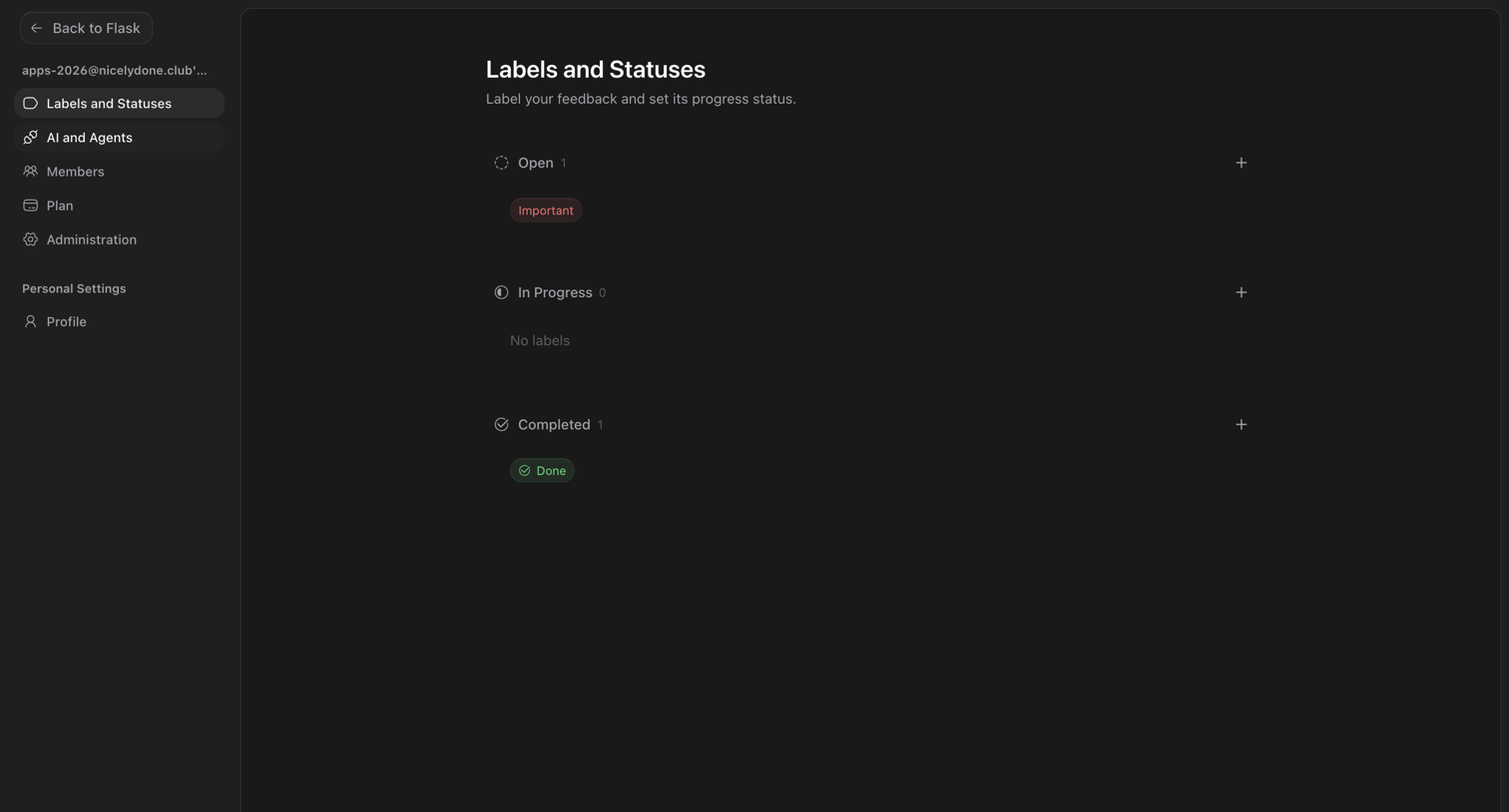

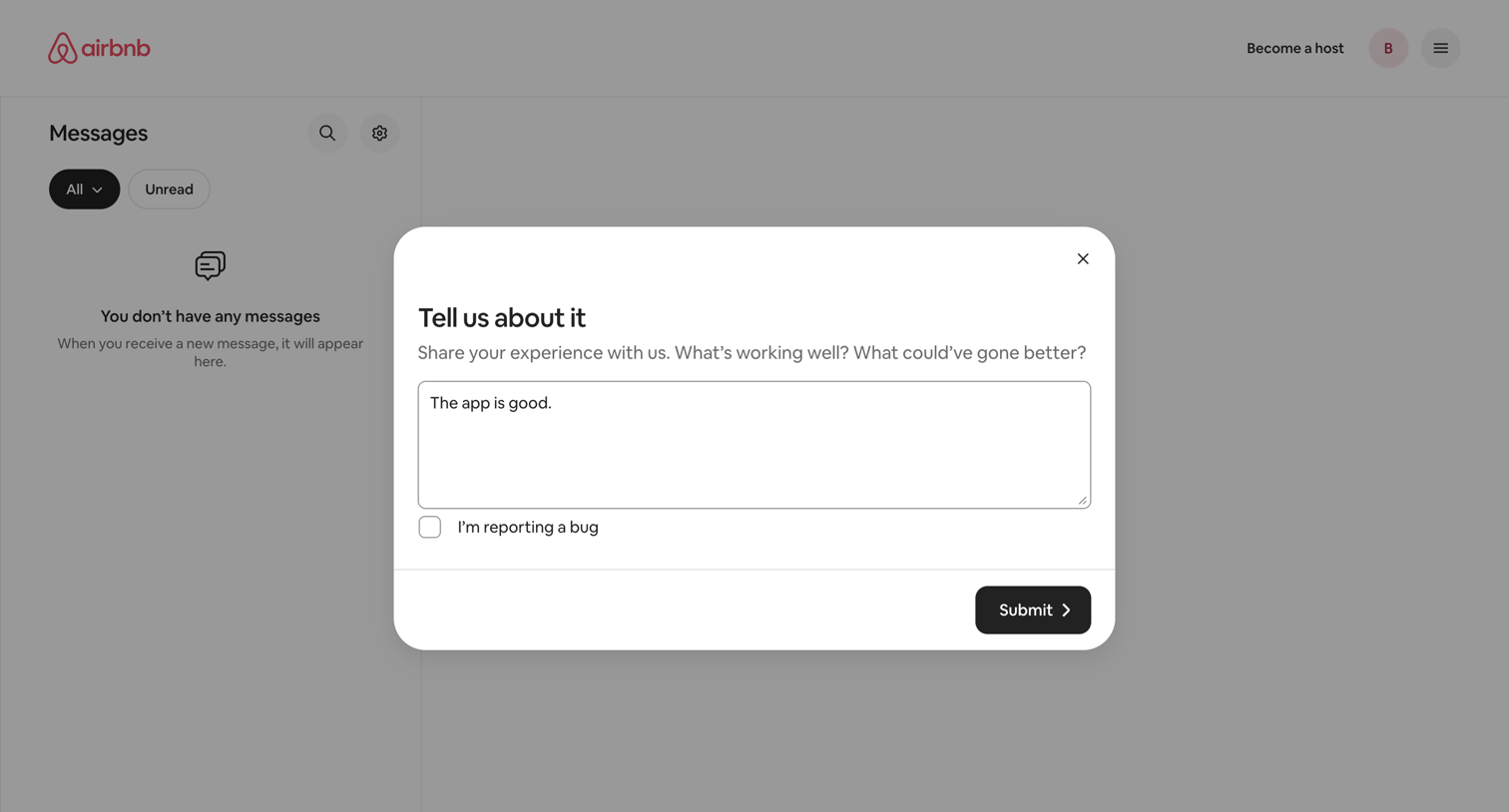

Inbox page where the user is prompted to share their experience or report a bug via a feedback modal overlay.
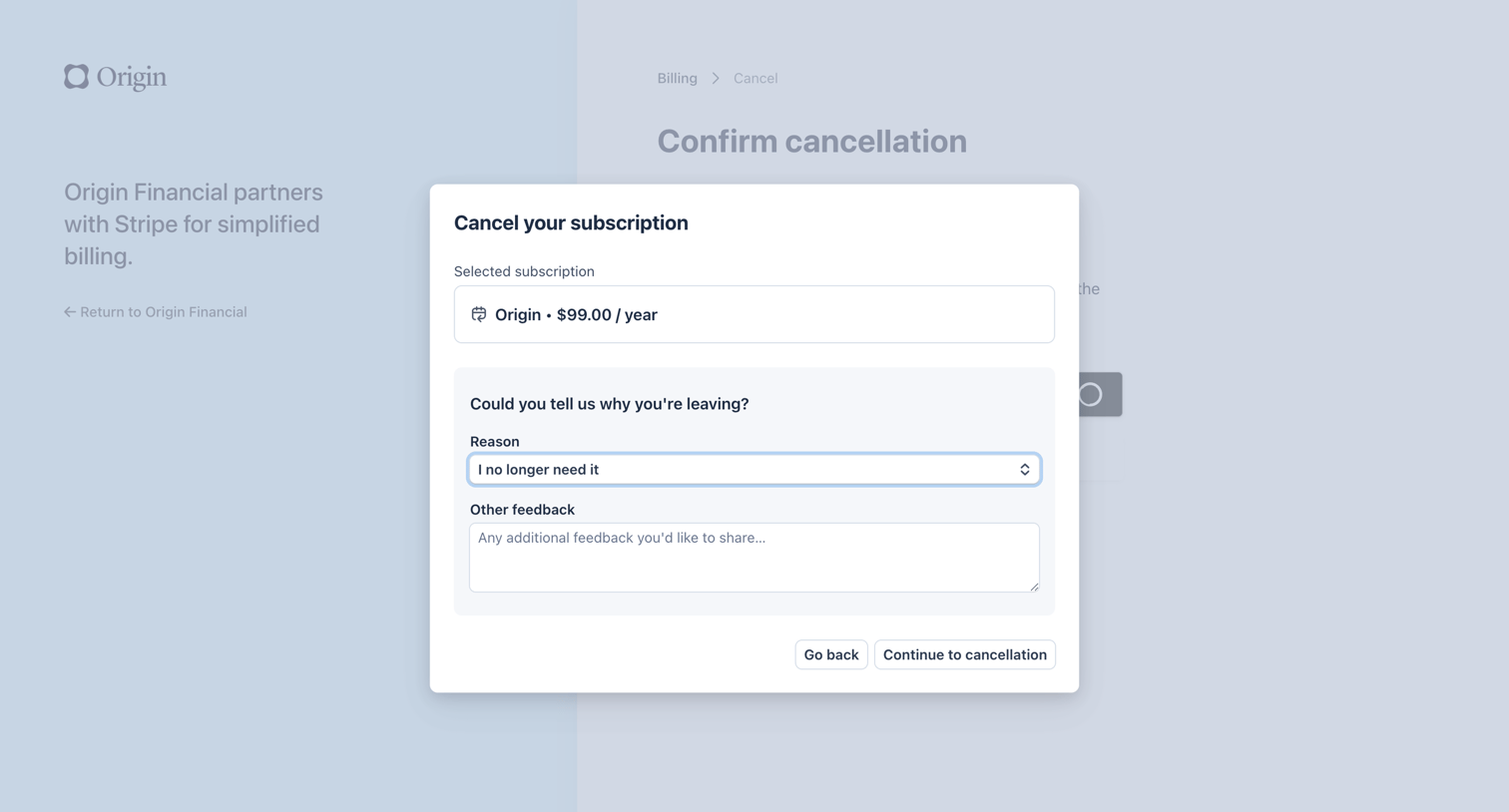

Billing settings modal where the user confirms cancellation of their yearly subscription and provides a reason for leaving.
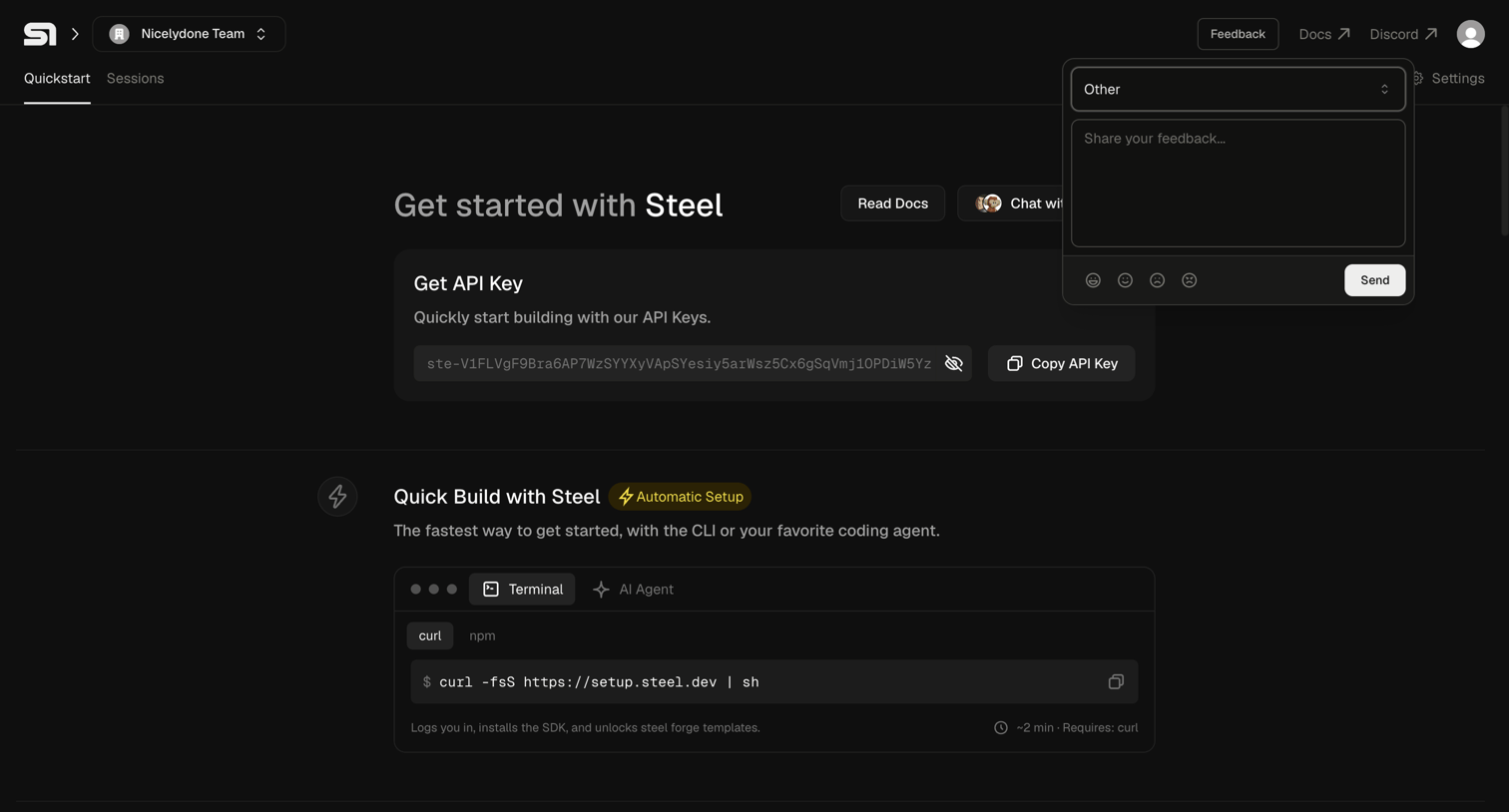

Onboarding page where the user can copy their API key, run a CLI setup command, and submit feedback via an open popover.
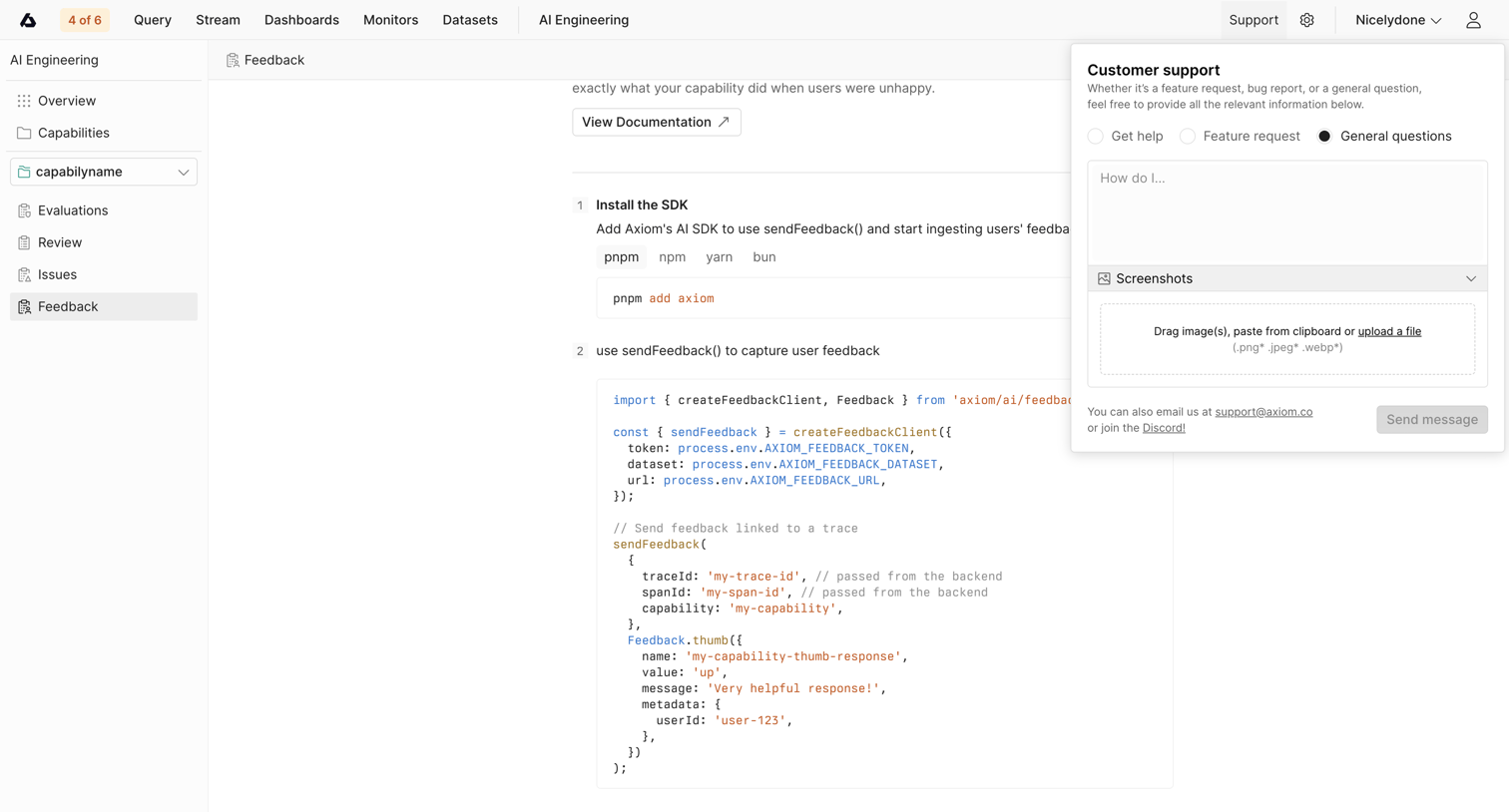

Detail page showing SDK installation instructions for AI feedback, with a customer support popover open to submit a general question.
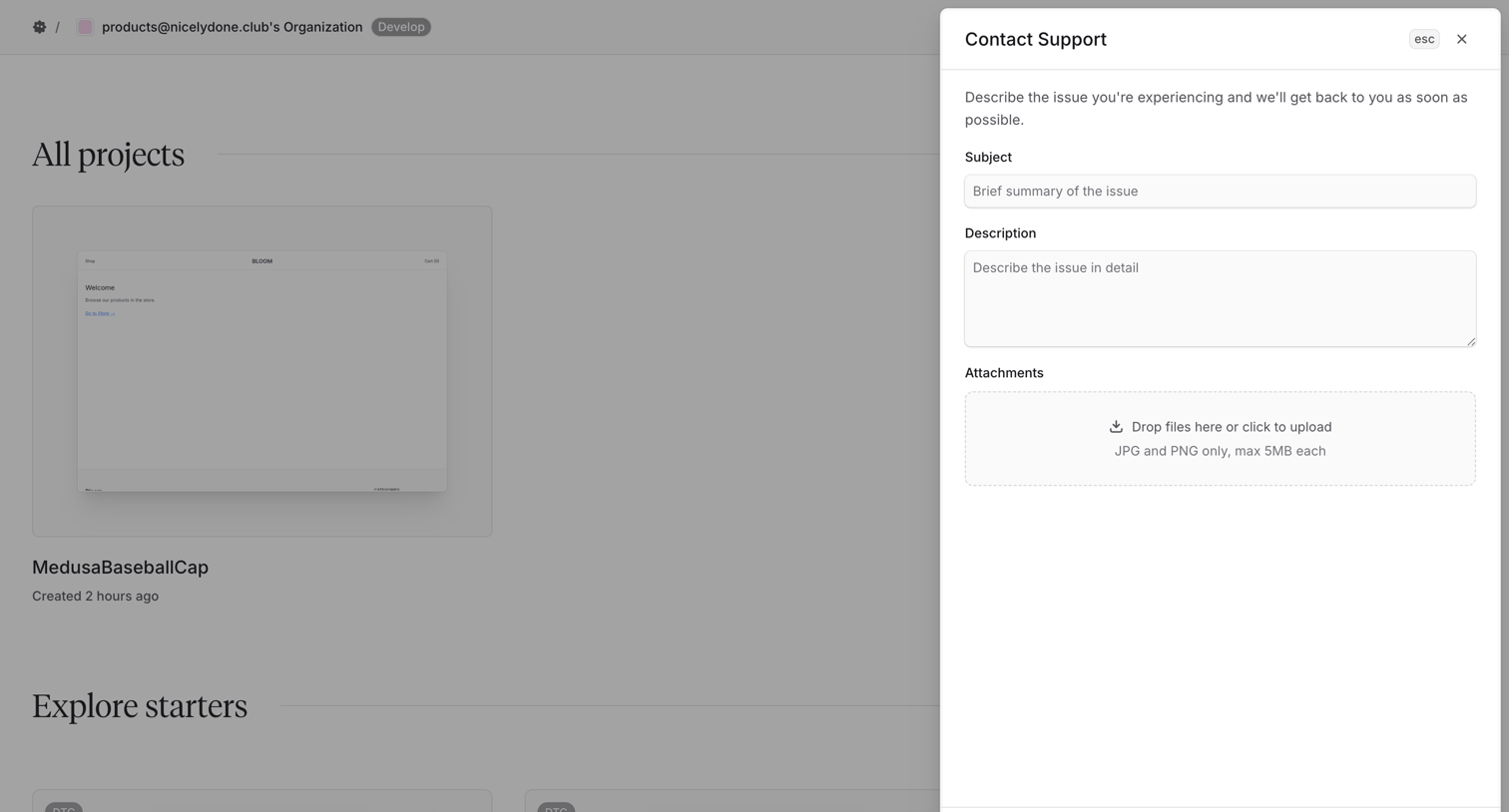

Dashboard where the user opens a side drawer to submit a support ticket with a subject, detailed description, and file attachments.
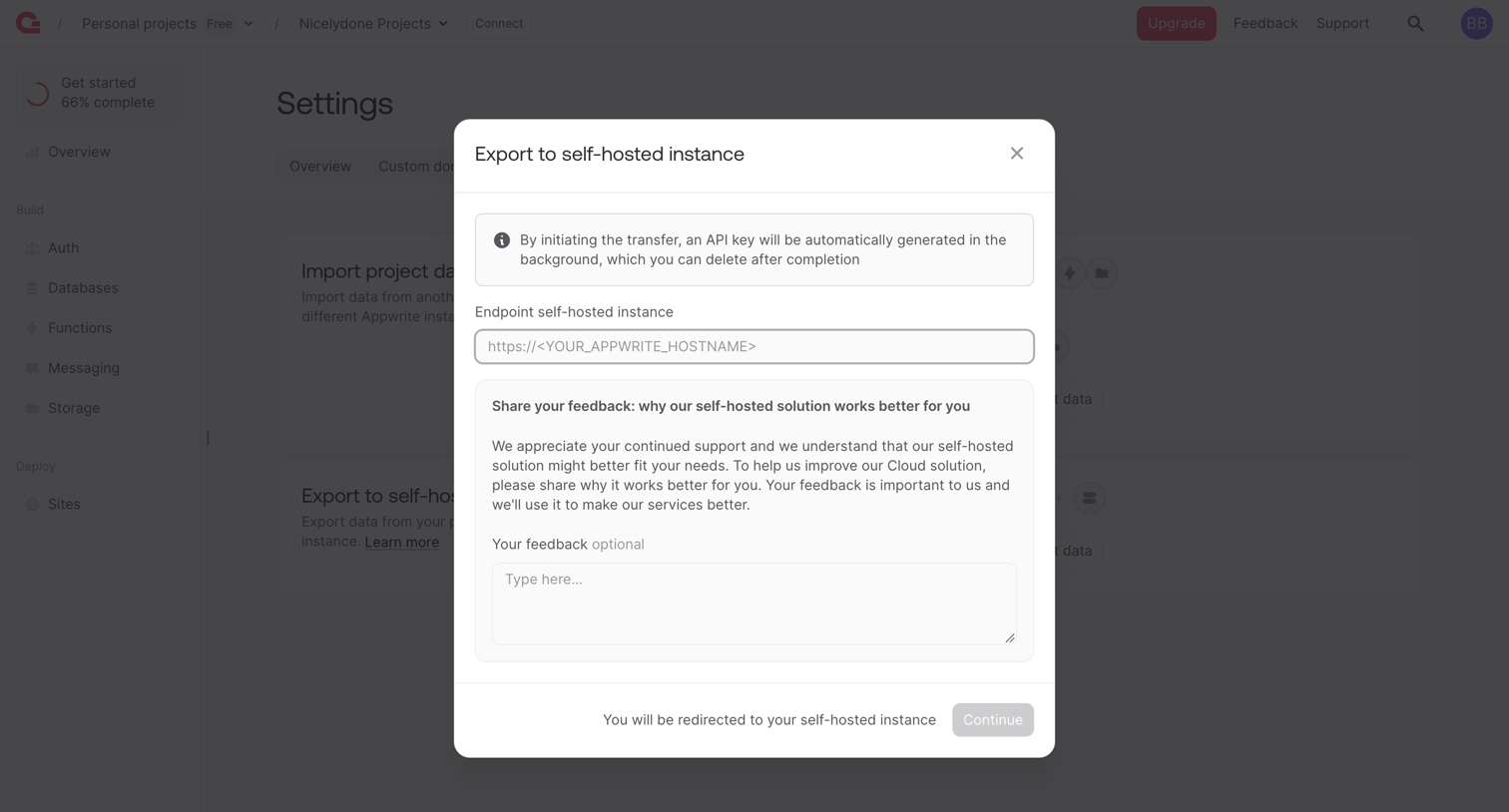

Settings modal where the user configures an export to a self-hosted instance by providing an endpoint URL and optional feedback.
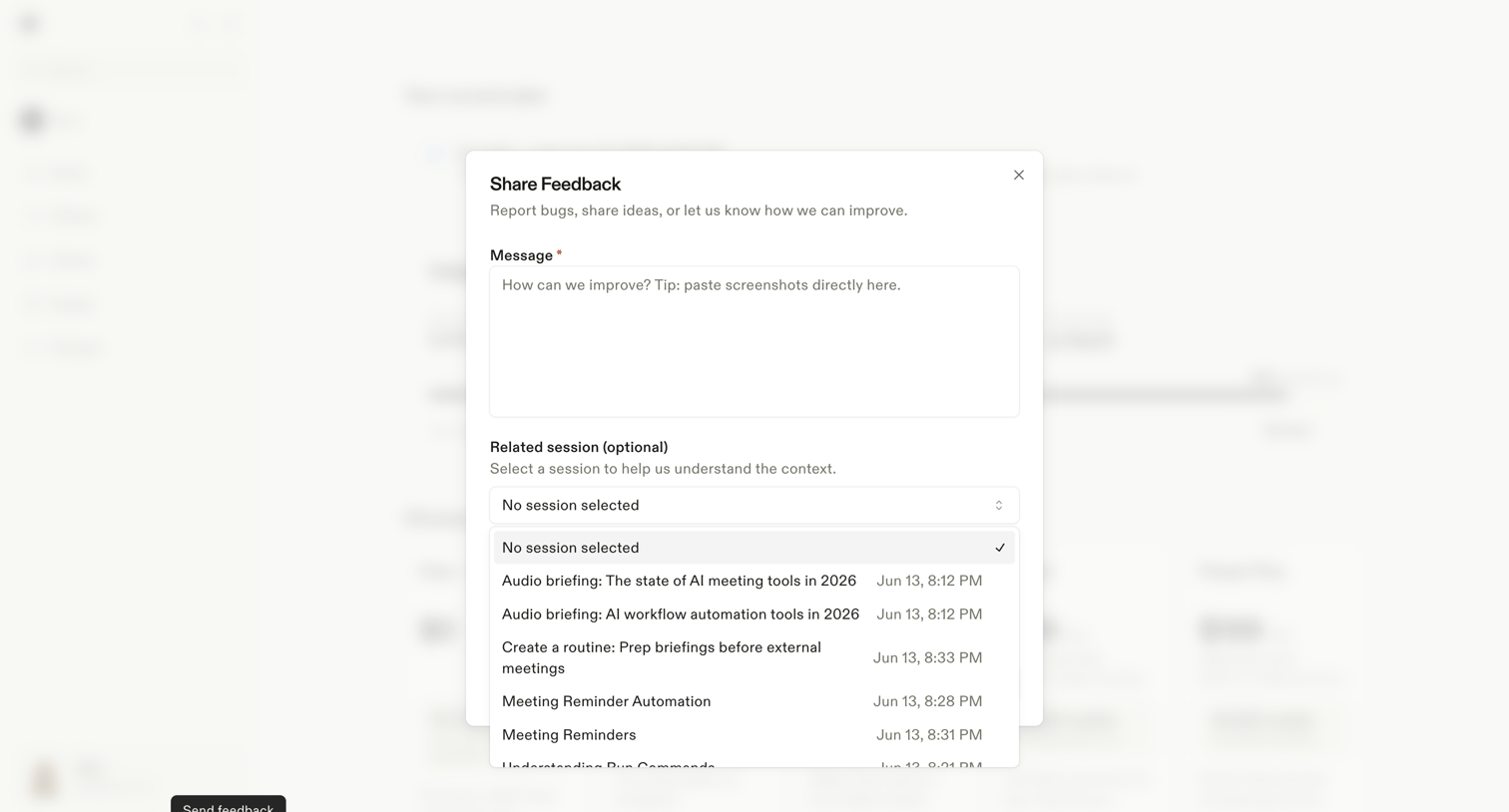

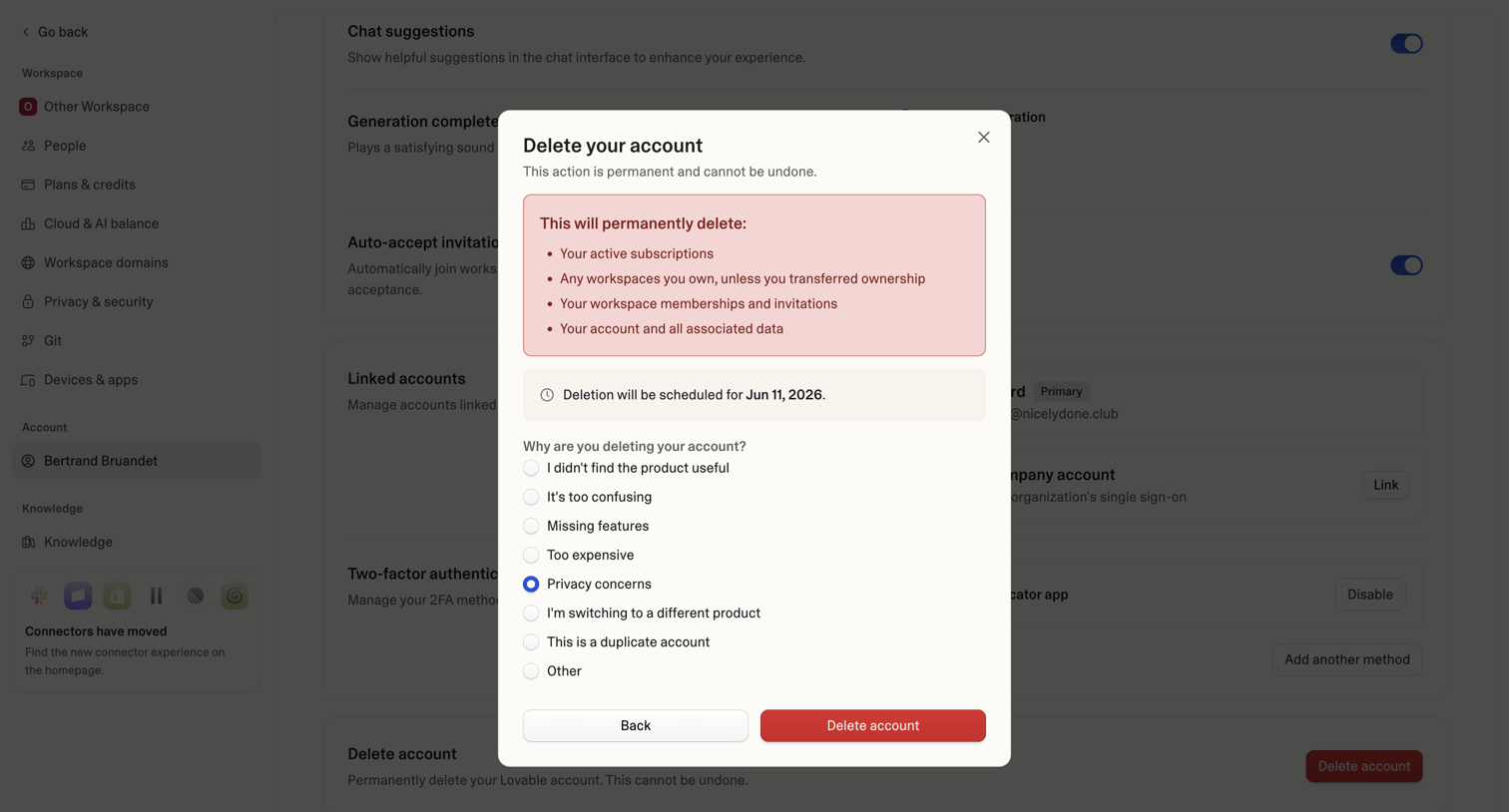

Settings page where the user confirms permanent account deletion and provides a reason for leaving via a radio button survey.
Explore the full SaaS screen library
Upgrade to unlock the full library.
Trusted by the best teams








About Feedback
See how SaaS apps invite people to describe their experience or report a problem. Explore how feedback forms organize questions, optional context, and the submission action.