Billing Settings screen examples
Billing Settings screen design examples from SaaS apps. See how SaaS apps organize subscription details, invoices, and billing information. Browse layouts that separate the current plan from payment settings and…
Explore the examples
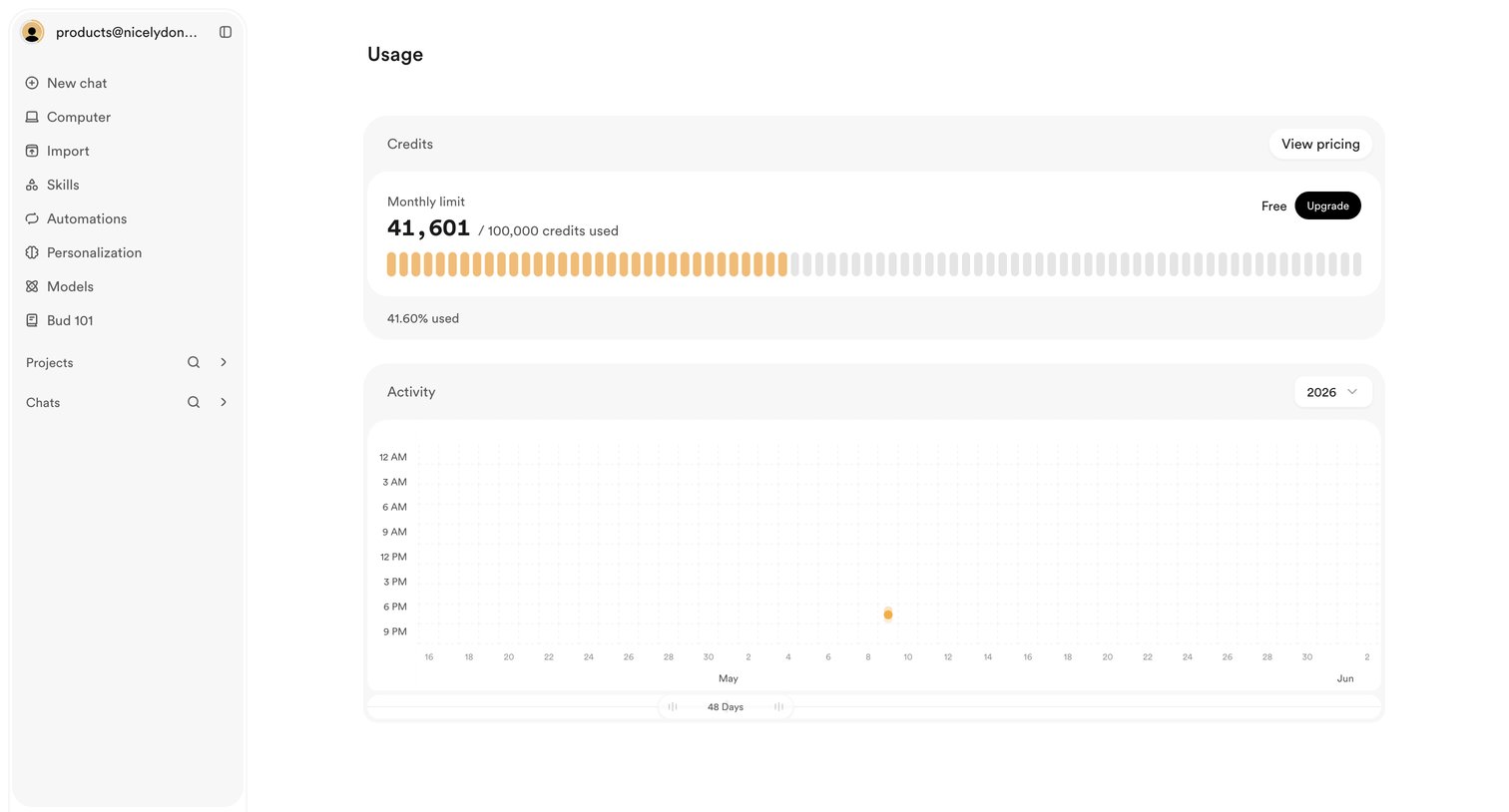

Settings page where the user views their monthly credit limit usage and account activity history.


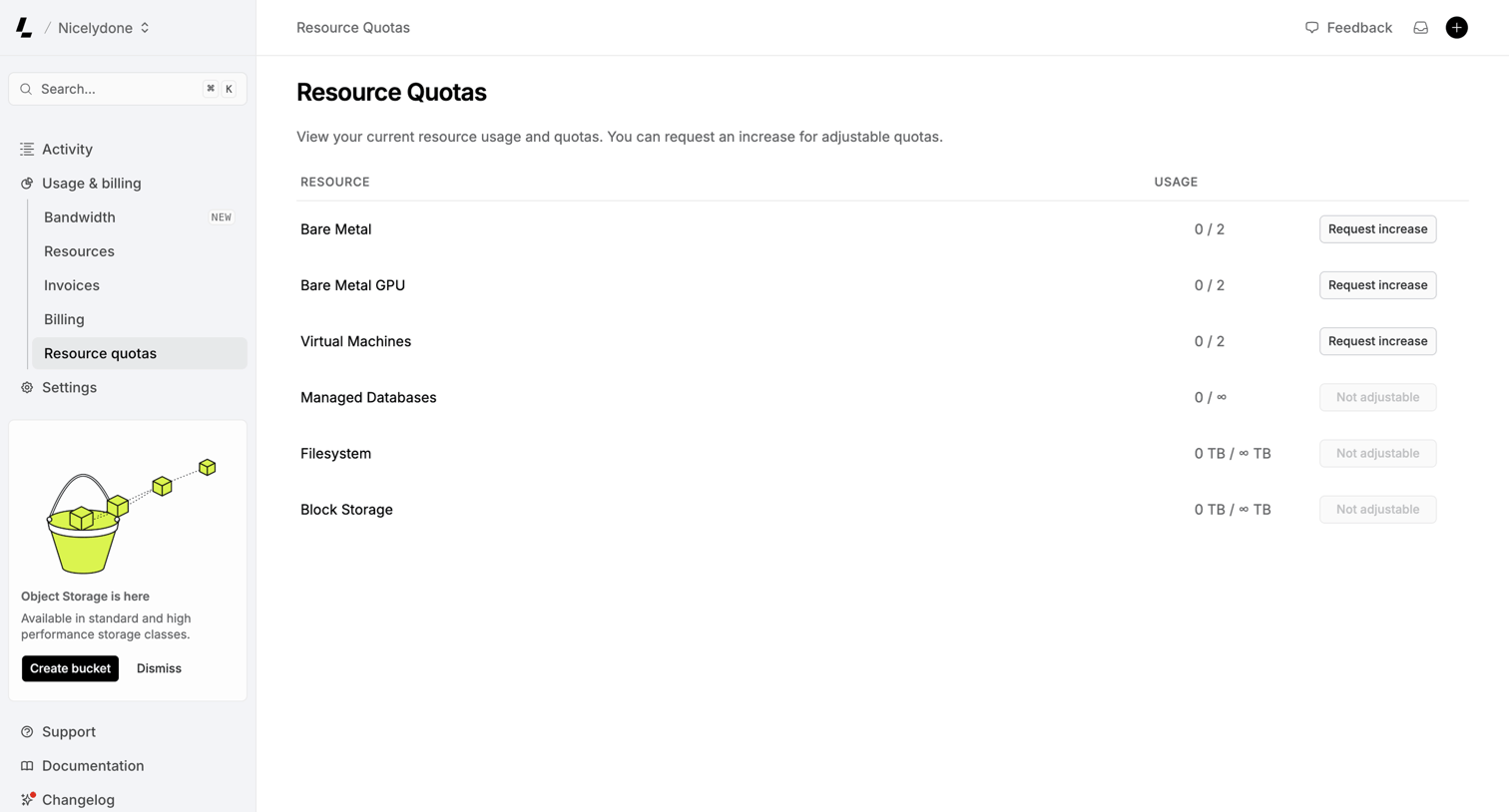

Settings page where the user views their current resource usage and quotas for bare metal, virtual machines, and storage, with options to request increases.
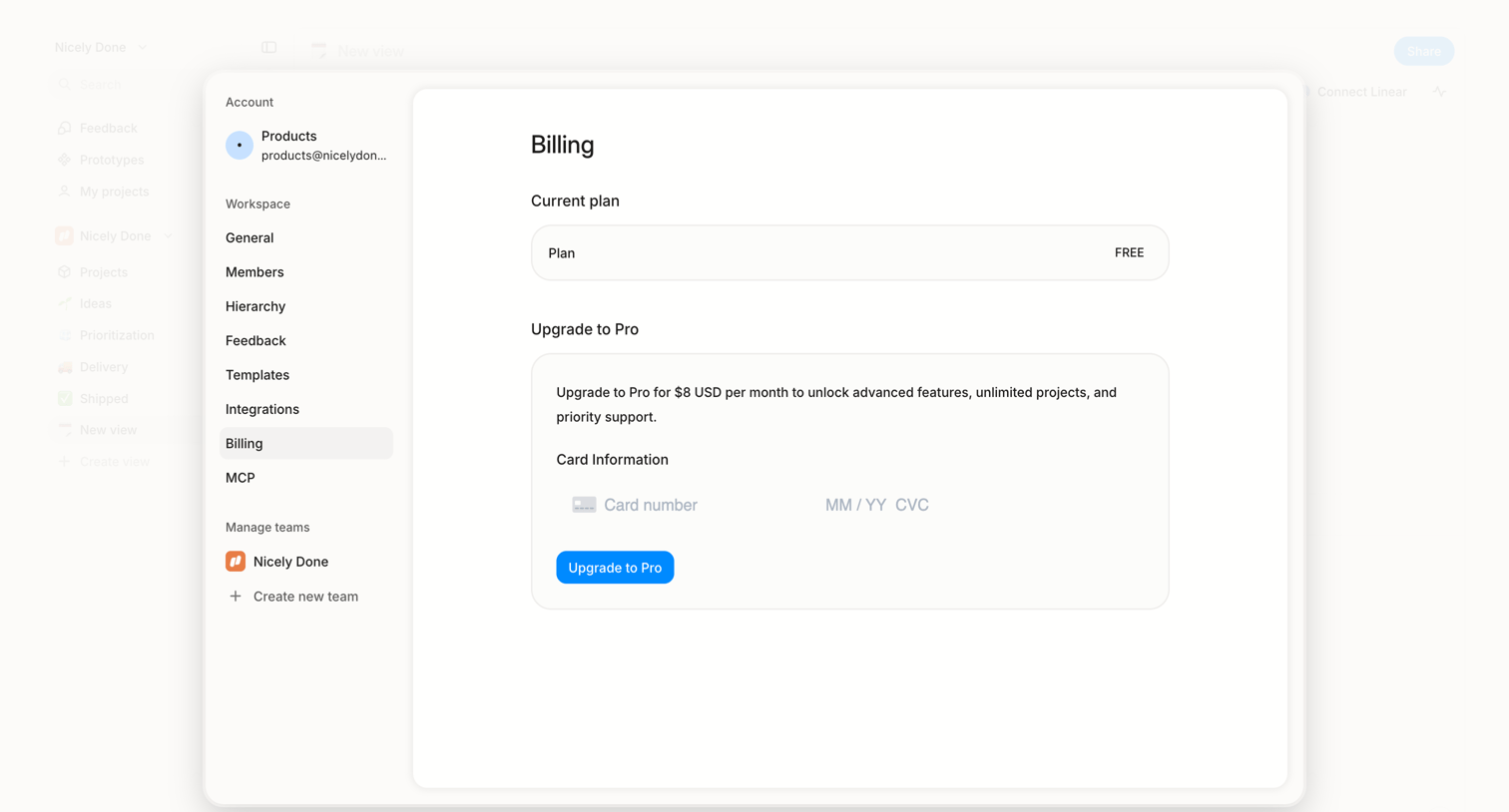

Settings view where the user checks their current free plan and can upgrade to a Pro tier by providing credit card details.
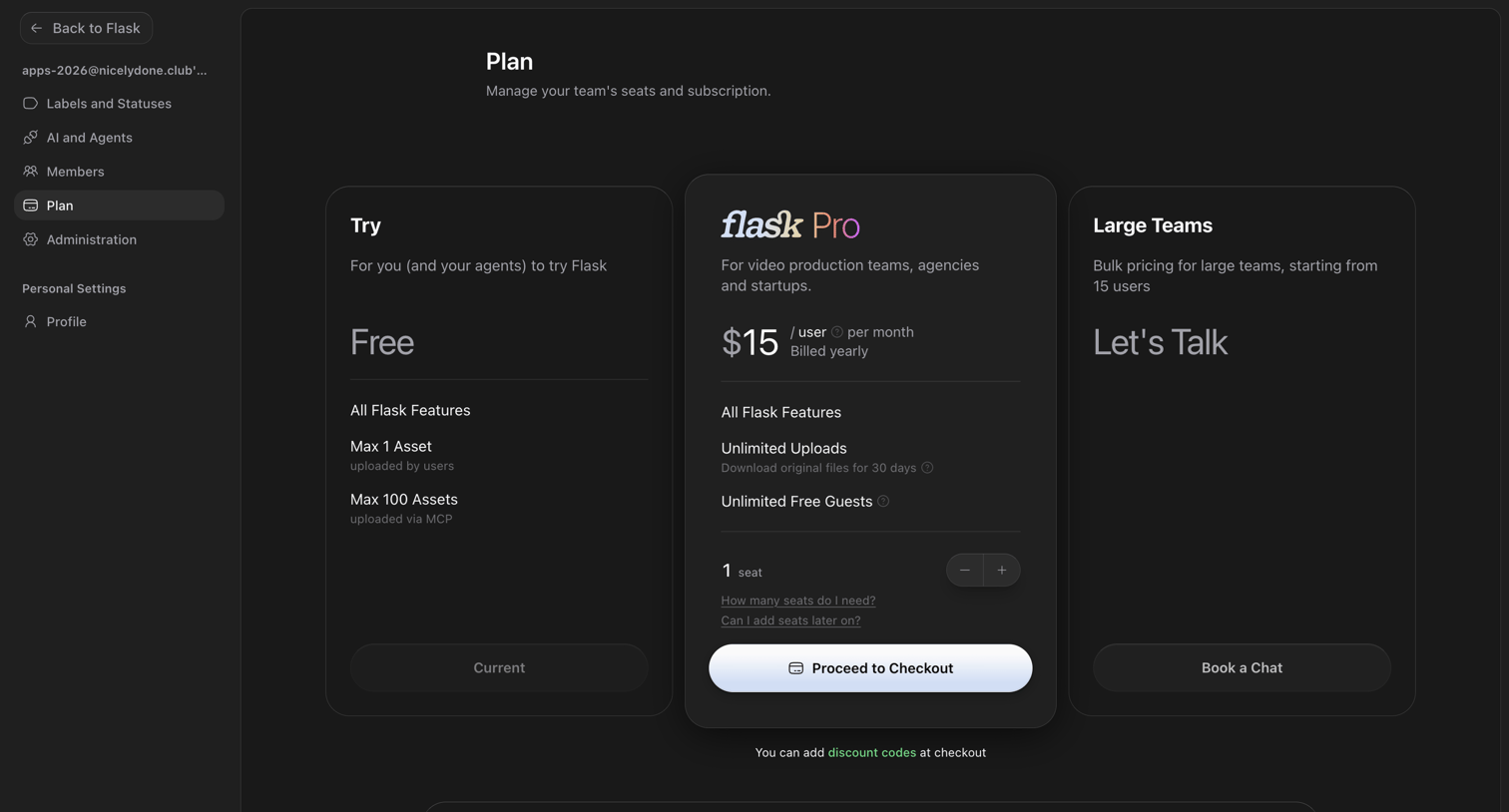

Settings page where the user manages their team's seats and subscription plan, choosing between Free, Pro, and Large Teams tiers.
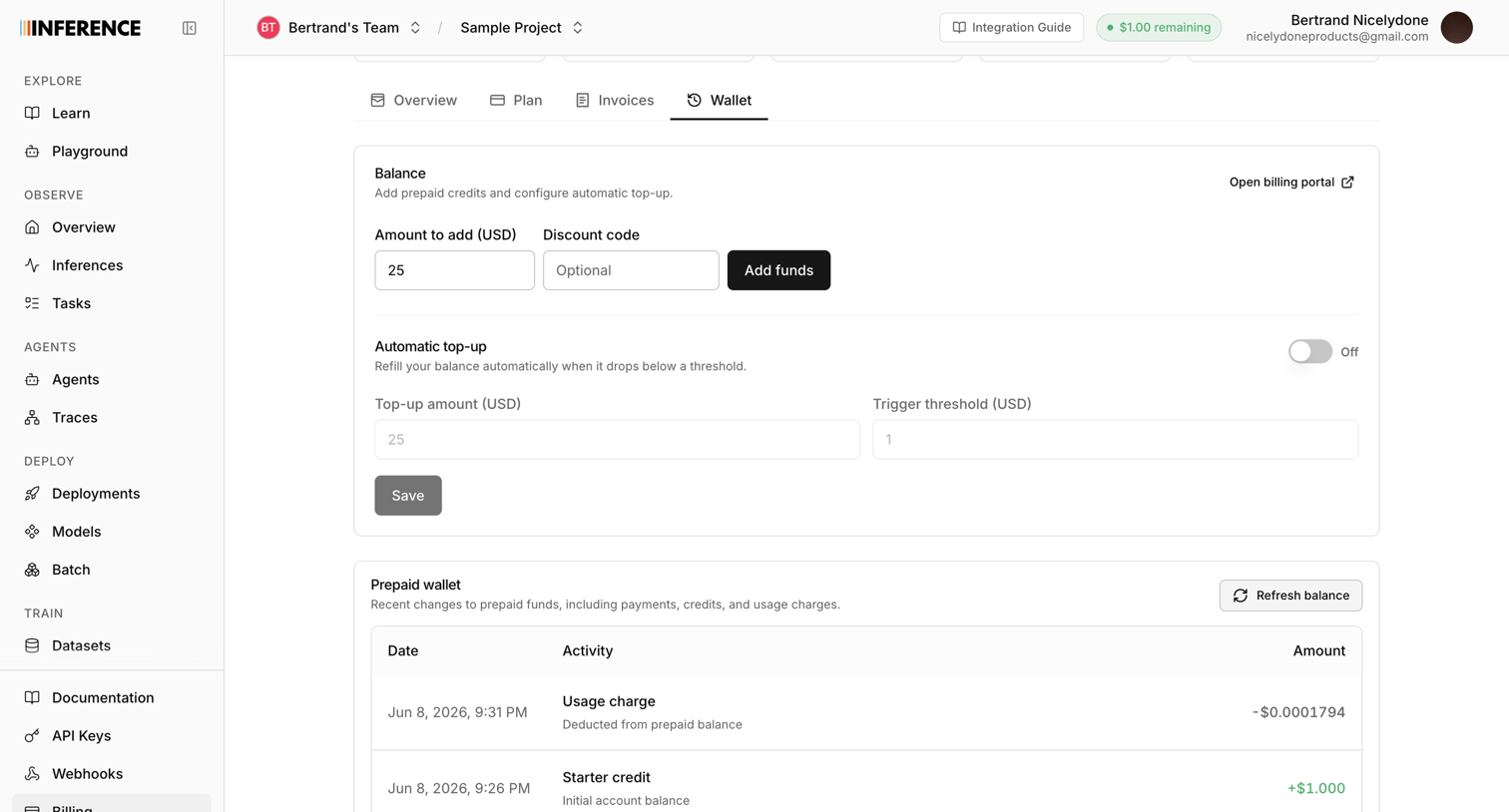

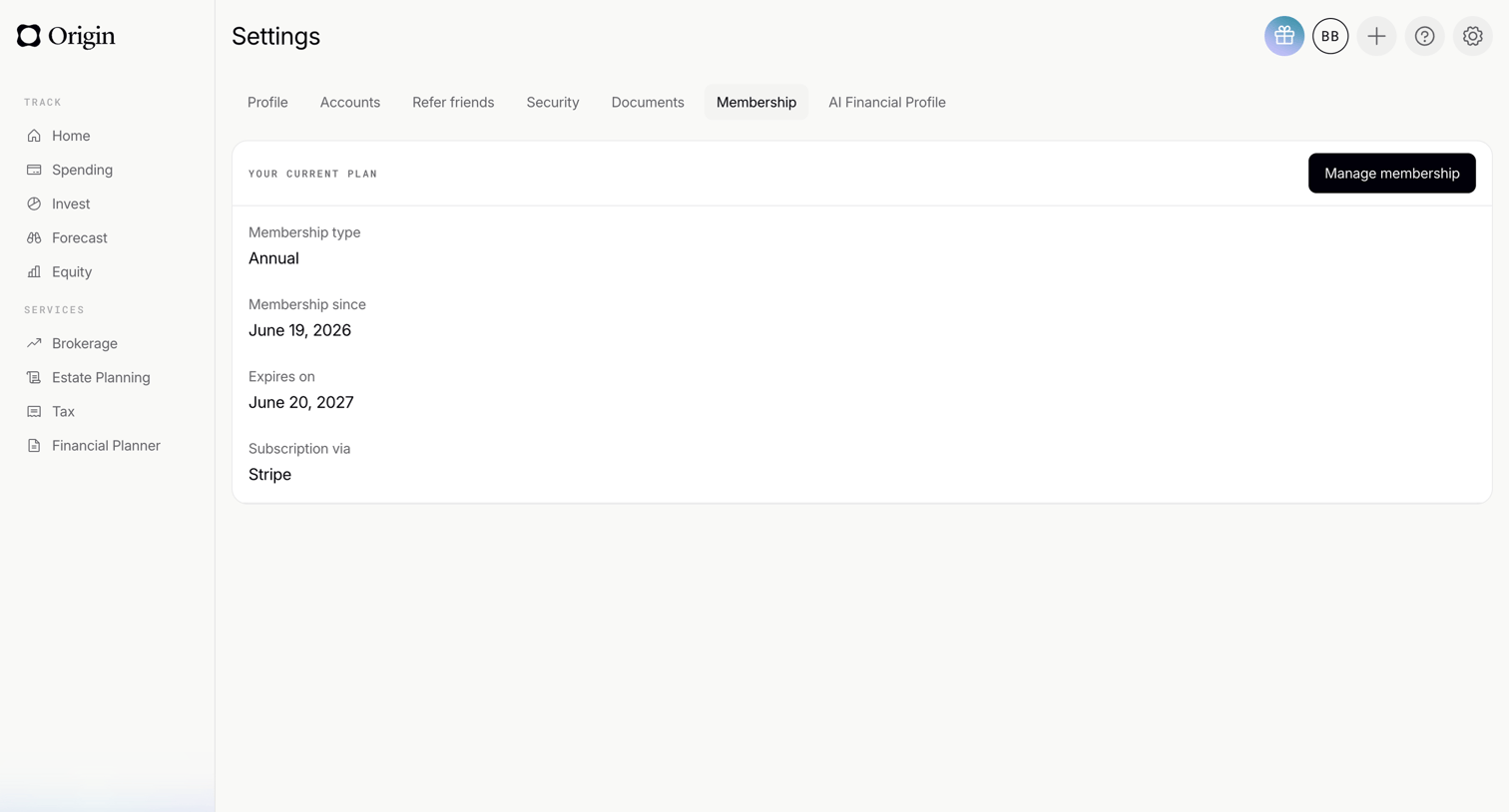

Settings page where the user views their current annual membership plan details, expiration date, and billing provider.
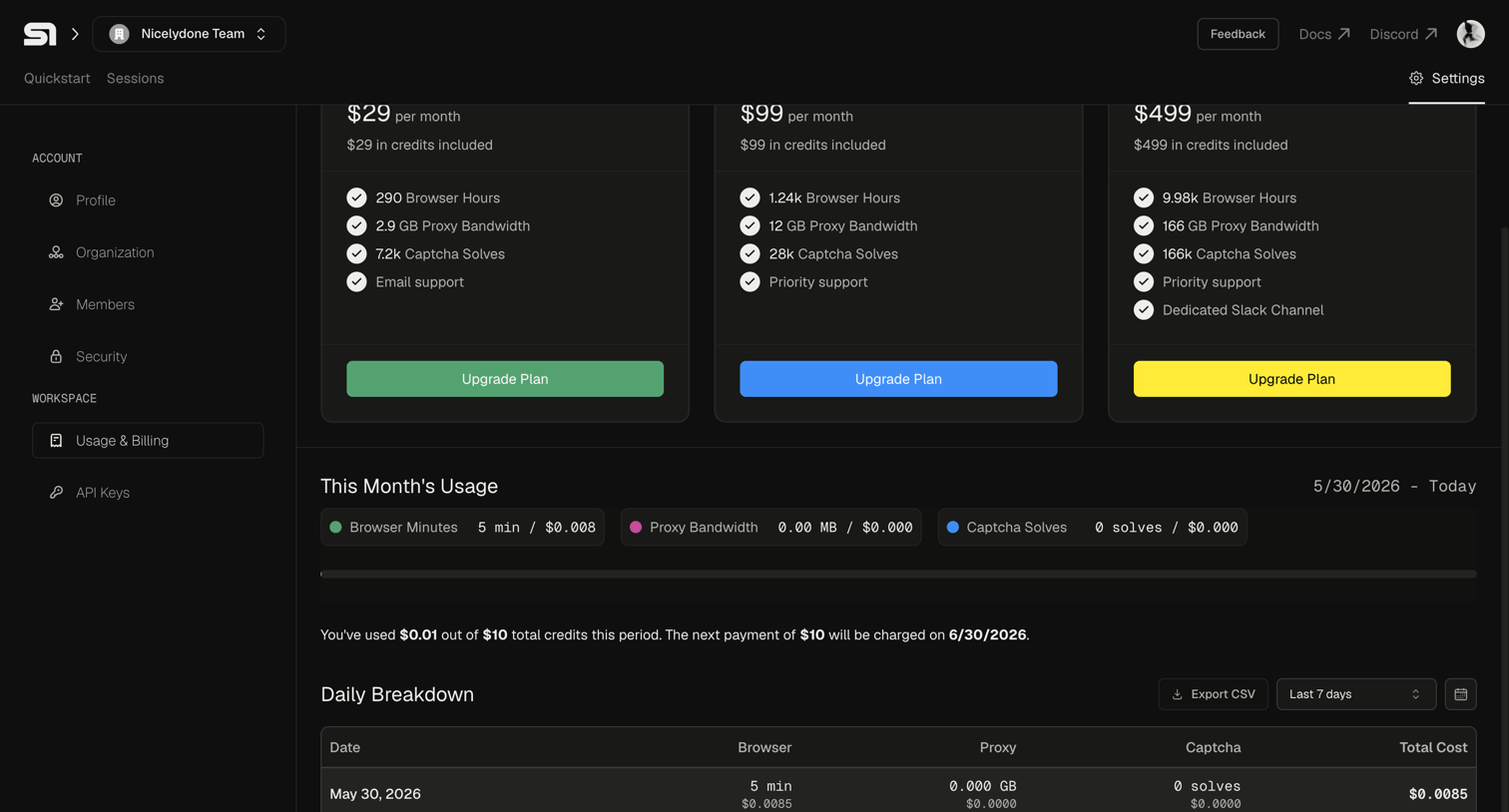

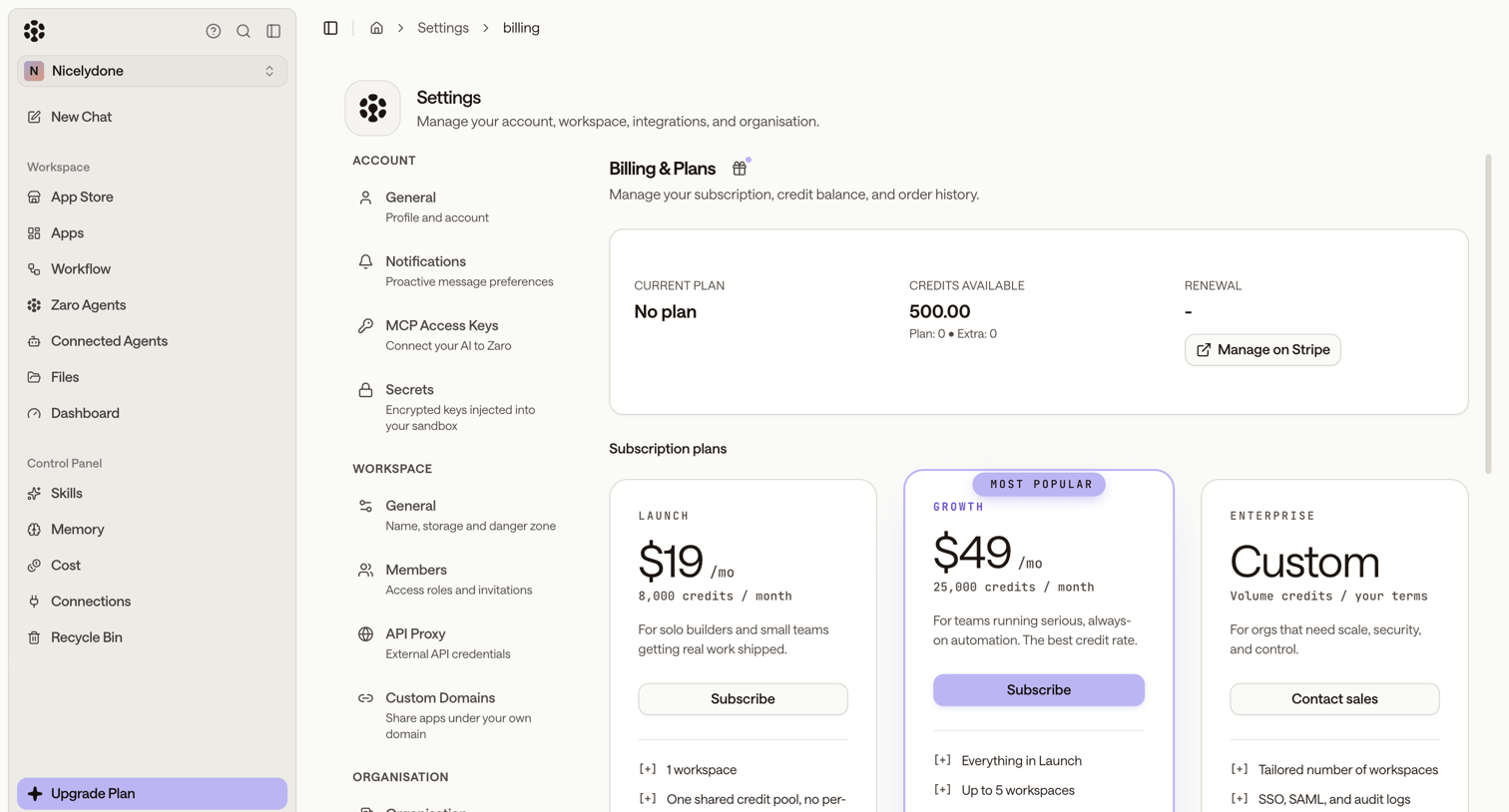

Settings page where the user manages their subscription plan, views available credits, and can upgrade to Launch, Growth, or Enterprise tiers.


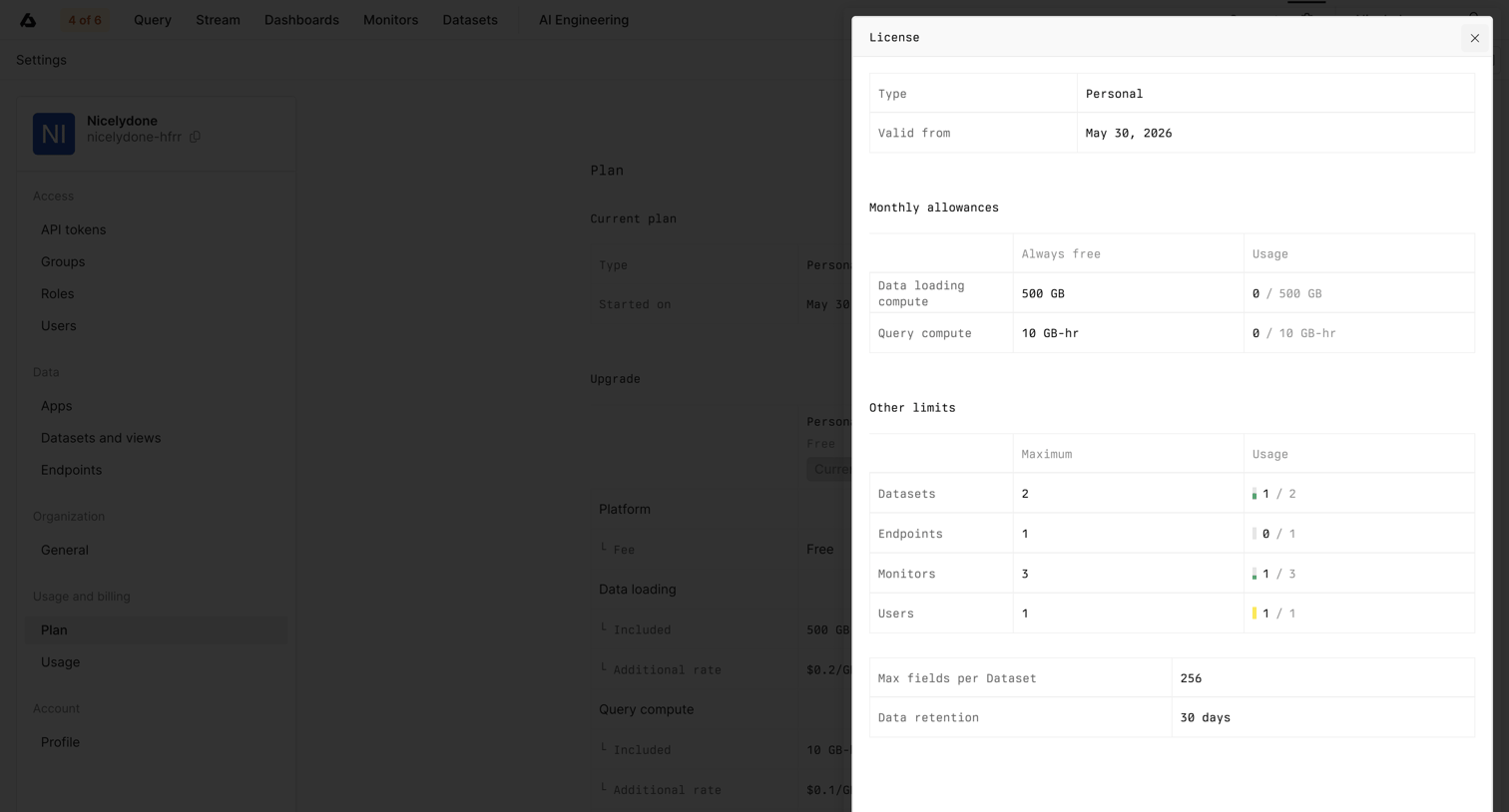
Settings page where the user views their current free plan status and is prompted to upgrade their subscription.

Explore the full SaaS screen library
Upgrade to unlock the full library.
Trusted by the best teams








About Billing Settings
See how SaaS apps organize subscription details, invoices, and billing information. Browse layouts that separate the current plan from payment settings and changes to future charges.