Usage screen examples
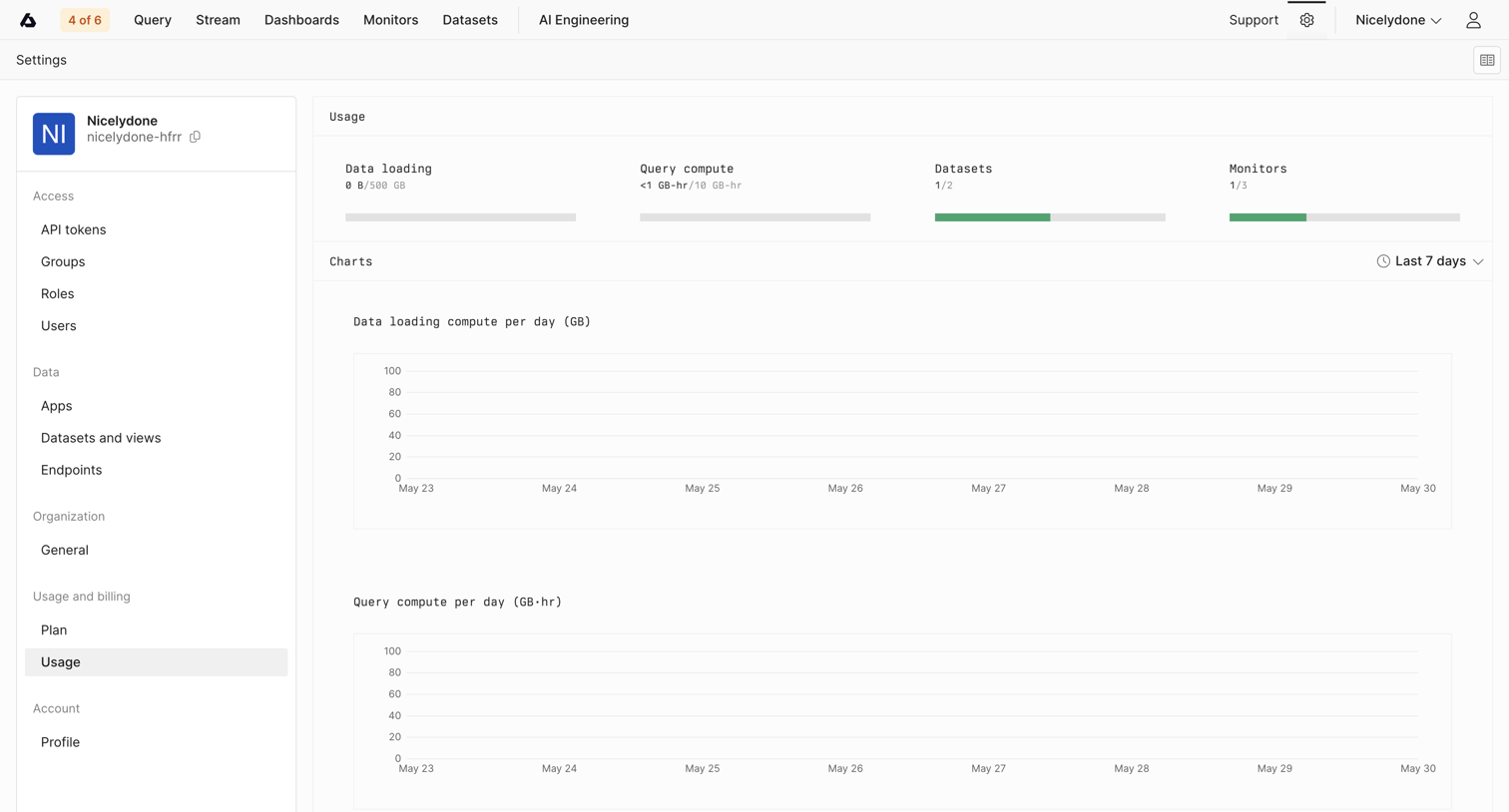
Usage screen design examples from SaaS apps. See how SaaS apps present the resources an account has used. Explore how consumption figures, time periods, and plan allowances give context to the current…
Explore the examples
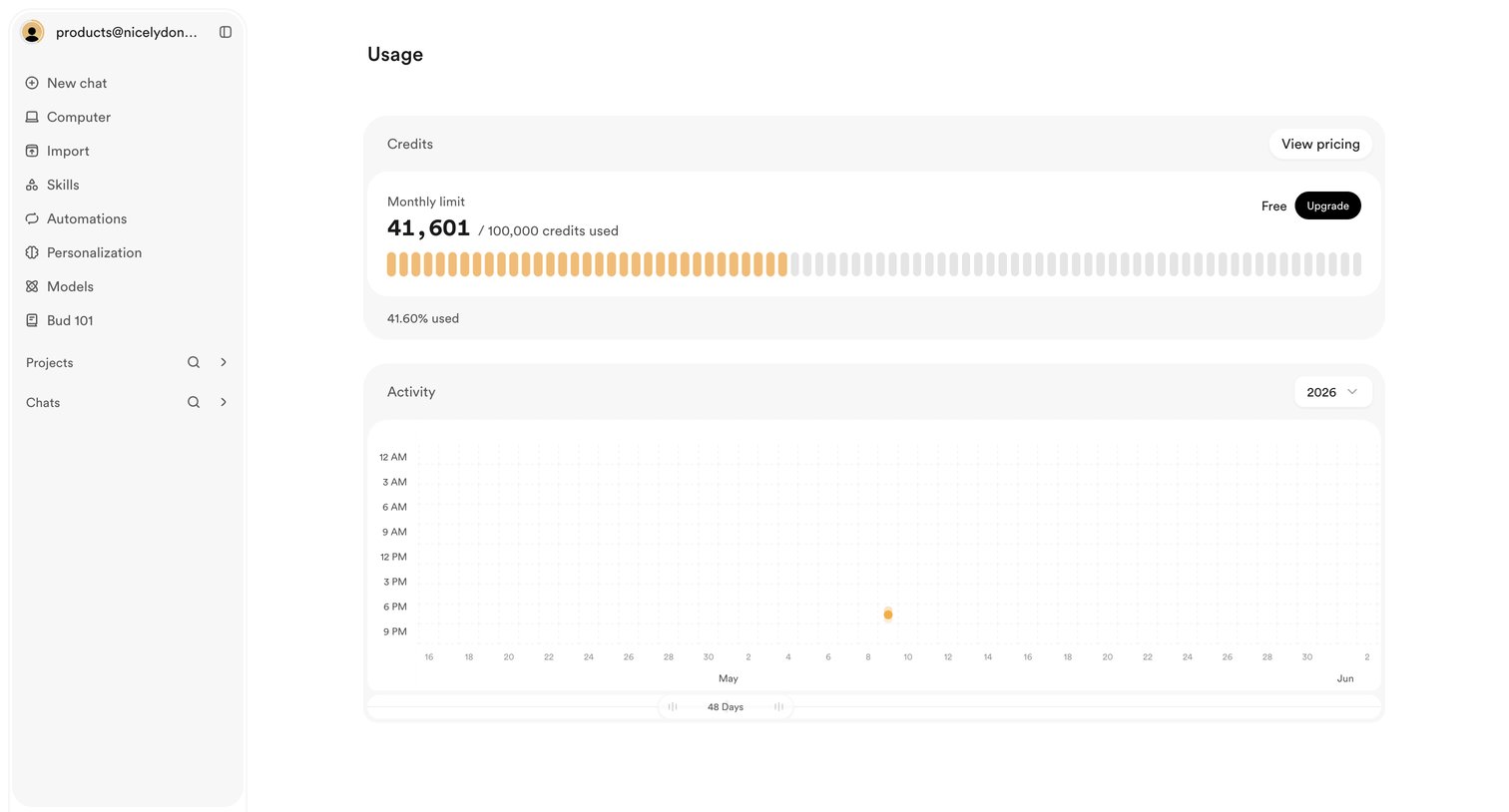

Settings page where the user views their monthly credit limit usage and account activity history.
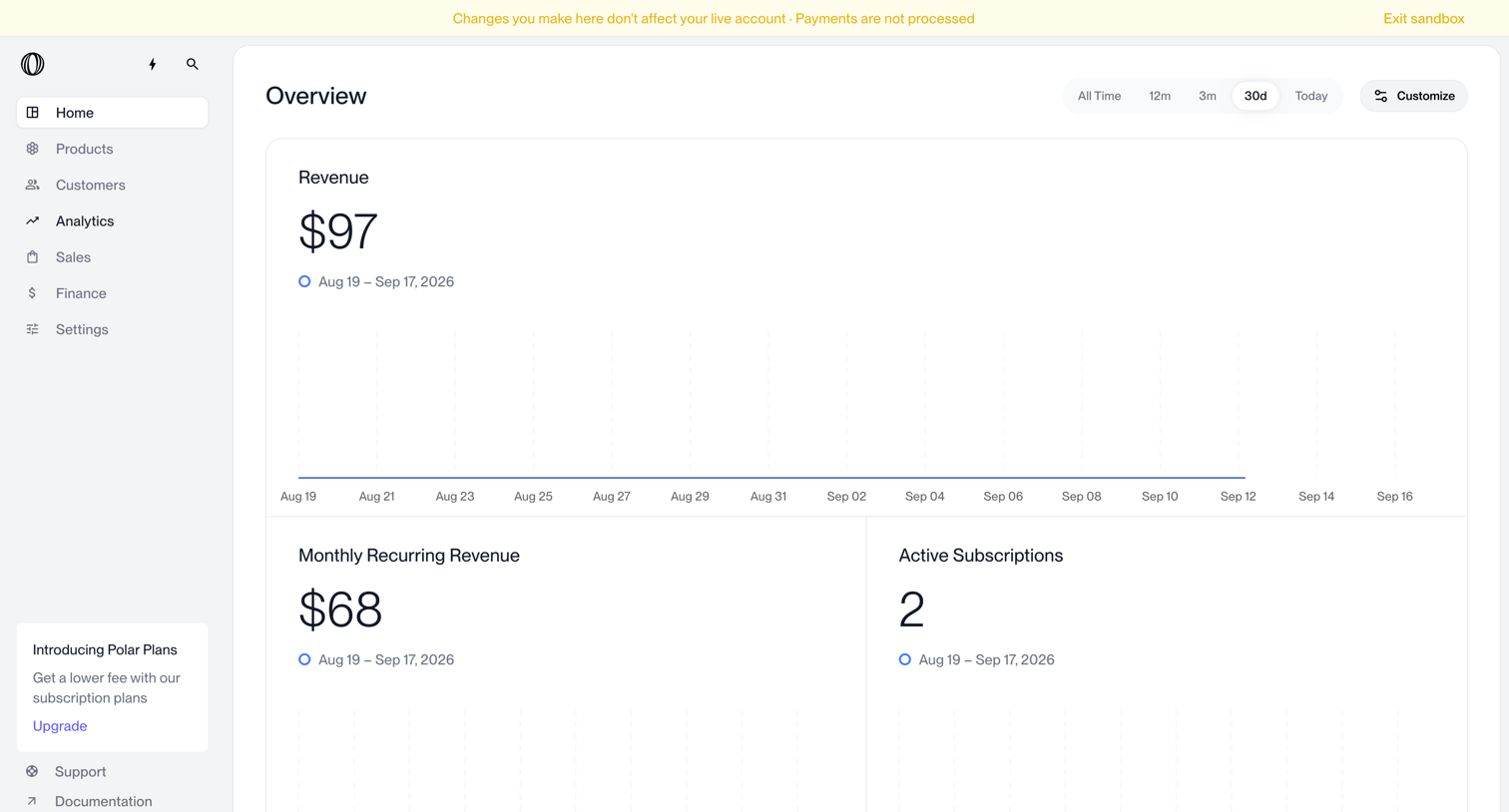

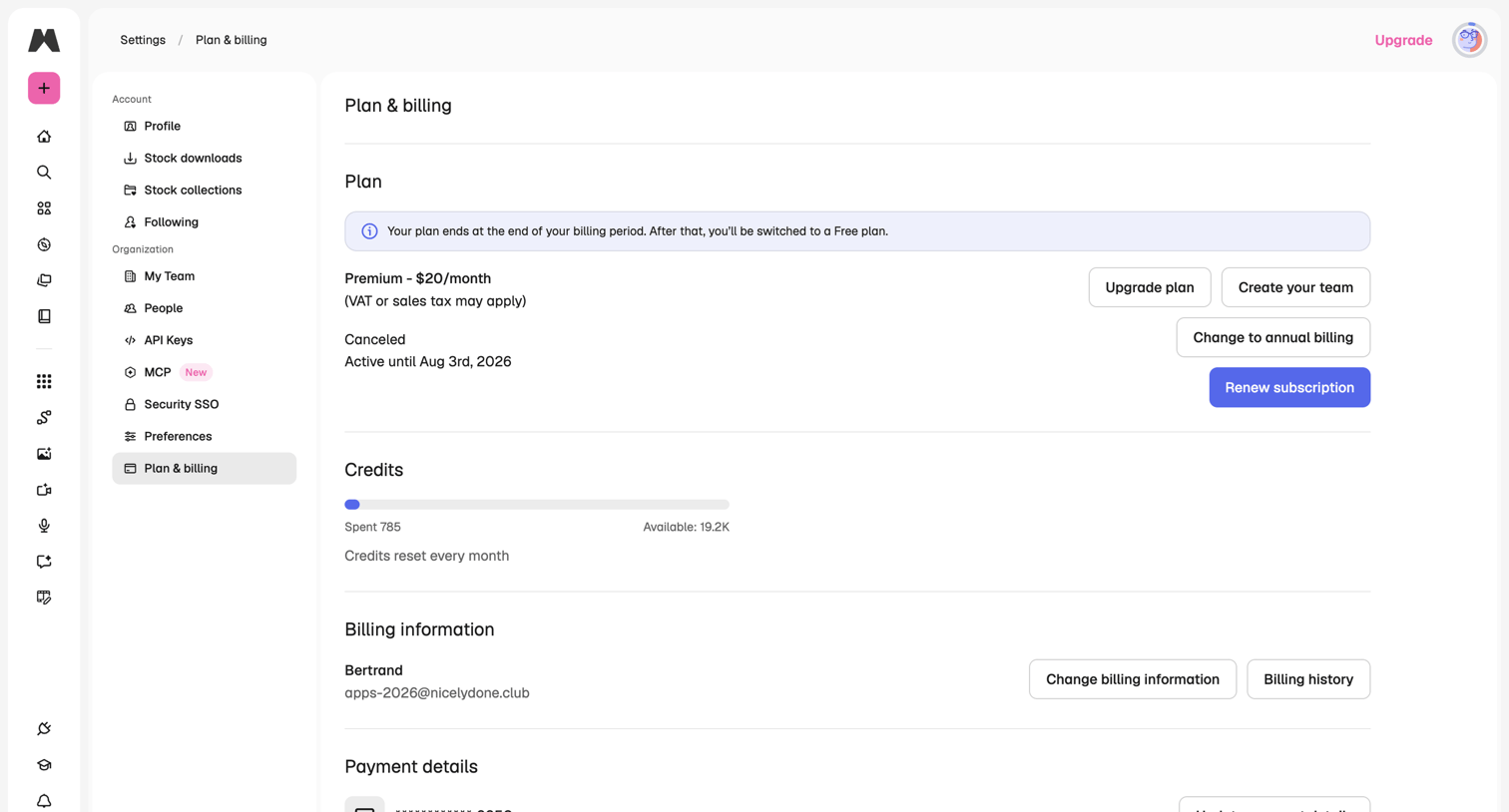

Settings page where the user manages their subscription plan, views credit usage, and updates billing and payment information.
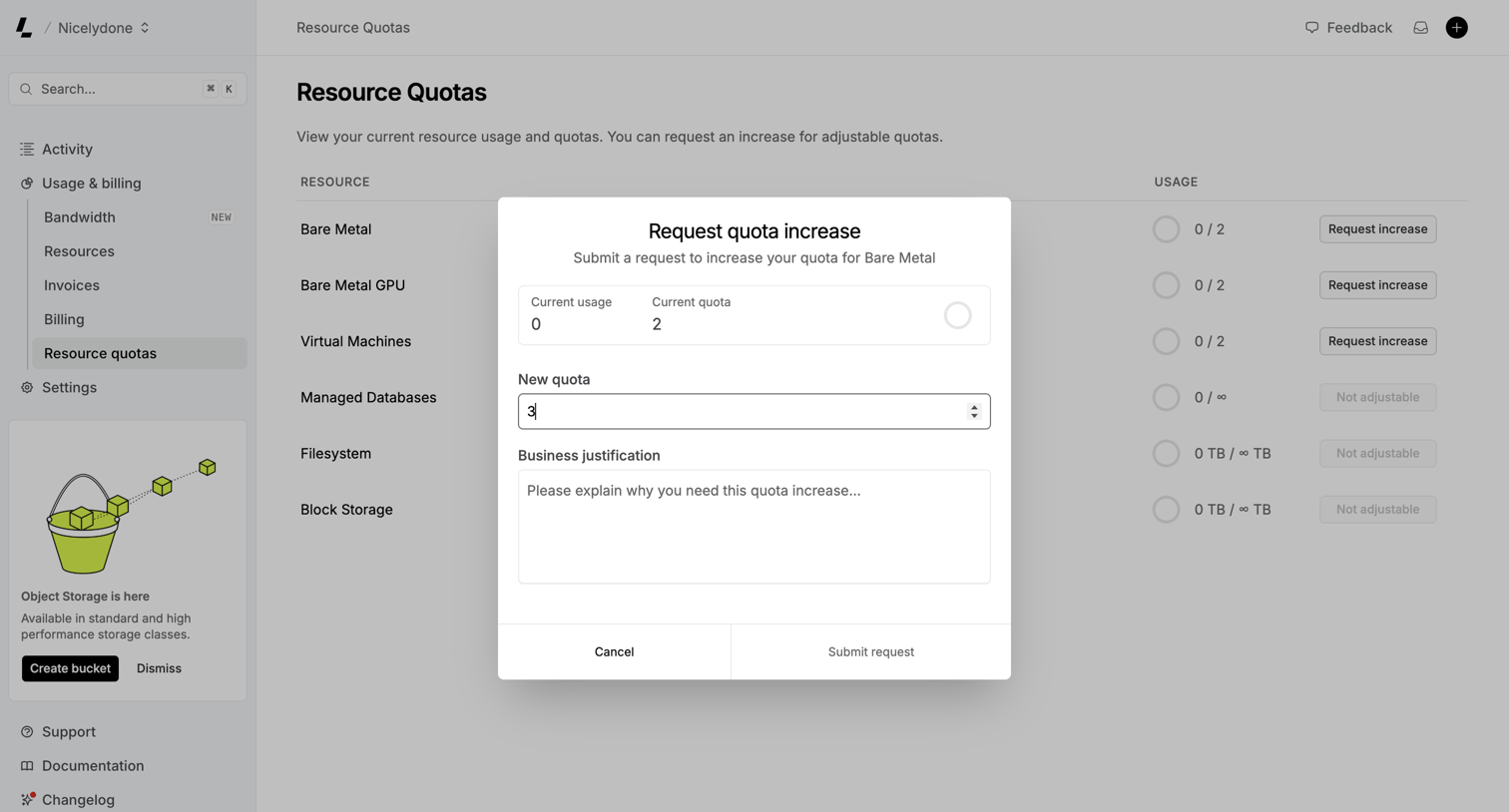

Settings page where the user views their current infrastructure resource usage and fills out a modal form to request a quota increase for Bare Metal.
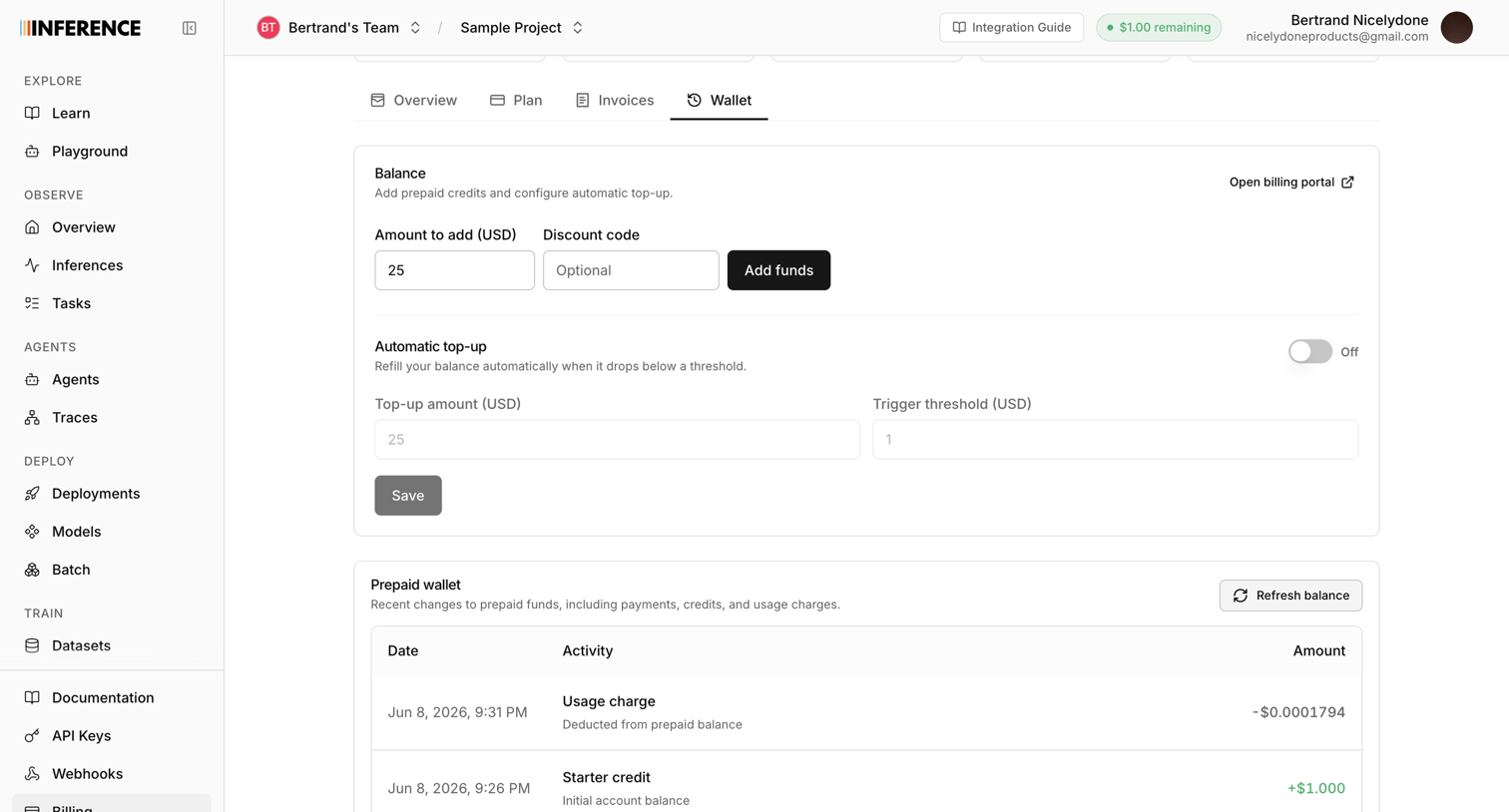

Settings page where the user manages their prepaid wallet by adding funds, configuring automatic top-ups, and reviewing transaction history.
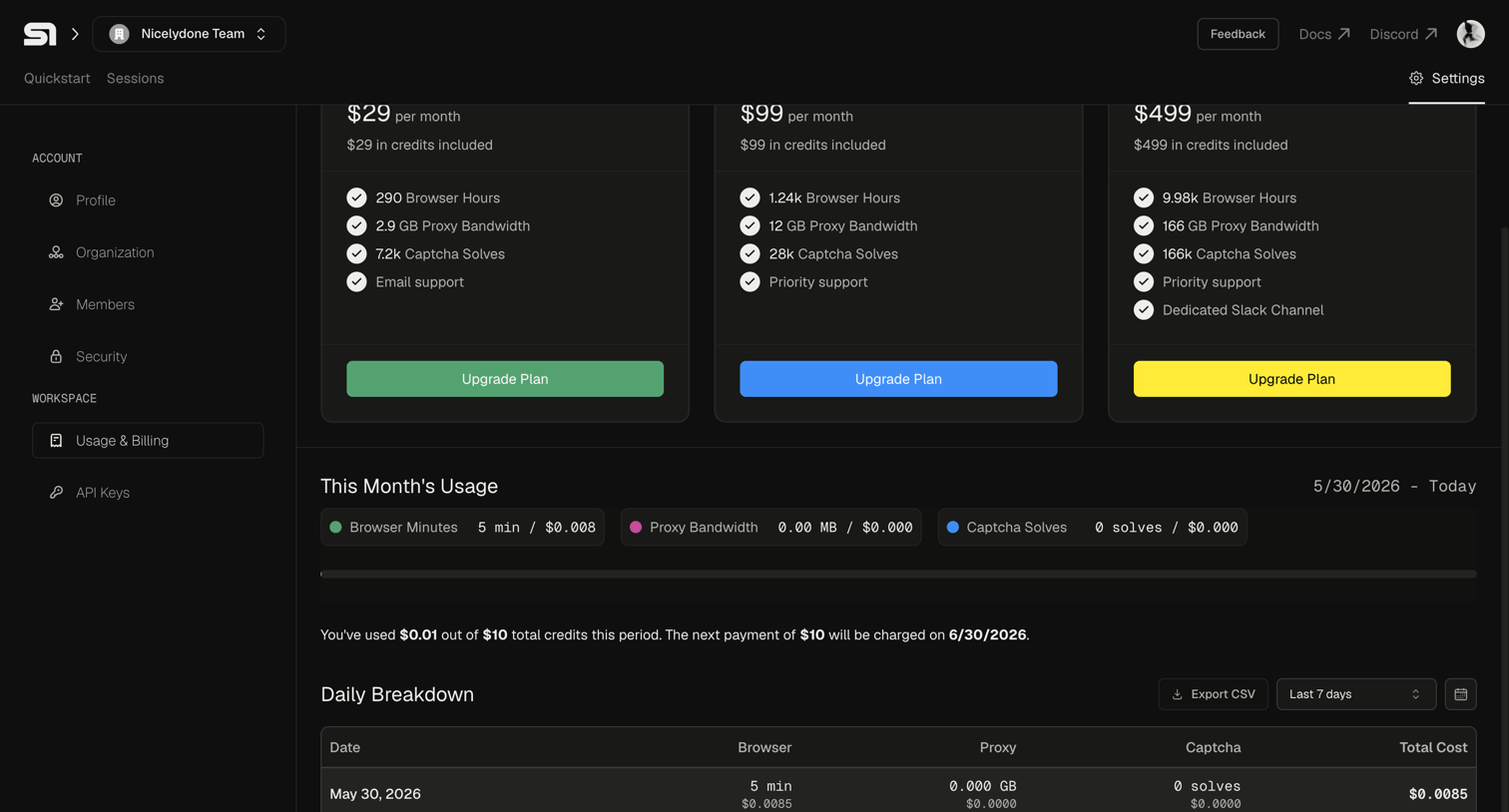

Settings page where the user views their current month's usage, daily breakdown, and available subscription plans to upgrade.
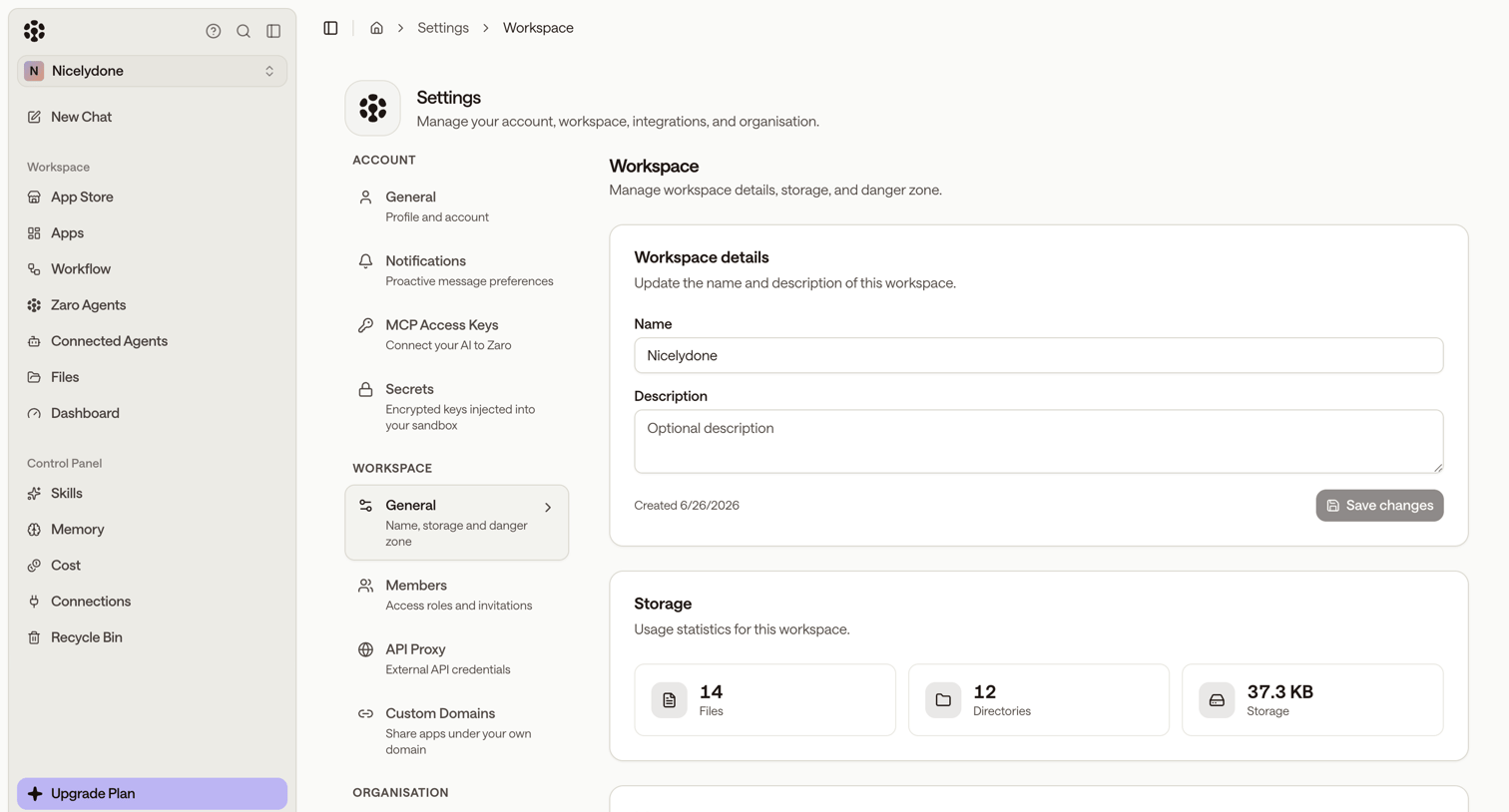

Settings page where the user manages workspace details, storage usage statistics, and memory processing controls.

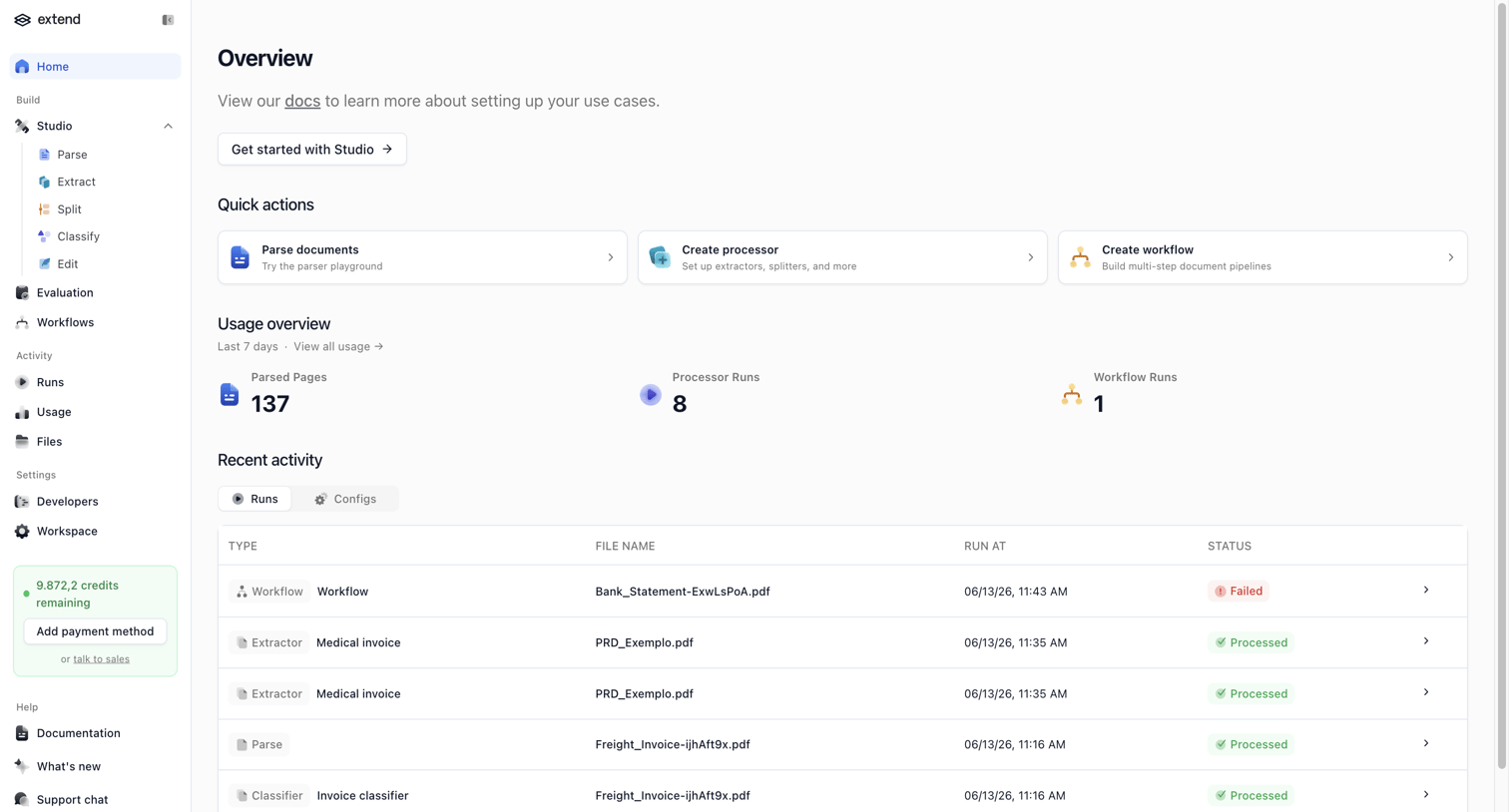

Home screen where the user can access quick actions to parse documents or create workflows, view recent usage statistics, and monitor recent activity runs.
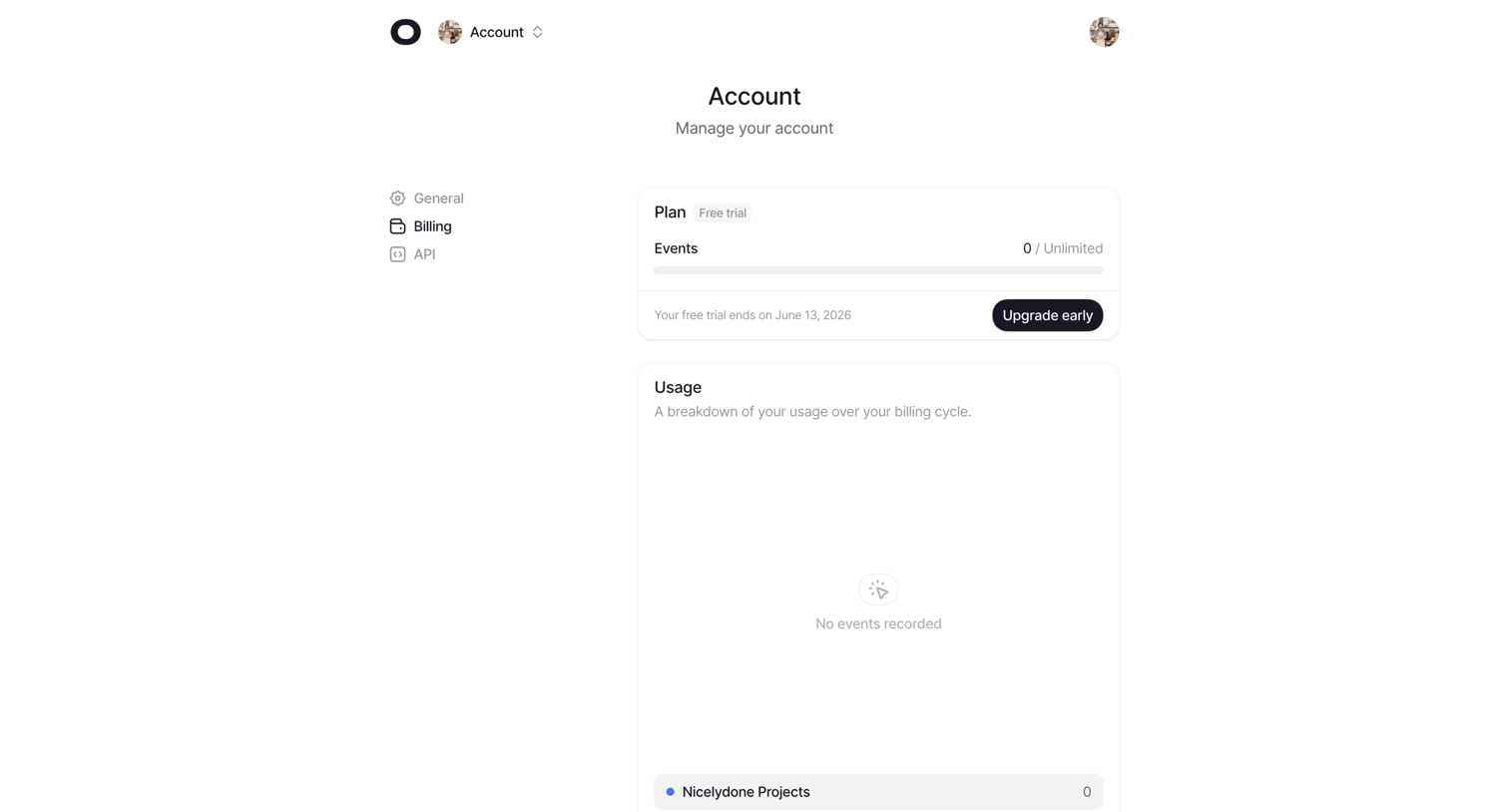

Settings page where the user views their current free trial plan, event usage limits, and a breakdown of usage over the billing cycle.
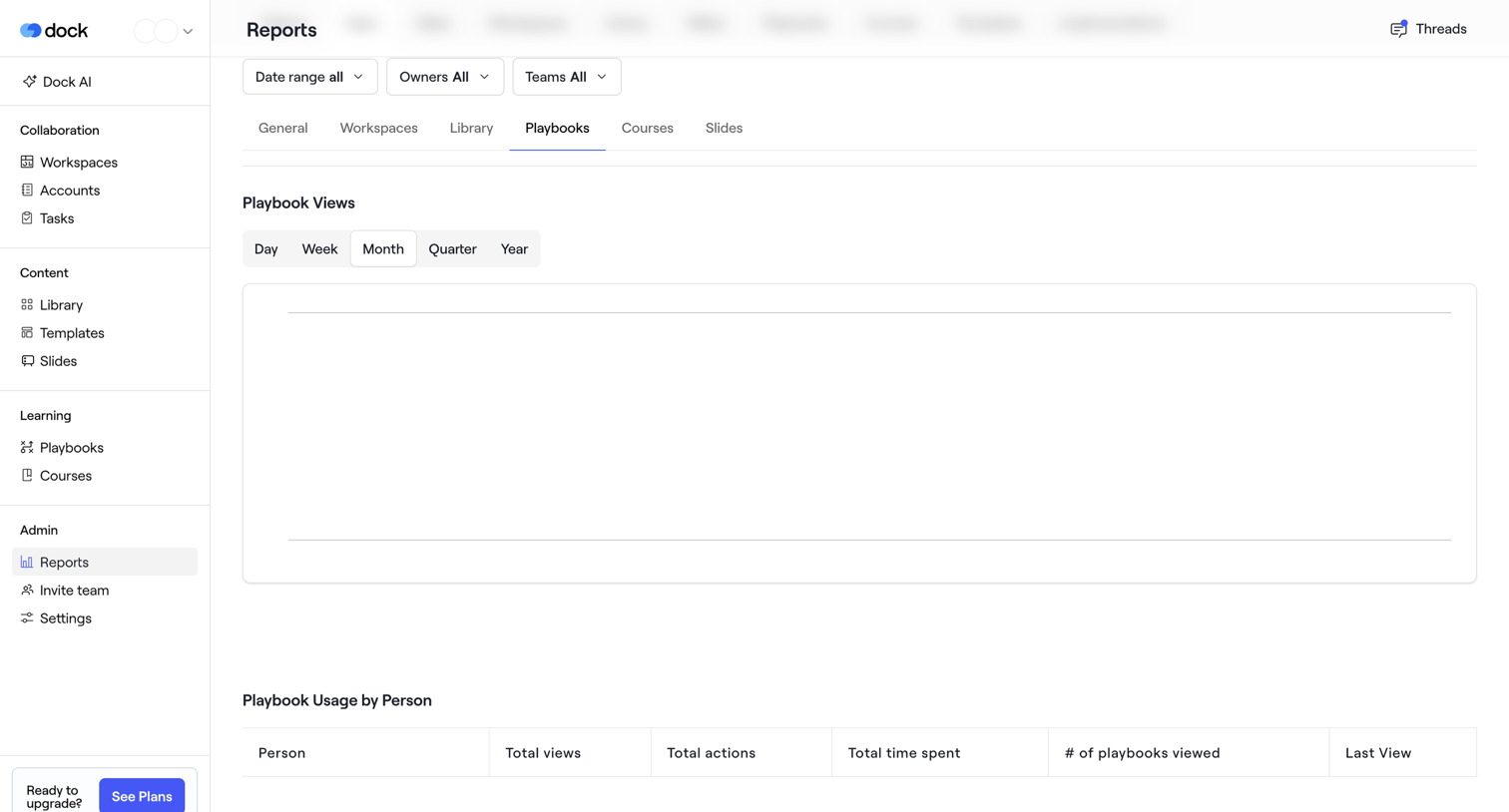

Analytics page showing playbook views and usage by person, currently in an empty state with no data populated.
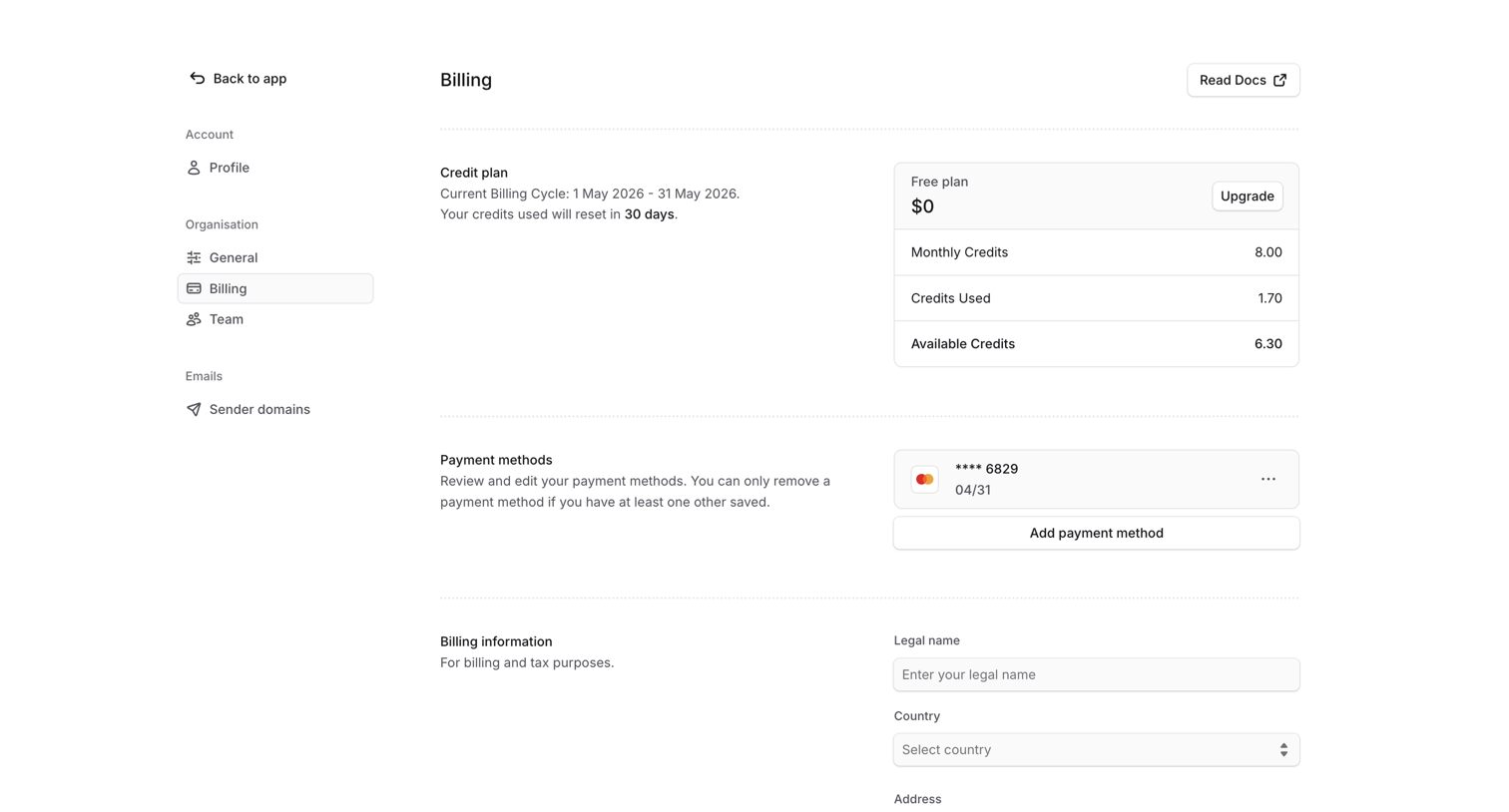

Settings page where the user views their current free credit plan usage, manages saved payment methods, and updates legal billing information.
Explore the full SaaS screen library
Upgrade to unlock the full library.
Trusted by the best teams








About Usage
See how SaaS apps present the resources an account has used. Explore how consumption figures, time periods, and plan allowances give context to the current usage.