Upgrade Prompt screen examples
Upgrade Prompt screen design examples from SaaS apps. See how SaaS apps introduce a paid plan at the point of use. Explore how upgrade prompts connect additional access with the feature or limit that someone…
Explore the examples
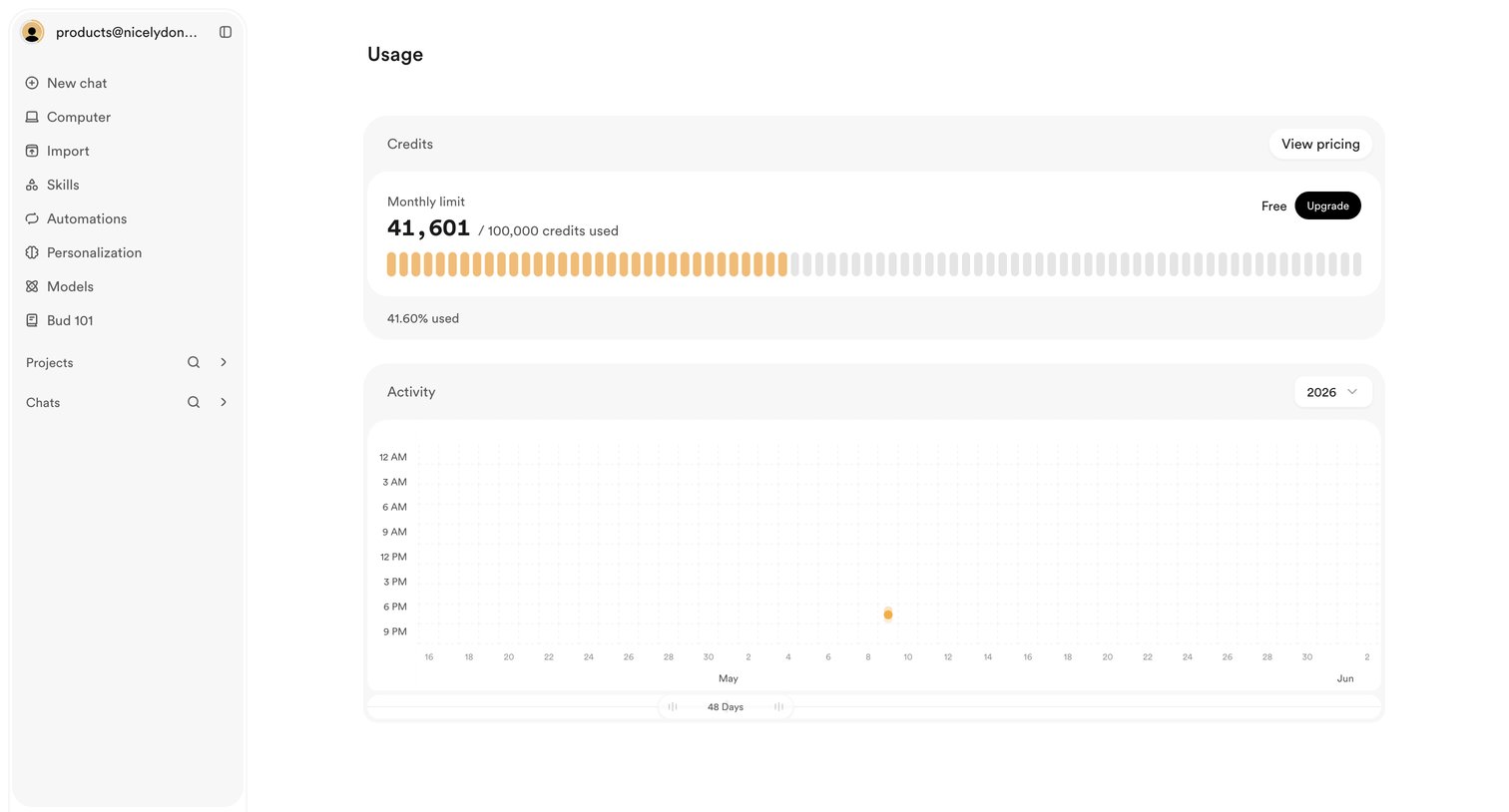

Settings page where the user views their monthly credit limit usage and account activity history.
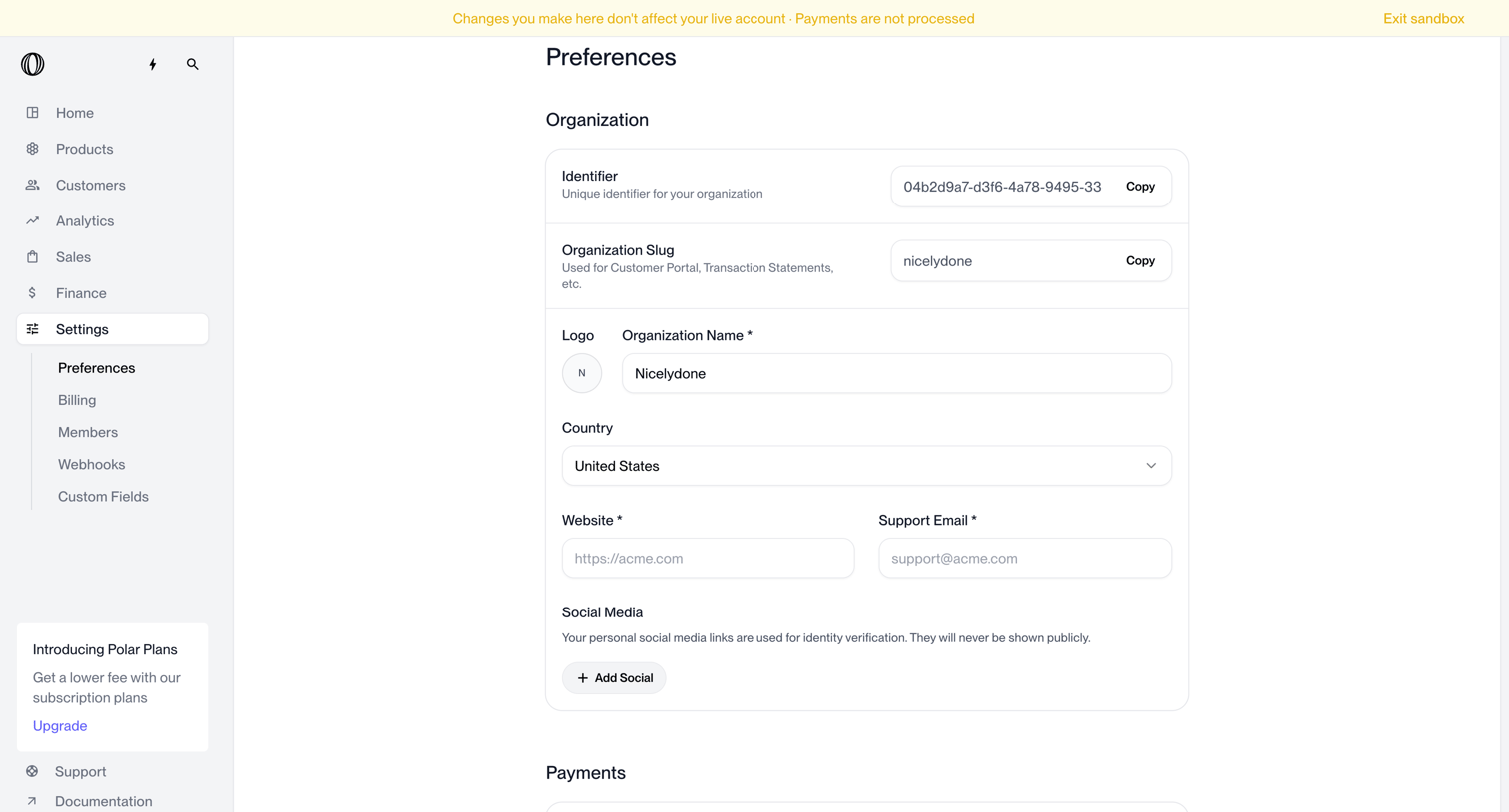

Settings page where the user configures organization details like identifier, slug, logo, name, country, and social media links.
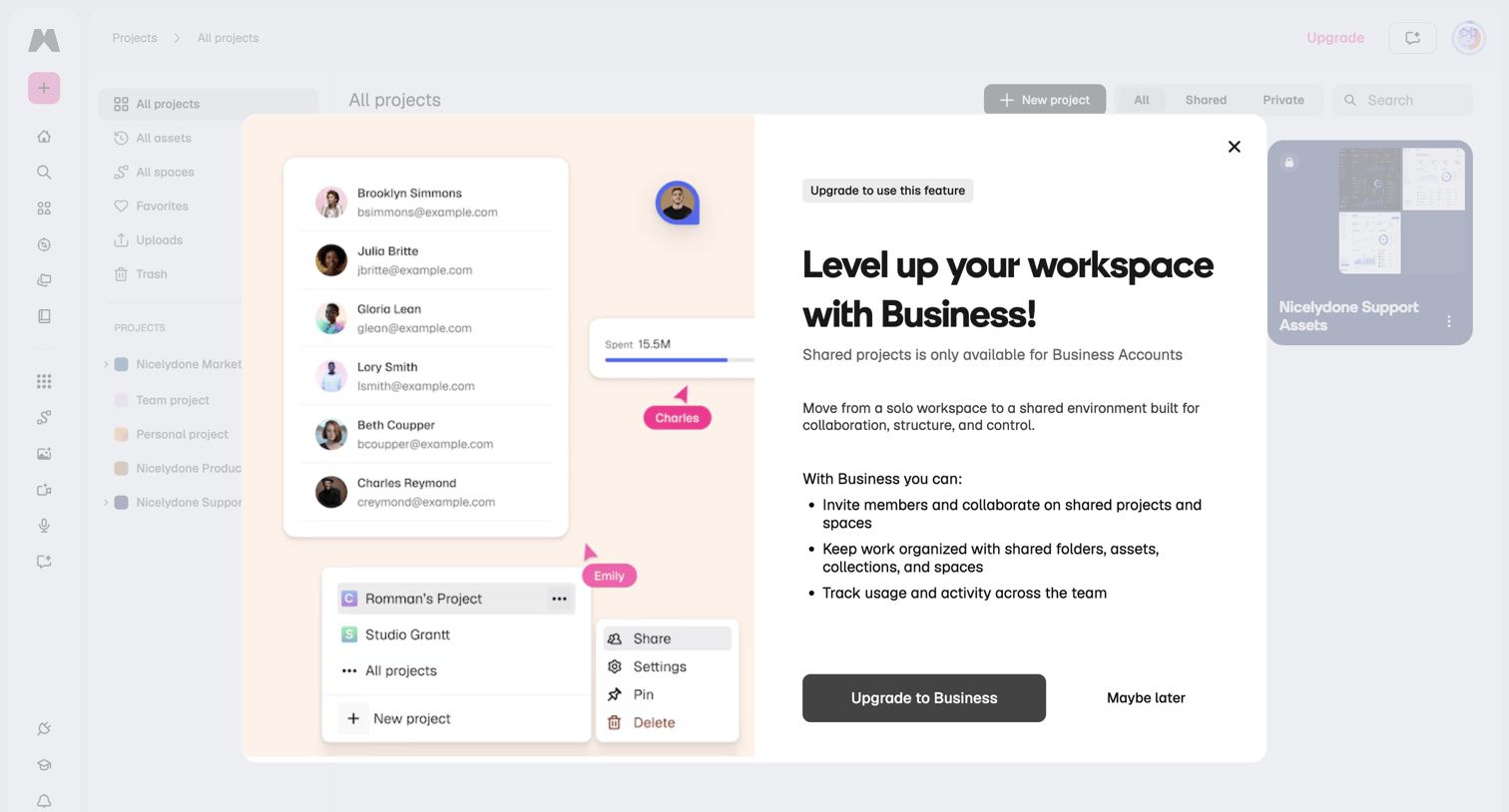

Paywall modal blocking access to shared projects, prompting the user to upgrade to a Business account for team collaboration features.
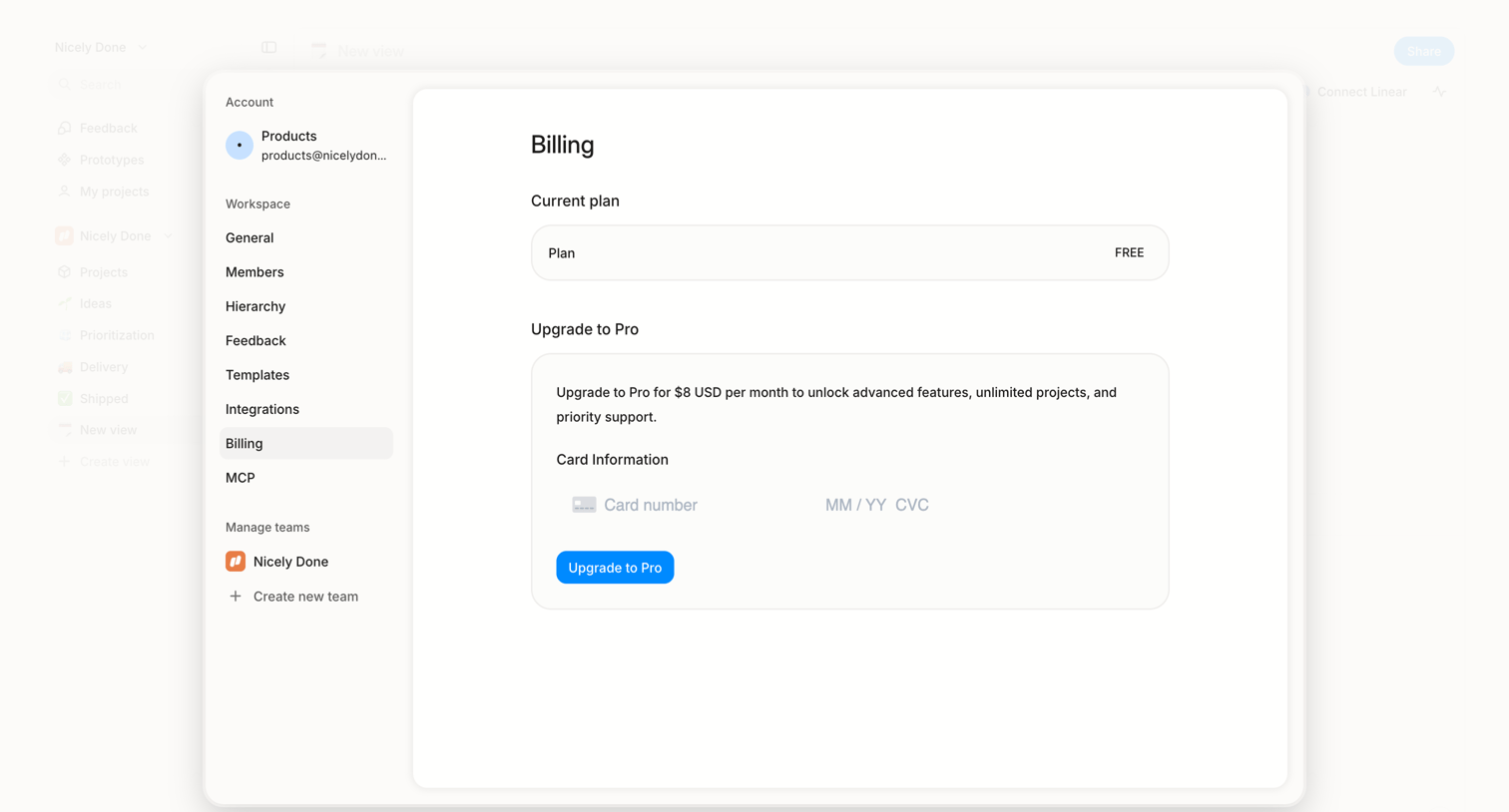

Settings view where the user checks their current free plan and can upgrade to a Pro tier by providing credit card details.
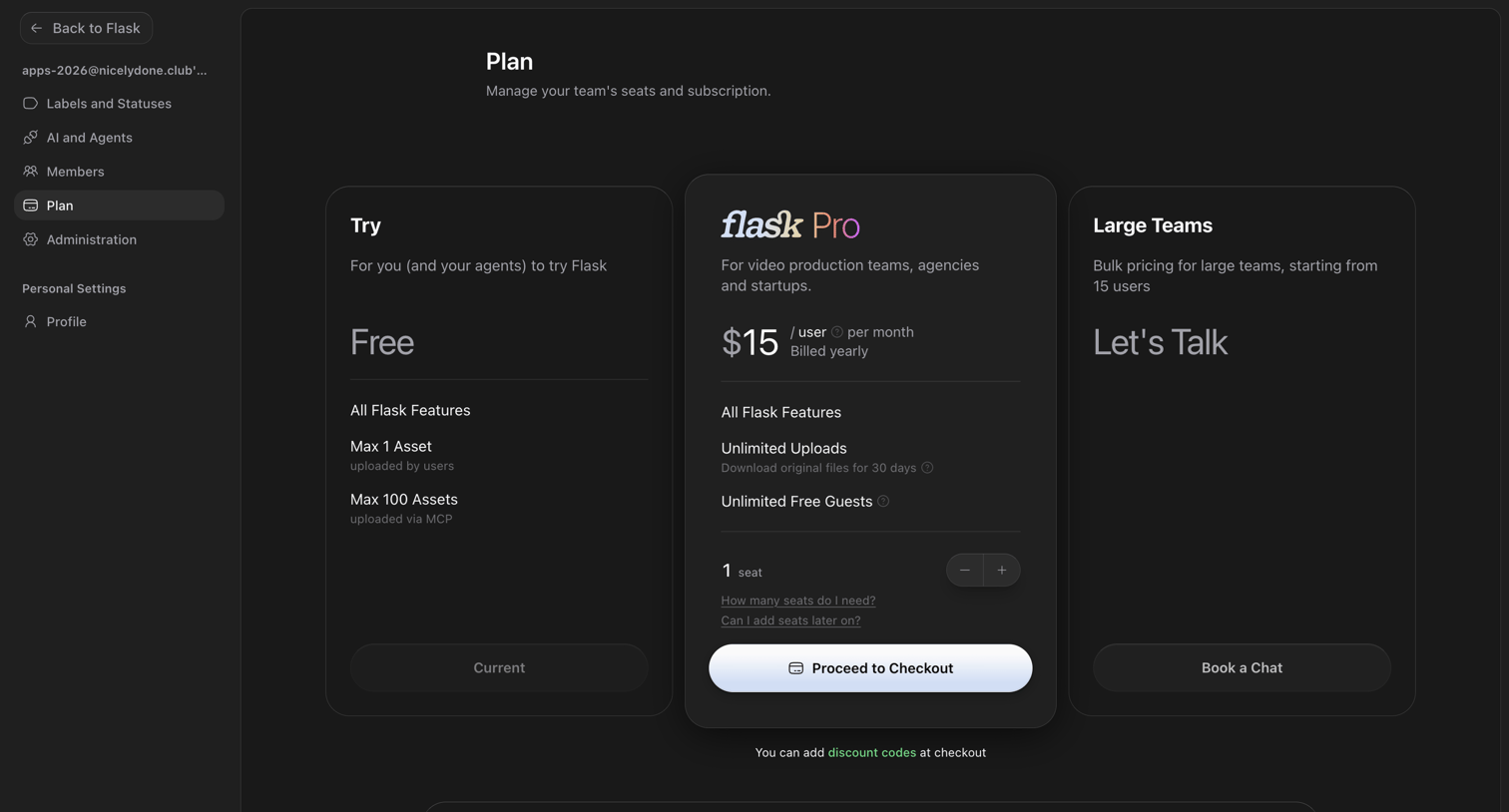

Settings page where the user manages their team's seats and subscription plan, choosing between Free, Pro, and Large Teams tiers.
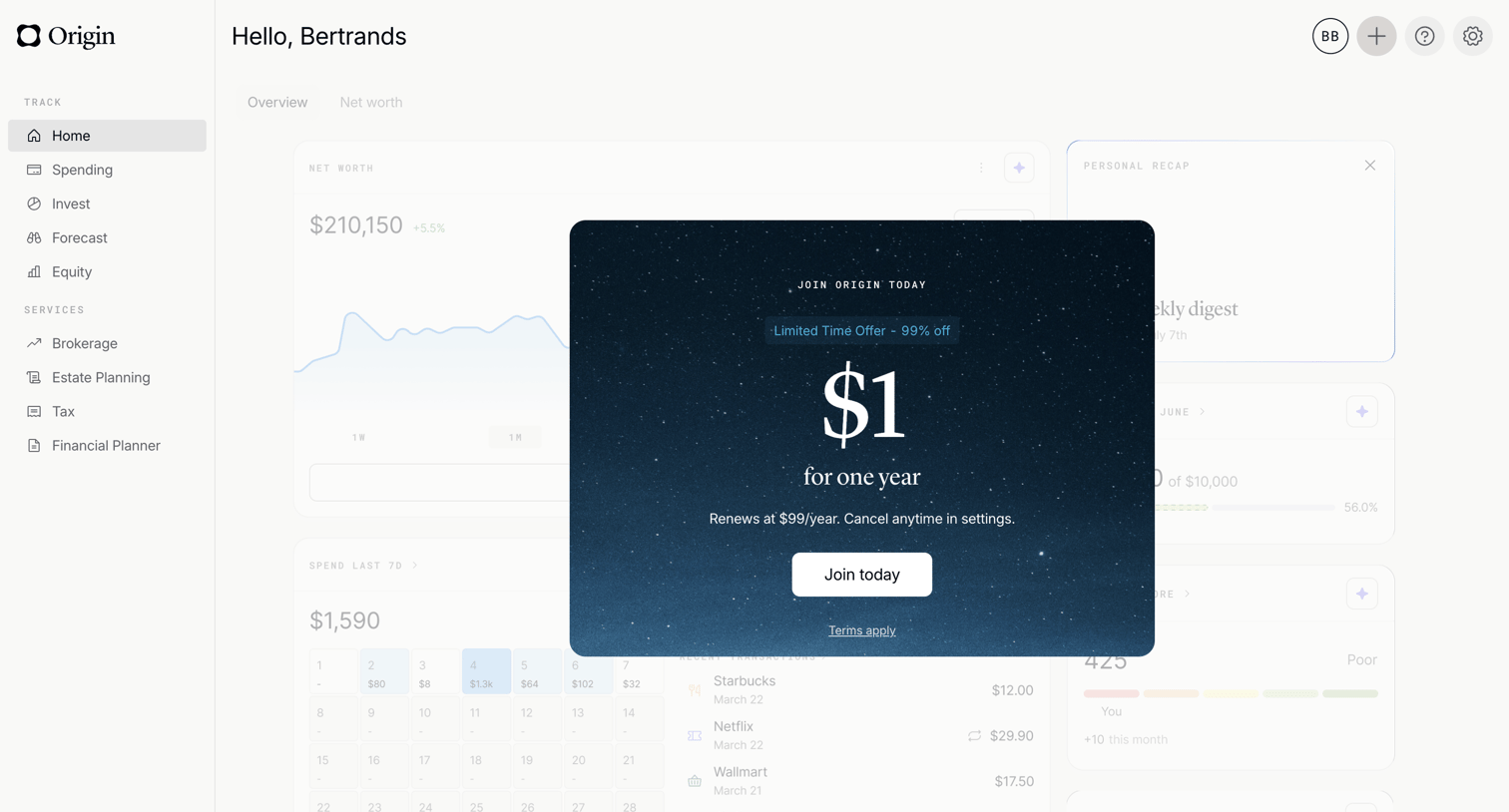

Dashboard view interrupted by a hard paywall modal offering a discounted yearly subscription to join the platform.
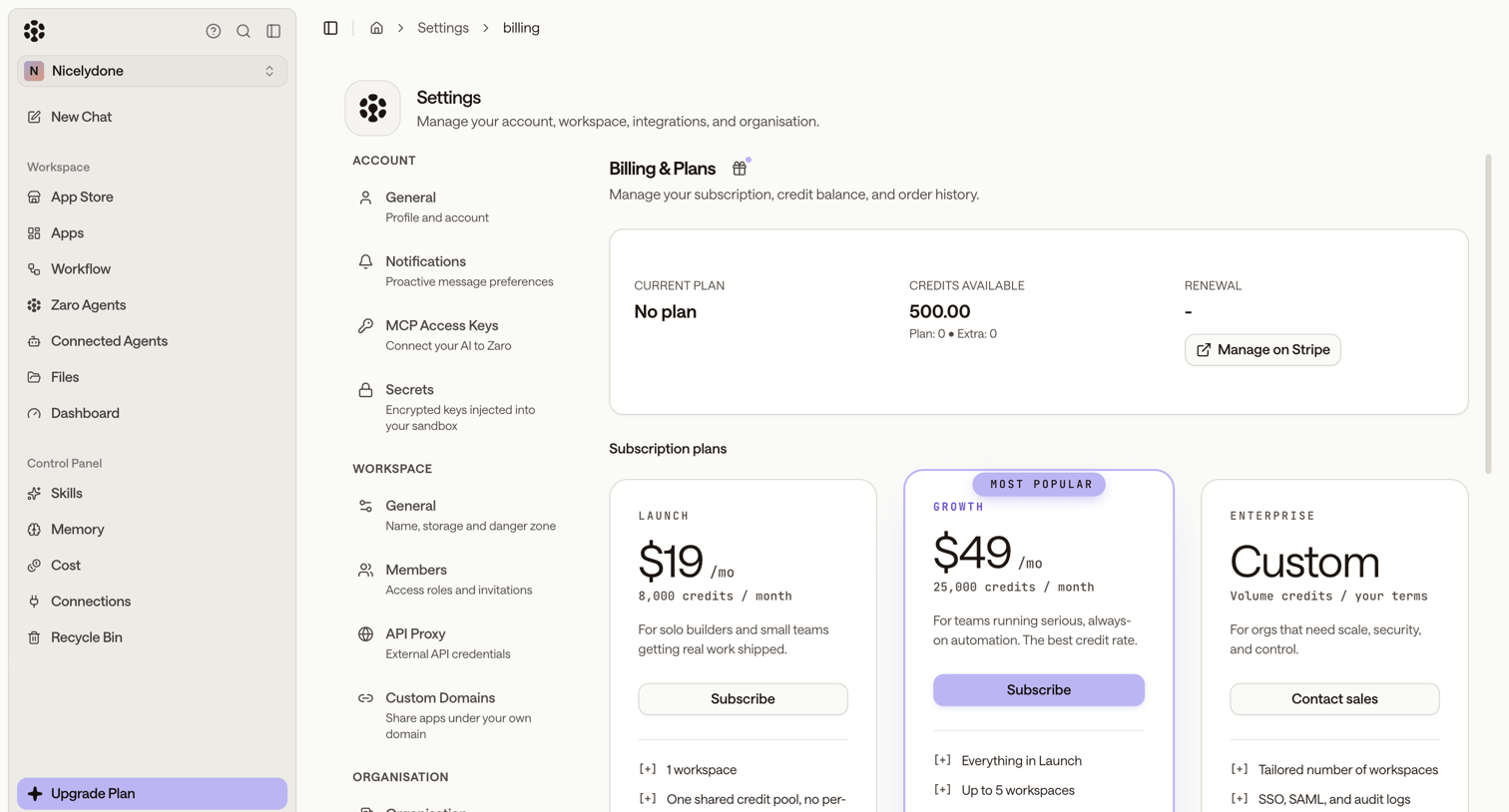

Settings page where the user manages their subscription plan, views available credits, and can upgrade to Launch, Growth, or Enterprise tiers.


Settings page where the user configures recording preferences like audio volume control, noise reduction, sample rate, and video resolution for their studio.
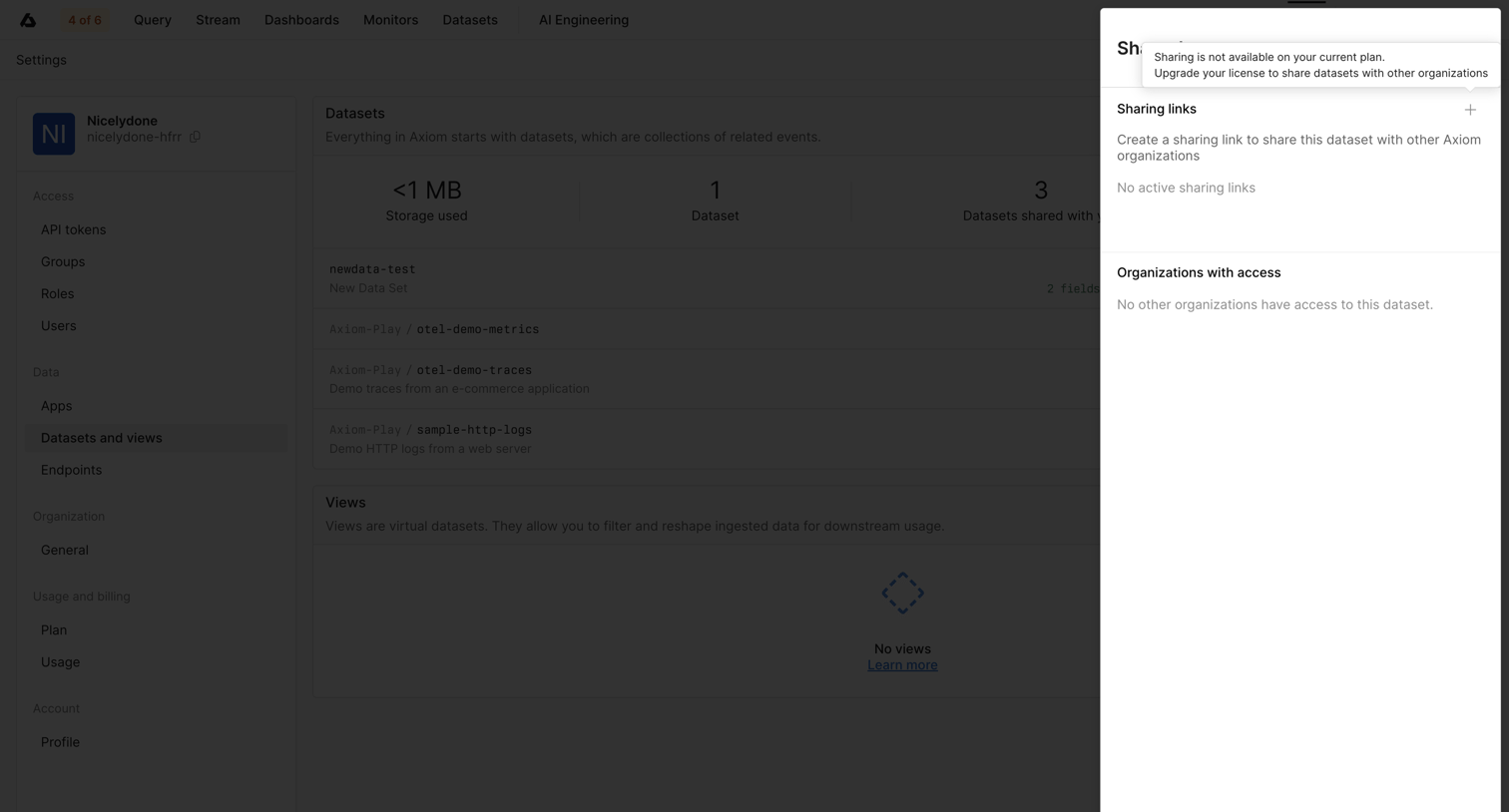

Settings drawer where the user attempts to share a dataset but is blocked by an upgrade prompt explaining that sharing requires a higher plan.
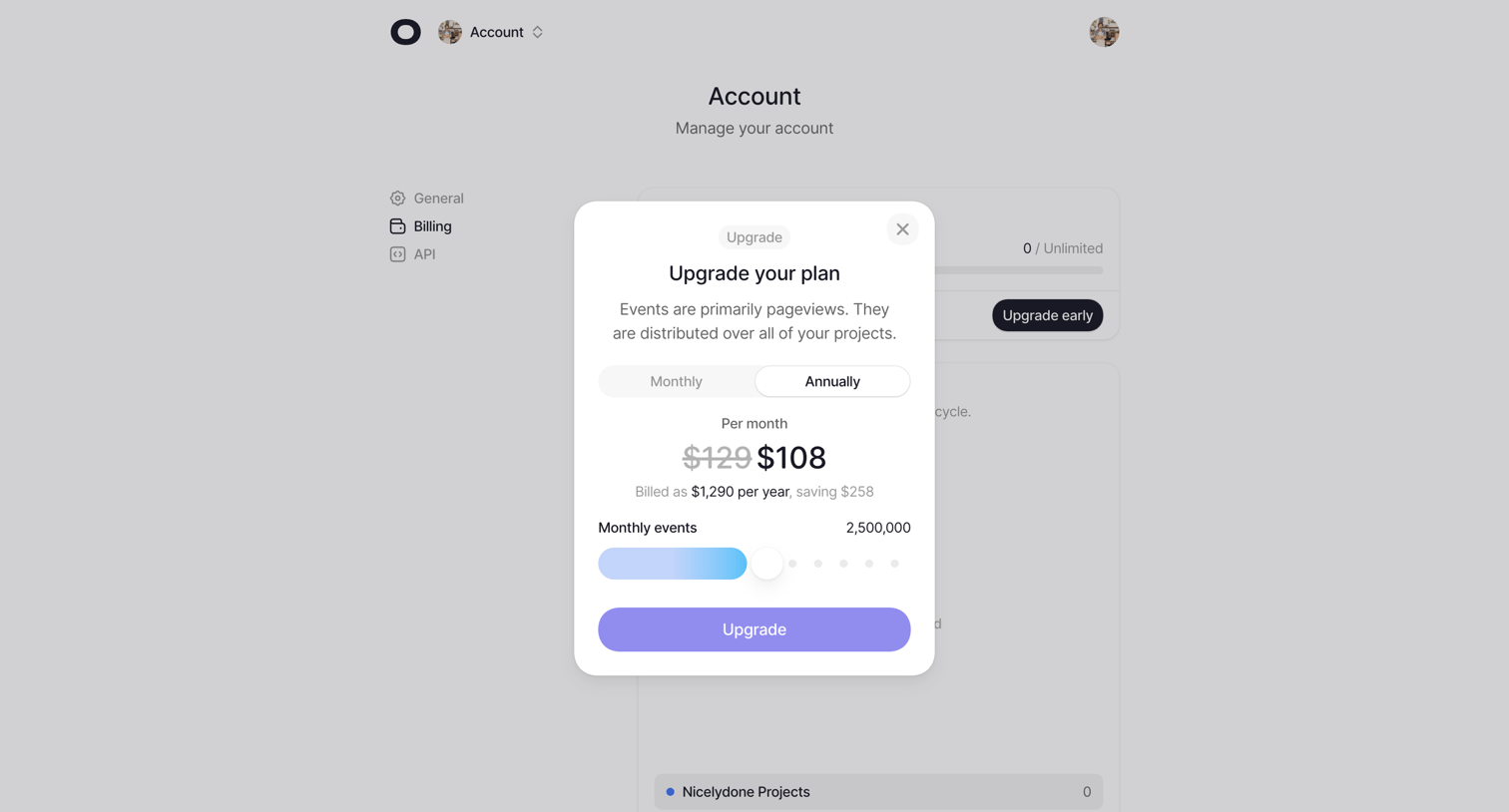

Settings page where the user configures their billing plan by selecting an annual or monthly billing cycle and adjusting their monthly event volume inside an upgrade modal.
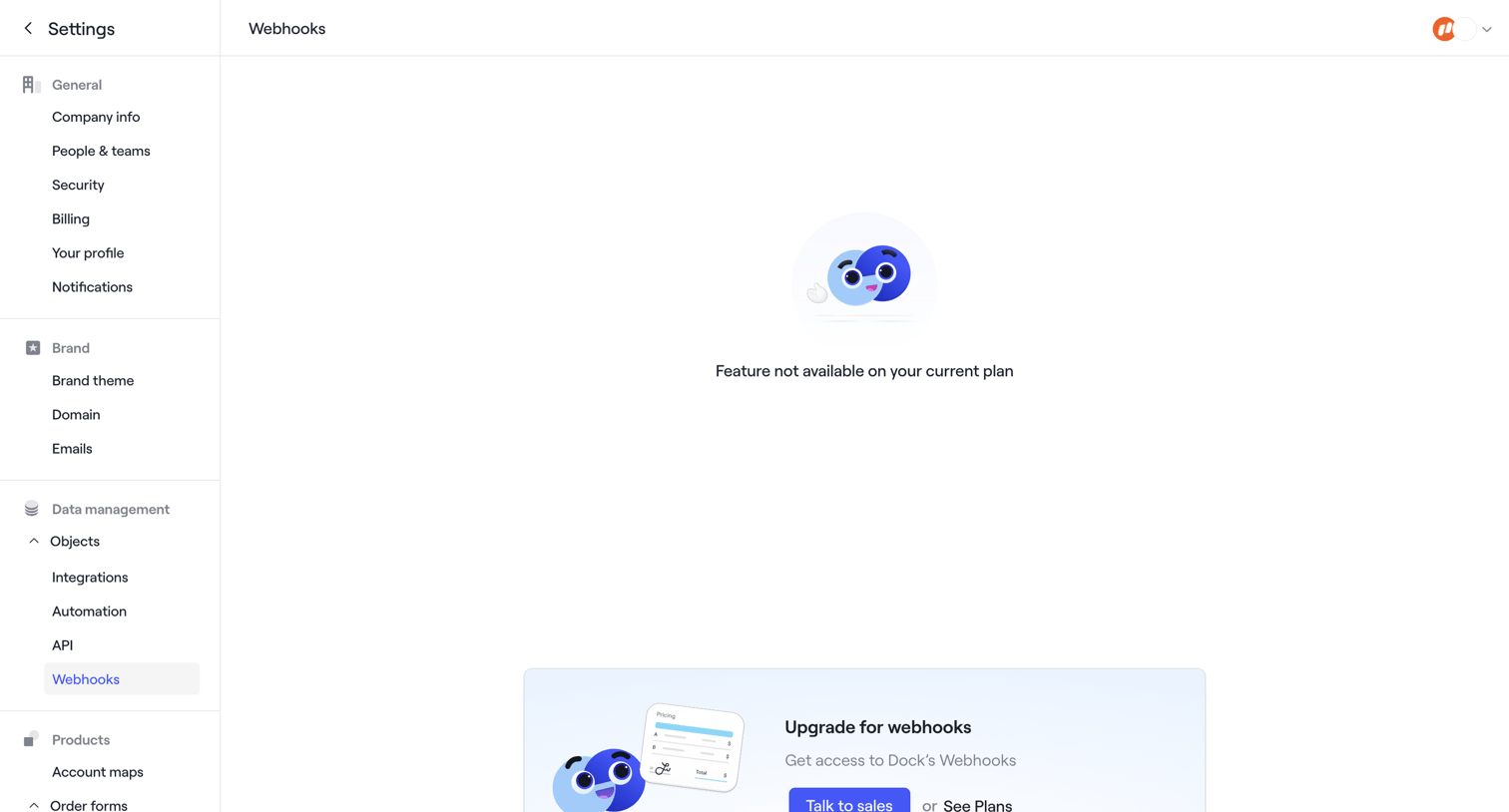

Settings page where the webhooks configuration is blocked by a feature gate, prompting the user to upgrade their plan or talk to sales.
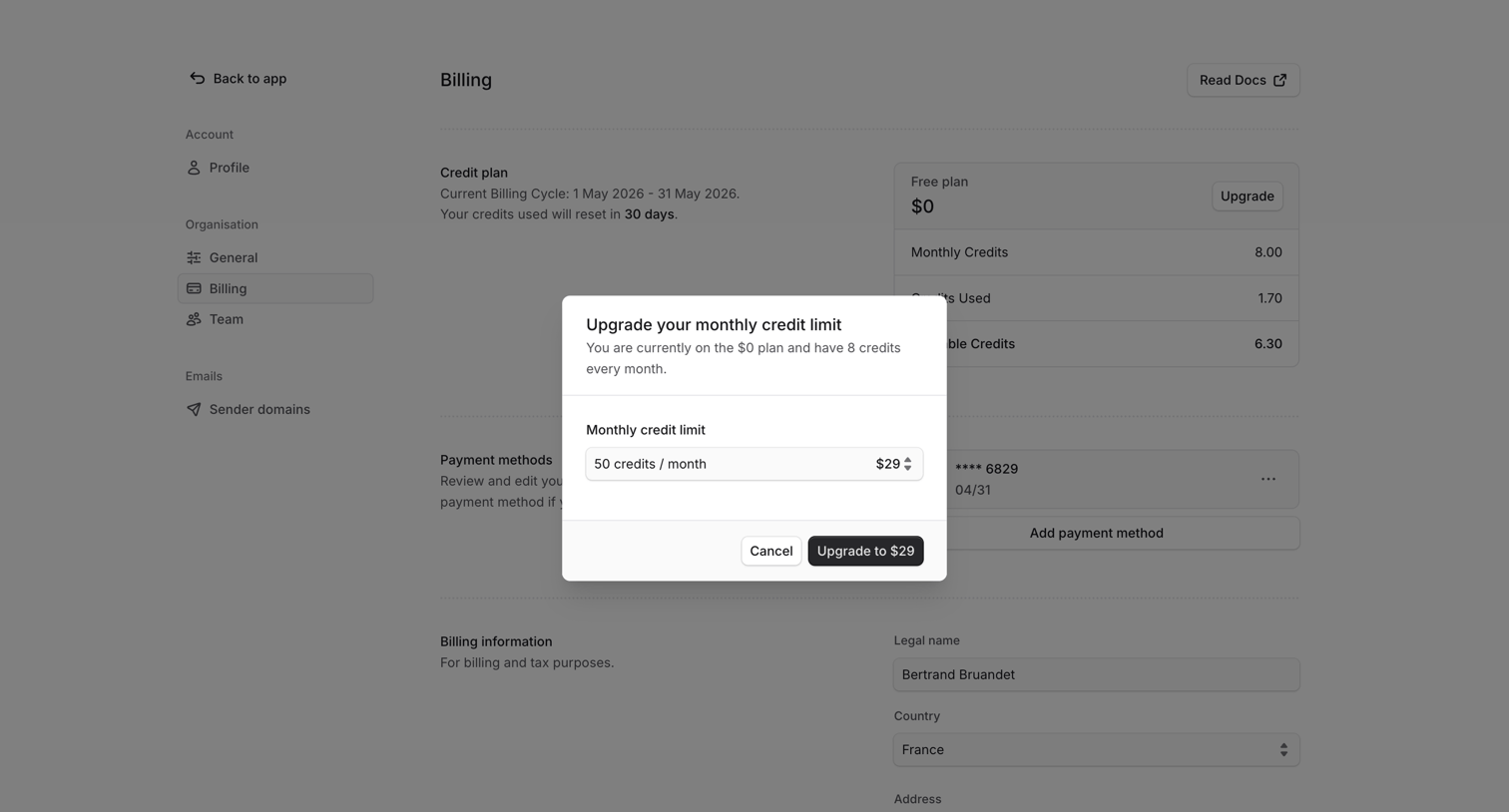

Settings page where the user is prompted via a modal to select a monthly credit limit to upgrade their free plan.
Explore the full SaaS screen library
Upgrade to unlock the full library.
Trusted by the best teams








About Upgrade Prompt
See how SaaS apps introduce a paid plan at the point of use. Explore how upgrade prompts connect additional access with the feature or limit that someone has encountered.