Pricing screen examples
Pricing screen design examples from SaaS apps. See how SaaS apps present plans within the product. Explore how prices, included features, and plan choices are arranged when people review their available…
Explore the examples
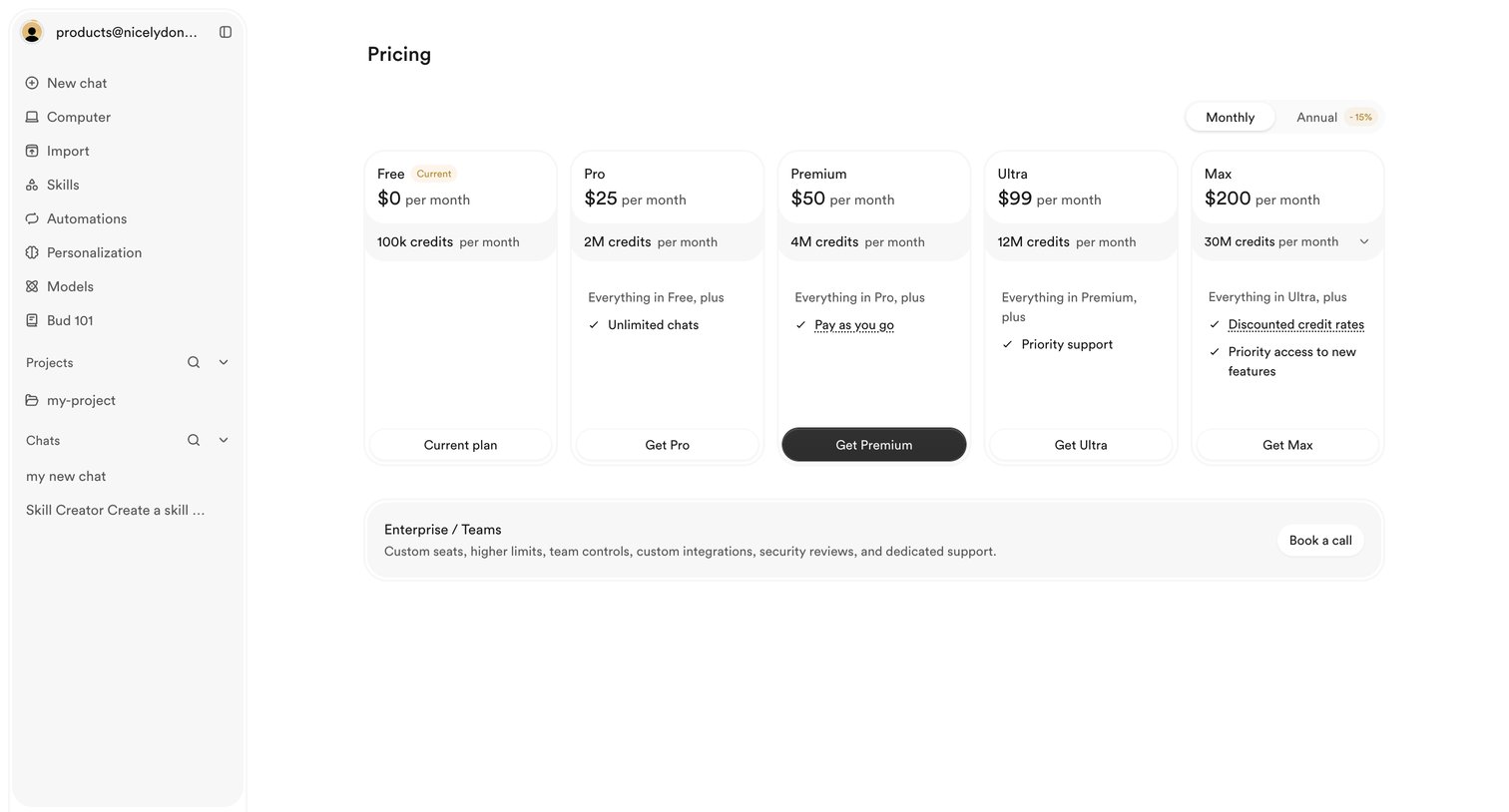

Settings page where the user views their current free plan and can upgrade to Pro, Premium, Ultra, or Max tiers based on monthly credit needs.
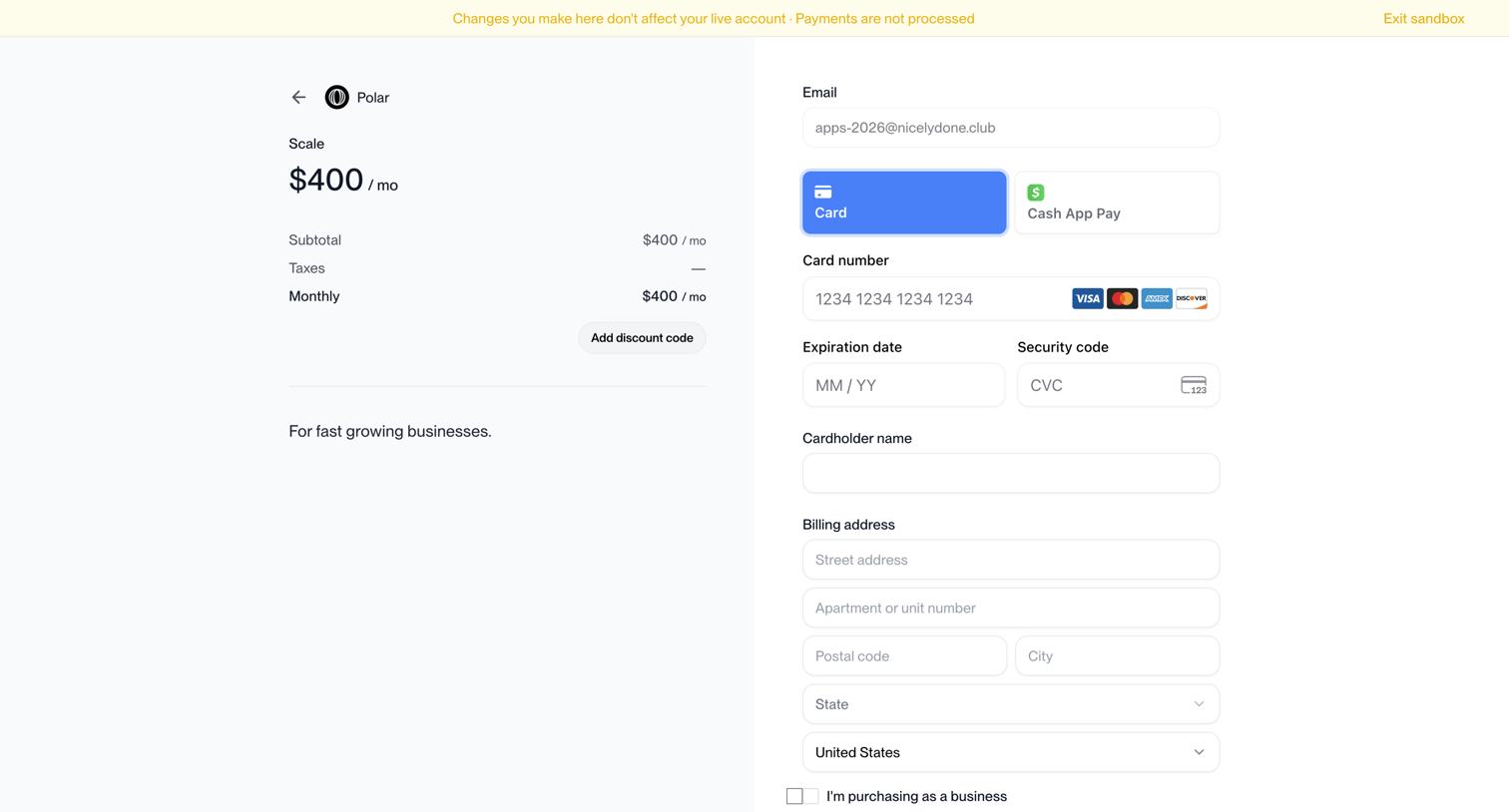

Checkout page where the user enters their email, selects a payment method, and provides billing details to subscribe to the Scale plan.
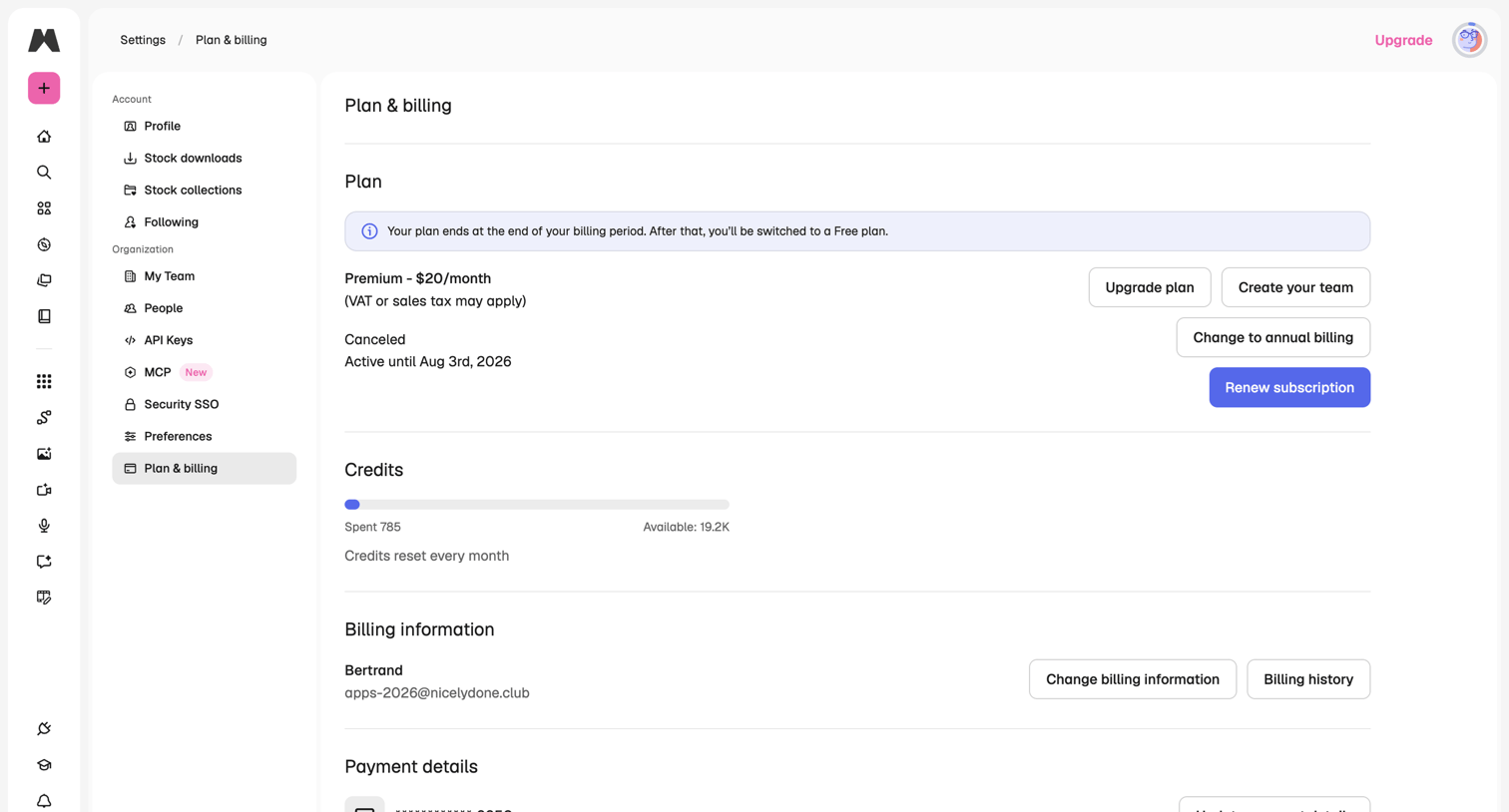

Settings page where the user manages their subscription plan, views credit usage, and updates billing and payment information.
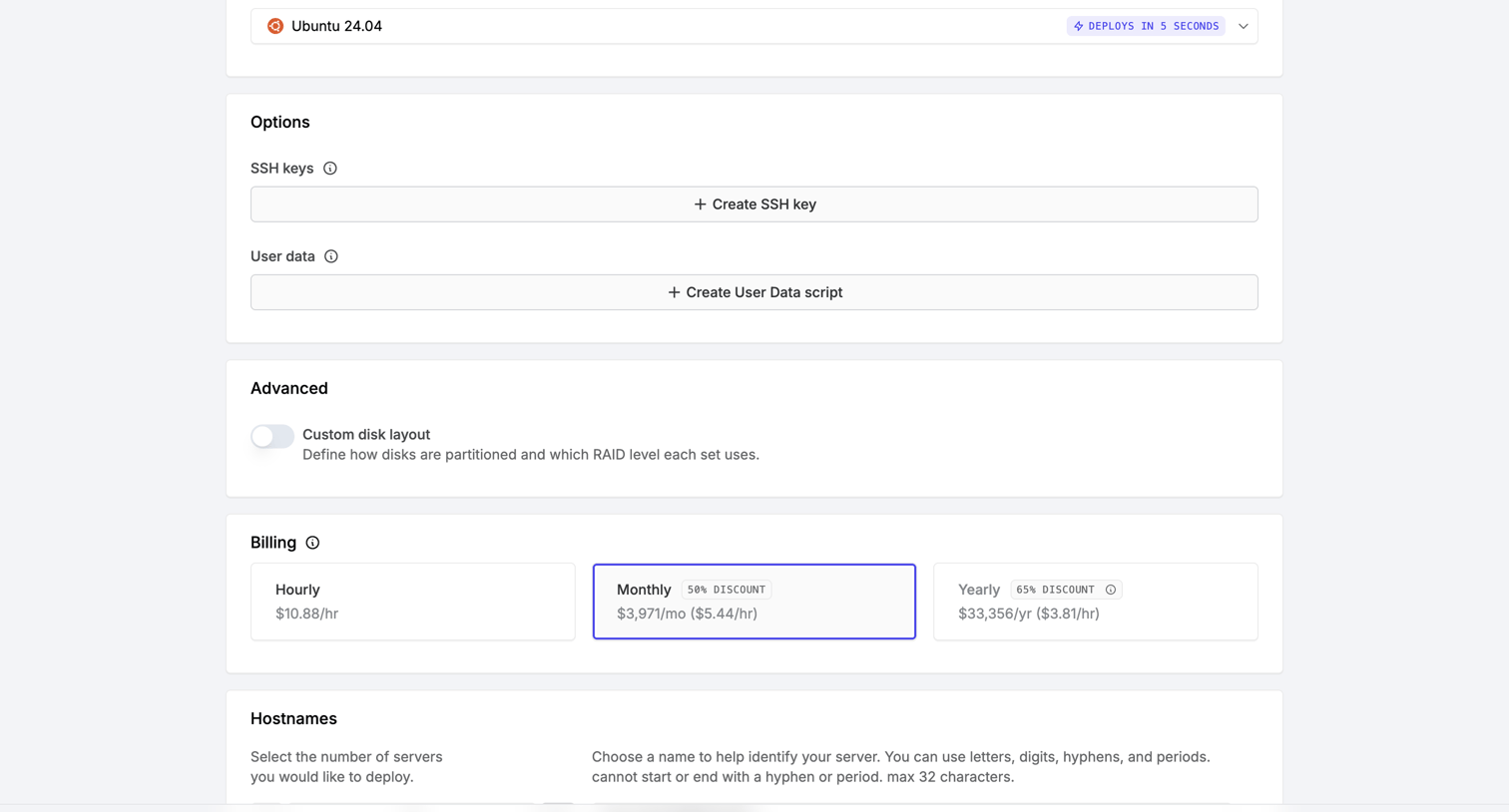

Server creation page where the user configures options like SSH keys, billing cycle, and hostnames before deploying.
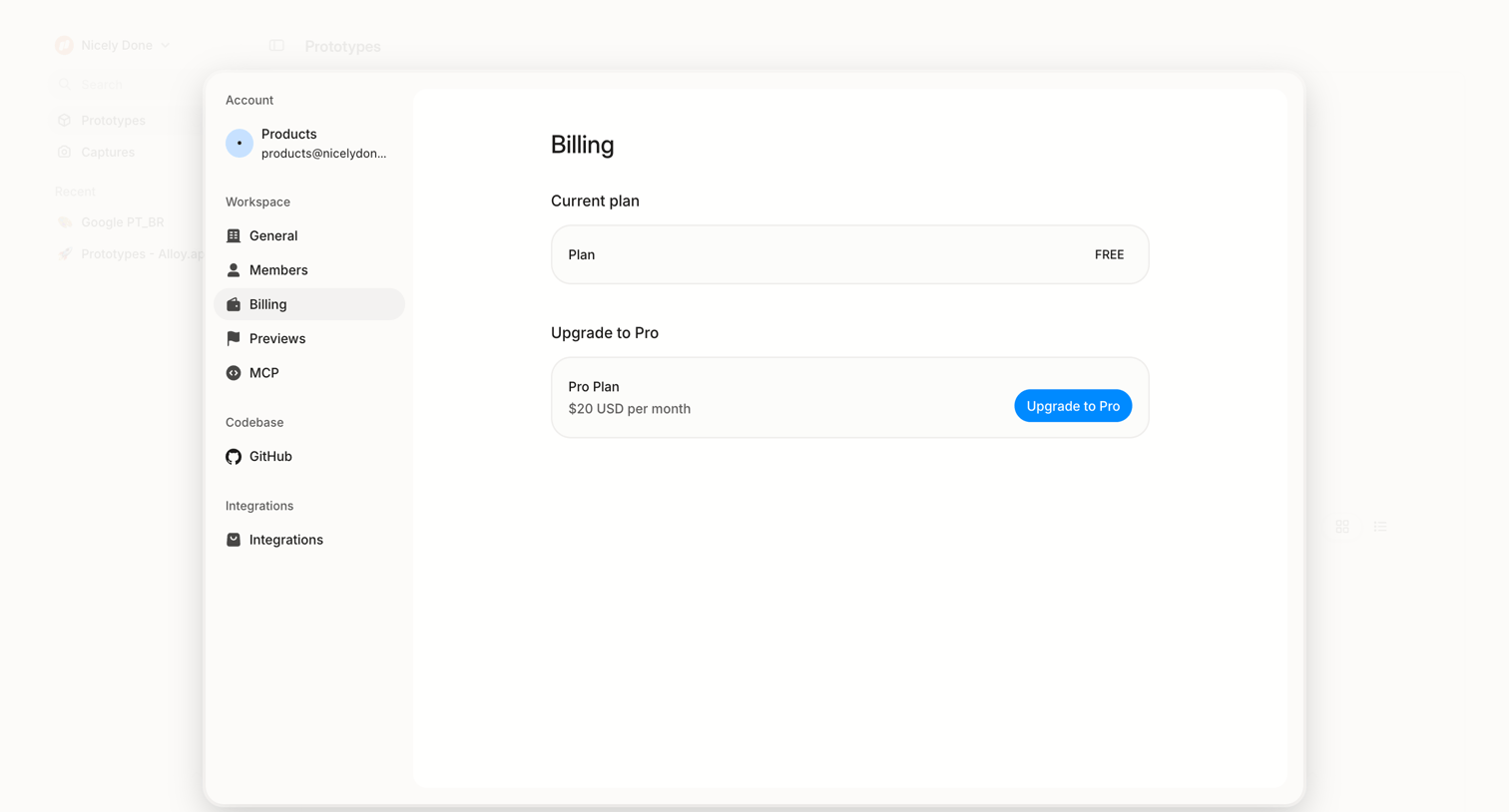

Settings modal where the user views their current free plan and can upgrade to a Pro subscription.
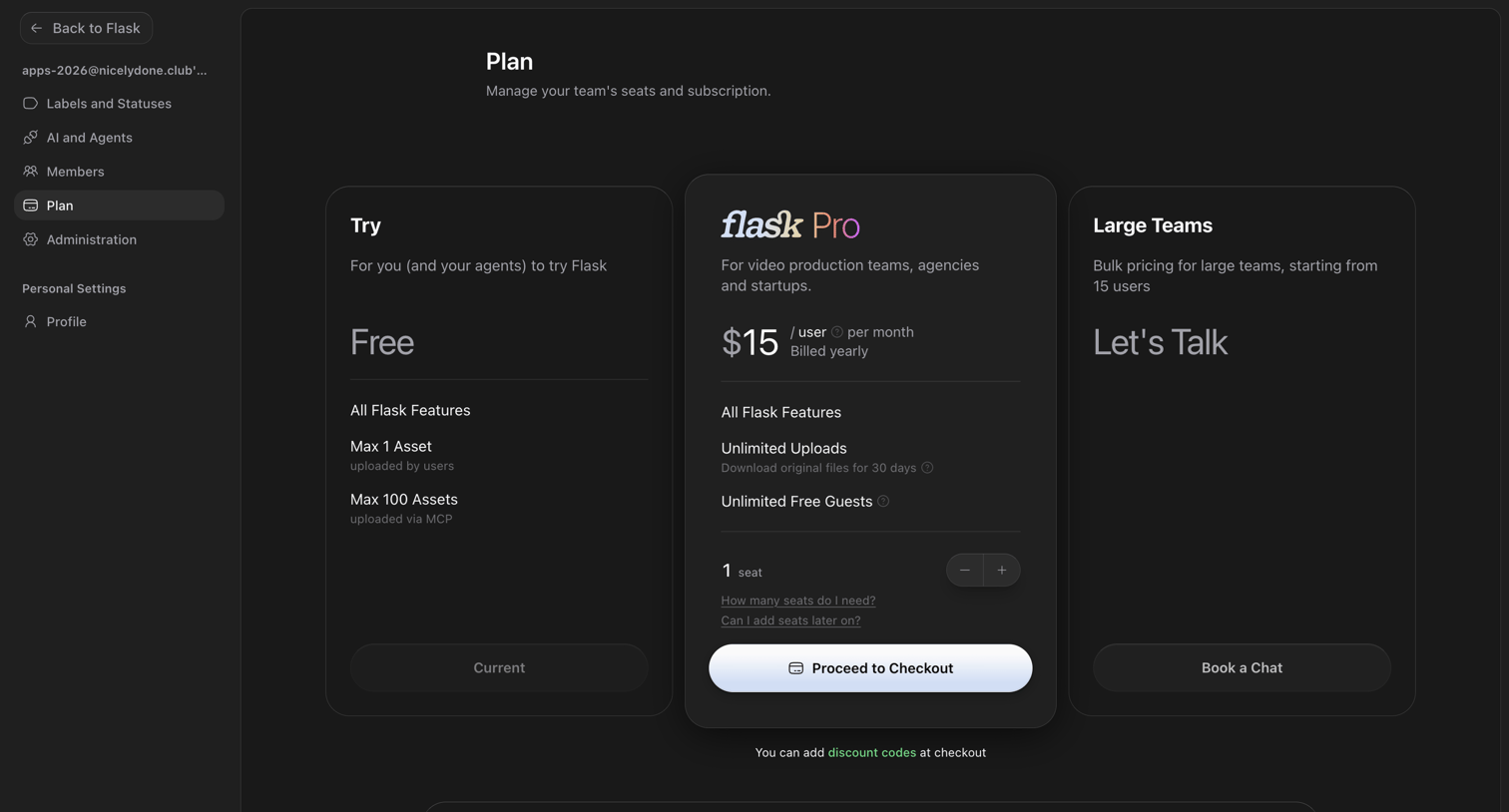

Settings page where the user manages their team's seats and subscription plan, choosing between Free, Pro, and Large Teams tiers.
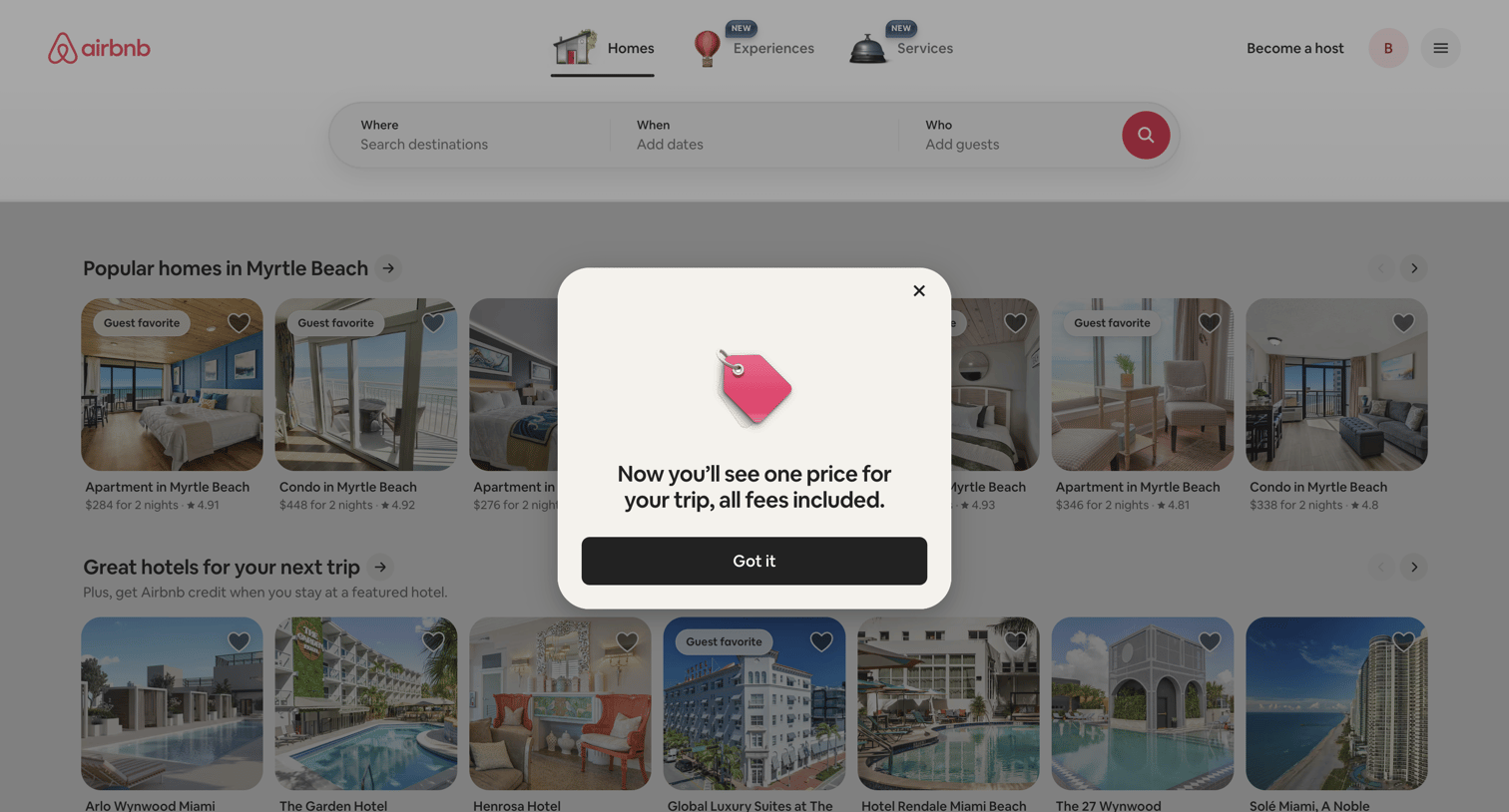

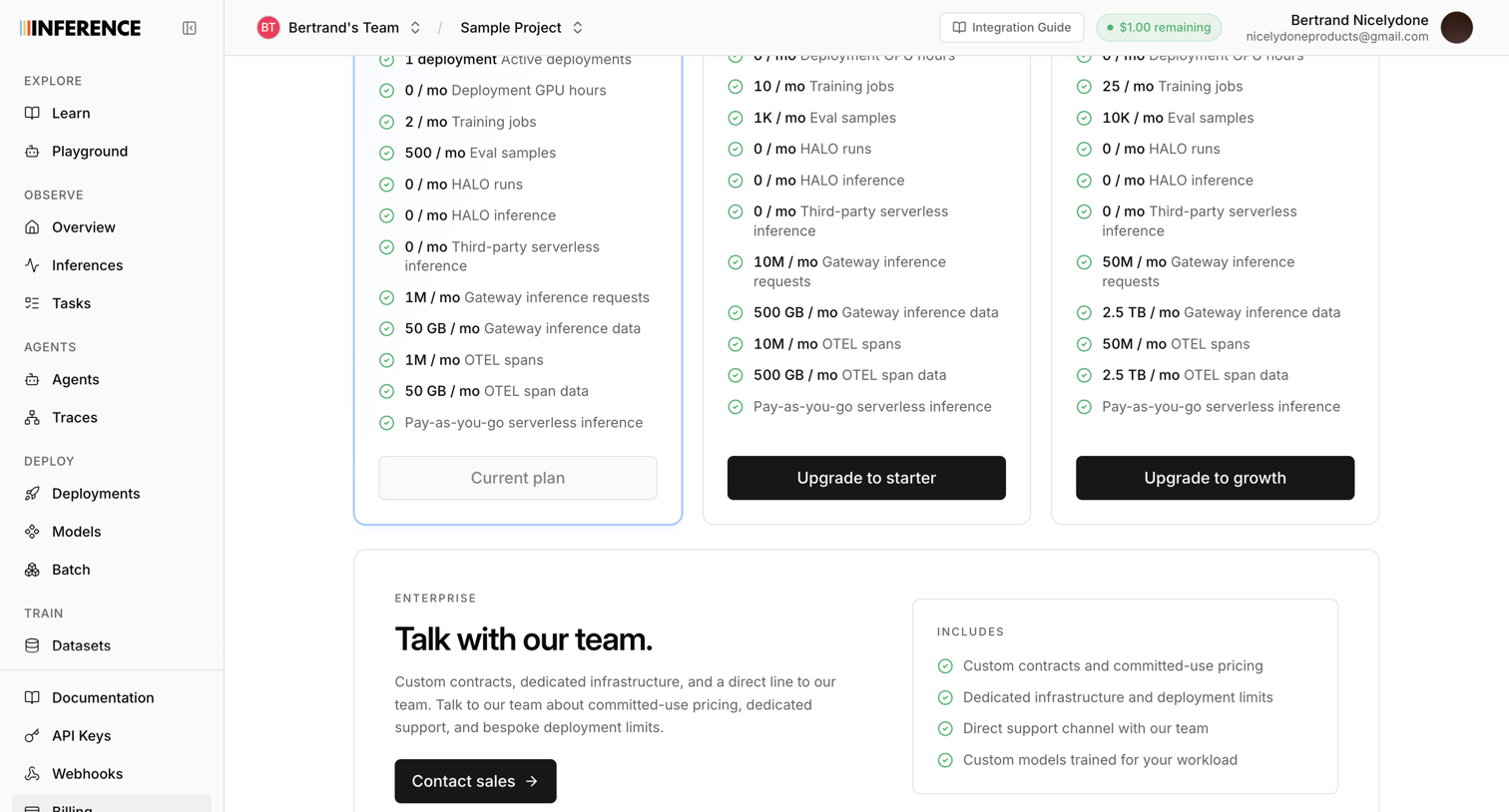

Settings page where the user views their current plan limits and can upgrade to starter, growth, or enterprise tiers.
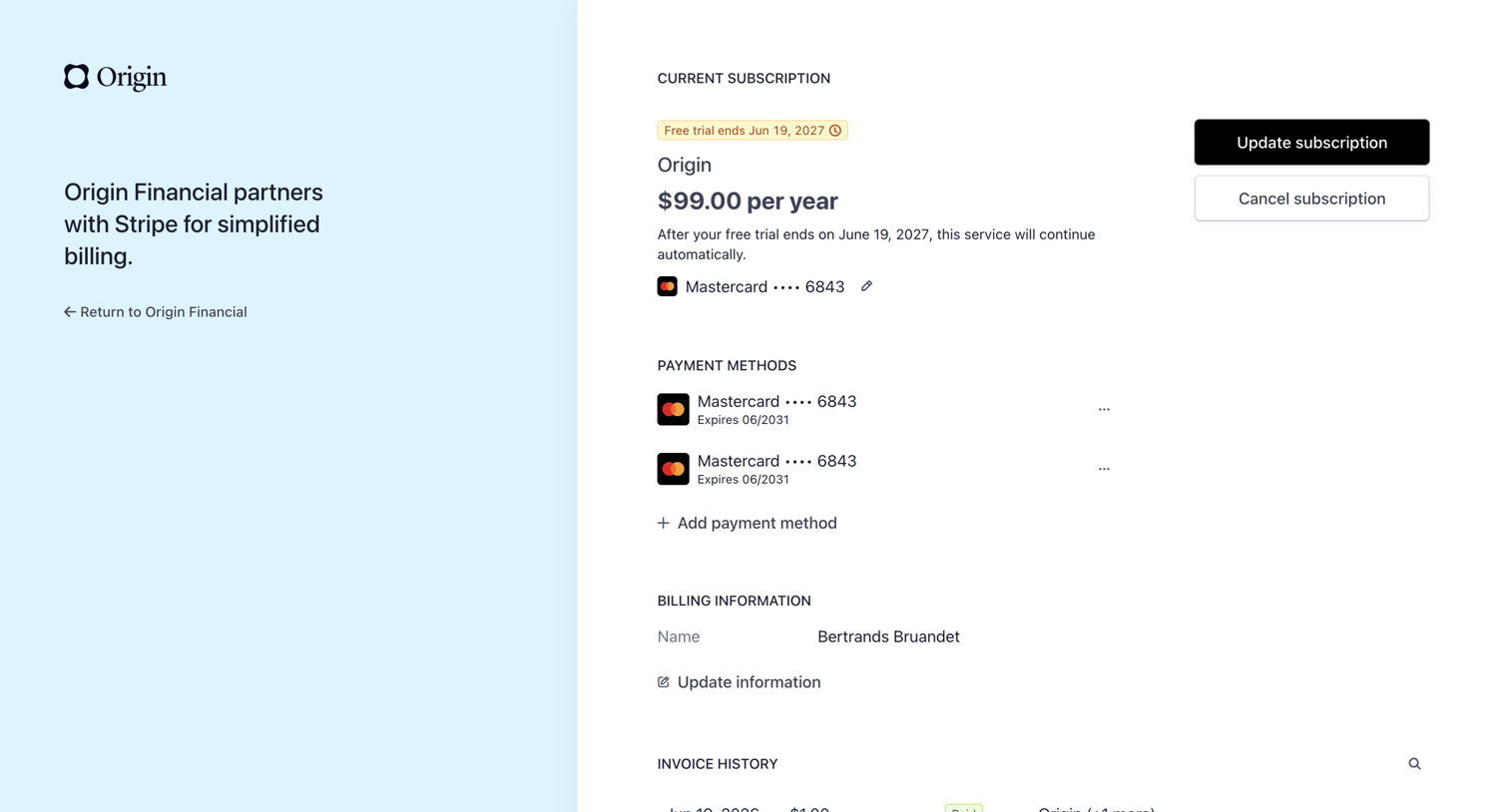

Settings page where the user manages their active subscription, payment methods, billing details, and views invoice history.
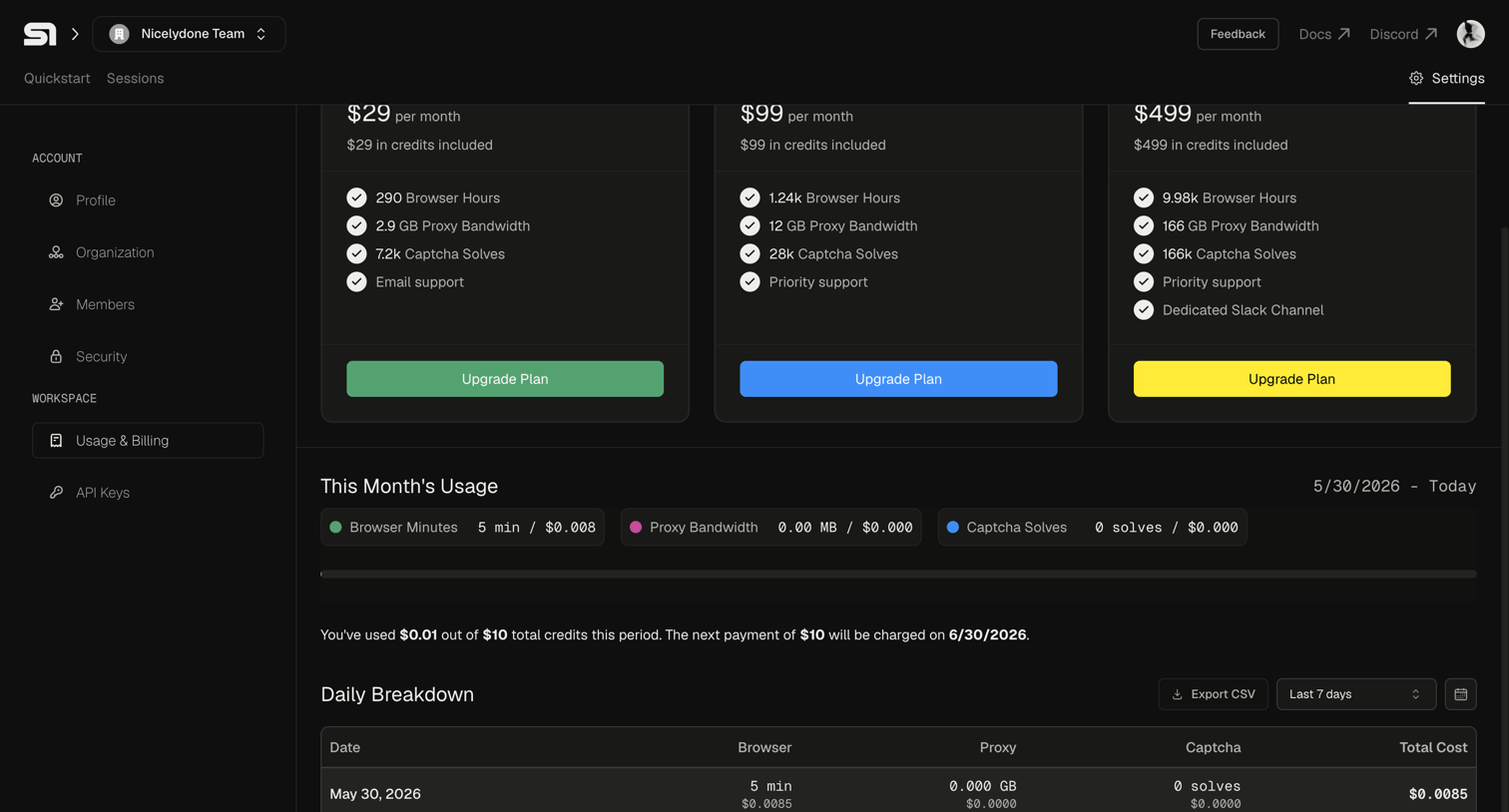

Settings page where the user views their current month's usage, daily breakdown, and available subscription plans to upgrade.
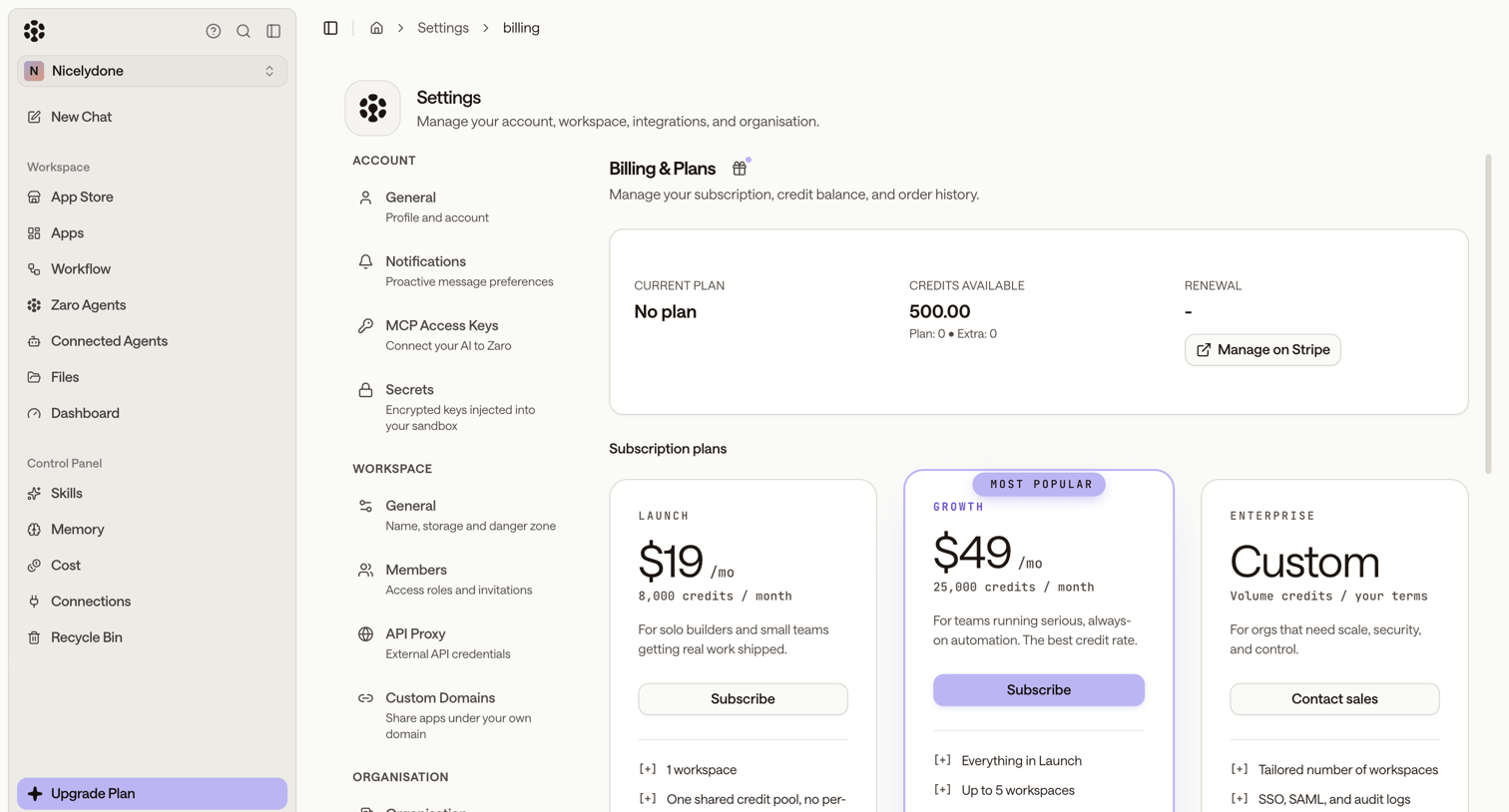

Settings page where the user manages their subscription plan, views available credits, and can upgrade to Launch, Growth, or Enterprise tiers.


Settings page where the user views their current free plan status and is prompted to upgrade their subscription.
Explore the full SaaS screen library
Upgrade to unlock the full library.
Trusted by the best teams








About Pricing
See how SaaS apps present plans within the product. Explore how prices, included features, and plan choices are arranged when people review their available subscription options.