Add & Create screen examples
Add & Create screen design examples from SaaS apps. See how SaaS apps introduce the steps for creating a new item. Browse forms and dialogs that explain required details and place the creation action…
Explore the examples
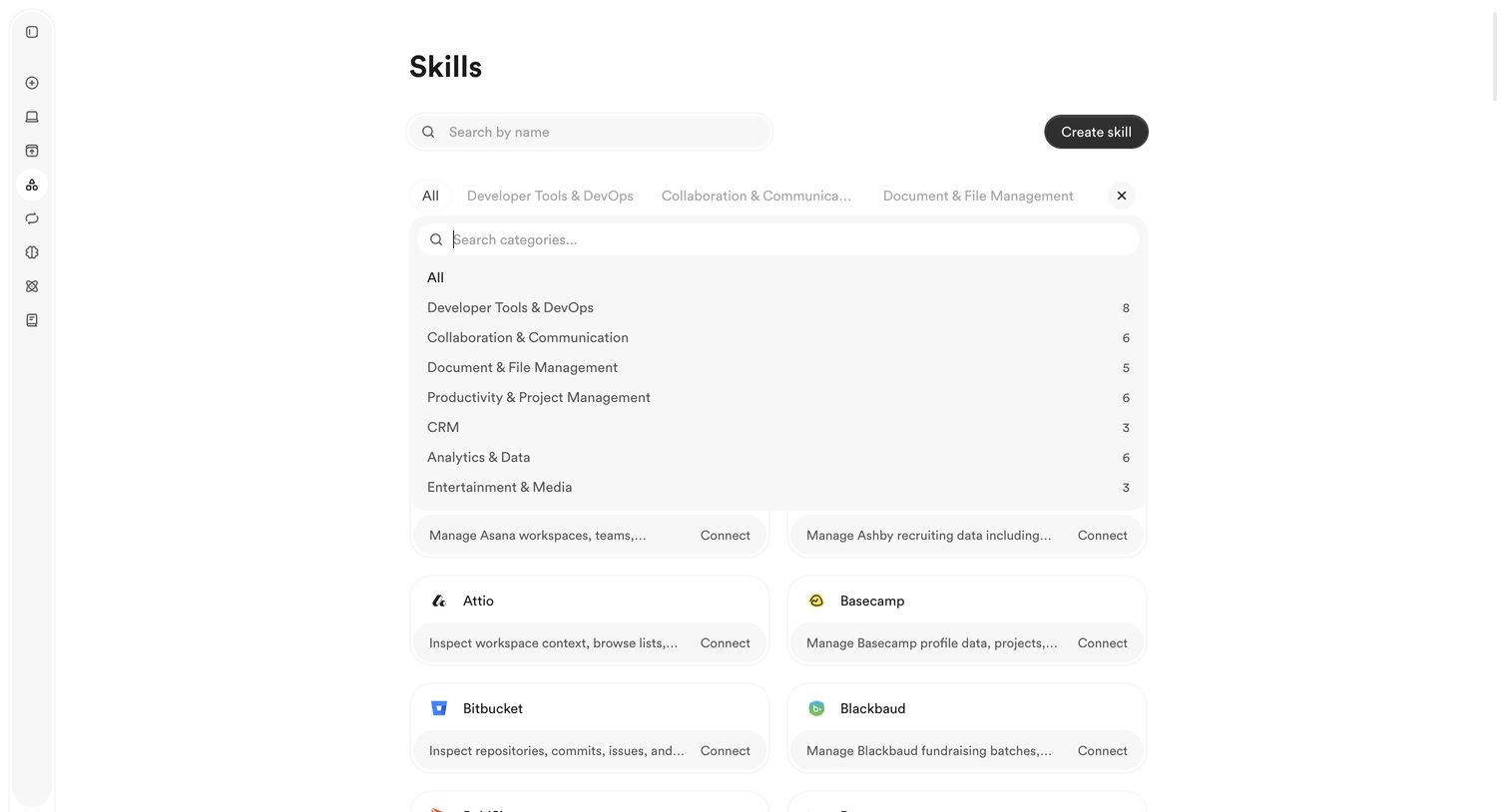

List view where the user searches, filters by category, and connects to external app integrations called skills.
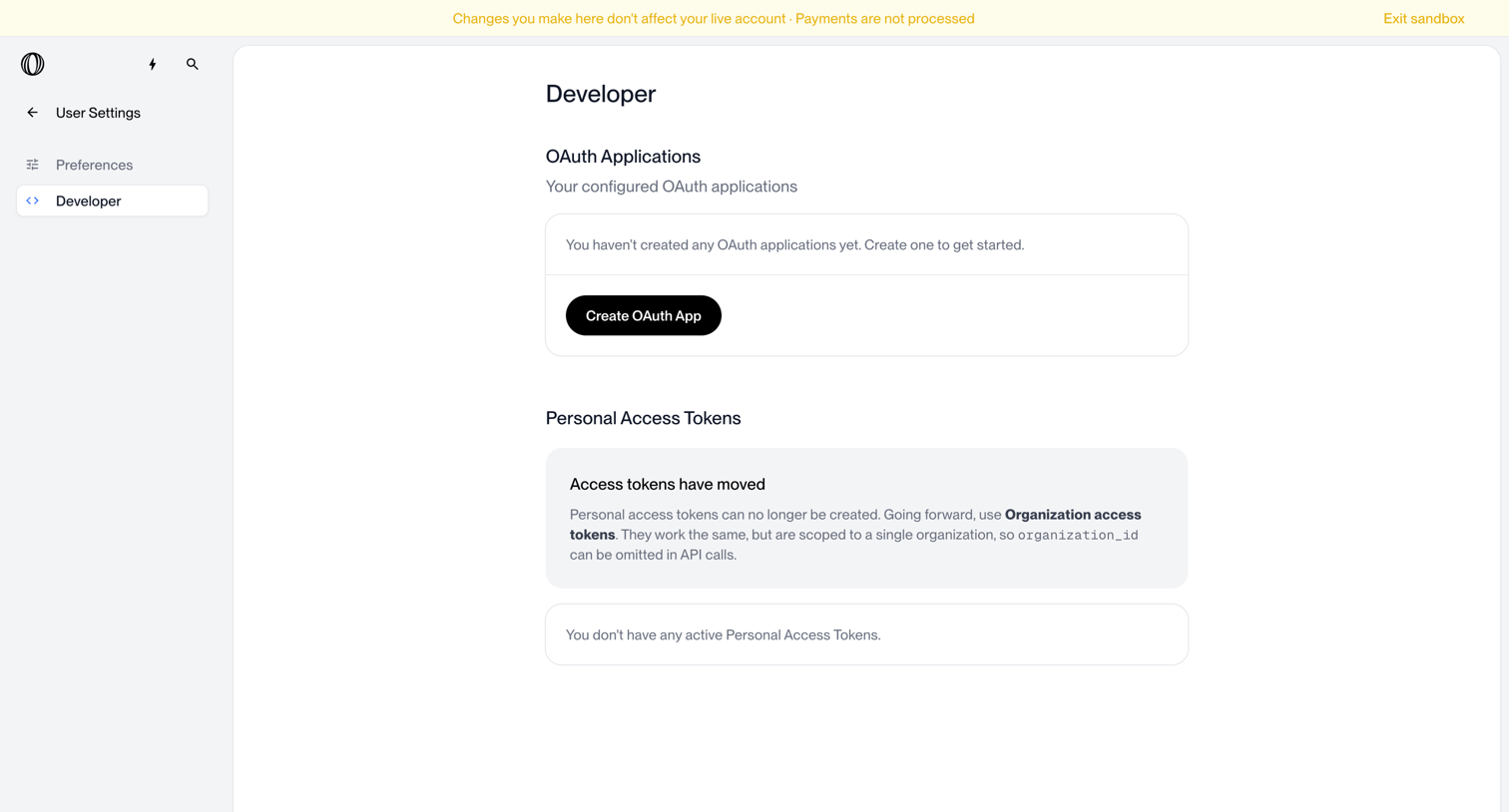

Settings page where the user manages OAuth applications and personal access tokens, currently showing empty states for both.
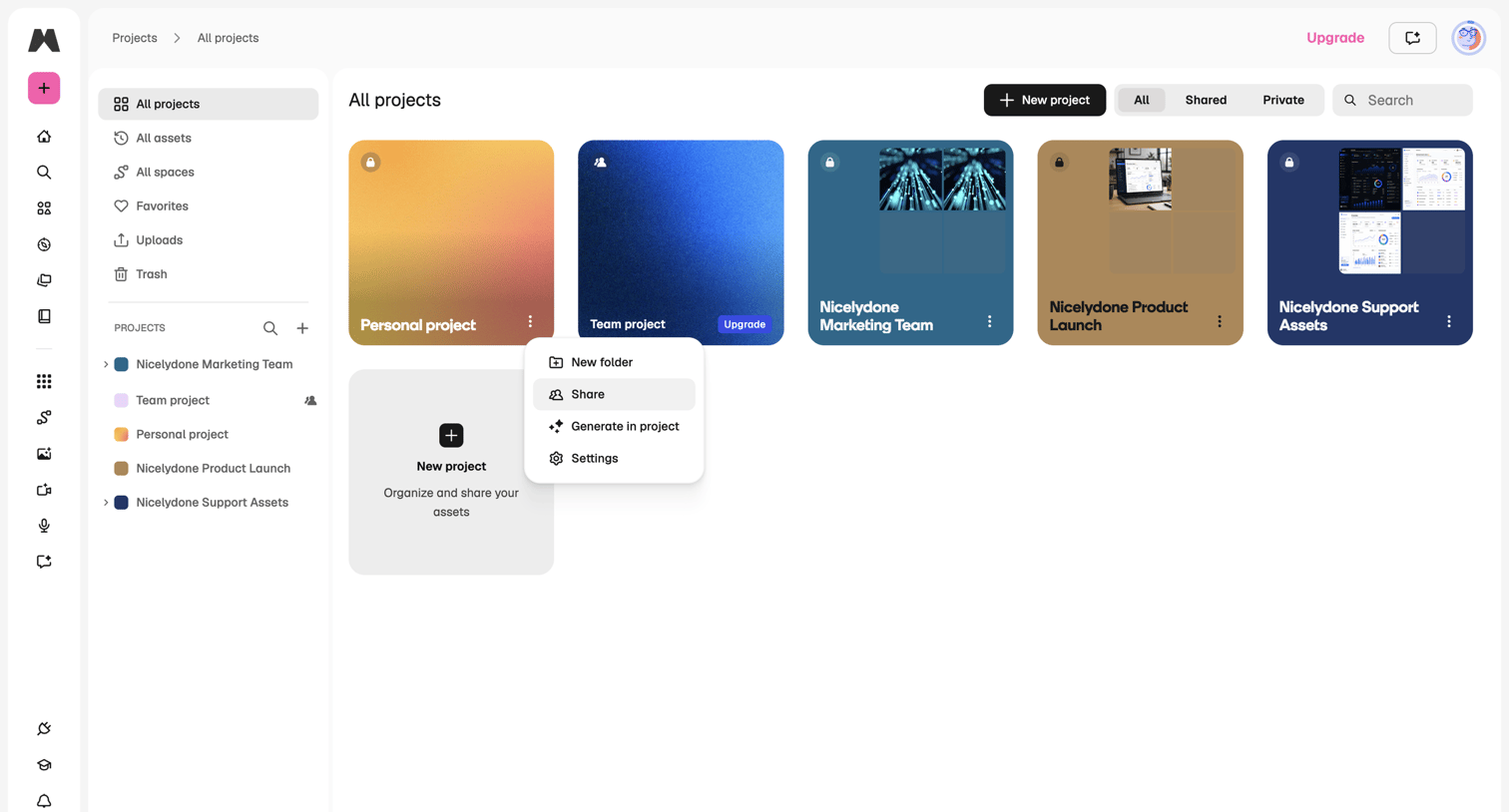

List view where the user browses all projects in a grid, with options to filter by shared or private status and a context menu open on a specific project.
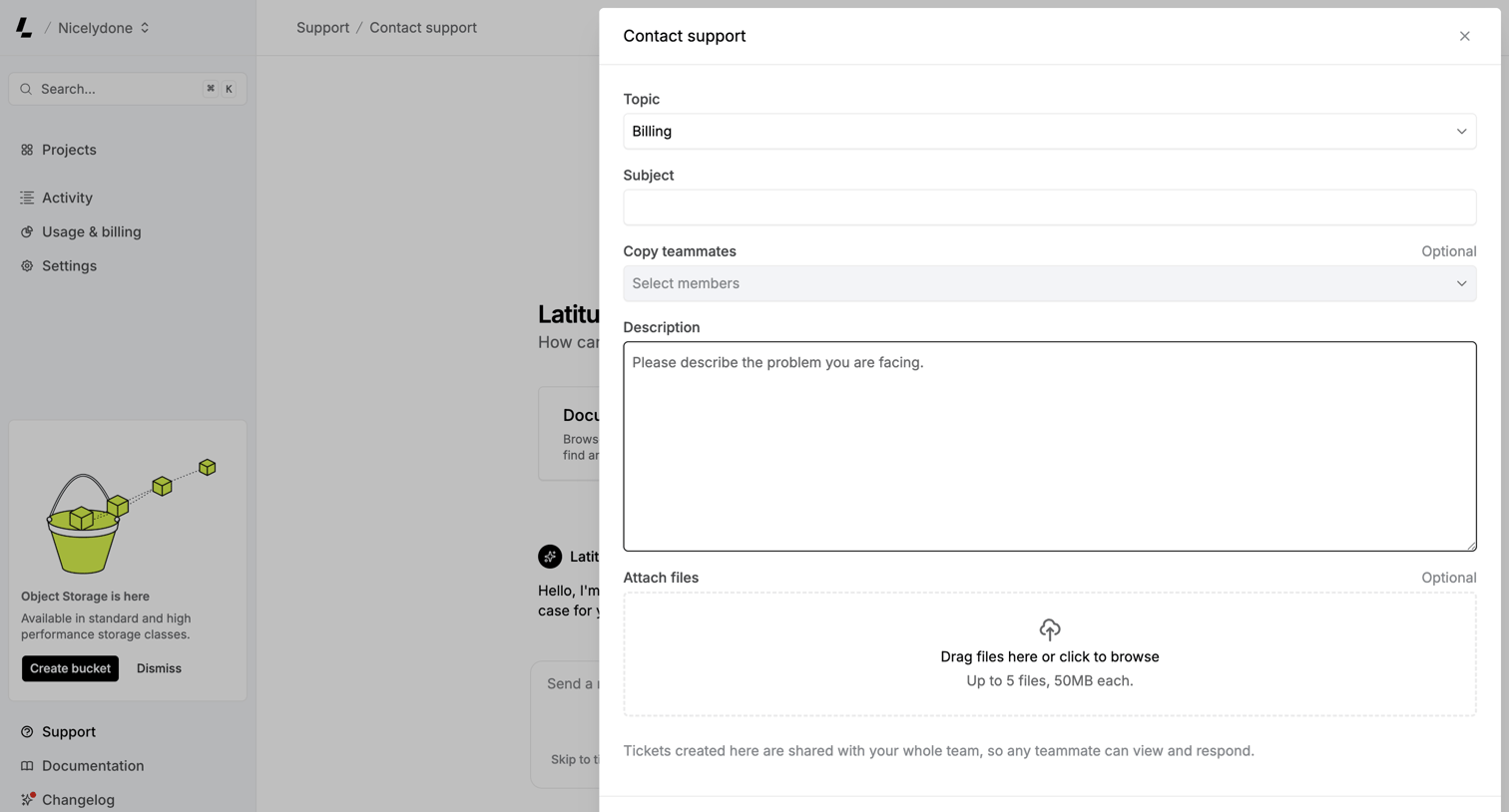

Support page where the user fills out a contact support form in a right-anchored drawer, including topic selection, description, and an inline file upload dropzone.
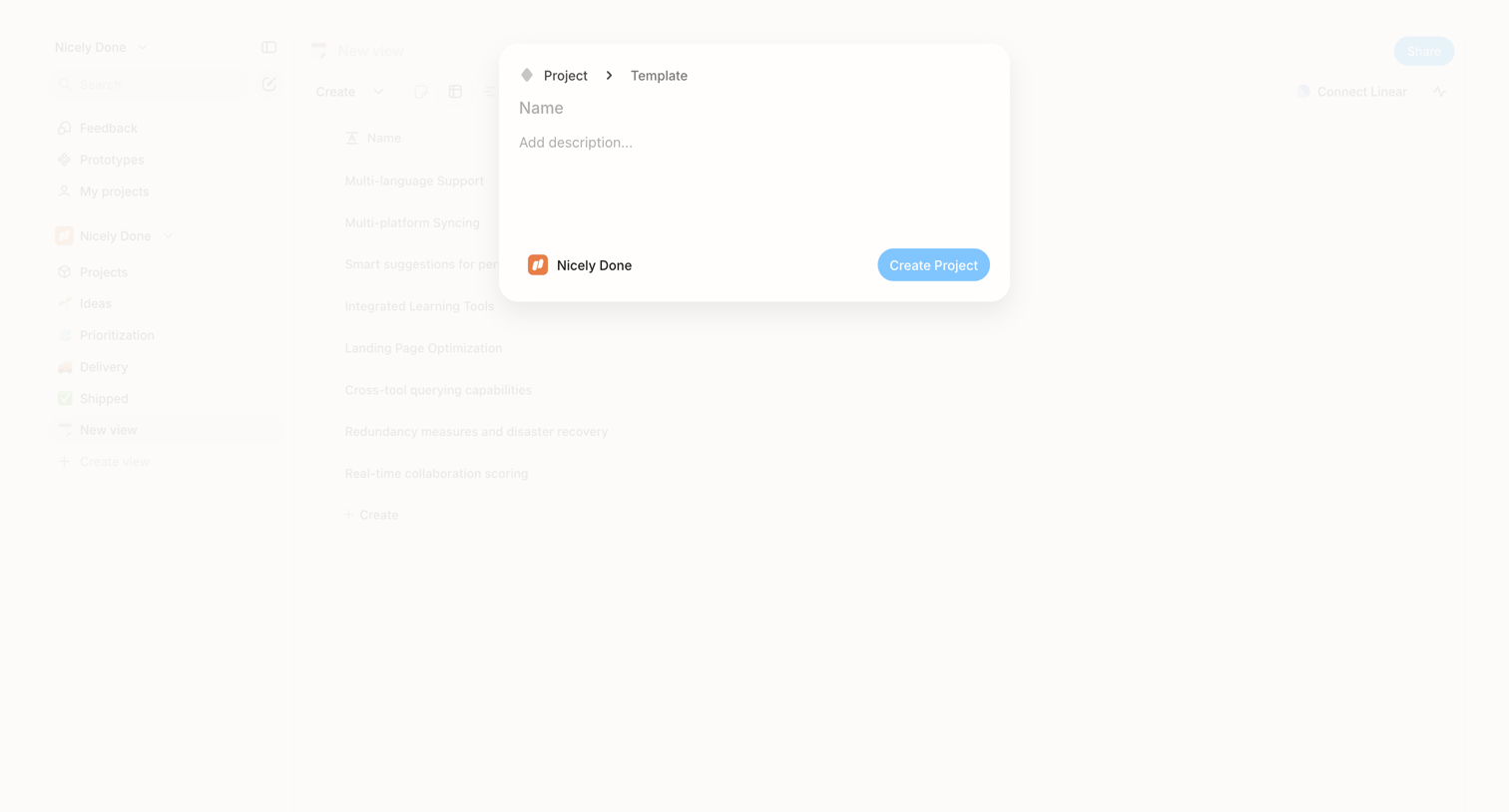

Create modal where the user names a new project, adds a description, and confirms the destination workspace.
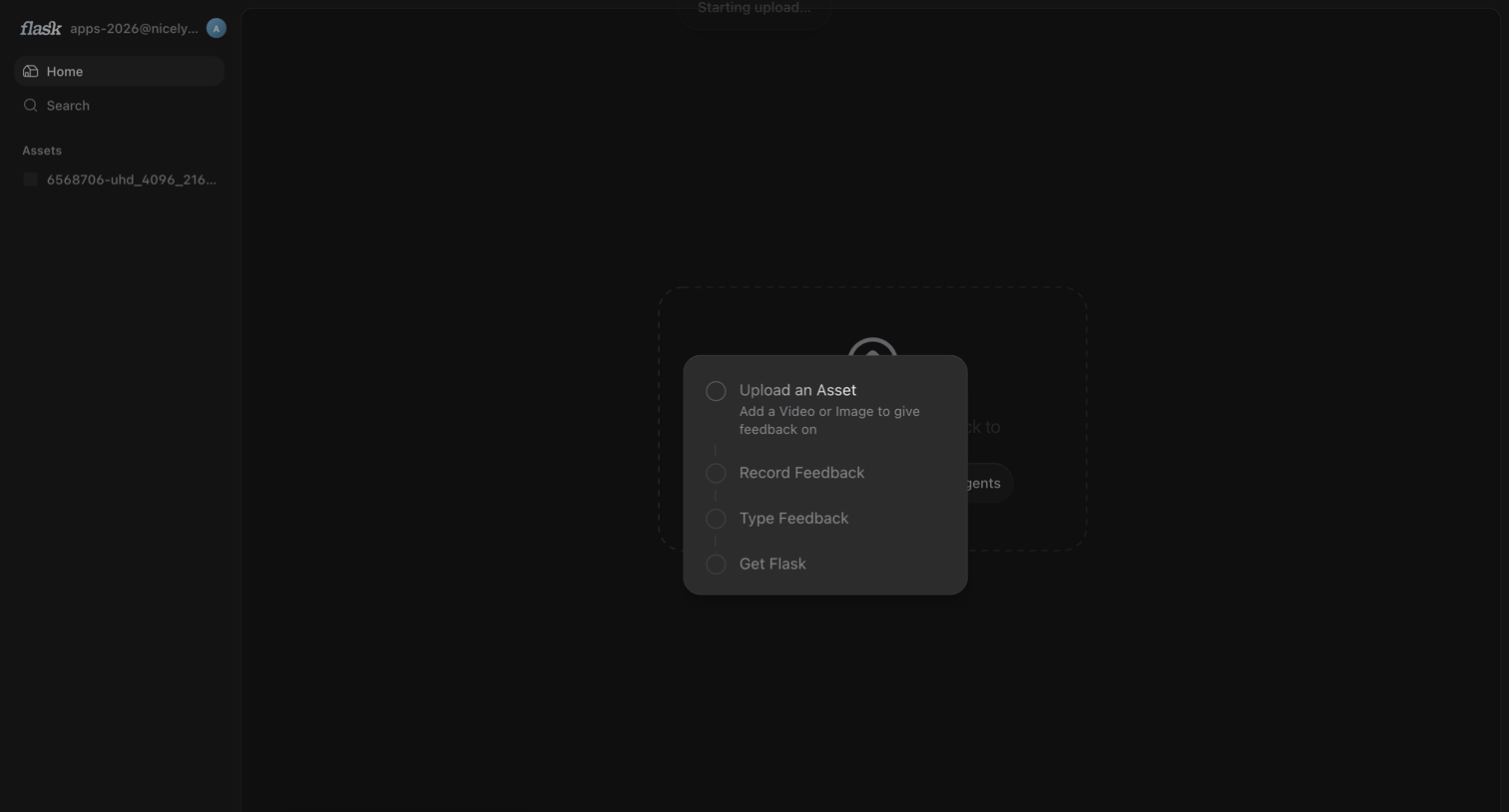

Home screen in an empty state showing a centered menu to upload an asset, record feedback, or type feedback, while an upload starts in the background.
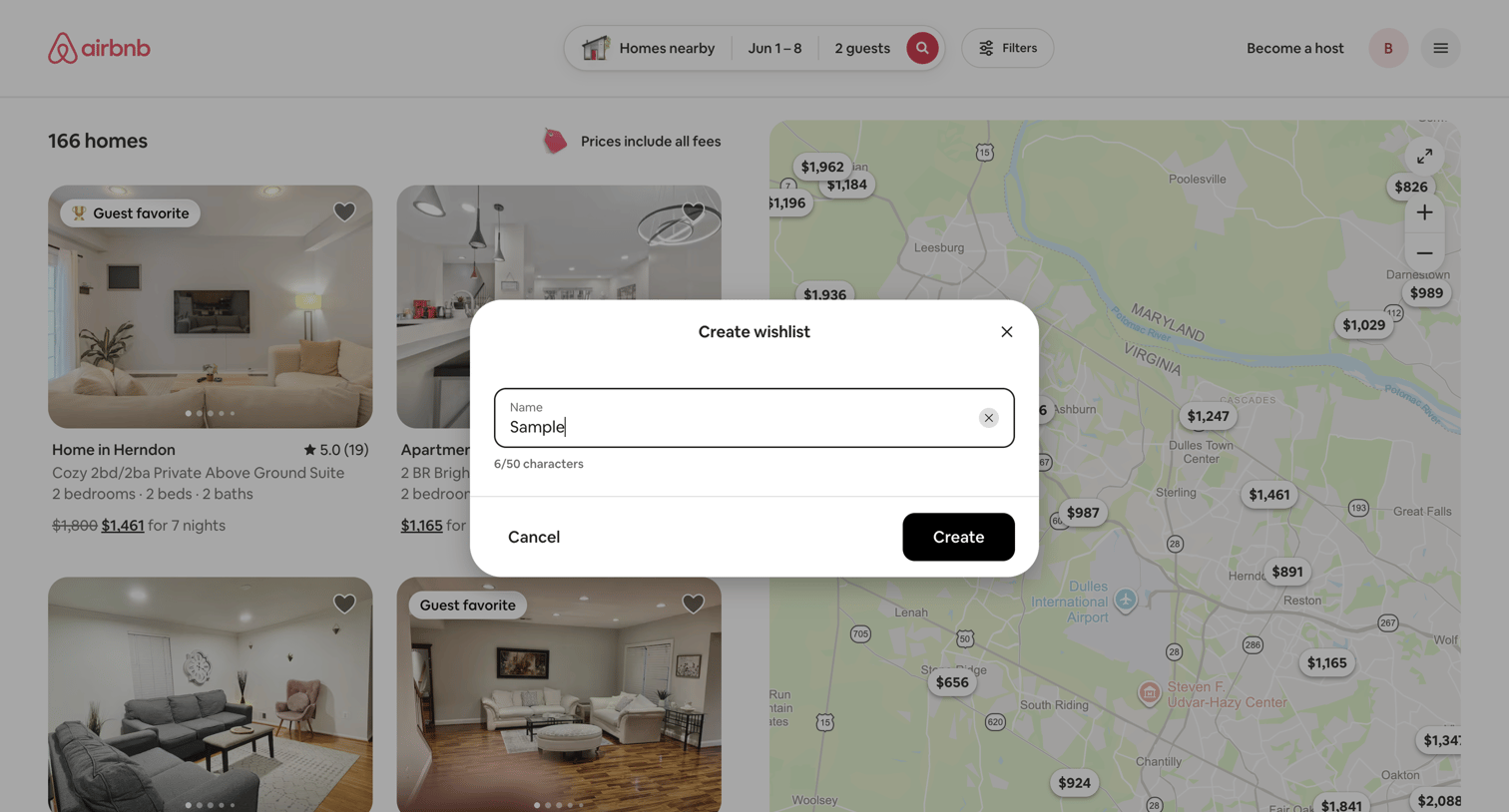

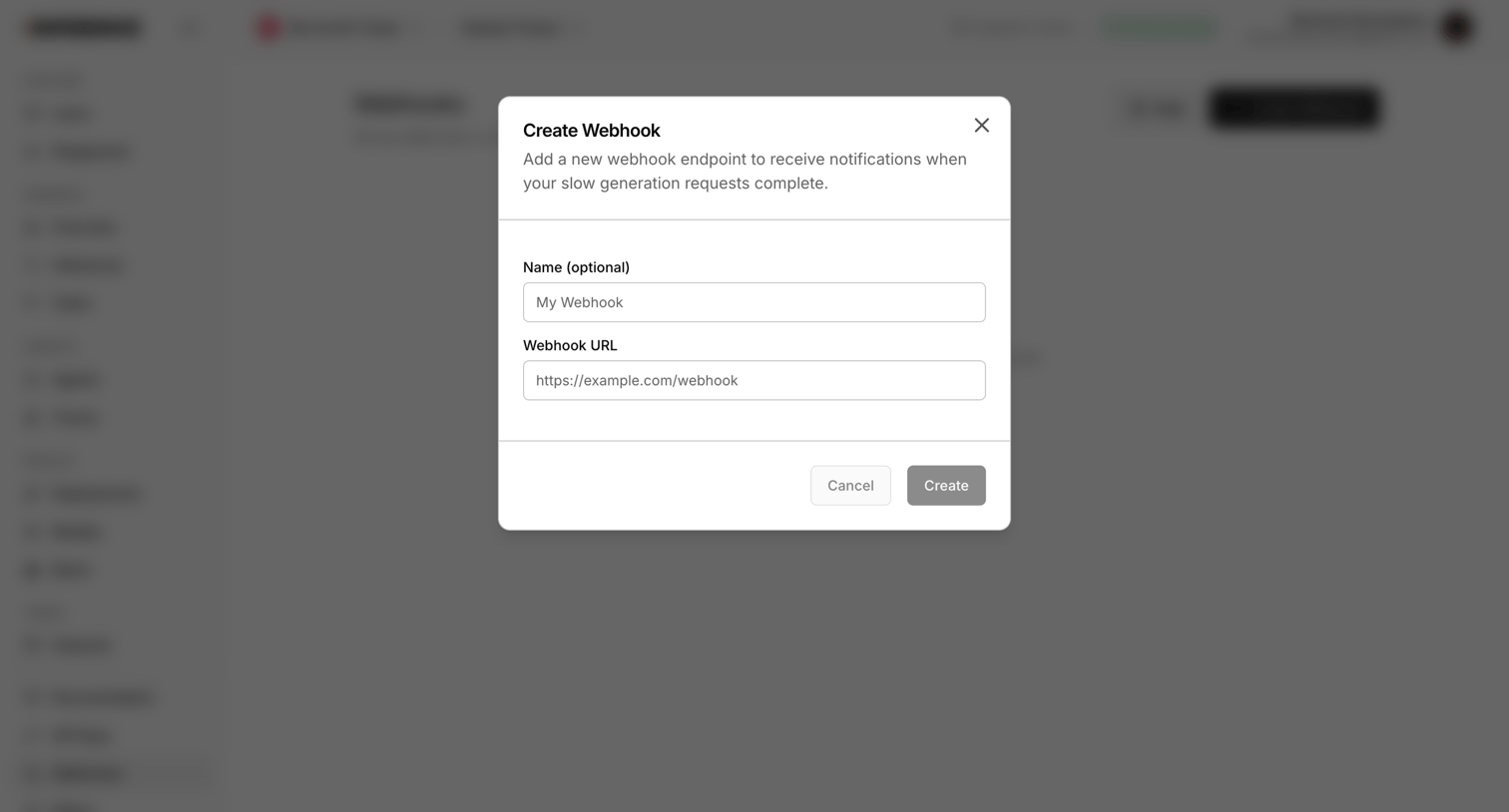

Settings page where the user configures a new webhook endpoint by providing a name and URL to receive notifications for slow generation requests.
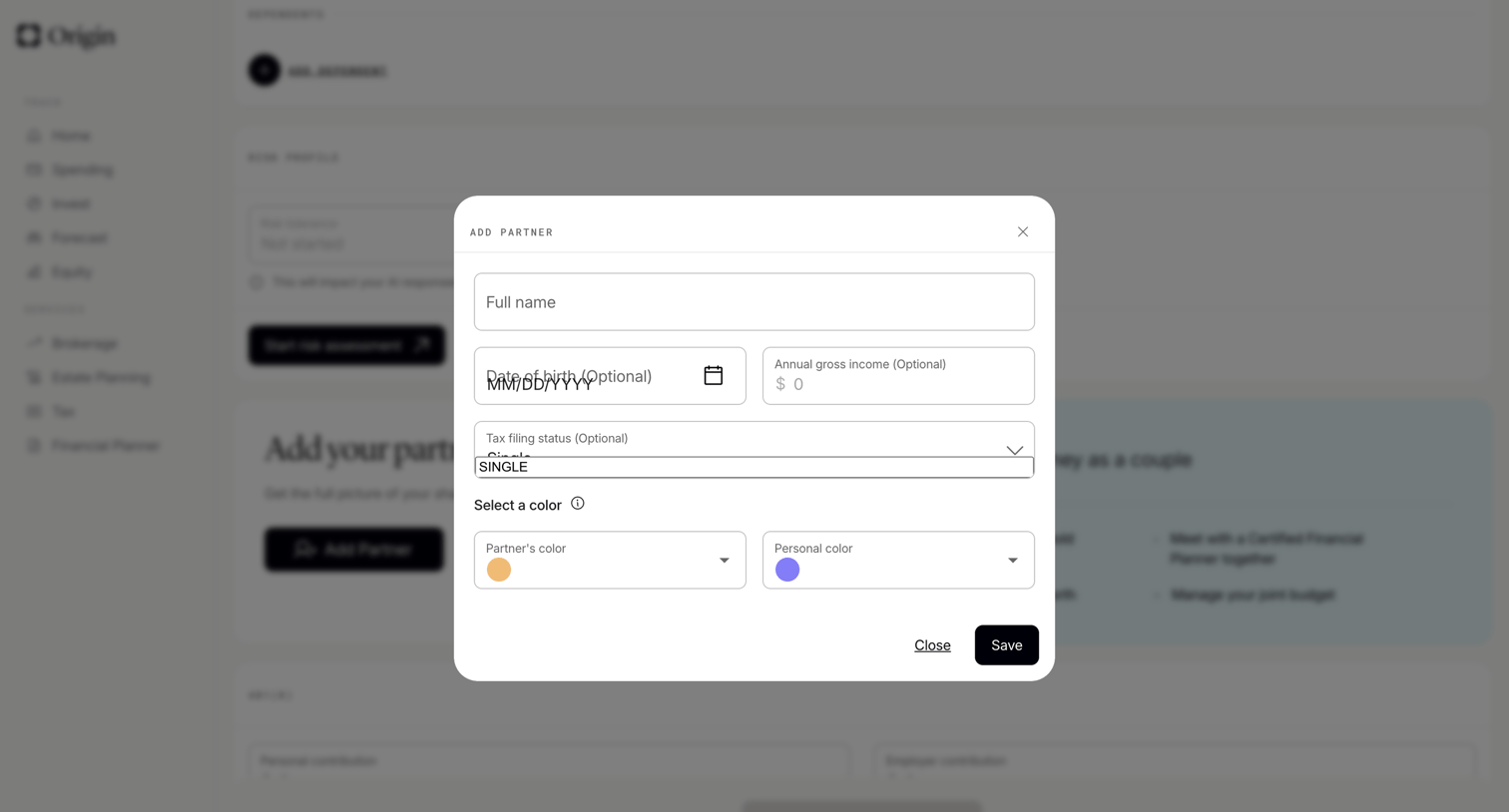

Settings page where the user fills out a form in a modal to add a partner to their financial profile, specifying name, date of birth, income, and assigning color codes.
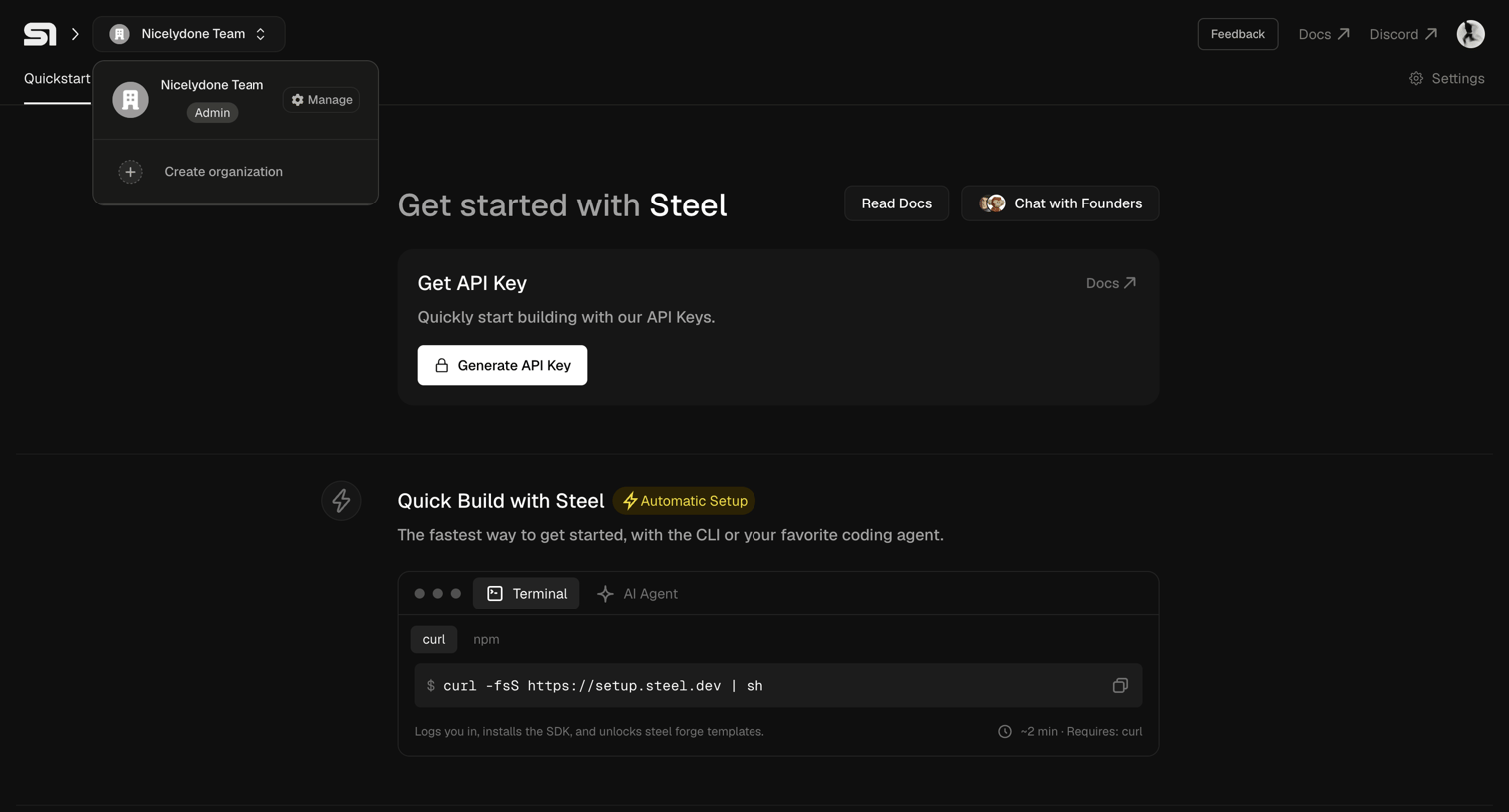

Onboarding screen where the user is prompted to generate their first API key and copy a terminal command to quickly build with the SDK.
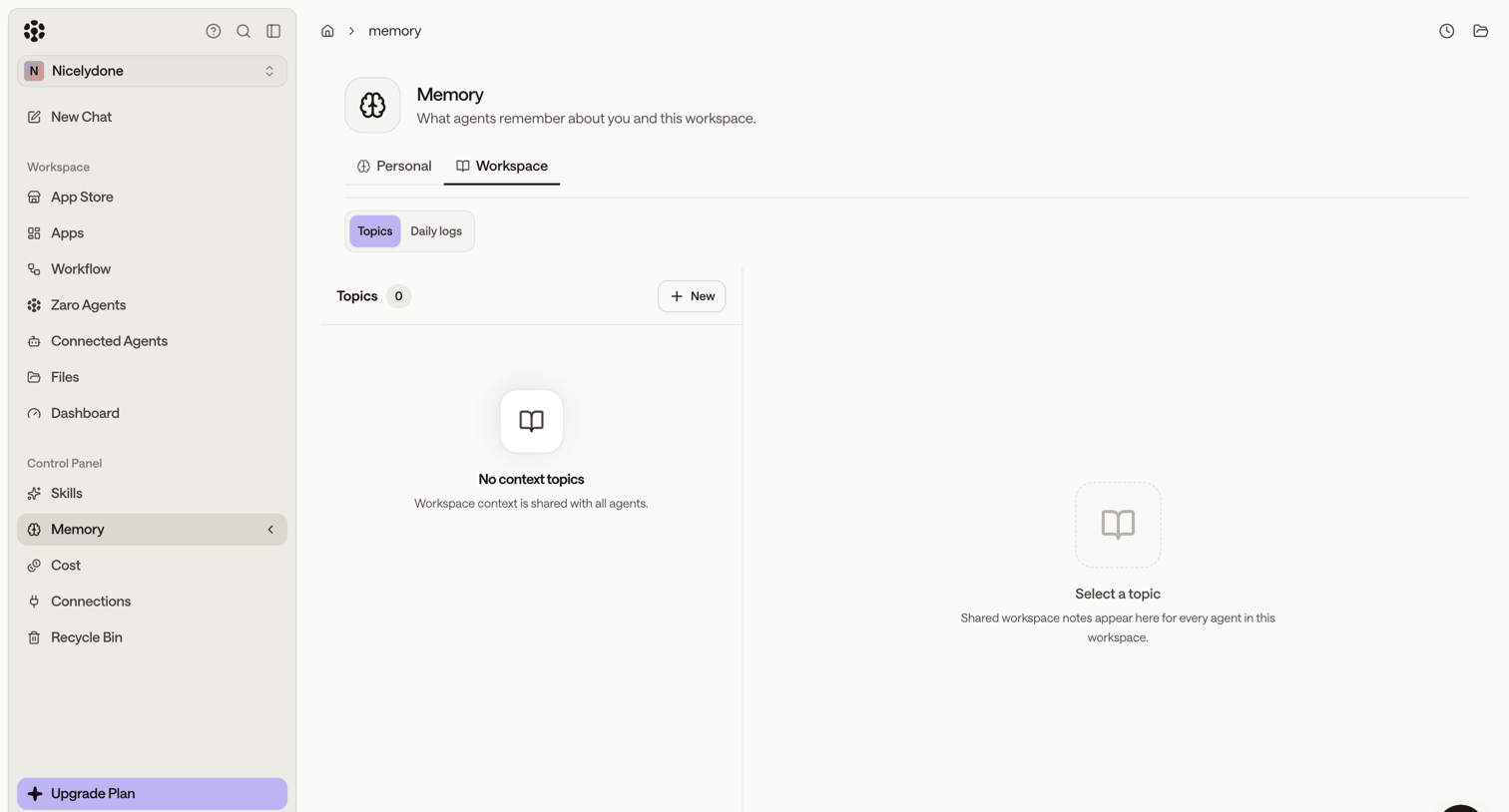

Settings page where the user configures workspace memory topics for their AI agents, currently showing an empty state.
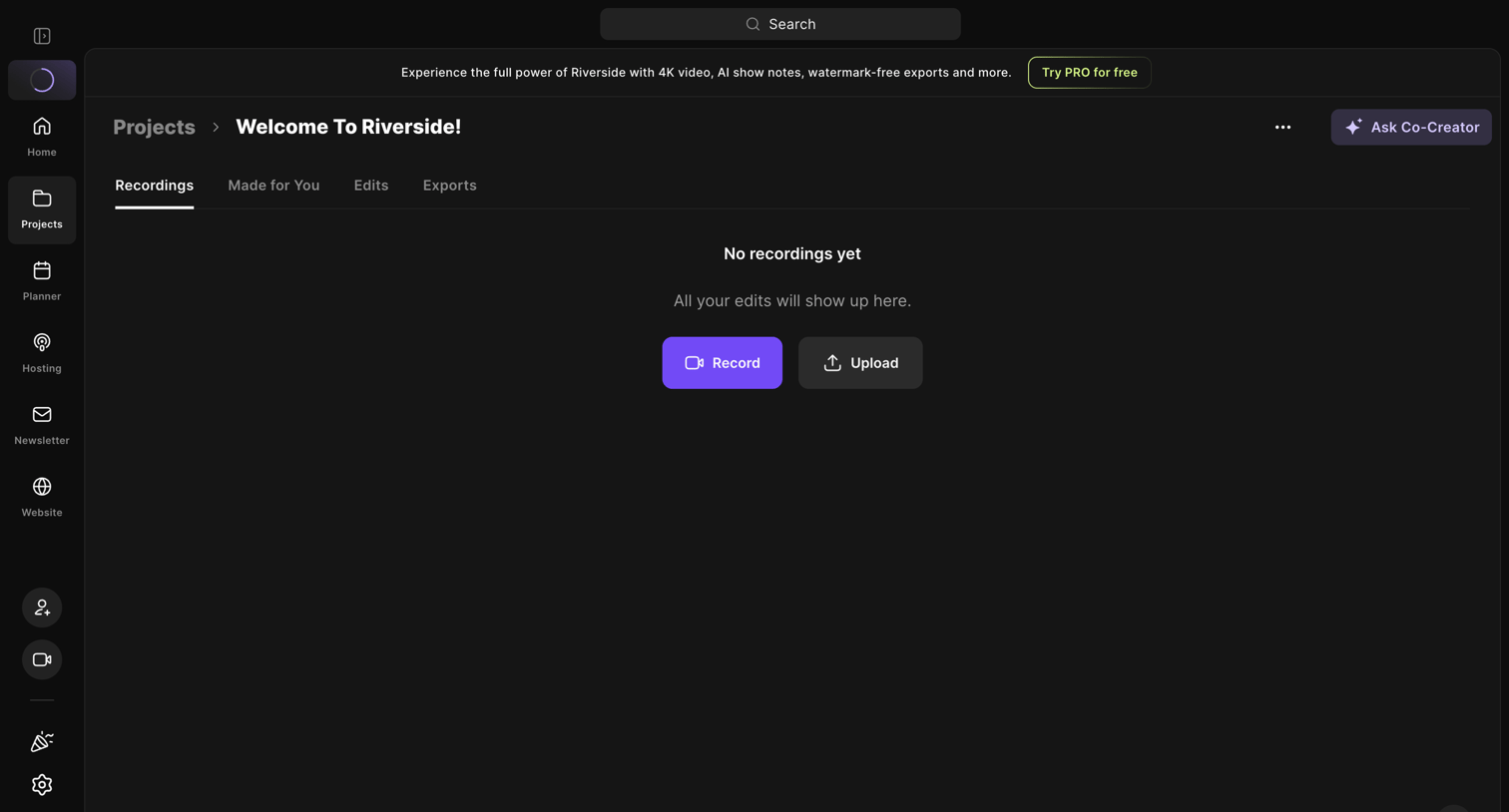

Detail page for a specific project where the user is prompted to record or upload their first media file.
Explore the full SaaS screen library
Upgrade to unlock the full library.
Trusted by the best teams








About Add & Create
See how SaaS apps introduce the steps for creating a new item. Browse forms and dialogs that explain required details and place the creation action alongside its supporting context.