Browse screen examples
Browse screen design examples from SaaS apps. See how apps present collections for people to explore without a specific search. Browse layouts that group items, expose useful details, and provide routes…
Explore the examples
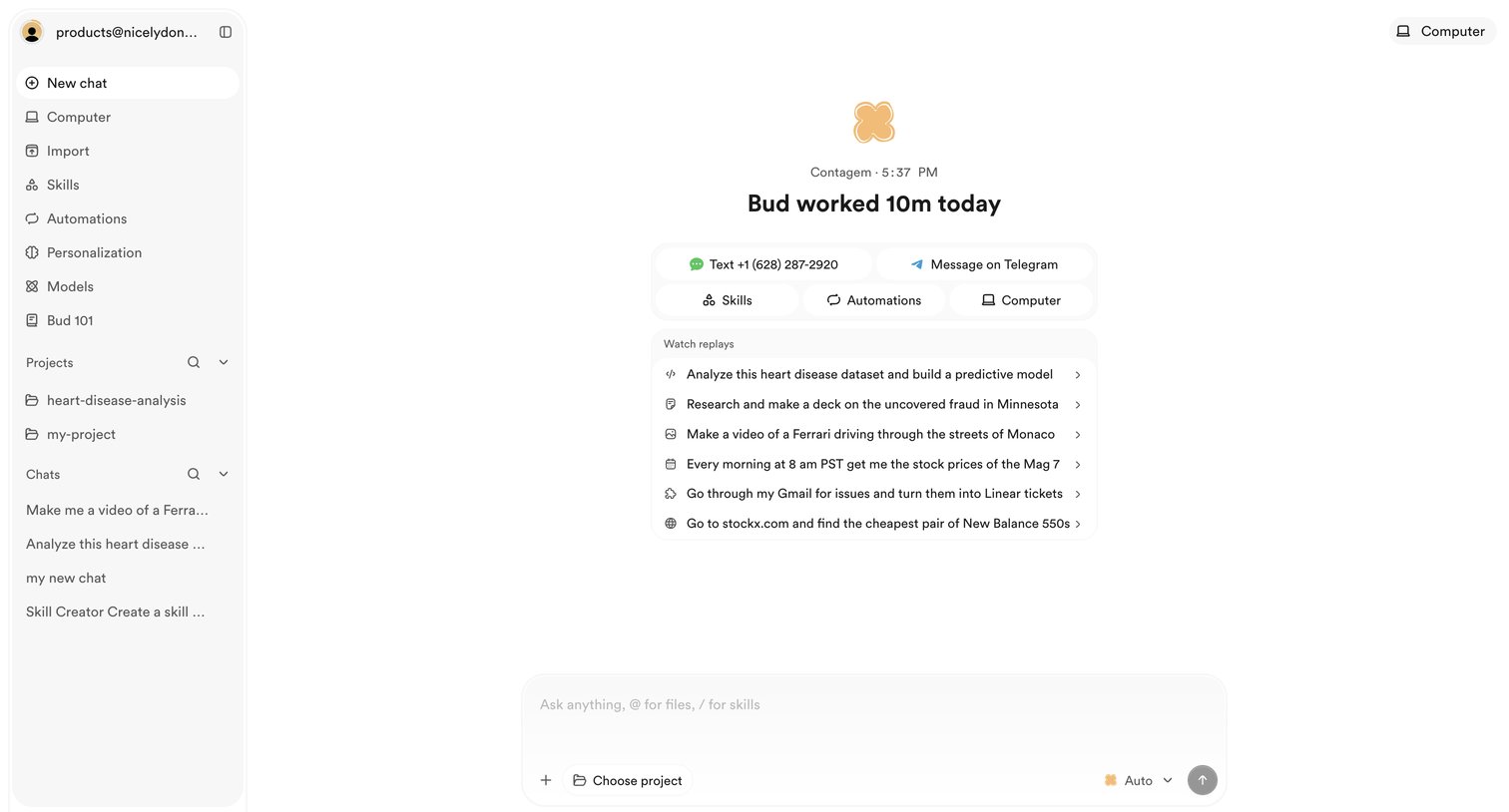

AI chat interface where the user can start a new conversation, select from suggested actions, or review past task replays.
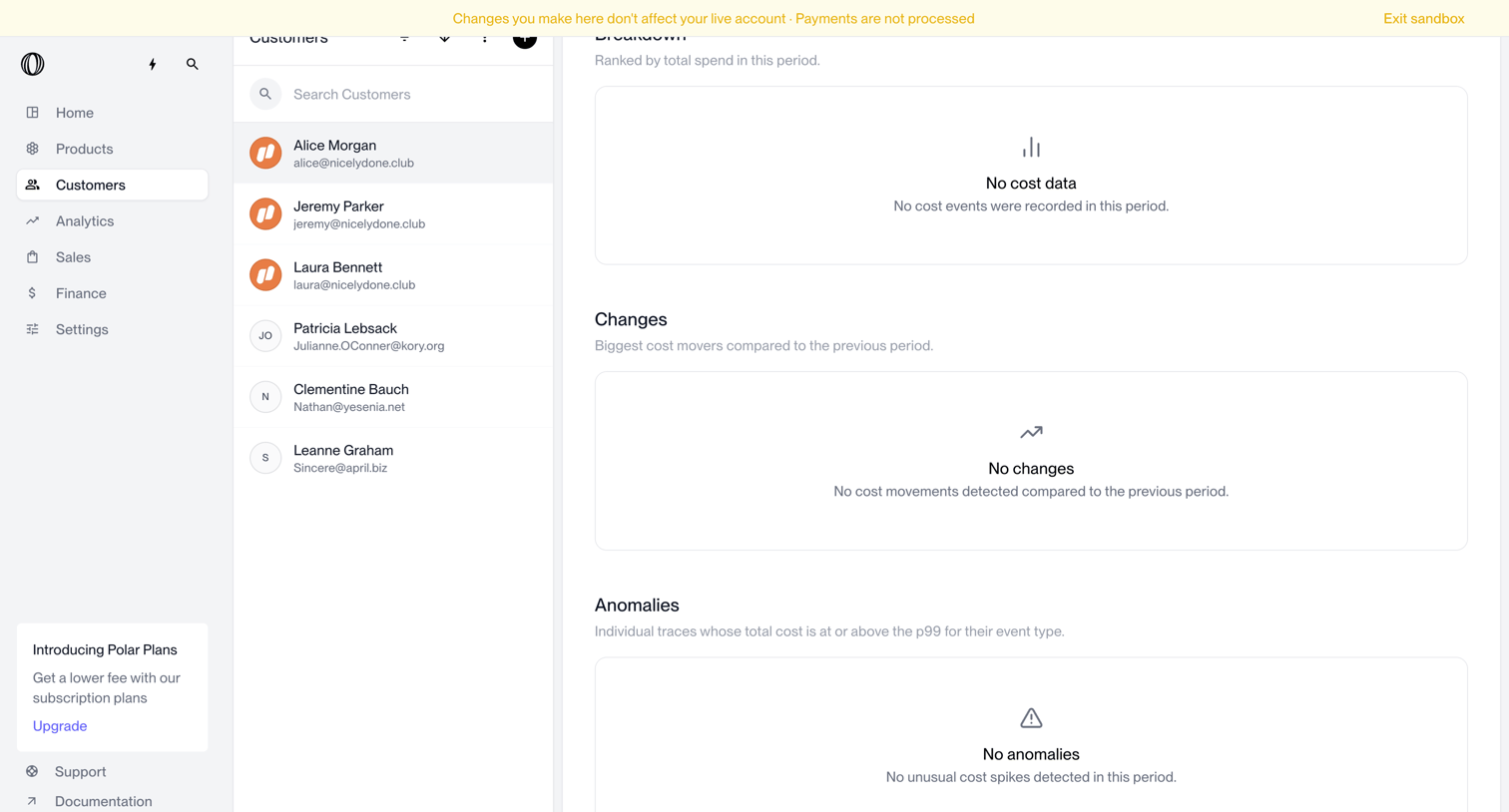

Detail page where the user views a specific customer's cost breakdown, changes, and anomalies, currently showing an empty state.
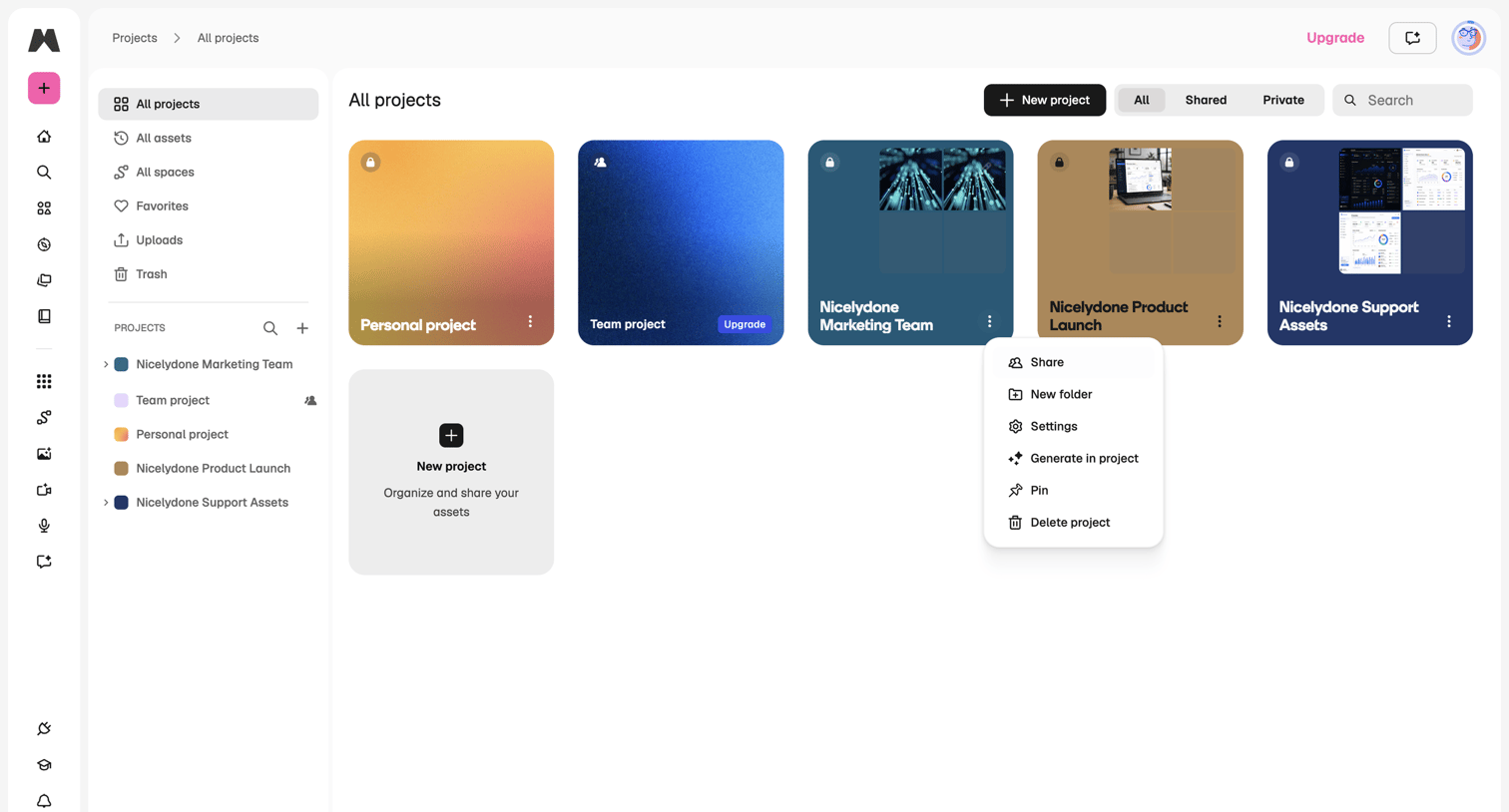

Projects gallery where the user browses and manages their personal and team projects.
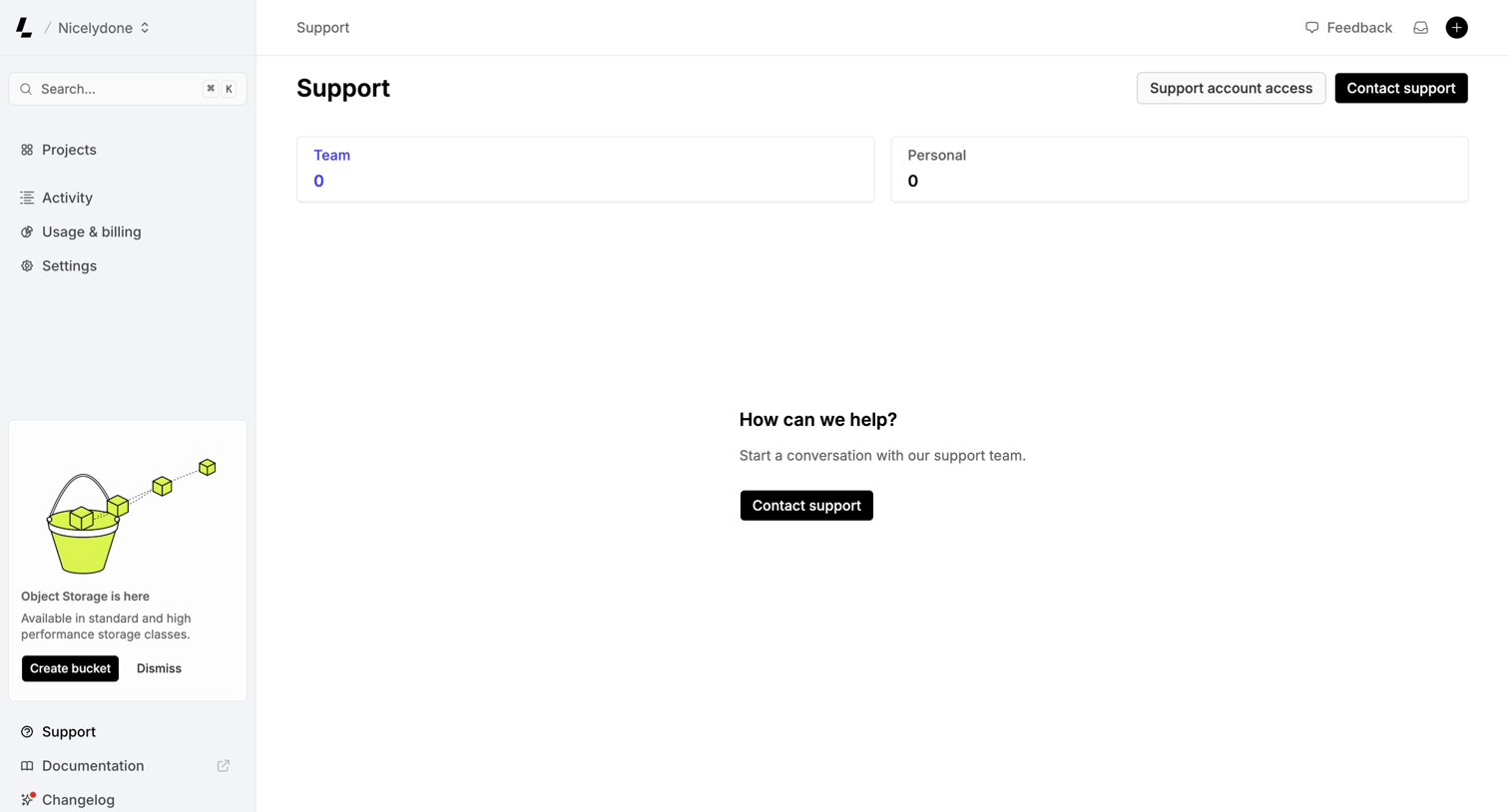

Support inbox where the user can view team or personal tickets and start a new conversation with the support team.
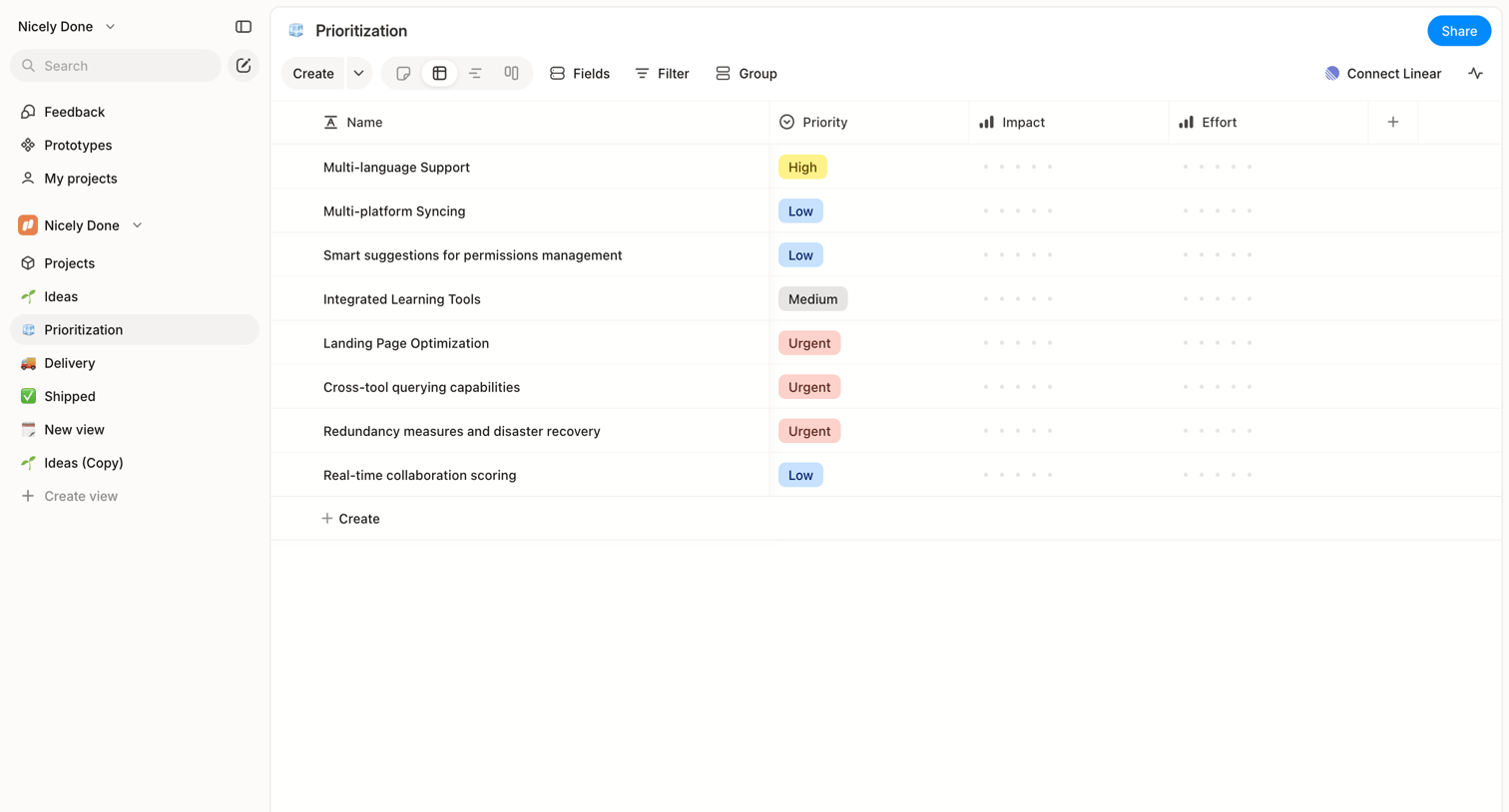

List view where the user manages feature prioritization with columns for priority, impact, and effort.

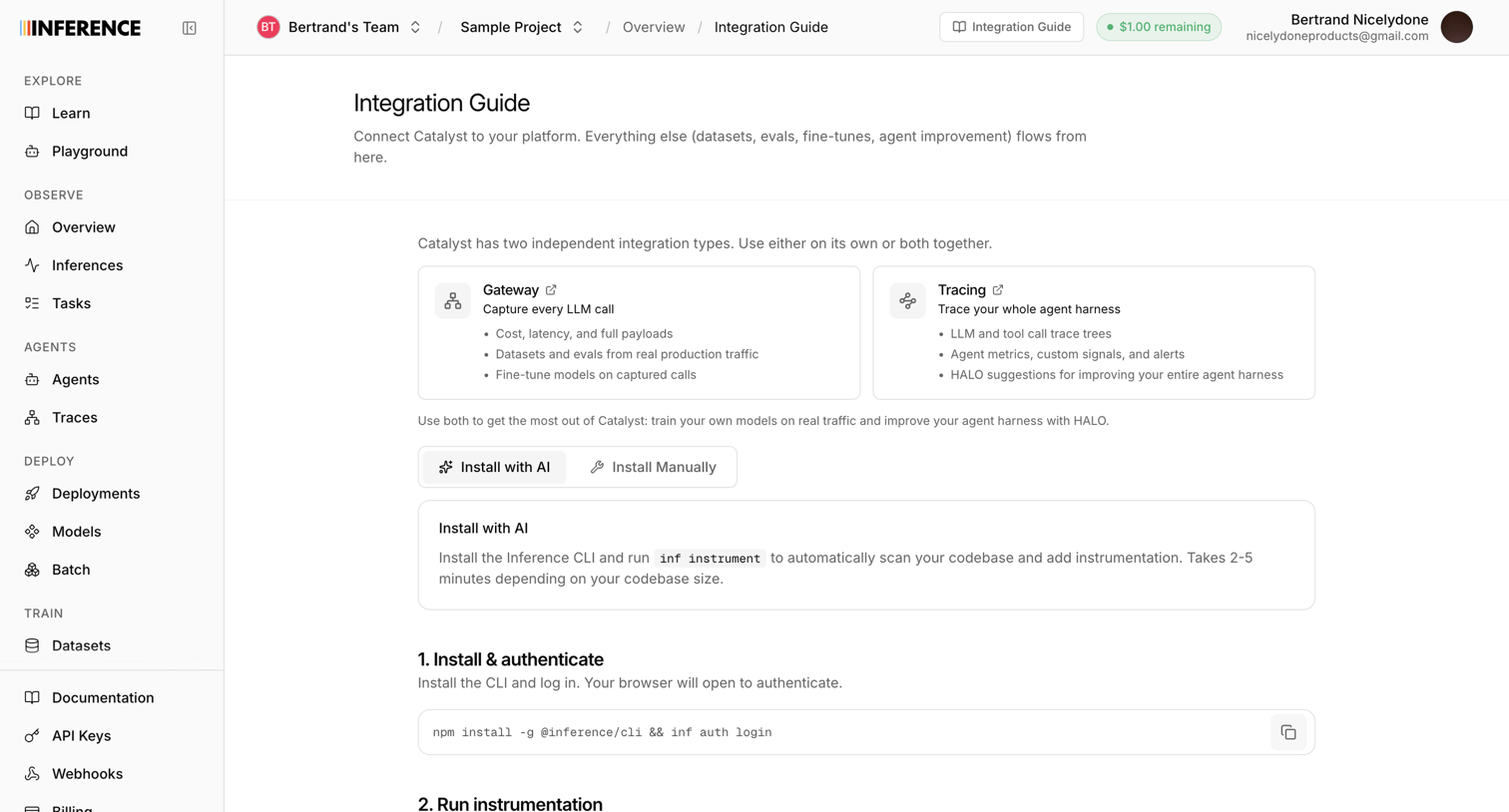

Detail page where the user reads instructions and copies code snippets to install and authenticate the Inference CLI for their project.
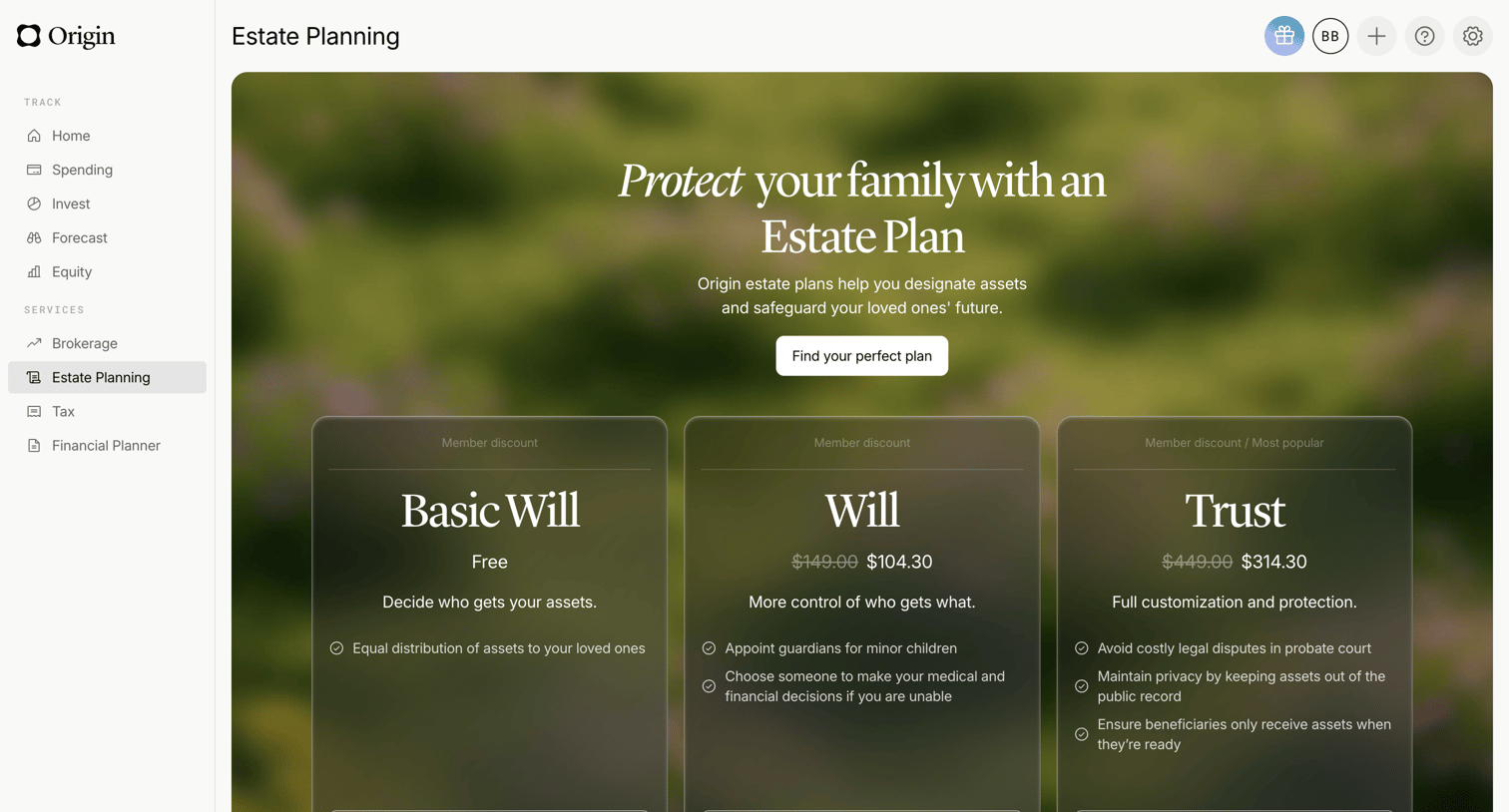

Detail page where the user can choose between a free basic will, a paid will, or a trust to set up their estate plan.
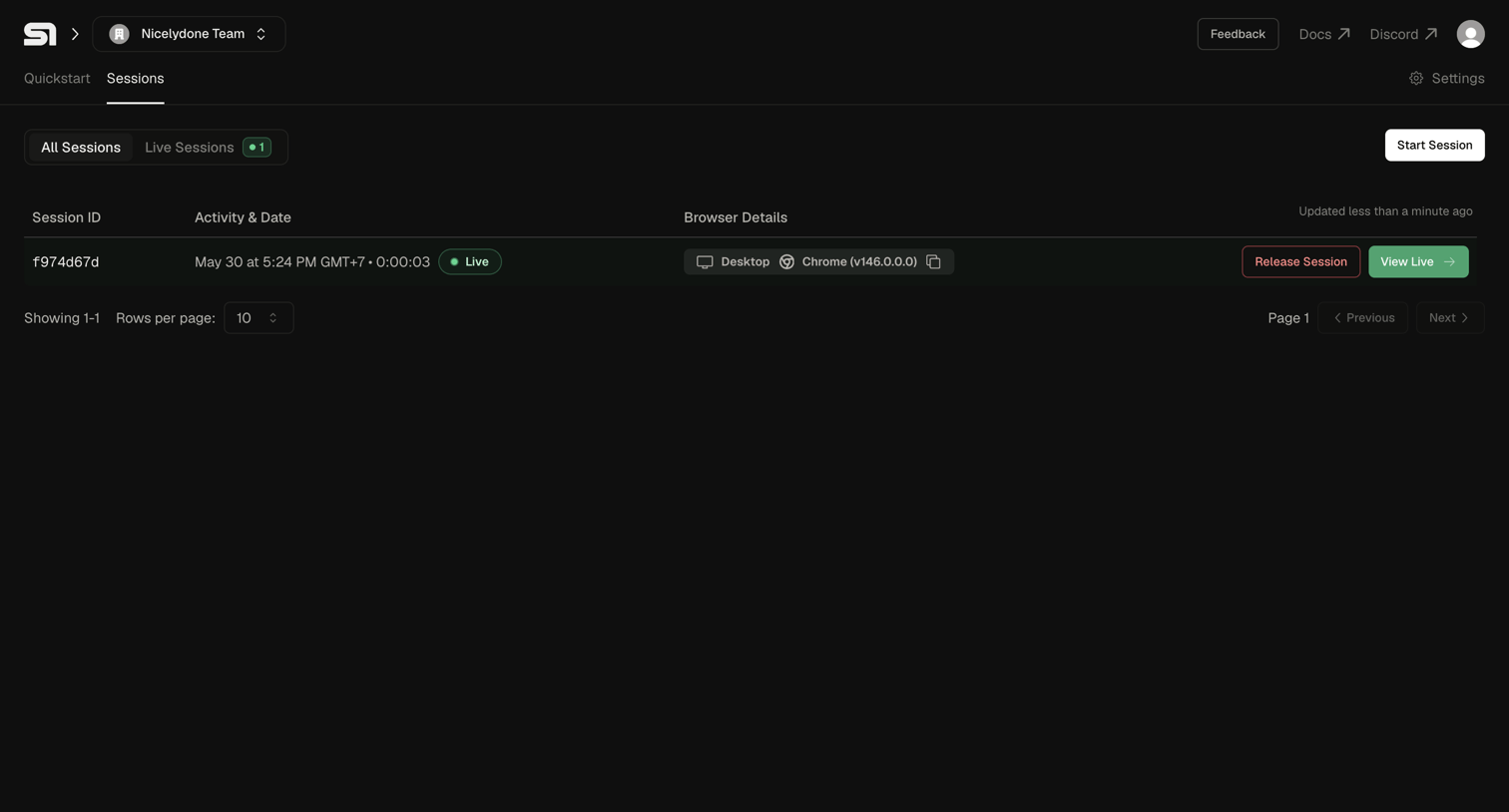

List view where the user can monitor active browser sessions, view details like activity date and browser type, and start new sessions.
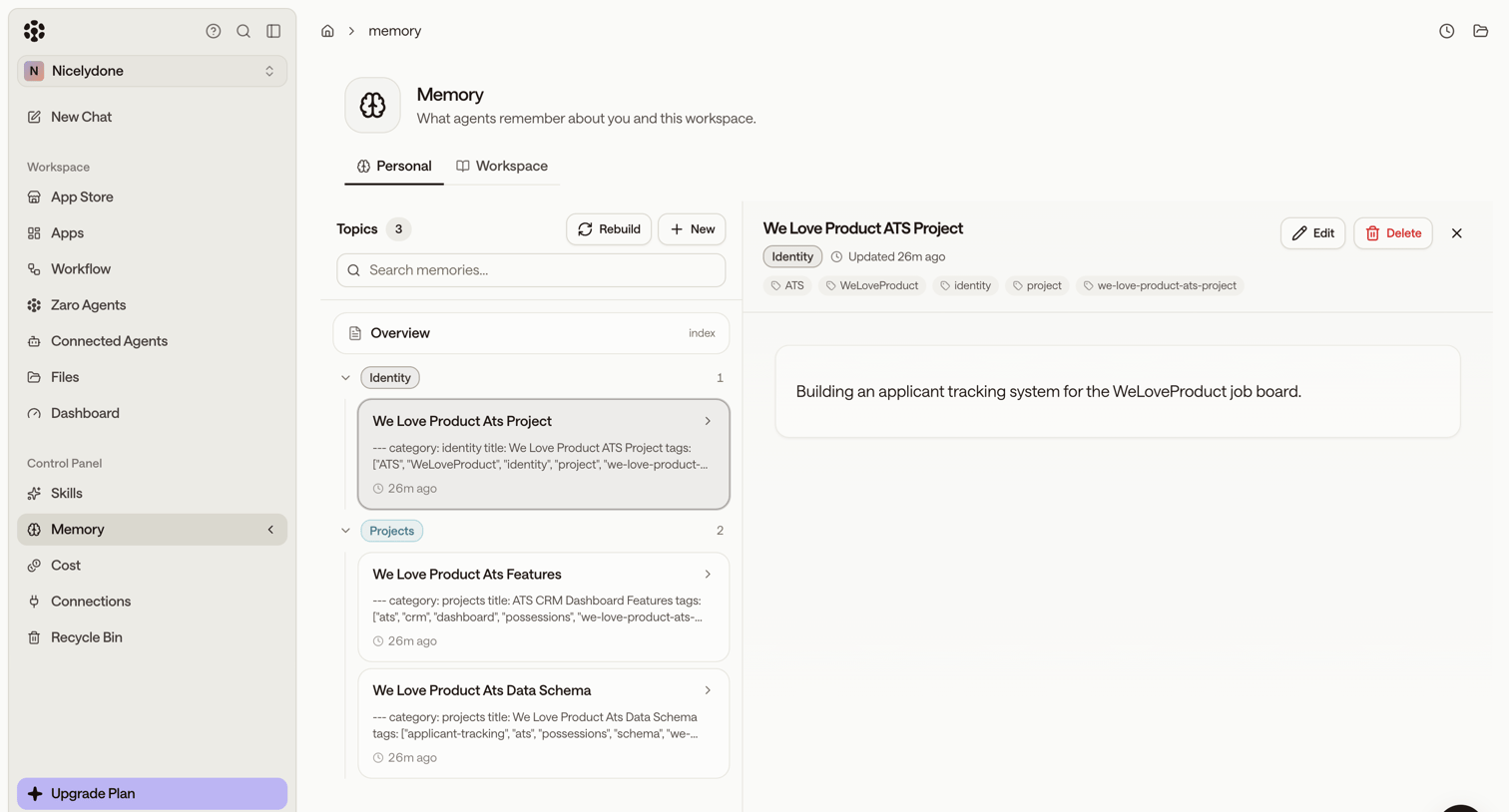

Settings page where the user manages what AI agents remember about them and the workspace, viewing specific topics like applicant tracking projects in a master-detail layout.
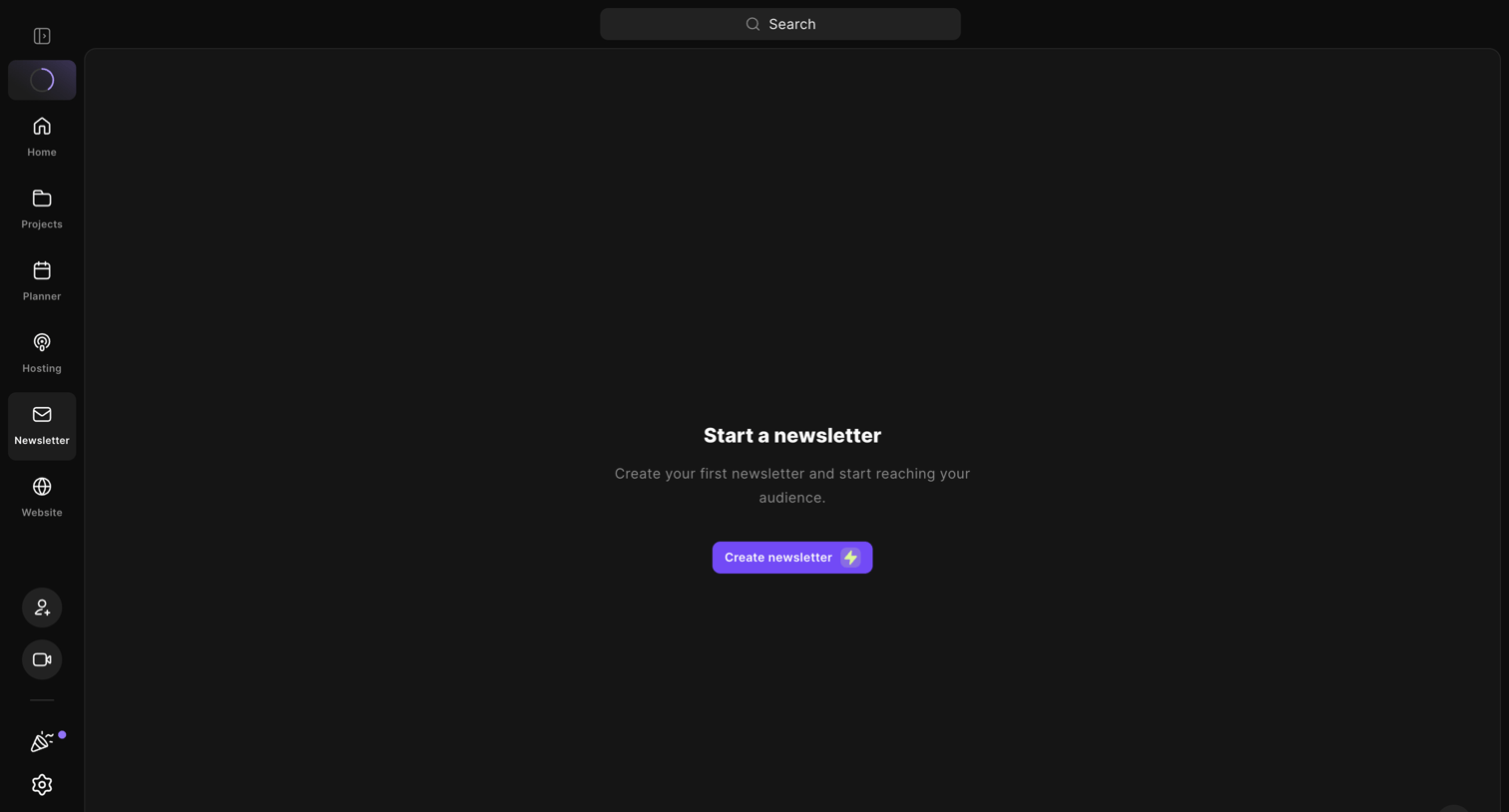

List view where the user is prompted to create their first newsletter to start reaching their audience.
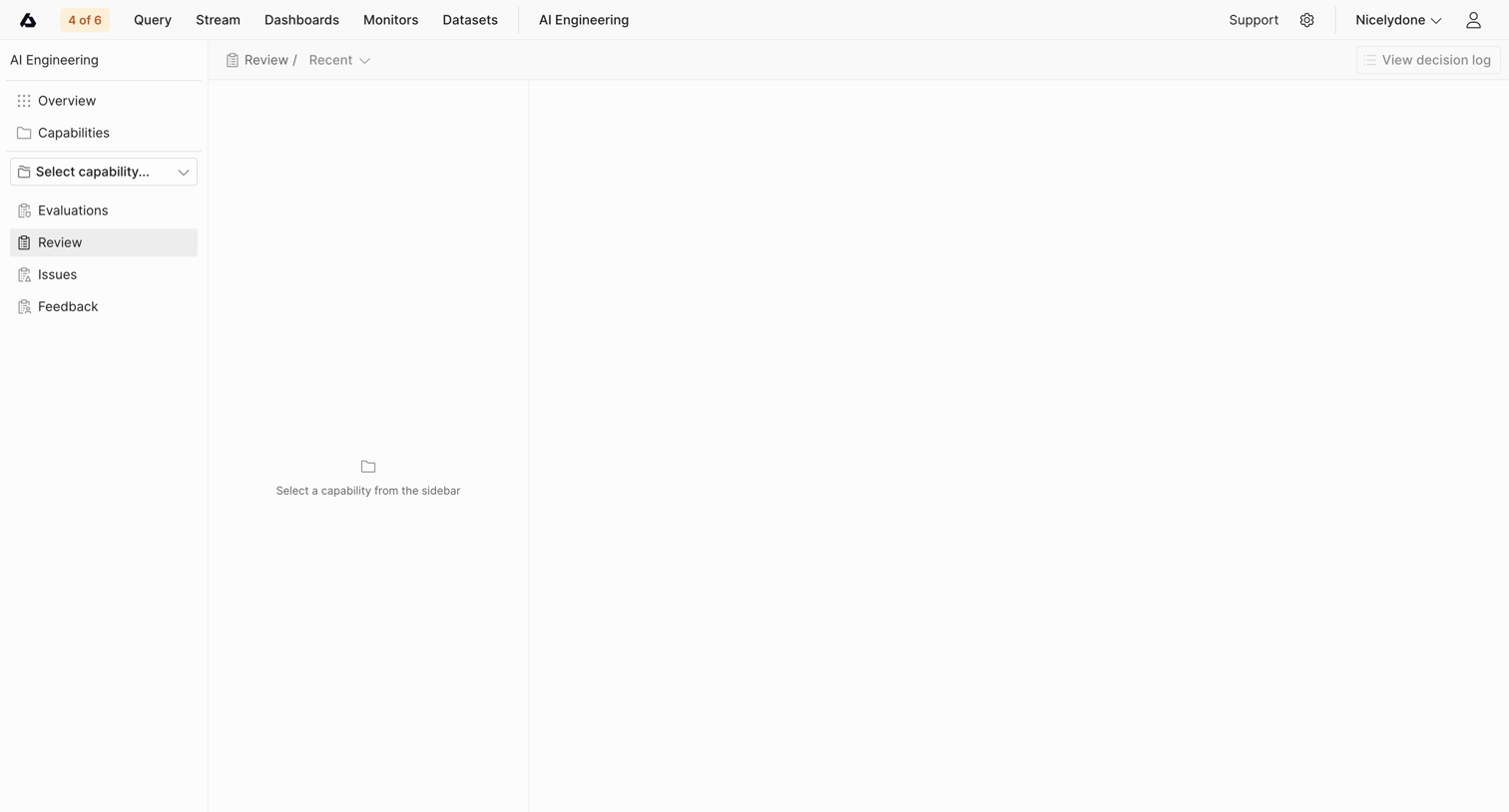

Detail page where the user is prompted to select an AI capability from the sidebar to view its recent reviews and decision logs.
Explore the full SaaS screen library
Upgrade to unlock the full library.
Trusted by the best teams








About Browse
See how apps present collections for people to explore without a specific search. Browse layouts that group items, expose useful details, and provide routes into individual content.