Files screen examples
Files screen design examples from SaaS apps. Explore how apps organize files, folders, and documents. Look at how item details, location, and file actions work together in list, grid, and detail views.
Explore the examples
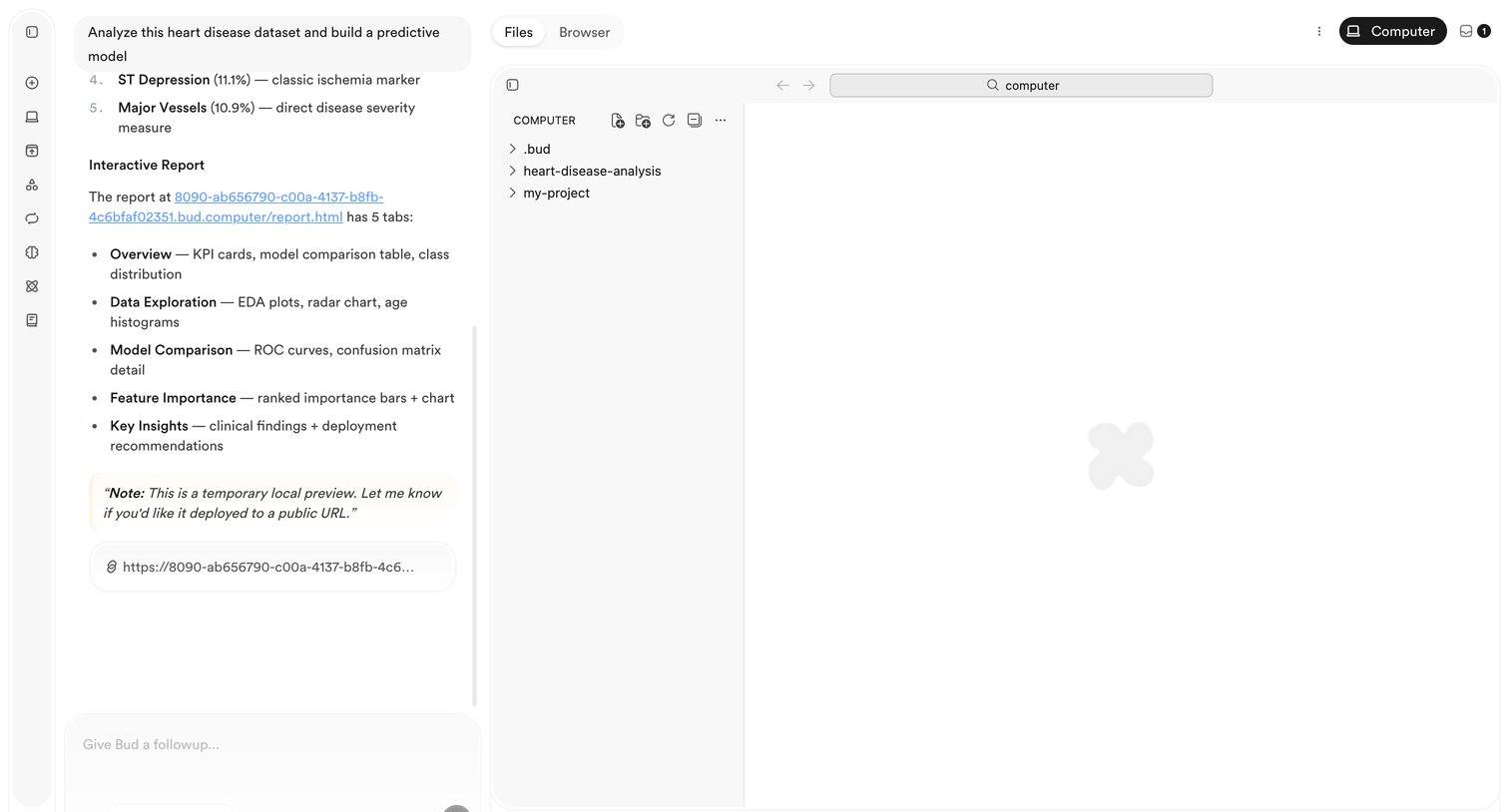

AI chat interface where the user prompts the assistant to analyze a heart disease dataset, featuring a conversational panel alongside a file browser and workspace.
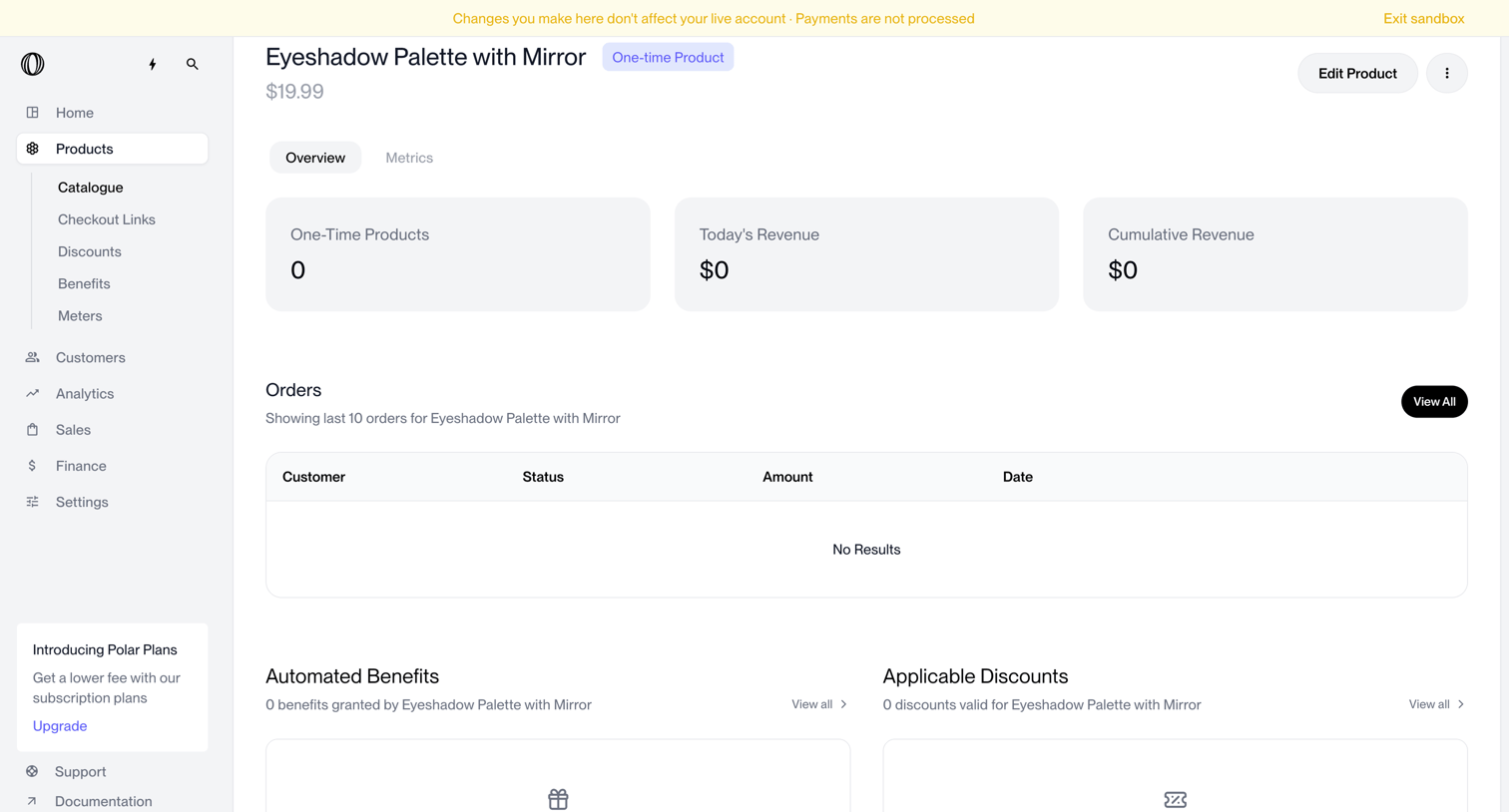

Detail page for a specific product showing zero revenue, no recent orders, and empty states for automated benefits and applicable discounts.
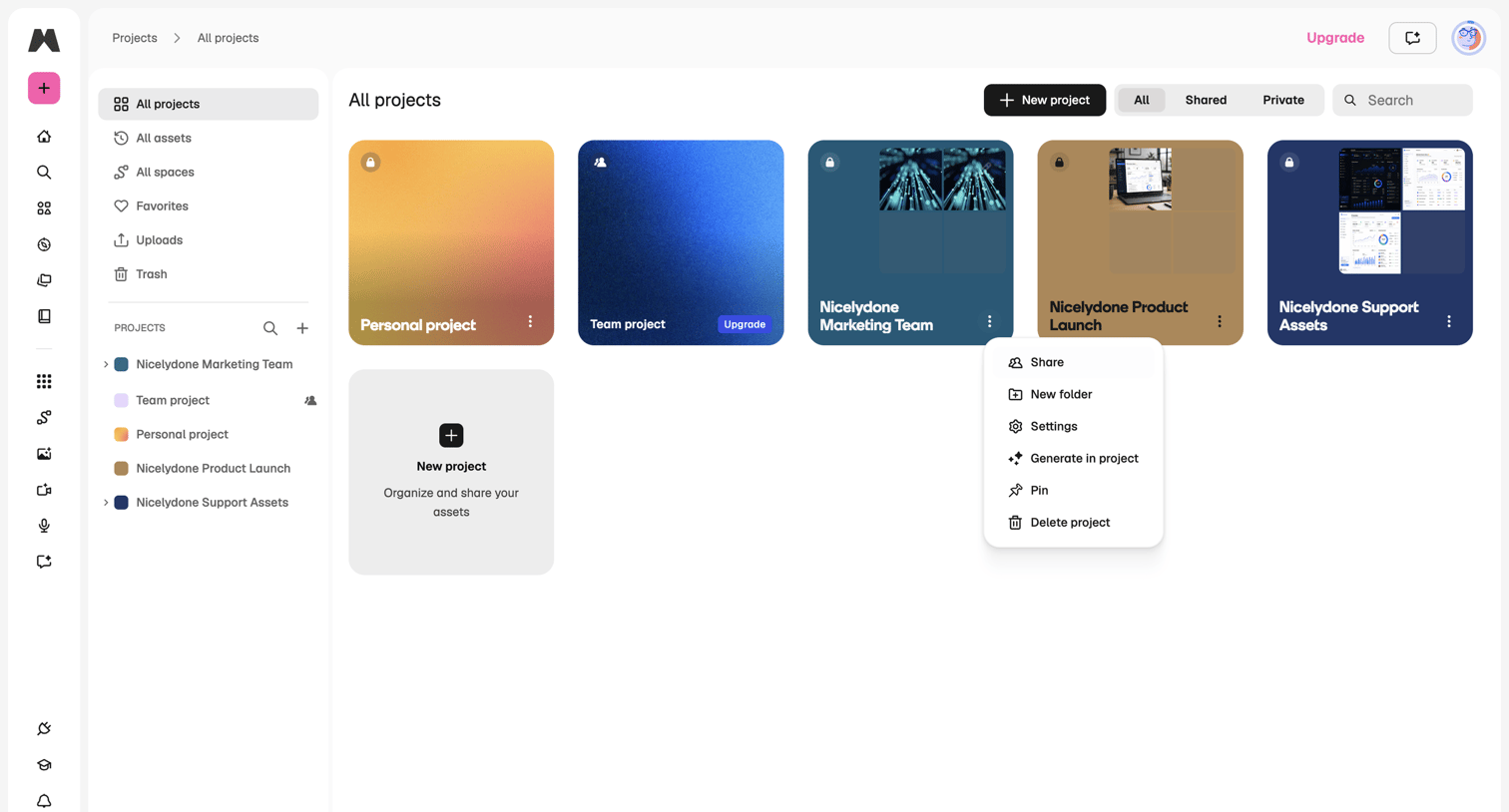

Projects gallery where the user browses and manages their personal and team projects.
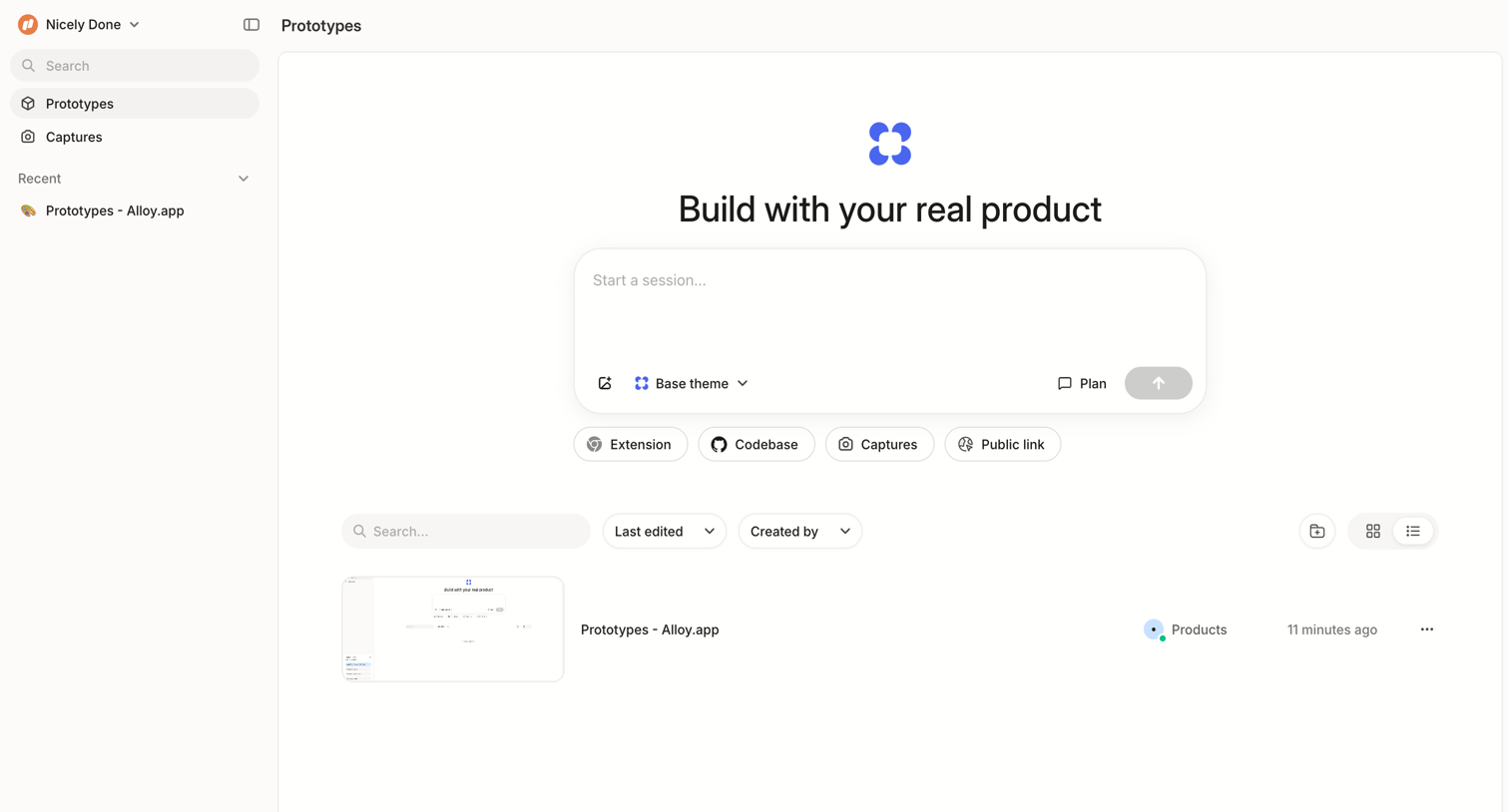

Home screen for prototypes where the user can start a new session via a large composer or browse recent prototype files.
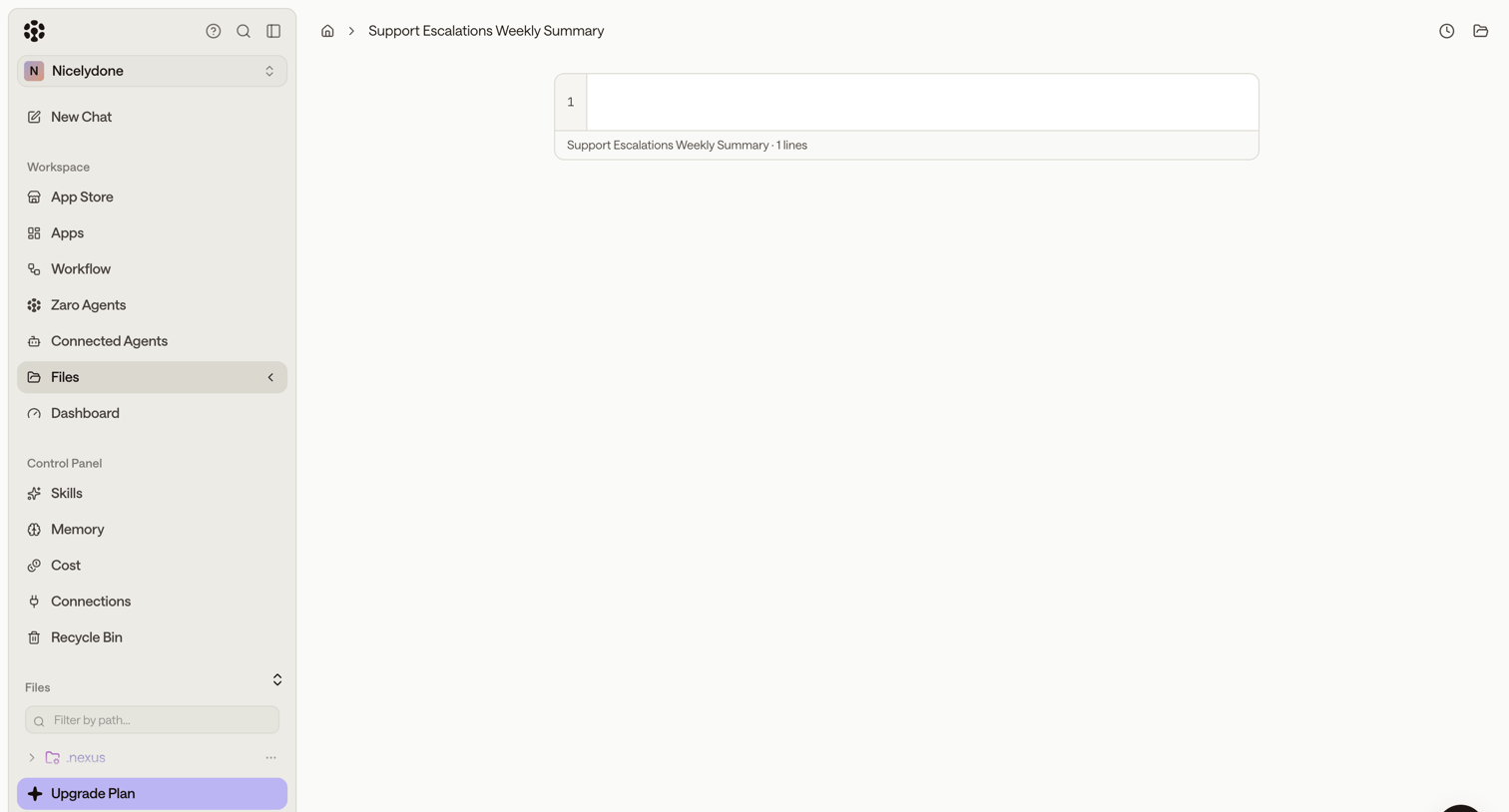

Code editor view displaying an empty file with a left sidebar for navigating agents, workflows, and files.
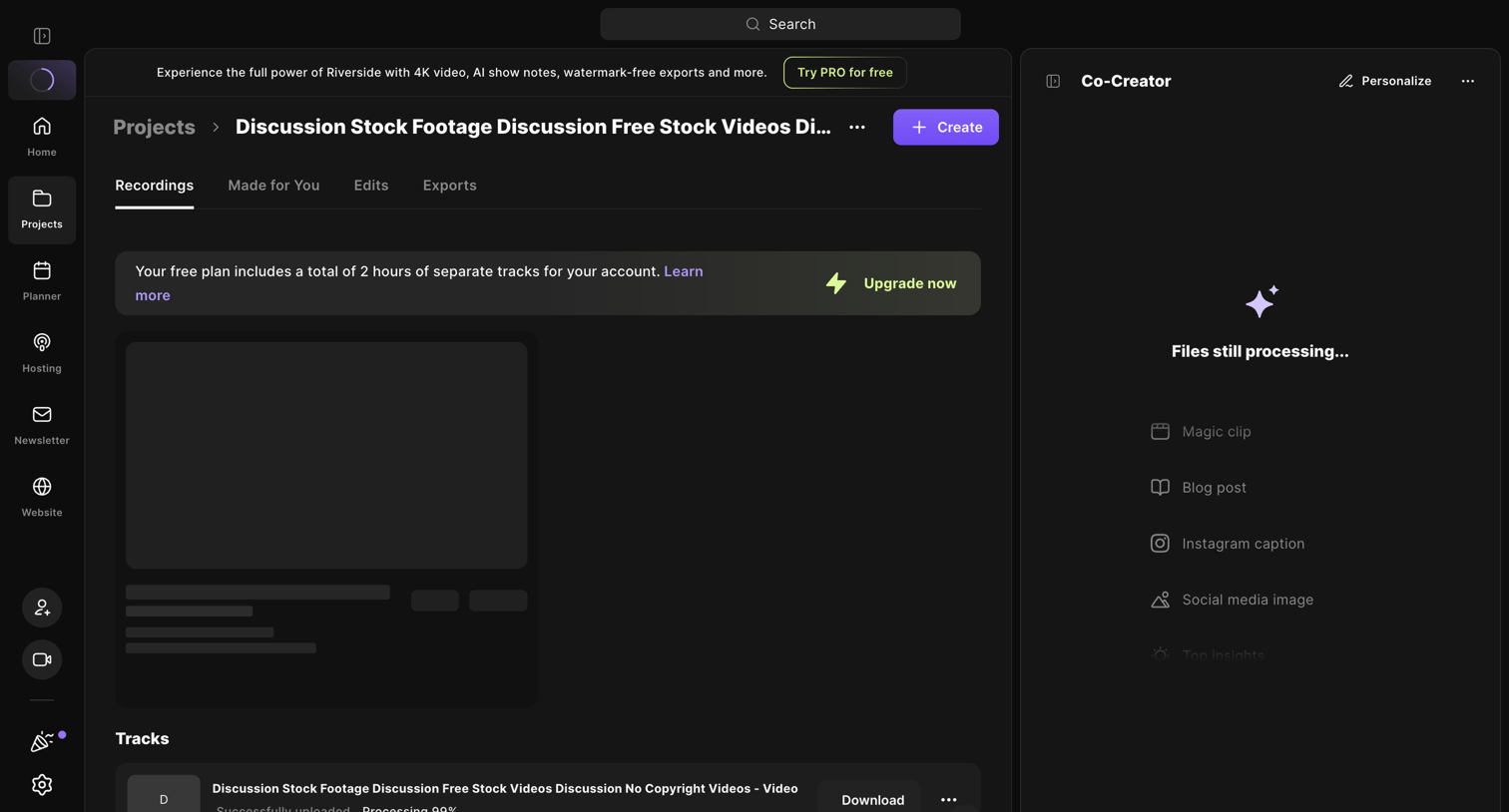

Detail page for a specific recording project where the user can view tracks, download assets, and wait for AI-generated content to finish processing.
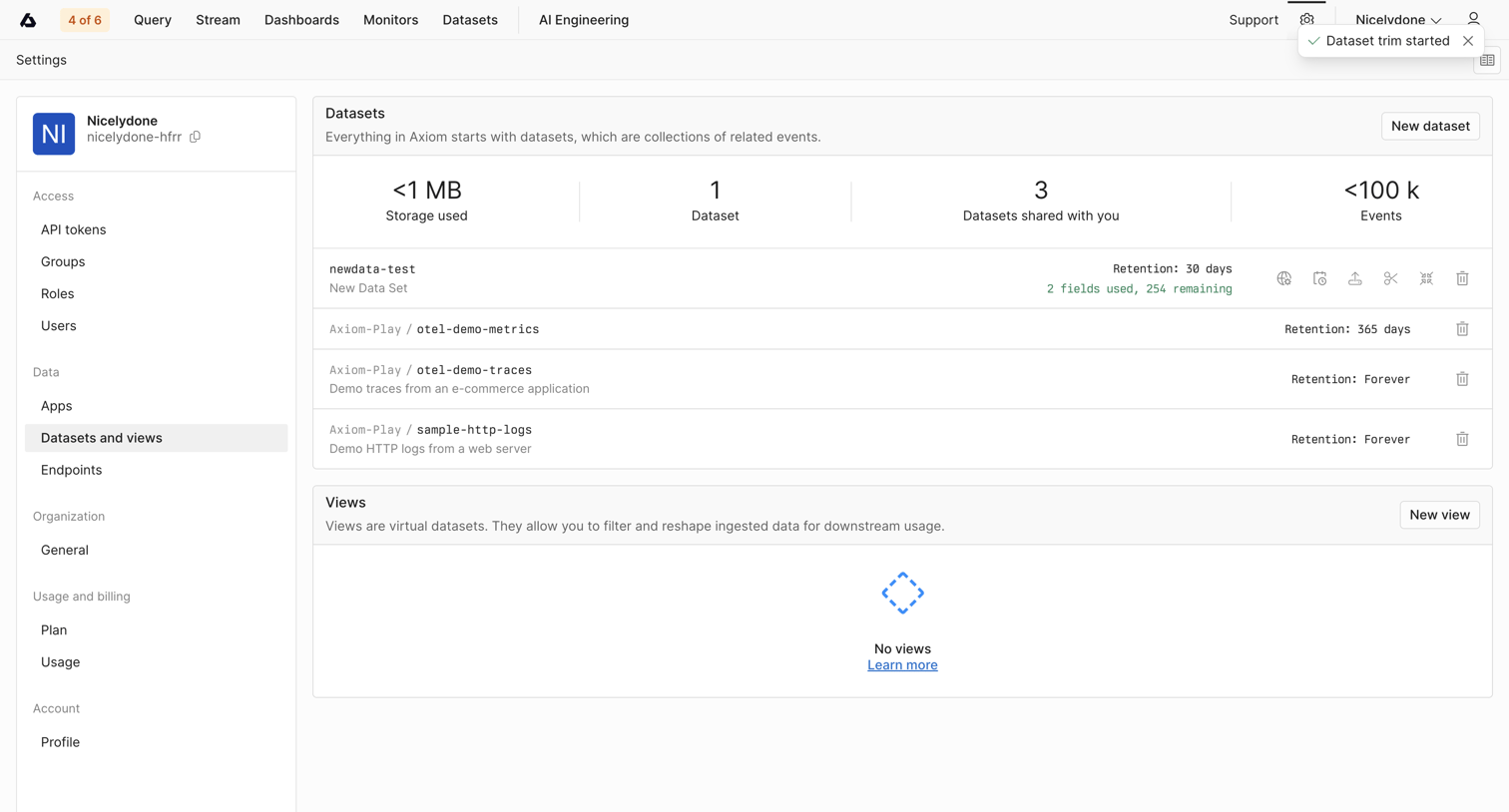

Settings page where the user manages datasets and views, monitors storage usage and event counts via KPI tiles, and can create new datasets.
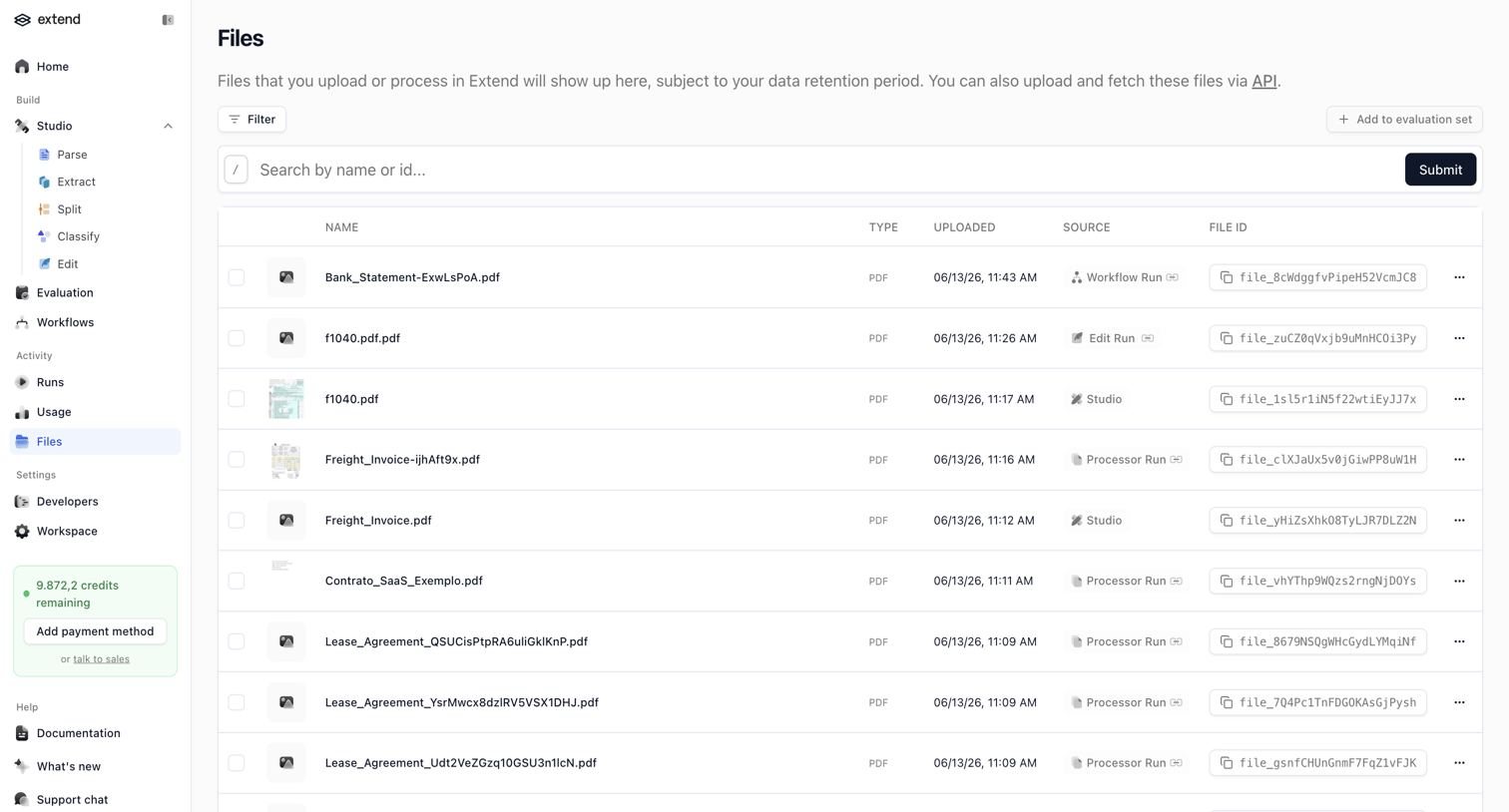

List view where the user searches and manages uploaded files, featuring a data table and a sidebar with a credit usage prompt.
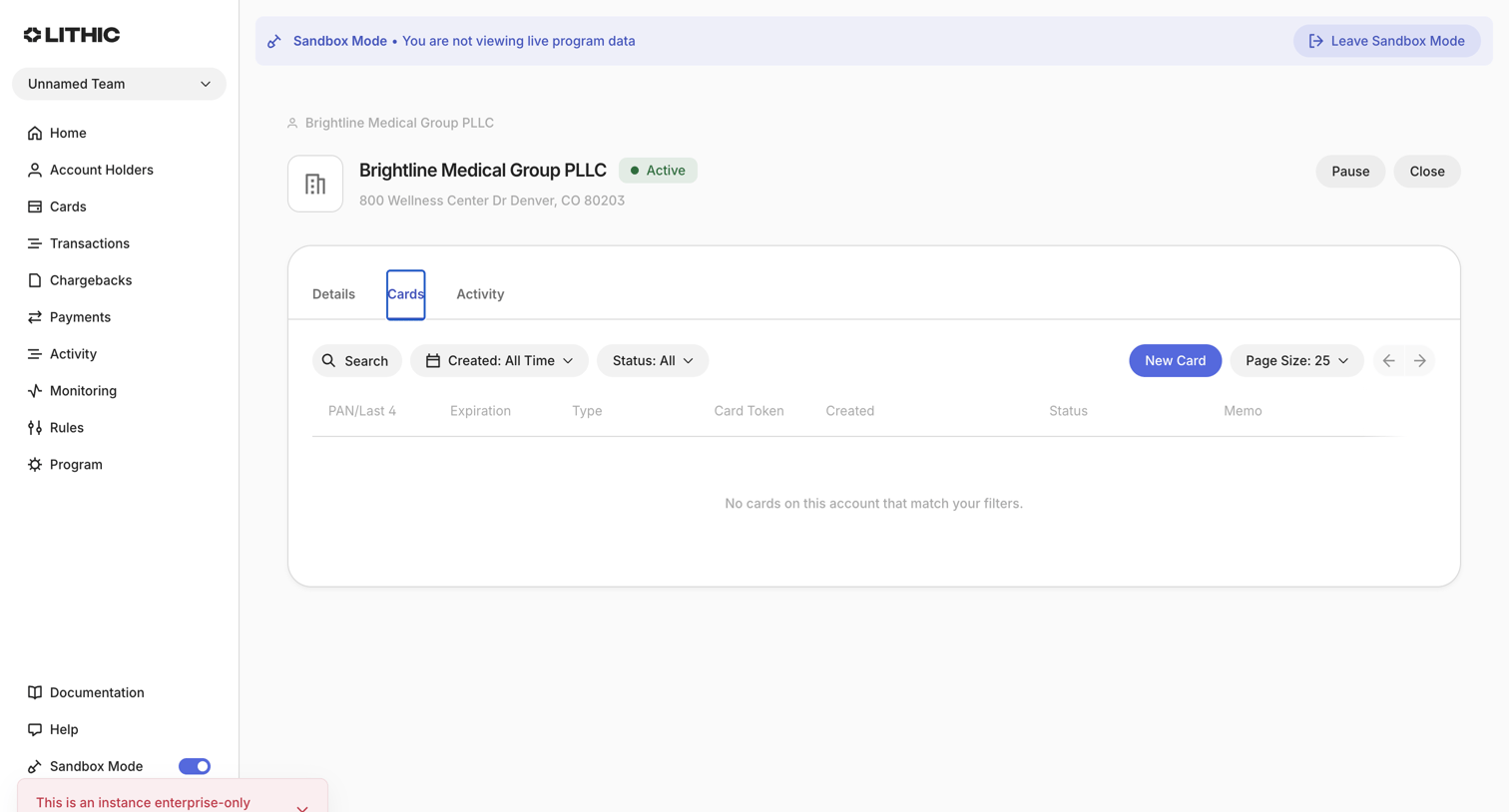

Detail page for a specific account holder showing a list of associated cards, currently in an empty state.
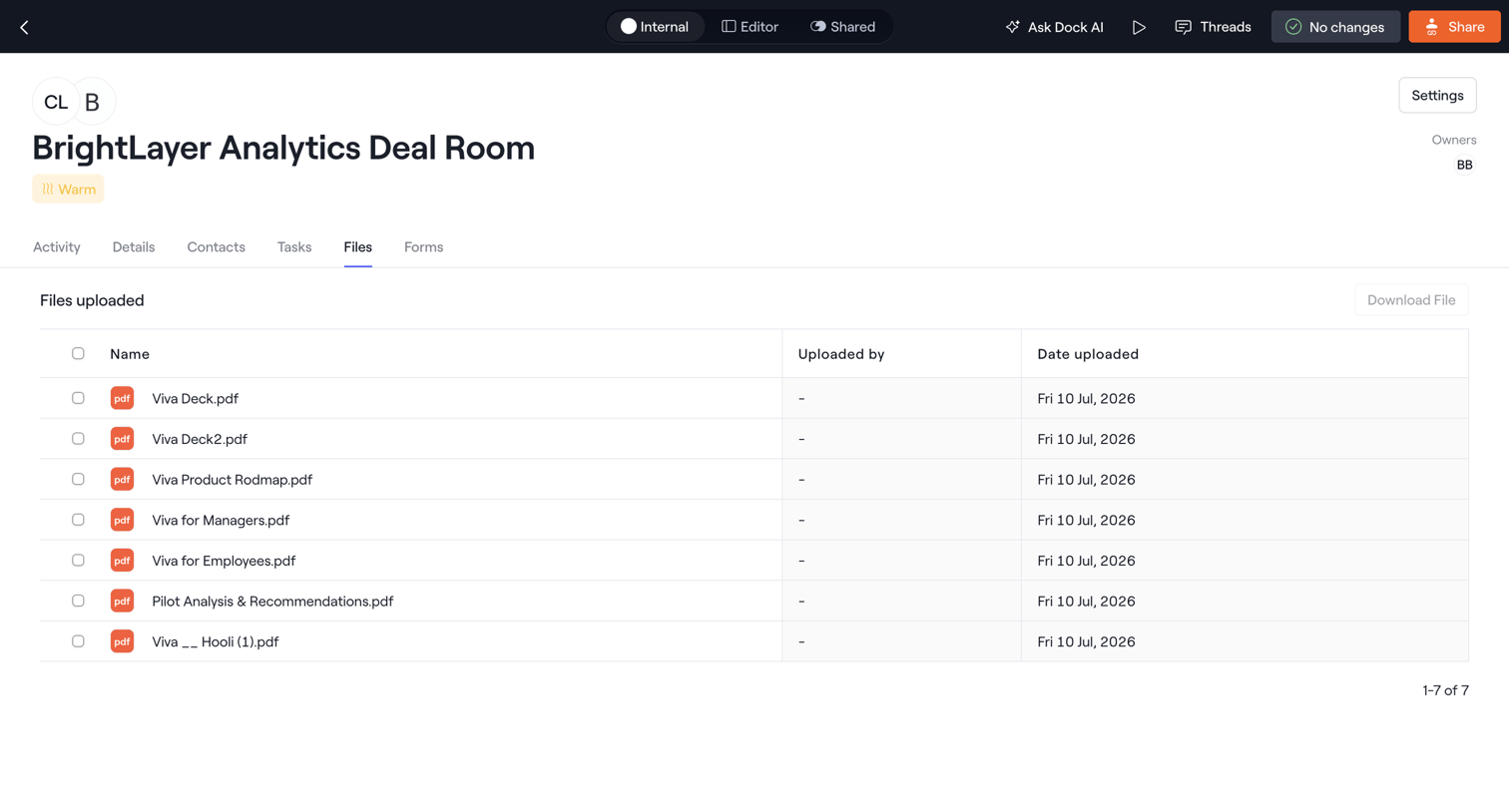

List view where the user browses and downloads PDF files uploaded to a specific deal room.
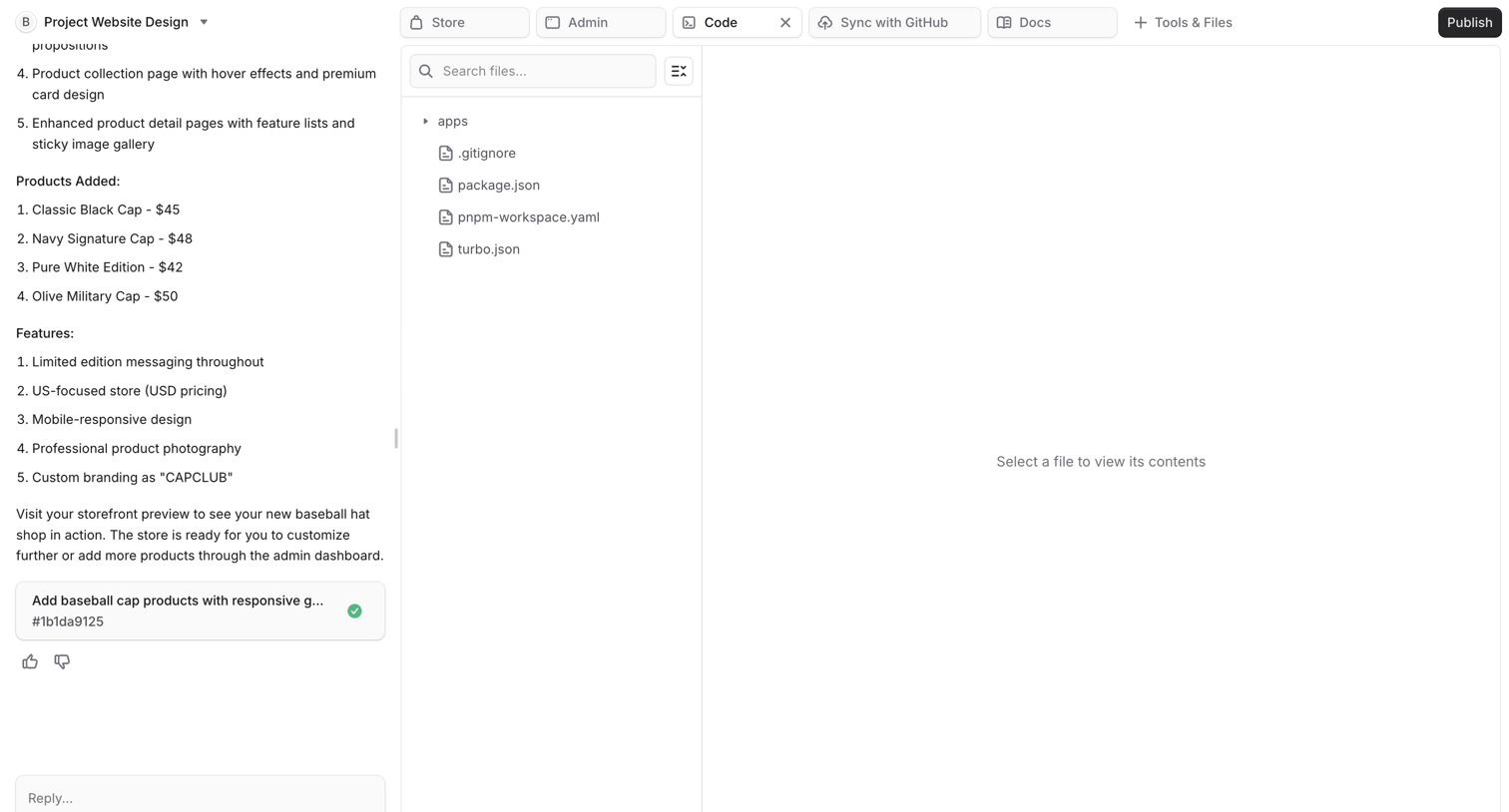

Code editor workspace where the user interacts with an AI assistant to build a project, featuring a file explorer and an empty code view.
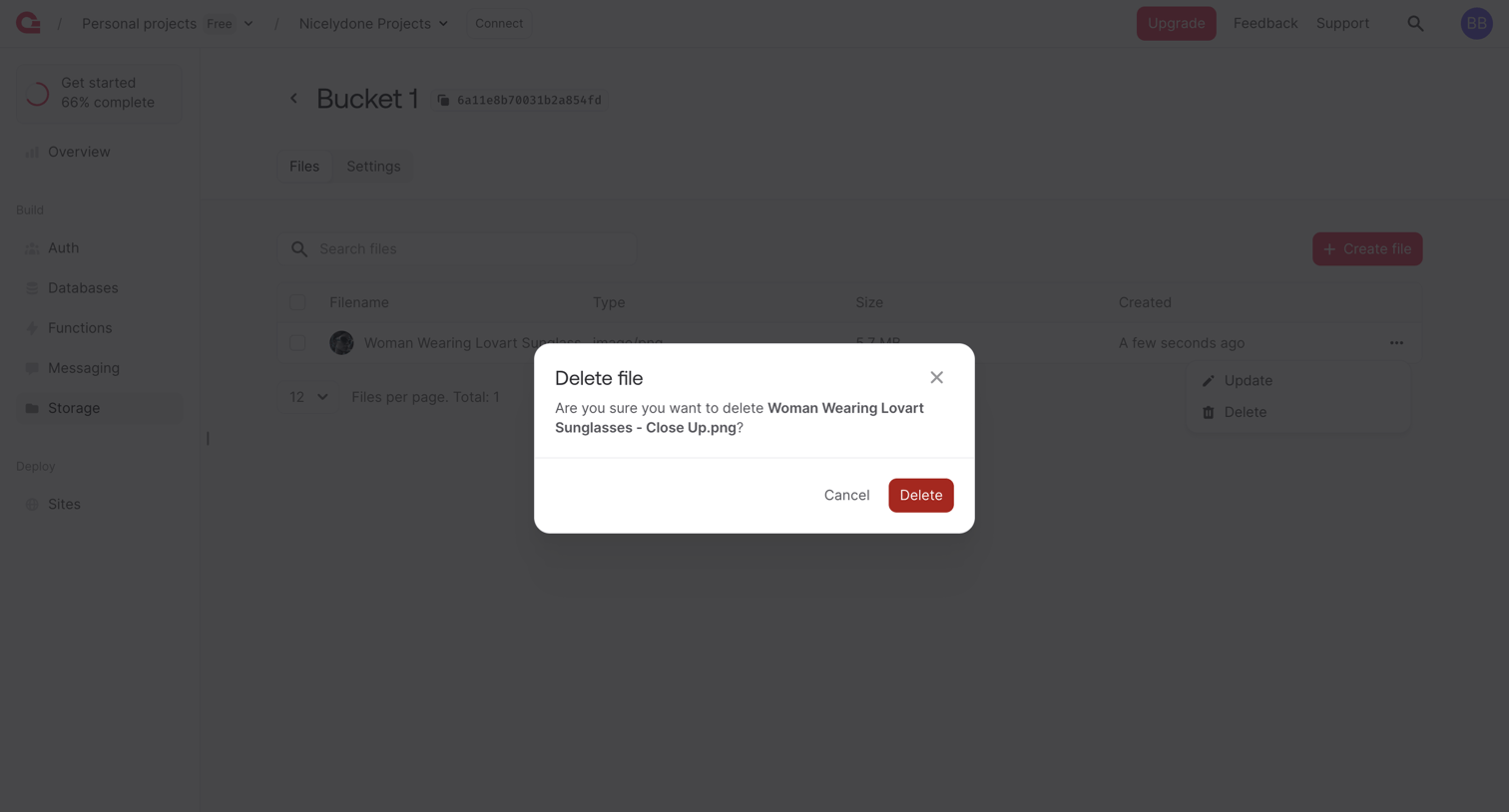

List view of a storage bucket where the user is prompted to confirm the deletion of a specific image file.
Explore the full SaaS screen library
Upgrade to unlock the full library.
Trusted by the best teams








About Files
Explore how apps organize files, folders, and documents. Look at how item details, location, and file actions work together in list, grid, and detail views.