AI Generation screen examples
AI Generation screen design examples from SaaS apps. See how apps turn a prompt into a request for generated content. Explore layouts that bring together instructions, generation settings, and space to inspect…
Explore the examples
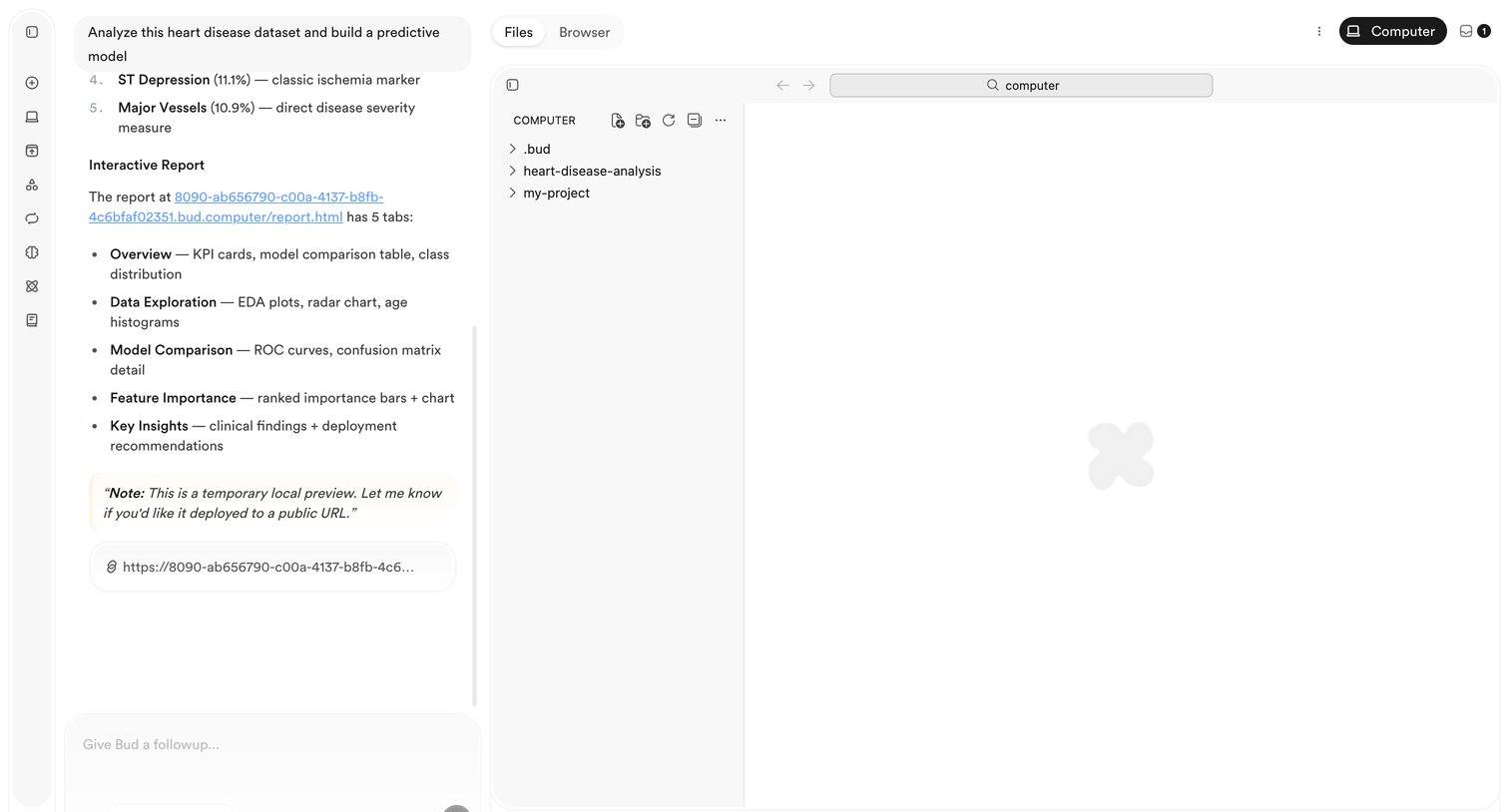

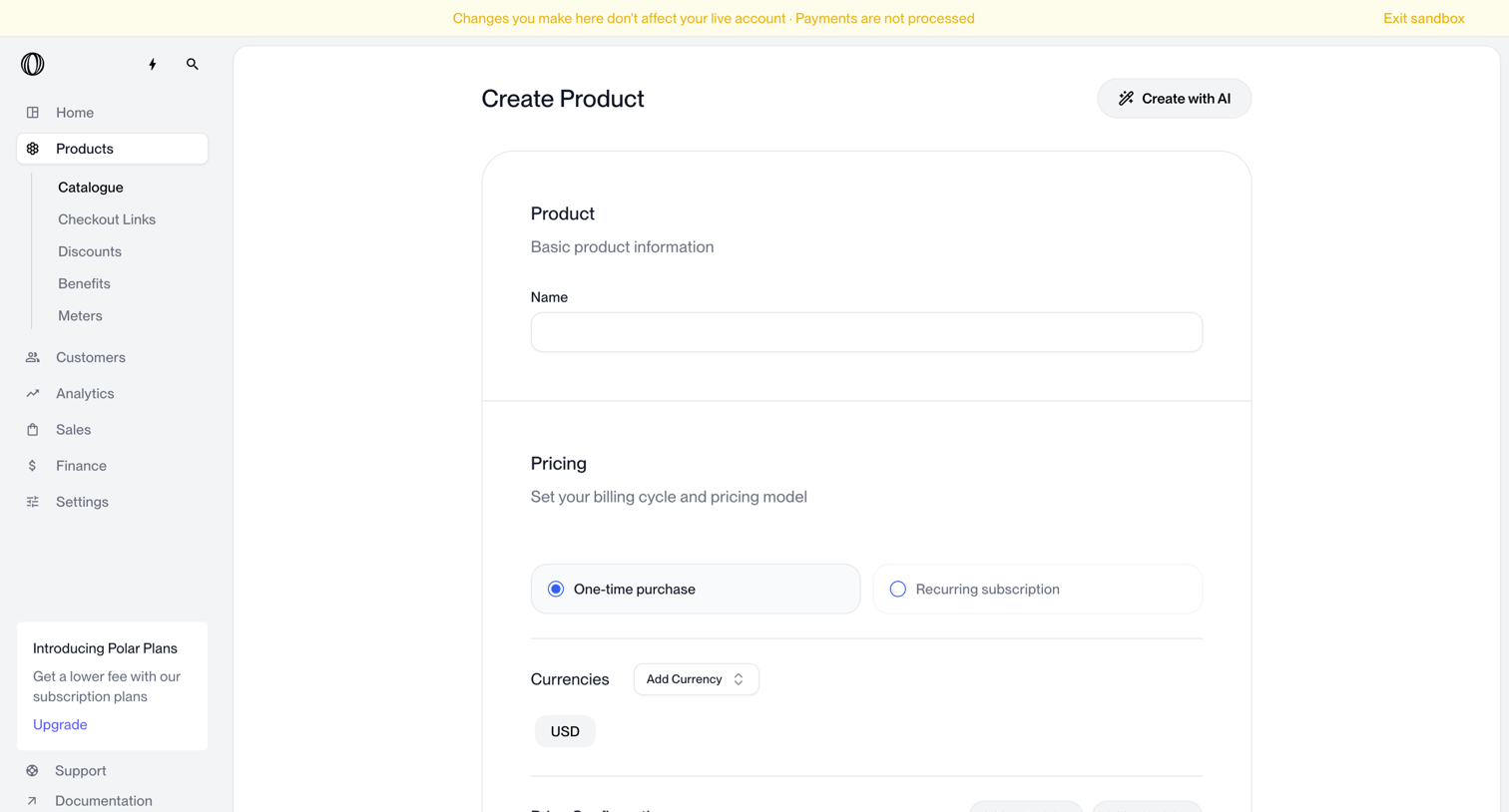

Product creation page where the user configures basic product information, a pricing model, and supported currencies.
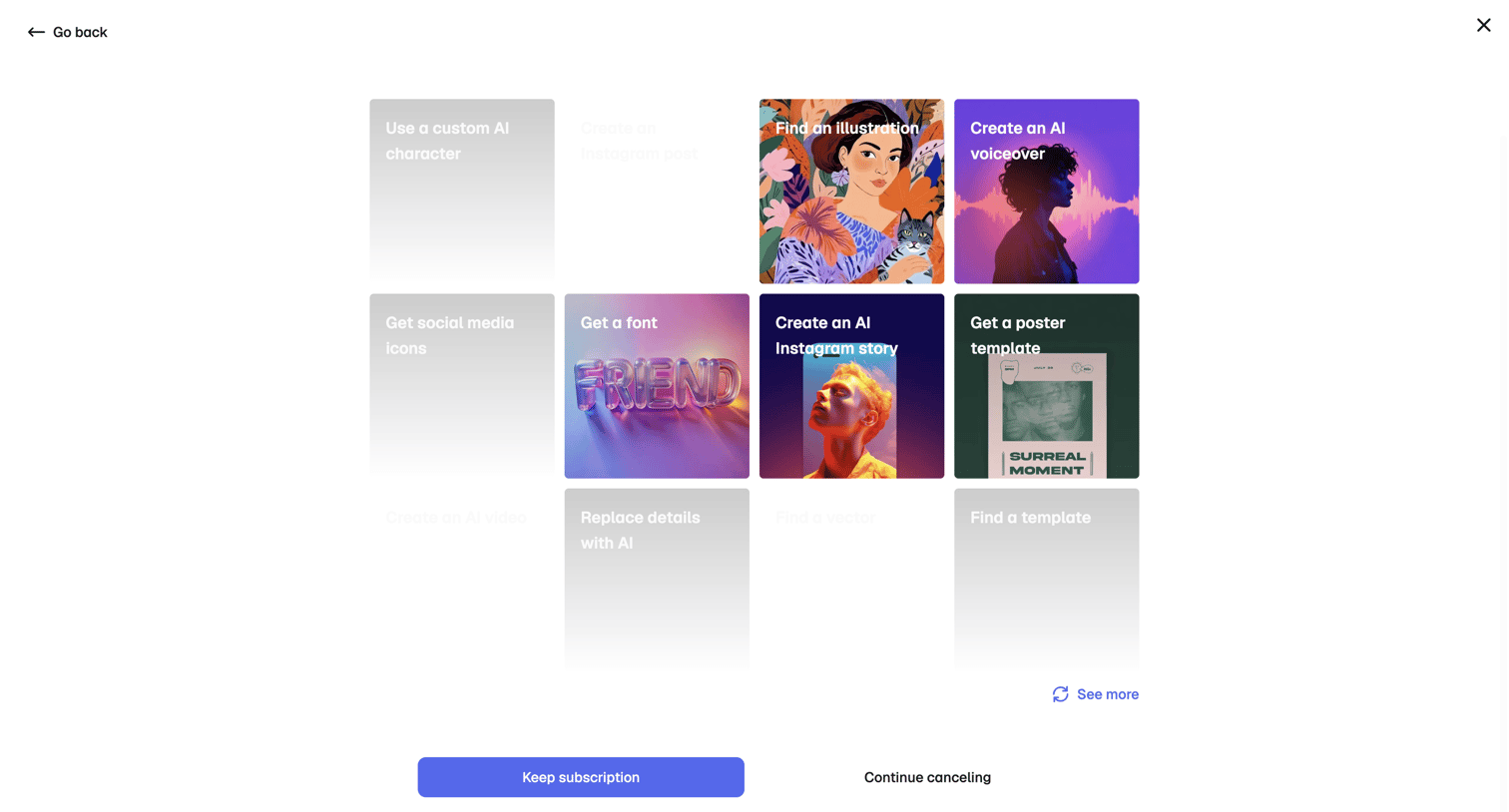

Settings screen where the user is presented with a grid of AI generation templates to encourage them to keep their subscription instead of canceling.
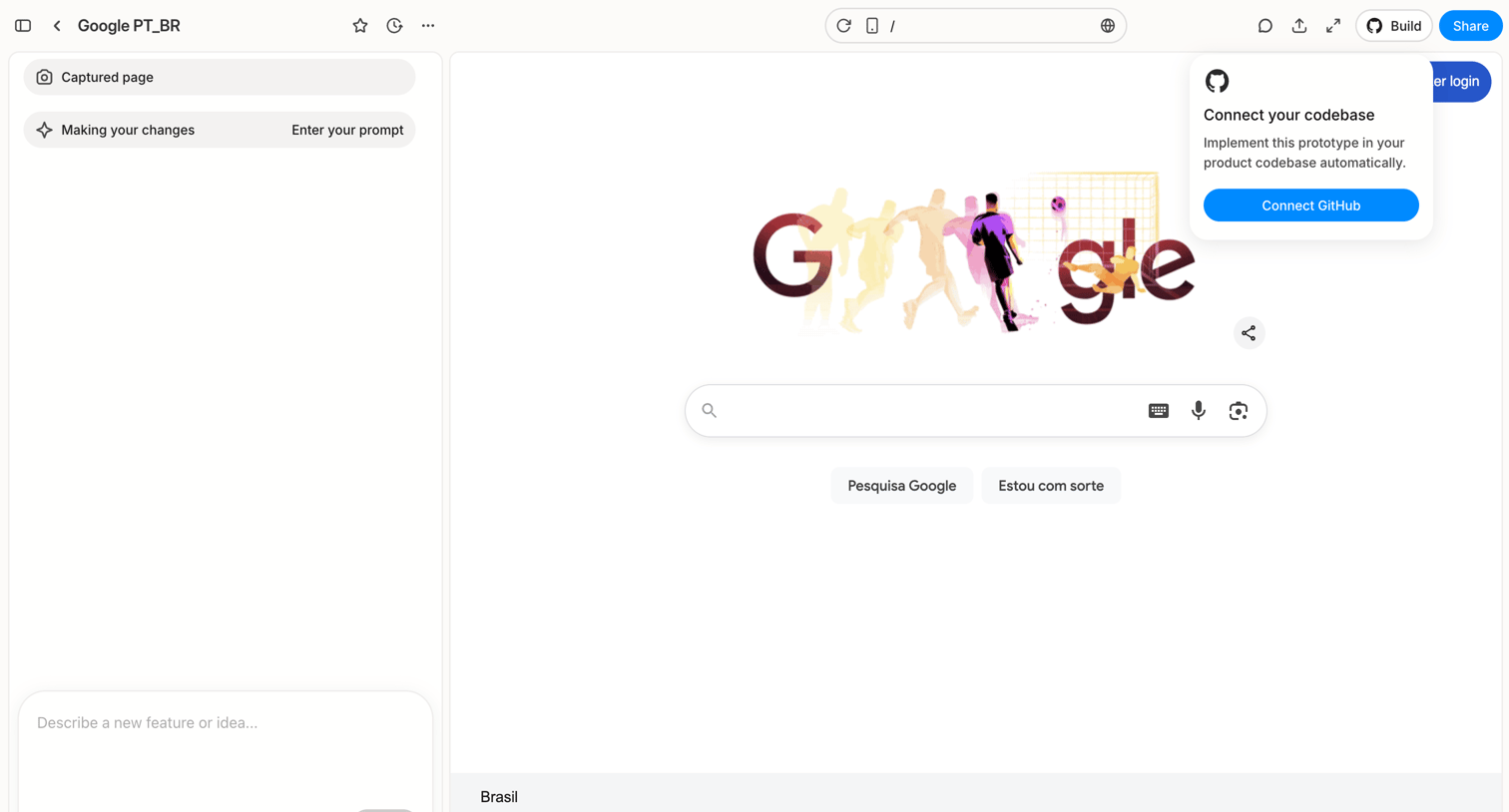

Design editor where the user prompts an AI to modify a captured webpage, with an active popover suggesting to connect a GitHub codebase.
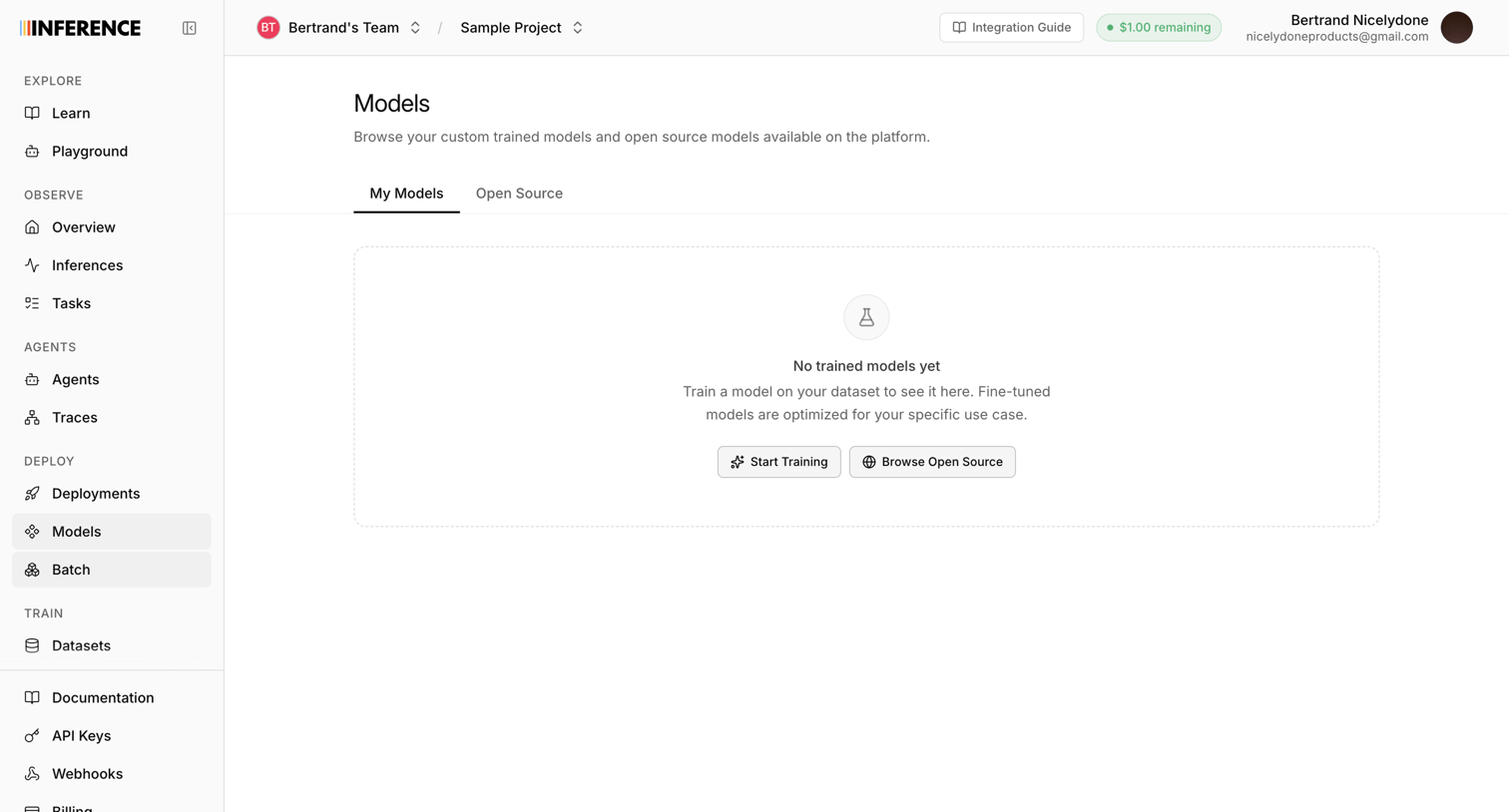

List view where the user manages custom trained and open source models, currently showing an empty state with a prompt to start training.
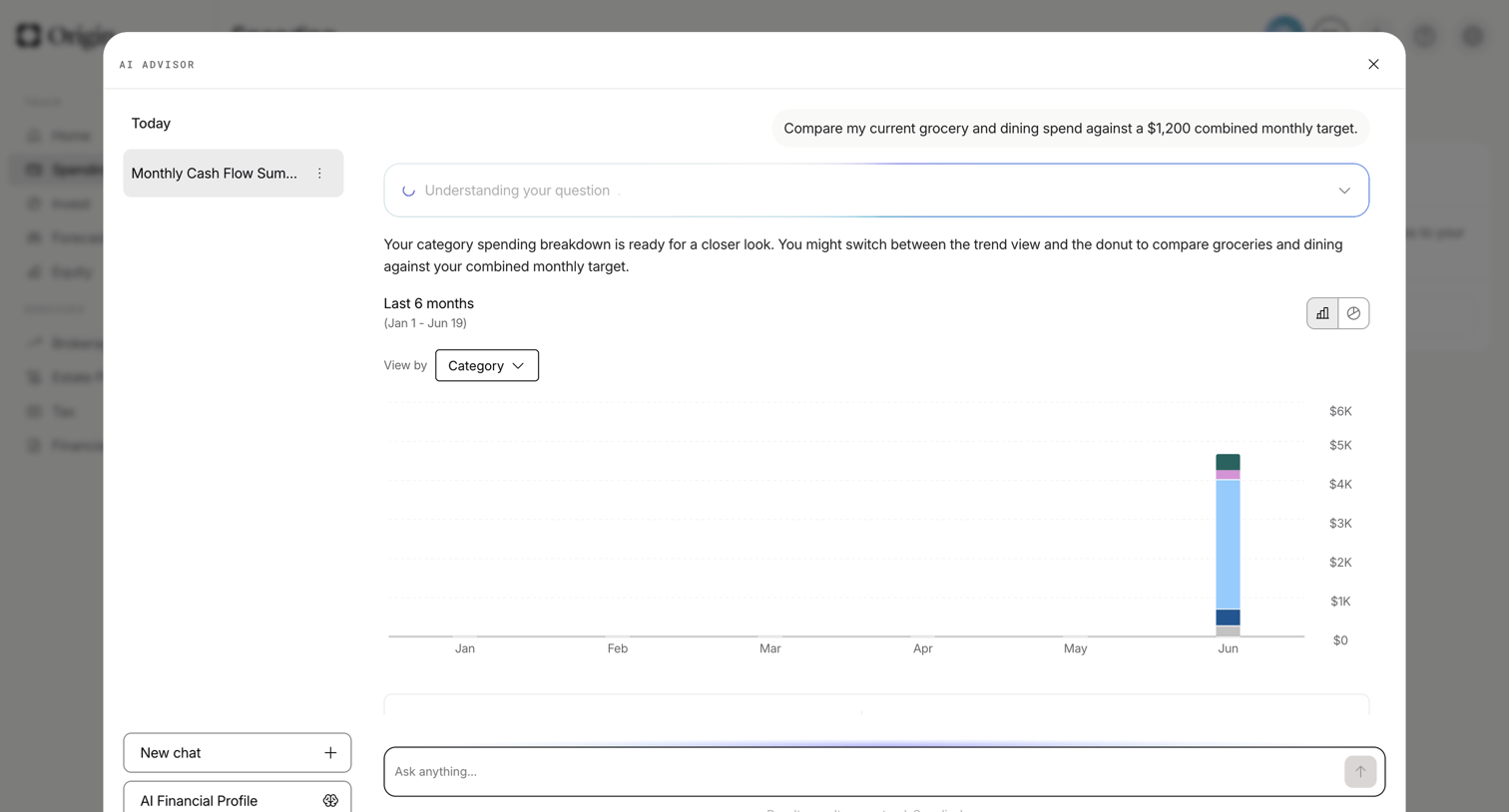

AI advisor modal where the user compares grocery and dining spend against a monthly target via a generated bar chart.
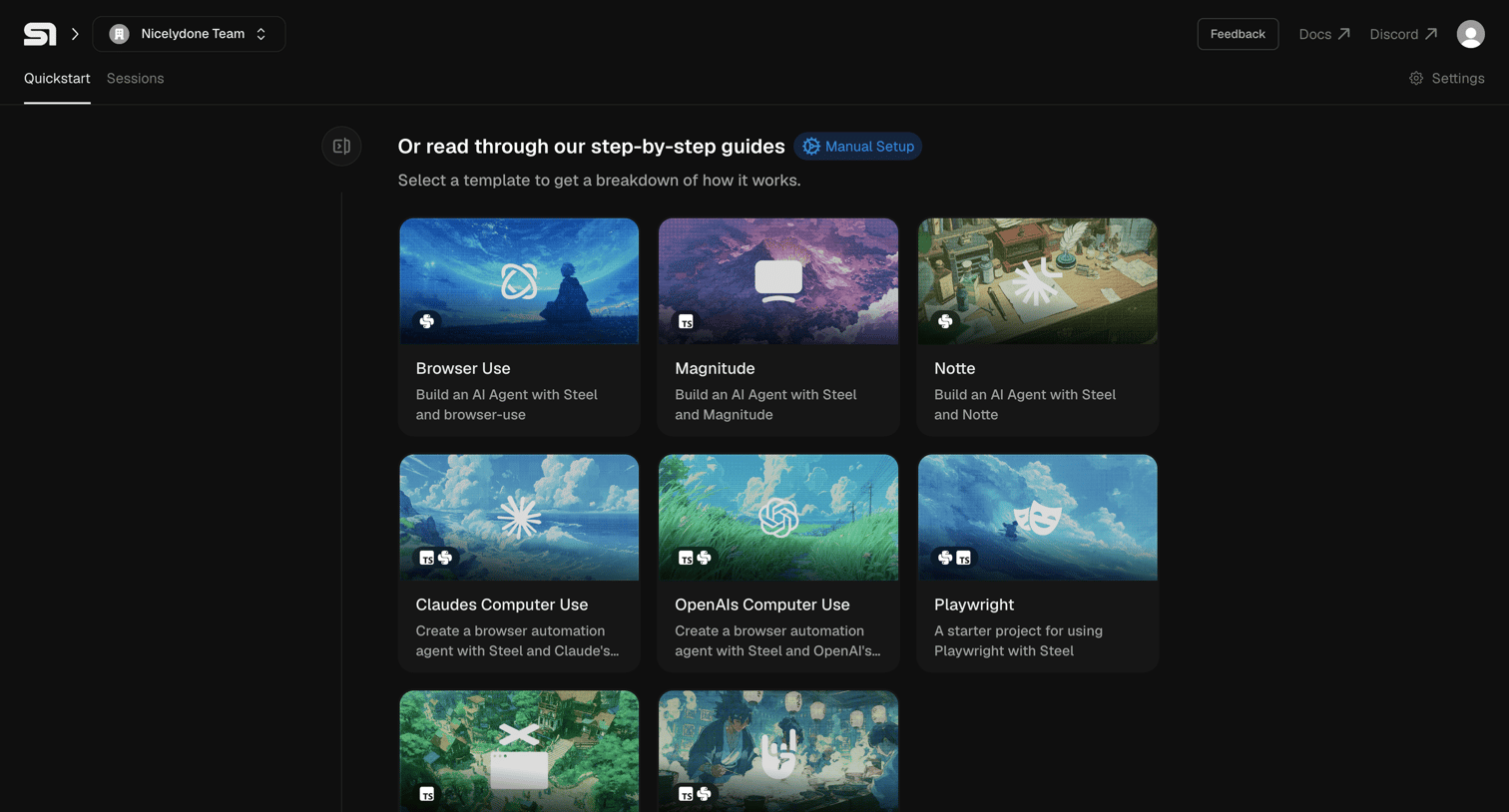

Onboarding screen where the user selects a starter template to build a browser automation AI agent with various frameworks.
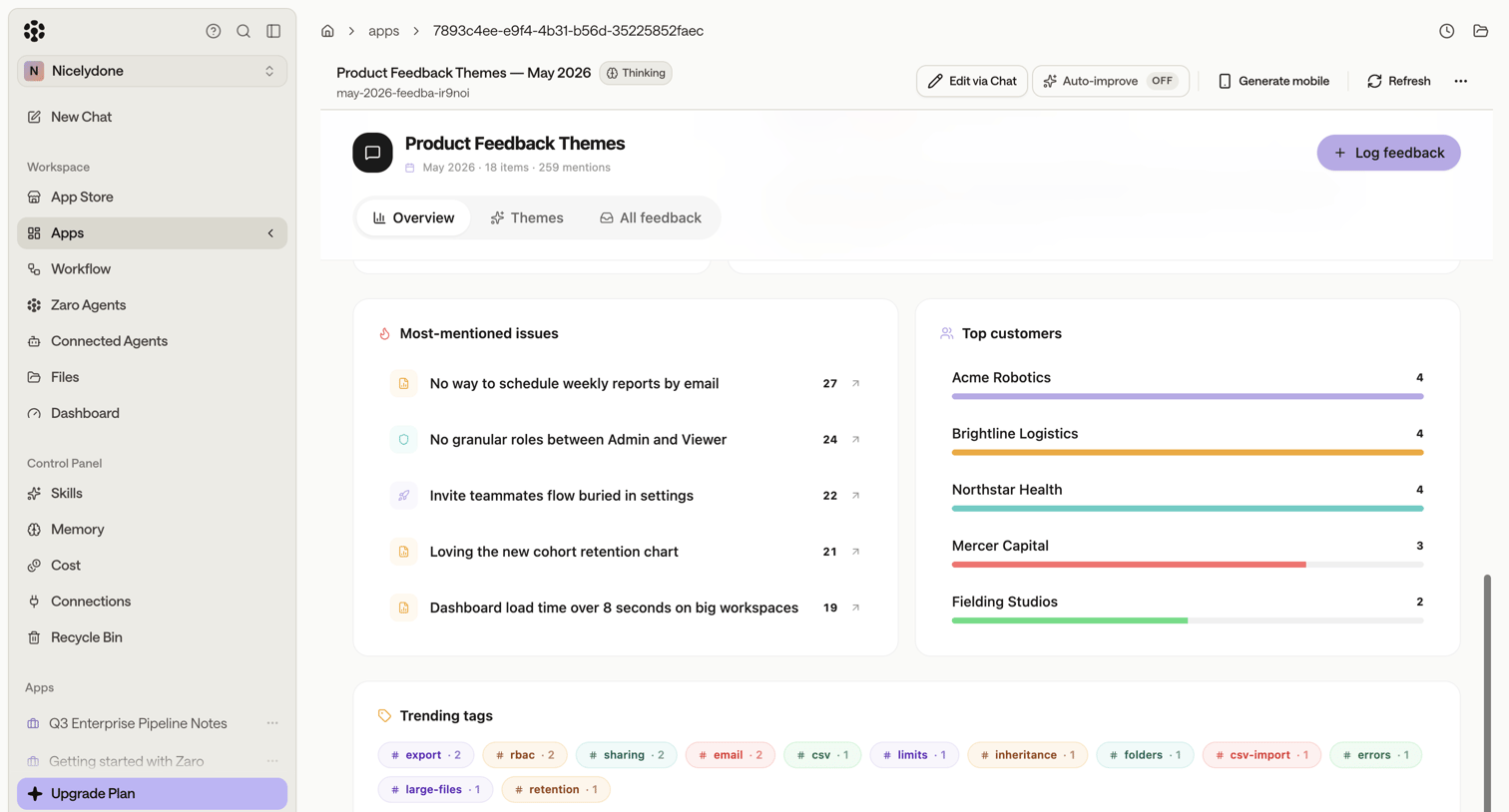

Analytics dashboard where the team reviews product feedback themes, most-mentioned issues, top customers, and trending tags.
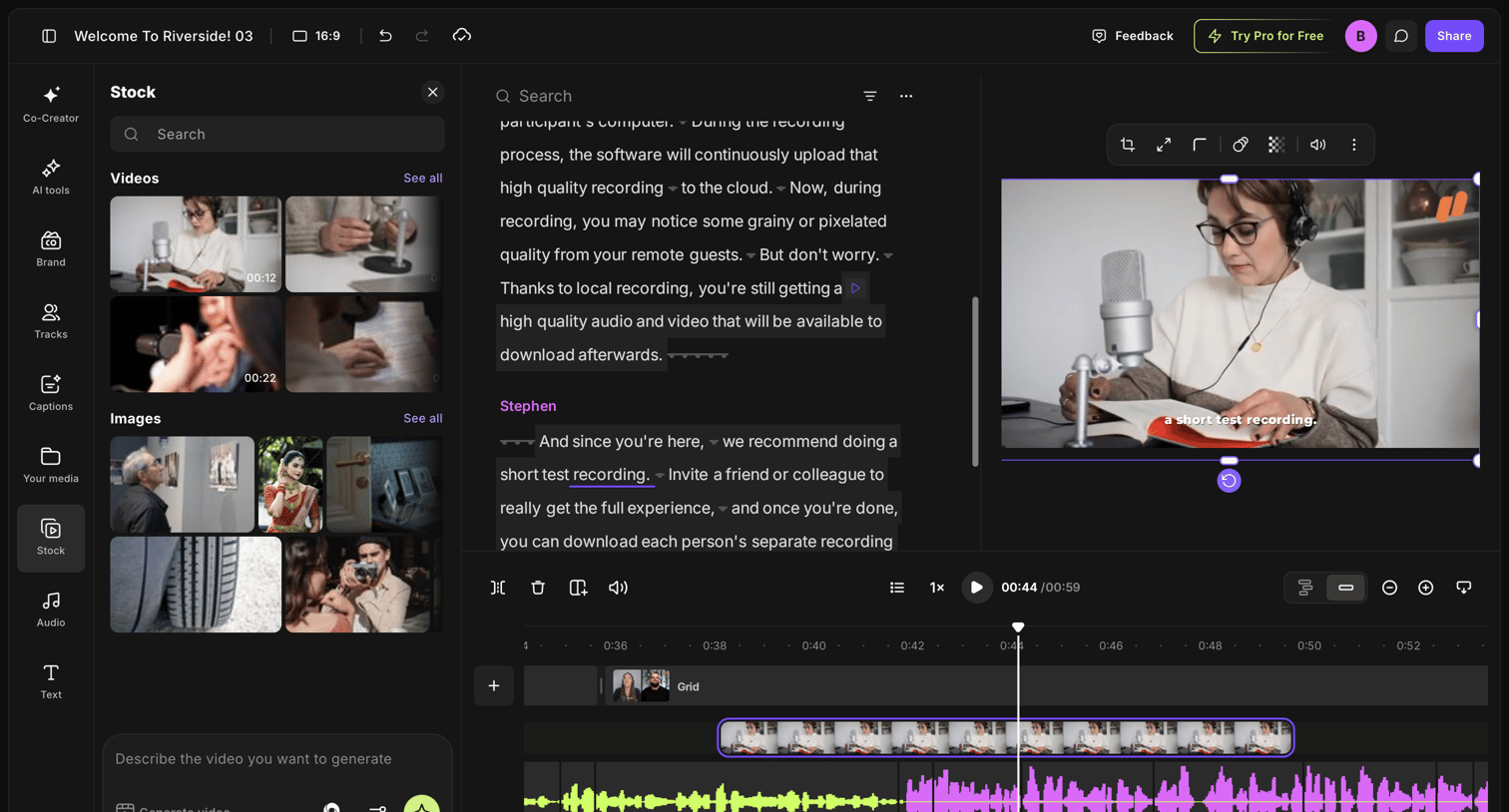

Video editor where the user modifies a recording via an interactive transcript and timeline, with a stock media and AI generation panel open.
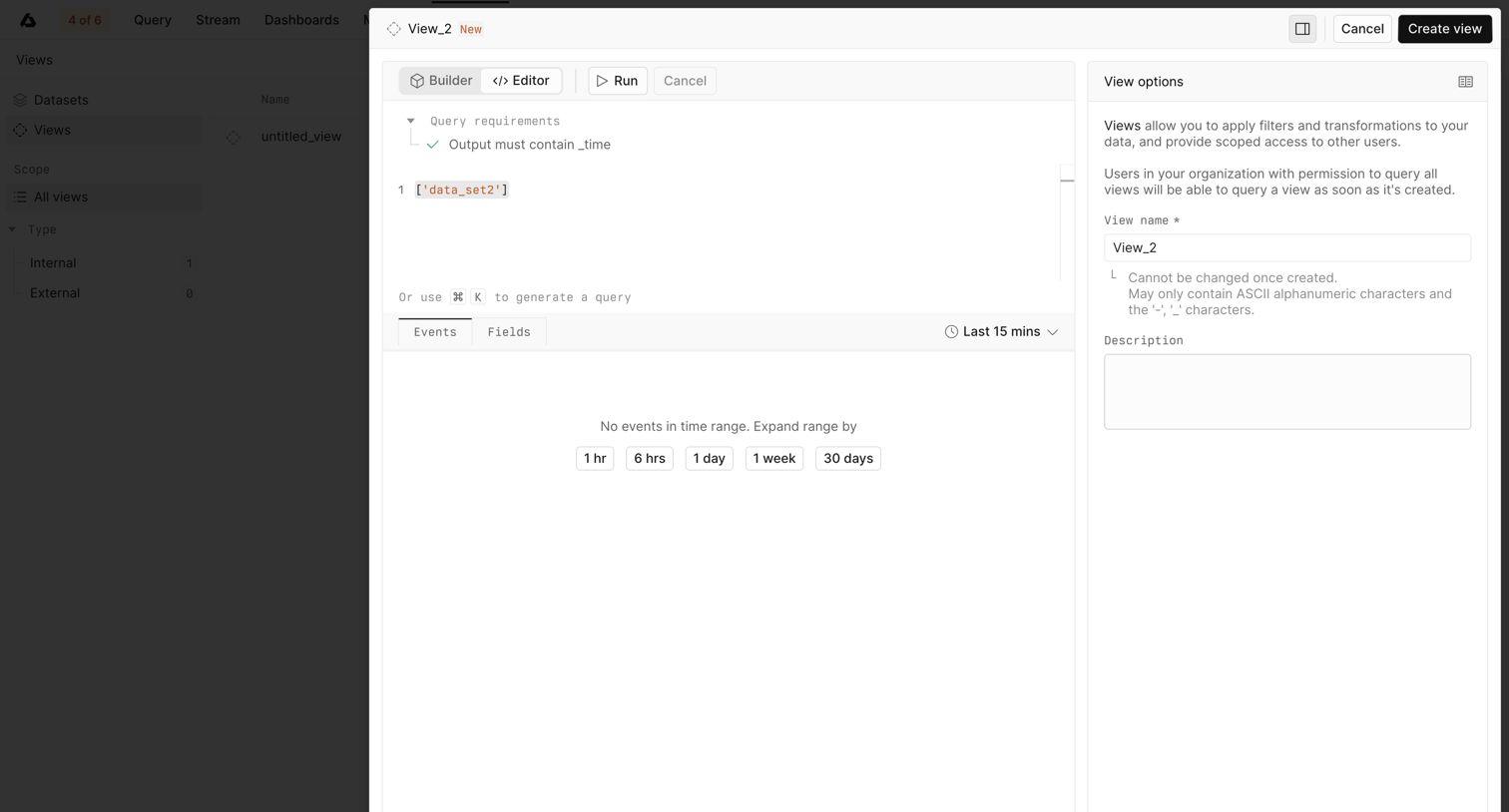

Creation overlay where the user writes a query to define a new view and configures its name and description in a side panel.
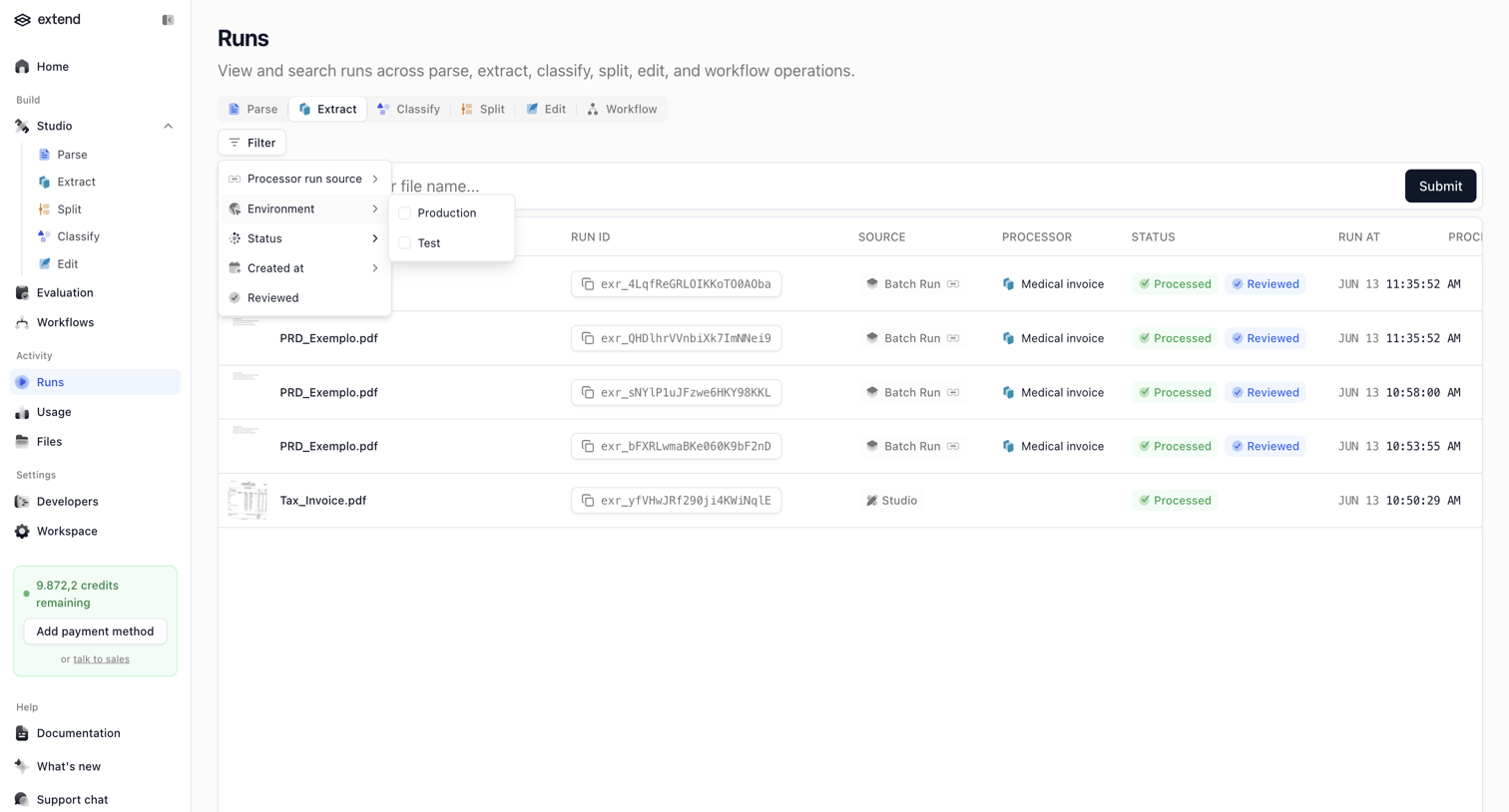

List view where the user searches and filters through past AI workflow runs like parse, extract, and classify operations.
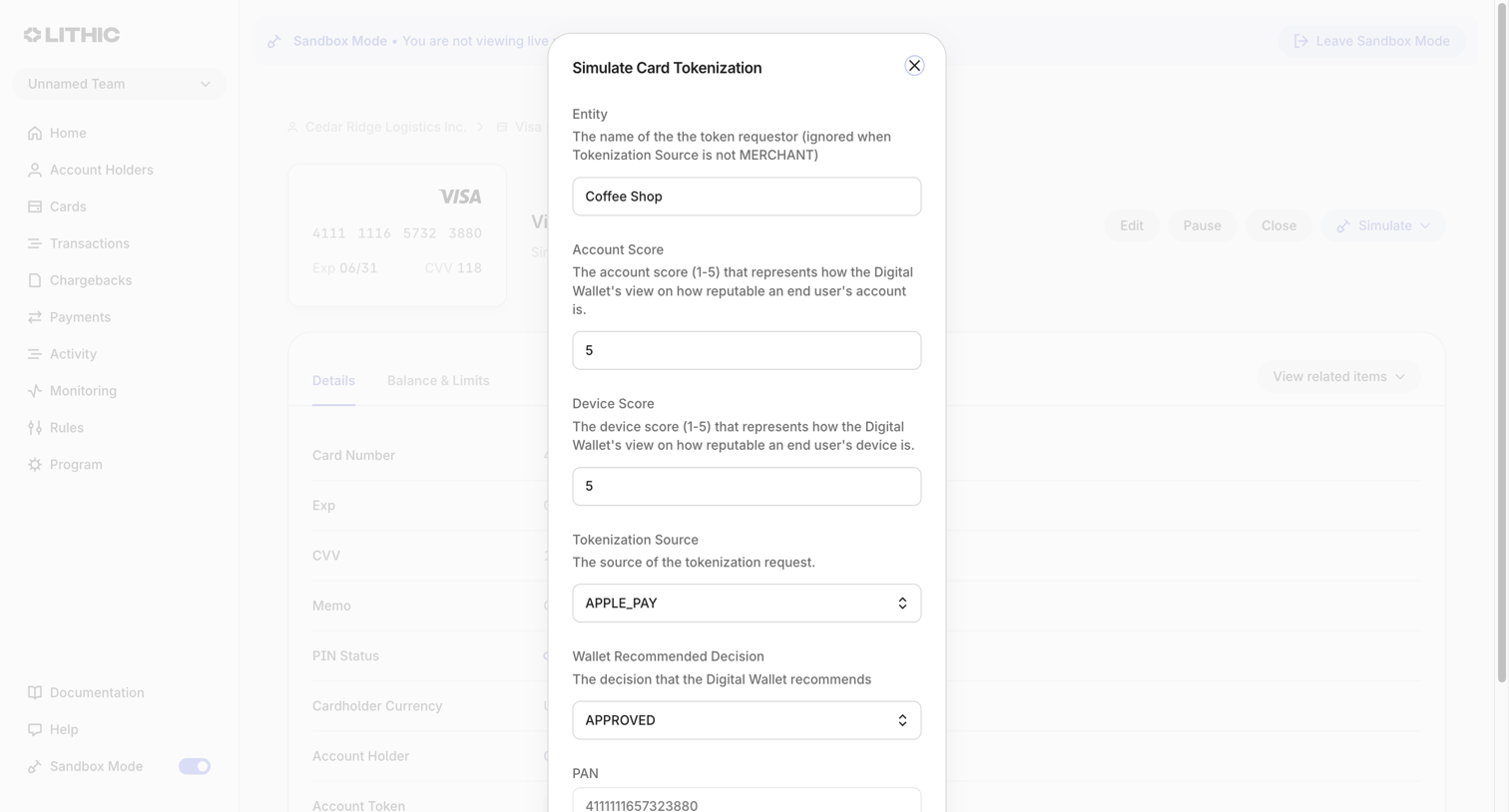

Detail page where the user fills out a modal form to simulate a Visa card tokenization request in a sandbox environment.
Explore the full SaaS screen library
Upgrade to unlock the full library.
Trusted by the best teams








About AI Generation
See how apps turn a prompt into a request for generated content. Explore layouts that bring together instructions, generation settings, and space to inspect the output.