AI Summary screen examples
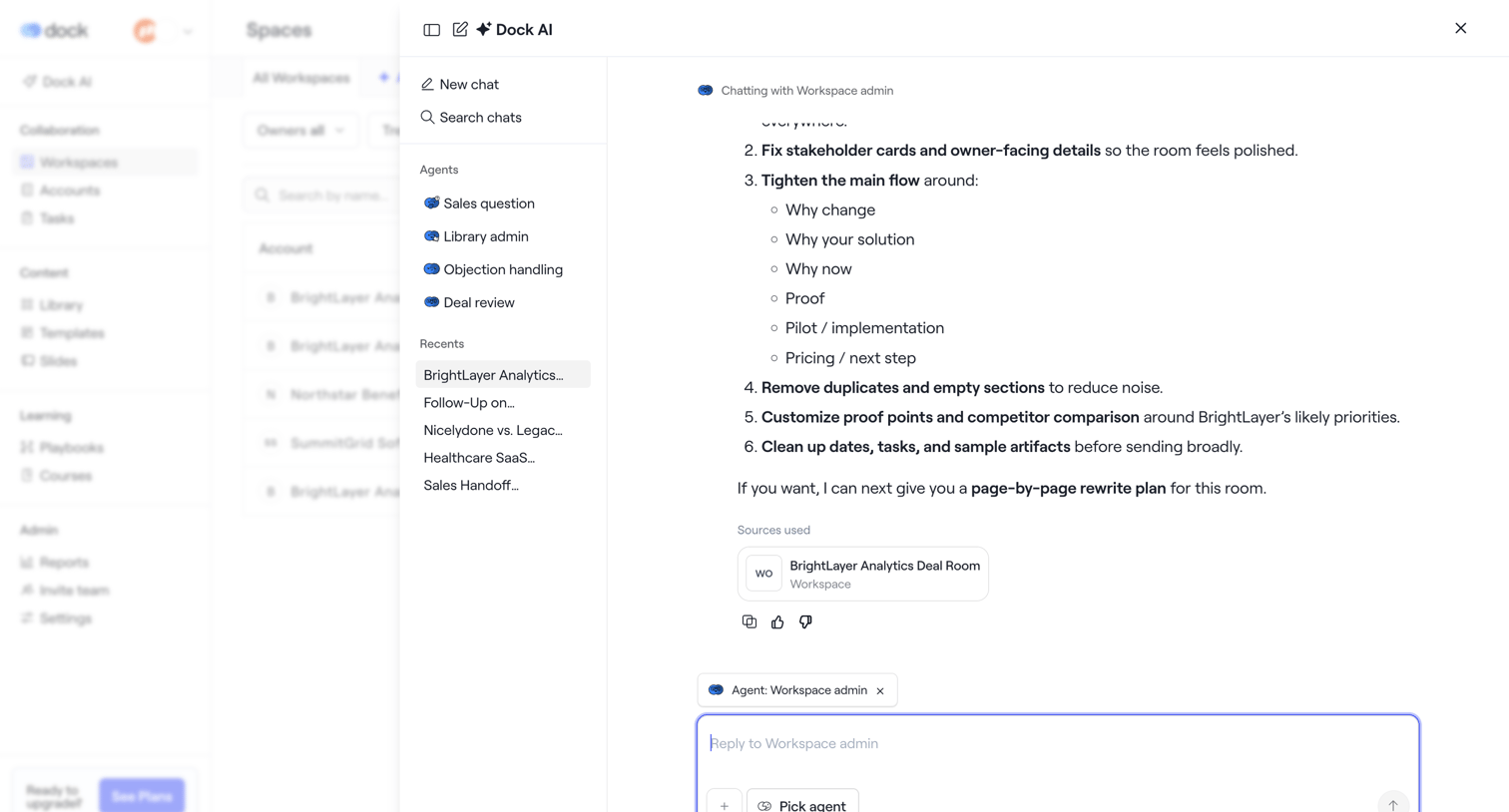
AI Summary screen design examples from SaaS apps. Explore how apps present condensed versions of longer content. Look at how an AI summary sits alongside the source material and the controls for reading…
Explore the examples
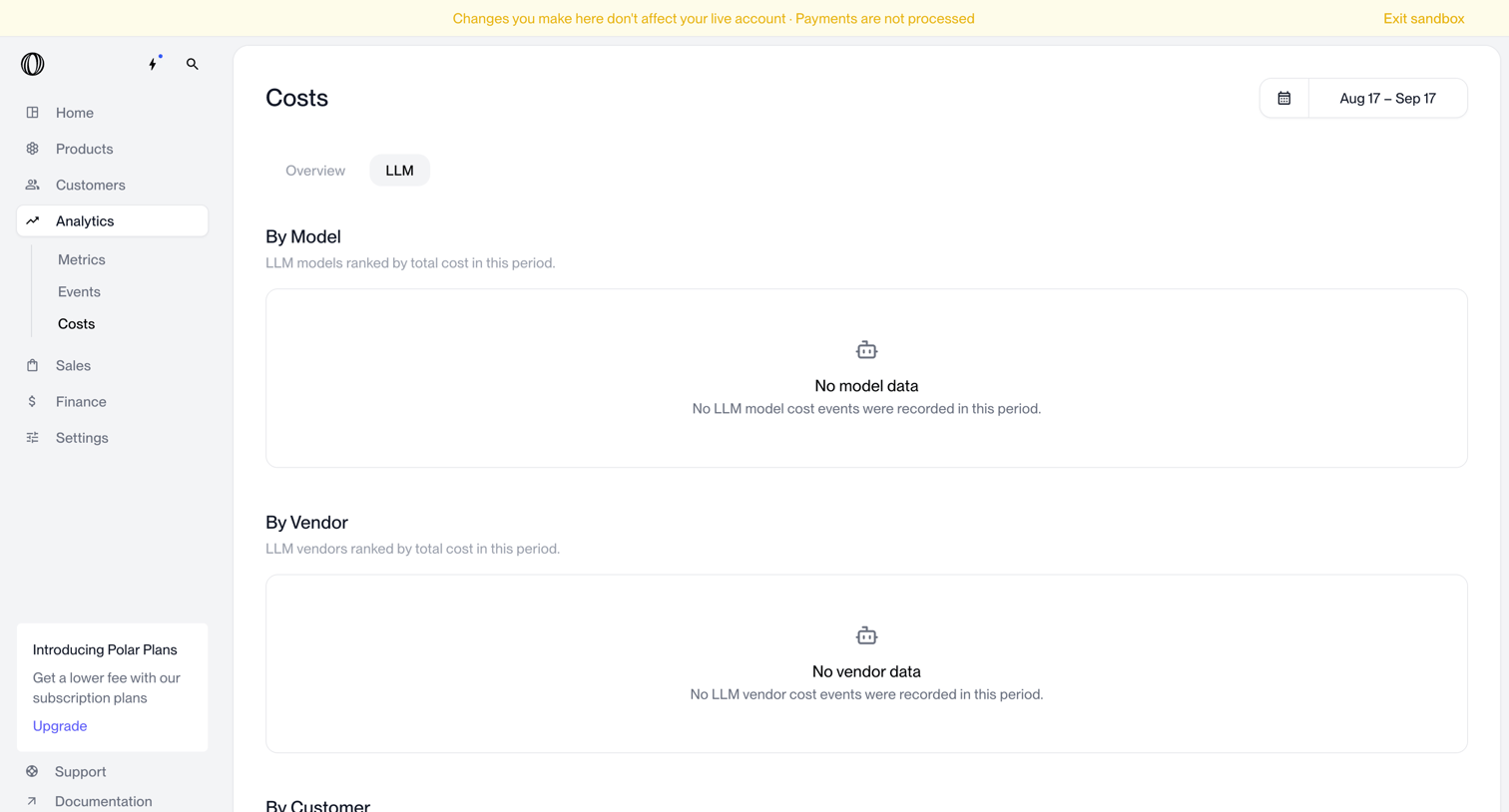

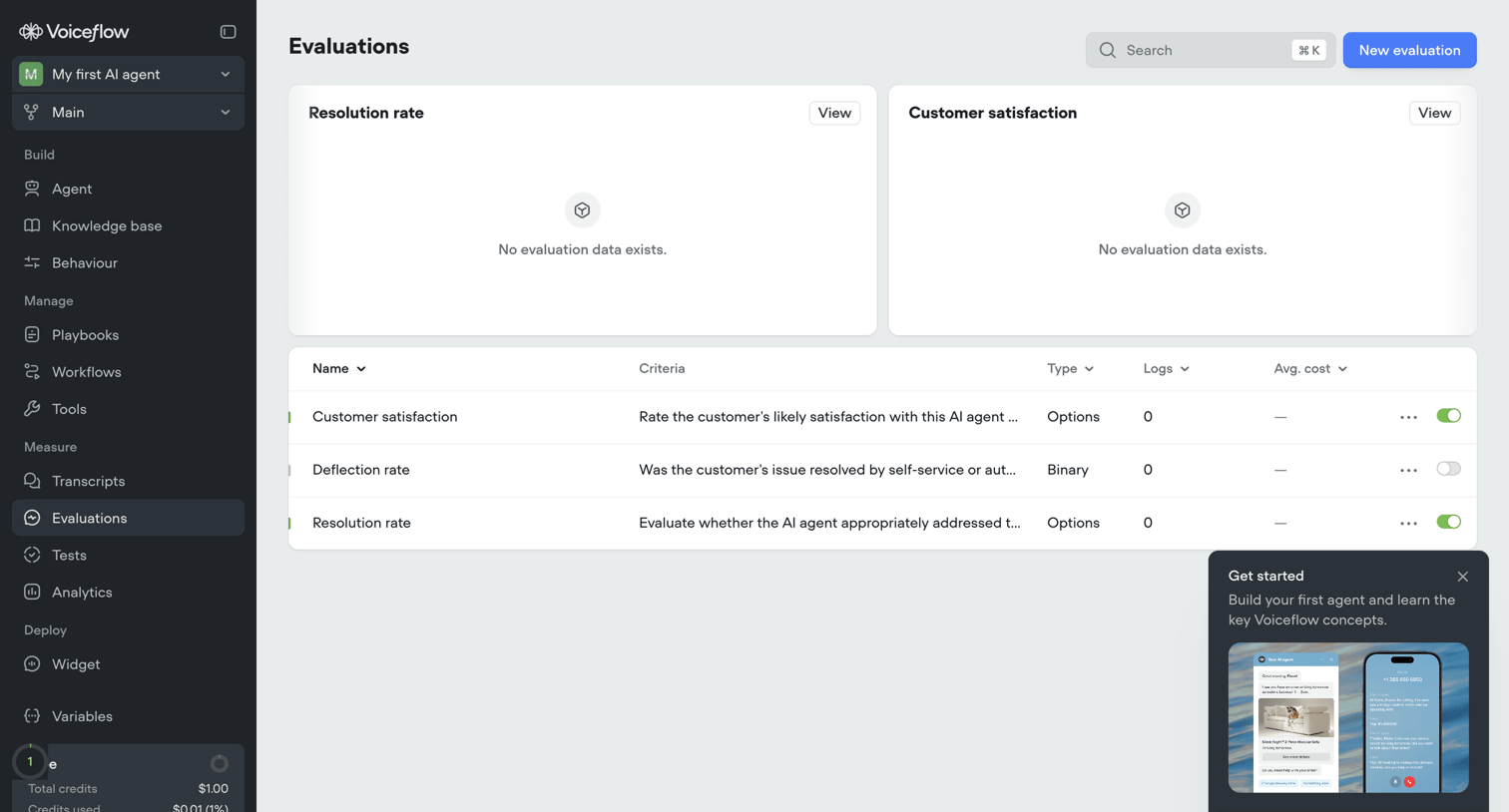
Analytics dashboard showing empty states for LLM costs broken down by model, vendor, and customer, with a sandbox mode warning banner.
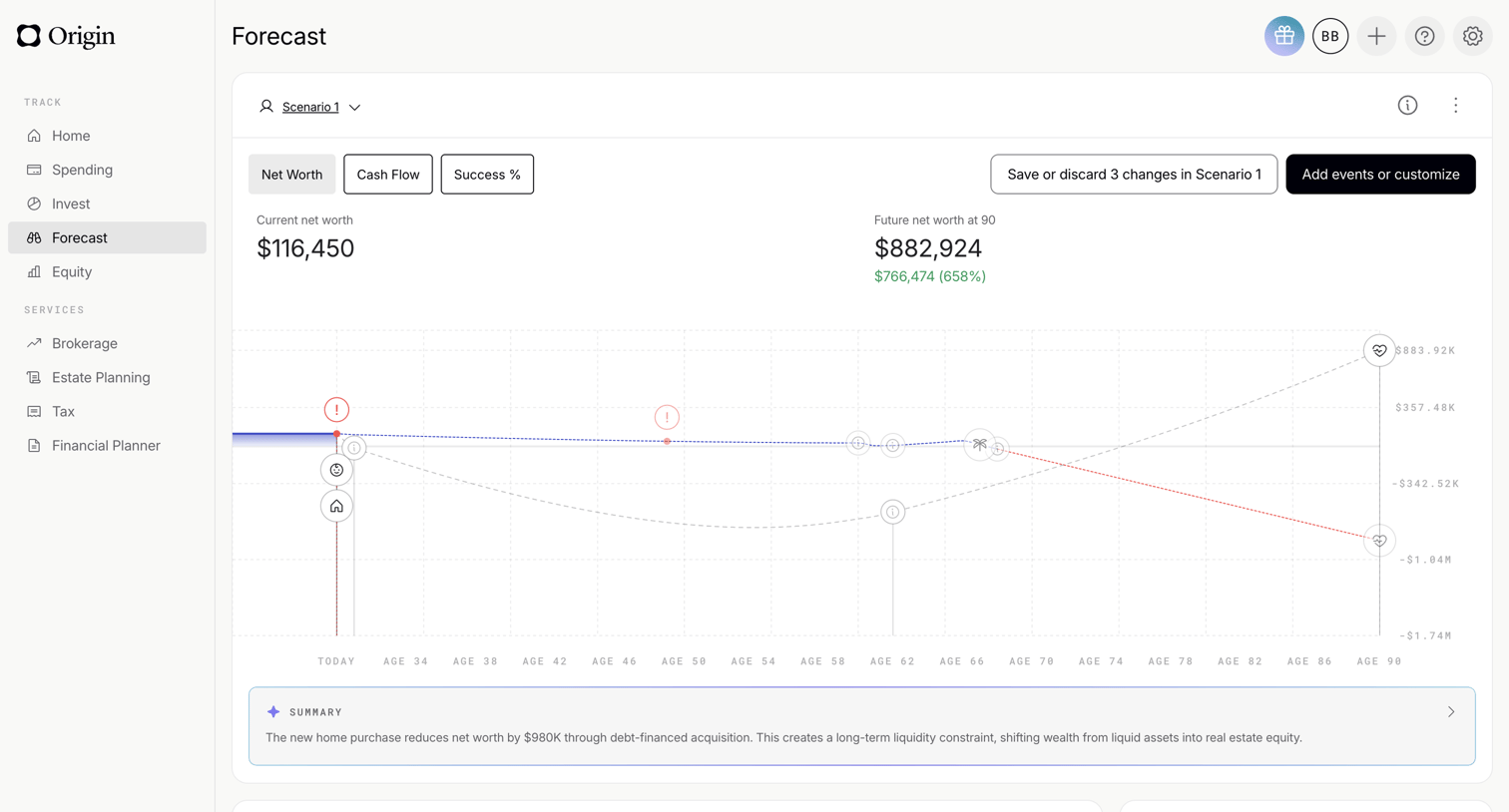

Dashboard showing a financial forecast chart for a specific scenario, with tabs for net worth and cash flow, and an AI-generated summary of the projected outcome.
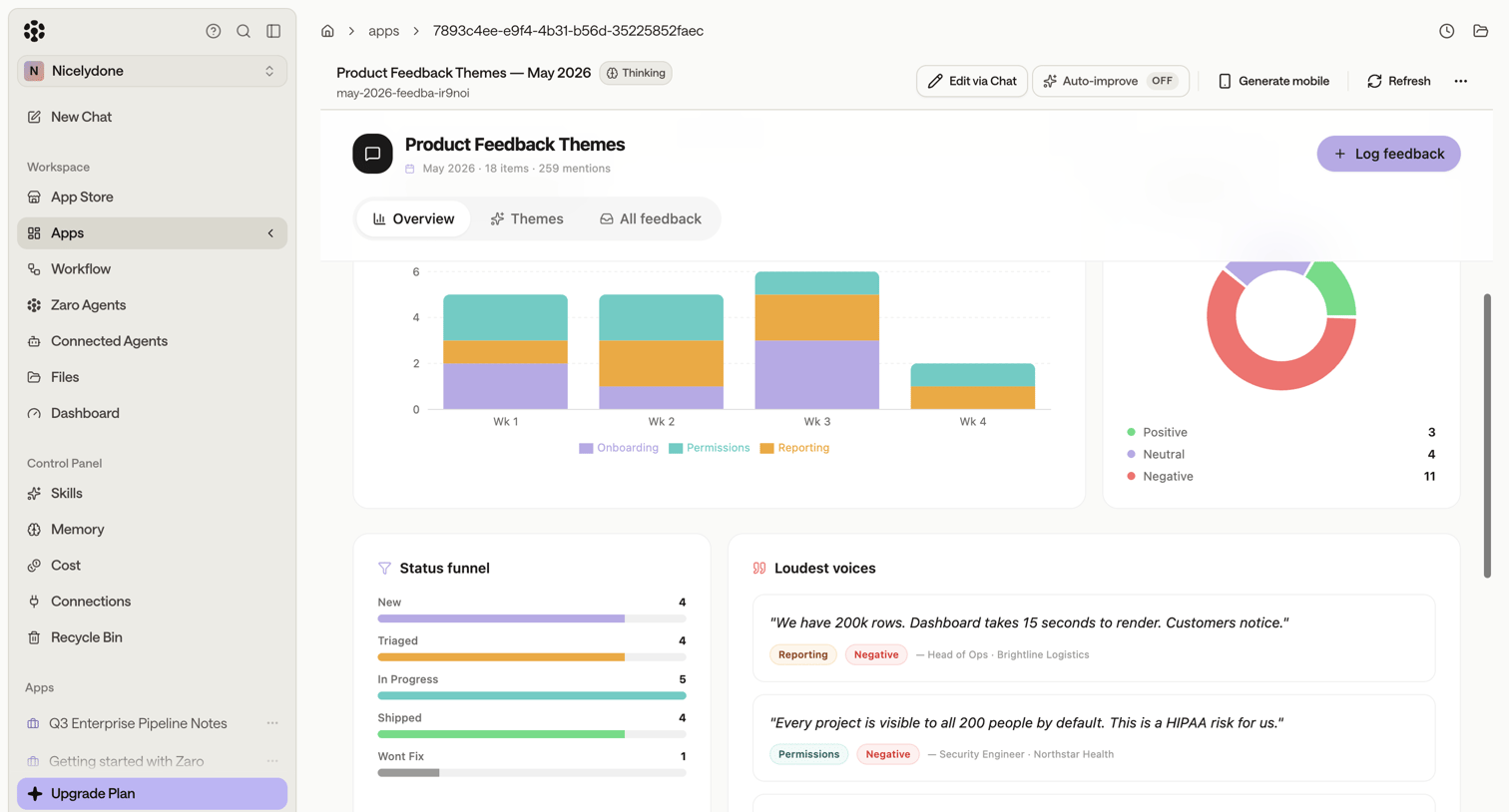

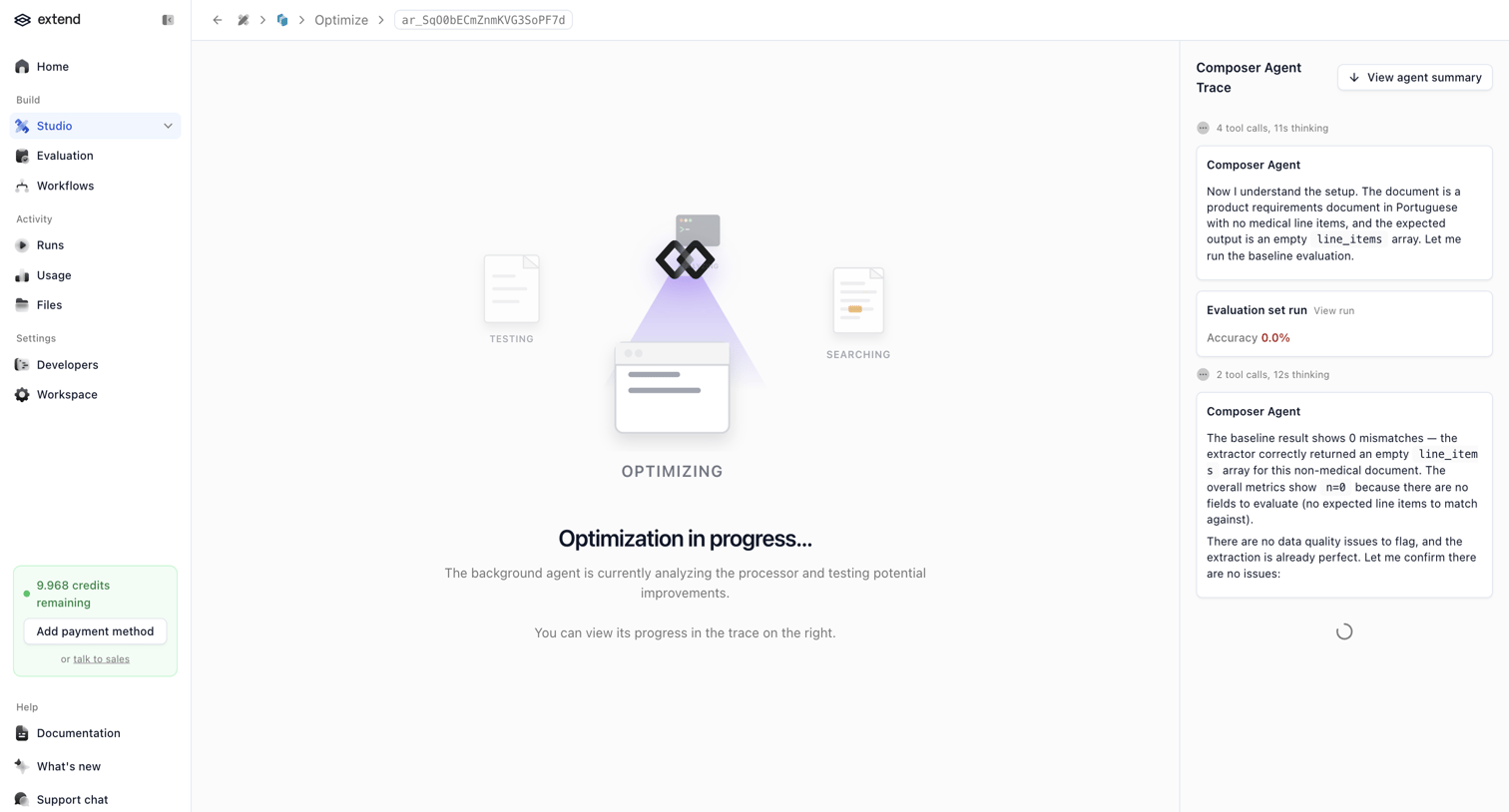


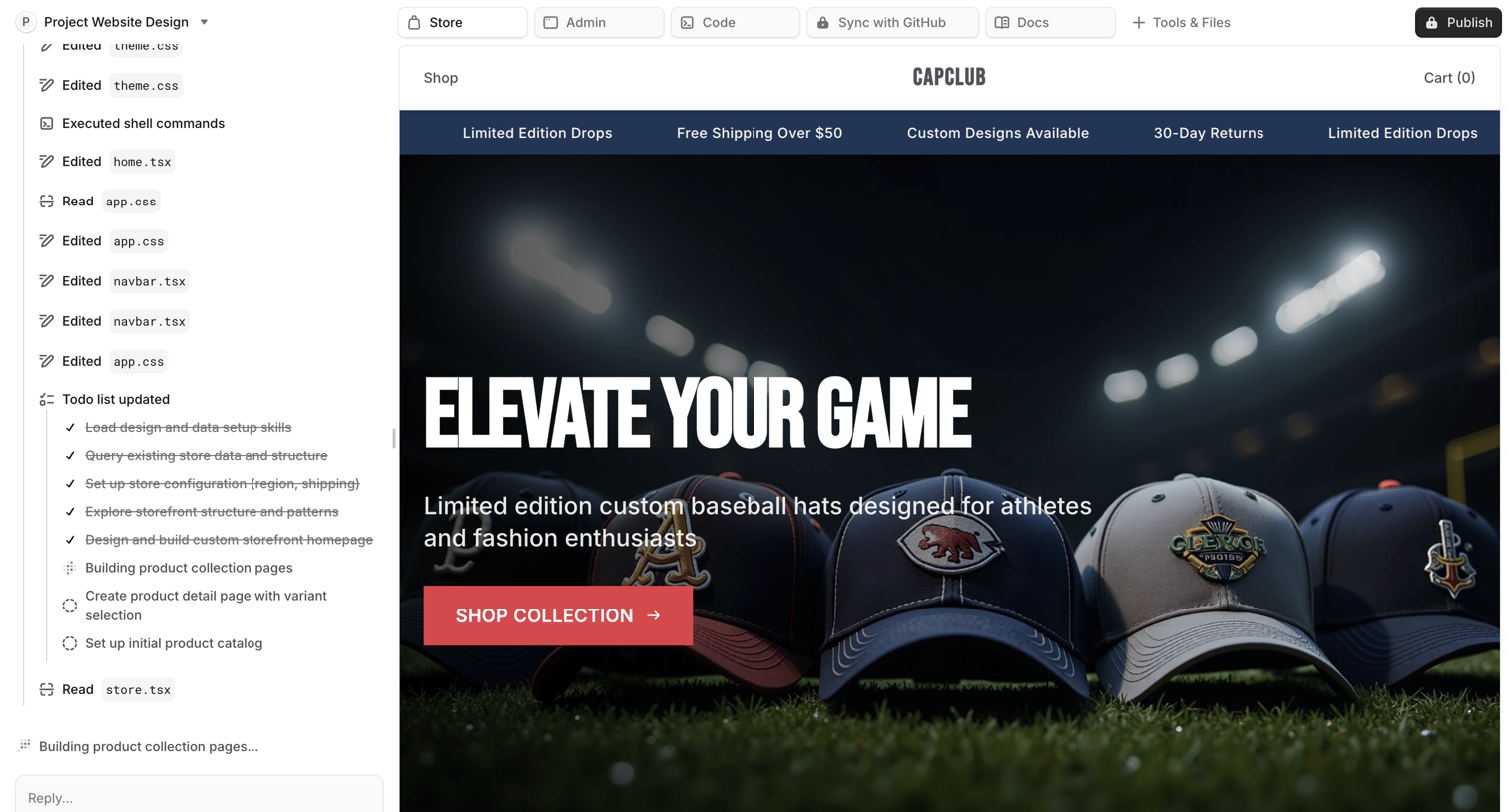

Agent trace view where the user monitors an AI building a custom storefront homepage, showing a log of file edits, a task checklist, and a live preview canvas.

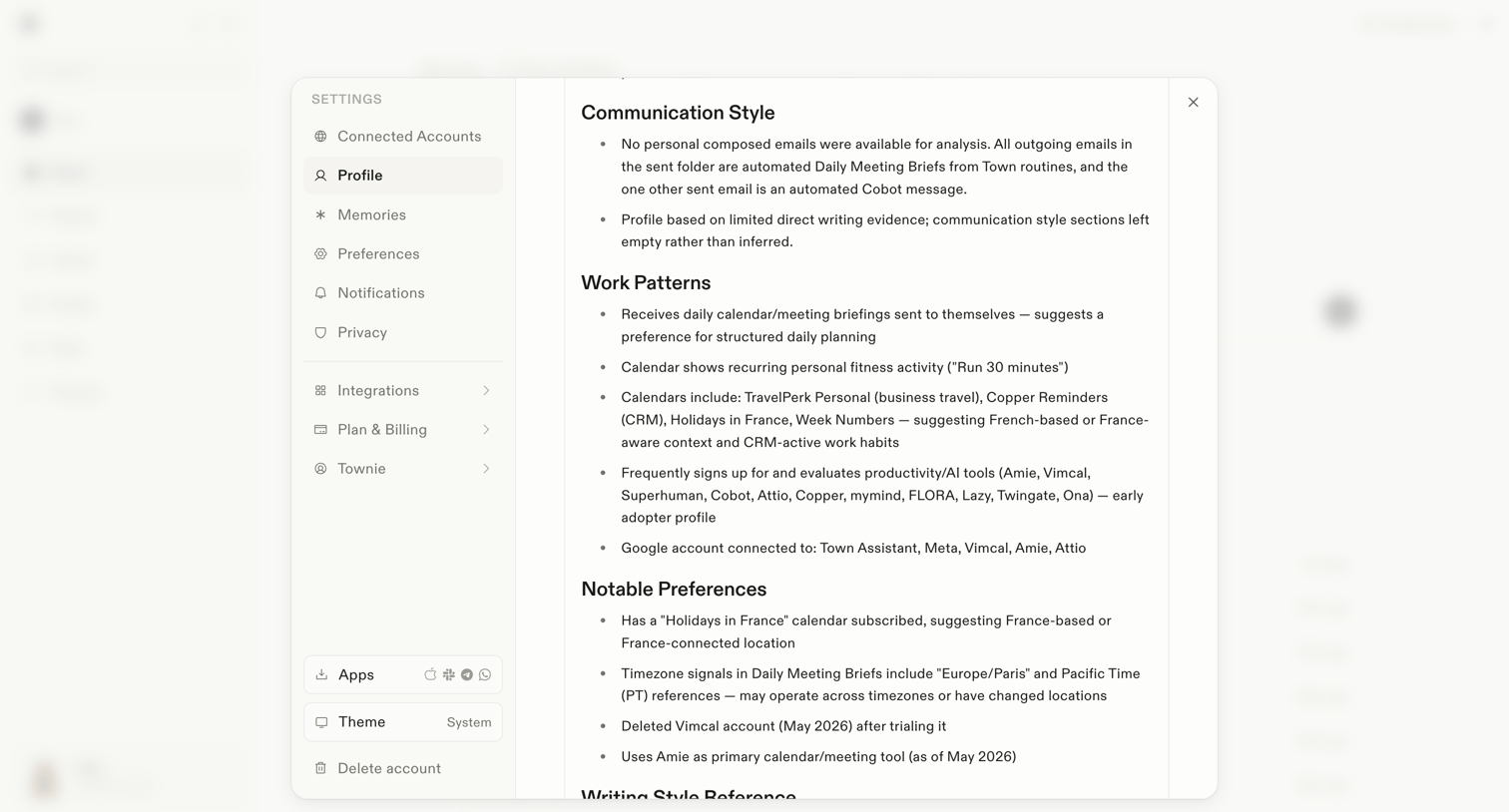

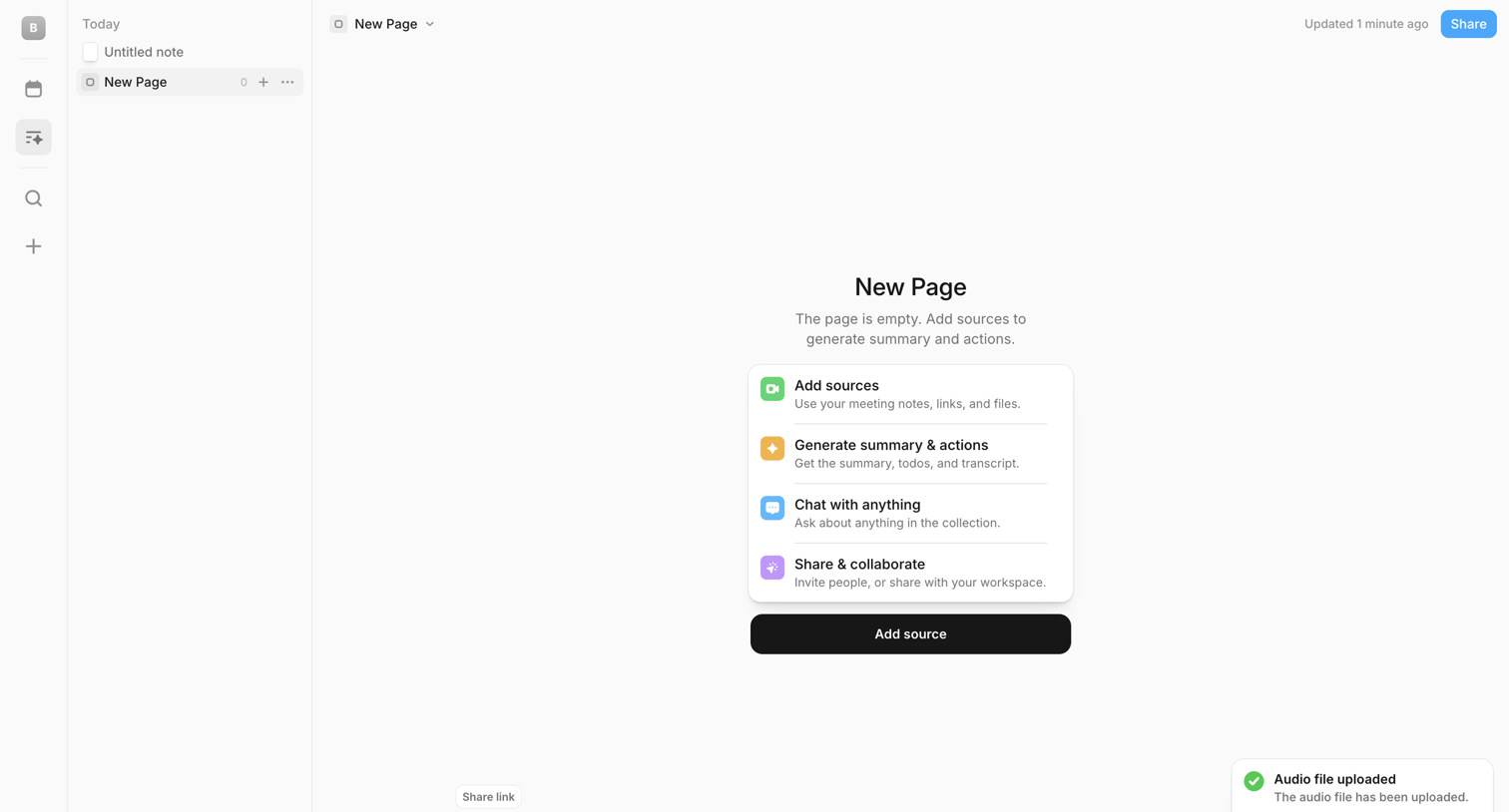

Content editor empty state where the user is prompted to add sources like meeting notes or files to generate an AI summary, alongside a floating quick-add composer and a success toast for an uploaded audio file.
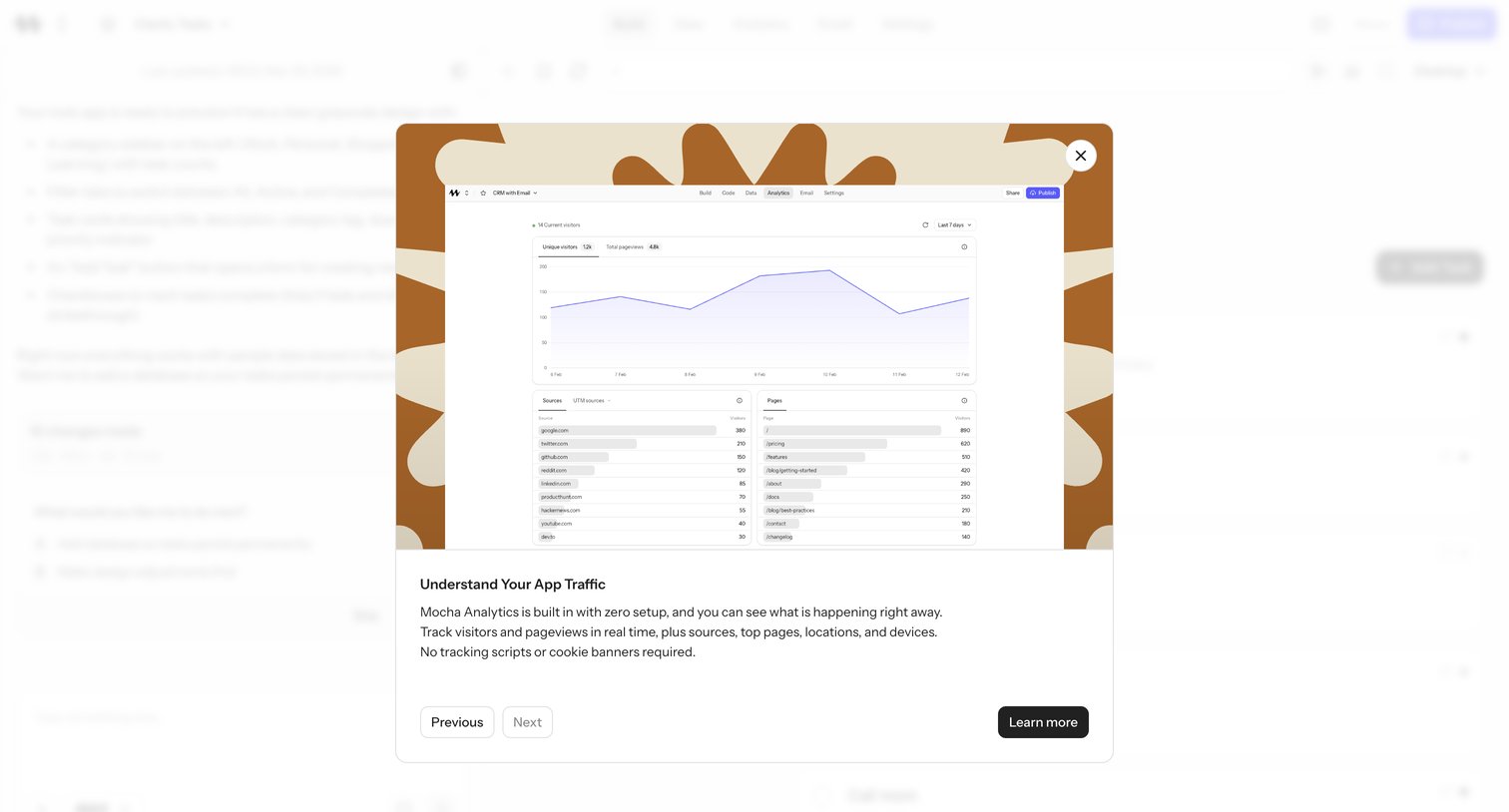

Feature announcement modal introducing Mocha Analytics, with a preview of visitor charts, sources, and pages, plus Previous/Next tour navigation.
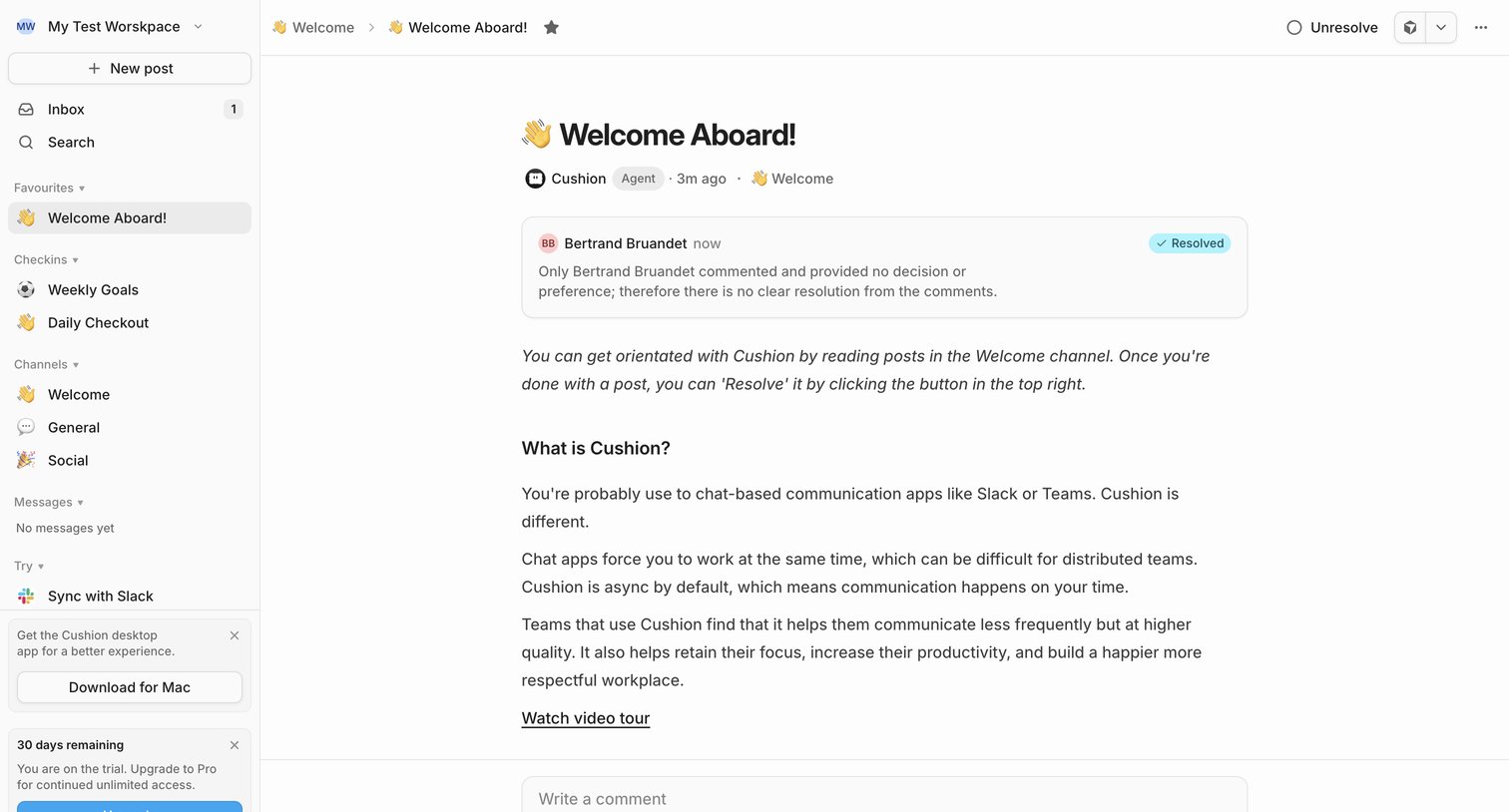

Detail page where a team-onboarding post welcomes the user into the welcome channel, featuring an AI-generated summary of comments and a trial upgrade prompt in the sidebar.

Explore the full SaaS screen library
Upgrade to unlock the full library.
Trusted by the best teams








About AI Summary
Explore how apps present condensed versions of longer content. Look at how an AI summary sits alongside the source material and the controls for reading more or making another request.