Guided Tour screen examples
Guided Tour screen design examples from SaaS apps. See how SaaS apps introduce features within the interface itself. Explore how tour steps point to controls and give people a way to continue or leave the…
Explore the examples
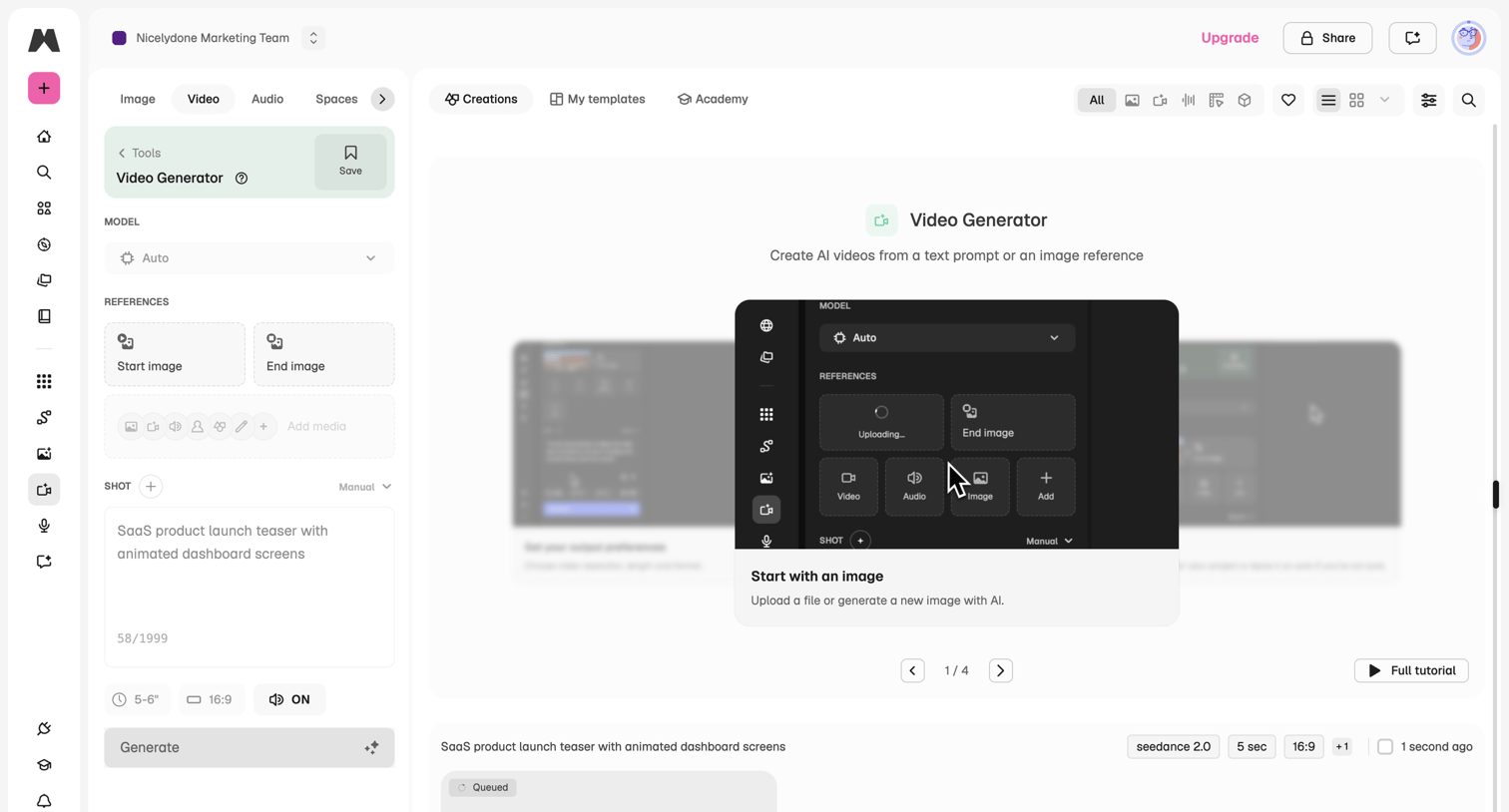

Video generation workspace where the user configures an AI video prompt and references, currently showing an onboarding tutorial overlay.
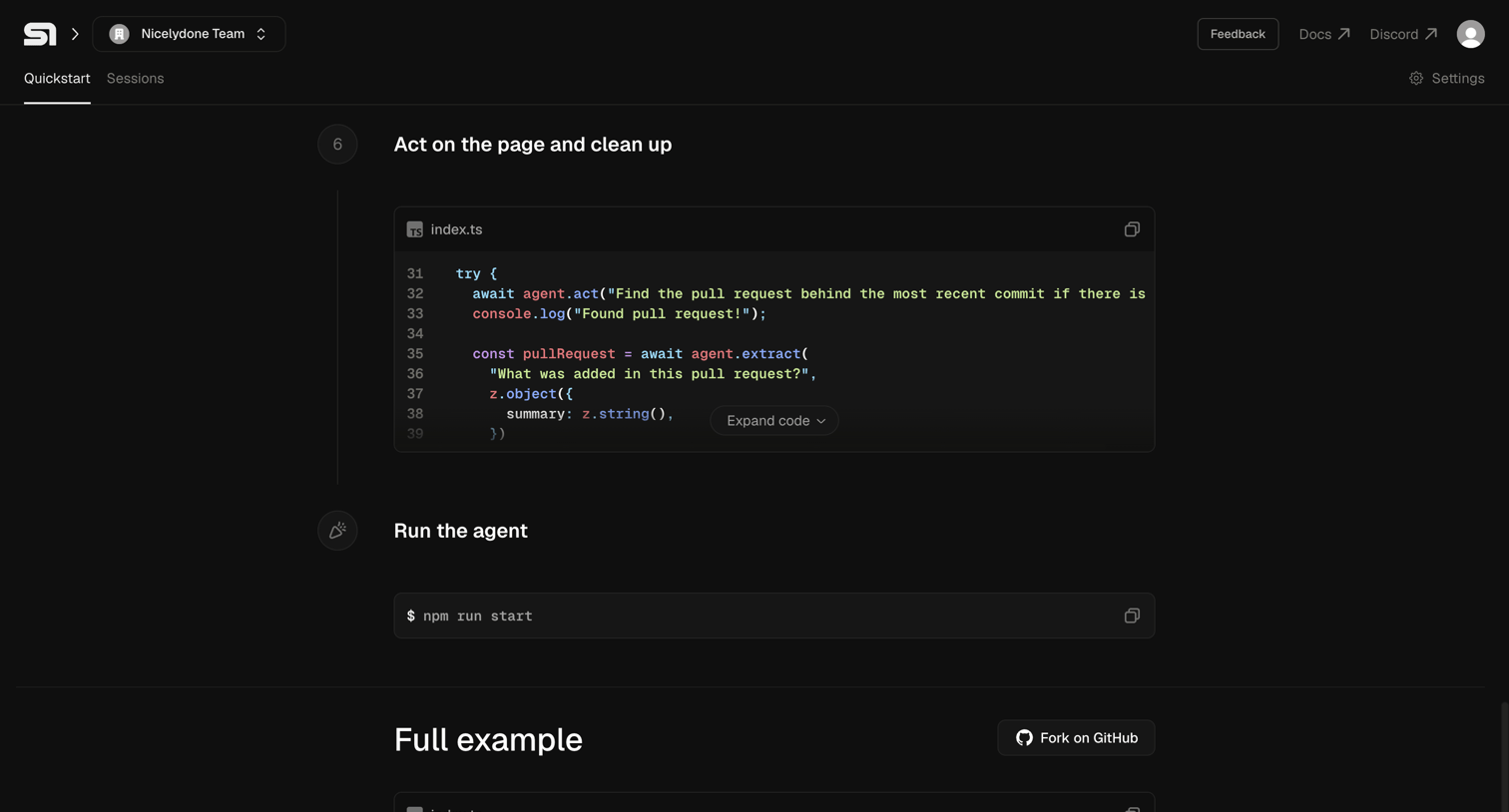

Onboarding quickstart page where a developer follows a timeline of code snippets to act on a page, run an agent, and view a full example.
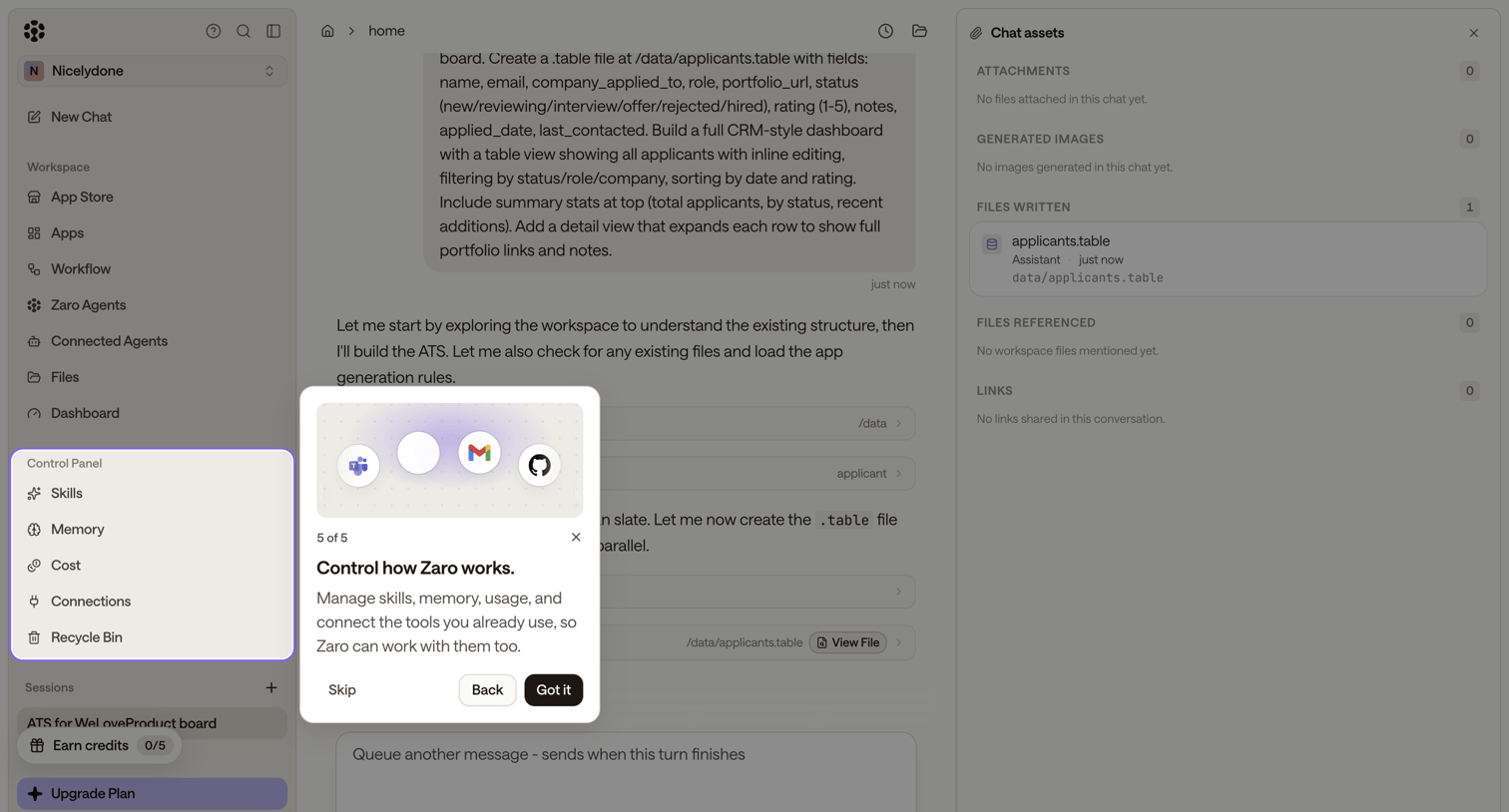

AI chat interface where the user is completing the final step of a product tour explaining how to connect external tools.

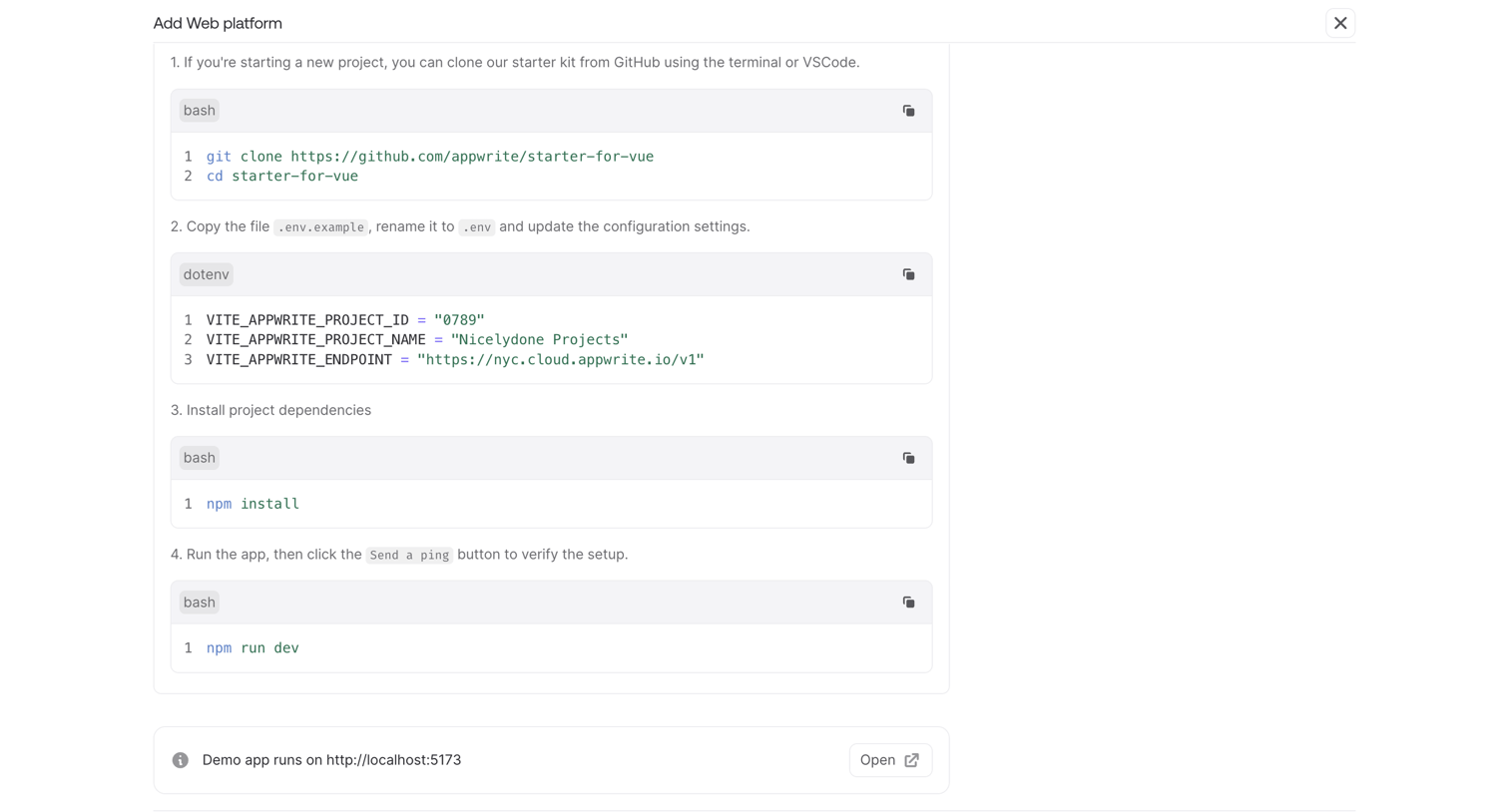

Onboarding screen where the user follows numbered steps to clone a Vue starter kit, configure environment variables, and run a local development server.
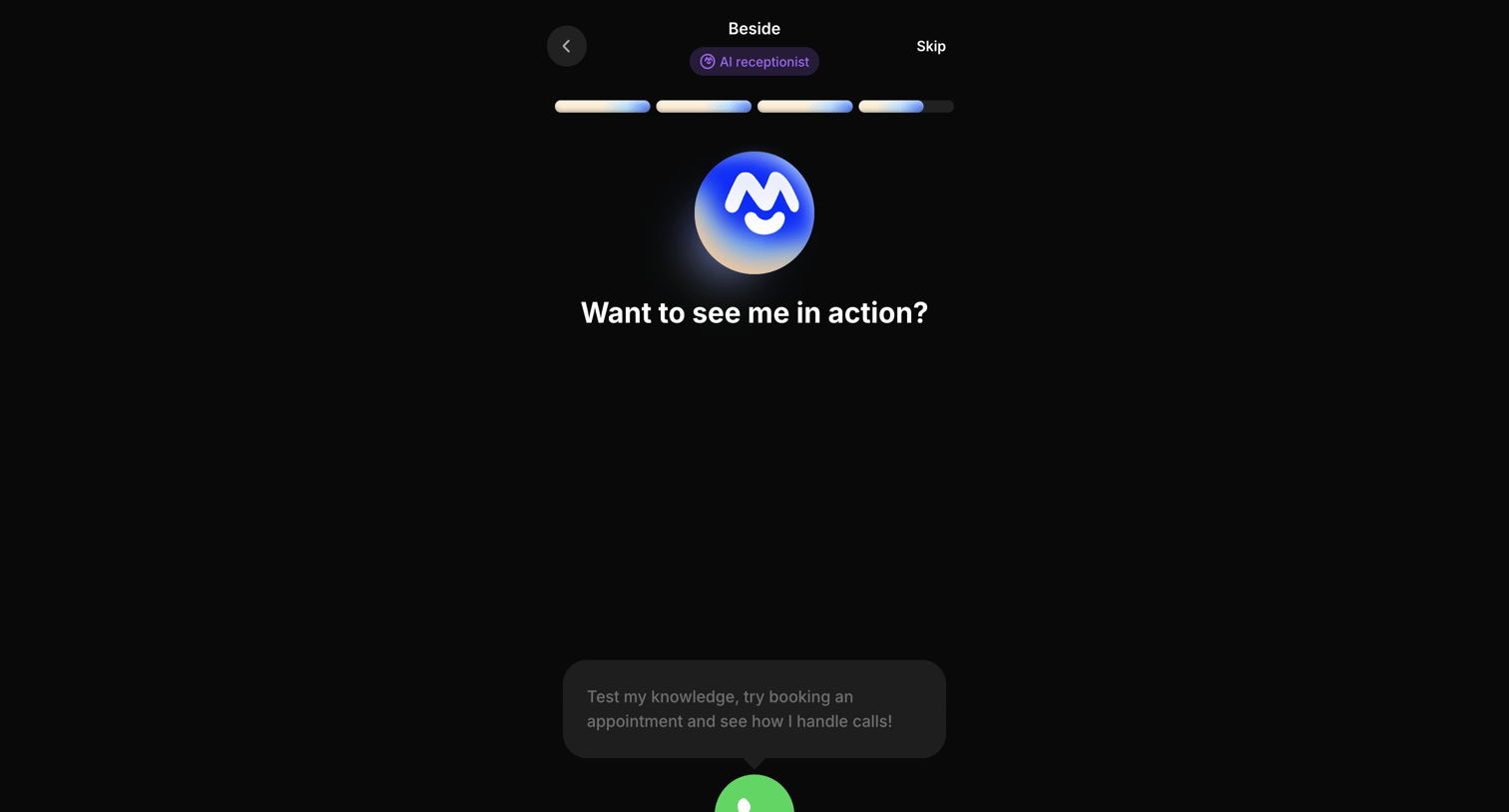

Onboarding step where the user is prompted to test the AI receptionist by initiating a live voice call.
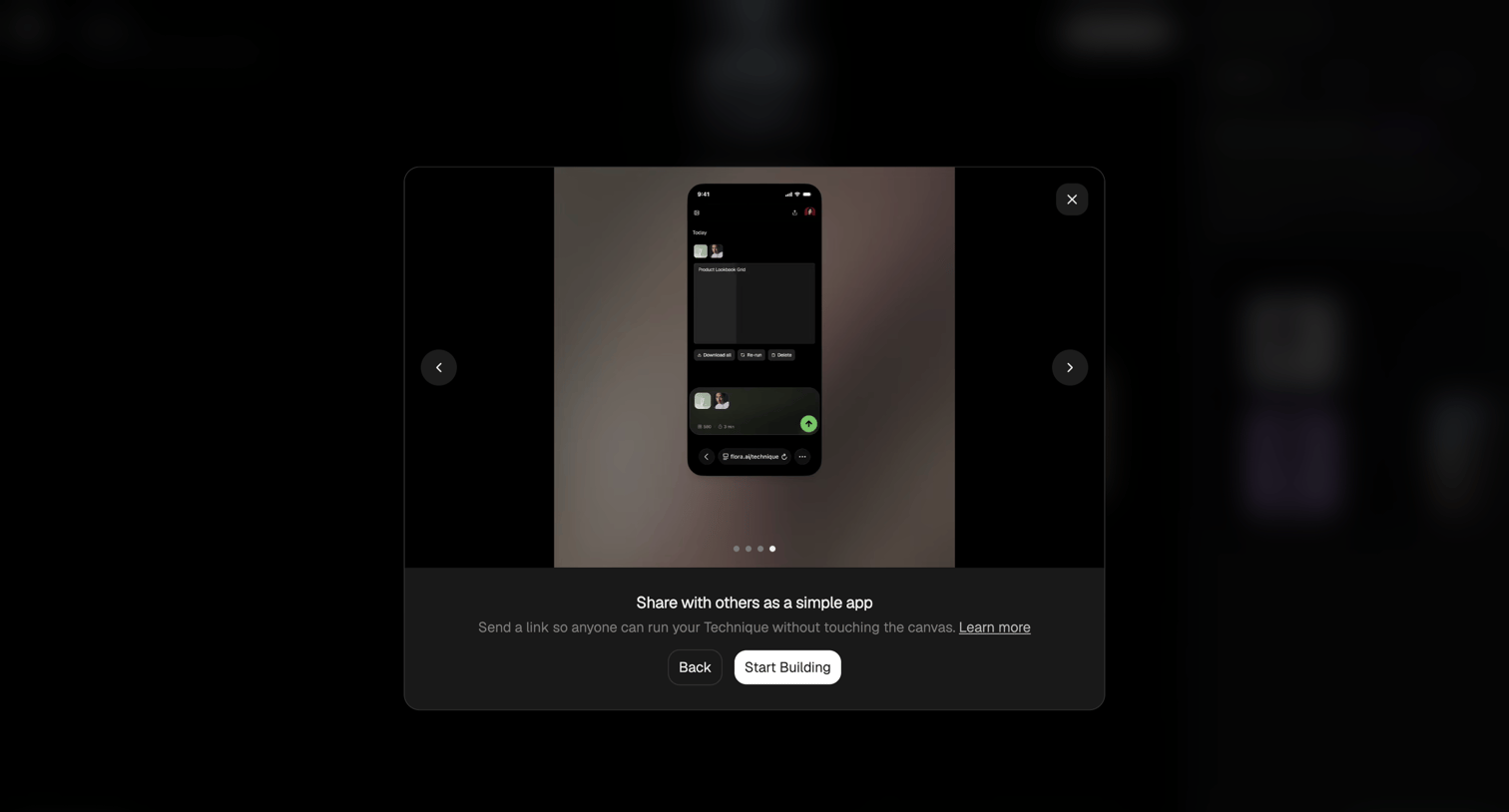

Onboarding modal where the user views a carousel previewing how to share their technique as a simple app before starting to build.
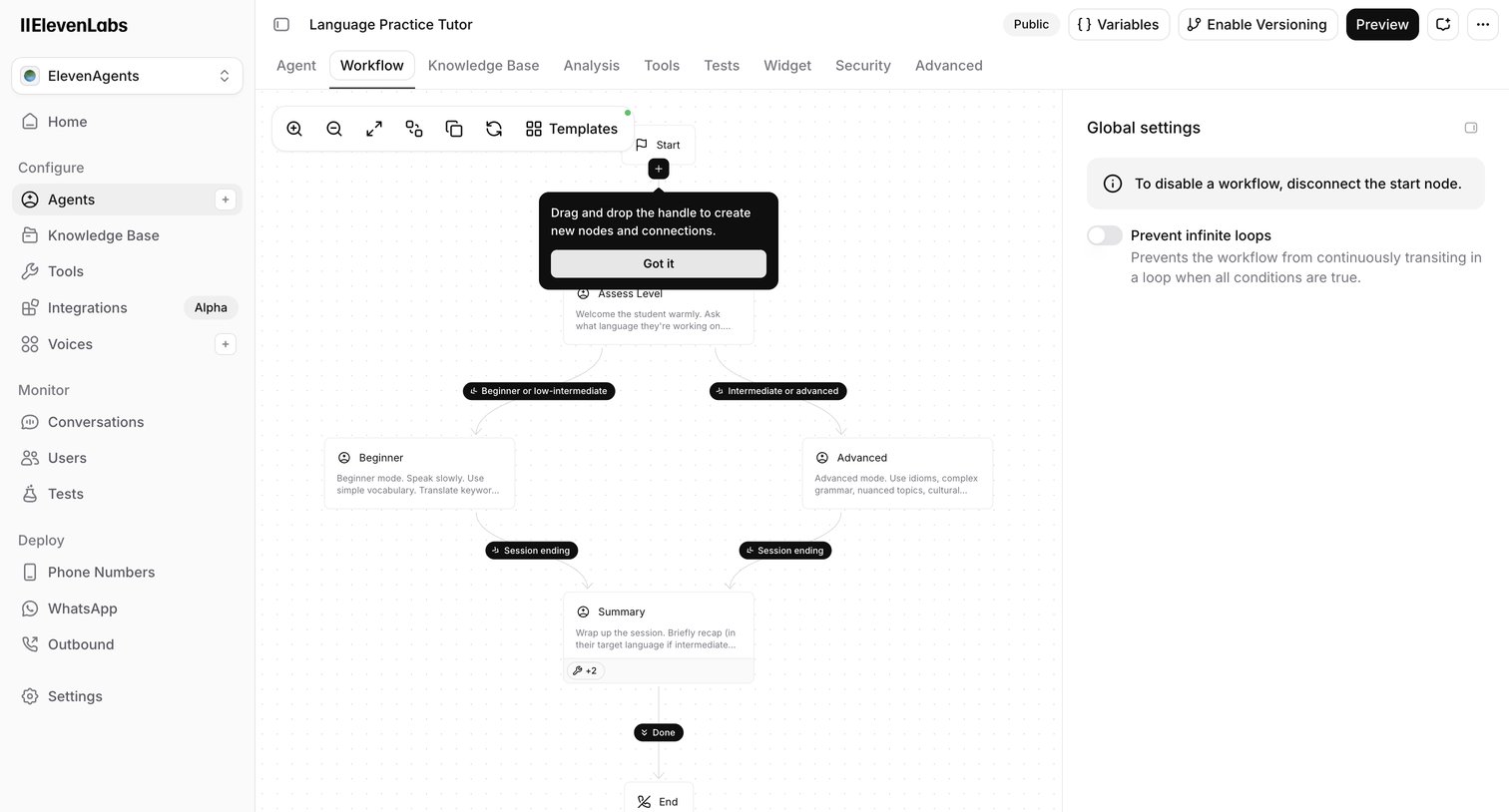

Design editor where the user builds a Language Practice Tutor agent using a node-based workflow canvas with branching logic for different skill levels.
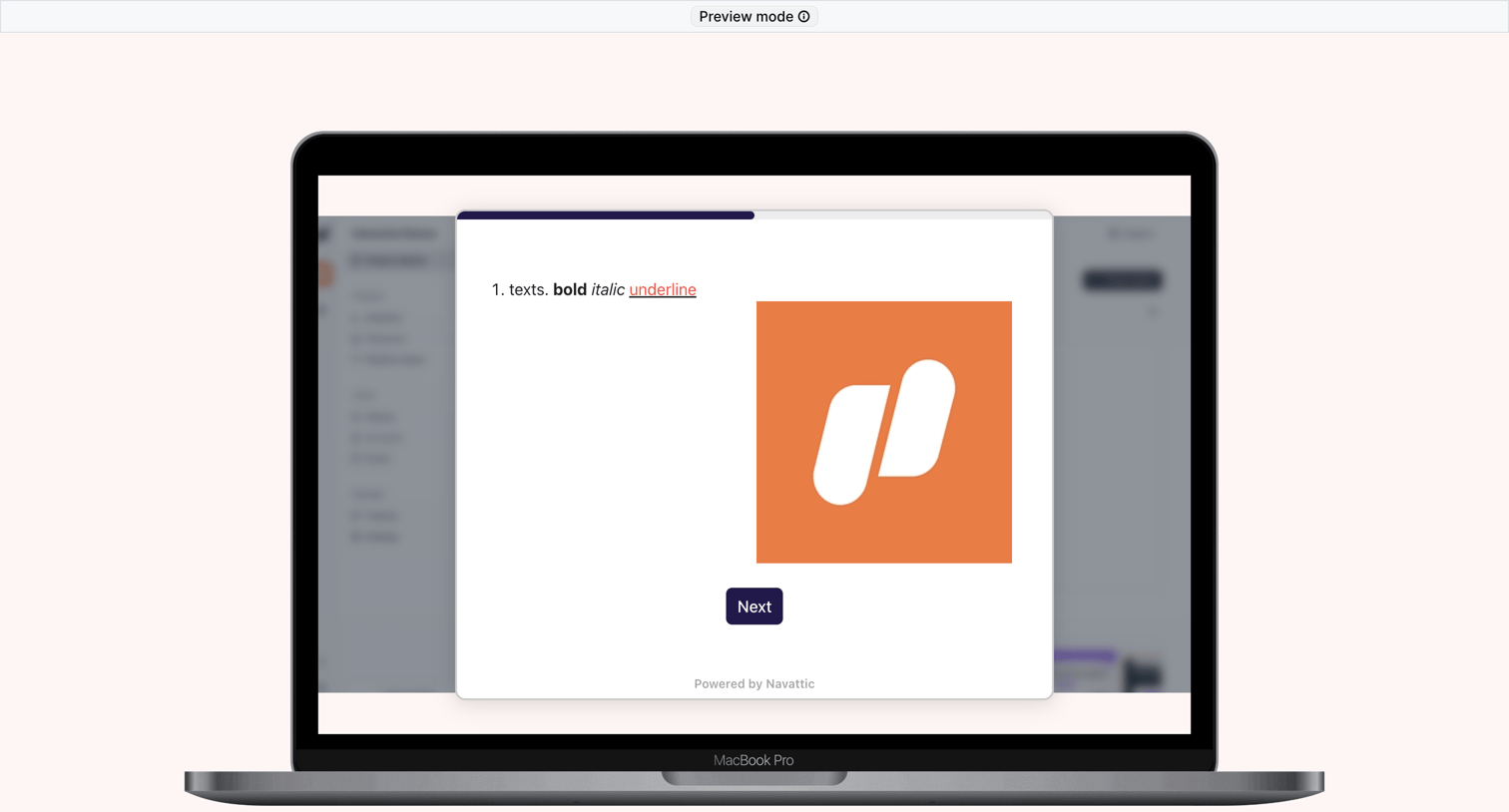

Preview screen of an interactive product tour step displaying rich text formatting, a graphic, and a next button inside a laptop mockup.
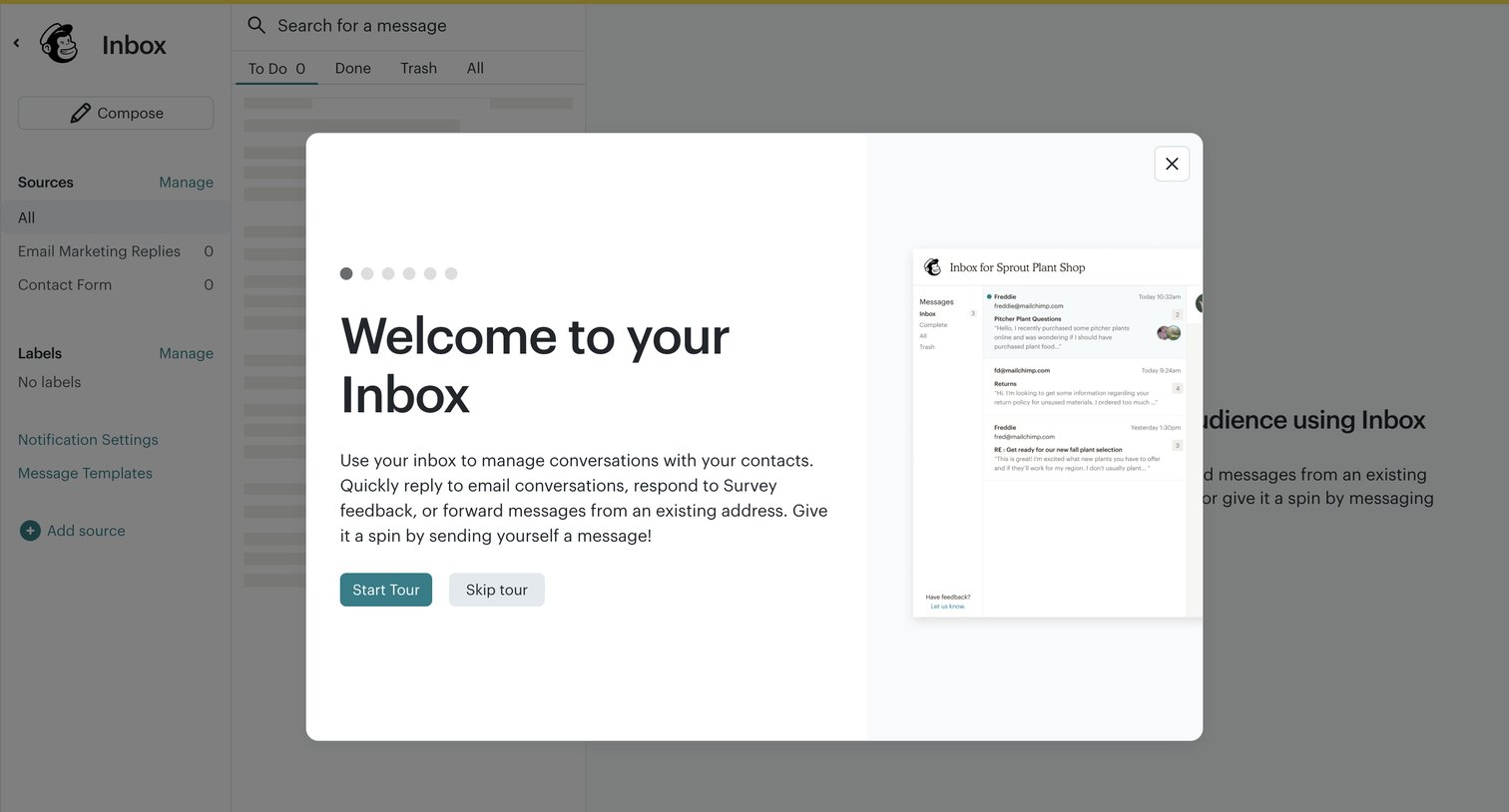

Onboarding modal welcoming the user to their inbox and prompting them to start a product tour.
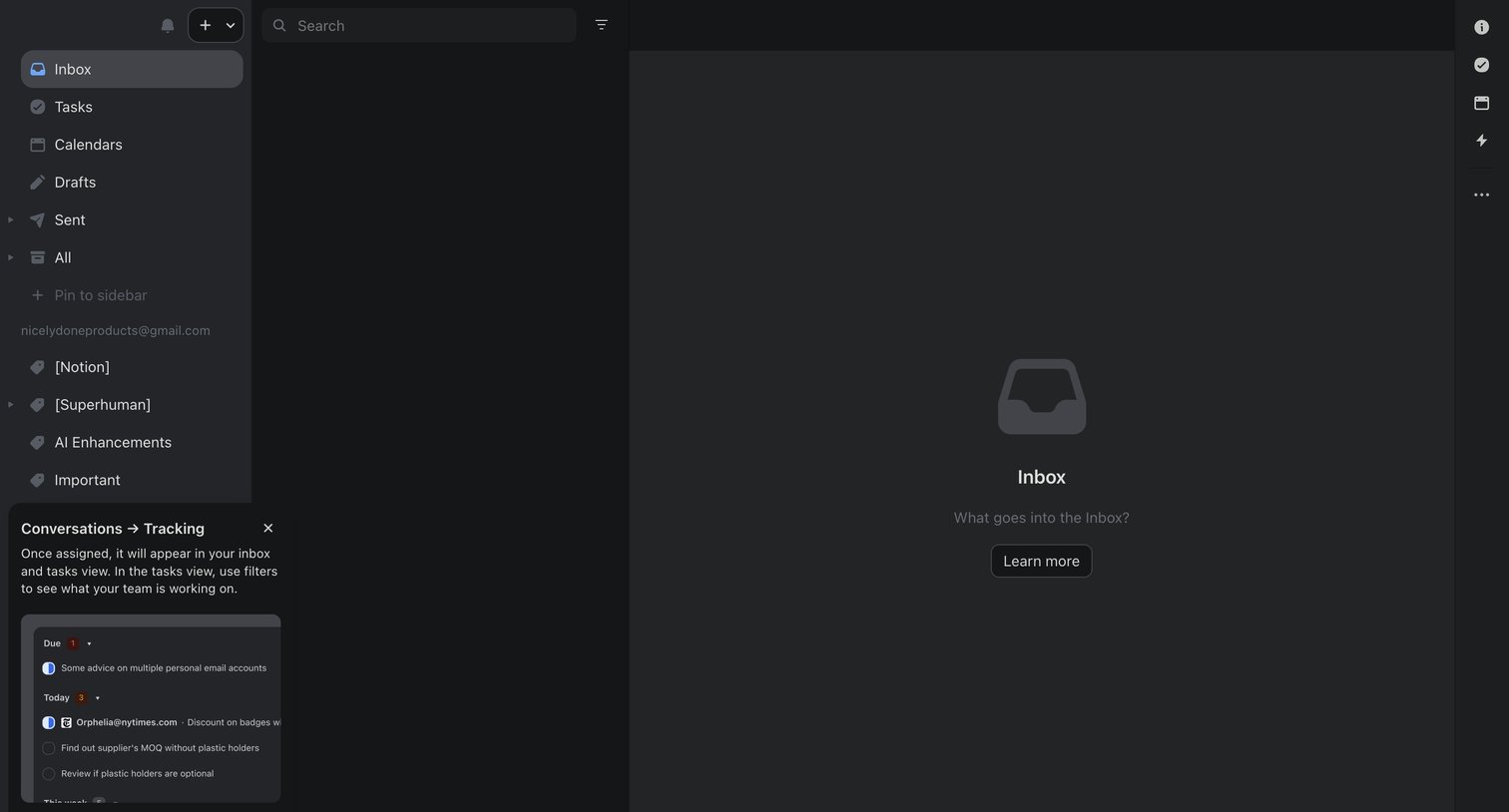

Inbox view showing an empty state with a prompt to learn more, while a product tour coach mark explains conversation tracking.
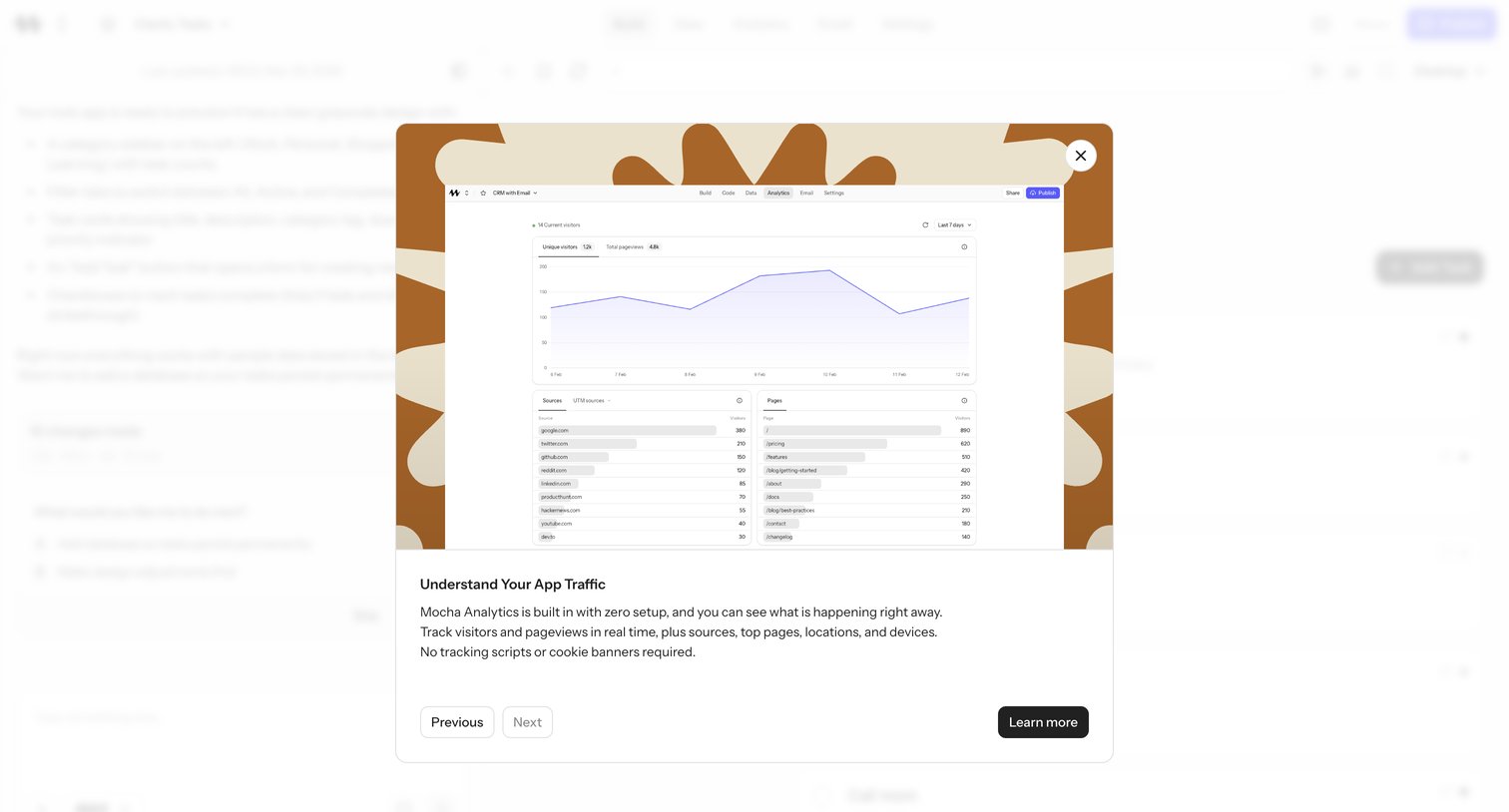

Explore the full SaaS screen library
Upgrade to unlock the full library.
Trusted by the best teams








About Guided Tour
See how SaaS apps introduce features within the interface itself. Explore how tour steps point to controls and give people a way to continue or leave the walkthrough.