Call screen examples
Call screen design examples from SaaS apps. See how apps arrange the interface around a voice or video call. Explore how participant information, call status, and session controls share space during…
Explore the examples
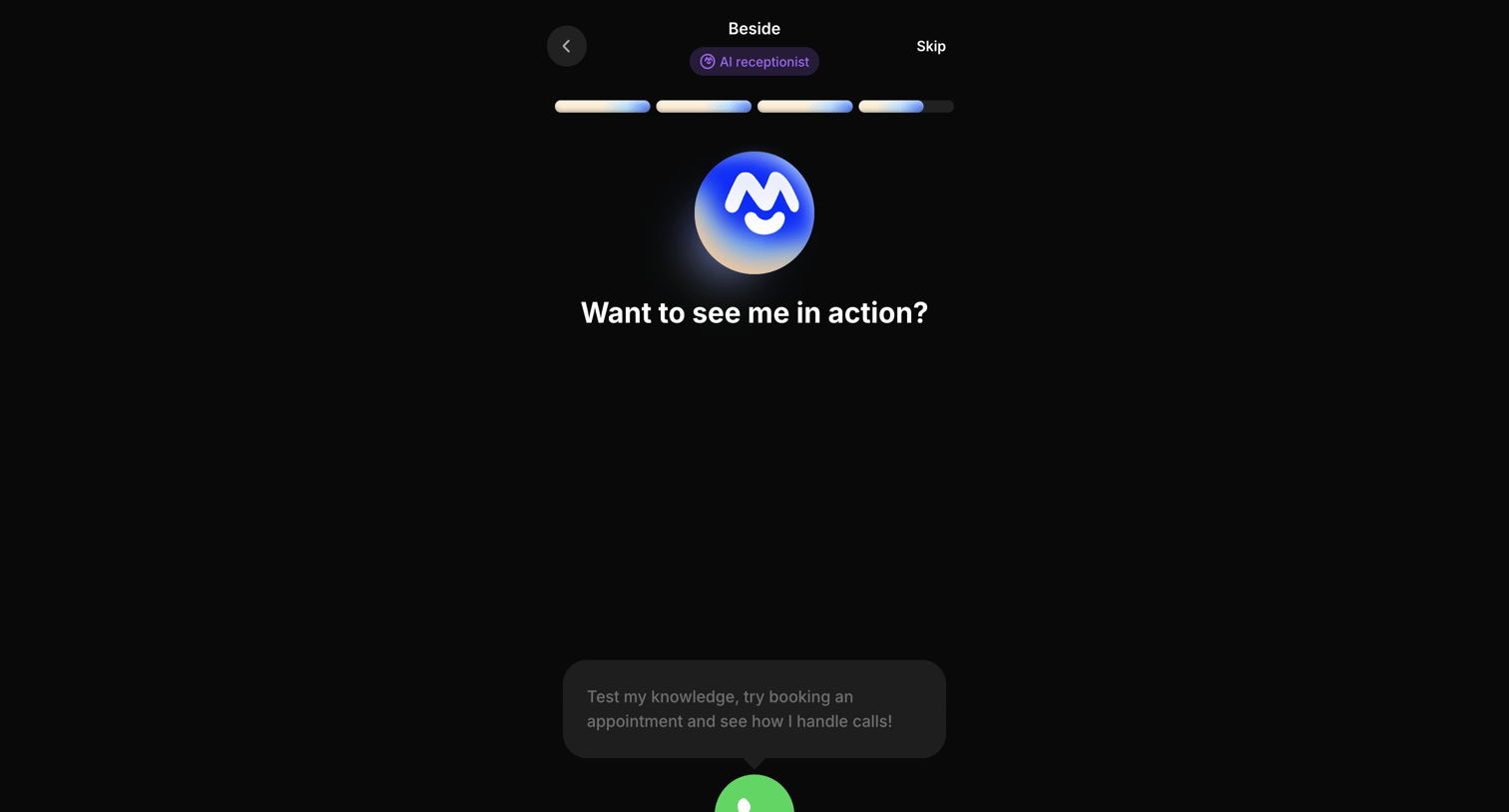

Onboarding step where the user is prompted to test the AI receptionist by initiating a live voice call.
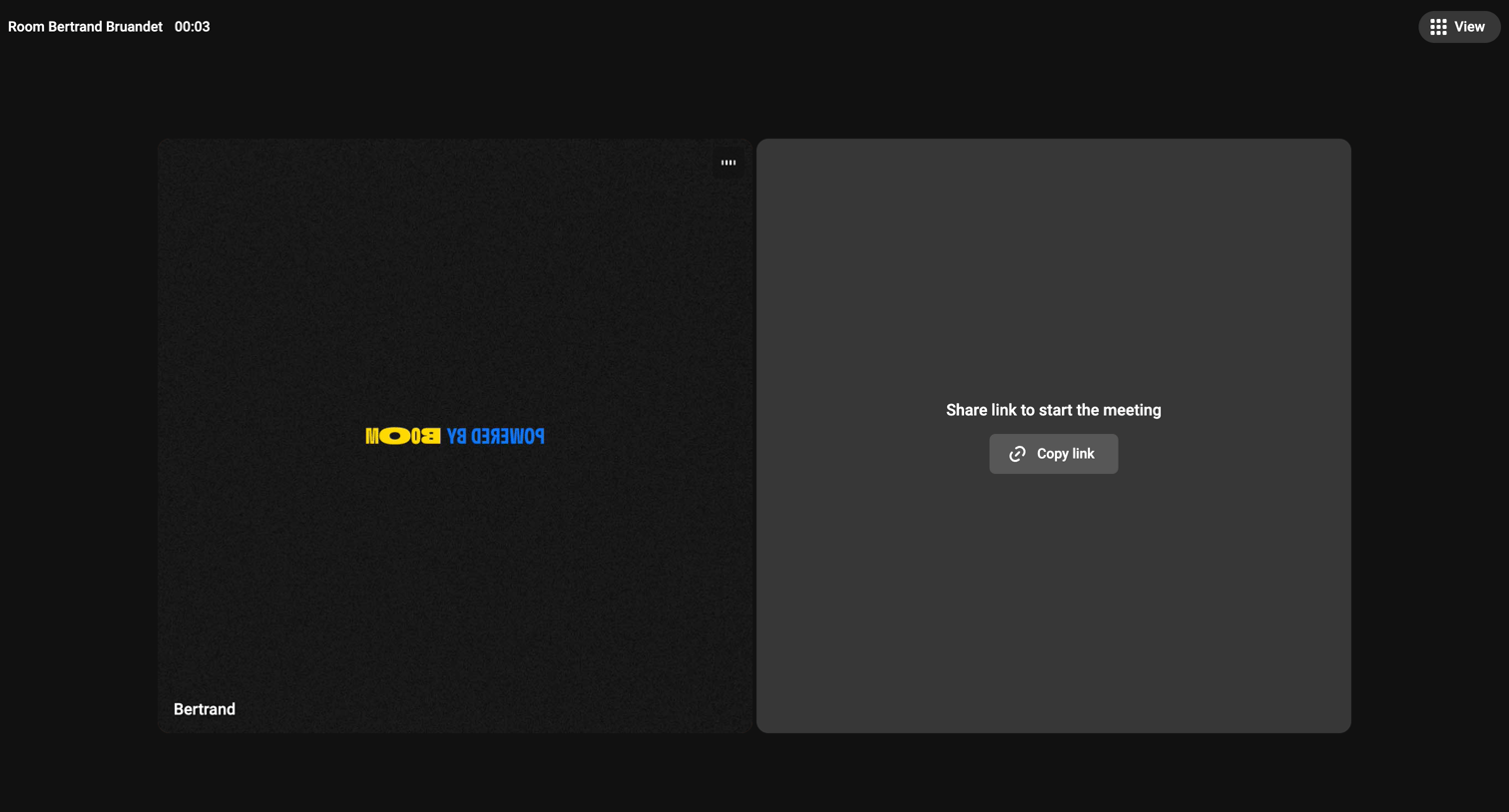

Detail page where the user is in a live video meeting room, showing their own camera feed and a prompt to invite others by copying a link, along with standard meeting controls.
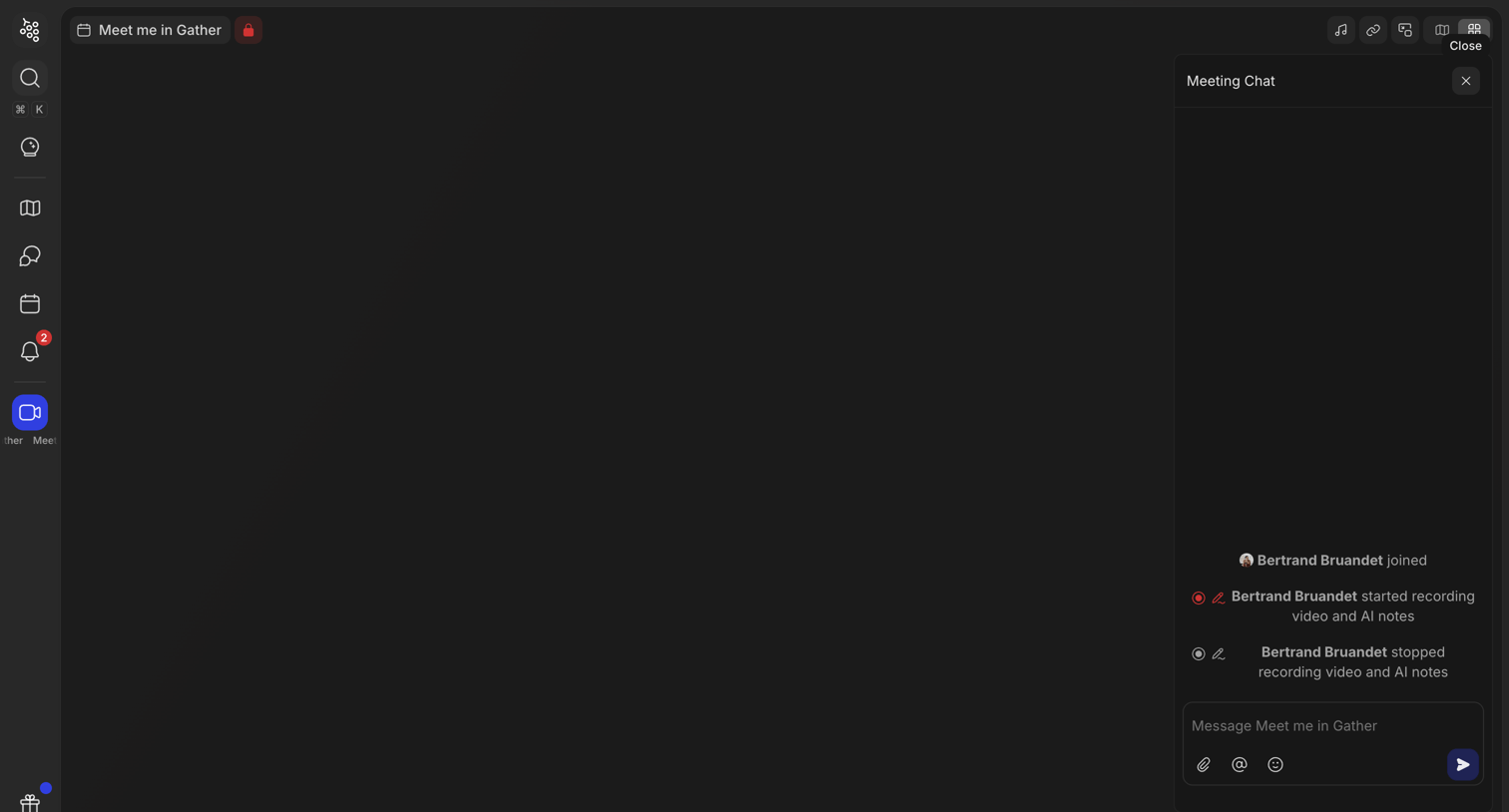

Detail page where the user participates in a video meeting with an active chat panel showing recording status.
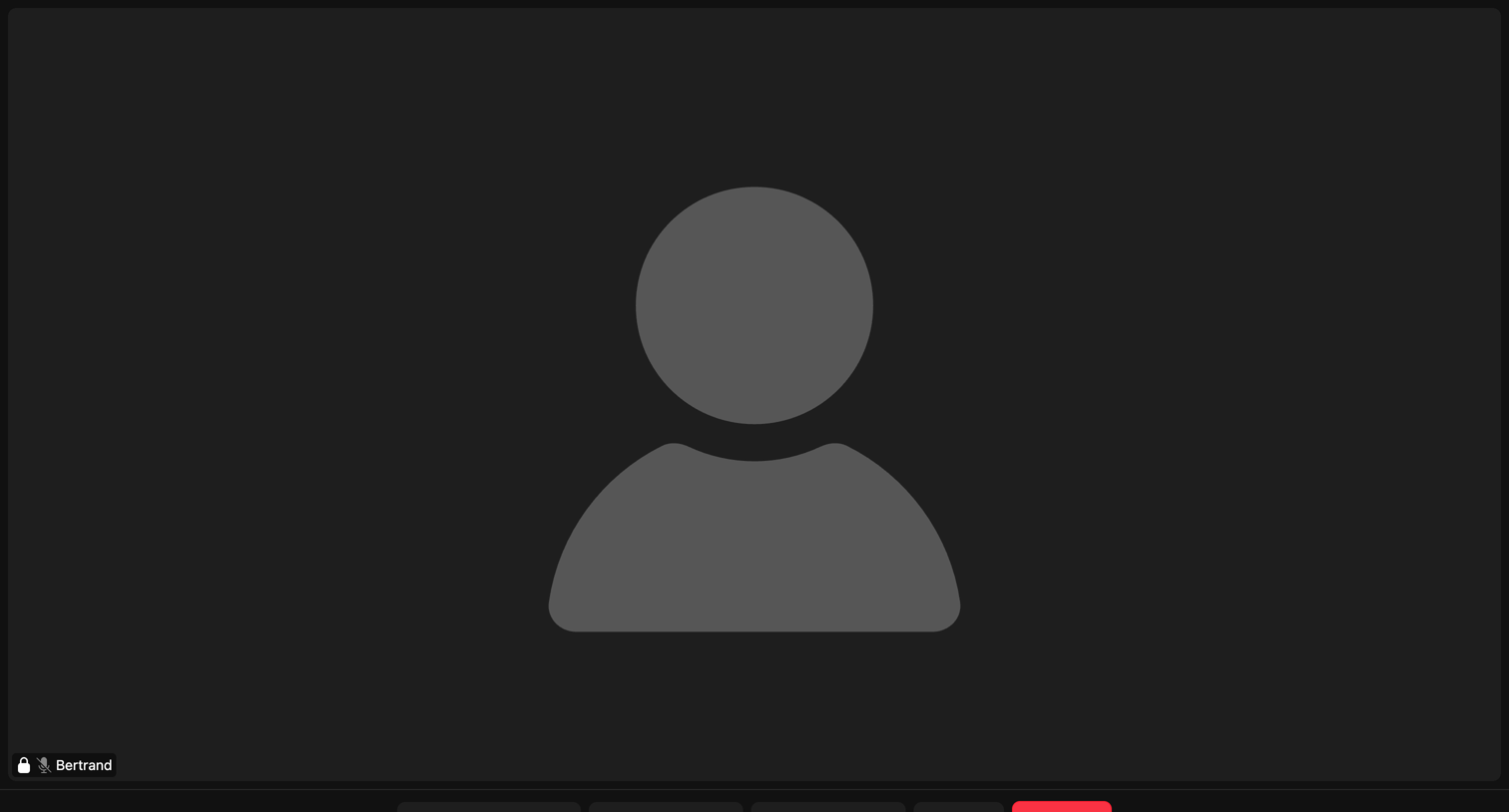

Video conferencing room where a user named Bertrand is present with their camera and microphone currently muted.
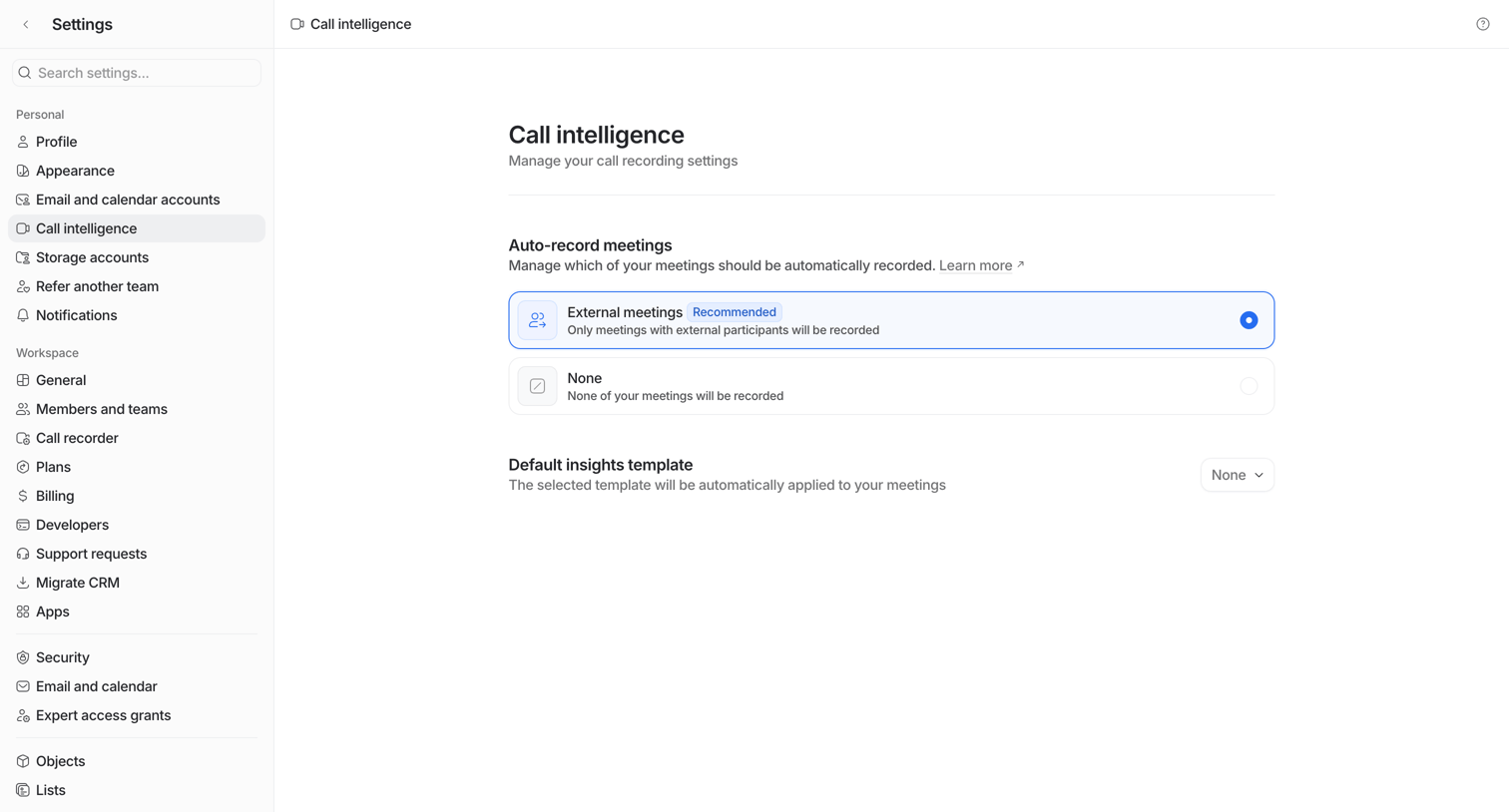

Settings page where the user configures auto-recording preferences for external meetings and selects a default insights template.
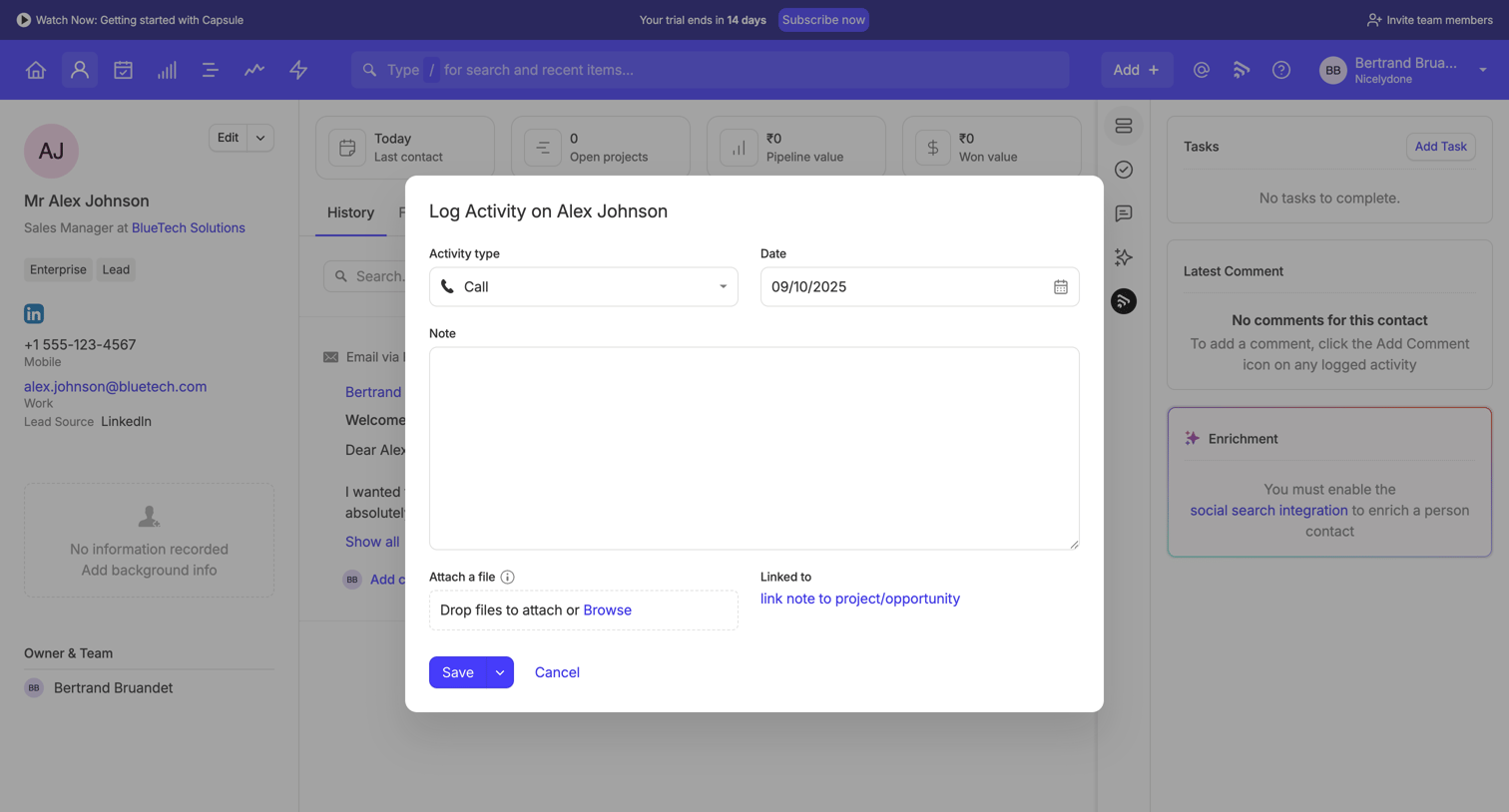



Video call interface showing a single participant with their avatar centered and name displayed in the bottom left corner.
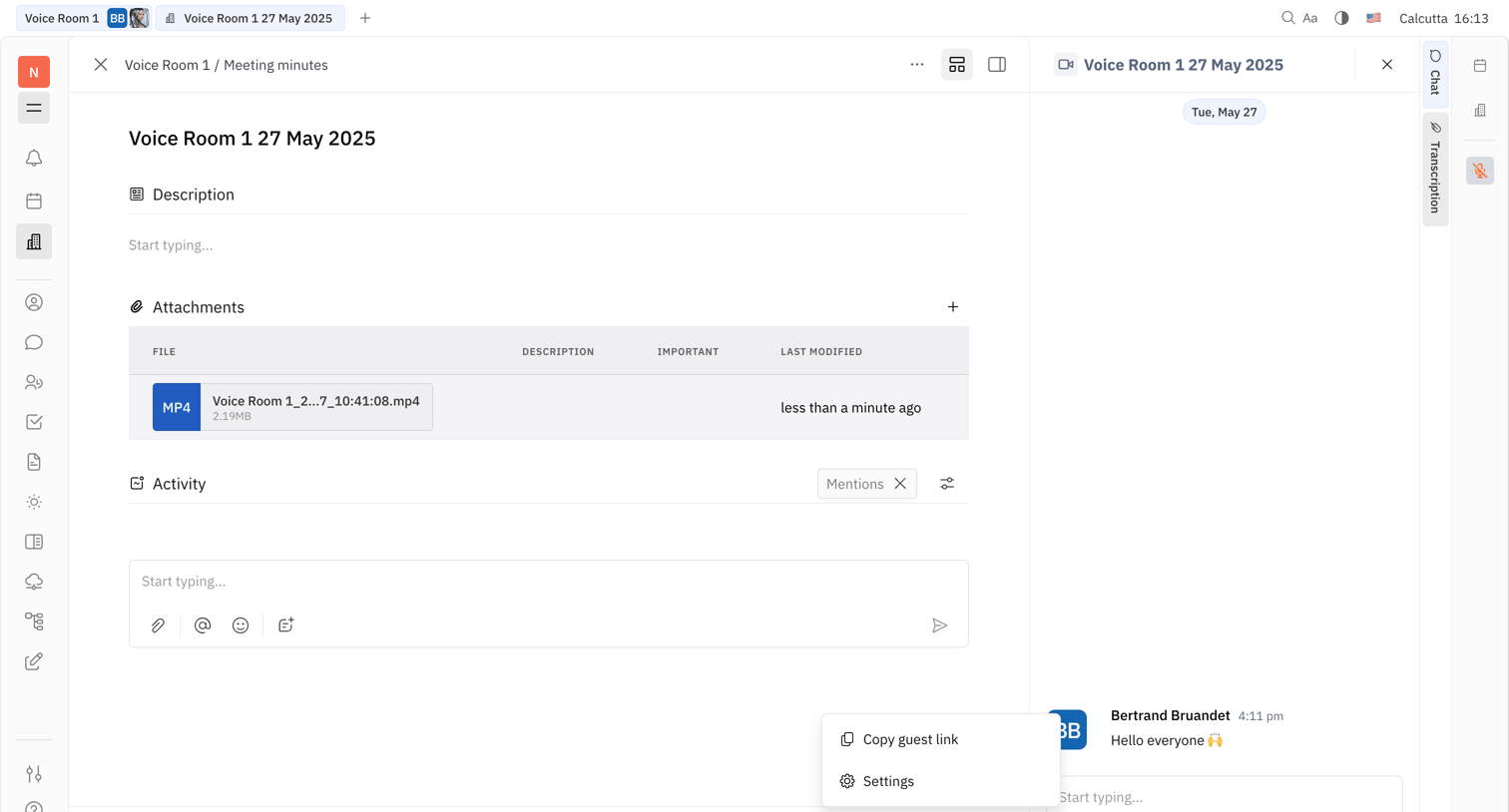

Workspace view combining a meeting minutes document editor with an active voice room chat and floating call controls.
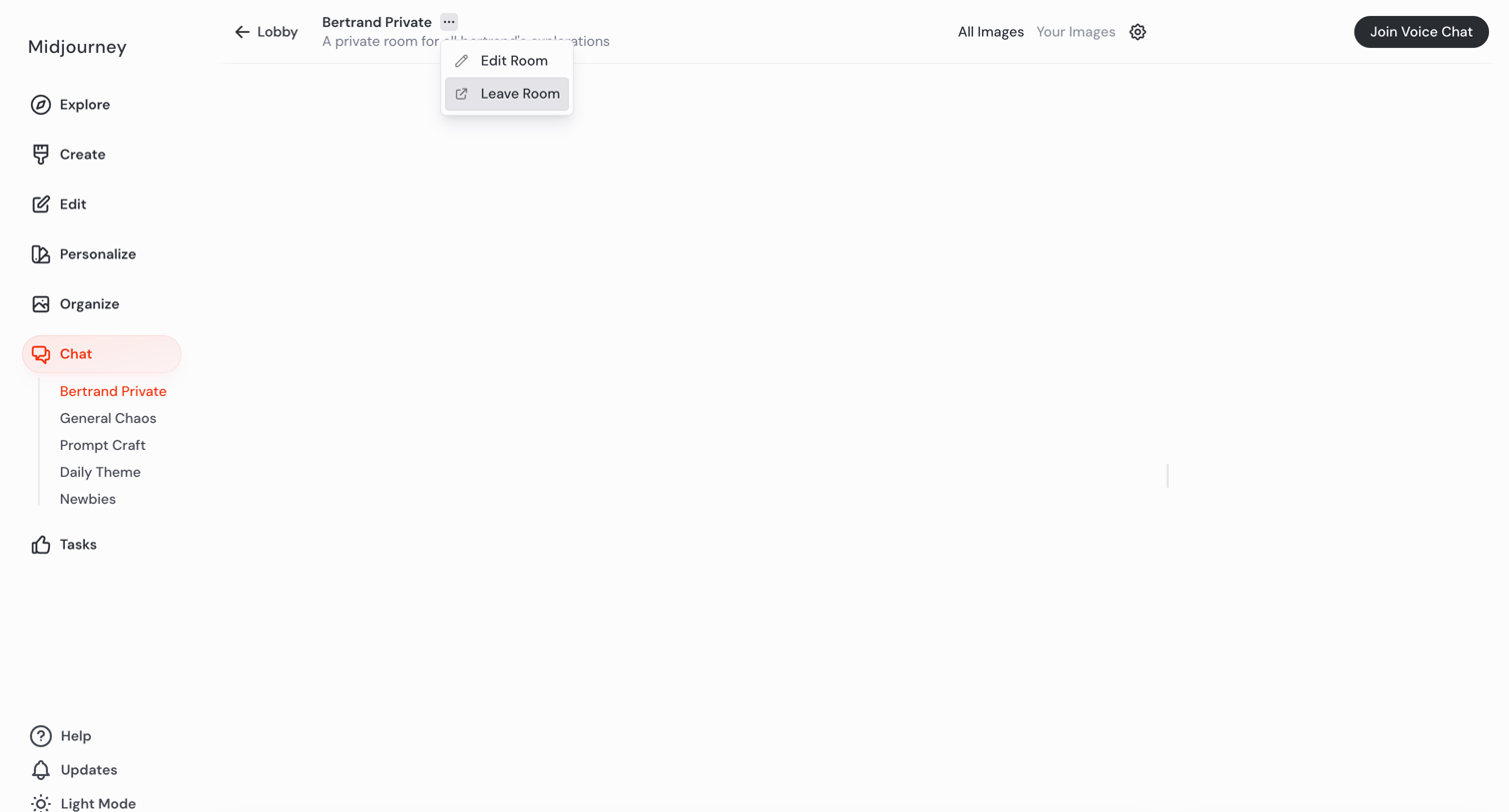

AI generation room where the user can enter prompts to create images, chat with others, or join a voice channel.
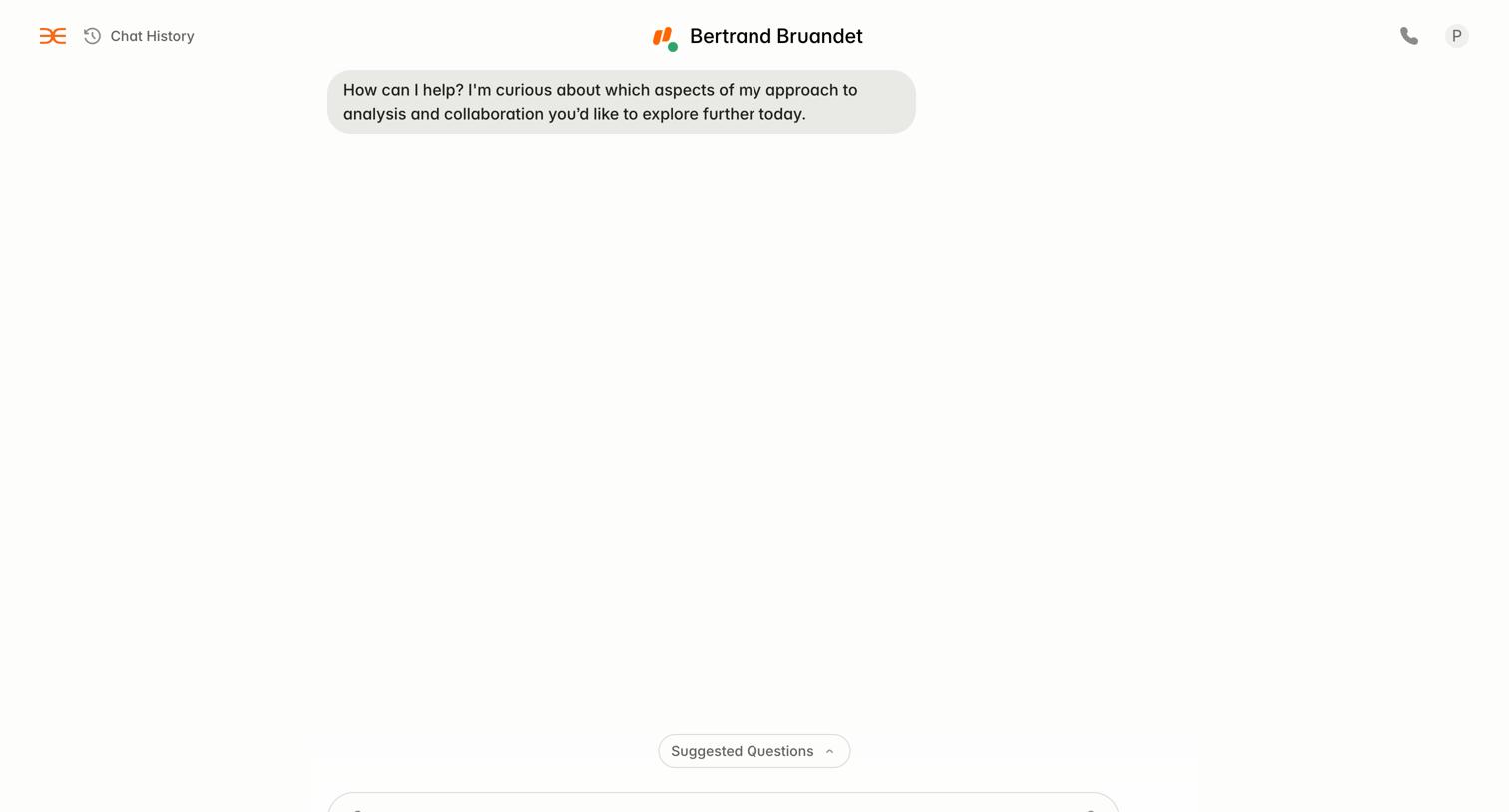

AI chat interface where the user converses with a specific persona named Bertrand Bruandet, featuring voice call and suggested questions options.
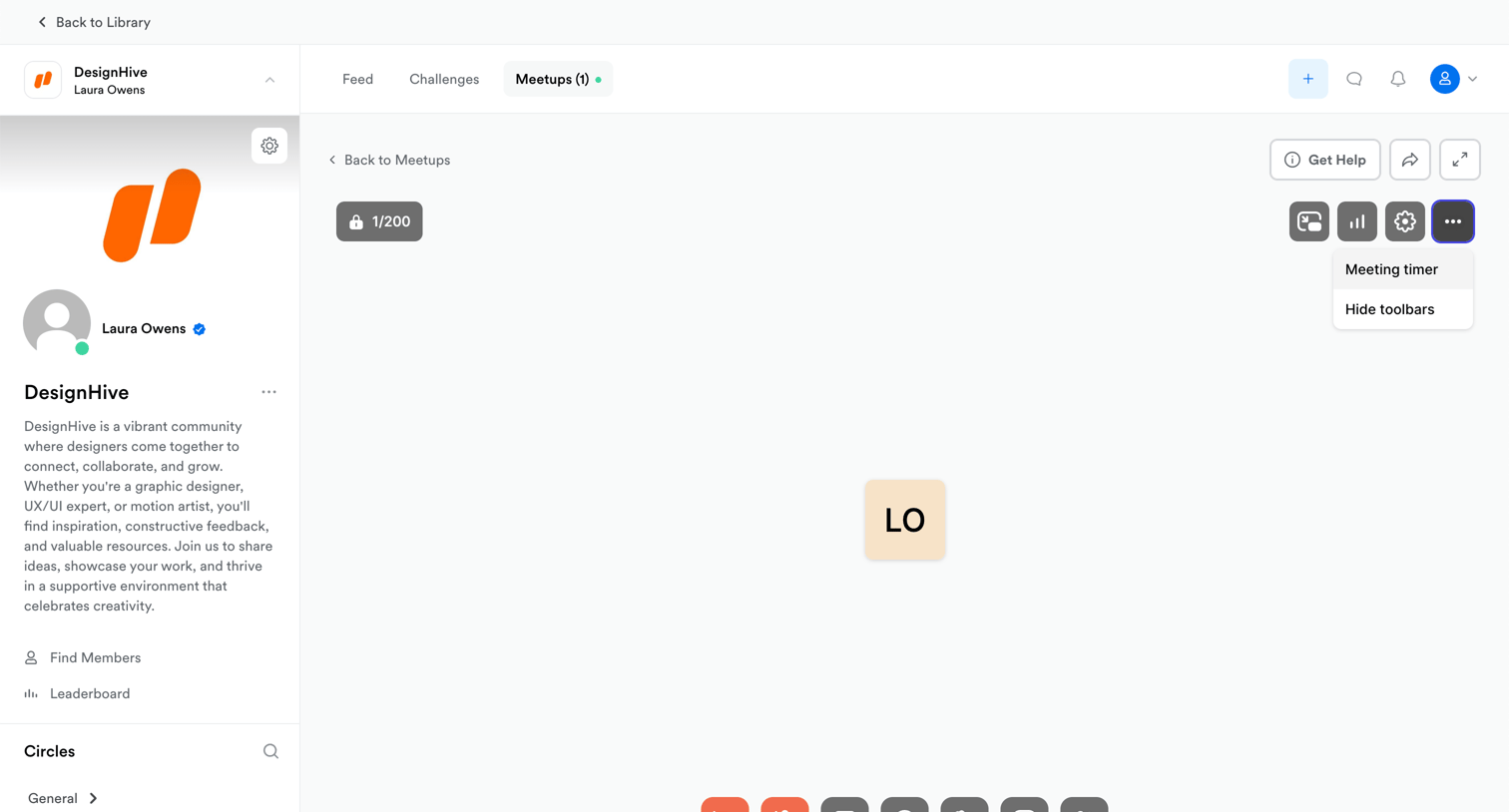

Detail page where the user is in a live video meetup room with controls for camera, microphone, screen sharing, and recording.
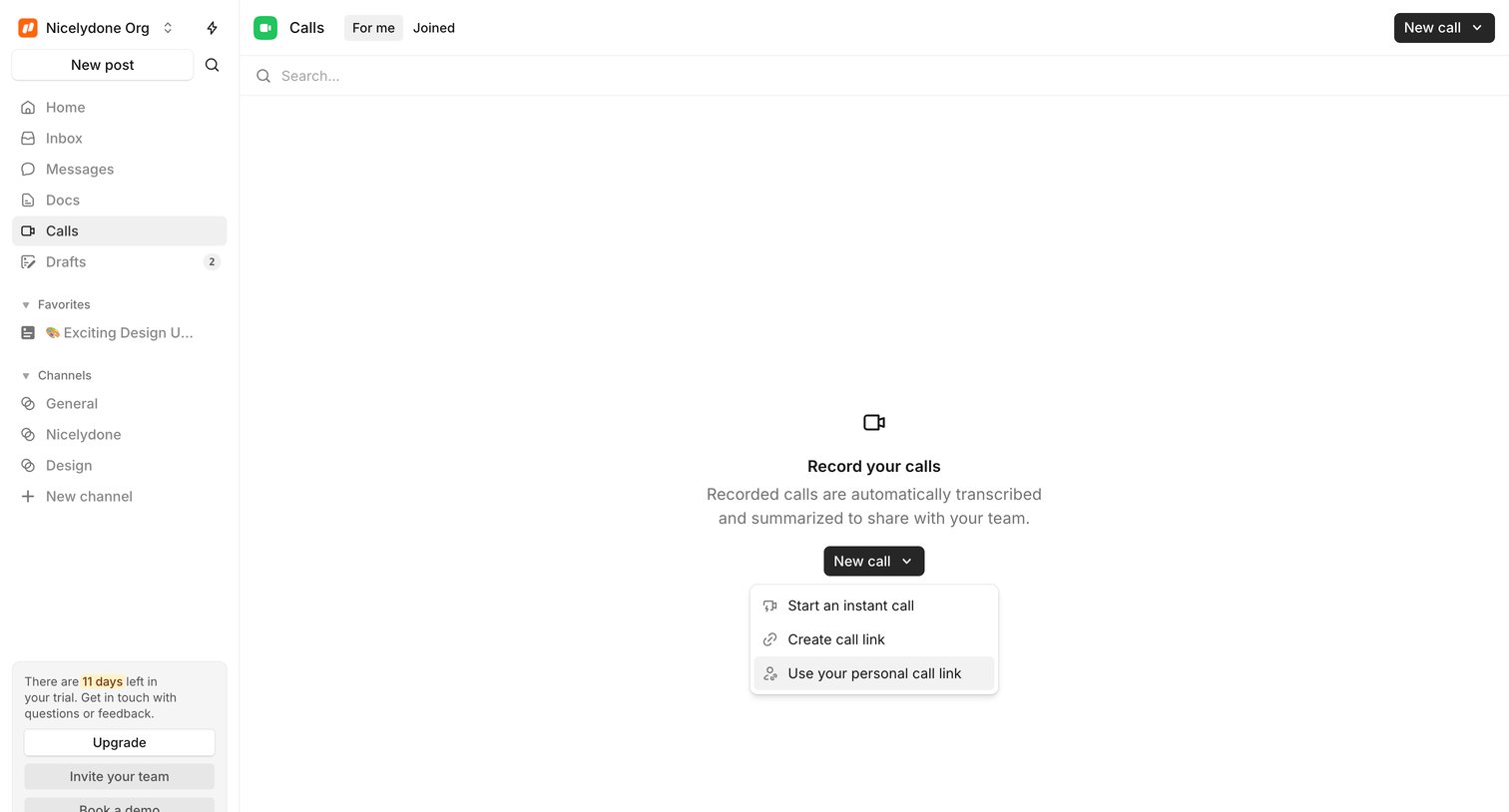

List view for team calls in an empty state, prompting the user to start or schedule a new call with automated transcription.
Explore the full SaaS screen library
Upgrade to unlock the full library.
Trusted by the best teams








About Call
See how apps arrange the interface around a voice or video call. Explore how participant information, call status, and session controls share space during the conversation.