Skip to content

Mighty design examples

Explore Mighty UI design examples. Community platform, courses & memberships

Product screens

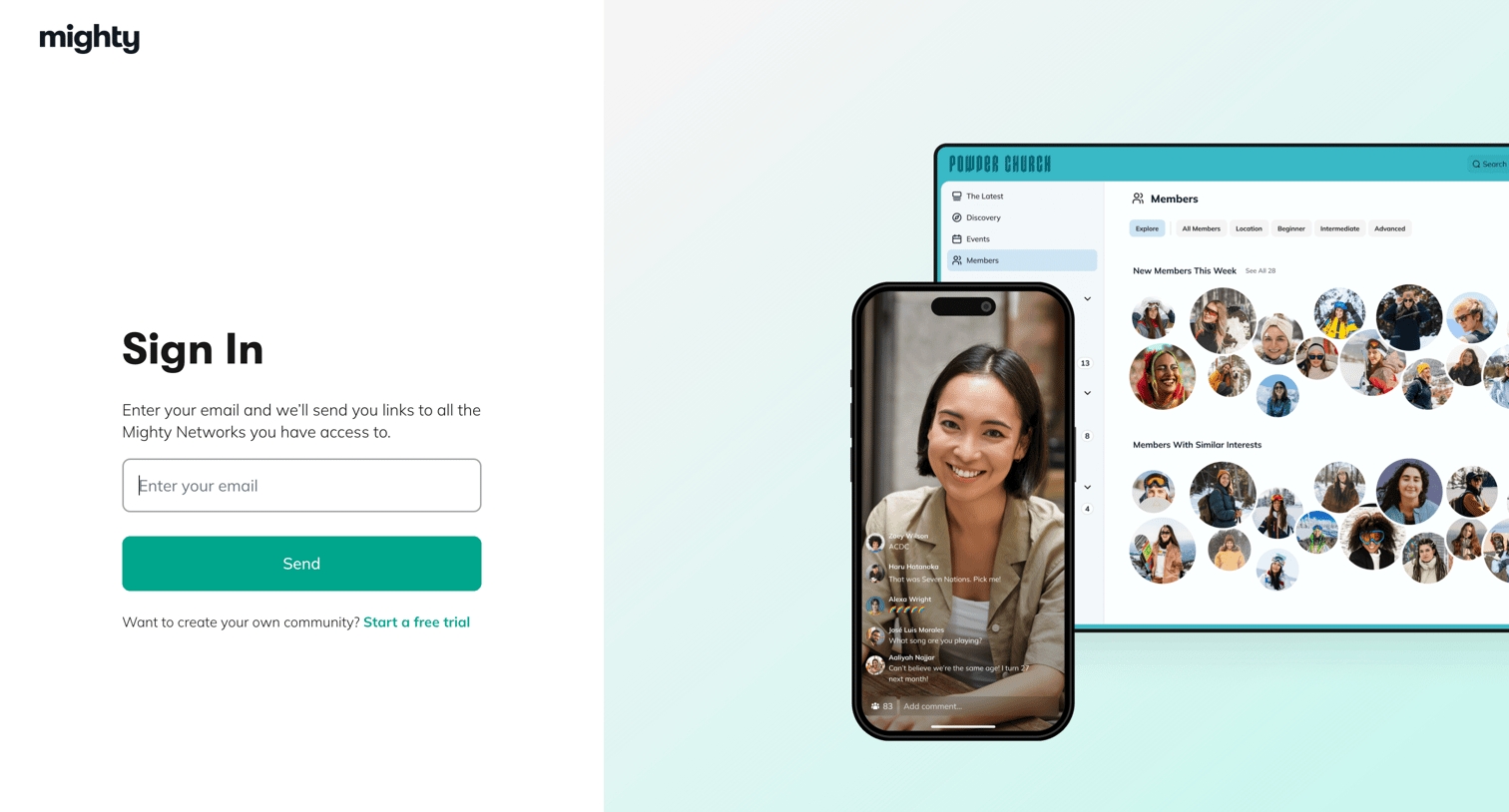
Mighty - Mighty Networks: Sign in to your Mighty Network screen
Mighty logo
Mighty

Sign-in screen where the user enters their email to receive magic links to their accessible Mighty Networks, featuring a 50/50 split layout with product mockups on the right.

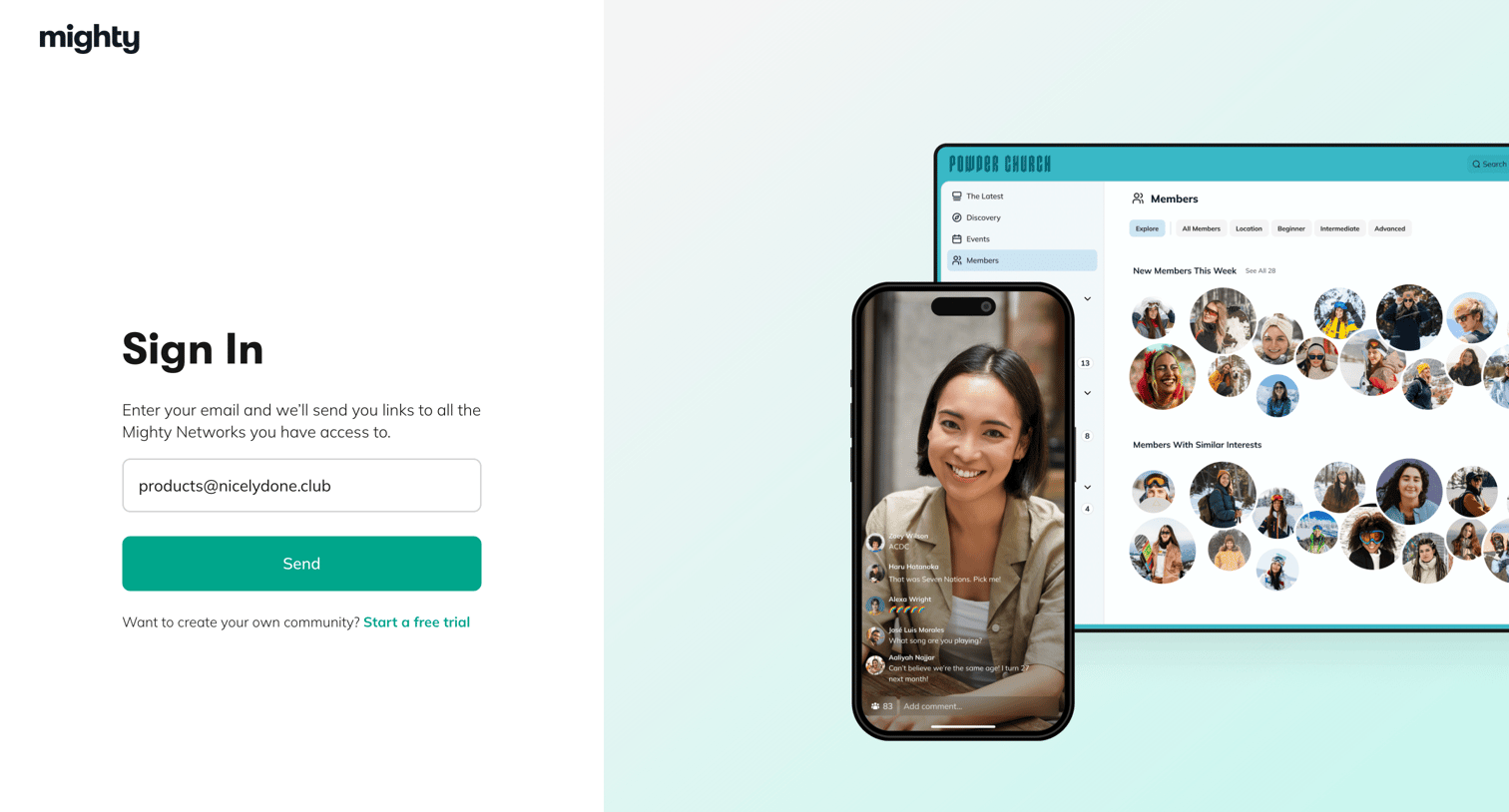
Mighty - Mighty Networks: Sign in to your Mighty Network screen
Mighty logo
Mighty

Sign-in screen where the user enters their email to receive magic links to their Mighty Networks communities.

Mighty - Mighty Networks: Sign in to your Mighty Network screen
Mighty logo
Mighty

Sign-in screen where the user enters their email to receive magic login links to their communities.

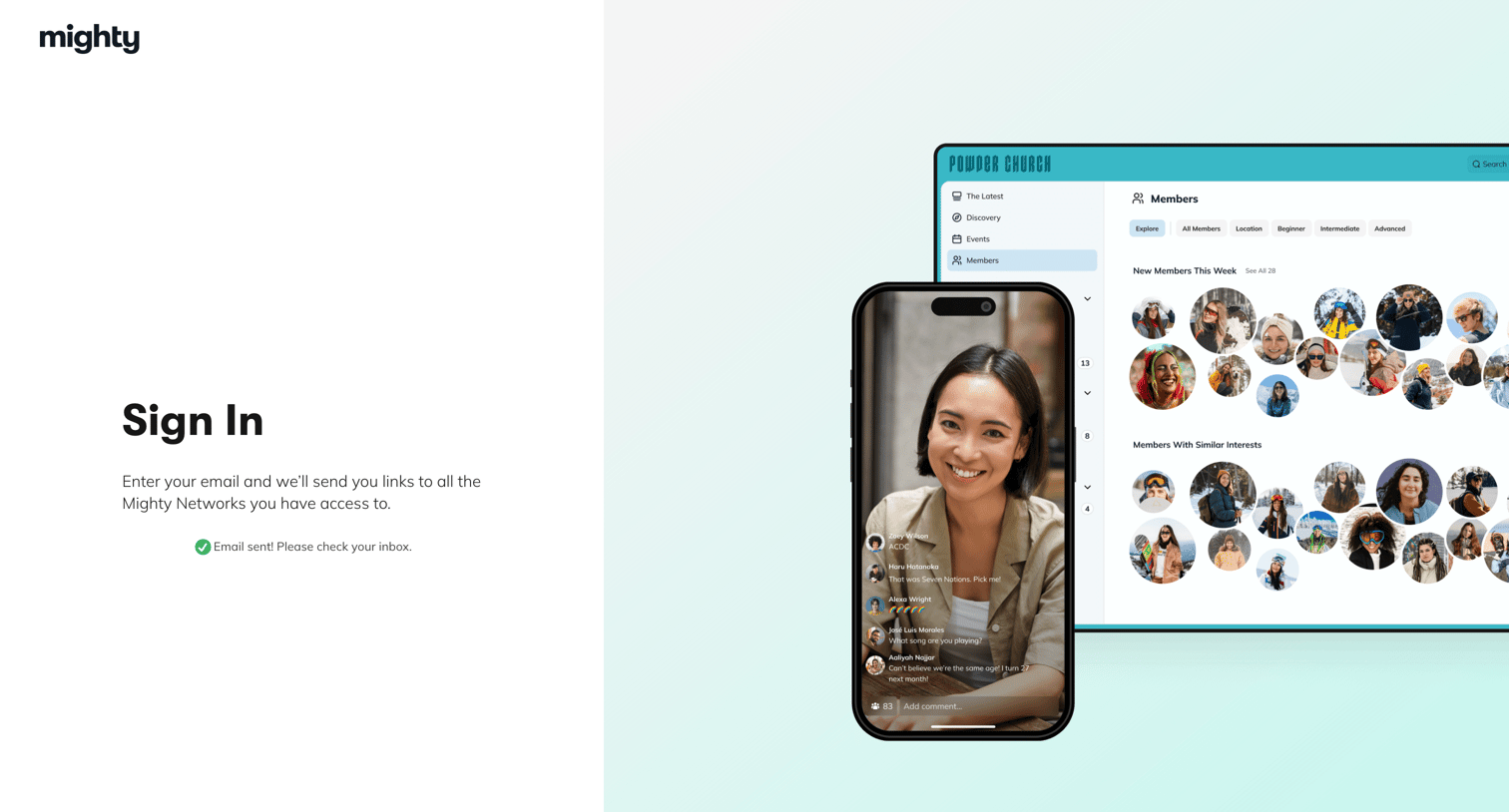
Mighty - Mighty Networks: Sign in to your Mighty Network screen
Mighty logo
Mighty

Sign-in screen where the user is notified that a magic link has been sent to their email to access their Mighty Networks.

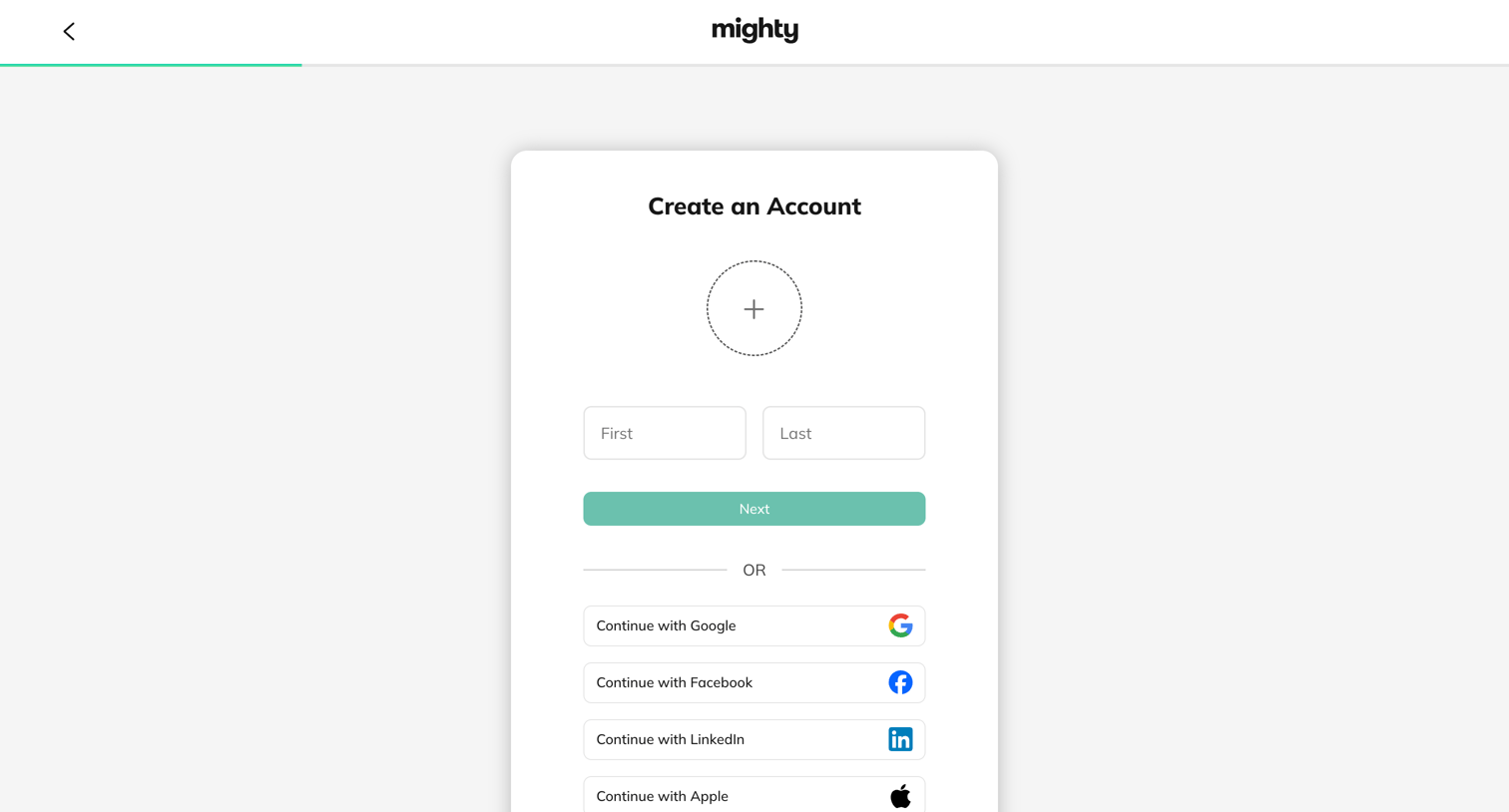
Mighty - Create Your New Mighty Network | Mighty Networks screen
Mighty logo
Mighty

Signup screen where the user enters their name and uploads an avatar or chooses to authenticate via Google, Facebook, LinkedIn, or Apple.
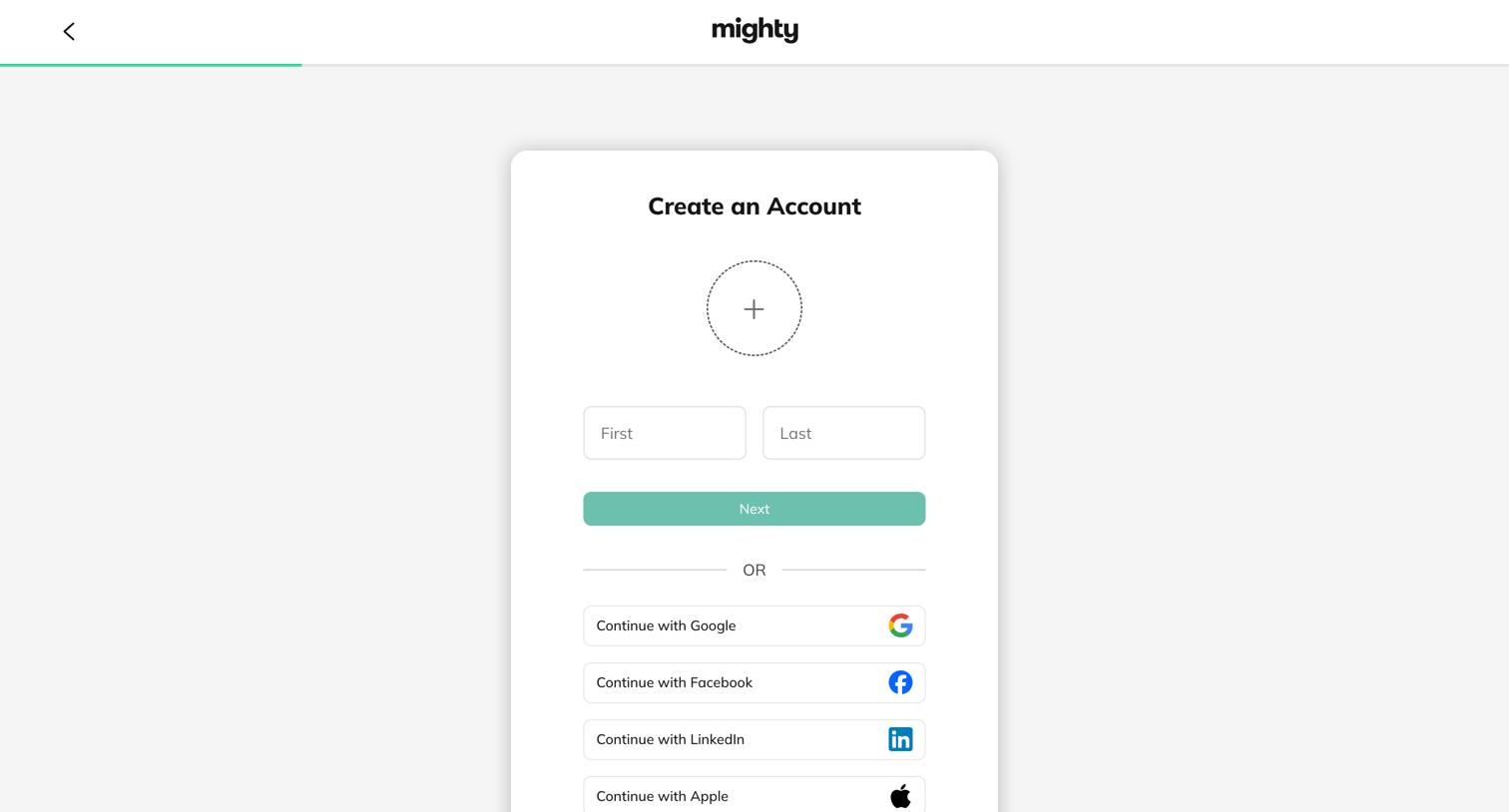
Mighty - Create Your New Mighty Network | Mighty Networks screen
Mighty logo
Mighty

Signup screen where the user enters their first and last name or chooses to authenticate via Google, Facebook, LinkedIn, or Apple.
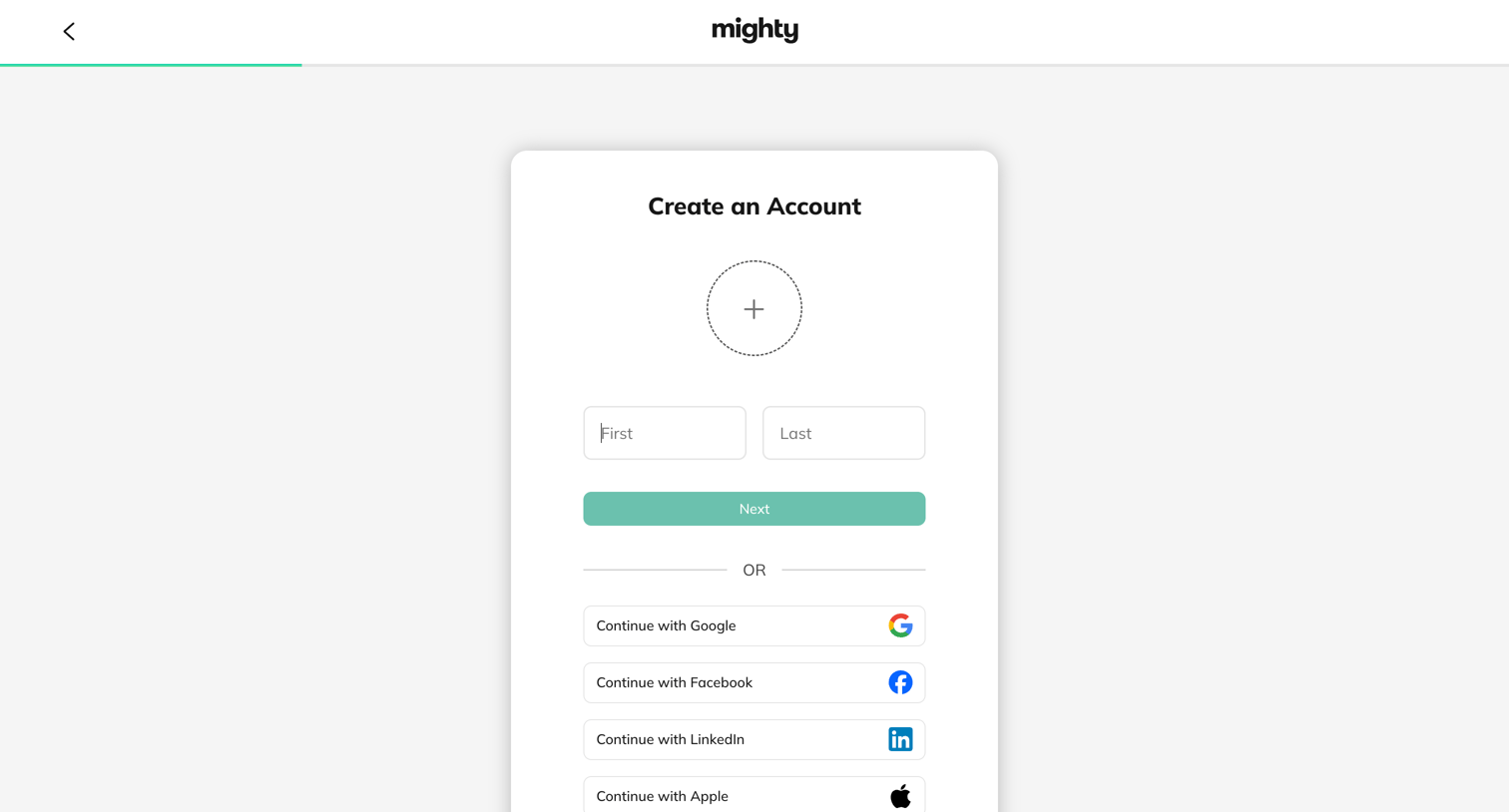
Mighty - Create Your New Mighty Network | Mighty Networks screen
Mighty logo
Mighty

Signup screen where the user enters their first and last name or authenticates with Google, Facebook, LinkedIn, or Apple.
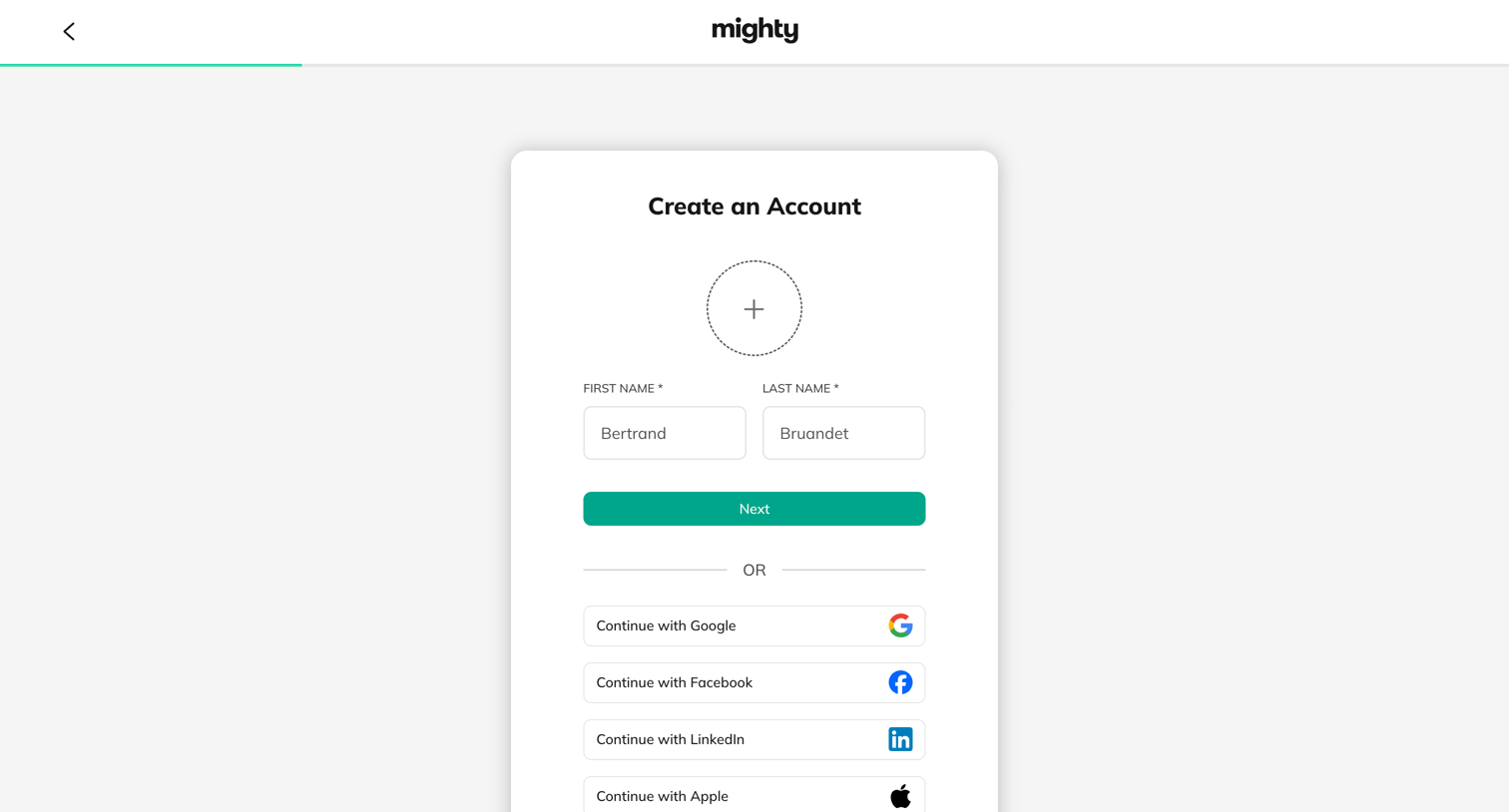
Mighty - Create Your New Mighty Network | Mighty Networks screen
Mighty logo
Mighty

Signup page where the user enters their name, uploads an avatar, or authenticates with Google, Facebook, LinkedIn, or Apple.
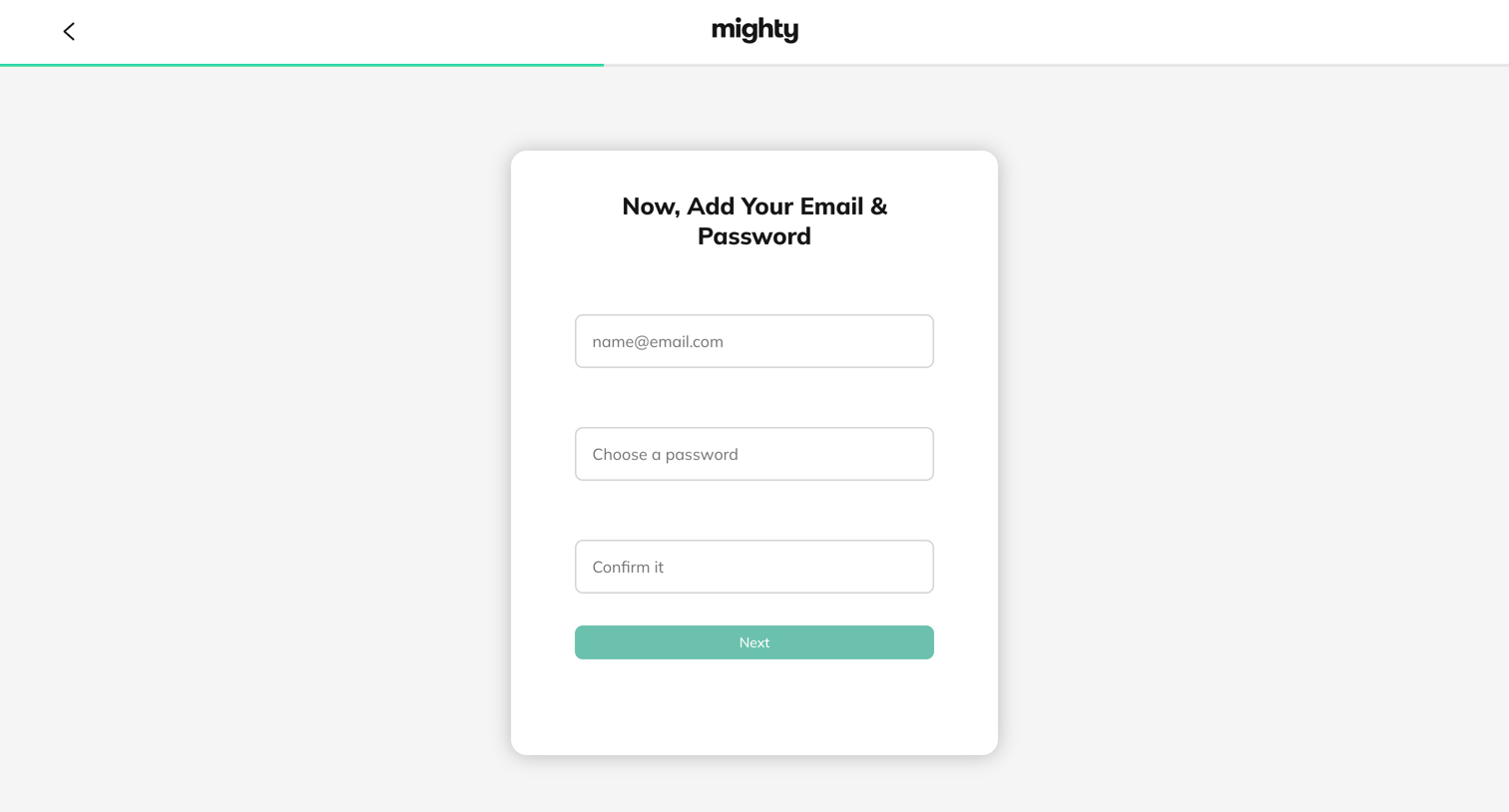
Mighty - Create Your New Mighty Network | Mighty Networks screen
Mighty logo
Mighty

Signup step where the user enters their email address and chooses a password to create a new account.
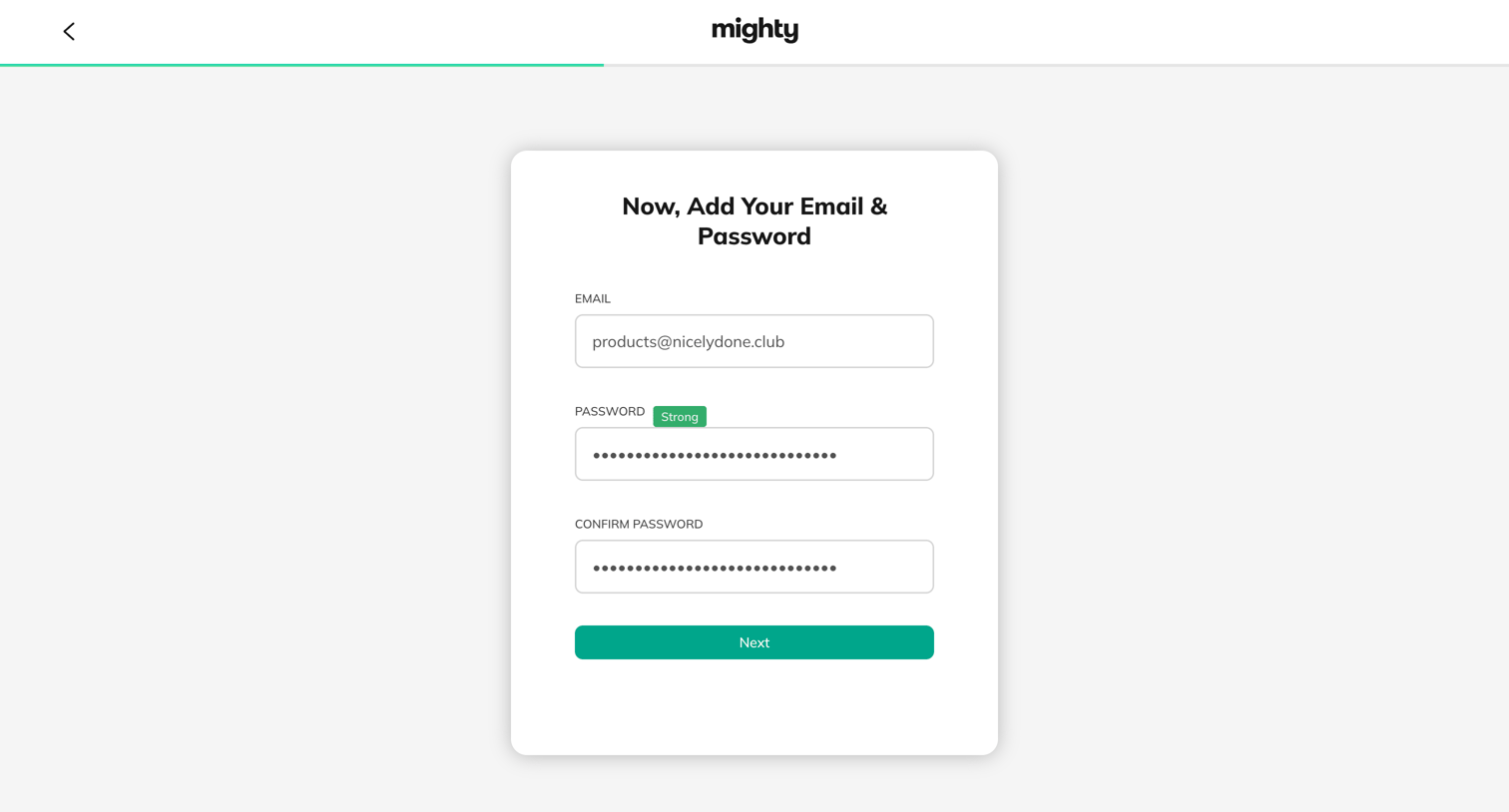
Mighty - Create Your New Mighty Network | Mighty Networks screen
Mighty logo
Mighty

Signup step where the user enters their email and sets a strong password to create an account.
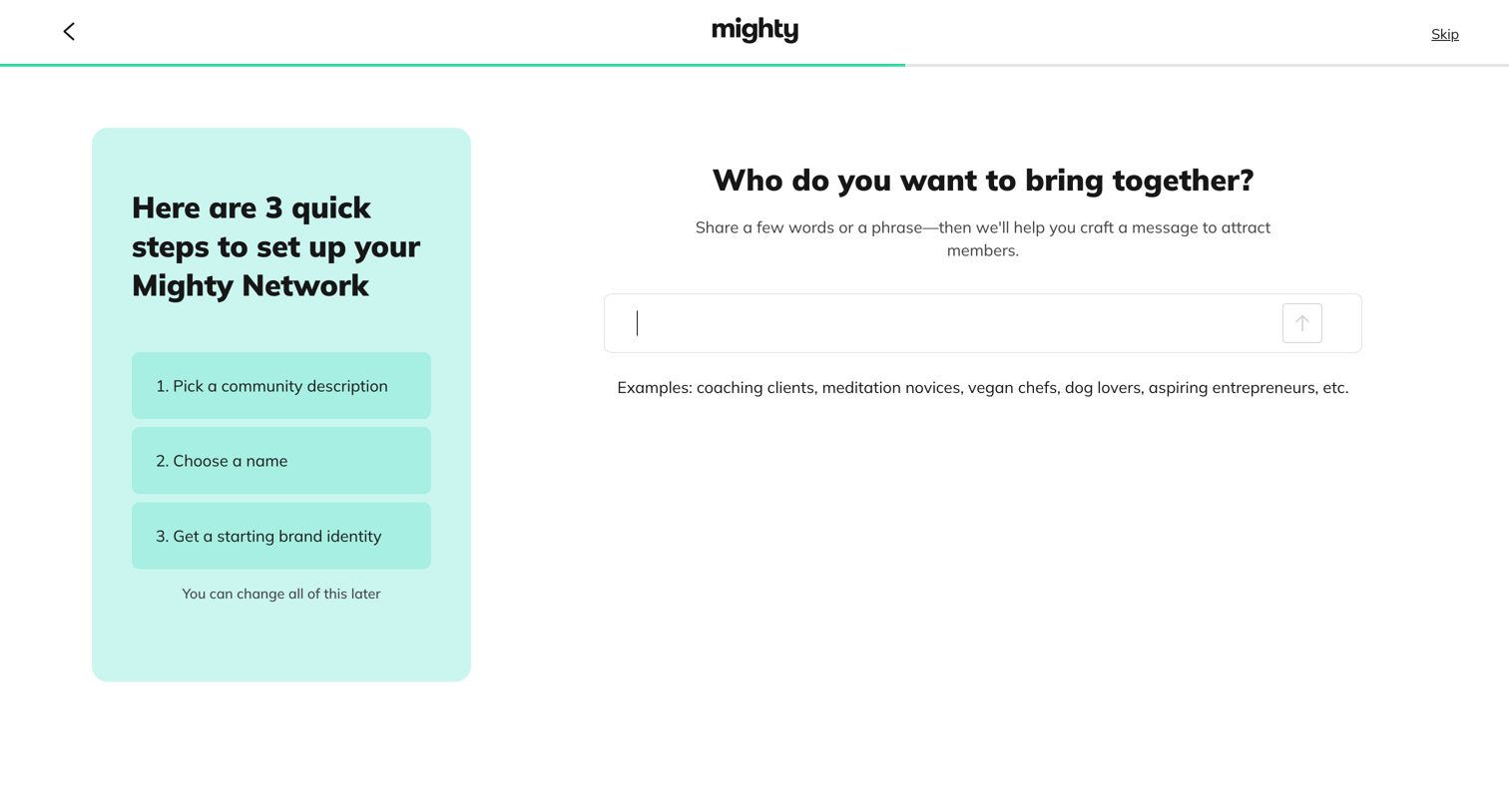
Mighty - Create Your New Mighty Network | Mighty Networks screen
Mighty logo
Mighty

Onboarding step where the user describes who they want to bring together to start setting up their community network.
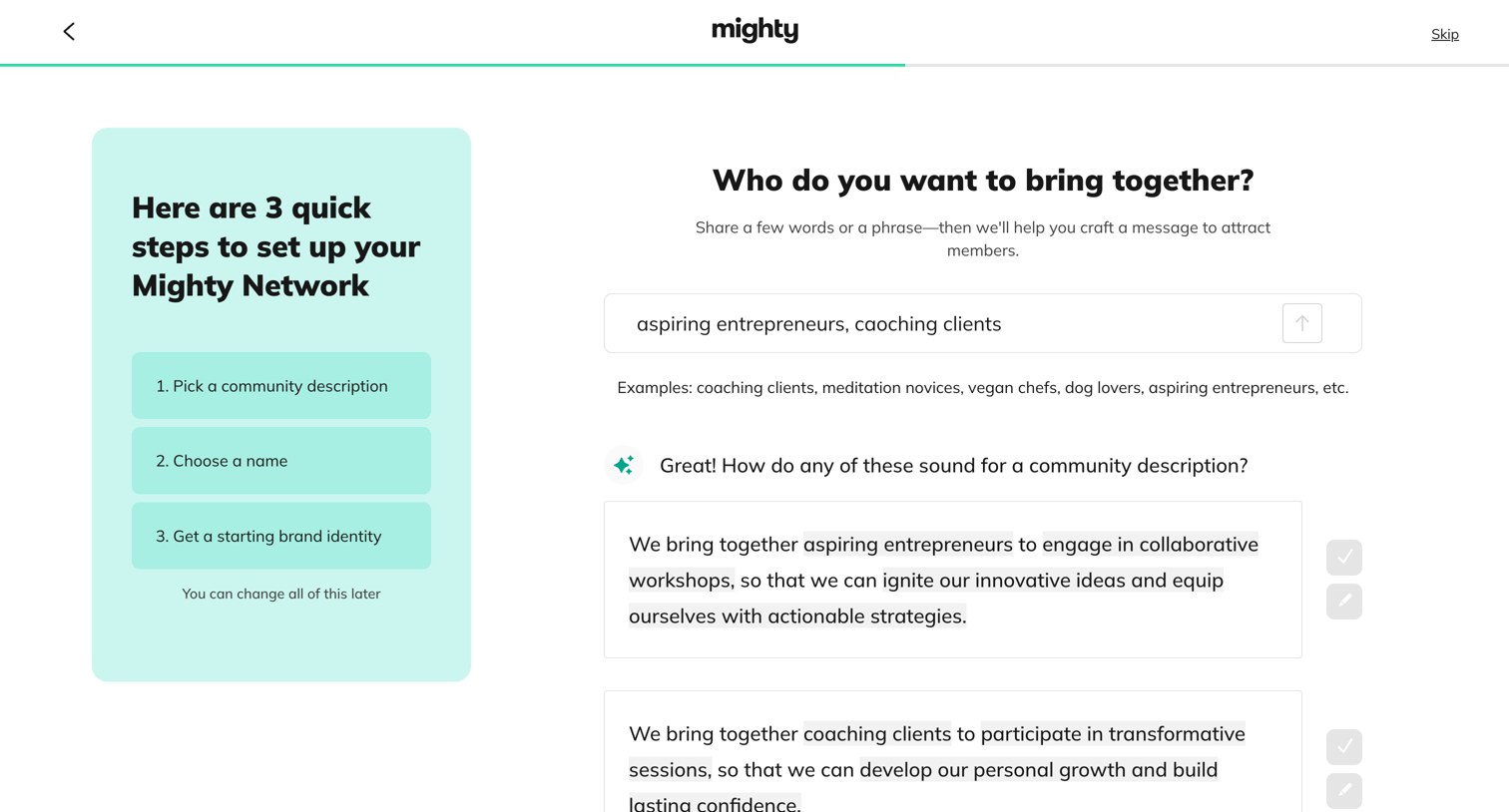
Mighty - Create Your New Mighty Network | Mighty Networks screen
Mighty logo
Mighty

Onboarding step where the user provides a target audience to generate AI community descriptions and selects or edits one.

Browse the full SaaS app library

Explore real SaaS apps with their product screens, marketing screens, flows, and components.

Trusted by the best teams