Skip to content

Mighty product screens examples

Browse Mighty screen design examples. Preview the interface screenshots and explore related UI patterns. Community platform, courses & memberships

Explore the examples

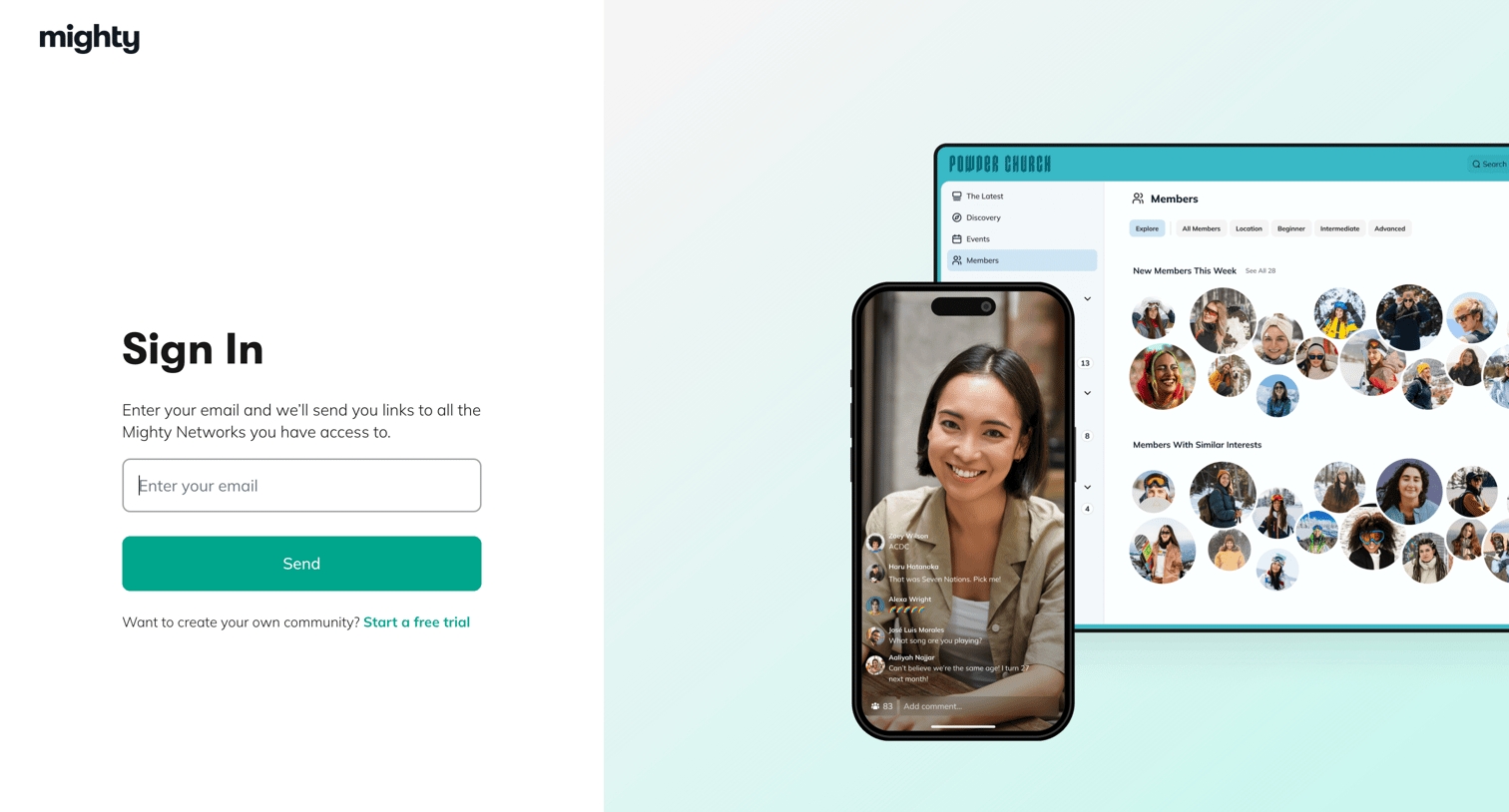
Mighty - Mighty Networks: Sign in to your Mighty Network screen
Mighty logo
Mighty

Sign-in screen where the user enters their email to receive magic links to their accessible Mighty Networks, featuring a 50/50 split layout with product mockups on the right.

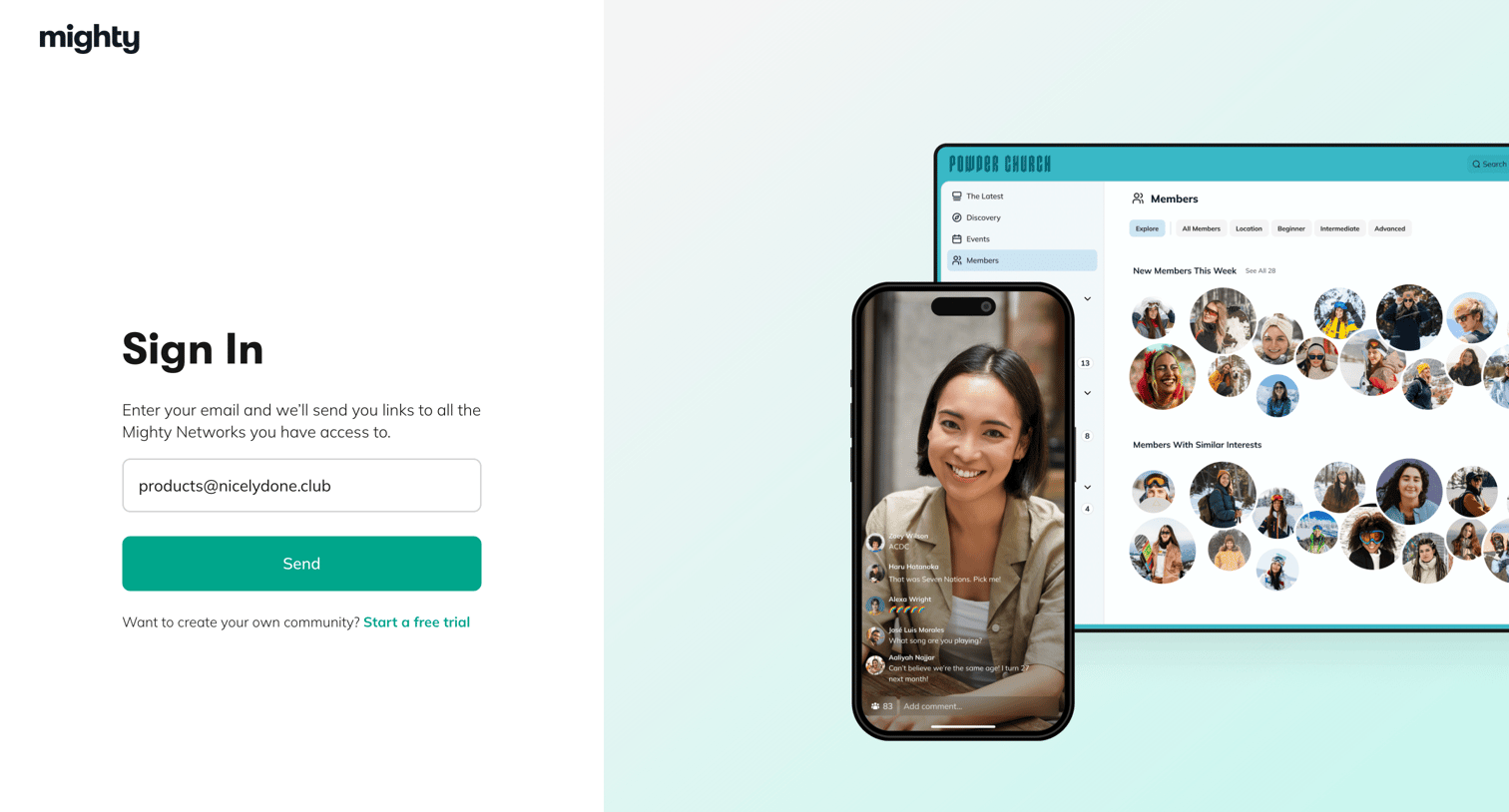
Mighty - Mighty Networks: Sign in to your Mighty Network screen
Mighty logo
Mighty

Sign-in screen where the user enters their email to receive magic links to their Mighty Networks communities.

Mighty - Mighty Networks: Sign in to your Mighty Network screen
Mighty logo
Mighty

Sign-in screen where the user enters their email to receive magic login links to their communities.

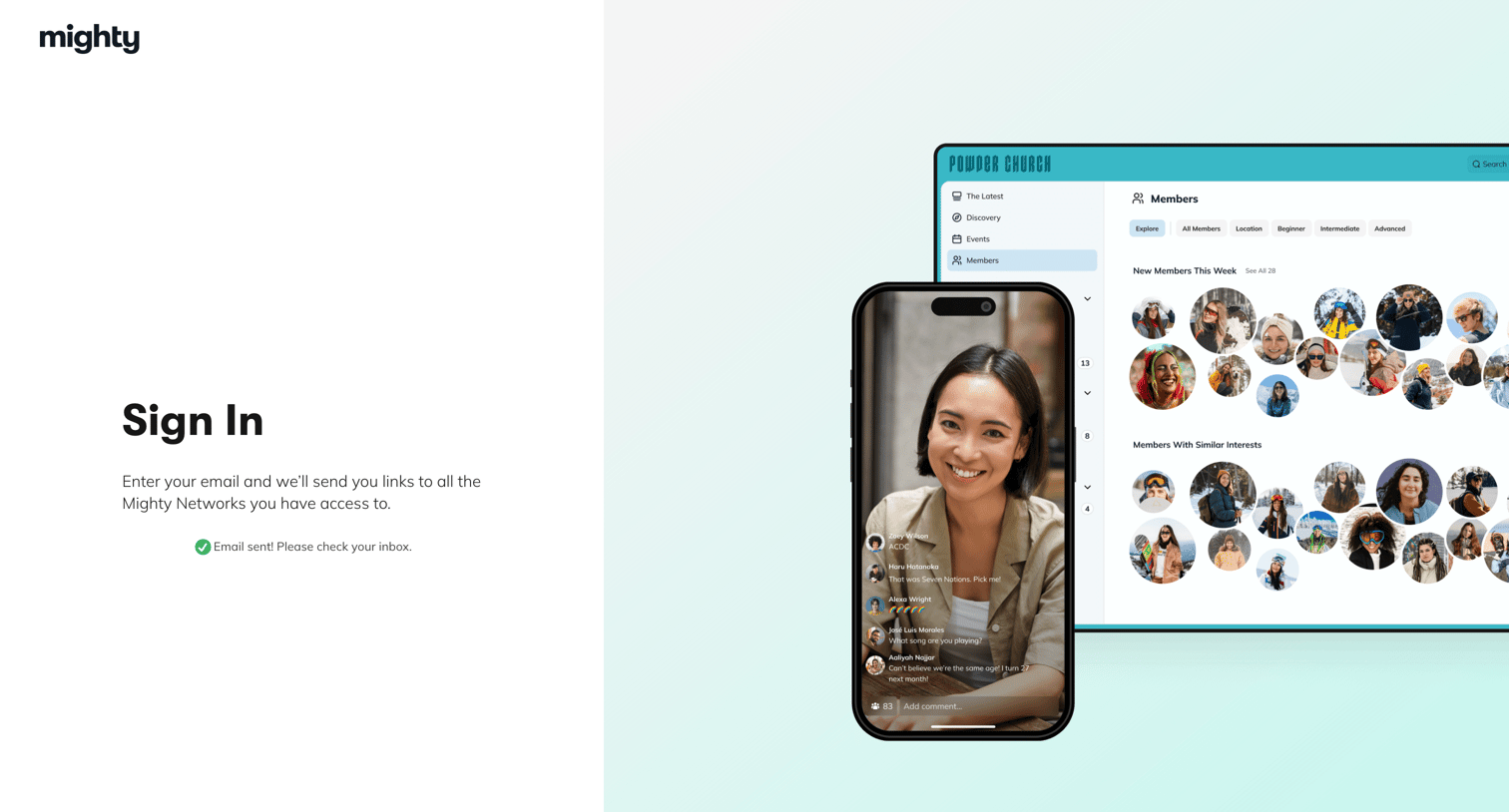
Mighty - Mighty Networks: Sign in to your Mighty Network screen
Mighty logo
Mighty

Sign-in screen where the user is notified that a magic link has been sent to their email to access their Mighty Networks.

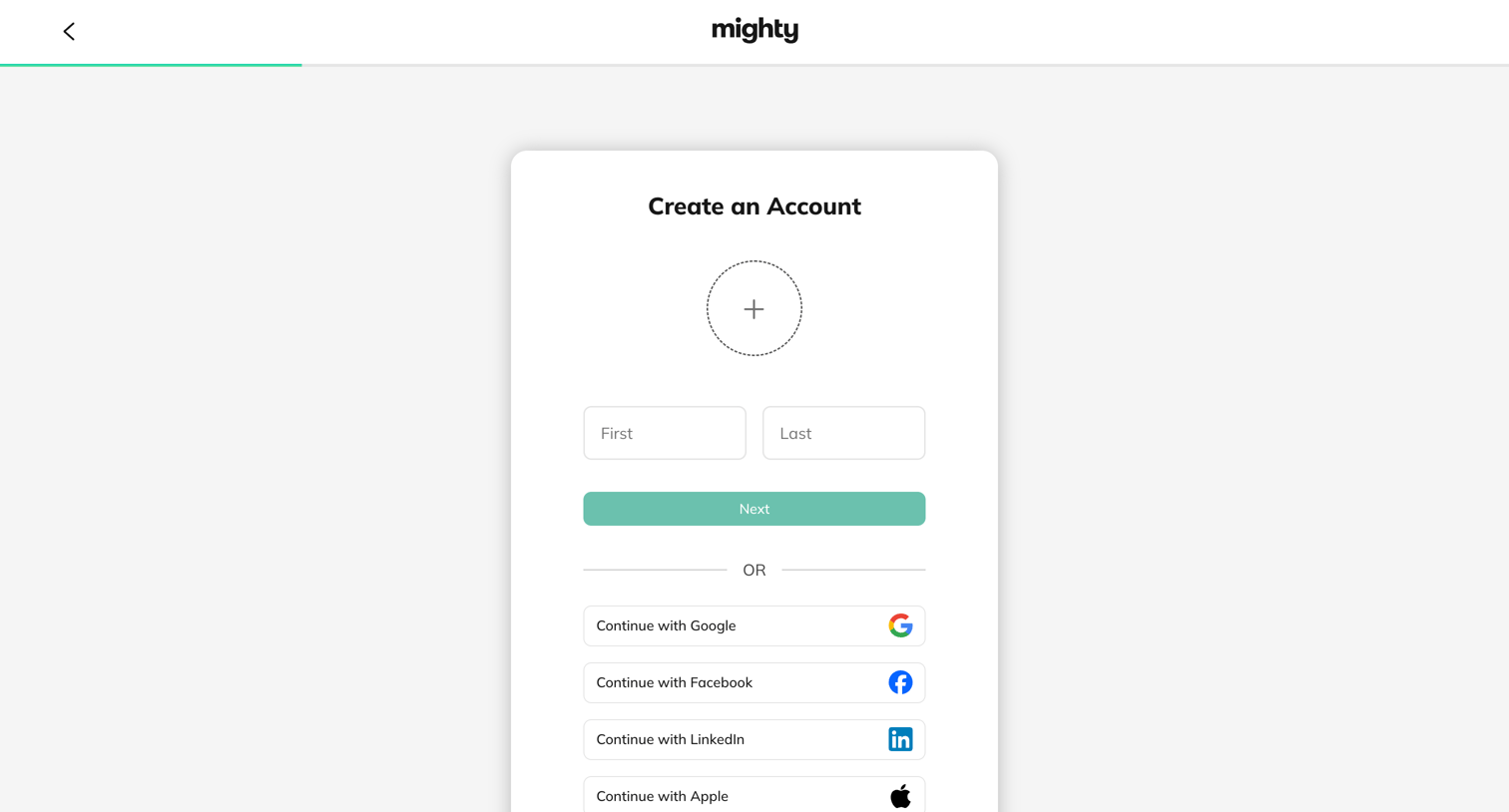
Mighty - Create Your New Mighty Network | Mighty Networks screen
Mighty logo
Mighty

Signup screen where the user enters their name and uploads an avatar or chooses to authenticate via Google, Facebook, LinkedIn, or Apple.
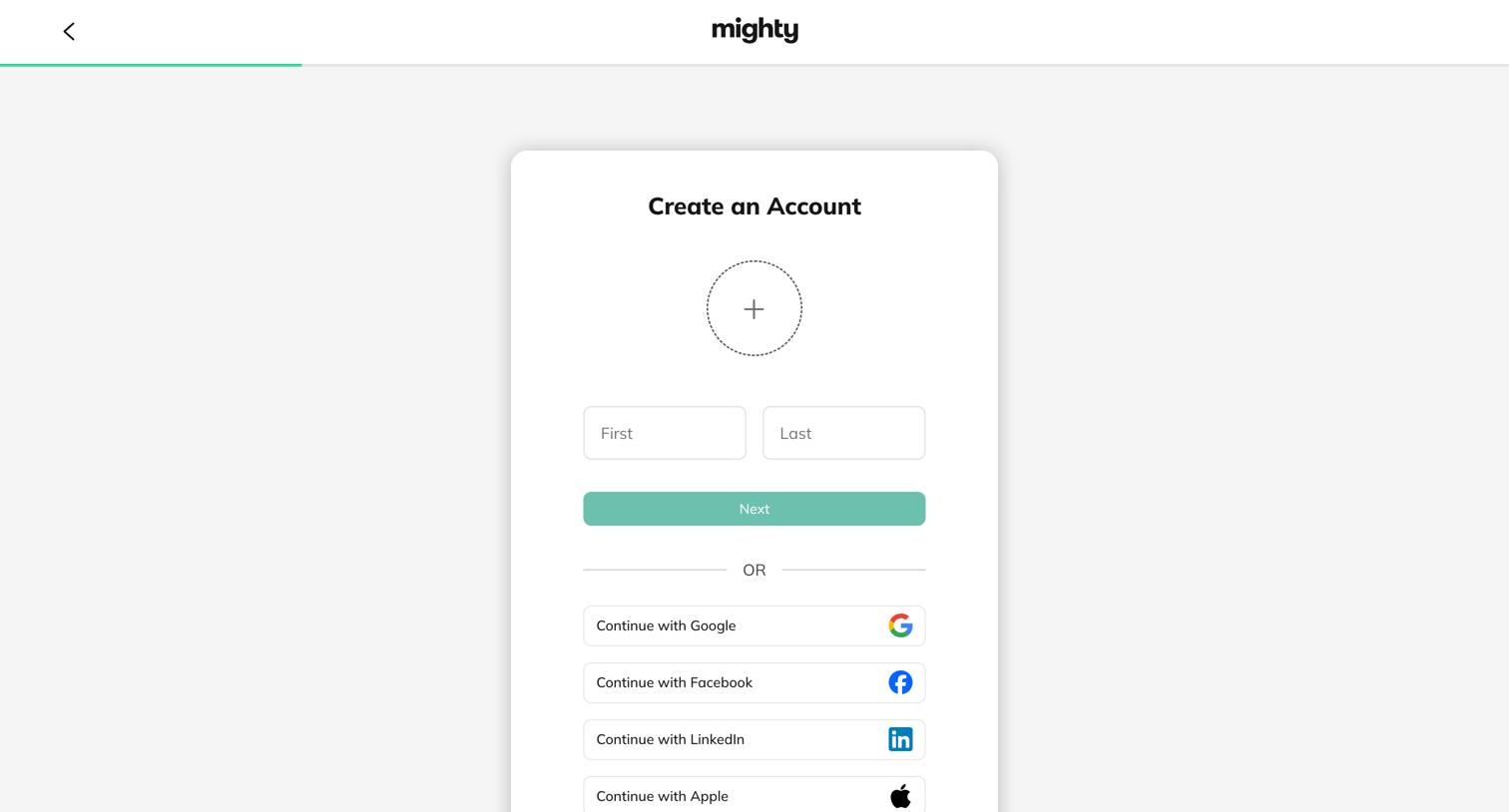
Mighty - Create Your New Mighty Network | Mighty Networks screen
Mighty logo
Mighty

Signup screen where the user enters their first and last name or chooses to authenticate via Google, Facebook, LinkedIn, or Apple.
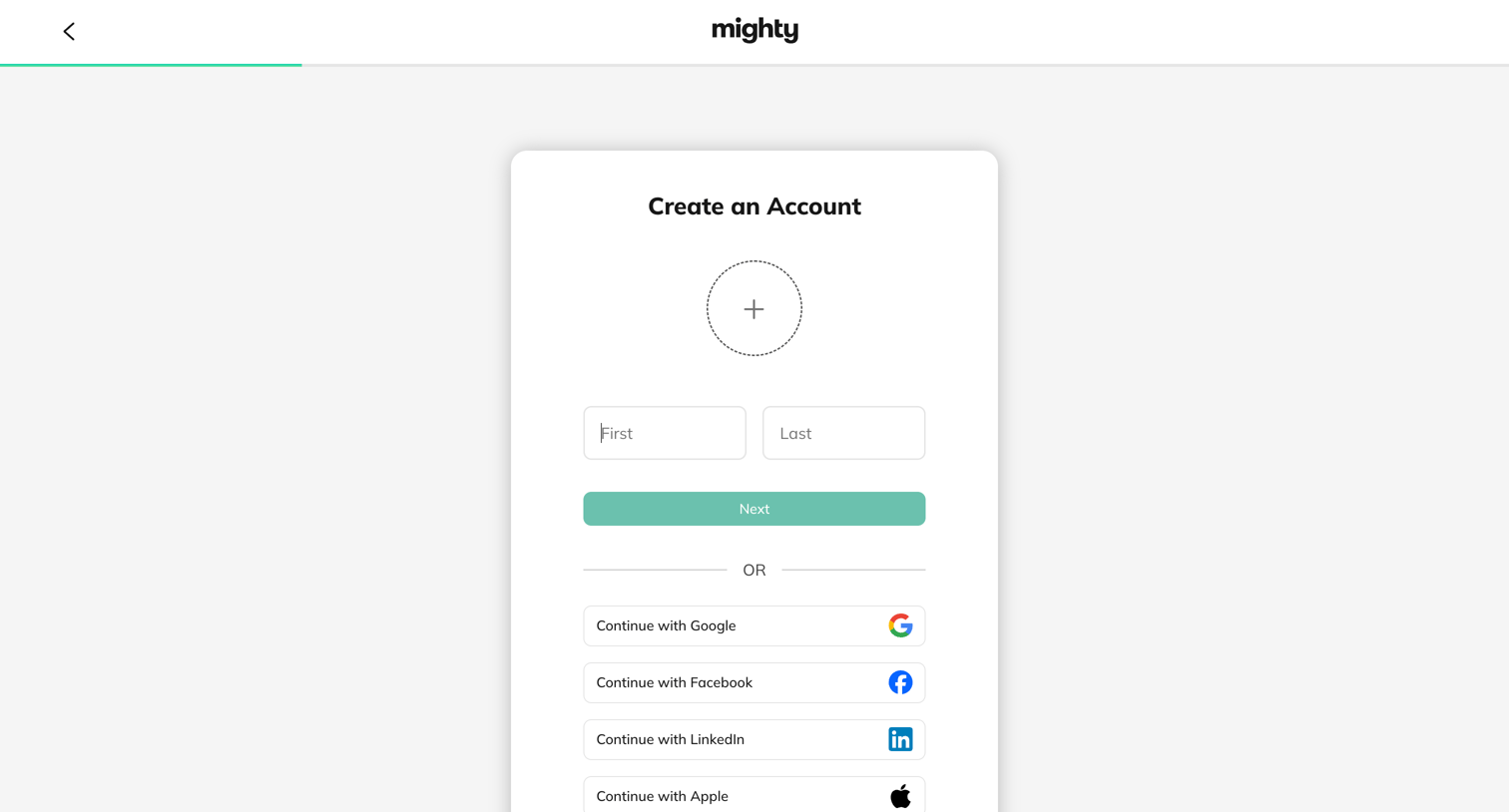
Mighty - Create Your New Mighty Network | Mighty Networks screen
Mighty logo
Mighty

Signup screen where the user enters their first and last name or authenticates with Google, Facebook, LinkedIn, or Apple.
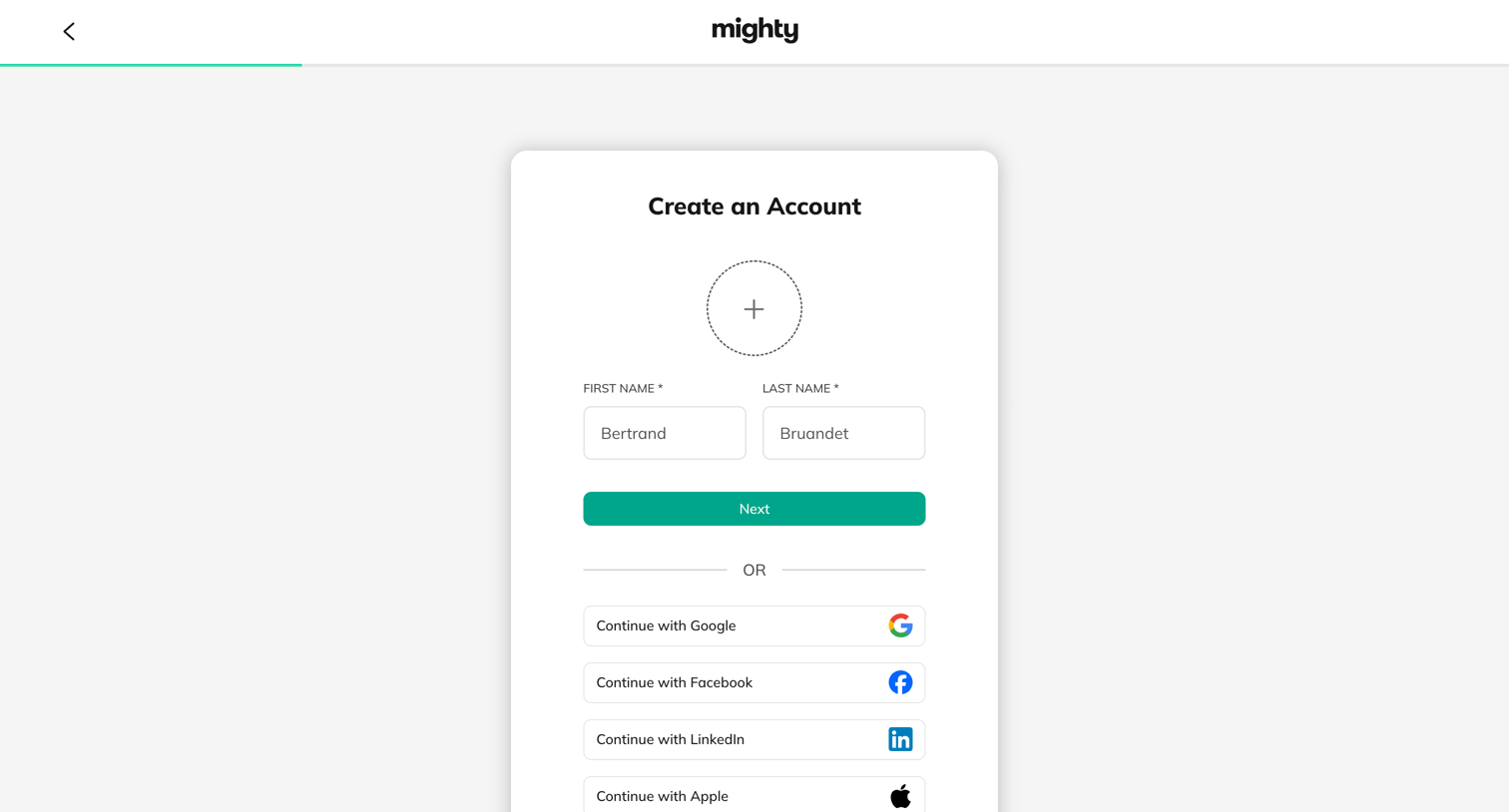
Mighty - Create Your New Mighty Network | Mighty Networks screen
Mighty logo
Mighty

Signup page where the user enters their name, uploads an avatar, or authenticates with Google, Facebook, LinkedIn, or Apple.
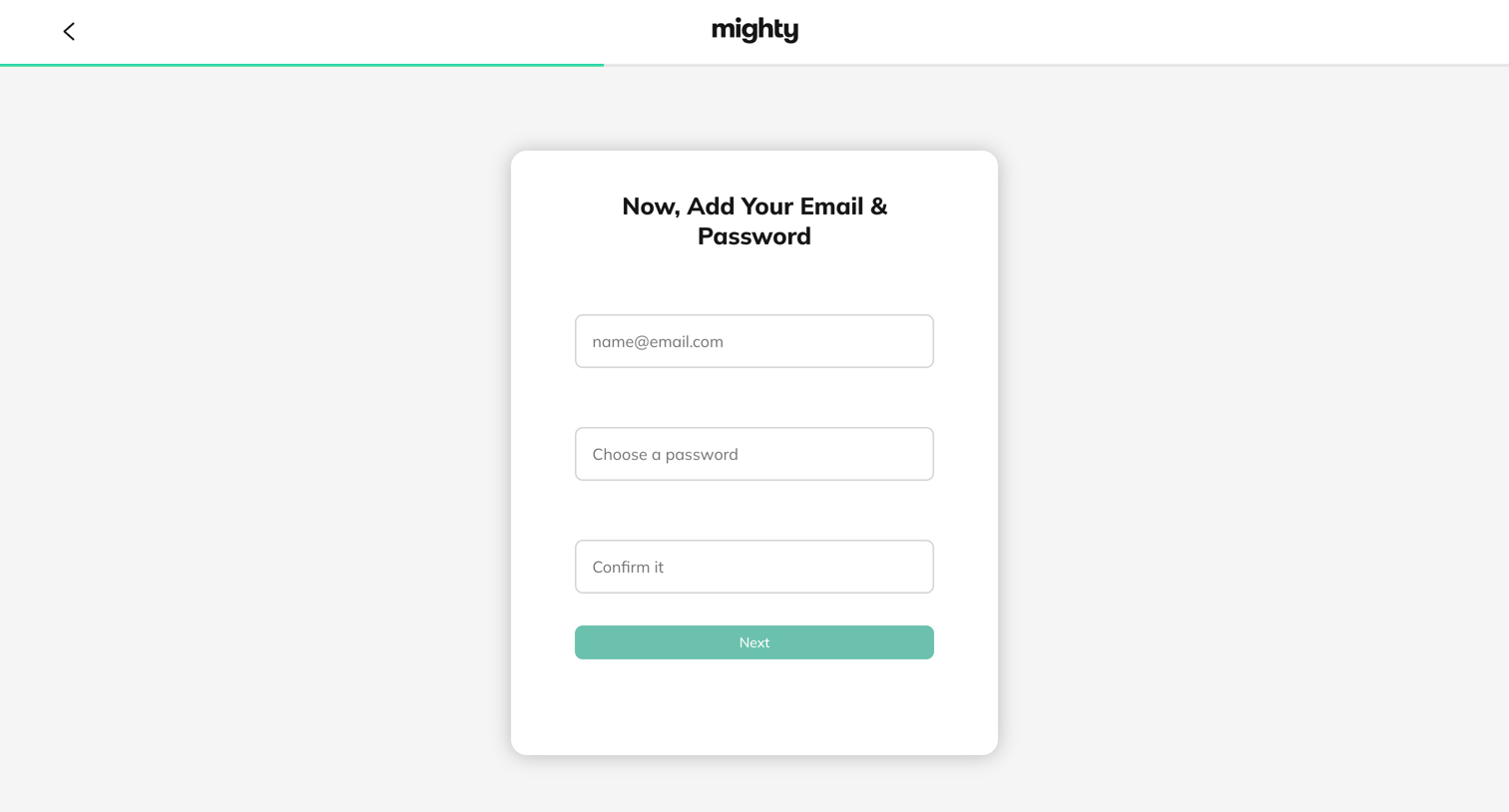
Mighty - Create Your New Mighty Network | Mighty Networks screen
Mighty logo
Mighty

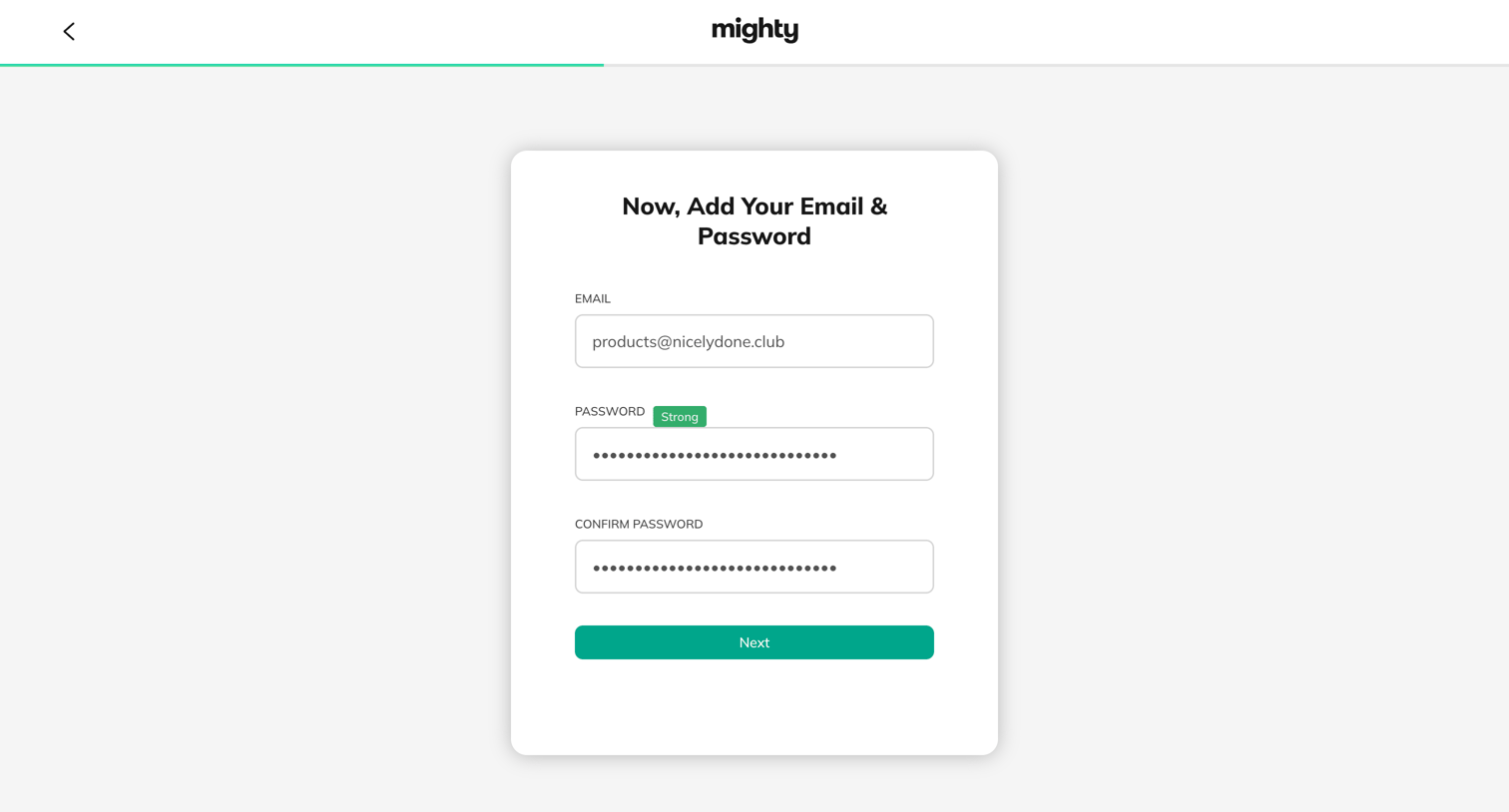
Signup step where the user enters their email address and chooses a password to create a new account.
Mighty - Create Your New Mighty Network | Mighty Networks screen
Mighty logo
Mighty

Signup step where the user enters their email and sets a strong password to create an account.
Mighty - Create Your New Mighty Network | Mighty Networks screen
Mighty logo
Mighty

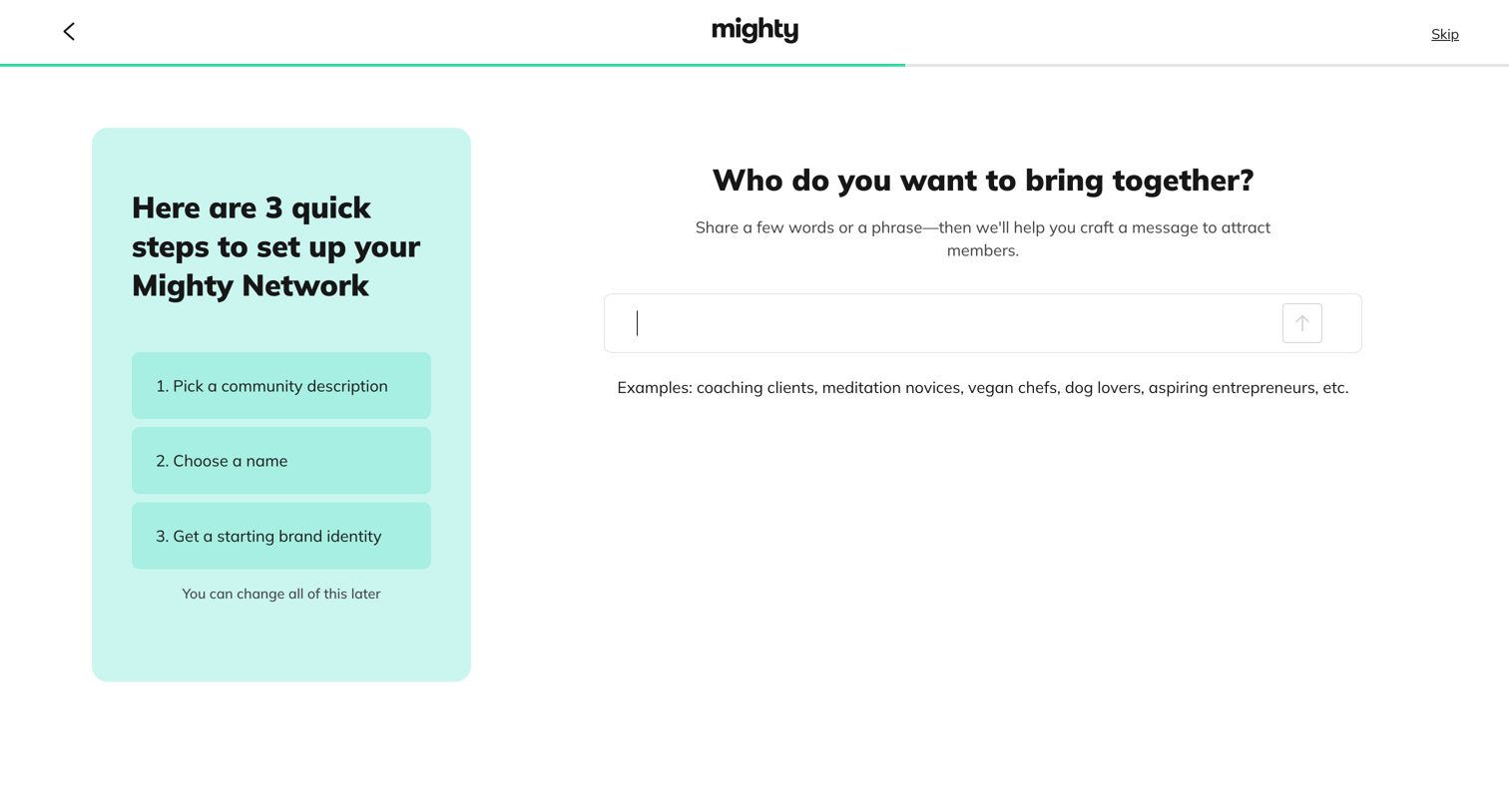
Onboarding step where the user describes who they want to bring together to start setting up their community network.
Mighty - Create Your New Mighty Network | Mighty Networks screen
Mighty logo
Mighty

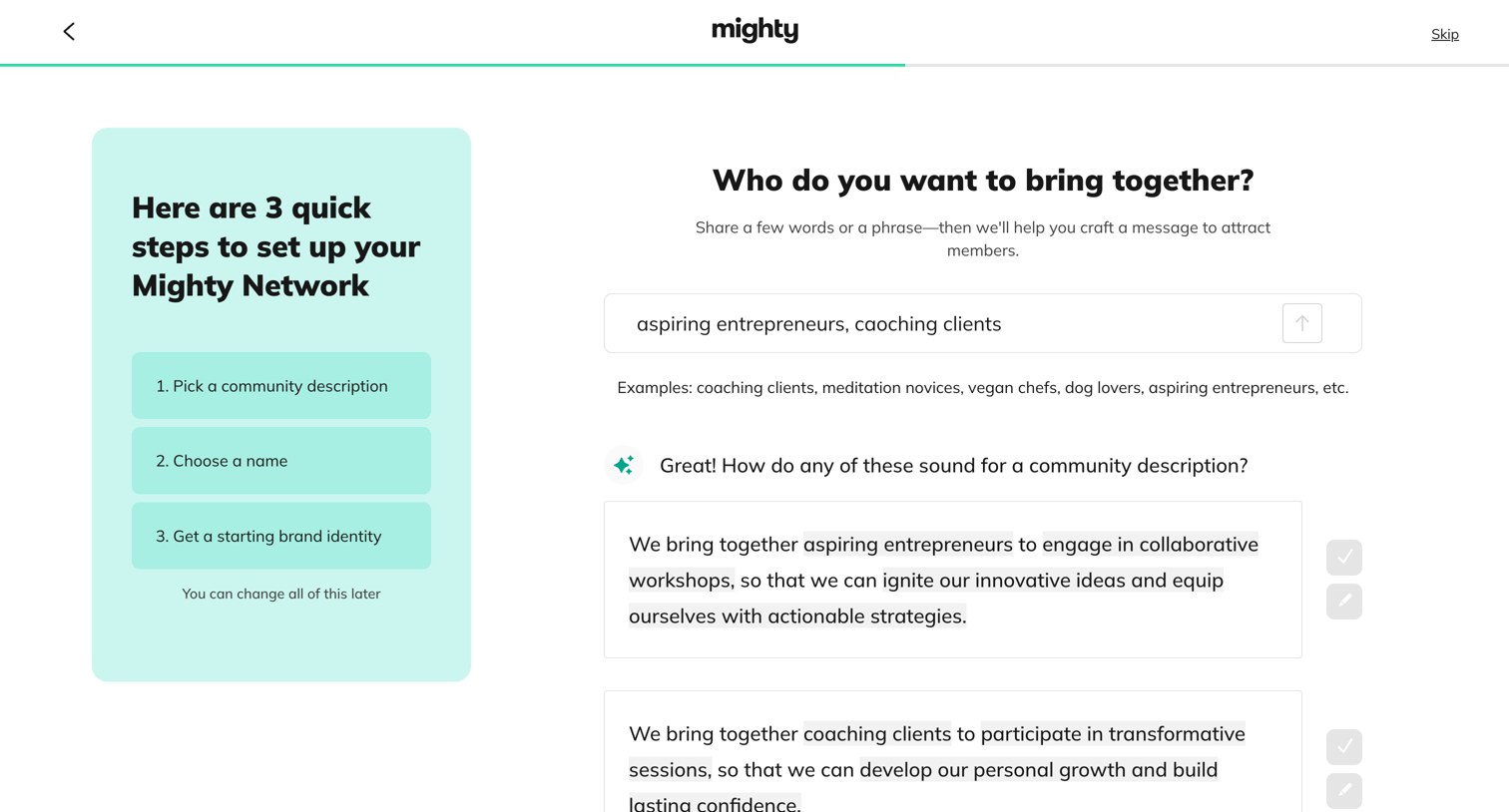
Onboarding step where the user provides a target audience to generate AI community descriptions and selects or edits one.

Explore the full SaaS screen library

Upgrade to unlock the full library.

Trusted by the best teams