Profile screen examples
Profile screen design examples from SaaS apps. See how apps present a person or account through a profile. Explore how identity details, activity, and available actions share space in viewing and editing…
Explore the examples
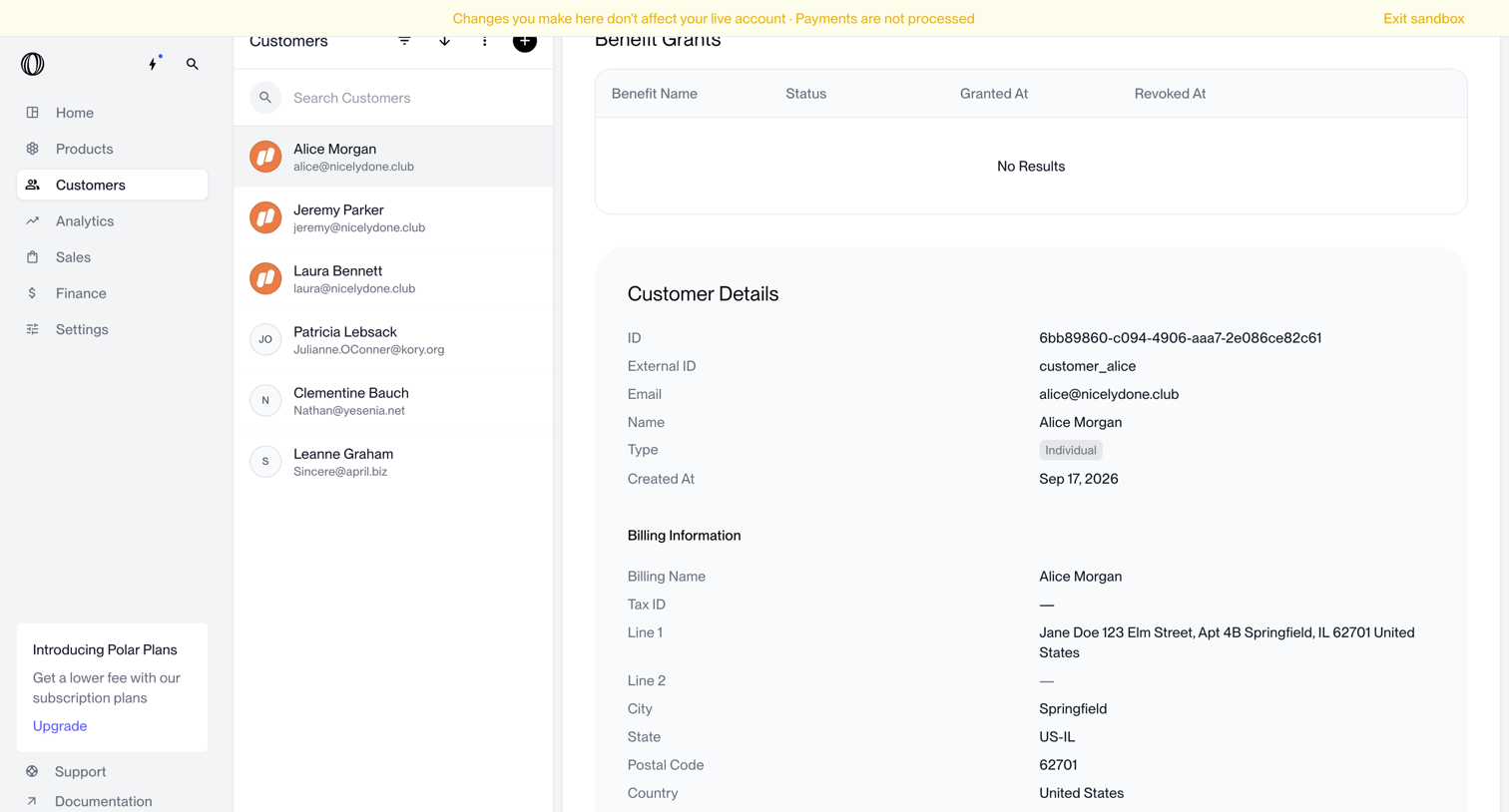

Customer detail page displaying benefit grants, basic profile information, and billing details for a selected user within a sandbox environment.
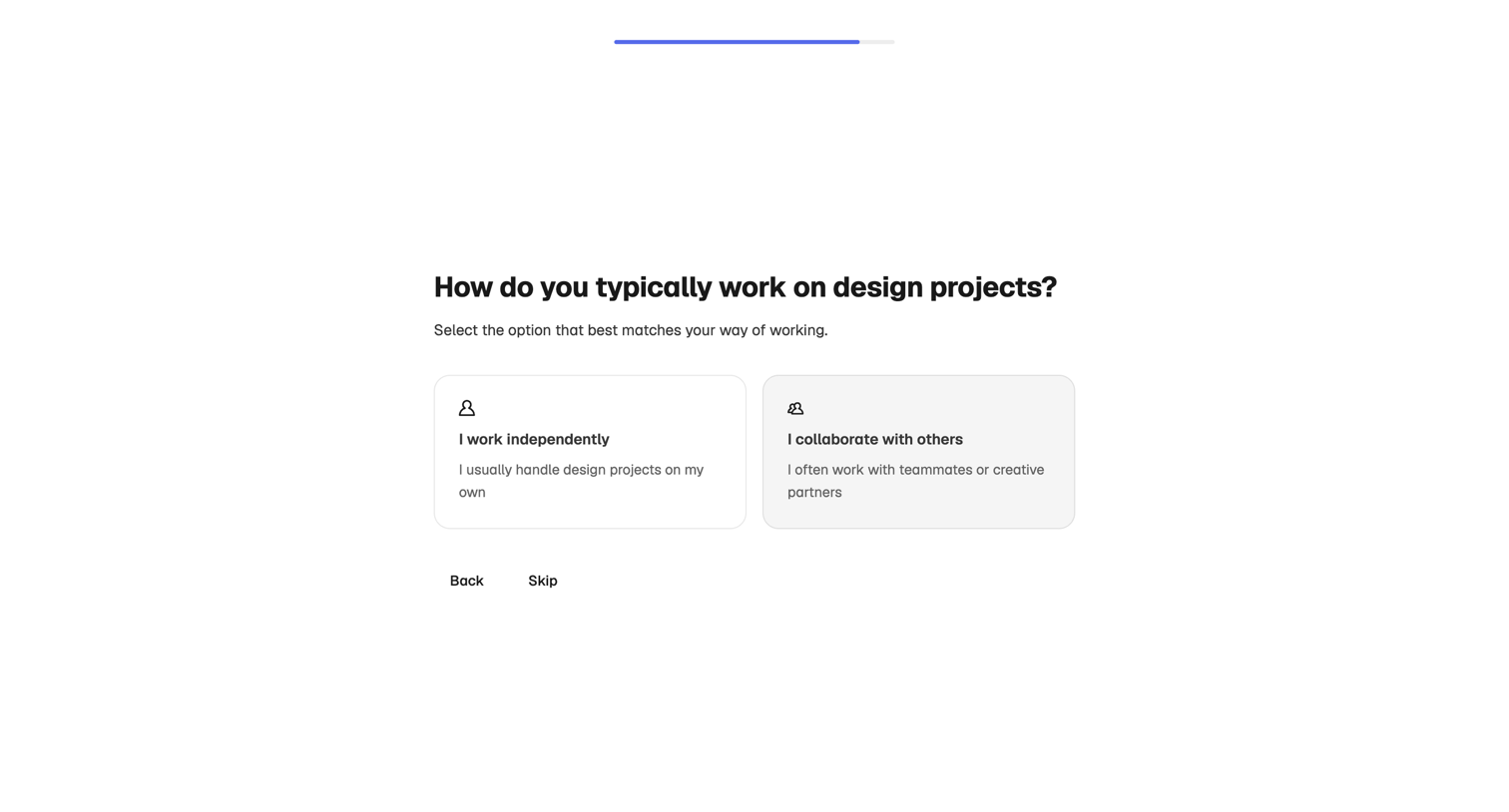

Onboarding step where the user selects whether they work independently or collaborate with others on design projects.
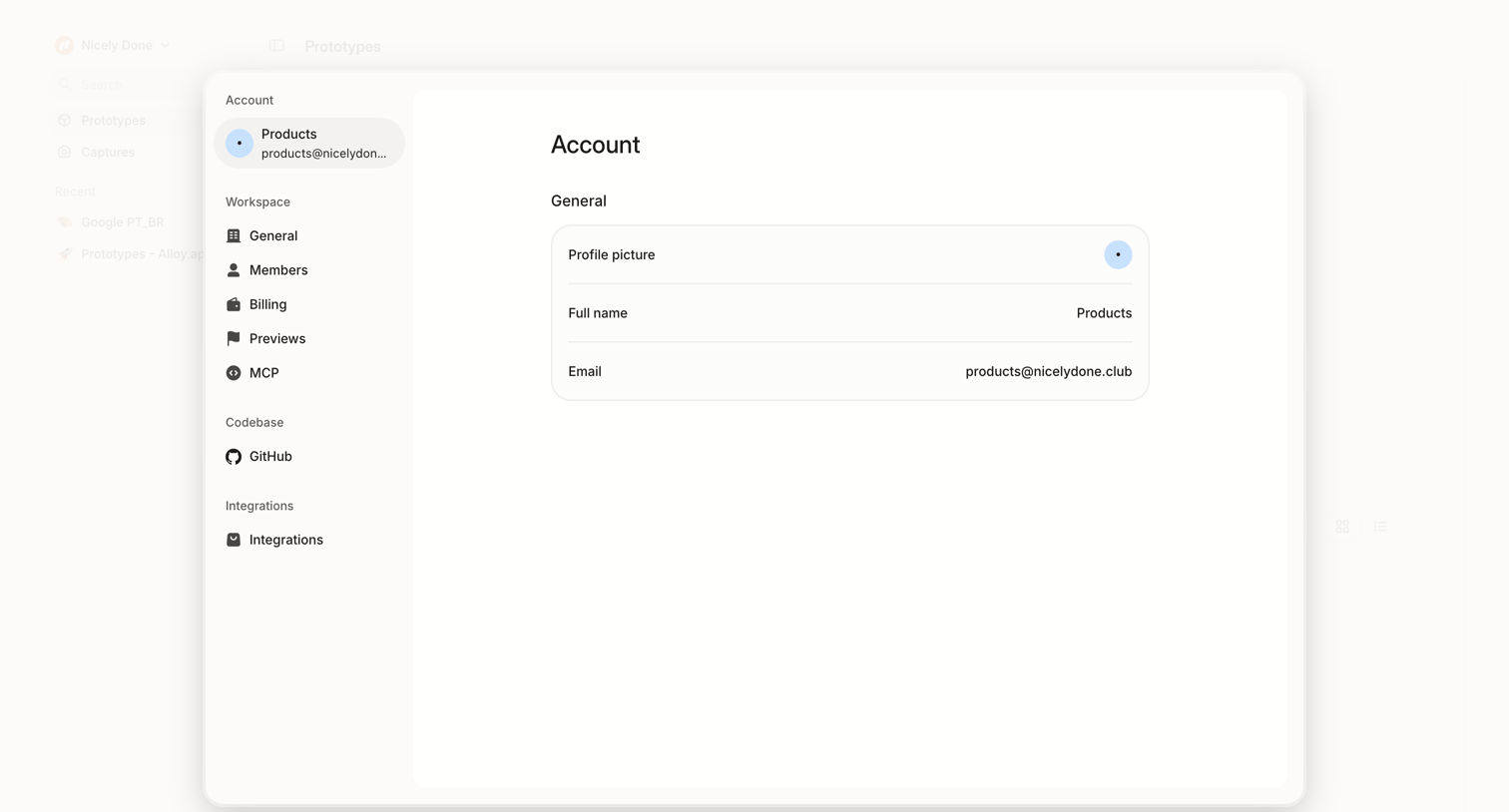

Settings page where the user views their general account profile information, including profile picture, full name, and email address, within a centered card overlay.
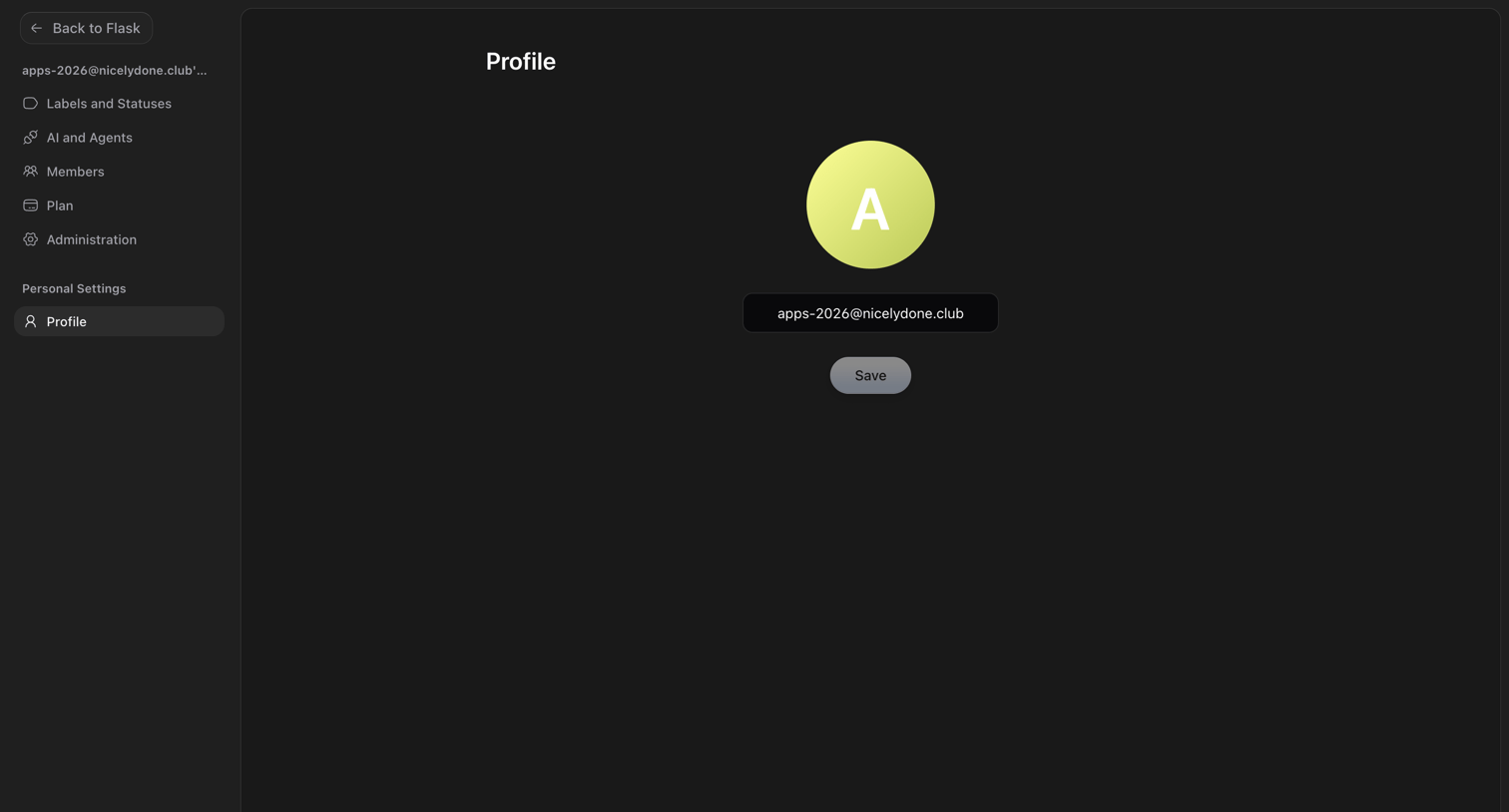

Settings page where the user manages their profile by updating their avatar and email address.
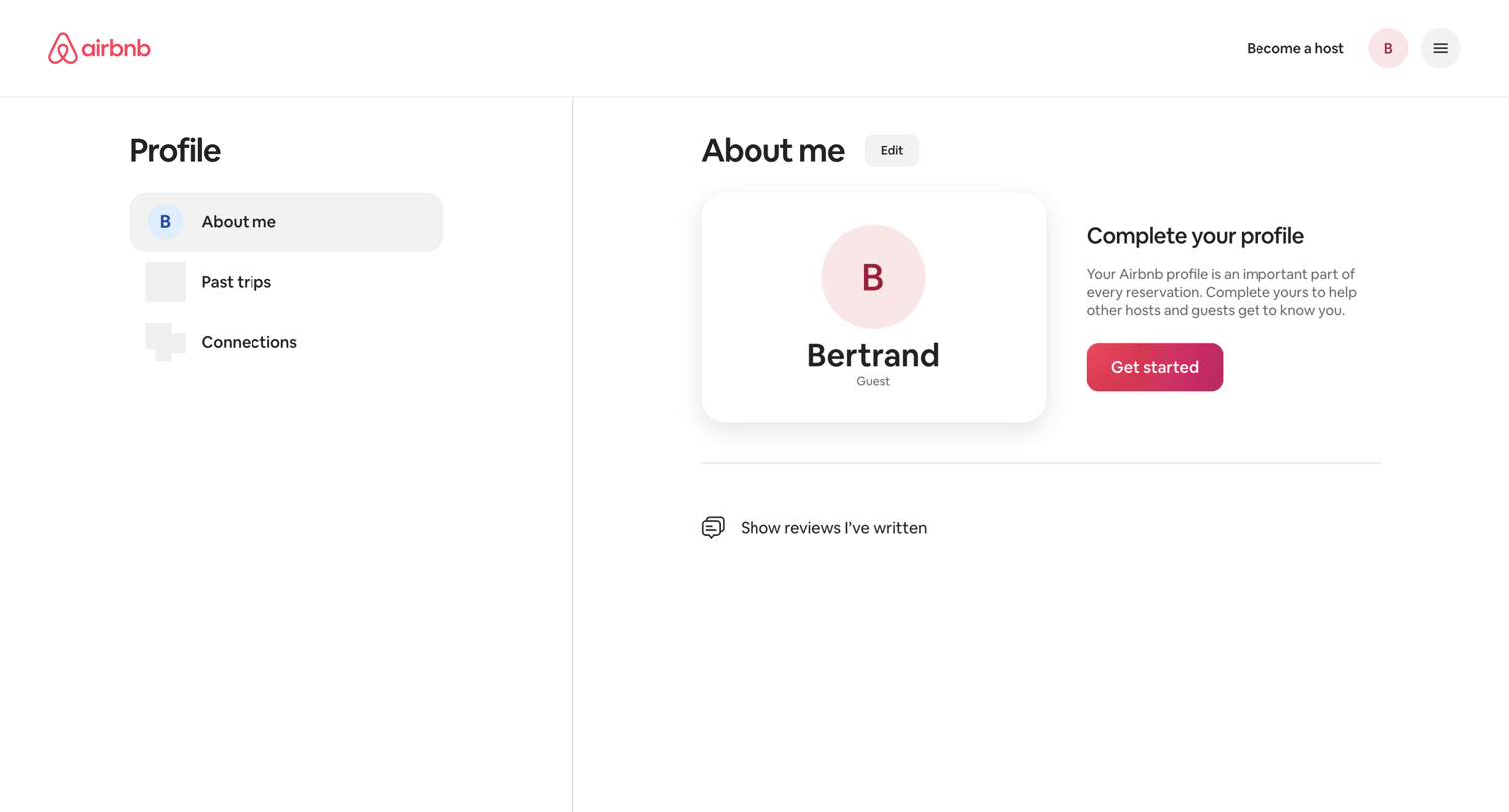

User profile page where the user views their basic details and is prompted to complete their profile with a dedicated call to action.
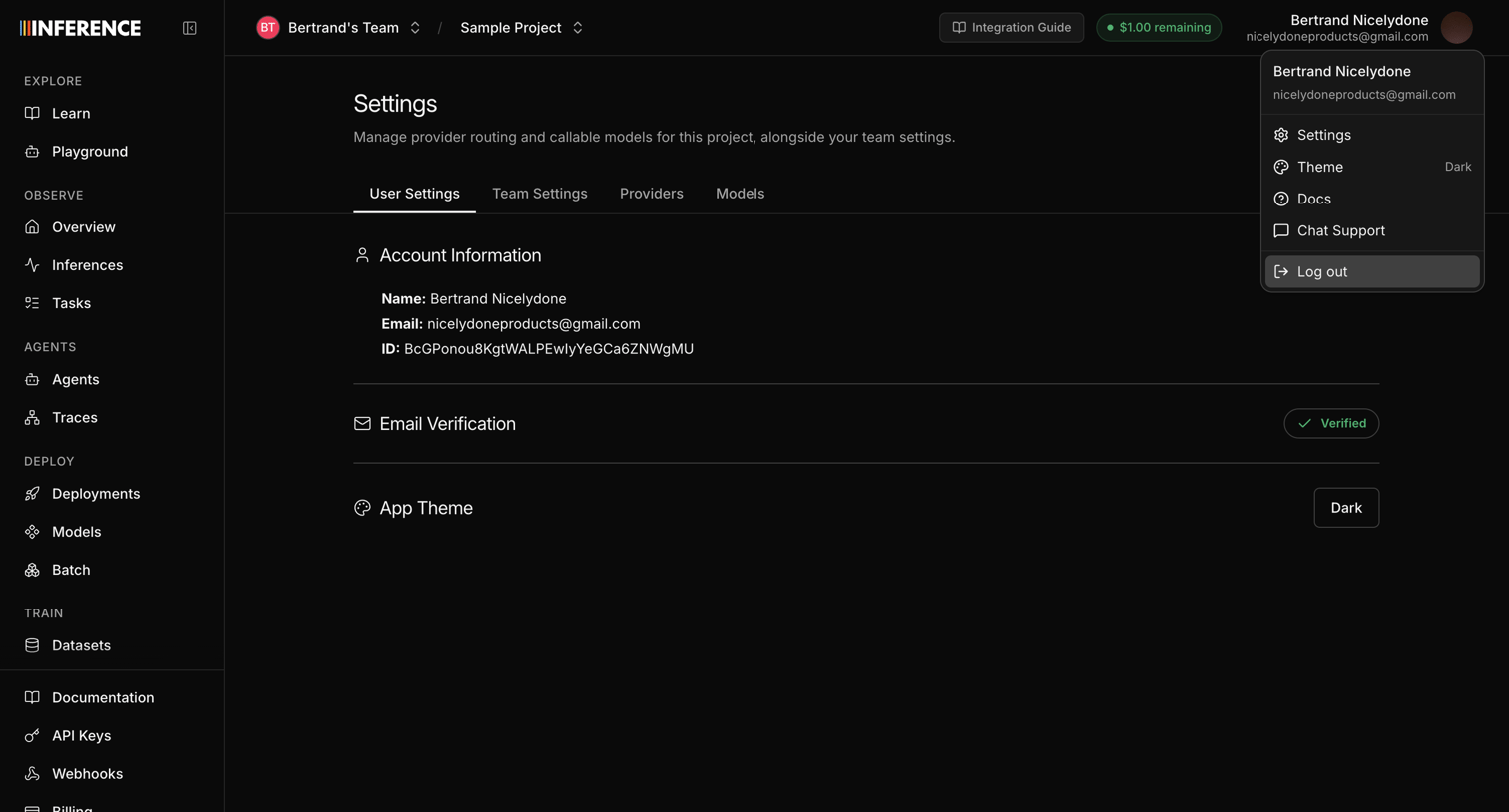

Settings page where the user views their account information, checks their email verification status, and toggles the app theme.
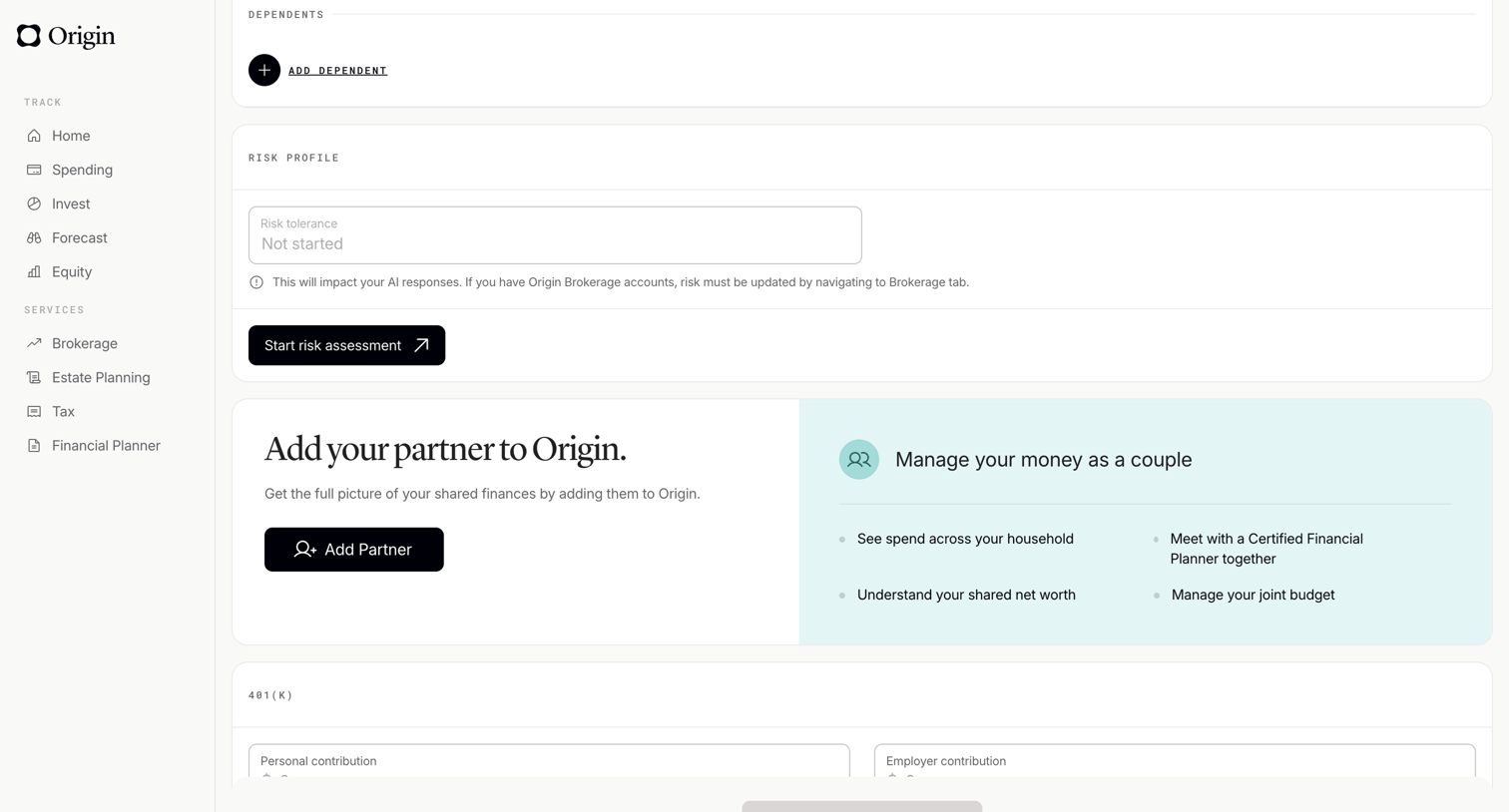

Profile settings page where the user manages dependents, views their risk profile, and can invite a partner to share finances.
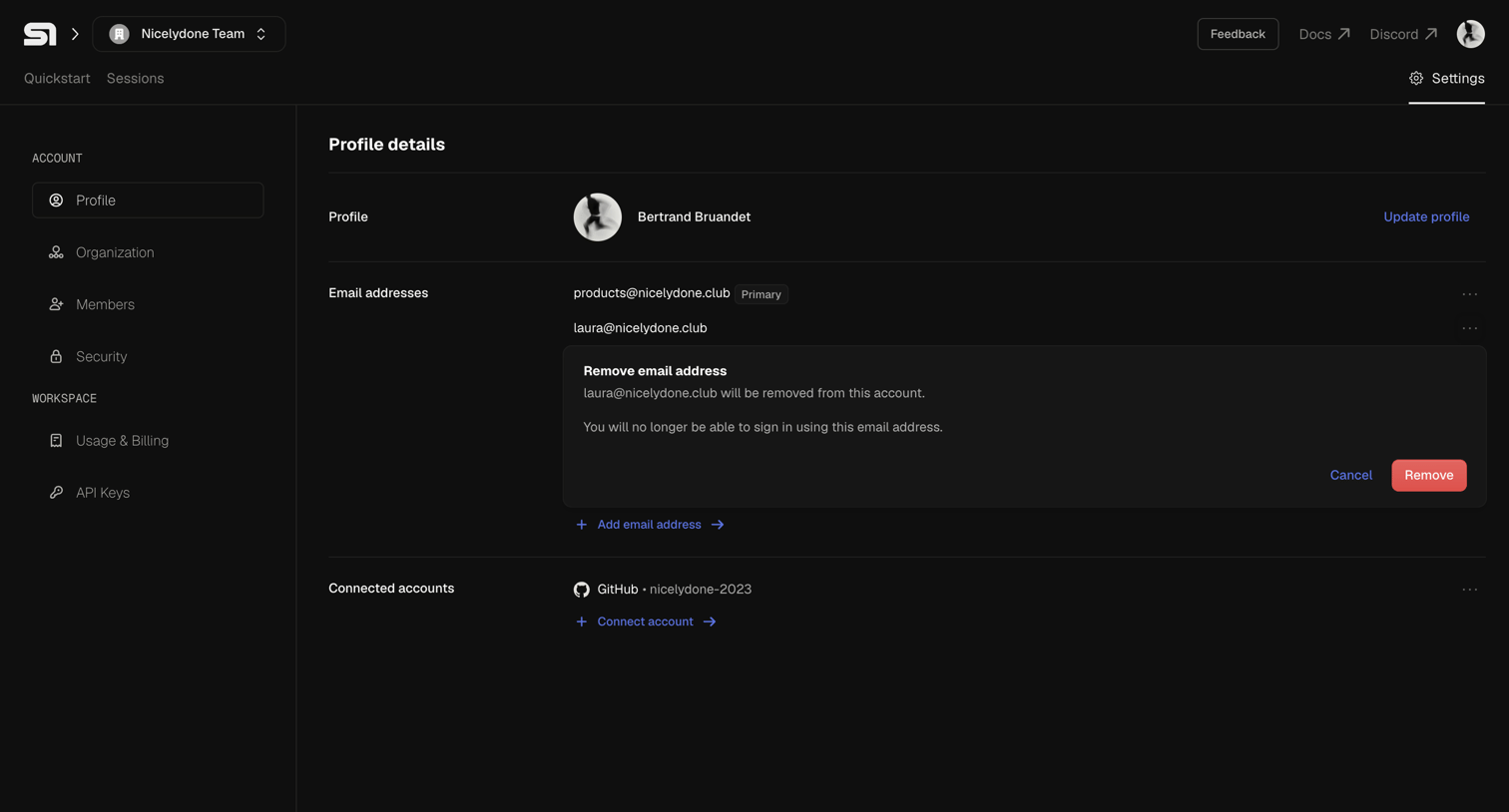

Settings page where the user manages their profile details, email addresses, and connected accounts, currently showing an inline confirmation to remove a secondary email.
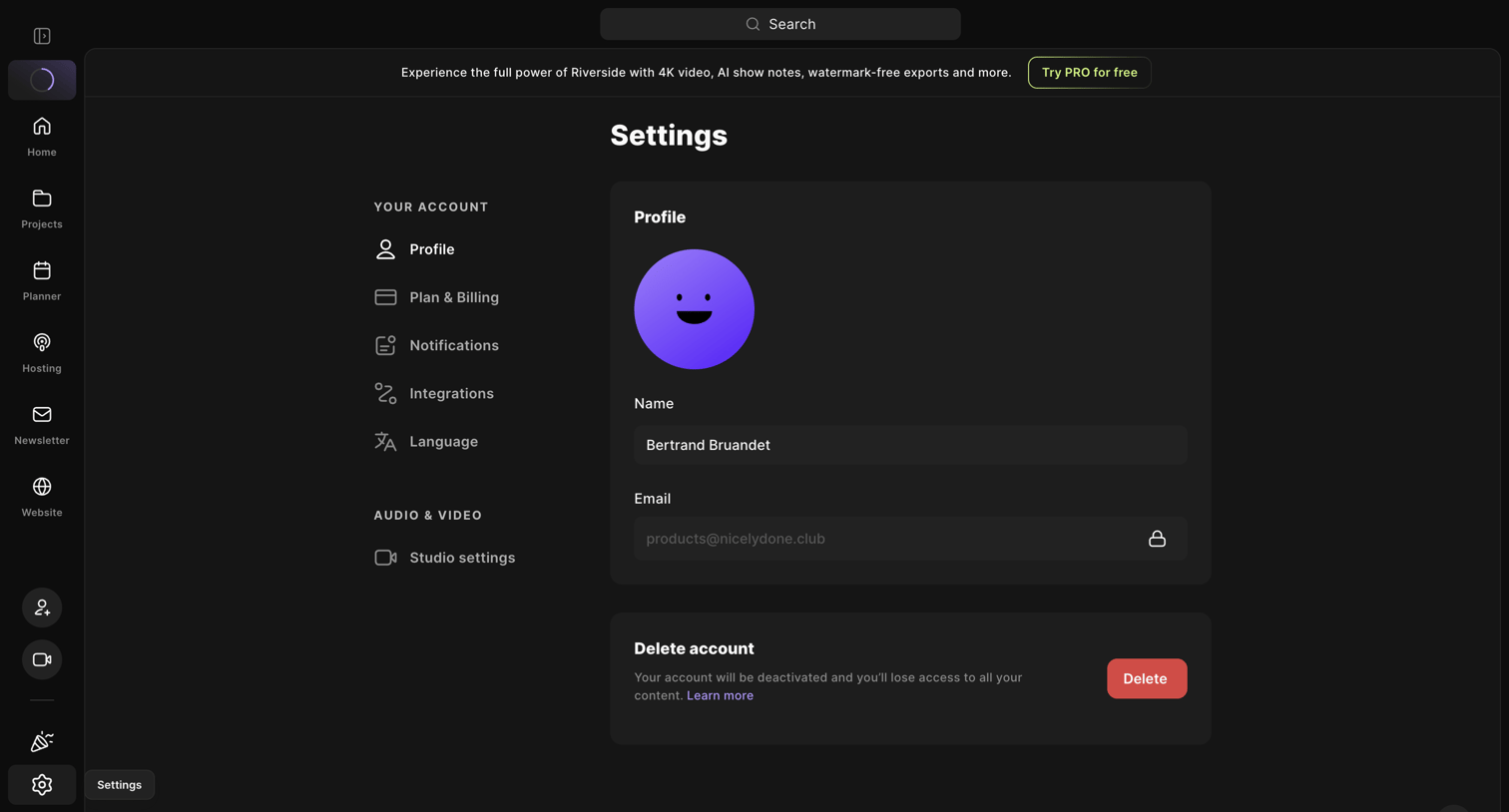

Settings page where the user can update their profile name, view their email, and delete their account.
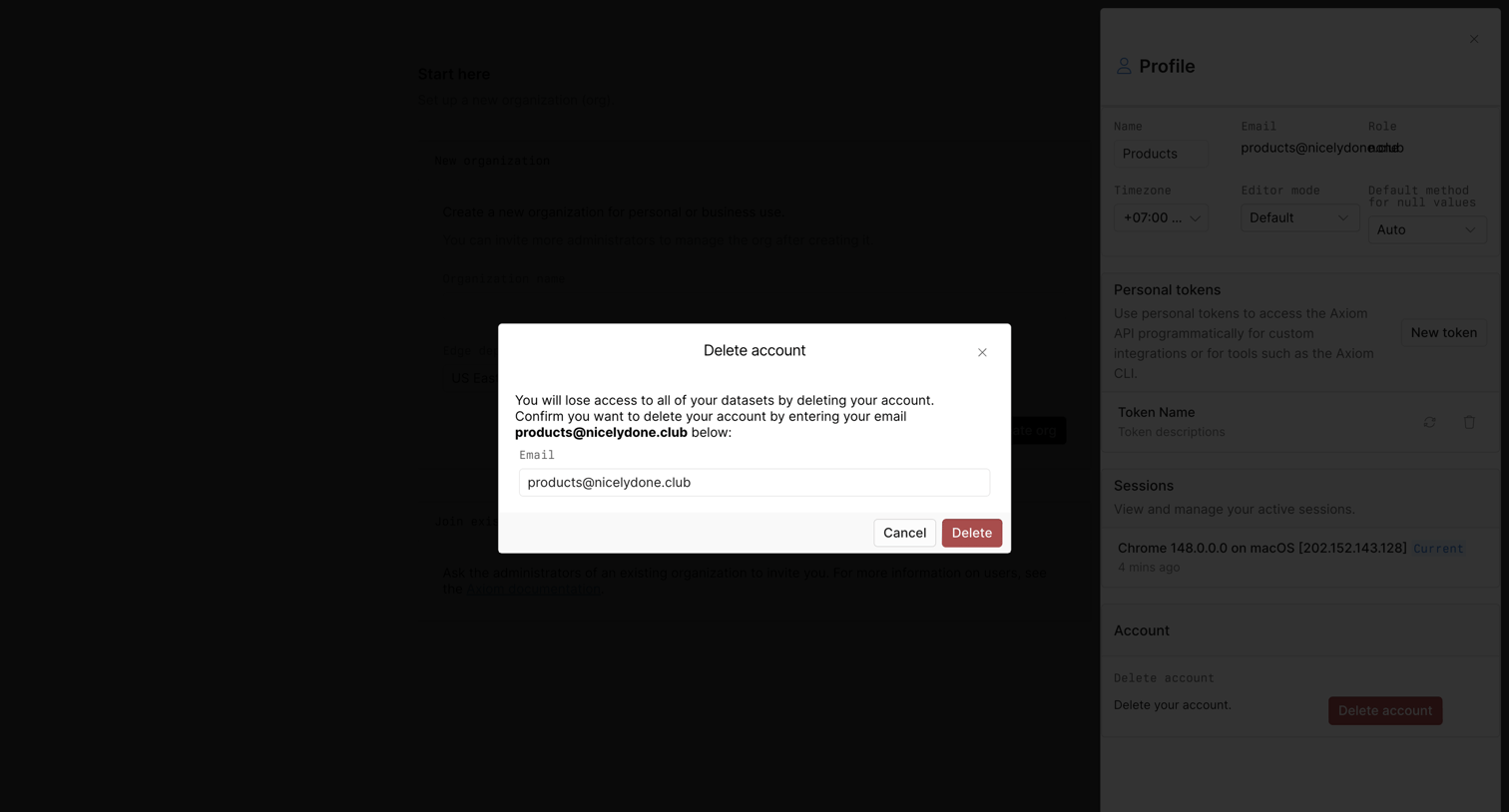

Settings profile drawer where the user must confirm account deletion by typing their email address into a high-contrast modal.
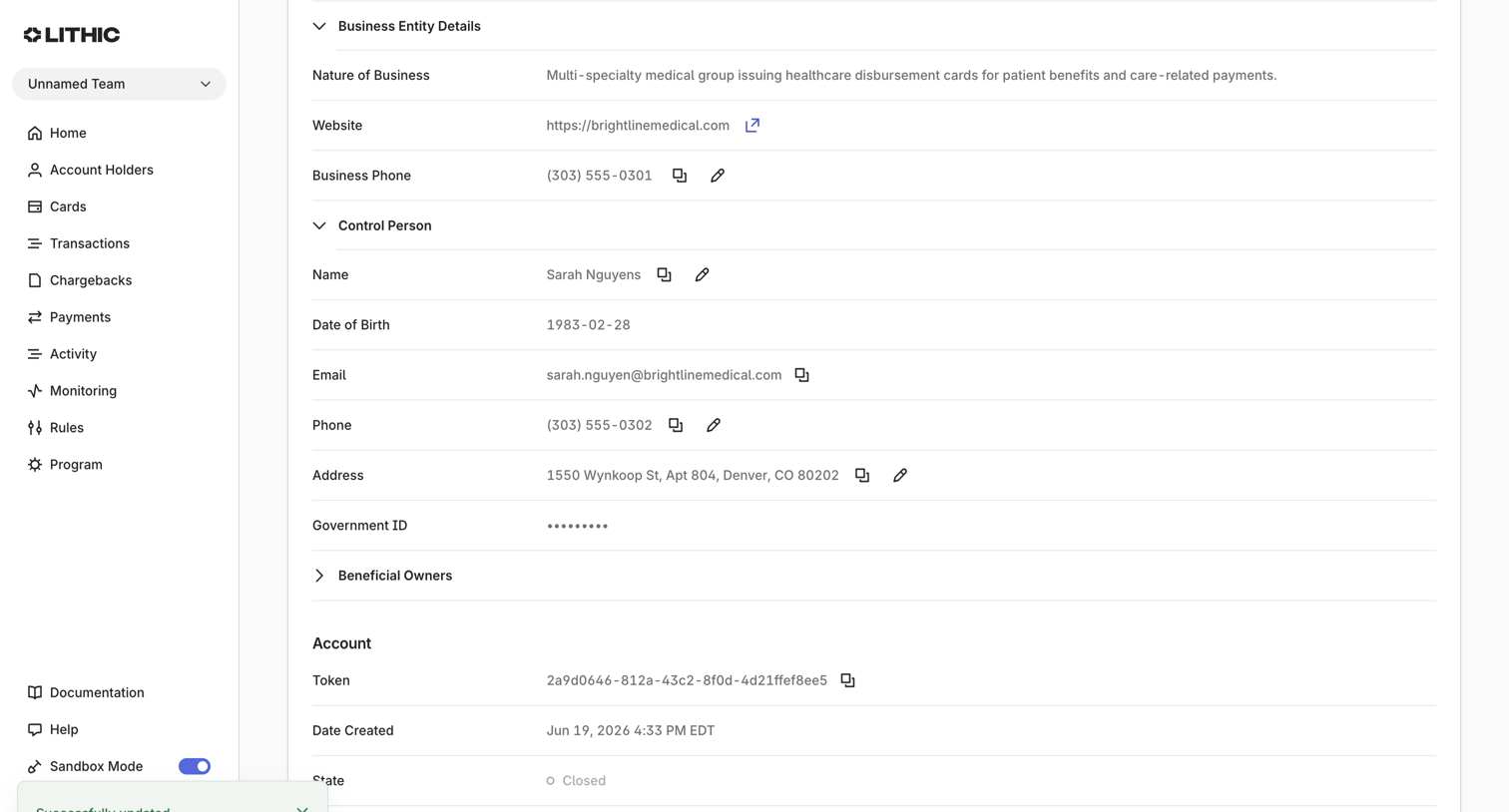

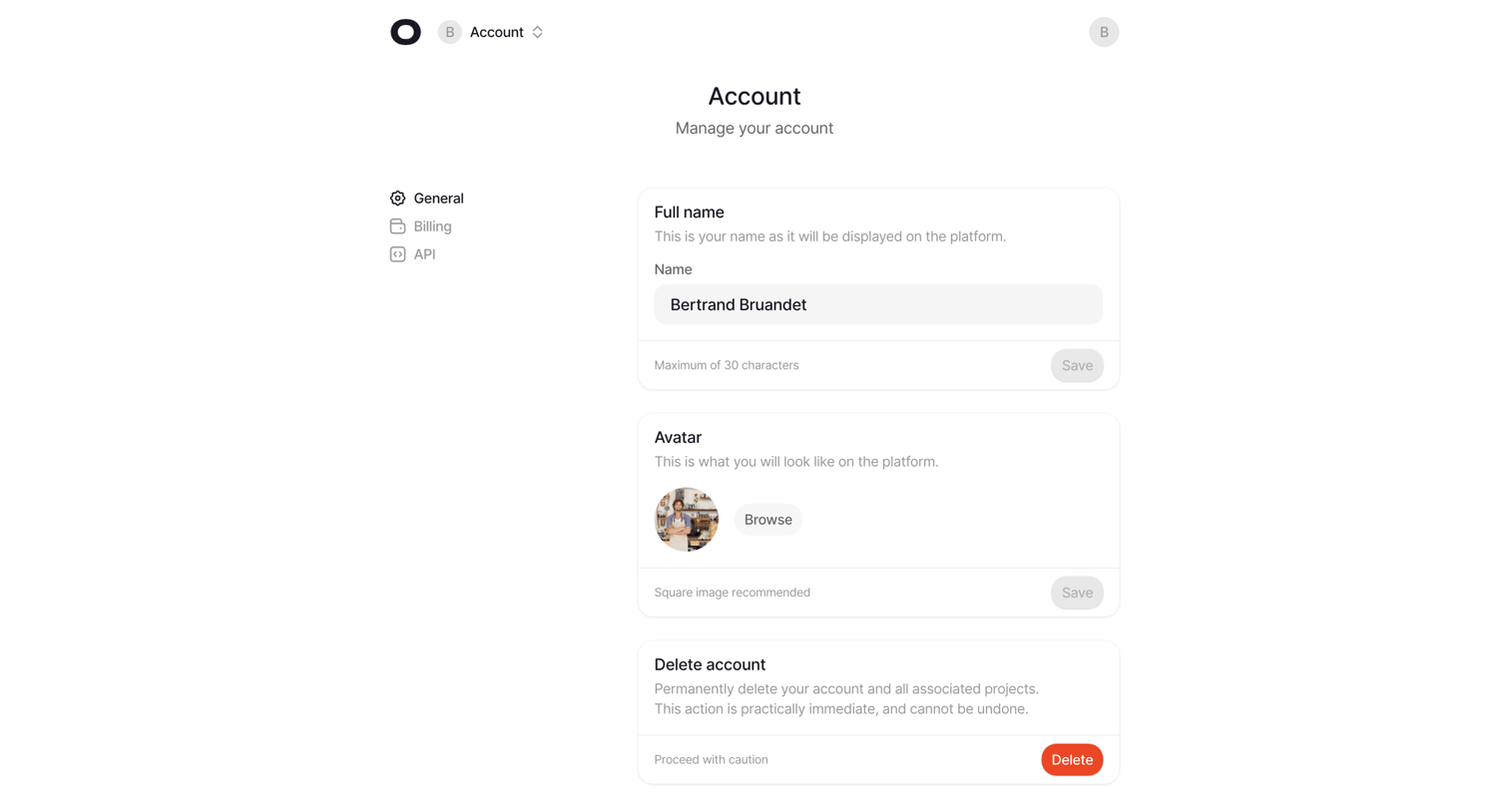

Settings page where the user manages their account profile, including full name, avatar upload, and account deletion.
Explore the full SaaS screen library
Upgrade to unlock the full library.
Trusted by the best teams








About Profile
See how apps present a person or account through a profile. Explore how identity details, activity, and available actions share space in viewing and editing layouts.