Skip to content

Flask design examples

Explore Flask UI design examples. Give detailed video feedback in minutes without typing comments

Product screens
Flask - Login | Flask screen
Flask logo
Flask

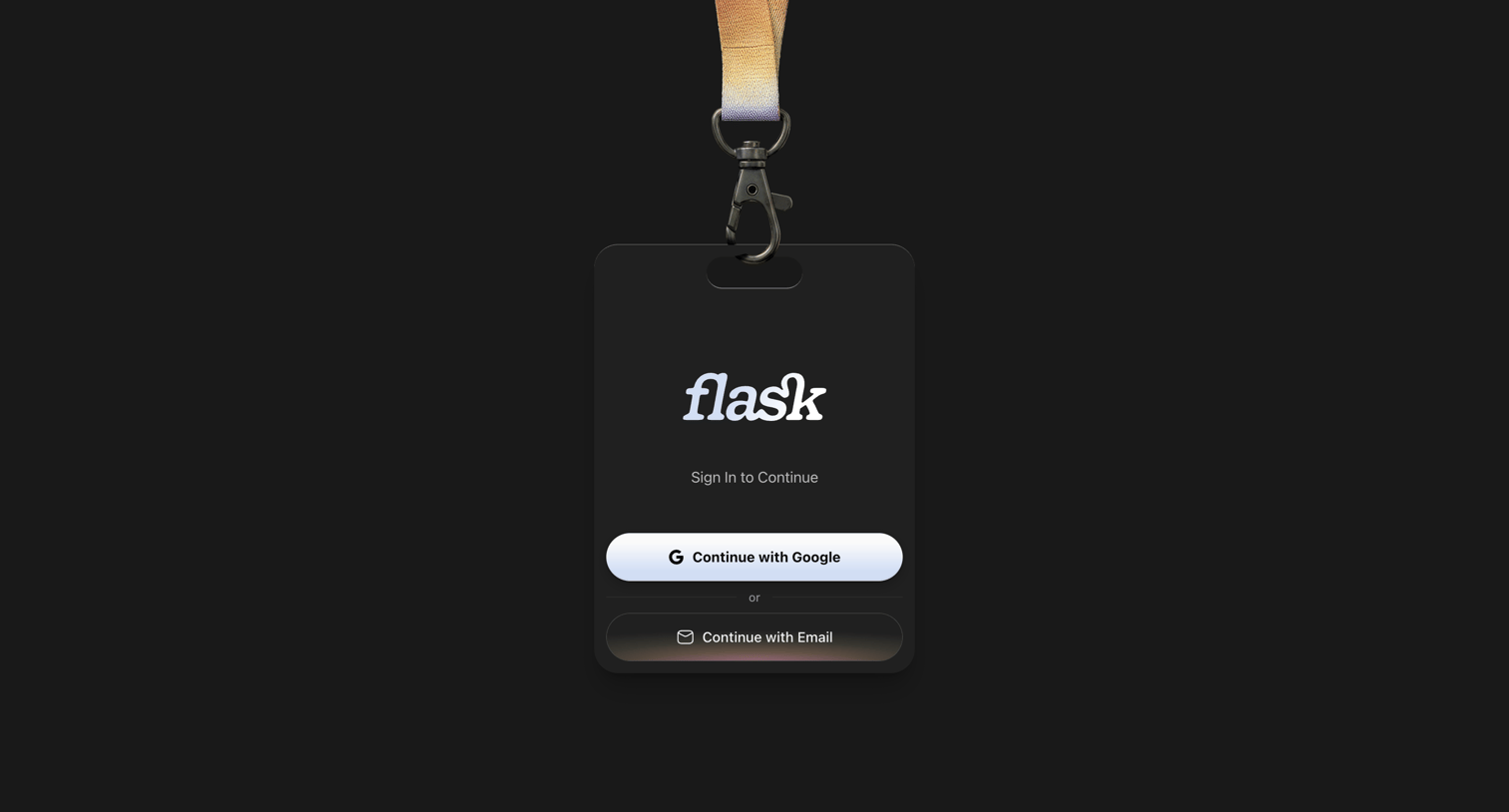
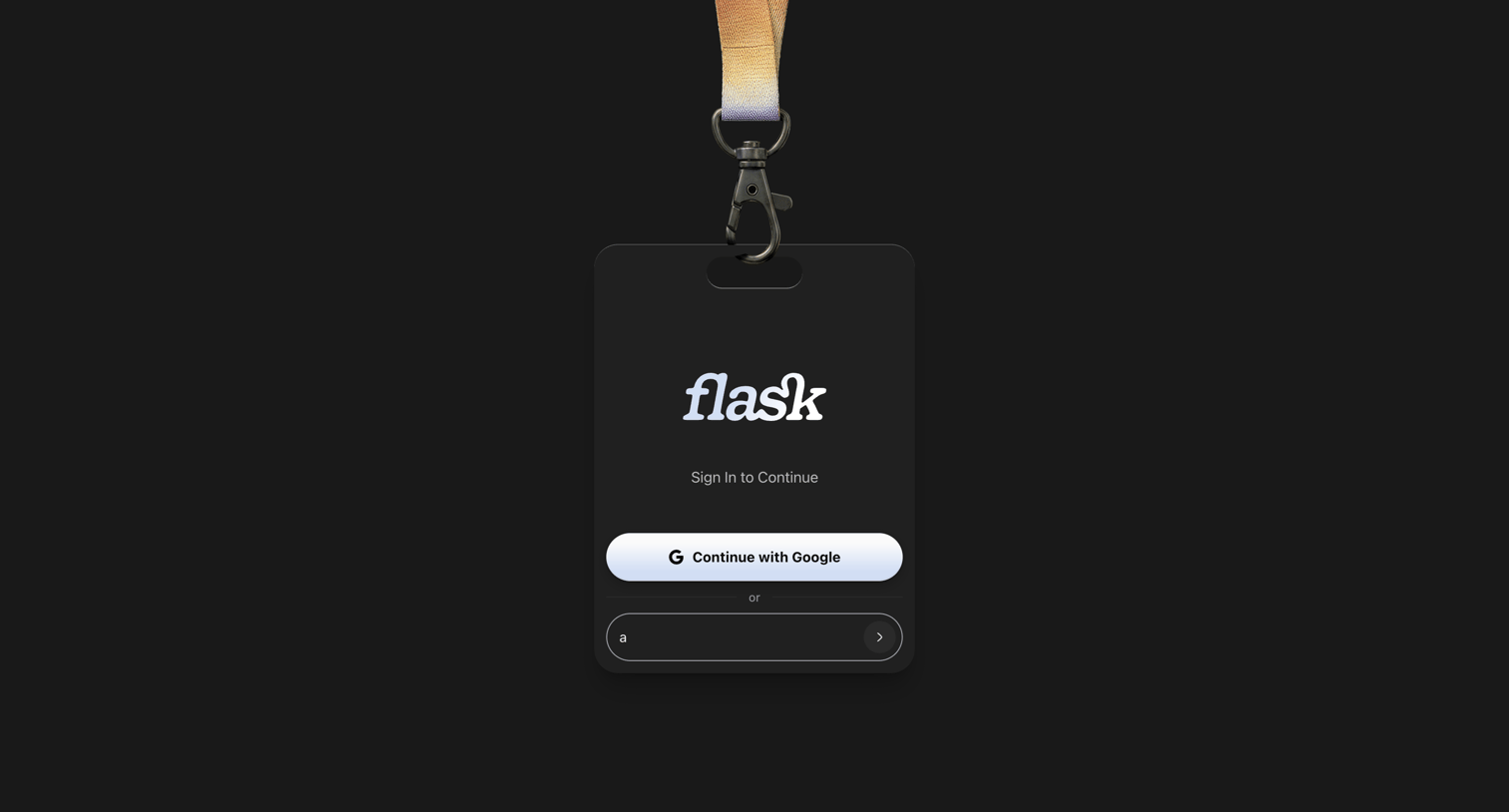
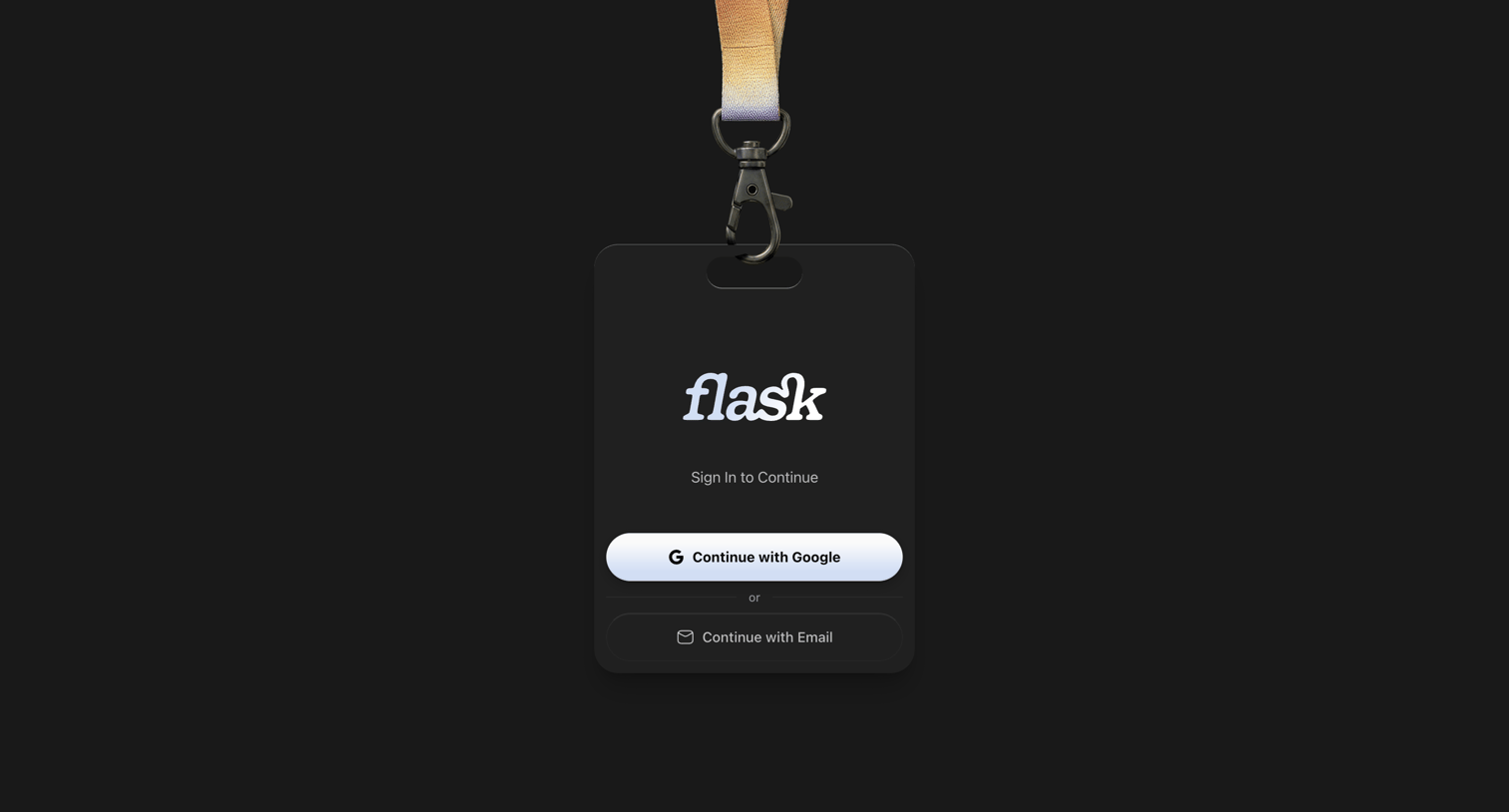
Sign-in screen where the user authenticates with Google or email, featuring a playful physical ID badge and lanyard design.

Flask - Login | Flask screen
Flask logo
Flask

Sign-in screen where the user authenticates with Google or email, presented within a skeuomorphic ID badge design.

Flask - Login | Flask screen
Flask logo
Flask

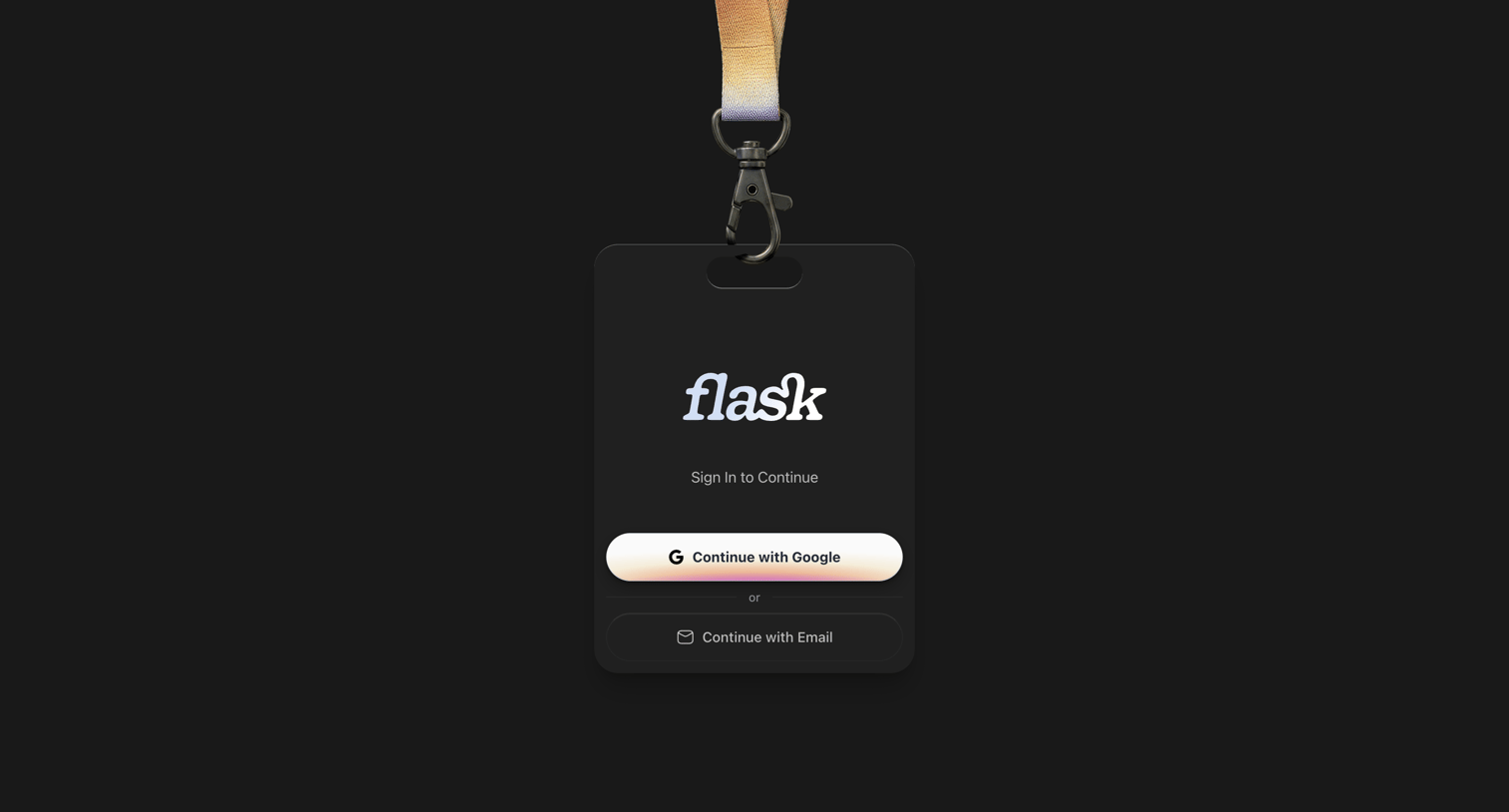
Sign-in screen where the user authenticates with Google or email, presented creatively as a hanging ID badge.

Flask - Login | Flask screen
Flask logo
Flask

Sign-in screen featuring a skeuomorphic ID badge design where the user can authenticate with Google or via an email magic link.

Flask - Login | Flask screen
Flask logo
Flask

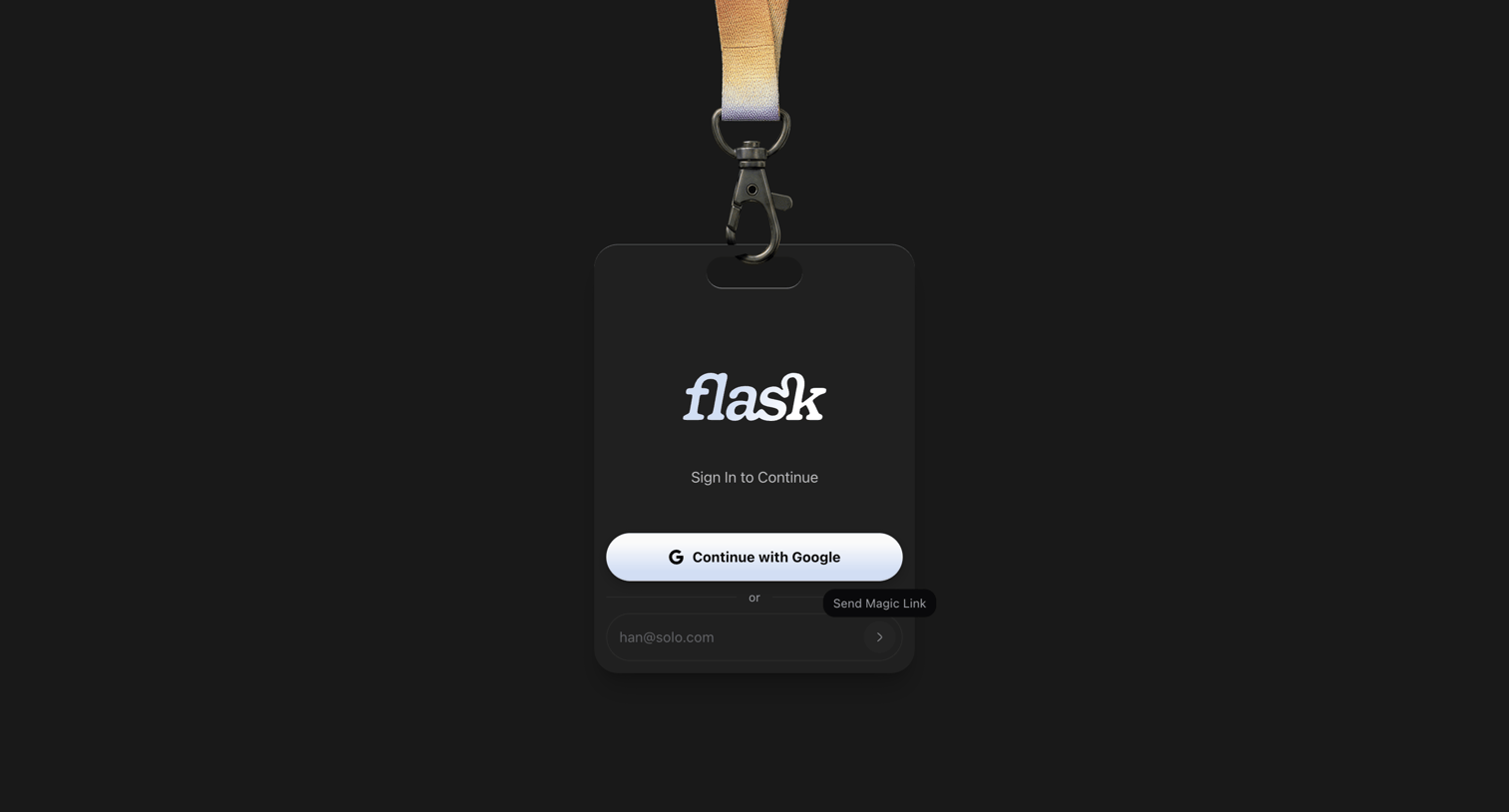
Sign-in screen where the user authenticates via Google OAuth or by requesting a magic link to their email, presented within a physical ID badge design.

Flask - Login | Flask screen
Flask logo
Flask

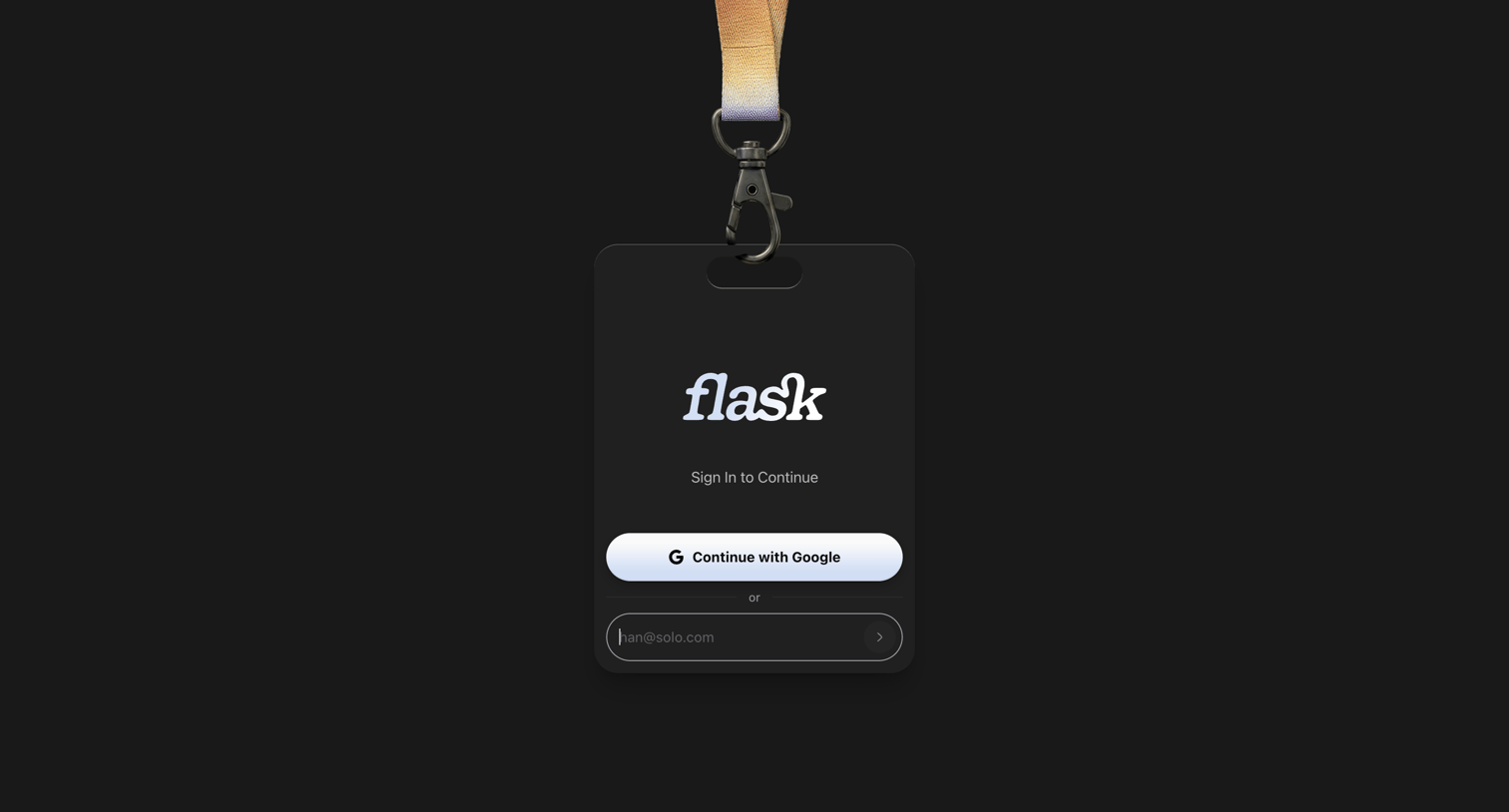
Sign-in screen where the user authenticates via Google OAuth or an email input inside a physical ID badge themed card.

Flask - Login | Flask screen
Flask logo
Flask

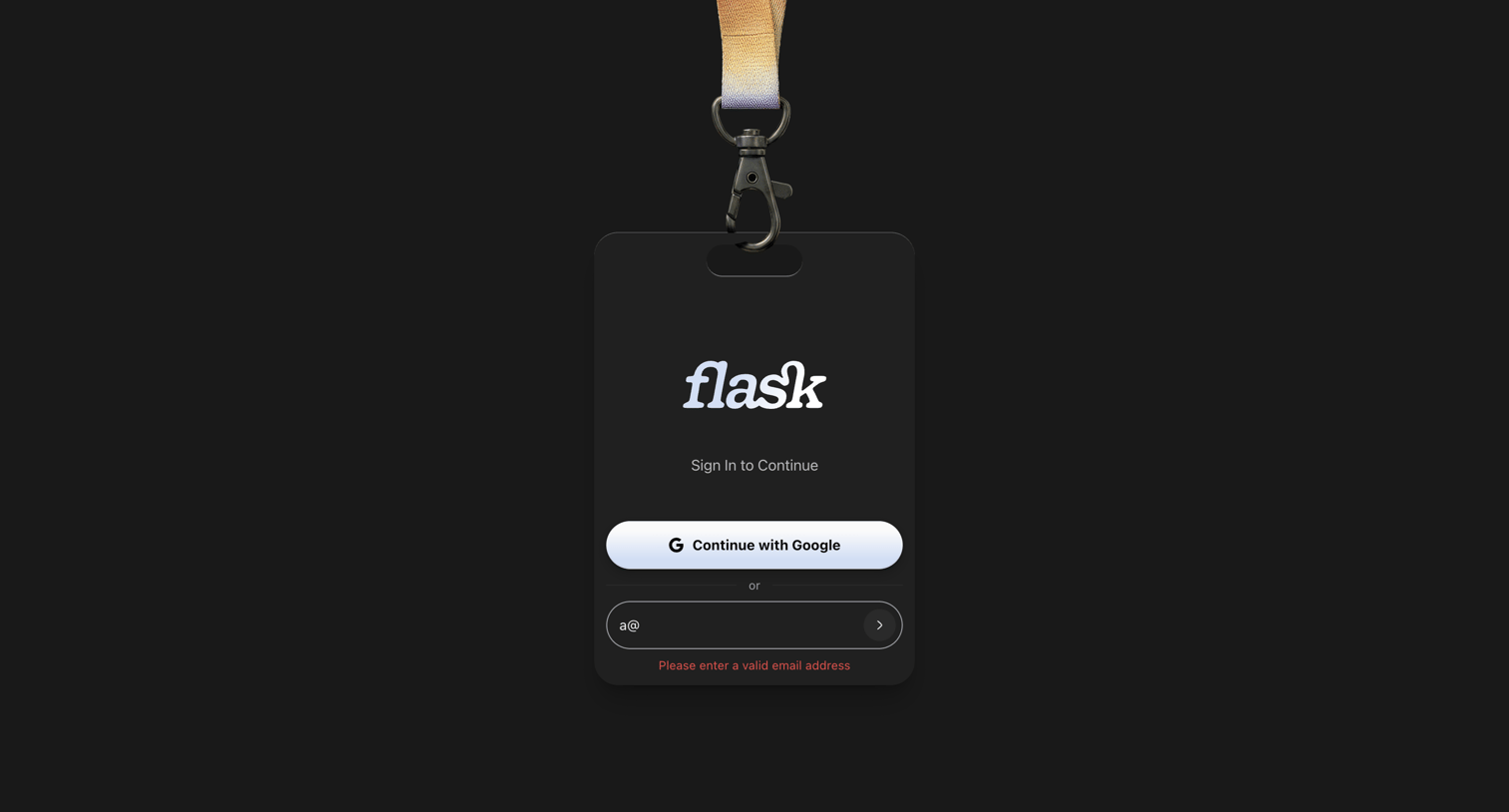
Signin screen styled as a physical ID badge where the user authenticates with Google or email, currently showing a validation error for an incomplete email address.

Flask - Login | Flask screen
Flask logo
Flask

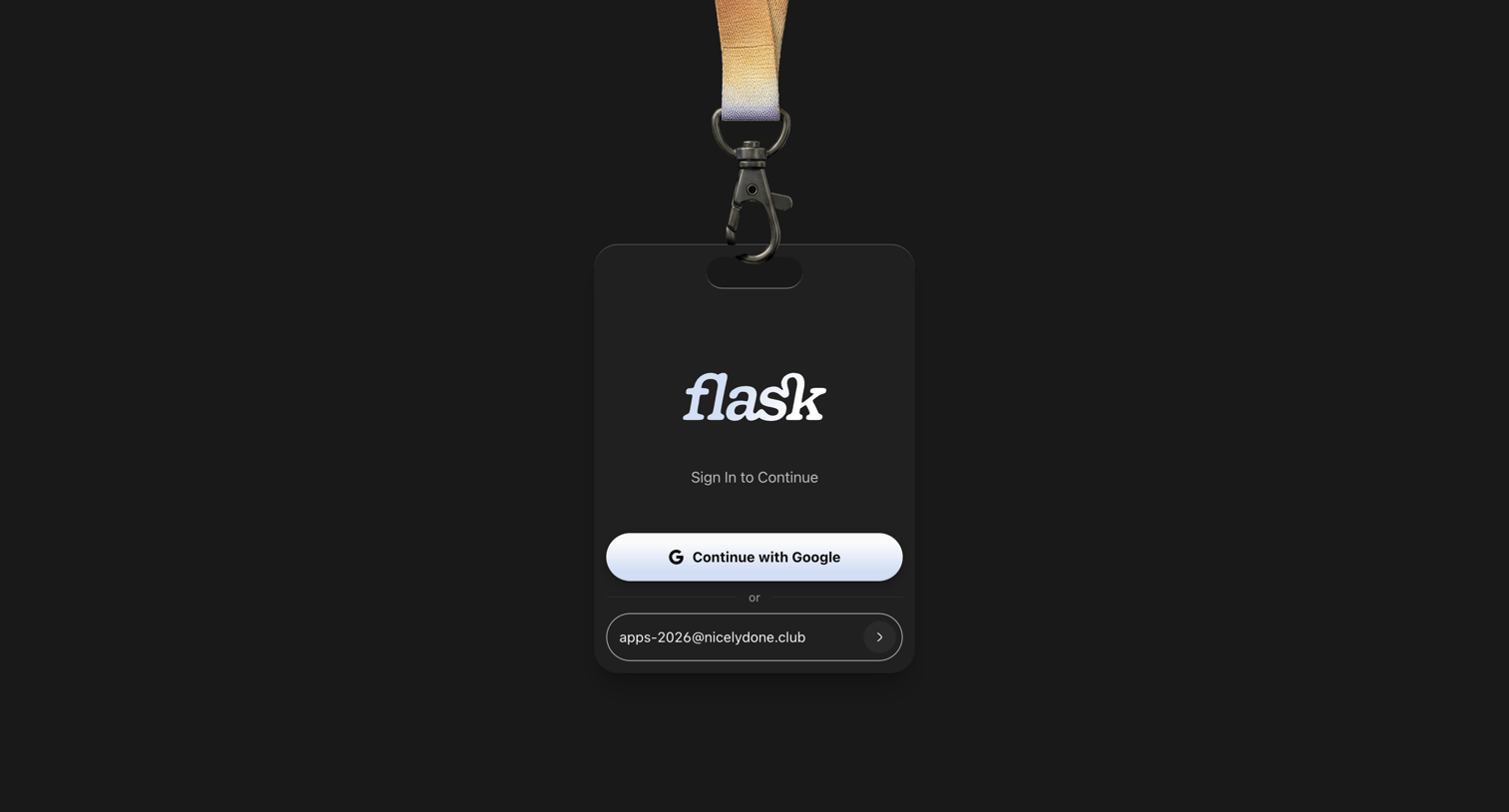
Sign-in screen where the user authenticates via Google or by entering their email address inside a physical badge-styled card.

Flask - Login | Flask screen
Flask logo
Flask

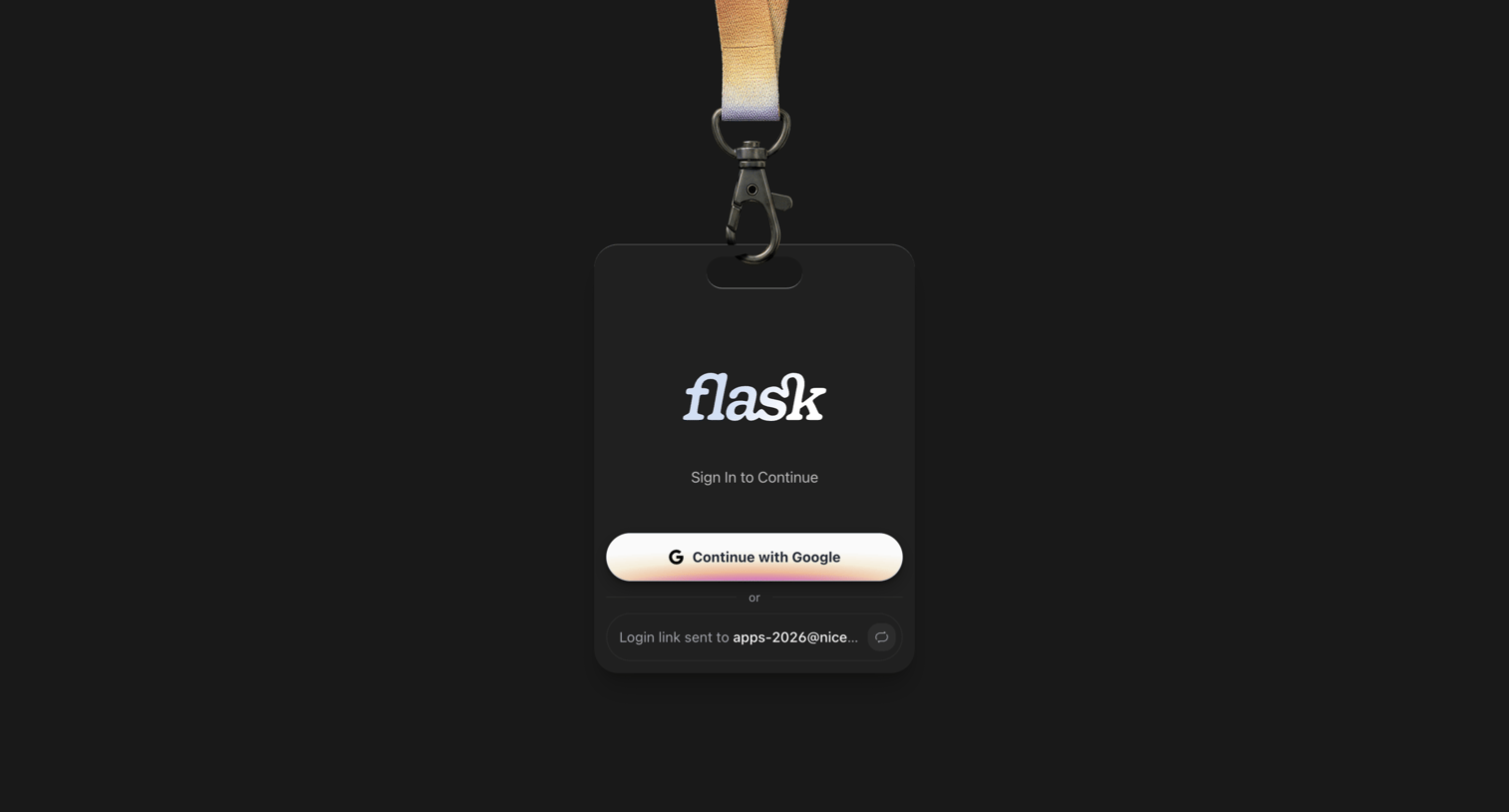
Sign-in screen styled as an ID badge where the user can authenticate with Google or check their email for a magic link.

Flask - Login | Flask screen
Flask logo
Flask

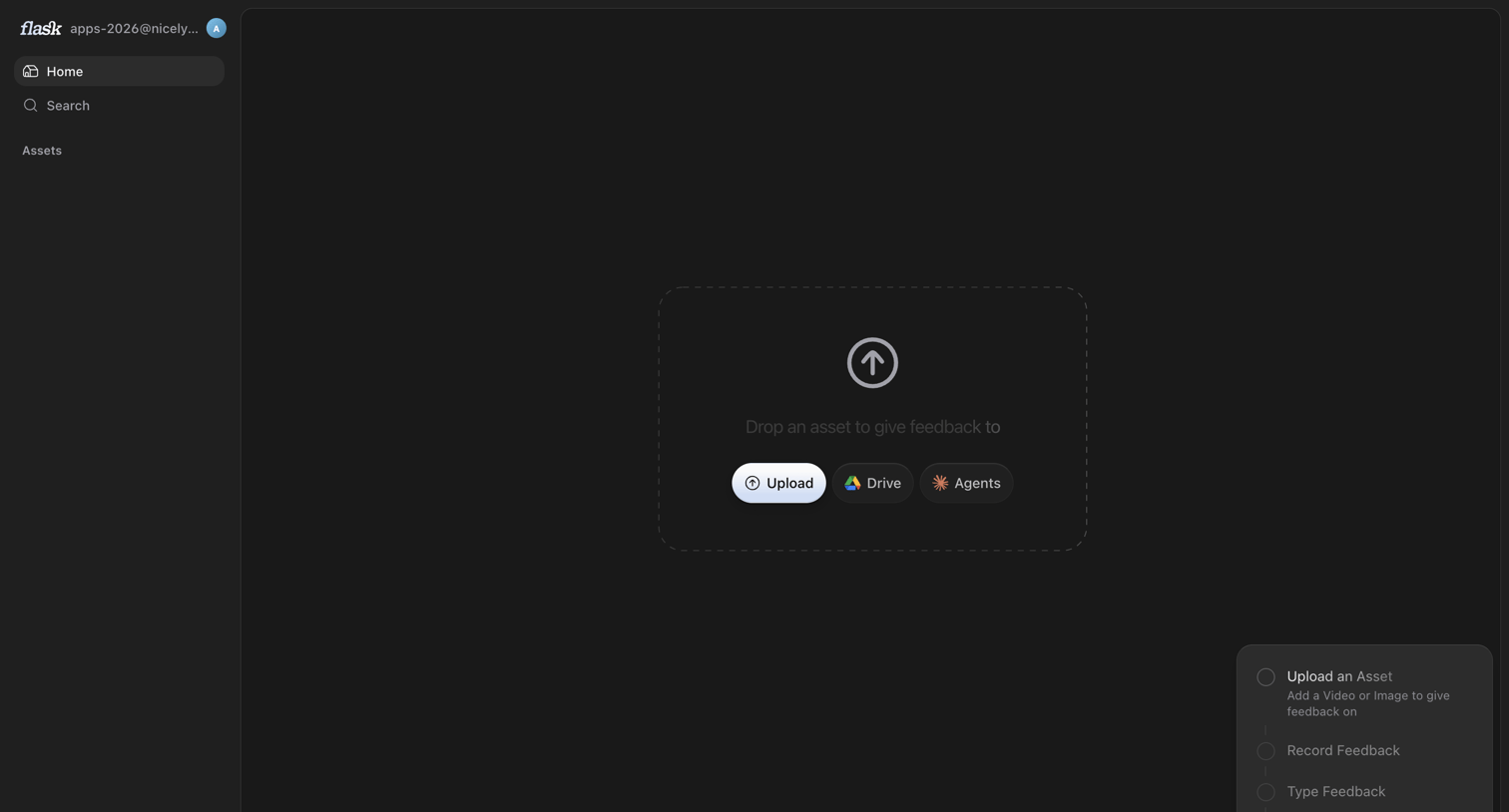
Home screen in an empty state where the user is prompted to drop an asset or connect a drive to begin giving feedback, accompanied by a getting-started checklist.
Flask - Login | Flask screen
Flask logo
Flask

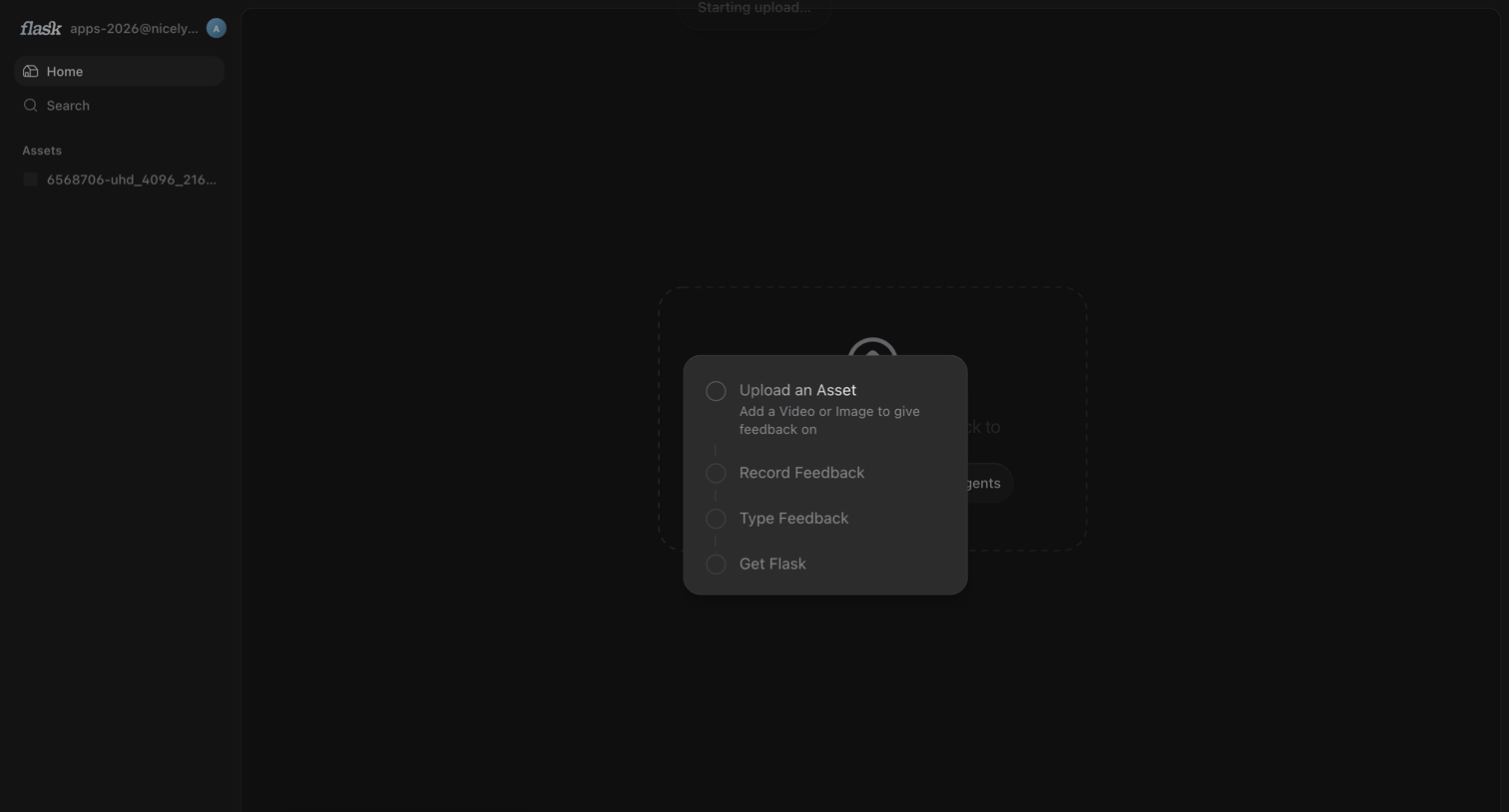
Home screen in an empty state showing a centered menu to upload an asset, record feedback, or type feedback, while an upload starts in the background.
Flask screen
Flask logo
Flask

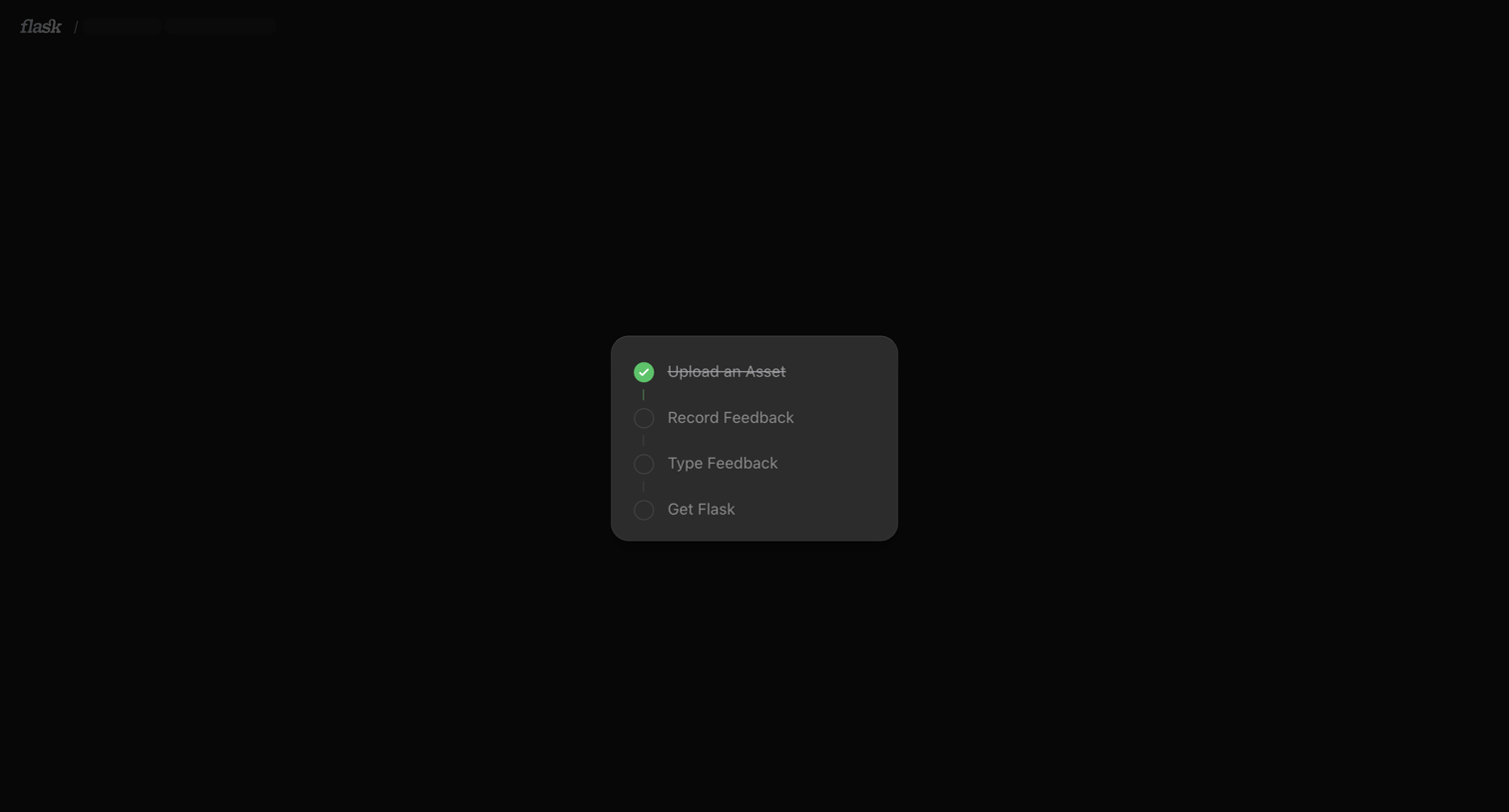
Onboarding screen featuring a centered vertical checklist tracking the user's progress through asset upload and feedback steps.

Browse the full SaaS app library

Explore real SaaS apps with their product screens, marketing screens, flows, and components.

Trusted by the best teams